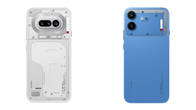
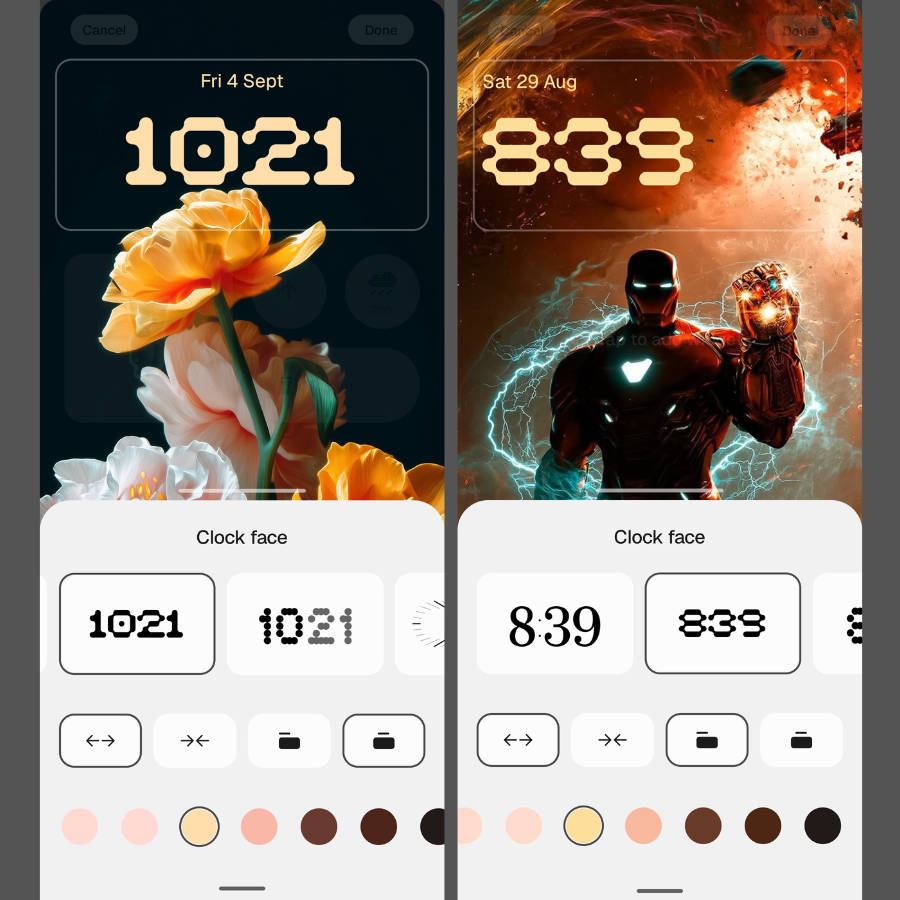
Announced in late August, Nothing pulled ahead of major Android players like OPPO, Vivo, and Xiaomi by unveiling its Android 17 update globally early. Now, as promised, the stable version of Nothing OS 5.0 is rolling out to the Phone (3) after users tested it in the Open Beta programme for over a month. Key highlights include a new ‘Lucent’ translucent theme, a slew of lockscreen clocks, widgets, and apps, and performance improvements, among others.
Table of Contents
What to expect on Nothing OS 5.0 update
Since we’ve covered the new UI in detail, check out our dedicated hands-on story, which gives a rundown on every new change and improvement across categories like customisation, productivity, and design. To give a gist, Nothing OS 5.0 is the biggest software update the company has released since Nothing OS 1.0. As a result, OS 5.0 is a major step up from Nothing OS 4.1, giving users more customisation options across lockscreen and homescreen, and productivity features such as a split quick settings panel, Glyph Timer and Collector widgets, and app batch editing.
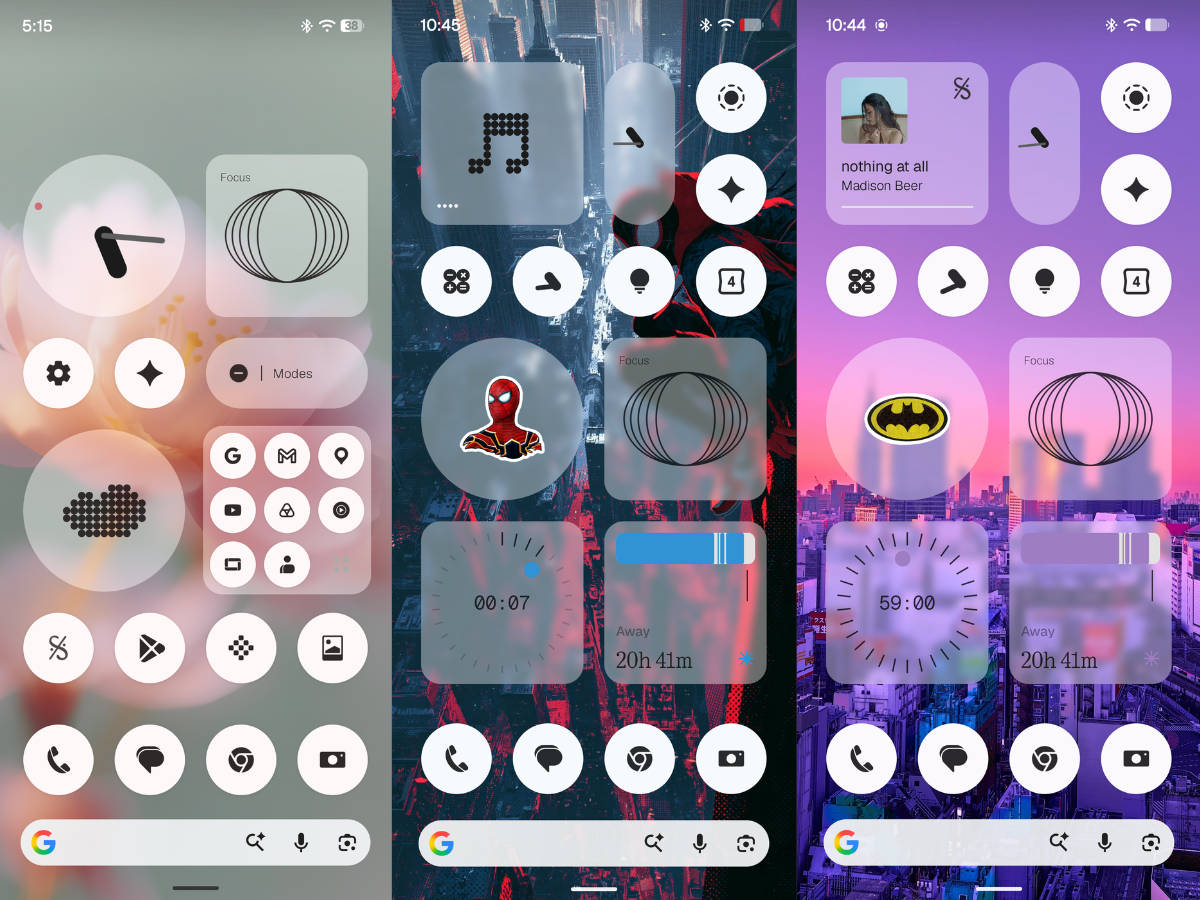
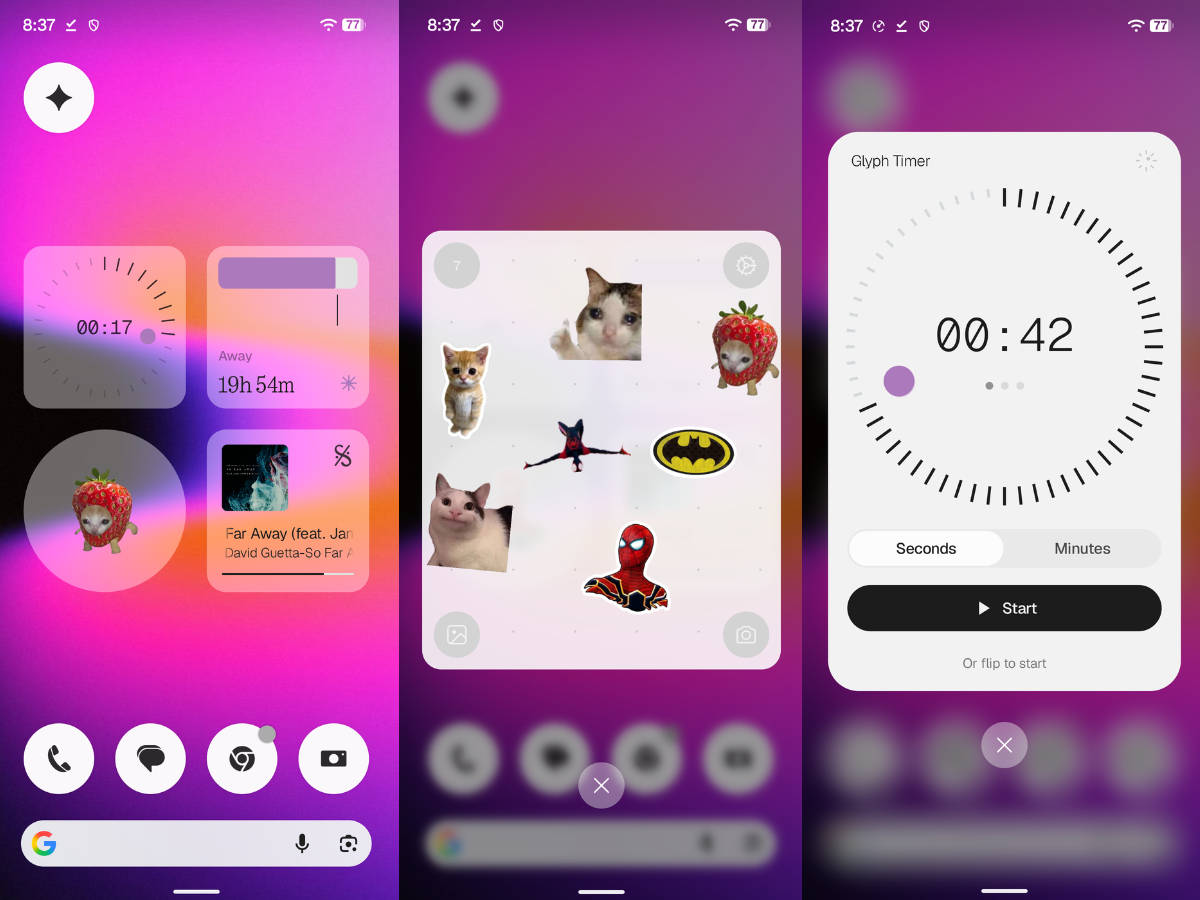
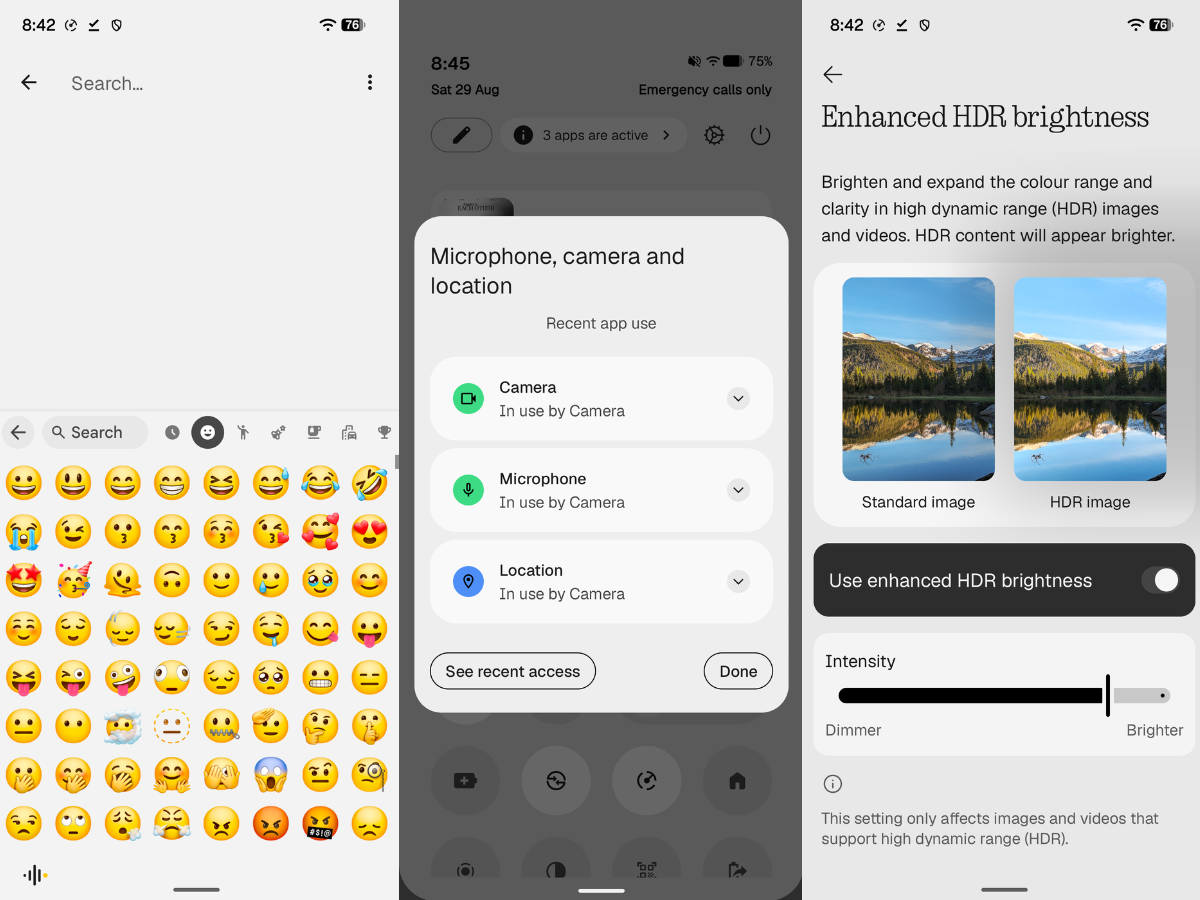
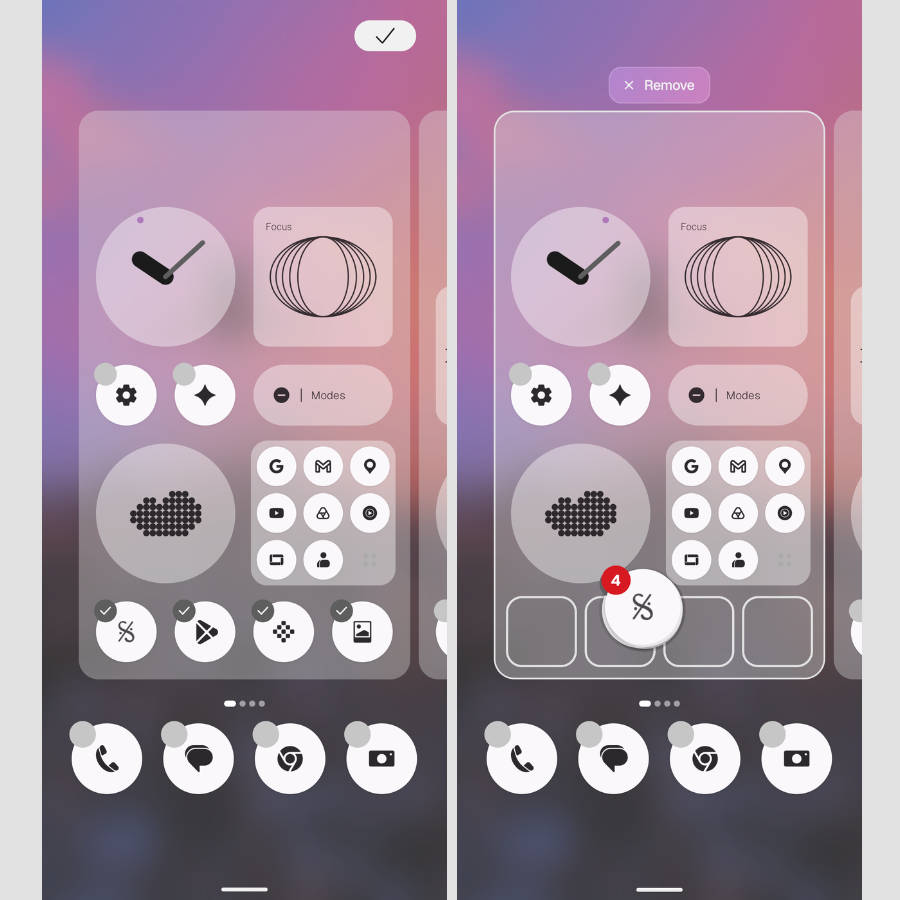
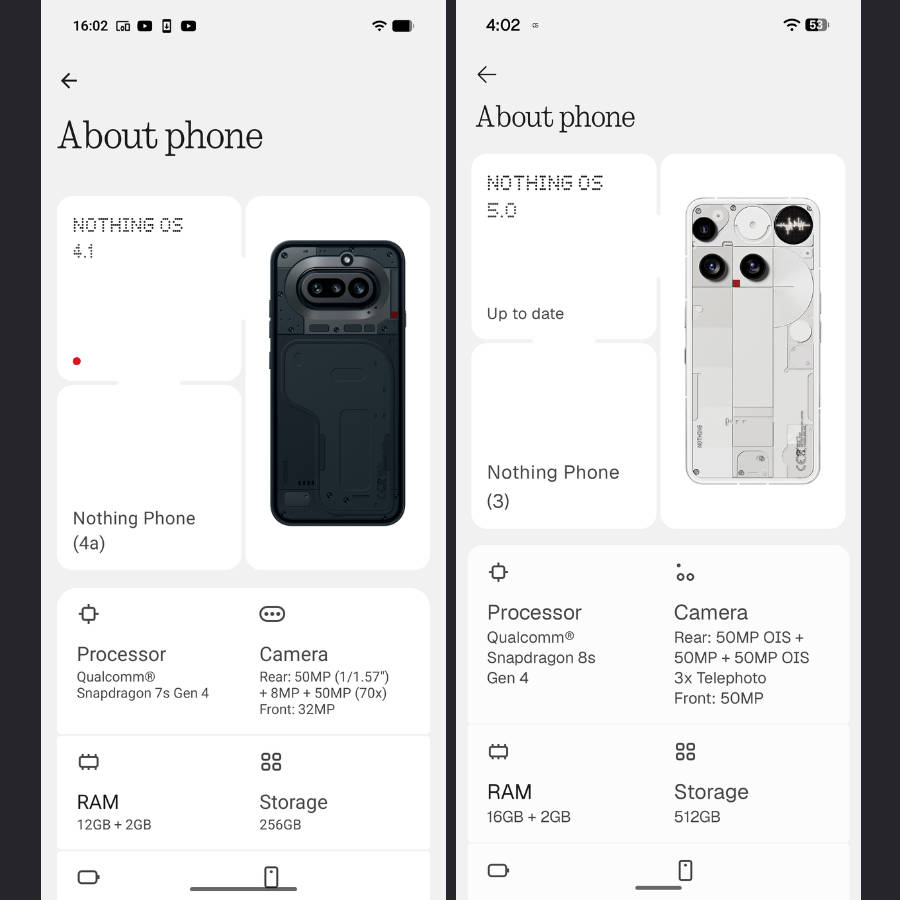
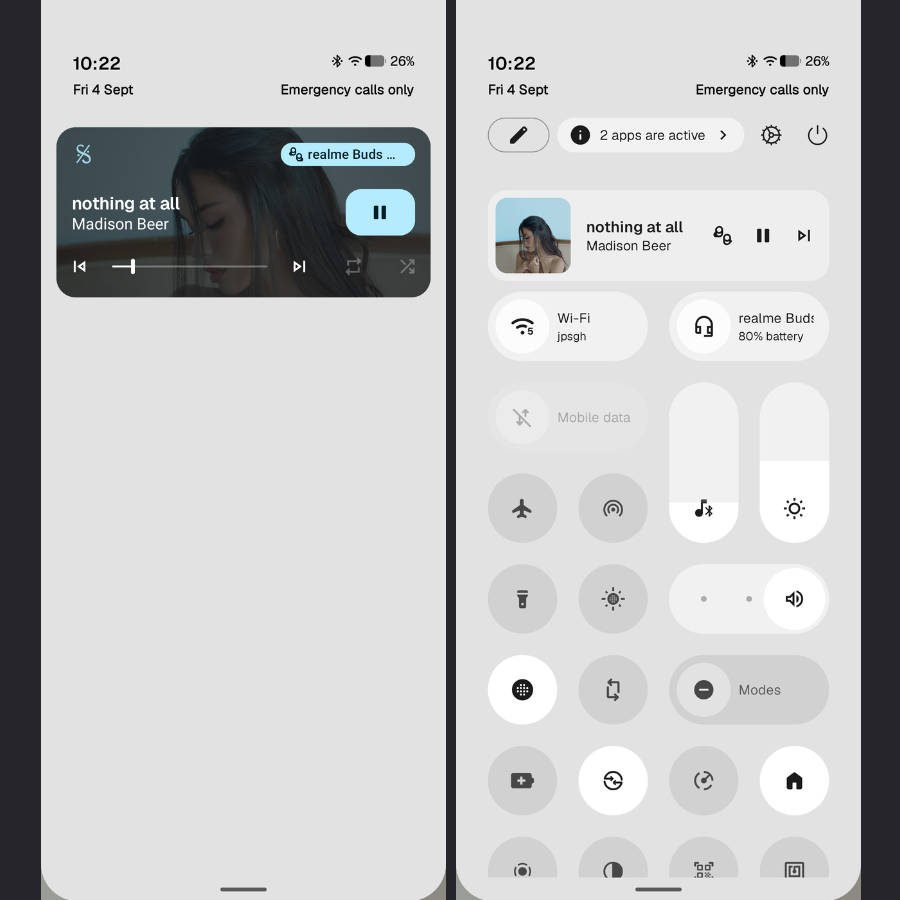
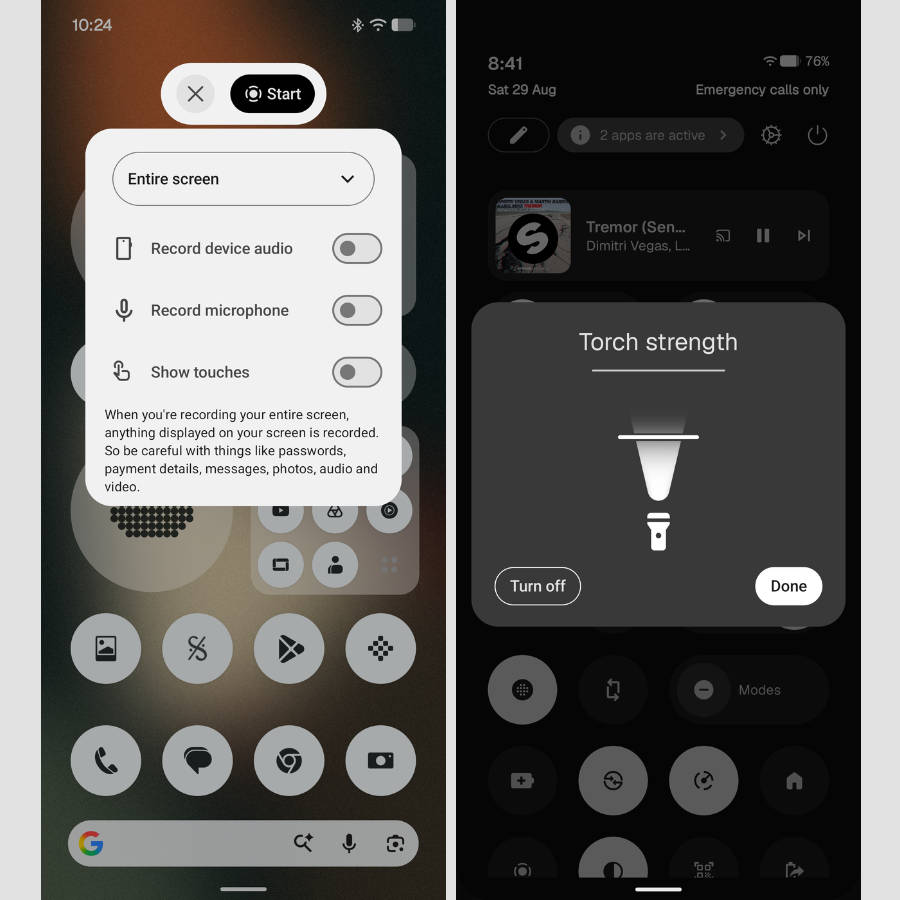
The Lucent theme, which gives widgets a translucent look, along with the 3D Noto emojis, brings a much-needed freshness to the UI. Even with lingering issues, such as poor haptics implementation and less blur detail than other phones, the new additions should improve the overall software experience for users coming from Nothing OS 4.0. Furthermore, with its minimalist monochrome design language, the skin continues to stand out from others.
How to update to Nothing OS 5.0 stable update
If the update doesn’t arrive automatically through an OTA notification, users with Nothing Phone (3) coming from Nothing OS 4.0 can install the stable Nothing OS 5.0 update by following these steps:
Step 1: Firstly, go ahead and open Settings
Step 2: Now select the System section
Step 3: Tap the ‘Nothing OS’ text, and the phone will start fetching the update from the server
Step 4: Once the update is available, tap ‘Download and install’
Once downloaded, the phone will reboot and be updated to Nothing OS 5.0. Because the rollout may be staggered by region, it may not appear for everyone immediately.
While today marks the stable release of Nothing OS 5.0 to the Phone (3), the remaining eligible phones will also be updated in the coming weeks; you can check our round-up story for the Open Beta and stable update rollout schedule and features.