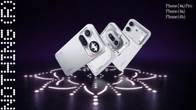
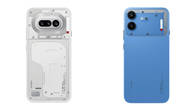
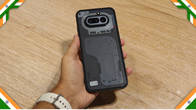
With the flagship Nothing Phone (3a) receiving the stable Nothing OS 5 update last month, the Phone (4a), Phone (4a) Pro, Phone (3a), and Phone (3a) Pro are the next set of smartphones to receive the Android 17-based firmware. This follows the open beta programme for these smartphones, which began in mid-September and introduced several new widgets, a new split quick settings panel, and UI refinements.
Table of Contents
What’s new on Nothing OS 5.0
Since we’ve already walked through the new UI, check out our hands-on walkthrough for a breakdown of every design, productivity, and customisation update. In short, Nothing OS 5.0 marks the brand’s biggest software leap since Nothing OS 1. It’s a significant upgrade over 4.1, adding enhanced lock screen and home screen customisation alongside productivity additions like an iOS-like split quick settings panel, Glyph Timer, Collector widgets, and app batch editing.
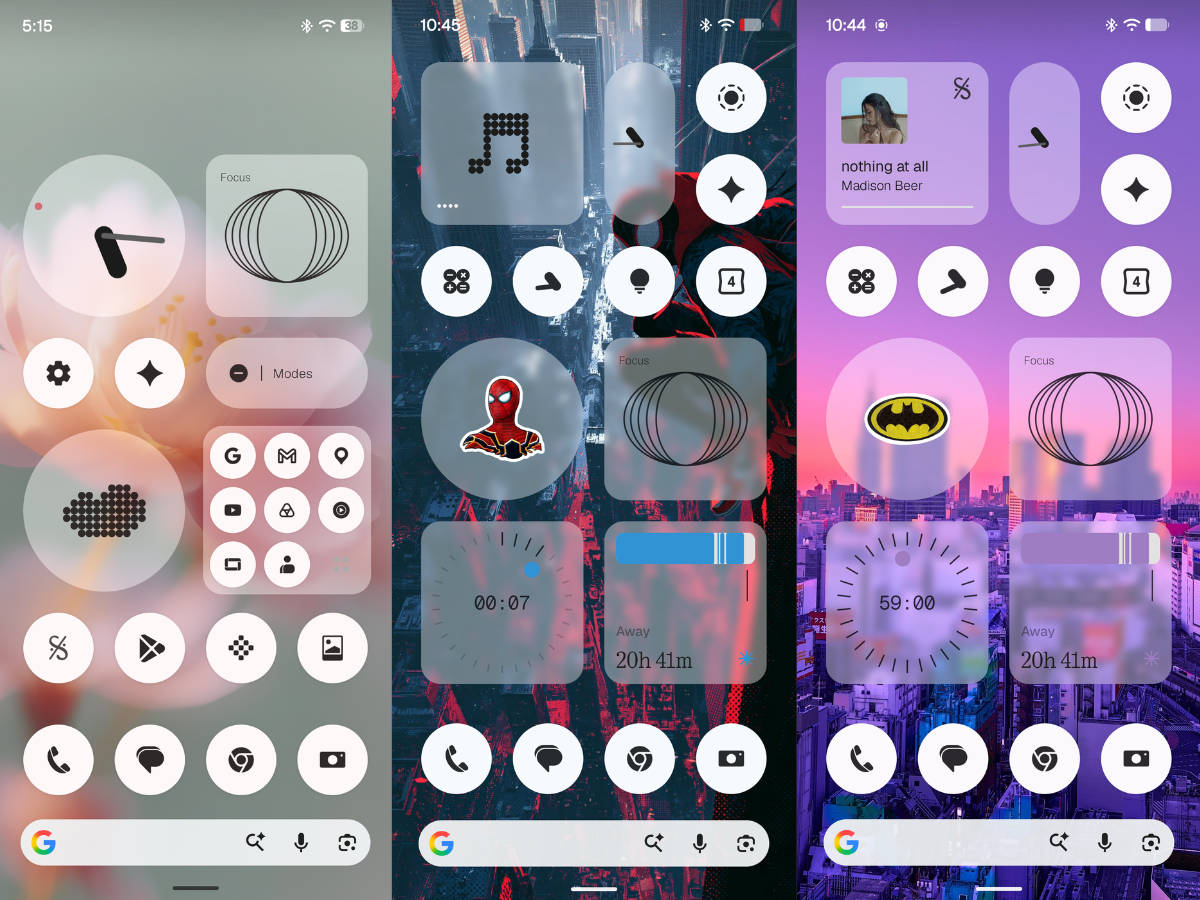
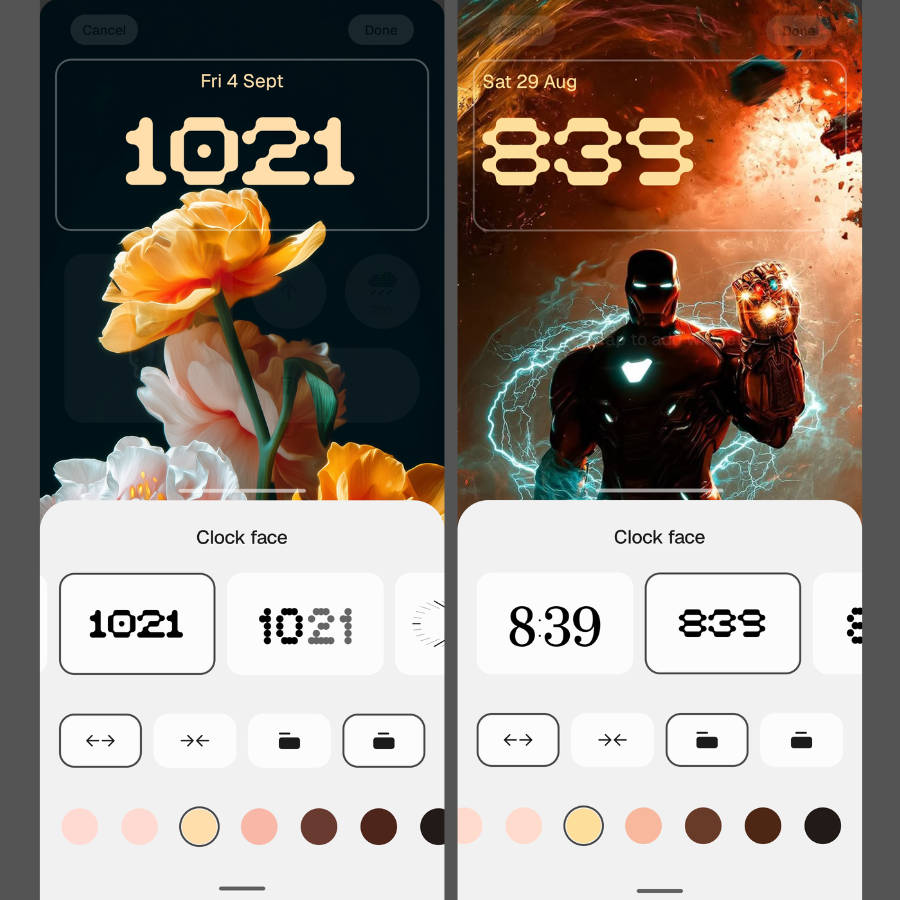
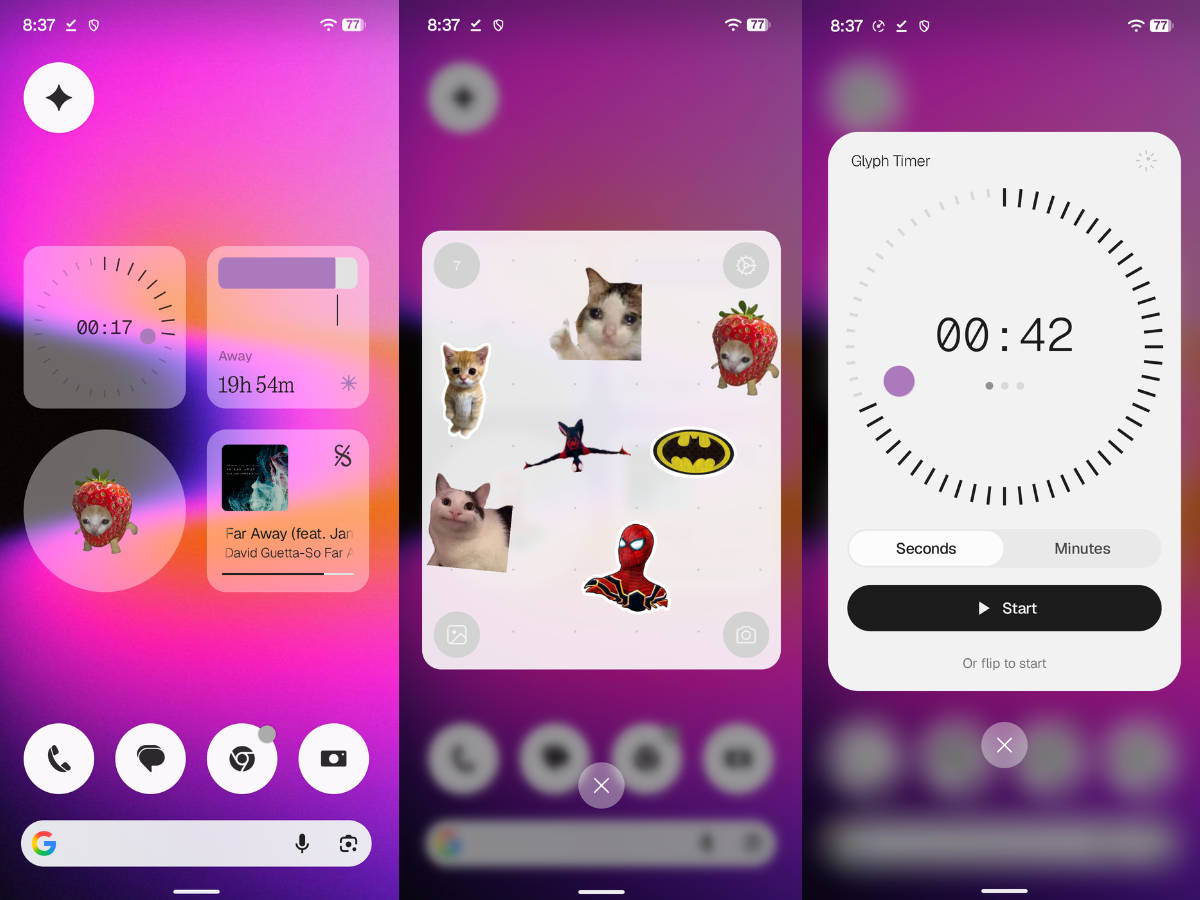
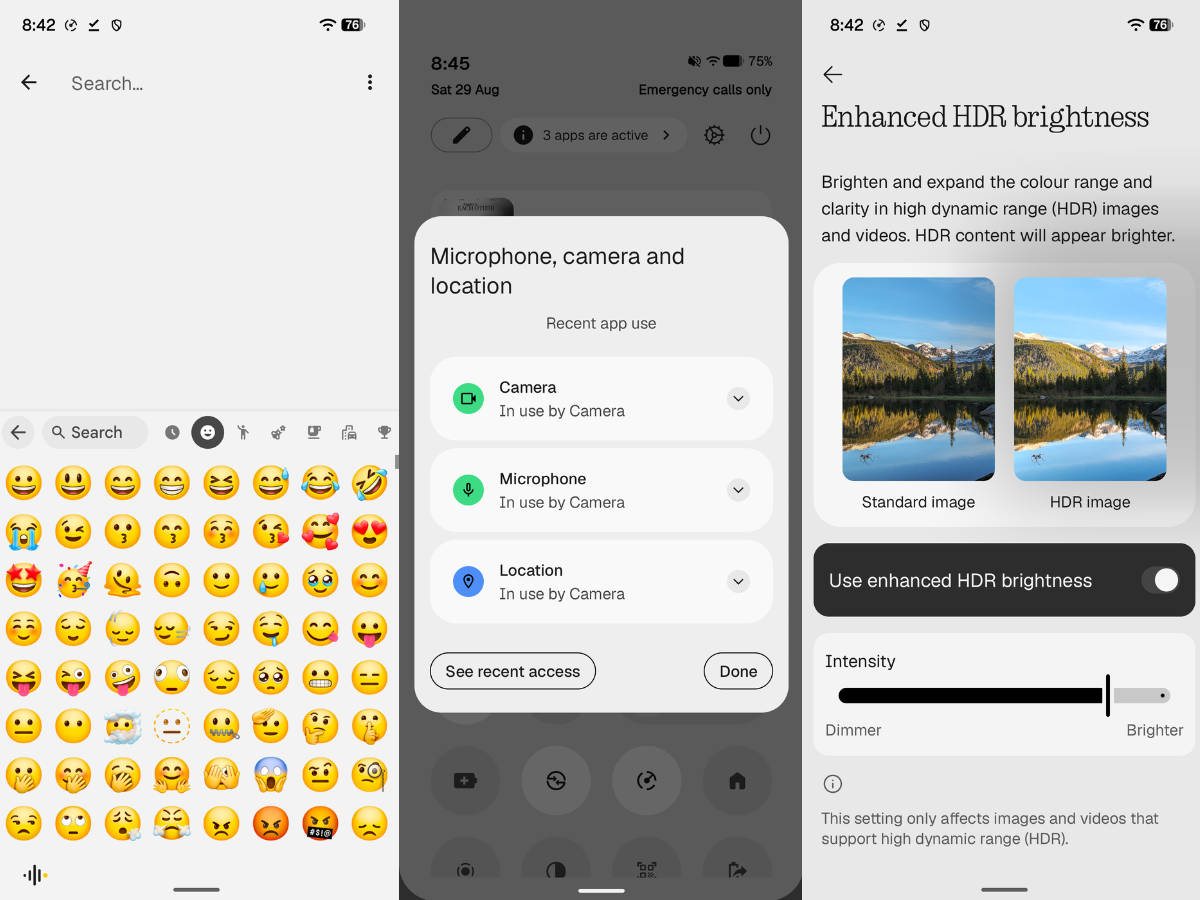
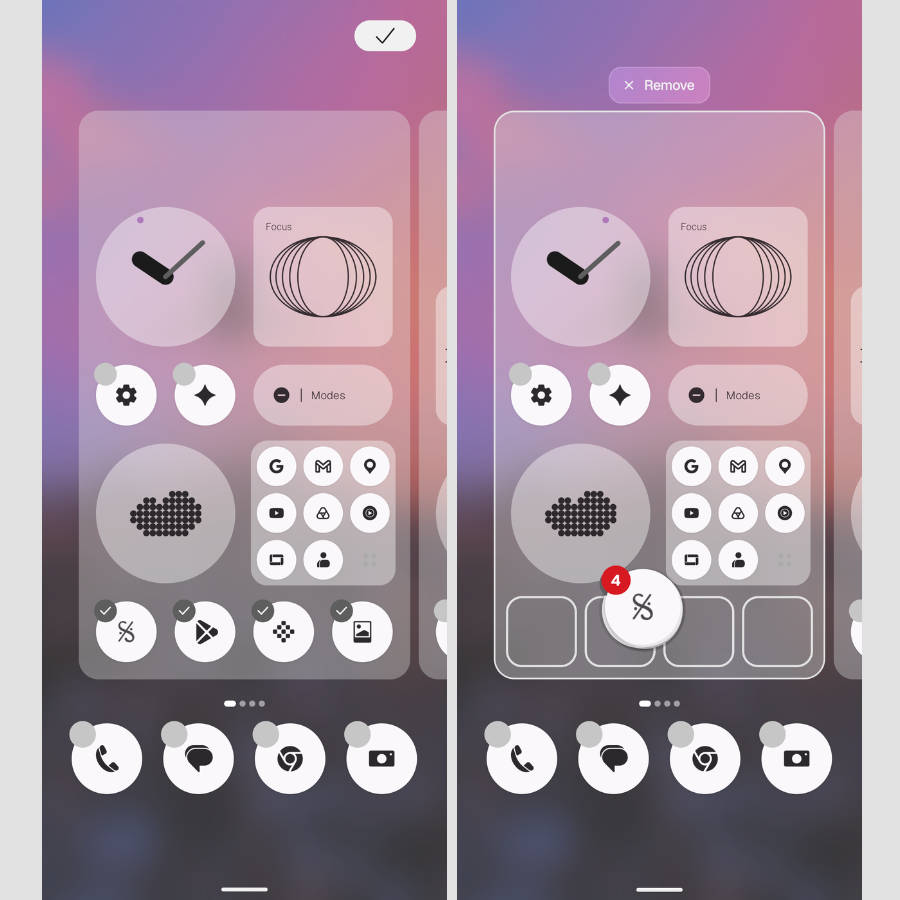
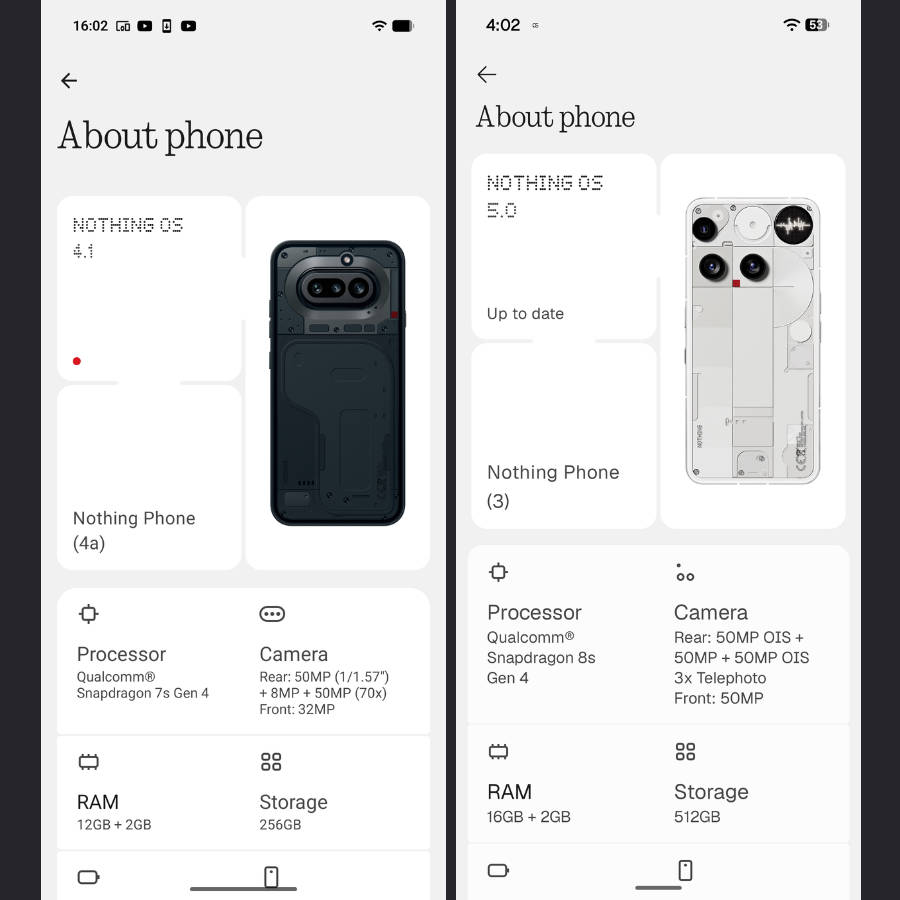
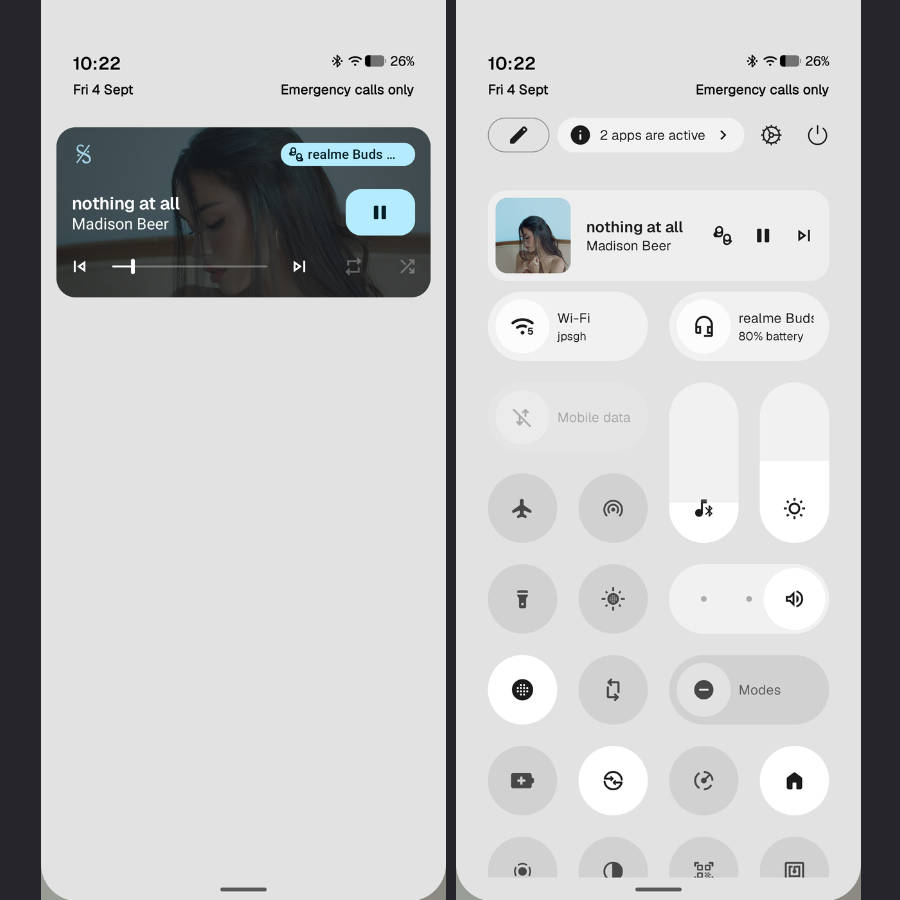
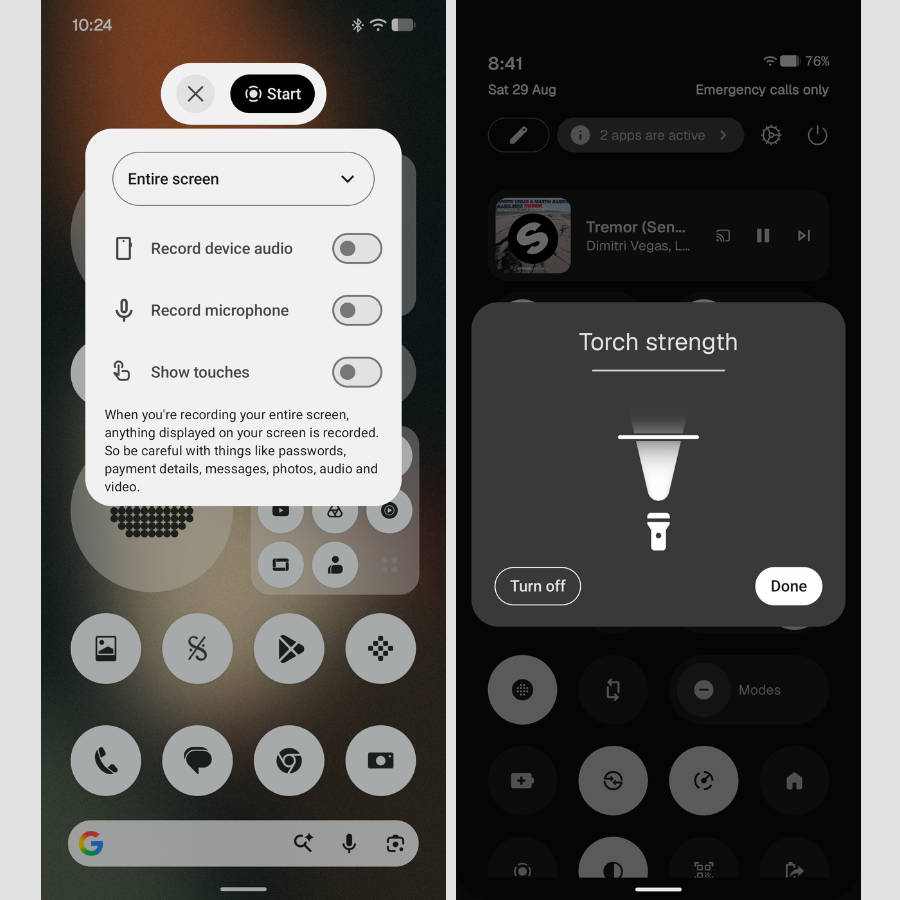
The new Lucent theme introduces translucent widgets coupled with Android 17’s 3D Noto emojis and coloured lockscreen styles, bringing some much-needed visual variety into the interface. Despite minor drawbacks like weak haptic feedback and lighter blur effects than competitors, these updates noticeably elevate the experience for anyone upgrading from OS 4.0. At the same time, the signature minimalist monochrome design language keeps the skin distinct from others in the market, such as One UI, ColorOS, OriginOS, and more.
How to update to Nothing OS 5.0 stable update
The update will roll out to all users in batches, and you’ll be notified through a notification; if it doesn’t arrive, you can manually check for it by going to the update section in Settings. Here’s how:
Step 1: Firstly, go ahead and open Settings
Step 2: Now select the System section
Step 3: Tap the ‘Nothing OS’ text, and the phone will start fetching the update from the server
Step 4: Once the update is available, tap ‘Download and install’
Once the update is downloaded, your Phone (3a) series and Phone (4a) series will automatically boot into Nothing OS 5.0 after a few minutes. While it’s a stable release, users worried about potential bugs or unnecessary battery drain can wait to see how the update fares for those who’ve already installed it.
With the Phone (3), Phone (3a), and Phone (4a) series now running Nothing OS 5.0, the update should gradually roll out to other eligible Nothing smartphones in the coming weeks. These include the Phone (2a), Phone (3a) Lite, Phone (4b), CMF Phone 1, and CMF Phone 2 Pro. Feel free to visit our Nothing OS 5.0 roundup for a glimpse of the new features and improvements, along with the full release schedule.