Nothing OS 5.0 update roundup: official release schedule, eligible phones, key features and more


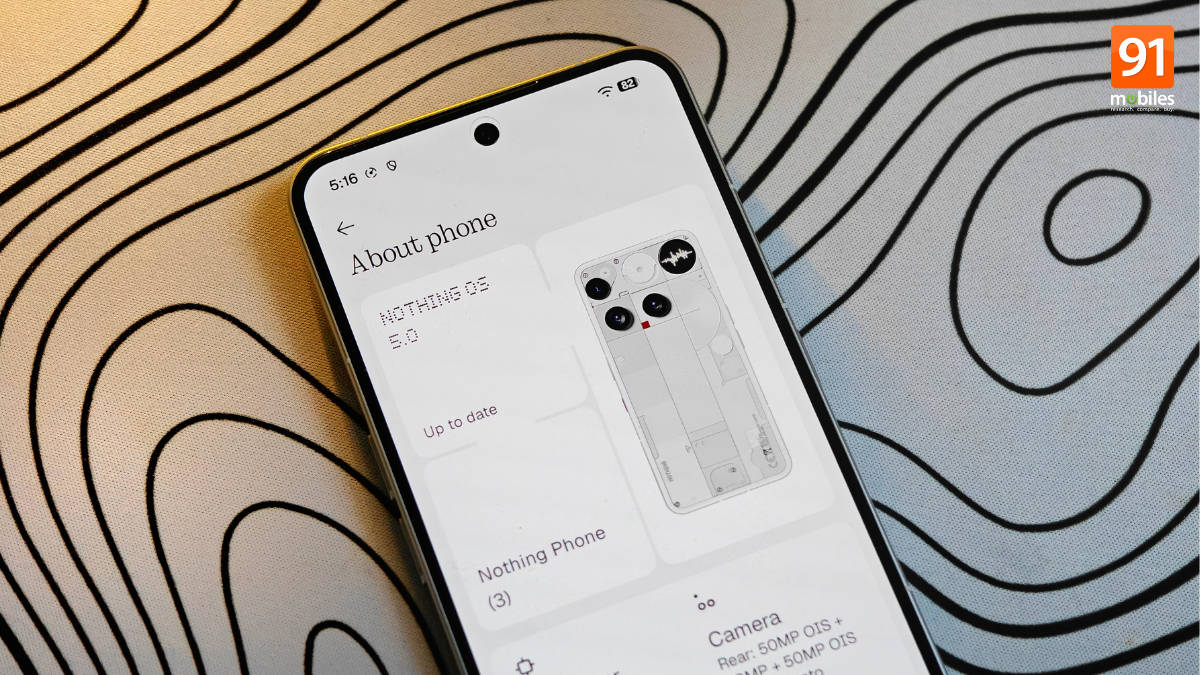
This time around, Nothing was quick to formally announce its next iteration of Nothing OS. Built on top of Android 17, Nothing OS 5.0 is regarded as one of the company’s biggest software releases in recent years, bringing a visual refresh, deeper personalisation options, performance improvements, and upgraded Essential AI tools. From our early hands-on experience, the update not only addresses previous criticisms but also adds tons of new features to improve productivity. On that note, here’s everything you need to know about Nothing OS 5.0’s release schedule, eligible devices, new features, and more.
Table of Contents
Nothing OS 5.0 release date
Nothing OS 5.0 was officially unveiled on August 25th via a YouTube livestream, during which Nothing’s CEO, Carl Pei, and other executives detailed the key updates coming to Nothing OS. Apart from that, the company also detailed how well the Nothing Phone (4a) series and Ear (3) have been received by customers, and shared the efforts it’s making in AI ecosystems.

The livestream ended with the information that the flagship Phone (3) will be the first Nothing smartphone to receive the Nothing OS 5.0 Open Beta update starting August 26th.
Nothing OS 5.0 eligible devices
With Nothing OS 5.0 officially unveiled, the list of devices eligible for the update is as follows:
- Nothing Phone (3)
- Nothing Phone (4a) Pro
- Nothing Phone (4a)
- Nothing Phone (3a) Pro
- Nothing Phone (3a)
- Nothing Phone (2a)
- Nothing Phone (2a) Plus
- Nothing Phone (3a) Lite
- Nothing Phone (4b)
- CMF Phone 2 Pro
Since the Nothing Phone (1), Phone (2), and CMF Phone 1 have reached end of life (EOL) for software updates, these smartphones will not receive Nothing OS 5.0.
Nothing OS 5.0 Open Beta and stable rollout schedule
As with previous Nothing OS releases, users with eligible devices who want to get their hands on Nothing OS 5.0 early can download an Open Beta build to test and explore the new features and improvements as soon as the beta update is available. With the Open Beta programme expected to last around four to six weeks, users can submit feedback on problems, bugs, or issues via the ‘Feedback’ section in the Settings app. A dedicated post on the Nothing Community is already live with details on how to submit feedback.
While the entire process to download Nothing OS 5.0 Open Beta is provided in the coming sections, here’s the Open Beta and stable release timeline for all the eligible devices:
| Phone | Open Beta release | Stable release |
| Phone (3) | August 26th | Mid October |
| Phone (4a) Pro | Early September | Early November |
| Phone (4a) | Late September | Early November |
| Phone (3a) Pro | Late September | Early November |
| Phone (3a) | Late September | Early November |
| Phone (2a) | Mid October | Mid November |
| Phone (2a) Plus | Mid October | Mid November |
| Phone (3a) Lite | Will not receive | Late December |
| Phone (4b) | Mid December | Mid January |
| CMF Phone 2 Pro | Will not receive | Mid January |
Nothing also provides the option to roll back to Android 16-based Nothing OS 4.1 for users who find the beta firmware too problematic for daily use. Therefore, it’s highly recommended to back up all your data and install the update only if you’re willing to take the risks, since beta firmware often introduces broken functionality, UI glitches, unexpected battery drain, and more.
Ongoing Open Beta programmes
- Nothing Phone (3) – Started on August 26th
- Nothing Phone (4a) Pro – Started on September 11th
- Nothing Phone (4a), Phone (3a), Phone (3a) Pro – Started on September 23rd
Nothing OS 5.0 key features and improvements
Nothing OS 5.0 is regarded as one of the biggest releases since Nothing OS 1. Apart from noticeable design changes, the update introduces several under-the-hood improvements that enhance performance, animations, and memory management on Nothing smartphones.
New lockscreen clocks and custom colours: OS 5.0 carries two new lockscreen clock styles, Gooey and Micrographics. The former offers a playful yet bold look, while the latter displays key information, such as weather and upcoming calendar events, along with the time and date in a retro-like text. Micrographics will be available only upon stable release, though.
Apart from that, the update finally adds some colours to the lockscreen by allowing you to personalise the clock by adapting the colours from the wallpaper.
New widgets: Since Nothing OS has always emphasised widgets, the update brings a slew of new ones. The Collector widget allows users to display image cutouts from the Gallery or capture new photos directly from the widget. Then there’s the Away Time widget, which shows how long the user has been away from their phone within a specific timeframe. There’s a dedicated Glyph Timer widget as well, available in various sizes.
Lucent theme: This brand new theme adds translucency to the widgets on the homescreen, and users can even select a tint colour to match their wallpaper. With Nothing’s entire branding and hardware revolving around transparency, it’s only fitting that this theme is introduced.
Glyph app: While Glyph controls can still be accessed from Settings, a dedicated app makes its way on Nothing OS 5.0. The app allows users to access all Glyph features, including changing ringtones, toggling features like volume indicator and music visualiser, and more.
Drag and drop multiple homescreen apps: As seen on ColorOS, NOS 5.0 comes with the functionality to select multiple apps on the homescreen at once to drag and drop to any other location or homescreen page. This should make customising and switching your layout much easier.
Dual options for Quick Settings panel: Much like every other Android skin out there, Nothing OS 5.0 brings a ‘Seperate’ Quick Settings panel in which swiping from the top left side of the status bar unveils all your notifications, while the right side summons the quick setting toggles. The Classic Quick Settings is still present.
Torch intensity: Much like Pixel UI, tapping and holding the ‘Torch’ toggle in Quick Settings opens an interface to adjust the torch’s intensity.
Geist typeface replaces Inter: The update ditches Inter in favour of Geist for improved legibility and a more cohesive look. The font was already present in several first-party apps prior to Nothing OS 5.0
New iconography and updated spacing: The status bar and Settings app feature updated icons for a cleaner look, while the sections within the Settings now sit closer together, allowing more items to fit at once.
Essential AI upgrades: Essential Voice now performs faster with cleaner, better-formatted transcriptions and smarter list generation, while Essential Space adds Smart Collections to group similar screen captures into one place. Also, what was previously possible only through the Essential Apps Builder now comes as an app on Nothing OS 5.0, allowing users to create AI-powered apps without coding.
Under-the-hood improvements: Aspects like faster app launches, scrolling, touch response, efficient multitasking, and improved memory management have been addressed in Nothing OS 5.0.
Android 17 changes: Core Android 17 features have also been brought in, including Noto 3D emojis, expanded Dark Theme for apps, independent Assistant volume, HDR brightness control, and a new set of privacy indicators. Apart from that, users can share media with iPhone users via Quick Share using a QR code generated automatically by the system.
How to install Nothing OS 5.0 Open Beta update
The Nothing OS 5.0 Open Beta update can be installed on your eligible device only when it’s updated to the latest available Nothing OS 4.1 build. Furthermore, as noted above, ensure all your data is backed up or stored securely to reduce the risk of data loss.
Step 1: Download the Nothing Beta Hub V2.0 APK from Nothing’s website. The download link can be found at the bottom of this webpage.
Step 2: Now, go to the Downloads folder on your phone and install the Nothing Beta Hub APK. Enable the “Install unknown apps” option in Settings beforehand so the APK installs successfully.
Step 3: Now go to the Settings app > System > Nothing Beta Hub and check the version
Step 4: Tap the Join Beta button to register for the update
Step 5: Once done, wait for five to six minutes Open Beta update will be seeded to your device, after which you can tap Go to initiate the update
The Nothing OS 5.0 beta will be installed just like any other local update, which will take a few minutes to boot your phone. There is a chance the system will display an error that joining the beta has failed. In the case of Phone (3), Nothing has confirmed that this occurs due to server overload when many users try to access the open beta simultaneously. So if you come across this, wait a few hours and try again.
If you’re encountering bugs or find the system problematic, you can go to the Nothing Beta Hub in Settings to request a rollback.
Is it worth updating to Nothing OS 5.0?
Since Nothing OS 5.0 is still in beta, providing a concrete judgement on whether it’s worth updating to it can be challenging at this point. However, based on our initial experience with the first Open Beta build on Nothing Phone (3), the update offers noticeable design and interface changes. The Geist font completely replaces the Inter system font, giving the UI a fresh breath of air, while the custom-coloured clock faces blend in really well with your wallpaper. The new Lucent theme adds translucency to the widgets, a design aspect which was long overdue.
We also noticed that the update puts quite a lot of emphasis on getting things done quickly, such as bringing dedicated apps and widgets from Glyph and App Builder so that users do not need to go to Settings or the browser, as well as animation improvements across the system. Overall, Nothing OS 5.0 is a major release, and it shows, as it adds multiple new features and functionality across areas like personalisation and productivity.
FAQs
Can I roll back from Nothing OS 5 to Nothing OS 4?
While in the Nothing OS 5.0 Open Beta stage, it’s possible to roll back to Nothing OS 4 using the Nothing Beta Hub; there’s no confirmation yet whether that’ll be possible on the stable build.
Which Android 17 features are included in Nothing OS 5.0?
Some of the core Android 17 features integrated into Nothing OS 5.0 include Enhanced Quick Share, which now supports sharing with iPhones via QR code, Live Updates in the status bar to track real-time information from apps, Noto 3D Emojis, expanded dark theme support, and improved privacy indicators.
Will the Nothing Phone (2) get Android 17-based Nothing OS 5.0 update?
The Nothing Phone (2) will not officially receive the Android 17-based Nothing OS 5.0 because it has reached the end of its major software support cycle. It was launched with a promise of three OS upgrades, starting with Android 13, and Android 16 was its last OS update.

