Philips’ latest 500 Series 360 Wi-Fi camera offers a fresh twist on traditional security cameras. Departing from the usual white-coloured dome-shaped constructions, it features a sleek, beacon-inspired design in an elegant black finish. Ideal for home offices or living spaces, the camera supports 2K recording with motion detection for crisp and reliable monitoring. It also supports two-way communication, which performs surprisingly well and proves useful for coordinating with house help when you’re away. The overall experience is further enhanced by its user-friendly app interface, making it an easy recommendation for elderly users.
However, the Philip 500 series offers almost all the standard security features, as most security cams on the market. Should design be the only criterion for considering Philip’s new security offering? Let’s find out.
Table of Contents
Box contents and design
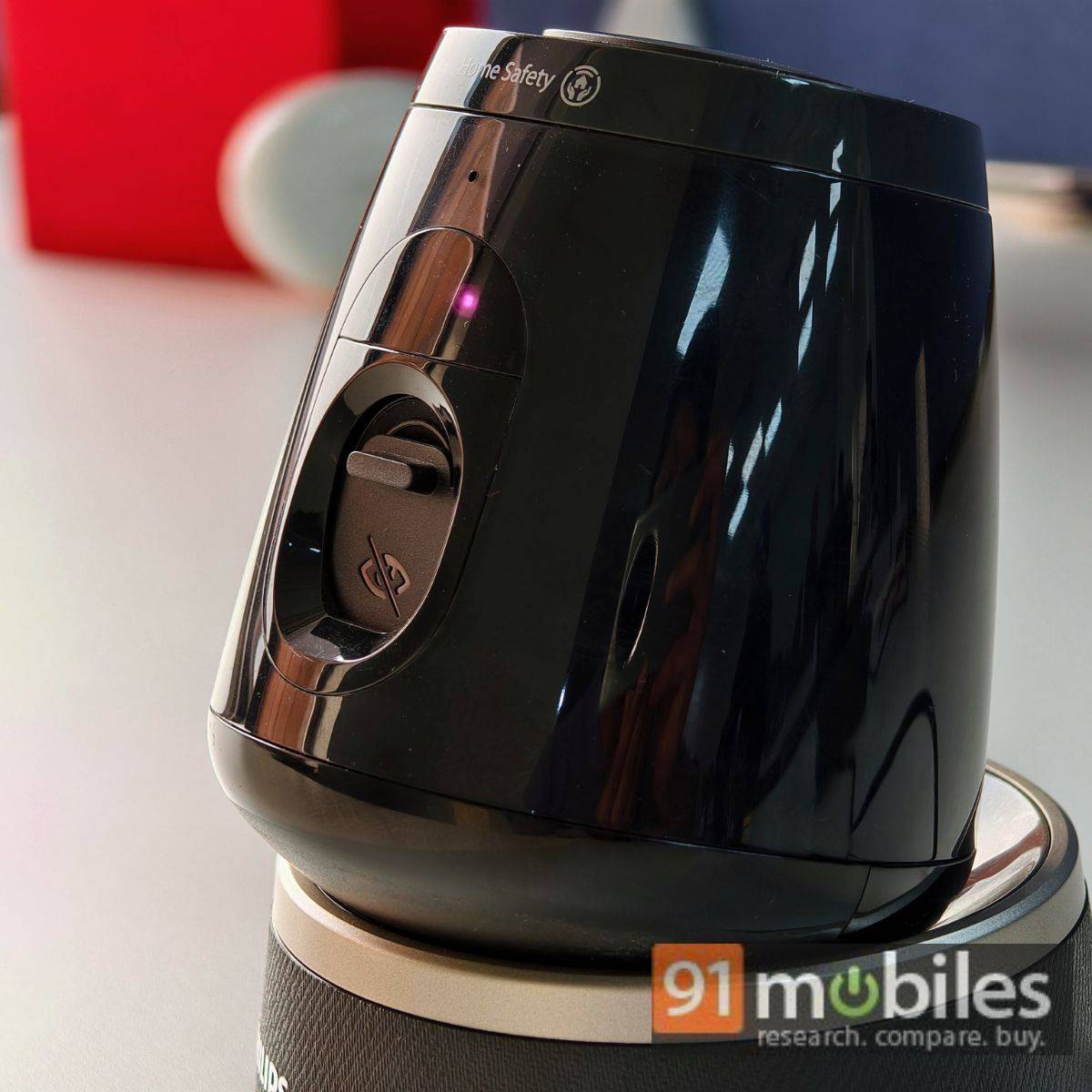
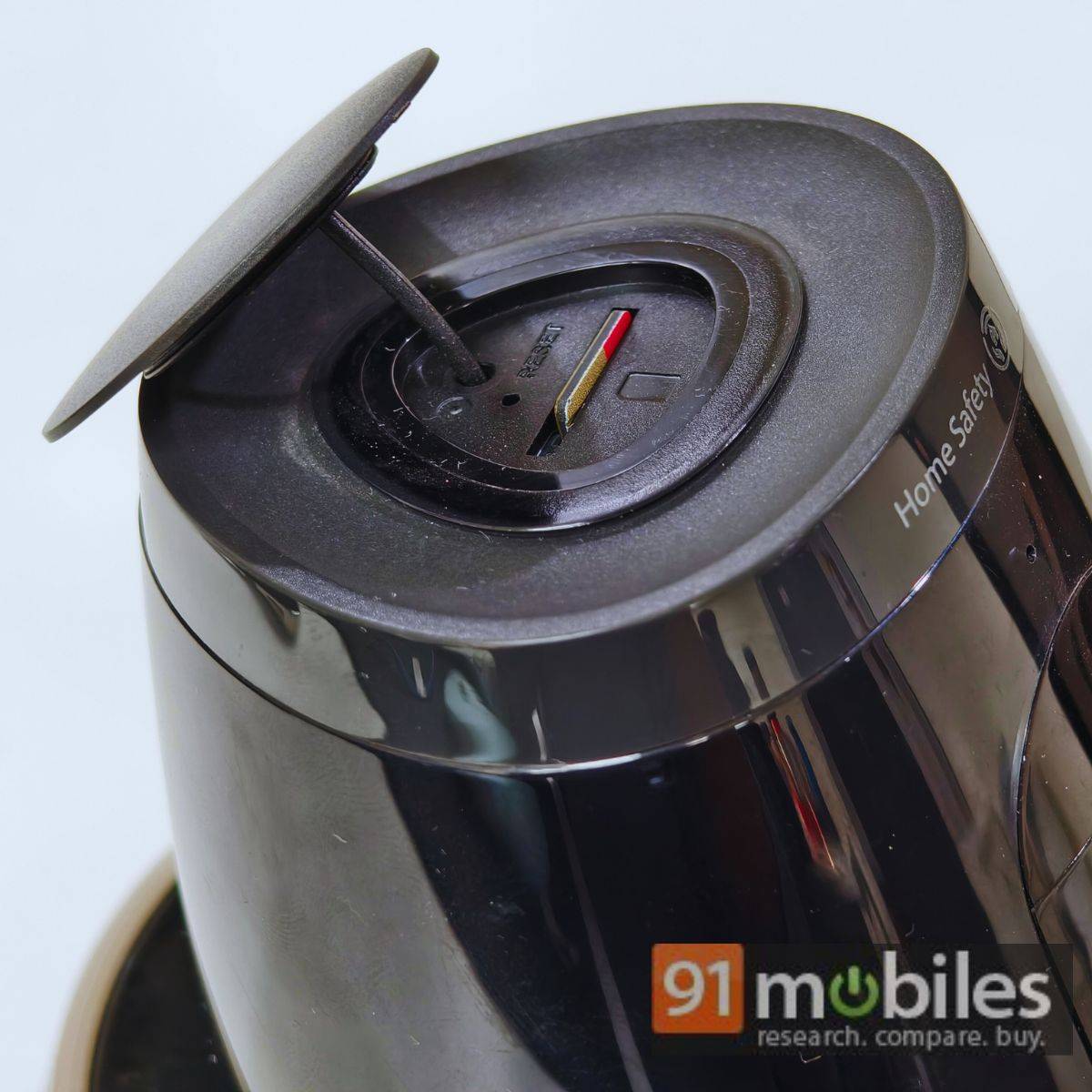
The Philips 5000 Series security camera offers a pretty standard unboxing experience. In addition to the security camera, the box includes a 1.5-meter-long cable, a Type-A power adapter, and a wall mounting kit. There’s also a SIM ejector tool-like pin for resetting the device.
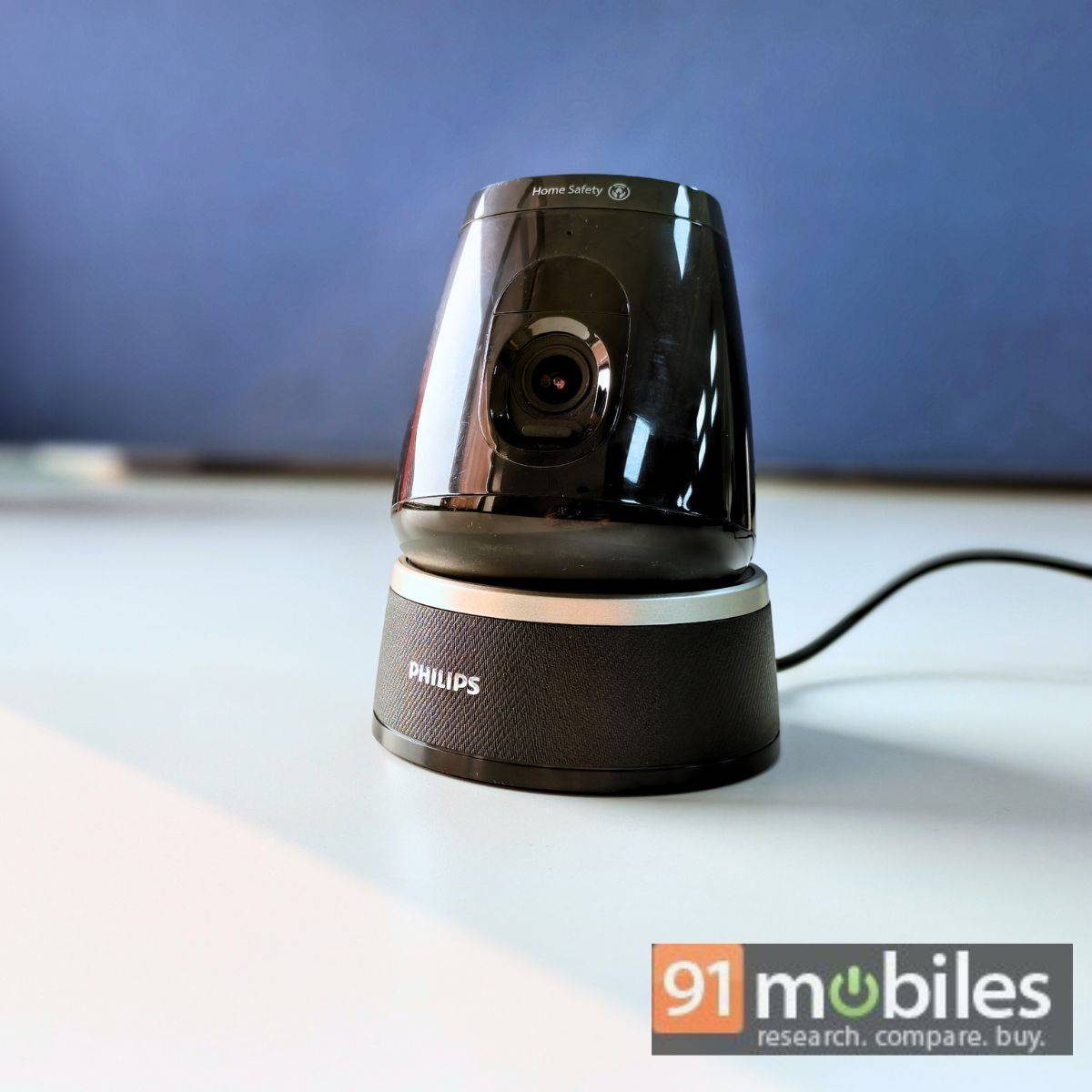
Ironically, the security camera features a plastic build, and there’s no information on whether the device has utilised recycled materials. Thankfully, the plastic does not feel sub-standard, and the entire build appears fairly durable. Since this product is designed for indoor use, it does not have an official certification for dust and water resistance. If you plan to install it at your main entrance, I recommend mounting it in a secure location under a suitable shelter.
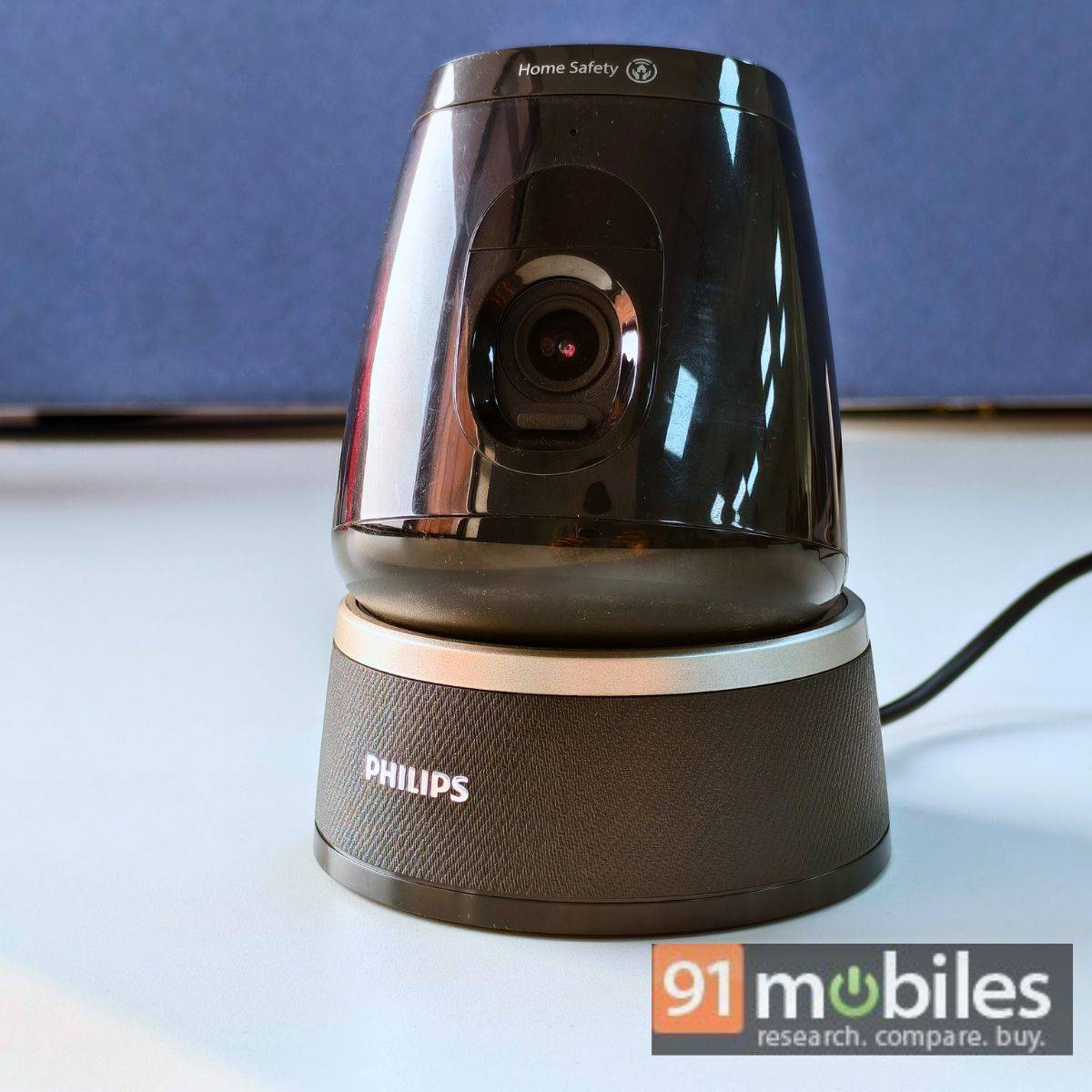
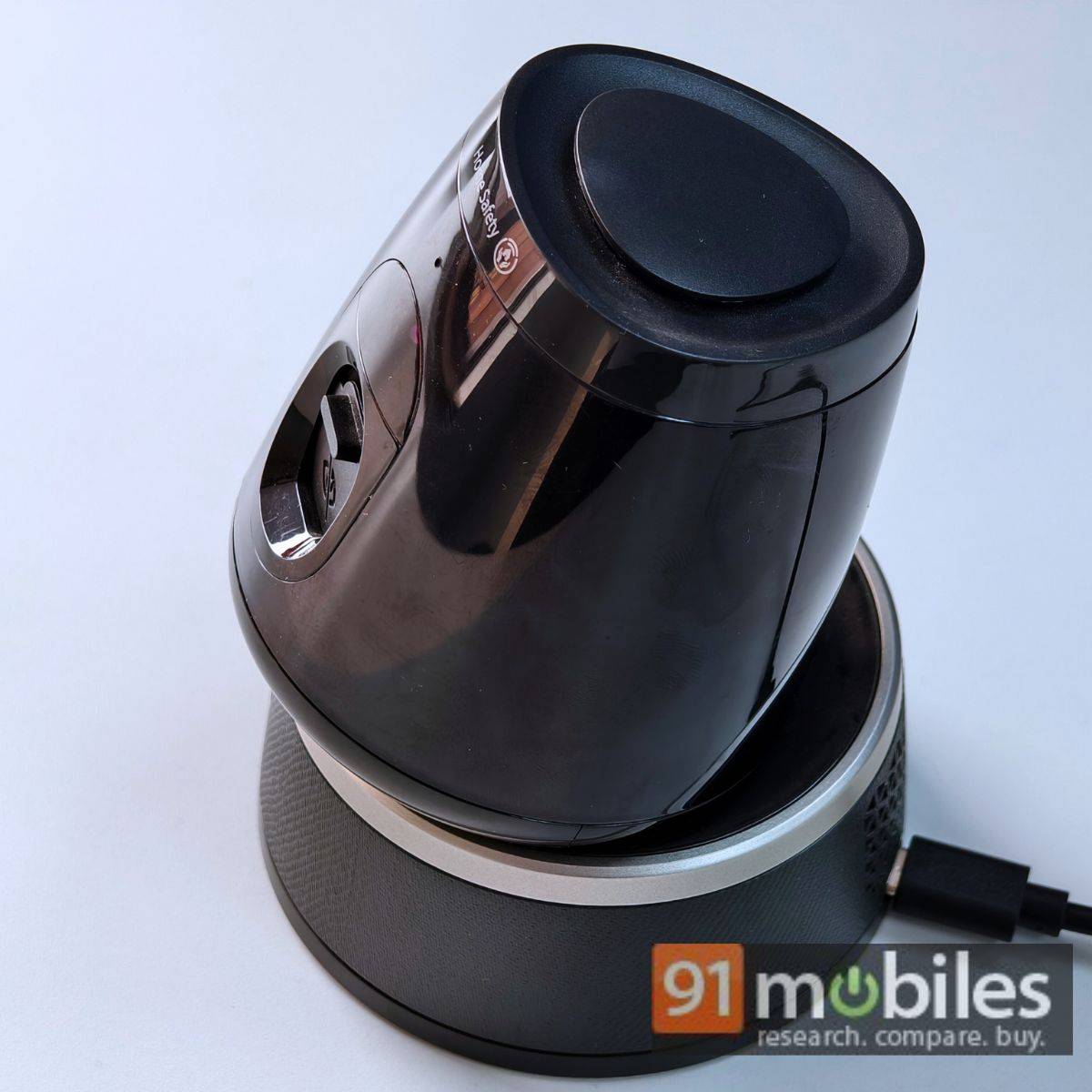
As mentioned, Philips takes a unique approach with its beacon-inspired design. The minimalist aesthetics make the Philips 500 Series an excellent fit for modern homes and offices, while the sleek black finish adds a chic touch.
Unlike traditional security cameras, this design blends seamlessly into its surroundings and avoids being an eyesore, even in fixed positions. I recommend mounting or placing the camera in a spot uninterrupted by walls. Its 360-degree rotation mechanism ensures expansive surveillance coverage, while the additional pan and tilt functionality (-10 to 25 degrees) adds versatility, allowing you to monitor areas under the camera’s nose. The camera also offers 102-degree field-of-view, which covers a decent amount of area on the horizon.
Setup, camera quality, and storage
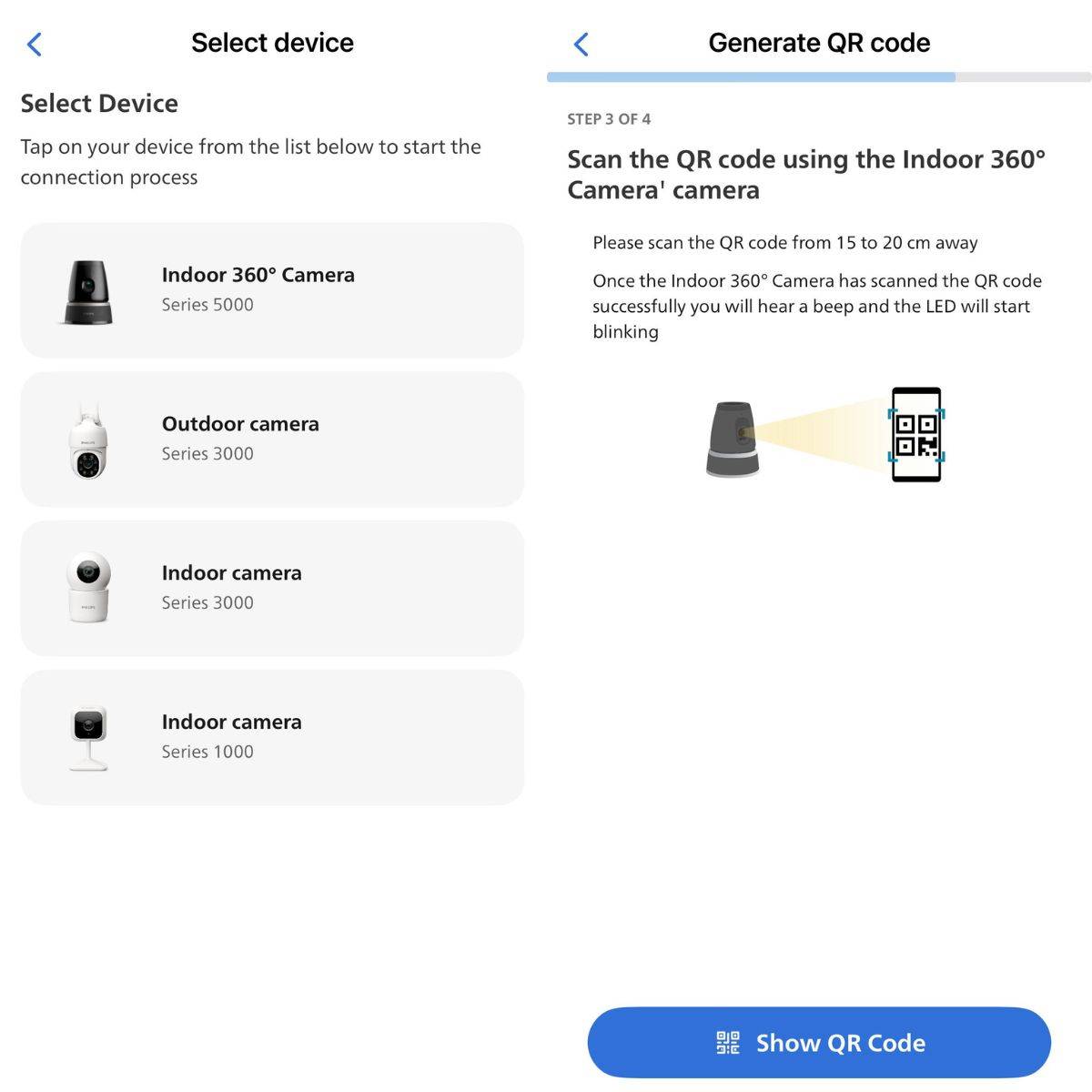
Setting up the Philips 500 Series 360 Wi-Fi camera is extremely easy and straightforward, which even non-tech savvy users will appreciate. All you need to ensure is stable internet connectivity over a 2.4GHz Wi-Fi band, generally saved as Wi-Fi name 4G by service providers. Once the Wi-Fi situation is sorted, follow the instructions on the Philips Home security apps available on both the Apple App Store and Google Play. The entire setup process takes less than 5 minutes.
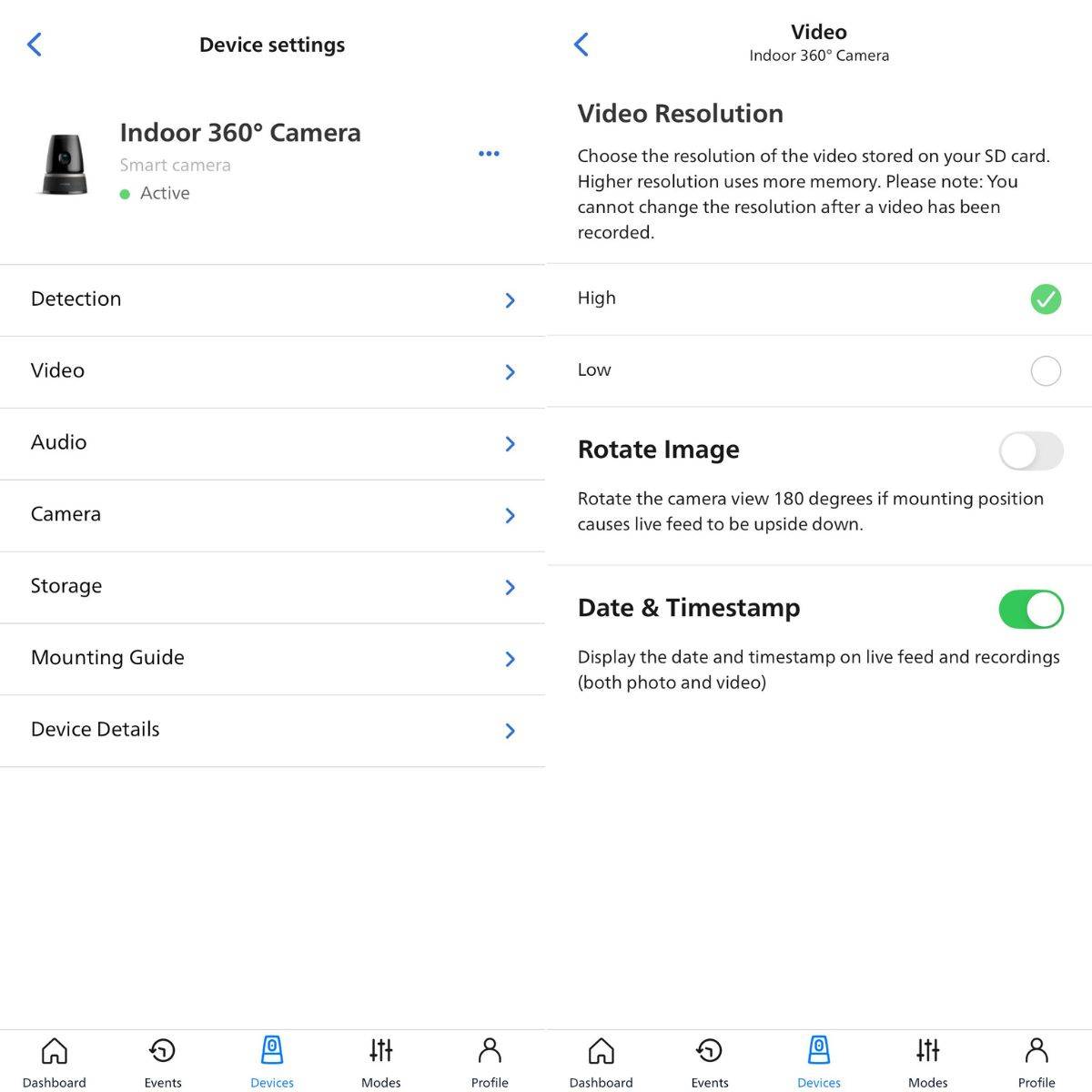
The security camera supports up to 2K video recording (2,304 x 1,296 pixels), and the video quality is surprisingly sharp in both bright and dim conditions. Like most security cams, the clips lack punchy colours, but the video quality is good enough for a surveillance camera.
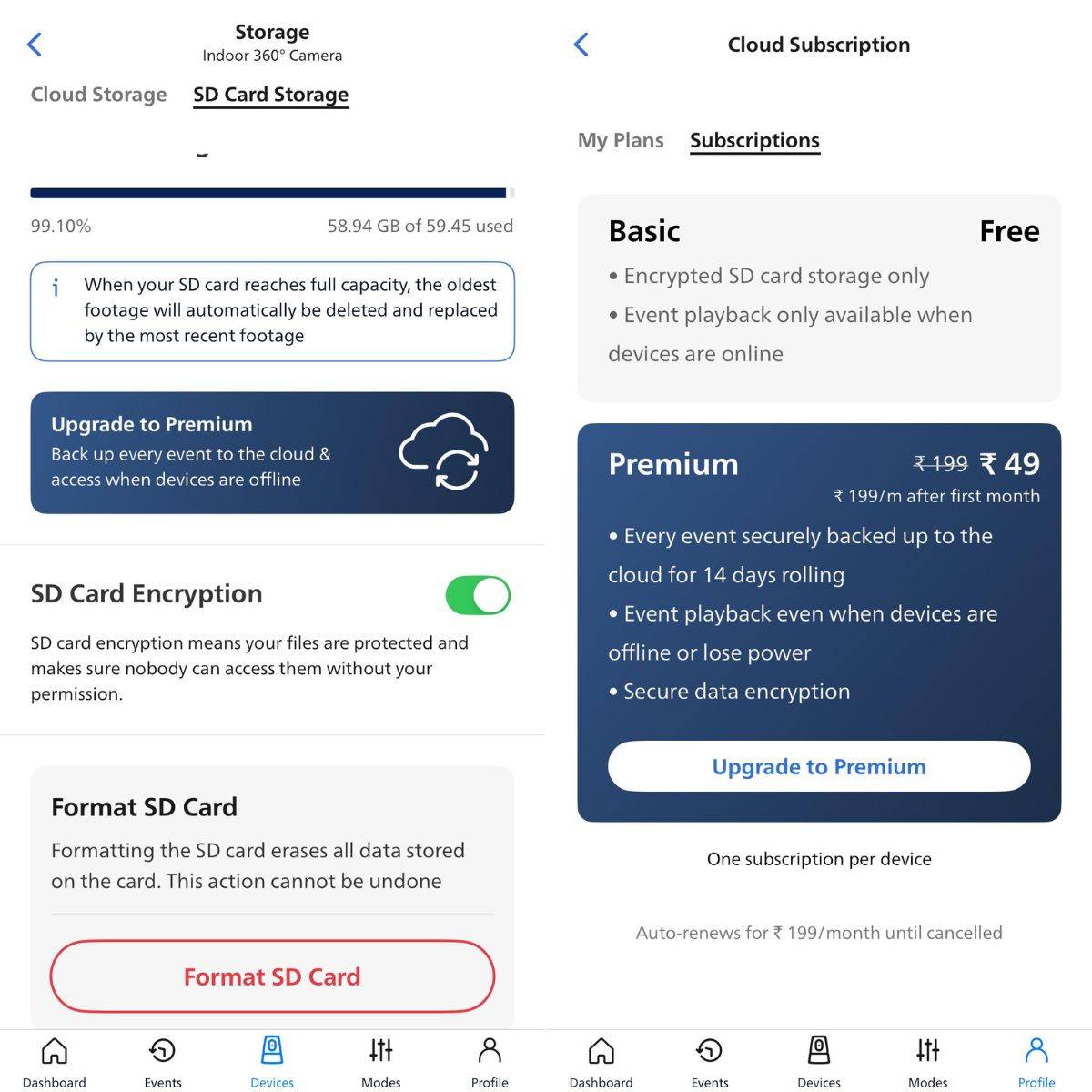
During my review, I used a 64GB SanDisk U3 microSD card, and the Philips 500 Series was able to store nearly 5 days’ worth of 2K footage before deleting the old clips to accommodate space for new recordings. Recording in low quality will naturally allow additional days’ worth of footage, though at the cost of video resolution. I still appreciate Philips’ approach to extending memory card storage (not included) by offering the option to disable “continuous recording.” For added convenience, the “inactive” mode is a handy feature when you’re in the same room as the camera. Additionally, Philips has implemented end-to-end encryption, ensuring maximum privacy and security for users.
App support and AI motion detection
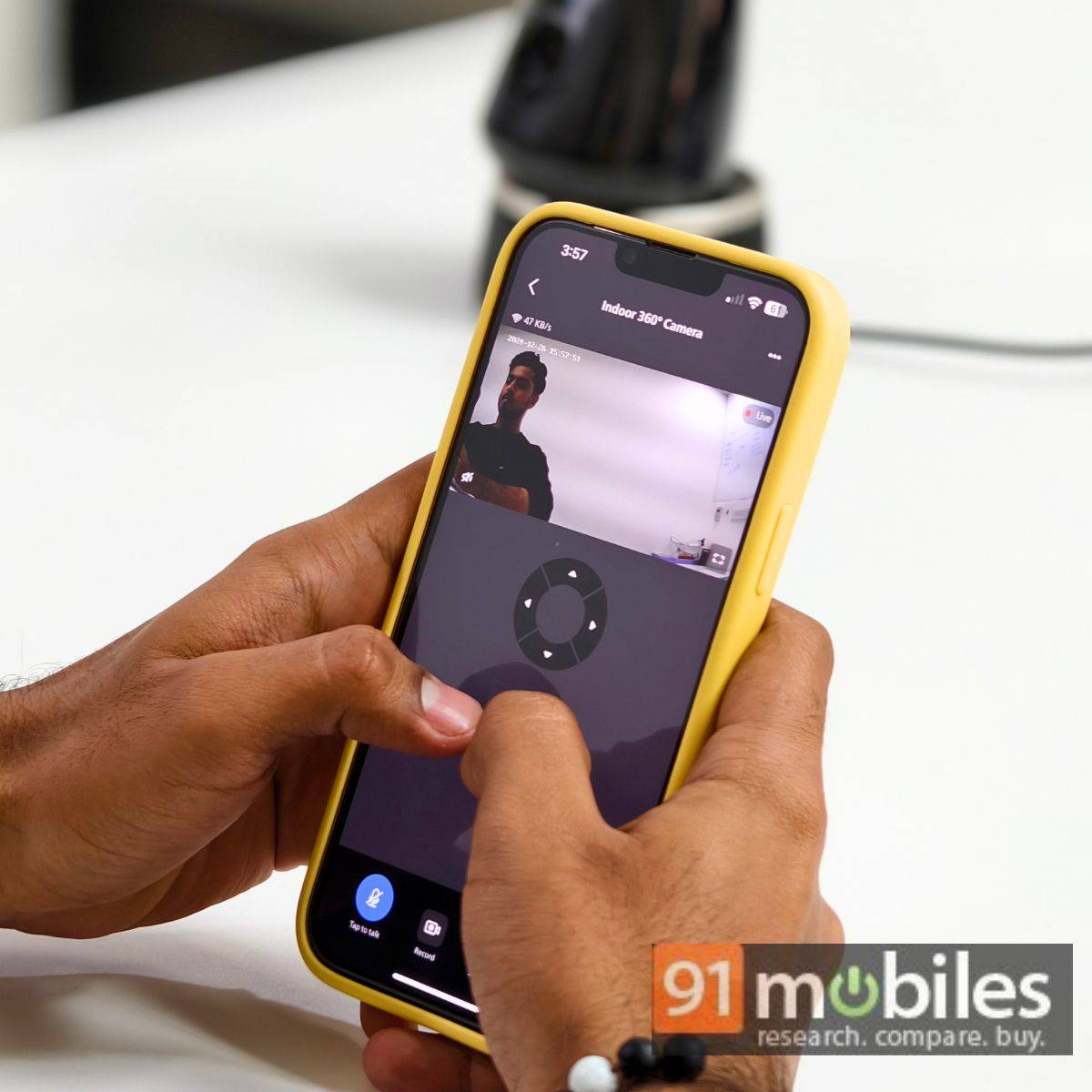
Managing the Philips 500 Series 360 Wi-Fi camera remains straightforward, and the credit largely goes to the simplified interface of the Philips Home Security app. From the setup process to viewing “event”, and switching between different modes, the app has been thoughtfully designed to help users access various options without too much rummaging. The app also sends notifications based on movements captured by the camera, which can be quite handy. What stands out to me is that the app avoids cluttering the user interface with ads for its own products – a refreshing change compared to some other apps, such as the one from Zunpulse.
Verdict
The Philips 500 Series 360 Wi-Fi camera is a reliable security solution, even for non-tech-savvy users. The brand has ensured a smooth setup and management process with the Philips Home Security app.
While its functionalities are fairly basic, it performed reliably during my review. The 360-degree rotation and tilt functionalities can be extremely handy in covering a vast area, and the video quality at the highest setting is decent, if not the best in class.
What sets the Philips 500 Series 360 Wi-Fi camera apart is its beacon-inspired design, which complements modern homes beautifully. For those less concerned about aesthetics and looking for a budget-friendly option, the Xiaomi 360 Home Security Camera 2K offers excellent value. If you prioritise reliable performance and an elegant design, the Philips 500 Series 360 Wi-Fi camera is an excellent choice for modern homes.
Editor’s rating: 8 / 10
Pros
- Modern design
- 2K video recording
- Easy-to-use
- Loud in-built speakers
Cons
- AI motion detection needs improvements
- Reset button needs to be placed discretely