10 Gaming Monitors Under Rs 15,000 in 2026: The Best Options You Can Buy Right Now


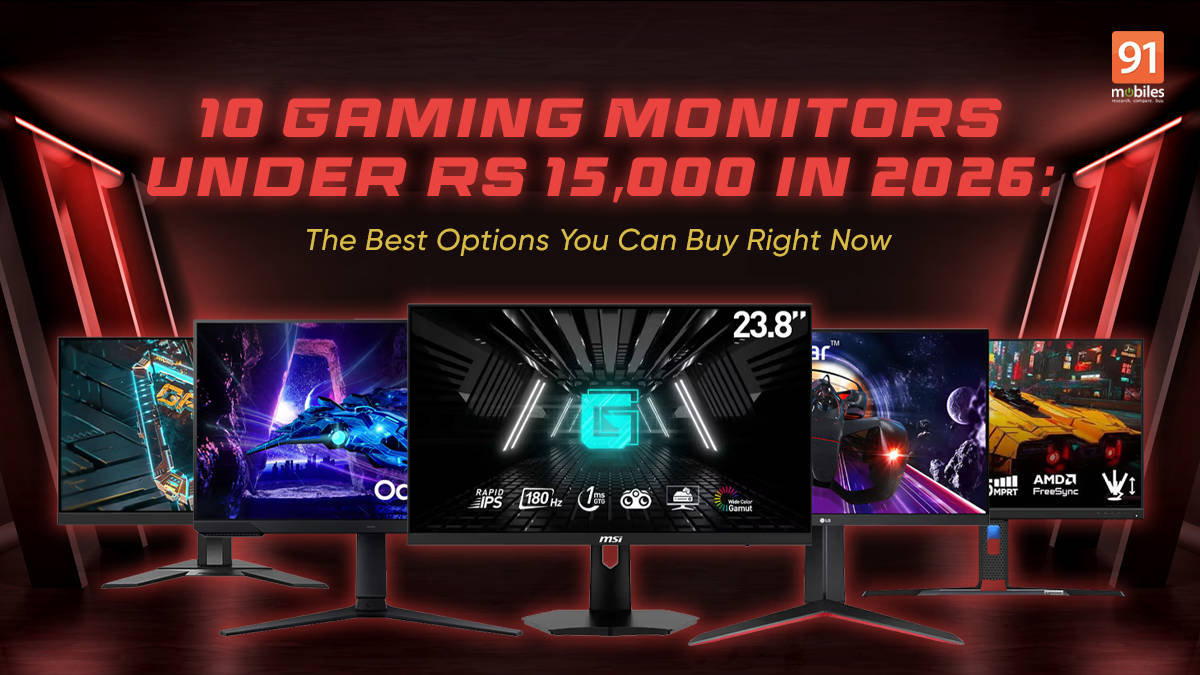
The sub-Rs 15,000 gaming monitor segment has peaked quite a bit in recent years. Once defined by 60Hz displays and entry-level TN panels, it is now among the most competitive parts of the market.
You now get features like Full HD monitors with 144Hz, 165Hz, and even 180Hz refresh rates, something that was largely unheard of until you were spending Rs 25,000 or more. IPS panels have become common, response times have dropped below 1ms on paper, and adaptive sync support is now standard across most models.
That said, not every specification matters equally at this budget. While 1440p monitors do exist close to this price, they often come with compromises in refresh rate, panel quality, or overall performance. For most gamers, 1080p remains the best value-for-money choice under Rs 15,000, especially when paired with a high refresh rate. After all, no one ever complained about pixel count when their shots landed first in a heated match.
Before getting into individual recommendations, let’s actually first look at what buyers can realistically expect in this segment.
Table of Contents
What to Expect From Gaming Monitors Under Rs 15,000
Resolution: 1080p Is the Sweet Spot
Full HD (1920×1080) still reigns as the most sensible and effective resolution for budgets under Rs 15,000. It keeps costs low while allowing higher refresh rates and smoother performance on mid-range GPUs. On 24-inch screens, pixel density is still sharp enough for gaming, streaming, and everyday use.
Refresh Rate: 144Hz to 180Hz Is Now Common
Most gaming monitors under Rs 15,000 now offer refresh rates well above 144Hz. Panels boasting 165Hz and 180Hz refresh rates are rapidly becoming the norm at this price level, providing enhanced motion clarity and substantially less blur in action-heavy games.
Response Time: Marketing vs Reality
Many monitors advertise response times as low as 0.5ms or 1ms. In practice, these figures are usually achieved using motion blur reduction modes. Still, even real-world response times are fast enough on most modern IPS and VA panels to handle competitive gaming.
Panel Types: IPS vs VA
- IPS panels dominate this segment due to better viewing angles and more consistent colours.
- VA panels offer deeper blacks and higher contrast ratios, which can be beneficial for dark room gaming and/or playing horror games.
Connectivity
Most monitors in this category include:
- At least one DisplayPort for high refresh rate output
- One or two HDMI ports
- A 3.5mm audio jack for headphones or speakers
Top 10 Gaming Monitors Under Rs 15,000
1. Gigabyte G24F 2


The Gigabyte G24F 2 is widely regarded as one of the strongest 1080p gaming monitors in the budget segment.
It uses a 24-inch IPS panel with a native 165Hz refresh rate, which can be overclocked to 180Hz. One of its key strengths is colour reproduction, with coverage extending well beyond standard sRGB at 95% of the DCI-P3 Colour Gamut, making it suitable not just for gaming but also for casual content creation.
The monitor also supports adaptive sync, helping reduce screen tearing during gameplay. Its on-screen display offers granular control over colour profiles, refresh rate behaviour, and overdrive settings. The overall design remains minimal, with slim bezels suitable for dual-monitor setups.
Key specs
- 24-inch Full HD IPS panel
- 165Hz refresh rate (180Hz overclock)
- 1ms MPRT response time
Connectivity
- 2× HDMI
- 1× DisplayPort
- USB ports
- 3.5mm audio out
Current price: Rs 11,870 (Amazon)
2. LG Ultragear 24GN65R


The LG Ultragear 24GN65R stands out mainly for its physical design and adjustability.
The standout feature remains the stand, which allows easy switching between landscape and portrait orientation. This eliminates the need for a separate VESA mount for users who care about desk ergonomics.
The panel has a 144Hz refresh rate and, maintains consistent brightness across viewing angles, which is useful in shared desk setups. The overall build quality feels more robust than most monitors in this price range.
Key specs
- 24-inch Full HD IPS panel
- 144Hz refresh rate
- 1ms GtG response time
Connectivity
- HDMI
- DisplayPort
- 3.5mm audio out
Current price: Rs 10,350 (Flipkart)
3. MSI G244F E2


MSI’s G244F E2 uses what the company calls a Rapid IPS panel, designed to reduce pixel transition times while maintaining colour vibrancy at ~115% of sRGB coverage. The display includes multiple predefined gaming modes that adjust brightness and contrast automatically. The rear design follows MSI’s understated gaming aesthetic rather than aggressive styling.
The monitor supports a 180Hz refresh rate and offers a very saturated image profile out of the box, which many gamers might prefer for fast-paced titles.
Key specs
- 24-inch Full HD Rapid IPS panel
- 180Hz refresh rate
- 1ms GtG response time
Connectivity
- HDMI
- DisplayPort
Current price: Rs 11,497 (Flipkart)
4. Acer Nitro VG240Y M3


The Acer Nitro VG240Y M3 is one of the strongest value-for-money options in this list.
It delivers a 180Hz refresh rate on a 24-inch IPS panel while often being priced significantly lower than competing models, especially during sales. This model keeps most of its cost focused on panel performance rather than external features.
Key specs
- 24-inch Full HD IPS panel
- 180Hz refresh rate
- 0.5ms advertised response time
Connectivity
- HDMI
- DisplayPort
Current price: Rs 13,999 (Amazon)
5. Samsung Odyssey G3 (LS24DG302)


While most monitors here use IPS panels, the Samsung Odyssey G3 takes a different approach with a VA panel.
The VA panel is said to deliver noticeably higher native contrast (3000:1) compared to IPS alternatives in the same segment, making this monitor better suited for gaming in dark rooms or watching movies at night.
Samsung also includes multiple black level adjustment options in the settings menu. The monitor uses a flat panel design rather than the aggressive curves seen in higher Odyssey models.
Key specs
- 24-inch Full HD VA panel
- 180Hz refresh rate
- 1ms MPRT response time
- 3000:1 contrast ratio
Connectivity
- HDMI
- DisplayPort
- 3.5mm audio out
Price: Rs 10,299 (Samsung)
6. BenQ Mobiuz EX240N


BenQ’s Mobiuz EX240N focuses on delivering a balanced experience rather than chasing raw specifications.
It includes BenQ’s HDRi processing and noticeably better built-in speakers than most budget monitors, which tend to offer very basic audio. The monitor’s audio system is tuned for clarity over volume, making it usable for casual content without external speakers. BenQ’s display presets are accessible directly through the on-screen menu.
Key specs
- 24-inch Full HD VA panel
- 165Hz refresh rate
- 1ms MPRT response time
Connectivity
- HDMI
- DisplayPort
Current price: Rs 12,989 (Amazon)
7. Acer Nitro VG270 M3 (27-inch Option)


For buyers who want a larger screen, the Acer Nitro VG270 M3 offers a 27-inch display while staying close to the Rs 15,000 mark.
The increased panel area makes UI elements and text easier to read from a distance. Despite its 27-inch frame, the monitor maintains thin bezels on three sides. The design matches Acer’s Nitro lineup with subtle red accents.
A point to note is that at this size, 1080p resolution results in lower pixel density compared to 24-inch panels, but some users do prefer the larger viewing area for immersive gaming.
Key specs
- 27-inch Full HD IPS panel
- 180Hz refresh rate
- 0.5ms advertised response time
Connectivity
- HDMI
- DisplayPort
Current price: Rs 15,000 (Amazon)
8. ViewSonic VX2428


The ViewSonic VX2428 is a no-nonsense gaming monitor that frequently undercuts competitors during sales.
It offers a fast IPS panel with a 180Hz refresh rate and minimal extras, focusing purely on gaming performance.
ViewSonic positions this model as a straightforward performance-focused display. The monitor uses a lightweight chassis that makes it easier to pair with aftermarket monitor arms. Its tuning is said to prioritise motion clarity over heavy image processing, which helps keep latency low.
Key specs
- 24-inch Full HD Fast IPS panel
- 180Hz refresh rate
- 0.5ms response time
Connectivity
- HDMI
- DisplayPort
Current price: Rs 9,199 (Flipkart)
9. Lenovo Legion R24e-30


The Legion R24e-30 follows Lenovo’s understated design language, avoiding sharp angles or RGB-heavy elements. Its build quality feels closer to office-grade monitors than typical budget gaming displays, while the panel calibration out of the box is geared toward neutral colour output rather than exaggerated saturation.
Its design fits well in mixed work-and-play setups, and it offers solid performance for gaming without aggressive styling.
Key specs
- 24-inch Full HD panel (VA or IPS, depending on SKU)
- 165Hz refresh rate (up to 180Hz on select variants)
- 0.5ms advertised response time
Connectivity
- HDMI
- DisplayPort
Current price: Rs 9,499 (Amazon)
10. LG Ultragear 24GS65F

The LG Ultragear 24GS65F is a newer model that prioritises refresh rate over ergonomics.
It offers a 180Hz IPS panel but uses a simpler stand compared to older Ultragear models. The reduced stand complexity helps keep the price lower without affecting panel performance.
LG also retains its familiar Ultragear on-screen interface, which allows quick access to display presets and basic tuning options.
Key specs
- 24-inch Full HD IPS panel
- 180Hz refresh rate
- 1ms GtG response time
Connectivity
- HDMI
- DisplayPort
Current price: Rs 10,999 (Amazon)
How to Choose the Right Monitor
For competitive gaming: Prioritise high refresh rate (144Hz/165Hz/240Hz+) and low response time (1ms–2ms) for smoother motion and reduced blur. Also look for low input lag and VRR support (G-Sync/FreeSync) to avoid tearing.
For dark room gaming or movies: Consider VA panels because they usually deliver much better contrast and deeper blacks, which makes scenes look richer in low light. Just note that some VA monitors can show smearing/ghosting in fast motion compared to IPS.
For desk ergonomics: Look for a height-adjustable stand (tilt/swivel is a bonus) so you can keep your viewing angle comfortable during long sessions. If you use monitor arms, ensure it supports VESA mounting (100×100) for easier setup and cleaner desk space.
For mixed use: IPS panels are the safest all-round choice thanks to better colour consistency and wider viewing angles, making them great for gaming + work + content. Contrast won’t be VA-level, but overall image quality stays more balanced across different tasks.

