


Review Summary
Expert Rating
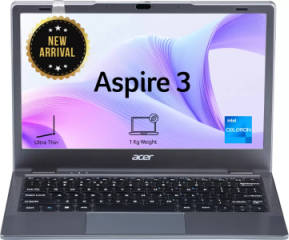
Let’s be real at Rs 25,000, you’re not shopping for a laptop, you’re shopping for the least painful compromise. Bad displays, sluggish processors, and keyboards that rattle something always give. The Acer Aspire 3 (A311-45) isn’t here to change that story entirely, but it does make a decent case for itself. Small, straightforward, and priced for people who just need Windows to work without burning a hole in their pocket. Whether it actually holds up day-to-day, or just trades one set of frustrations for another, that’s what we’re here to find out.
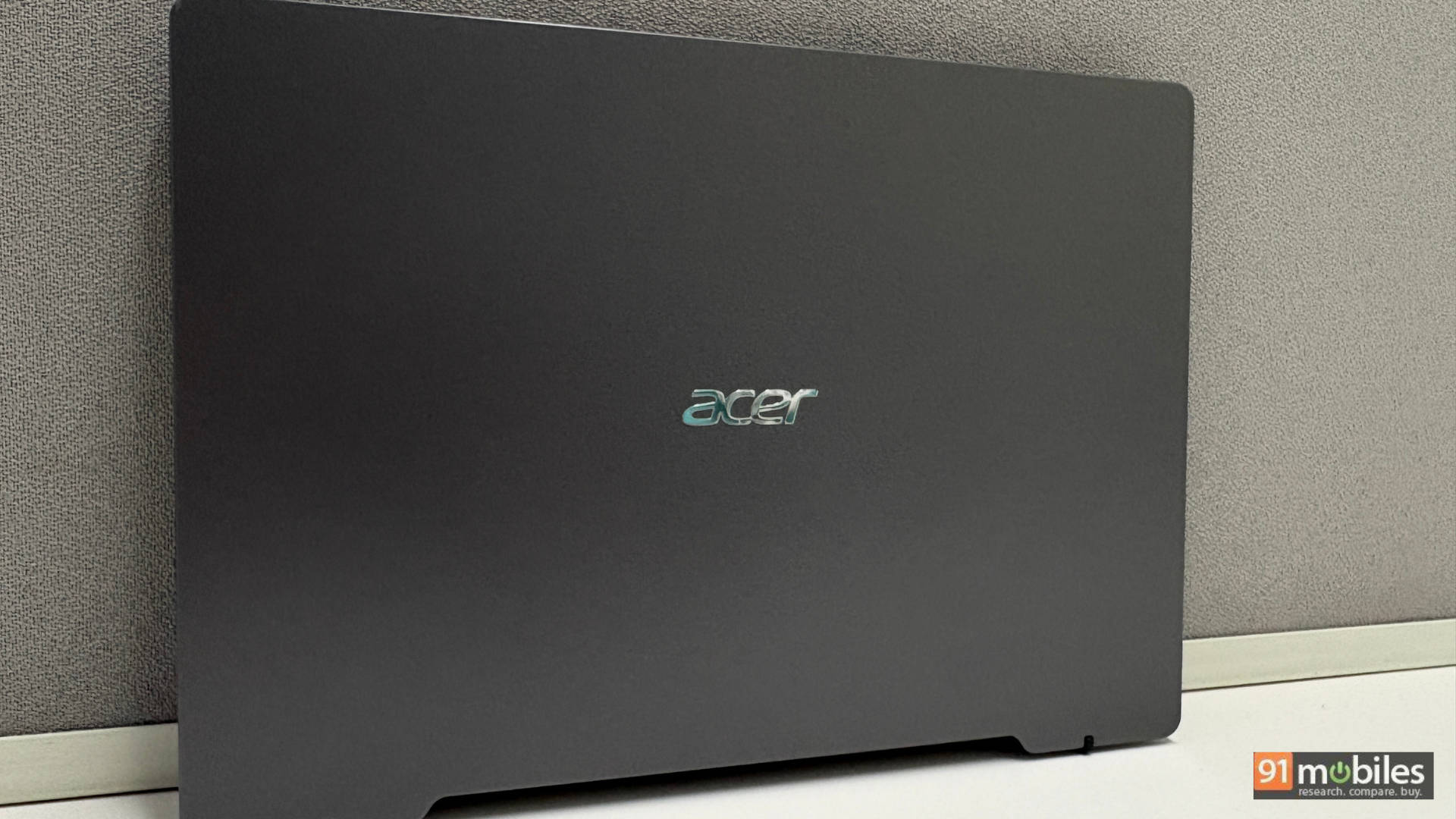
Table of Contents
Tiny But Tough: Design That Turns Heads
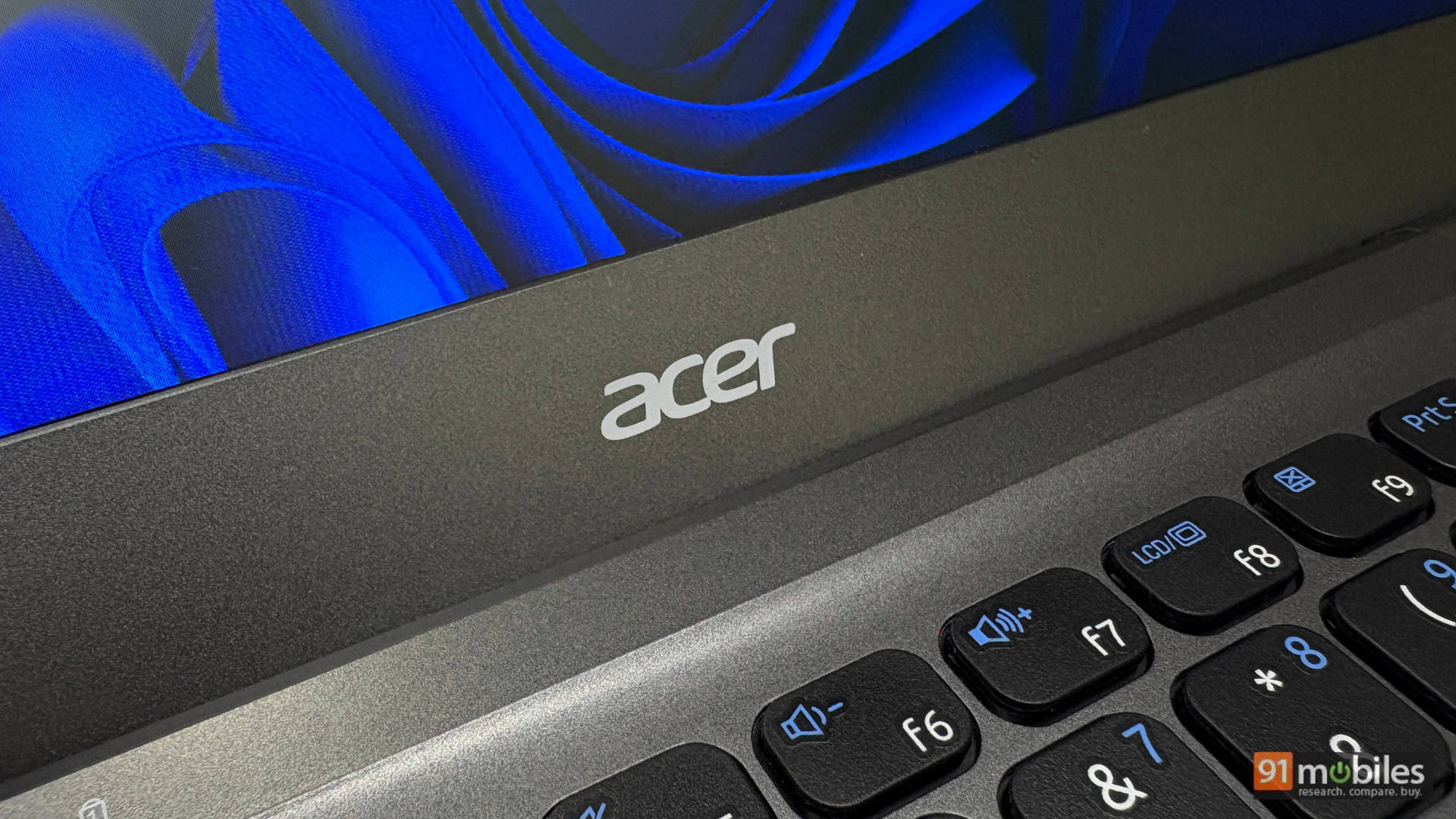
Nobody expects a sub-Rs 25,000 laptop to look good. That’s part of what makes the Aspire 3 such a pleasant surprise. The Steel Grey polycarbonate chassis has no business looking this clean, and yet, every coworker who walked past stopped to take a second look. Yes, it’s plastic. But it’s sturdy, no hollow wobble, no cheap creak, just a quiet confidence that belies the price tag.
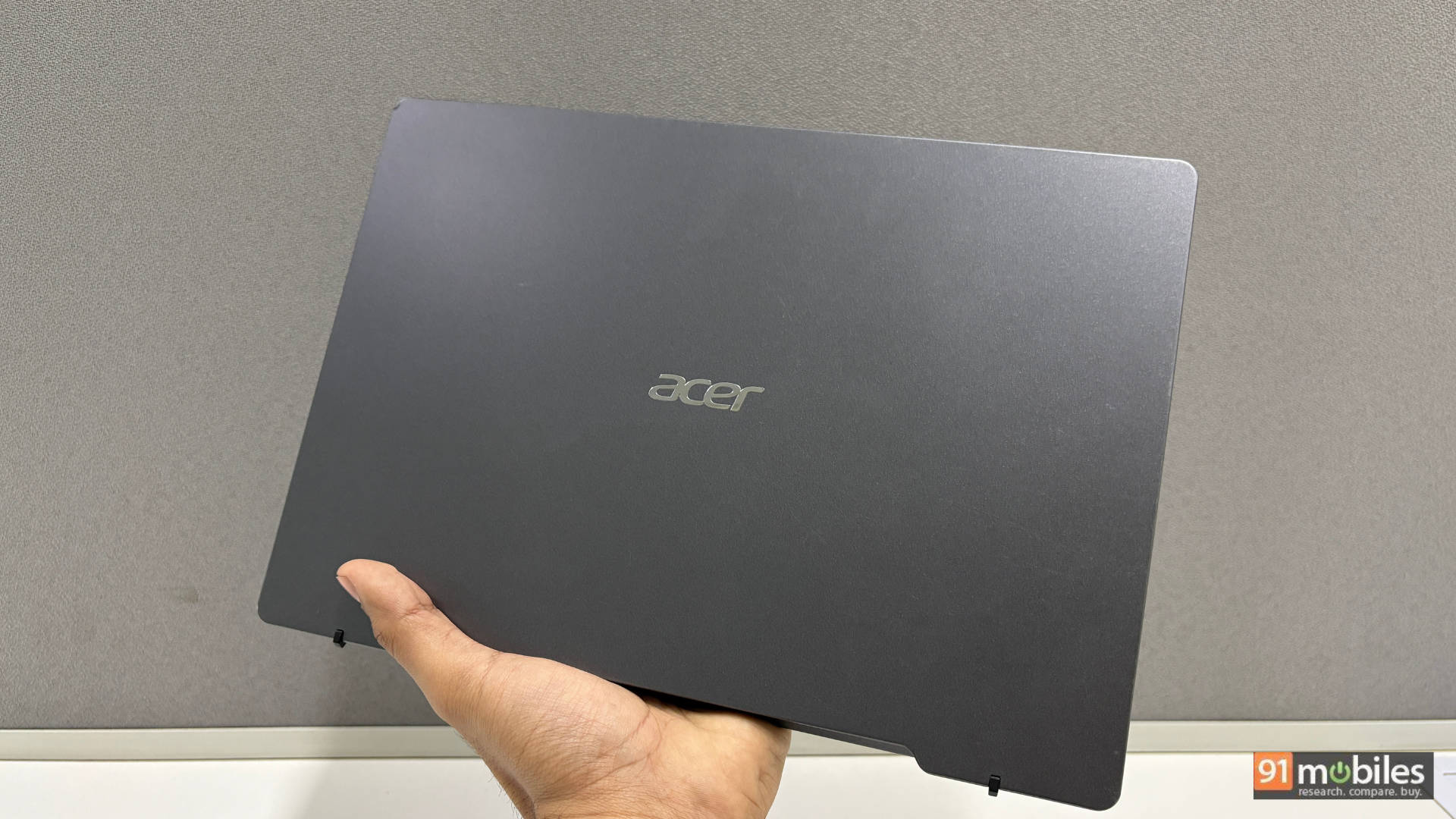
After a month of daily use, the finish tells a reassuring story. A few light surface scratches, nothing dramatic, and the Steel Grey colour is smart enough to hide most of them anyway. The lid does flex a little under pressure, and you’ll need both hands to open it.
But here’s where Acer earns a small engineering win: the hinge is designed to tilt the rear of the laptop upward when fully opened. It creates a natural airflow gap underneath. It’s a subtle trick, but it keeps temperatures in check and stops the chassis from turning into a hand warmer. Especially during long sessions. ASUS has done something similar with their ErgoLift hinge for years, so it’s not a new idea, but it’s good to see it show up here.
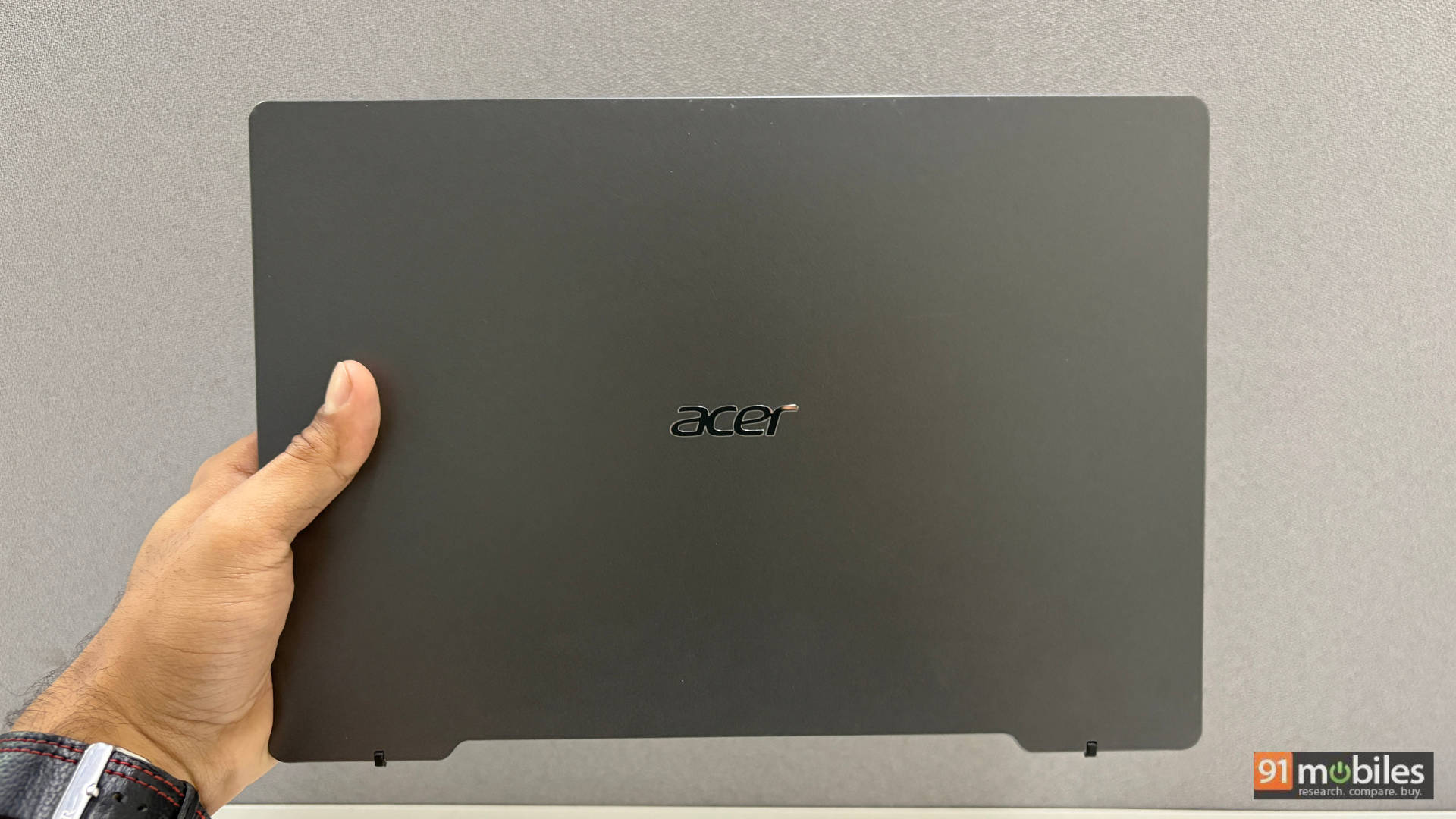
At just 1 kilogram, this is the kind of laptop you throw in a bag and genuinely forget about until you need it. For an 11.6-inch machine, the bezels are thicker than they need to be, and the chin is especially generous. But at this price and this weight, it’s hard to complain too loudly.
The Screen Situation: Manage Your Expectations
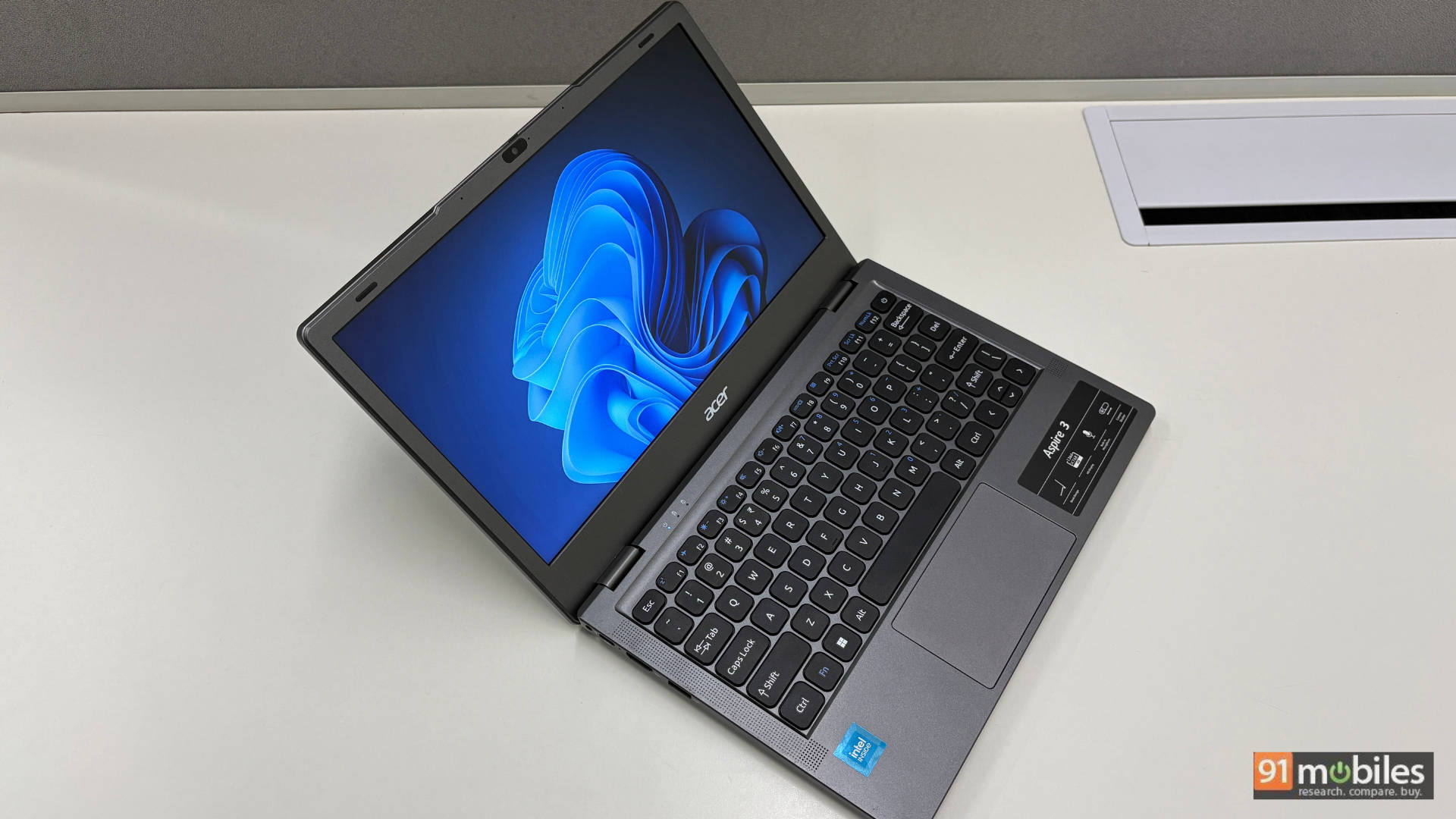
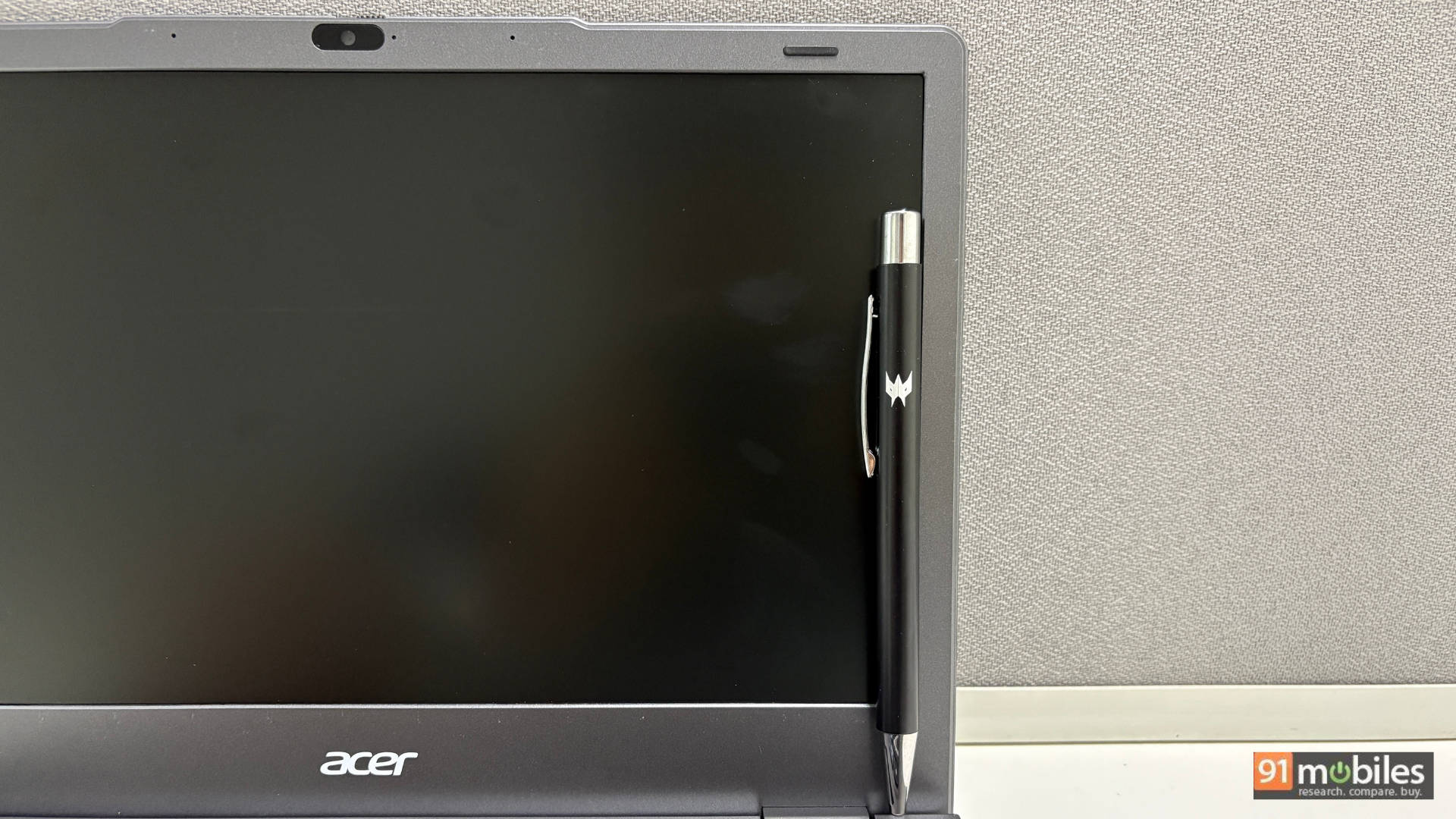
Right, let’s get the uncomfortable part out of the way. The 11.6-inch TFT LCD panel running at 1366×768 is not going to win any awards. Colours are washed out, blacks look more like a tired charcoal grey, and there’s a persistent bluish tint that makes everything feel slightly clinical. Outdoors, brightness becomes a real limitation. The matte finish at least handles reflections well, so you’re not fighting glare on top of everything else.
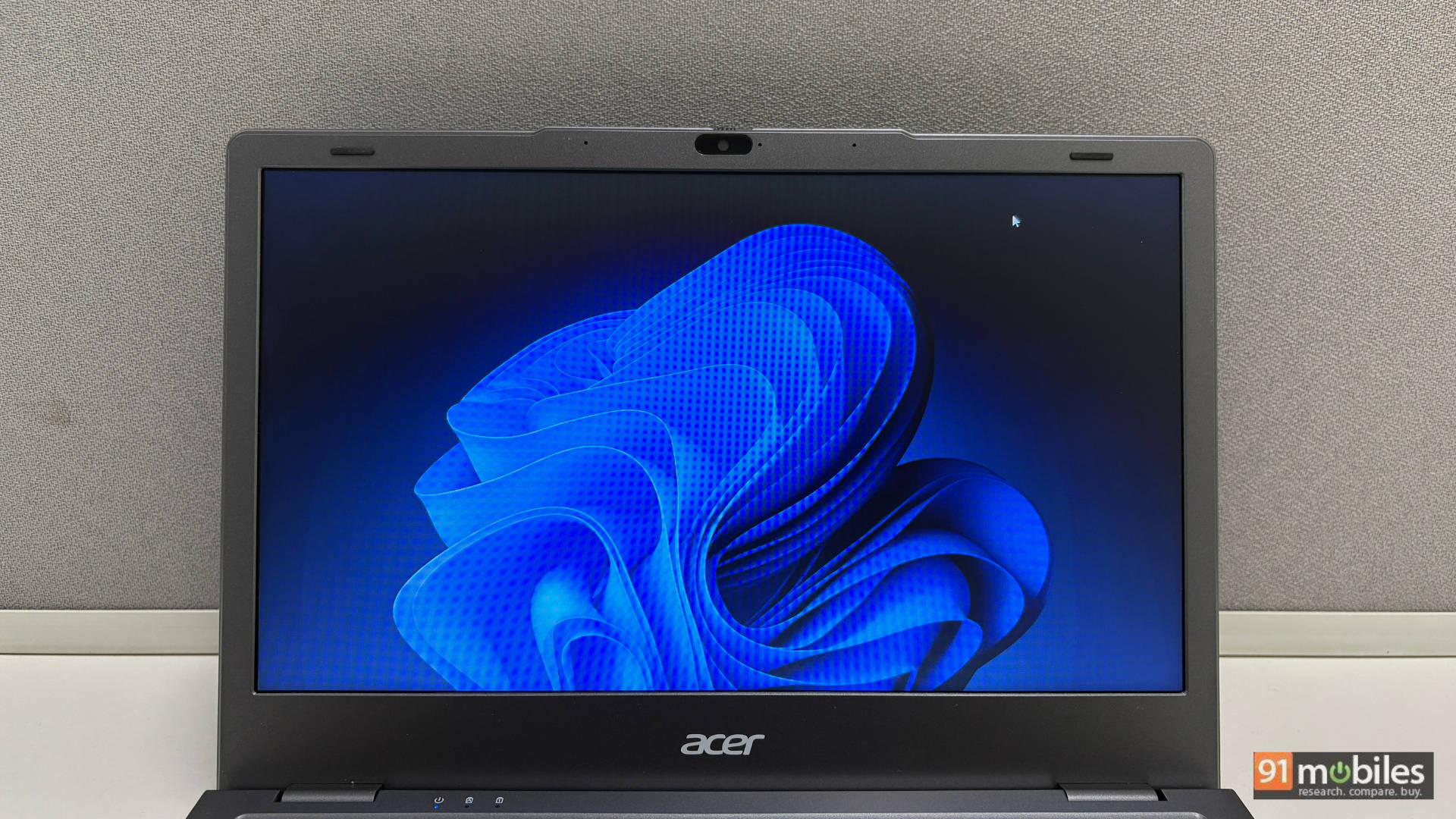
Here’s the honest verdict: if your daily workflow involves documents, spreadsheets, video calls, and web browsing, the display gets the job done. It’s functional, not beautiful. But the moment you sit down expecting Netflix to look good, or try editing a photo with any colour accuracy, the display will let you down. For entertainment purposes specifically, a budget tablet with a keyboard cover will likely serve you better and give you a significantly nicer visual experience for similar money.
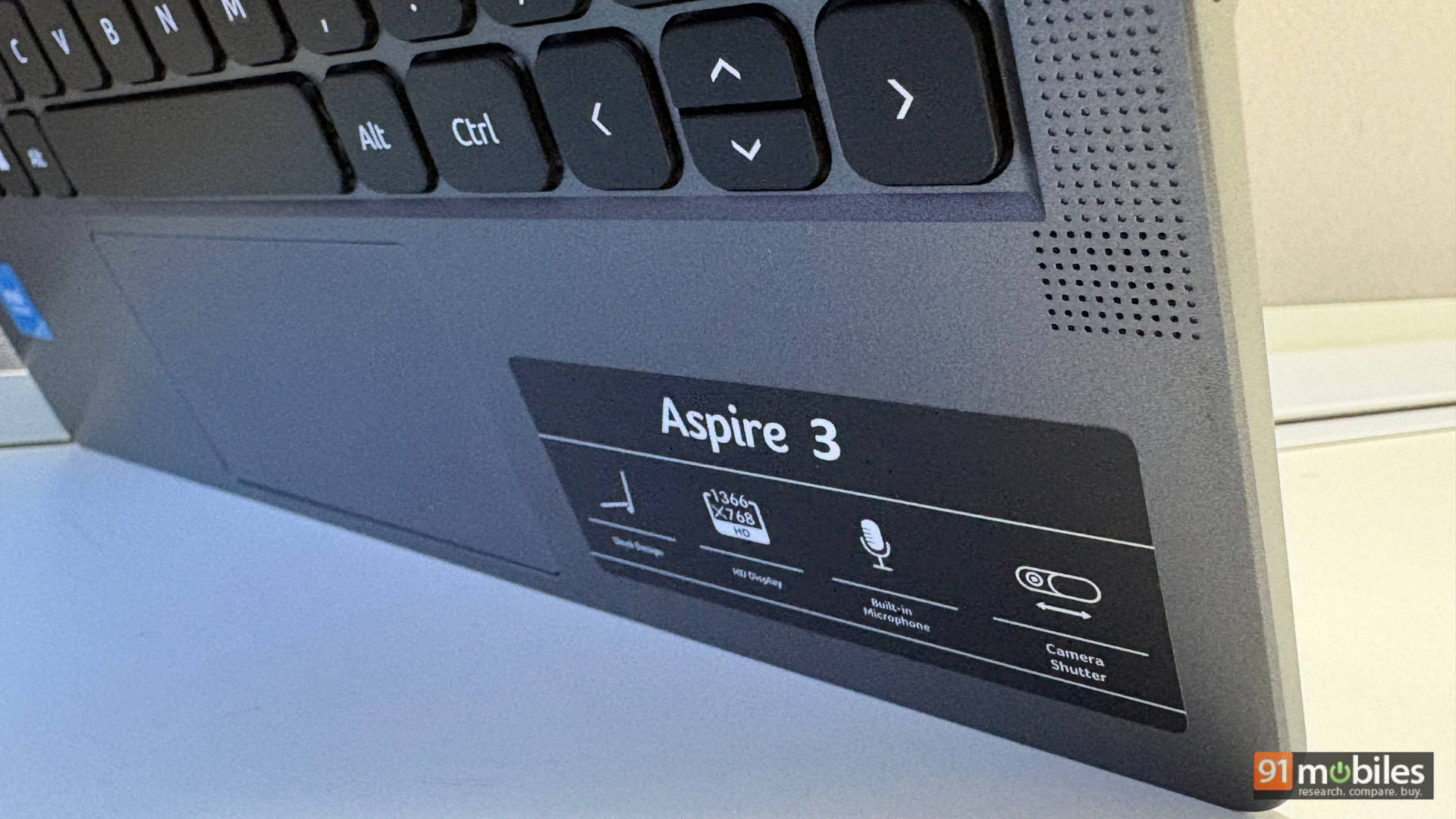
The stereo speakers follow the same philosophy: adequate, not impressive. Virtual meetings and background music come through fine, but don’t expect bass, depth, or anything that’ll fill a room. For focused listening, headphones are non-negotiable. Think of the speakers as a fallback, not a feature.
Port City: No Dongle Required
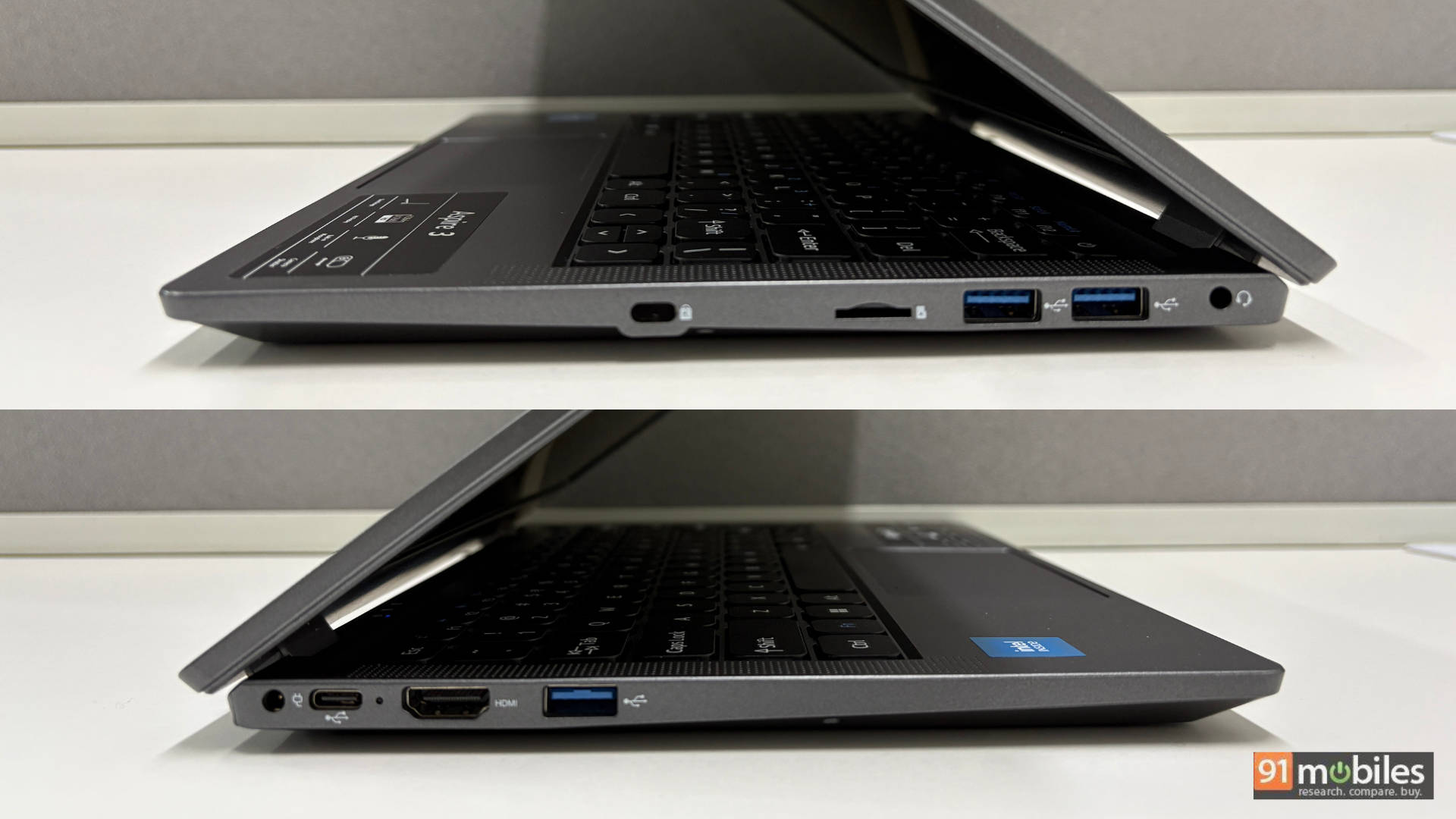
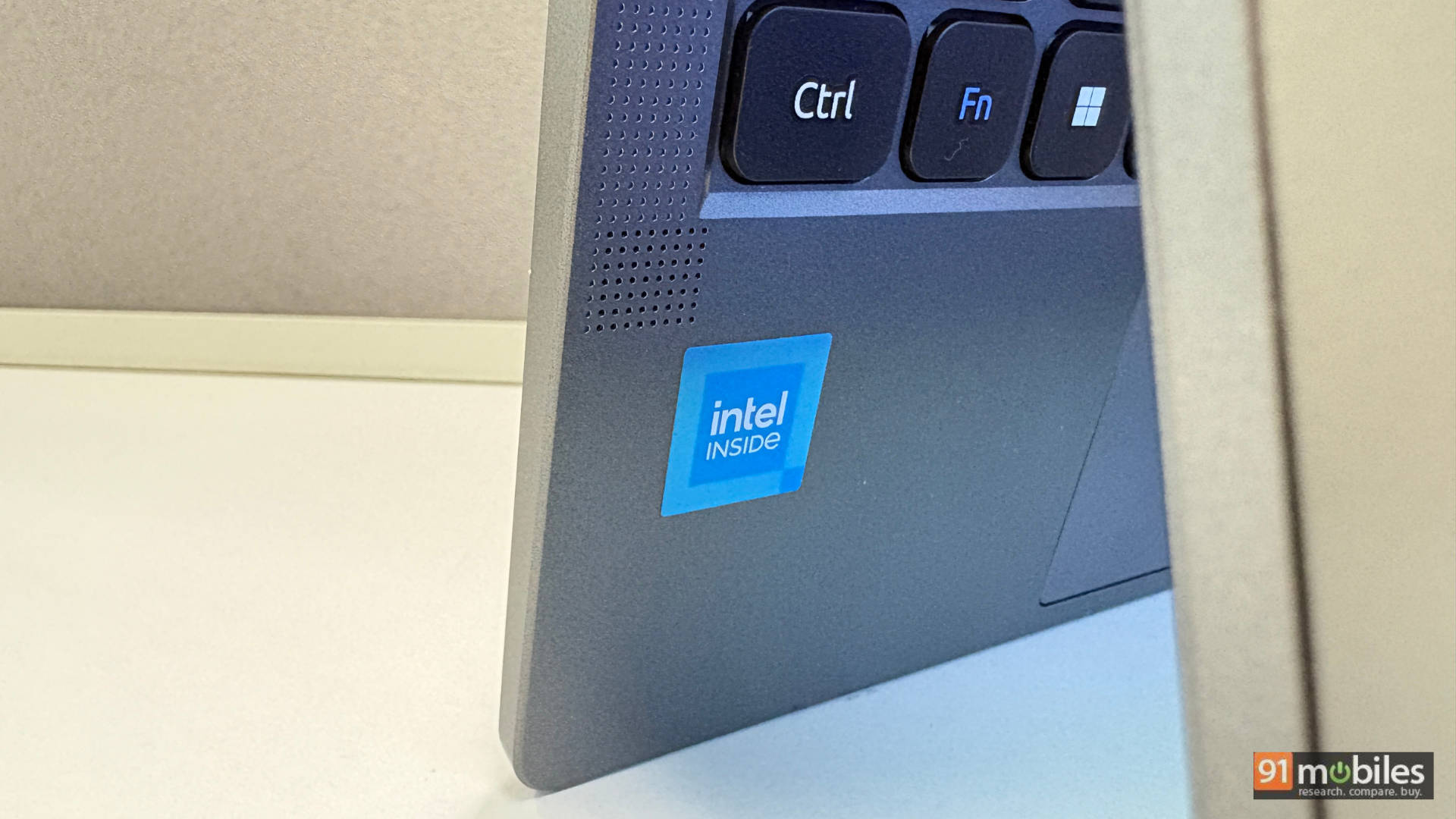
This is where the Aspire 3 genuinely surprises. For an 11-inch budget laptop, the port selection is almost embarrassingly generous. Left side: USB 3.2 Gen 1 Type-A, HDMI, and a USB 3.2 Gen 1 Type-C. Right side: two more USB 3.2 Gen 1 Type-A ports, a headphone jack, a Kensington lock slot, and, remarkably, a microSD card reader. That’s seven practical ports on a machine that costs less than most decent tablets in the market.
The 0.3MP sensor is forgettable at best. For a quick voice call where your face needs to be vaguely present, it scrapes by. For client meetings, interviews, or anything where you actually need to look sharp on screen, it will let you down visibly. But the physical privacy shutter is a nice, secure touch.
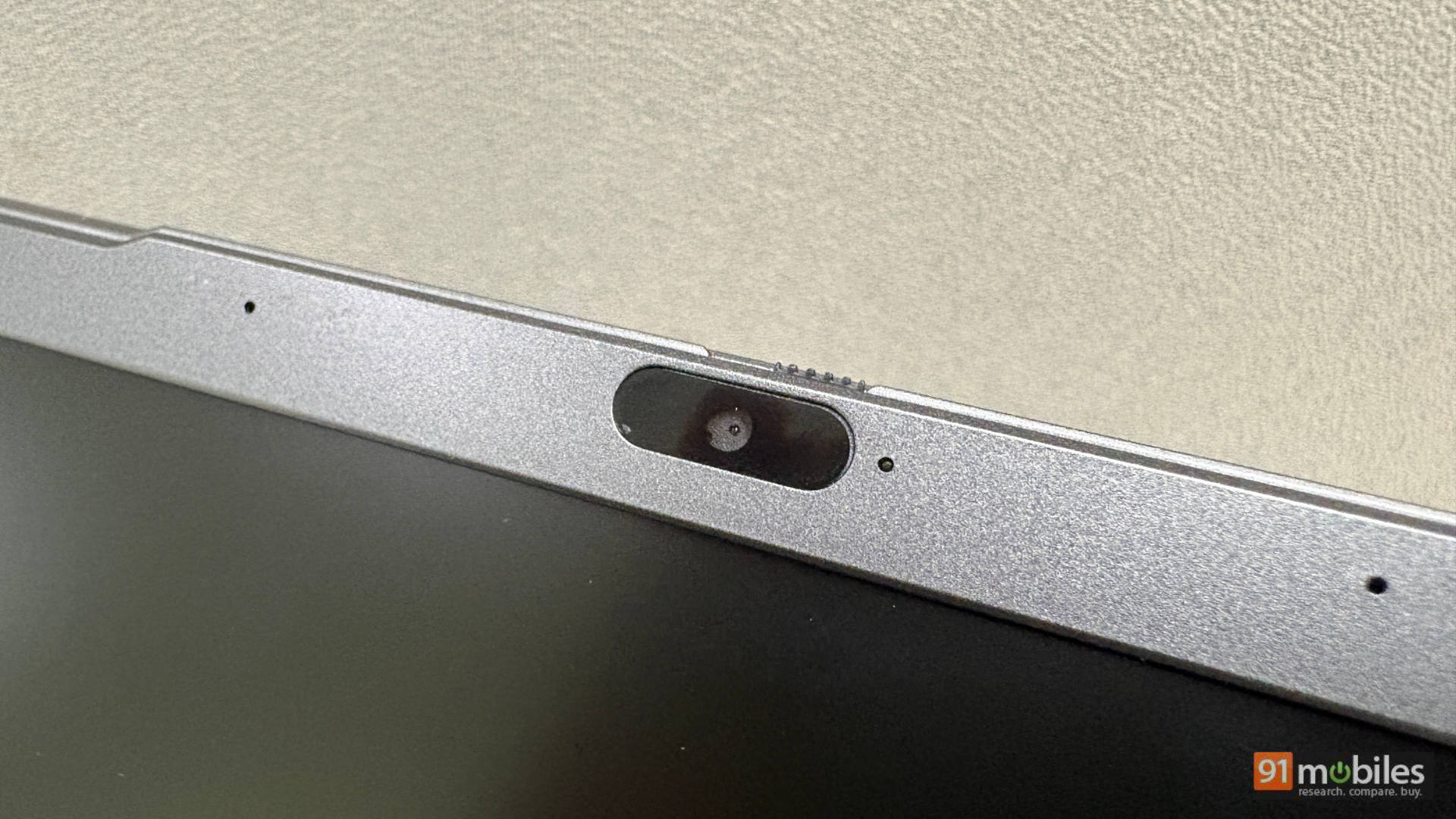
That said, if video quality matters to you at all, the most practical fix is already in your pocket. Most modern smartphones can double as a webcam via apps like DroidCam or Camo, and the jump in quality is night and day.
Keys and Clicks: Cramped, But You’ll Adapt
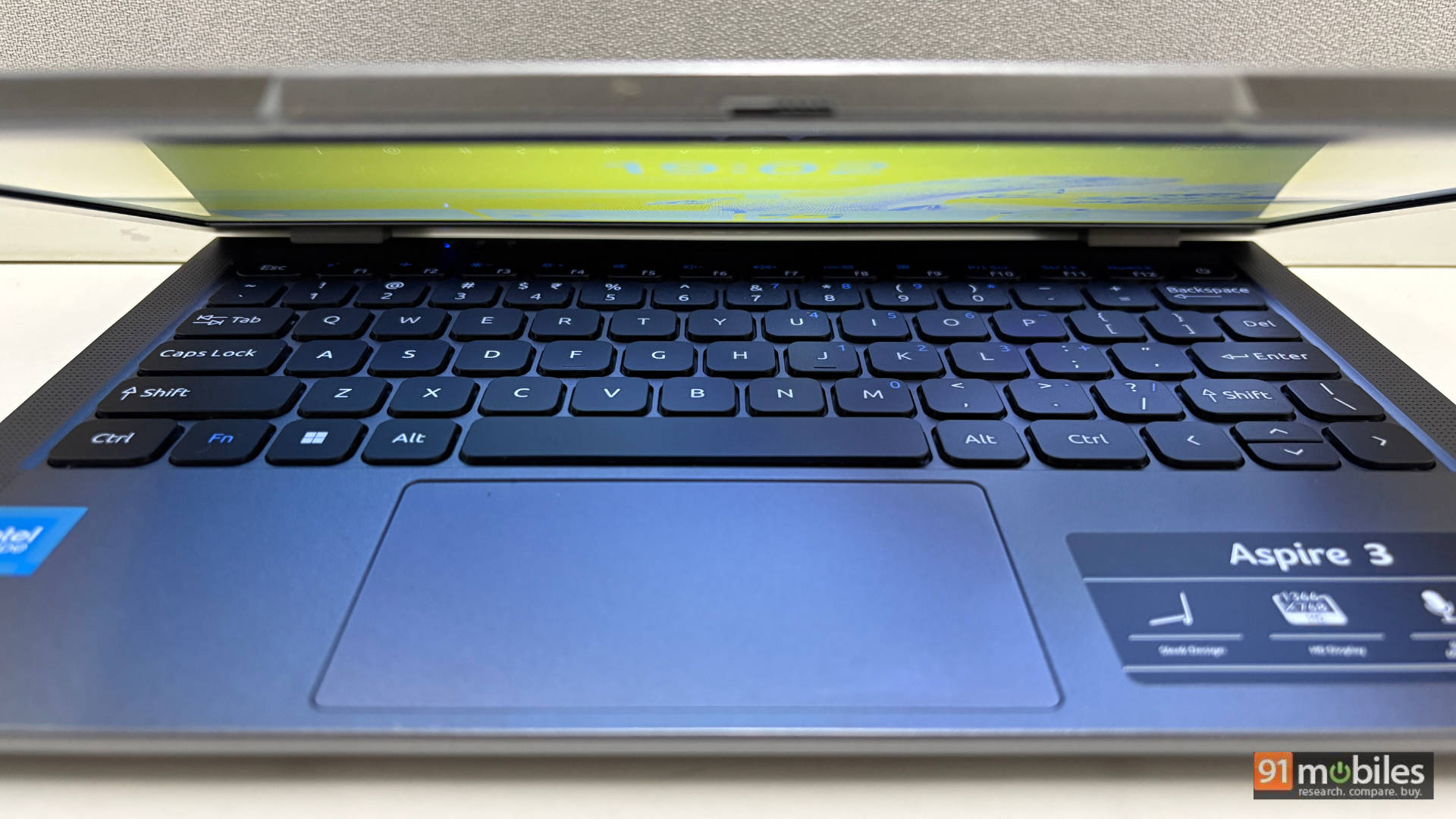
Typing on this keyboard is an acquired taste. The compact layout means the keys sit closer together than most adults will initially find comfortable, and the backspace and spacebar placement will catch you off guard in the first day or two. Stick with it, though, and the experience improves. The keys are clicky and responsive with decent feedback, even if travel is minimal given the form factor.
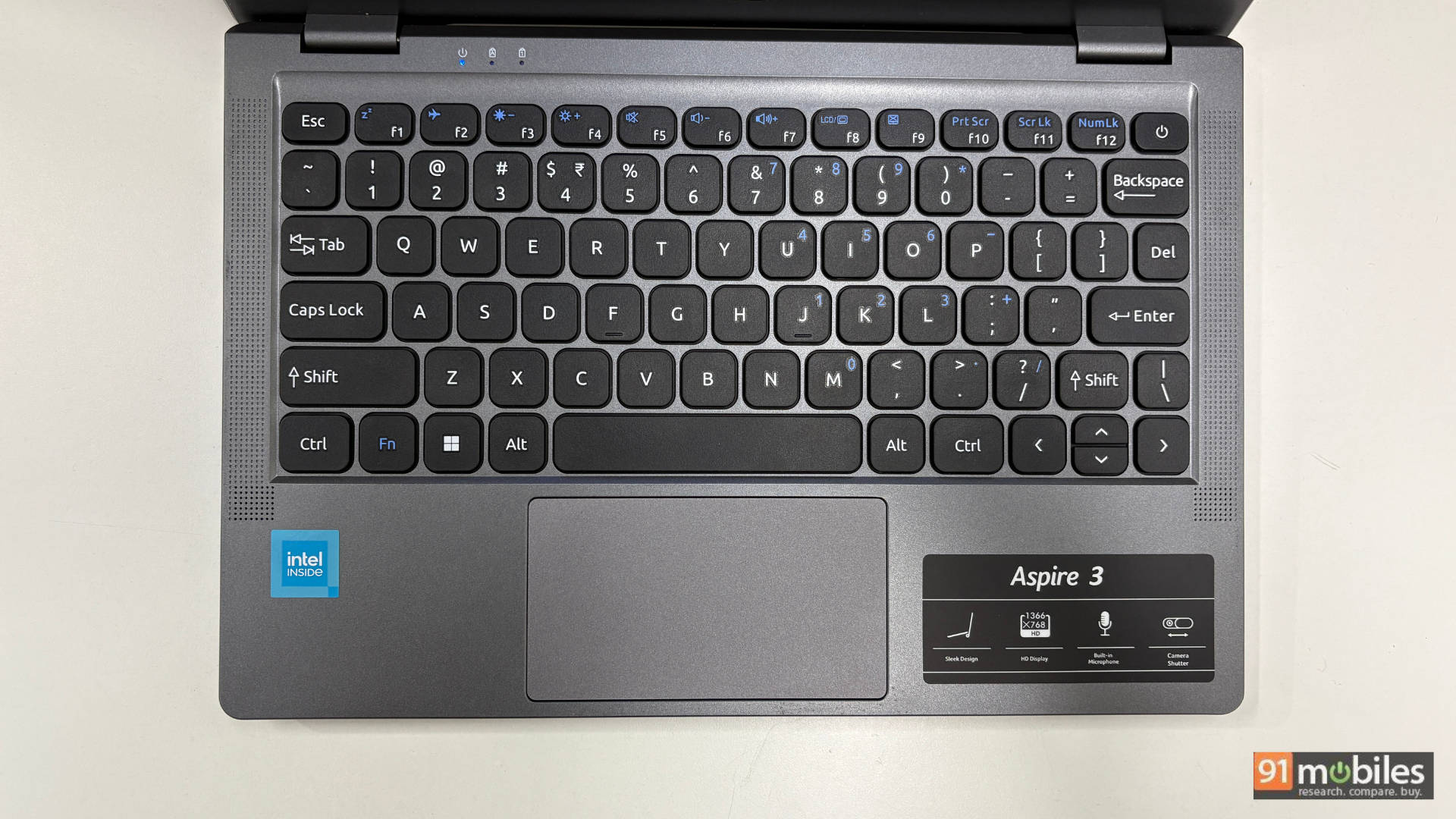
The touchpad is small, centrally positioned, and supports all standard Windows gestures. For everyday document work and light browsing, it holds up just fine. However, anything involving precision photo editing or detailed graphic work is going to frustrate you quickly. An external mouse becomes less of a luxury and more of a necessity. Given the generous port selection, plugging one in is thankfully a non-issue.
Intel Celeron Life: Fast Enough for the Basics?
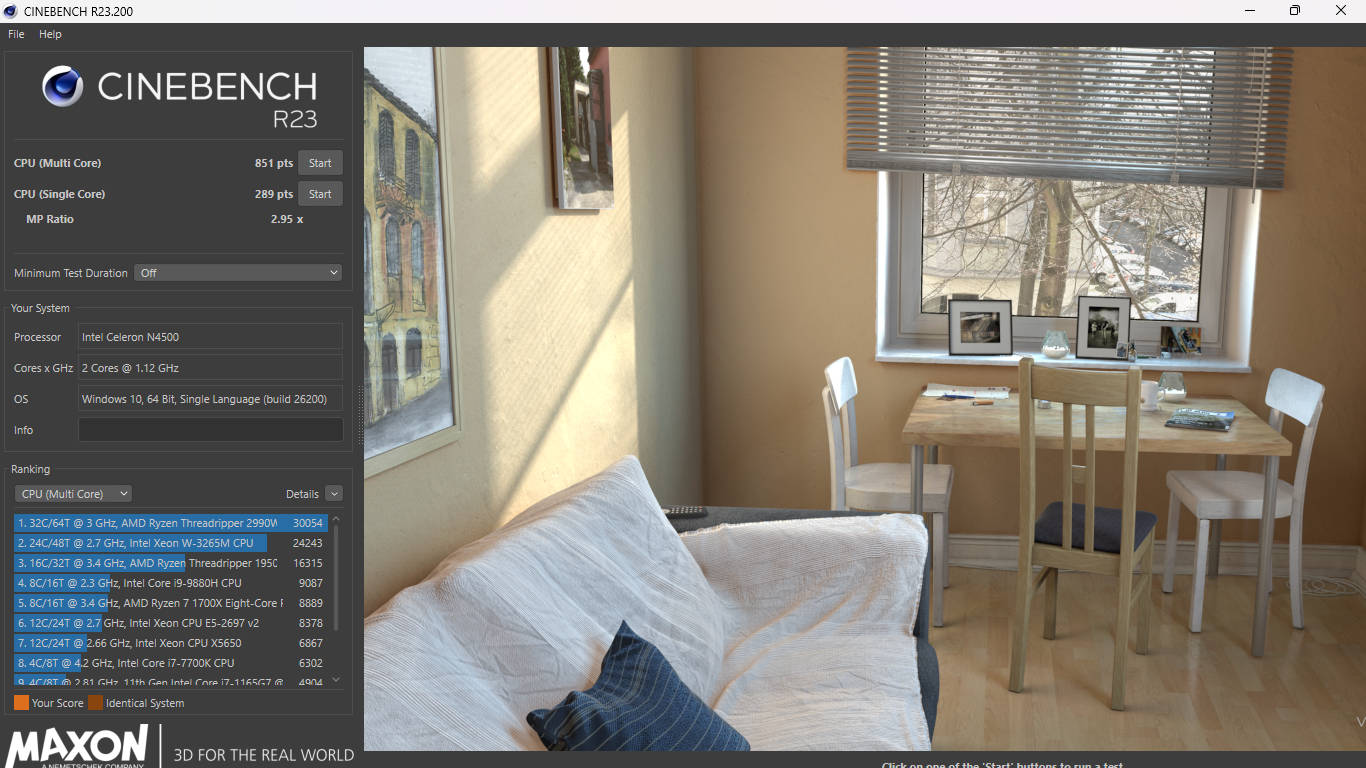
Aspire 3 boasts Intel Celeron N4500 paired with 8GB of DDR4 RAM, and the honest summary is this: it does exactly what a Celeron is designed to do. Web browsing, document editing, and media playback are all handled without drama. Boot times are snappy thanks to the 256GB Gen 3 SSD. Which remains the real performance hero of this package. The 256GB variant hits the sweet spot; the 128GB option will fill up fast, and the 512GB variant costs extra money, better spent elsewhere at this budget.
| Benchmark | Acer Aspire 3 A311-45 | ASUS Vivobook Go |
Cinebench R23 MT | 851 | 1004 |
Cinebench R23 ST | 289 | 575 |
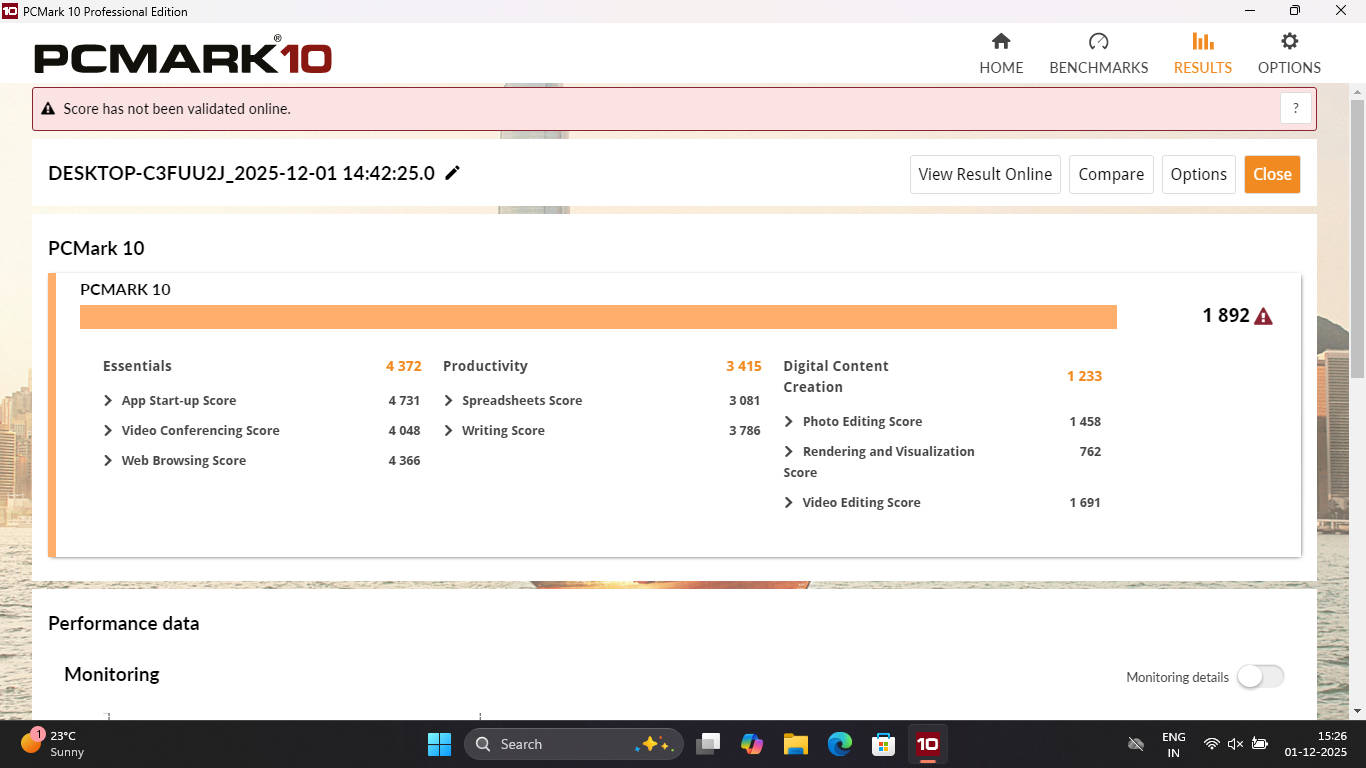
PCMark 10 | 1892 | 1972 |
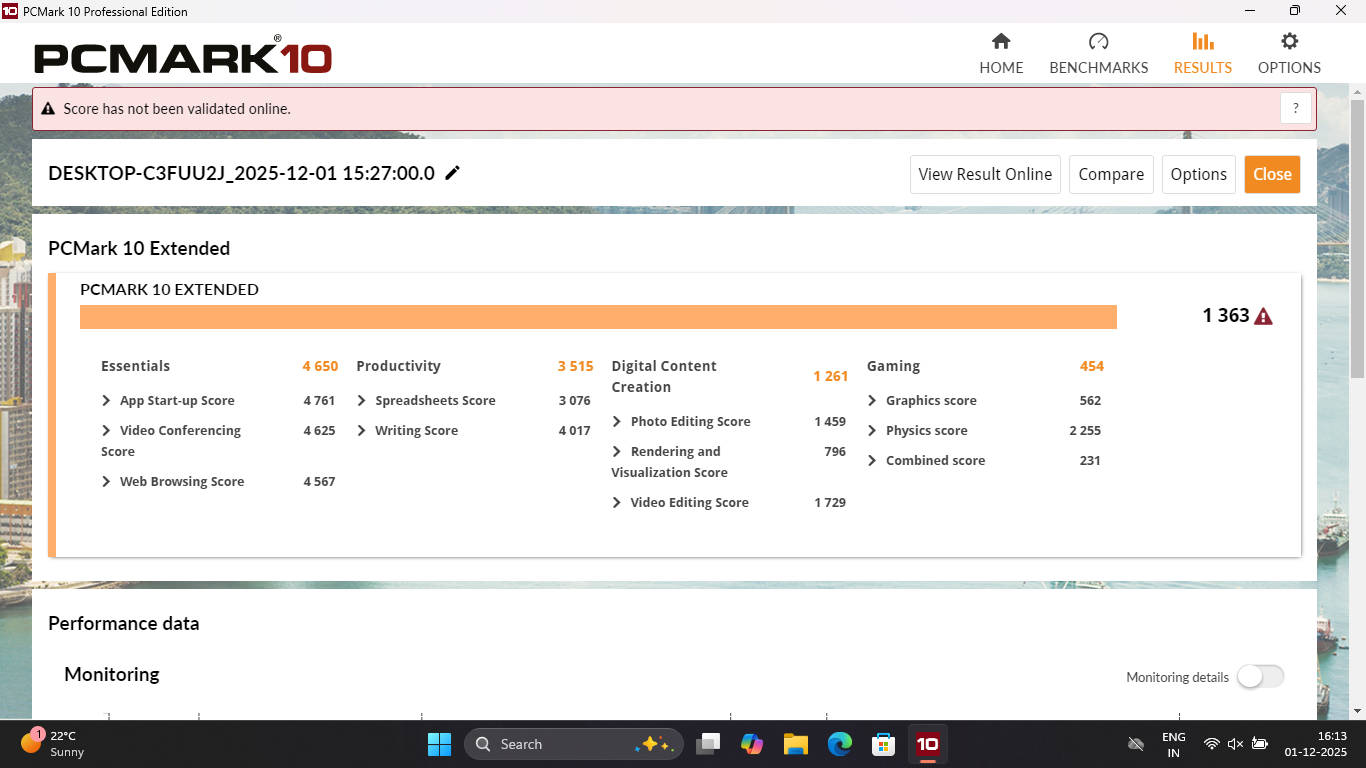
PCMark 10 Extended | 1363 | 1263 |
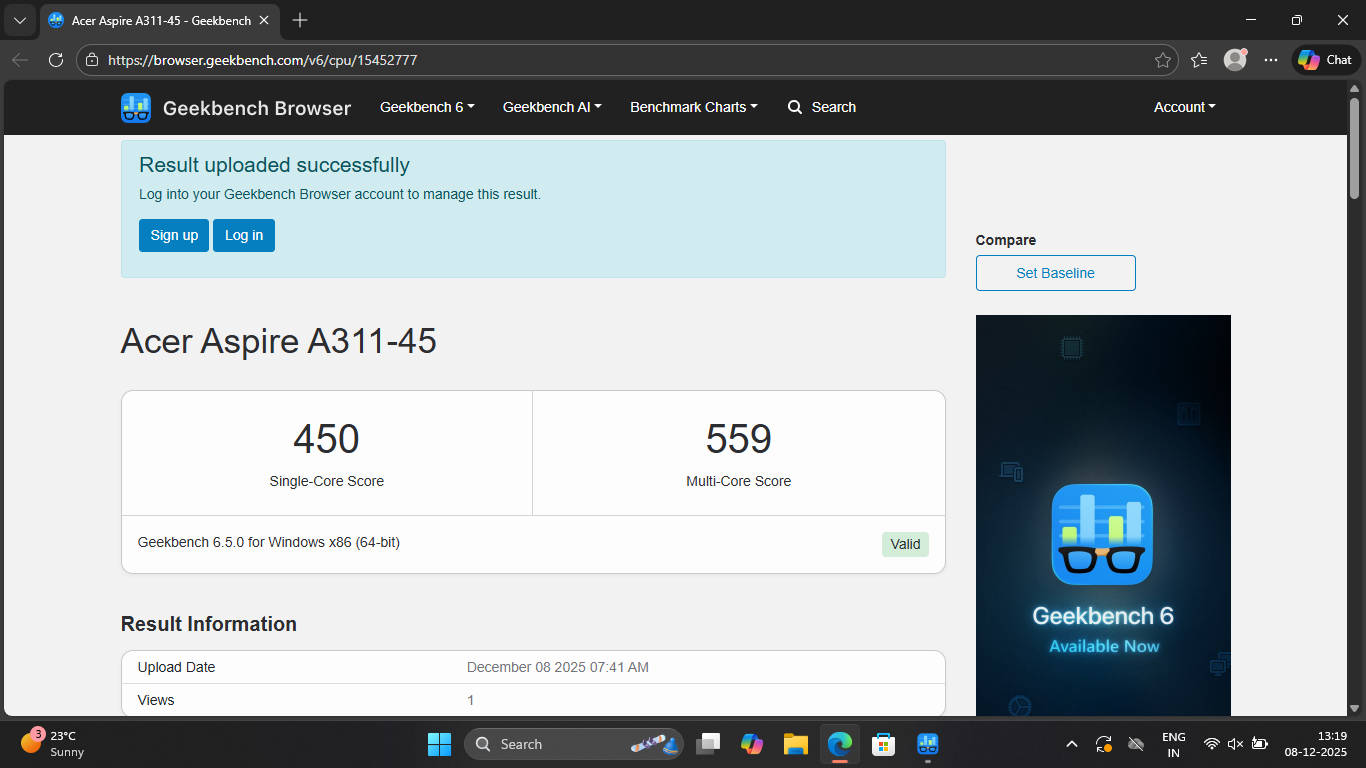
Geek Bench 6 ST | 450 | 489 |
Geek Bench 6 MT | 559 | 748 |
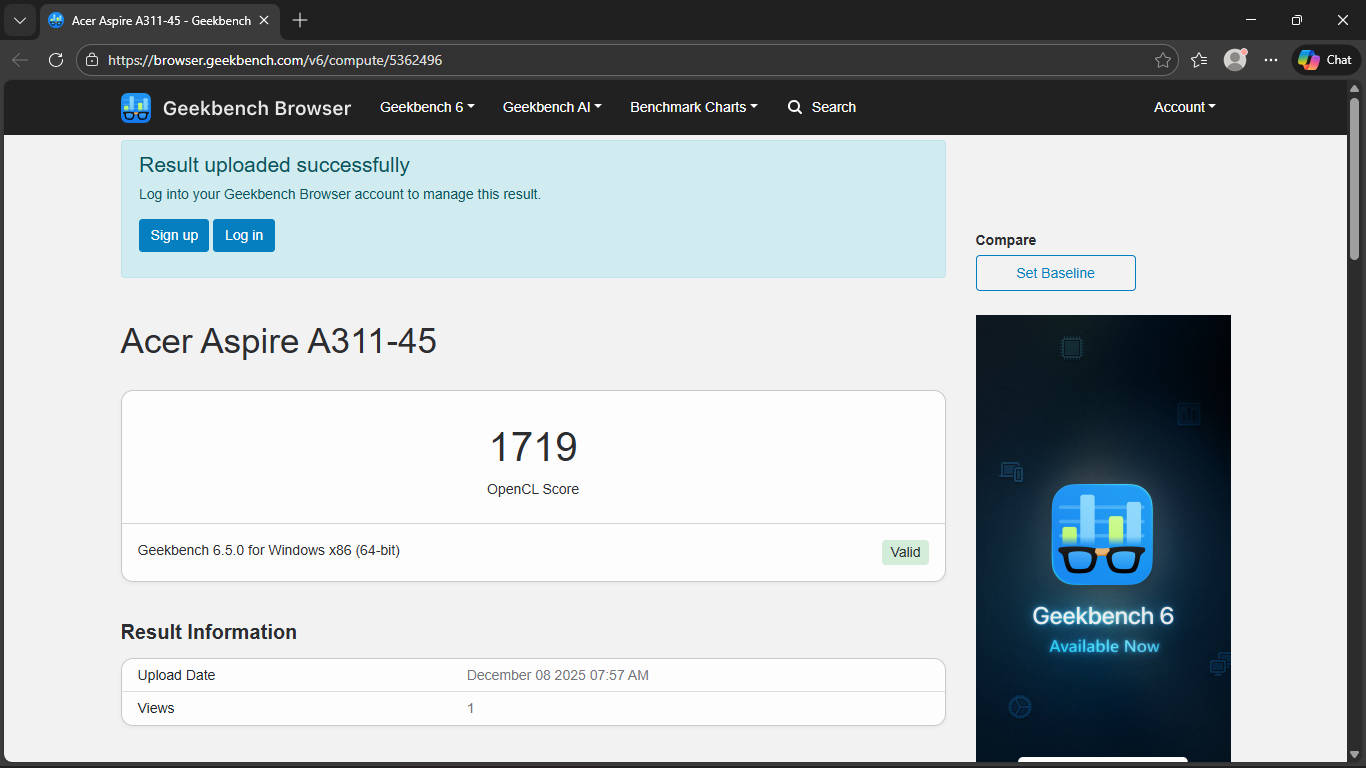
Geek Bench OpenCL | 1719 | 1787 |
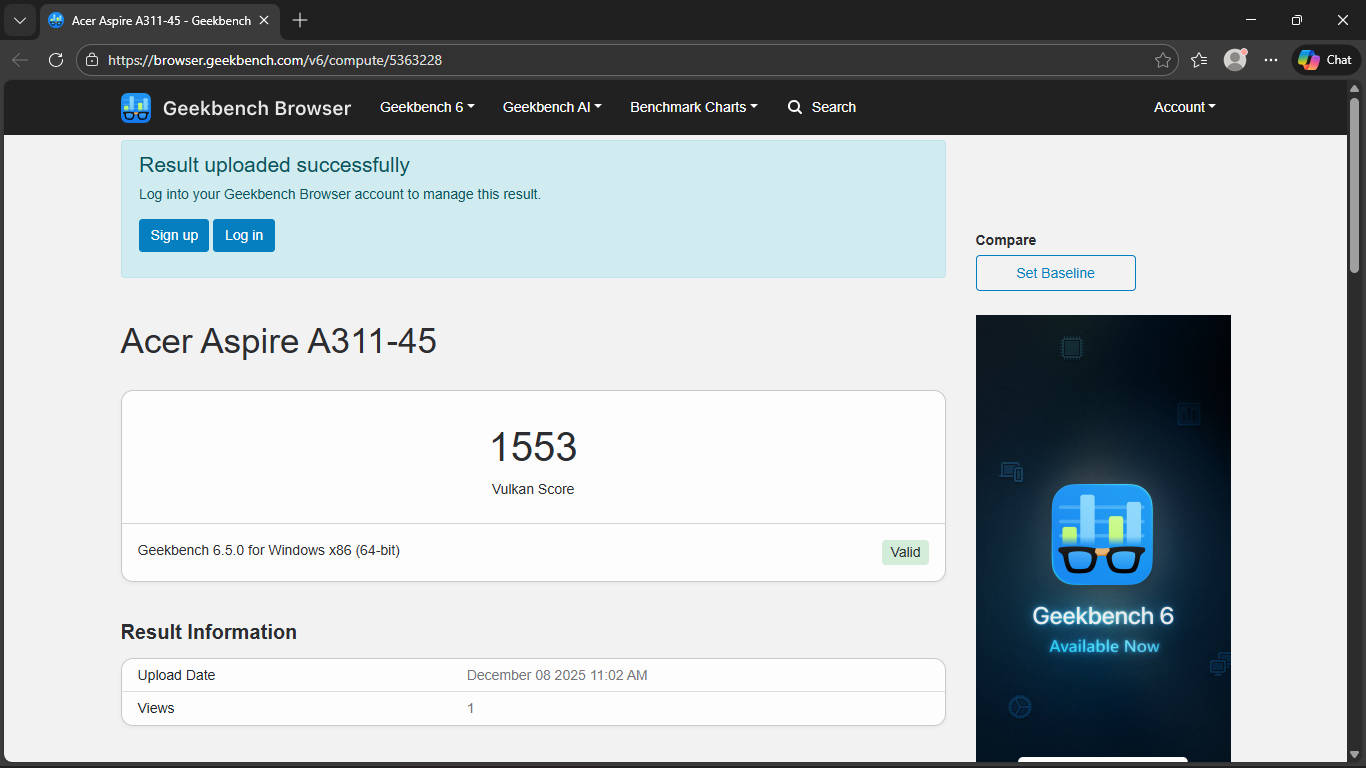
Geek Bench Vulcan | 1553 | 2090 |
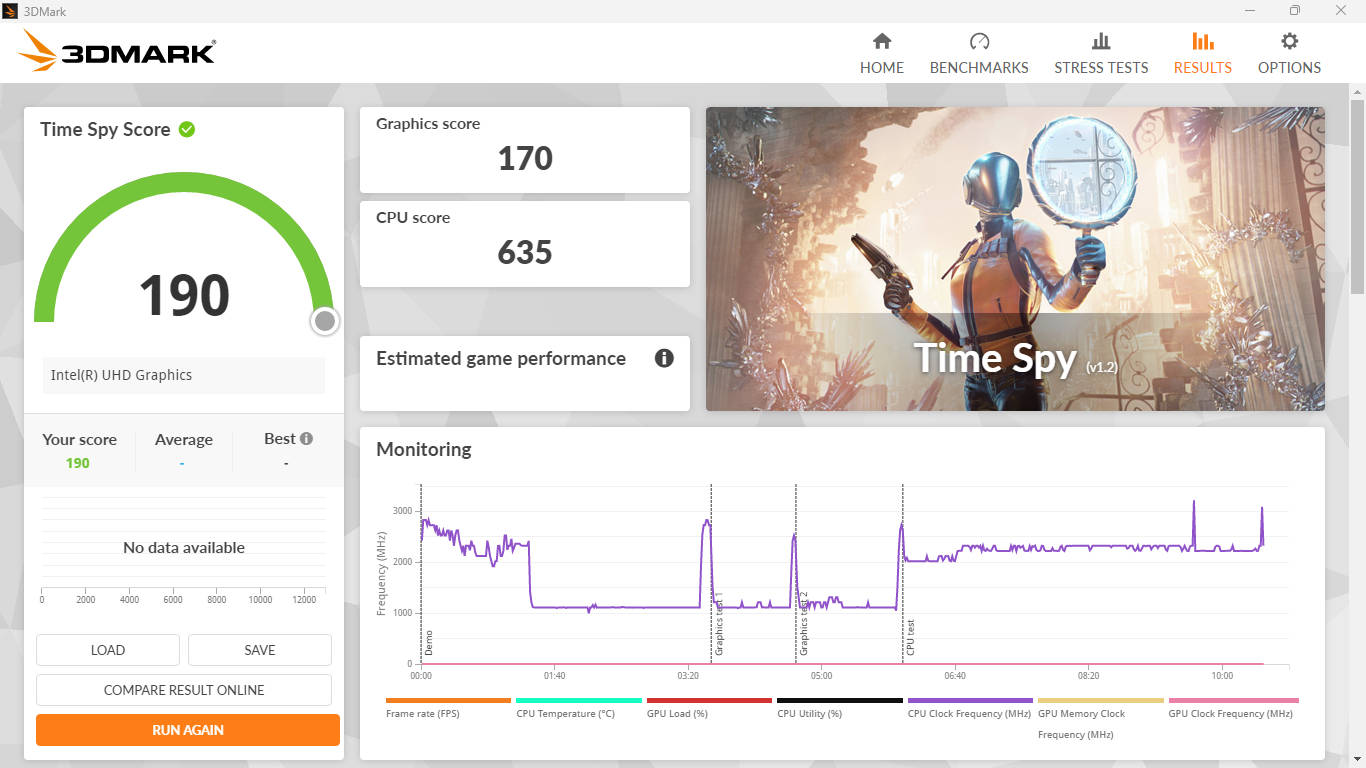
3DMark Time Spy | 190 | 179 |
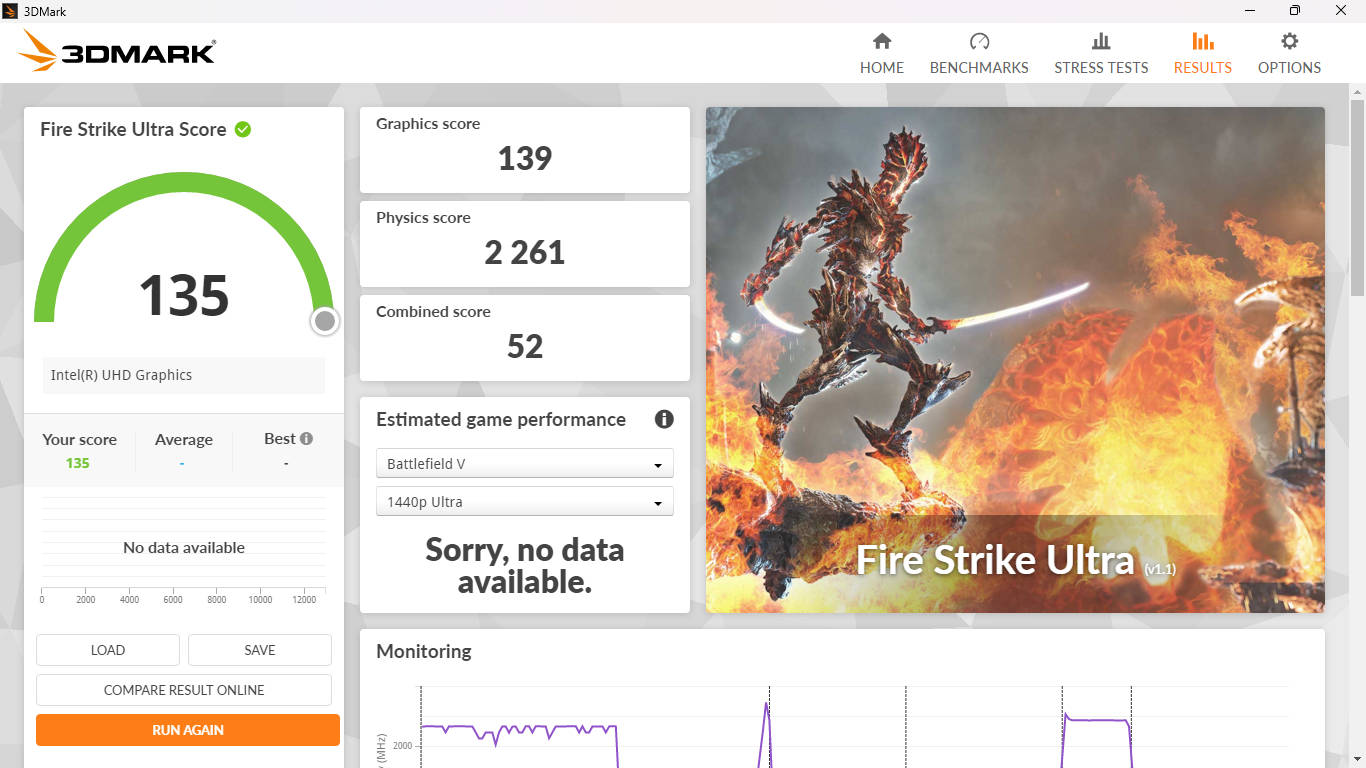
3DMark Fire Strike Ultra | 135 | NA |
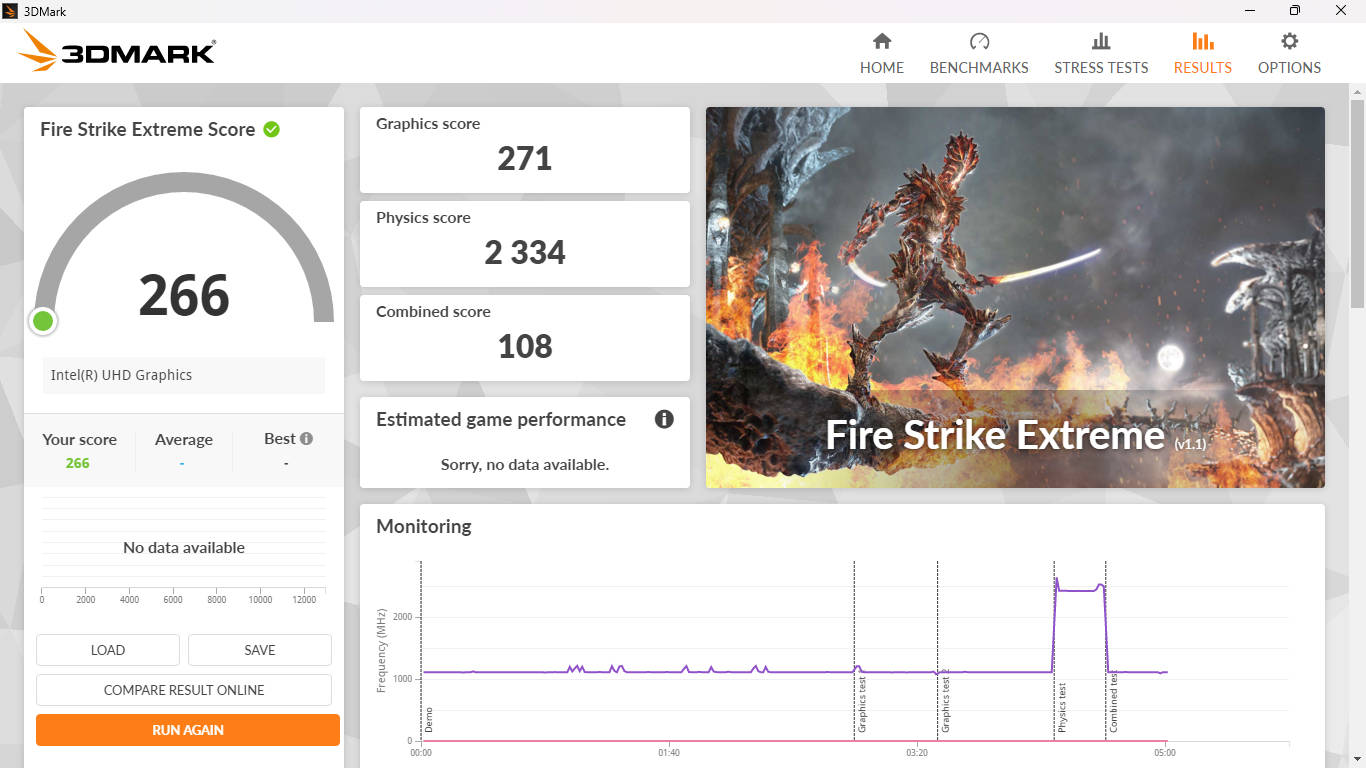
3DMark Fire Strike Extreme | 266 | NA |
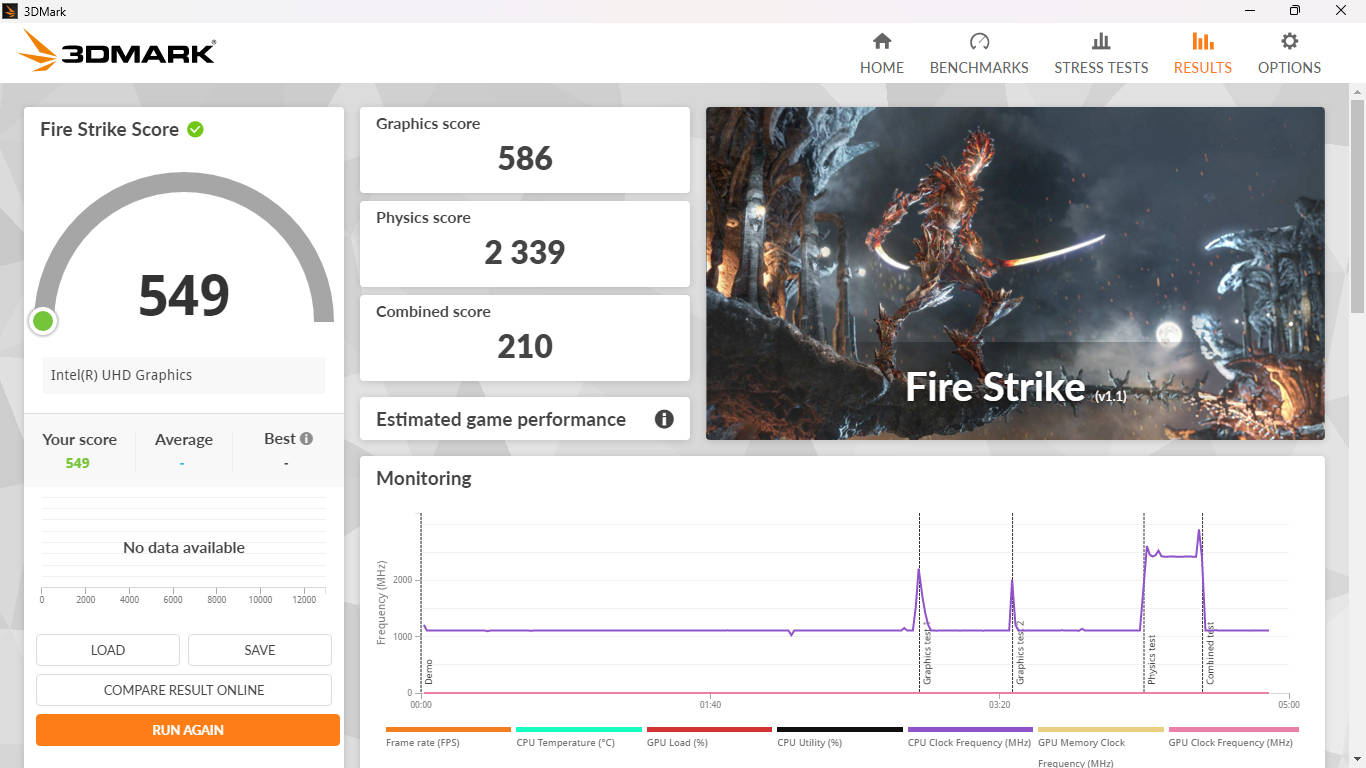
3DMark Fire Strike | 549 | 536 |
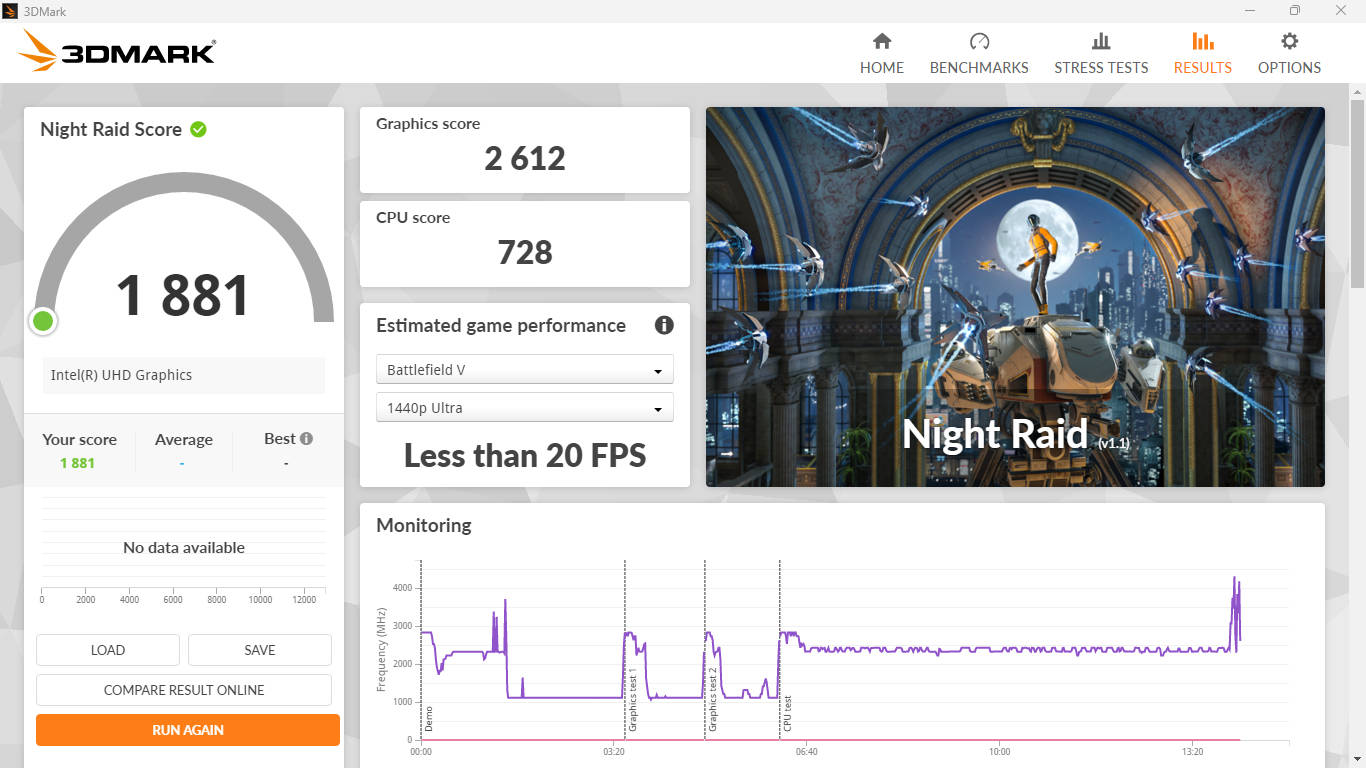
3DMark Night Raid | 1881 | 1483 |
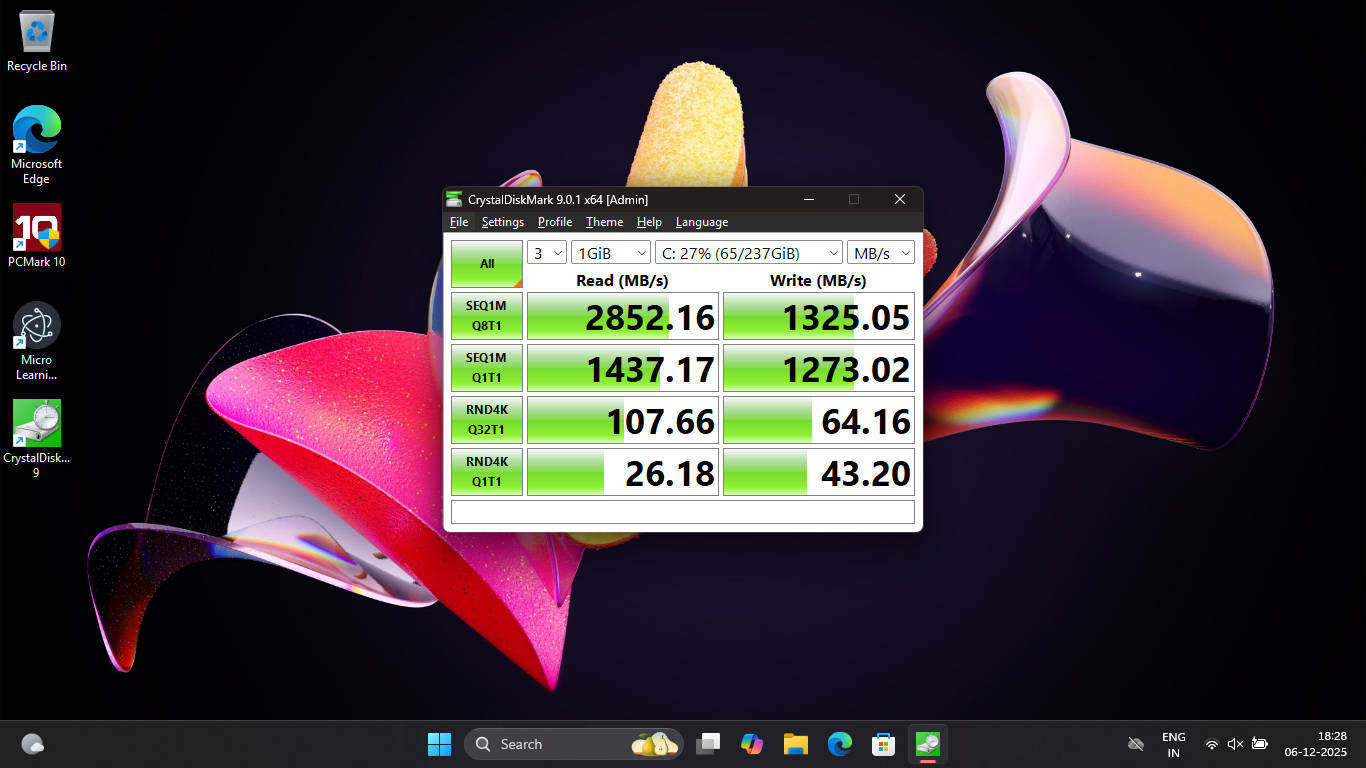
Q8T1 READ | 2852.16 | 3119.65 |
Q8T1 WRITE | 1325.05 | 1941.64 |
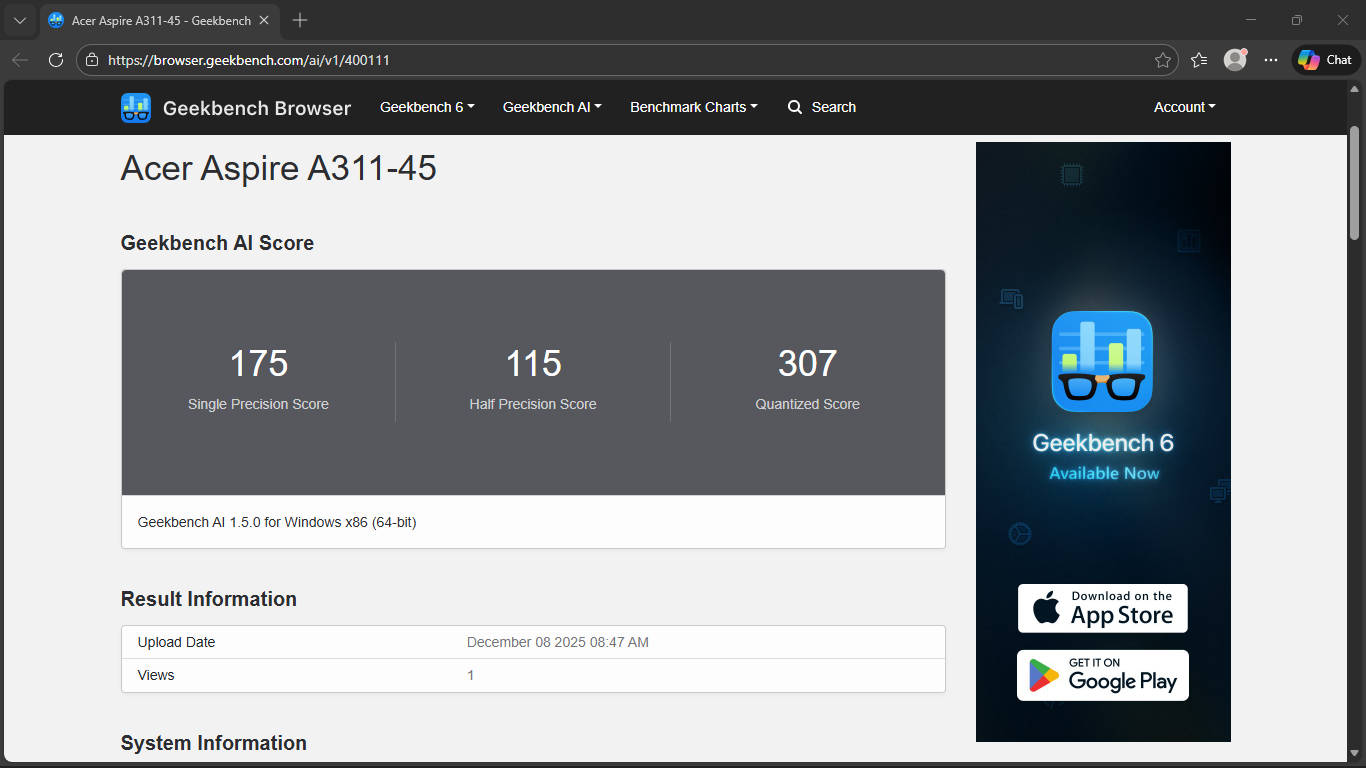
When stacked up against the ASUS Vivobook Go in benchmarks Cinebench, PCMark 10, and Geekbench, the ASUS edges ahead. But the gap is small enough to be irrelevant in everyday tasks. What is relevant: the Aspire 3 will not run Valorant or GTA V. We tried. It crashed. This is not a machine for gaming, creative workloads, or anything requiring sustained processing muscle. It is a machine for getting things done quietly, efficiently, and without taking up much space in your bag or on your desk.


One worthwhile note: Acer allows RAM upgrades up to 16GB, which is a thoughtful addition for anyone planning to push the machine a little harder over time. But before you rush to upgrade, it’s worth being honest about the ceiling here. Adding more RAM isn’t going to transform the Celeron into something it isn’t. The gains are real but modest, and the chip will remain the bottleneck regardless.
If your usage is more straightforward, the single stick will serve you just fine. Acer gives you the option, but whether to take it is entirely your call.
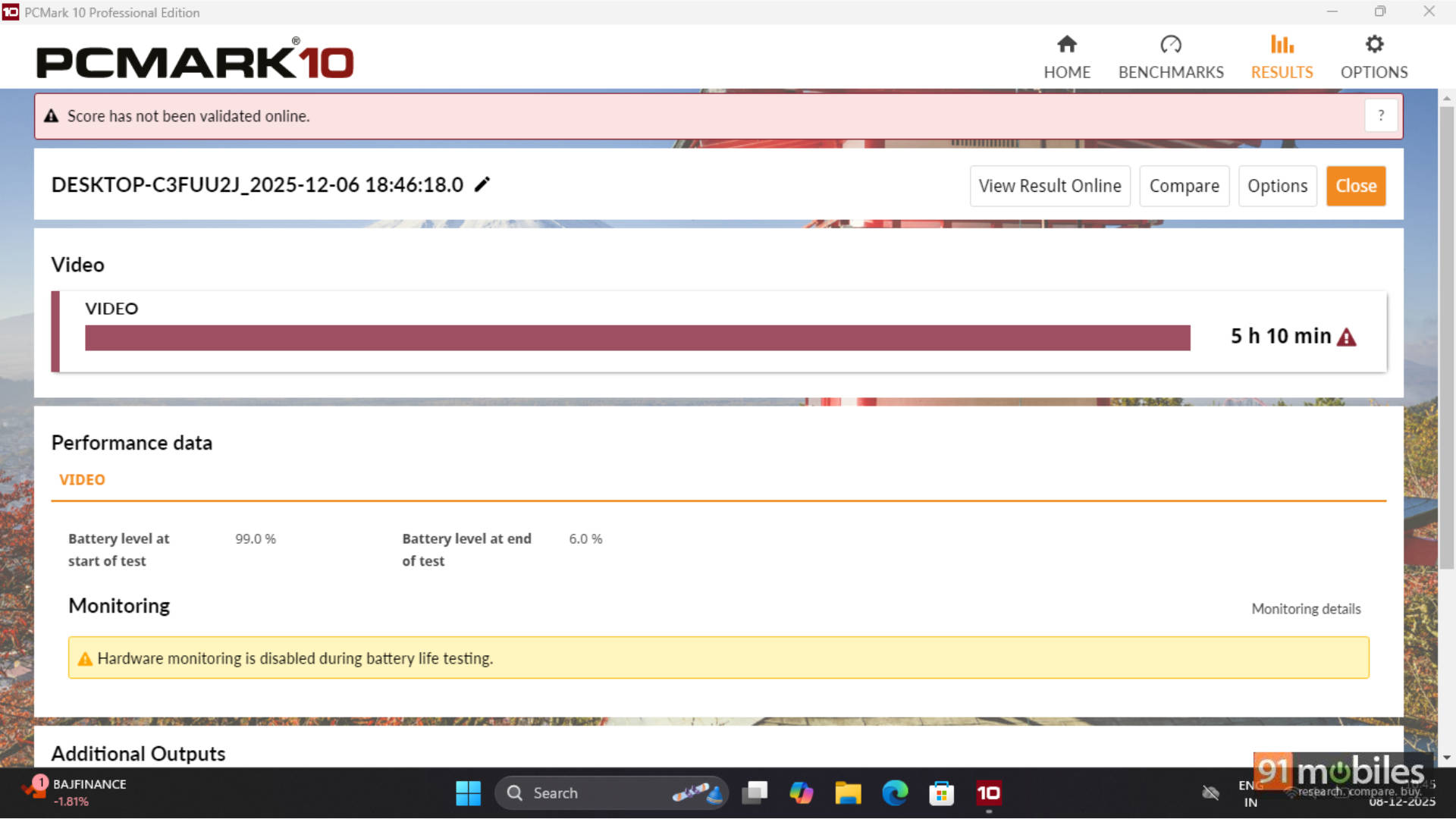
As for battery performance, we ran our usual PCMark 10 battery test, and it provided more than 5 hours of backup. There’s neither anything good about it nor bad. Trust me
Acer Aspire 3 A311-45 Verdict: So, Worth It?
The Acer Aspire 3 A311-45 is a well-considered budget laptop for a very specific kind of buyer: a very light user and remote workers. Basically, anyone who needs a reliable secondary machine that can handle the basics without complaint. The build quality punches above its price; the port selection is practically a flex. Meanwhile, the 1-kilogram weight makes it absurdly easy to carry everywhere.
The display and performance will be dealbreakers for anyone expecting more than basic productivity, and there’s no shame in that. And if most of your work happens in a browser, a same-sized tablet with a keyboard cover is honestly a better fit: more portable, better display, and snappier for everyday tasks. And if gaming is a concern, cloud gaming options from both Xbox and NVIDIA are available in India now, so that’s less of a hardware problem than it used to be.
One last thing worth saying: if your budget is strictly Rs 25,000 and you need something that can handle light editing, basic coding, or anything beyond casual browsing, it’s worth exploring the second-hand market before buying new. An older-generation ThinkPad or Dell Latitude with a proper Core i5 will run circles around the Celeron for the same money. Giving you a machine that actually grows with your workload.
Know what this machine is, buy it for exactly those reasons, and it will serve you well. Expect more, and it’ll disappoint. At under Rs 25,000, it’s one of the more honest laptops you’ll find in this bracket.
Editor’s Rating: 7 / 10
Pros:- Surprisingly solid build for the price
- Exceptional port selection for an 11-inch laptop
- Ultra-lightweight at just 1 kg
- Snappy performance for basic tasks
- Display is functional, not enjoyable
- The Celeron chip is strictly an entry-level territory
- Cramped keyboard and small trackpad