There’s something immediately appealing about a 34-inch ultrawide monitor. It takes up a fair bit of space on your desk, sure, but the moment you start using one, that extra real estate begins to make a lot of sense. Multiple windows can sit side by side, games feel more immersive, and even something as simple as browsing the web feels a little more spacious. The Acer Nitro ED340CUR X0 takes that idea and adds a 200Hz refresh rate, 3440 x 1440 resolution, a 1500R curve, and a VA panel, all while keeping the price comfortably below Rs 25,000. After spending time with it, I think Acer has put together a pretty compelling package for the money.
Table of Contents
Design and build: Simple, but with enough gaming flair
The ED340CUR X0 doesn’t try too hard to look like a gaming monitor. The front is fairly clean, with slim bezels and a large curved display doing most of the talking. Turn it around, though, and the red accents on the rear add just enough gaming character to the otherwise understated design. It isn’t covered in RGB lighting or aggressive styling, and I quite like that approach.
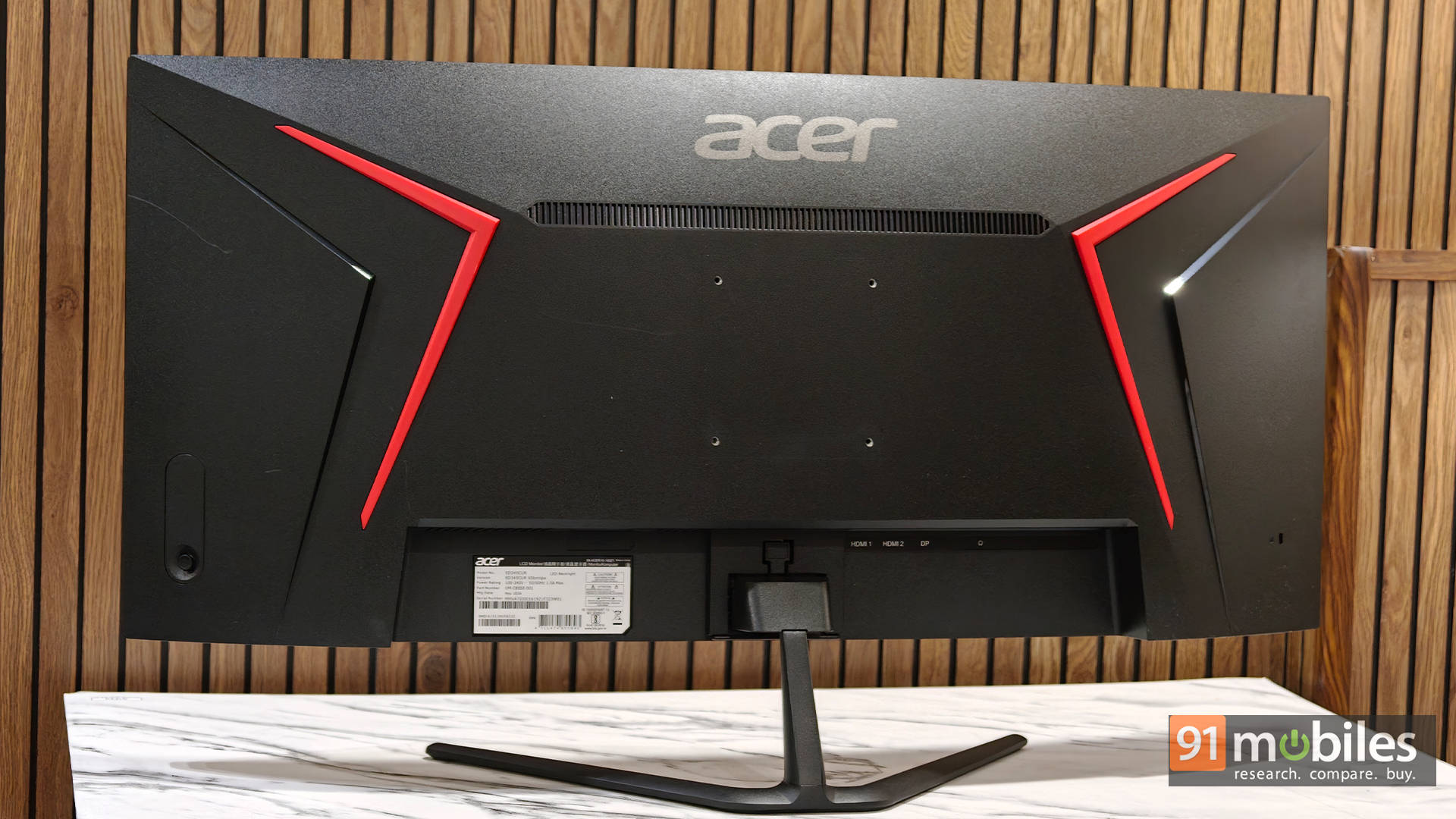
The stand is where things are less impressive. You only get basic tilt adjustment, from -5 to 20 degrees, and there is no height adjustment. For a screen this large, some additional flexibility would have been welcome. I also didn’t find the stand as sturdy as I’d ideally like, particularly when considering the size and weight of the monitor. It isn’t a deal-breaker, but if you’re planning to keep this monitor for years, a VESA arm could be a worthwhile investment.
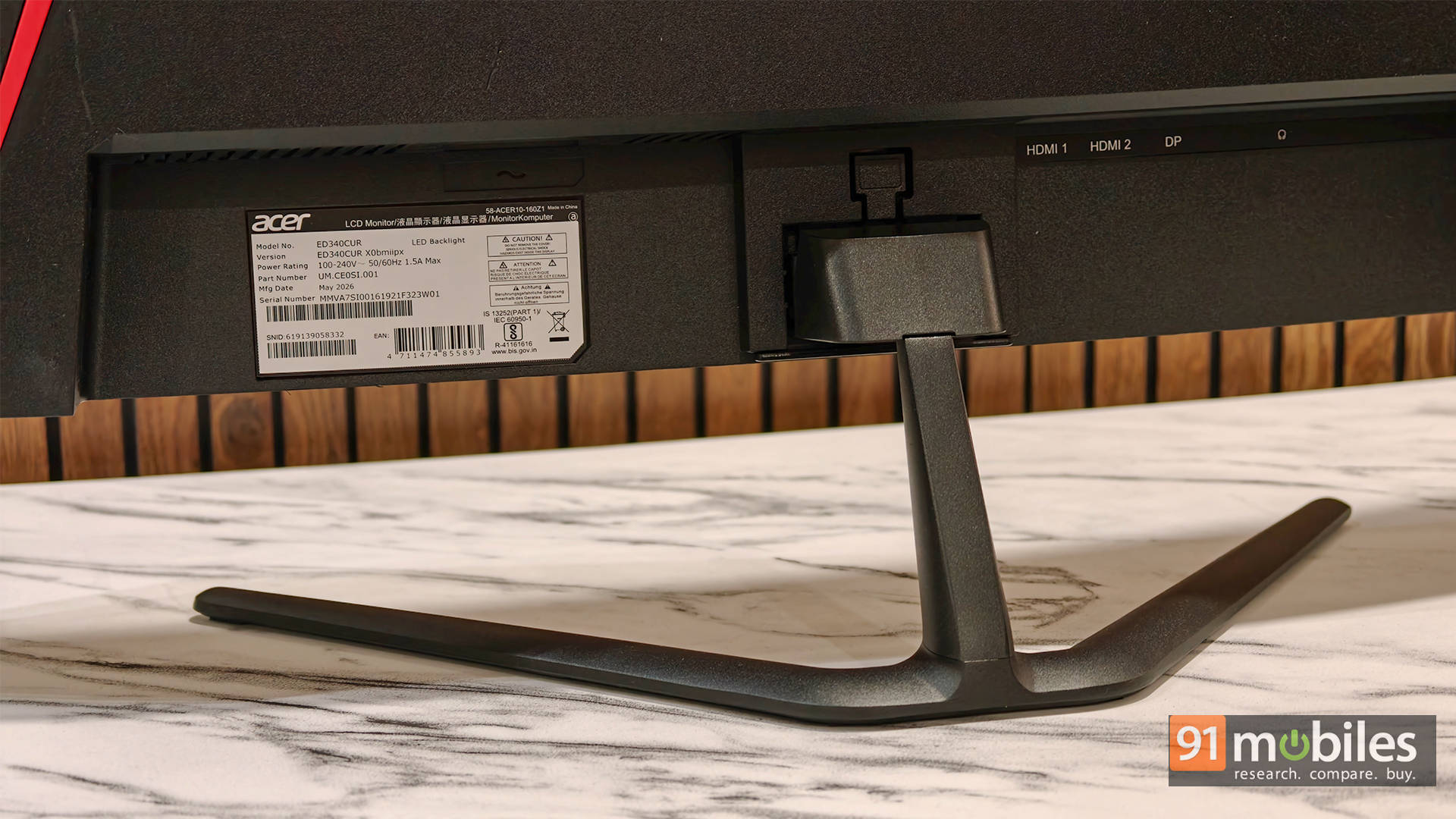
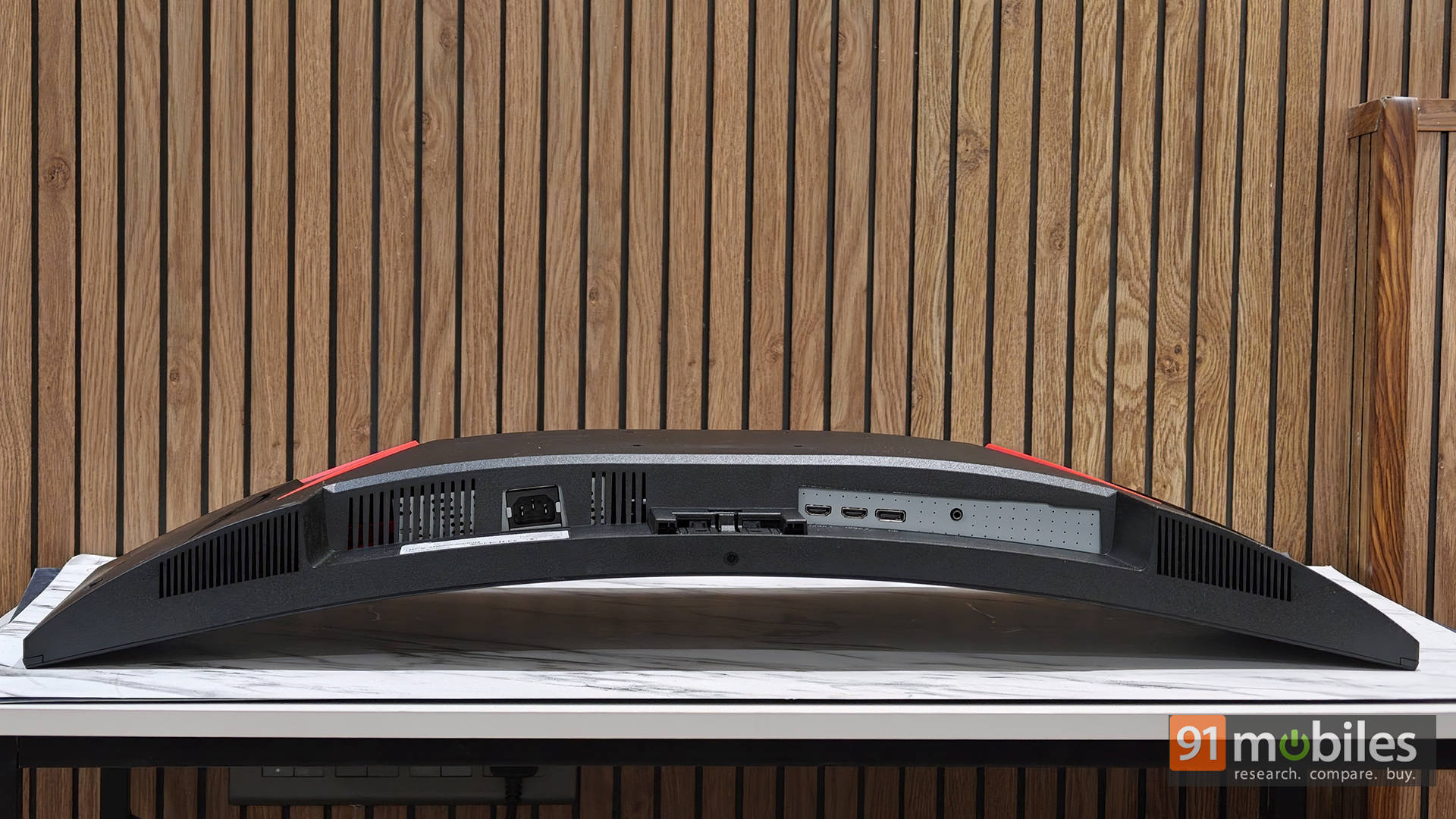
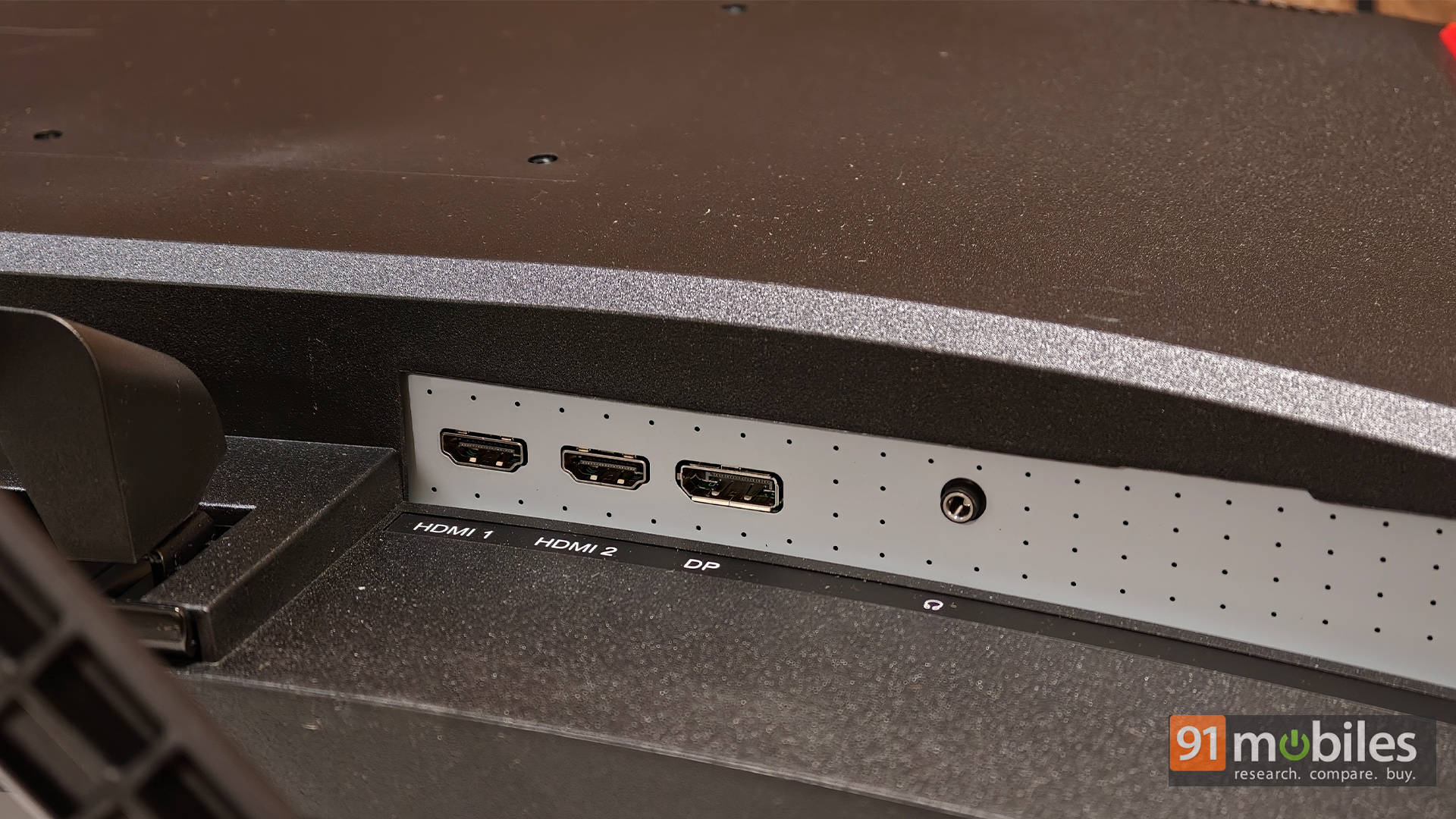
Connectivity is fairly straightforward. You get DisplayPort 1.4, two HDMI 2.1 ports, and a 3.5mm audio output, but no USB ports. That’s fairly normal for a monitor in this price bracket, so I wouldn’t consider it a major omission.
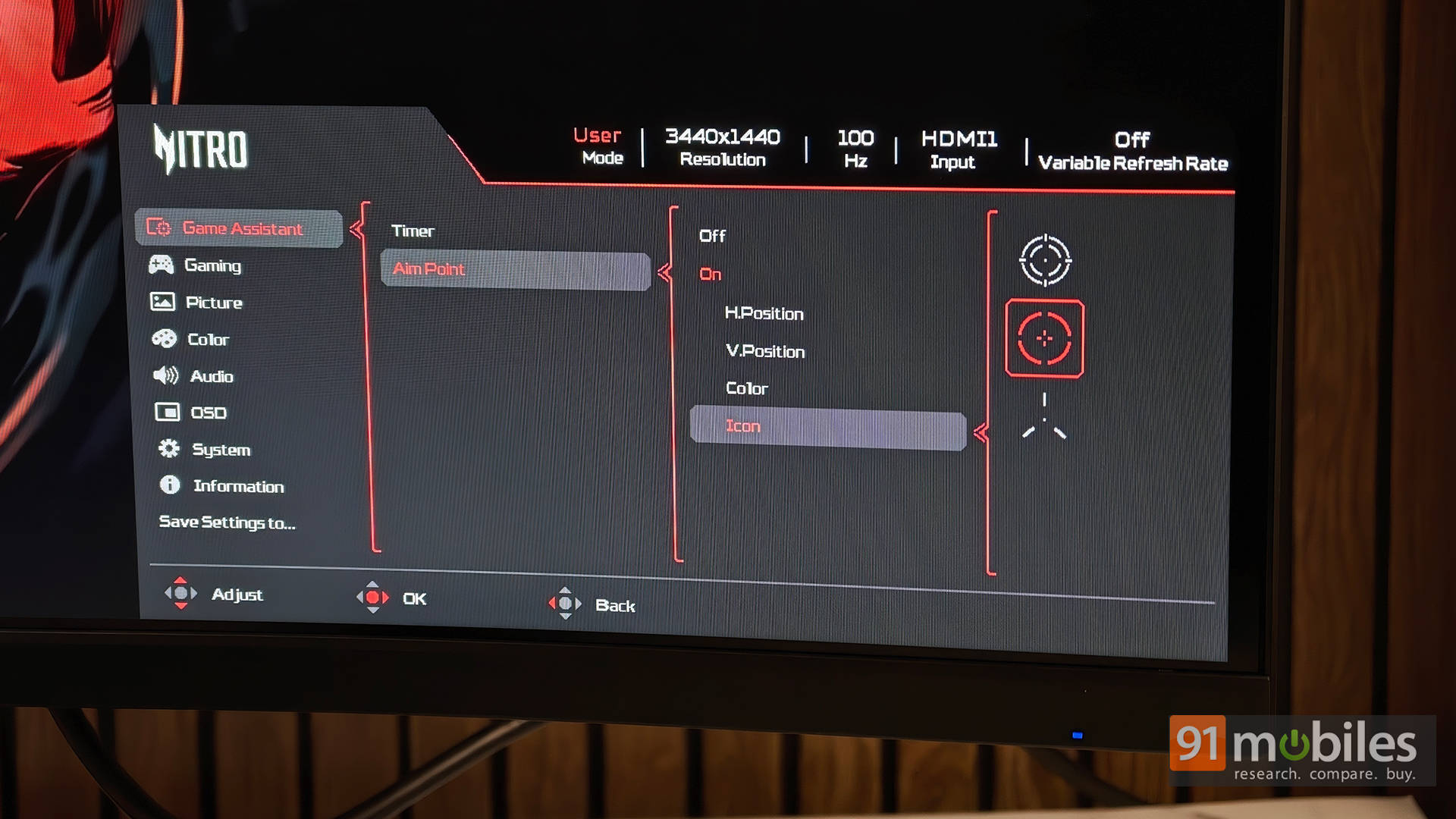
Interestingly, HDMI topped out at 100Hz in my testing, while DisplayPort unlocked the full 200Hz. Acer does include an HDMI cable in the box, which feels a little odd for a monitor aimed at PC gaming, although that’s fairly standard at this price. The HDMI 2.1 ports are theoretically capable of more, but bandwidth limitations over HDMI’s TMDS interface at 3440 x 1440 mean DisplayPort is the better choice here if you want the full 200Hz experience. This isn’t a cable fault, and I’d recommend DisplayPort for PC gaming anyway.
Display quality: Big, sharp, and wonderfully spacious
The star of the show is obviously that 34-inch 3440 x 1440 panel. The resolution is sharp enough to make text and UI elements look clean, while the 21:9 aspect ratio gives you loads of horizontal space for multitasking. I could comfortably keep multiple windows open side by side without everything feeling cramped.
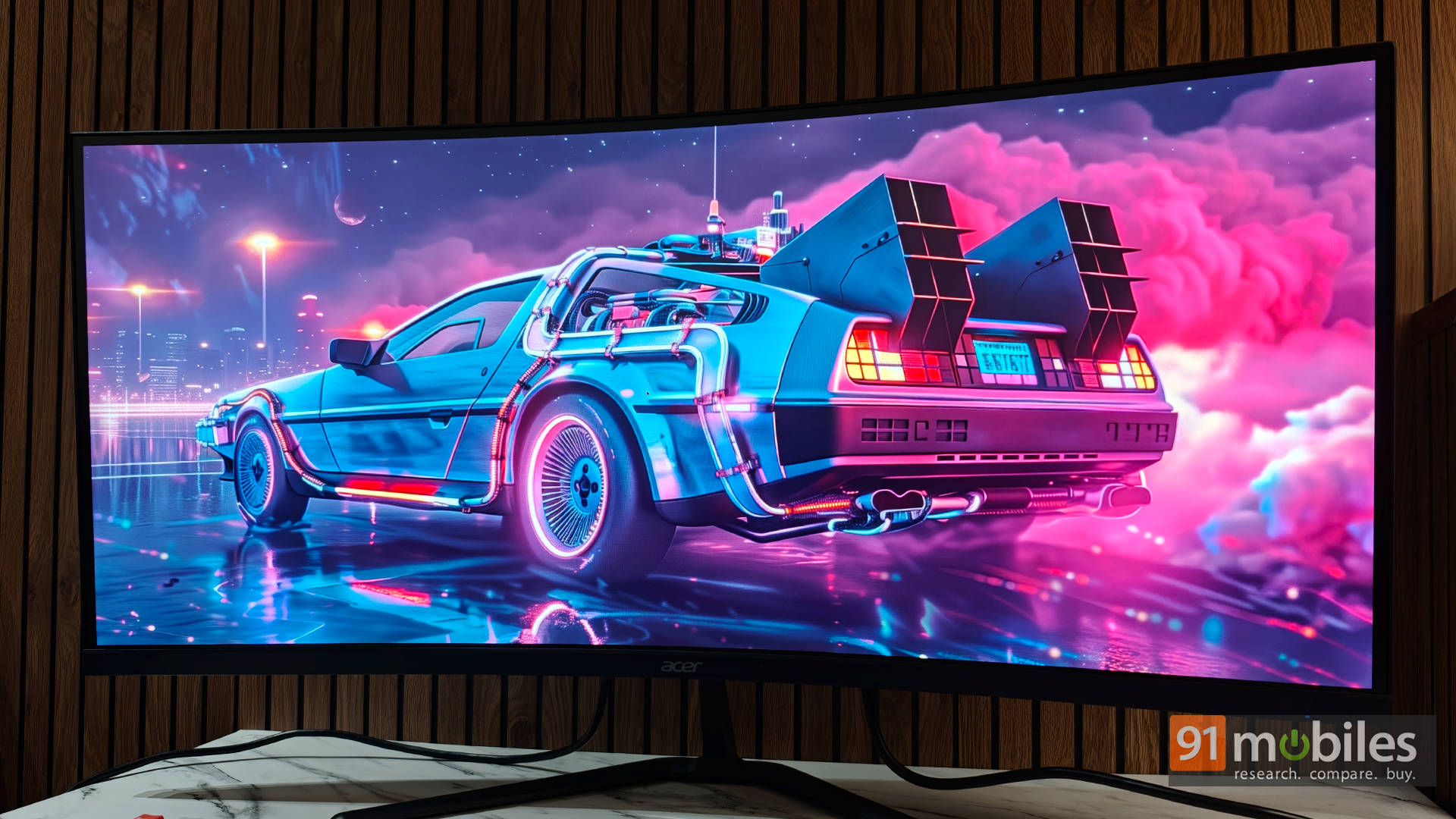
A picture-by-picture mode would have made this even more useful, especially for people who regularly work with two systems, but I wouldn’t really count its absence as a serious drawback at this price.
The 1500R curvature also works well here. It’s noticeable without being excessive, and it pulls the edges of the large display into your peripheral vision. In games, that translates into a genuinely immersive experience, particularly in racing and open-world titles.
The panel uses VA technology, bringing the usual mix of strengths and compromises. Acer claims 99 percent sRGB coverage, but colour accuracy isn’t quite on par with a good IPS panel, something you’ll notice if you’re used to more accurate displays. That said, VA’s biggest advantage is contrast: with a static contrast ratio of around 3,500:1, the ED340CUR X0 delivers deeper blacks than most IPS monitors.
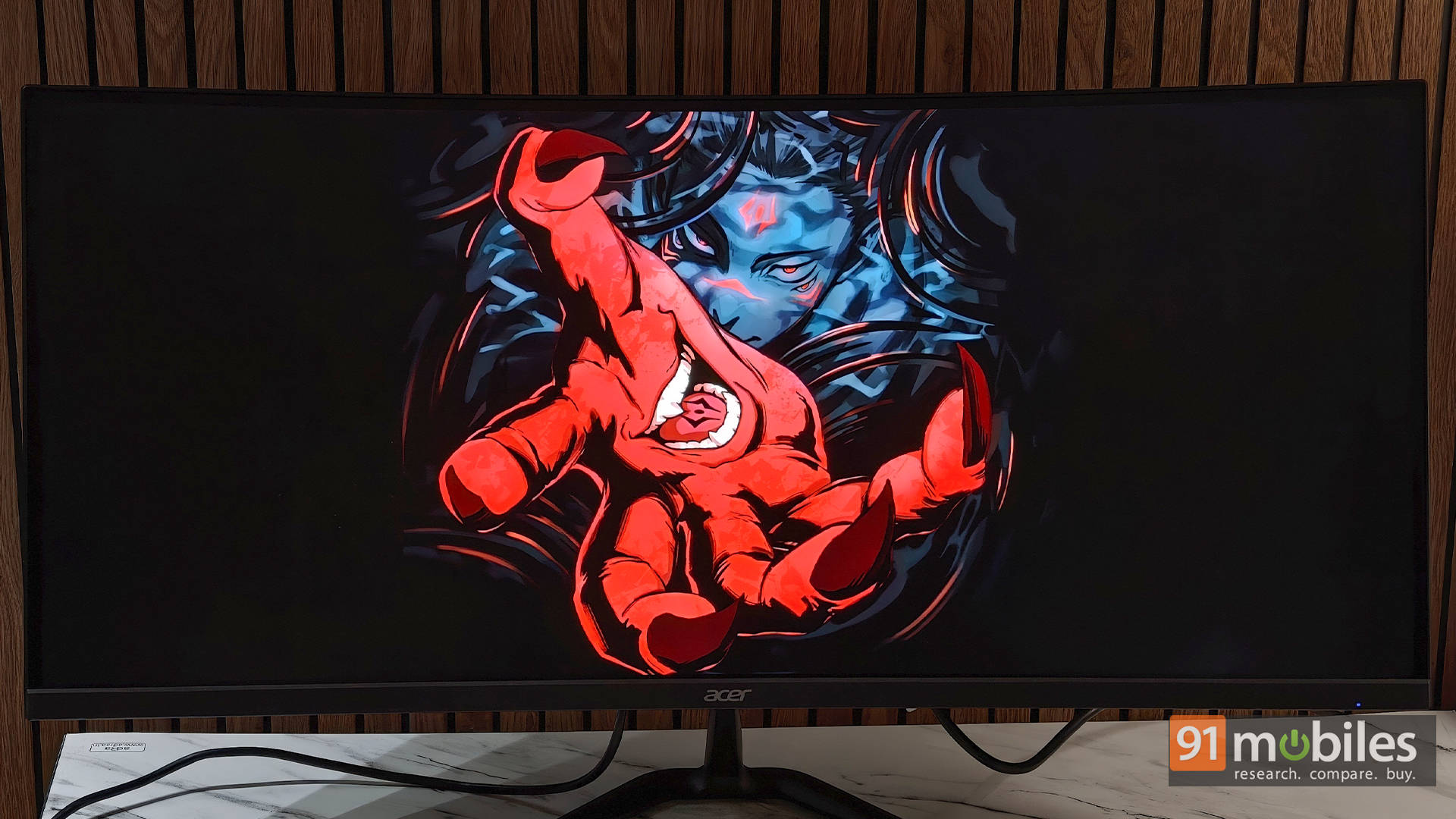
However, the limited 250-nit peak brightness and basic HDR implementation hold it back in darker content. Shadow detail can look somewhat flattened, making dark games such as Resident Evil Requiem lose some of their atmospheric impact. Movies face a similar limitation, although brighter and more colourful content still looks perfectly enjoyable.
200Hz gaming: Smooth and immersive
Gaming is where the ED340CUR X0 feels most at home. Once you’ve got 3440 x 1440 running at 200Hz through DisplayPort, games feel extremely smooth, provided your GPU can actually push the required frame rates.
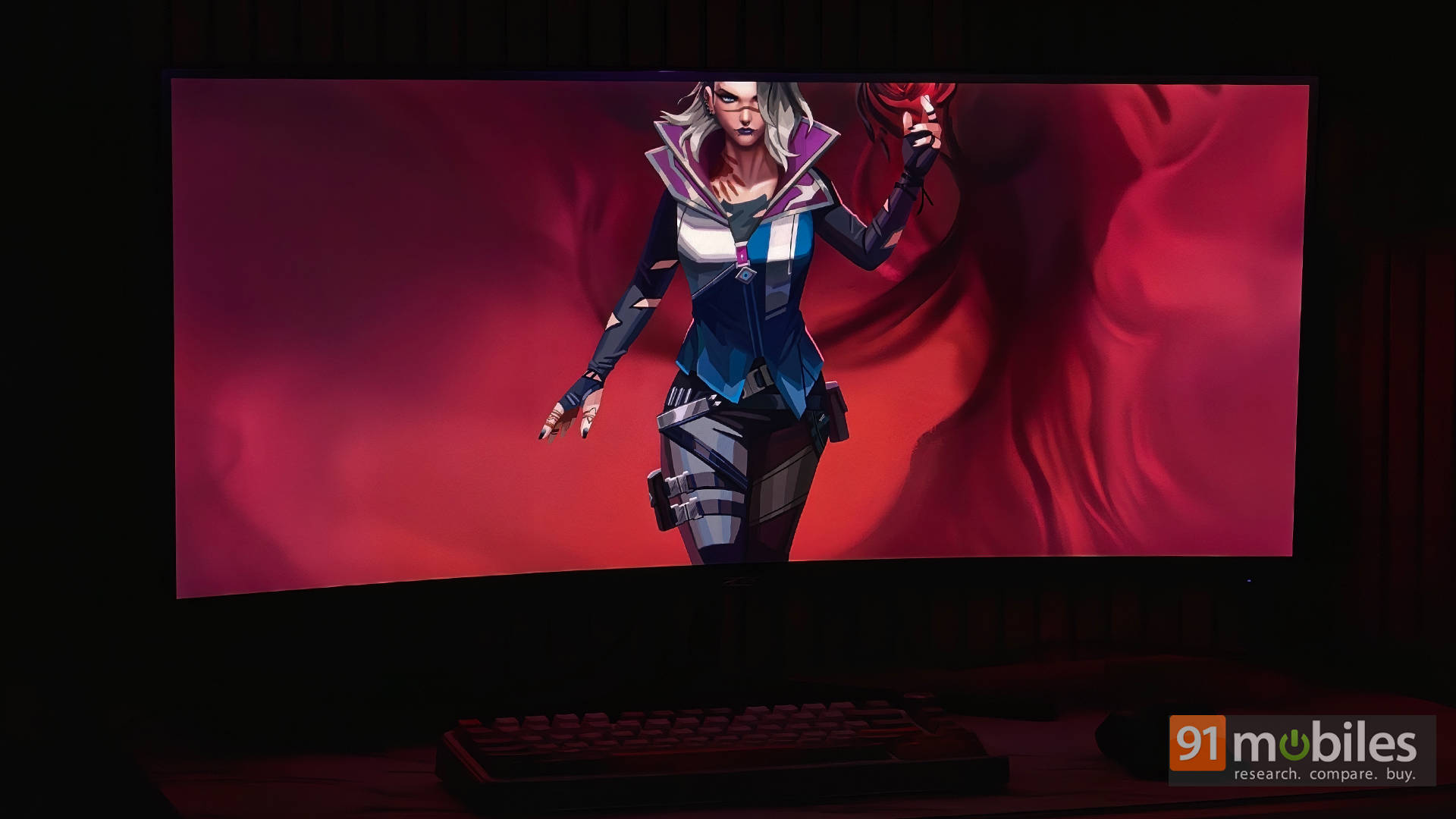
The monitor also supports AMD FreeSync Premium, while Acer’s 1ms VRB mode uses backlight strobing to reduce perceived motion blur. I found this particularly useful in fast-paced games such as Apex Legends, where the extra clarity during movement can make the action feel noticeably cleaner.
Of course, 200Hz doesn’t magically eliminate every limitation of a VA panel. You can still encounter the sort of motion characteristics associated with VA technology, particularly in darker scenes. But for general gaming, the combination of high refresh rate, ultrawide resolution, and VRB makes for an enjoyable experience.
One thing to remember is that not every game supports ultrawide properly. Valorant, for instance, doesn’t make full use of the 21:9 aspect ratio, so you’ll have to play with black bars on either side. That’s a limitation of the game rather than the monitor, but it’s worth knowing if competitive shooters are your primary reason for buying an ultrawide.
Speakers that punch above their weight
The ED340CUR X0 comes with dual 2W speakers, and they’re actually better than I expected. They’re certainly not going to replace a dedicated speaker setup or a good pair of headphones, but they get loud enough and sound decent for casual YouTube watching, streaming, and general entertainment. For a monitor at this price, I’d happily take having usable built-in speakers over having none at all.
Verdict: A lot of monitor for the money
For under Rs. 25,000, the Acer Nitro ED340CUR X0 makes a compelling case for itself. Its 34-inch UWQHD panel, 200Hz refresh rate, 1500R curvature, and FreeSync Premium combine to deliver an immersive gaming experience, while the expansive ultrawide canvas makes multitasking considerably more comfortable. The built-in speakers are another pleasant bonus, making this a well-rounded monitor for both work and entertainment.
It isn’t without compromises, with the basic stand, 250-nit brightness, and IPS-beating colour accuracy leaving some room for improvement. But at this price, those trade-offs are easy to overlook. The sub-Rs. 20,000 asking price is ultimately what justifies its score: if high-refresh-rate ultrawide gaming is your priority, the ED340CUR X0 delivers an awful lot of monitor without asking you to spend a fortune.
As for alternatives, the closest rival is the Samsung Odyssey G5, but it costs closer to Rs. 28,000. LG’s similarly priced 34U511A offers a lower resolution and tops out at just 100Hz, while the 34WR55QK adds USB-C and otherwise matches Acer’s feature set, but costs a hefty Rs. 33,000 and still caps at 100Hz. Put into context, the Acer is clearly the value pick for anyone who wants a high-refresh-rate 34-inch ultrawide without stretching the budget.
Editor’s Rating: 8.3 / 10
Pros:
- Sharp 3440 x 1440 ultrawide display with smooth 200Hz refresh rate
- Immersive 1500R curvature
- Surprisingly good built-in speakers
- Great value under Rs 25,000
Cons:
- Stand lacks height adjustment
- HDMI limited to 100Hz in testing
- Colour accuracy isn’t as strong as a good IPS panel