There’s a certain kind of monitor that isn’t trying to win you over with flashy numbers; it just wants to make your workday a little easier. The Acer Vero B277 G is that monitor. It’s a 27-inch IPS FHD display built around Acer’s Vero sustainability line, wherein the chassis uses 85% Post-Consumer Recycled (PCR) plastic and comes in 100% recyclable packaging, giving it a subtle, textured feel that wears its eco-friendly credentials on its sleeve.
Apart from that, it comes with a 120Hz AdaptiveSync panel, TÜV-certified low blue light, and an ErgoStand that covers pretty much every adjustment you could ask for at this price. Priced at INR 10,999, it targets home offices and everyday multitaskers rather than creative professionals. After spending time with it on my desk, here’s how it holds up.
Table of Contents
Design and build: Plastic, but thoughtfully put together
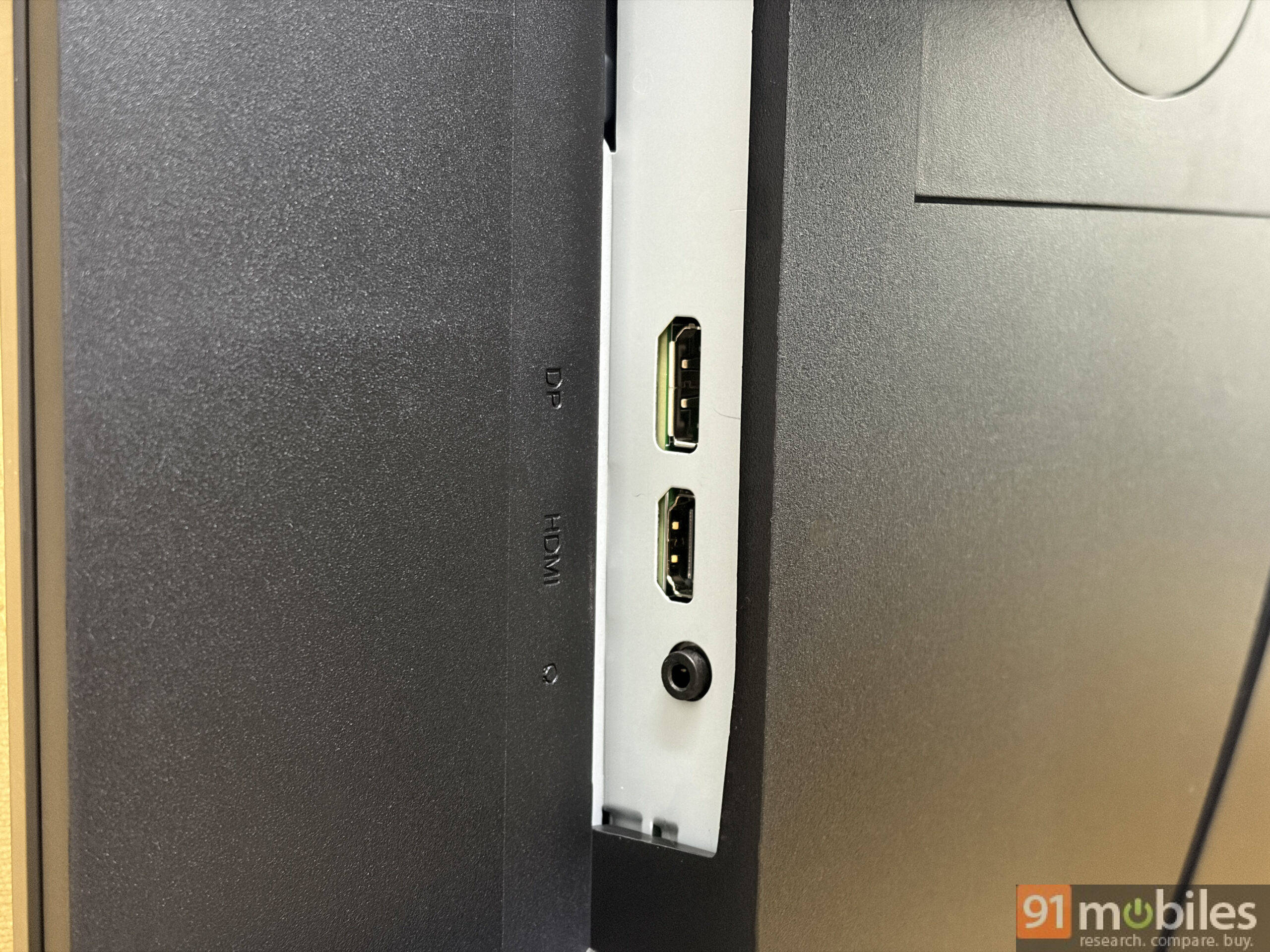
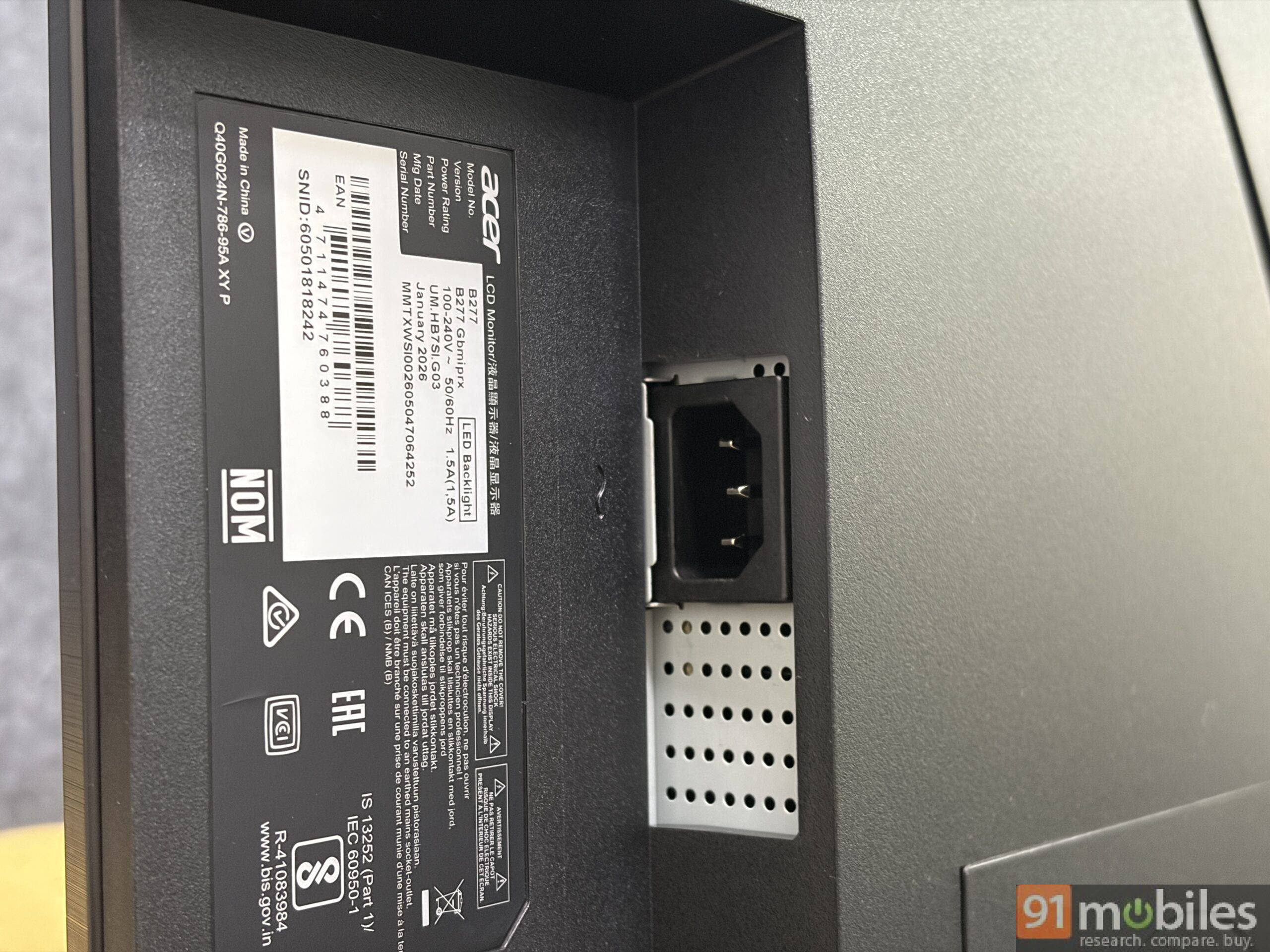
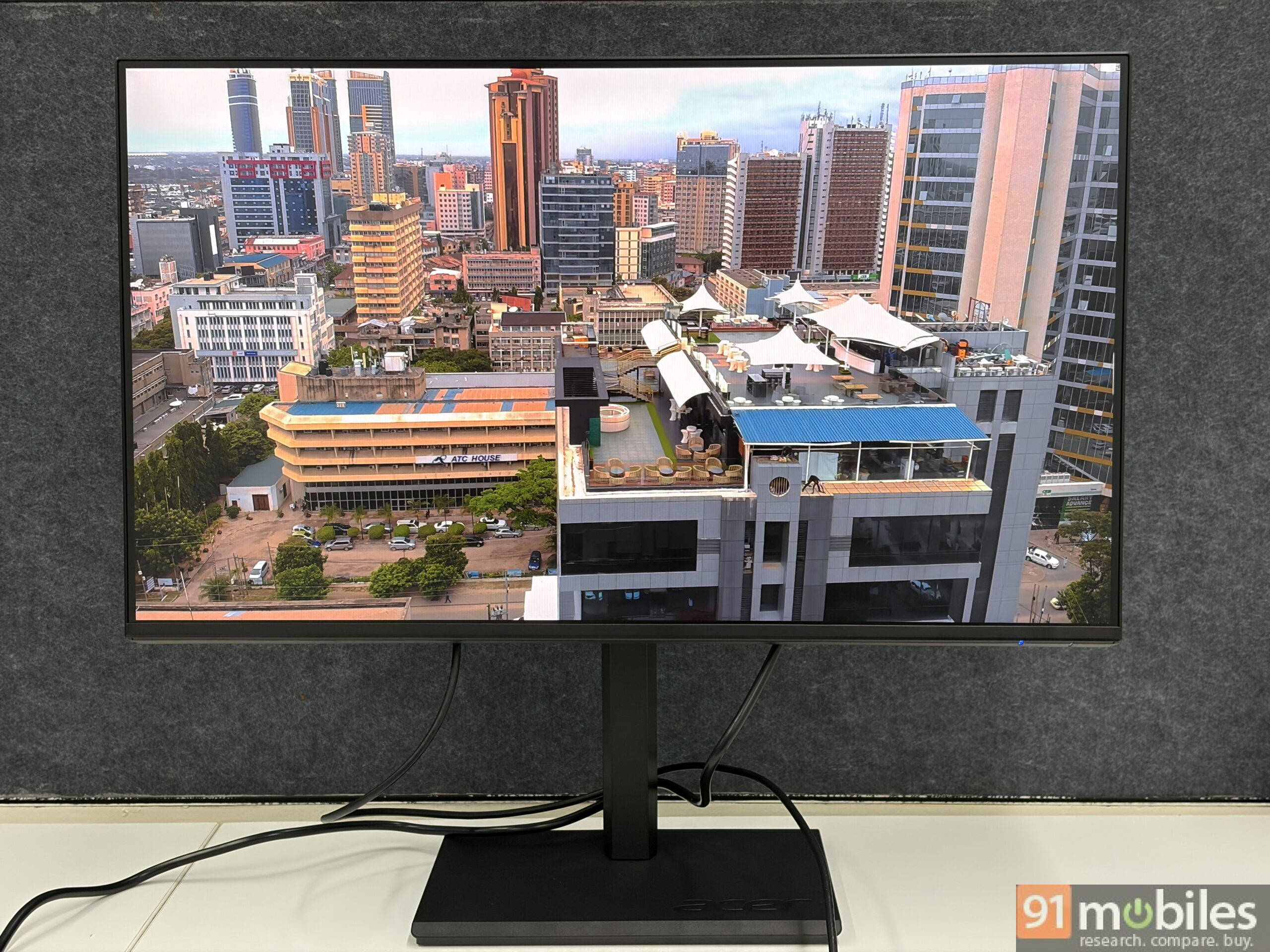
The B277 G doesn’t try to look premium, and it doesn’t need to. The all-plastic chassis keeps costs down, but Acer has clearly thought through day-to-day use. Around back, the panel keeps things clean, housing a DC-In port alongside HDMI 1.4, DisplayPort 1.2, and even a 3.5mm audio out. Apart from the chin, the other three bezels are slim, leaving the front unadorned and focused entirely on the screen.
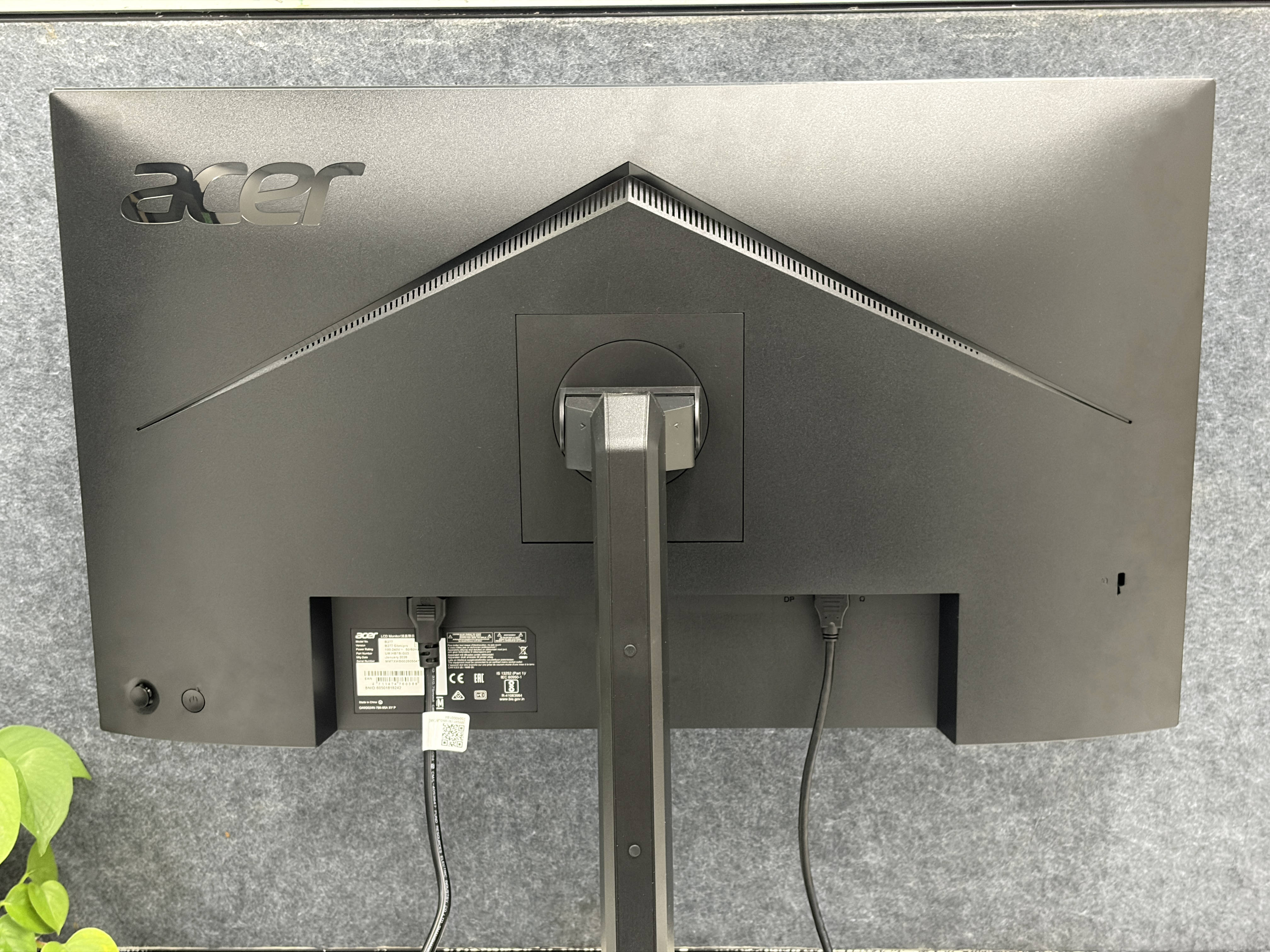
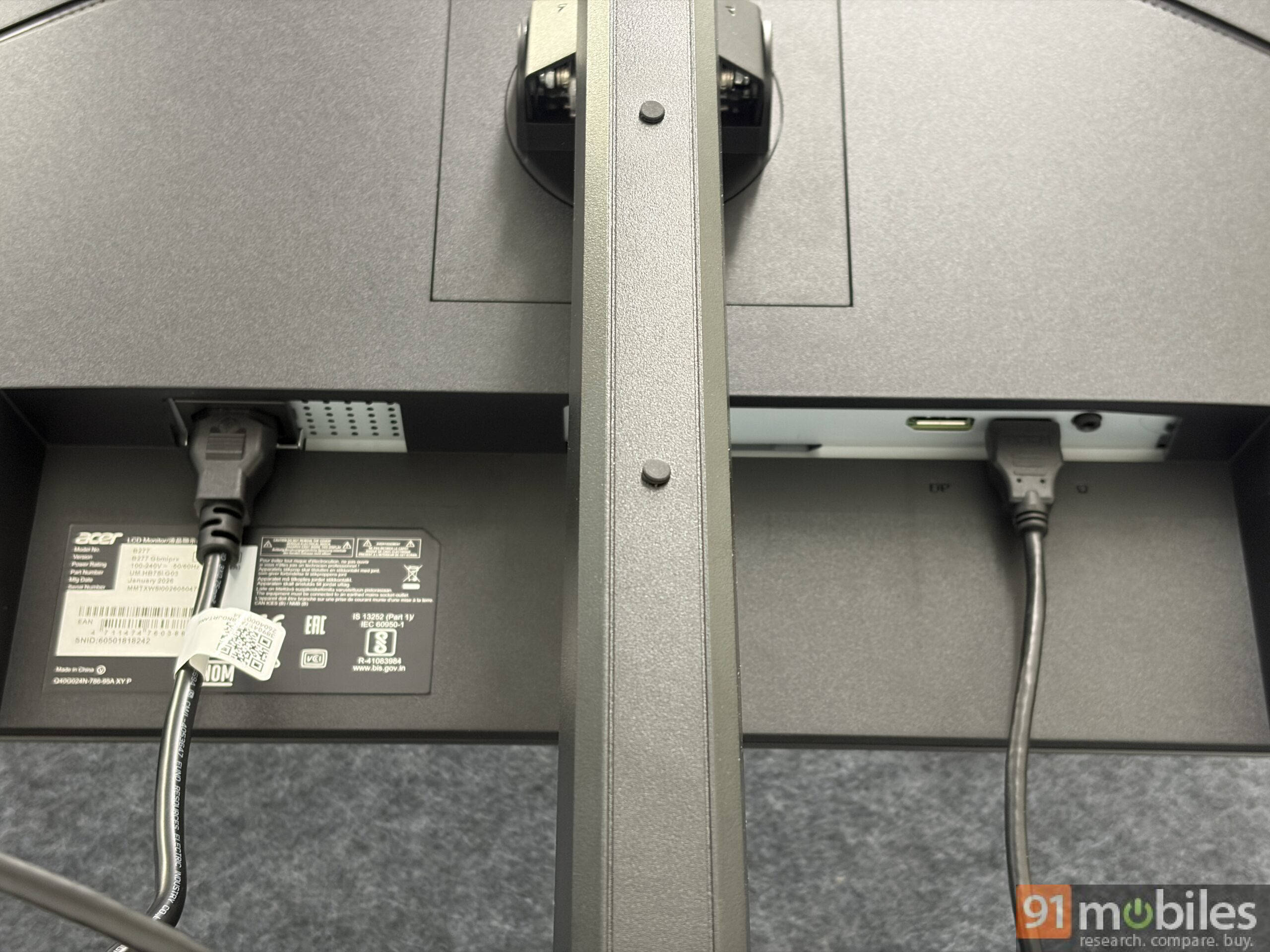
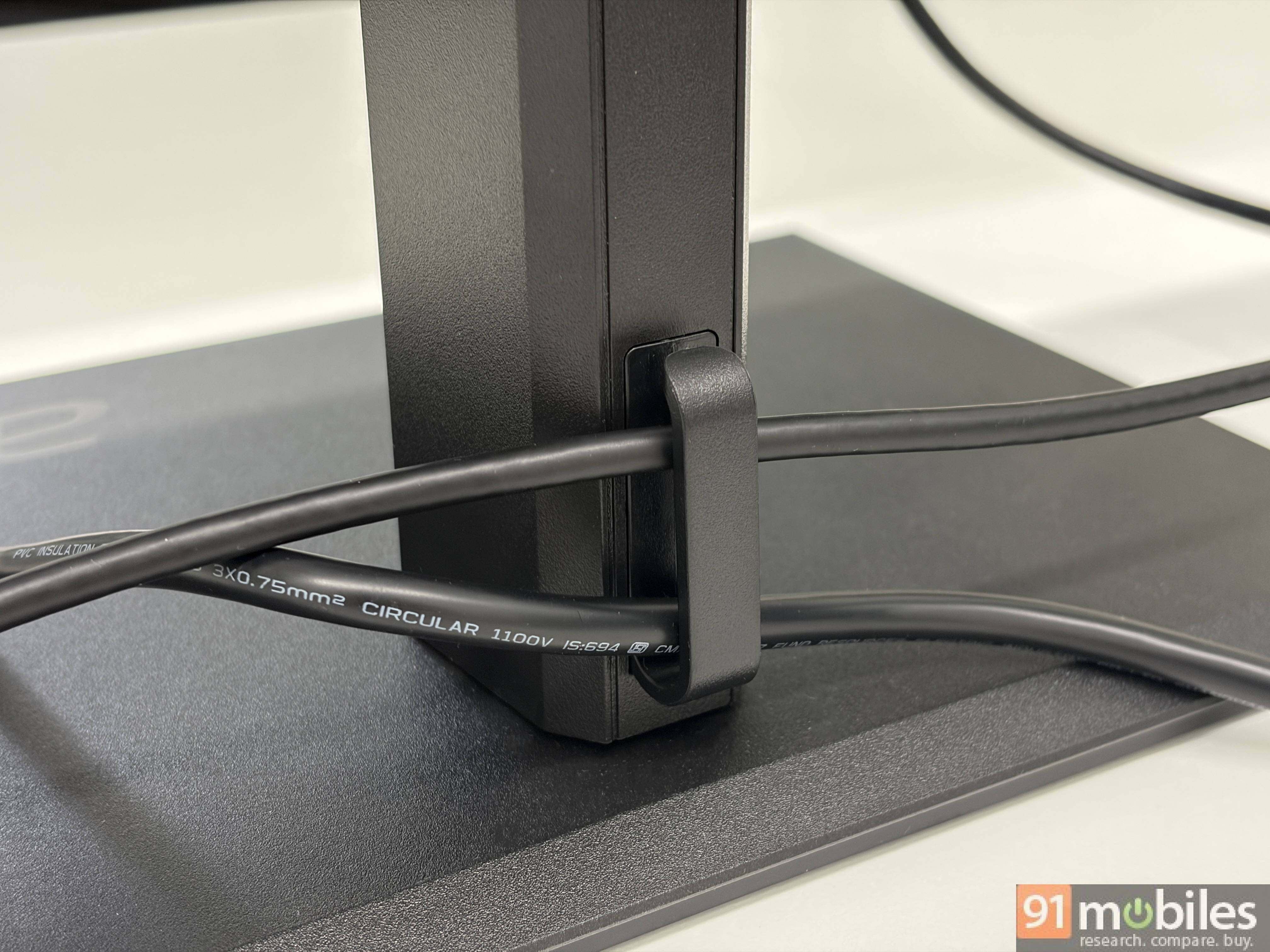
Where the plastic construction actually works in the monitor’s favor is ergonomics. Height adjustment is smooth enough to manage with one hand, without needing to brace the panel with the other. Switching between landscape and portrait orientation has just the right resistance and friction to keep it locked in place once you’ve rotated it, without fighting you on the way there. The ErgoStand, along with a cable manager, also includes a 60-degree swivel on either side, a genuinely useful feature for dialling in your ideal viewing angle, rather than settling for whatever your desk layout allows or blocking part of your desk with a tilted base.
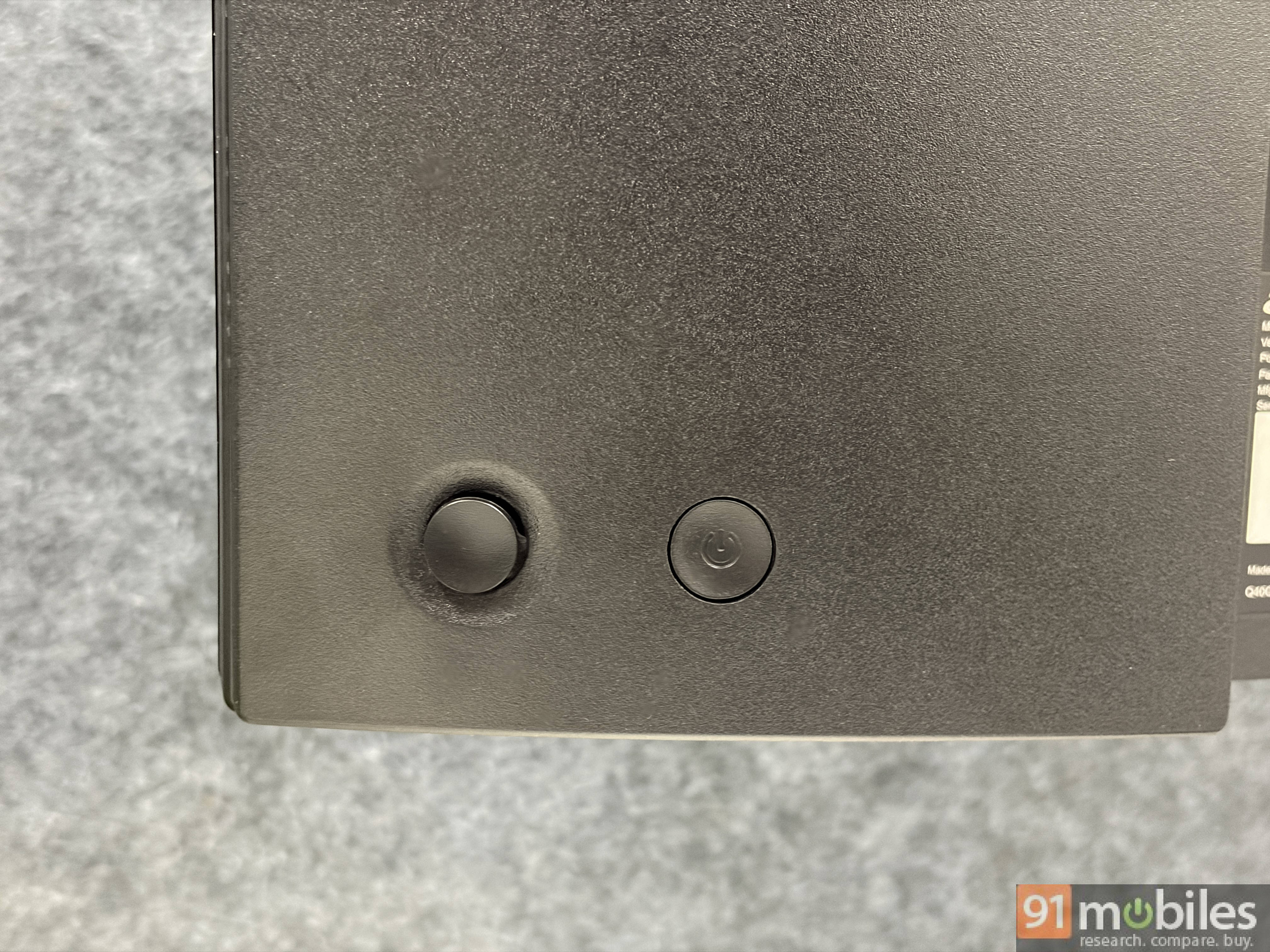
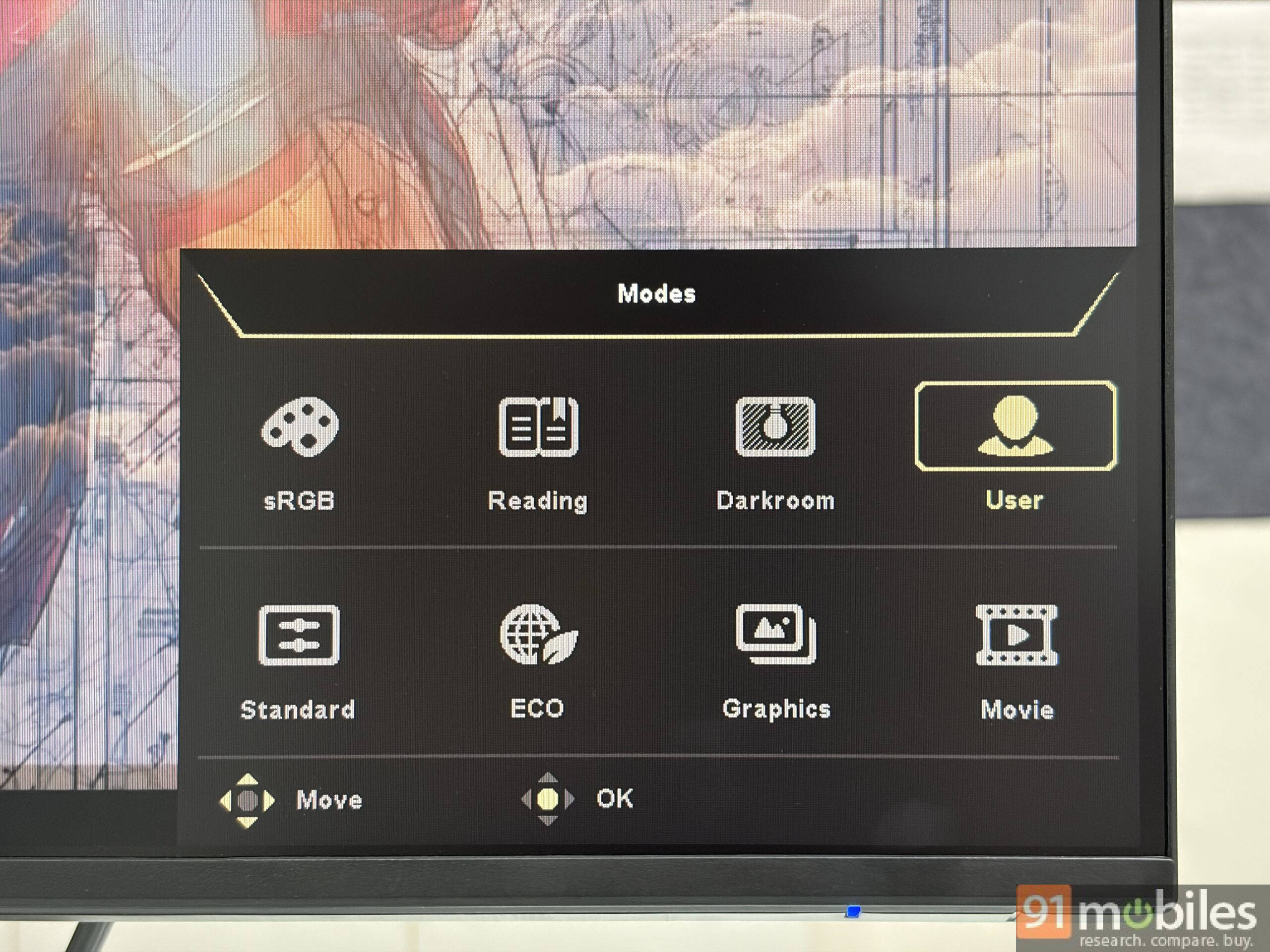
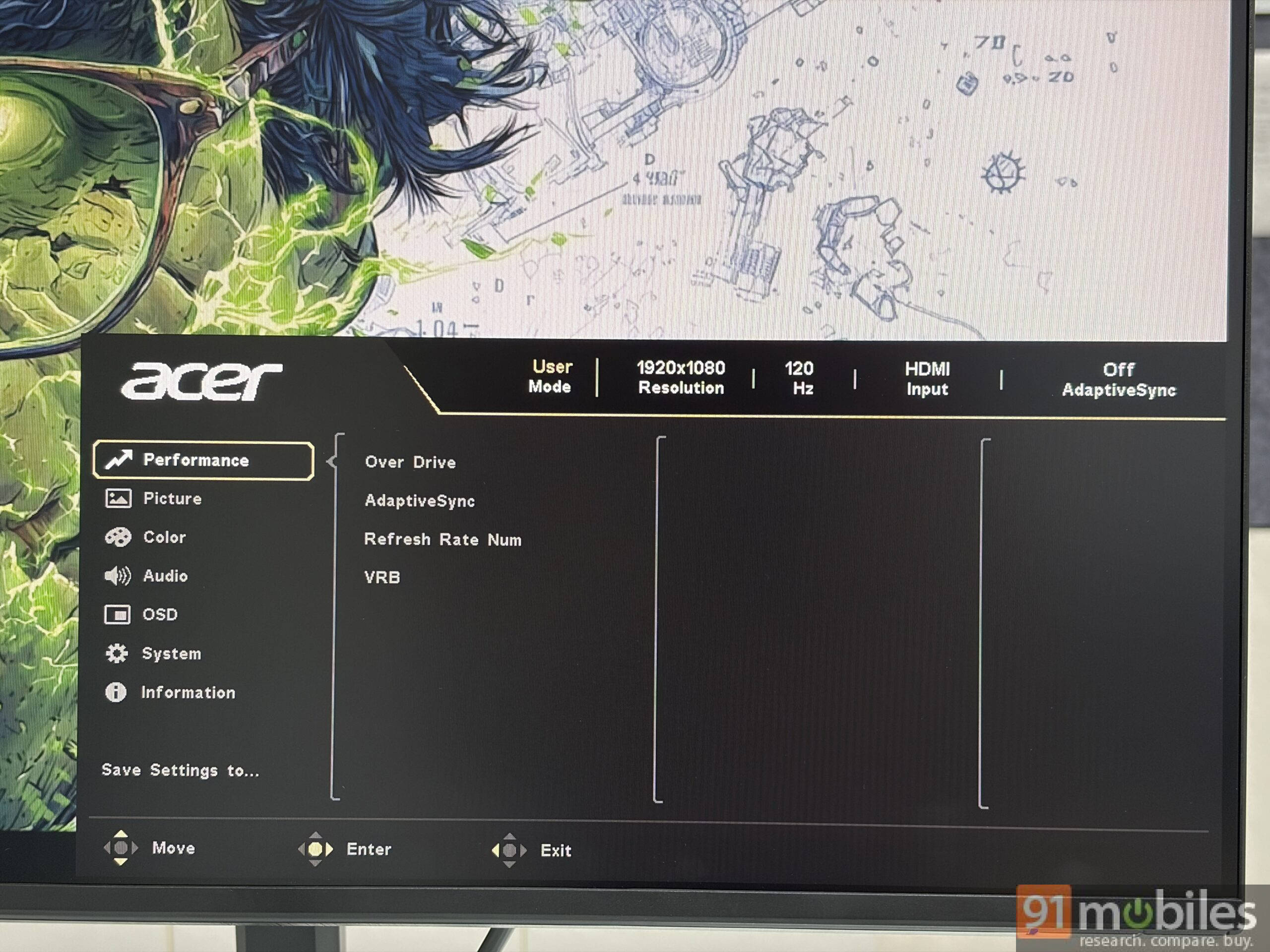
The nicest surprise, though, is around the back. Instead of a row of unmarked buttons you have to learn by trial and error. Acer has fitted a four-directional D-pad-style joystick next to the power button. It sits exactly where your fingers expect it to, and navigating the OSD menu becomes muscle memory within minutes rather than a guessing game every time you want to tweak a setting.
Display quality: Solid for work, not built for colour-critical tasks
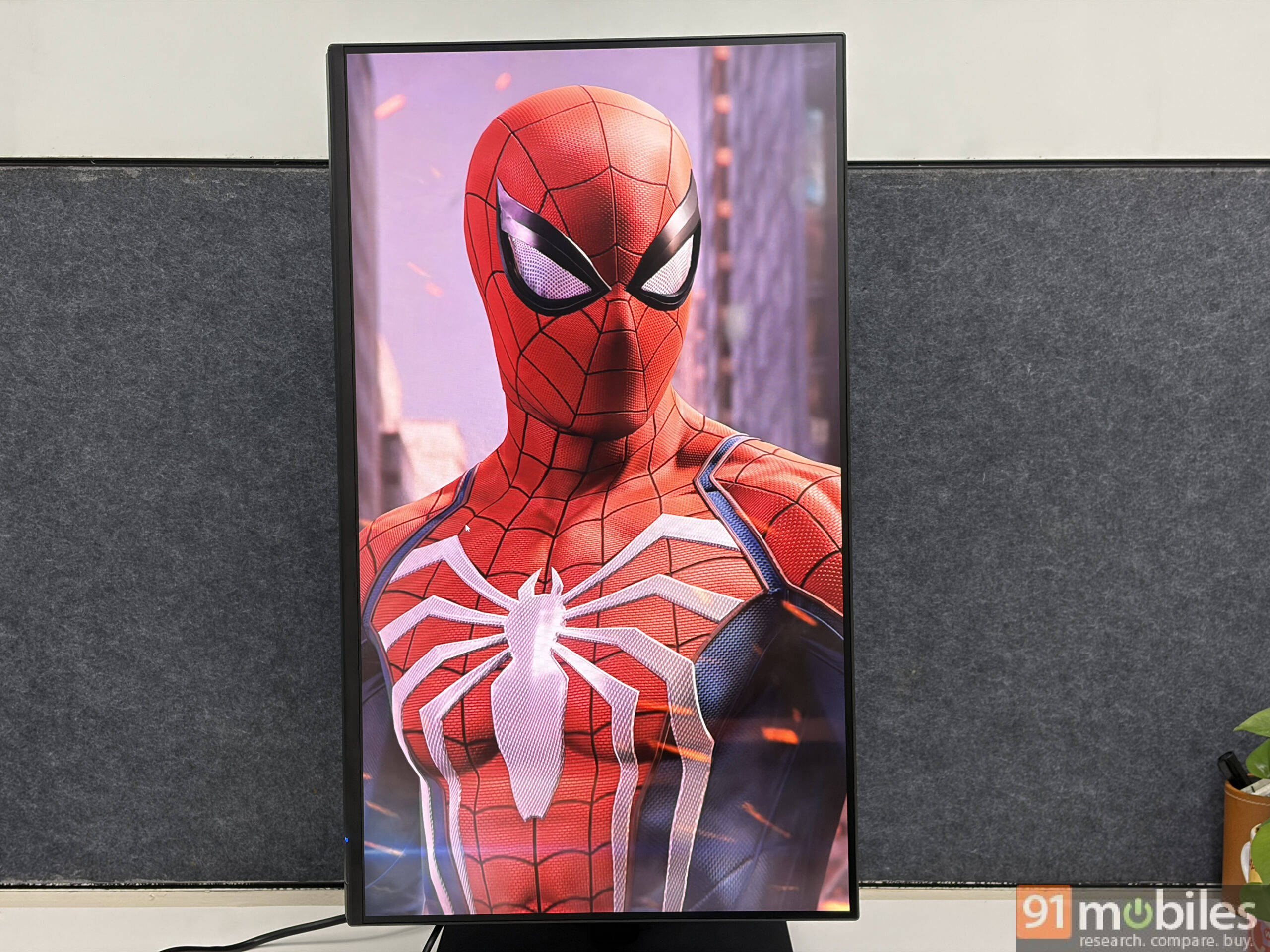
The 27-inch Full HD IPS 8-bit panel is tuned for comfortable, all-day use. The matte anti-glare finish on the screen works well irrespective of how your room is lit; there are no distracting reflections whether you’re near a window or under a tube light. The trade-off, as with most matte coatings, is that colors don’t have quite the same pop and punch you’d get off a glossy panel. If you want vibrant, saturated visuals, this isn’t the finish for that. For everyday tasks like spreadsheets, browsers, video calls, and documents, it does the job well and looks sharp enough at this resolution.
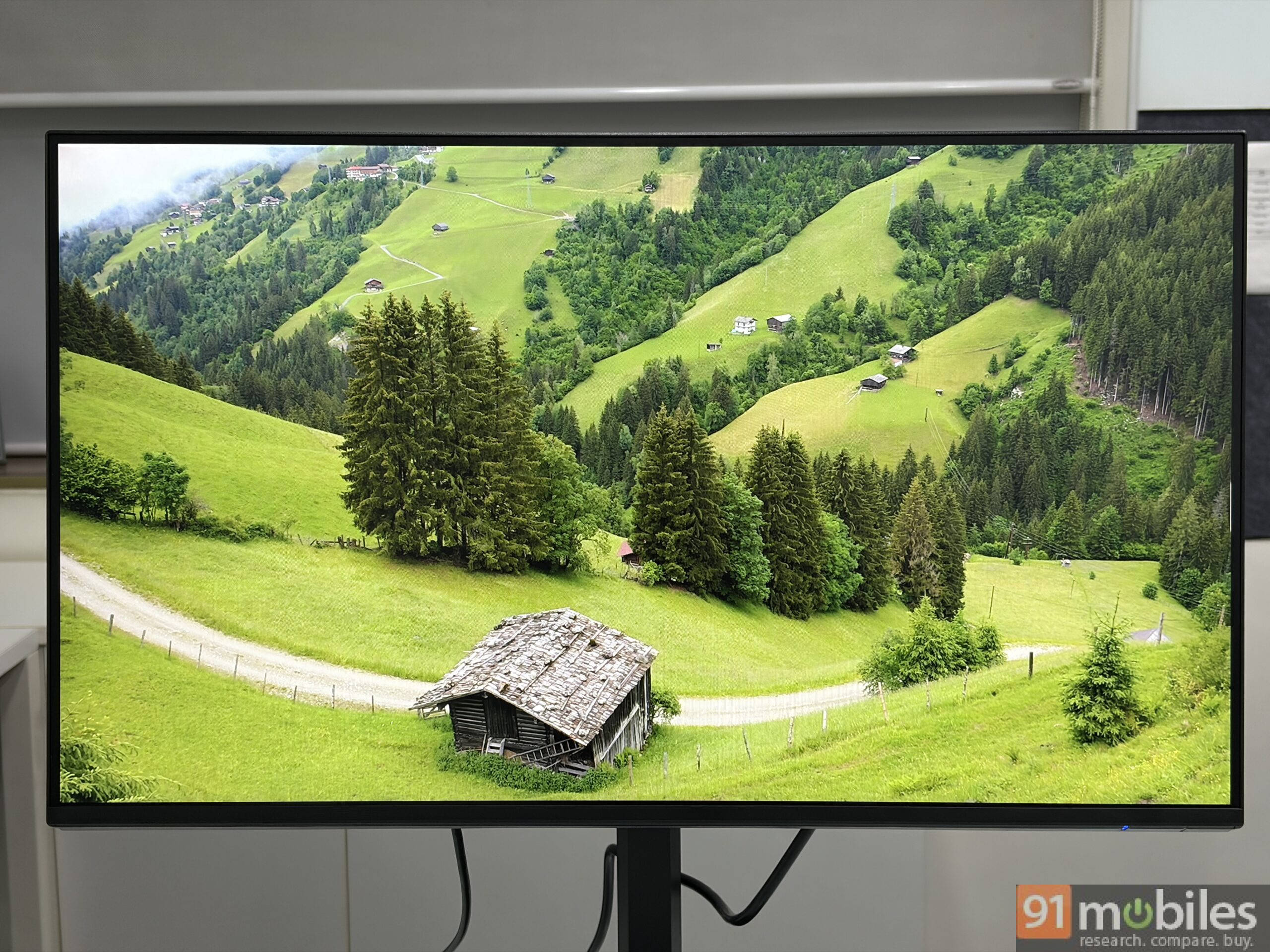
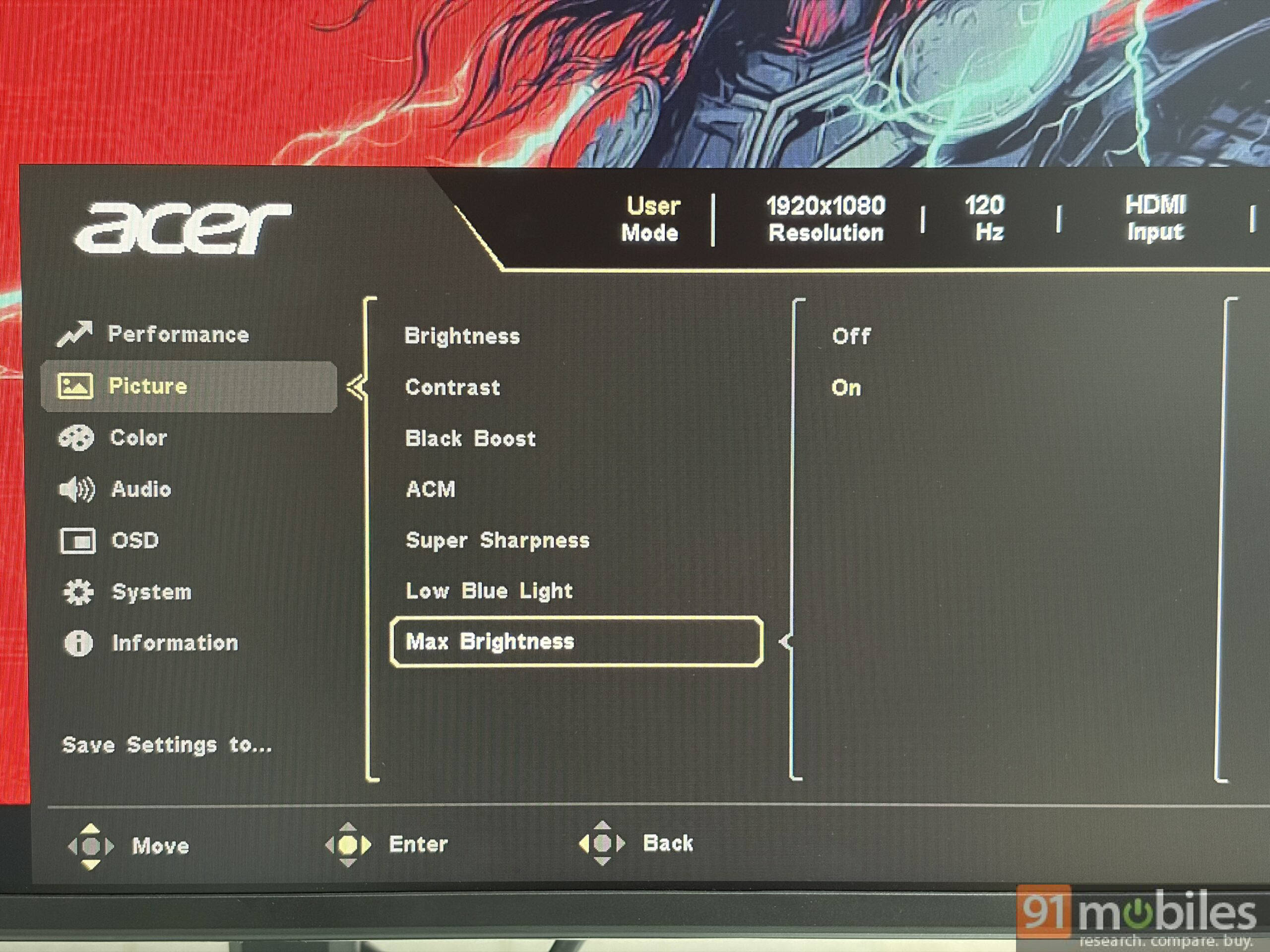
But if you’re a creative professional working with photos or video, the colour accuracy isn’t quite where you’d want it; this panel is better suited to regular office and personal work than to anything that relies on precise colour reproduction. The panel can hit a peak brightness of 250 nits, which is fairly good for the price range, but when you enable maximum brightness mode (disabled by default to meet ENERGY STAR efficiency standards) hidden under settings, the panel gets bright enough for the human eye.
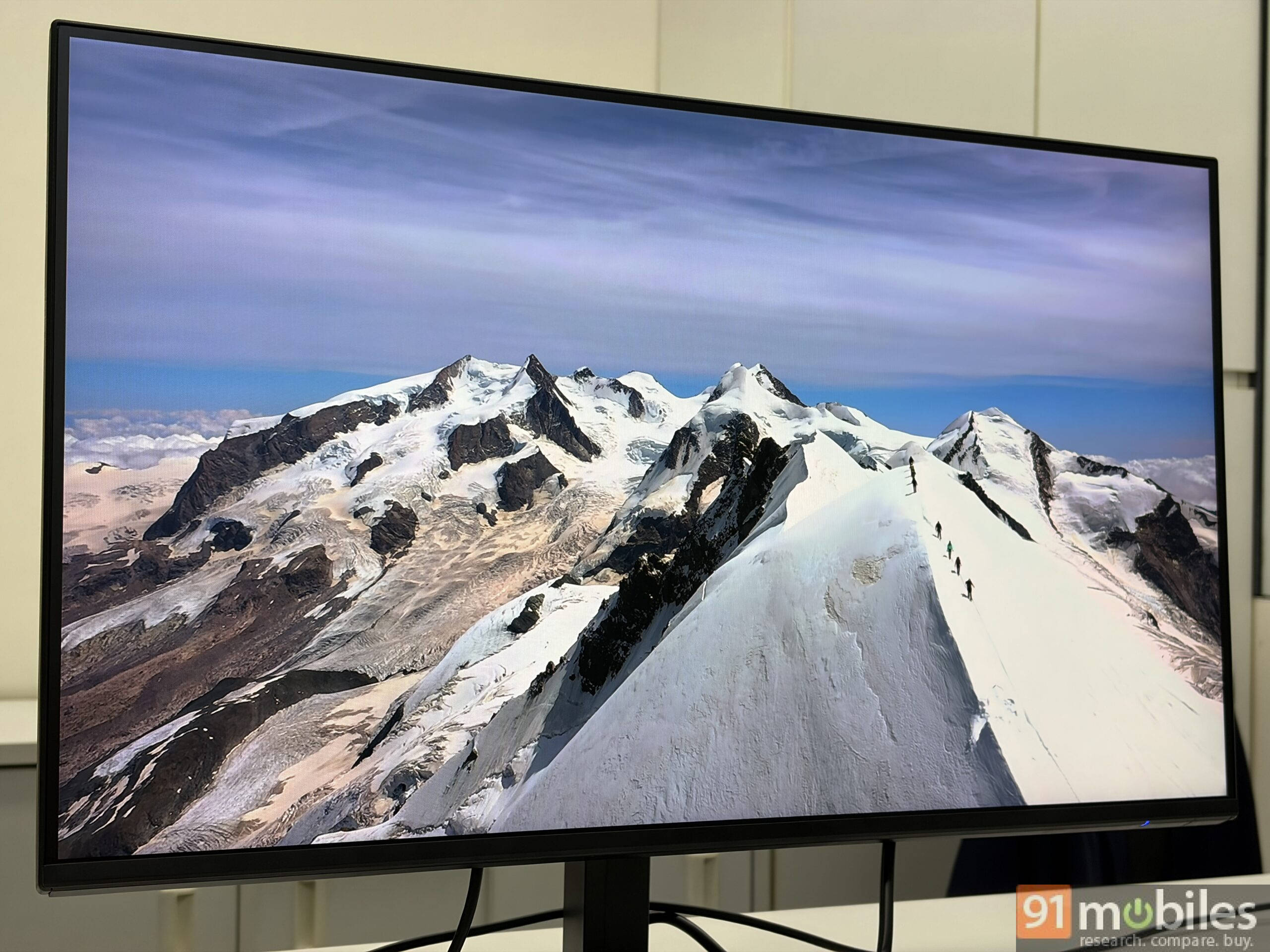
Viewing angles are largely dependable. Viewed along the horizontal axis, the picture holds up well until you push toward the extreme edges, and Acer’s claimed 178-degree viewing angle feels about right in practice. Being an IPS panel, it has its share of downsides, and one angle where it’s less convincing is from directly above: tilt your head and look down at the panel, and you’ll notice a bit of blackness creeping into the image. It’s the standard IPS contrast shift/brightness roll-off, which isn’t exactly specific to this monitor, so no complaints there.
On the eye-comfort side, the B277 G leans heavily on Acer’s VisionCare 2.0 suite: BlueLightShield Pro, flicker-free backlighting, low-dimming, and ComfyView work together, backed by TÜV Low Blue Light certification. For anyone putting in long hours at a desk, that combination genuinely helps reduce the strain of prolonged screen time. The 120Hz refresh rate with AdaptiveSync also makes everyday scrolling, casual gaming, and window movement feel noticeably smoother than on a standard 60Hz panel.
Speakers: There, and that’s about it
The built-in speakers are best described as adequate. They get the job done for a quick YouTube video or a call in a pinch, but they sound a touch small and can get muffled when you turn the volume up. Having usable speakers on board, even middling ones, beats having none at all, especially if your desk setup doesn’t already include external speakers.
Verdict: A well-rounded, budget-friendly work monitor
The Acer Vero B277 G isn’t chasing color-accuracy bragging rights or gaming credentials; it’s built to make a work-from-home or office setup more comfortable without stretching the budget. The ErgoStand’s height, swivel, tilt, and pivot range are genuinely excellent for the price; the joystick control is a small but welcome usability win, and the VisionCare suite makes it an easy monitor to spend a full workday in front of. The matte finish and color accuracy mean it isn’t the right pick for creative professionals, and the speakers are a “nice to have” rather than a highlight, but neither is a deal-breaker at this price.
If you can stretch your budget to INR 15,000, the high-resolution Lenovo LOQ 27Q-10 (review) is a better fit for gaming, while the Lenovo L24D-4C (review) offers superior color accuracy and more connectivity options.
However, if your priority is a comfortable, flexible, eye-friendly monitor for everyday work rather than color-critical creative tasks, the Acer Vero B277 G makes a strong case for itself for INR 10,999.
Editor’s Rating: 8.5/10
Pros:
- Highly flexible ErgoStand for tilt, swivel, pivot, and one-handed height adjustment.
- Convenient D-pad joystick control.
- Matte display with good viewing angles.
- Strong eye-comfort suite.
- Smooth 120Hz AdaptiveSync for everyday use.
Cons:
- Colour accuracy isn’t suited to creative, colour-critical work.
- Matte coating trades away colour pop and punch.
- Speakers sound small and can get muffled at higher volumes.
- Limited to HDMI 1.4 connectivity