


Review Summary
Expert Rating
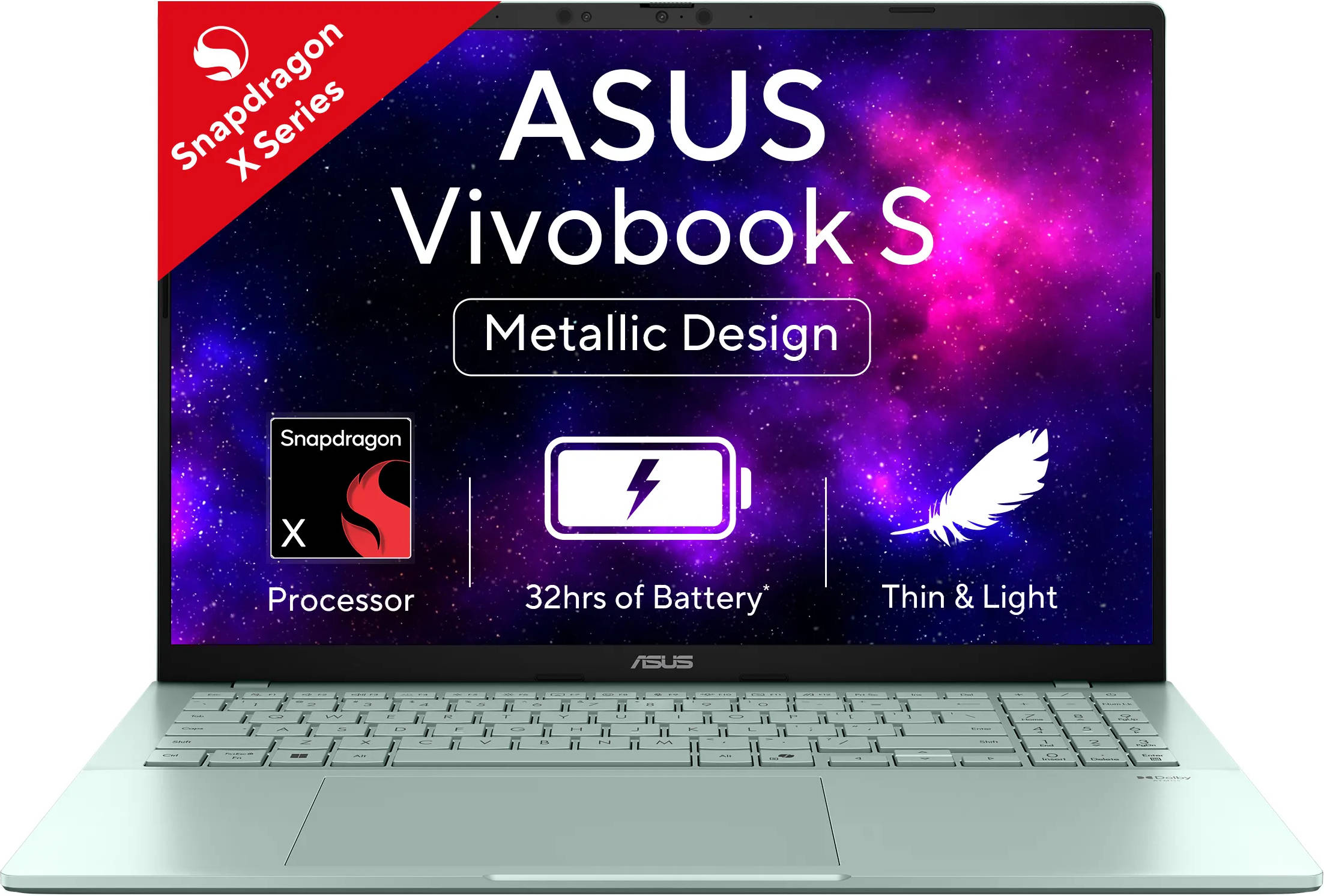
The ASUS Vivobook lineup has long been known as one of the best value-for-money options out there, striking a reliable balance between performance and everyday usability. The only real compromise has typically been the design, as it’s never looked as premium as the ZenBook range. That’s where the Vivobook S series steps in. And today, we’re taking a closer look at the ASUS Vivobook S16 S3607QA.
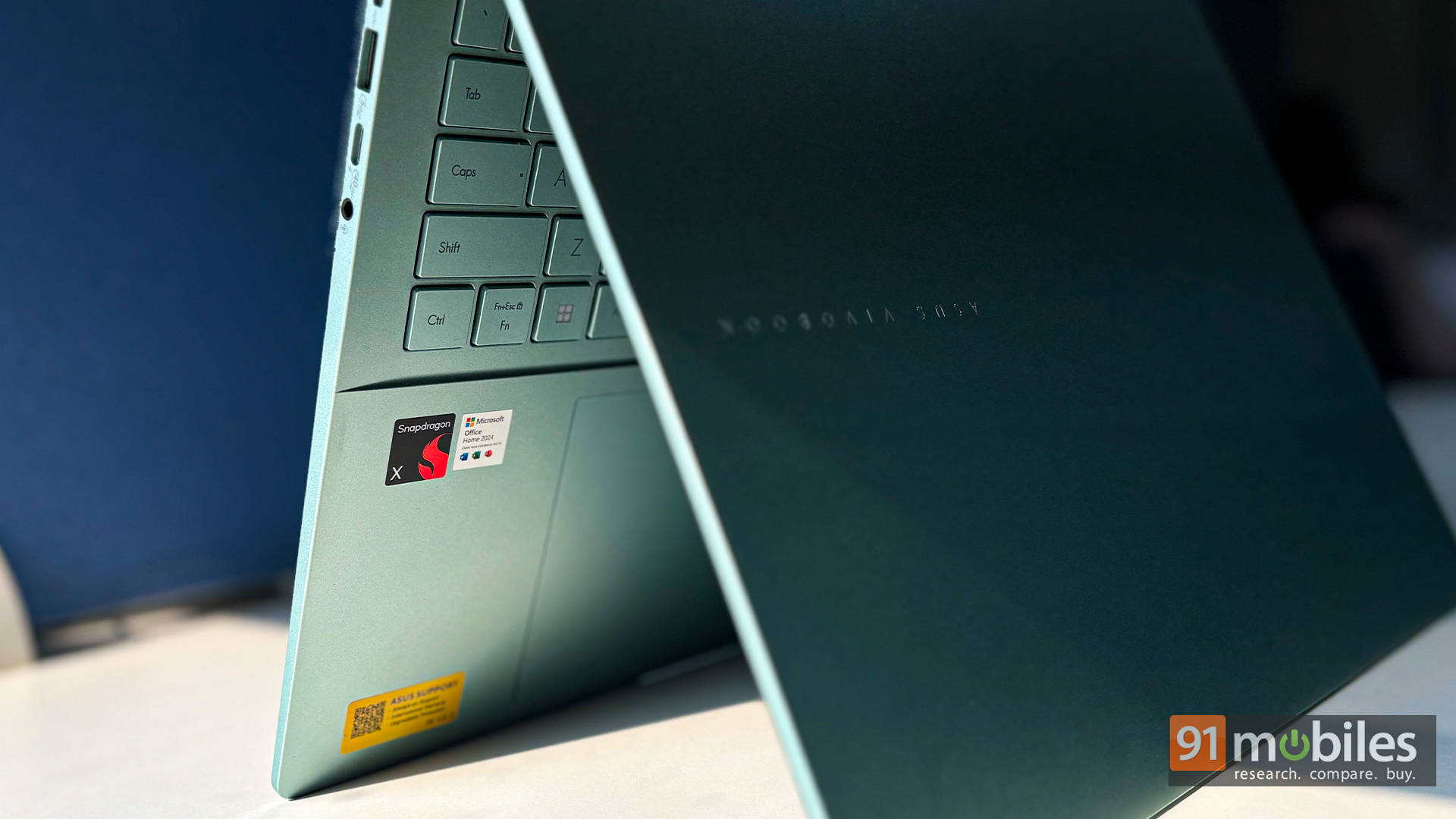
Design-wise, it closely resembles the Vivobook S16 S3607VA we tested earlier, but this model stands out with its refreshing Salvia Green colourway. It also features the budget-friendly Snapdragon X processor, which promises solid performance paired with excellent efficiency. On paper, it all sounds great, but how well does it hold up in real-world use? Let’s find out.
Table of Contents
Sleeps Less Than You Do
Let’s start with what truly sets this laptop apart: its absolutely ridiculous battery life. ASUS claims up to 32 hours on a single charge, thanks to the efficient Snapdragon X architecture paired with a generous 70Wh battery. Claims like that usually come with a pinch of salt, but here’s the surprise: this laptop actually gets pretty close in real-world use. When you’re hopping between browser tabs, drafting documents, attending video calls, or binge-watching a show in the evening, the Vivobook S16 just keeps going. You can comfortably leave the charger behind for an entire workday… maybe even two.
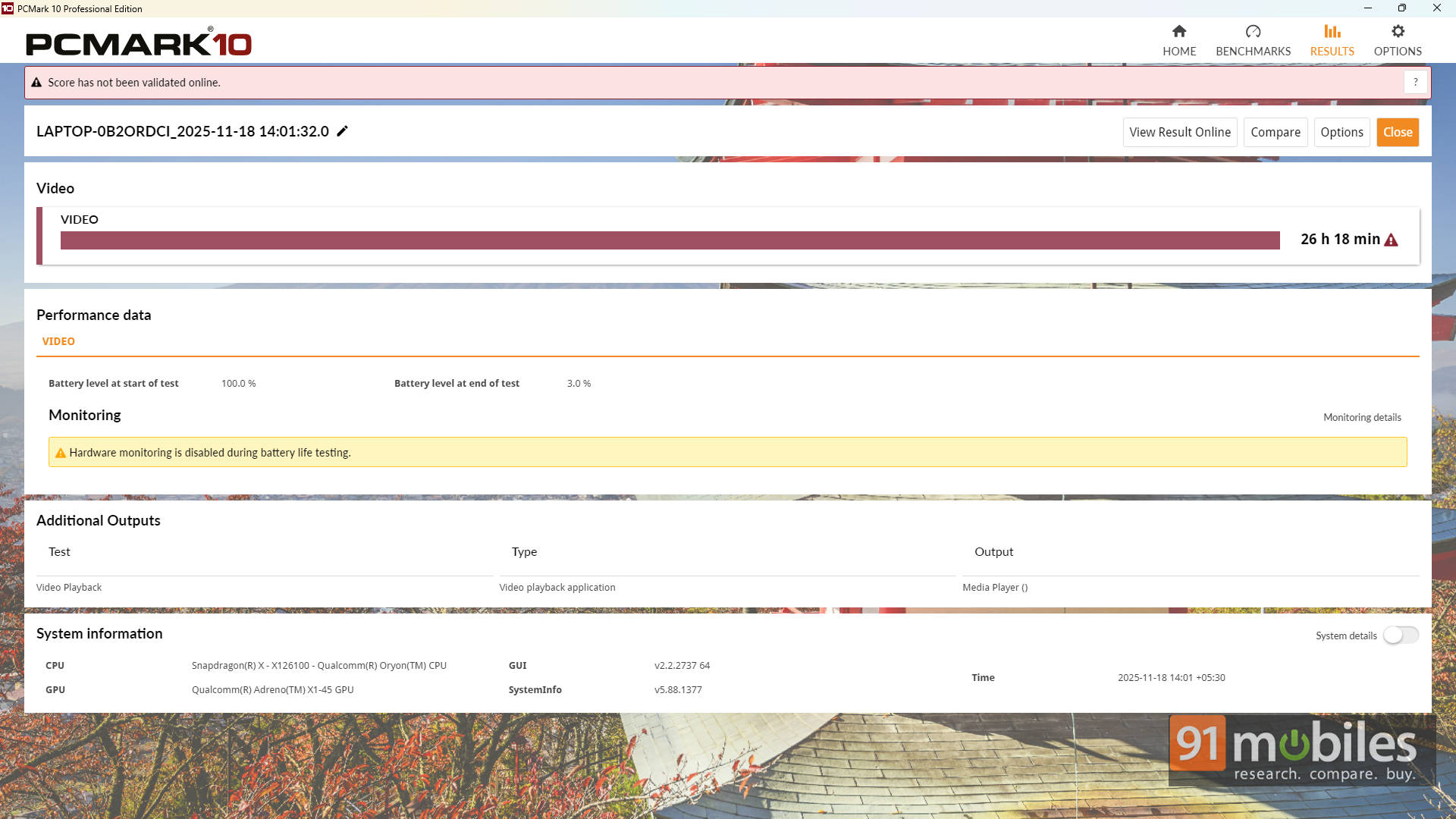
To put a number on it, the laptop pushed past a jaw-dropping 26 hours in the PCMark 10 Battery Video Loop test. That’s the highest score we’ve ever recorded at 91mobiles, and it’s not even close. For a 16-inch machine, that kind of endurance is almost unheard of. ASUS clearly struck the right balance between big display, slim body, and power efficiency.
When you do eventually need to top up, the USB-C fast charging support keeps things convenient. And since both USB-C ports can charge the laptop, you have more freedom to plug in from whichever side works for your desk, train tray, or café seat.
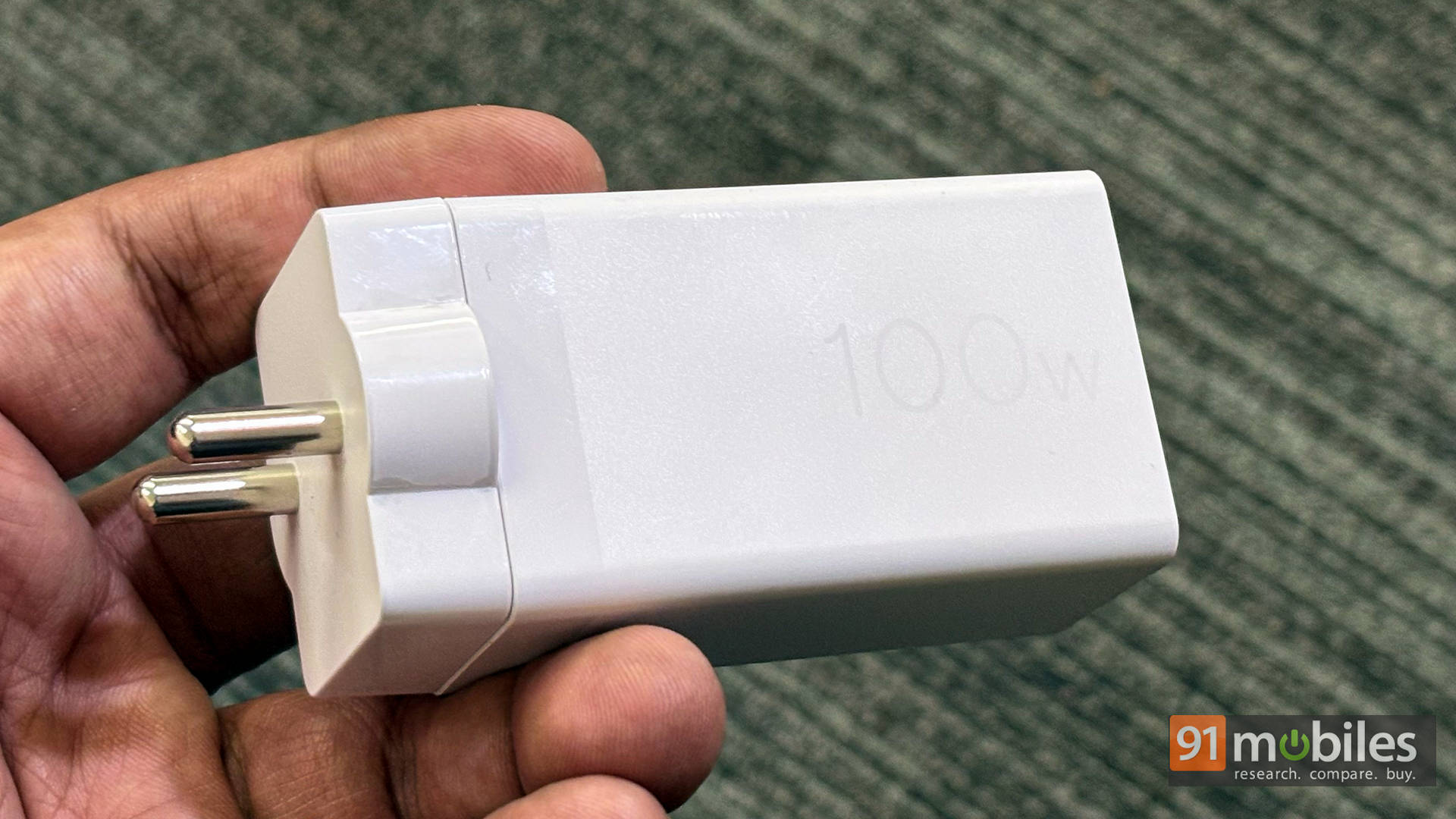
Now, ASUS also sent over their 100W USB-C GaN Charger, and it’s a handy little bonus for travellers. It’s significantly more compact than your typical laptop brick, runs cooler, and comes with interchangeable travel plugs, making it easy to toss into a backpack without adding bulk.
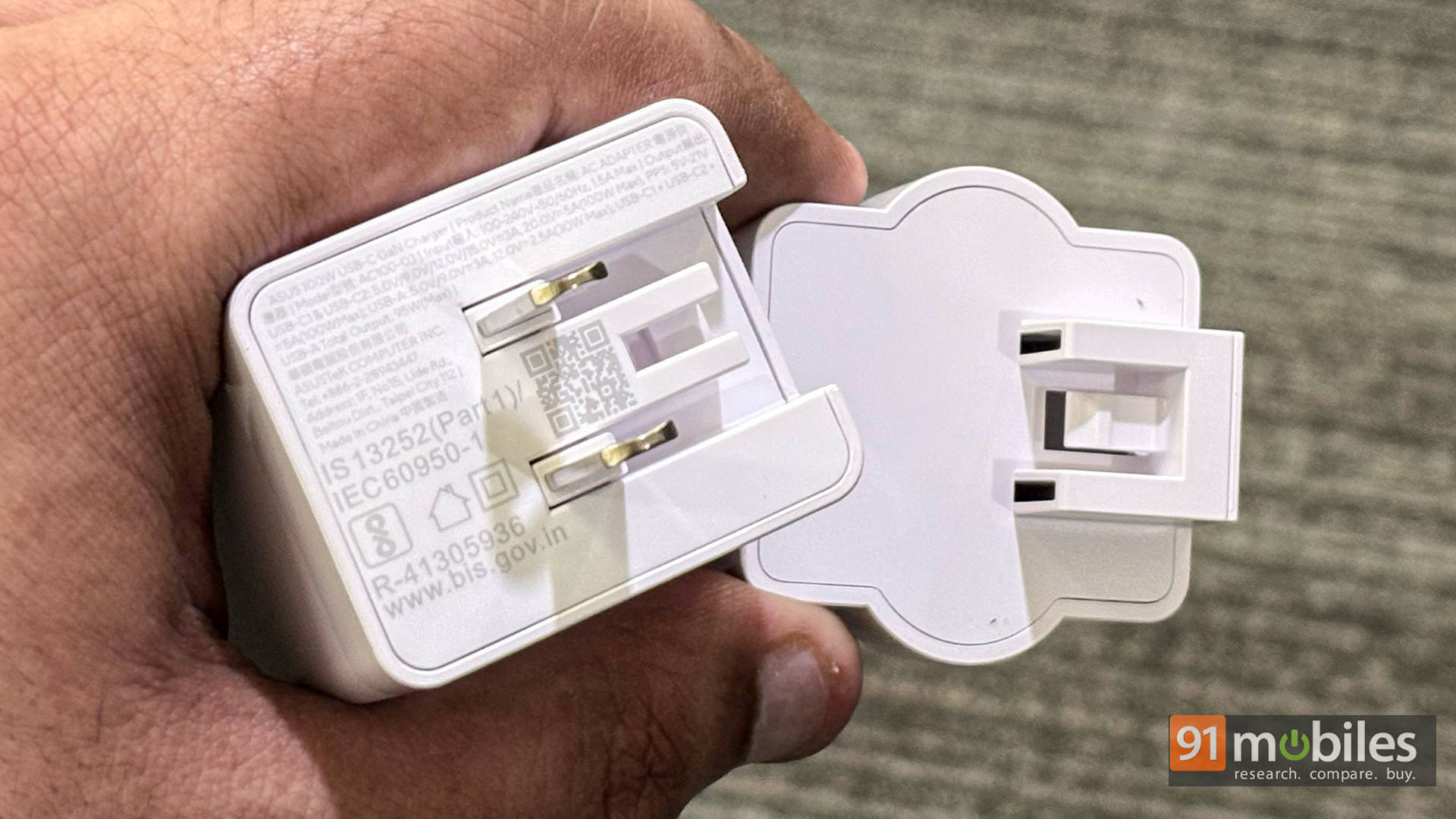
Additionally, multiple USB-C ports mean you can charge the laptop, your phone, and your earbuds simultaneously, turning it into a neat all-in-one power hub. For anyone who likes to carry minimal gear, this charger pairs beautifully with the S16’s already impressive stamina.
Surprisingly Snappy
Okay, the battery life is stellar, but does that mean ASUS had to sacrifice performance? Thankfully, not really. The Snapdragon X chipset inside the Vivobook S16 holds its ground surprisingly well. In our synthetic tests like Cinebench and Geekbench, the machine delivers perfectly respectable numbers for its class, especially in multi-core tasks where the X-series architecture shows its strength.
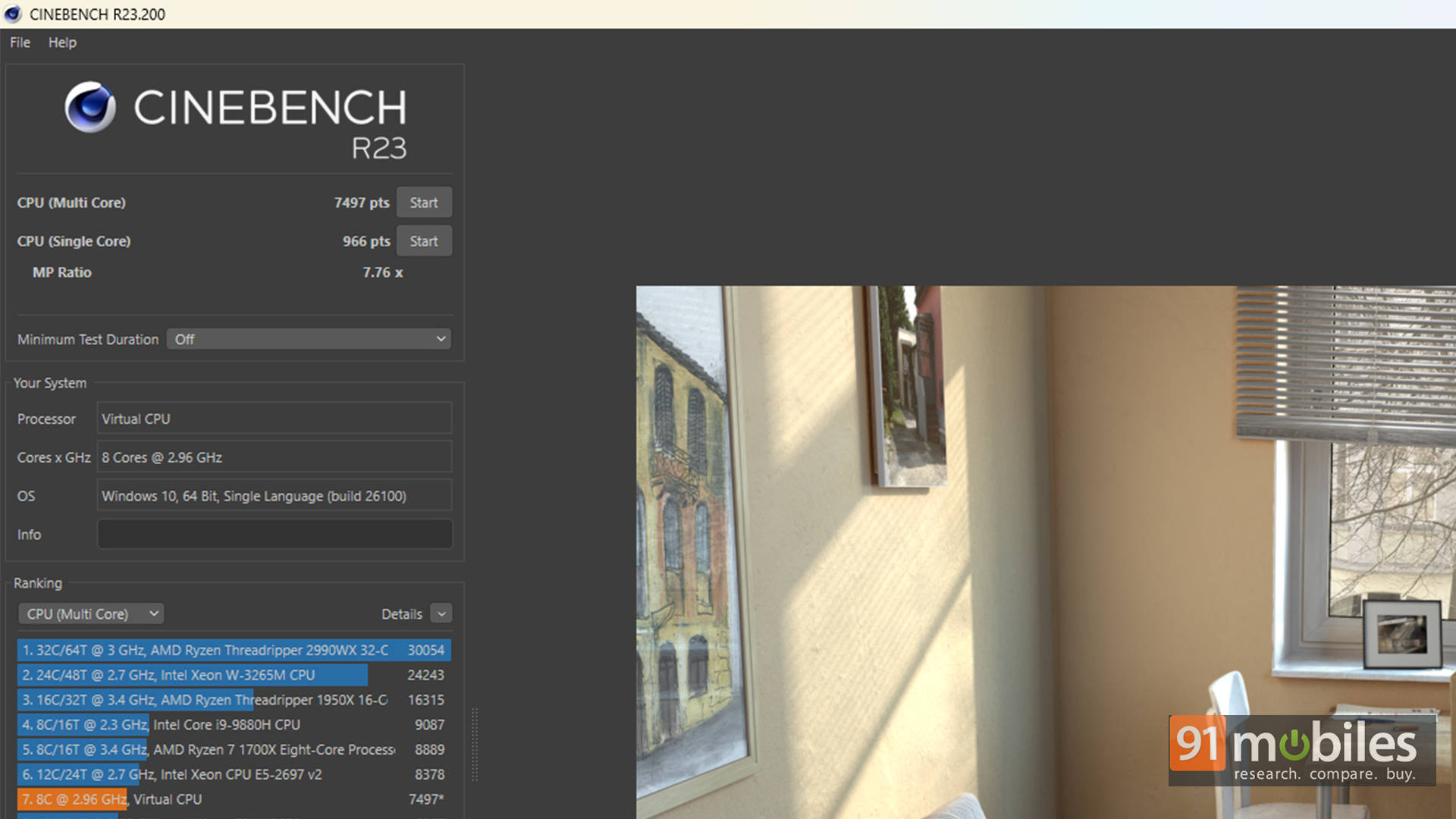
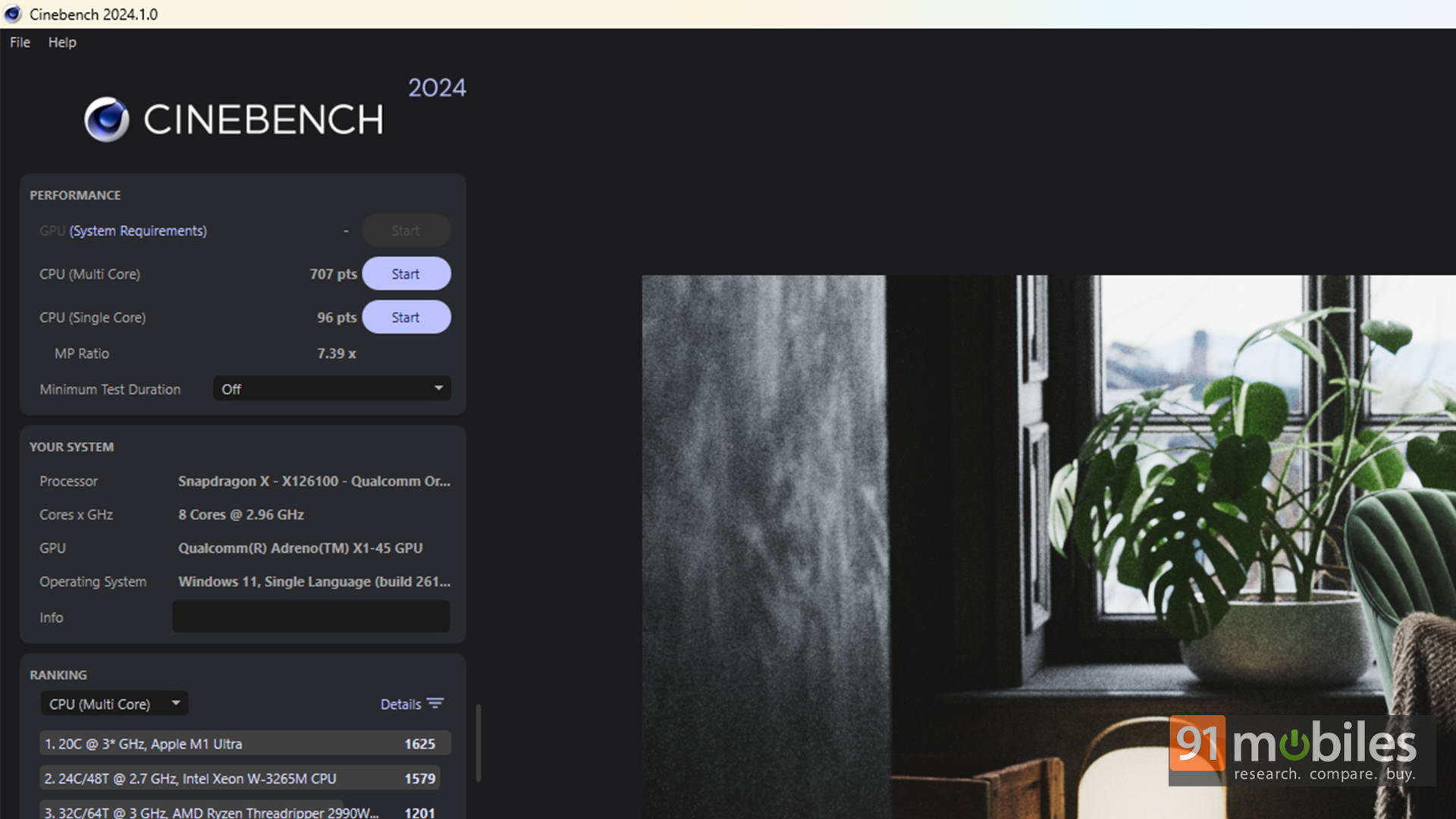
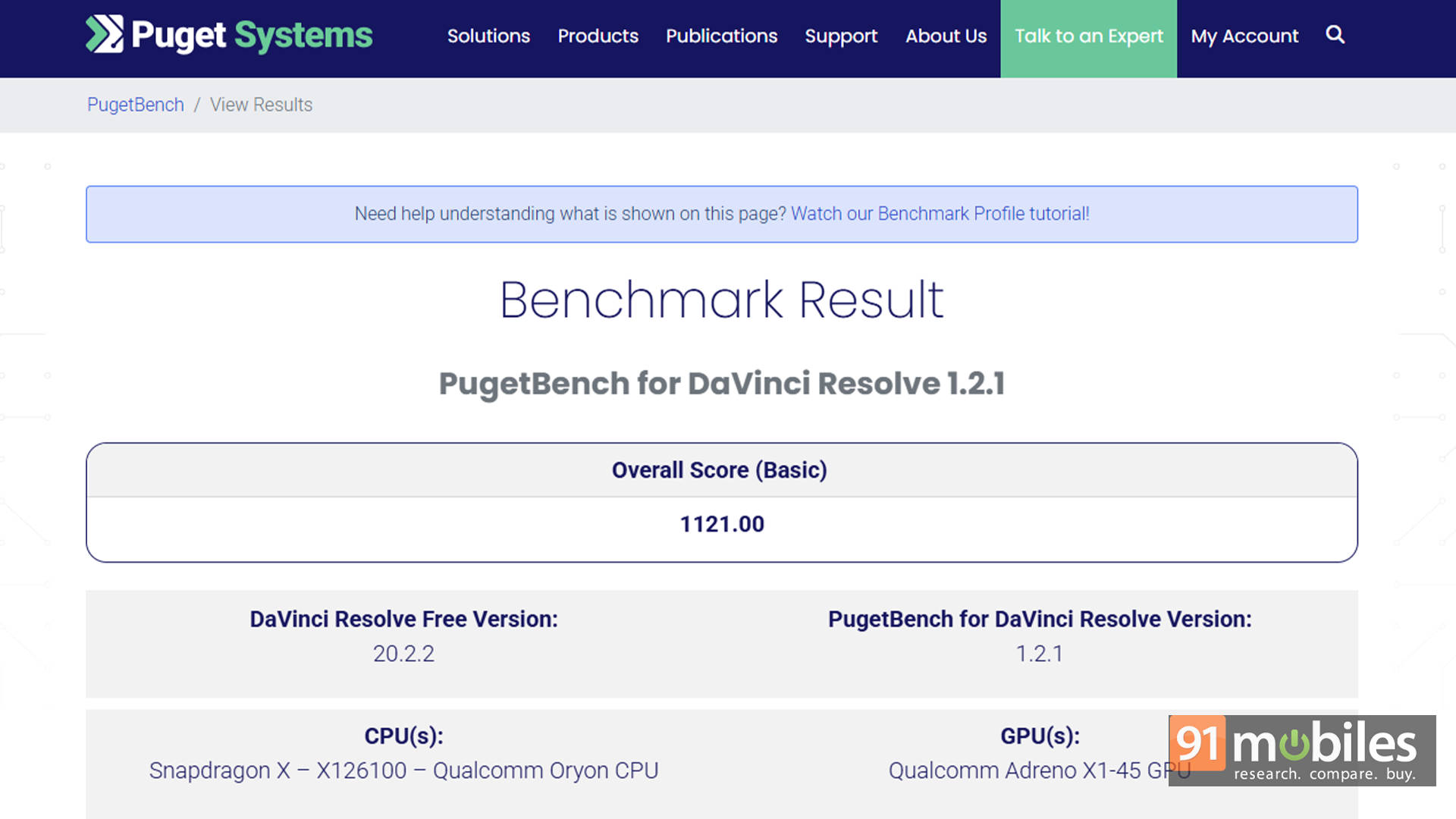
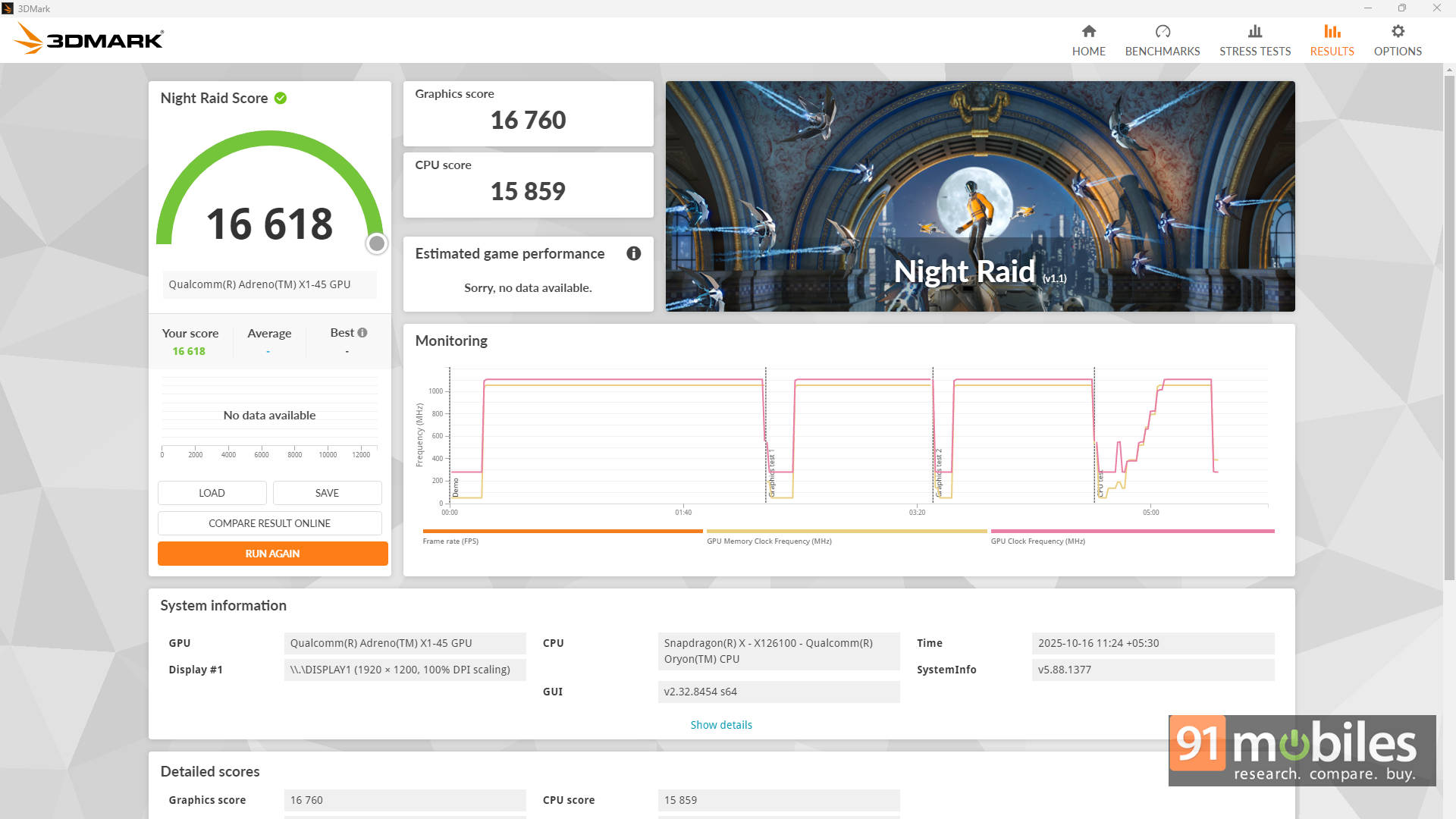
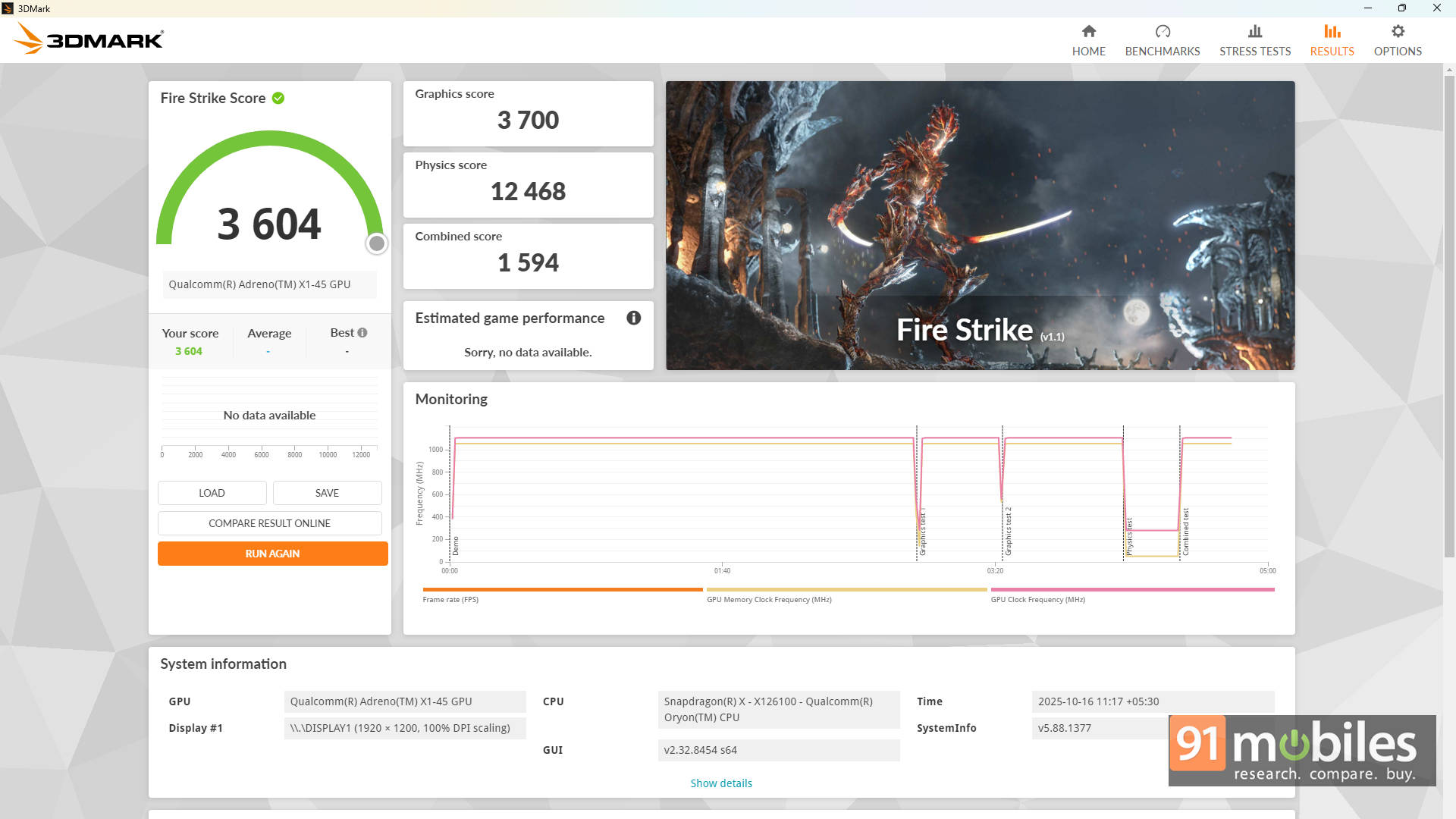
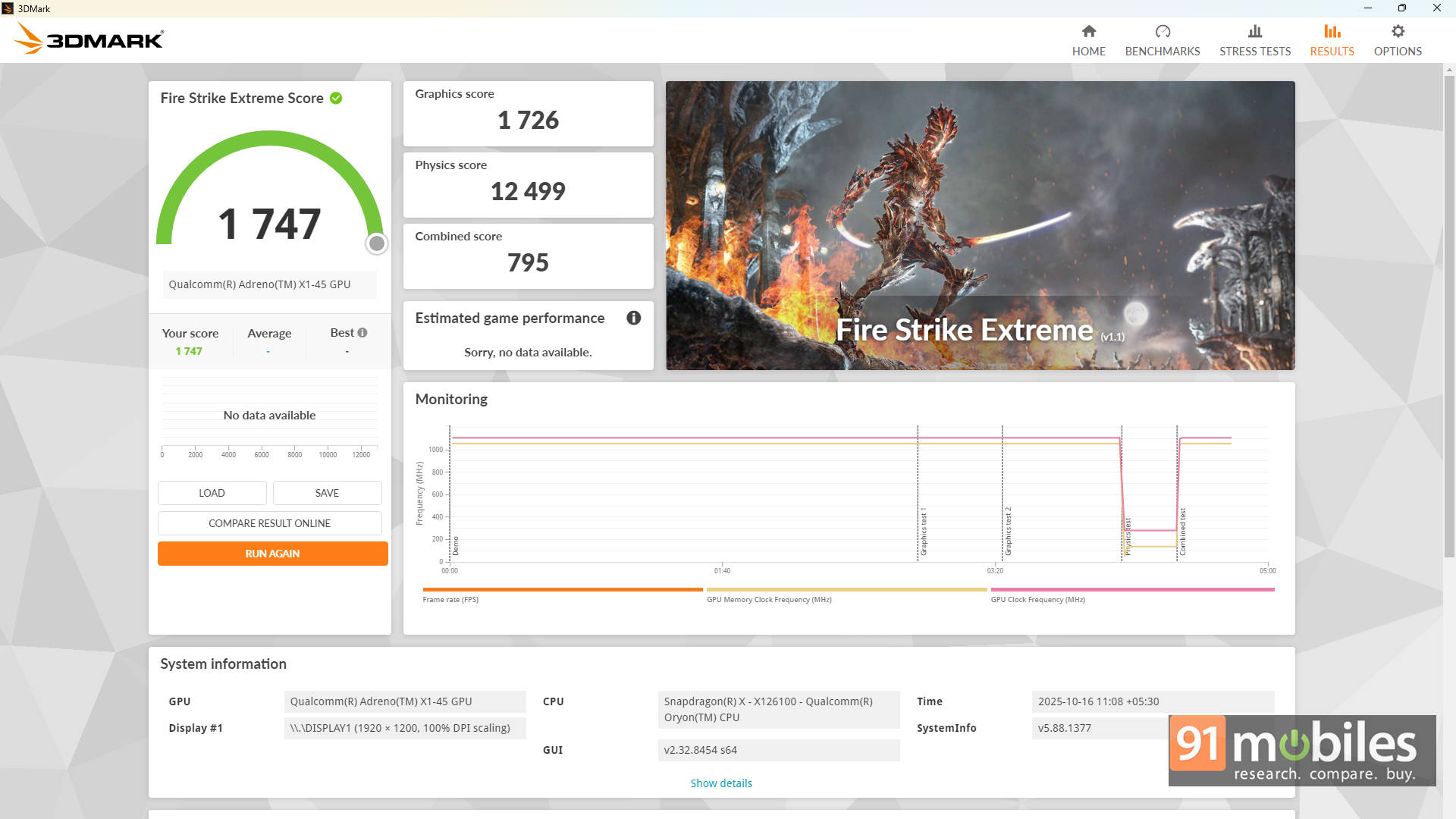
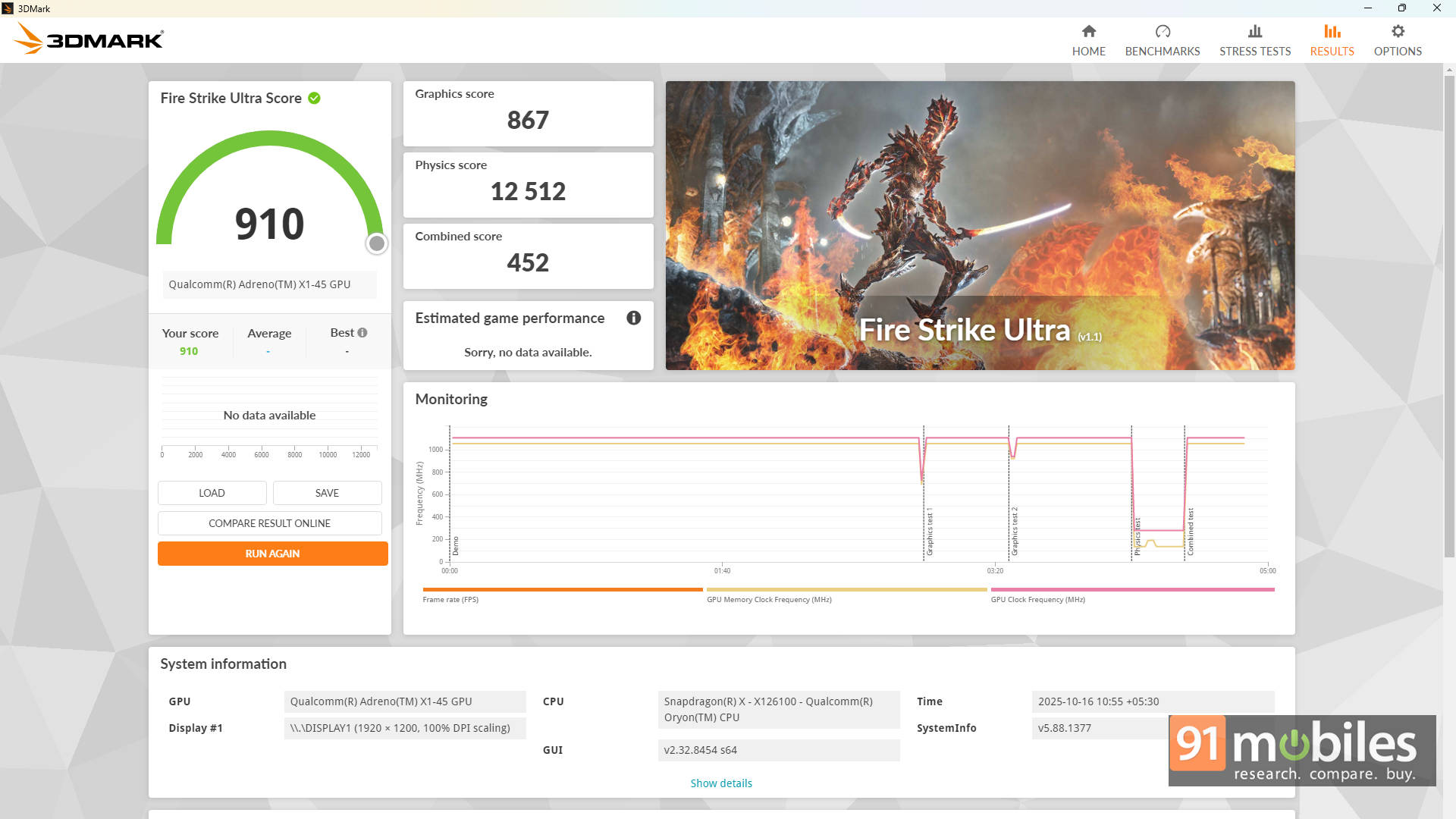
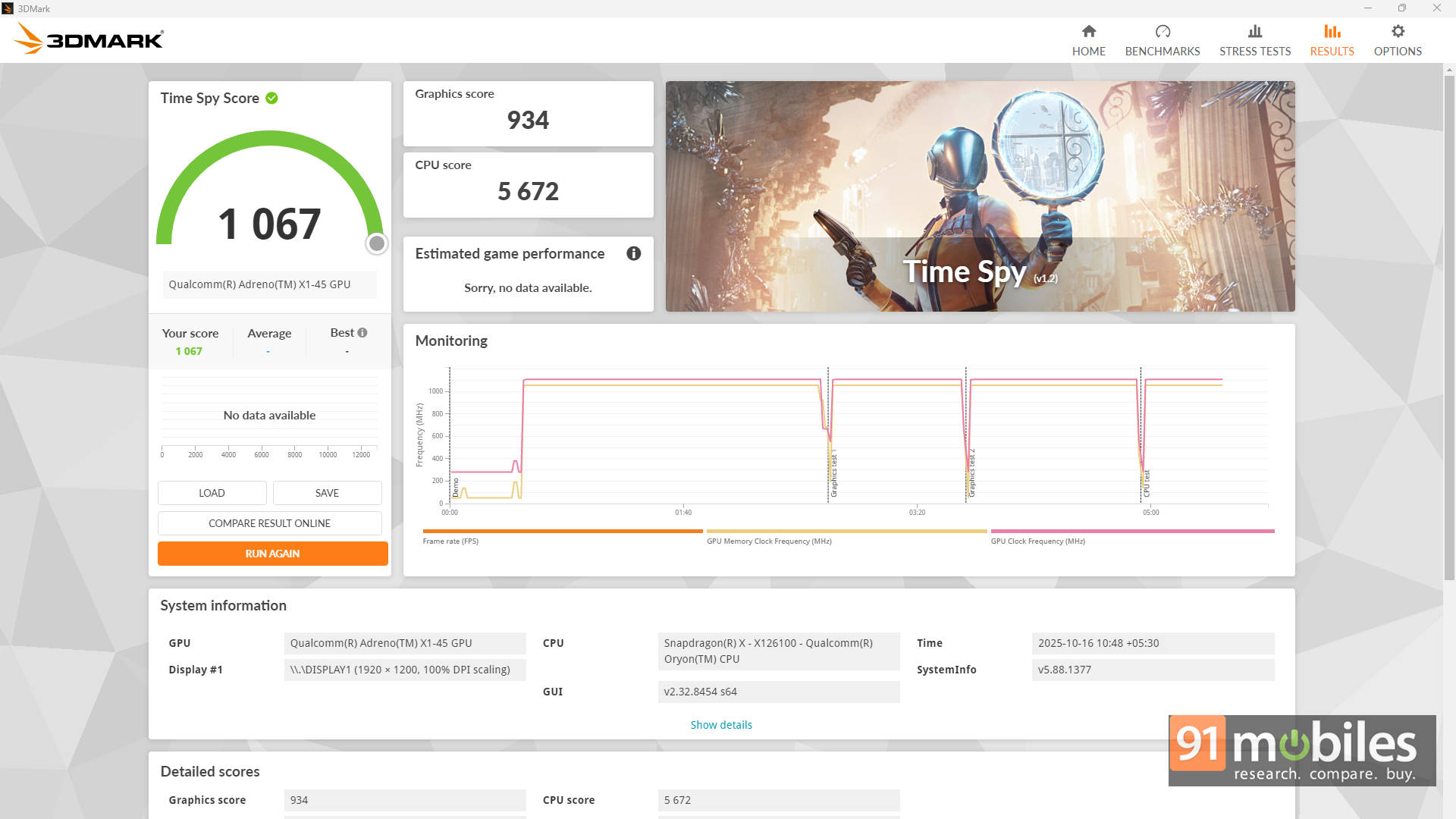
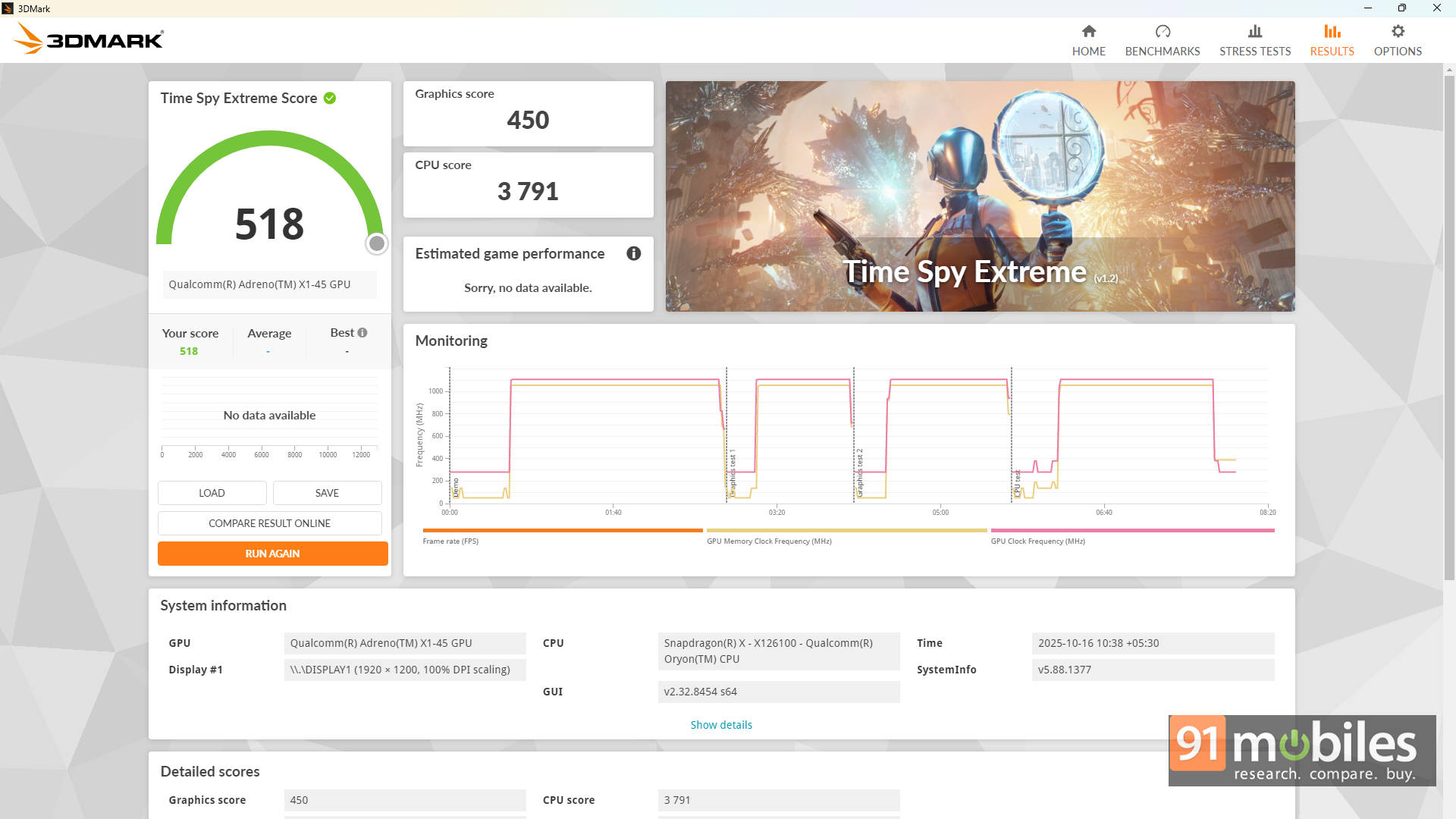
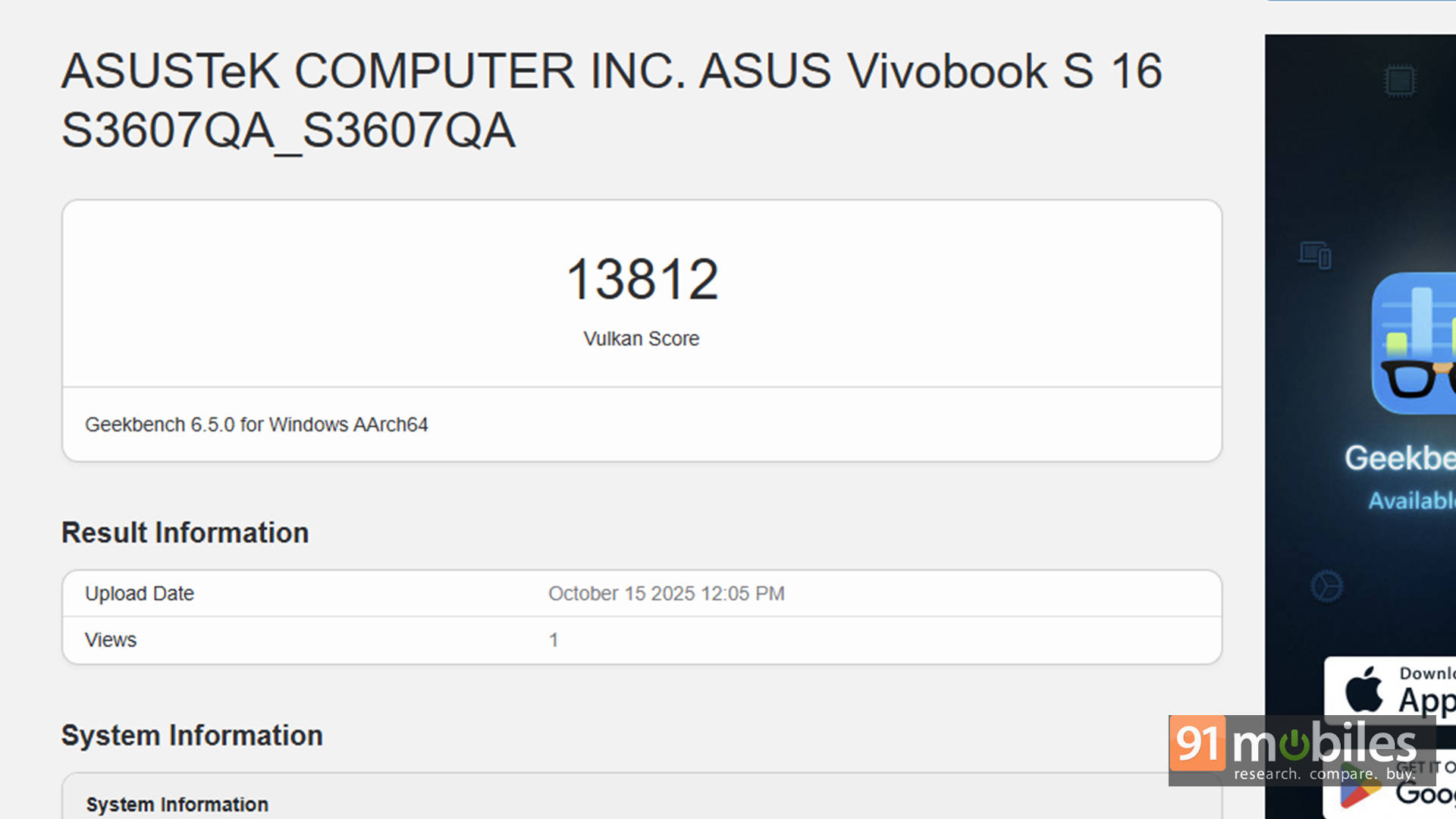
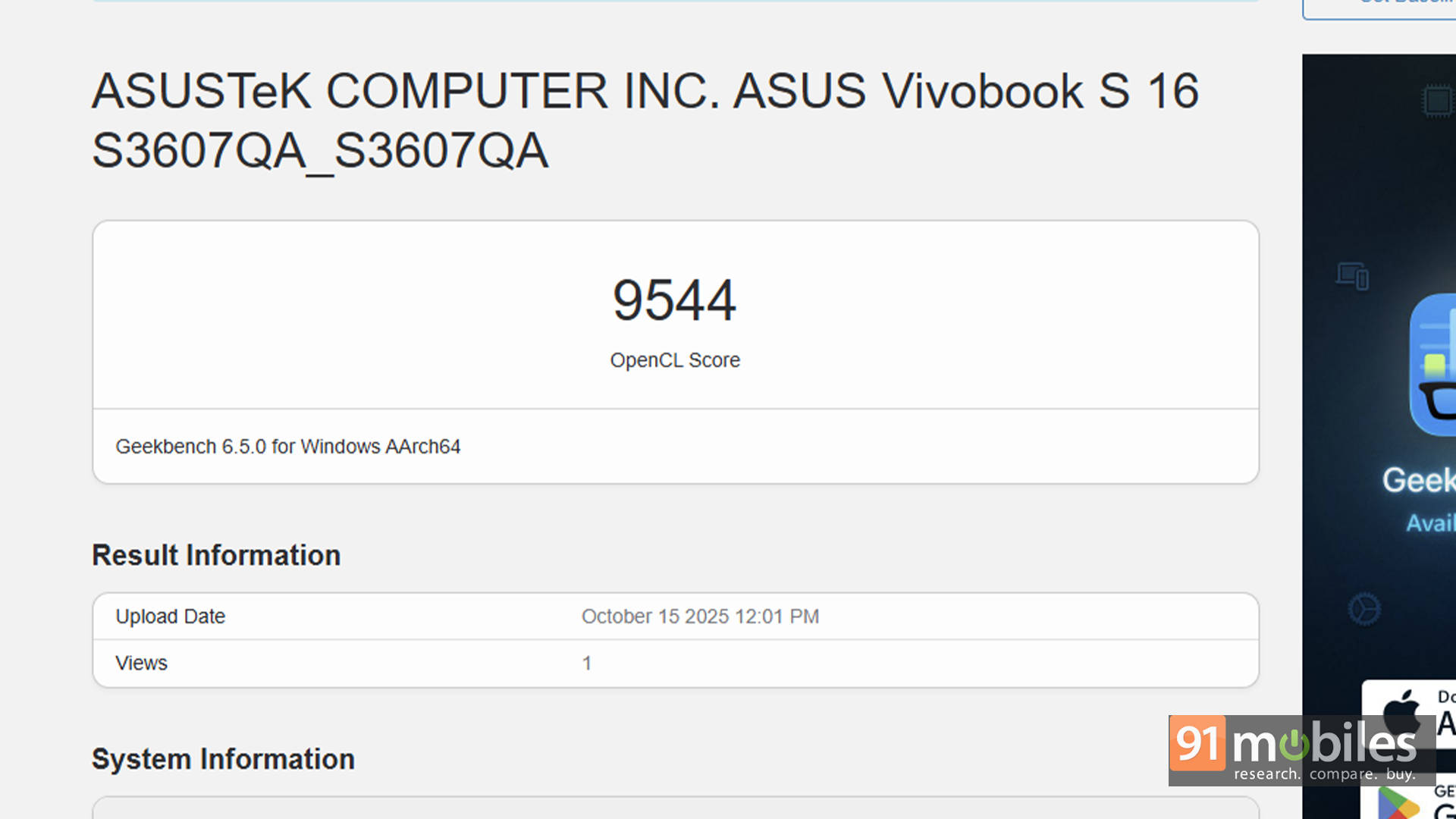
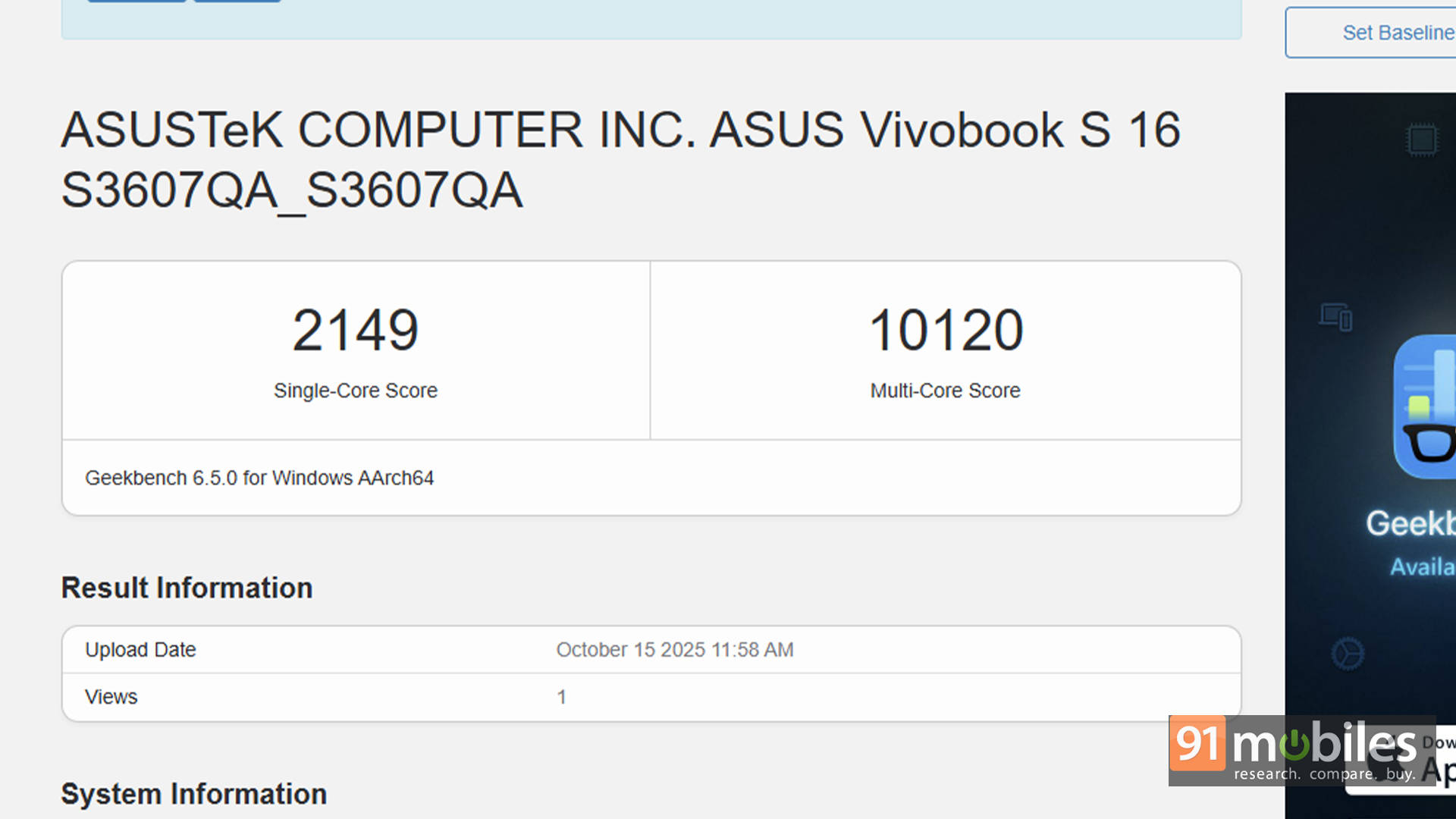
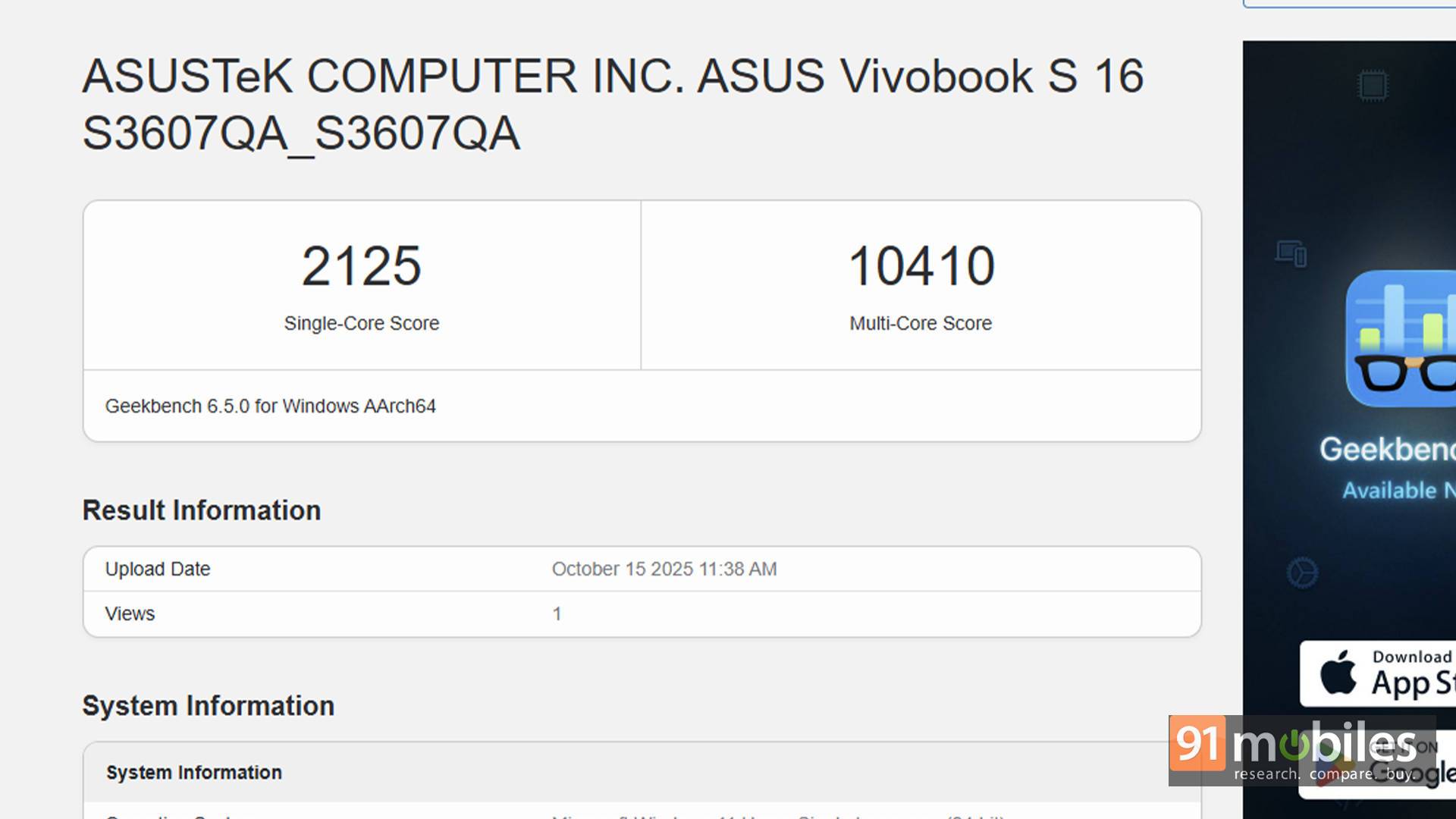
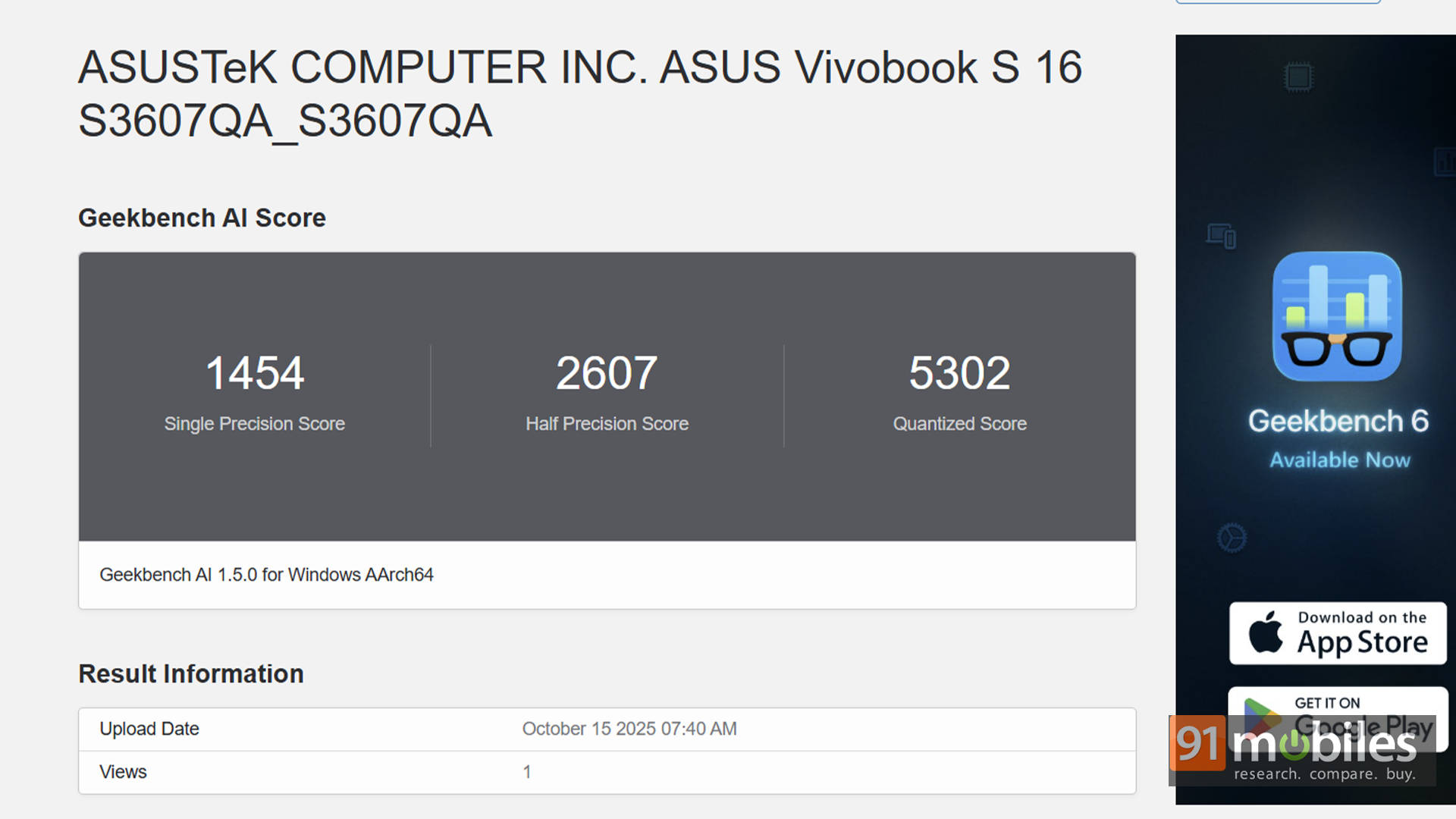
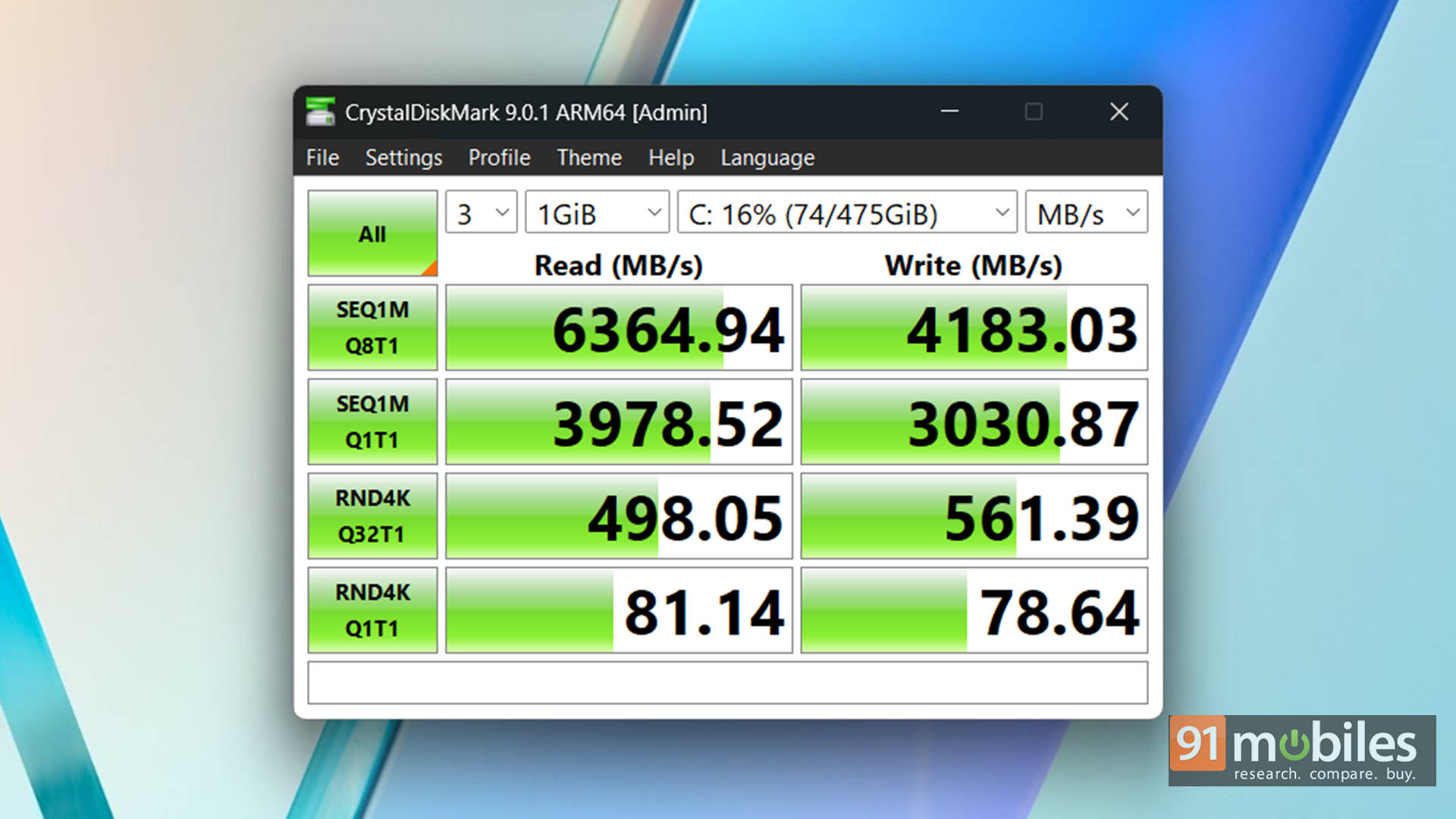


For a bit of perspective, I stacked it against the Moto Book 60 with the Intel Core 5 210H and the Dell 14 Plus 2-in-1 running AMD’s Ryzen AI 7 350. The Snapdragon X doesn’t exactly outrun either of those chips, but it doesn’t trail far behind either. In fact, the gap is thinner than you’d expect. And here’s the real kicker: the moment you stop staring at benchmark graphs and just use the laptop like a normal human, the performance difference becomes almost invisible.
| Model Number | ASUS Vivobook S16 S3607QA | MotoBook 60 | Dell 14 Plus 2-in-1 |
| CPU | Qualcomm Snapdragon X X1 26 100 | Intel Core 5 210H | AMD Ryzen AI 7 350 |
| GPU | Adreno X1-45 | Intel UHD Xe | AMD Radeon 860M |
| RAM Size | 16GB | 16GB | 16GB |
| RAM Type | LPDDR5x | DDR5 | LPDDR5x |
| Cinebench R24 MT | 707 | 555 | 624 |
| Cinebench R24 ST | 96 | 106 | 107 |
| Cinebench R23 MT | 7497 | 9846 | 10600 |
| Cinebench R23 ST | 966 | 1754 | 1953 |
| Geek Bench 6 ST | 2149 | 2403 | 2376 |
| Geek Bench 6 MT | 10120 | 9780 | 10732 |
| Geek Bench OpenCL | 9544 | 10223 | 21540 |
| Geek Bench Vulcan | 13812 | 12091 | 26842 |
| 3DMark Time Spy Extreme | 518 | 546 | 1113 |
| 3DMark Time Spy | 1067 | 1174 | 2533 |
| 3DMark Fire Strike Ultra | 910 | 821 | 1462 |
| 3DMark Fire Strike Extreme | 1747 | 1616 | 2791 |
| 3DMark Fire Strike | 3604 | 3383 | 5567 |
| 3DMark Night Raid | 16618 | 14047 | 23893 |
| Battery Runtime (Hr:Min) | 26:18 | 8:14 | 13:29 |
| GTA 5 - Avg FPS | 57 | 20 | 60 |
Of course, this isn't a workstation machine, and it's not pretending to be one. As long as expectations stay grounded, the performance won't disappoint. That said, you do need to be on board with the realities of ARM architecture. Windows on ARM has come a long way, but it's not perfect yet. Some older Win32 apps, specific drivers, or niche professional tools may behave oddly or run through emulation layers.
But if you're someone who mostly lives inside a web browser with stuff like emails, documents, portals, and streaming, the experience is smooth sailing. For the majority of everyday users, the Snapdragon X offers a healthy blend of efficiency and real-world speed without feeling like you've compromised.
Style Meets Substance
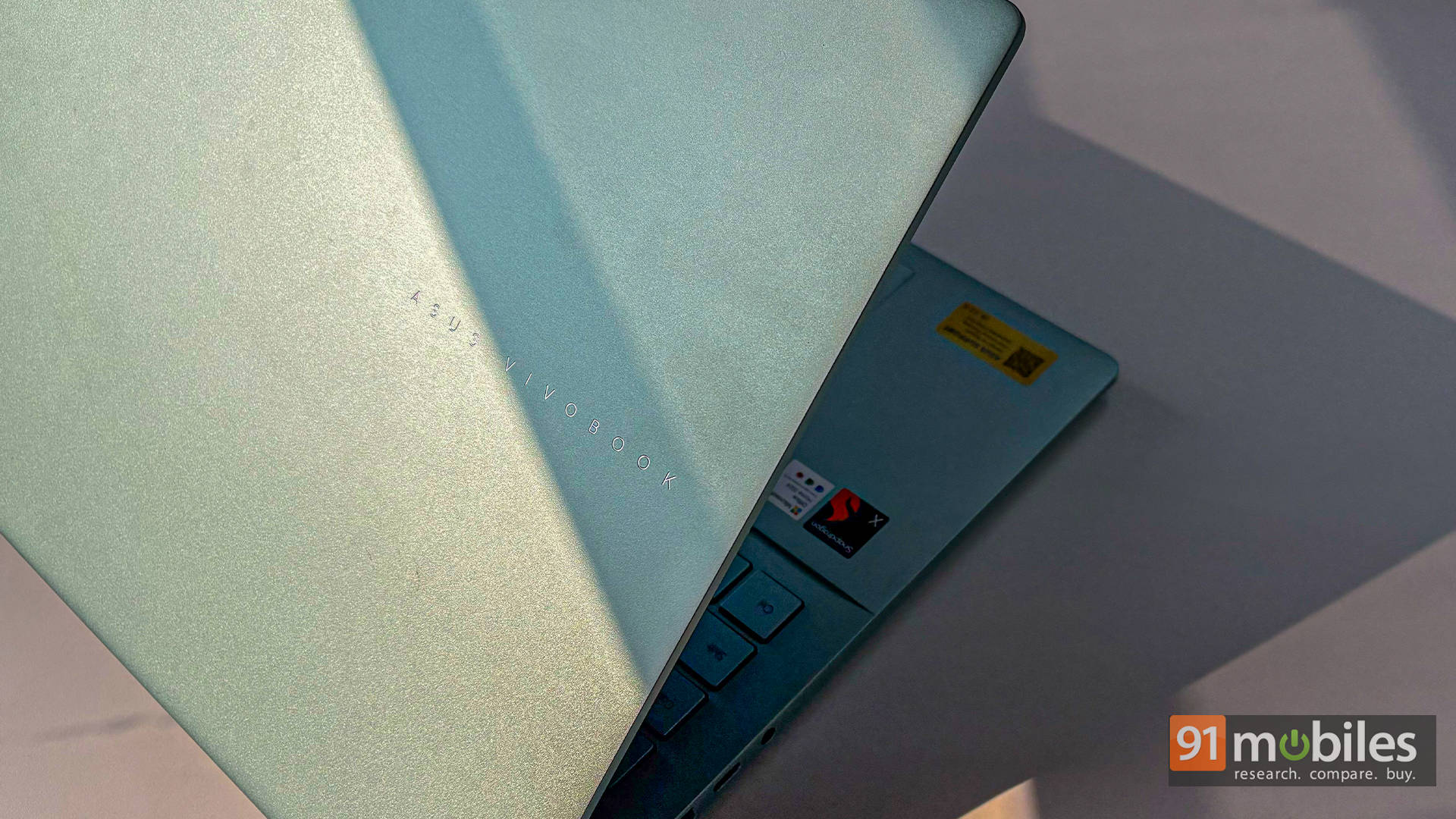
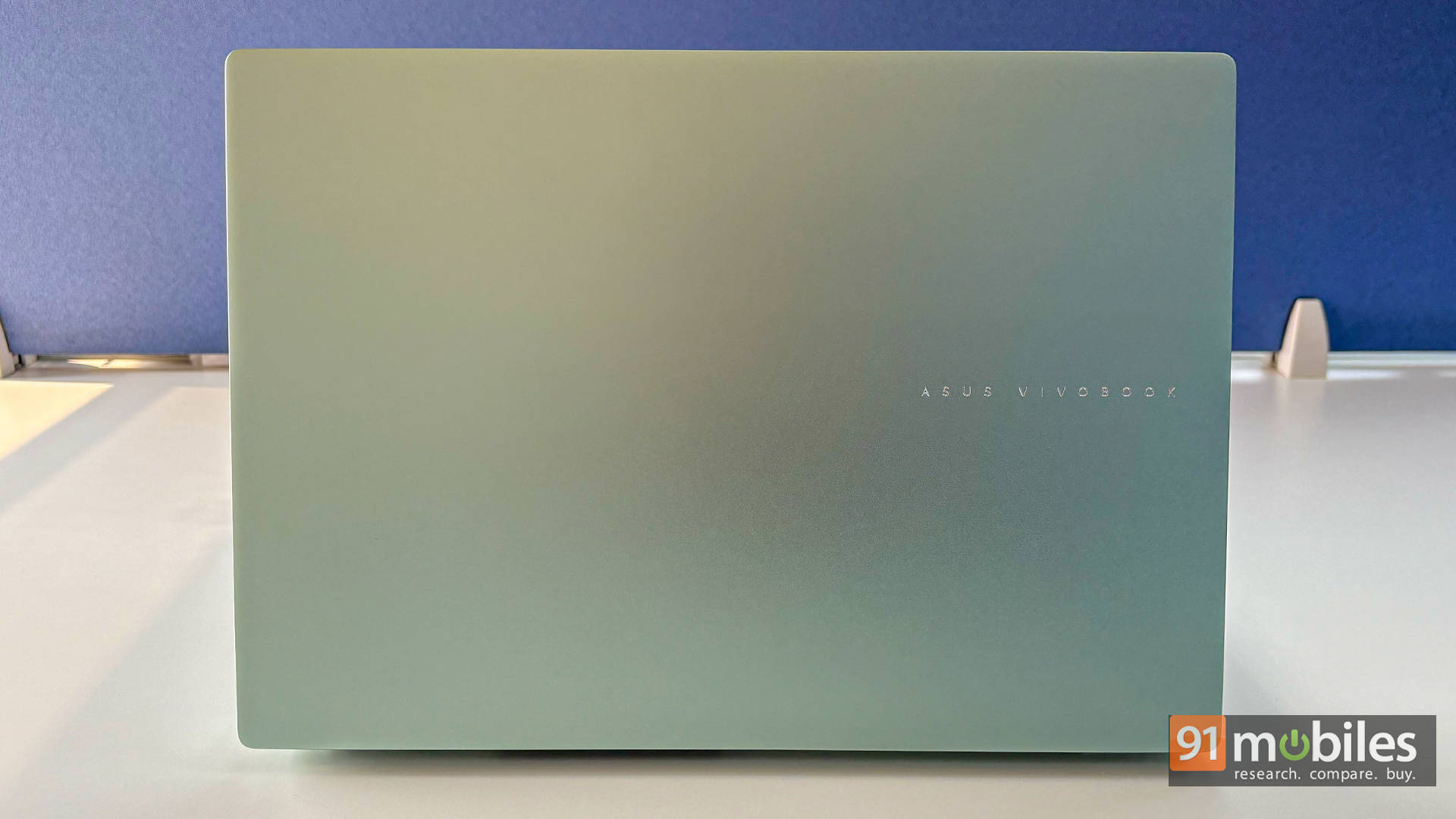
Design-wise, the Vivobook S16 strikes a pleasing balance between portability and screen size. For a 16-inch laptop, it's impressively thin at just 15.9 mm, and reasonably lightweight at 1.74 kg, making it easy to slip into a backpack or carry around a café or airport without feeling like you're hauling a brick. And while the Salvia Green variant steals the spotlight, you do get other options like Matte Grey, Cool Silver, and the playful BFF Peachy if green isn't your vibe.
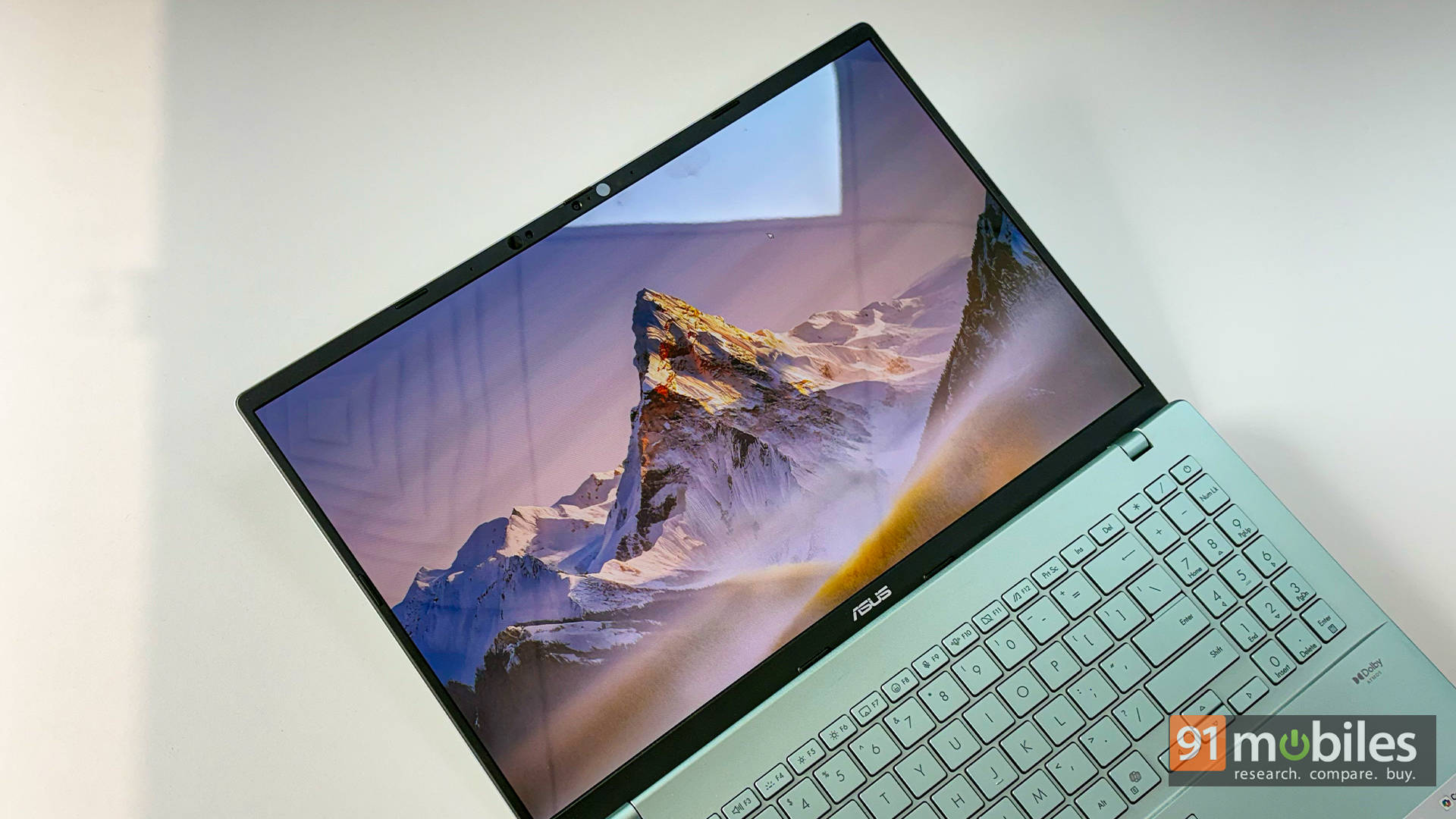
The display is another highlight. ASUS has opted for an OLED panel, which brings deep blacks, vivid colours, and excellent contrast. Whether you're watching movies, editing photos, or simply browsing documents, the viewing experience feels a notch above that of typical mid-range laptops. The 1920×1200 resolution isn't the sharpest out there, but it's perfectly adequate for everyday use. Plus, the 16:10 aspect ratio gives you more vertical space than traditional 16:9 screens, which helps with productivity.
For entertainment, the dual speakers with Dolby Atmos support deliver respectable audio for YouTube, Netflix, video calls, and casual background music. They won't replace dedicated speakers or high-end headphones, but for built-in laptop audio, they're comfortably in the "better than basic" category.
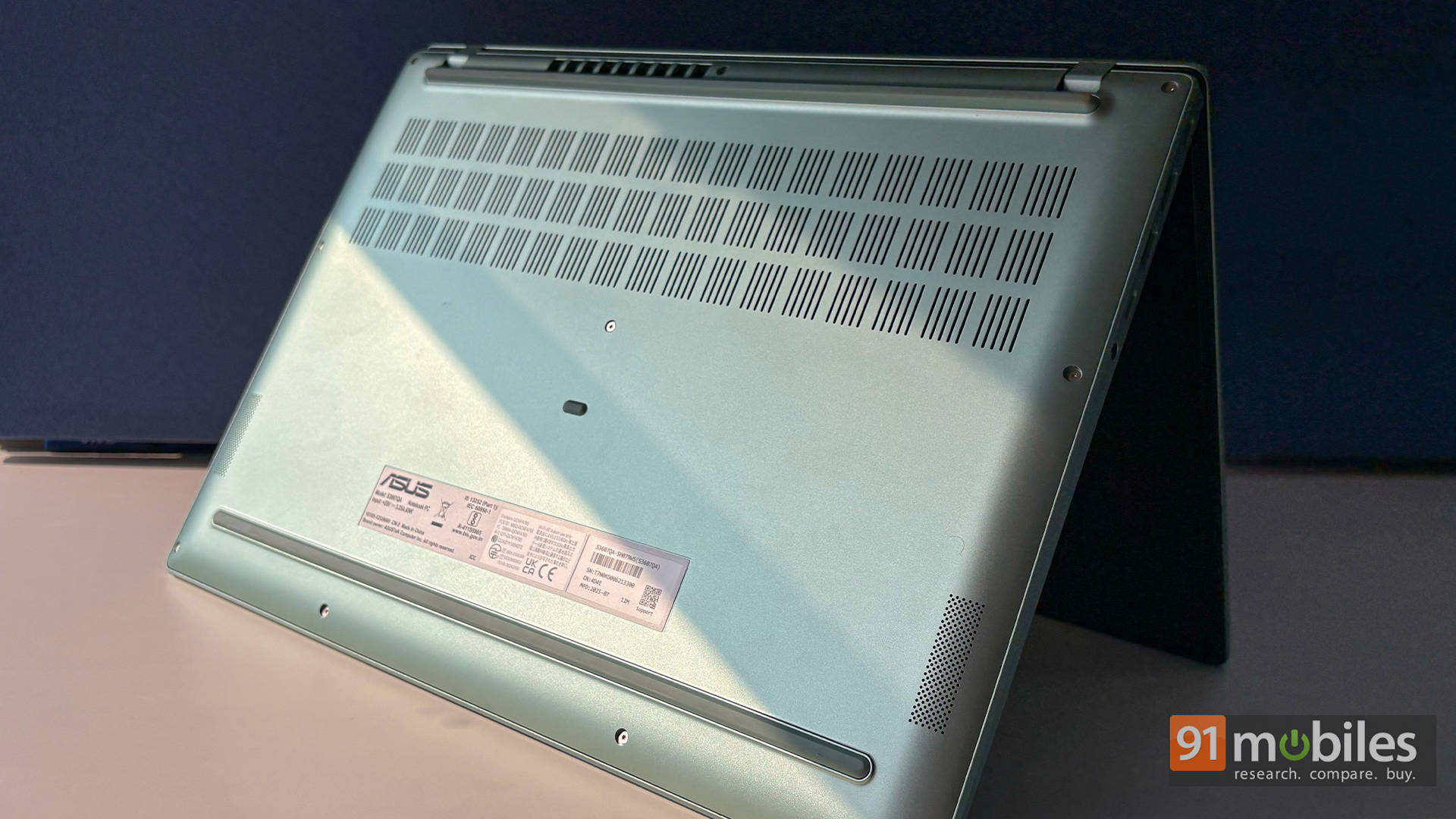
Despite its slim profile, the Vivobook S16 doesn't force you into dongle life. You get a well-balanced port selection: dual USB-A 3.2 Gen 1 ports, dual USB-C 4.0 Gen 3 ports, an HDMI 2.1 TMDS port, and a 3.5mm combo jack. On the wireless side, Wi-Fi 6E and Bluetooth 5.3 ensure smooth connectivity whether you're streaming, transferring files, or pairing accessories.
Where the Everyday Essentials Shine
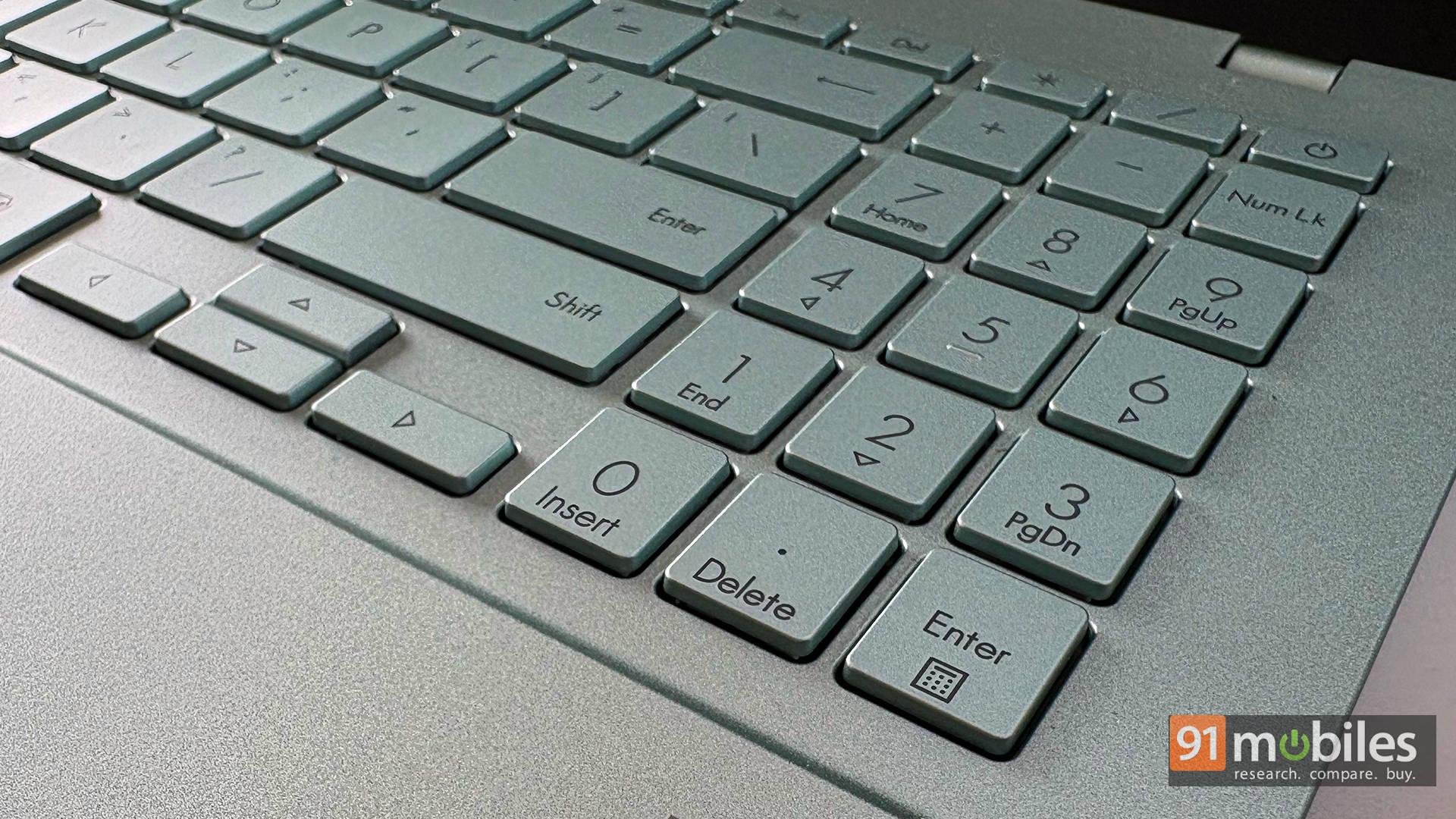
Typing comfort matters, especially if you spend hours writing essays, drafting reports, or wrestling with spreadsheets. The Vivobook S16's back-lit keyboard offers decent key travel, a clean layout, and a reassuringly familiar feel. And while I can't vouch for every colour variant, the Salvia Green model definitely gets bonus points, as the contrast between the keycaps and the chassis makes the keys easy to spot. It's a small perk, but one you'll appreciate when typing late at night.
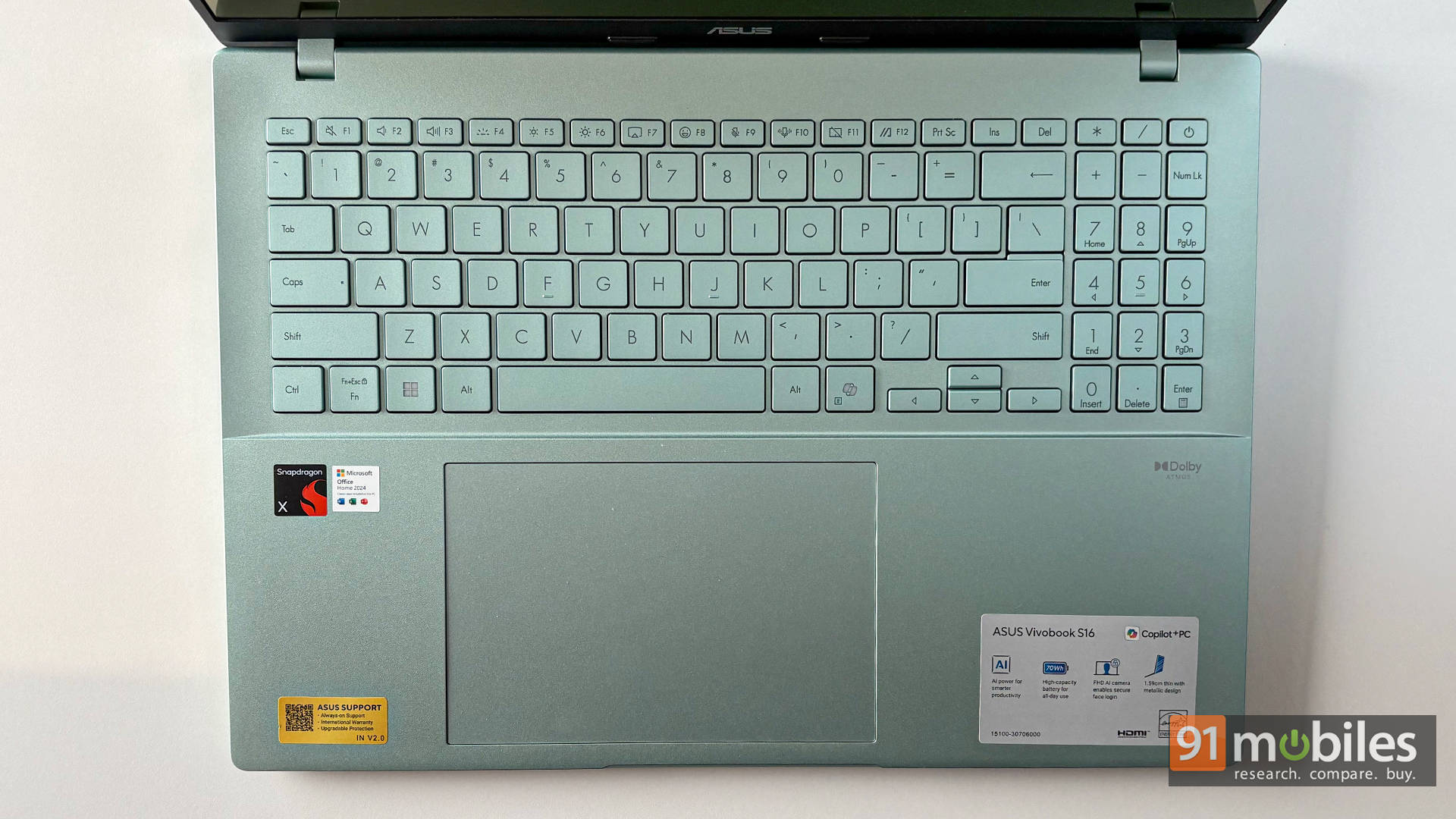
The touchpad is smooth and responsive, too. It's not comically huge like the ones on some ultra-premium laptops, but it's roomy enough for comfortable navigation. Gestures work well, accuracy is solid, and unless you're doing pixel-perfect edits or fast-paced gaming, you won't feel compelled to reach for an external mouse. And if you do, well, the ports are right there waiting.
As for the webcam, ASUS includes a 1080p unit with a physical privacy shutter, which is always a welcome touch. Image quality is a step above the bare minimum, which is great considering the price bracket we're in. It handles video calls, online classes, and daily meetings without making you look like a blurry hologram. Of course, lighting still matters (as always), but the webcam quality here doesn't feel like an afterthought.
Long story short: the keyboard, touchpad, and webcam setup is comfortably capable for everyday productivity, remote work, and study sessions. It's not trying to be ultra-luxury, but it nails the essentials in a way that feels solid, reliable, and pleasantly fuss-free.
ASUS Vivobook S16 S3607QA: Worth It?
So, the big question: is the Vivobook S16 S3607QA actually worth it? At its usual price of around Rs. 75K, and the occasional dip to Rs. 65K during sales, it's a pretty tempting package. You're getting a 16-inch big-screen laptop, a fun and stylish design (especially the Salvia Green), excellent battery life, modern connectivity, and an ARM-based chip that's ready for the AI-heavy future Microsoft keeps promising.
If you're a home user, student, or business user who wants smooth everyday performance without giving up battery life or screen real estate, the Vivobook S16 nails that sweet spot. The large display makes multitasking feel effortless, the battery keeps you unplugged for ages, and the overall experience is comfortably reliable for anything involving browsers, cloud apps, streaming, writing, and light productivity.
But here's the catch — and it's the only real catch: ARM. If your workflow leans heavily on older Win32 software, specialised tools, or anything that refuses to play nice with emulation, you should look at more traditional x86 machines. Options like the Moto Book 60, Dell 14 Plus 2-in-1, HP OmniBook 3 15-fn0007au, or ASUS's own ExpertBook P1 deliver better legacy compatibility and strong all-around performance.
The trade-off? None of them comes remotely close to the outrageous battery life of the Vivobook S16. Not even in the same galaxy. So, if your day revolves around the web, docs, mails, meetings, and media, this laptop's a winner. If you rely on older software… well, pick your battles. Either way, the Vivobook S16 makes a pretty convincing case for itself.
Editor's Rating: 8 / 10
Pros:
- Exceptional battery life
- Lightweight 16-inch form factor
- Vibrant OLED display
- Stylish Salvia Green design
Cons:
- ARM architecture quirks
- 1200p resolution isn't that crisp