The Bambu Lab A2L Combo 3D printer has shown me just how easy 3D printing can be. Ever since it arrived at our office, we haven’t stopped printing things on the machine. From basic models such as boats, nameplates, figurines, and phone stands to slightly more complex items like fidget spinners and other models – you name it, the Bambu Lab A2L Combo can print almost anything.
In this overview, I’ll take you through what this 3D printer brings to the table, what it can do, and who it makes the most sense for. Check it out.
Table of Contents
What’s in the box:
- A2L Base Housing
- A2L Printer Frame
- AMS lite Body
- AMS lite Stand
- AMS lite Rotary Spool Holder
- Spool Holder
- Purge Wiper
- Power cable
- Build Plate
- Unclogging Pin
- Scraper Blade
- Filament Cutter
- PTFE Tube Coupler
- Z-Axis Motor Cover
- Silicone Footpad
- Foam Footpad
- PTFE Tubes
- 20g Sample Filament (white)
- Allen Keys
- Lubricant Grease and Oil
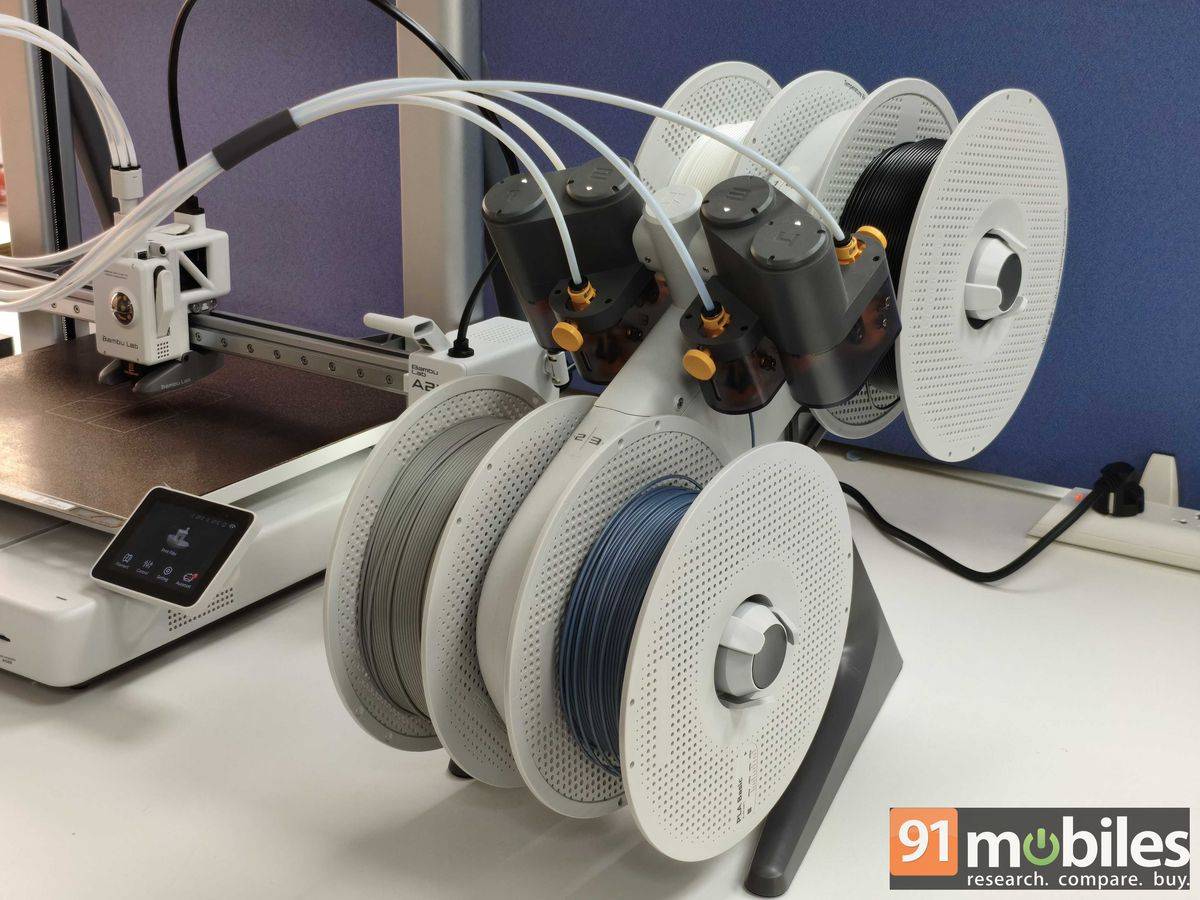
The PLA filaments, available in multiple colours, are sold separately. Up to four individual filaments can be attached to the Rotatory Spool Holder on the AMS Lite machine.
Setup
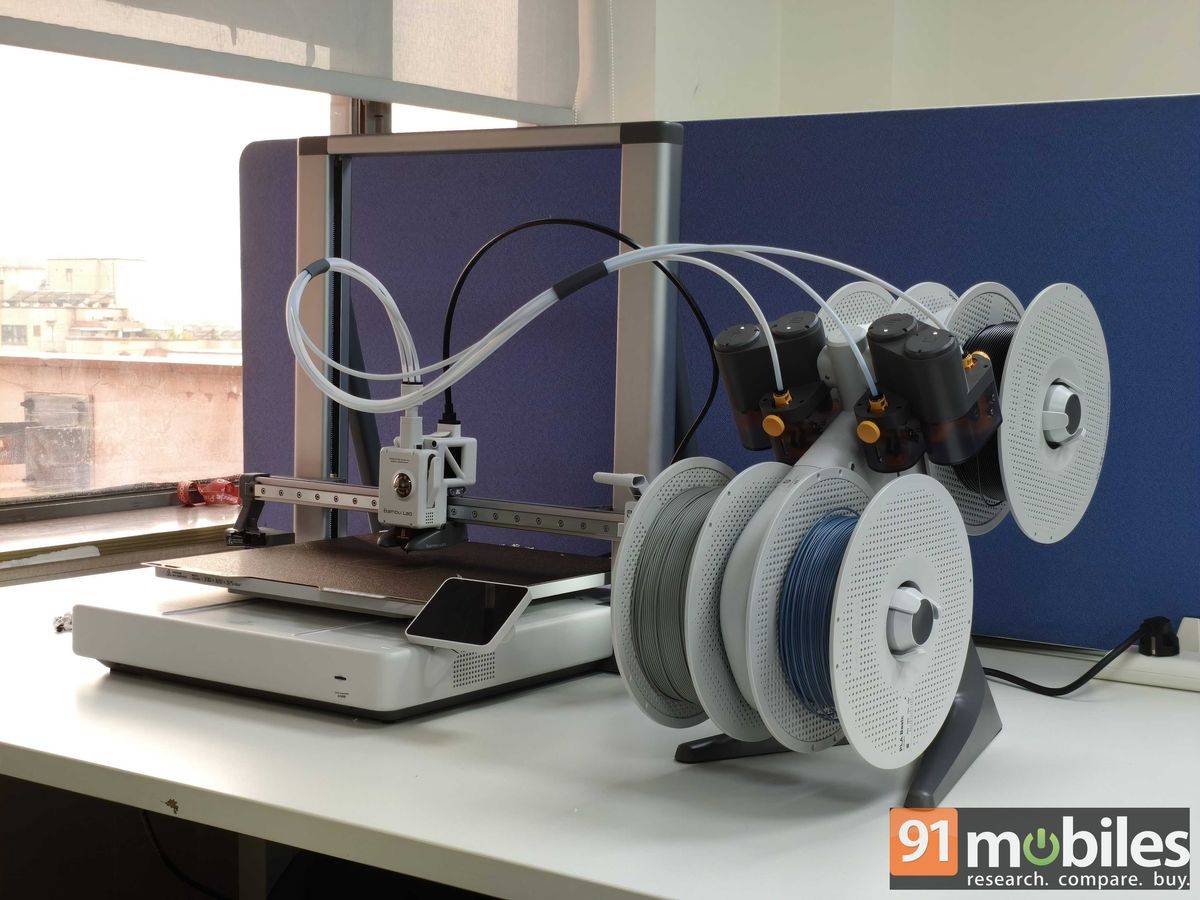
Setting up the Bambu Lab A2L 3D printer can be a somewhat extensive process. It comes with a variety of parts, both small and large, which are packed separately to ensure safe shipping. A guide walks users through the process; however, we found the YouTube tutorial more helpful.
It took us almost an hour to set up the printer, and if you are doing it yourself, we recommend going slowly and tackling one part at a time instead of everything at once.
Connectivity and calibration
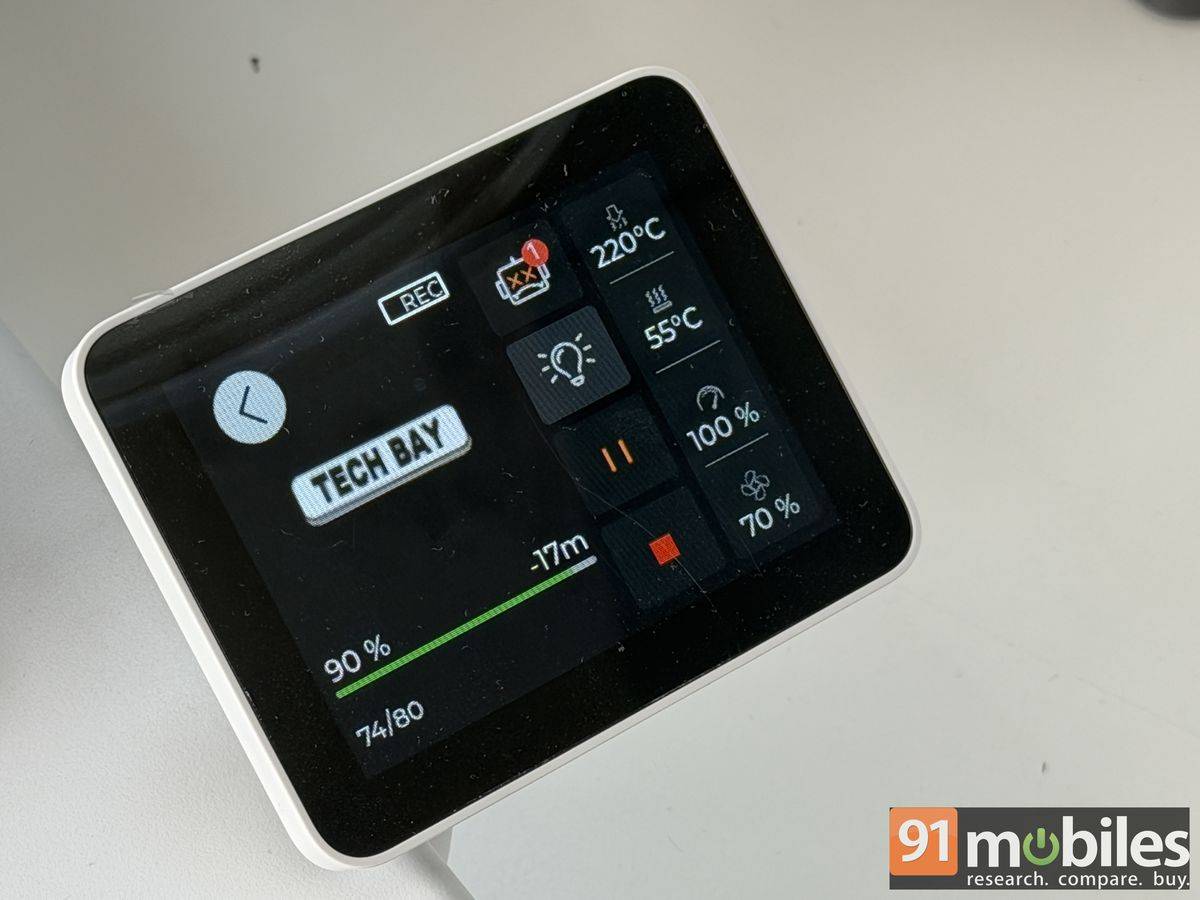
The Bambu Lab A2L 3D printer comes with a small 3.2-inch display, which may not be the brightest or sharpest around, but it gets the job done. Once you have powered on the printer initially, connect it to the available Wi-Fi, and then scan the QR code on the display to pair it with your smartphone using the Bambu Handy app. Register and log in to the app to access the features.
The same credentials can also be used on the Bambu Studio app for laptop/ PC. If you are initiating the pairing process via the laptop/ PC (Windows and Mac) instead of the phone, then ensure both the printer and laptop are connected to the same Wi-Fi network. After the initial pairing, the Bambu Lab A2L 3D printer can be accessed remotely as long as it is connected to a power source.
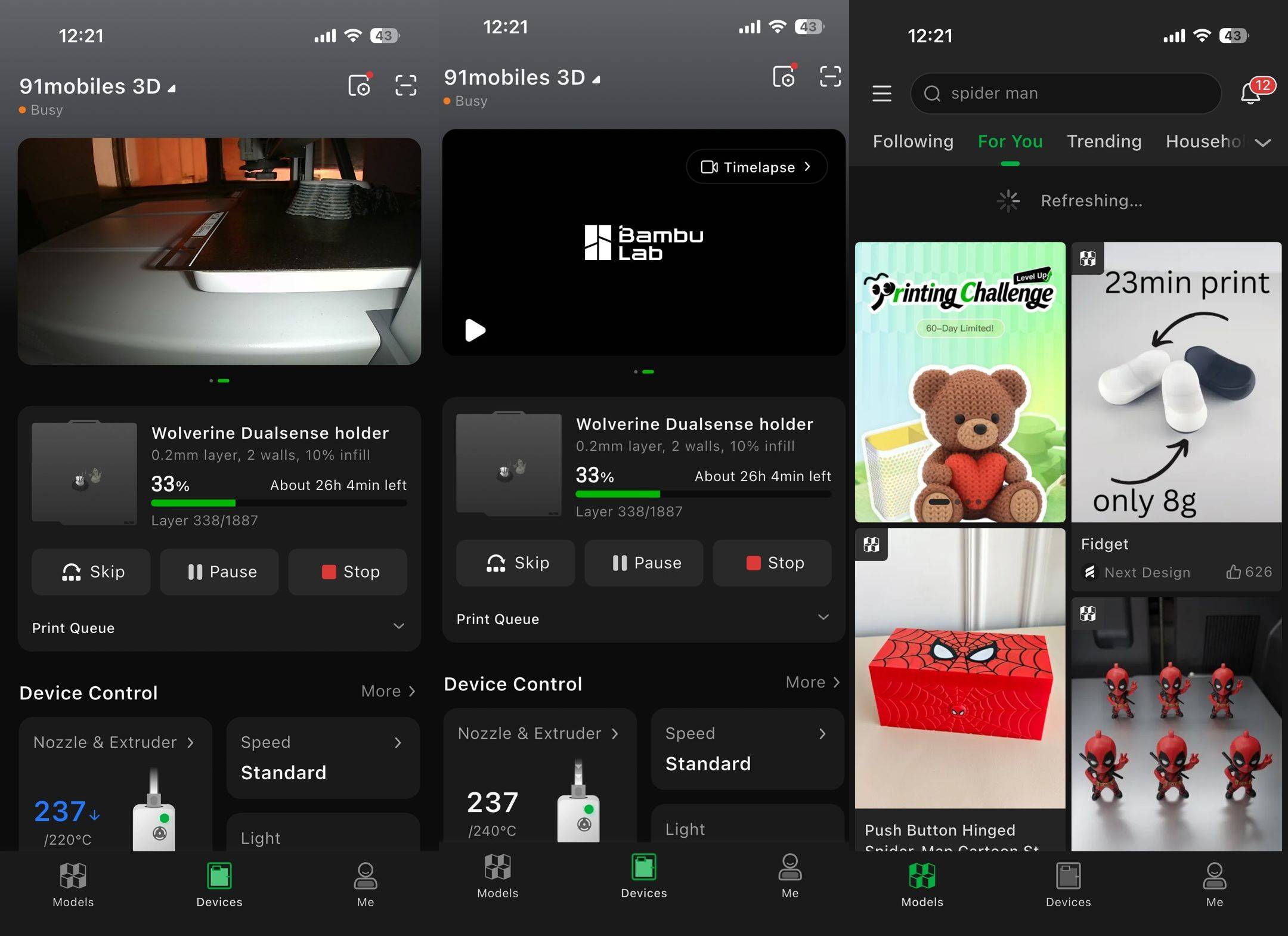
The features and controls are practically the same on both the smartphone and laptop apps. Once the pairing is done, the printer starts the calibration process, basically ensuring everything is good to go from the printing nozzle to the filament and plate. The process can easily take close to 40-45 minutes, and after that you can start printing.
Printing
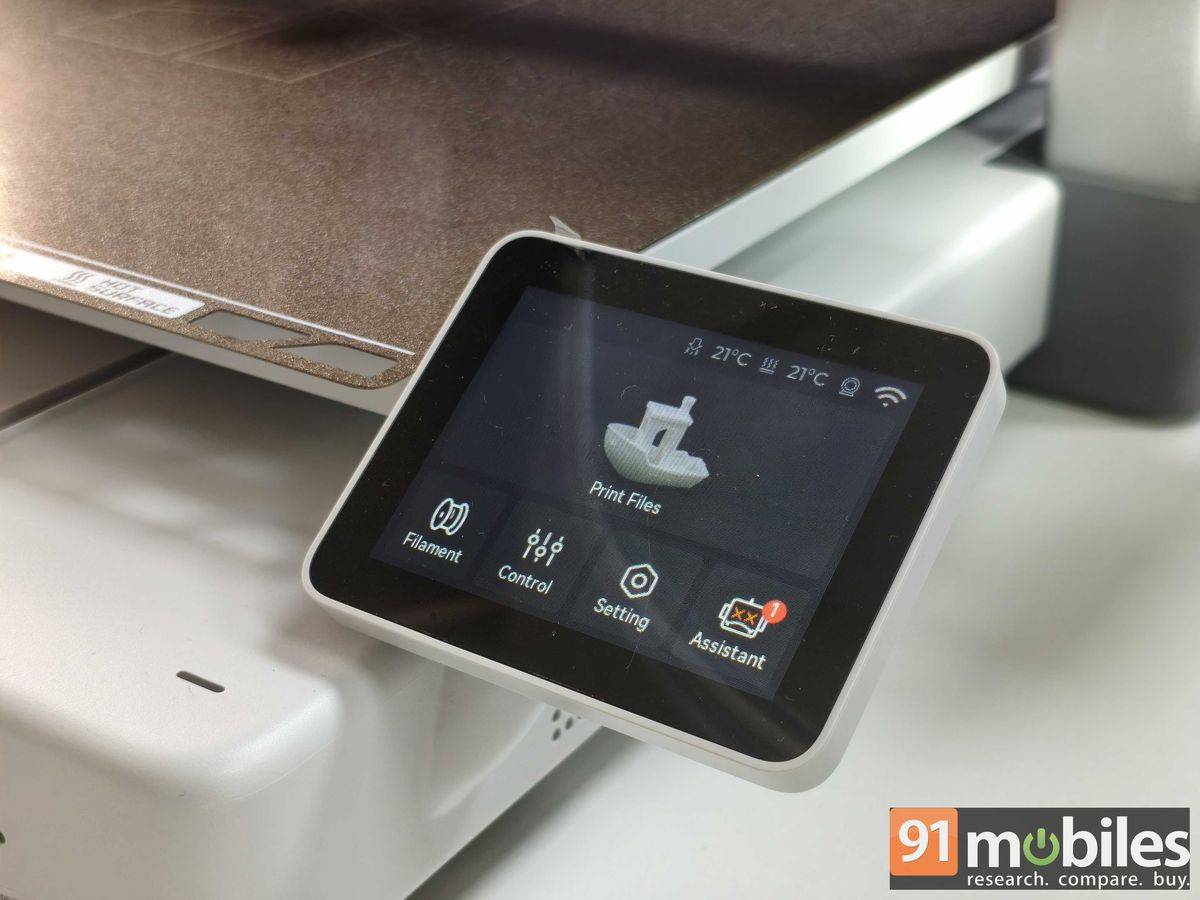
The Bambu Lab A2L 3D printer comes with a few models pre-loaded on the included 64GB microSD card, and those can be printed right away. These models provide a good starting point, with basic designs such as a boat available to try. For more complex or personalised designs, users can turn to the app, which allows them to send print commands, customise projects, select the filament, and more.

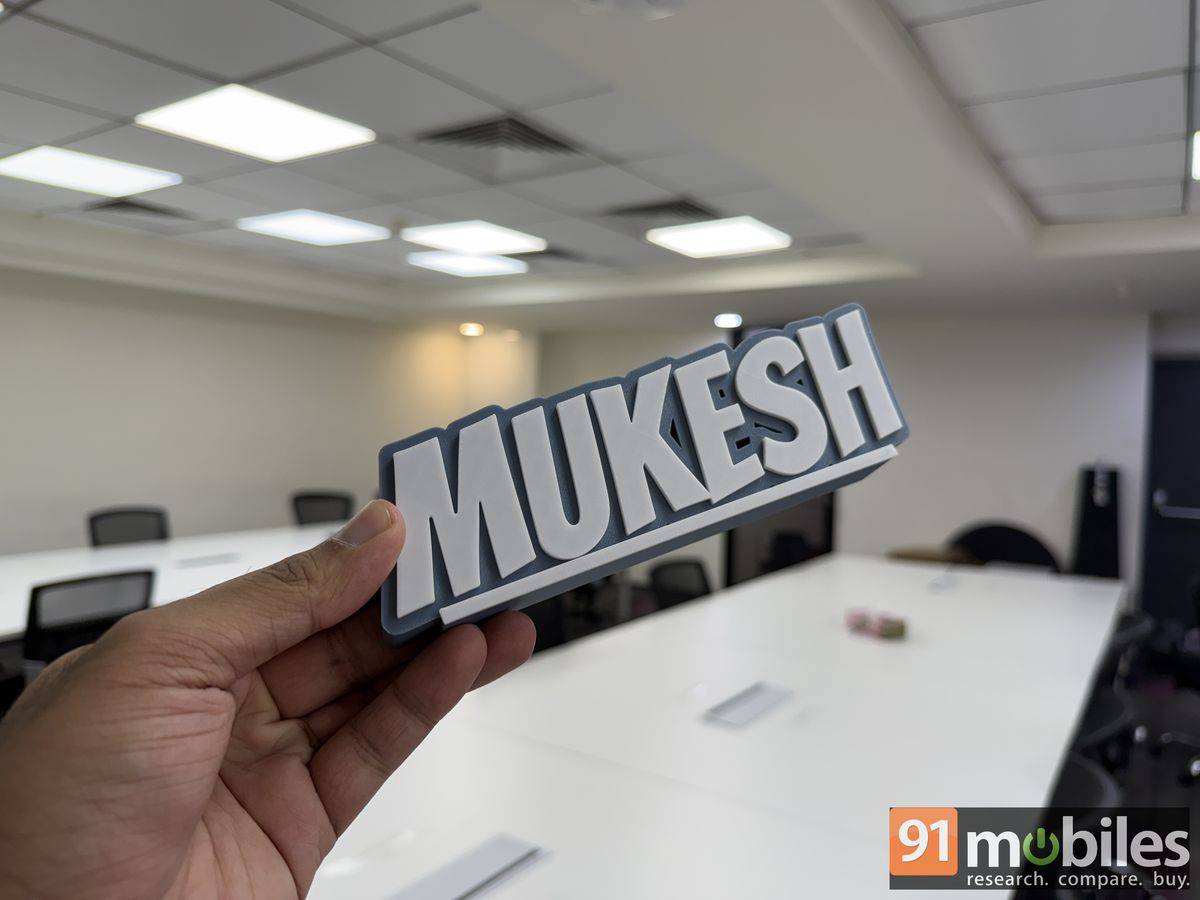
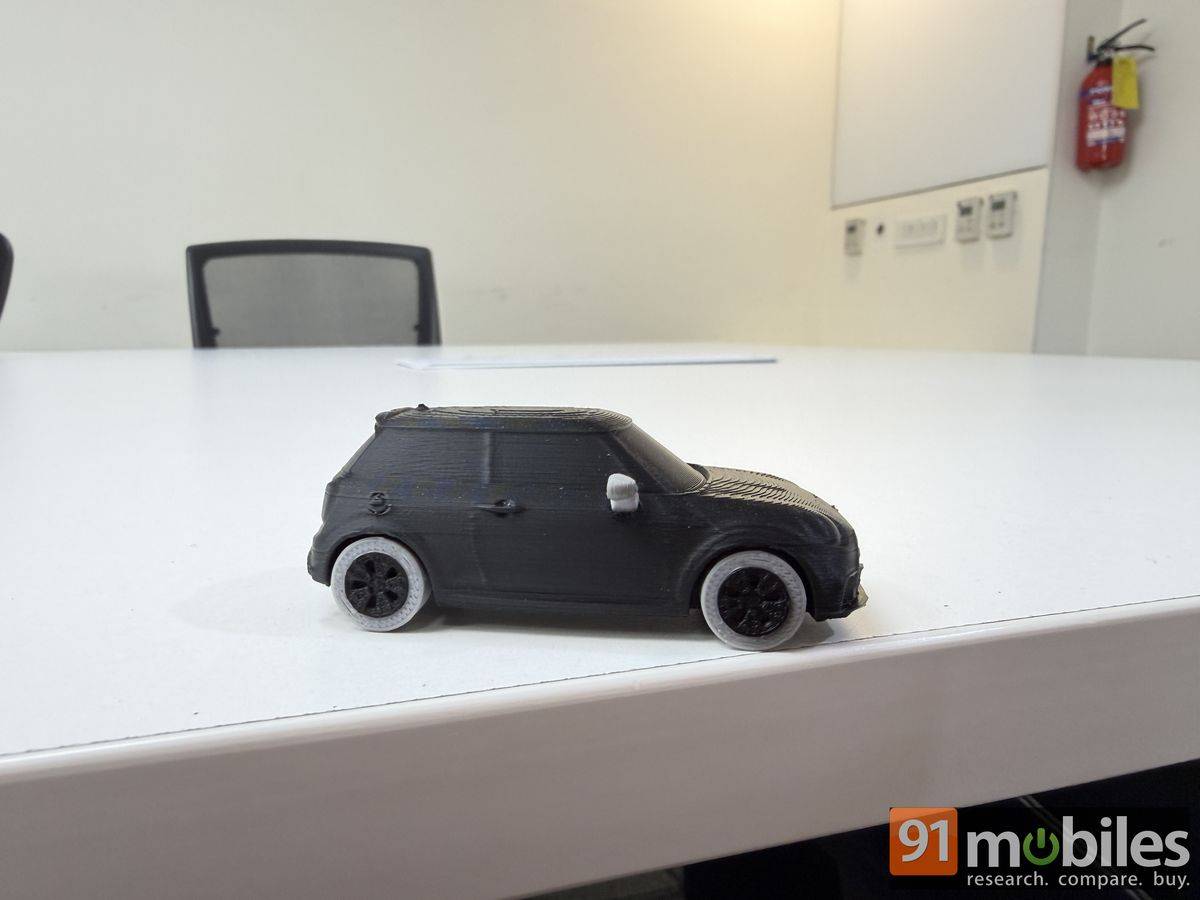
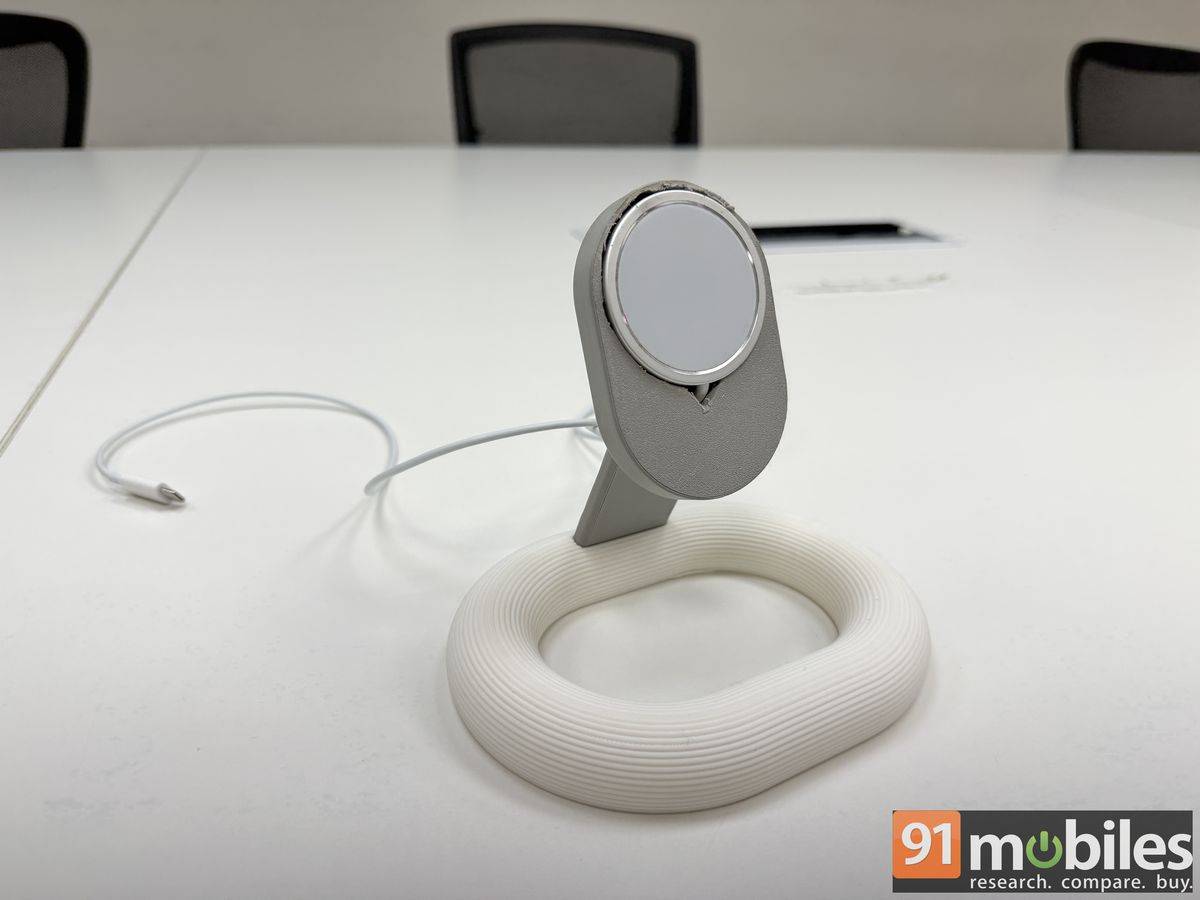
Interestingly, the Bambu Lab A2L 3D printer automatically detects the colour of the filament as soon as the spools are installed on the AMS Lite machine. This may not be the case with third-party spools. While you can 3D-print a colourful design by using different filaments layer by layer, you cannot fuse two filaments together by melting them into a single colour. The toolhead, which has the nozzle installed, moves left to right and even upwards to complete the layer, and the base plate goes front to back to create that circular movement.
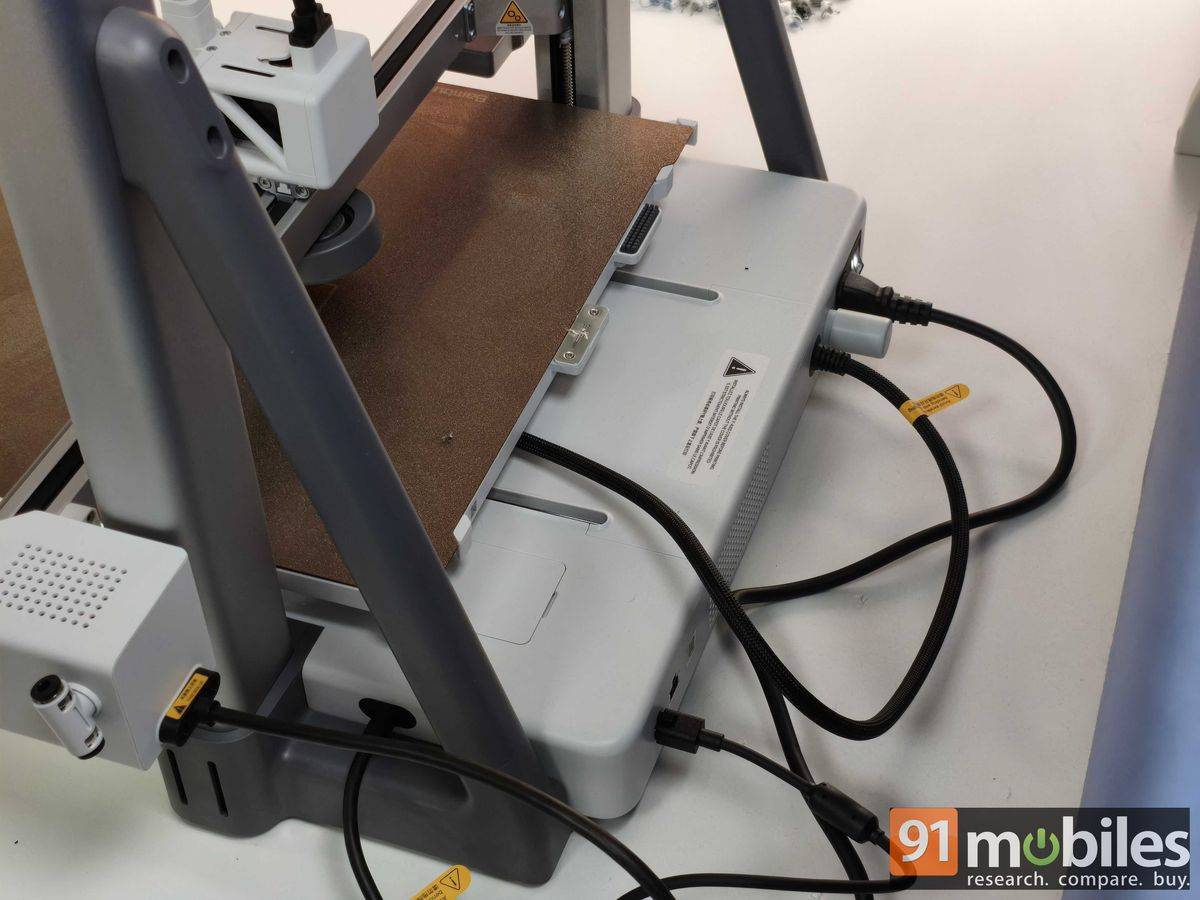
It’s important to place the printer on a stable surface, or the overall quality of the design will suffer. There should also be enough room (approximately 9.8 inches at the back and 4.7 inches at the front) for the plate to move back and forth. It’s also recommended to place the printer in an open, well-ventilated space, as melted plastic can produce fumes. We couldn’t smell anything in our office; even the air purifier placed next to the printer didn’t have to run at full throttle to keep the air clear.
You will need an app to print objects other than the ones saved on the device. There are plenty of models, with public access, on the app, which users can customise with the filament colour, text, dimensions, and more. However, printing a model with a variety of colours depends on whether the creator has given colour separation access or not. Users can further see how the model will be printed with all the support through the Slice Plate option before actually giving the command.
The time and amount of filament used depend on the project. For example, the basic boat used almost 20 grams of filament and took roughly 40–45 minutes to print. The ‘Editorial Bay’ nameplate, meanwhile, took more than four hours and used 180 grams of filament. The stated quantity also includes the waste generated by the machine while creating the design. The amount of waste can be higher when multiple colours are involved, as the filaments are printed layer by layer and the toolhead has to clear the previous filament before printing the next one.
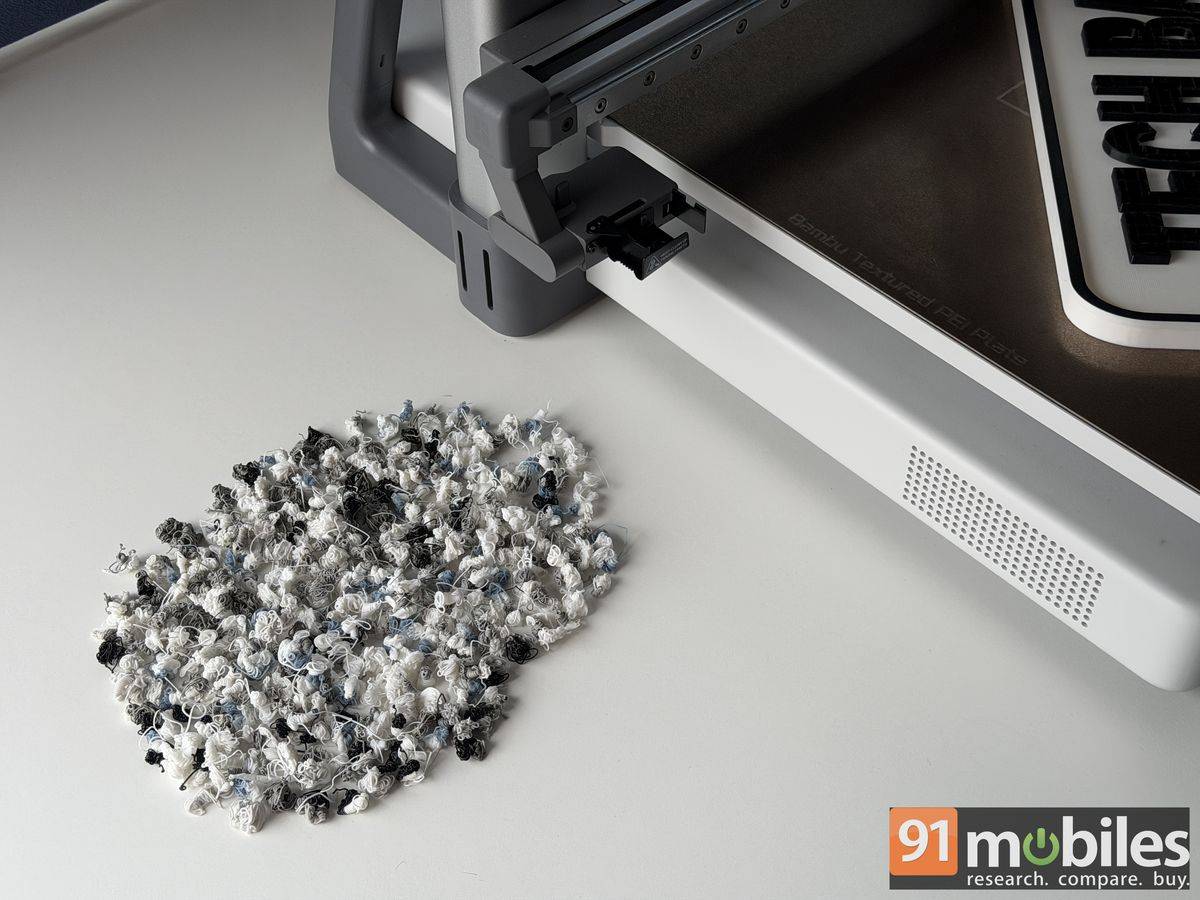
Unfortunately, there is no bin provided to collect waste filament, although one can easily be printed using the device itself. The Bambu Lab A2L can also get decently loud while printing, primarily because of its built-in fan, which is essential for cooling the melted plastic and ensuring the model stays in place during printing. Users can also record a time-lapse video of the printing process or remotely monitor the printer’s status through the app. However, the app warns that print quality may be compromised when using the time-lapse feature during printing.
Print quality and app support
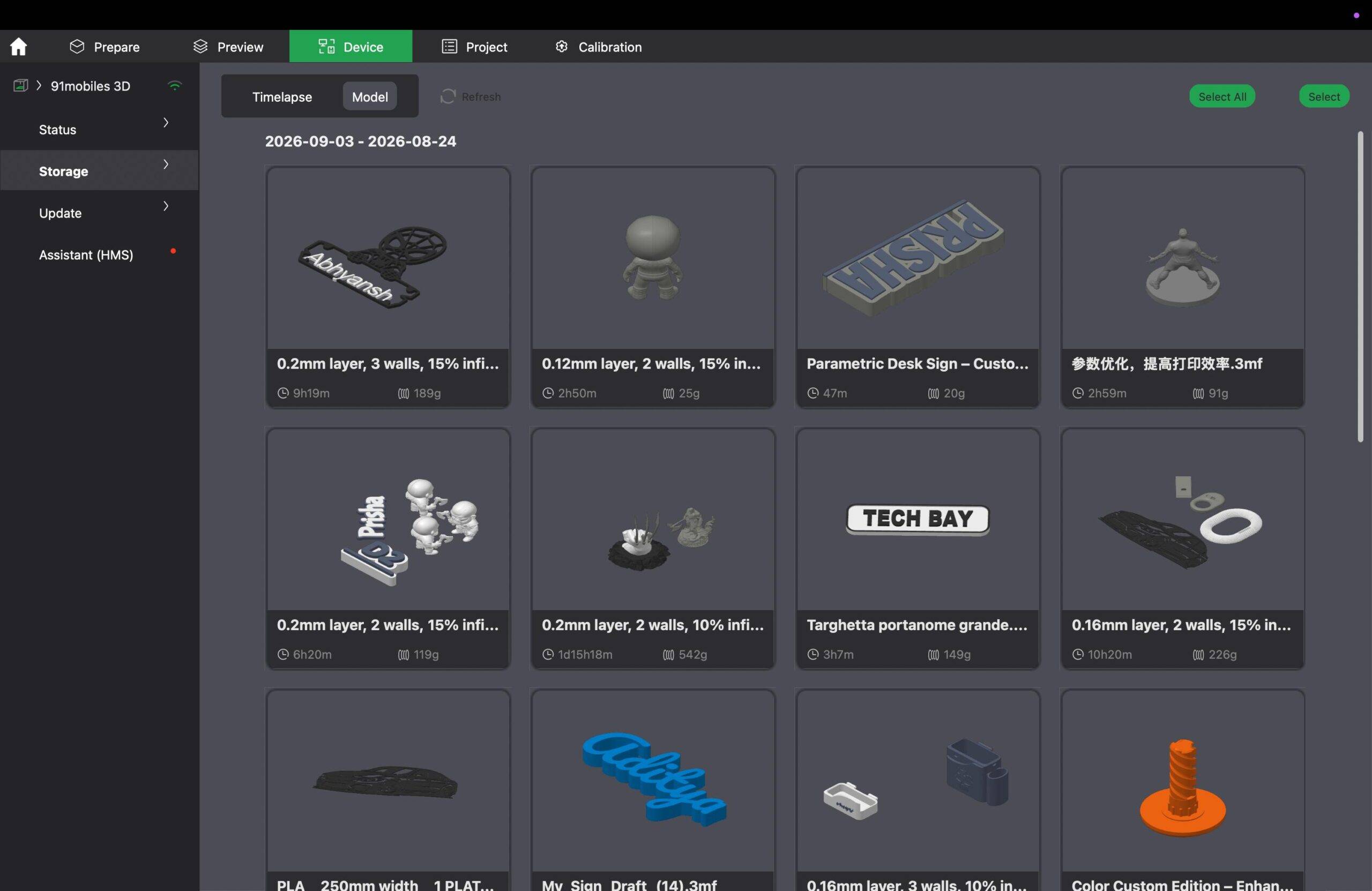
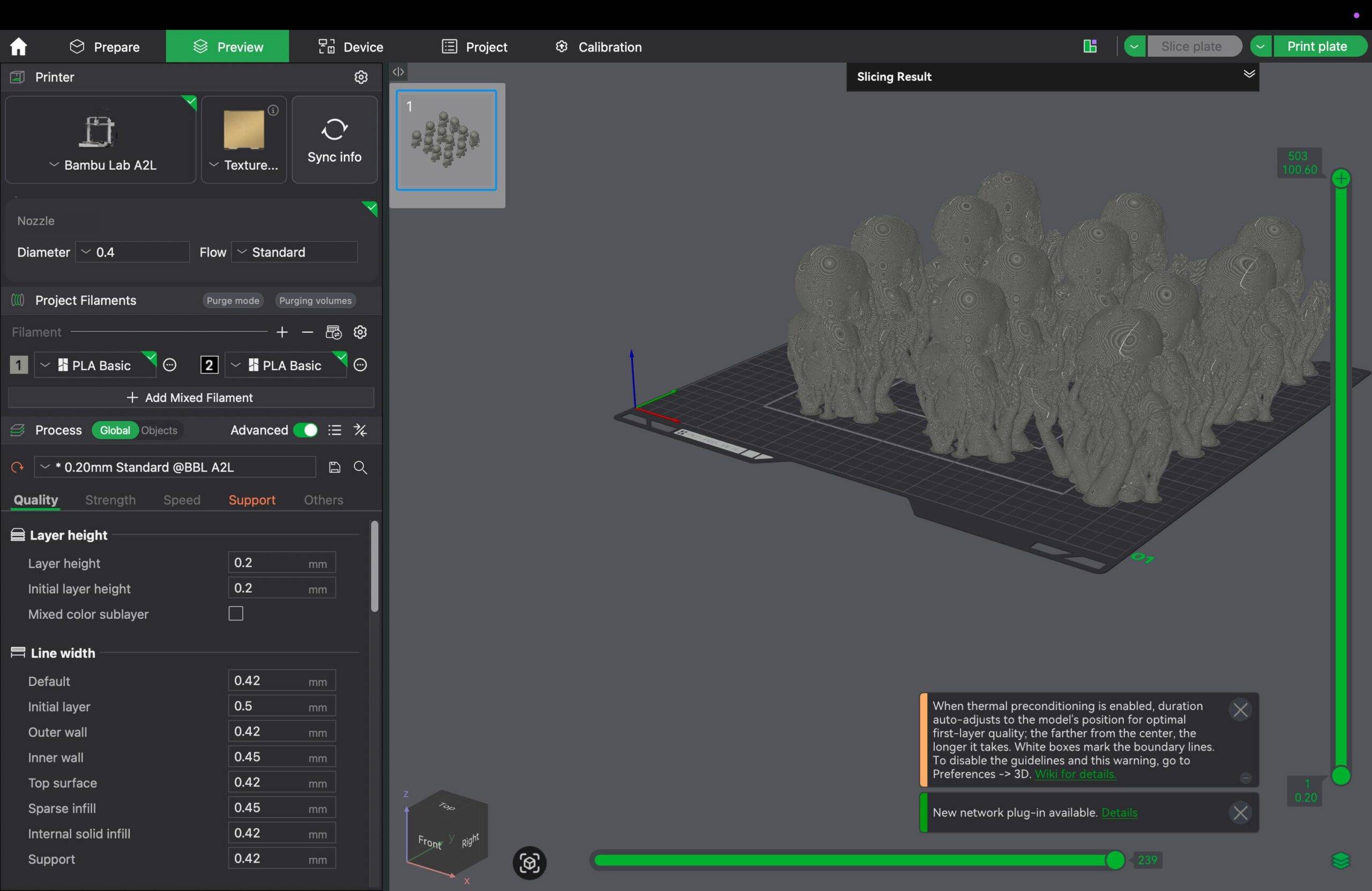
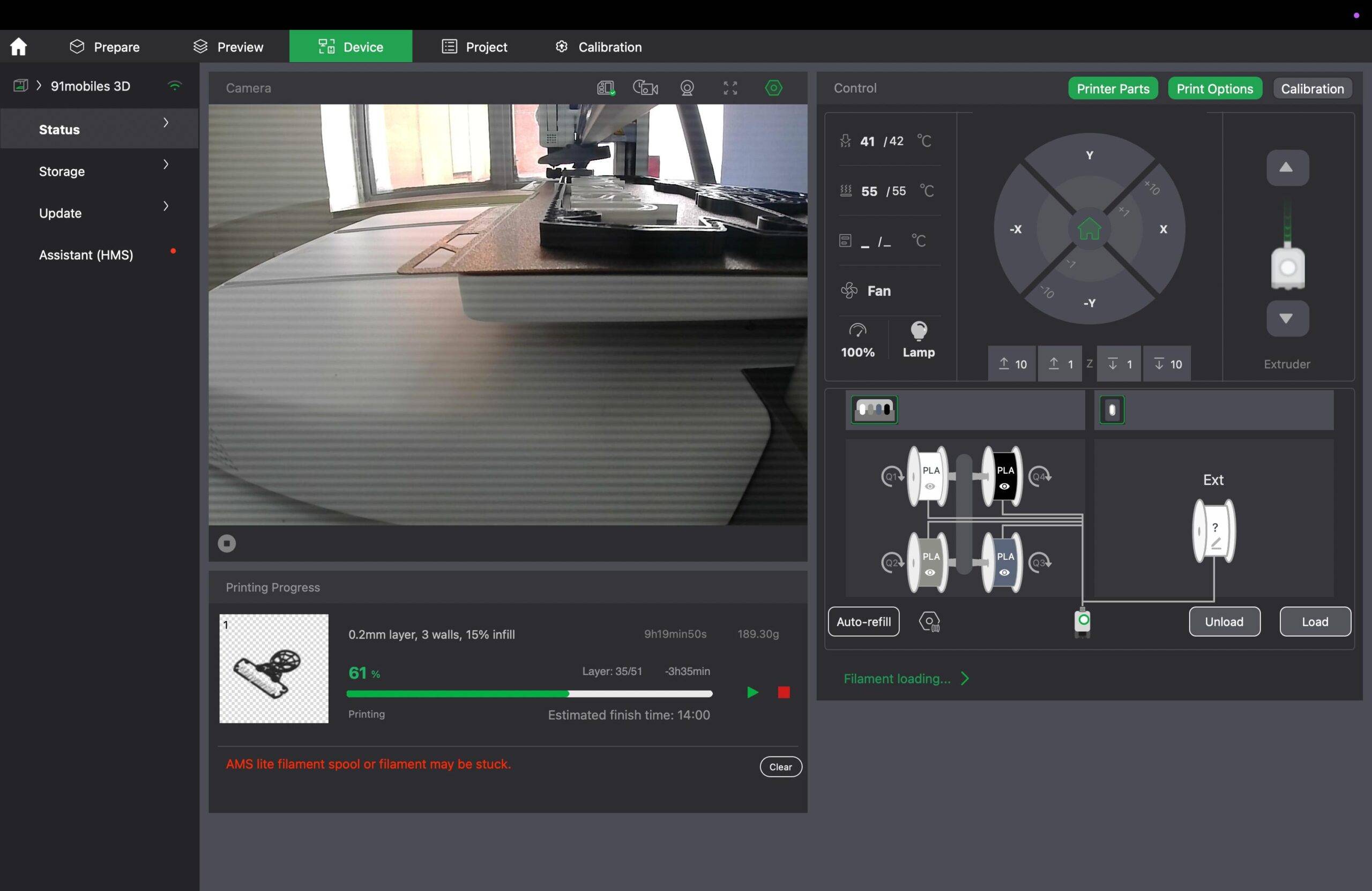
Both Bambu Handy and Bambu Studio feel intuitive and offer a good range of controls. The controls across both platforms are easy to locate and cover most of the functions users are likely to need, from selecting models and managing prints to monitoring the printer. However, the large screen of laptop/ PCs makes the app experience relatively easier, helping you navigate the interface, prepare models and adjust settings.
The only major limitation is that one can’t create personalised CAD-based 3D models from scratch, so users will need separate CAD or 3D modelling software for that.
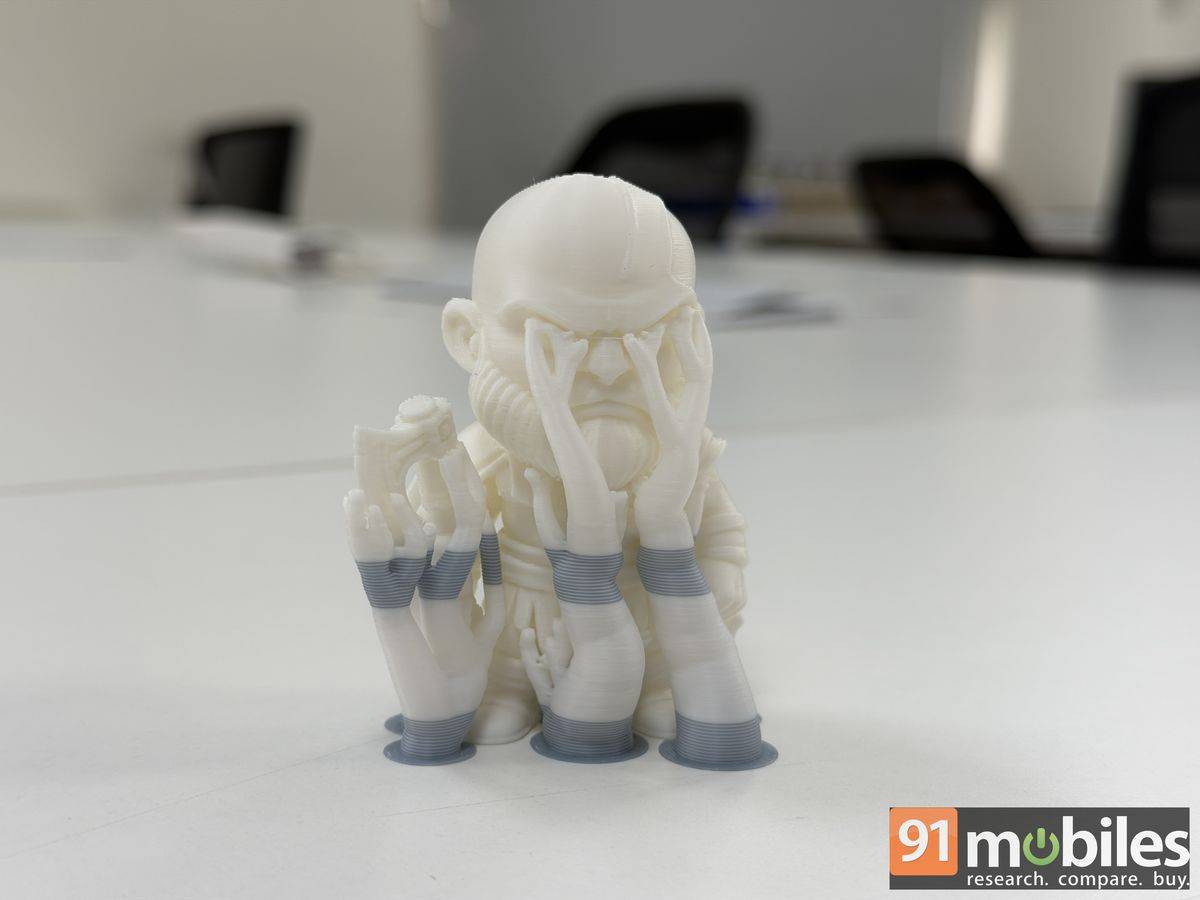
The overall print quality largely depends on the 3D model being used, as the level of detail, geometry and complexity can all affect the final output. Most models turn out well, with clean details and an overall acceptable finish. However, the printer isn’t entirely free from imperfections, and some models can have rough edges or minor surface inconsistencies. Interestingly, this can be noticed even with some of the pre-loaded designs, which are expected to be optimised for the printer. These imperfections are generally minor and may not be noticeable from a distance, but they become more apparent on closer inspection.
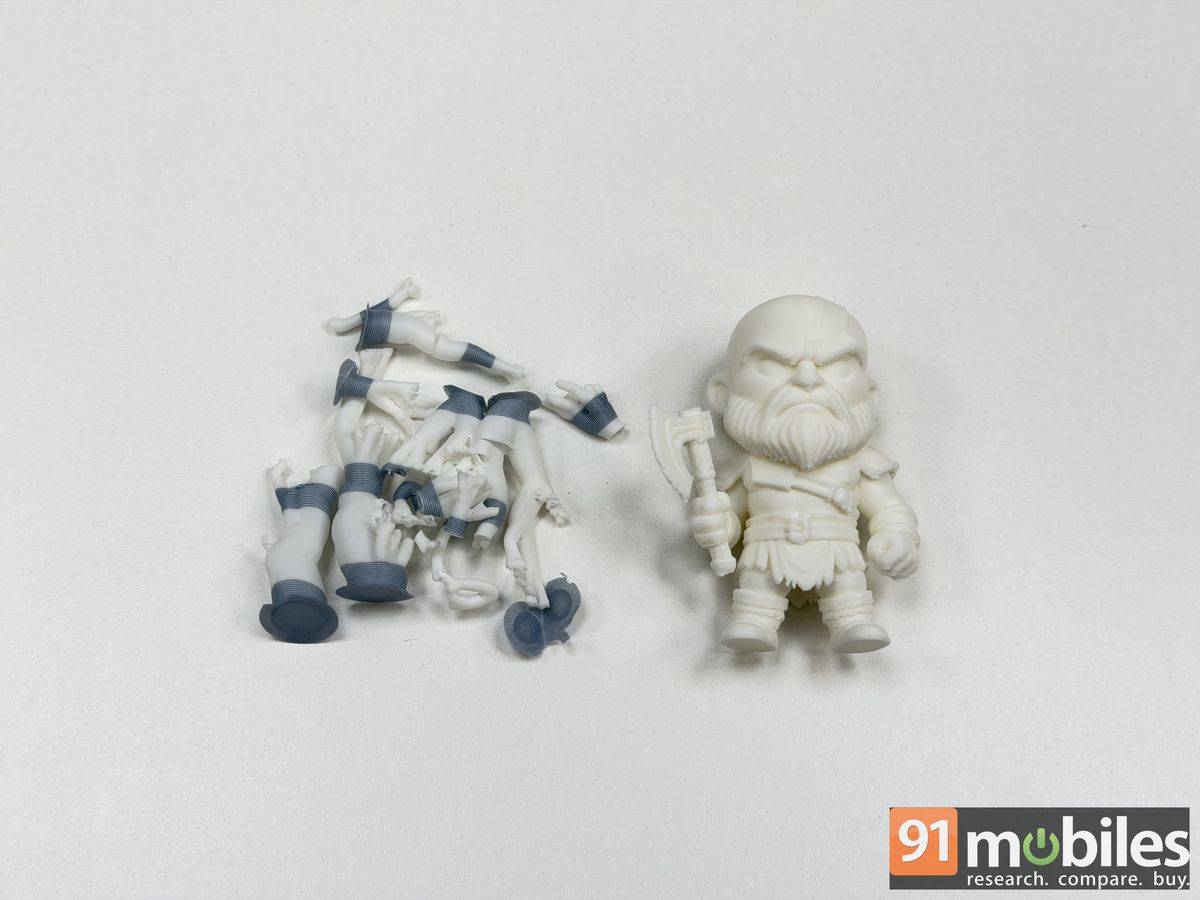
If you don’t mind the occasional minor imperfection, the Bambu Lab A2L Combo remains a capable and useful 3D printer for casual usage.
Other highlights and things to keep in mind
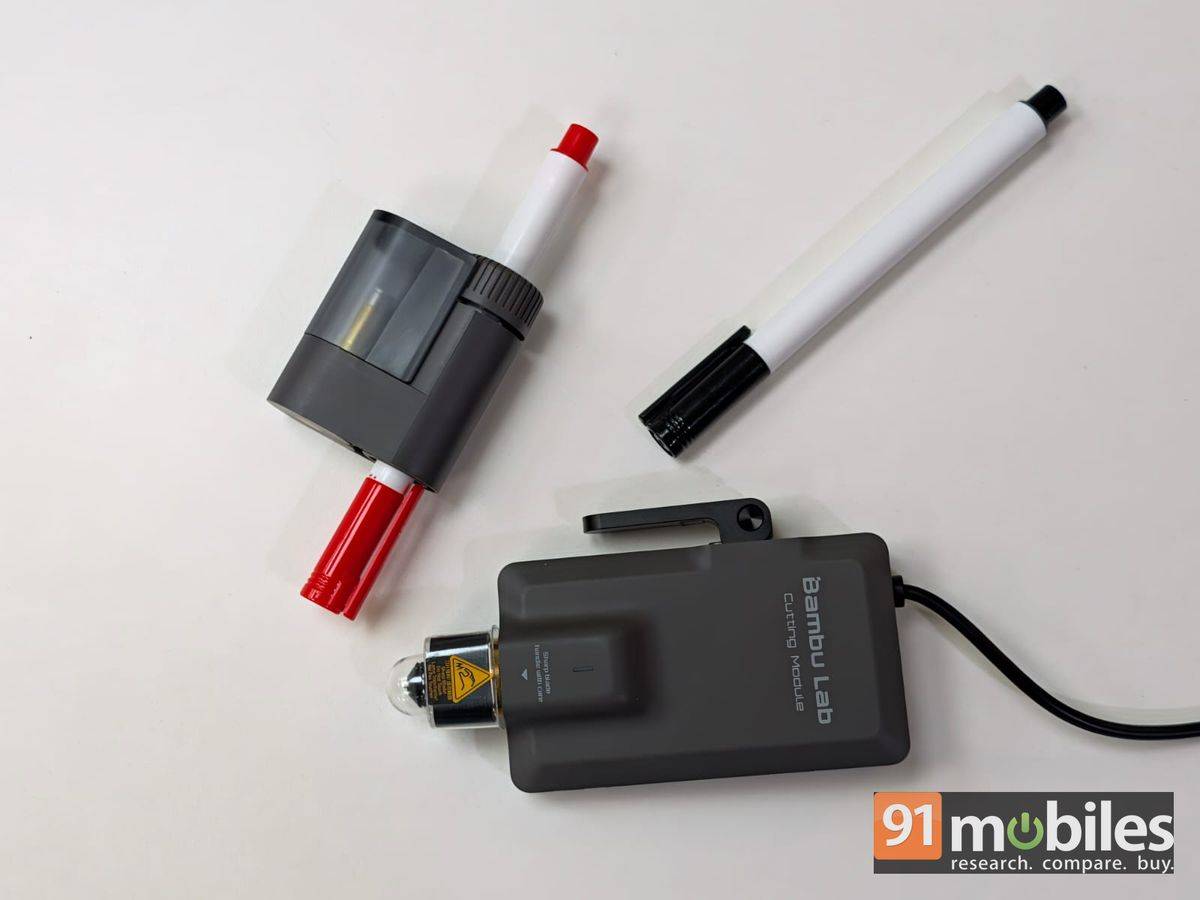
- The Bambu Lab A2L can print multiple models all at once.
- It can resume printing from where it left off if the action is paused, runs into an error, or loses power.
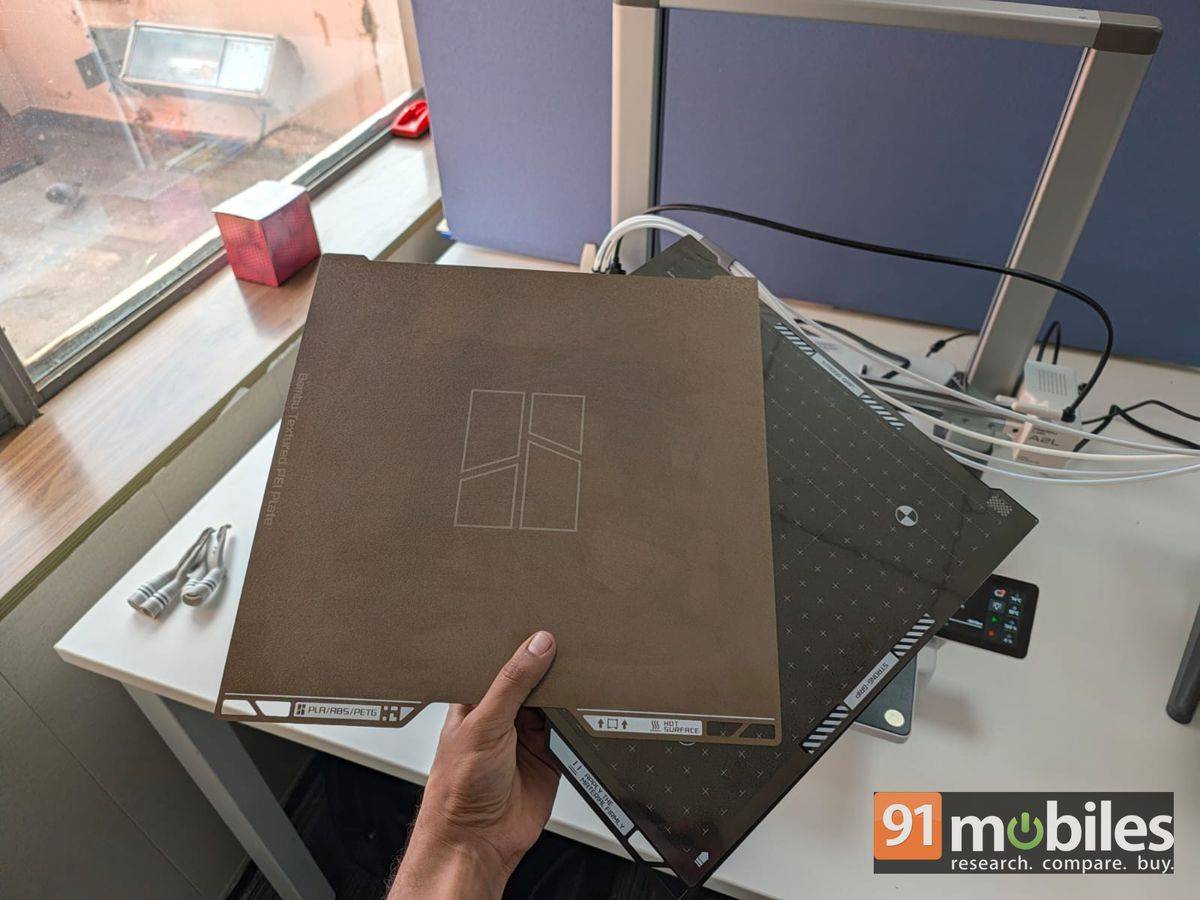
- The device supports two plates: one is a textured PEI metal plate for printing objects, while the other has a light and a hard grip to keep the paper in place.
- The device can also be used to draw on paper, cut out shapes, and make stickers using the optional cutting tool.
- The PEI metal plate can get slightly hot after printing, so avoid touching it immediately after a print is finished.
- The metal plate also has to be clean and dry for the best results. Don’t clean it with your hands; either wash it and let it dry or use regular isopropyl alcohol (sold separately).
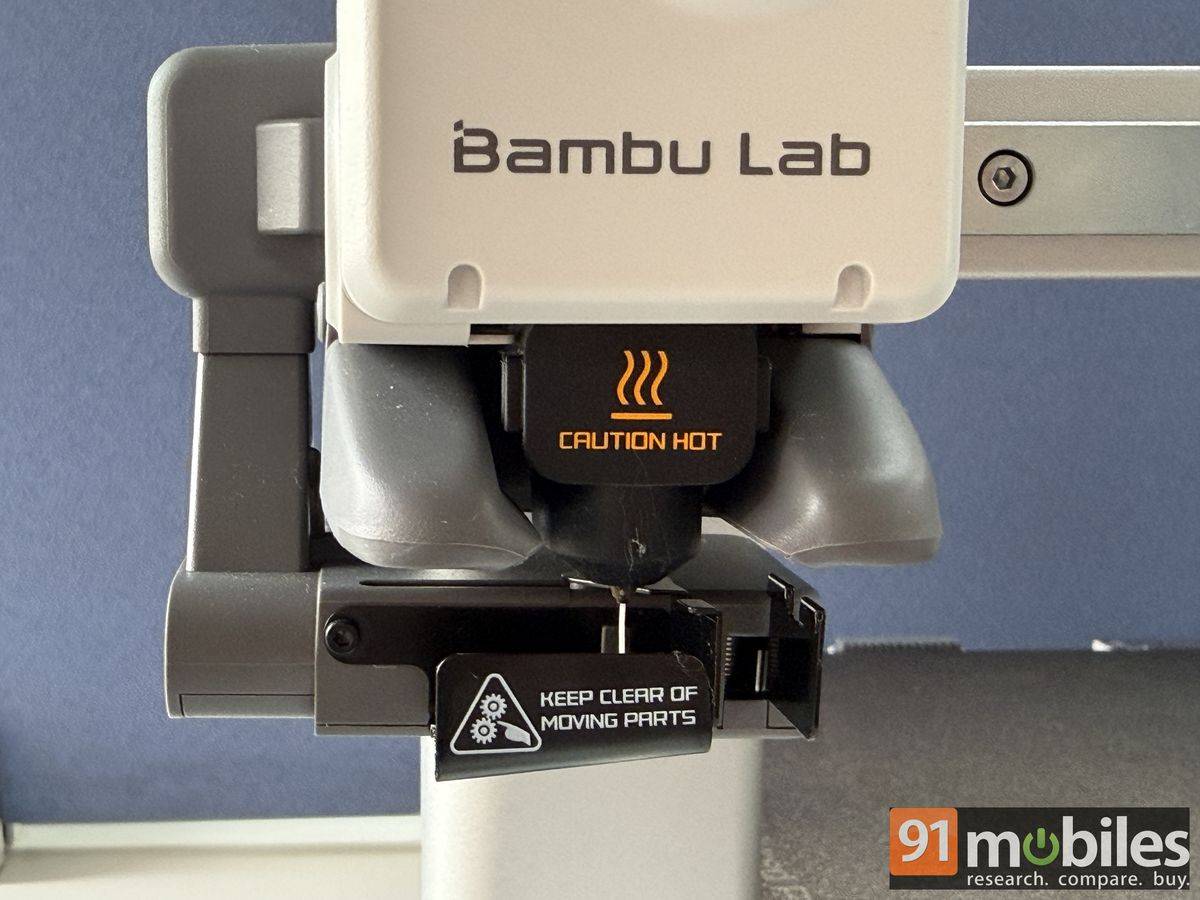
The Bambu Lab A2L Combo requires regular maintenance, too. Although during our extensive use, constantly printing one object after the other, we did not have to clean the device once. The box comes with a couple of lubricants to keep the motors running smoothly. The extruder, which prints objects on the hotbed, is one of the most sensitive parts and can either have filament stuck or go through normal wear and tear over extended usage. Again, we didn’t face such a concern after over two weeks of usage.
Bambu Lab provides support for parts and accessories, including filaments, which can be purchased through the company’s official website and major e-commerce platforms such as Amazon.in. The product comes with a one-year warranty covering the core electronics and structural frame. However, consumables such as build plates, wiper modules, and nozzles, which wear out over time, are not covered under the warranty.
Thoughts…
The Bambu Lab A2L Combo 3D printer is currently selling in India for Rs 53,000, while a 1kg spool of filament typically costs around Rs 1,500. The Bambu Lab store on Amazon.in offers filaments in a variety of colours, including pink, brown, purple, black, white, green, red, and grey.
The price doesn’t feel too steep, considering the number of items it can print. If you like decorating your space with figurines, the Bambu Lab A2L 3D printer can be a good investment. The device offers a relatively straightforward printing experience, good overall print quality, and enough features to make it a practical option for hobbyists and those looking to explore 3D printing without requiring extensive expertise.