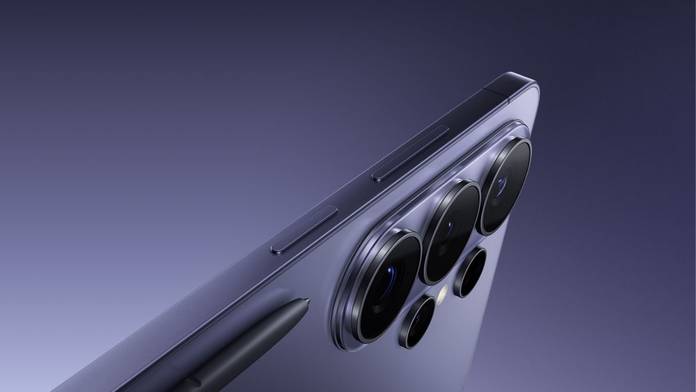
The Samsung Galaxy S26 Ultra is the brand’s latest flagship for 2026, and it made massive waves as soon as it was unveiled. While a lot of attention has gone to the new Privacy Display feature, Samsung has also packed in major camera upgrades that significantly improve the phone’s photography and videography experience. In this article, I’ll walk you through what the Galaxy S26 Ultra offers in terms of camera hardware and highlight a few fun new tools that dramatically enhance its video capabilities. Let’s get started!
Samsung Galaxy S26 Ultra 200MP camera explained
How is the Galaxy S26 Ultra’s 200MP camera different from a regular smartphone camera?
The Galaxy S26 Ultra uses a 200MP main camera with a bright f/1.4 aperture and a 1/1.3‑inch sensor, which is larger and faster than what you typically get on most phones. This combination lets the camera pull in more light with every shot, helping it capture cleaner details, better textures, and less noise, especially in tricky lighting. The extra resolution means you can crop into photos, zoom digitally, or reframe after shooting while still retaining sharpness that regular cameras would struggle to preserve.
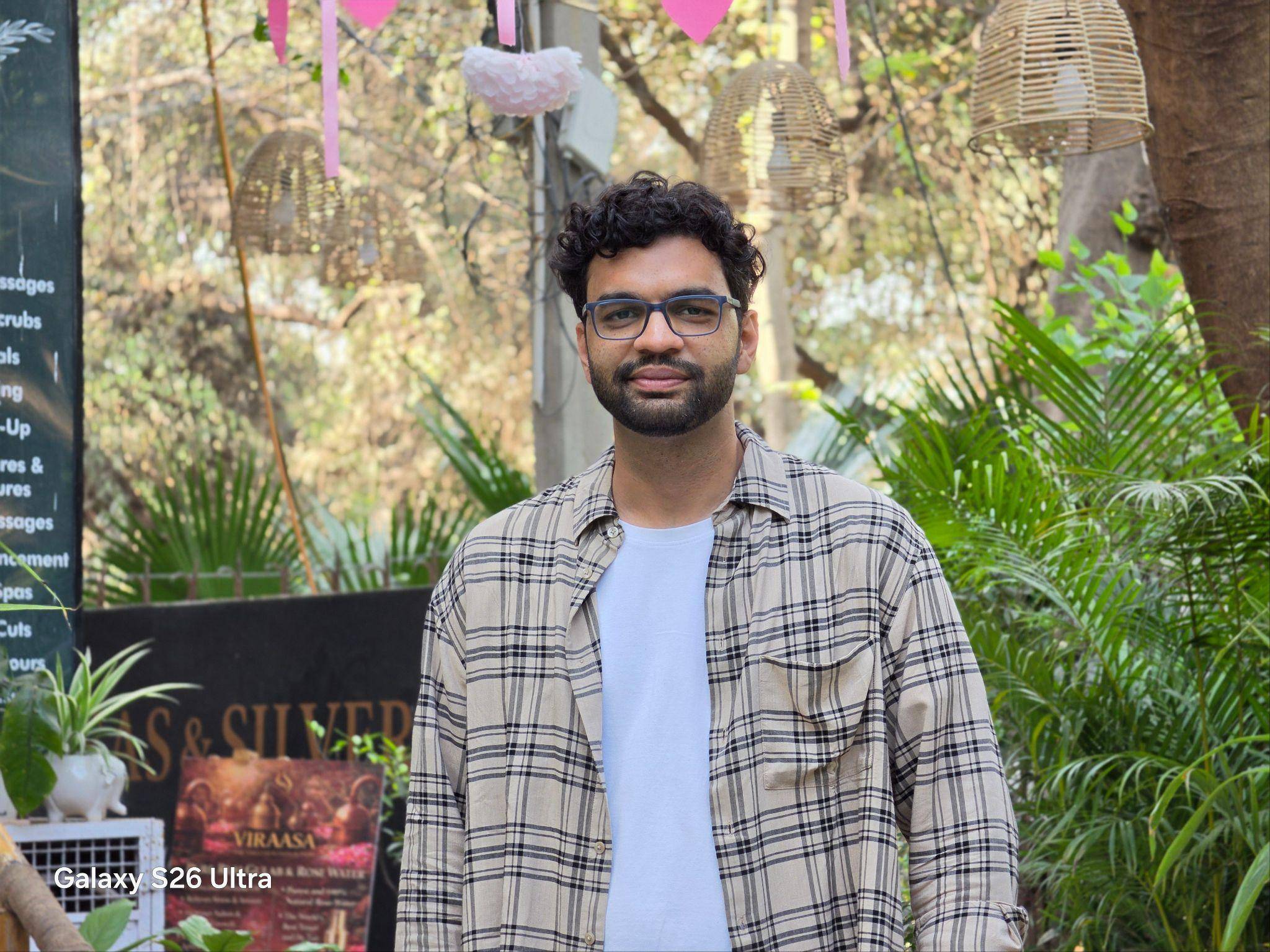
On top of this, multi‑directional PDAF and optical image stabilisation (OIS) help the camera lock focus quickly and keep frames steady, so handheld shots and videos look sharper than what you might get from a regular smartphone camera setup. So unlike traditional PDAF, which may only use horizontal or vertical sensors, you get to detect focus in all directions, improving speed and supported by the Snapdragon 8 Elite Gen 5 processor’s 39% faster NPU, allowing for rapid tracking of moving subjects.
Do you always shoot at 200MP on the Galaxy S26 Ultra, and does it affect storage or performance?
By default, the Galaxy S26 Ultra does not shoot every photo at 200MP. Instead, it typically uses pixel‑binning to combine information from multiple pixels into a more manageable resolution, giving you brighter, cleaner photos without massive file sizes. You can switch to the full 200MP mode when you specifically want maximum detail, like landscapes or shots you plan to crop into later.
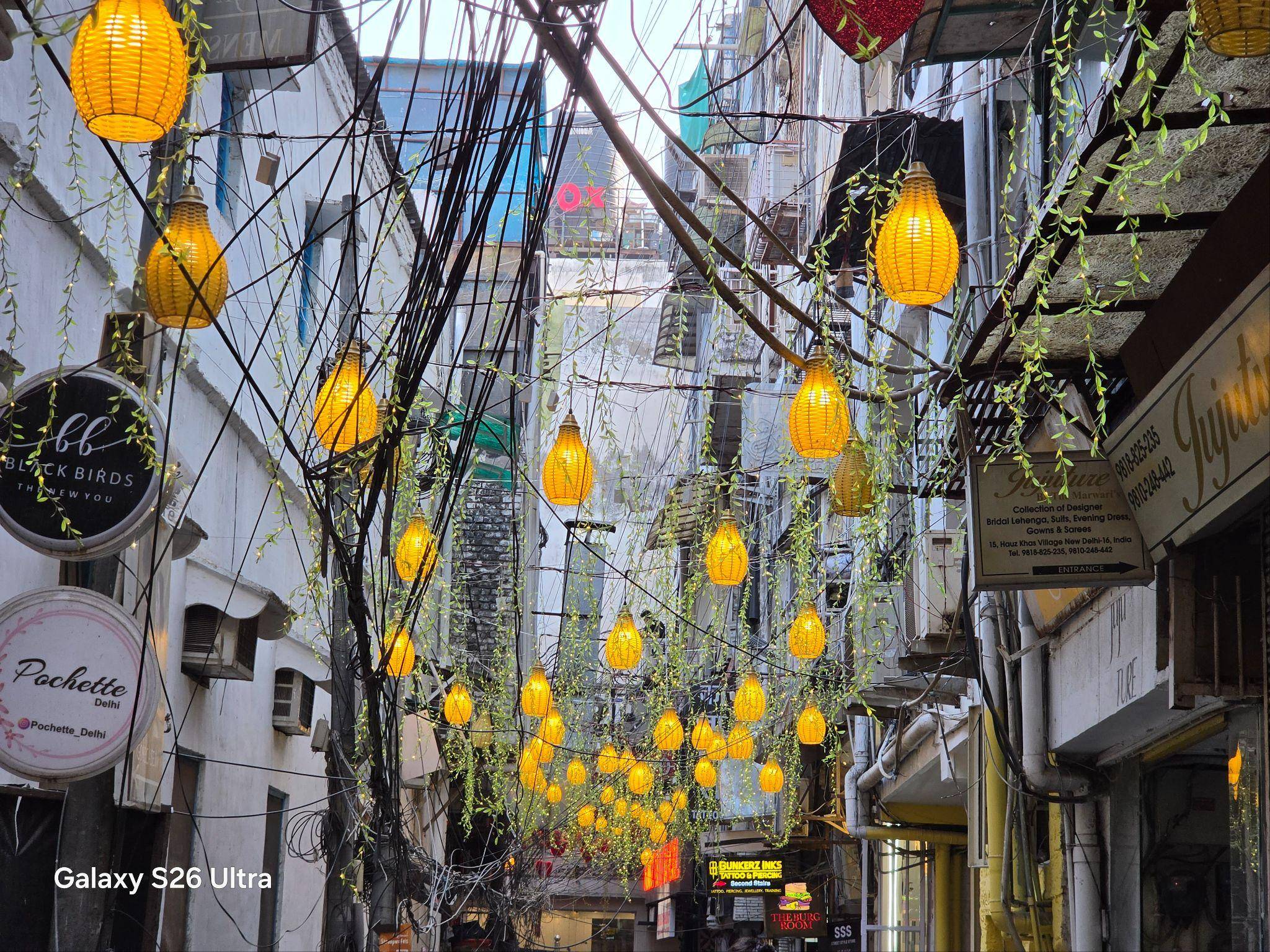
Because 200MP photos pack in far more data than a regular image, they naturally take up more storage space and take a bit longer to process and save compared to standard shots. For everyday use, the default binned mode strikes a better balance between quality, speed, and storage, while the dedicated 200MP option is there when you need that extra level of detail.
Is any other phone offering a similar 200MP setup?
Phones like the vivo X300 Pro, OPPO Find X9 Pro, and Xiaomi 17 Ultra also use 200MP sensors in their camera systems, but they typically deploy them in telephoto modules for extreme zoom rather than for the primary wide lens. That makes the S26 Ultra’s approach a bit different: instead of pushing 200MP purely for long-range shots, it focuses that resolution on everyday images, letting you treat the main camera itself as a highly detailed base you can crop and reframe from later.

Samsung Galaxy S26 Ultra Nightography: what it is and why it matters
Nightography on the Galaxy S26 Ultra is Samsung’s dedicated low-light video mode that helps you record brighter, clearer clips at night without needing extra gear. It combines wider apertures on the 200MP main camera and 50MP telephoto with an upgraded image signal processor and Galaxy AI noise reduction, allowing the phone to pull in more light and clean up grain in real time. Samsung claims up to 47 percent improved brightness from the F1.4 main lens and 37 percent better brightness from the telephoto at 5x zoom, so details like faces, streetlights, and backgrounds stay clear and visible instead of softer textures.

How is Nightography different from a regular video mode?
Regular video modes on most smartphones struggle at night because they are not designed to handle low light, motion, and real-time noise in every frame. Nightography on the Galaxy S26 Ultra addresses this at the hardware level first. The wide camera now has a f/1.4 aperture, which Samsung claims is 47 percent larger than before, while the telephoto opens to f/2.9 for a 37 percent improvement in brightness.
Essentially, you can confidently record cinematic moments after sunset, whether you are walking through a busy market, grabbing street food with friends, or shooting a quick vlog on your way back home. The phone is able to hold on to details in faces, signboards, and backgrounds that would usually turn noisy on regular cameras. In all of these situations, Nightography aims to keep footage bright, sharp, and usable without you needing to carry a separate camera or any extra lighting.
Who actually needs Nightography?
Nightography is designed for the times when your phone is your only camera and the light is far from ideal. If you like shooting night walks, street scenes, or casual vlogs after work, the 200MP main lens and cleaner processing help you get clips that are still sharp enough to share instead of just noisy silhouettes. It also helps in everyday moments like birthday parties at home, dinners in ambient restaurants, or late-night drives where you want to capture the mood. Even if you are not a creator, it is useful for quick videos of kids, pets, or friends indoors in the evening, where older phones usually struggle with blurry videos with a lot of motion. In short, anyone who records video after sunset or indoors under mixed lighting will see a clear improvement with Nightography compared to regular video modes.
What is Horizontal Lock on the Galaxy S26 Ultra?
Horizontal Lock is a feature in Super Steady video mode on the Galaxy S26 Ultra that keeps the horizon straight in your footage, even when your hand tilts or shakes. It uses the phone’s motion sensors to detect how you are moving and then automatically levels the video so the scene does not roll to one side. The feature essentially emulates a small gimbal built into the phone, helping your videos look smoother and more stable when you are walking, running, or shooting on uneven ground.
How is Horizontal Lock different from regular video stabilisation?
Regular video stabilisation mainly tries to smooth out small shakes and jitters when you are holding the phone in your hand. It can still show the frame tilting left or right if you rotate your wrist or change your angle while recording. Horizontal Lock actively keeps the horizon straight, even if you twist or slightly rotate the phone as you move. To put it simply, normal stabilisation makes the video appear less shaky, while Horizontal Lock also stops the video from “rolling” to one side, so your clips look more like they were shot on a gimbal instead of just a handheld device.
When should you use Horizontal Lock?
Horizontal Lock makes the most sense when you know you will be moving a lot while recording and still want your video to look level. It is ideal for walking or running shots, travel vlogs, theme parks, hikes, or chasing kids and pets, where your hand naturally tilts as you move. For regular videos or slow pans, the normal stabilisation is usually enough, but when you expect bumps, turns, or quick changes in direction, switching on Horizontal Lock helps your footage look closer to gimbal‑style video.
Does Horizontal Lock affect video quality or crop?
Yes, Horizontal Lock does change how your video is framed. To keep the horizon fixed and leave enough room for stabilisation, the phone has to crop into the image slightly. The feature is also limited to 1440p resolution, so you cannot use it at the highest settings available on the camera. In day‑to‑day use, though, the trade‑off is simple: you give up a bit of wideness and flexibility in settings to get much smoother, more stable footage that stays level even when your hand moves around.
A reliable all-day, all-night camera phone
With the Galaxy S26 Ultra, Samsung is not just chasing bigger numbers on a spec sheet. The 200MP main camera gives you more than enough detail to play with, Nightography helps your videos stay bright and usable after dark, and Horizontal Lock makes handheld footage look much steadier when you are on the move. Together, these upgrades make the phone feel more like an all-in-one camera you can trust for travel, everyday memories, and casual content creation, without needing any extra gear. If you care about shooting more video on your phone in 2026, especially at night or while you are moving, the S26 Ultra’s cameras are clearly designed with you in mind