


Review Summary
Expert Rating
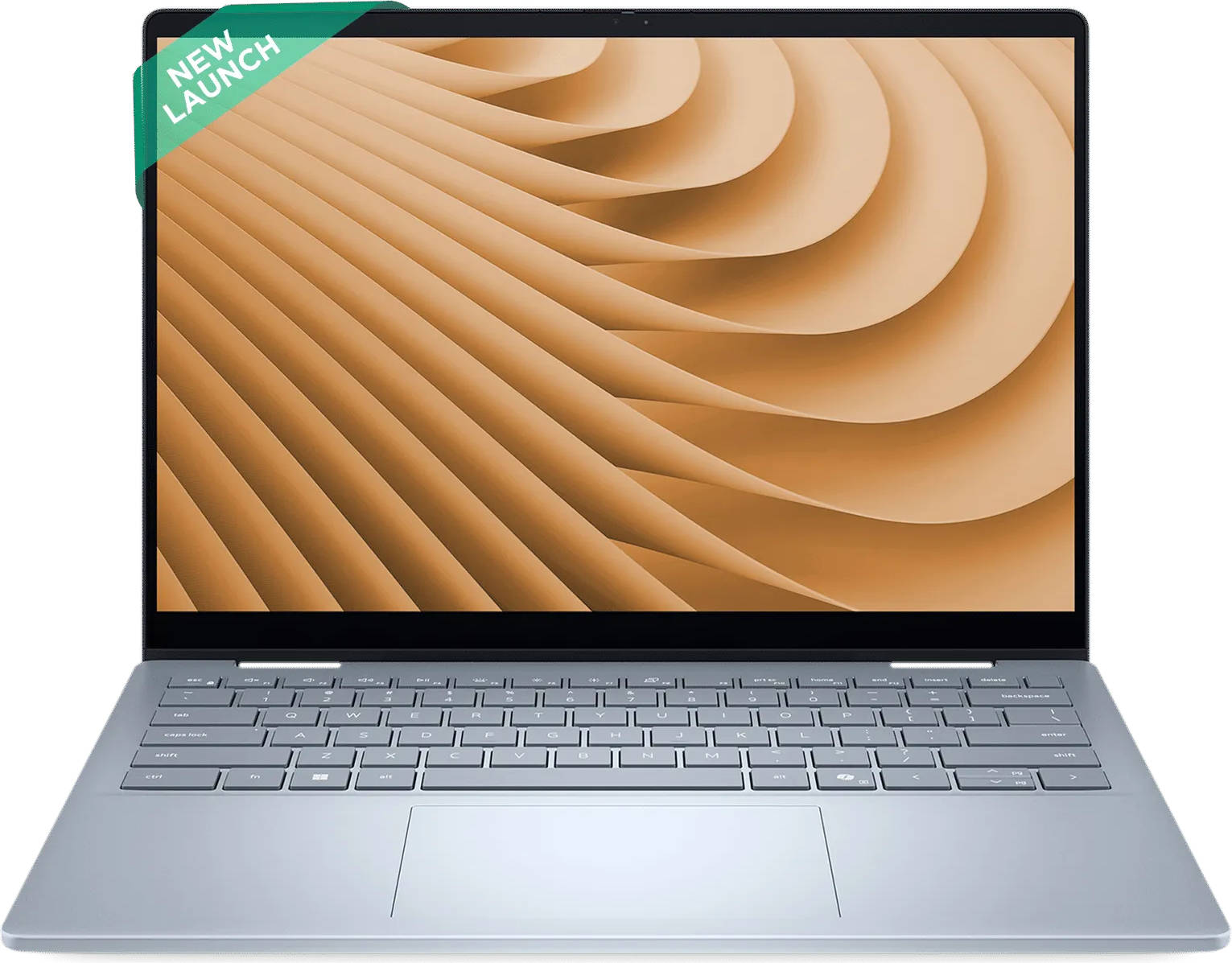
Laptops that can twist, fold, and double up as tablets aren’t new. However, the Dell 14 Plus 2-in-1 takes that familiar idea and pairs it with AMD’s shiny new Ryzen AI 7 350 processor, promising smarts and performance in a polished package. It’s one of Dell’s first Copilot+ PCs that are powered by Team Red, and on paper, it does spell out a perfect pairing of performance, efficiency, and AI smarts.
But does this “AI-powered” convertible actually bring something new to the table, or is it just another midrange 2-in-1 trying to look premium? And at around Rs. 90K, does it justify its worth? Let’s find out in our in-depth Dell 14 Plus 2-in-1 review.
Table of Contents
Slim, Smart, and Subtly Stylish
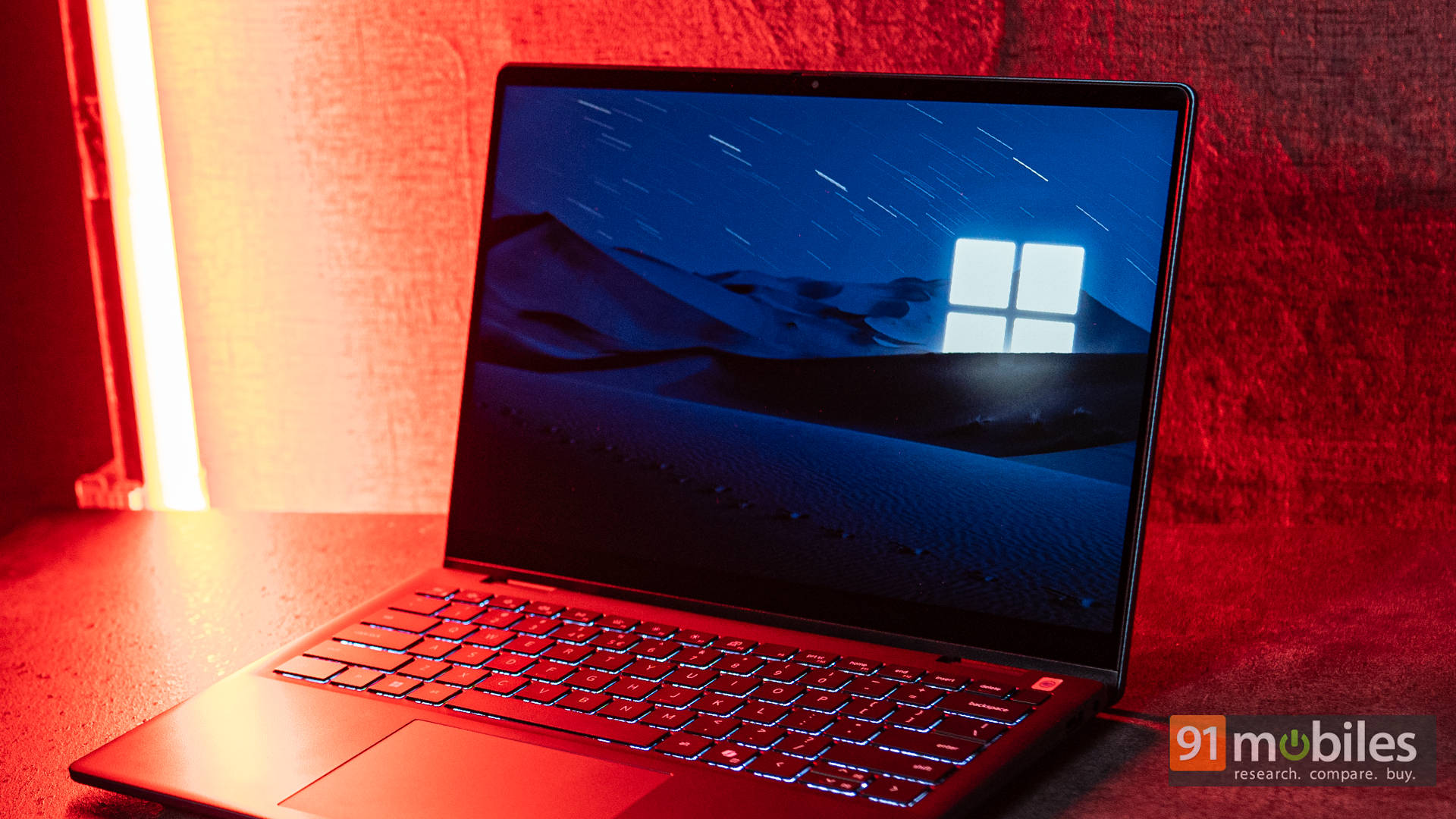
At first glance, the Dell 14 Plus 2-in-1 feels like a laptop that knows its audience. There’s a clear focus on professional minimalism rather than loud flair. The Midnight Blue aluminium lid is a bit on the darker side, giving it an elegant look that feels far more premium compared to standard black boxes. The rounded corners and diamond-cut hinge design make it appear more expensive than its price tag suggests.
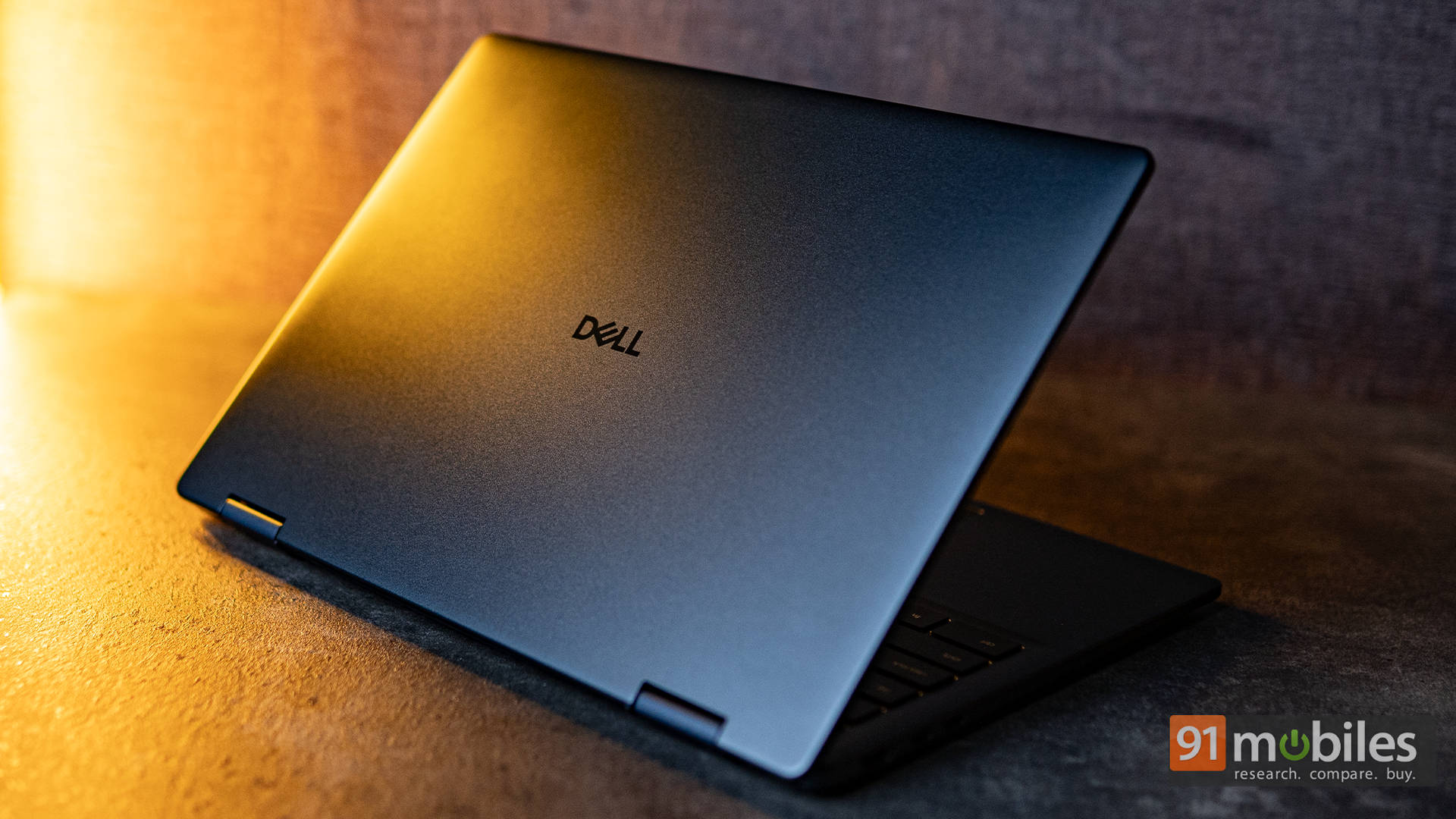
Dell also deserves credit for balancing premium materials with practical design choices. The lid and base are made of aluminium, lending a solid, premium feel, while the bezel and palm rest use high-quality plastic, keeping the overall weight in check at around 1.59 kg. Despite being a convertible, the chassis feels reassuringly rigid. There’s minimal flex when you twist or lift it from a corner, and the 360° hinge transitions smoothly through modes. Whether in laptop, tent, or tablet orientation, the hinge maintains firm resistance without wobbling.
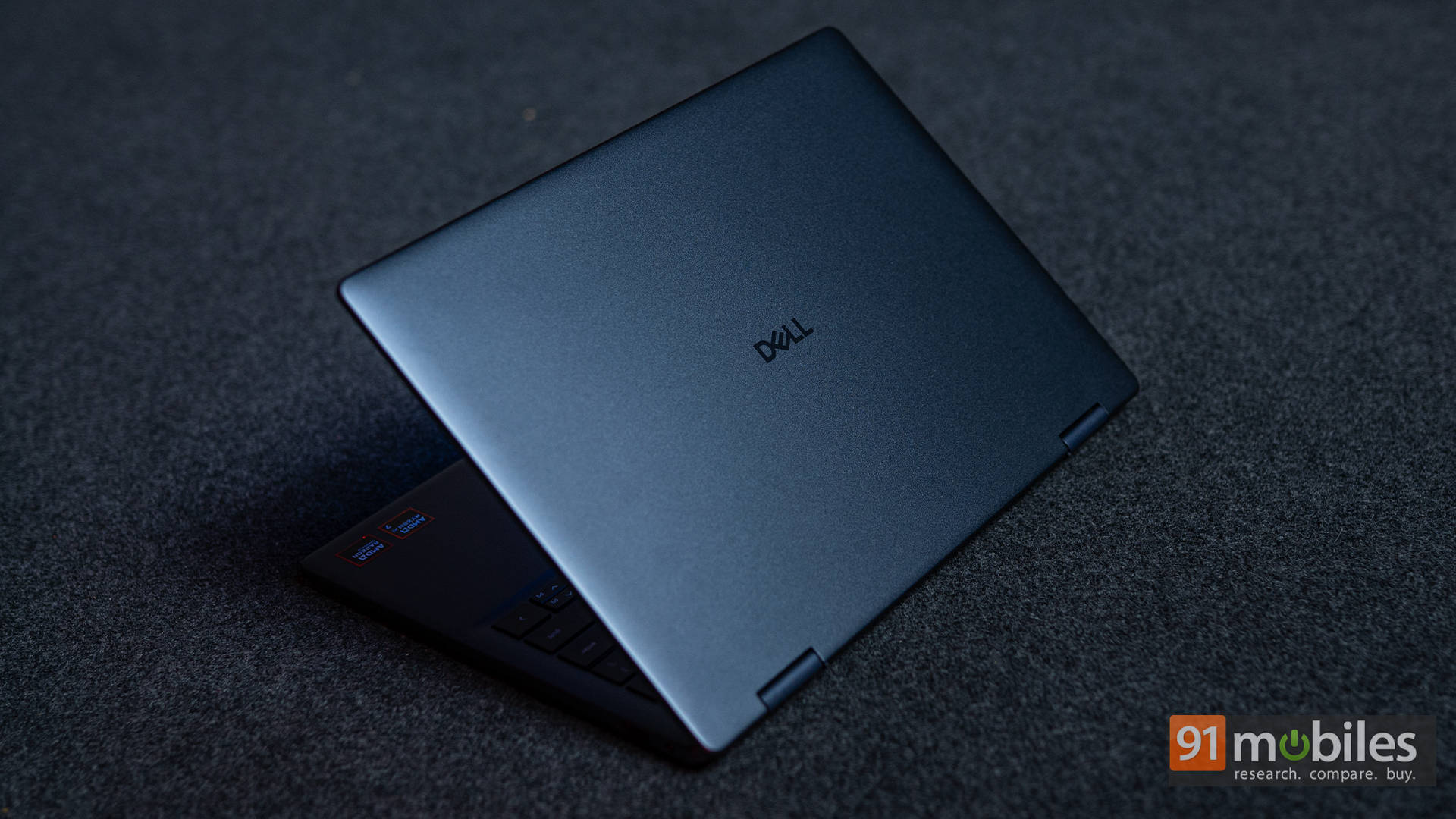
In hand, it feels like a product refined through user feedback. The lid opens effortlessly with one finger, the keyboard deck sits flush with tight tolerances, and even the speaker grilles blend seamlessly into the side edges. Dell’s ComfortView Plus coating also gives the surface a smooth matte texture that resists glare and feels soft to the touch.
Ports and Connectivity: Balanced and Well-Placed
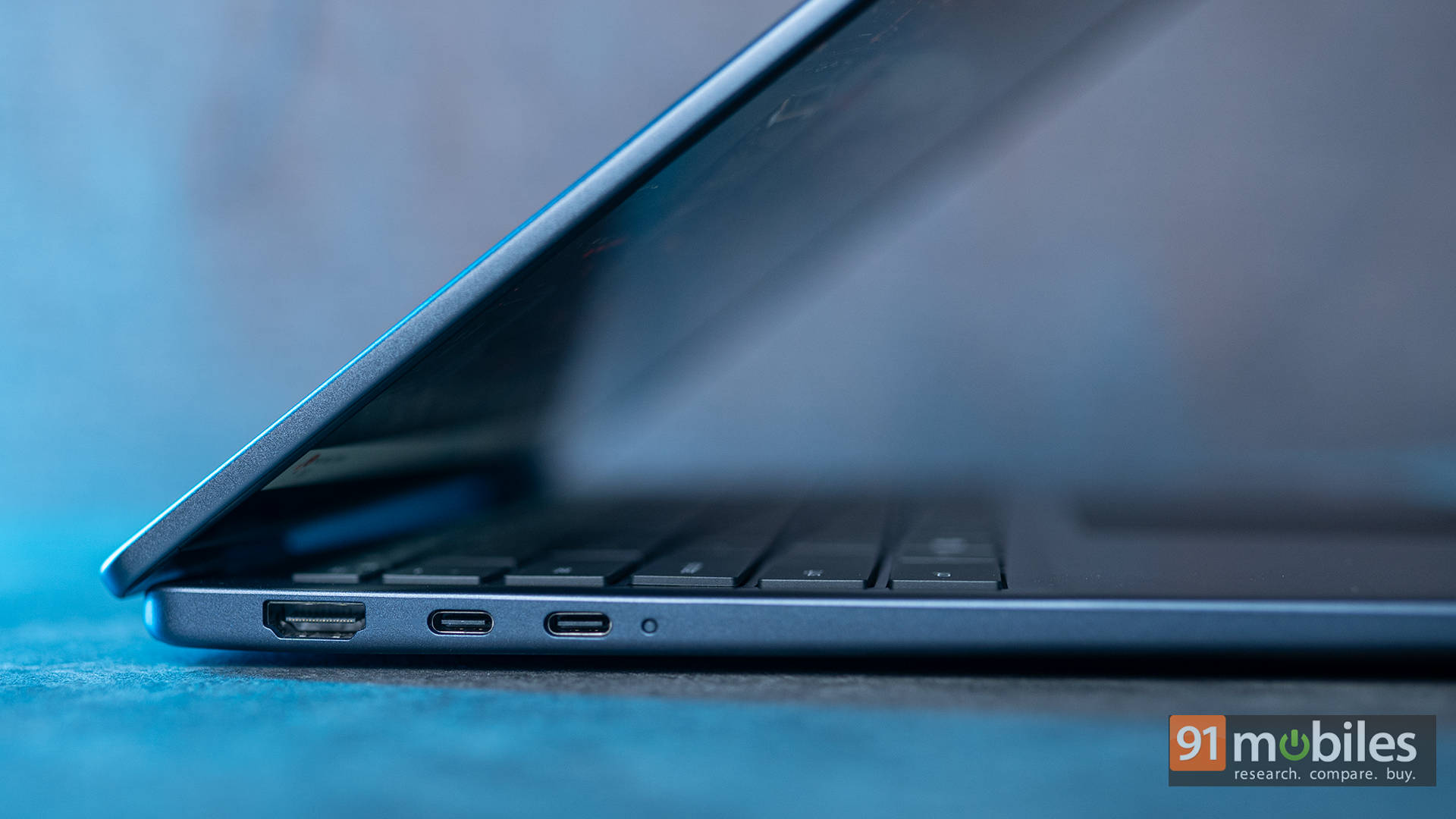
Despite its thin profile, Dell hasn’t skimped on connectivity. The layout is symmetrical and practical, ensuring everything you need is within easy reach. On the left side, there’s an HDMI 1.4 port coupled with dual USB-C 3.2 Gen 2 ports.
Then, over to the right side, there’s a USB 3.2 Gen 1 Type-A port, coupled with a 3.5mm headphone jack.
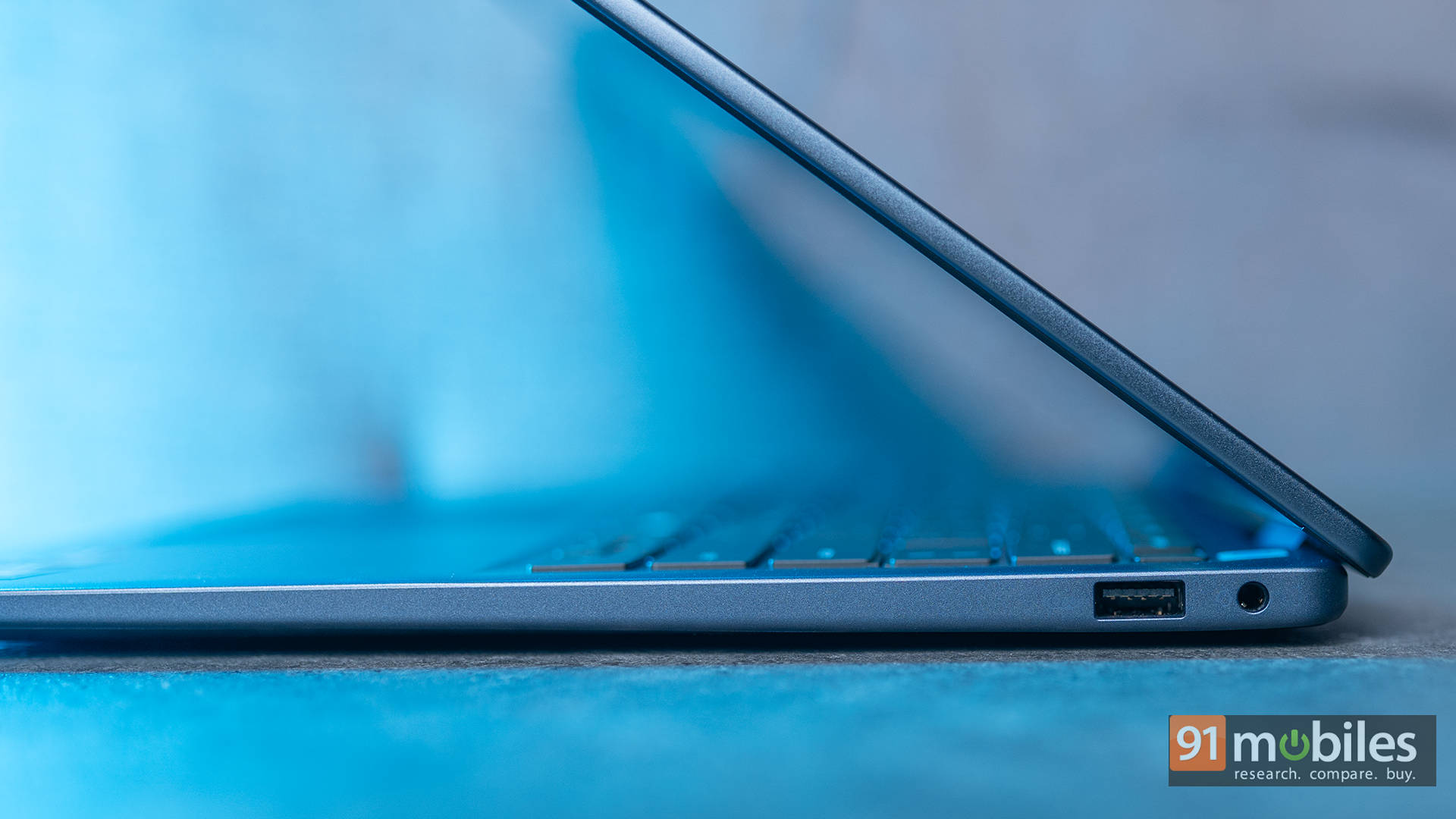
The inclusion of both USB-C ports with full DisplayPort and Power Delivery makes it flexible for docking stations or external monitors. However, the HDMI 1.4 port is a downer if you plan to connect to a 4K display, as you’d be restricted to a mere 30Hz. On the wireless front, the MediaTek Wi-Fi 7 MT7925 and Bluetooth 5.4 module ensures next-gen connectivity speeds and stable multi-device pairing.
Display and Audio: Sharp, Responsive, and Comfortably Immersive Indoors
Dell calls this a 14-inch 2K (1920×1200) WVA touchscreen, rated at 300 nits brightness. It’s a sharp and fairly colour-accurate panel for daily use—texts look crisp, touch response is fluid, and the 16:10 aspect ratio gives more room for web and document work.
The laptop also ships with a Dell Active Pen in the box, which is a pleasant value add. It offers smooth handwriting input and low latency, making it handy for note-taking, annotating PDFs, or casual sketching in tablet mode. It magnetically attaches to the chassis for easy storage, though creatives may still prefer a higher-end stylus for professional illustration work.
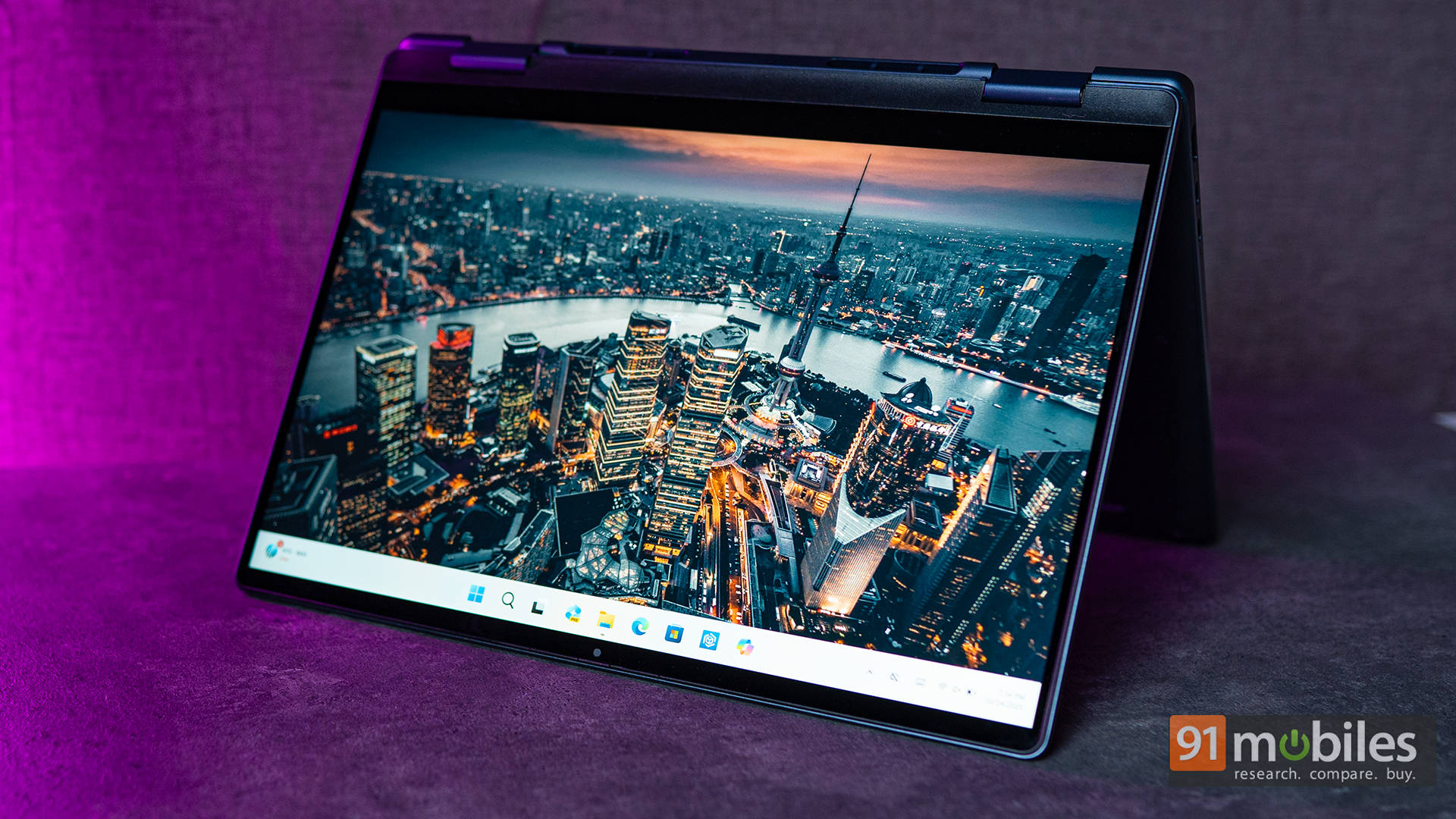
However, that 300-nit cap means outdoor visibility takes a hit. Under bright sunlight, reflections are noticeable, and even with ComfortView (blue light reduction) on, the screen doesn’t reach the vibrancy of more premium OLED rivals. If you’re a creative user who depends on colour accuracy, you might find the 300-nit, non-OLED panel limiting. But for everyday work, entertainment, and light creative use, this display delivers exactly what you expect from a well-calibrated productivity laptop.
Audio, on the other hand, holds up well. The stereo speakers tuned with Realtek SounzReal produce balanced mids and crisp highs, and Dolby Atmos support adds a bit more depth to movies and video calls. The bass is limited, but for a laptop this slim, the soundstage remains impressive.
Keyboard, Touchpad, and Camera: Gets the Basics Right
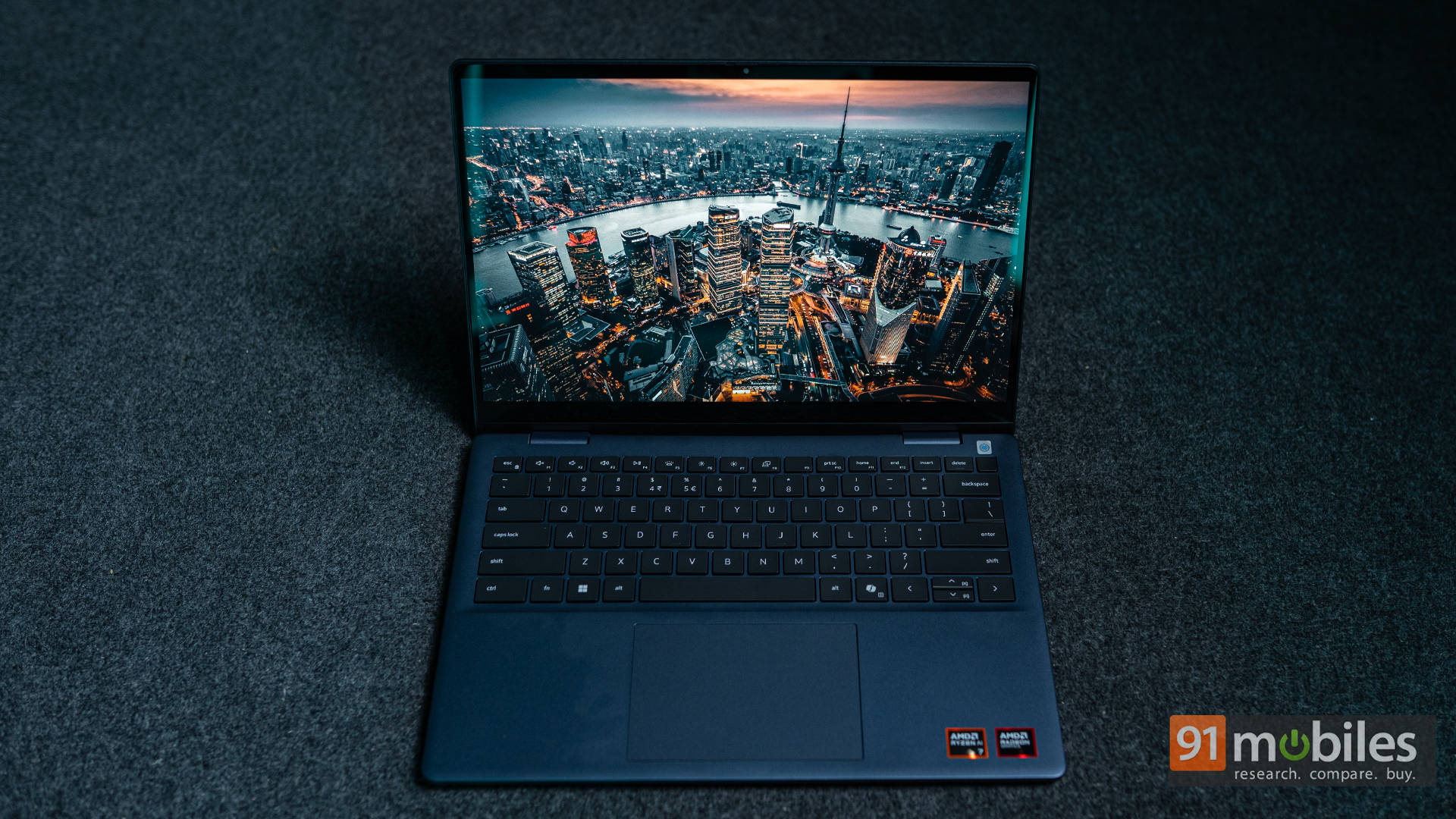
Typing on the Copilot key-equipped backlit keyboard feels comfortable and precise. The keys have a short but tactile travel, with a soft landing that makes long writing sessions enjoyable. The arrow keys are cramped up, but in practice, that’s not really an issue. There’s also a nice white backlight under the keys that works well to illuminate the keyboard in the dark.
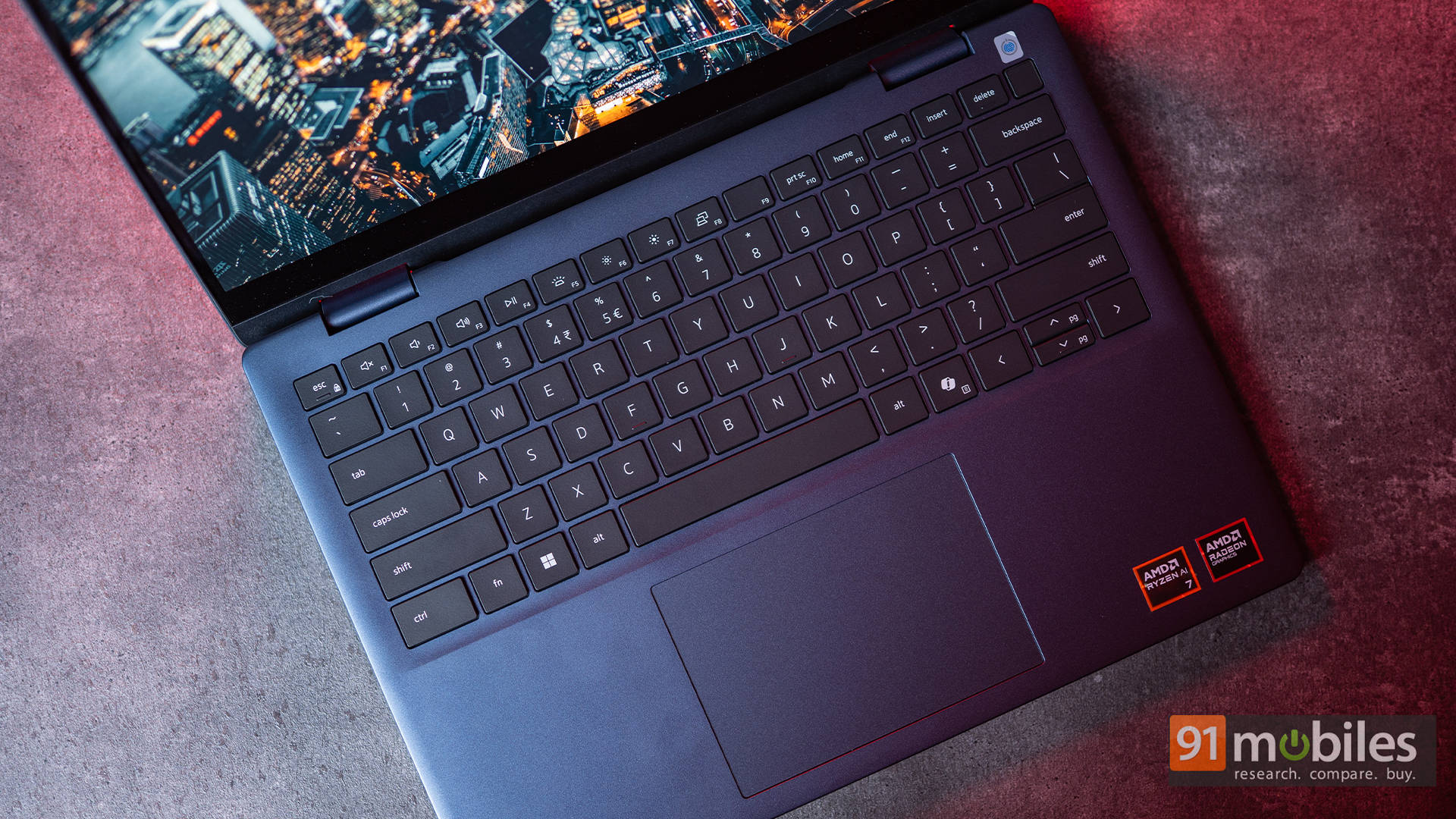
The Precision Mylar touchpad is smooth, accurate, and gesture-friendly, although the physical click feels a bit muted compared to Dell’s XPS lineup. Still, palm rejection and multi-touch gestures work seamlessly.
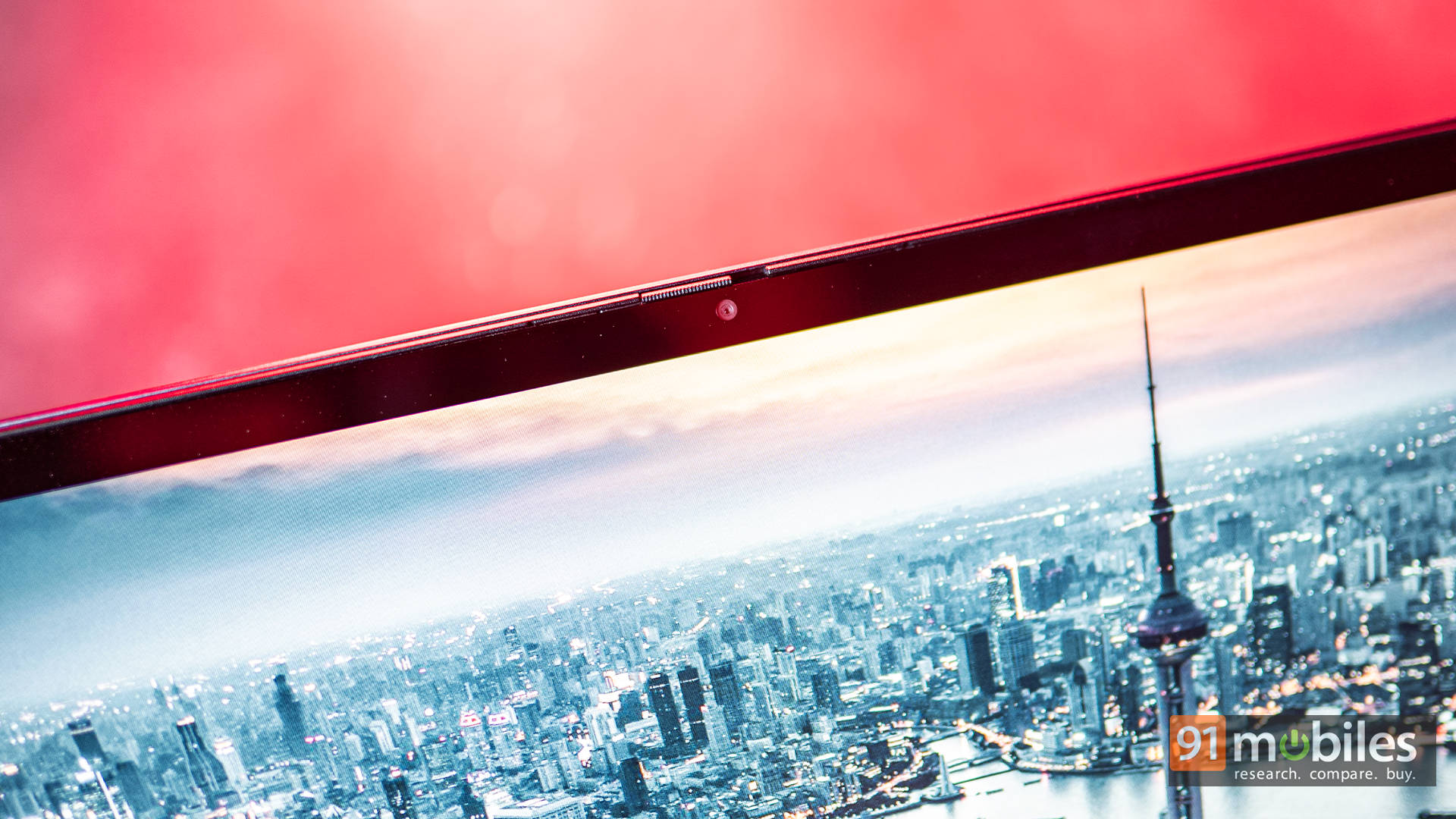
On the webcam front, the 1080p FHD sensor holds its own for meetings. Faces appear crisp and well-lit even in mixed lighting. The dual-array microphones provide clear audio for calls, though there’s no IR or Windows Hello face unlock here. Thankfully, the integrated fingerprint reader ensures secure and quick sign-ins.
Performance: Ryzen AI Brings the Brains
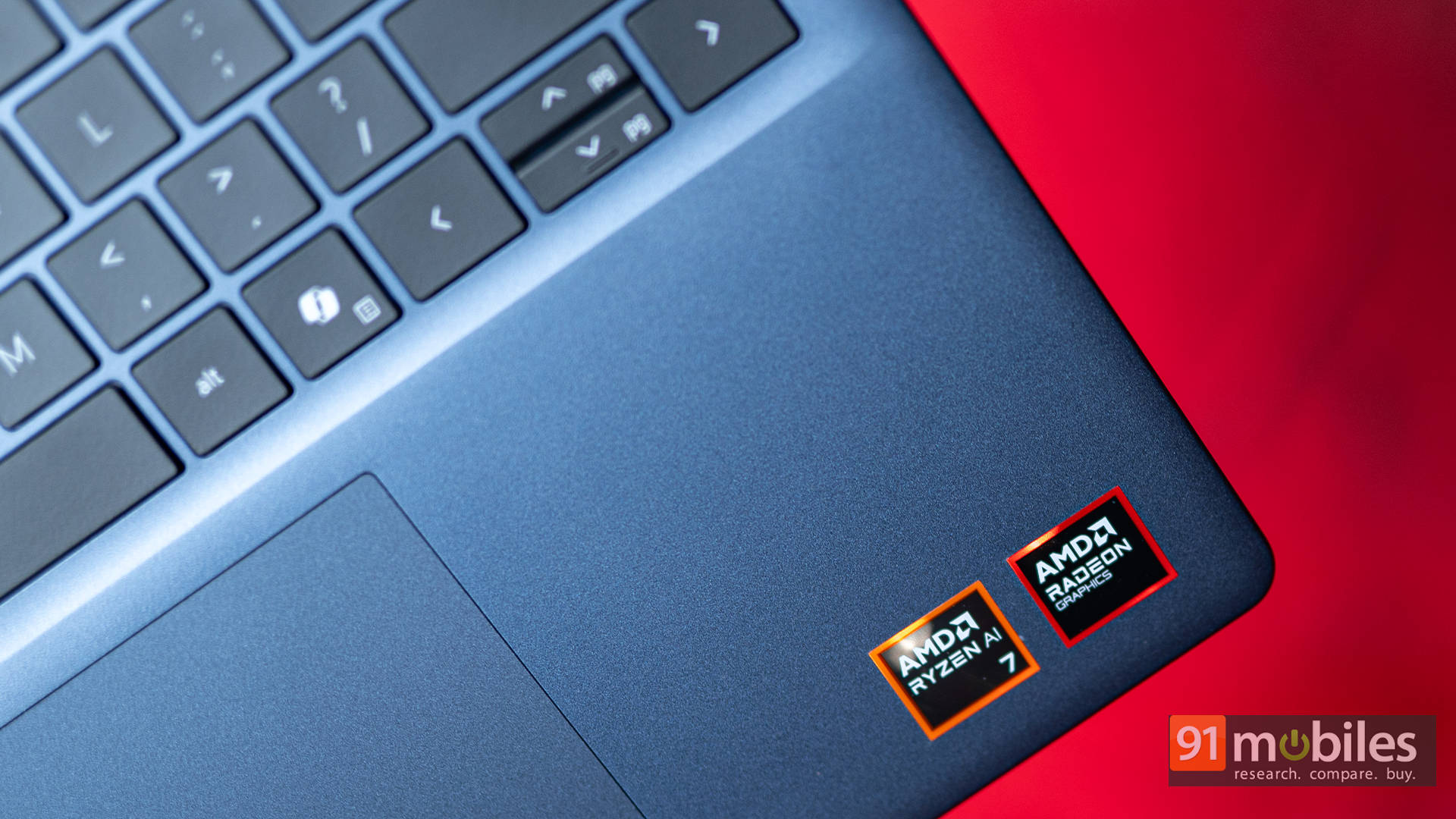
Under the hood, the Dell 14 Plus 2-in-1 runs on AMD’s Ryzen AI 7 350, part of the brand’s next-gen lineup built to handle modern AI-assisted workloads efficiently. It features Radeon 860M integrated graphics along with a dedicated Neural Processing Unit (NPU) for tasks like live captions, background blur, and Windows’ Recall search once fully deployed.
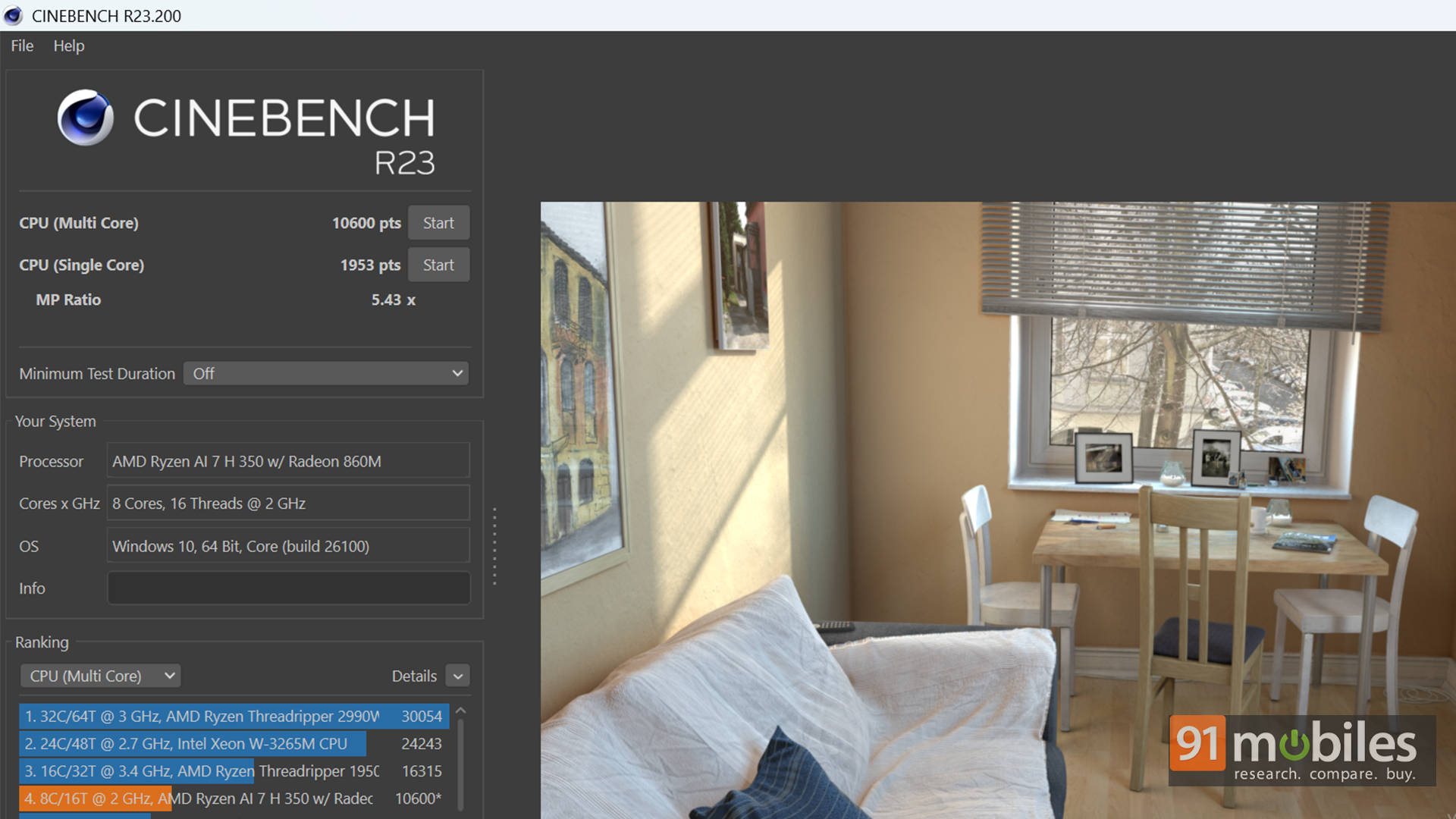
During testing, we ran our usual set of synthetic benchmarks, including Cinebench, Geekbench, PCMark, and 3DMark. As expected, the Ryzen AI 7 350 put up strong numbers, comfortably outperforming most laptops in its segment. The Radeon 860M also handled 3DMark runs respectably well for an iGPU.
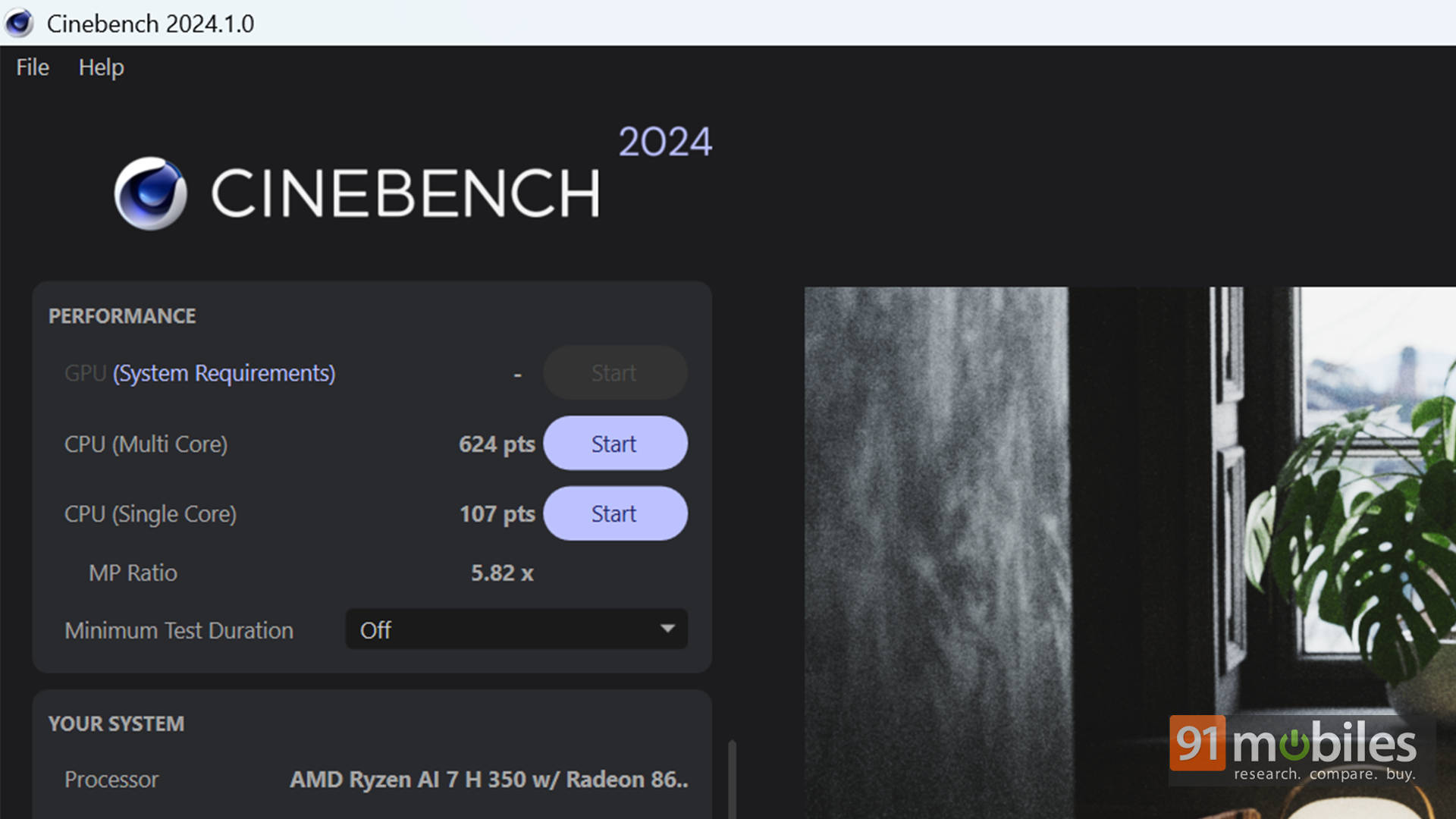
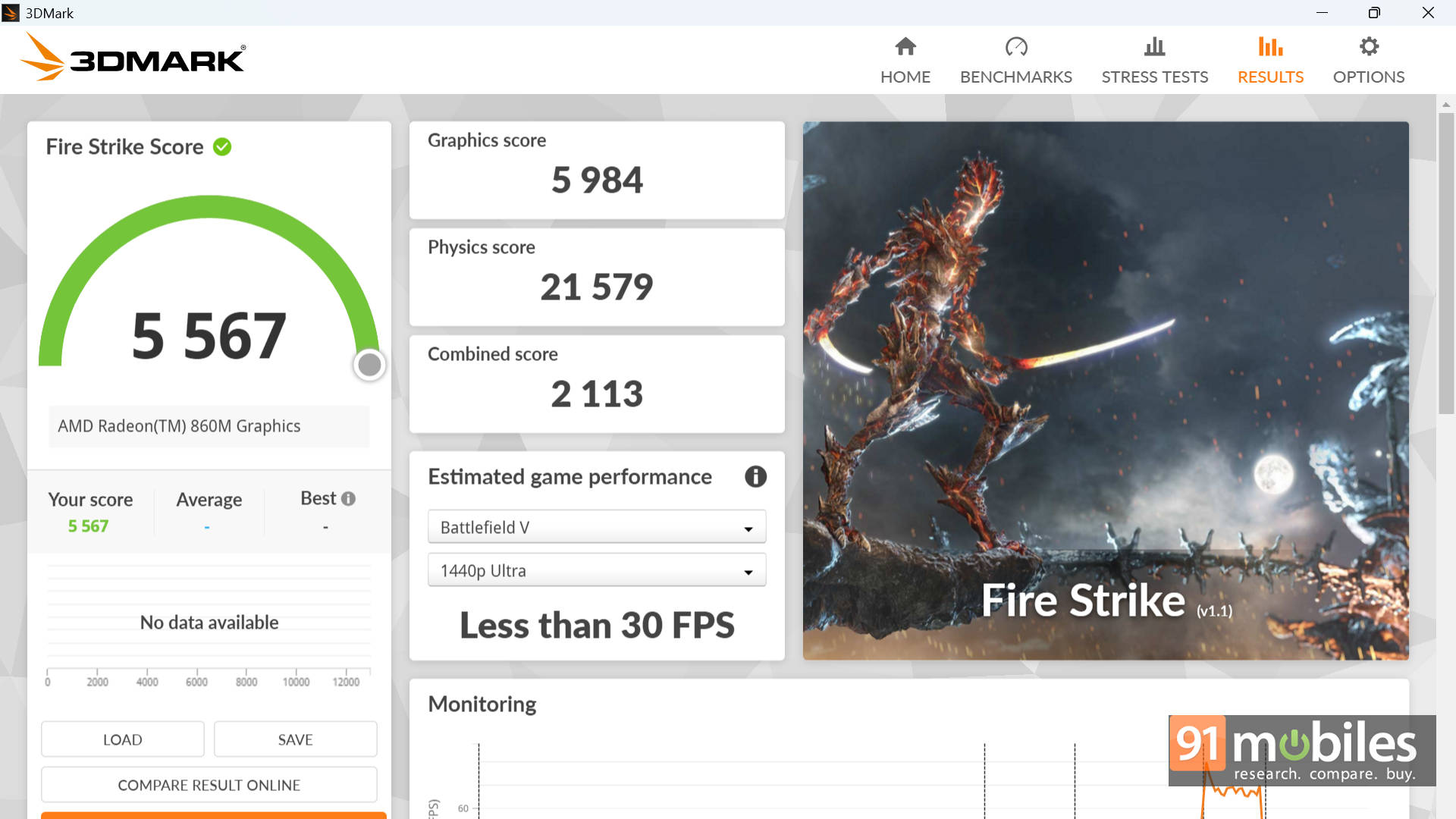
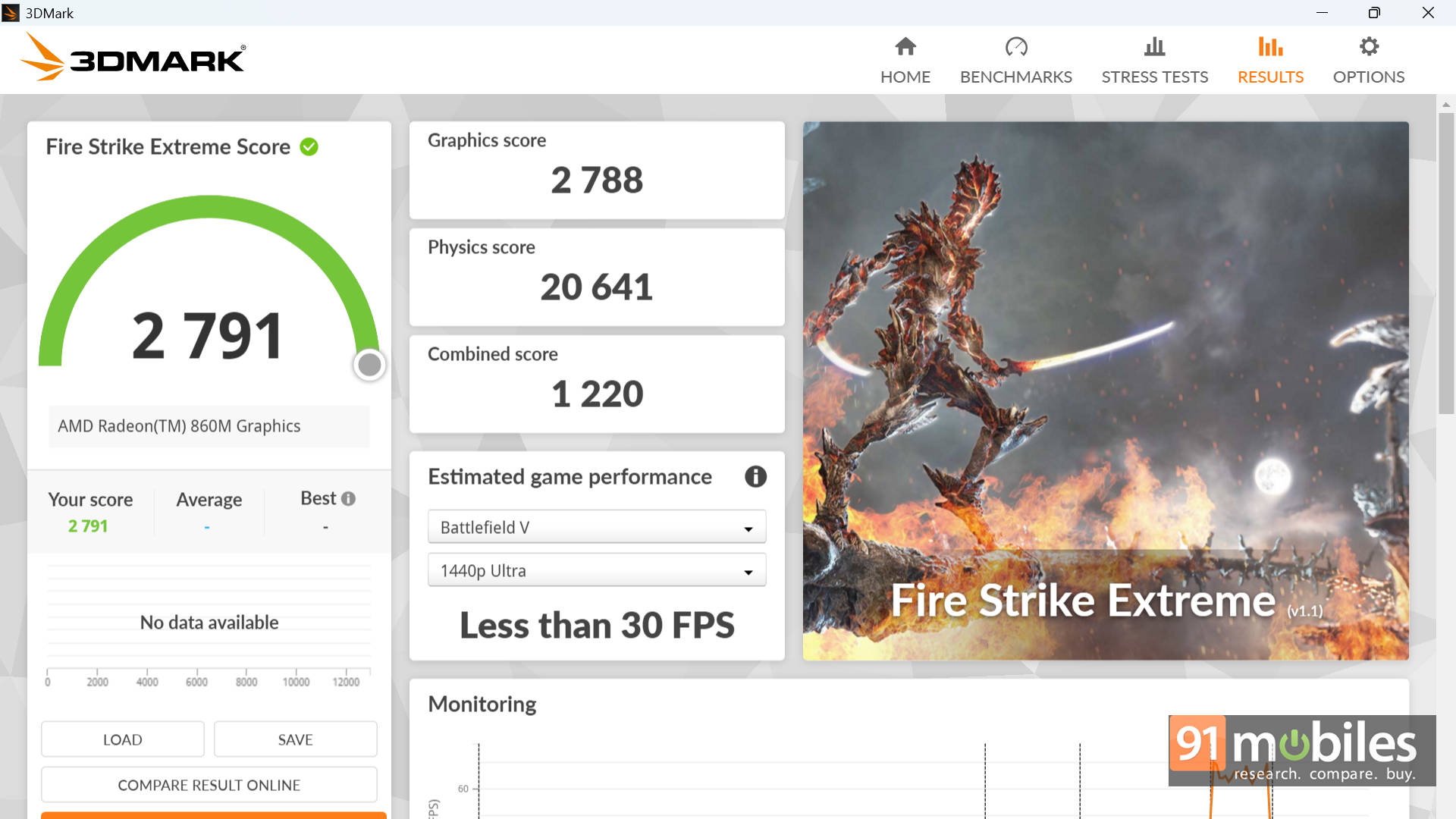
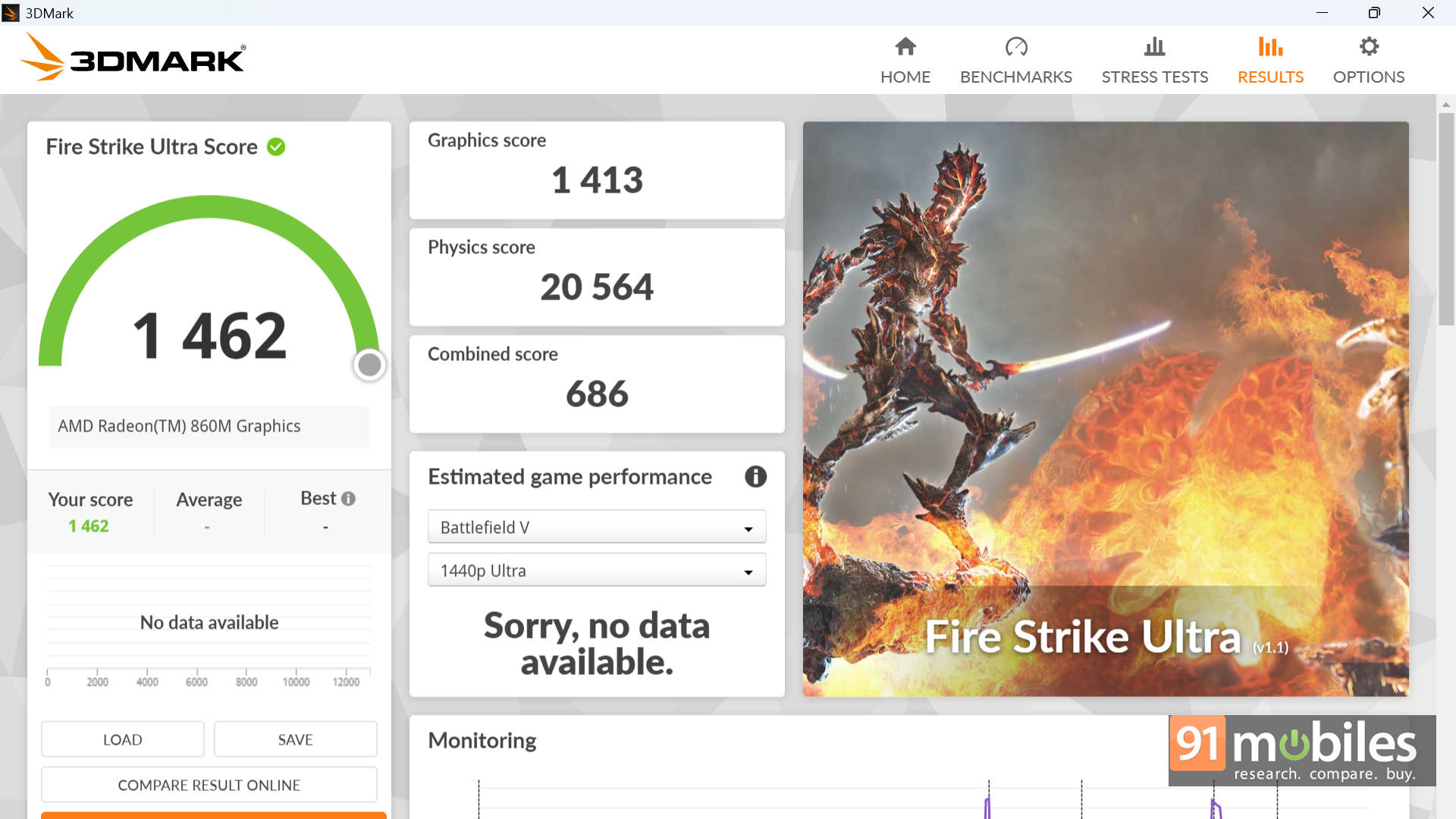
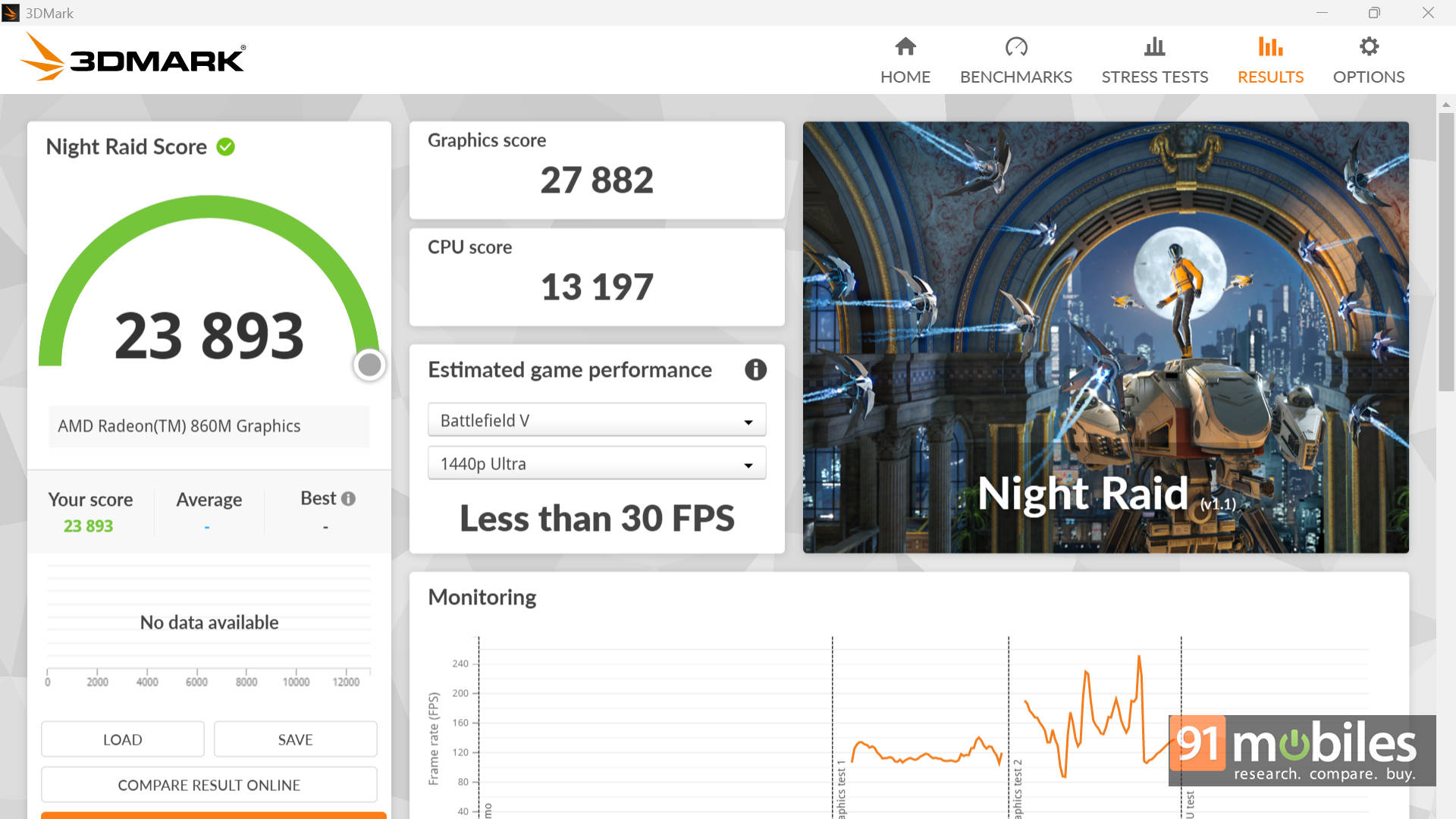
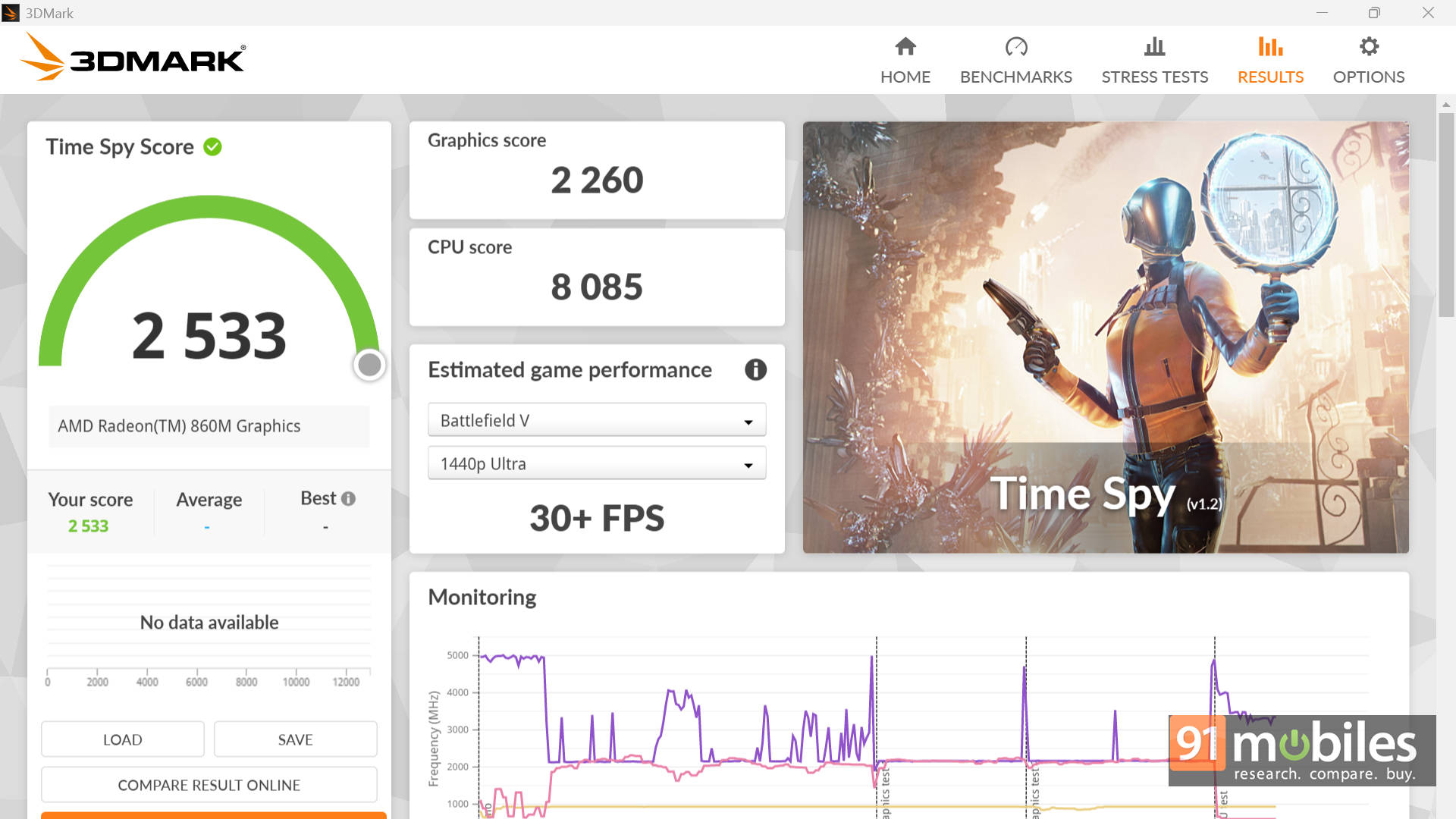
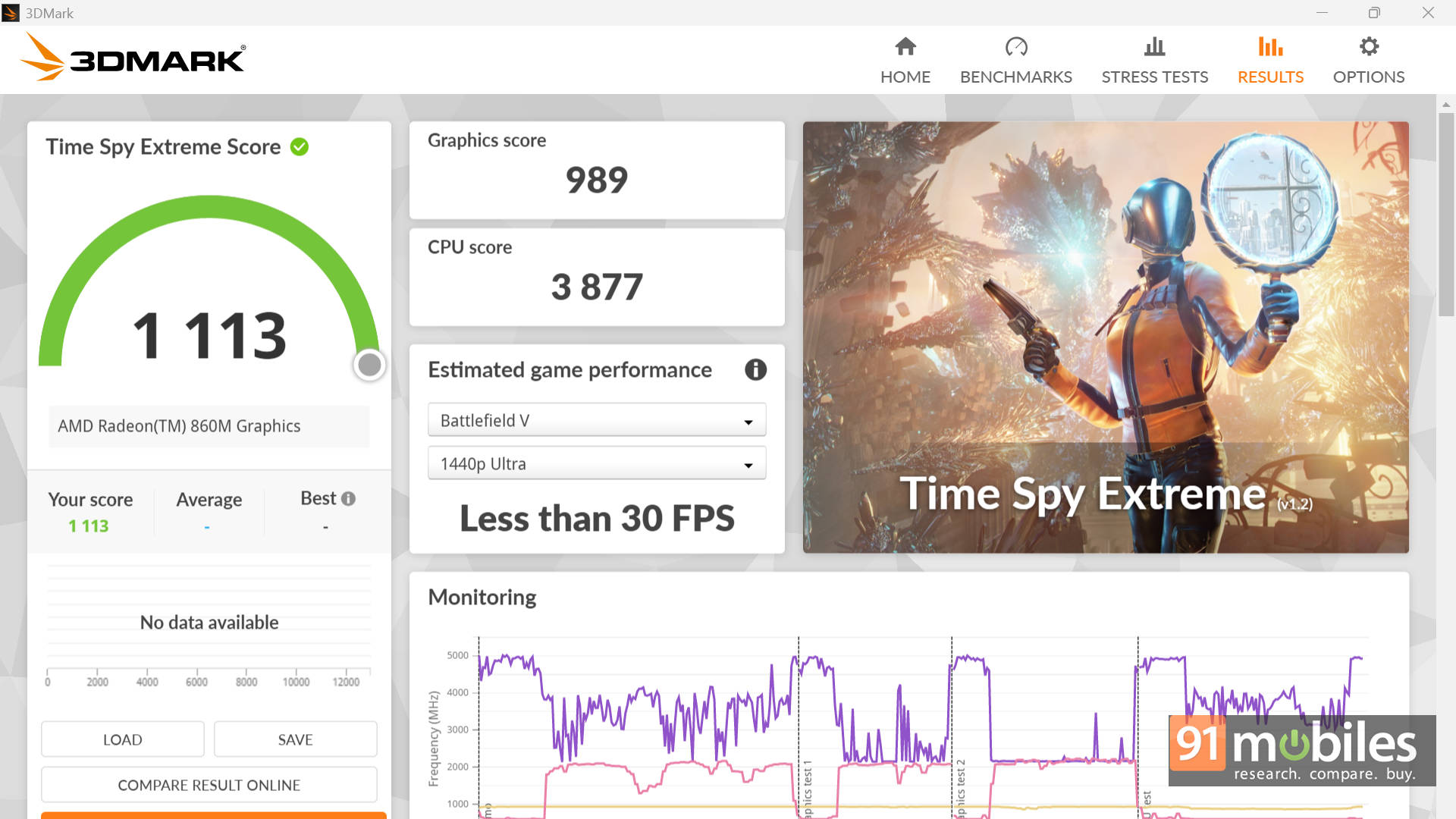
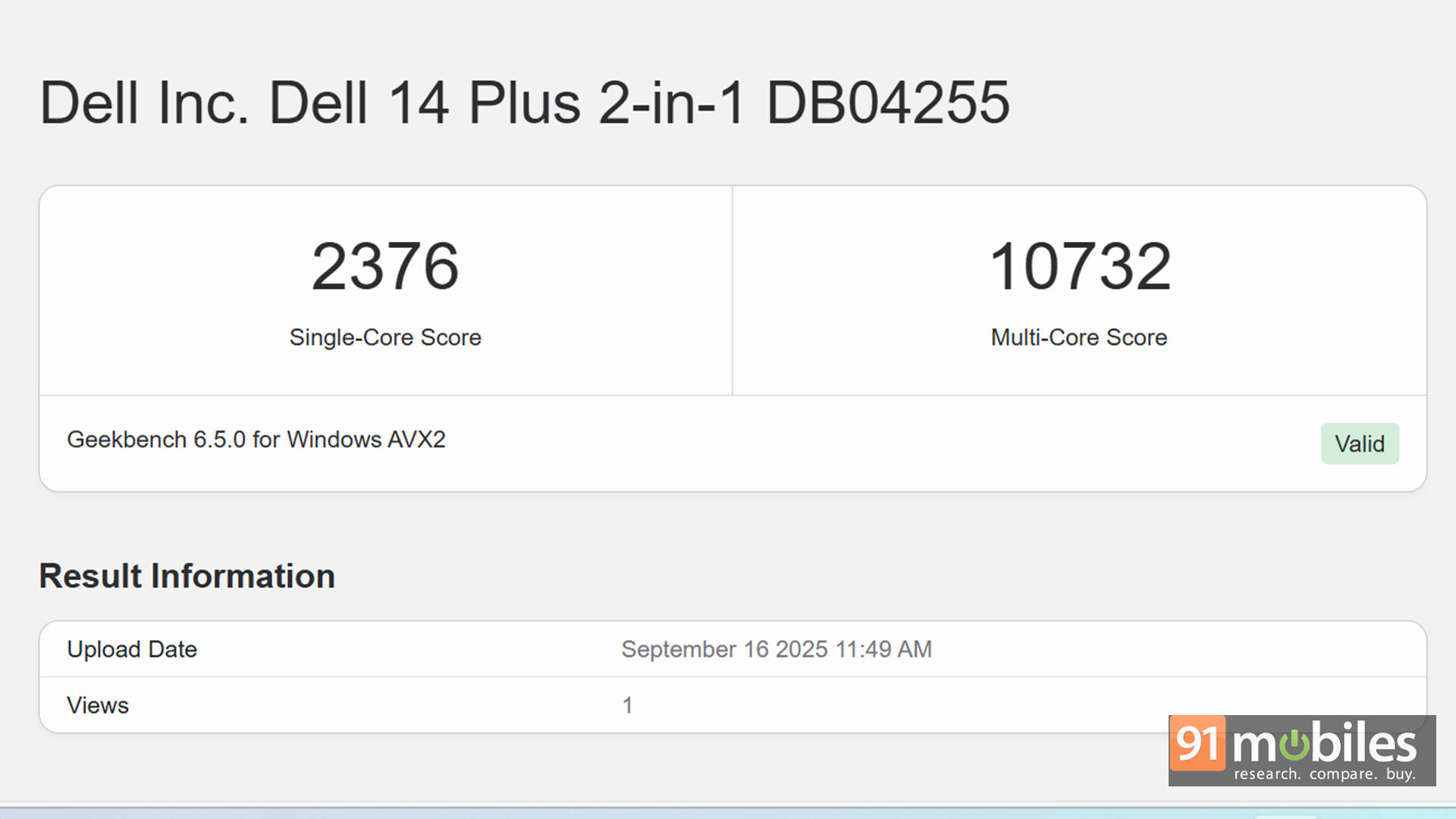
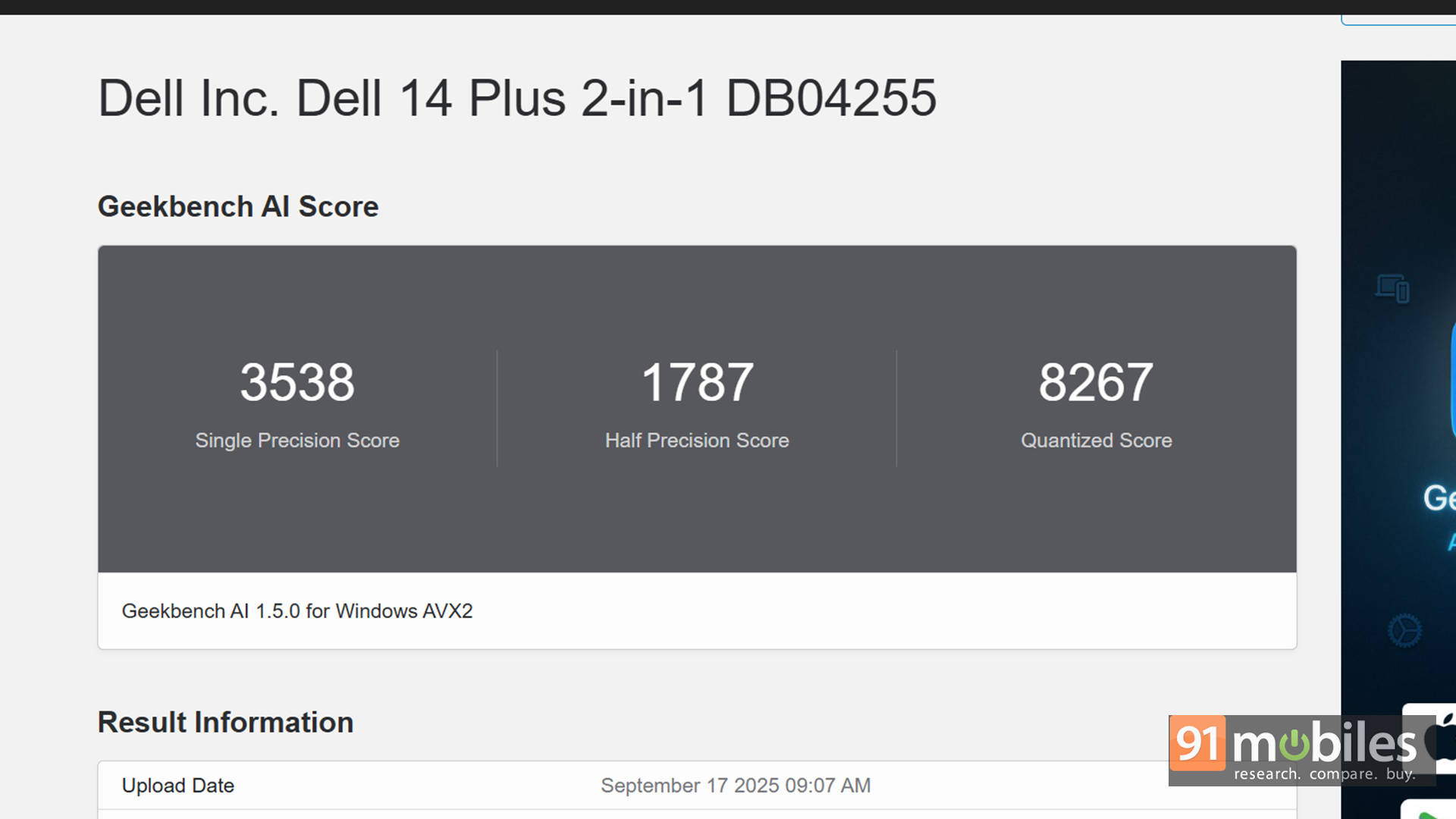
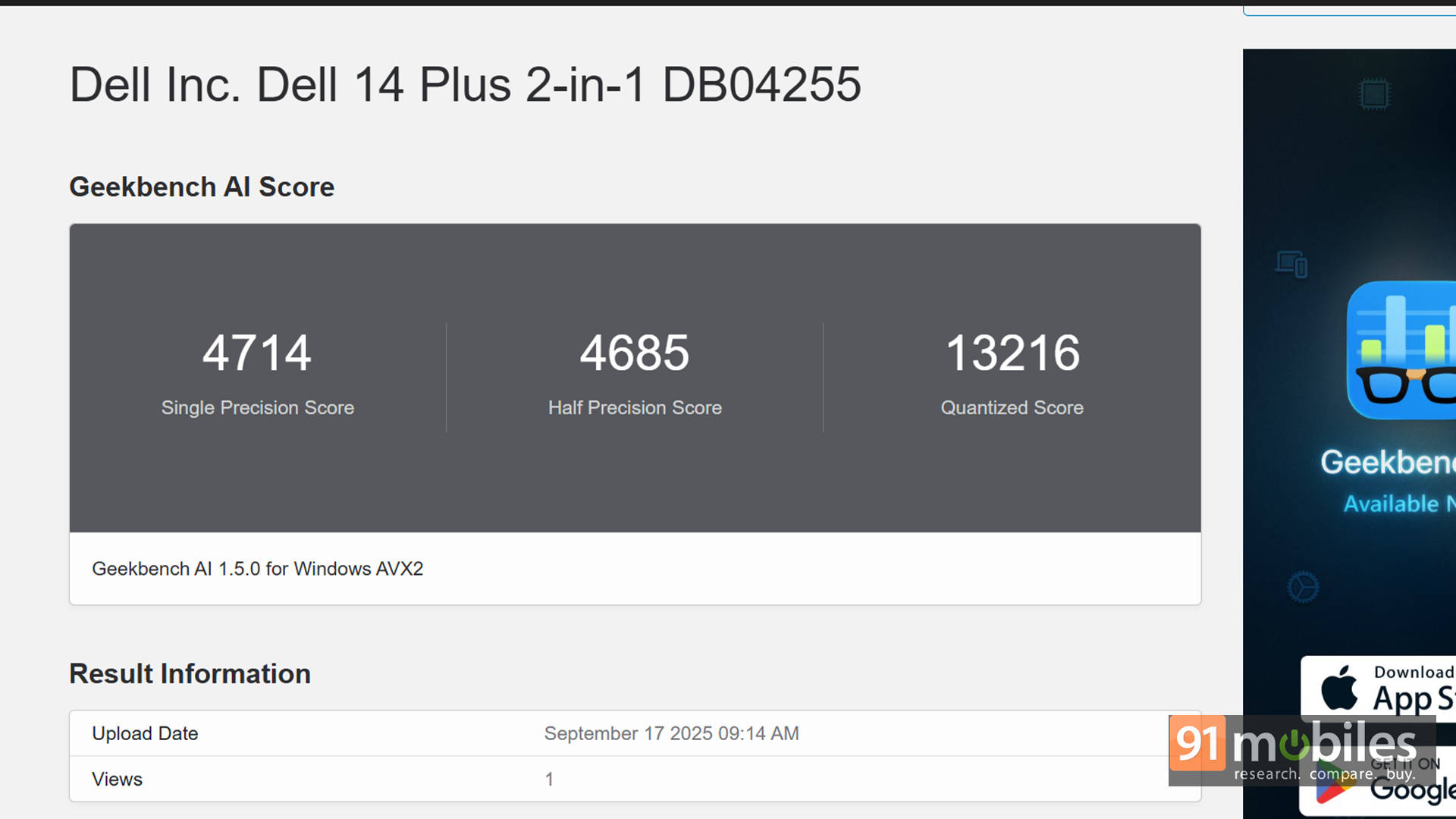
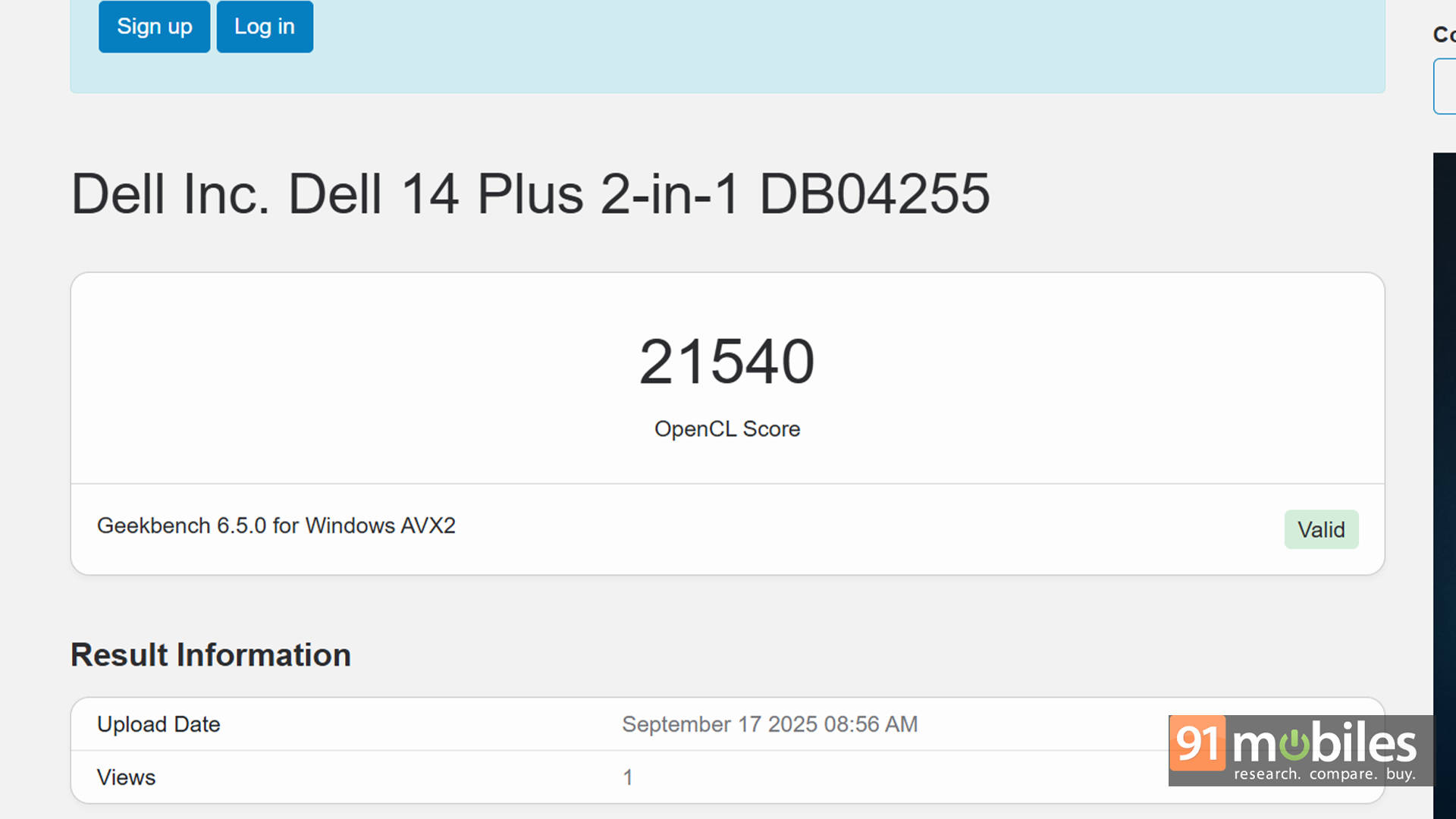
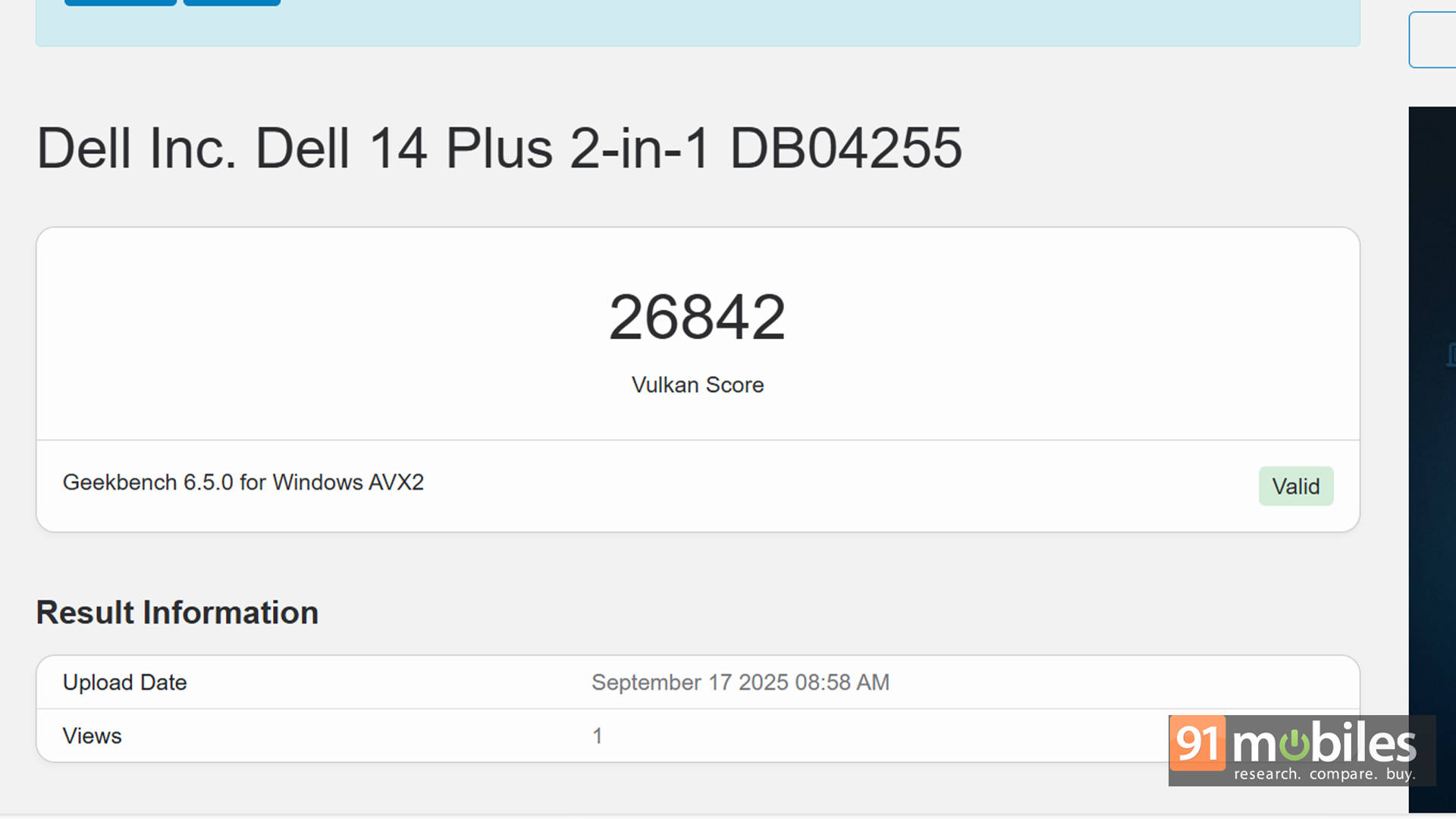
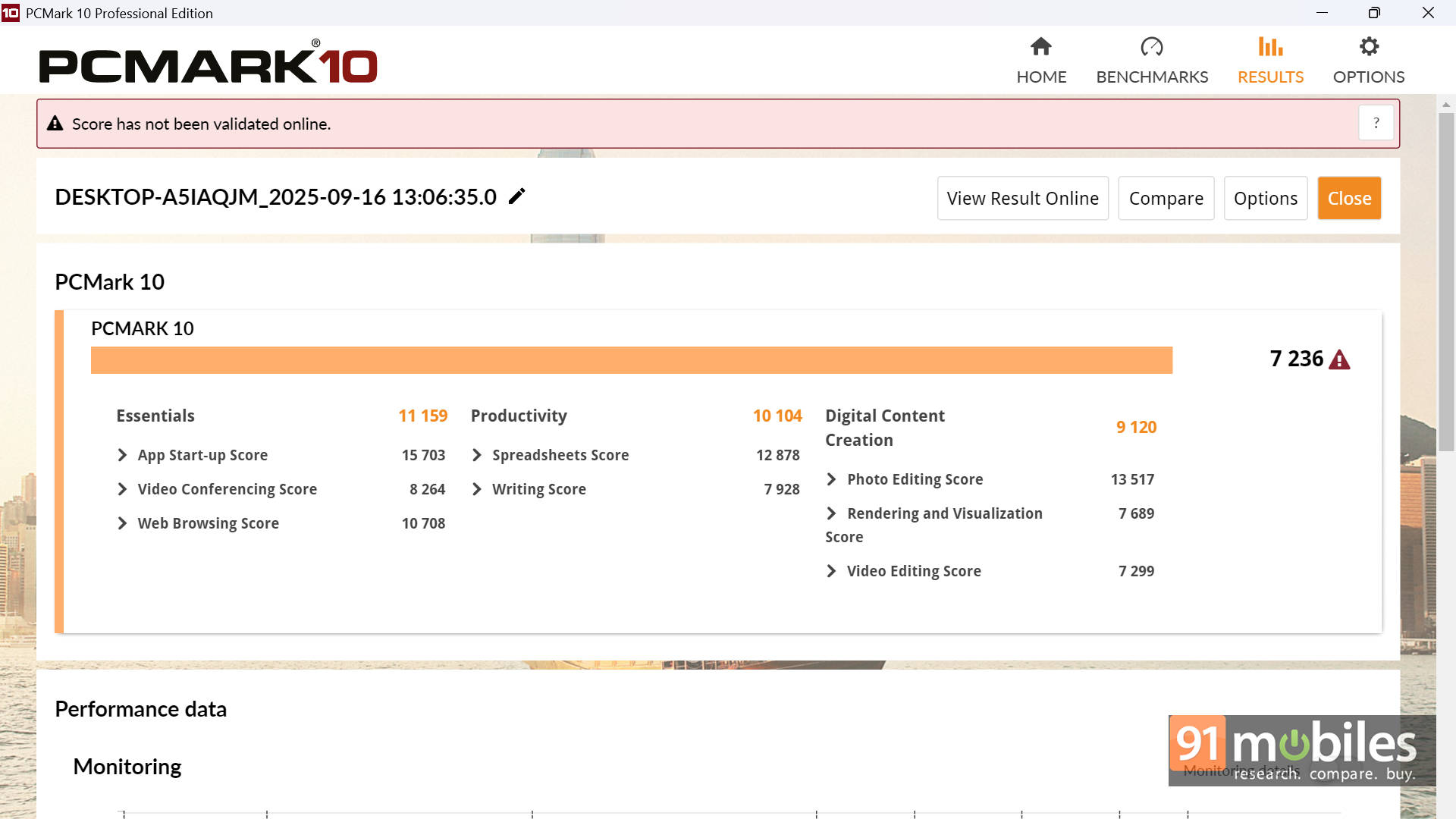
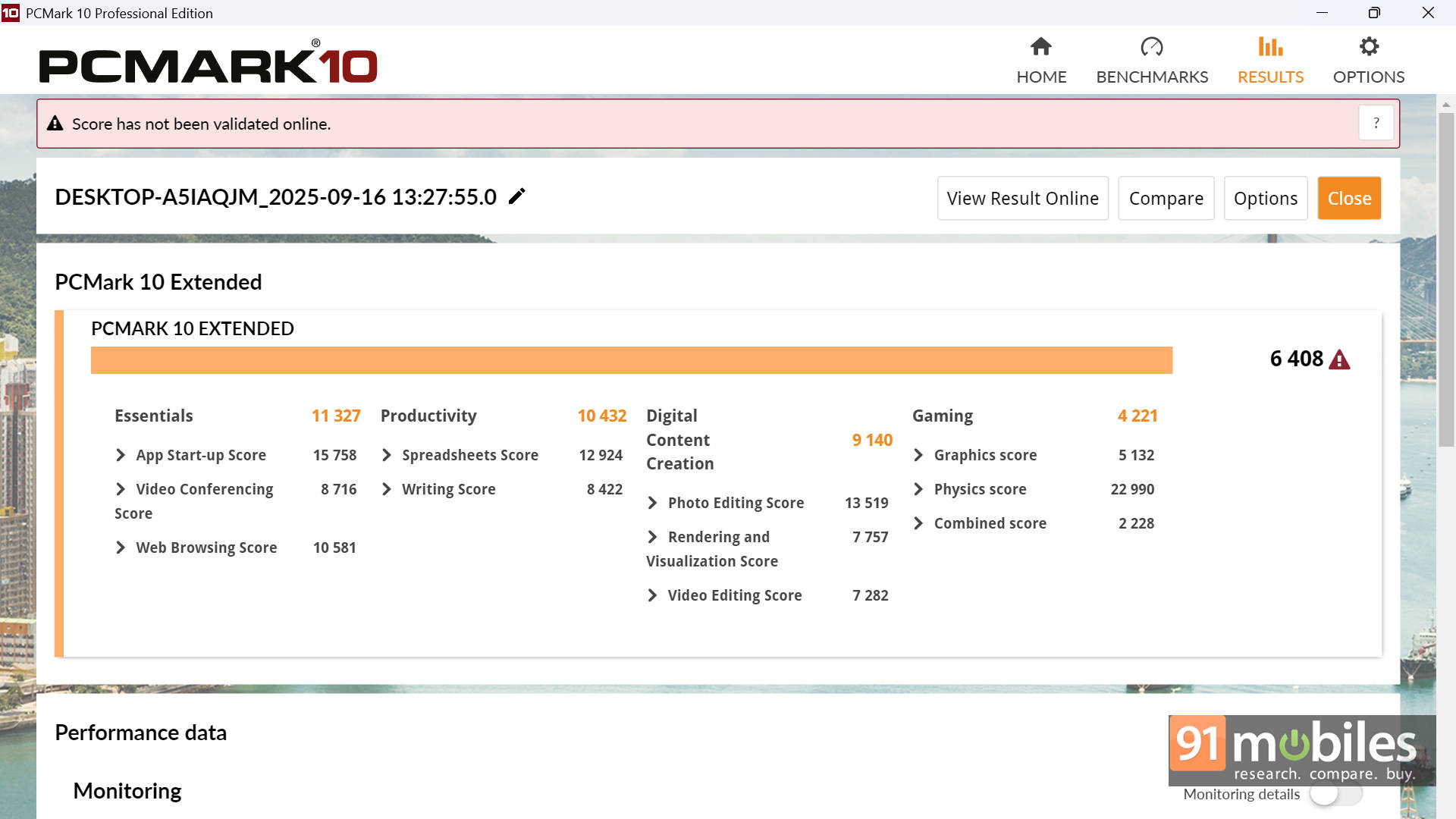
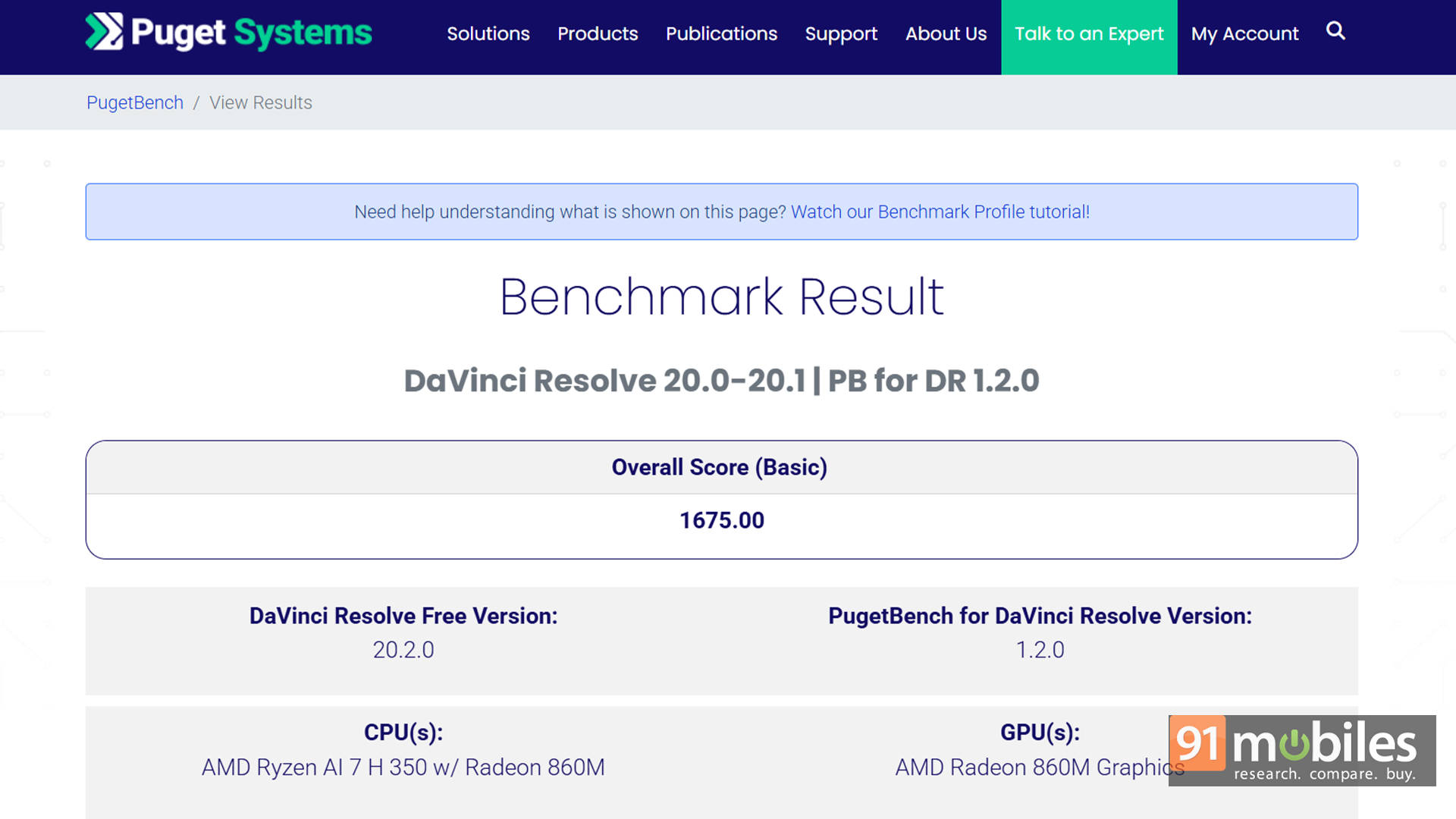


For comparison, we stacked it against the ASUS ZenBook 14 OLED UM3406KA, which uses the Ryzen AI 5 340. The performance gap is quite noticeable, with the Ryzen AI 7 350 consistently pulling ahead in both CPU-centric and mixed workloads.
| Benchmark / Laptop | Dell 14 Plus 2-in-1 | ASUS Zenbook 14 UM3406KA |
| CPU | AMD Ryzen AI 7 350 | AMD Ryzen AI 5 340 |
| GPU | AMD Radeon 860M | AMD Radeon 840M |
| Cinebench R23 MT | 10600 | 11223 |
| Cinebench R23 ST | 1953 | 1909 |
| PCMark 10 | 7236 | 6763 |
| PCMark 10 Extended | 6408 | 6152 |
| Geek Bench 6 ST | 2376 | 2772 |
| Geek Bench 6 MT | 10732 | 10802 |
| Geek Bench OpenCL | 21540 | 13165 |
| Geek Bench Vulcan | 26842 | 22751 |
| 3DMark Time Spy Extreme | 1113 | 1018 |
| 3DMark Time Spy | 2533 | 2207 |
| 3DMark Fire Strike Ultra | 1462 | 1444 |
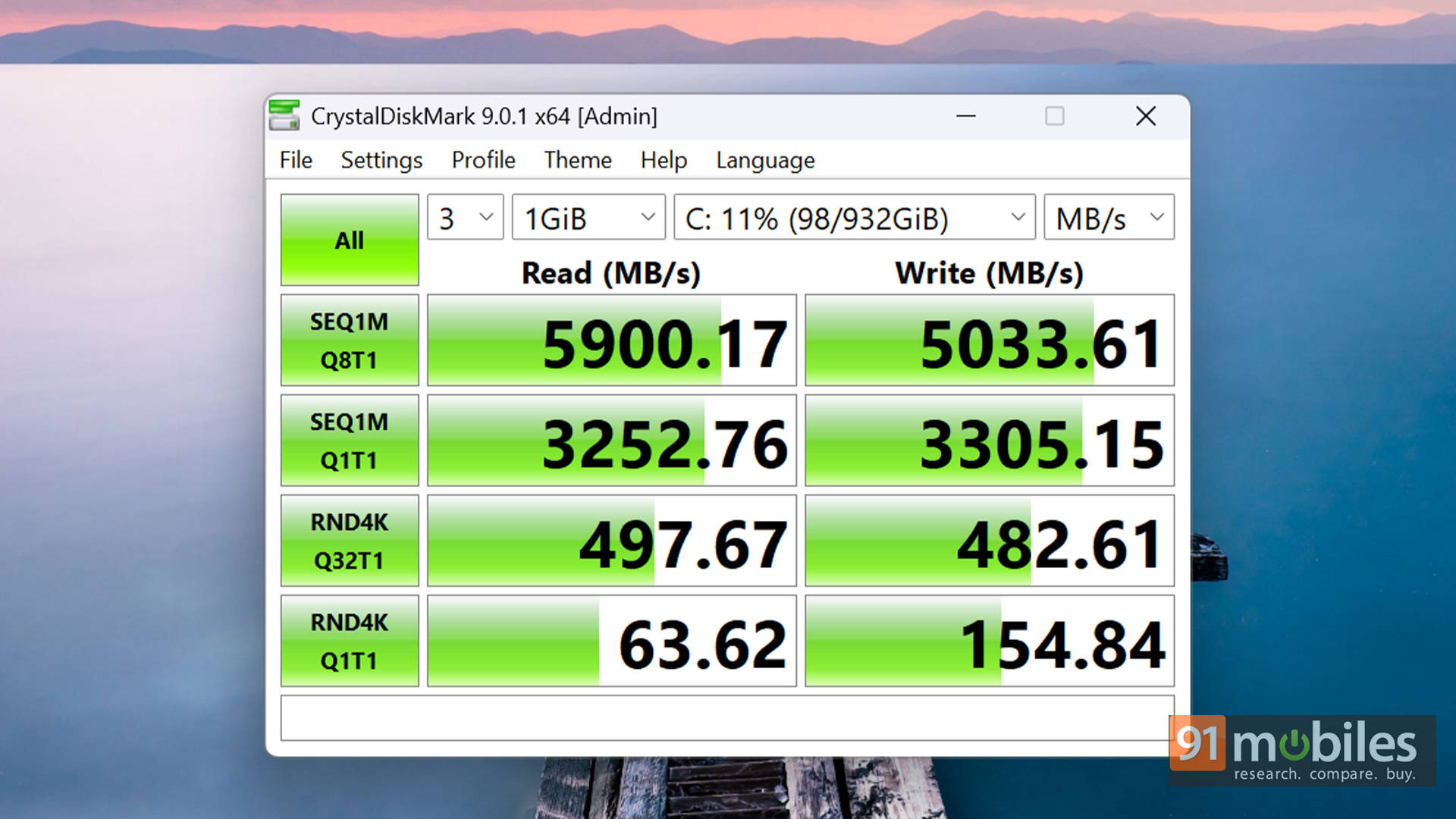
In everyday use, the laptop feels snappy and responsive. App launches, tab switching, and background tasks are handled effortlessly. The Gen4 SSD doesn't quite hit the expected 6,000MB/s mark in benchmarks, but in real-world use, load times and file transfers still feel plenty fast for most users.
Battery Life and Charging: Dependable for a Workday
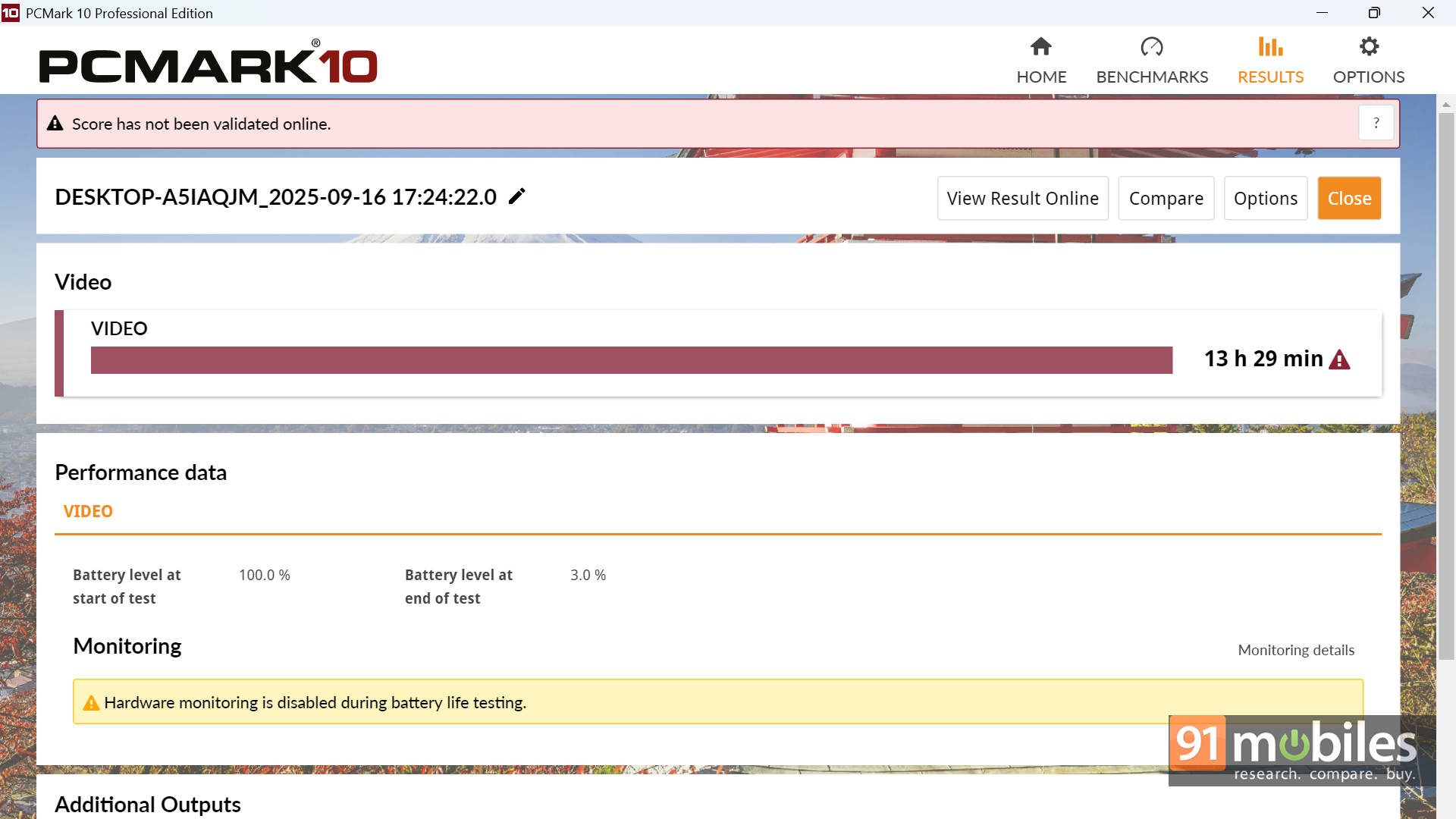
The 64Wh battery pairs nicely with AMD's efficient architecture. In typical usage, such as writing, video playback, Zoom calls, and browsing, you can expect 10–12 hours of runtime depending on brightness and workload. For a more controlled measurement, the laptop lasted around 13.5 hours in the PCMark 10 Battery Video Loop test, which is impressive for a 2-in-1.
As for charging, Dell includes a 65W USB-C adapter that supports fast charging, taking the laptop from 0 to 50% in roughly 40–45 minutes, and up to a full charge in under two hours.
Verdict: Premium Feel, Balanced Performance
So, is the Dell 14 Plus 2-in-1 worth buying? The Ryzen AI 5 340 variant starts at around Rs. 80,000, while our Ryzen AI 7 350 configuration comes in at about Rs. 90,500. For what it offers, this machine feels like a thoughtfully balanced device that combines understated design, strong everyday performance, and forward-looking AI capability. It doesn't try too hard to stand out, but it consistently delivers where it matters: comfort, flexibility, and battery life. The only real compromise is the screen brightness, but beyond that, Dell's attention to detail shines through, whether it's the sturdy hinge or the impressive battery tuning.
As for alternatives, the Lenovo Yoga Slim 7 Aura Edition and the HP OmniBook X Flip 14 offer even better performance, though they cost roughly Rs. 30,000 more. For about Rs. 10,000 extra, you could also check out the ASUS Vivobook 14 Flip TP3407SA, which offers slightly better iGPU performance and upgrades you to an OLED display while staying in the 2-in-1 category.
That said, all of these options require stretching the budget. If you want a versatile convertible that gets nearly everything right, the Dell 14 Plus 2-in-1 ticks almost all the boxes.
Editor's Rating: 8.7 / 10
Pros:
- Strong performance for productivity
- Premium, sturdy aluminium build
- Long battery with fast charging
- Smooth 2-in-1 hinge + pen
Cons:
- Display brightness could be better
- Resolution could be sharper