There’s something oddly satisfying about a monitor that just gets modern desk setups. No weird gamer aesthetics. No giant RGB strips screaming for attention. Just a clean-looking display that quietly promises to handle work during the day, Netflix at night, and the occasional “one quick game” session that somehow turns into three hours. That’s exactly where the Dell 27 Plus S2725QC lands.
At first glance, it looks like a straightforward successor to Dell’s wildly popular S2722QC: same 27-inch 4K formula, same productivity-first approach, same USB-C simplicity. However, now you also get a 120Hz refresh rate, HDMI 2.1, USB-C with 65W charging, dual 5W speakers, and a design that looks suspiciously tailored for MacBook users who refuse to spend Studio Display money. And honestly? Dell might’ve accidentally created one of the easiest monitors to recommend in this segment.
Table of Contents
Design and build: Minimalist in the best way possible
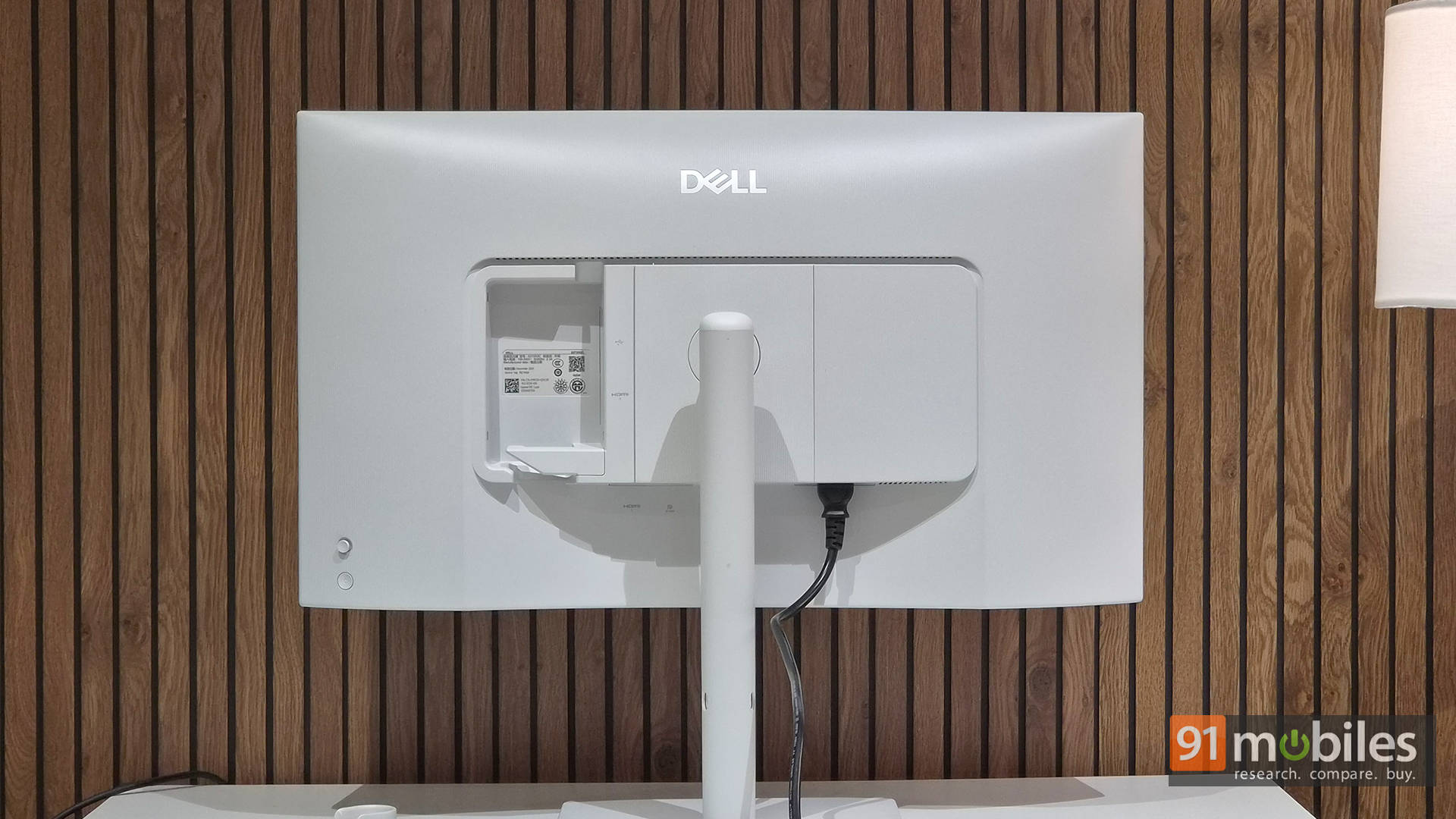
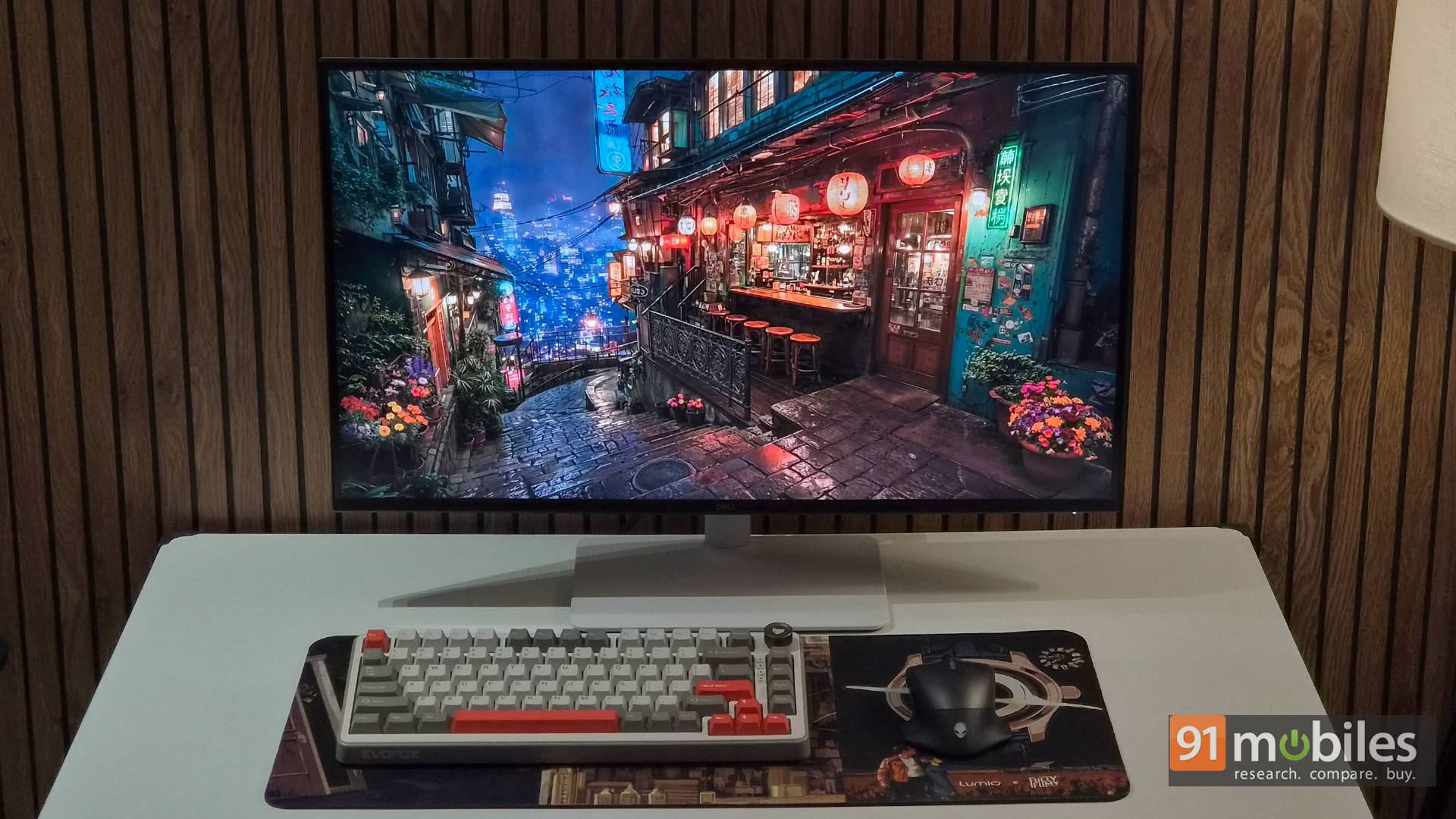
The S2725QC looks clean. Really clean. Dell has moved toward a softer, more premium aesthetic with its newer Plus series monitors, and this one absolutely benefits from it. The ash white rear panel, combined with the silver stand, gives the monitor a modern workspace vibe that instantly makes most black plastic office monitors look ancient. Put this next to a MacBook Air or a silver Windows ultrabook, and it fits right in.
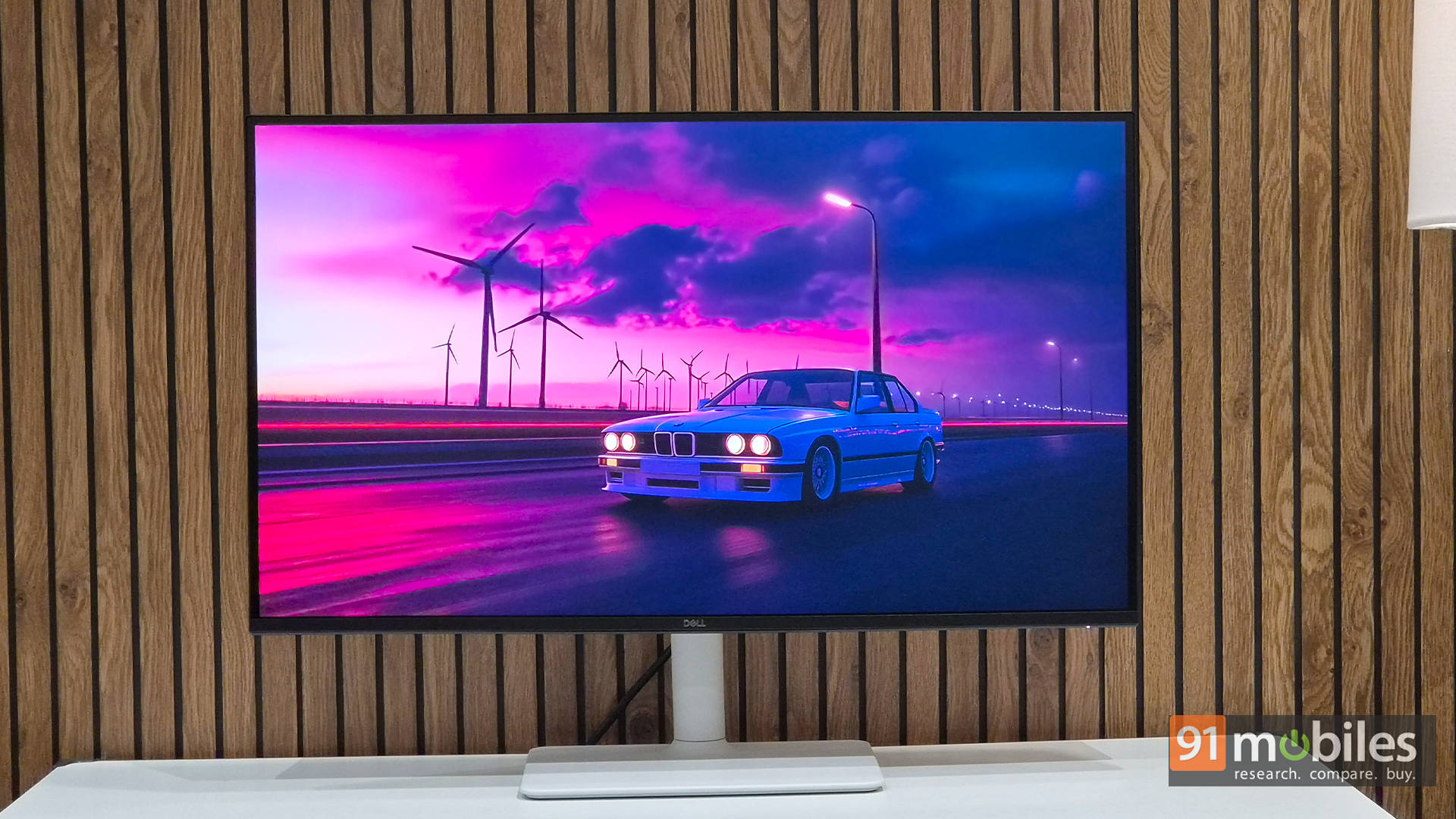
Thankfully, Dell didn’t sacrifice ergonomics for aesthetics either. The stand supports height adjustment, tilt, swivel, and pivot, meaning the monitor can rotate vertically for coding, reading, or pretending to be productive while scrolling Reddit in portrait mode. Setup is also delightfully simple since the entire thing snaps together without needing tools.
In terms of connectivity, this is the kind of monitor designed for people who hate cable clutter with a burning passion. The USB-C upstream port supports DisplayPort Alt Mode alongside 65W Power Delivery, meaning a single cable can handle display output, data transfer, and laptop charging simultaneously. Plug in a MacBook or Windows ultrabook, and the entire setup instantly feels cleaner.
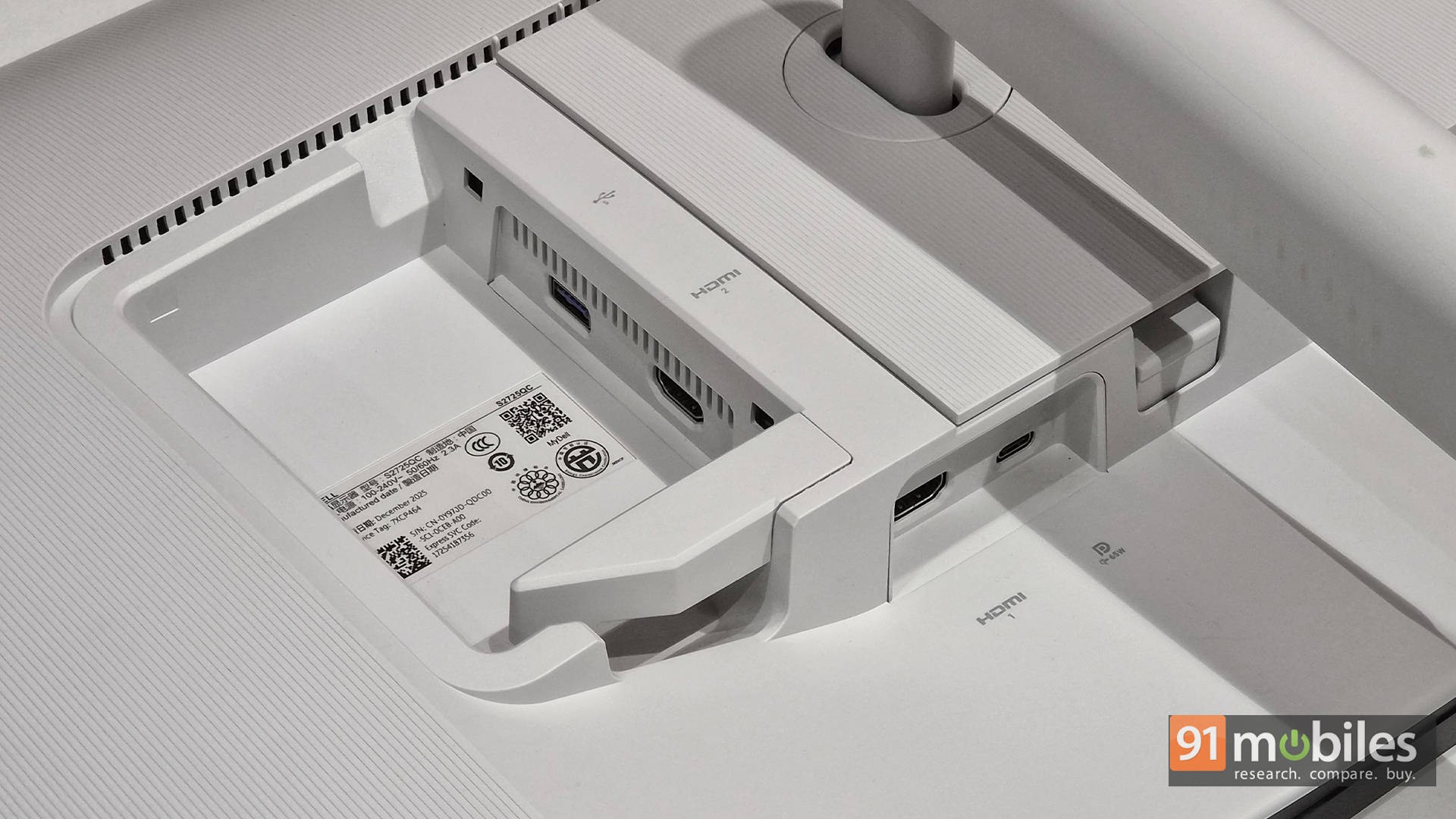
There are also two HDMI 2.1 ports for consoles or secondary systems, along with USB downstream ports for accessories. For hybrid users juggling work laptops and gaming consoles, this setup makes a lot of sense. That said, the box only ships with a USB-C to C 10Gbps 100W cable, and no HDMI cables. Add to that, it’s just 1m in length, which is ridiculously short. As a result, it really does limit where you place your laptop on your desk while connected to the monitor.
Display quality: Sharp enough to ruin other monitors
At 27 inches, the 3840 x 2160 resolution results in a pixel density of roughly 163 PPI, and the sharpness here is excellent. Text looks incredibly crisp, spreadsheets feel cleaner, and reading long documents becomes noticeably easier on the eyes. Once this level of clarity becomes normal, going back to a regular 1080p monitor feels like someone smeared petroleum jelly across the screen. This is especially true for Mac users. And as someone who tested it with his MacBook Pro, the monitor definitely feels tailor-made for Macs.
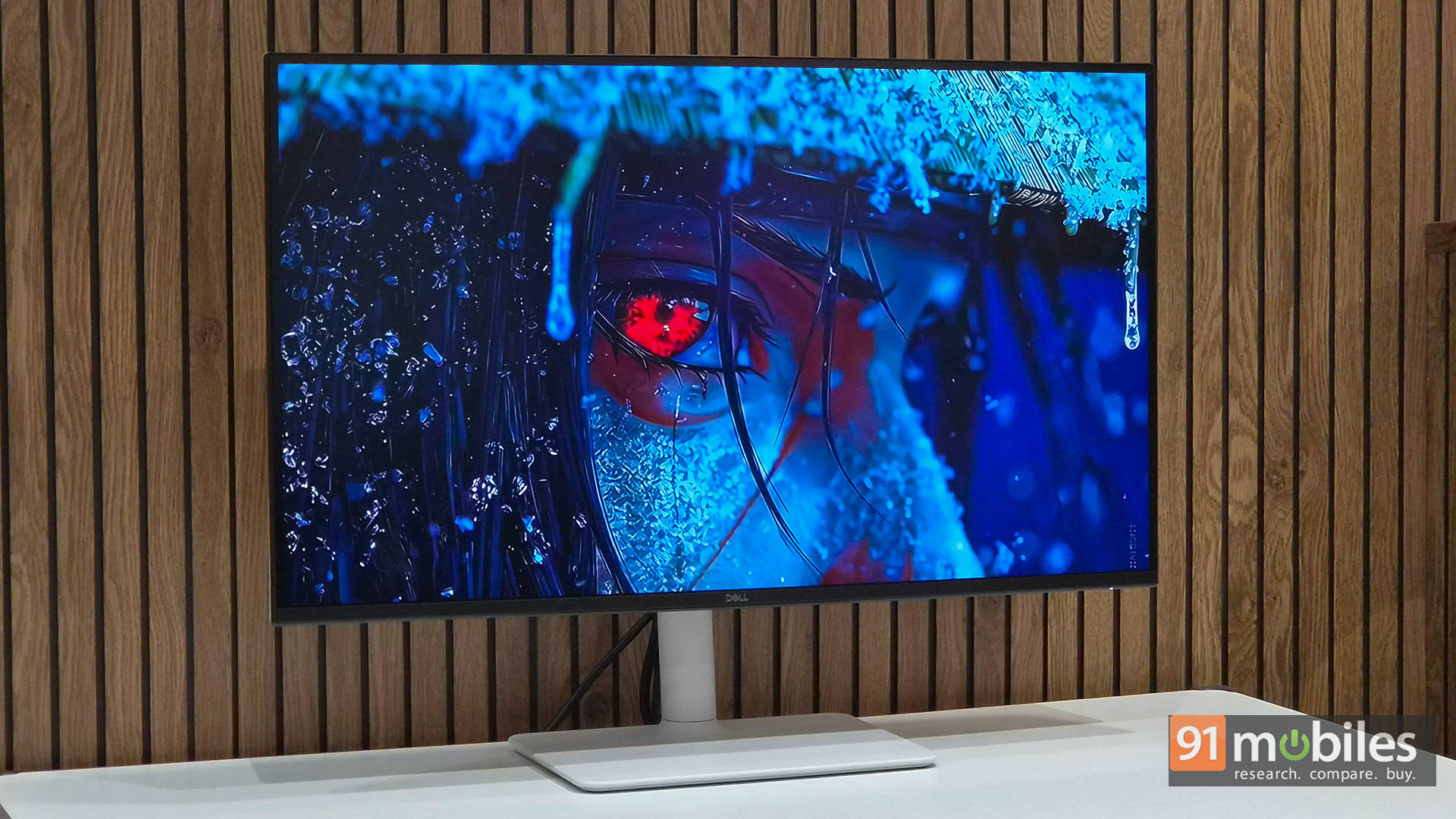
Color reproduction is also quite good straight out of the box. The IPS panel covers 99% of the sRGB color gamut, and for general content creation, photo editing, YouTube work, or social media design, the display looks vibrant and pleasing without appearing artificially oversaturated. Viewing angles are excellent too, which is expected from a good IPS panel. Whether sitting directly in front or slightly off-axis, colors remain consistent.
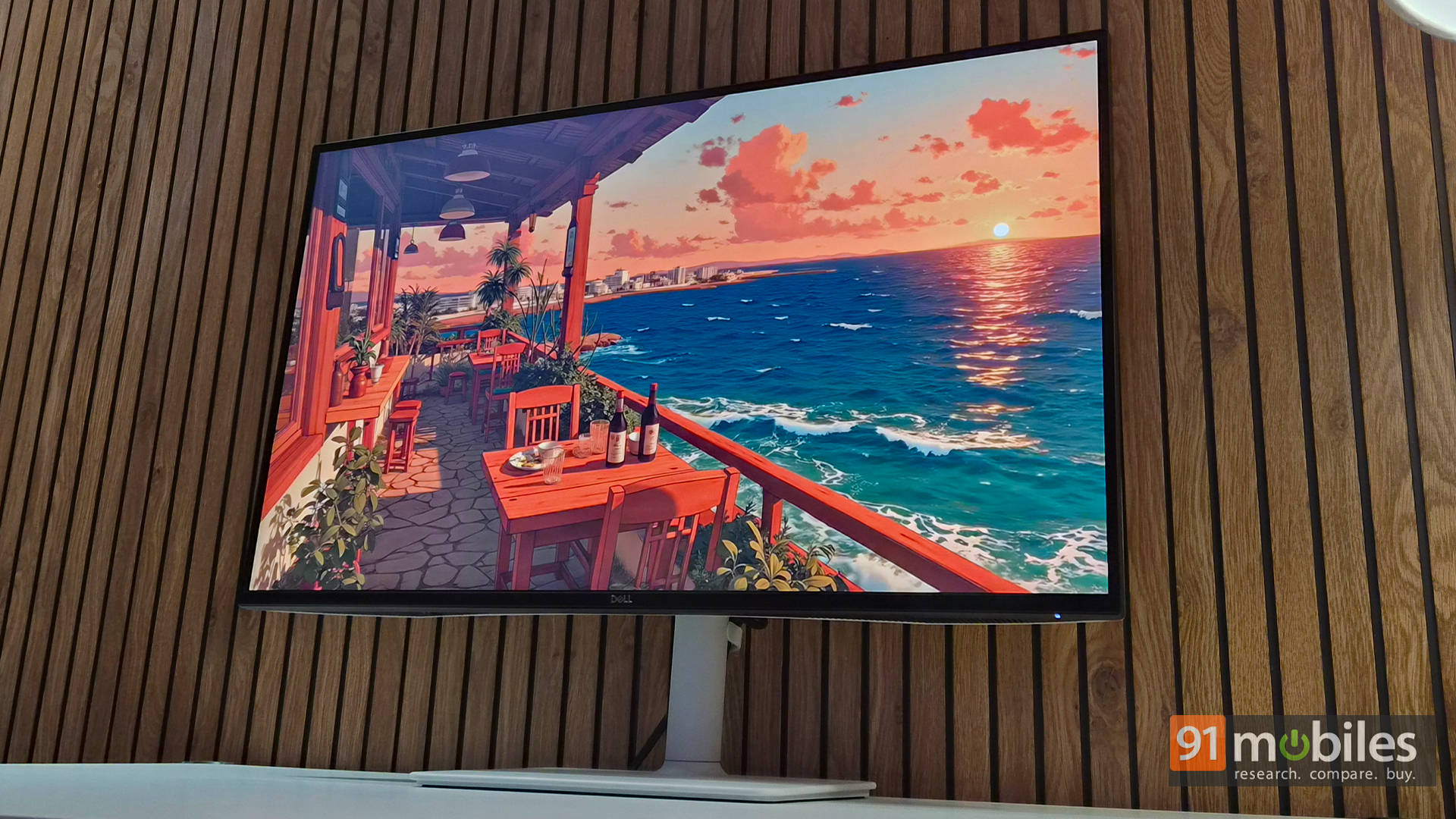
As for the brightness, it is respectable for indoor usage, and the matte coating does a decent job of handling reflections. It won’t melt eyeballs with HDR-level luminance, but for office environments and regular rooms, it’s more than sufficient.
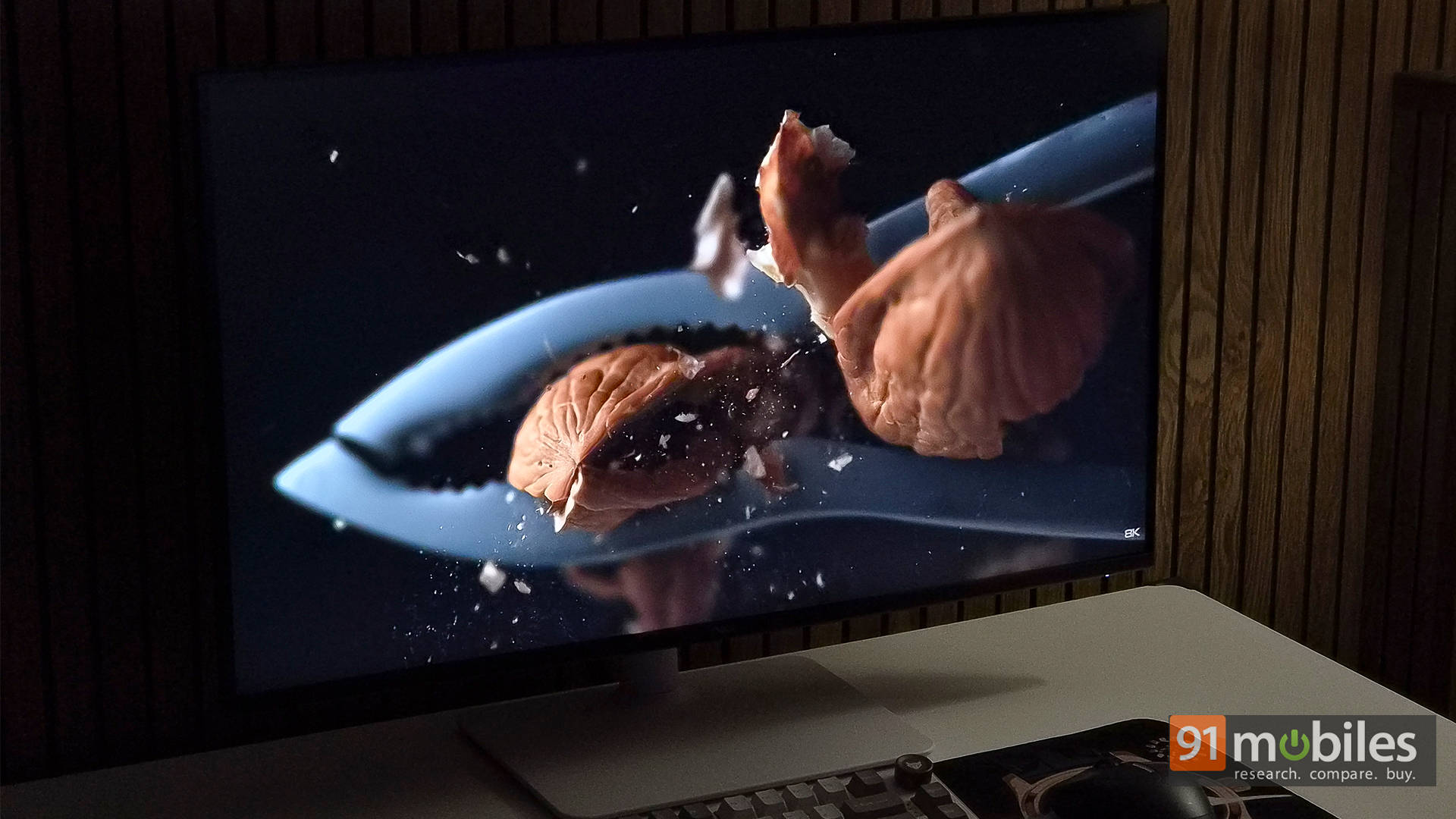
Speaking of HDR, while the monitor supports HDR input, the experience lacks the punch people expect from modern HDR displays. Blacks appear grayish in dark scenes, highlights don’t pop dramatically, and the lack of local dimming limits contrast significantly.
120Hz Changes Everything
The Dell S2725QC’s biggest upgrade over its predecessor is undoubtedly the move to a 120Hz refresh rate. And honestly, once you start using a high refresh rate monitor for everyday work, it’s hard to go back. Everything from scrolling through websites to moving windows around feels noticeably smoother and more fluid. Even regular productivity tasks somehow feel more premium, which is something Dell absolutely deserves credit for here.
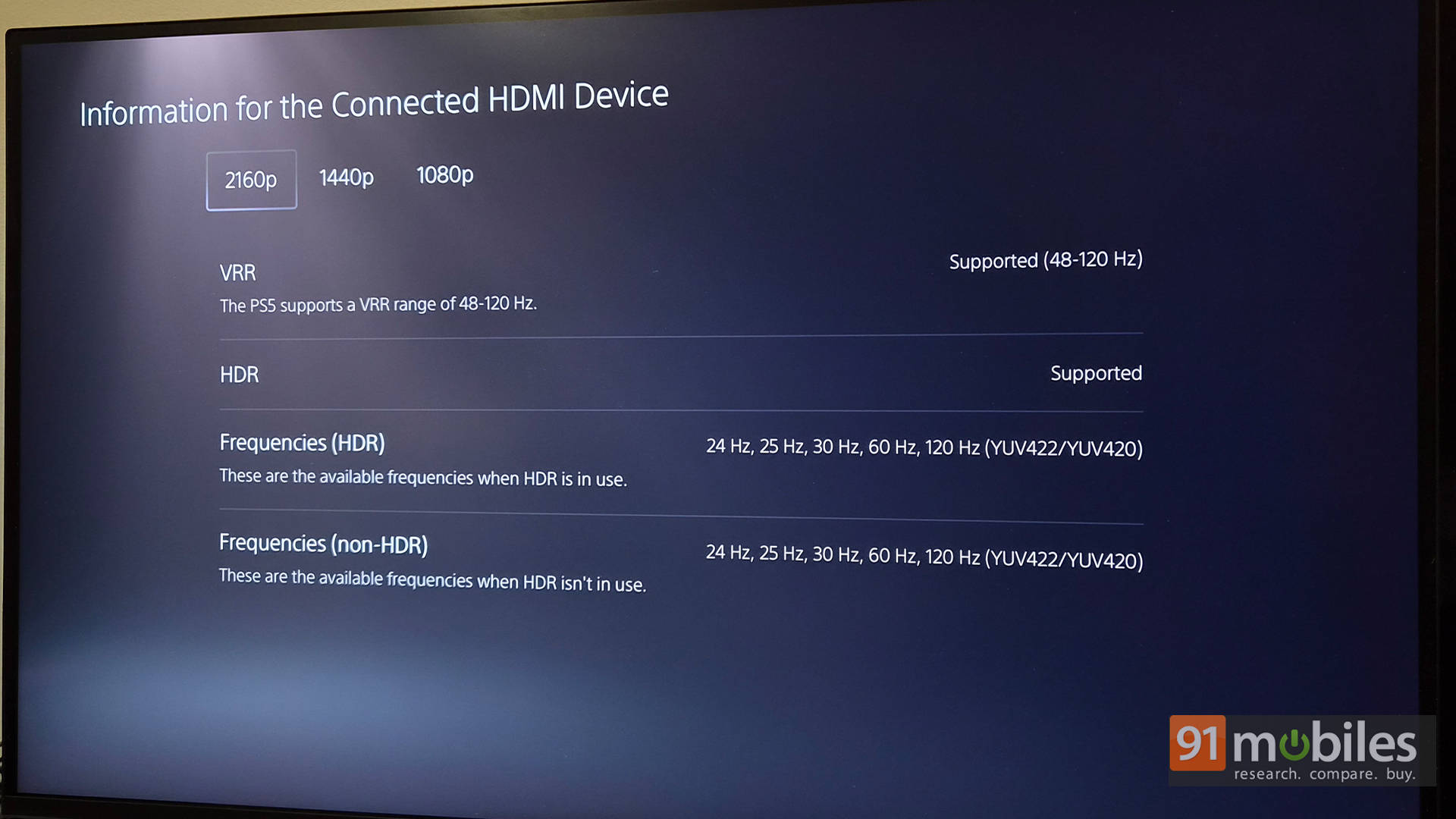
Gaming performance is surprisingly solid, too. Thanks to HDMI 2.1 and VRR support, the monitor pairs nicely with modern consoles like the PS5 and Xbox Series X, while the 4ms response time helps keep gameplay responsive and clean enough for most users. Story-driven titles, racing games, and cinematic AAA experiences look fantastic in 4K at higher refresh rates, especially with the added smoothness of 120Hz.
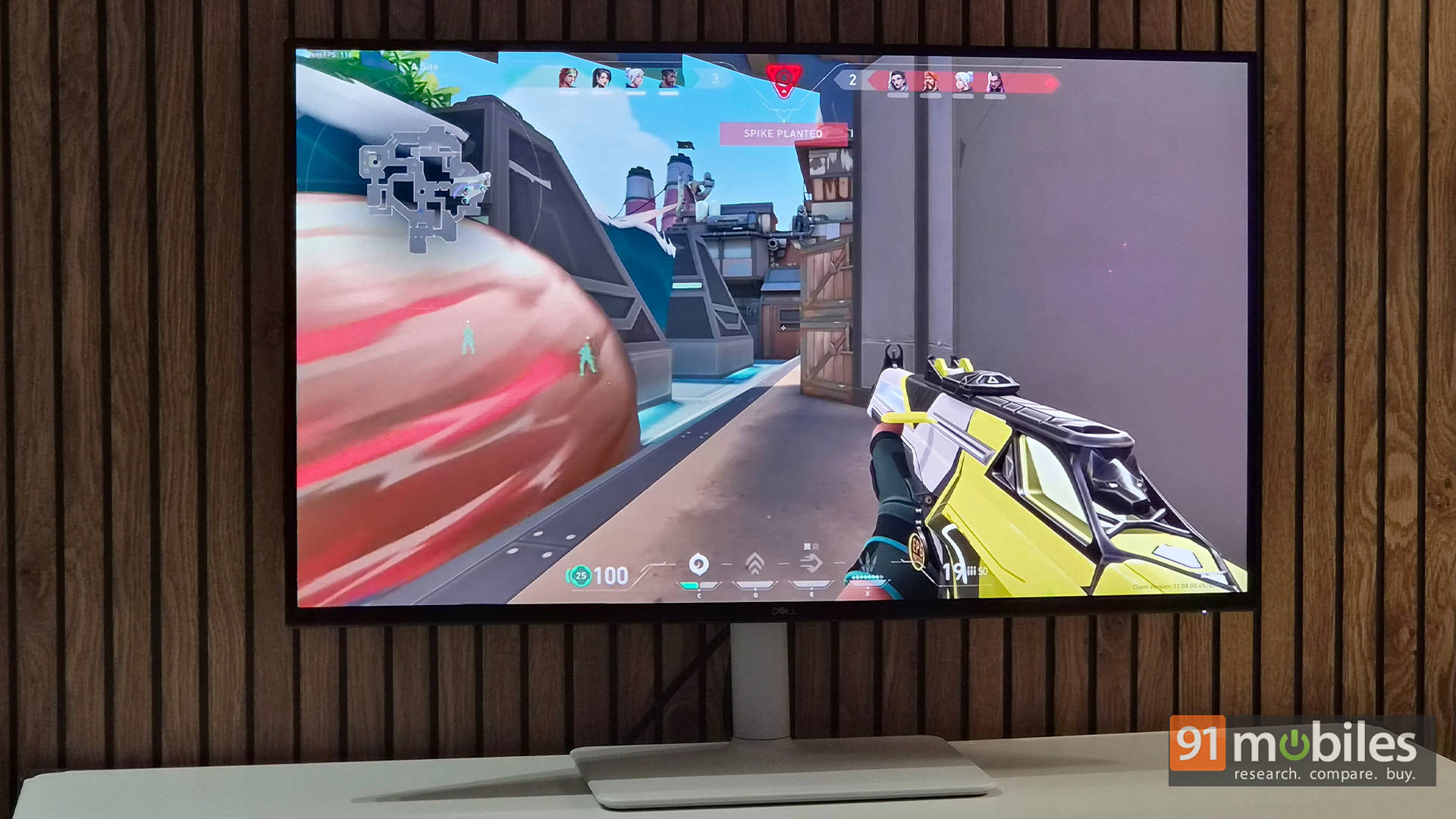
That said, this still isn’t a hardcore esports monitor. While casual gaming feels great, motion handling isn’t quite fast enough for highly competitive shooters like Valorant or CS2, where ultra-fast response times and crystal-clear motion become more important. Simply put, the S2725QC is a productivity monitor that happens to be good at gaming, not a gaming monitor pretending to do office work.
Speakers that don’t completely suck
Before we wrap things up, a quick word about the speakers. Monitor speakers usually sound like someone stuffed a Bluetooth speaker inside a lunchbox, but the Dell S2725QC genuinely surprised me here. The dual 5W speakers get fairly loud, vocals come through clearly, and there’s even a tiny bit of bass trying very hard to earn its paycheck. No, they won’t replace a proper pair of desktop speakers or gaming headphones, but for Zoom calls, YouTube binges, Spotify sessions, or casual gaming, they’re more than usable. And honestly, for a monitor clearly designed around clean, minimalist setups, that’s a bigger win than most people realize.
Verdict: The Hybrid Hero
Priced at Rs 29,899, the Dell 27 Plus S2725QC gets a lot right. It combines a sharp 4K IPS panel, smooth 120Hz refresh rate, USB-C convenience, HDMI 2.1 support, excellent ergonomics, and surprisingly decent speakers into one very well-rounded package. Sure, HDR performance is fairly basic, contrast is typical IPS fare, and competitive gamers should still look toward dedicated esports monitors. But for most users, those compromises are easy to overlook once the overall experience comes together.
If gaming is the higher priority, the BenQ EW270Q is a solid alternative, roughly Rs 10,000 cheaper, offering a 1440p panel with a much faster 200Hz refresh rate. Meanwhile, the LG 27UP850K matches the Dell in pricing while offering better colours, stronger HDR, faster 90W charging, and an extra DisplayPort input, though it remains limited to 60Hz.
Still, the Dell S2725QC feels like the best balance of productivity and entertainment features in this segment. It’s the kind of monitor that can handle work during the day and casual gaming at night without missing a beat. And once 120Hz becomes part of everyday use, going back to a regular 60Hz monitor feels painfully outdated.
Editor’s Rating: 8.8 / 10
Pros:
- Sharp and vibrant 4K IPS display
- Smooth 120Hz refresh rate for work and gaming
- Excellent USB-C connectivity with 65W charging
- Surprisingly good built-in speakers
Cons:
- HDR performance feels underwhelming
- Not ideal for competitive esports gaming