


Review Summary
Expert Rating
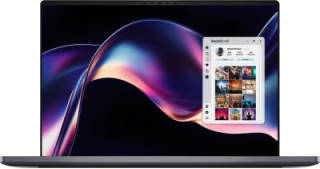
The Dell XPS was once a household name for those looking to invest in a premium thin-and-light laptop with some serious horsepower under the hood. The top-of-the-line variants in the past even came with a dedicated GPU, ensuring you could get some gaming in on the go (perfect for ageing dad gamers like me). However, in 2025, Dell pulled the plug on the XPS in 2025. Just a year later, it’s back. The return of the king. And they did it with the same amount of style and panache that Aragorn returns to the throne of Gondor.
Being a dedicated XPS user from 2016 to 2019, I have a soft spot for it, but it’s been a while since it was my daily driver. Can it live up to my fond memories?
Table of Contents
Looks That Mean Business
Kicking things off with the design, we have a very minimal aesthetic, perfect for the boardroom and any other scenario you find yourself in. The entire laptop has a gorgeous carbon black/blue finish, making it look incredibly elegant.
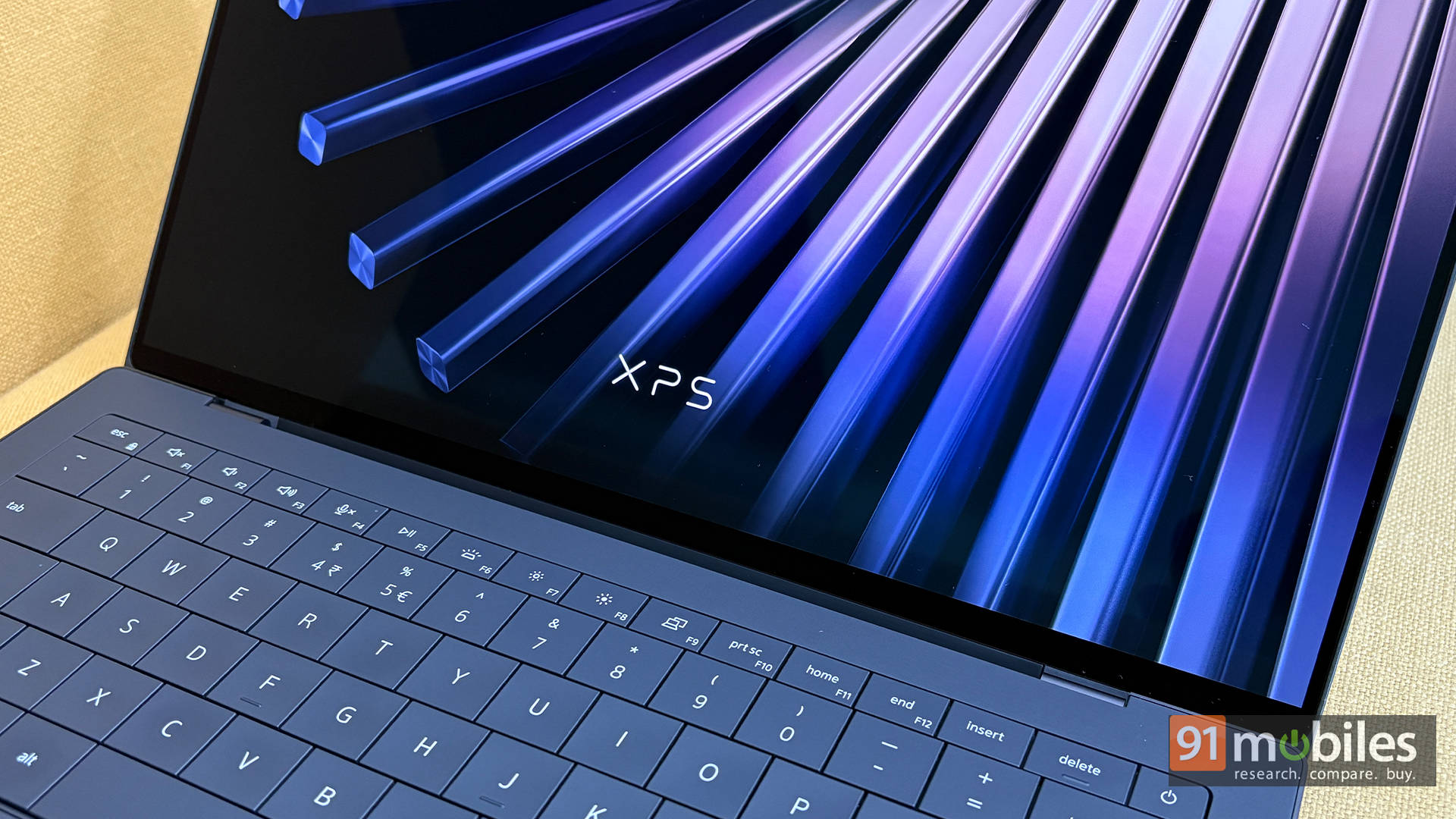
Using it outdoors, I had more than a few heads turn to check out the laptop. The lid features a reflective “XPS” logo that adds a unique touch. Lift the lid, and you are greeted with a stunning 14-inch OLED touchscreen display.
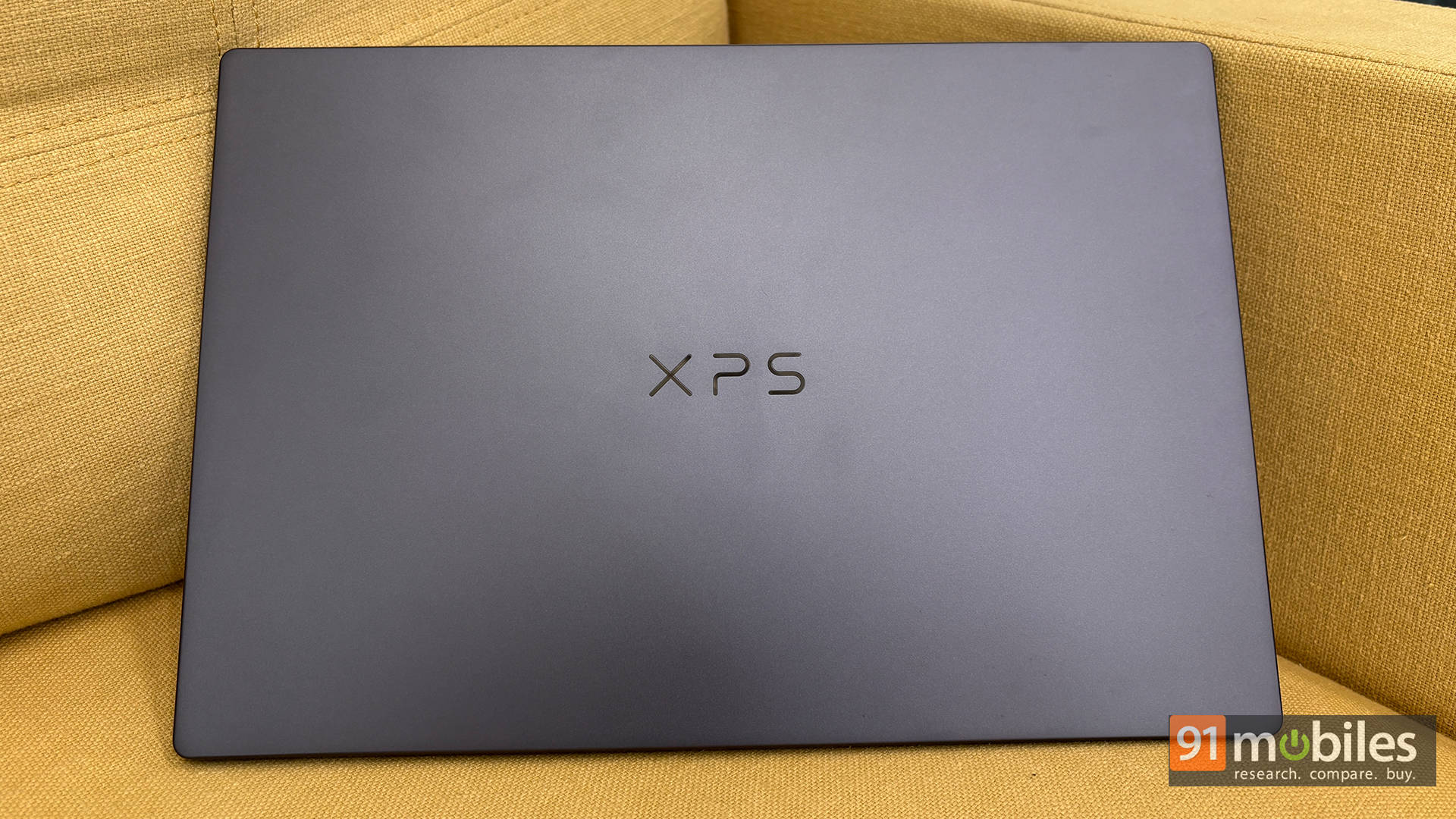
The hinge is strong, with minimal wobble. You can lift the lid with a single finger without shifting the laptop, which is a testament to the build quality of the hinge and the machine’s overall weight distribution.
Typing Marathon Approved
Moving on, the keyboard deck is spacious. While the keys aren’t widely spaced, they are big enough to ensure a good typing experience. It took me a full day to get accustomed to it, but once I did, typing was a breeze. Since I work heavily on Excel, I wish the up and down directional buttons were a tad bigger, but that’s just me nitpicking on an otherwise great keyboard.
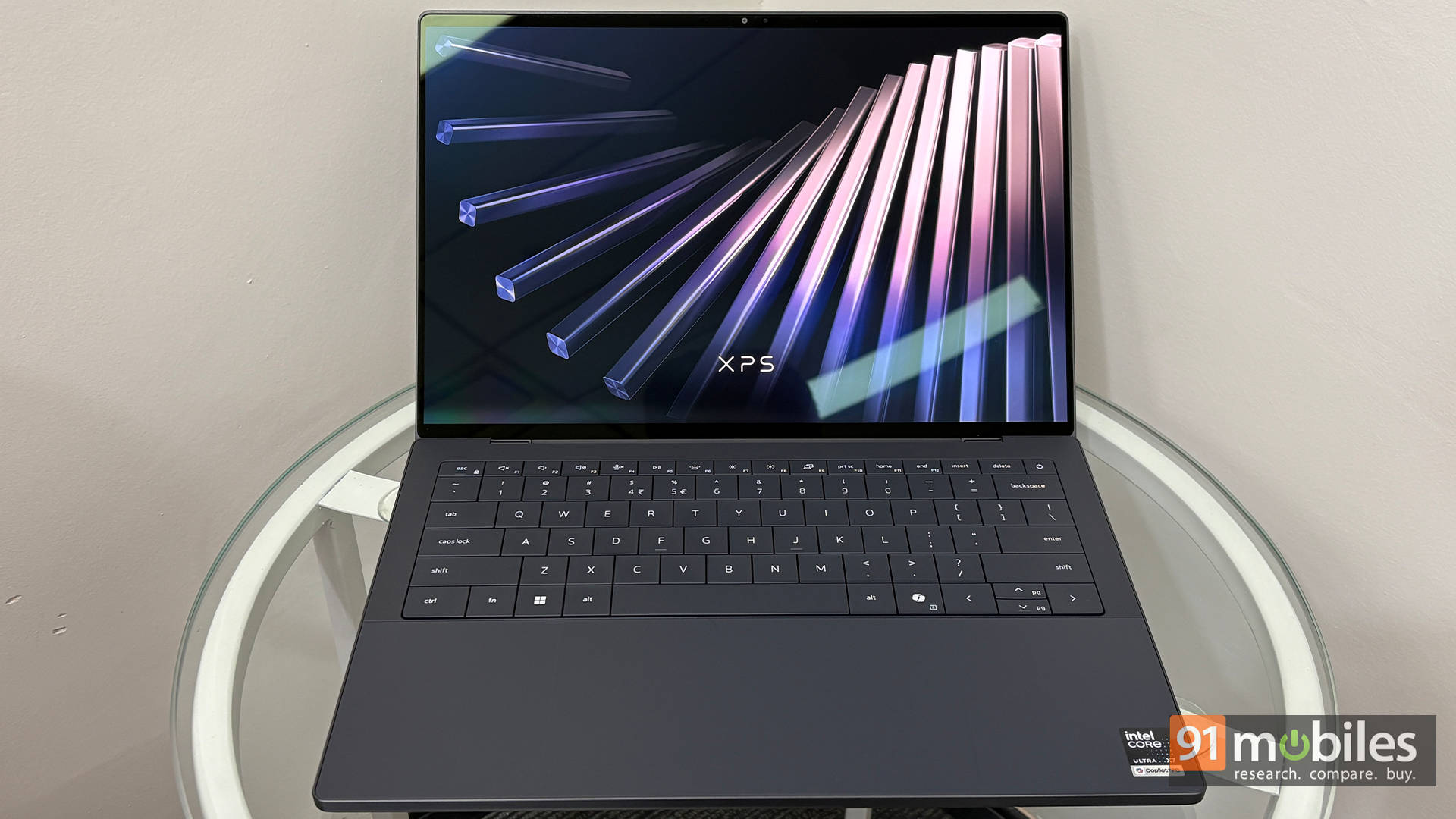
The palm rest deserves a special mention; it’s super comfortable and doesn’t trigger accidental trackpad touches. If your work requires a lot of typing, this keyboard won’t disappoint. It has a decent amount of travel and feedback, plus it is fully backlit.
There is no fingerprint reader for biometric login, which is a slight bummer, but there is an excellent IR camera for Windows Hello.
Trackpad: Invisible, But Smarter Now
The trackpad is fairly large, smooth to the touch, and supports the standard Windows multitouch gestures we’ve come to expect. You can adjust the sensitivity in the settings, and in everyday use, it is flawlessly smooth. I personally switched off the physical right-click and used the 2-finger tap, as gestures are recognised very precisely.
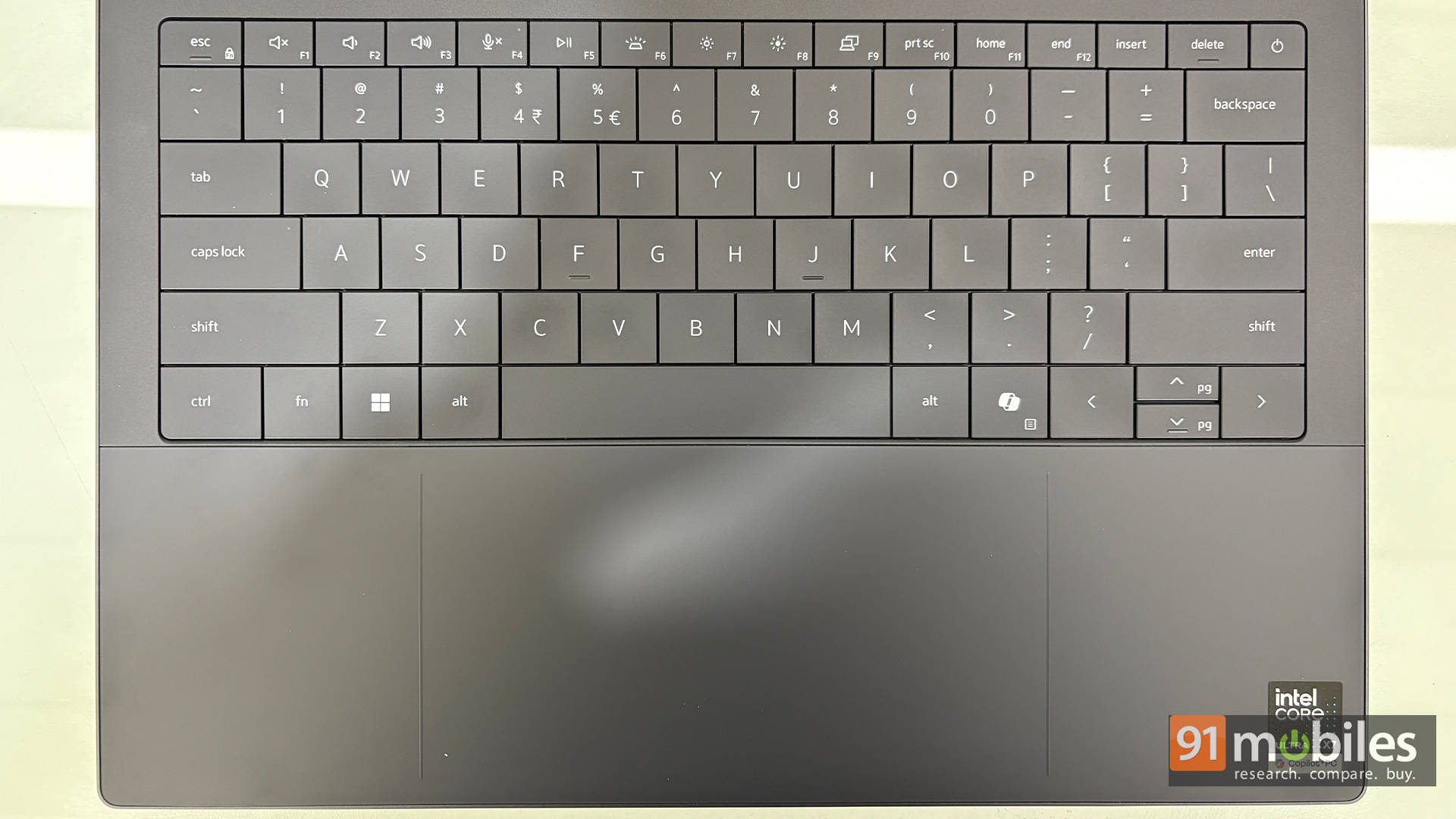
Here is the fun thing: Remember how the previous generation’s XPS trackpad seamlessly blended into the palm rest? It was a great design visually, but lacked functionality, as it was hard to pinpoint the “usable” area. While that seamless design remains, there is a very important distinction this year: a subtle “border” on the left and right lets you know you’ve reached the edge. You get used to this instantly because the trackpad is massive and the border is incredibly intuitive. After a few hours, I was nowhere close to accidentally swiping off the edge.
Built Like a Tank (But Slim)
Overall, the aluminium build is robust. The contoured edges not only make it easy to carry without a sleeve but also keep your wrists comfortable during long typing sessions.
For connectivity, the left side houses two Thunderbolt 4 ports, while the right side features a third Thunderbolt port alongside a headphone-mic combo jack. The bottom of the laptop features two sturdy rubber strips to keep it steady on a desk.
Display: OLED So Good, It Spoils You
Once you go OLED, there is no going back! The Dell XPS 14 comes with a 14-inch 2.8K (2880 x 1800) OLED InfinityEdge touch display. It boasts 400 nits typical brightness, 500 nits peak brightness, 100% DCI-P3 colour gamut, VESA DisplayHDR True Black 500, a 1,000,000:1 contrast ratio, and a variable 20-120Hz refresh rate. It is utterly gorgeous for consuming content. If you are bingeing shows in the middle of the night, I highly recommend going into the Windows settings and switching on HDR for a truly sublime experience.
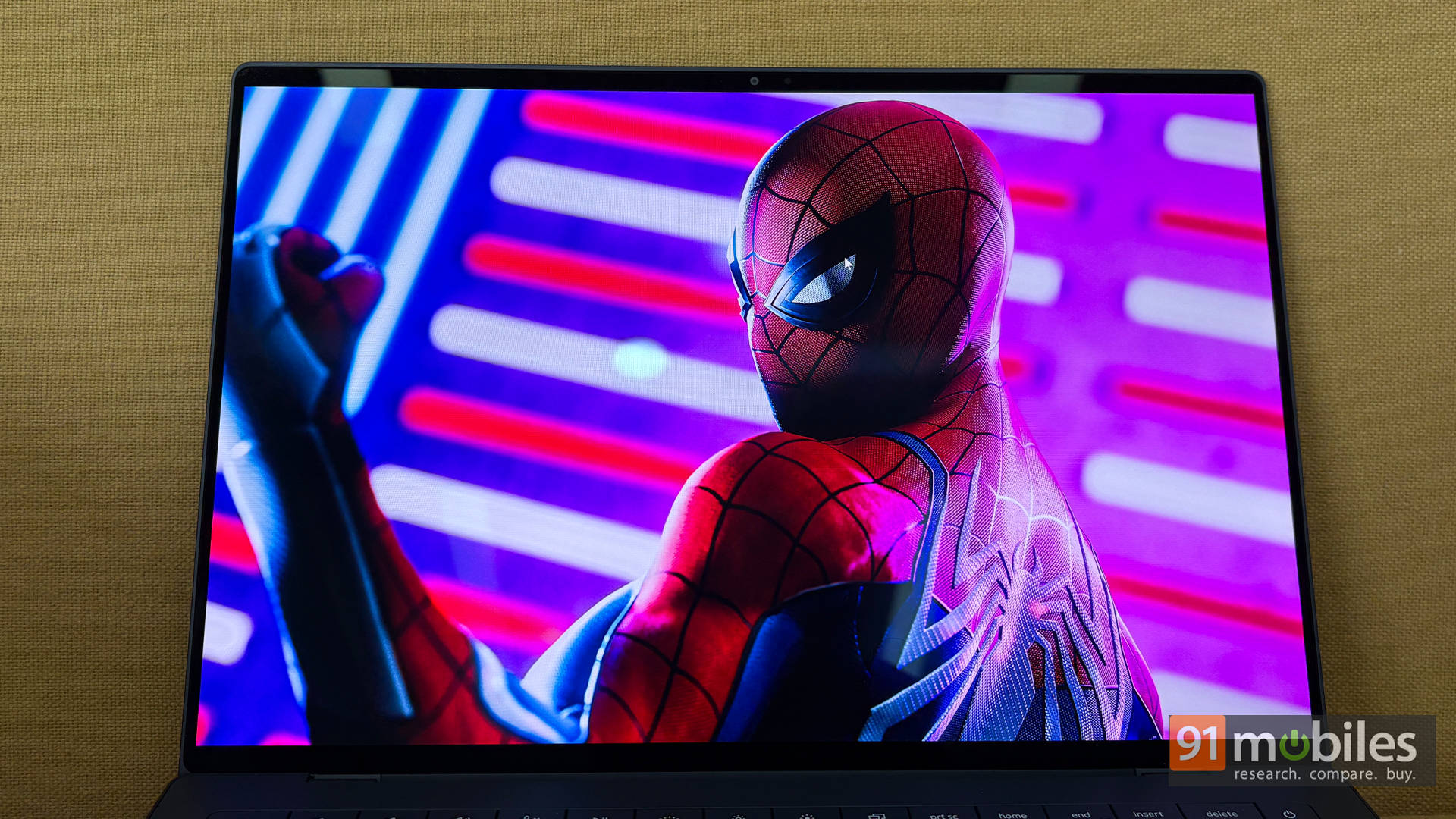
The 16:10 aspect ratio gives you a little more headroom for documents, Excel sheets, and scrolling through websites. You do get slightly thicker black bars at the top and bottom when watching movies on streaming services, but you get used to it quickly. That is probably the only con of a 16:10 display. Speaking of cons, my only other issue with the OLED display is how reflective it is. If you have a light source directly behind you, you will need to adjust the brightness or your seating position.
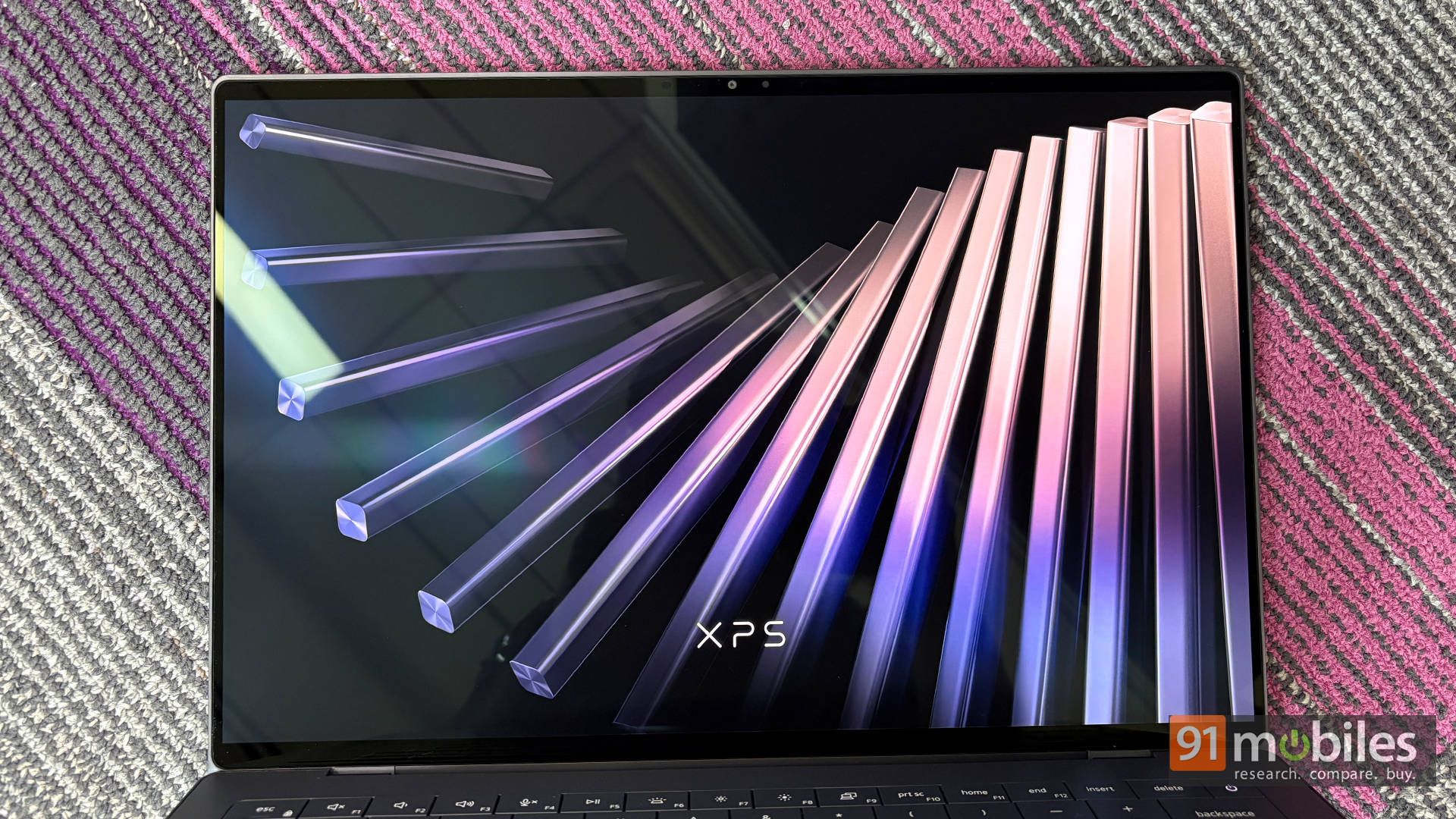
Apart from the reflections, the display is a dream. Movies look stunning with deep blacks and accurate skin tones, and everyday work looks crisp. The 120Hz refresh rate makes everything from UI navigation to scrolling social media feel buttery smooth.
While I usually avoid touching laptop displays (I hate fingerprint smudges), I found the touchscreen incredibly convenient for scrolling through long PPTs and documents. It is highly responsive to the lightest touch, and pinch-to-zoom is incredibly fluid when analysing graphs.
Audio: Tiny Speakers, Big Voice
Moving over to the sound output, the laptop features bottom-firing speakers that absolutely shine when kept on a hard table. The speakers get surprisingly loud and remain clear, which is rare for a 14-inch chassis. Watching a few episodes of Daredevil: Born Again Season 2, The Boys on Prime Video, and assorted YouTube content, the audio easily filled the room. I even enjoyed listening to music on them! However, keep in mind that if you place the laptop on a bed or a soft surface, the audio will get slightly muffled.
Performance: Panther Lake Shows Its Claws
Let’s get down to the belly of the beast: the performance. The Dell XPS 14 is powered by the new Intel Core Ultra X7 358H (Panther Lake).
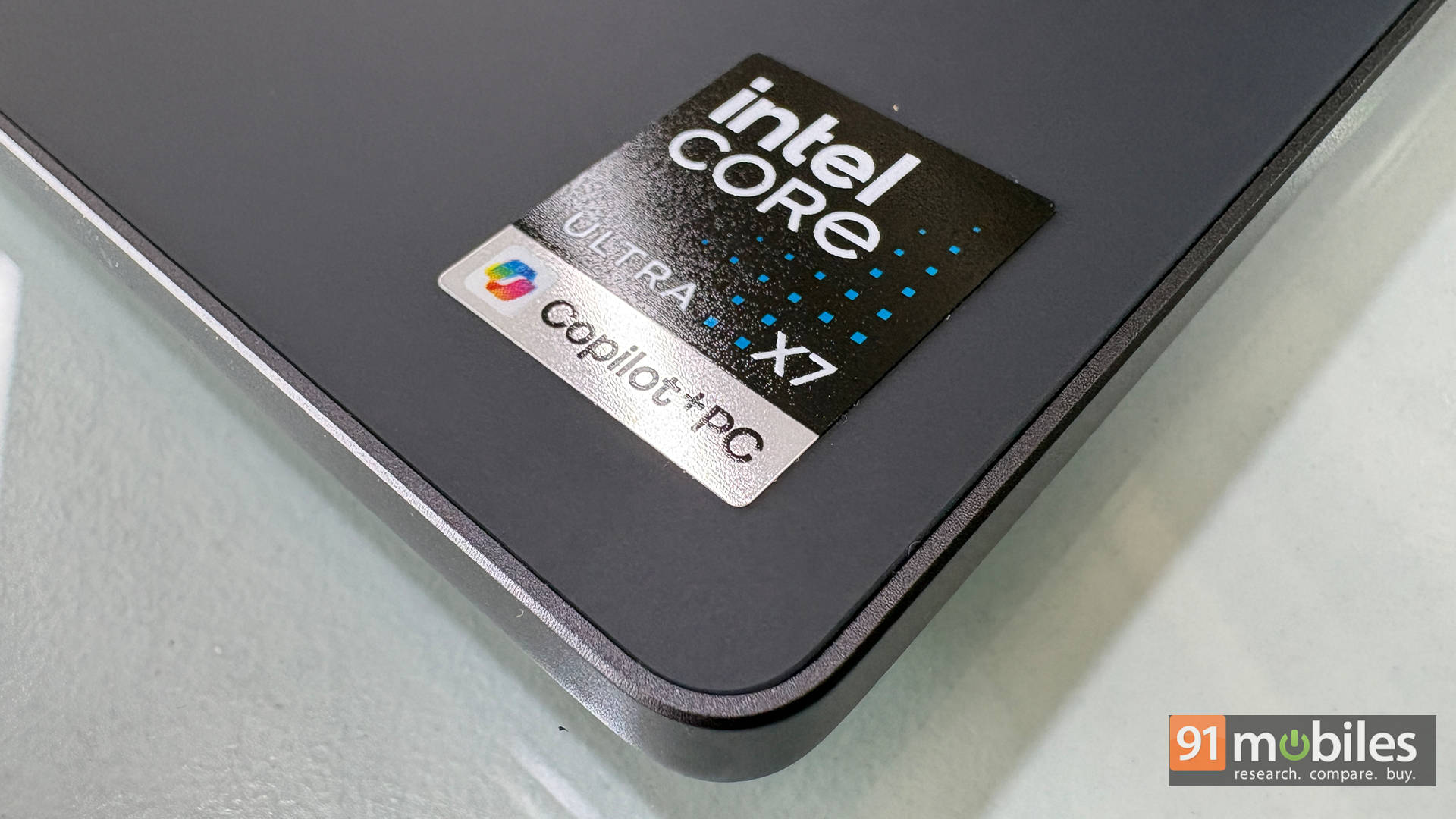
Below is a look at how it compares against similarly priced competition in synthetic benchmarks. As you can see, the Intel Core Ultra X7 358H holds its own against the competition and, in some cases, outclasses slightly older chips. When it comes to battery life, the efficiency of the new Intel architecture really shines. In the PCMark 10 battery test, it lasted a highly impressive 11 hours and 8 minutes.
| Model Number | ASUS ZenBook Duo UX8407 | Lenovo ThinkPad X1 Carbon | Dell Pro 14 Premium | HP Elitebook 8 G1i | Dell XPS 14 (2026) |
| Cinebench R24 MT | 1102 | 523 | 571 | 636 | 755 |
| Cinebench R24 ST | 126 | 118 | 122 | 127 | 118 |
| Cinebench R23 MT | 17836 | 9670 | 8769 | 11134 | 12500 |
| Cinebench R23 ST | 2109 | 1901 | 1927 | 2029 | 2008 |
| Geek Bench 6 ST | 2918 | 2600 | 2827 | 2858 | 2862 |
| Geek Bench 6 MT | 16735 | 10233 | 11019 | 10885 | 16438 |
| Geek Bench OpenCL | 54212 | 27776 | 30488 | 31345 | 55943 |
| Geek Bench Vulcan | 62925 | 38268 | 35810 | 38511 | 61421 |
Moving over to real-world performance, I got 1.5 days of heavy productivity and entertainment out of a single charge (roughly 14 hours of active screen-on time). During my testing, I wrote a bunch of articles, crunched data in Excel, wrote a part of this review, conducted an interview, replied to emails, and watched content, all while having around 30 tabs open in Chrome. The XPS didn't break a sweat.
Verdict: A Royal Comeback Worth It?
The Dell XPS 14 feels like a comeback done right. It's sleek, seriously portable at 1.36kg, and backs that up with a gorgeous 120Hz OLED that makes both work and binge sessions equally enjoyable. The new Intel Core Ultra X7 chip keeps things fast and fluid for everyday tasks and creative work, while battery life holds up impressively well. Minor quirks aside, this is a premium Windows laptop that nails the essentials and then some.
In terms of competition, the Samsung Galaxy Book6 Pro offers similar performance with added perks if already invested in Samsung's ecosystem, while the ASUS ExpertBook Ultra leans into a more work-focused approach with its matte display and office-friendly design. Since all three pack the same X7 processor, performance is largely on par. That said, the XPS 14 still stands out with its iconic design, premium build, and that unmistakable XPS flair, making it feel just a bit more special in everyday use.
Editor's Rating: 9.2 / 10
Pros:
- Brilliant 120Hz OLED touchscreen display
- Outstanding battery life
- Premium, robust build quality with a highly comfortable keyboard
- Great overall CPU and iGPU performance
Cons:
- Glossy display can get quite reflective in bright environments
- No physical privacy shutter for the webcam