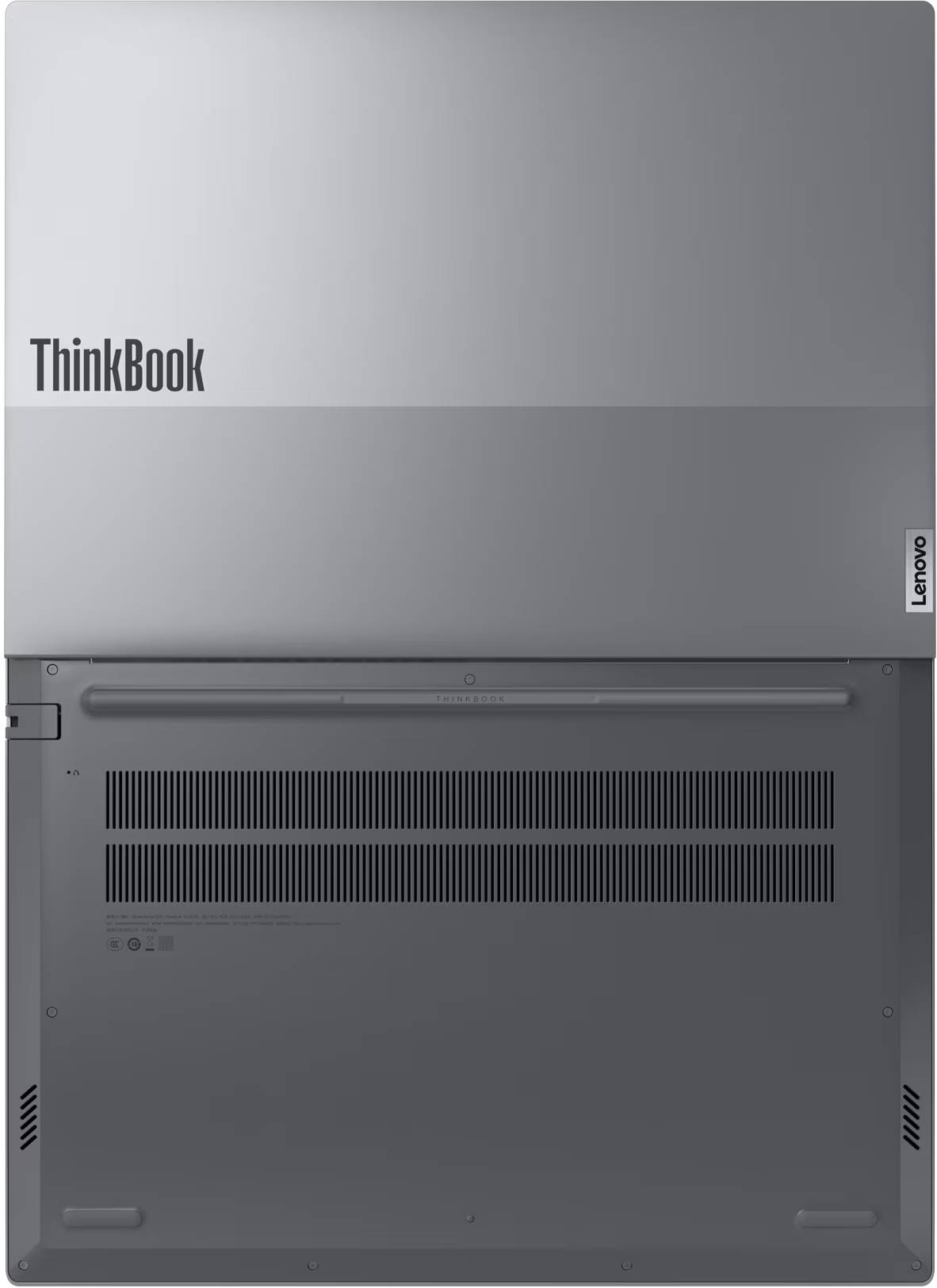
Lenovo’s ThinkPad series may be the gold standard for work laptops, but its price tags can feel like they were designed for… well, actual corporate budgets. That’s where the ThinkBook lineup steps in, offering a more affordable package without compromising on much. And the newest kid on that block is the Lenovo ThinkBook 16 Gen 7.
In a world overflowing with 14- and 15-inch rectangles, this one goes bigger without going bulky. It aims to be that sweet spot machine for students who live inside Google Docs, hybrid workers bouncing between meetings, and casual creators editing the occasional photo or video. But does it actually deliver the muscle and convenience it promises? And what corners does it quietly trim along the way? Time to dive in.
Table of Contents
Performance: More Muscle Than It Lets On
Under the hood, the ThinkBook 16 Gen 7 quietly flexes an AMD Ryzen 5 7535HS, 16GB of DDR5 RAM, and a snappy 512GB PCIe Gen4 SSD. That combo instantly tells you this isn’t your typical flimsy, ultra-light machine. It’s built for real work, the kind that involves juggling multiple apps, heavy browser sessions, and the occasional creative detour into Photoshop.
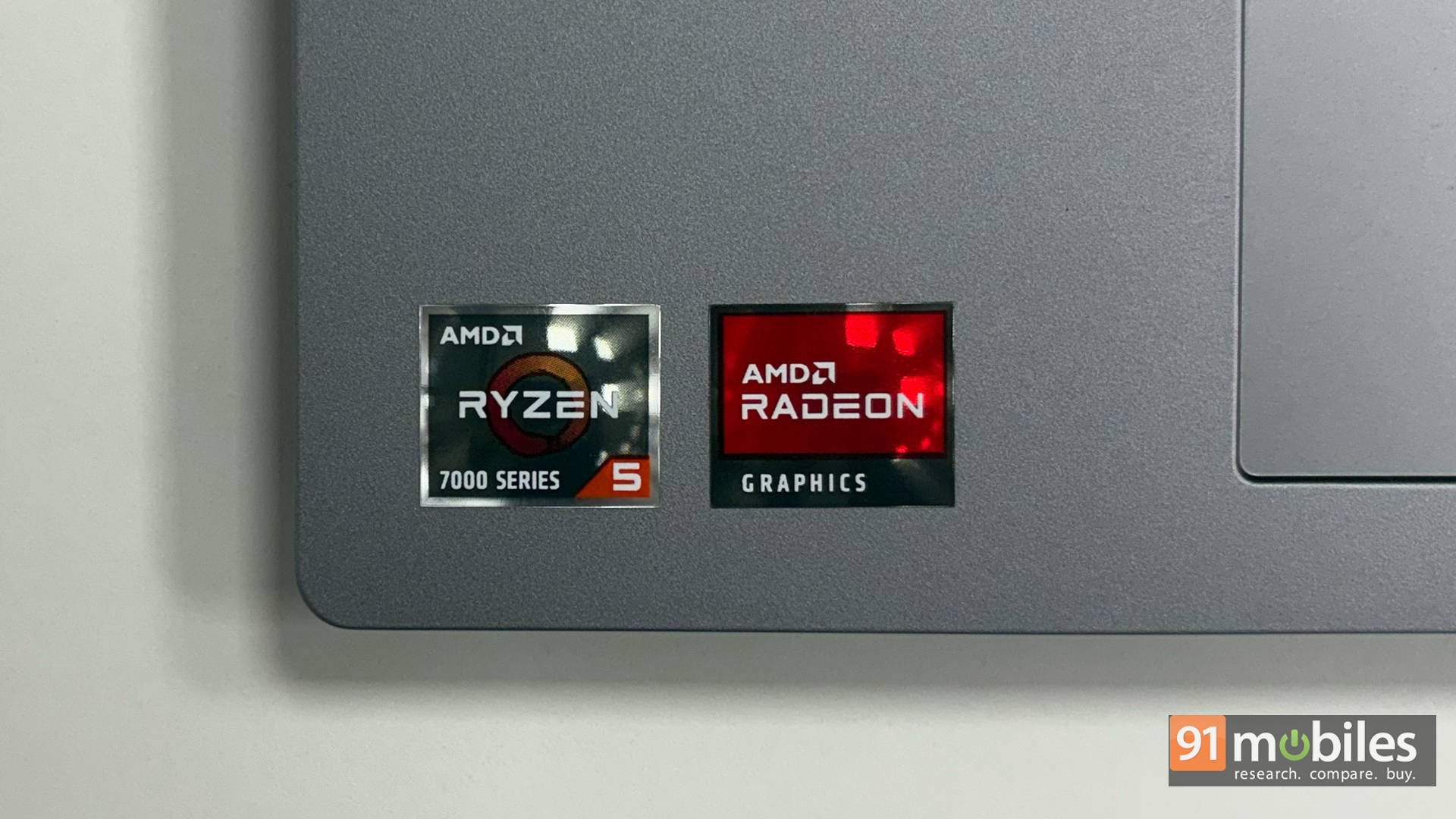
In practice, it holds up really well. Our benchmark suite paints a pretty clear picture: whether it’s Cinebench, Geekbench, or PCMark, the ThinkBook consistently punches above its weight. It doesn’t just compete with other laptops in its bracket, but casually steps over them.
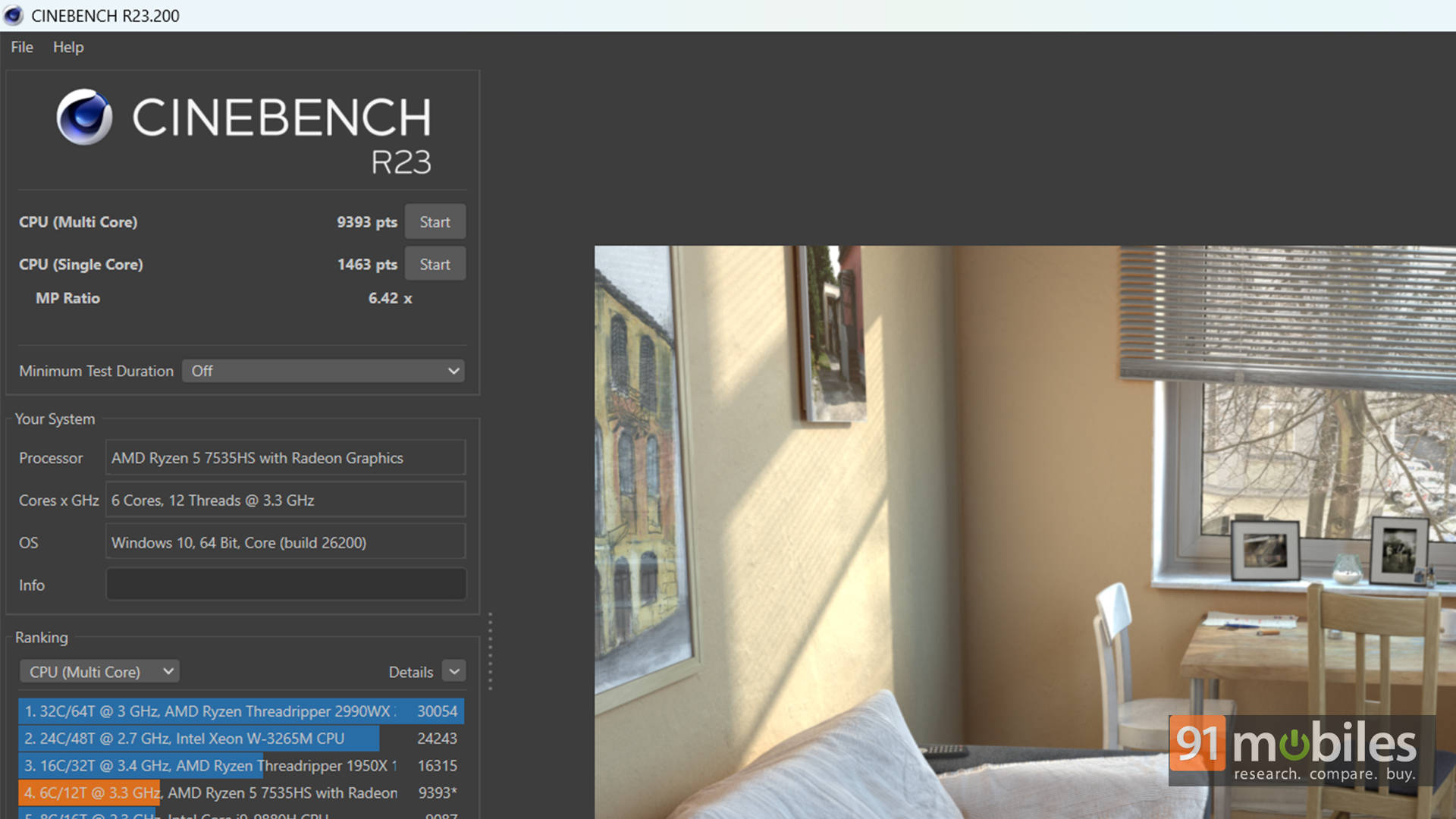
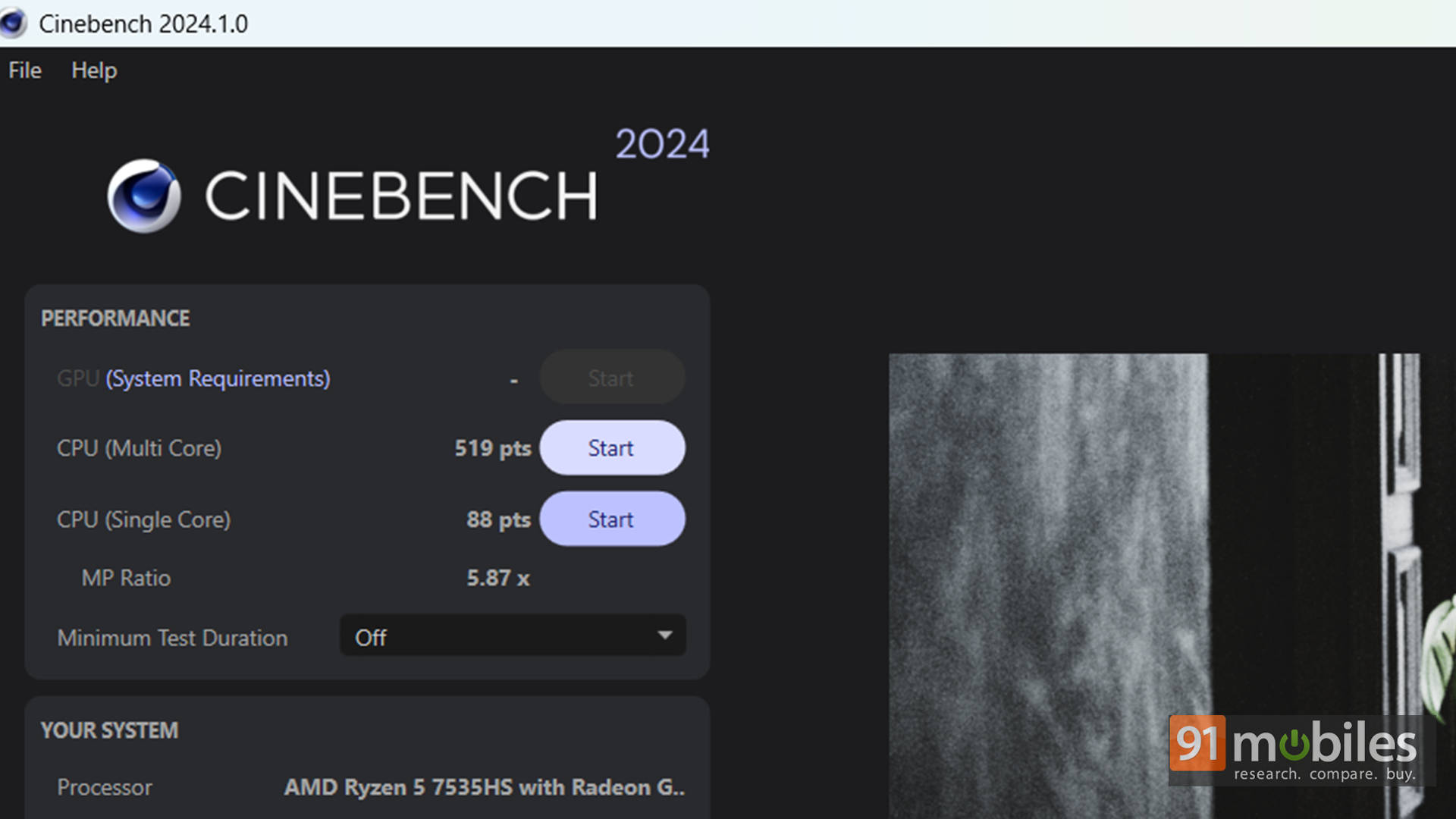
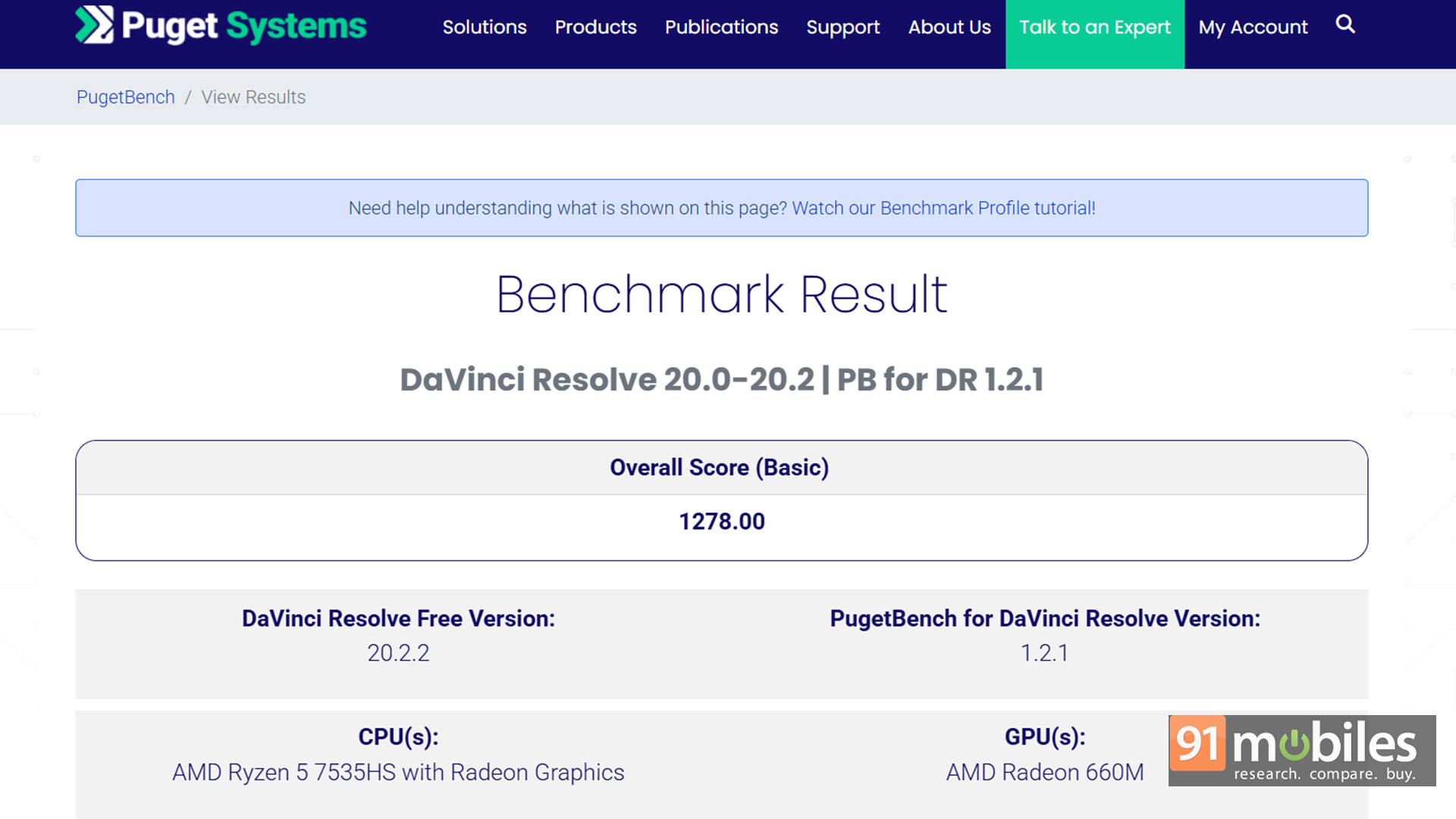
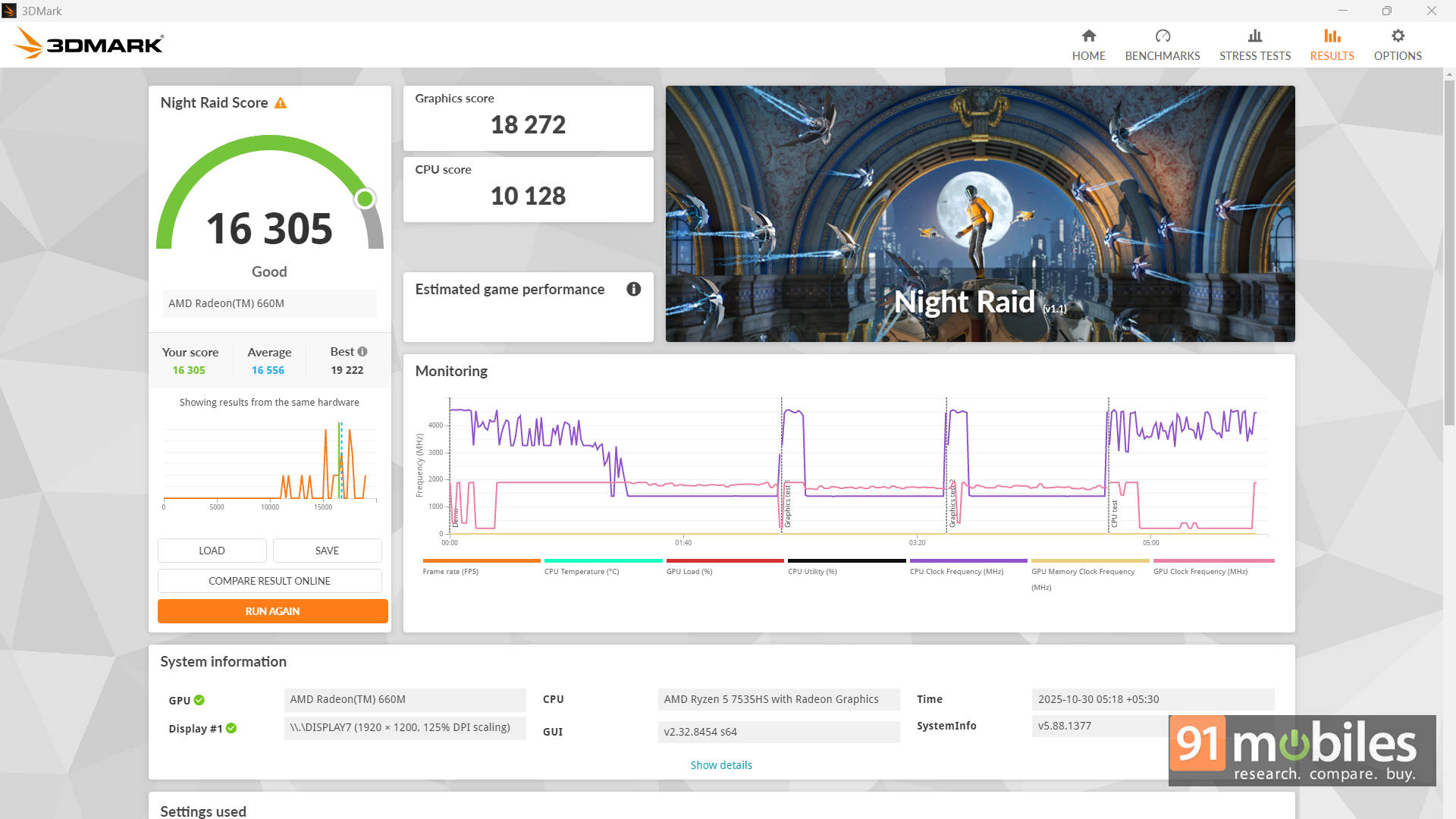
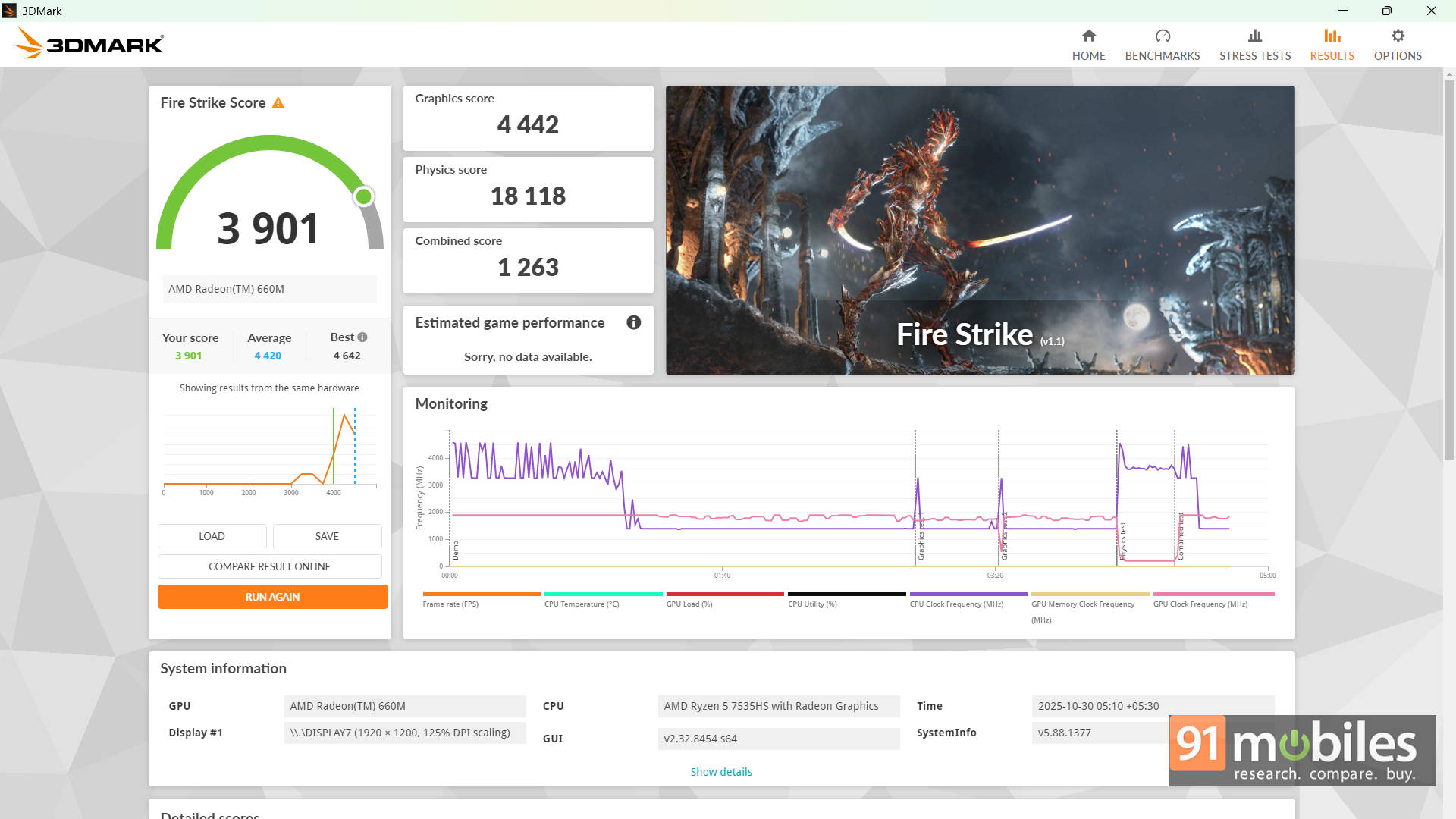
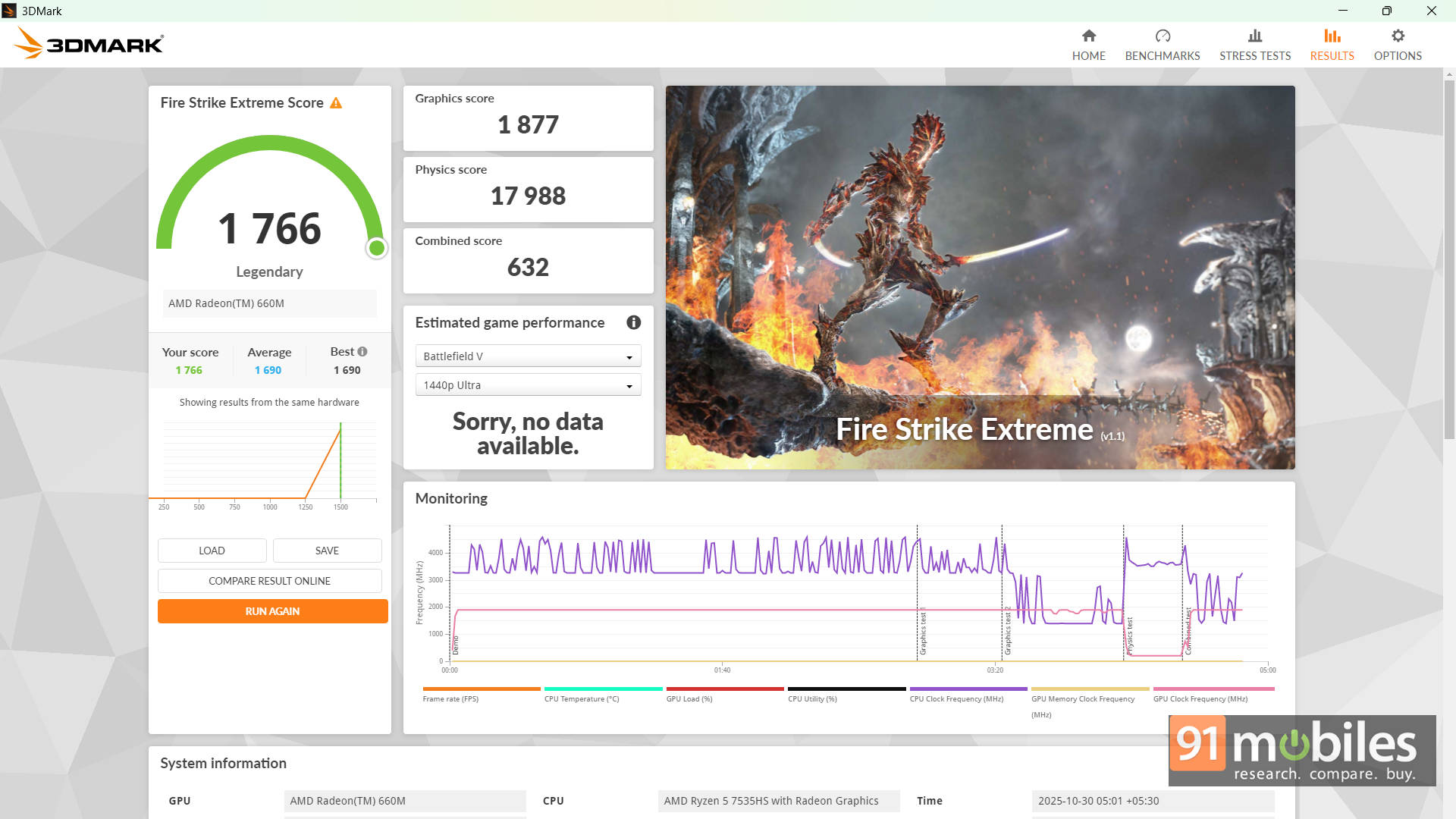
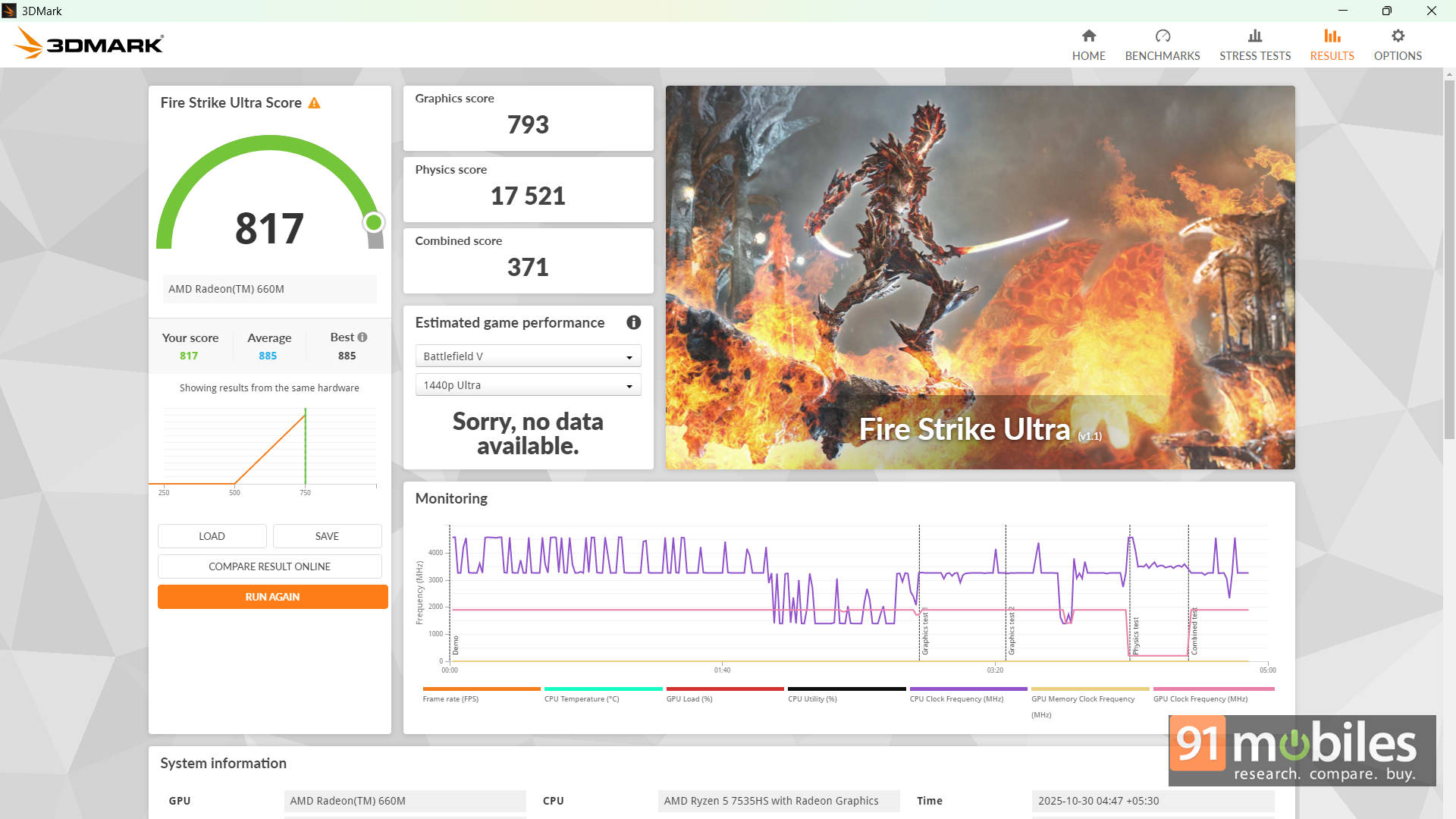
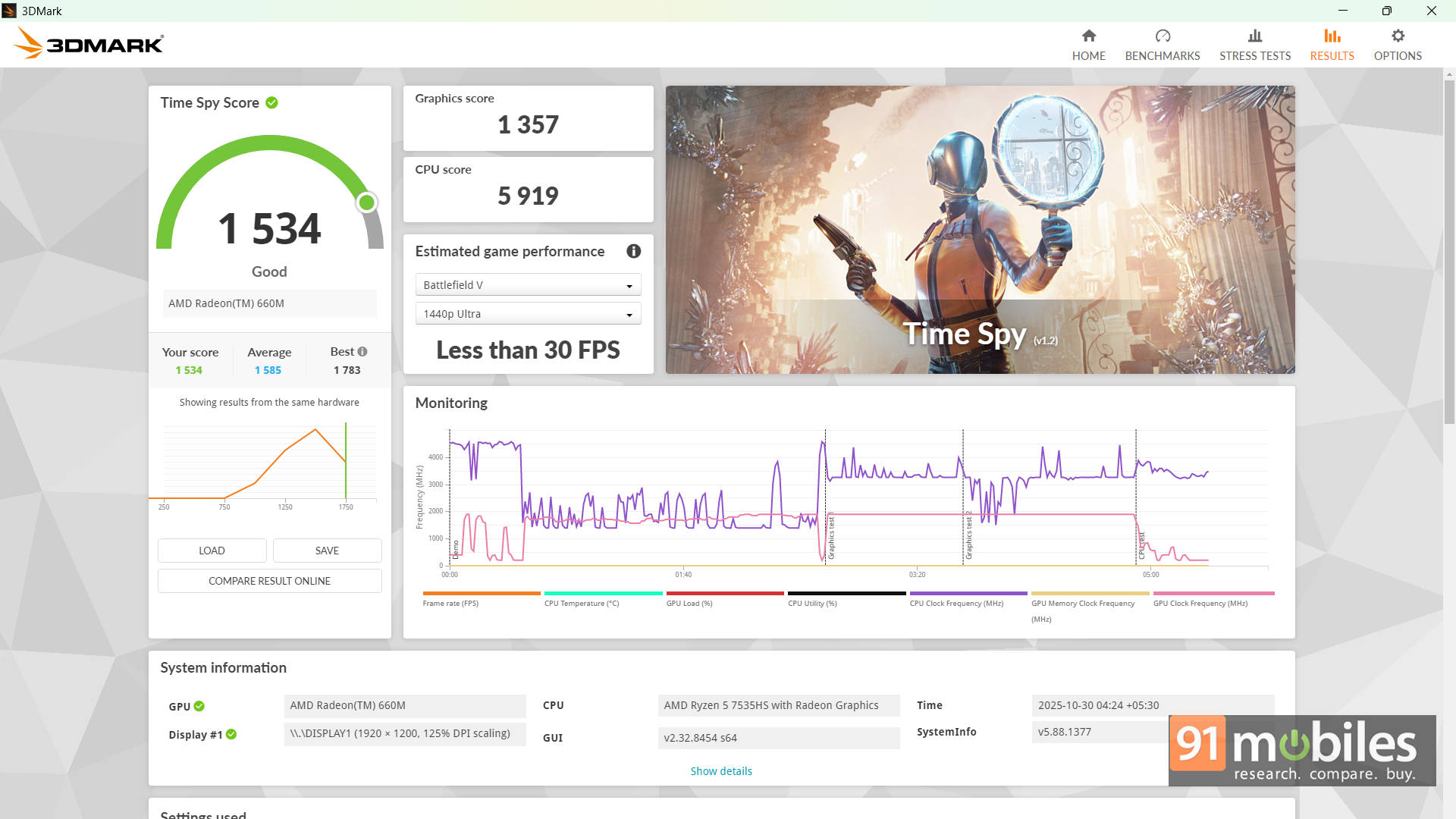
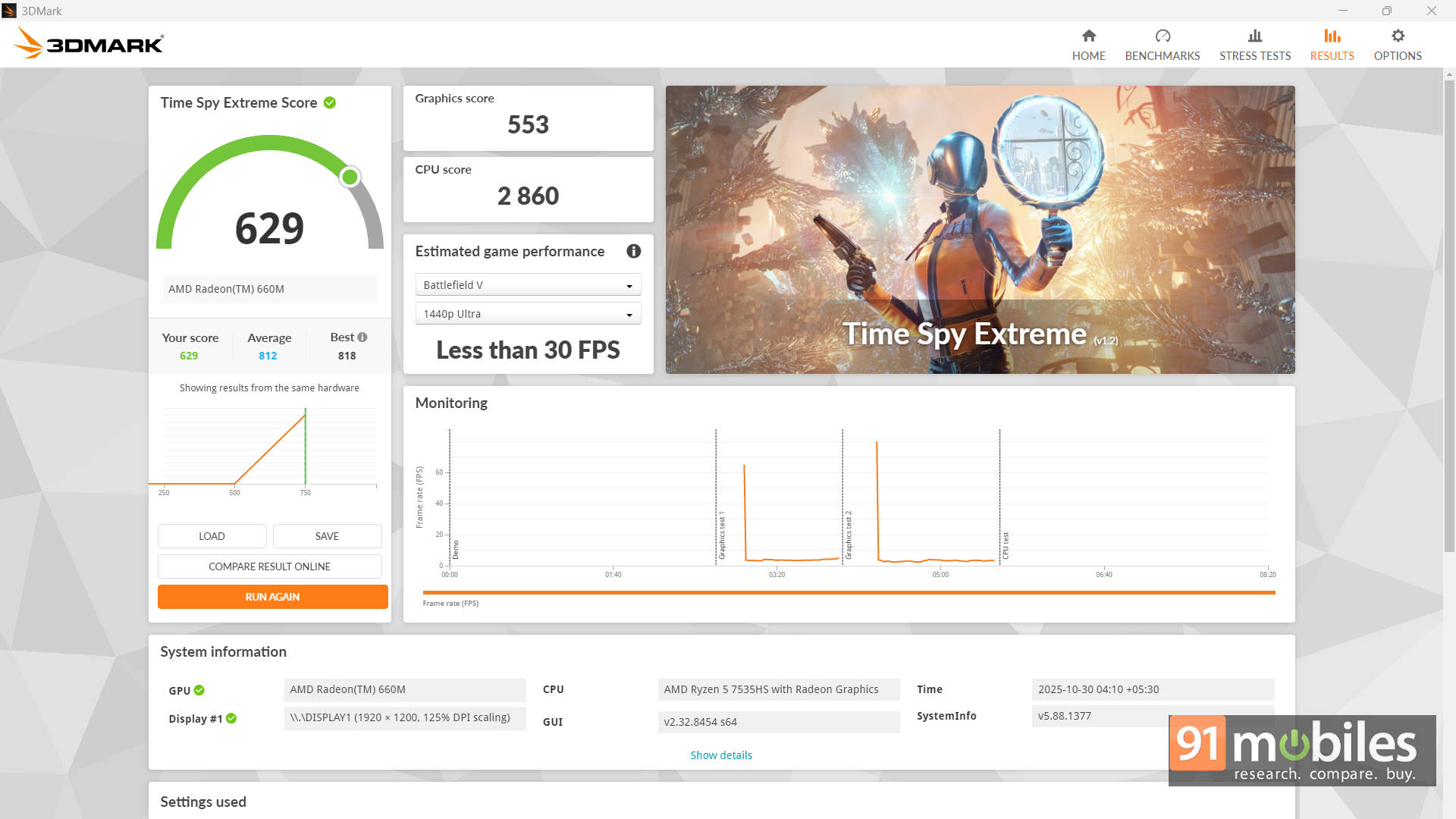
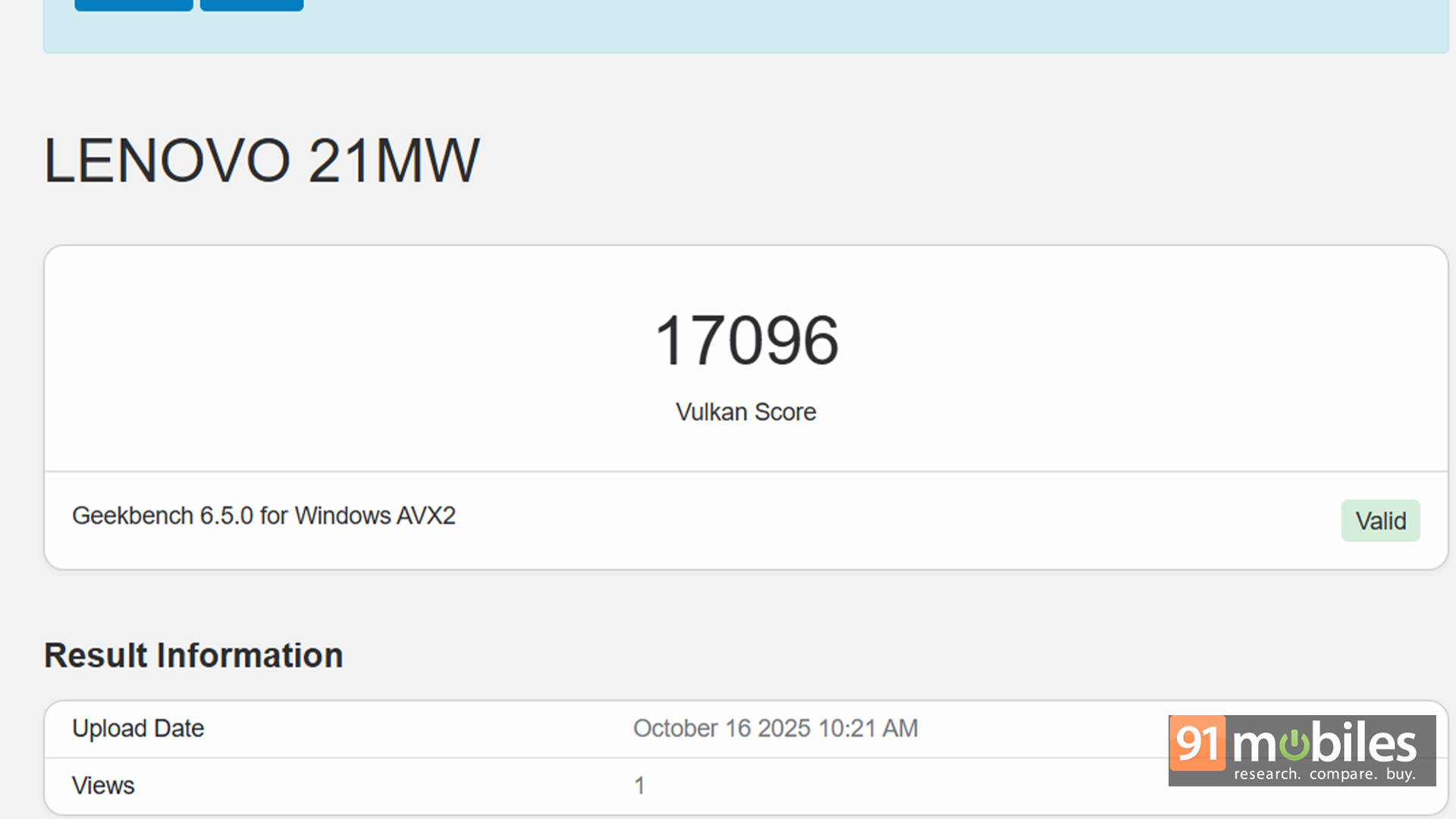
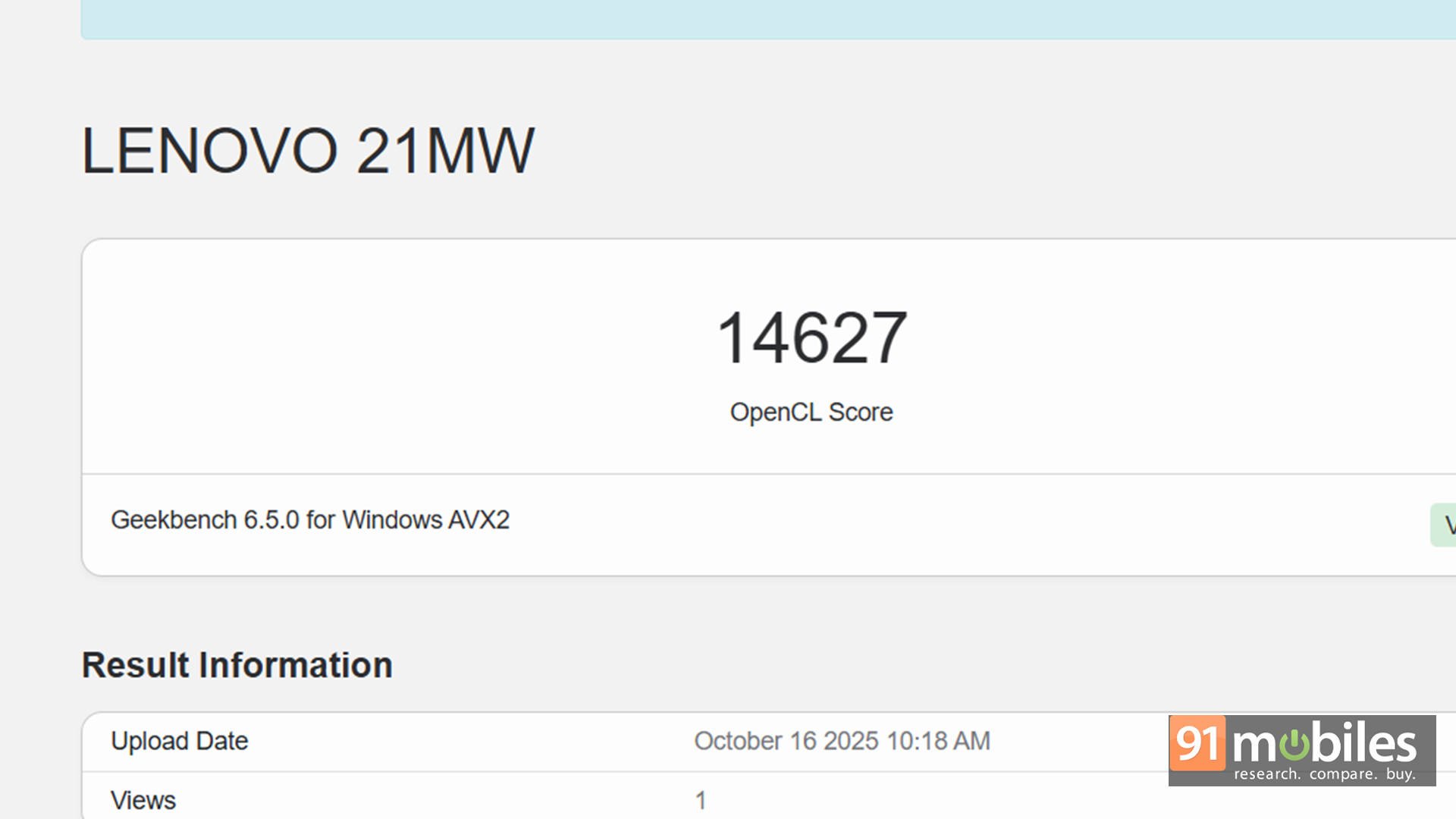
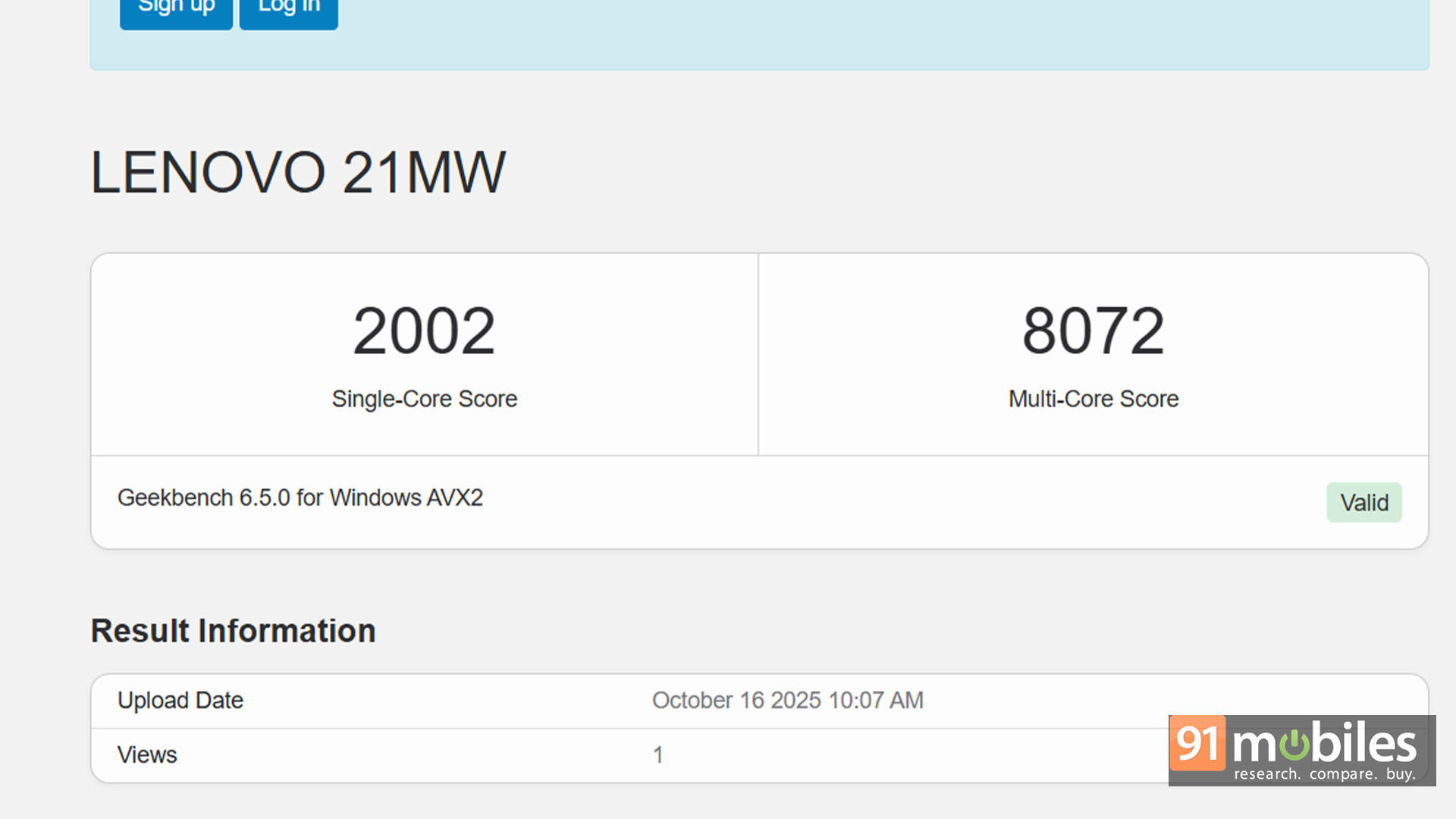
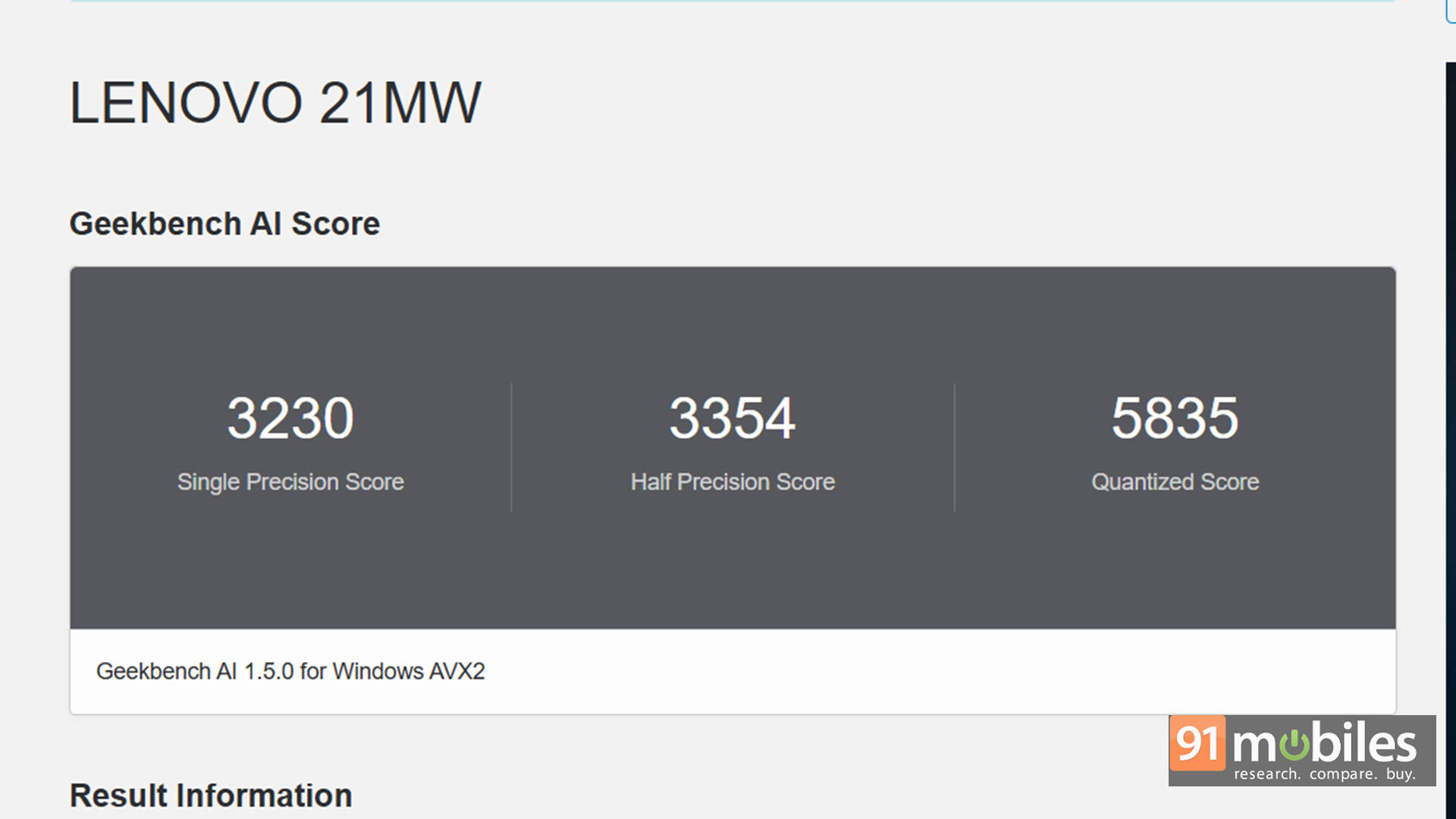
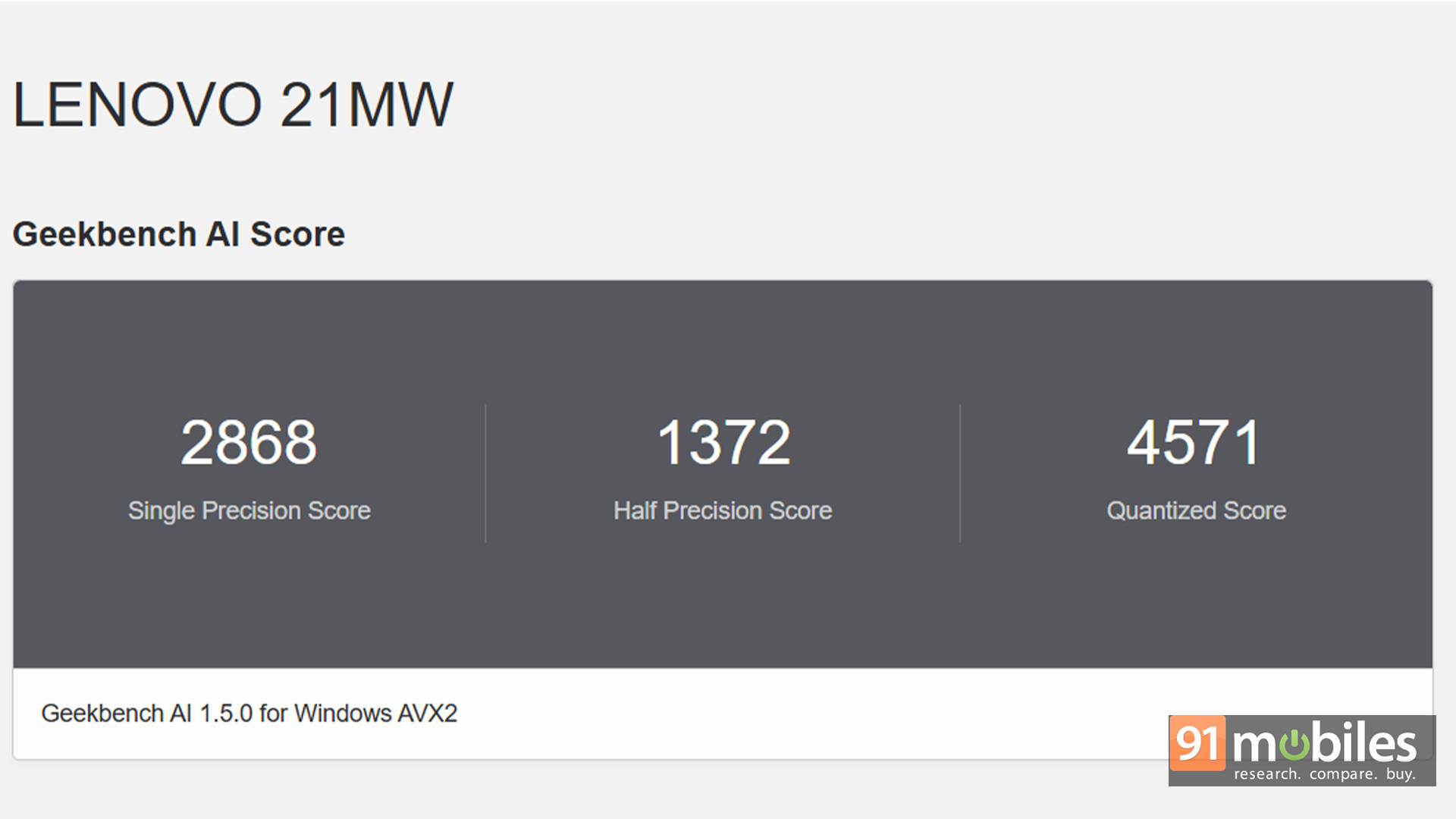
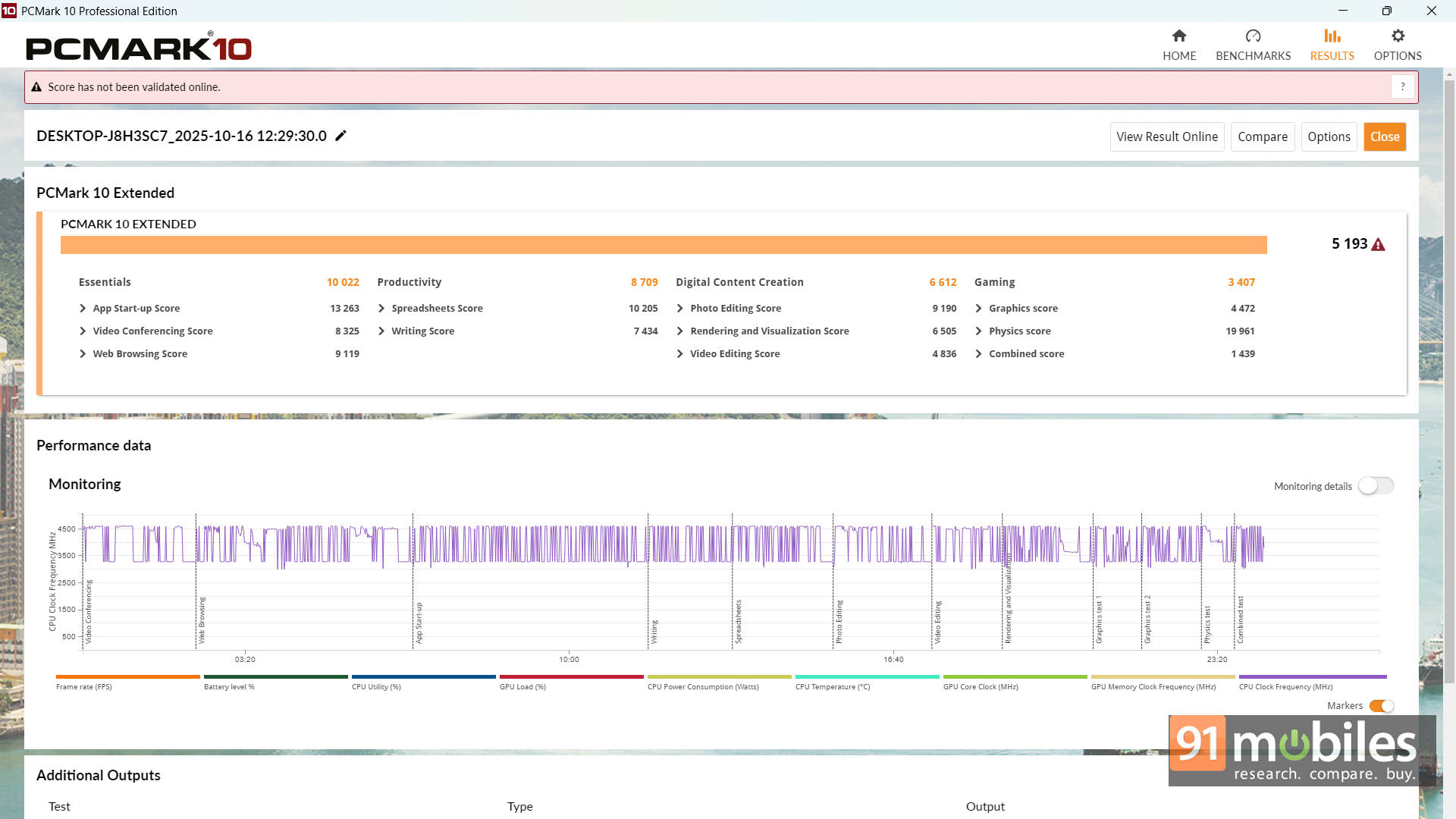
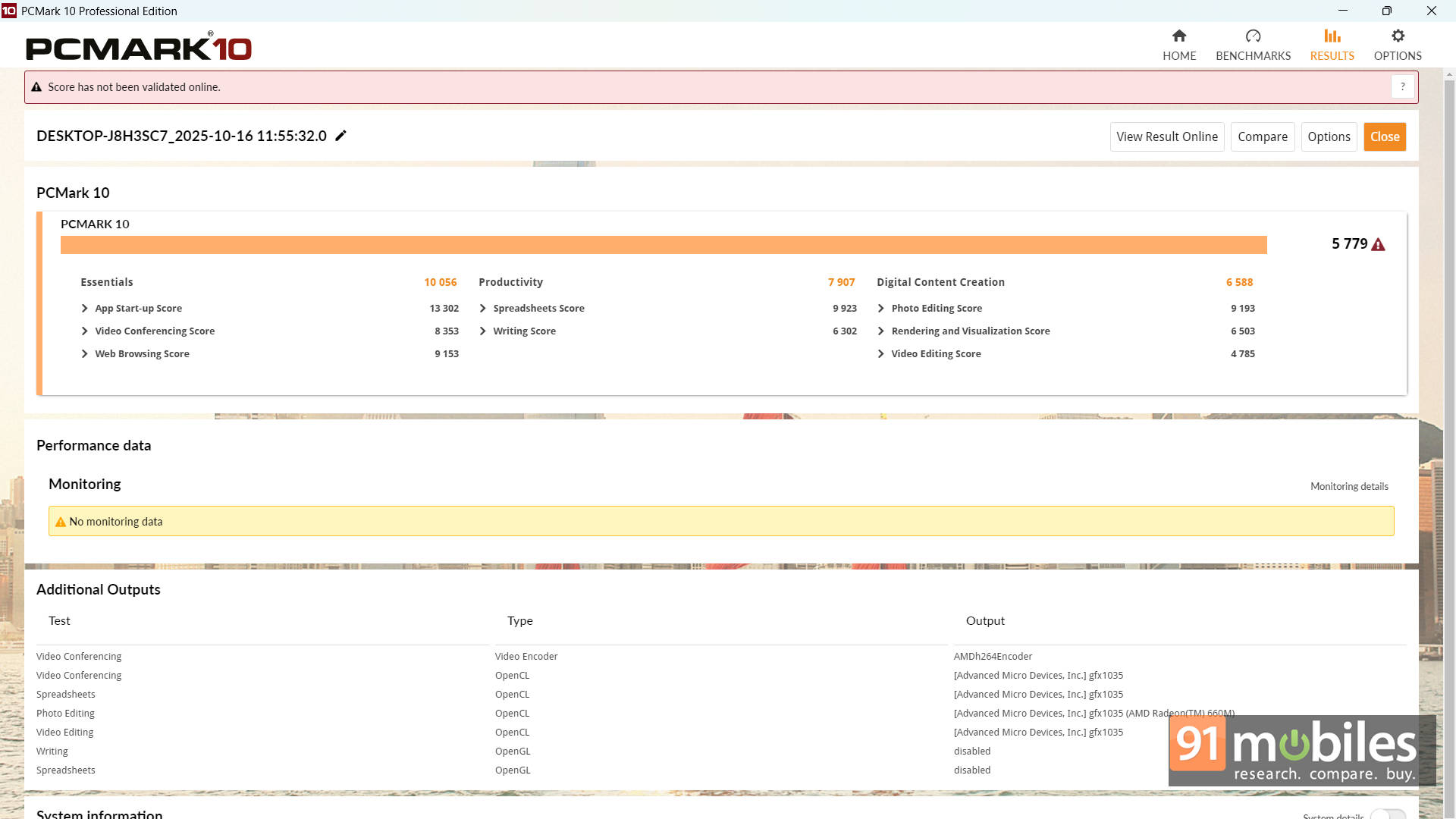
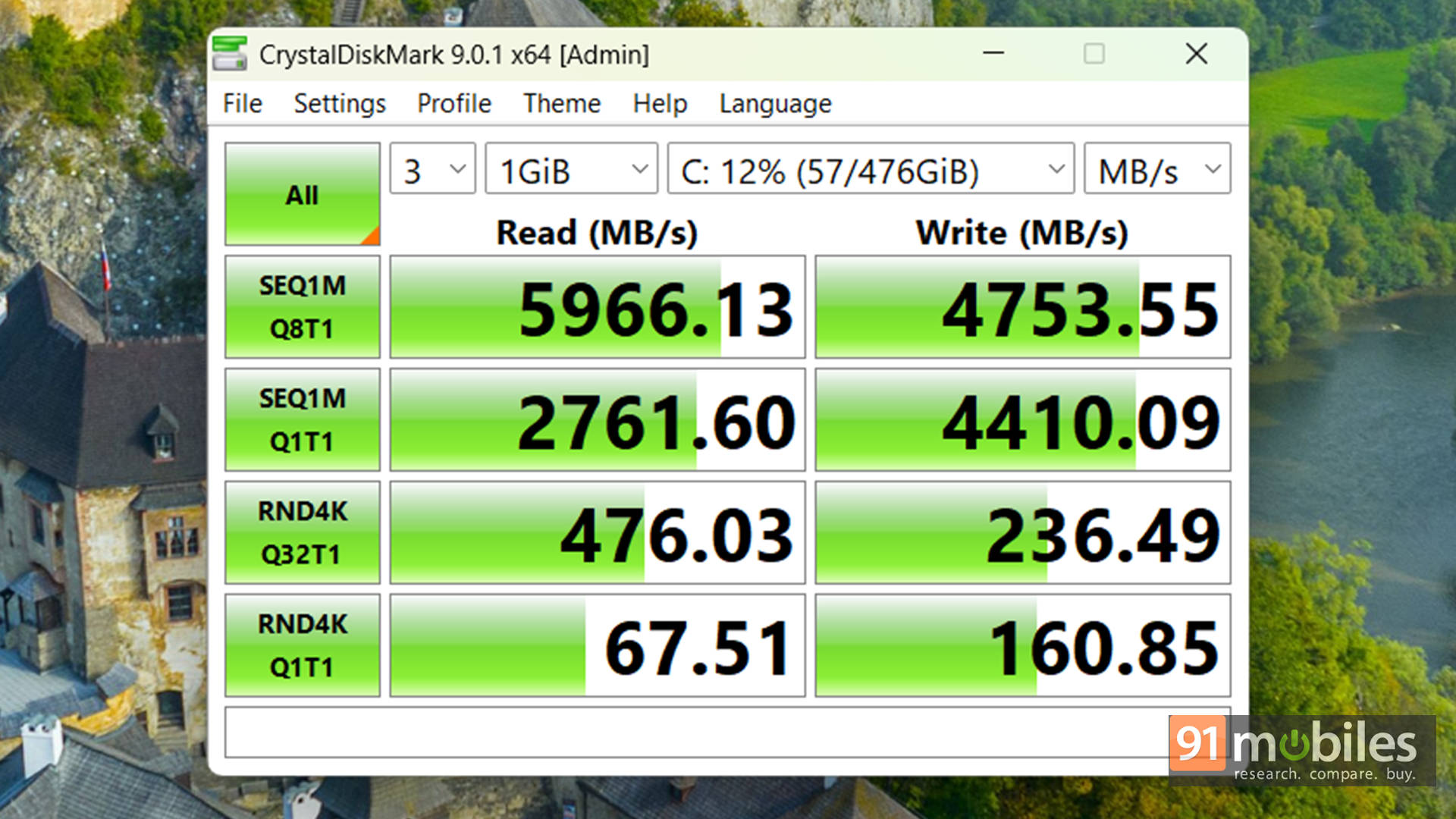


To give you some context, I stacked it against a few familiar faces: the Acer Aspire 15 (Ryzen 7 7730U), Chuwi CoreBook X Pro (i5-12450H), and Dell Inspiron 15 3530 (i3-1305U). And here’s the interesting bit: most machines in this price range rely on U-series chips, which are designed more for sipping power than delivering punch. The Chuwi model is an exception, but it’s not exactly mainstream. The ThinkBook, meanwhile, rolls in with an HS-series processor, and the performance gap shows up instantly in the numbers.
| Model Number | Lenovo ThinkBook 16 | Acer Aspire 15 | Chuwi Core Book X Pro | Dell Inspiron 15 3530 |
| CPU | AMD Ryzen 5 7535HS | AMD Ryzen 7 7730U | Intel Core i5-12450H | Intel Core i3-1305U |
| GPU | AMD Radeon 660M | AMD Radeon | Intel UHD | Intel UHD |
| Cinebench R23 MT | 9393 | 9262 | 7128 | 4815 |
| Cinebench R23 ST | 1463 | 1440 | 1494 | 1401 |
| PCMark 10 | 5779 | 5665 | 5104 | 4306 |
| PCMark 10 Extended | 5193 | 4333 | 4080 | 3335 |
| Geek Bench 6 ST | 2002 | 1952 | 2161 | 2039 |
| Geek Bench 6 MT | 8072 | 6395 | 6740 | 4059 |
| Geek Bench OpenCL | 14627 | 13369 | 7925 | 8248 |
| Geek Bench Vulcan | 17096 | 11581 | 9069 | 9877 |
| 3DMark Time Spy Extreme | 629 | 451 | 393 | 332 |
| 3DMark Time Spy | 1534 | 964 | 843 | 809 |
| 3DMark Fire Strike Ultra | 817 | 542 | 523 | 459 |
| 3DMark Fire Strike Extreme | 1766 | 1062 | 1031 | 828 |
| 3DMark Fire Strike | 3901 | 2309 | 2245 | 1786 |
| 3DMark Night Raid | 16305 | 10243 | 9943 | 7930 |
| Battery Runtime (Hr:Min) | 9:00 | 5:40 | 4:46 | 5:35 |
Even its integrated Radeon 660M graphics manages to pull ahead of the pack. No, you're not going to run Cyberpunk at high settings, but for light creative workloads, video edits, and some casual gaming after hours, it performs way better than the usual U-series crowd.
Design to Decibels: Everything That Meets the Eye
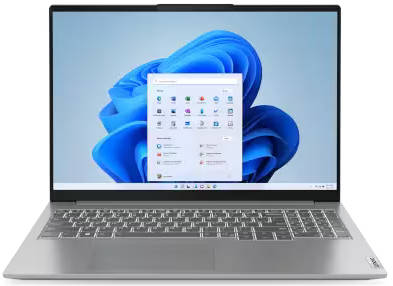
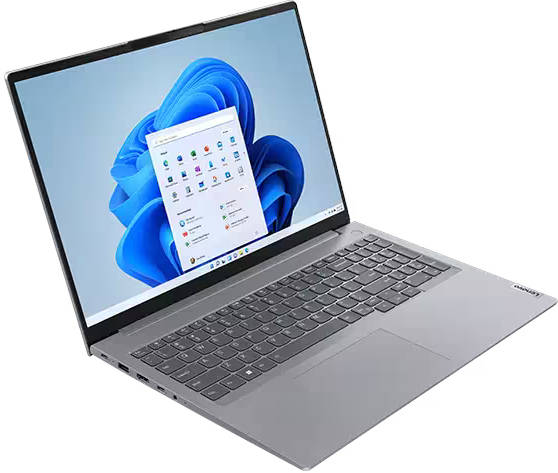
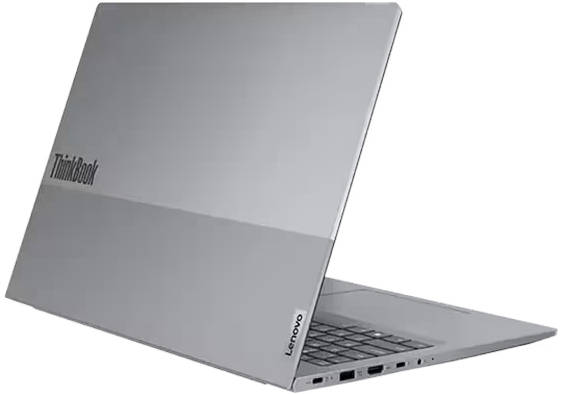
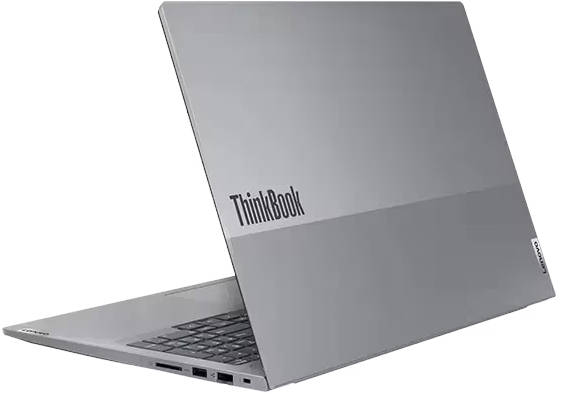
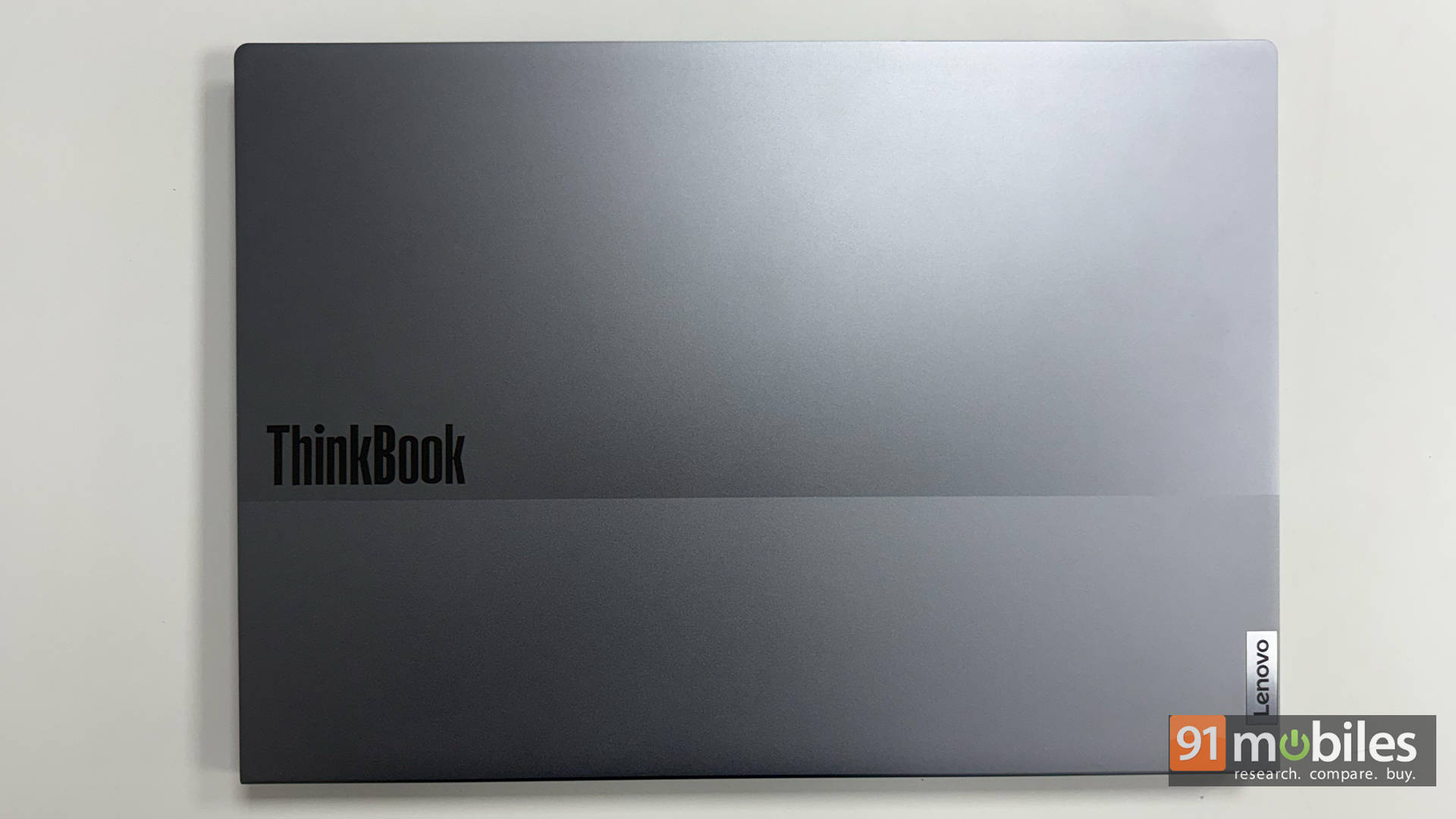
The ThinkBook 16 Gen 7 keeps things clean and corporate, but with just enough polish to feel like you didn't settle. The aluminium lid gives it a premium touch, the chassis feels solid with minimal flex, and at around 1.7kg, it strikes that sweet spot where it's big enough to be useful yet not annoying to carry around. The hinge is smooth, the deck is sturdy, and overall, it's the kind of laptop that blends into a boardroom just as comfortably as a coffee shop.
Where many modern laptops are going on a USB-C-only diet, the ThinkBook thankfully refuses. You get a hearty mix of USB-A, USB-C, HDMI, Ethernet, and a headphone jack — basically all the essentials without needing a bag full of dongles. Add in dual SO-DIMM RAM slots and two M.2 SSD slots, and it's far more upgrade-friendly than most sleek ultrabooks in its price class.
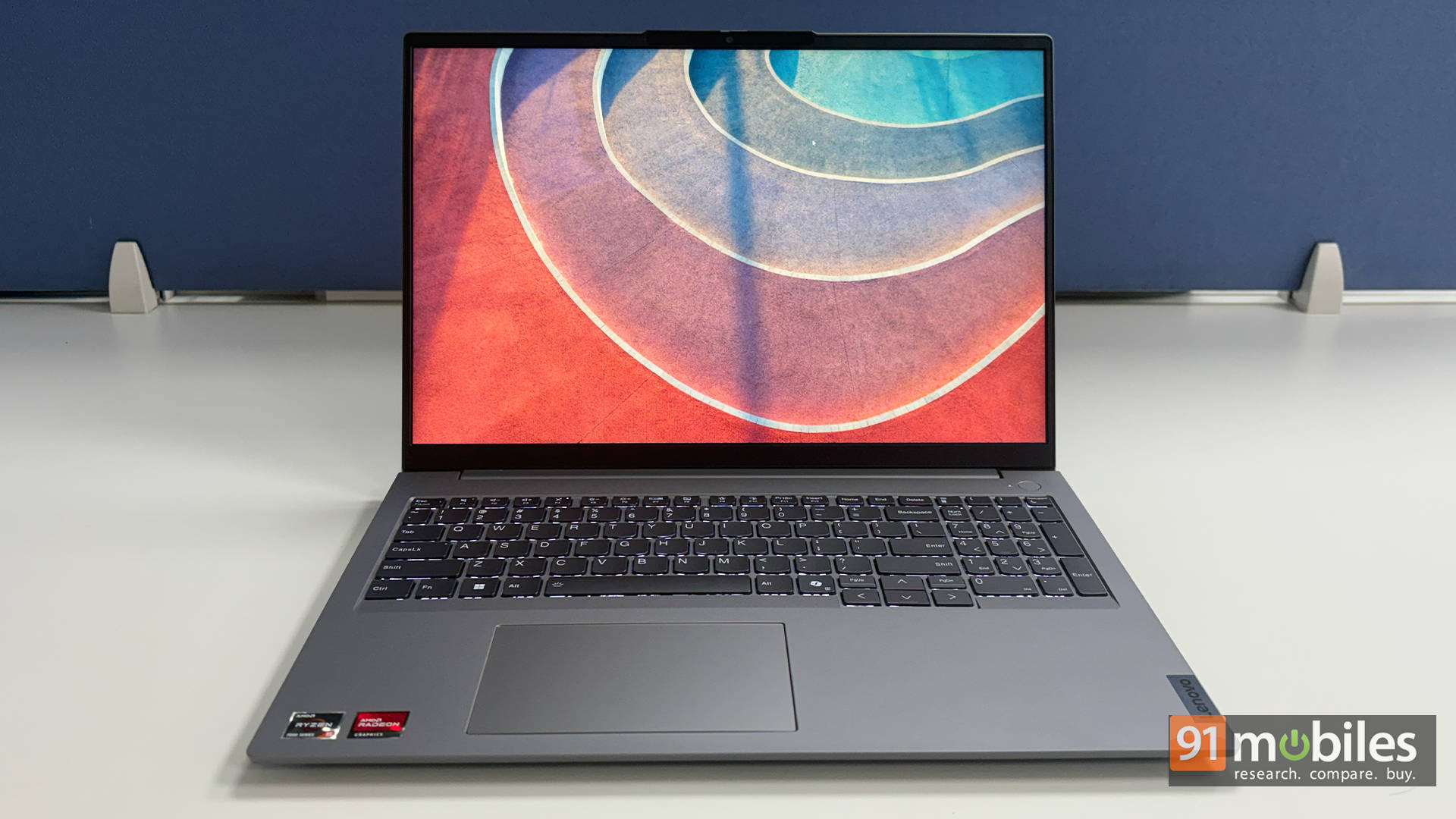
Up front, the 16-inch WUXGA panel is all about workspace, not wow-factor. It's great for spreadsheets, coding, writing, and juggling split-screen setups thanks to the extra vertical room. Brightness is fine indoors, not that great outdoors, but it gets by. Also, as you'd expect, the colour gamut isn't one for perfectionists, so serious photo/video editors may want an external monitor. But for everyday work, binge-watching, and content browsing, it's a practical, comfortable screen.
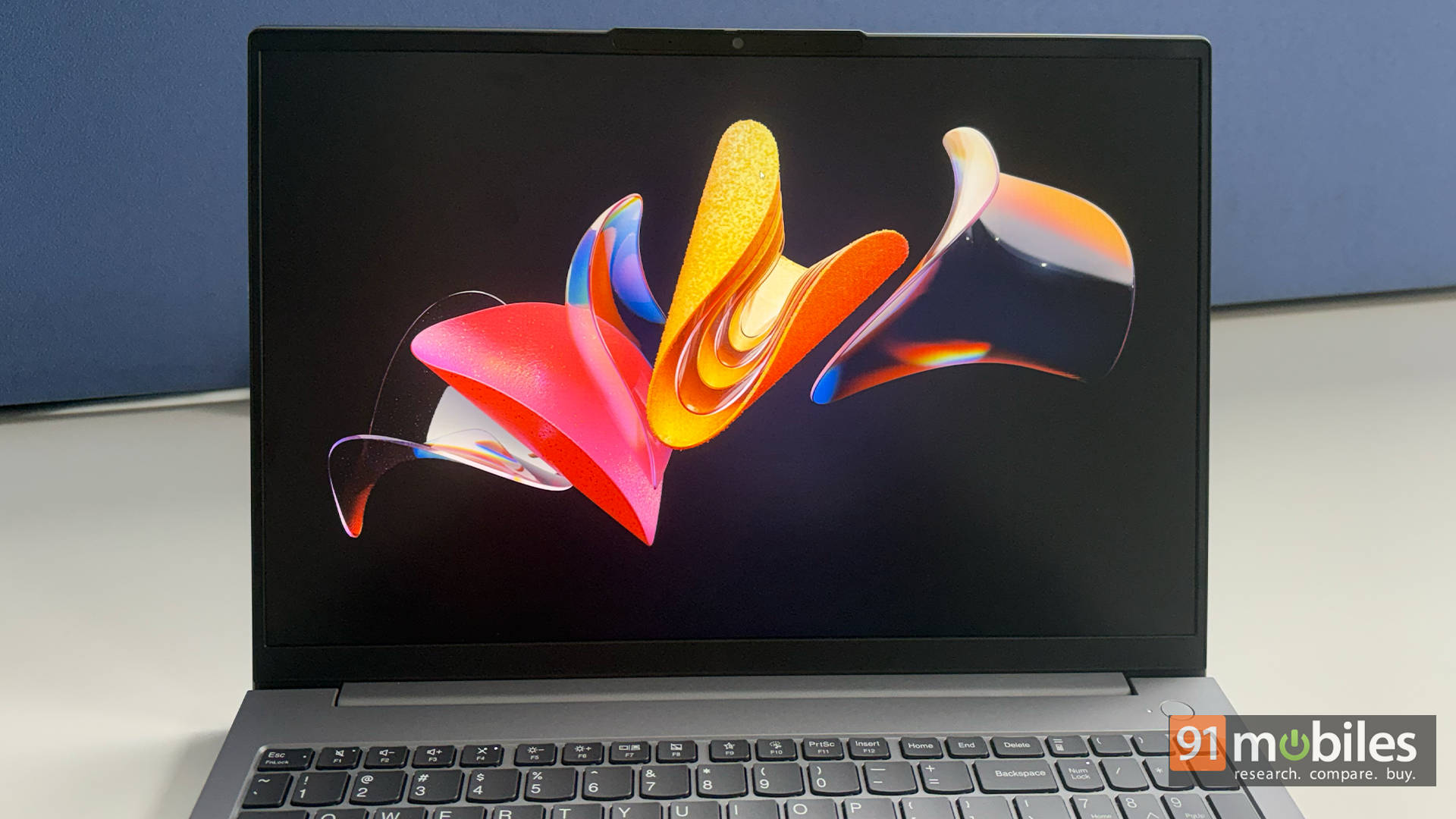
Aiding the panel are the decent speakers. Voices are clear, volume is decent, but the bass is more of a suggestion than a presence. Honestly, just pair it with headphones, and you're golden. The webcam and mics follow the same theme, which is that they're perfectly fine for meetings and classes, but that's about it. Thankfully, the physical privacy shutter is a confidence booster for anyone paranoid about mystery meetings they didn't sign up for.
Keys & Clicks: The Everyday MVPs
The ThinkBook 16's keyboard is very much "business on top, comfort underneath." The keys have a satisfying travel that makes long typing sessions feel almost therapeutic, and the layout is spacious enough that your fingers don't end up playing bumper cars. The backlighting is handy for late-night work binges or dim café corners, and the deck stays sturdy with minimal flex. Whether you're hammering out essays, coding for hours, or surviving a day packed with emails, this is one of those keyboards that quietly makes your life easier without demanding attention.
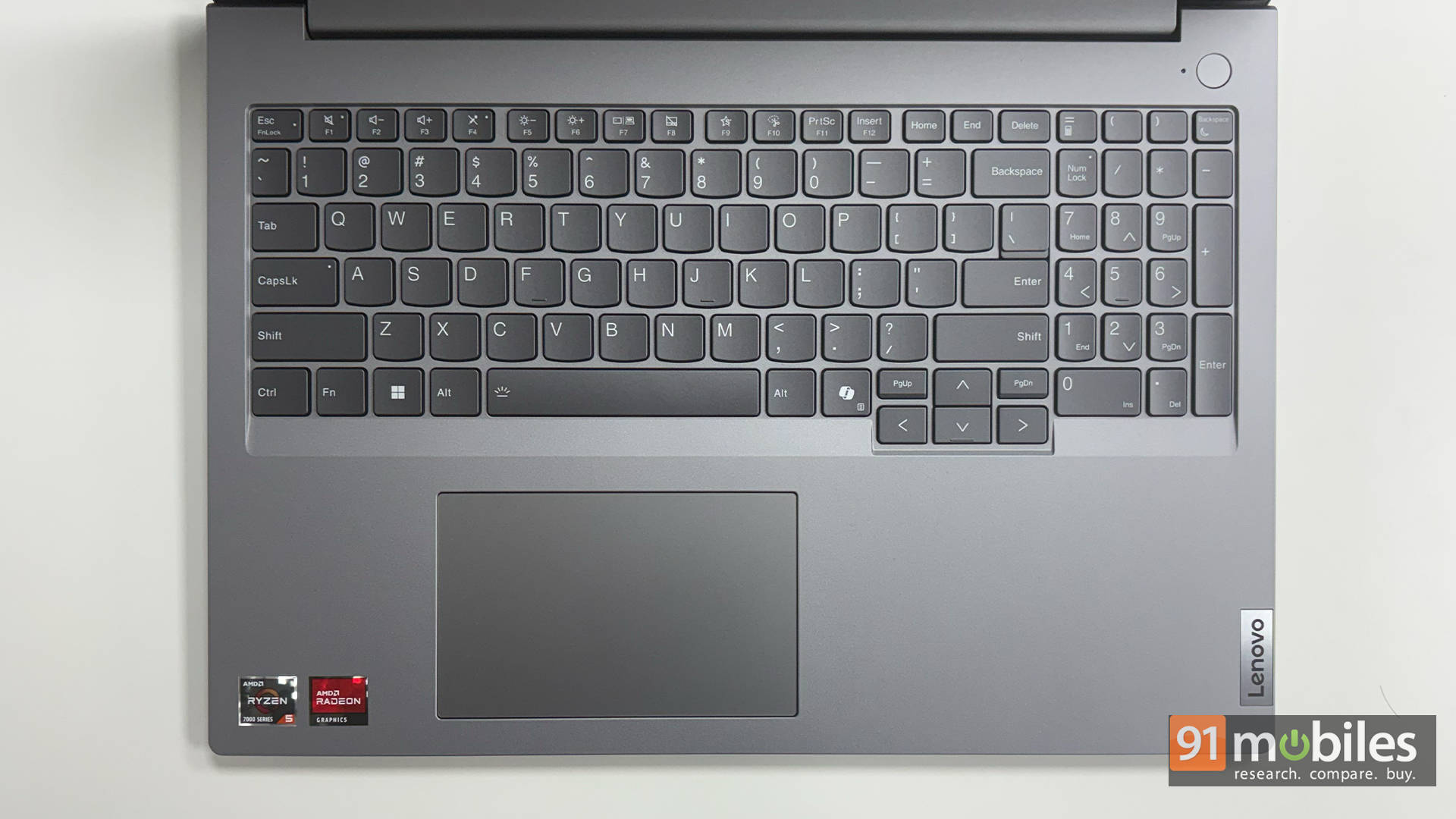
Below it sits a generously sized touchpad that's smooth, responsive, and plays nicely with Windows Precision gestures. Two-finger scrolling is fluid, pinch-to-zoom feels natural, and gestures don't misfire even when you're switching rapidly between apps. The click mechanism is firm without feeling stiff, and palm rejection works well enough that accidental inputs are rare.
Power That Doesn’t Panic
When it comes to battery life, the ThinkBook 16 Gen 7 holds its own surprisingly well for a 16-inch productivity machine. It packs a 45Wh battery, which sounds modest at first glance, but the Ryzen 5 7535HS proves just how efficient modern chips can be. In day-to-day use, the laptop comfortably makes it through a full workday without begging for a charger, even with mixed workloads like browsing, emails, spreadsheets, streaming, and the occasional call.
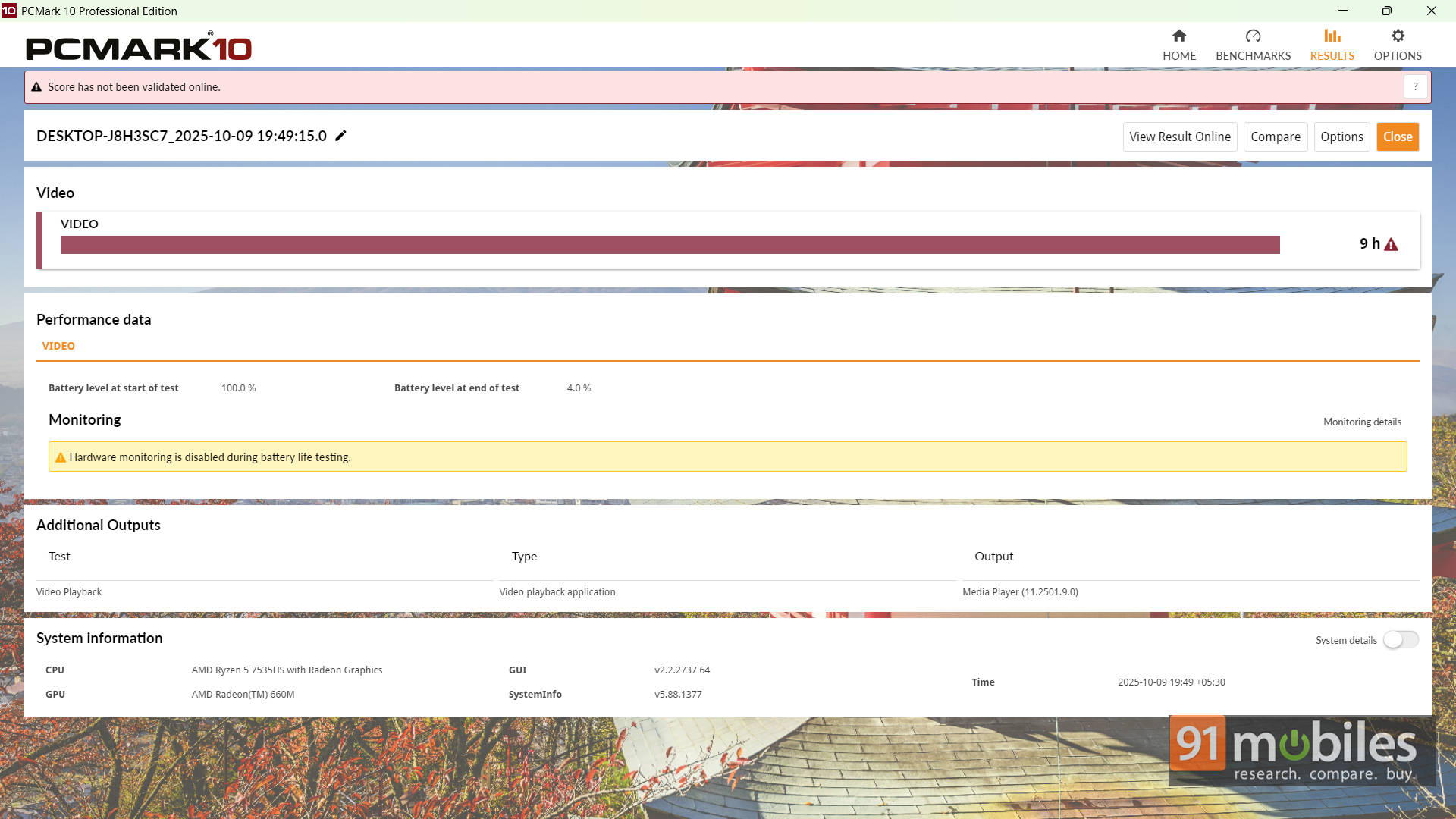
The real surprise shows up in the PCMark 10 Video Loop test, where it clocked an impressive 9 hours, which is roughly double what most laptops in this price range scrape together. Charging is equally convenient. The included 65W USB-C adapter refuels the battery quickly, and since it's USB-C, it doubles as a charger for your phone or any other Type-C gadget you happen to carry. It's a simple combo, but a genuinely practical one for anyone who hops between desks, cafés, and meeting rooms all day.
The Wrap-Up You Actually Need
So, is the Lenovo ThinkBook 16 Gen 7 actually worth your money? With our unit priced at around Rs. 44,500, it delivers a surprisingly stacked package for the segment. You're getting solid build quality, a roomy 16-inch display, and rare upgrade flexibility thanks to dual RAM and dual SSD slots. Add in its HS-series processor advantage, and the ThinkBook comfortably pulls ahead of similarly priced alternatives that rely on weaker U-series chips.
It's clearly built for students, hybrid workers, freelancers, and small business users who want a reliable machine that won't choke the moment you open too many tabs. Yes, if mobility is your top priority, a lighter 14-inch model might make more sense. Then again, you'll be trading away both performance and upgradeability to get that portability. For everyone else who values long-term usability, multitasking comfort, and a screen big enough to actually work on, the ThinkBook 16 Gen 7 lands in a very sweet spot.
Editor's Rating: 8.5 / 10
Pros:
- Spacious 16-inch 16:10 display boosts productivity
- HS-series chip delivers standout performance for the price
- Dual RAM and dual SSD slots for easy upgrades
- Sturdy, professional build
Cons:
- Average brightness and colour accuracy
- Heavier than typical 14-inch options
Lenovo ThinkBook 16 Gen 7 (21MWA08MIN) Laptop (AMD Hexa Core Ryzen 5/16 GB/512 GB SSD/Windows 11) Images