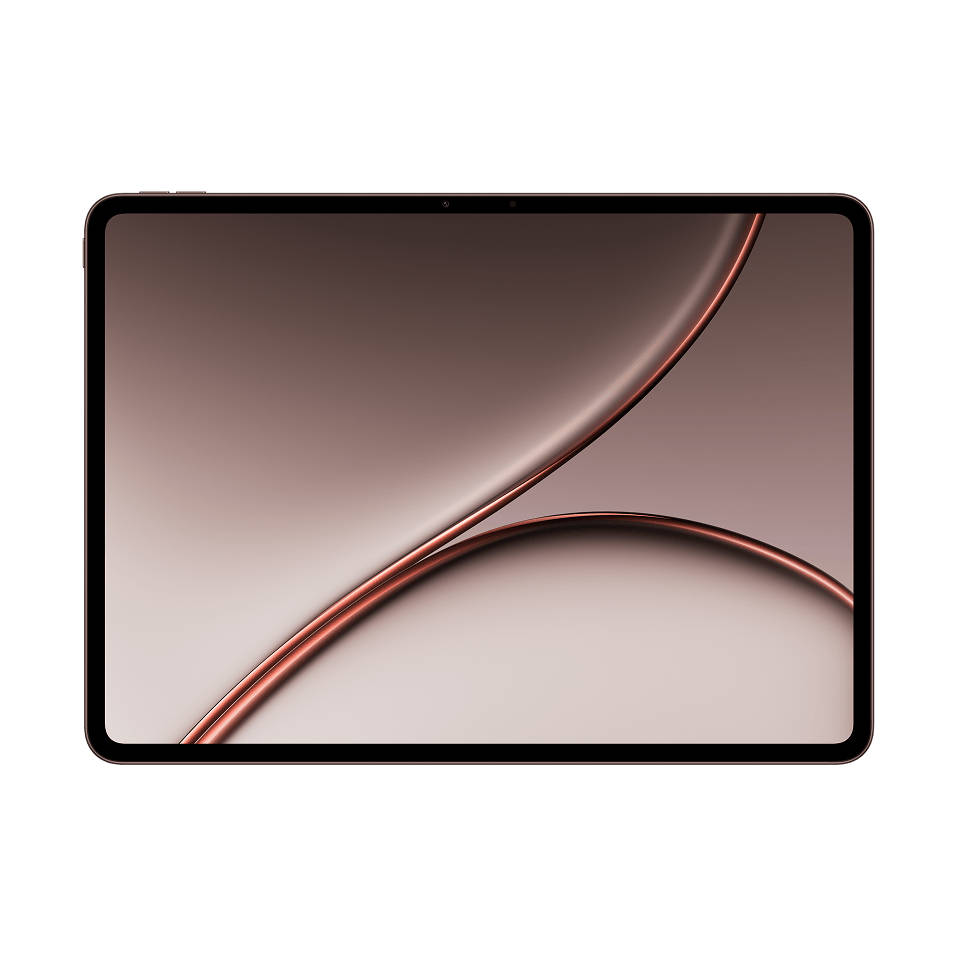
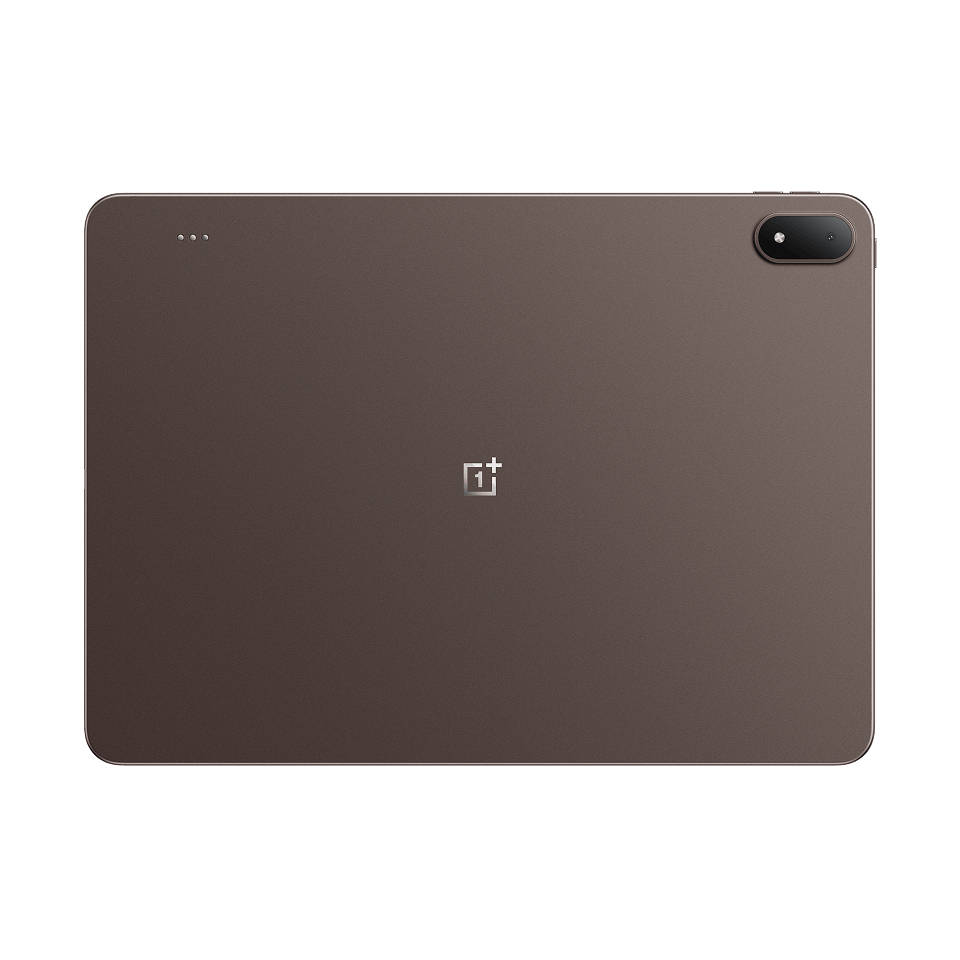
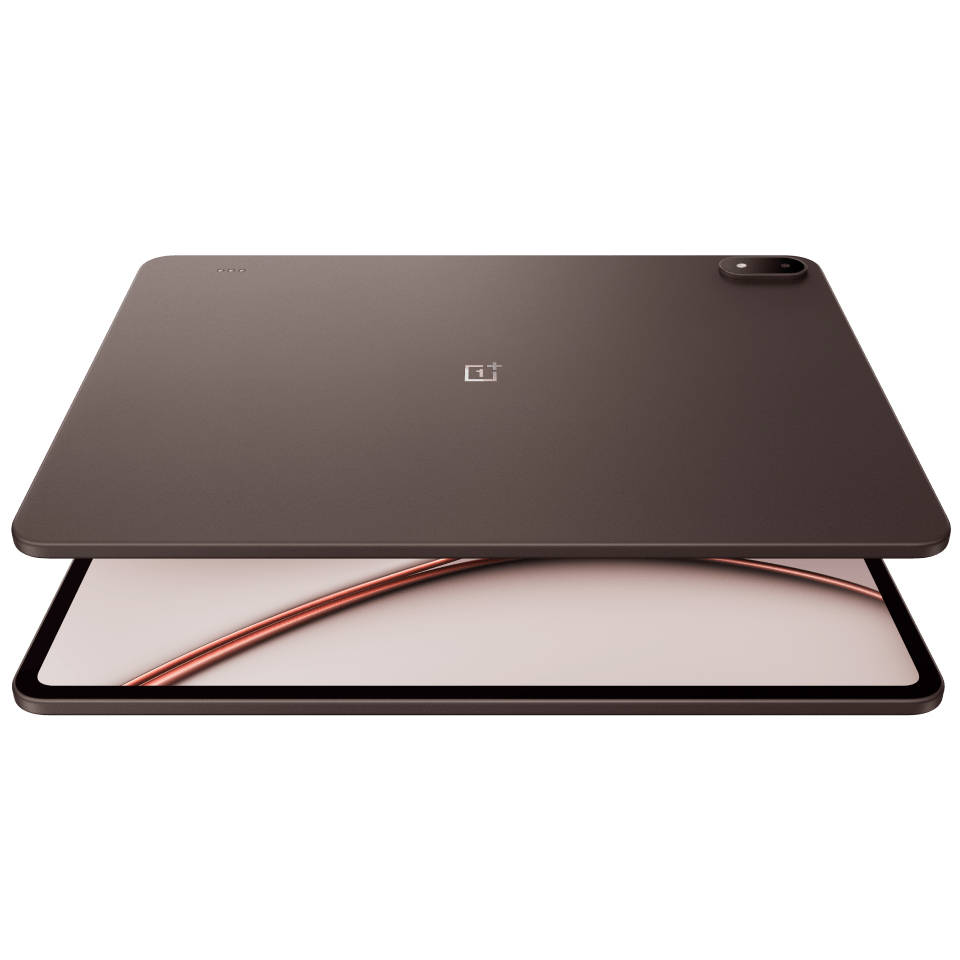
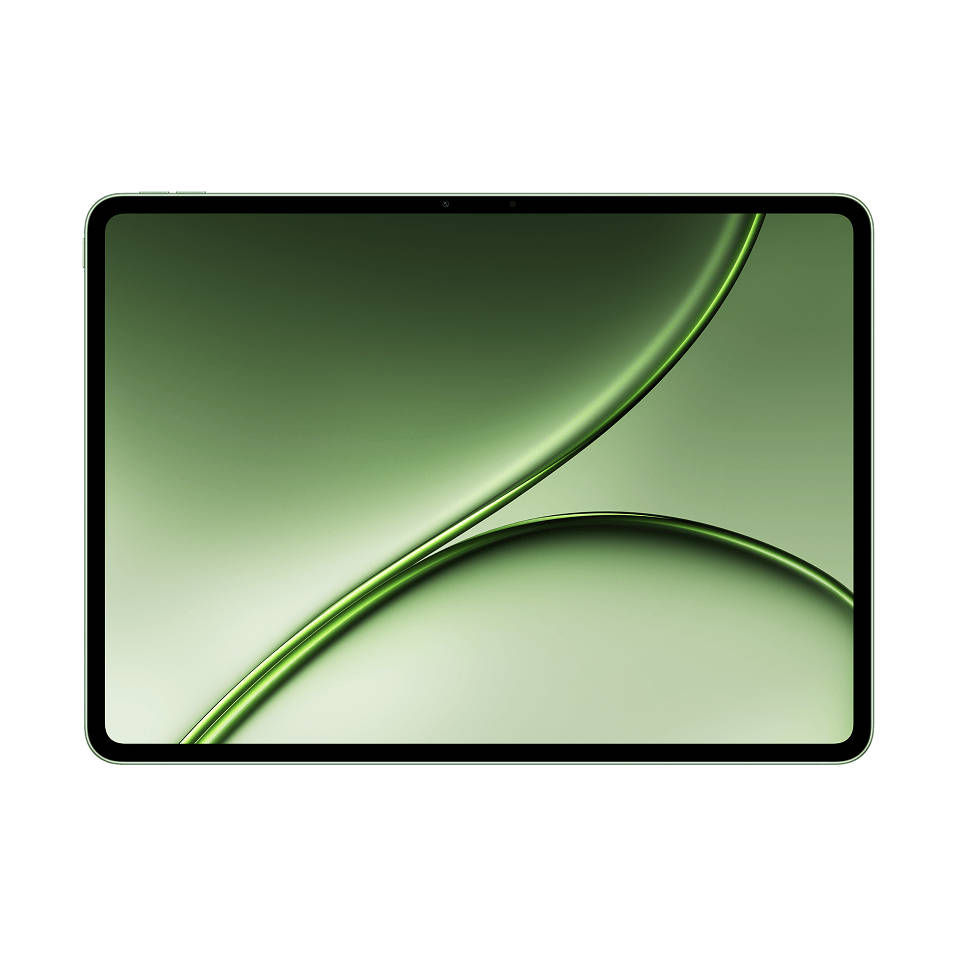
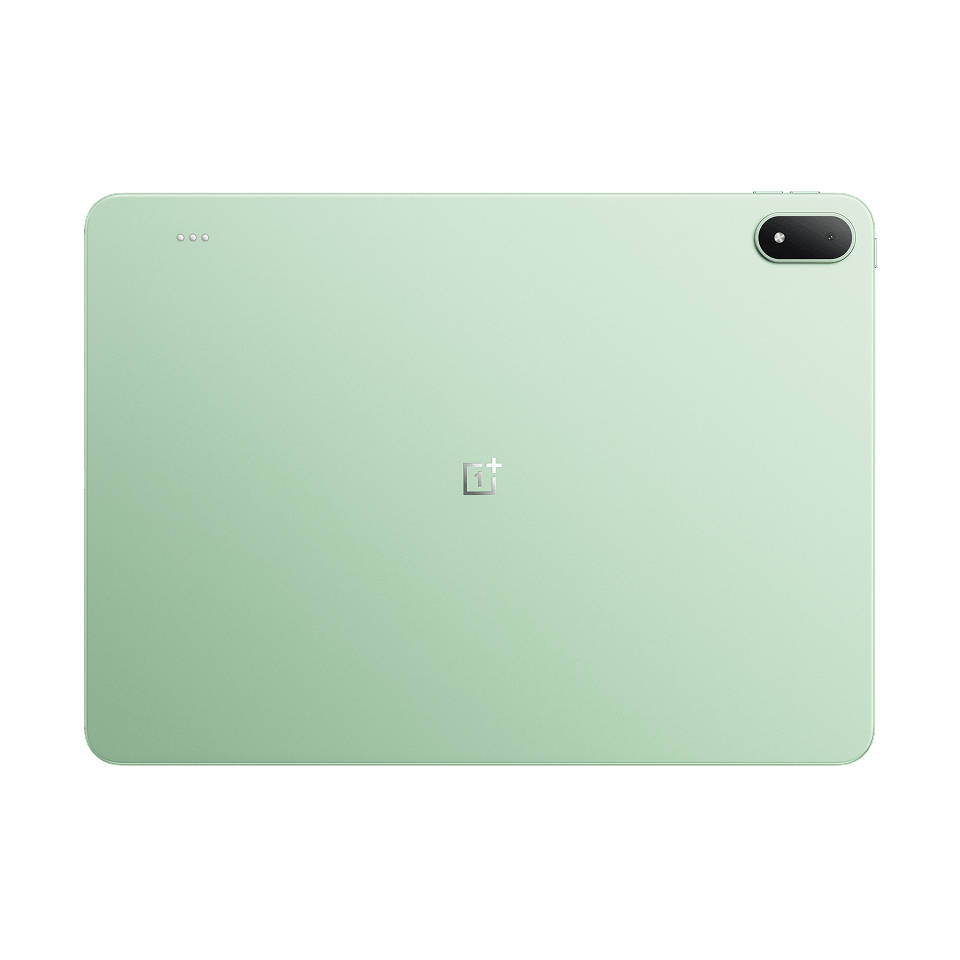
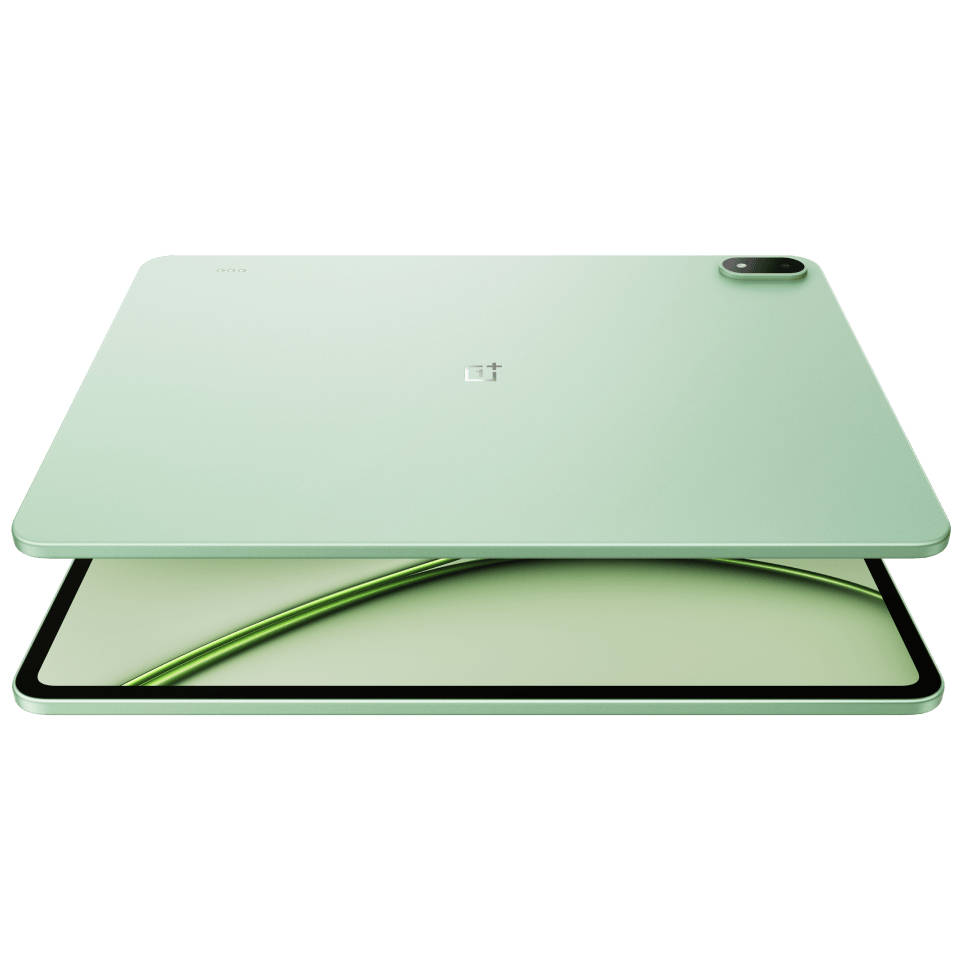
The OnePlus Pad 4 arrives as the most ambitious tablet OnePlus has made, and it does not hide that ambition. A Snapdragon 8 Elite Gen 5 chip, a 13,380mAh battery, a 13.2-inch 3.4K display, and a productivity-focused OxygenOS 16 experience that goes further than any previous OnePlus tablet. But all of this comes with a new, higher starting price of Rs 59,999. Does the hardware justify the price? After spending a couple of weeks with the device, here is my take on why this might just be the flagship Android tablet to beat in 2026.
Table of Contents
Verdict
The OnePlus Pad 4 is one of the best premium Android tablets available in India right now. It leads in performance, battery life, and display smoothness by meaningful margins, and OxygenOS 16’s productivity features are the most serious attempt at a laptop-replacing experience on an Android tablet to date. If you are looking for a high-end tablet that handles everything from gaming to multitasking without compromise, the Pad 4 makes a compelling case. However, at Rs 59,999 before bank offers, the price is hard to ignore. Add the cost of the Stylo Pro and Smart Keyboard, and the full laptop-replacing setup starts to look like it might as well be a laptop.
Design: impressively slim, decently lightweight
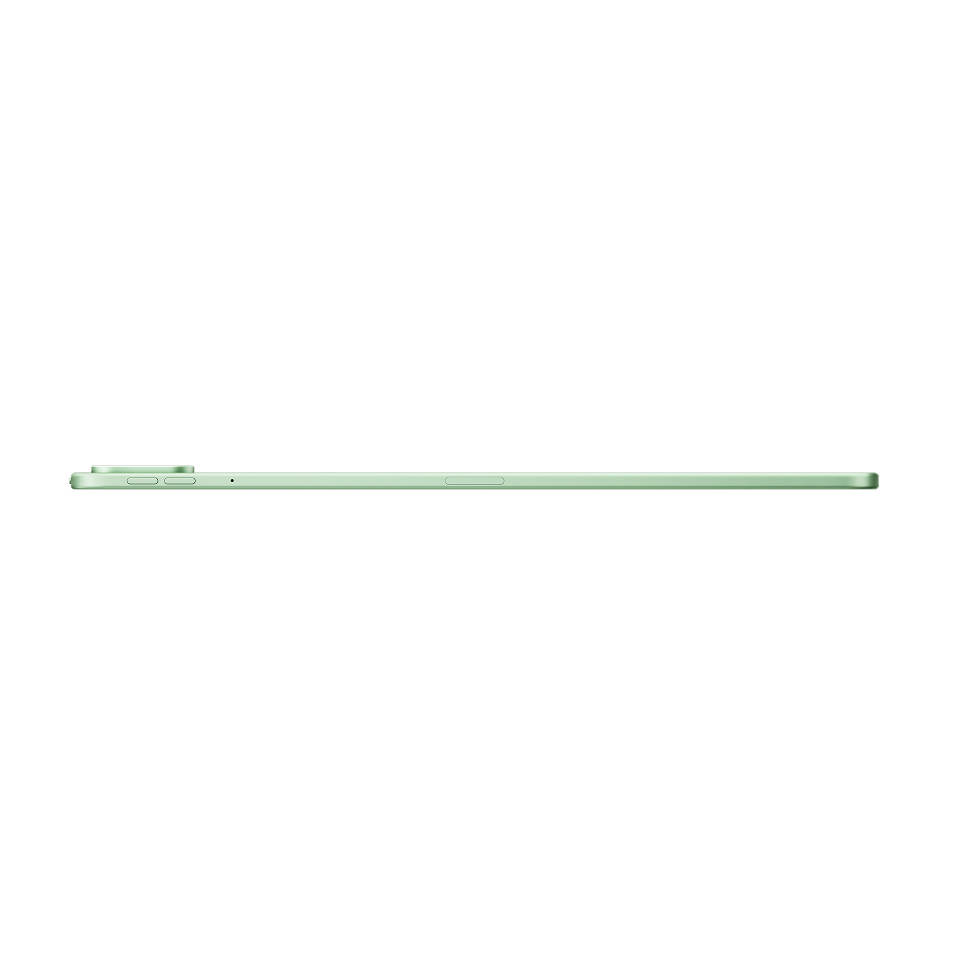
After several weeks of daily use, the Pad 4’s dimensions still catch me off guard when I pick it up. A 13.2-inch tablet that weighs 672 grams and measures 5.94mm thick should feel like a compromise in one direction or another, either flimsy for the thinness or unwieldy for the size. It is neither. The metal unibody holds up well to extended handling without any flex or creaking, and the weight distribution is even enough that you can carry it in your hand for short periods. It’s not for one-handed use, though, that’s for sure.
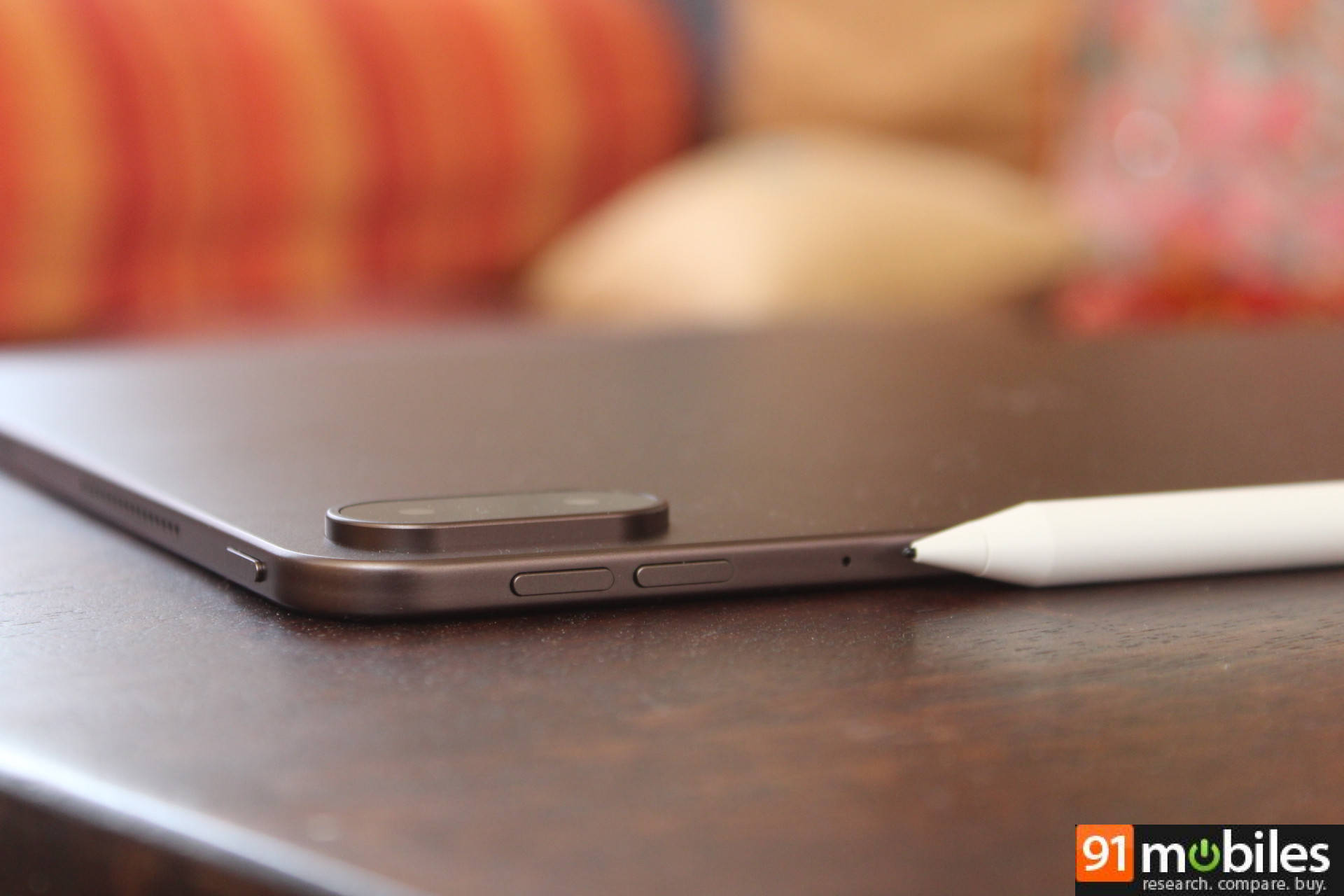
The 89.4% screen-to-body ratio means the bezels are thin enough to stay out of your way without being so thin that accidental touches become a problem during gaming or reading.
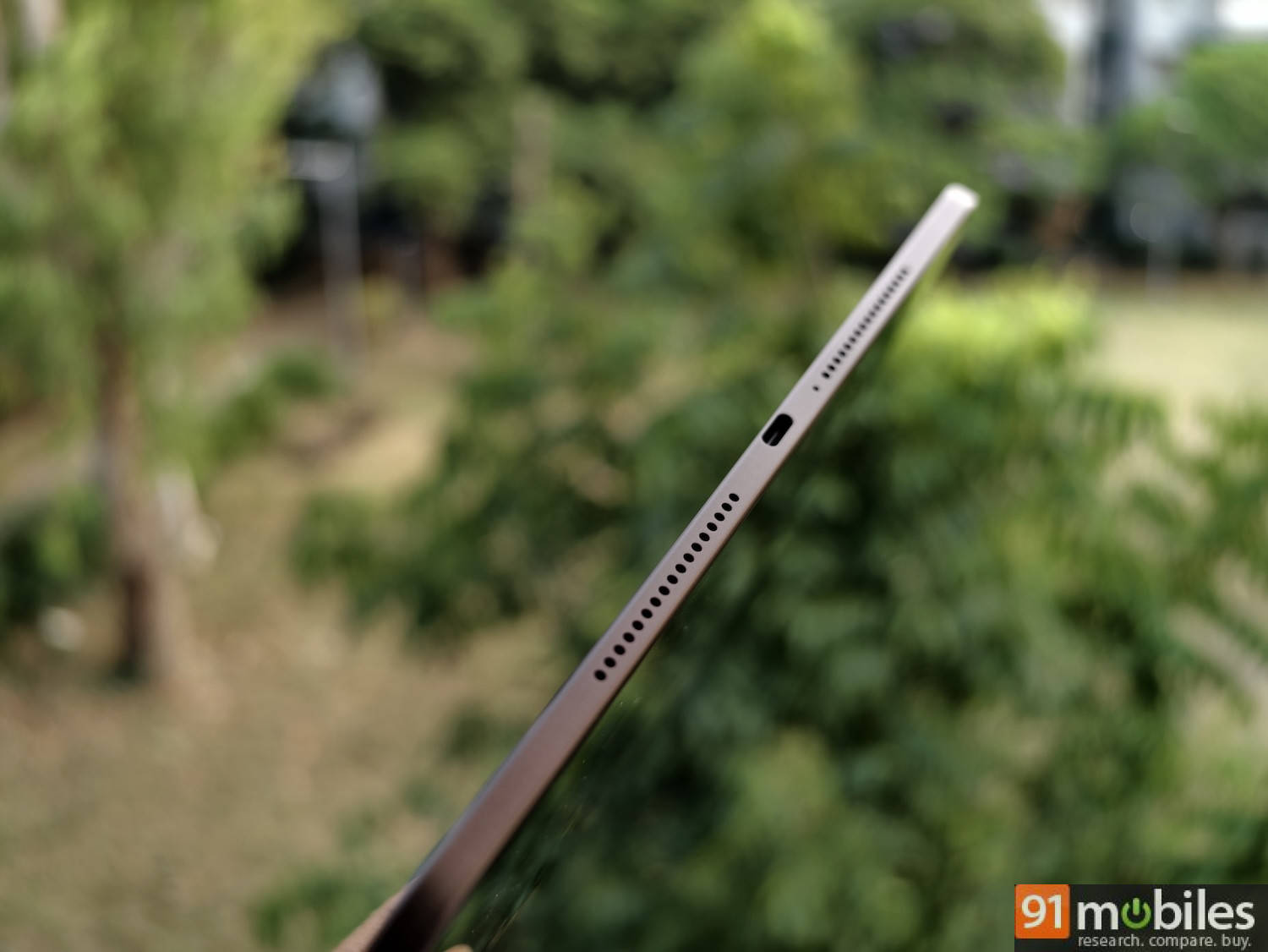
While we’re on the subject of design, it should be noted that the Pad 4’s power button does not double as a fingerprint sensor, which is disappointing for a premium tablet. You only have face unlock to work with as far as biometrics are concerned.
Display: 3.4K at 144Hz holds up in extended use
The 13.2-inch LCD panel with a 3392×2400 resolution and 315ppi has been consistently impressive across different use cases over the review period. With a typical brightness of 700 nits, the display does not struggle in a well-lit room. But the screen is highly reflective, making it difficult to see clearly under the harsh Delhi sun.
On paper, the display has everything from Dolby Vision to HDR10+ support, making it sound like an impressive tablet for consuming content. However, during my review, apps like Netflix and Prime Video were only able to stream in very pixelated SD. On the DRM Info app, it mentions Widevine L1 support, but Netflix showed Widevine L3, which is the lowest level of Google’s DRM and limits streaming quality to Standard Definition (480p).
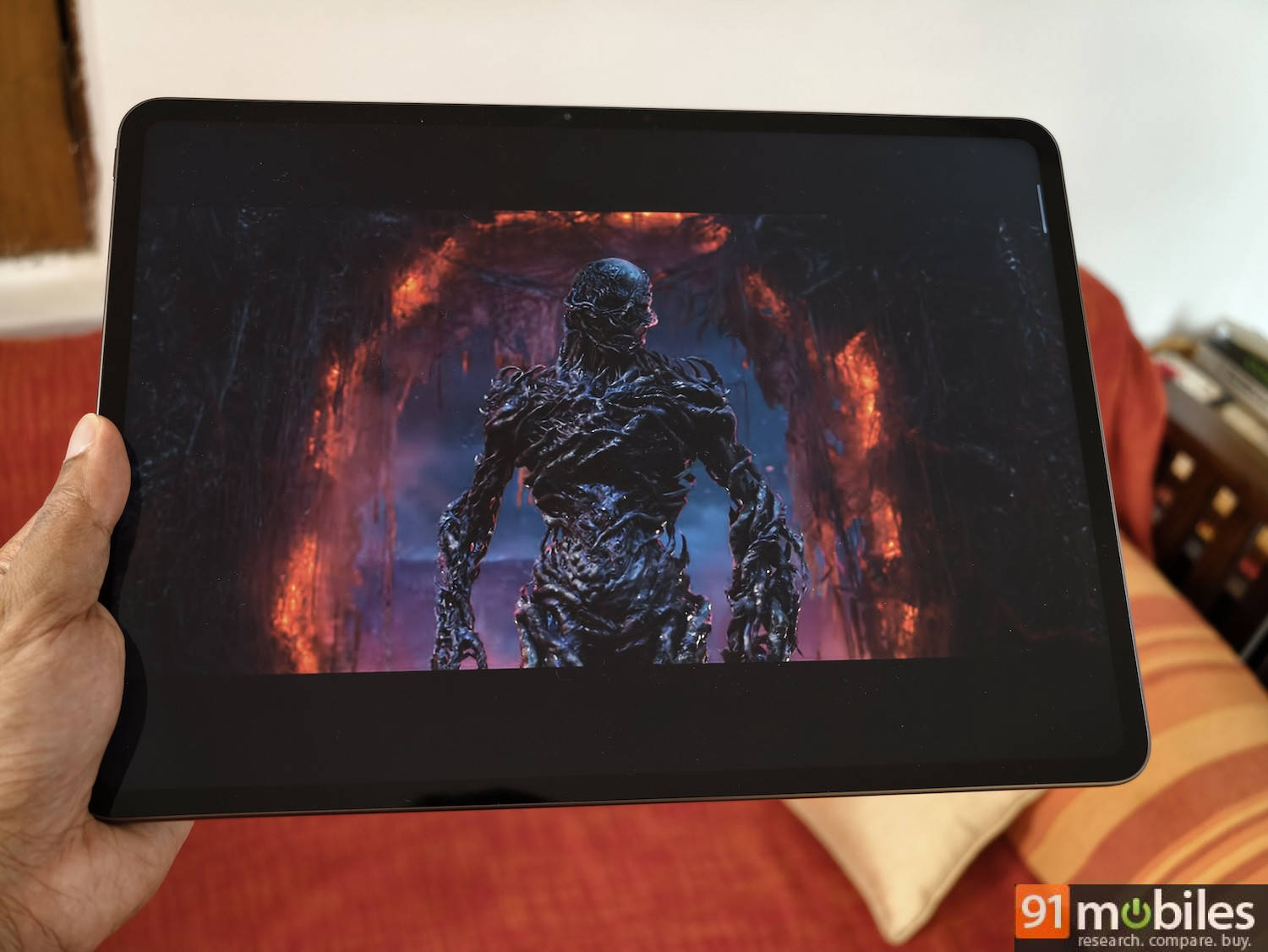
The 7:5 ReadFit aspect ratio is a good choice for a productivity-focused tablet. After several weeks of use, the difference between this and a 16:10 panel is most apparent when reading long documents or working in split-screen mode; you simply see more content at once without needing to scroll as often. However, if you’re using the tablet for content, you’ll see noticeable black bars on the top and bottom when watching standard 16:9 videos.
 Performance: blazing-fast, both in benchmarks and real-life
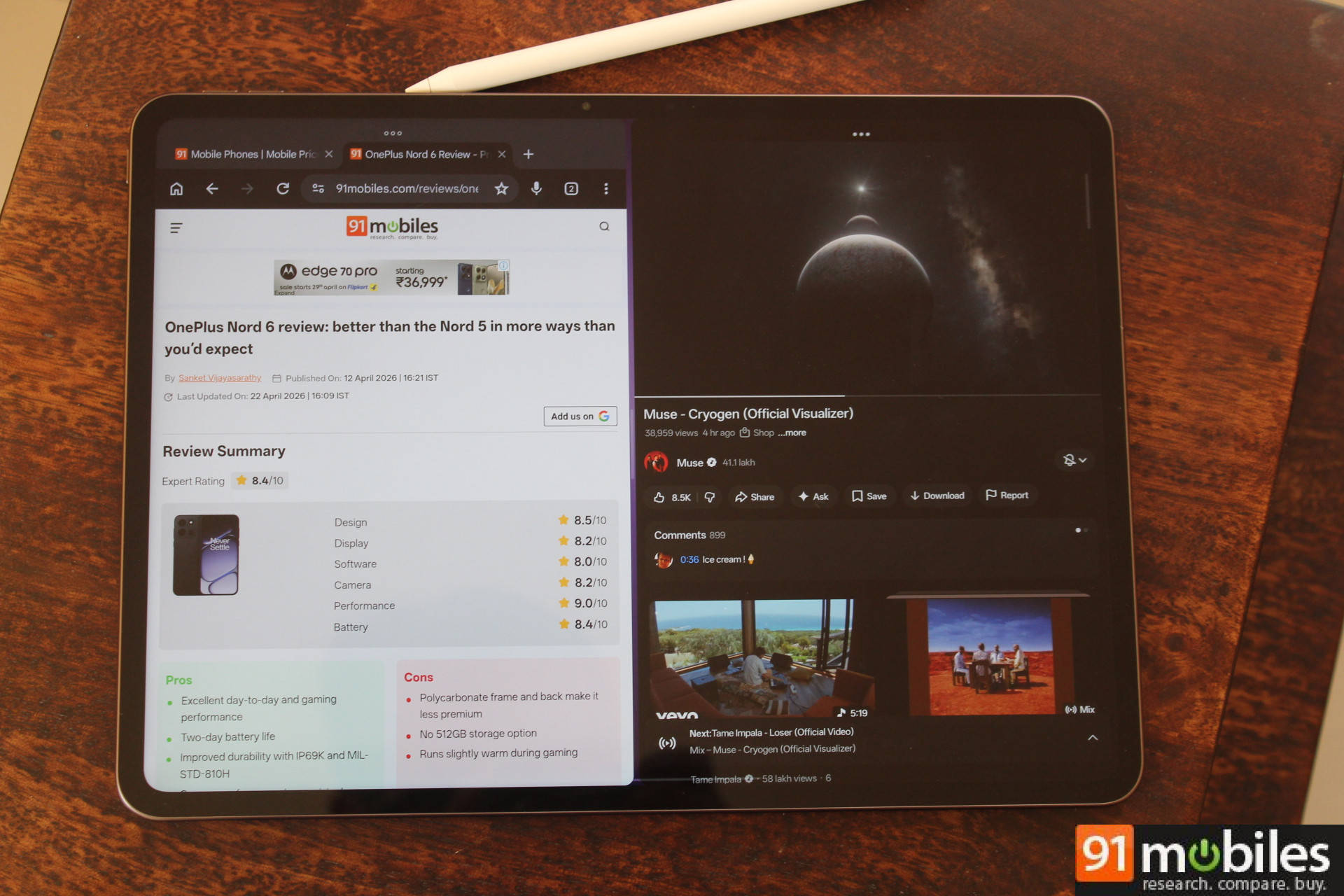
The Pad 4 is powered by the Snapdragon 8 Elite Gen 5, the same processor that powers the OnePlus 15, paired with up to 12GB of LPDDR5X RAM and up to 512GB of UFS 4.1 storage. The base 8GB variant is limited to two simultaneous free-flow windows, compared with the five supported by the 12GB model, which is worth keeping in mind if multitasking is a priority. I would recommend going for the higher variant if the budget allows.
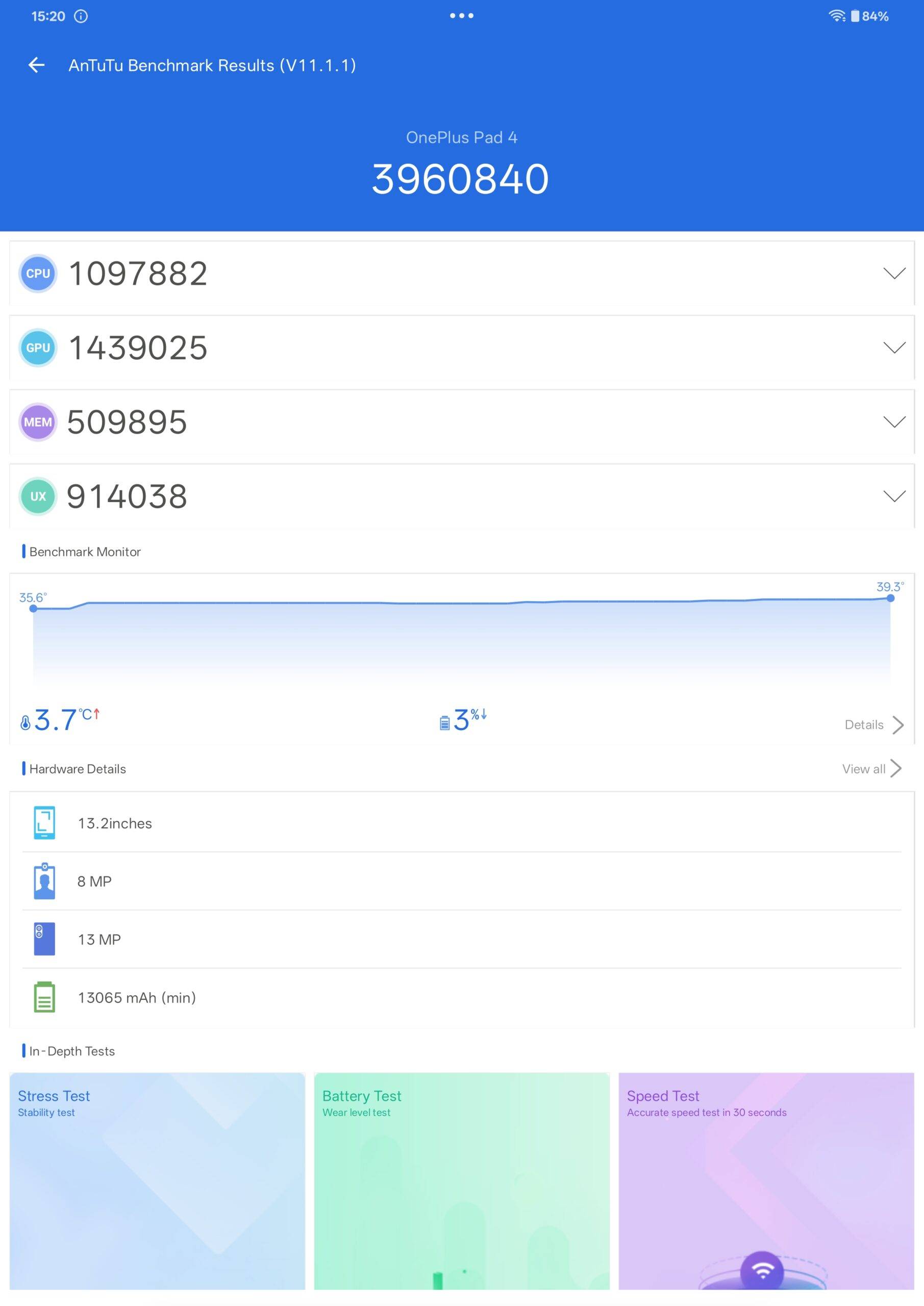
In our AnTuTu test, the Pad 4 scored close to 4 million, the highest score we have recorded for any tablet tested so far. It managed to outscore the M5 iPad Pro’s 3.7 million AnTuTu score and the Samsung Galaxy Tab S11 by a significant margin. The Snapdragon 8 Elite Gen 5 delivers a 20% boost in CPU performance and a 23% improvement in GPU performance over its predecessor, and the numbers bear that out in practice.
In daily use, the Pad 4 is immediately and consistently fast. Apps open without hesitation, switching between five free-flow windows is smooth, and the interface never stutters regardless of what is running in the background. The screen size is large enough to keep up to five apps open simultaneously, though I find that quite distracting. My use case typically involves having two apps in split-screen, and it handles that with ease.
Now, a tablet this size probably won’t be used much for gaming, but it’s nice to know the Pad 4 excels in this area as well. In our 30-minute gaming test on BGMI and CoD Mobile, battery consumption dropped just 7% per session, which is pretty efficient for a chip running at this performance level. The Cryo-velocity Cooling system spans a 45,260mm² vapour chamber, 17% larger than the Pad 3, and the thermals held up well during our testing.
Software: OxygenOS 16 is the cleanest it has been
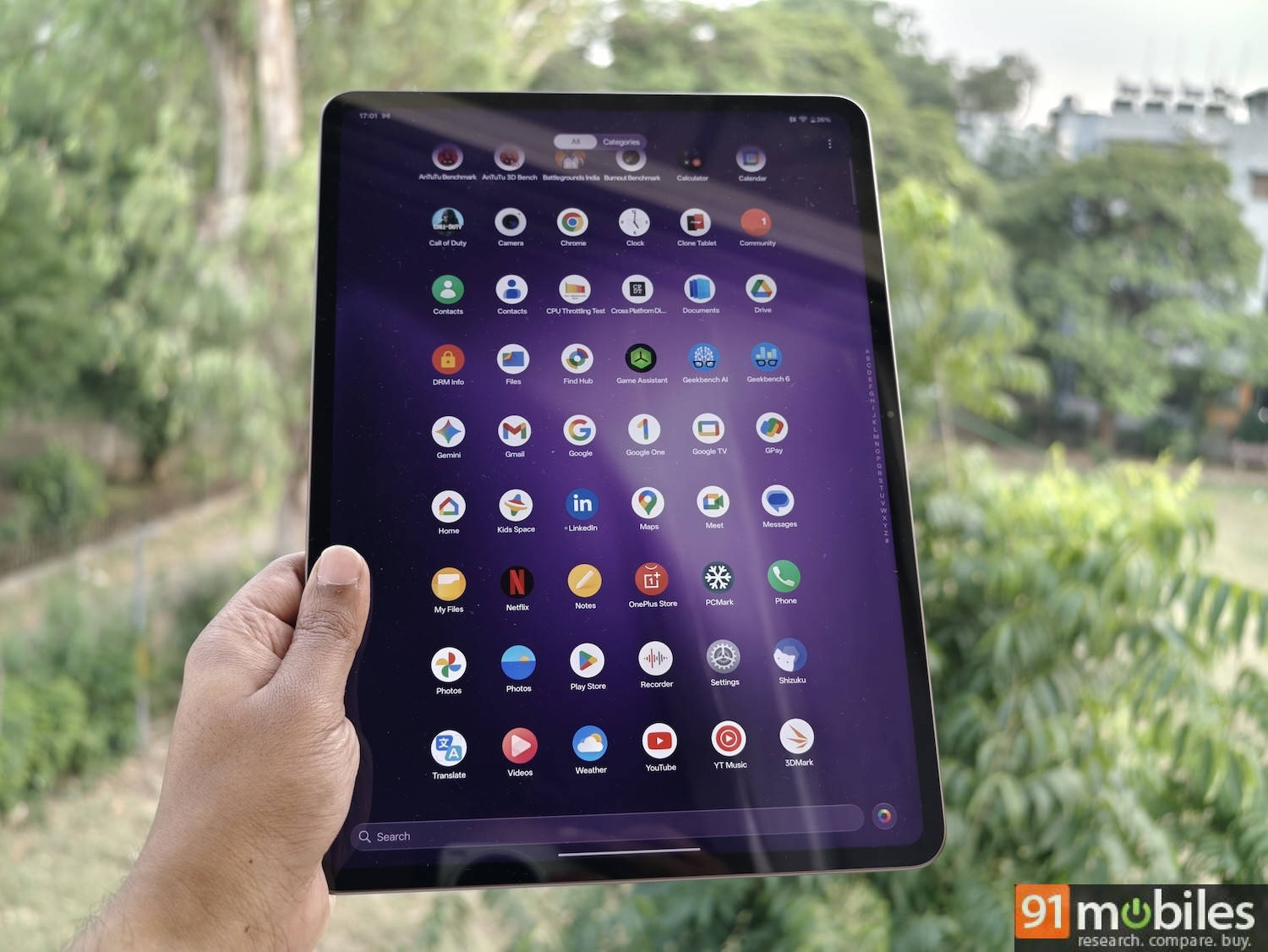
The Pad 4 ships with OxygenOS 16 based on Android 16, and the out-of-the-box experience reflects a deliberate restraint. You get 41 pre-installed apps with just 2 third-party apps, a fairly clean setup that feels appropriate for a premium tablet.
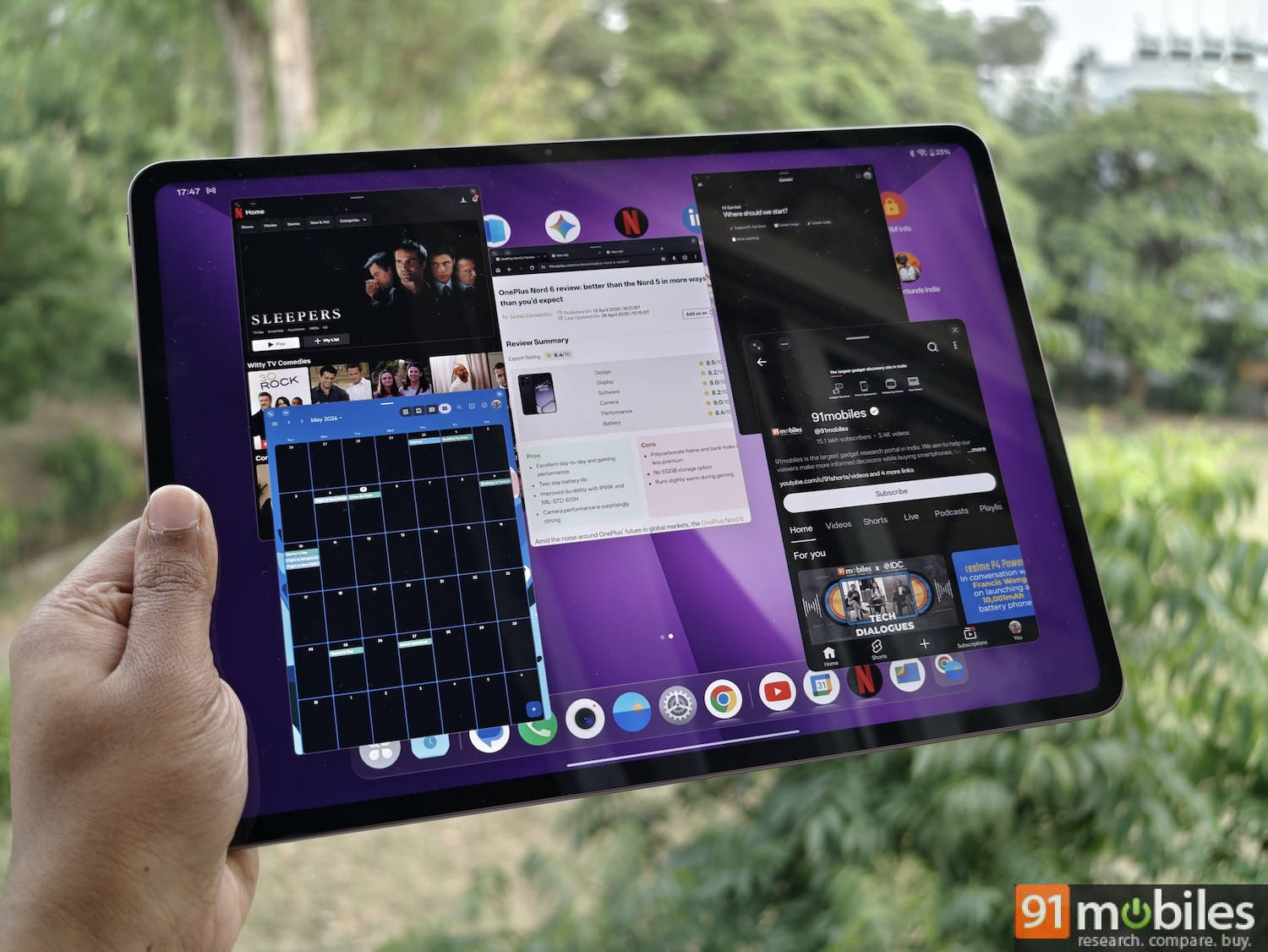
The five free-flow window multitasking (available only on the 12GB RAM variant) works well and holds up better than I expected in practice. Resizing windows, snapping them into positions, and switching between them with a three-finger swipe up worked smoothly. It’s useful for research-heavy tasks, such as cross-referencing documents and comparing data across tabs, while having a YouTube or Netflix playing in the background, but I didn’t find it particularly useful for my daily work. As I mentioned above, I find it too distracting to work with more than two apps at a time. The base 8GB option only allows two simultaneous windows, by the way.
The AI suite, which includes AI Writer, AI Summary, AI Translate, AI Painter, AI Clear Call, and the upgraded AI Recorder, rounds out the software package. I didn’t find all of them useful personally, but they’re nice options to have.
Battery: The best we have tested on a tablet
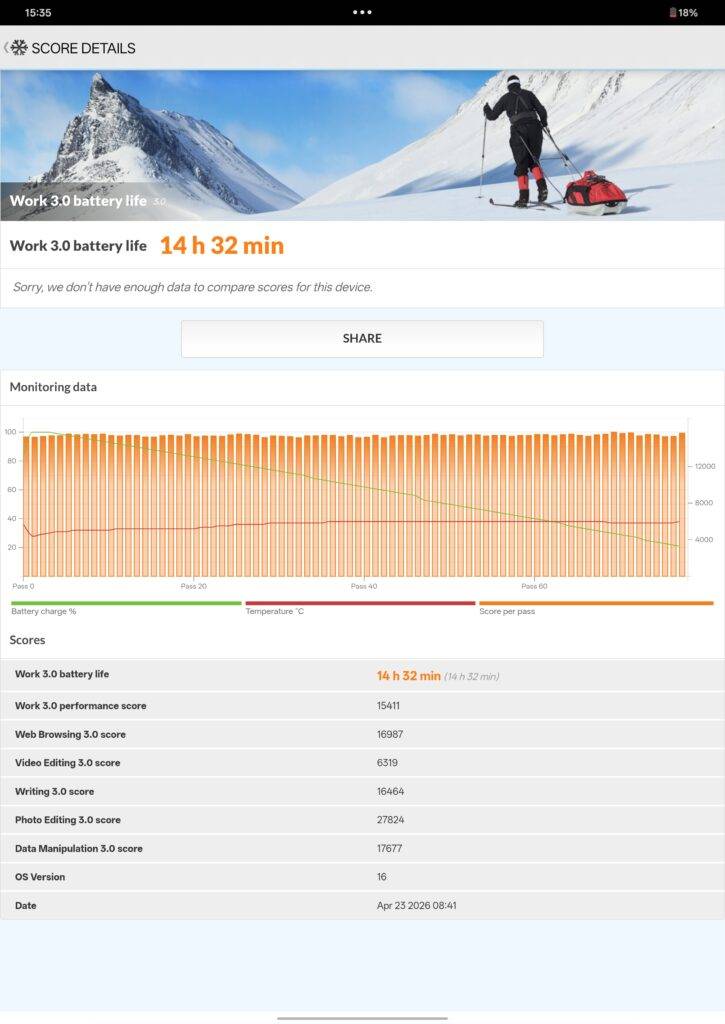
The Pad 4 has the largest battery OnePlus has ever shipped at 13,380mAh, and it shows in testing. In our PCMark battery test, which runs the device nonstop from 100 to 20%, the Pad 4 lasted 14 hours and 32 minutes. That is the highest score we have recorded for any tablet tested at 91mobiles.
In real-world use, the Pad 4 is genuinely a multi-day tablet for moderate users. On a typical day, I use the Pad 4 to check and reply to emails, stream a show on Netflix for about an hour, and do some split-screen multitasking to draft a story. The latter wasn’t very easy without a keyboard, but I had to do it for this review. Moderate usage like this consumes about 15-20% of the battery, which means I didn’t have to reach for a charger for 4-5 days. Heavier use will deplete the battery in about 2-3 days.
Charging is handled by 80W SUPERVOOC, and the adapter is included in the box. That the adapter comes in the box is worth mentioning.
Accessories: Stylo Pro and Smart Keyboard
Both accessories are sold separately, and both are worth the additional investment if productivity is the reason you are buying the Pad 4.
The Stylo Pro’s 16,000 pressure sensitivity levels make a practical difference for both writing and sketching. Transitions between light and heavy strokes are smooth and predictable, not stepped. The two interchangeable tips serve genuinely different purposes: the Writing Tip’s high-friction material provides the resistance you want for note-taking, while the Drawing Tip’s low-friction surface suits longer illustration sessions where a slippery feel reduces fatigue.
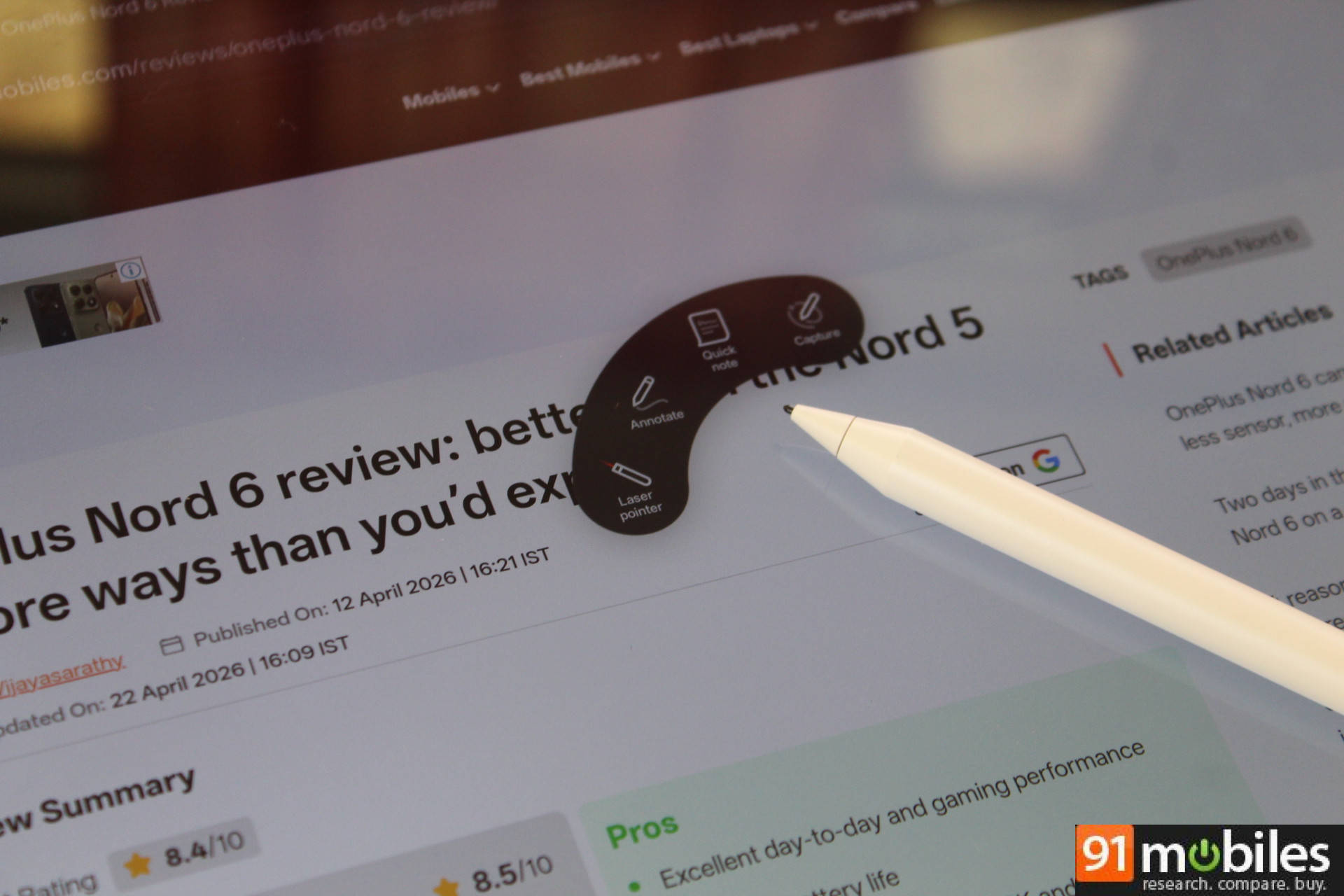
Squeezing the stylus provides haptic feedback and brings up some quick options, such as quick note, annotate, screen capture, and laser pointer.
Final verdict
The OnePlus Pad 4 sets a new benchmark for Android tablets in India. An AnTuTu score of 3,960,840, a PCMark battery result of 14 hours and 32 minutes, and a 3.4K 144Hz display; each of these is the best we have recorded in its category for a tablet tested in India. That those three things coexist in a 5.94mm, 672-gram device is genuinely impressive.
OxygenOS 16’s productivity features are the most serious attempt at a laptop-replacing experience on an Android tablet yet. Five free-flow windows, overhauled file management, second-screen functionality, and cross-device connectivity across Android, iOS, Windows, and Mac make the Pad 4 a convincing case for leaving the laptop behind.
The accessories are sold separately, which means the full laptop-replacing vision comes at a cost beyond the tablet’s price.
While the tablet is excellent in performance, software, and battery life, a display this big and spec’d out should have supported HD streaming on Netflix and Prime Video out of the box. I hope this is something OnePlus can fix through a software update, but from what I’ve read online, the Pad 3 has the same issue with no fix yet.
If you’re using the OnePlus Pad 3 (review), you can hold on to it a little longer, as the performance gains might not be enough to justify an upgrade. But for those using older Android tablets and looking for a top-tier upgrade, the OnePlus Pad 4 should be on your list, provided you can handle the large screen size and even larger price point.
Editor’s rating: 8/10
Reasons to buy:
- Blazing-fast performance
- Best-in-class battery life
- Smooth and stutter-free 144Hz display
Reasons not to buy:
- SD streaming on Netflix and Prime Video
- No cellular option
- Pricey, especially with a stylus and keyboard
OnePlus Pad 4 Images