


Review Summary
Expert Rating
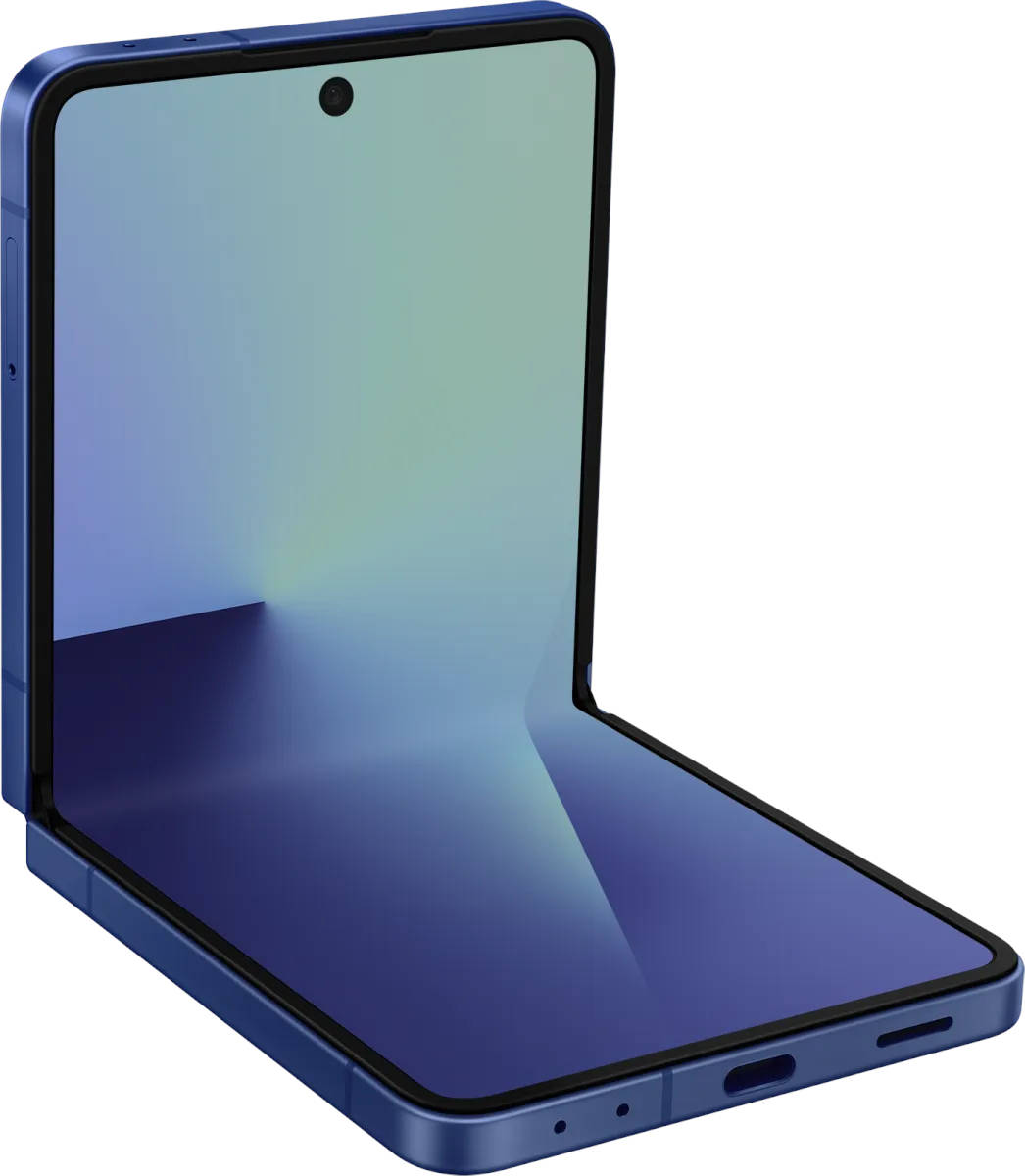
Samsung essentially kick-started the foldables category, but in recent years, its phones have felt more iterative than innovative. With the Galaxy Z Flip7 and Fold7 (review), the company finally delivers upgrades that feel more meaningful, and pre-order numbers in July suggest buyers are taking notice. While the Galaxy Z Fold7 focuses on refinement and sleekness, the Galaxy Z Flip7 is all about that larger, more usable cover screen. There are also improvements on the hardware front, and in this review, we’ll take a closer look at what the Flip7 brings to the table and who it’s best suited for.
Table of Contents
A nice and big cover screen that doesn’t reach its full potential
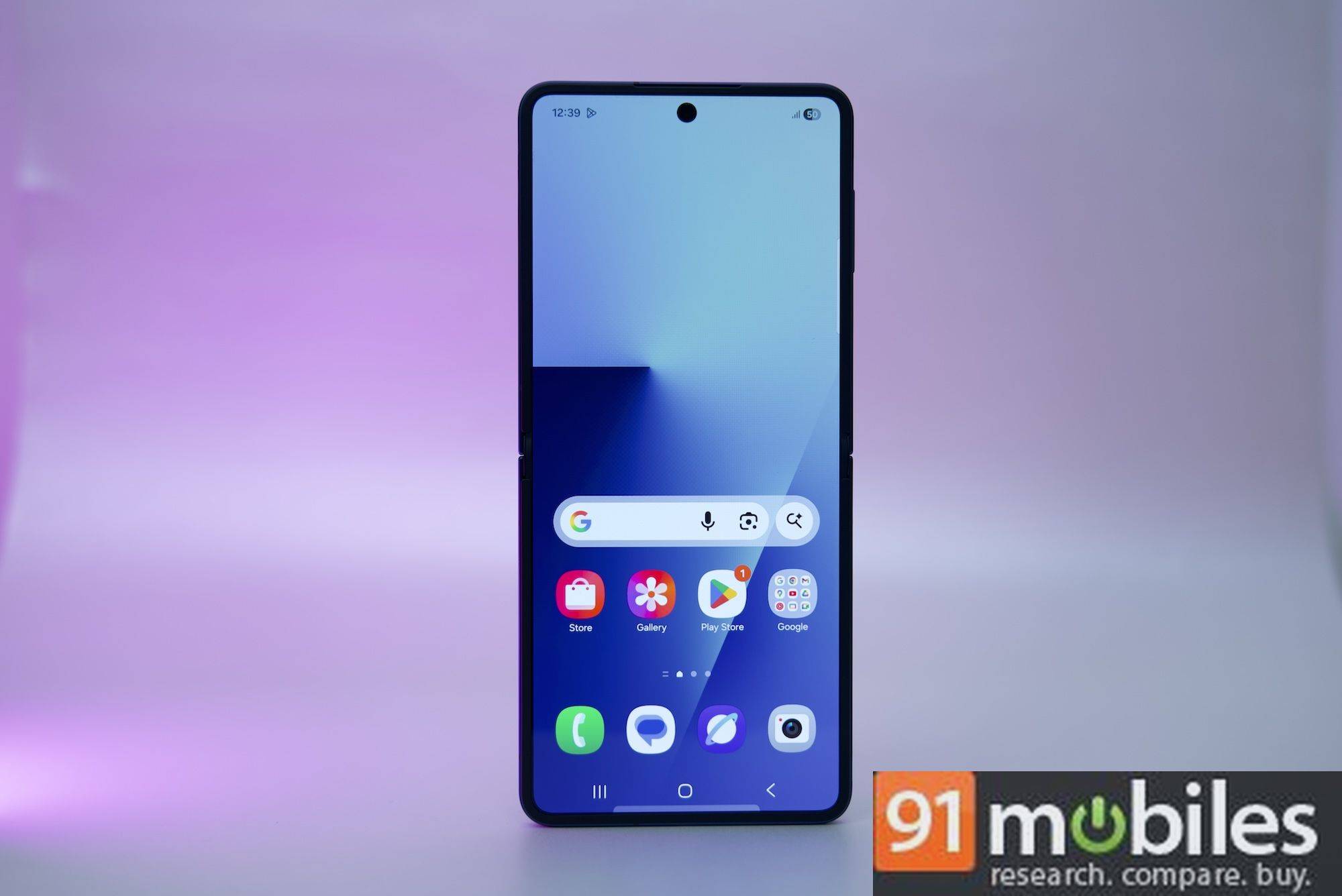
Samsung has given the Galaxy Z Flip7 a much larger 4.1-inch cover display that wraps around the cameras, and at first glance, it’s a big visual upgrade. It looks sharp, gets impressively bright even under harsh sunlight, and offers a smooth 120Hz refresh rate, making it the best-looking and most usable Flex Window yet. You can now view more text in notifications, type with a bit more ease, and access quick tasks without flipping the phone open.
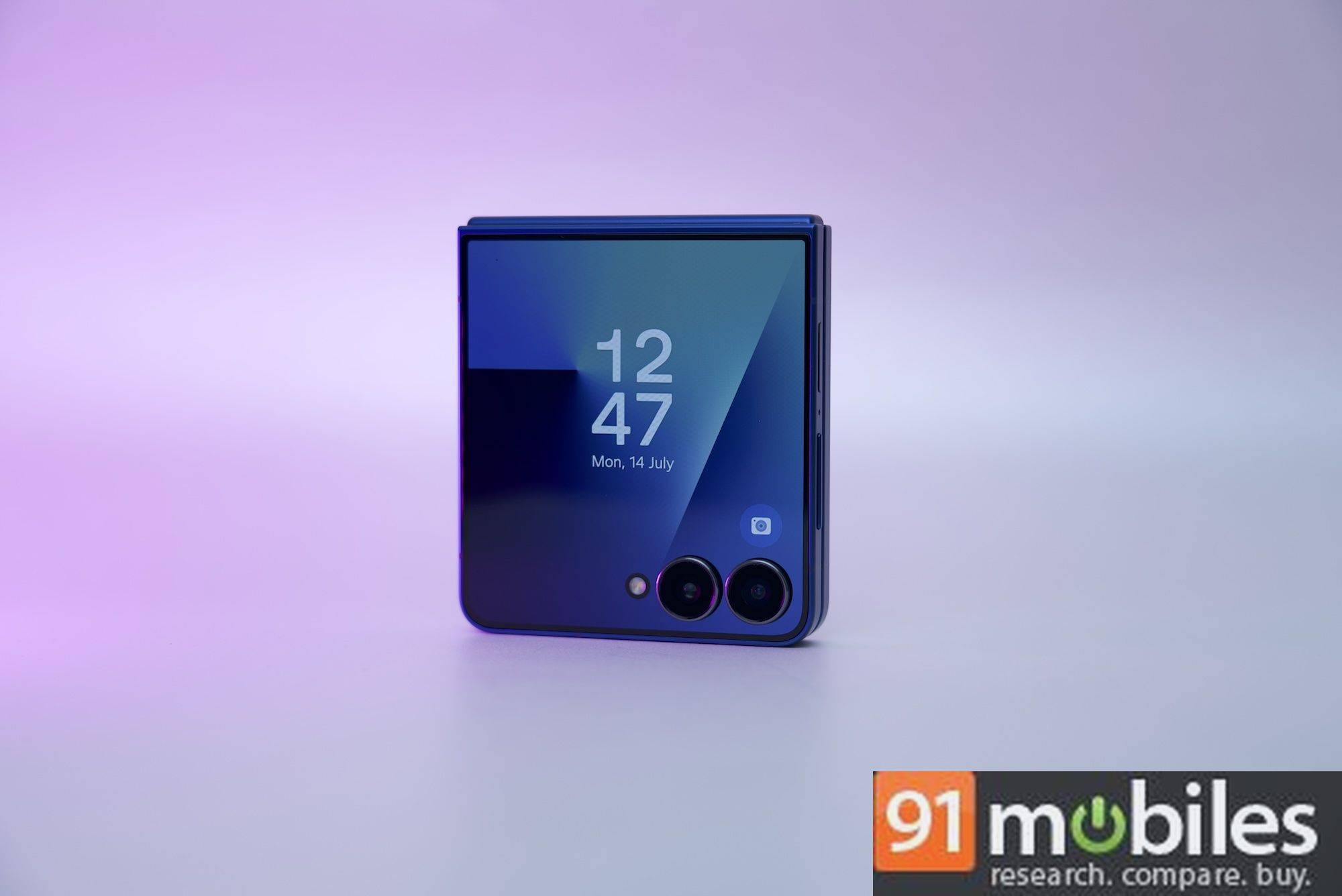
I spent a whole day trying to work only from the cover screen to see how far I could push it. Here’s how that went.
The good
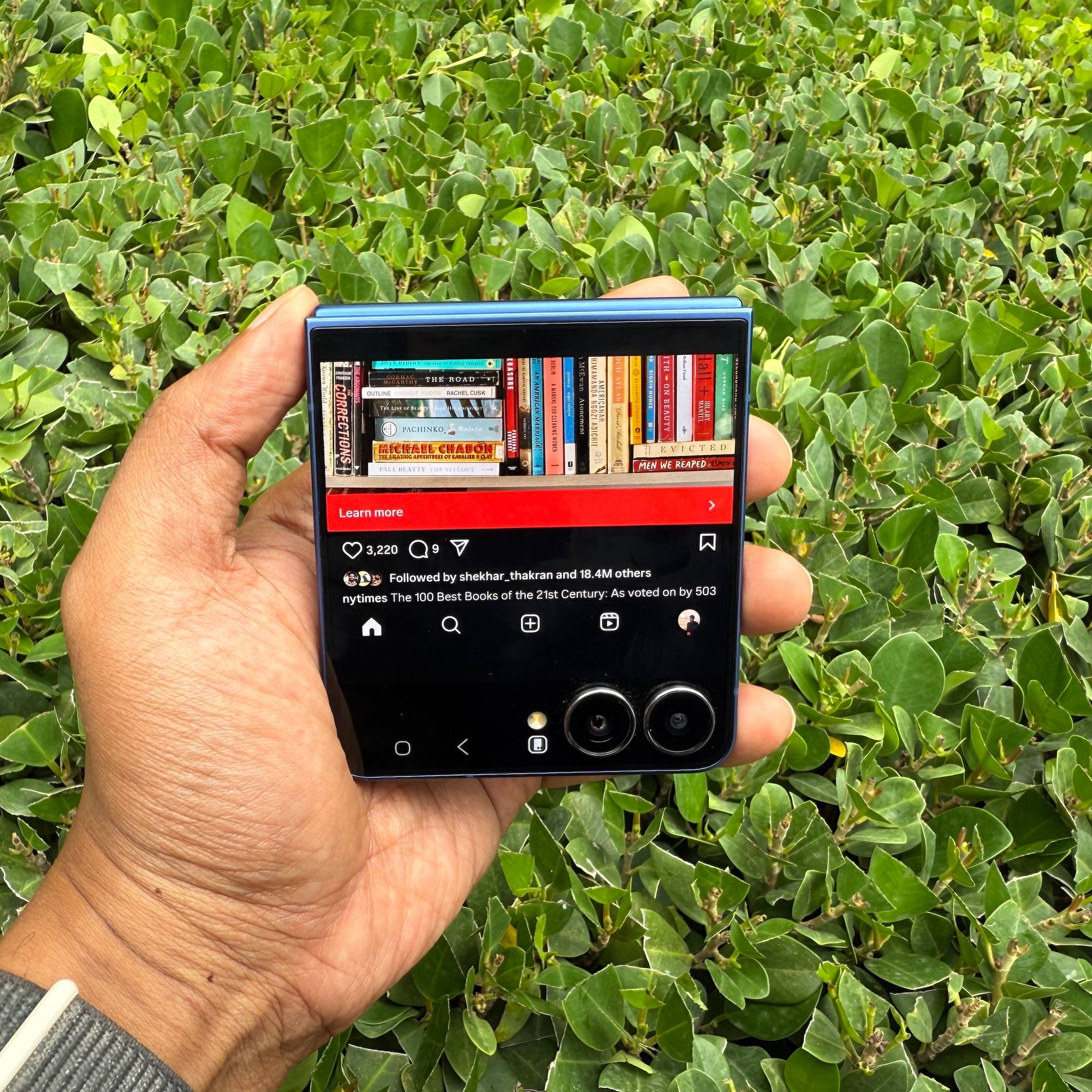
Forcing myself to use the cover screen instantly cut down my social media screen time. I found myself far less inclined to open Instagram or Twitter for a quick doomscroll. These apps run reasonably well here, but the smaller display makes extended use less appealing, and the need to unfold the phone to browse begins to feel tedious.
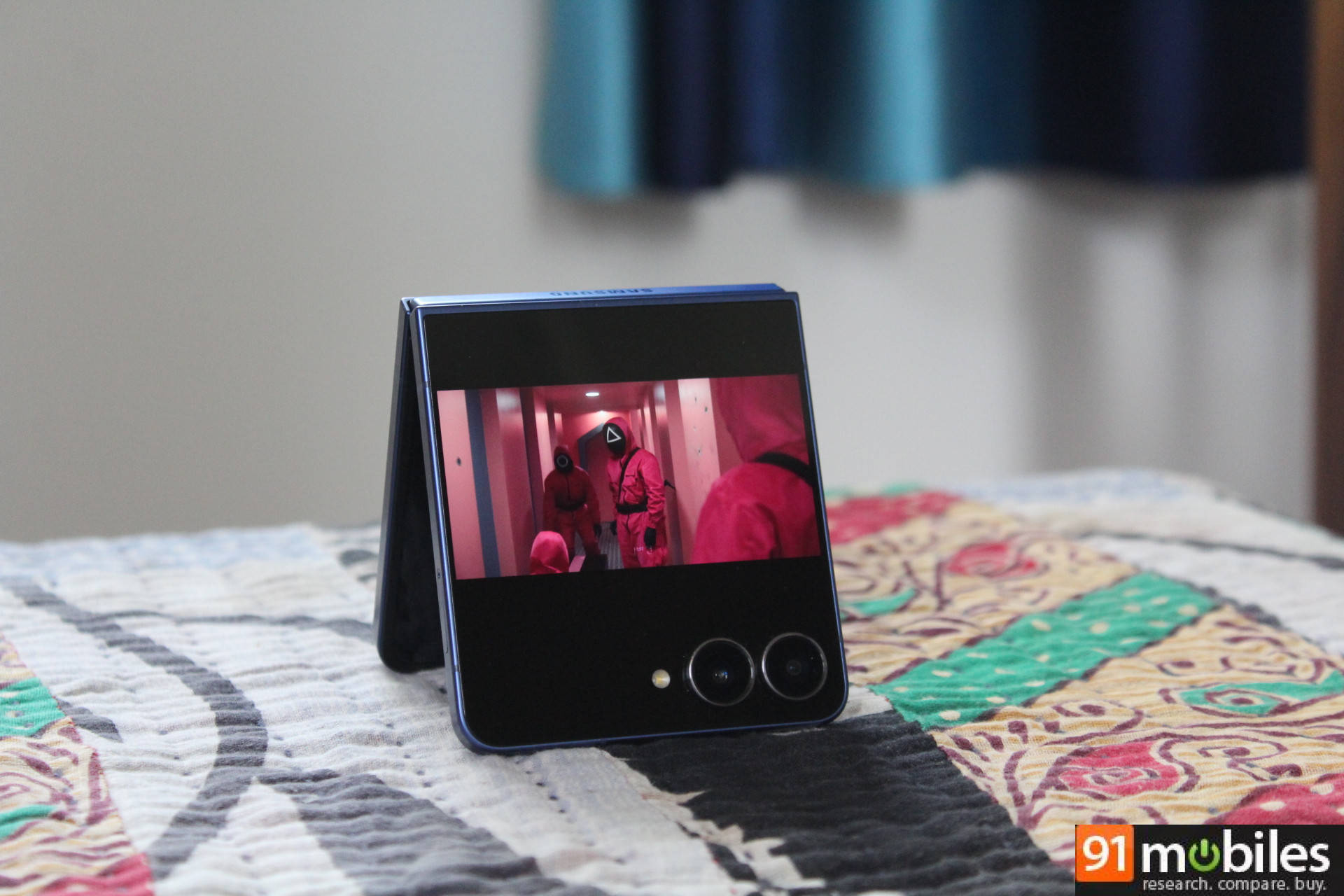
Apps like Google Maps, YouTube Music, Netflix, and Google Photos worked without prompting me to open the phone, which was great. I could even prop the Flip7 in tent mode and have Friends playing on Netflix in the background while cooking.
And while I’m not usually an AI app user, the compact, almost Rabbit R1-like feel of the Flip7 made launching Gemini on the cover screen surprisingly natural. Speaking to it in this smaller format felt more organic than on a full-sized phone.
The bad
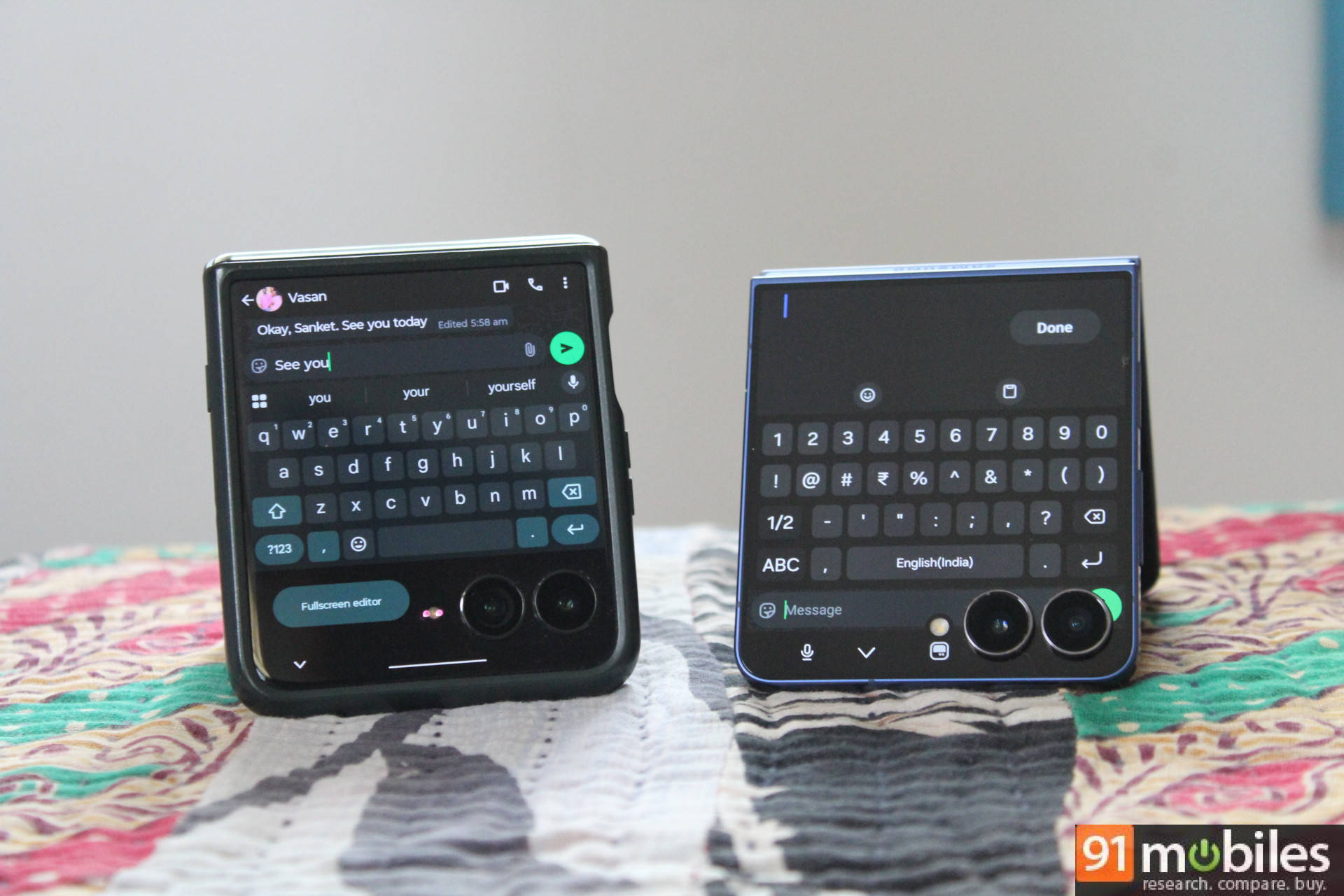
The larger display is nice for replying to texts, with a bigger keyboard that results in fewer typos. However, replying to texts on WhatsApp, for example, is still frustrating because Samsung’s default keyboard takes up the entire screen, hiding the last message you’re responding to. I like to see the previous message for context. On the Razr 60 Ultra, you can do exactly that, thanks to the more efficient Google Keyboard layout. I hope Samsung addresses this in a software update.
The ugly
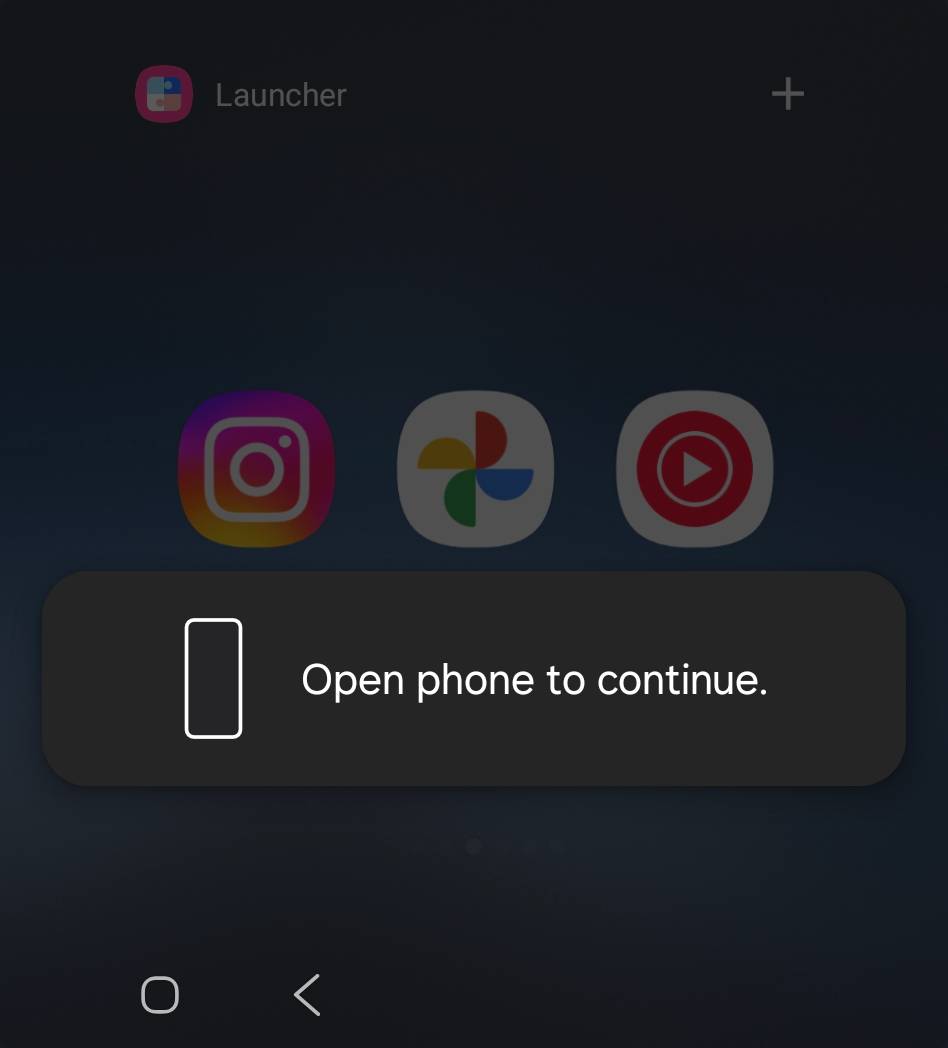
Even basic tasks like adding apps to the cover screen, customising the clock face, or editing widgets require you to “open phone to continue.” It’s a small but persistent annoyance. The Razr 60 Ultra handles this better, letting you add apps without unfolding the device.
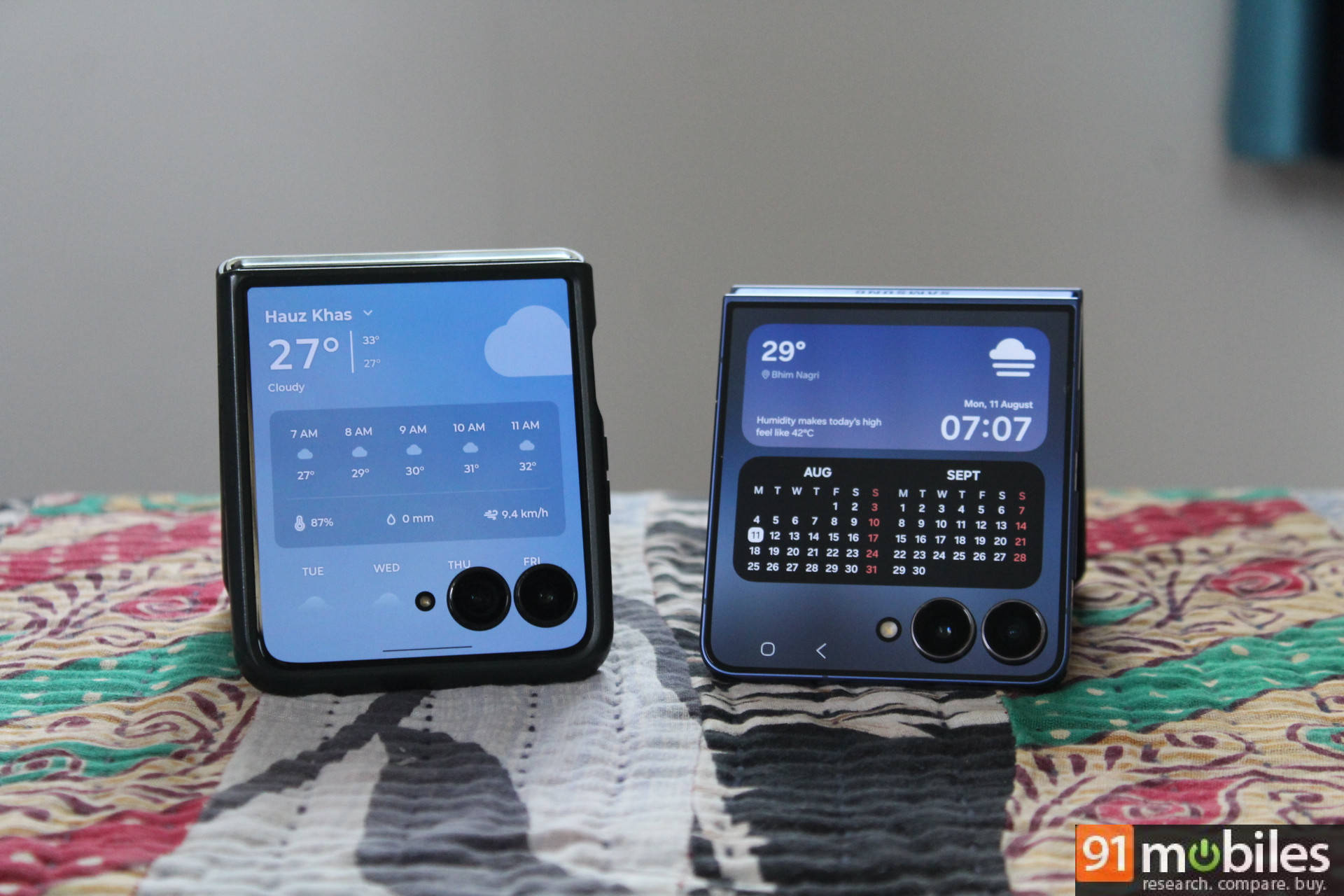
Certain widgets, like Weather and Calendar, also fail to take full advantage of the extra screen real estate. They appear in a small 4×2 grid and only expand to full size when tapped. Motorola’s implementation is better here, too, showing widgets as full cards by default.
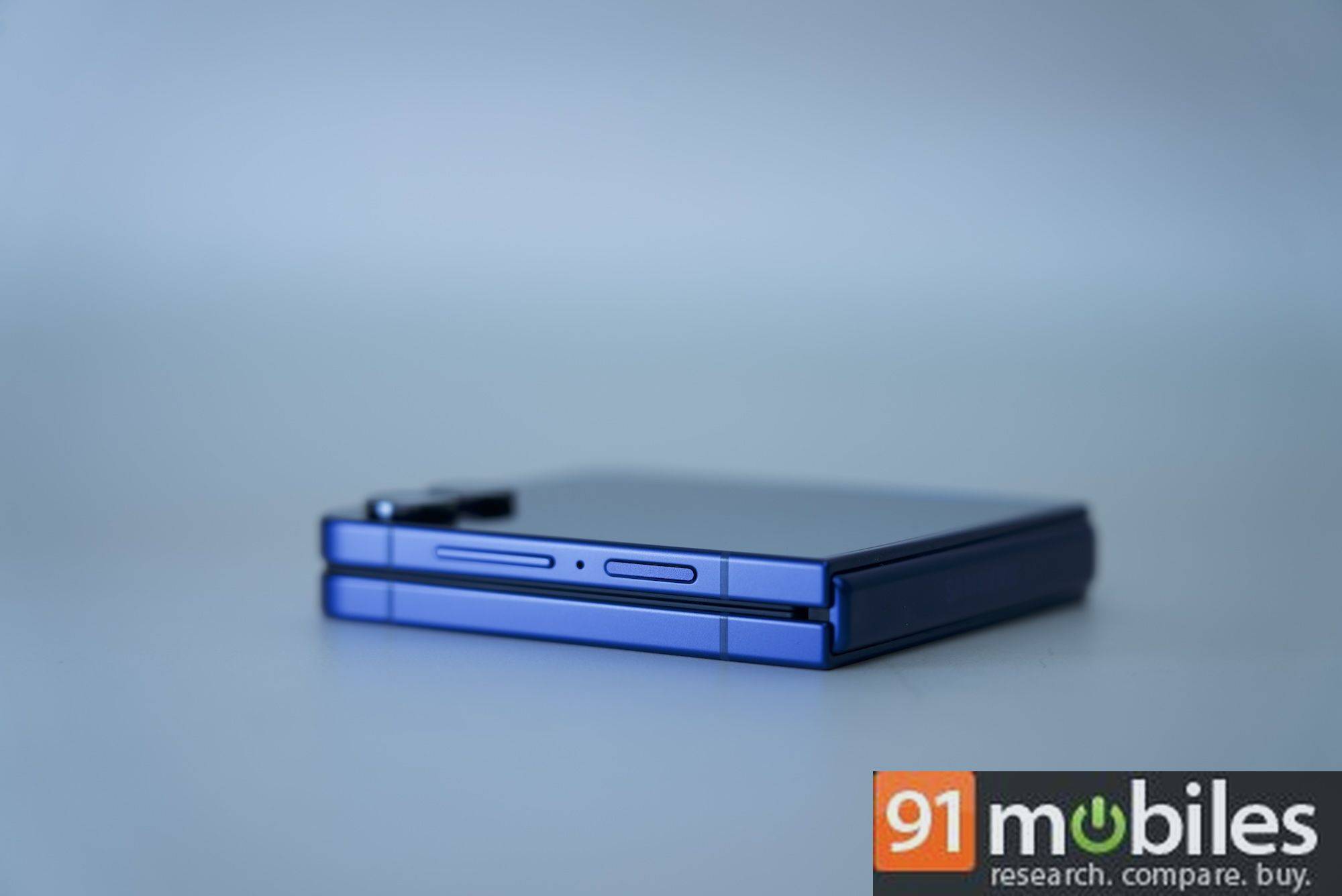
The larger cover screen is paired with a sleek, refined design. The Flip7 is slimmer than the Razr 60 Ultra in both folded and unfolded states. The matte back makes it a bit slippery to hold, and this is where I found the fabric-like texture on the Razr 60 Ultra’s Scarab variant more practical. Neither flip-style foldable is particularly suited for one-handed flipping, but the curved edges on the Razr 60 Ultra make it slightly easier to manage.
Flipping good performance… for seven years straight
The Exynos 2500 chipset powering the Galaxy Z Flip7 is capable, though likely underutilised in a flip-style phone. What I mean is, the Flip7 isn’t designed for heavy gaming or intensive photo editing, and you’re unlikely to push it to its performance limits. If you do, you’ll notice some performance throttling exists, likely to keep the phone’s temperature in check and to reduce battery drain.
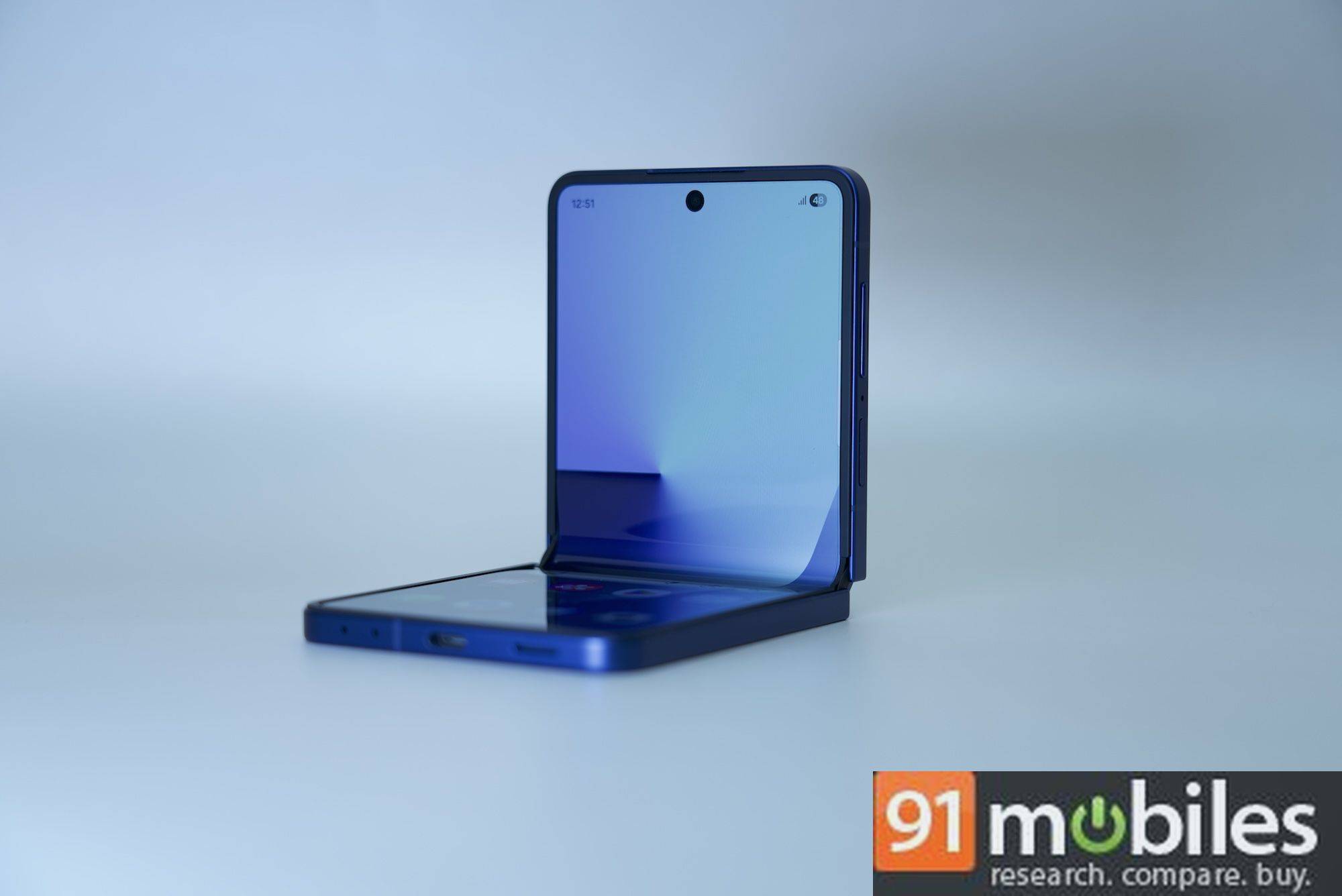
That’s a lot of folding and unfolding, and the Z Flip7 is built to handle it. It’s rated for over 200,000 folds, which should cover even the most flip-happy users over the years.
Flip-friendly photography
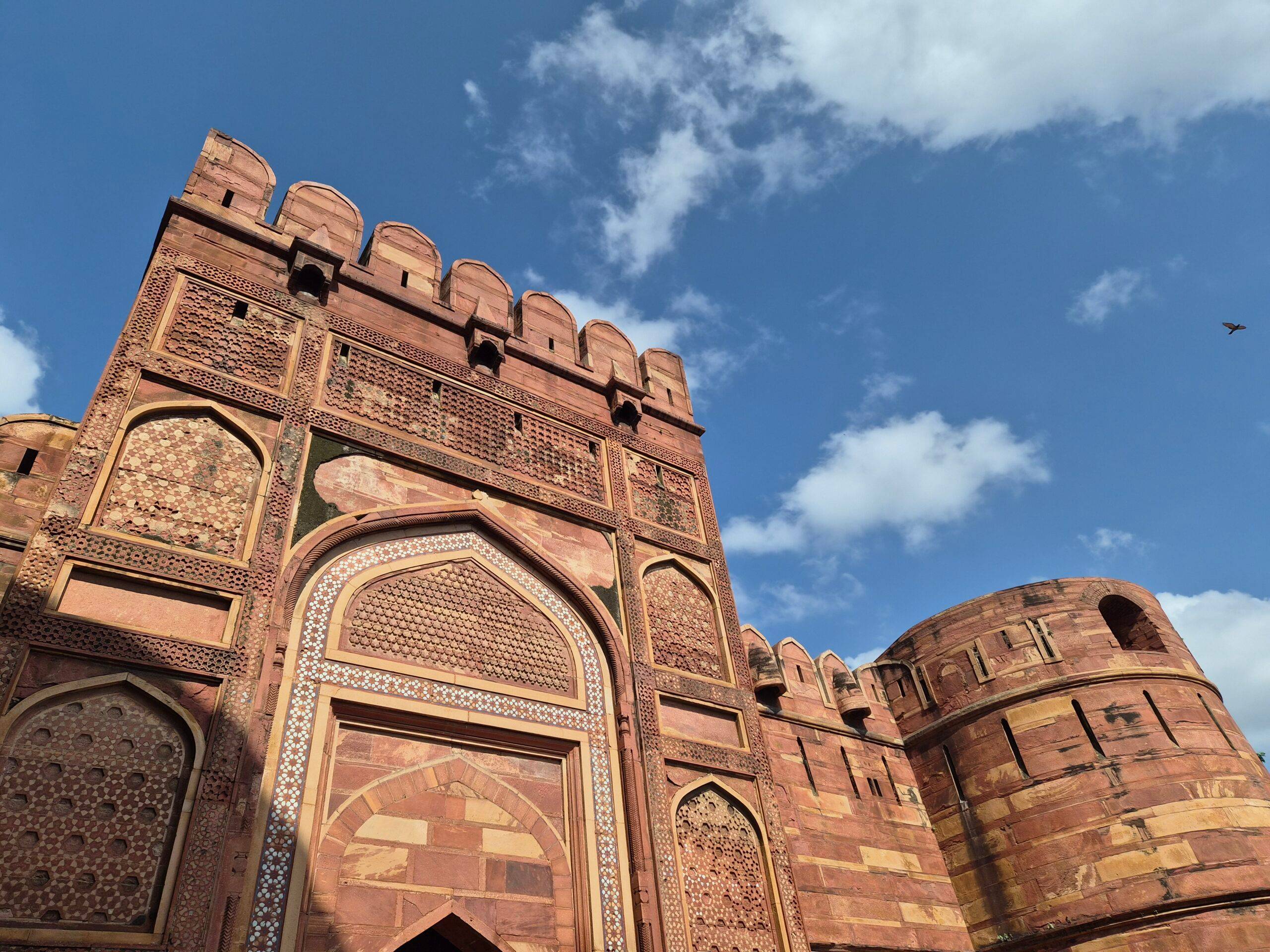
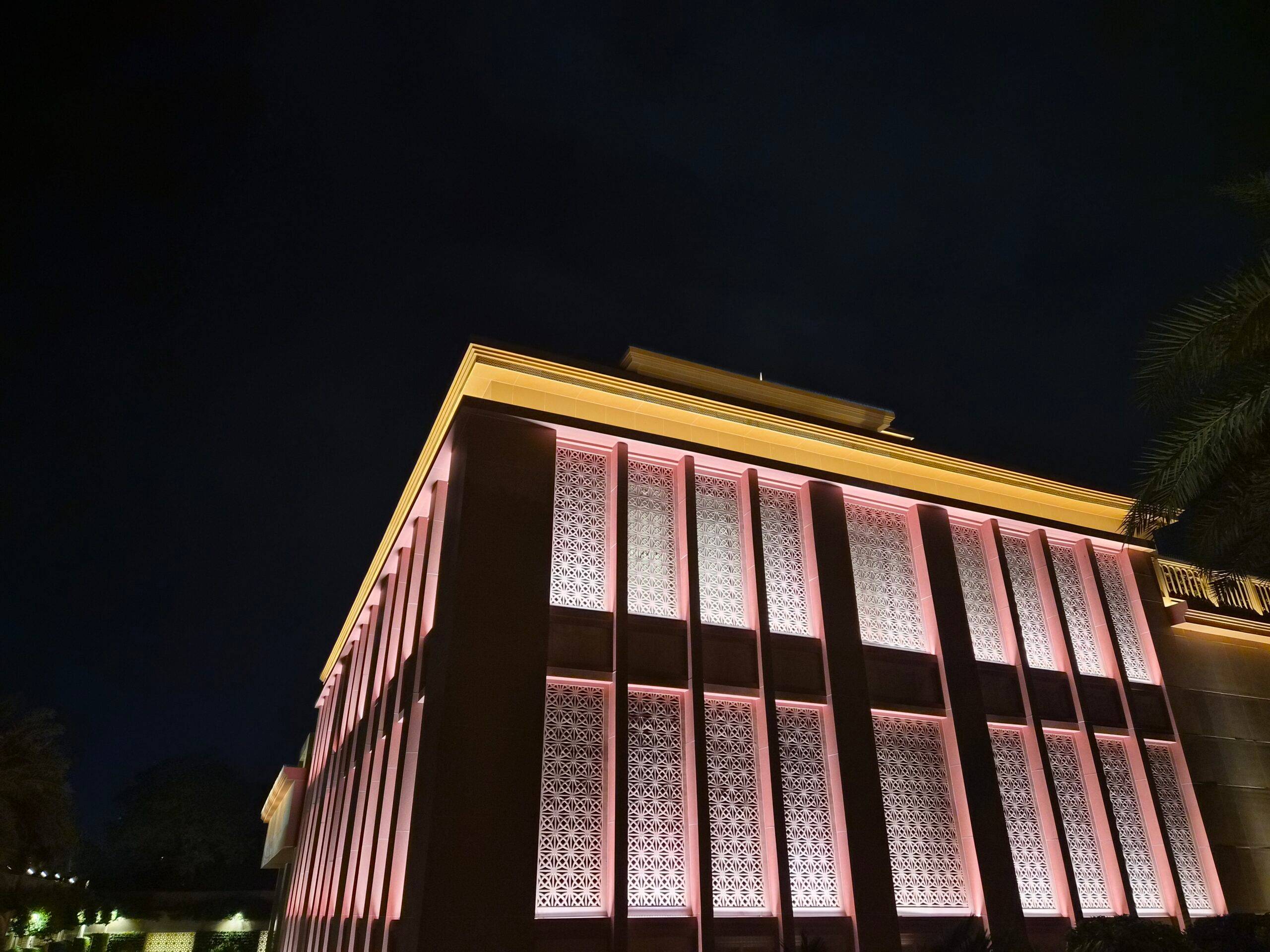
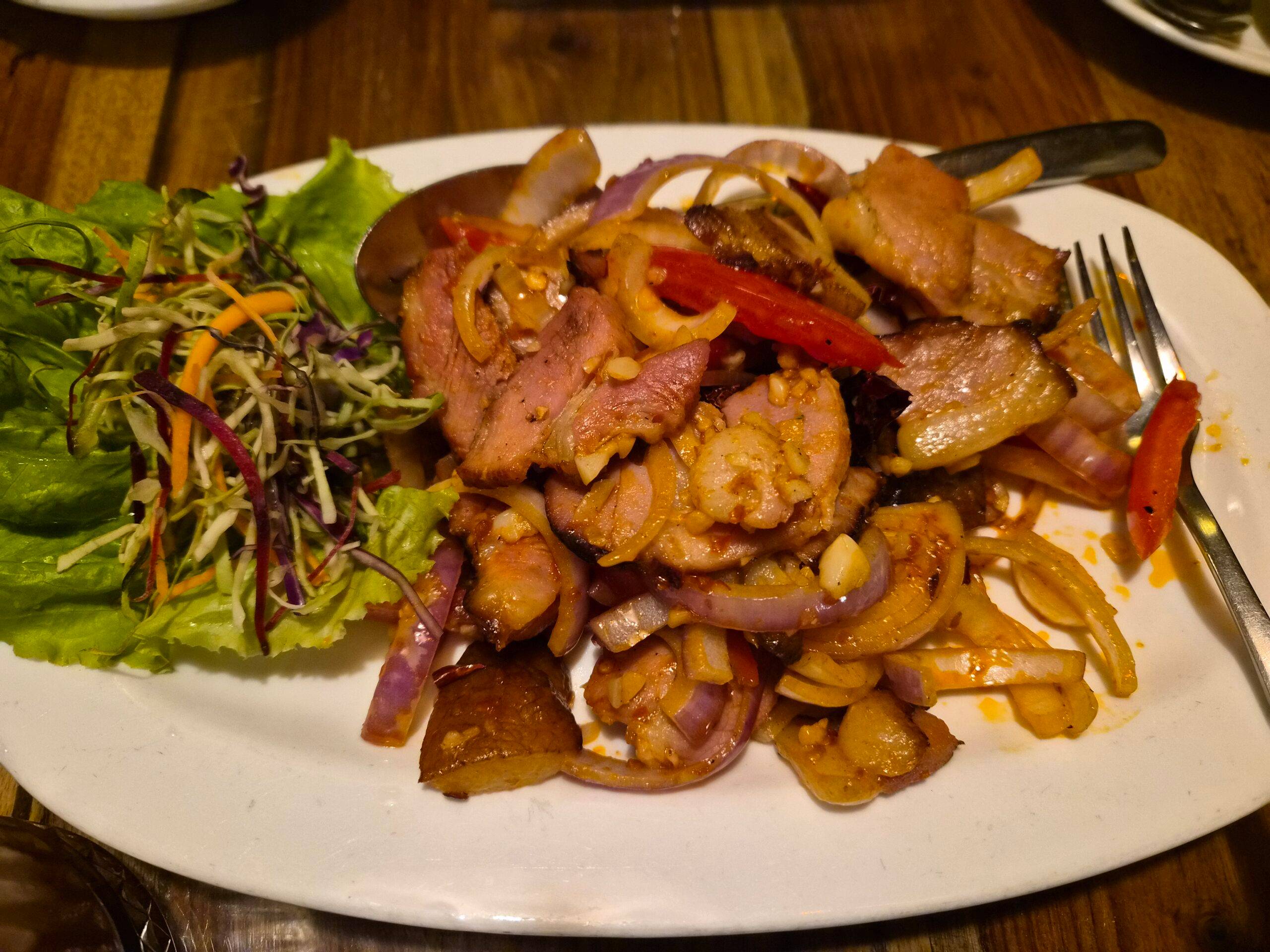
One of the big perks of a flip-style foldable is that you can use the main camera for selfies via the cover screen, making the weaker front-facing camera on the main display almost redundant. The 50MP ISOCELL GN3 primary camera delivers pleasing daylight shots with accurate colours and good detail. Zooming in to 2x still produces solid results, but beyond 4x, details drop off and images start to look average. The 12MP ultrawide lacks autofocus, so it works best for still subjects like buildings or landscapes rather than people.
When taking selfies, you get several modes to play with. The main camera captures sharp selfies with natural skin tones, and you can zoom to 2x, 4x, or even 10x if you want a tighter crop. The ultrawide is handy for group shots, and the larger cover screen makes it easier to check your angle and framing before hitting the shutter.







Very much a one-day battery phone
The Galaxy Z Flip7 packs a 4,300mAh battery, which is 300mAh more than its predecessor. It’s a decent upgrade, especially considering the larger Fold7 only gets a 4,400mAh cell. On paper, the Motorola Razr 60 Ultra takes the lead with a 4,700mAh battery, but real-world usage tells a more balanced story.
In day-to-day use, the Flip7 comfortably lasts a full day, but don’t expect it to stretch into two. You’ll likely need to charge it by evening or night, depending on how often you’re using the main display. The upside is that if the battery’s running low, you can squeeze out a bit more screen time by relying on the cover screen for basic tasks.
Verdict
The Galaxy Z Flip7 is the most polished clamshell Samsung has made yet. The larger, brighter cover screen is a meaningful upgrade, even if the software still feels a step behind. Performance is more than enough for daily use, battery life is good for a day, and the build feels refined. The cameras are reliable in most conditions, and being able to use the main camera for selfies gives it an edge over traditional slab phones.
It is not without flaws. Charging speeds remain slow, some cover screen functions are frustratingly locked behind extra steps, and performance throttling can appear under heavy loads. Even so, the Flip7 is sleek, lightweight, and easier to live with than ever before. If you want a foldable that prioritises style, portability, and a fun user experience, the Z Flip7 makes a compelling case.
Editor’s rating: 8/10
Pros:
- Bigger cover screen is sharp, responsive, and looks great
- Lightweight, sleek, and pocketable design
- Slightly better battery life than its predecessor
Cons:
- Cover screen functionality is still limited
- Slow charging speeds
- Throttles under heavy load
 | vs |  |
| vs |  |