Acer has steadily shaped its monitor lineup around the idea that screens should feel natural to use, no matter what task is at hand. From competitive gaming to creative work to everyday browsing, each category gets its own thoughtful set of features that make the viewing experience smoother and more comfortable. The focus stays on clarity, speed, and long-term usability, wrapped inside designs that blend well with modern desks and workspaces.
Whether someone is editing a video, competing online, or catching up on their favourite shows, Acer offers a display that supports those moments with ease. Across the range, you’ll also notice a consistent attention to comfort and practicality. It is a portfolio that tries to stay ahead of what people actually need from a screen, rather than adding features for the sake of it. But why do we say that? Well, let’s take a closer look at everything that Acer has to offer in the monitor world for its consumers.
Table of Contents
Breaking Down the Acer Monitor Range
1. For Gamers Who Want Every Frame to Count
Acer’s Predator and Nitro monitors are built for players who love fast action but hate blurry chaos. With refresh rates climbing up to 360Hz and response times dropping as low as 0.5ms, everything from quick flicks to wild camera turns feels sharp and controlled. Targets are easier to track, motion stays clean, and even the most frantic battles look surprisingly smooth.
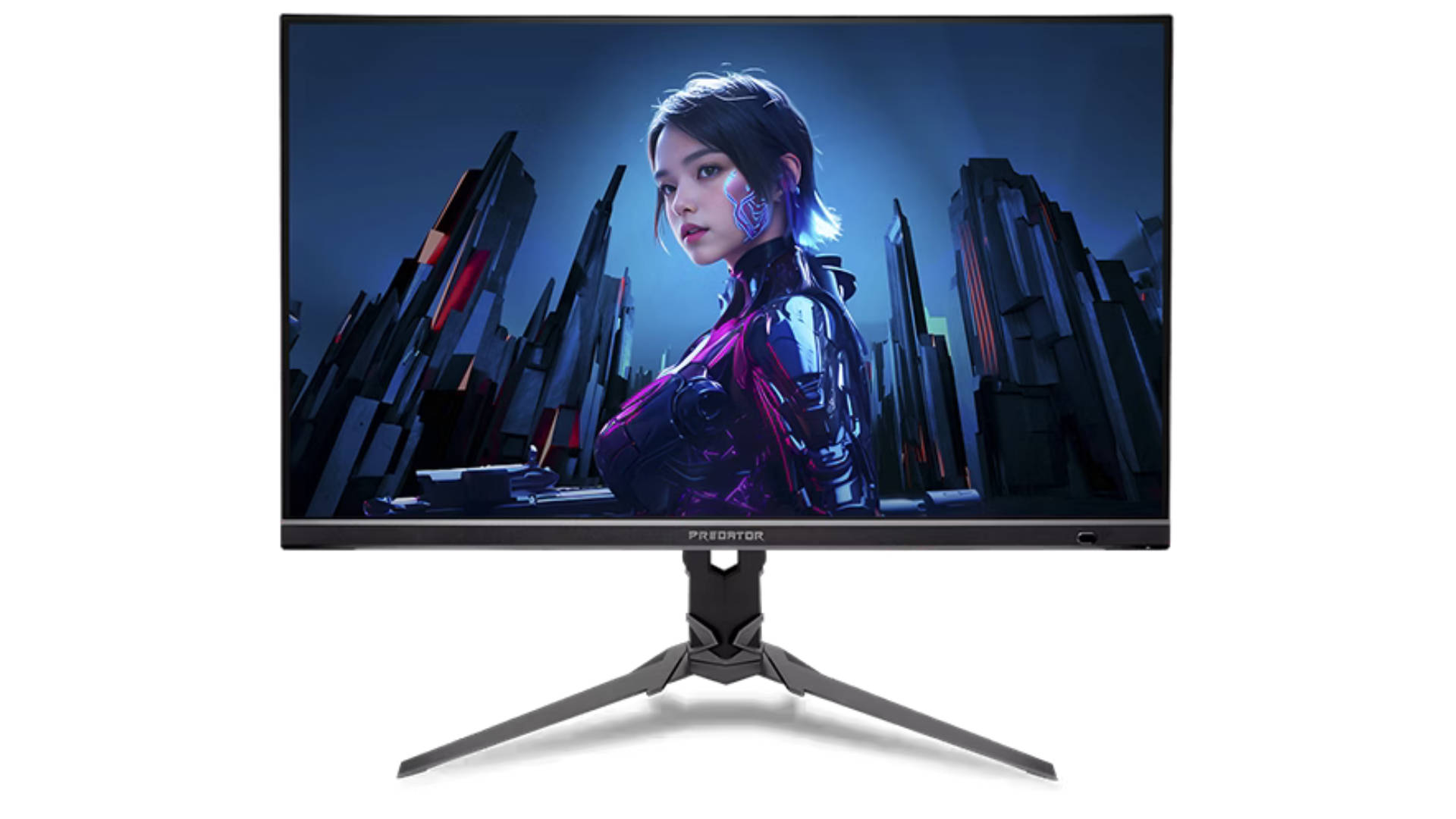
Additionally, features like NVIDIA G-SYNC and AMD FreeSync help the monitor and GPU stay in perfect rhythm, so scenes don’t tear apart mid-fight. And if someone enjoys that wraparound vibe, the curved options gently pull them into the game without feeling too dramatic.
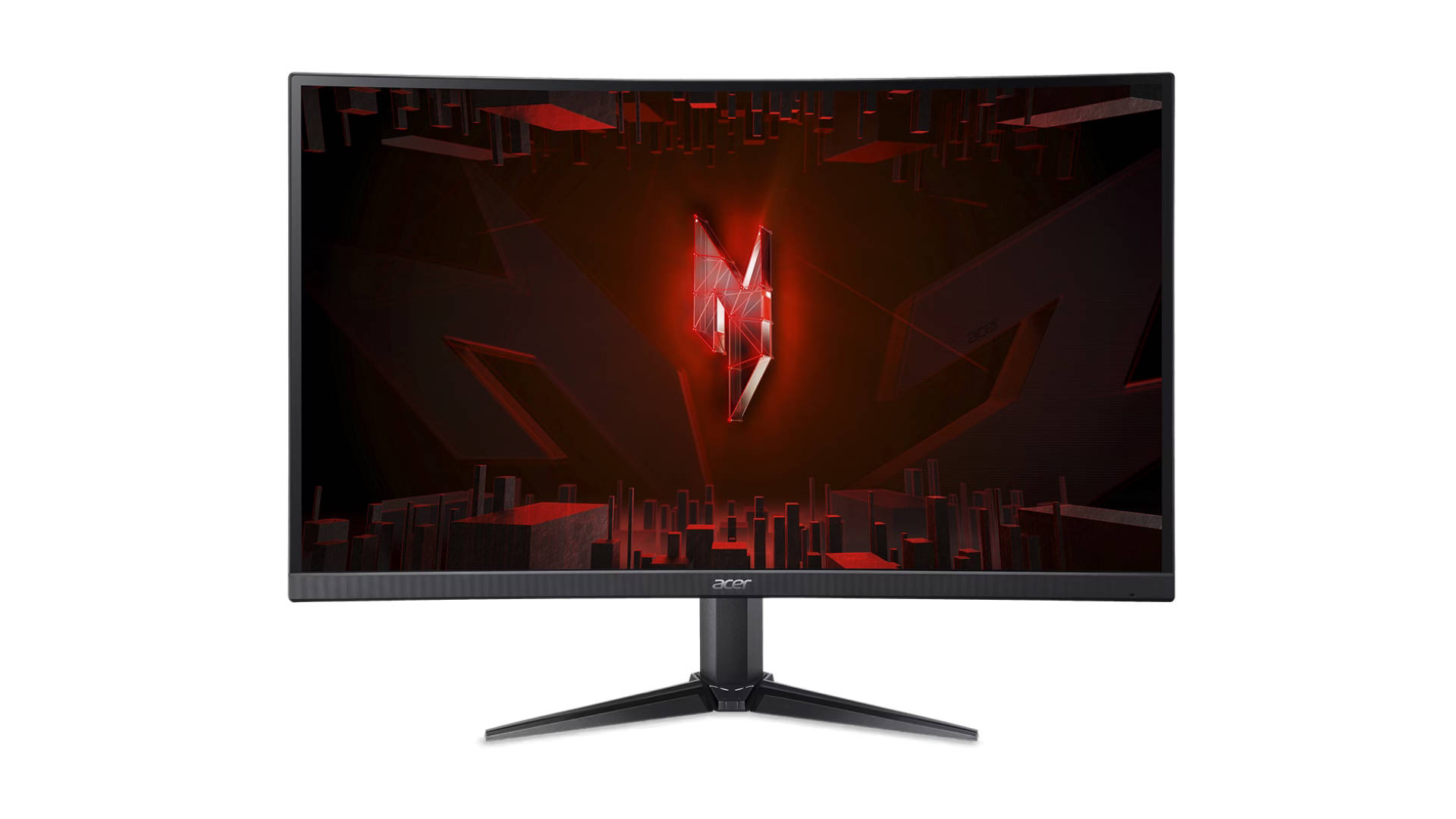
HDR support adds the final touch by making colours pop and shadows reveal hidden details. Explosions look punchier, bright scenes feel richer, and darker environments don’t turn into muddy blobs. It all comes together to create a gaming experience that feels lively and responsive, whether the player is grinding competitive matches or just unwinding with their favourite open-world adventure.
2. Productivity Screens: For Workflows That Need Clarity
Acer’s productivity and professional monitors are made for users who need their visuals to be sharp, accurate, and dependable without any fuss. With QHD and 4K UHD resolutions, there’s more room to spread out big spreadsheets, stack multiple tabs, or skim through long editing timelines without constant zooming.
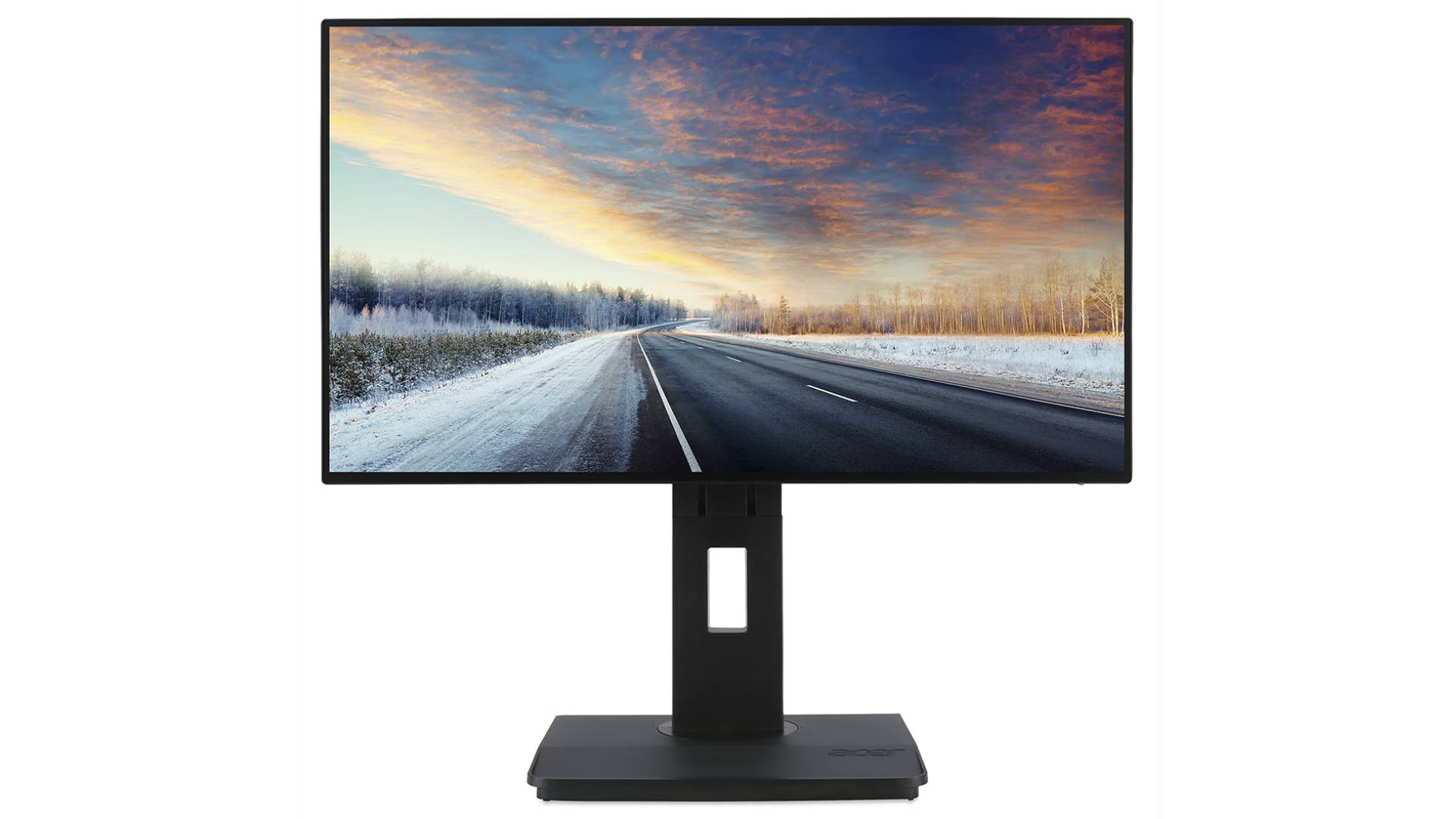
Furthermore, the IPS panels keep colours steady even when the screen is viewed from an angle, which comes in handy during quick team huddles or side-by-side comparisons. For creators, Delta E<2 colour accuracy is where things get interesting. Photos look true to life, videos hold their tone, and design work stays consistent across different devices.
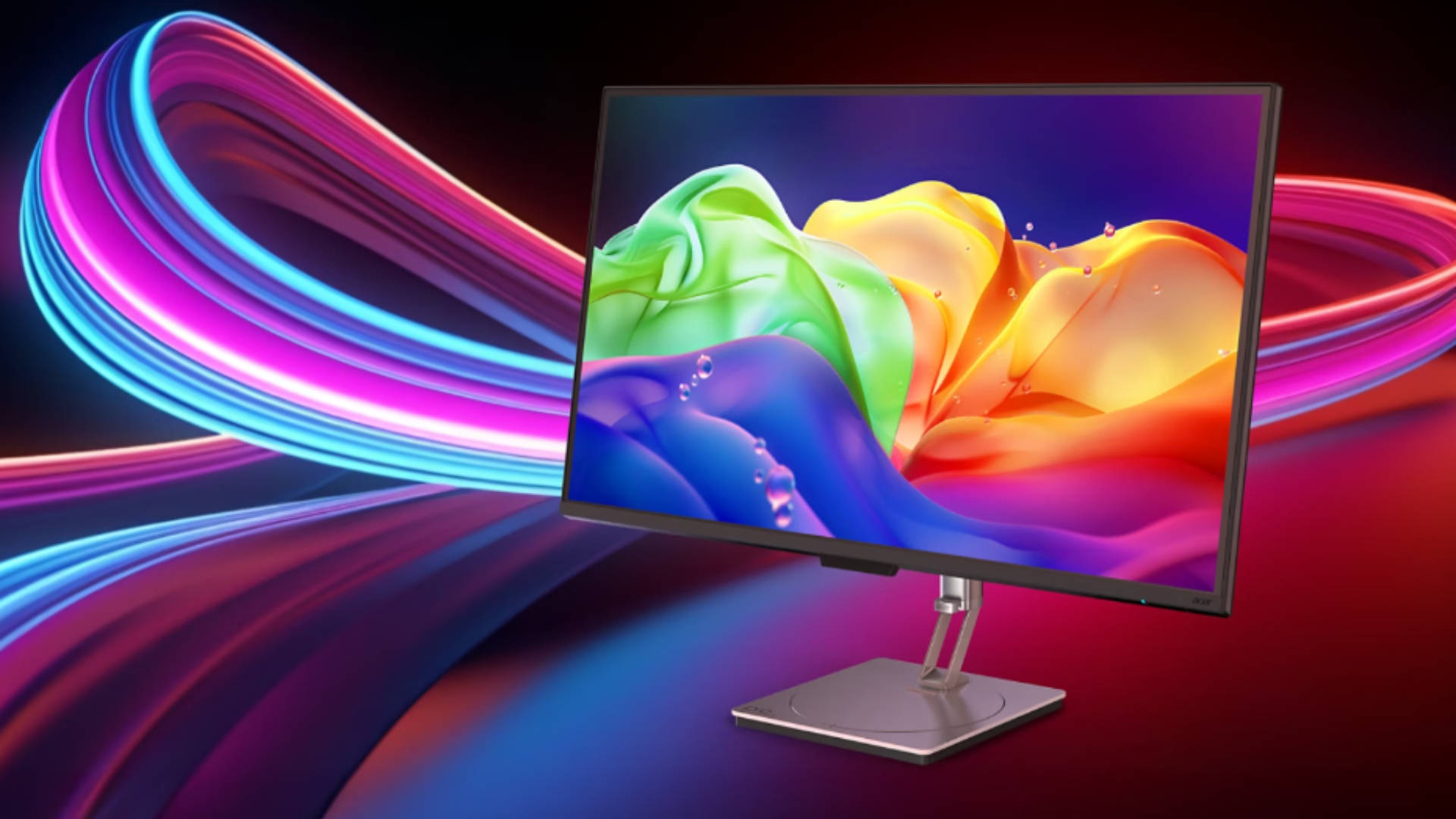
Pair that with Acer’s ZeroFrame design, and multi-monitor setups start to feel like one wide, uninterrupted workspace. Whether someone is reviewing creative assets, juggling presentations, or powering through code, everything flows more smoothly when the desk feels this clean and cohesive.
3. Home-Friendly Displays for Study, Stream, and Everything Between
Acer’s everyday monitors are built for, well, everyday life. They’re simple, friendly, and easy to slot into any setup, whether it’s a tiny study desk or a clean home office corner. The picture quality stays dependable for all the usual stuff like browsing, online classes, casual work, and movie nights. Nothing feels overcomplicated, and the slim design makes the whole desk look a little neater without trying too hard.
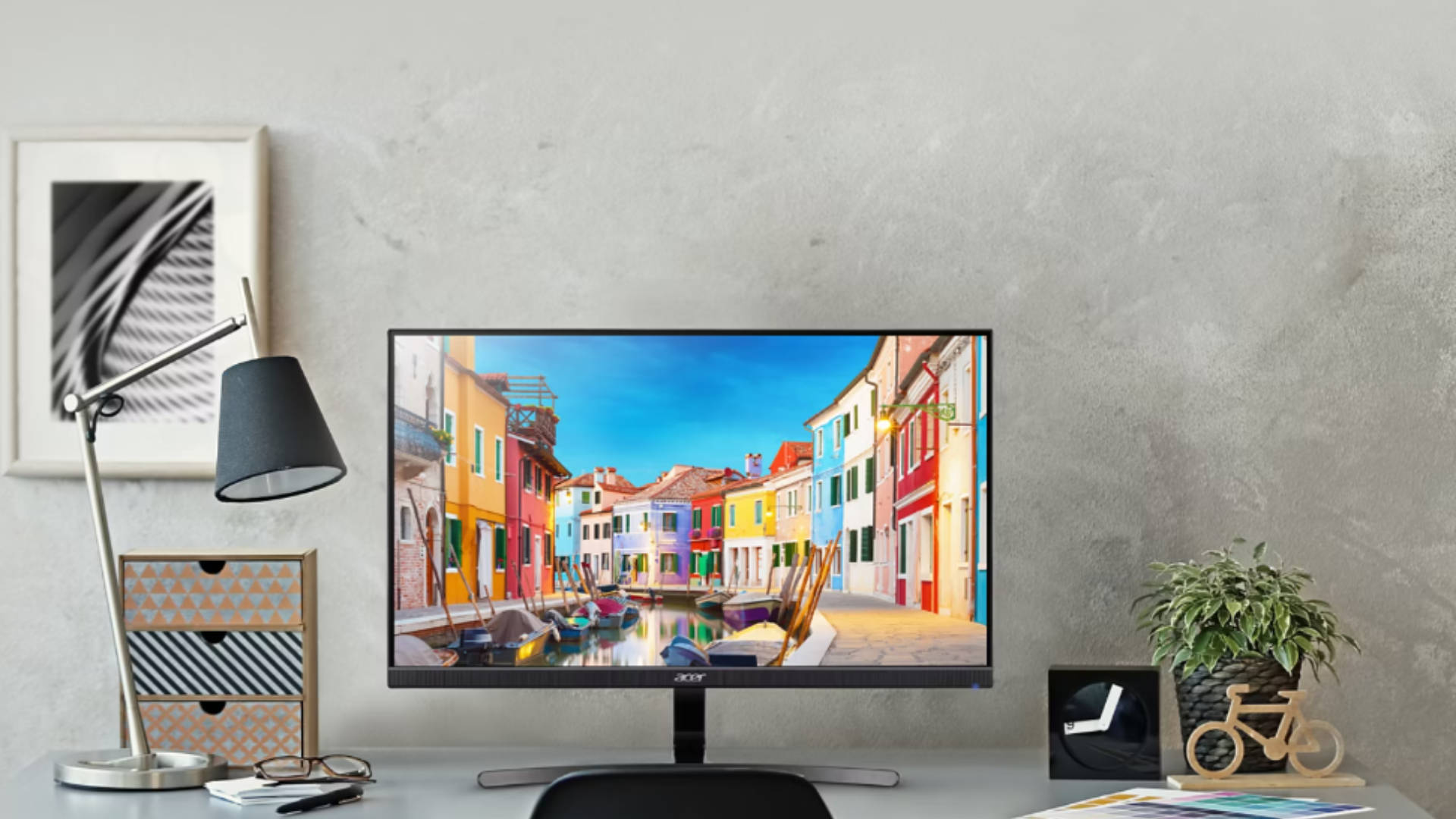
A big highlight here is comfort. BlueLightShield and Flicker-less tech help keep long sessions from turning into eye-strain marathons, which is great for students, work-from-home routines, or weekend streaming sprees. They also stay energy-efficient, so even with multiple devices running in the background, the power draw stays in check. Whether someone’s catching up on assignments or cruising through YouTube playlists, these monitors deliver a smooth, easygoing experience that fits right into daily routines.
4. Speciality Monitors for Unique Workflows
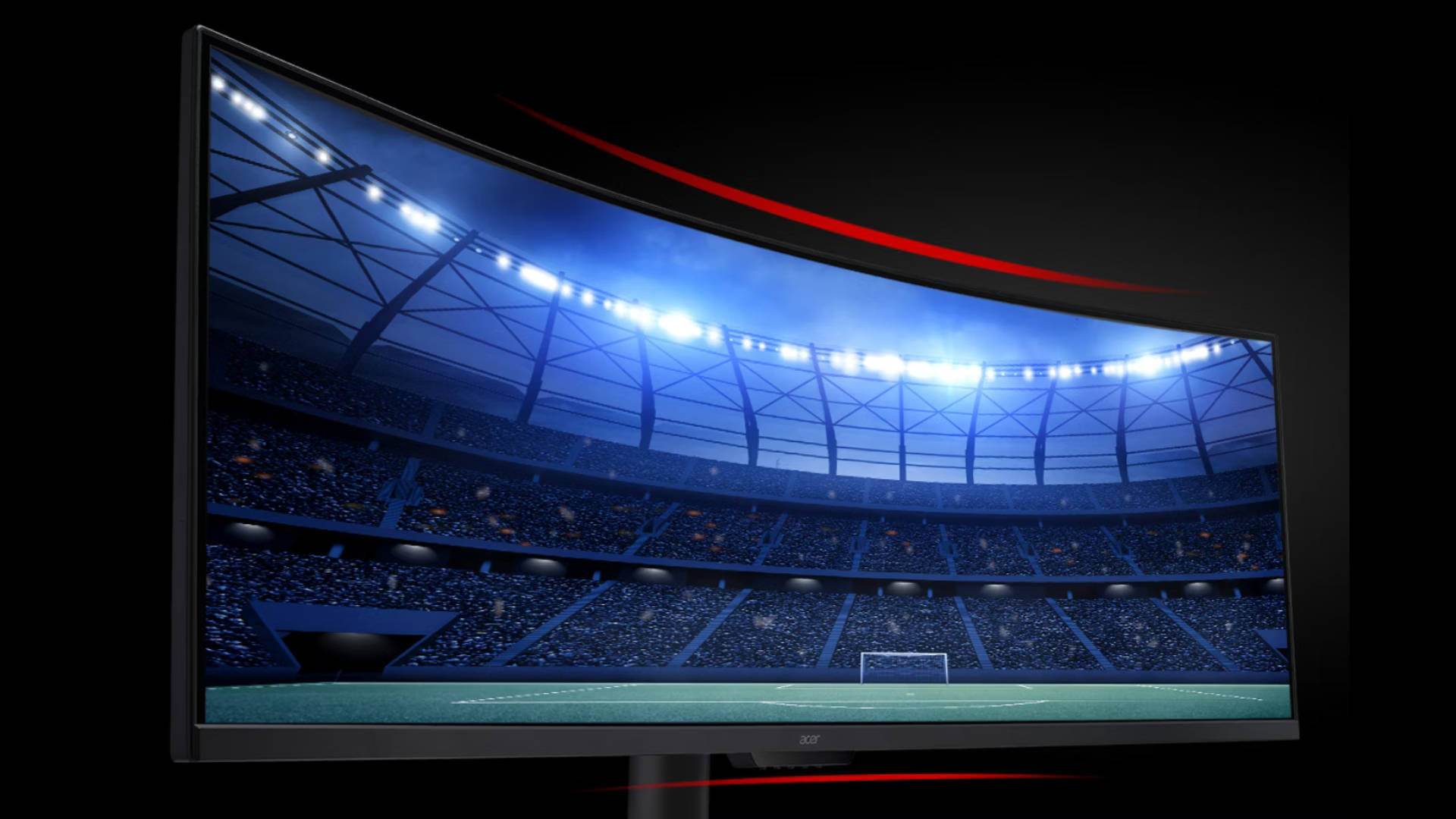
Acer’s speciality monitors are built for users who need a little more than the usual screen real estate. For instance, their Ultrawide models give that extra stretch of horizontal space, making it easy to keep multiple windows open, view long editing timelines, or monitor dashboards without constant tab-hopping. It feels a bit like having two monitors merged into one smooth, uninterrupted canvas, which can be a huge productivity boost for creators and multitaskers who thrive on an organised digital workspace.
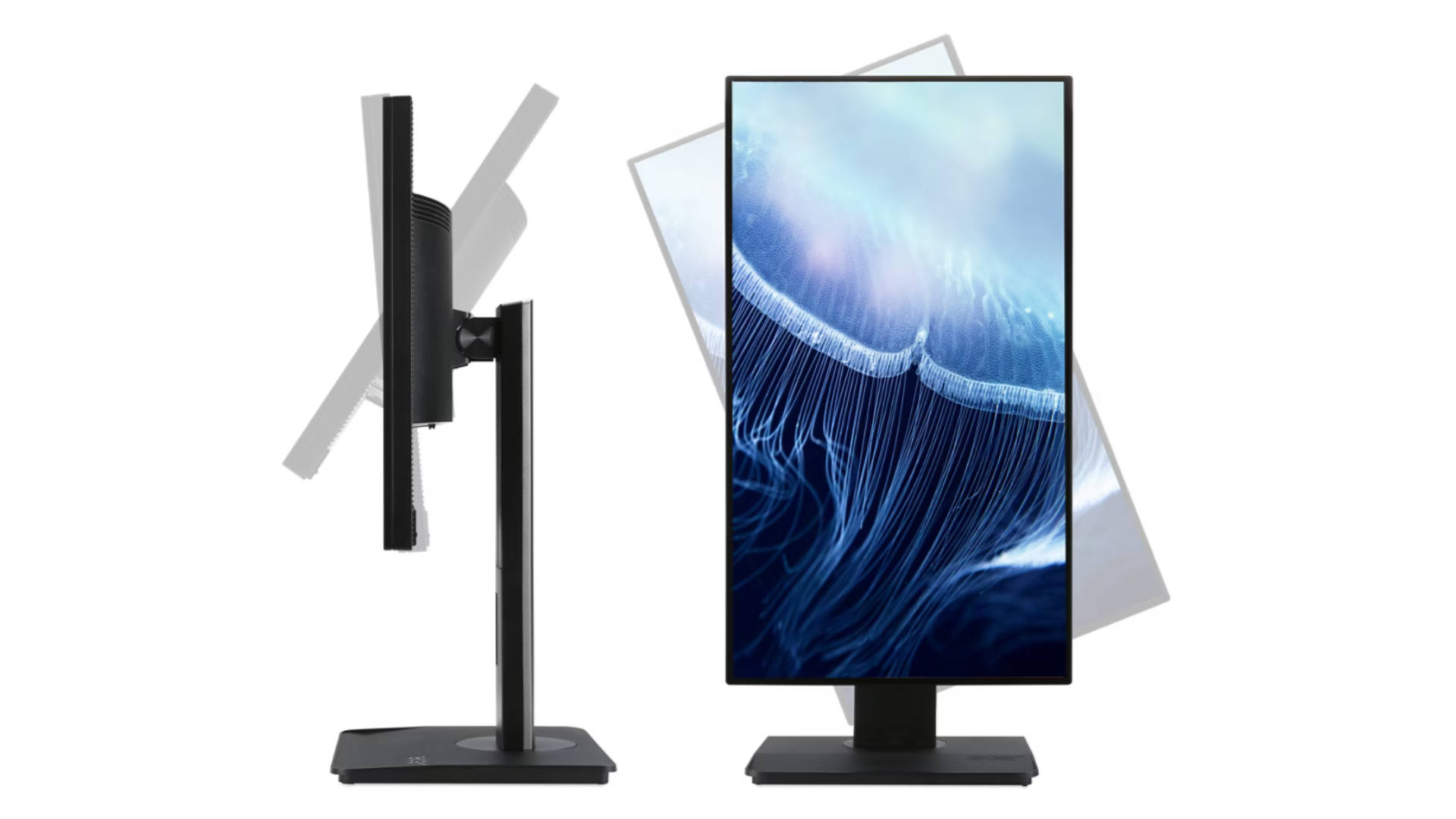
Similarly, touch-enabled options bring a more hands-on approach to daily tasks. Tapping, dragging, sketching, or navigating directly on the display makes certain workflows feel faster and more intuitive, whether it’s in a classroom, studio, or retail setup. Add adjustable stands like Acer’s ErgoStand, and the whole experience becomes even more comfortable. Height, tilt, and rotation adjustments help users settle into a posture that feels right, and certain models built for 24/7 operation hold up well in control rooms or signage environments where reliability is non-negotiable.
More Ways Acer Makes Your Screen Time Smoother
Acer also sprinkles in a bunch of smart technologies that quietly make everyday screen time feel smoother. The Acer VisionCare suite is basically the monitor equivalent of a wellness coach, keeping flicker in check, dialling down harsh blue light, and stabilising brightness so long workdays or late-night gaming don’t turn into eye-strain battles. It’s the kind of comfort upgrade users don’t always notice right away, but definitely appreciate when they’ve been staring at the screen for hours.

Visuals get an extra boost too, thanks to HDR10 and DisplayHDR support that bring richer contrast and more vibrant scenes to movies, games, and creative projects. Acer ColorPlus keeps shades accurate across apps, which is great for anyone who bounces between editing, browsing, and binge-watching. ZeroFrame designs make multi-monitor setups look clean and open, instead of cluttered with chunky bezels. Pair that with flexible stand options like the ErgoStand, and finding the perfect viewing angle becomes a quick, almost addictive little adjustment.
With Acer’s reputation for reliability and a lineup that covers every budget and workflow, the whole ecosystem ends up feeling polished, practical, and surprisingly fun to build around.
Why Acer’s Monitor Lineup Makes Sense for Everyone
Acer’s monitor lineup ultimately stands out because it covers just about every kind of user out there. Gamers get their speed and responsiveness, professionals get their clarity and accuracy, and everyday users get dependable screens that fit right into their routines. It’s a wide ecosystem that feels thoughtfully built rather than thrown together, which makes choosing the right monitor a whole lot easier.
Backed by globally recognised quality standards, Acer has built a reputation for delivering performance users can rely on day after day. The pricing stays competitive across the board, which means buyers aren’t paying a premium just to access premium features. And with continuous innovation flowing through the Predator gaming lineup, creator-focused displays, and enterprise solutions, Acer keeps pushing its monitors forward in ways that genuinely matter.
This is a promotional post done as part of a brand collaboration.