AI Laptop Buying Guide: How to Choose the Right AI PC for Your Needs


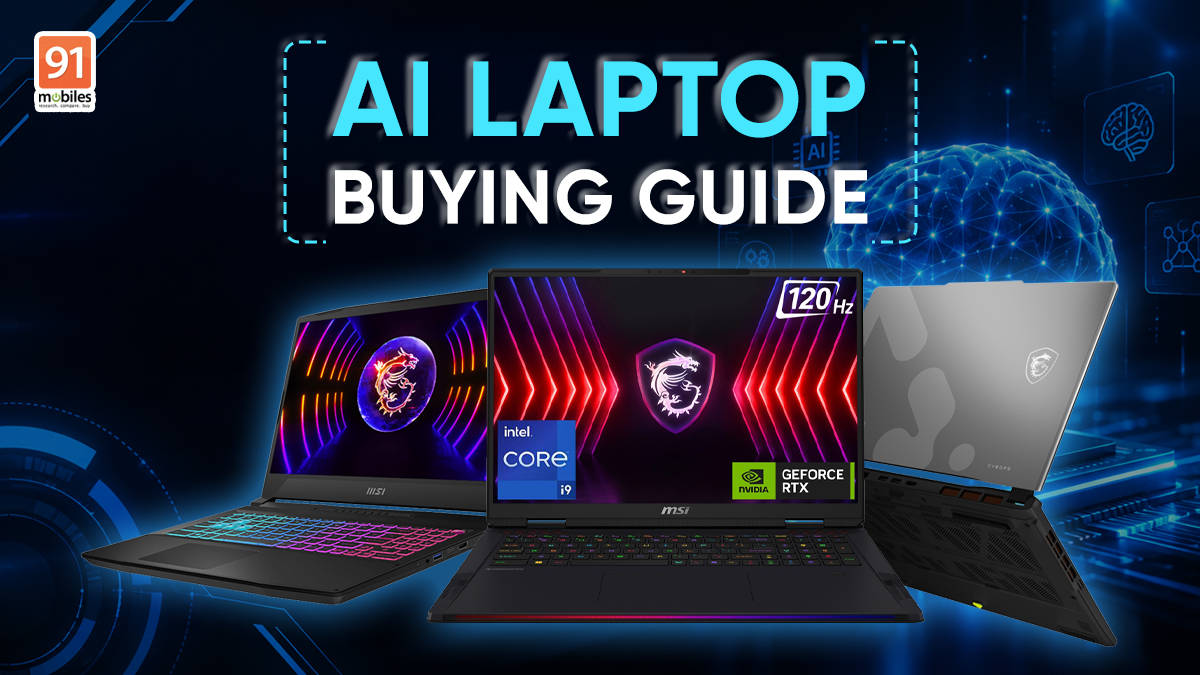
AI is quickly becoming part of everyday computing, from removing background noise during a video call to generating images, editing videos, improving game graphics, and helping with repetitive tasks. The important thing when buying an AI laptop, however, is not simply looking for an “AI PC” label. The processor, GPU, dedicated AI hardware, VRAM, memory, storage, display, and even GPU power limit can all determine what the laptop can actually do. MSI’s lineup offers three different approaches, from a no-compromise machine designed for demanding local AI workloads to more accessible laptops that bring AI-accelerated gaming, creation, and productivity to everyday users.
One specification that deserves particular attention when choosing a performance-focused AI laptop is GPU TGP, or Total Graphics Power. The same GPU model can deliver different levels of performance depending on how much power the laptop allows it to use, which makes TGP an important consideration alongside the GPU name and VRAM capacity. MSI’s gaming lineup puts a strong emphasis on high-power GPU configurations, allowing supported graphics hardware to operate closer to its performance potential. This becomes particularly important for AI workloads, gaming, rendering, and other sustained GPU-intensive tasks, where raw GPU capability matters only when the laptop’s power and cooling systems can support it.
What actually makes a laptop good for AI?
Before picking a model, it is worth understanding what the different pieces of hardware actually contribute. AI workloads are not handled by one component alone.
Hardware | What it does for AI | Why it matters |
CPU | Handles general-purpose AI tasks and system workloads | Important for multitasking and applications that rely on CPU compute |
NPU | Runs supported AI workloads efficiently | Useful for local AI features while keeping power consumption lower |
GPU | Handles demanding parallel AI workloads | Crucial for generative AI, creative applications, and AI-enhanced gaming |
VRAM | Stores AI models and graphics data | More VRAM allows larger and more demanding workloads to run locally |
RAM | Keeps applications and data readily available | Important when running multiple AI and creative applications together |
SSD | Stores applications, models, and project files | Faster storage helps with loading large files and AI models |
This is also why a laptop with a powerful discrete GPU can remain useful even when an application does not specifically advertise itself as an “AI application”. NVIDIA RTX GPUs, for example, include dedicated Tensor Cores that can accelerate supported AI workloads. In gaming, technologies such as DLSS use AI for image reconstruction and frame generation; in creative applications, AI can be used for tasks such as image manipulation, noise reduction, effects, and video processing.
TGP is particularly relevant here because two laptops carrying the same GPU name can still deliver different performance. A higher TGP gives the GPU access to more power, provided the laptop’s cooling system can sustain it. For buyers comparing gaming or AI laptops, it is therefore worth looking beyond “RTX 5060” or “RTX 5090” and checking the GPU’s power configuration as well.
The result is a more useful way of looking at an AI laptop: the best machine is not necessarily the one with the biggest AI specification, but the one whose combination of CPU, GPU, TGP, VRAM, memory, and software support matches the workload.
The Ultimate Local AI Workstation: MSI Raider 18HX
For users who want to run demanding AI workloads locally, the MSI Raider 18HX provides the most substantial hardware platform of the three. It combines Intel’s high-end Core Ultra 9 290HX Plus processor with NVIDIA’s flagship mobile graphics options, including the GeForce RTX 5090 Laptop GPU with 24GB of GDDR7 memory.


That VRAM capacity is particularly relevant for local AI. Large AI models and generative applications can quickly consume available graphics memory, and having 24GB gives supported workloads considerably more room to operate without constantly moving data between system memory and VRAM.
The GPU’s power configuration is equally important. The Raider 18HX can deliver up to 175W of graphics power with Dynamic Boost on RTX 5090 and RTX 5080 configurations, giving the GPU considerably more room to sustain performance during demanding workloads.
A real-world local AI scenario
Consider a creator working on a product video. Instead of uploading every asset to a cloud service, the creator could use compatible local AI tools to remove unwanted elements from an image, generate or modify visual assets, upscale footage, or accelerate supported video effects directly on the laptop.
The advantage of having powerful local hardware is not simply avoiding an internet connection. It can also mean keeping files locally and having more immediate control over the workflow. For developers, the same principle applies when experimenting with supported local AI models: more GPU compute and VRAM can provide additional headroom for larger models and more demanding workloads.
The RTX 5090’s 24GB GDDR7 memory is therefore more than a gaming specification. It can become an important resource for AI-assisted creative applications and local model experimentation.
Key AI and performance hardware:
– Intel Core Ultra 9 290HX Plus
– Up to NVIDIA GeForce RTX 5090 Laptop GPU
– Up to 24GB GDDR7 VRAM
– Up to 175W GPU power with Dynamic Boost on RTX 5090/5080 configurations
– 32GB DDR5 memory
– 2TB PCIe Gen5 SSD
– Dedicated AI acceleration through the Core Ultra platform and RTX Tensor Cores
The rest of the machine is built around that performance. Its 18-inch UHD+ 3840 x 2400 MiniLED display runs at 120Hz and covers 100% of the DCI-P3 colour gamut, making it particularly useful for reviewing high-resolution AI-generated imagery, video, and other visual content.
For users running several demanding applications together, 32GB of DDR5 memory and a 2TB Gen5 SSD provide the headroom needed to keep large projects and applications readily accessible. Killer Wi-Fi 7 and a 99.99Wh battery round out what is essentially a portable workstation for users who prioritise maximum performance.
Best suited for:
– Local AI experimentation
– Generative AI and creative workflows
– Professional video and image production
– 3D rendering
– AI-assisted development
– High-end gaming and streaming
The Mobile AI Creator: MSI Cyborg 15 Max
The MSI Cyborg 15 Max takes a different approach. Instead of maximising every possible performance metric, it brings dedicated RTX AI acceleration into a more manageable 15.6-inch laptop.

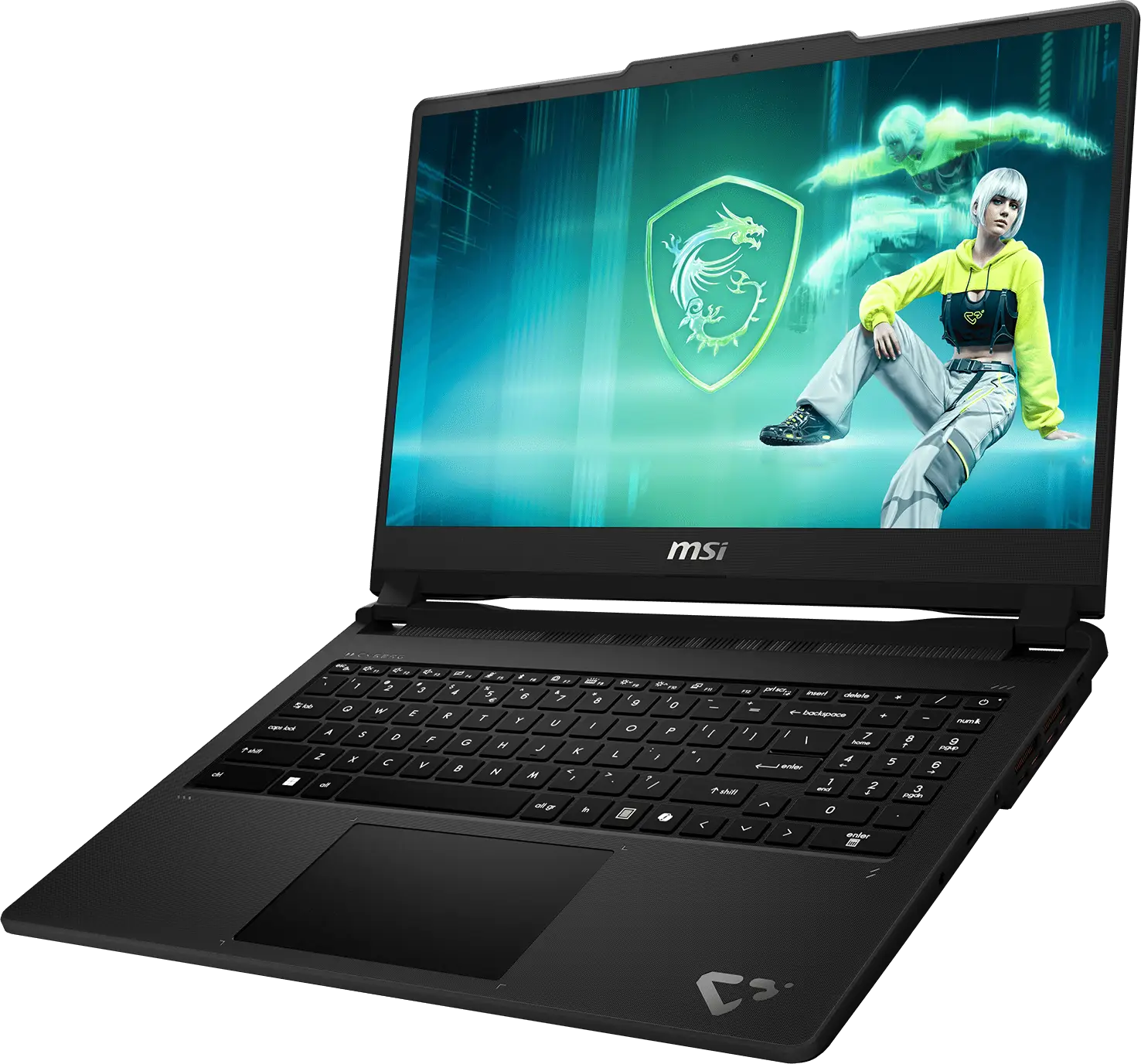
Depending on the configuration, it pairs an Intel Core 7 240H or Core i7-13620H with an NVIDIA GeForce RTX 5050 or RTX 5060 Laptop GPU, both with 8GB of GDDR7 memory. The RTX GPUs bring dedicated Tensor Cores, making the laptop capable of taking advantage of AI features supported by modern games and creative software.
This is where TGP again becomes relevant. A laptop’s GPU performance depends not only on the RTX model but also on the power available to it, alongside the system’s cooling capability. For an AI-focused buyer, this is another reason to look at the complete laptop configuration rather than choosing solely by the GPU name.
A real-world hybrid AI scenario
Imagine a student or creator preparing a presentation while travelling. An AI-assisted application could handle tasks such as image enhancement, background removal, or supported generative features locally on the laptop, while other workloads continue running normally.
Later, the same machine could be connected to the internet and use cloud-based AI services for workloads that are better suited to remote processing. The laptop’s local RTX hardware can continue handling supported on-device AI tasks while cloud services take care of more computationally intensive or model-specific operations.
This is where the idea of hybrid AI becomes relevant. Not every AI workload needs to run locally, and not every workload needs to go to the cloud. A capable laptop can use local hardware where responsiveness, privacy, or offline access matters, while cloud computing can handle workloads that benefit from larger remote models.
What makes the Cyborg 15 Max suitable for this approach?
– Up to RTX 5060 Laptop GPU with 8GB GDDR7
– Intel Core 7 240H or Core i7-13620H
– Dedicated RTX Tensor Cores
– 16GB DDR5 memory
– 512GB PCIe Gen4 SSD
– Wi-Fi 6E
– 15.6-inch 144Hz display
– 100% sRGB colour coverage
The display also makes the Cyborg 15 Max more versatile than a laptop built purely around gaming. Its Full HD panel runs at 144Hz and covers 100% of the sRGB colour gamut, making it suitable for gaming while also providing a more appropriate canvas for photography, video, and graphic work.
The 16GB of DDR5 memory provides a sensible foundation for multitasking, while the 512GB Gen4 SSD handles applications and project files. For someone who needs AI acceleration without carrying around an oversized workstation, this combination makes the Cyborg 15 Max a practical middle ground.
Best suited for:
– Mobile creators
– Students
– Everyday AI-assisted productivity
– AI-enhanced gaming
– Photo and video editing
– Users who regularly switch between local and cloud AI tools
The Balanced AI Multitasker: MSI Katana 15
The MSI Katana 15 sits between the other two in terms of its overall purpose. It is not trying to be a dedicated local AI workstation, nor is it primarily designed around mobility. Instead, it combines powerful Intel processors and NVIDIA RTX graphics to create a laptop capable of handling everyday AI features alongside work, study, creative applications, and gaming.


The higher-end Katana 15 HX configurations pair an Intel Core i9-14900HX with up to an NVIDIA GeForce RTX 5060 Laptop GPU featuring 8GB of GDDR7 memory. The RTX 5060 configuration can operate at up to 115W of graphics power with Dynamic Boost, giving the GPU a substantial power envelope for gaming and supported AI workloads.
A real-world AI productivity scenario
Consider a student who spends the day working on research, preparing presentations, editing images, and attending online meetings before switching to gaming in the evening.
During the day, AI-assisted applications can handle supported tasks such as image enhancement, background effects, noise reduction, or content creation. Once work is finished, the same RTX GPU can use AI-powered gaming features such as DLSS to improve performance in supported titles.
The important part is that the AI hardware is not sitting idle between specialised workloads. It becomes another layer of acceleration that can be used by supported applications throughout the day.
Key specifications:
– Up to Intel Core i9-14900HX
– Up to RTX 5060 Laptop GPU with 8GB GDDR7
– Up to 115W GPU power with Dynamic Boost on RTX 5060 configurations
– Dedicated RTX Tensor Cores
– 16GB DDR5 memory
– Up to 1TB PCIe Gen4 SSD
– 15.6-inch QHD 165Hz display
– 100% DCI-P3 coverage on the QHD configuration
– MUX switch and 4-zone RGB keyboard
The display is another important part of the package. The higher-end configuration features a 15.6-inch QHD panel with a 165Hz refresh rate and 100% DCI-P3 coverage. That makes it useful for everything from detailed productivity work and creative applications to high-refresh gaming.
The combination of a powerful HX-series processor, RTX graphics, fast storage, and a high-refresh display means the Katana 15 is not dependent on AI features to justify its hardware. Instead, AI becomes an additional capability layered on top of a laptop that already has the performance required for demanding everyday workloads.
Best suited for:
– Students
– Everyday productivity
– AI-assisted creative work
– Gaming
– Content creation
– Users who want one machine for work and entertainment
MSI AI laptop comparison
Feature | Raider 18HX | Cyborg 15 Max | Katana 15 |
Primary focus | Local AI + extreme performance | Mobile AI + gaming | Everyday AI + work + gaming |
CPU | Core Ultra 9 290HX Plus | Core 7 240H / Core i7-13620H | Up to Core i9-14900HX |
GPU | Up to RTX 5090 | Up to RTX 5050 | Up to RTX 5060 |
Max VRAM | 24GB GDDR7 | 8GB GDDR7 | 8GB GDDR7 |
RAM | 32GB DDR5 | 16GB DDR5 | 16GB DDR5 |
Storage | 2TB Gen5 SSD | 512GB Gen4 SSD | Up to 1TB Gen4 SSD |
Display | 18″ UHD+ MiniLED, 120Hz | 15.6″ FHD, 144Hz | Up to 15.6″ QHD, 165Hz |
Colour coverage | 100% DCI-P3 | 100% sRGB | Up to 100% DCI-P3 |
Best for | Local AI, creators, professionals | Mobile creators and gamers | Work, study, creation and gaming |
Note: Maximum GPU power varies by configuration and scenario.
Local AI vs hybrid AI: Which approach makes sense?
The choice between these laptops ultimately comes down to how AI will actually be used.
Choose a laptop with maximum local AI capability when:
– Large AI models need to run locally
– GPU VRAM is a priority
– Creative applications regularly use GPU acceleration
– High-end video, 3D, or generative workloads are part of the workflow
– Maximum performance matters more than portability
A hybrid AI approach makes more sense when:
– Some AI tasks can run locally while others use cloud services
– The laptop needs to remain portable
– AI is one part of a broader workload
– Gaming and creative applications are equally important
– Users want local AI acceleration without buying a workstation-class machine
This is where the three MSI laptops occupy distinct positions. The Raider 18 Max HX has the hardware headroom for demanding local AI and professional workloads, particularly with its RTX 5090 and 24GB VRAM configuration. The Cyborg 15 Max offers a more mobile route to RTX-powered AI acceleration, while the Katana 15 combines dedicated AI hardware with a broader work-and-play focus.
How to choose the right AI laptop
An AI laptop should ultimately be judged by the work it needs to perform rather than by how prominently the word “AI” appears on the specification sheet. CPU performance matters for general workloads; the NPU can handle supported efficient AI tasks, and the GPU becomes increasingly important for demanding generative, creative, and gaming workloads. TGP then becomes an important part of the equation because it determines how much power the GPU can access, while VRAM determines how much data and how many AI models can comfortably fit on the graphics processor.
For maximum local AI and creative performance, the Raider 18 Max HX offers the highest hardware ceiling. For users who want RTX-powered AI acceleration in a more mobile package, the Cyborg 15 Max provides a practical balance. And for those who want AI capabilities alongside a laptop that can handle work, study, creation, and gaming, the Katana 15 offers a broader all-round package.
The important shift is that AI is no longer a feature reserved for specialised machines. With the right combination of CPU, GPU, TGP, dedicated AI acceleration, VRAM, memory, and software support, it can become part of everyday computing—whether that means generating an image, cleaning up a video call, accelerating a creative workflow, running supported local AI tools, or simply making a game run better.

