Buying a gaming laptop is not just about picking the machine with the right GPU badge. At similar prices, differences in GPU power, display quality, memory, storage, cooling, and upgradeability can have a noticeable impact on the overall experience. This is especially important when choosing between laptops built around the same processor or graphics card.
Here, we compare three MSI gaming laptops with similarly positioned alternatives: the MSI Cyborg 15 Max C2WF vs Alienware 16 Aurora, MSI Cyborg 15 A2RUDX vs Acer AL15G-53, and MSI Katana 15 HX B14WFK vs HP Omen 16 16-am0279TX. The focus is simple: what does each laptop offer for the money, and which specifications actually matter for gaming and everyday performance?
Note: Laptop prices can change with Amazon sales and availability. The prices mentioned below reflect the listings and market references checked while preparing this comparison.
Table of Contents
MSI Cyborg 15 Max vs Alienware 16 Aurora
The MSI Cyborg 15 Max C2WF is built around Intel’s Core 7 240H processor and NVIDIA GeForce RTX 5060 Laptop GPU with 8GB GDDR7 VRAM, making it a capable machine for modern 1080p gaming and demanding everyday workloads.
Specification | MSI Cyborg 15 Max C2WF | Alienware 16 Aurora |
Processor | Intel Core 7 240H | Intel Core 7 240H |
GPU | RTX 5060 8GB GDDR7 | RTX 5060 8GB GDDR7 |
GPU power | Up to 100W | Up to 80W |
Memory | 16GB DDR5 | 16GB DDR5 |
Storage | 512GB Gen4 SSD | 1TB Gen4 SSD |
Display | 15.6-inch FHD, 144Hz | 16-inch WQXGA, 120Hz |
Colour coverage | 100% sRGB | 100% sRGB |
Battery | 60Wh | 96Wh |
Weight | Around 2kg | Around 2.5kg |
The important part here is that MSI puts the same Core 7 240H + RTX 5060 combination into a considerably more compact gaming machine. The RTX 5060 gets up to 100W of power, while 8GB of GDDR7 VRAM provides enough headroom for modern games and supported AI-accelerated features.
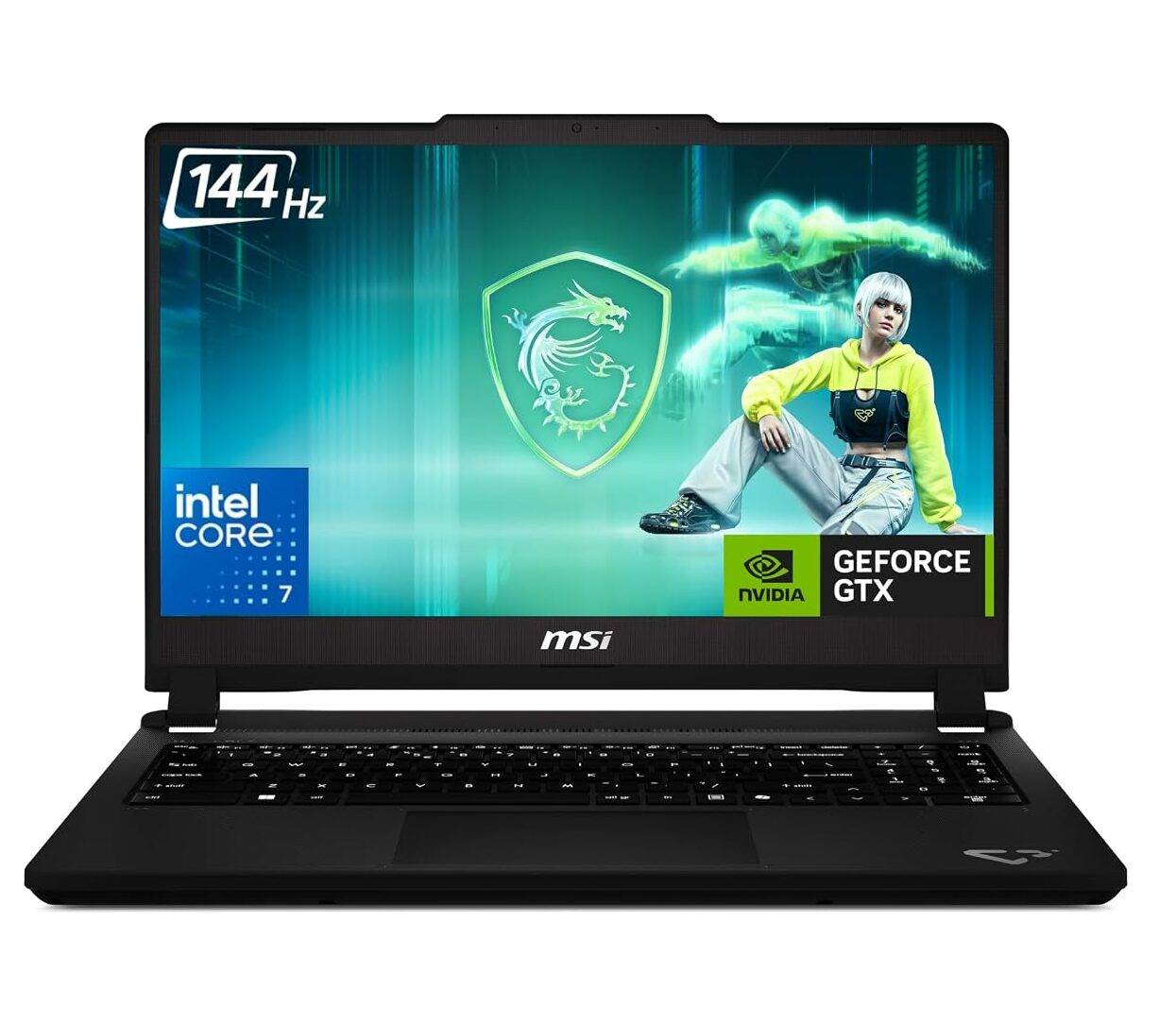
The 15.6-inch FHD 144Hz display with 100% sRGB coverage is also a sensible match for this hardware. Rather than pushing the GPU to render a higher-resolution panel, the Cyborg 15 Max focuses on delivering high frame rates at Full HD. The 144Hz refresh rate makes fast-paced games feel noticeably smoother, while the full sRGB coverage keeps colours looking vibrant for everyday content creation.
Why the Cyborg 15 Max stands out
The MSI Cyborg 15 Max C2WF pairs the Intel Core 7 240H with an RTX 5060 8GB GDDR7 GPU, matching the core CPU-GPU combination found in the Alienware 16 Aurora. MSI’s RTX 5060 runs at up to 100W, while the Alienware configuration goes up to 80W, but the Cyborg 15 Max focuses on a more compact gaming setup with a 15.6-inch FHD 144Hz display. The 100% sRGB panel is also well matched to the RTX 5060, allowing the GPU to target high frame rates without the additional workload of a higher-resolution screen.
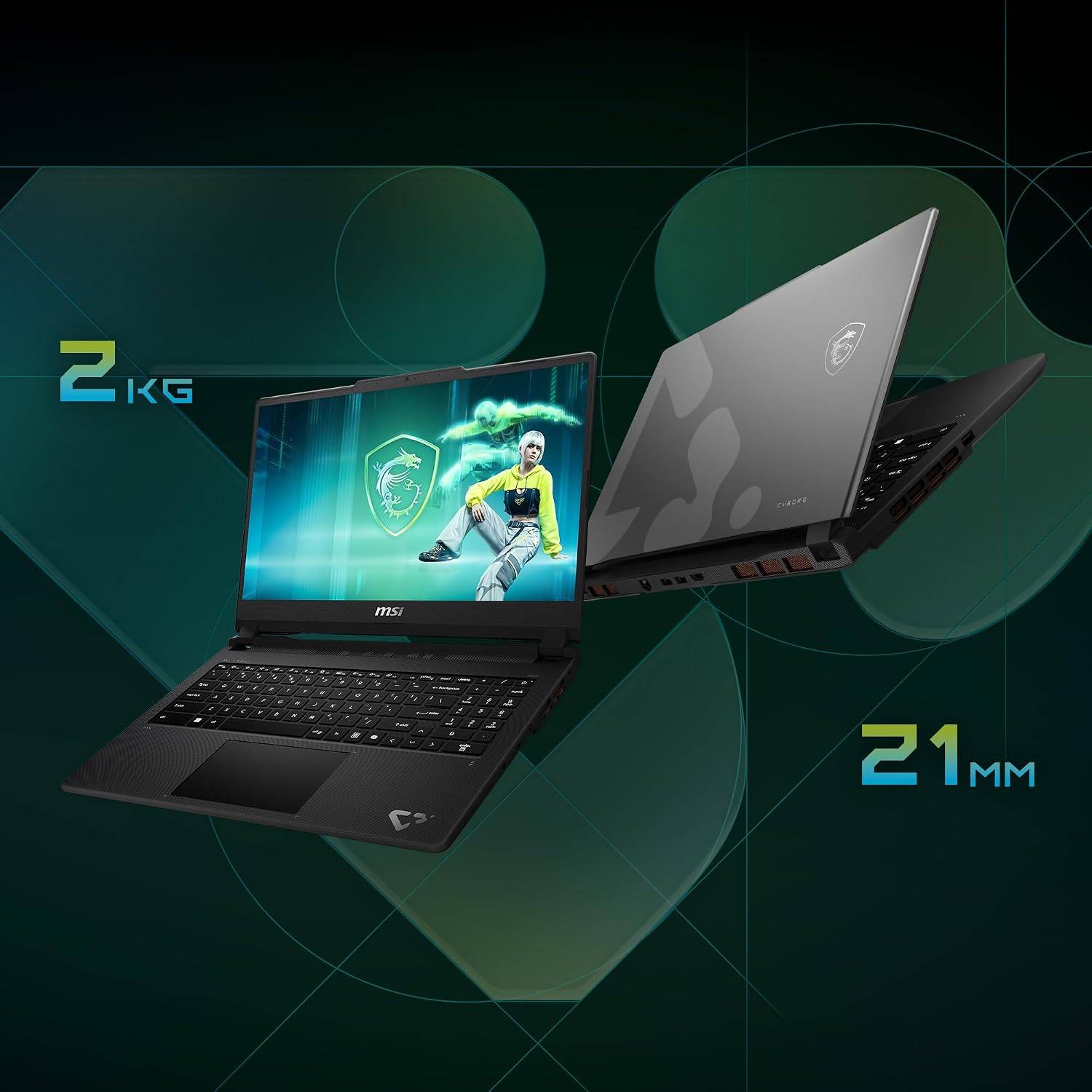
The 16GB DDR5 memory and 512GB Gen4 SSD provide a solid foundation for gaming, multitasking, and GPU-accelerated creative workloads. Compared with the Alienware 16 Aurora’s larger 16-inch display and 1TB storage, MSI’s approach is more focused on portability and gaming performance, with the Cyborg 15 Max weighing around 2kg. For users moving between college, work and gaming, that combination of RTX 5060 performance, a 144Hz display and a relatively compact chassis makes the Cyborg 15 Max a practical choice.
MSI Cyborg 15 vs Acer AL15G-53
Moving into a more accessible price segment, the MSI Cyborg 15 A2RUDX combines an Intel Core 7 240H processor with an RTX 3050 featuring 6GB GDDR6 VRAM. It is designed to bring dedicated graphics performance to gamers who do not want to stretch into higher price brackets.
Specification | MSI Cyborg 15 A2RUDX | Acer AL15G-53 |
Processor | Intel Core 7 240H | Intel Core 7 200H |
GPU | RTX 3050 6GB GDDR6 | RTX 3050 |
Memory | 16GB DDR5 | 16GB |
Storage | 512GB Gen4 SSD | 512GB SSD |
Display | 15.6-inch FHD, 144Hz | 15.6-inch FHD, 144Hz |
Weight | Around 1.98kg | Around 1.99kg |
Warranty | 2 years | 1 year |
The Cyborg 15’s biggest advantage is the overall configuration. The Core 7 240H, 6GB RTX 3050 and 16GB DDR5 combination gives it a solid foundation for Full HD gaming, while the 512GB Gen4 SSD keeps loading times and everyday file operations snappy.
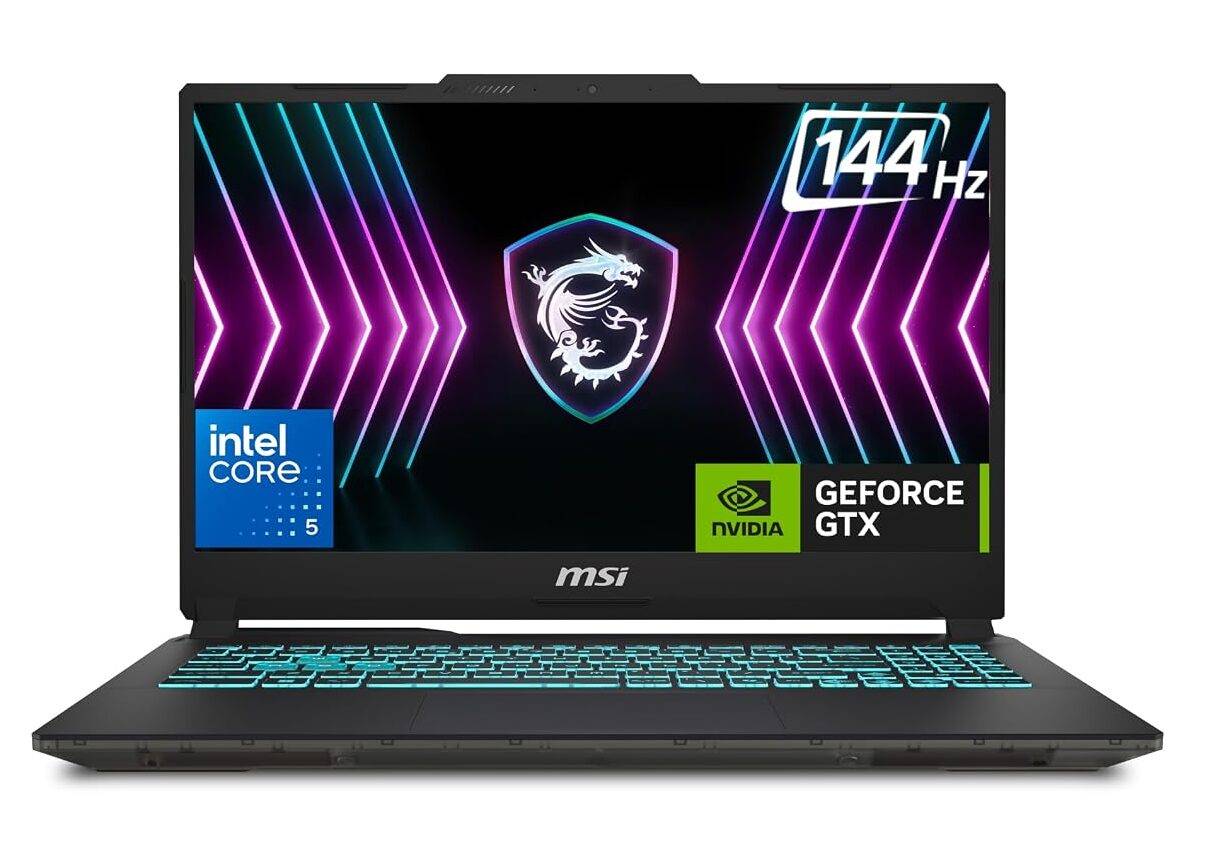
The 144Hz Full HD display is equally important. At this price point, a high-refresh panel makes a meaningful difference in competitive games, where smoother motion and faster response can matter more than simply having a higher resolution.
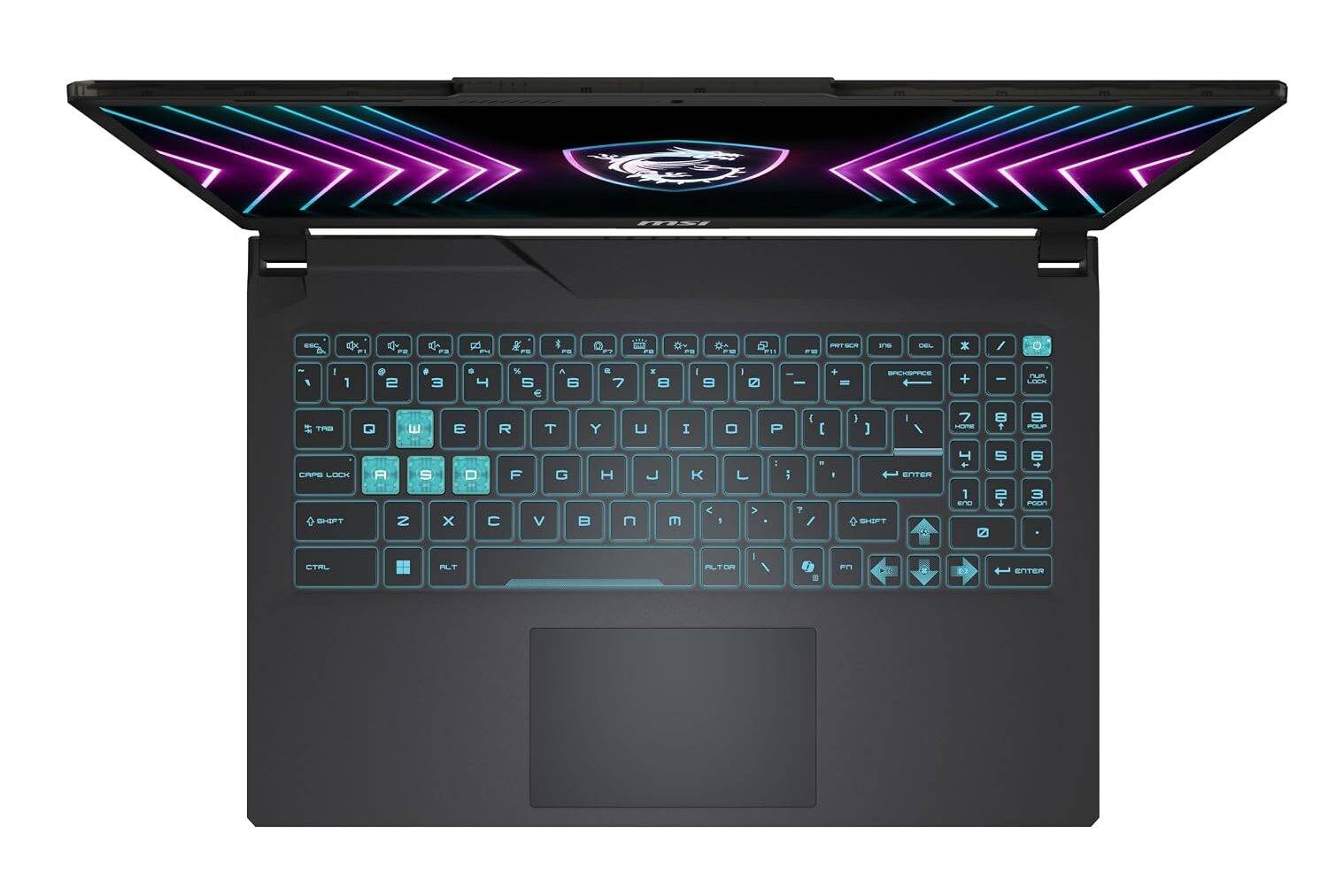
The translucent-black Cyborg design also gives the laptop a distinctly gaming-focused identity without making it excessively bulky. At around 2kg, it remains reasonably easy to carry, while the two-year warranty adds another layer of value to the package.
Why the Cyborg 15 stands out
The MSI Cyborg 15 A2RUDX combines an Intel Core 7 240H with an RTX 3050 featuring 6GB GDDR6 VRAM, giving it a capable foundation for Full HD gaming and everyday GPU-accelerated workloads. The Acer AL15G-53 occupies a similar space with an Intel processor, RTX 3050 graphics, 16GB memory, and a 144Hz Full HD display, but the MSI configuration’s 6GB of dedicated VRAM gives the GPU additional memory headroom for modern games and graphics-intensive applications.
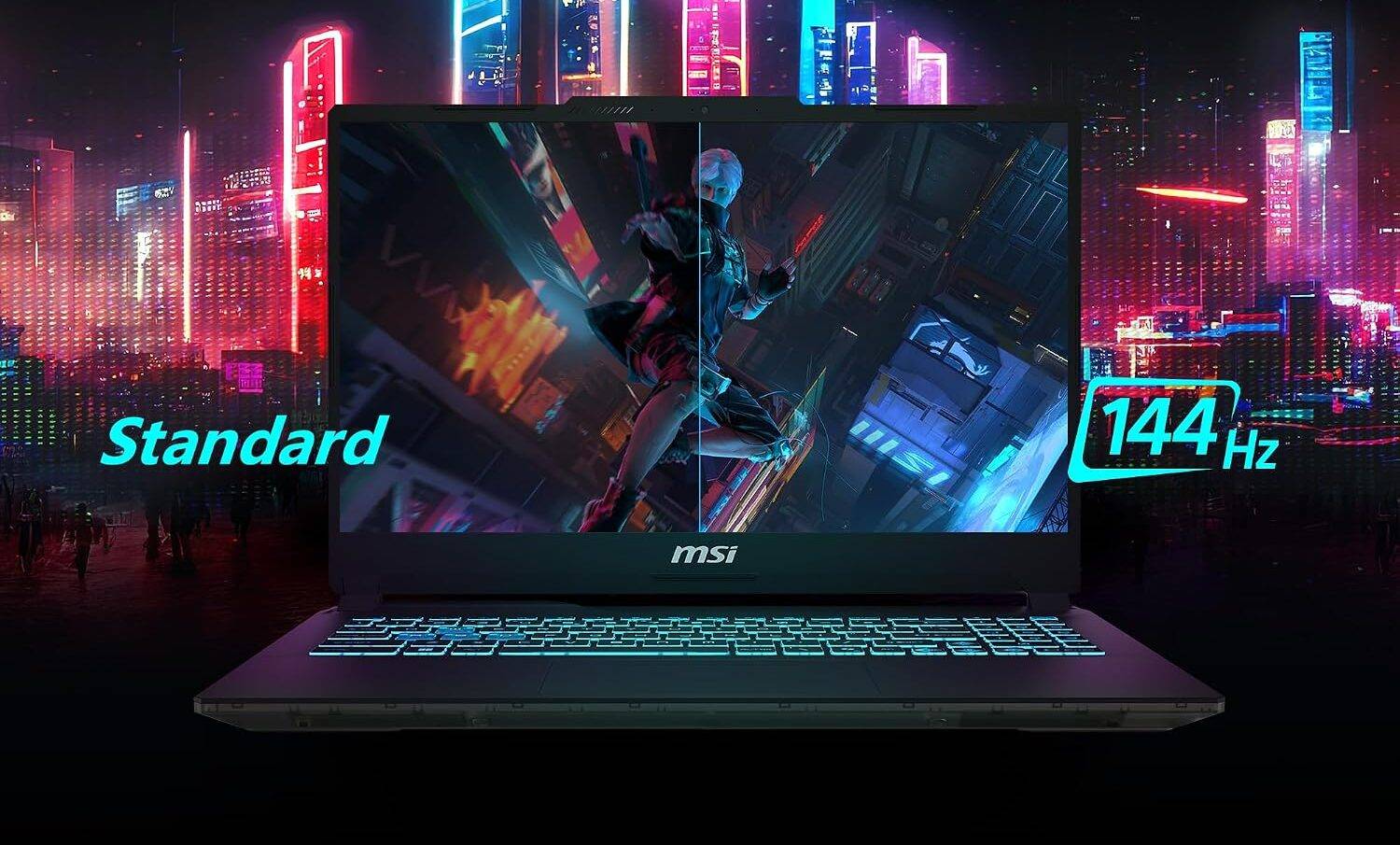
The rest of the Cyborg 15’s configuration keeps things balanced. 16GB DDR5 memory, a 512GB Gen4 SSD and a 15.6-inch 144Hz display cover the essentials for gaming, multitasking and everyday productivity, while the roughly 2kg chassis keeps it relatively easy to carry. The two-year warranty also gives the MSI configuration an advantage over the one-year coverage offered with the compared Acer model, adding practical value beyond the core specifications.
MSI Katana 15 HX vs HP Omen 16
At the higher end, the MSI Katana 15 HX B14WFK steps things up considerably. Its configuration pairs an Intel Core i9-14900HX with an RTX 5060 Laptop GPU featuring 8GB GDDR7 VRAM, with the GPU capable of reaching 115W.
Specification | MSI Katana 15 HX B14WFK | HP Omen 16 16-am0279TX |
Processor | Core i9-14900HX | Core i9-14900HX |
GPU | RTX 5060 8GB GDDR7 | RTX 5060 8GB |
GPU power | Up to 115W | Up to 115W |
Memory | 16GB DDR5 | 24GB DDR5 |
Storage | 1TB Gen4 SSD | 1TB Gen4 SSD |
Display | 15.6-inch QHD, 165Hz | 16-inch FHD+, 165Hz |
Colour coverage | 100% DCI-P3 | 100% sRGB |
Battery | 75Wh | 83Wh |
This is where the Katana 15 HX makes a strong case for users who want performance beyond gaming. The 24-core, 32-thread Core i9-14900HX provides substantial CPU headroom, while the 115W RTX 5060 is configured to make full use of its dedicated graphics hardware.
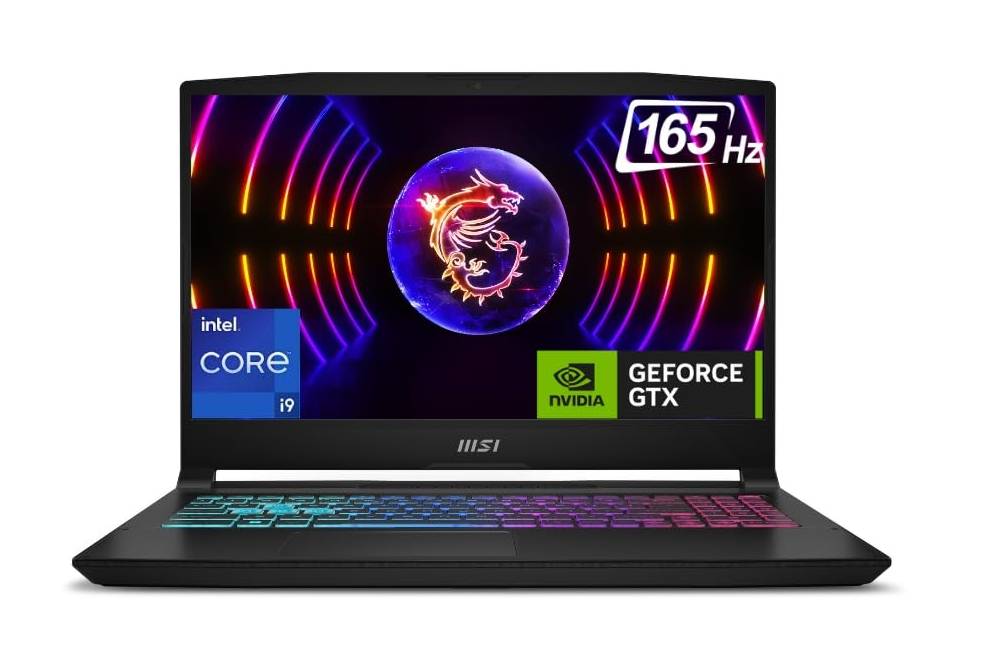
The display is another major differentiator. The QHD 2560 x 1440 resolution, 165Hz refresh rate, and 100% DCI-P3 coverage make the Katana 15 HX suitable for more than gaming. Games look sharper, while photo and video work benefit from the wider colour gamut.
MSI also includes a MUX switch, 4-zone RGB keyboard, 16GB DDR5 memory and a 1TB Gen4 SSD. The memory can be upgraded through the laptop’s two DDR5 slots, providing additional headroom as workloads become more demanding.
Why the Katana 15 HX stands out
The MSI Katana 15 HX B14WFK is built around the Core i9-14900HX and RTX 5060 with 8GB GDDR7, putting it in direct competition with the HP Omen 16 configuration that uses the same Core i9 and RTX 5060 combination. Both GPUs can operate at up to 115W, but MSI pairs its hardware with a 15.6-inch QHD 165Hz display and 100% DCI-P3 coverage. This makes the Katana particularly versatile: the high refresh rate suits gaming, while the higher resolution and wider colour gamut are useful for content creation and detailed productivity work.
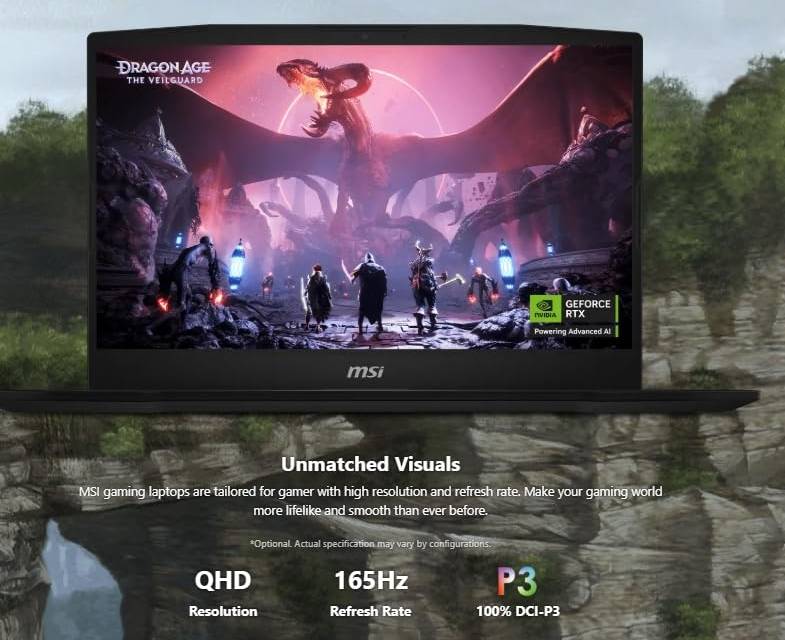
The 16GB DDR5 memory, 1TB Gen4 SSD and upgradeable memory slots provide a strong base for demanding workloads, while the MUX switch allows the discrete GPU to drive the display directly when maximum gaming performance is required. The HP Omen 16 configuration offers more memory out of the box, and a larger battery, but the Katana 15 HX places greater emphasis on display quality, GPU performance, and upgradeability. For users looking for a machine that can move between high-performance gaming, content creation, and demanding productivity, those specifications have a direct impact on everyday usability.
MSI vs the competition: At a glance
MSI model | Key hardware | What makes it stand out |
Cyborg 15 Max | Core 7 240H + RTX 5060 | 100W RTX 5060, 144Hz 100% sRGB display and compact chassis |
Cyborg 15 | Core 7 240H + RTX 3050 6GB | 16GB DDR5, 144Hz display and 6GB VRAM |
Katana 15 HX | Core i9-14900HX + RTX 5060 | 115W GPU, QHD 165Hz 100% DCI-P3 display and upgradeability |
Across these three segments, MSI’s approach is fairly straightforward: put the budget towards hardware that has a tangible impact on gaming and everyday performance.
The Cyborg 15 Max is aimed at gamers who want RTX 5060 performance without moving to a larger, heavier machine. The Cyborg 15 brings dedicated RTX graphics, 16GB DDR5, and a 144Hz display into a more accessible segment. At the top, the Katana 15 HX combines a high-end Core i9 processor with a high-power RTX 5060 and QHD 165Hz display.
For buyers comparing laptops at these price points, looking beyond the processor and GPU names can reveal where the real value lies. GPU power, VRAM, display specifications, memory, storage, and upgradeability all contribute to the final experience, and MSI’s configurations put a strong emphasis on those details.
This is a promotional post done as part of a brand collaboration.