Somewhere between the first garba night and the last box of kaju katli, your phone quietly becomes the busiest thing you own. It’s the train ticket home, the wallet at the mithai counter, the album the whole family is waiting on, the place where a week’s worth of sale tabs stay open, and the thing that buzzes every time an unknown number decides it has a “festive offer” for you. The season brings more movement, more payments and more sharing. With all of that comes more room for something personal to end up where it shouldn’t.
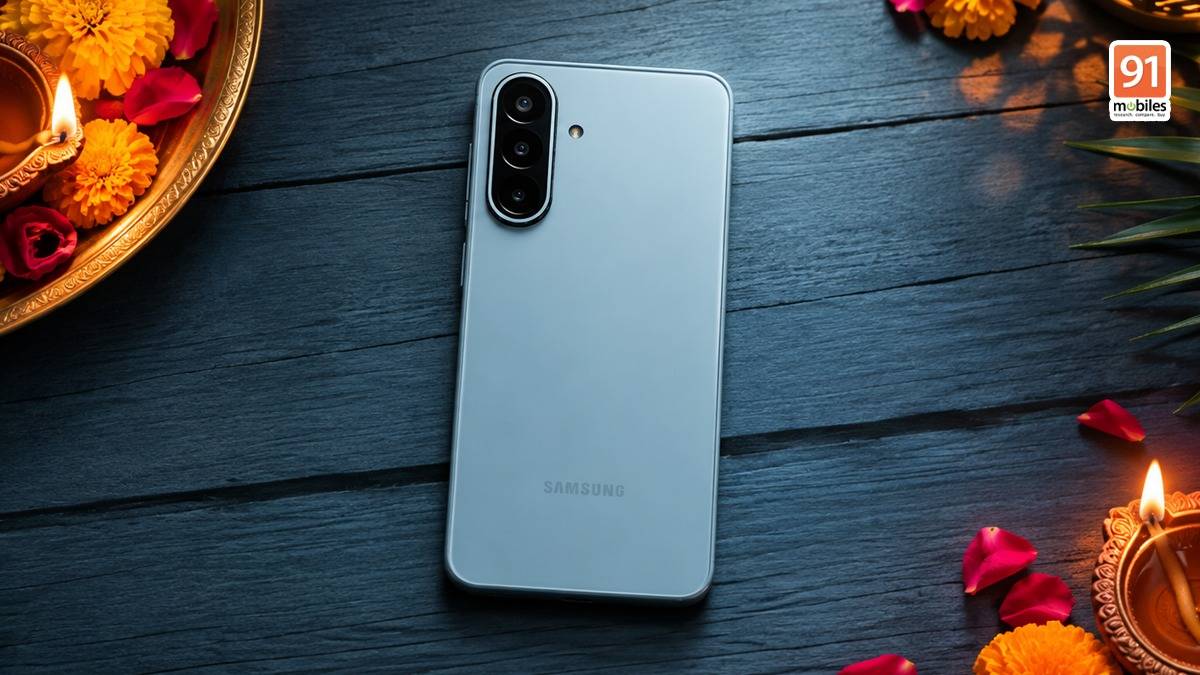
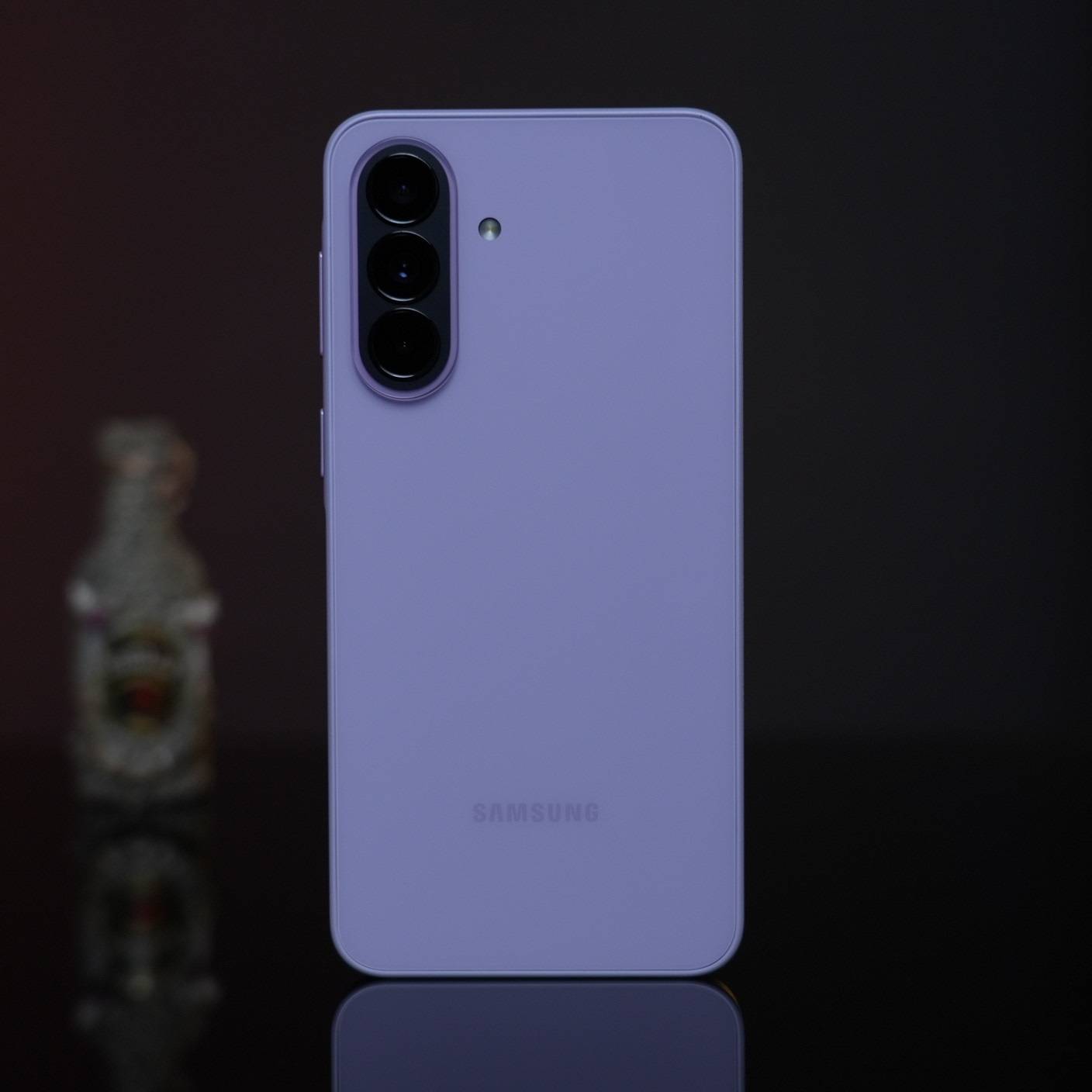
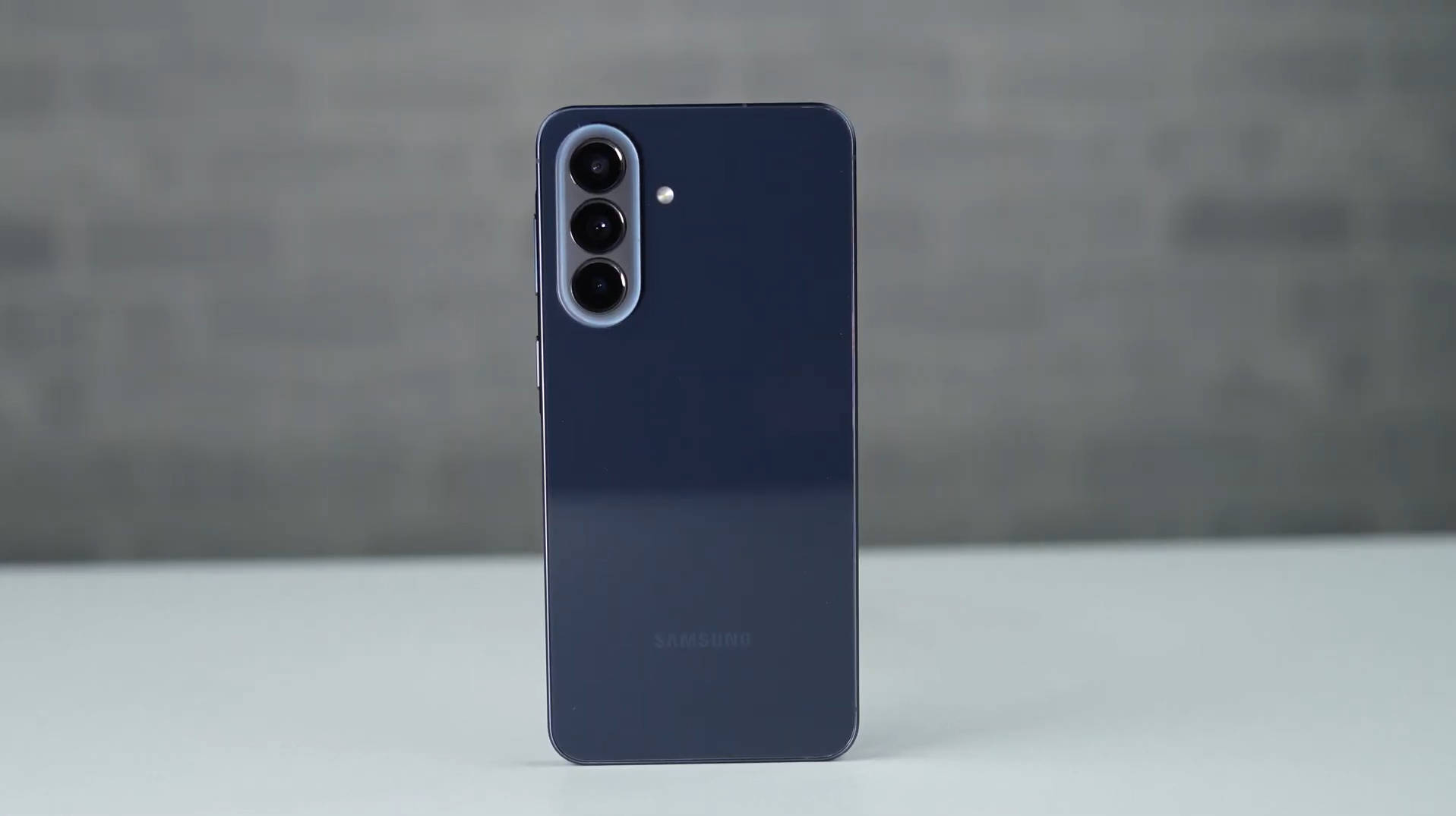
That’s why a festive upgrade this year is worth thinking about beyond the spec sheet. The Samsung Galaxy A57 5G, Galaxy A37 5G and Galaxy A27 5G all ship with One UI 8.5 on Android 16, and One UI is really the argument here. The privacy, security and lifestyle tools below come from the software rather than the price tier, so they arrive with whichever of the three you pick, give or take the odd feature whose rollout varies by market. For young adults heading home from college or a first job, that’s what lets you spend the season celebrating rather than firefighting. Here’s how it plays out, one festive moment at a time.
Table of Contents
When your phone gets passed around the family
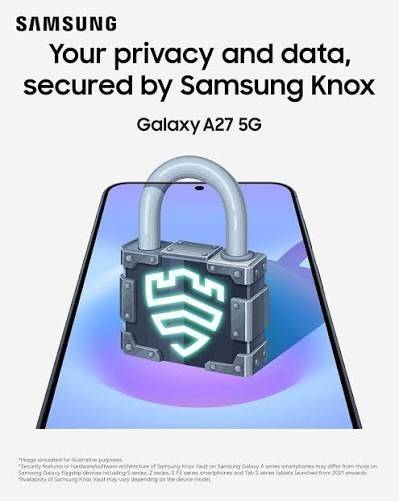
Festive homecomings come with an unwritten rule: your phone will be borrowed. A cousin wants to scroll through the trip photos, an aunt needs to make “just one call”, a younger sibling wants to show everyone a reel. Secure Folder is One UI’s quiet fix for this. Protected by Samsung Knox, it’s a separate, encrypted space on your phone with its own lock, where photos, documents, notes and even second copies of apps live away from your main gallery and home screen. The Bhai Dooj gift you’ve been planning, a scanned ID for travel bookings, your banking app: all of it stays behind your own fingerprint or PIN, and you can hide the folder altogether before handing the phone over.
Sale season throws up a different problem: accounts. A new shopping app for one deal, a travel site for the trip home, a food delivery app you only ever use at the hostel. Samsung Pass stores those sign-ins and fills them in after a quick biometric check, and supports passkeys where sites offer them, so you’re not recycling one tired password across a dozen checkouts. And if the phone itself goes missing in a packed pandal or a crowded market, Theft Protection in One UI 8.5 is built to keep the phone and its data secure if it’s lost or stolen, while Failed Authentication Lock locks the screen after too many wrong fingerprint, PIN or password attempts.
Sharing the memories without oversharing
The festive photo dump is its own ritual, and Quick Share makes it painless, moving an entire evening’s worth of photos and videos to nearby Galaxy phones, tablets and PCs in a few taps. In One UI 8.5, it can also recognise the people in your photos and suggest sending the pictures straight to them, which handles the “send me the ones I’m in” messages before they arrive.
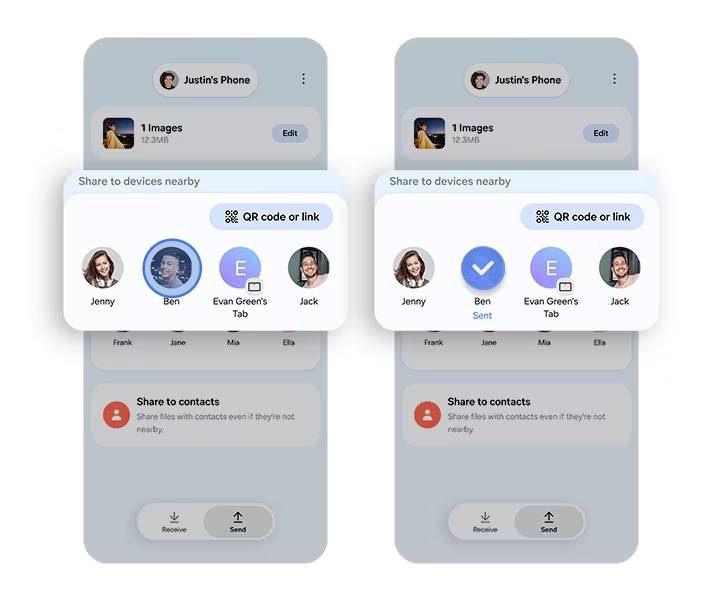
Some things deserve more care than a family group chat, though. A copy of your ID for a relative booking a hotel, your internship offer letter, a document your parents asked you to forward. Private Share keeps you in charge even after you hit send. You can set an expiry date, stop the recipient from resharing or screenshotting the file, revoke access whenever you like, and see when it’s been opened.
How the Galaxy A series can save you from “festive deal” traps
Every big sale brings a wave of lookalikes: links promising a gift voucher, “delivery failed” texts, APK files forwarded as a special offer app, and pages built to look exactly like the store you meant to visit. This is where One UI’s security layers do most of their work without asking for your attention.
Auto Blocker is the one to switch on first, under:
Settings > Security and Privacy
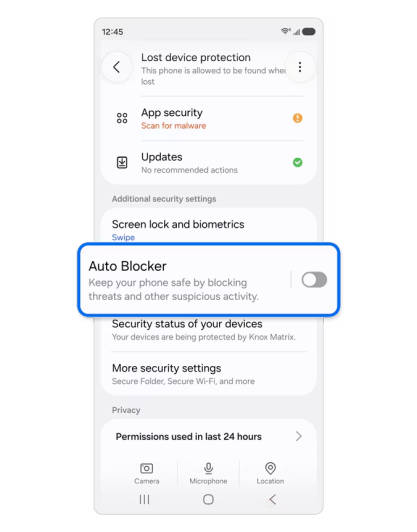
With it running, apps can only be installed from authorised sources such as the Google Play Store and the Galaxy Store, malicious chargers and computers can’t send commands down a USB cable, and Samsung Message Guard steps in to block images suspected of carrying malware in your messaging apps, third-party ones included. That covers the dodgy “offer app” someone forwards to the family group and the public charging point at the railway station on your way home. And if you do tap a link that leads somewhere shady, Protected browsing in Samsung Browser, the phone’s built-in browser, warns you before a known malicious site opens, so a fake sale page gets flagged before it can ask for your card details.
Payments that move at festive speed
Shagun has gone digital, dinner bills get split five ways, and the queue at the sweet shop doesn’t wait for anyone. Samsung Wallet is built for that pace. Samsung was the first phone maker in India to build UPI onboarding into the new-device setup, so a Galaxy A57, Galaxy A37, or Galaxy A27 can be payment-ready from the moment you switch it on, with no separate app to download first.
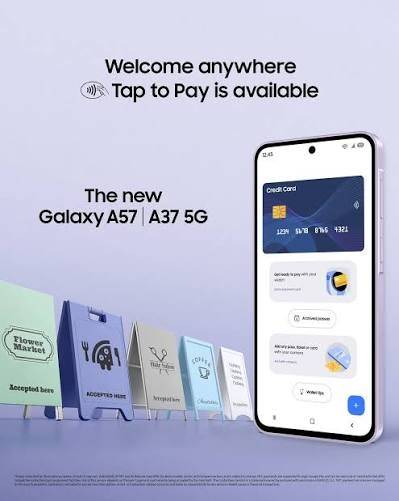
For the small everyday payments that make up most of a festive week, Wallet supports UPI Lite and biometric authentication, so a fingerprint or a glance clears the transaction instead of a PIN typed out at a crowded counter. Tap & Pay handles card payments the same way, FOREX cards included if festive travel is on the list, while boarding passes, digital IDs and payment cards sit together in one place, secured by Samsung Knox. It’s everyday convenience without scattering sensitive details across five different apps.
Staying well through the season of sweets
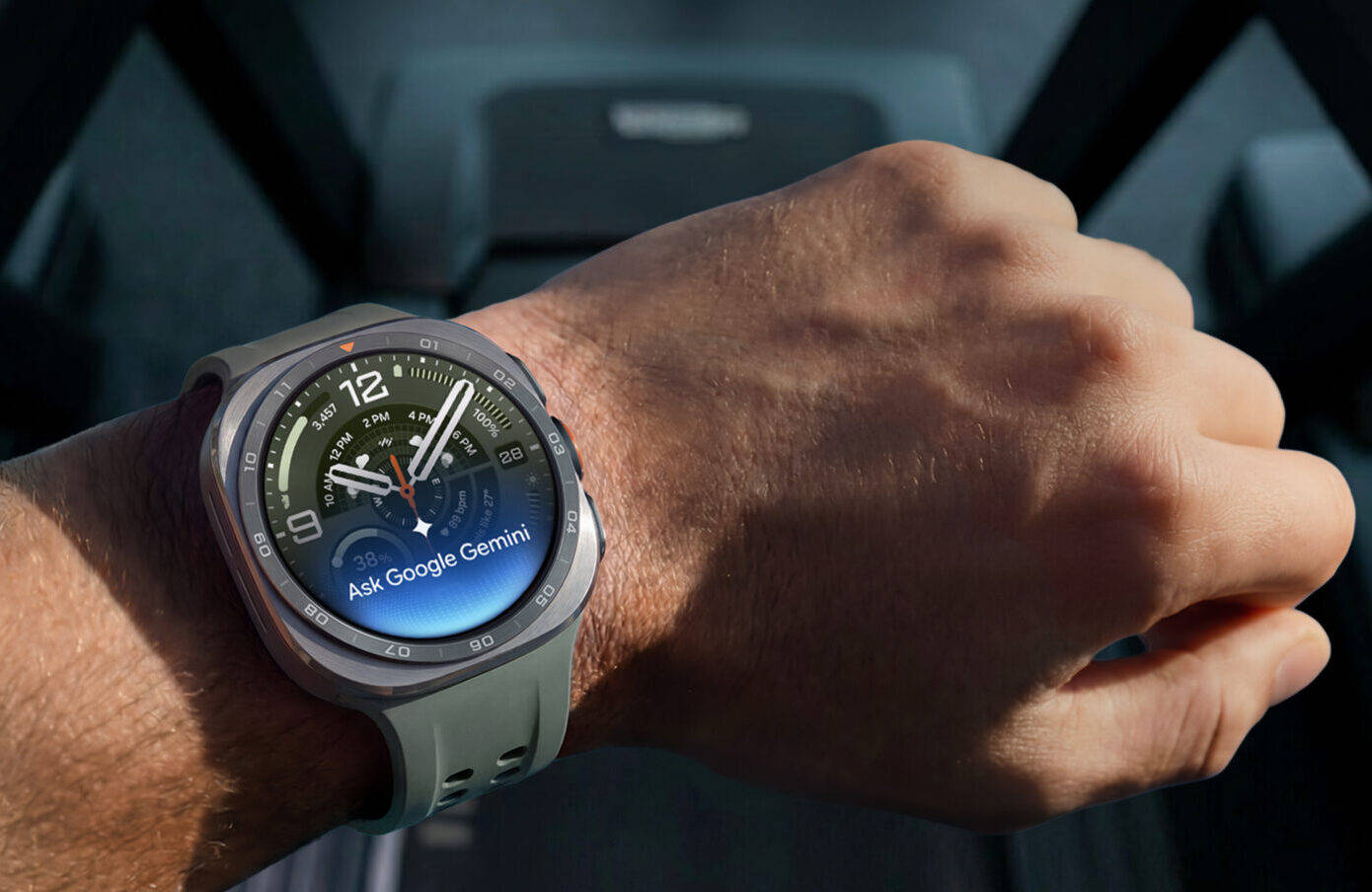
Late nights, back-to-back gatherings and a steady supply of mithai make the festive season the easiest time to lose track of your routine. Samsung Health helps you hold on to it, keeping an eye on steps, activity, sleep and heart rate, along with medication reminders. Pair it with a Galaxy Watch and the tracking moves to your wrist, so three hours of dandiya count towards your activity goals and your sleep after a late Diwali party gets logged without you lifting a finger.
Being home for the festivals often means catching up on family health admin too. Samsung Health’s Health Records feature brings your digital health records into the app: you can register for or sign in to an Ayushman Bharat Health Account (ABHA) with your Aadhaar or mobile number, then view prescriptions, lab results and hospital visits in one place. At ABDM-compliant hospitals and clinics, scanning a QR code in the app gets you a virtual queue token, which beats standing in line with a folder of old reports. And when someone’s run out of their regular medicines or needs a quick check-up, Find Care, developed with PharmEasy and Tata 1mg, lets you order medicines, book diagnostic tests and consult doctors online from within Samsung Health.
The rest of your Galaxy, right where you need it
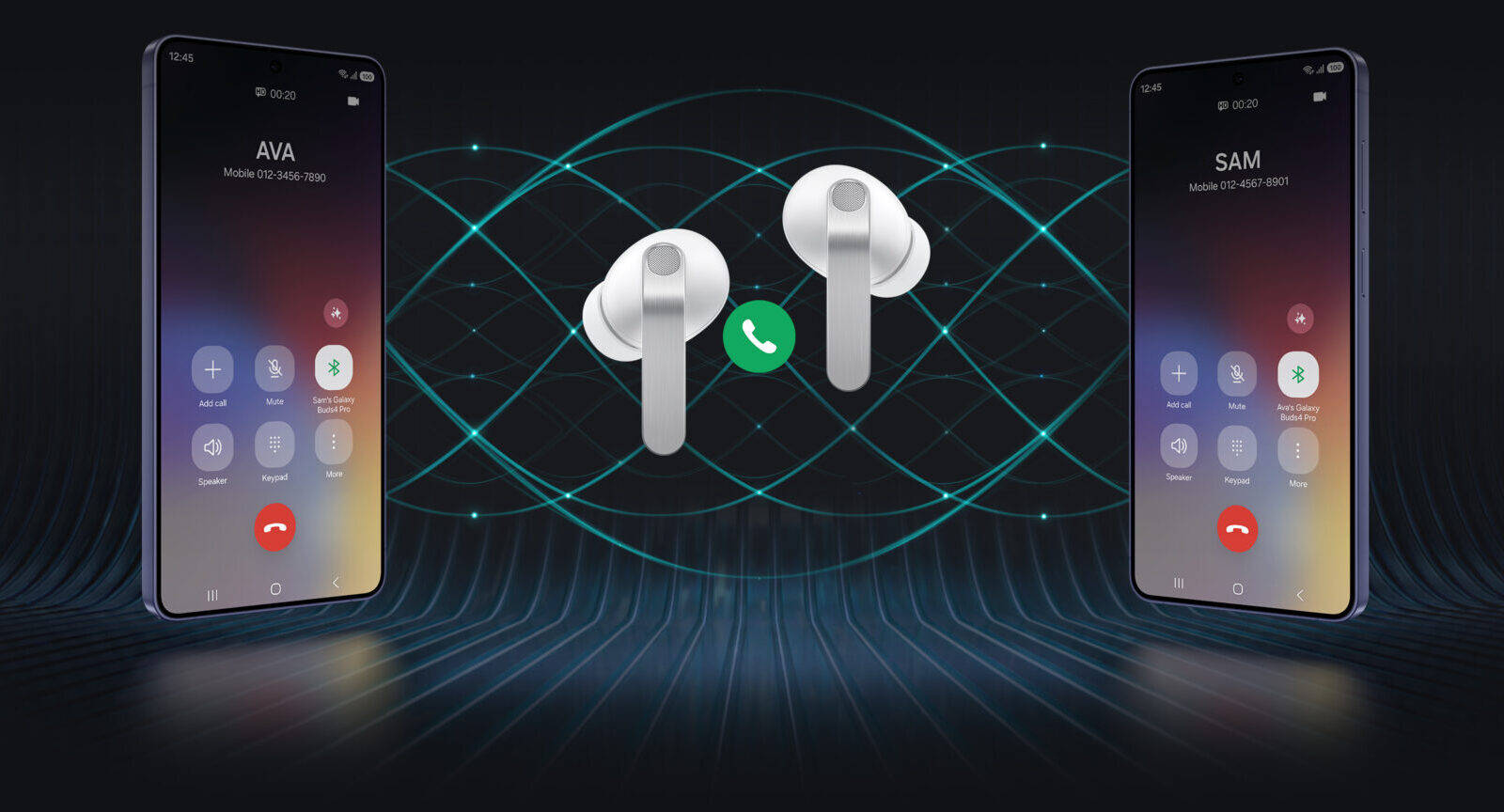
The phone is usually the centre of a bigger setup. Galaxy Buds keep calls and music hands-free when your hands are full of diyas, gift bags or both, and you can answer or decline a call from the earbuds without reaching for the phone at all. A Galaxy Watch brings notifications and your Samsung Health readings to your wrist, so you can stay reachable through a puja or a family dinner without pulling a phone out every few minutes. Buying into Galaxy starts to feel less like buying one device and more like building a setup that works together.
A Galaxy A series India has already put its trust in
There’s a reason the Galaxy A series keeps turning up on festive shortlists, and it isn’t only the price. Independent research conducted by 91mobiles (Mid-Range Smartphone Trust and Security Study 2026), run with over 5,000 respondents who own phones in the ₹10,000 to ₹50,000 band, found the Galaxy A series ahead on every trust measure it took. It was named the most trusted mid-range series, more than a quarter of respondents said they were comfortable recommending it to family or friends, and over one third called it the most secure lineup in the segment, close to three times the share of the next series on that list.
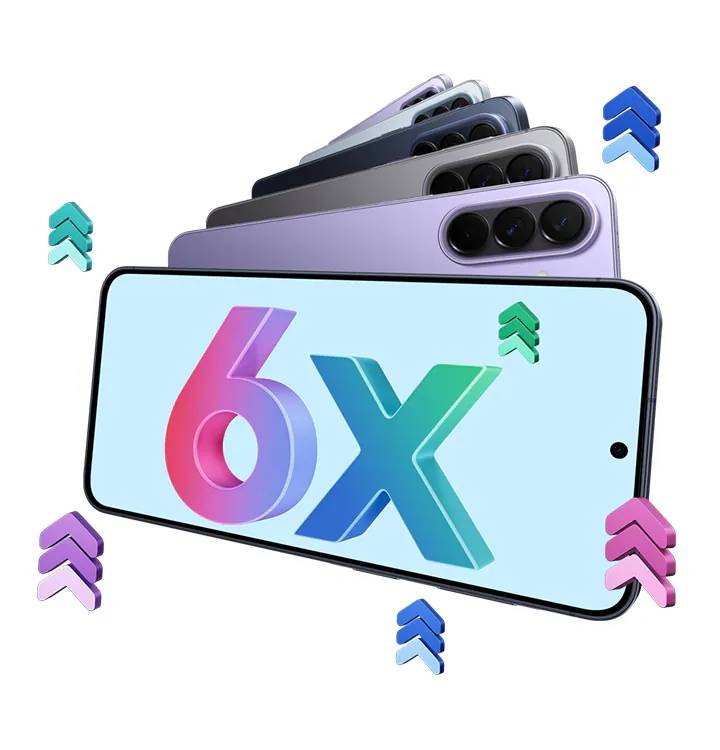
Protection you never notice only counts for as long as it keeps arriving, and Samsung backs the Galaxy A57 5G, Galaxy A37 5G, and Galaxy A27 5G with up to six generations of Android and One UI upgrades and up to six years of security updates. Everything above, from Auto Blocker to Health Records, reaches the phone through One UI, which makes how long One UI keeps updating the quiet spec that decides whether this phone is still looking after you three Diwalis from now.
Why this festive season is the right time to upgrade
If the features make the case, this year’s Galaxy A festive offer settles it. With exchange valuations, instant cashback, and EMI options factored in, Samsung is offering the Galaxy A series with its lowest offers ever:
| Model & Variant | EMI & Tenure | Exchange Valuation | Instant Cashback | Effective Price |
| Galaxy A57 5G (12GB + 256GB) | ₹950 / month for 40 months | ₹25,000 | ₹9,500 | ₹37,999 |
| Galaxy A57 5G (8GB + 256GB) | ₹787 / month for 40 months | ₹23,000 | ₹8,500 | ₹31,499 |
| Galaxy A37 5G (8GB + 128GB) | ₹650 / month for 40 months | ₹17,000 | ₹4,000 | ₹25,999 |
| Galaxy A27 5G (6GB + 128GB) | ₹937 / month for 24 months | ₹11,000 | ₹2,500 | ₹22,499 |
Depending on the model and your eligibility, the Samsung Upgrade Offer can include exchange benefits and bank cashback, which bring down the effective price you pay, while the EMI spreads the cost over 40 months on the Galaxy A57 5G and Galaxy A37 5G, and 24 months on the Galaxy A27 5G.
On the Galaxy A57 5G and Galaxy A37 5G, Samsung’s festive offer stretches to EMI tenures of up to 40 months and up to ₹9,500 in instant cashback. Before you buy, check the applicable payment terms for zero interest or no-cost EMI, as well as any additional instant discount available through eligible cards or payment methods. Offer terms and conditions apply, and Samsung may revise or withdraw offers without notice, so it’s worth confirming the final payable amount and applicable benefits at checkout.
The Galaxy A57 5G, Galaxy A37 5G and Galaxy A27 5G are available with festive offers on Samsung.com, at Samsung Experience Stores, and on Amazon and Flipkart, while stocks last. It’s the kind of upgrade that puts security, wellness and everyday convenience in the same phone, and then keeps them coming long after the lights come down.
FAQs
What are the festive offer prices of the Galaxy A57 5G, Galaxy A37 5G, and Galaxy A27 5G?
With exchange valuation and instant cashback applied, the Galaxy A57 5G is available at an effective price of ₹37,999 for the 12GB + 256GB model and ₹31,499 for the 8GB + 256GB model. The Galaxy A37 5G (8GB + 128GB) comes to ₹25,999, and the Galaxy A27 5G (6GB + 128GB) to ₹22,499.
What EMI options are available on the Galaxy A series this festive season?
The festive EMI comes to ₹650 a month for the Galaxy A37 5G and from ₹787 a month for the Galaxy A57 5G, both over 40 months, and ₹937 a month for the Galaxy A27 5G over 24 months. Check the applicable payment terms for zero interest or no-cost EMI before you buy.
Which software do the Galaxy A57 5G, Galaxy A37 5G, and Galaxy A27 5G run?
All three ship with One UI 8.5 based on Android 16, so the privacy, security, and lifestyle features covered above arrive with whichever model you pick, although the rollout of some features varies by market.
How many years of updates will the Galaxy A57 5G, Galaxy A37 5G, and Galaxy A27 5G get?
Samsung backs all three with up to six generations of Android and One UI upgrades and up to six years of security updates.
How do Galaxy A series phones protect you from fake festive offers and harmful apps?
Auto Blocker, found under Settings > Security and Privacy, allows app installs only from authorised sources such as the Google Play Store and the Galaxy Store, stops malicious chargers and computers from sending commands over a USB cable, and uses Samsung Message Guard to block images suspected of carrying malware. Protected browsing in Samsung Browser also warns you before a known malicious site opens.
Can you make UPI payments on the Galaxy A series without downloading a separate app?
Yes. Samsung builds UPI onboarding into the new-device setup, so the Galaxy A57 5G, Galaxy A37 5G, and Galaxy A27 5G can be payment-ready from the moment you switch them on. Samsung Wallet also supports UPI Lite with biometric authentication.
What is Secure Folder on Galaxy A series phones?
Secure Folder is a separate, encrypted space protected by Samsung Knox, with its own lock. You can keep photos, documents, notes, and even second copies of apps there, away from your main gallery and home screen, and hide the folder altogether before handing your phone to someone else.