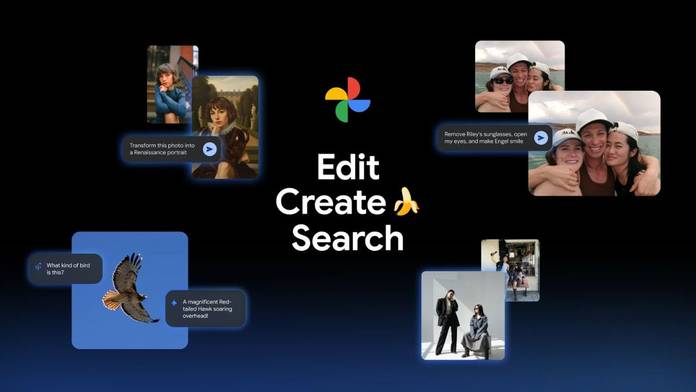
Google introduced Nano Banana in August this year as a “top-rated image editing” model in its Gemini app. It has been designed to reimagine your photos with whatever crazy idea you have, but still make the subject look as realistic as possible. Nano Banana is now available in the Google Photos app, providing users with additional AI assistance to edit and reimagine their photos. There’s a lot you can do now by simply “asking” AI to edit your photos, restyle images, and try out different AI templates.
Another interesting thing is that Google is rolling out a few of these features to India first, along with the US, signalling the country as an important market. OpenAI, also recently made ChatGPT Go free for users in India and is opening its first office in the country.
Now, let’s take a look at how much AI is coming to Google Photos.
Need help editing? Ask Google Photos
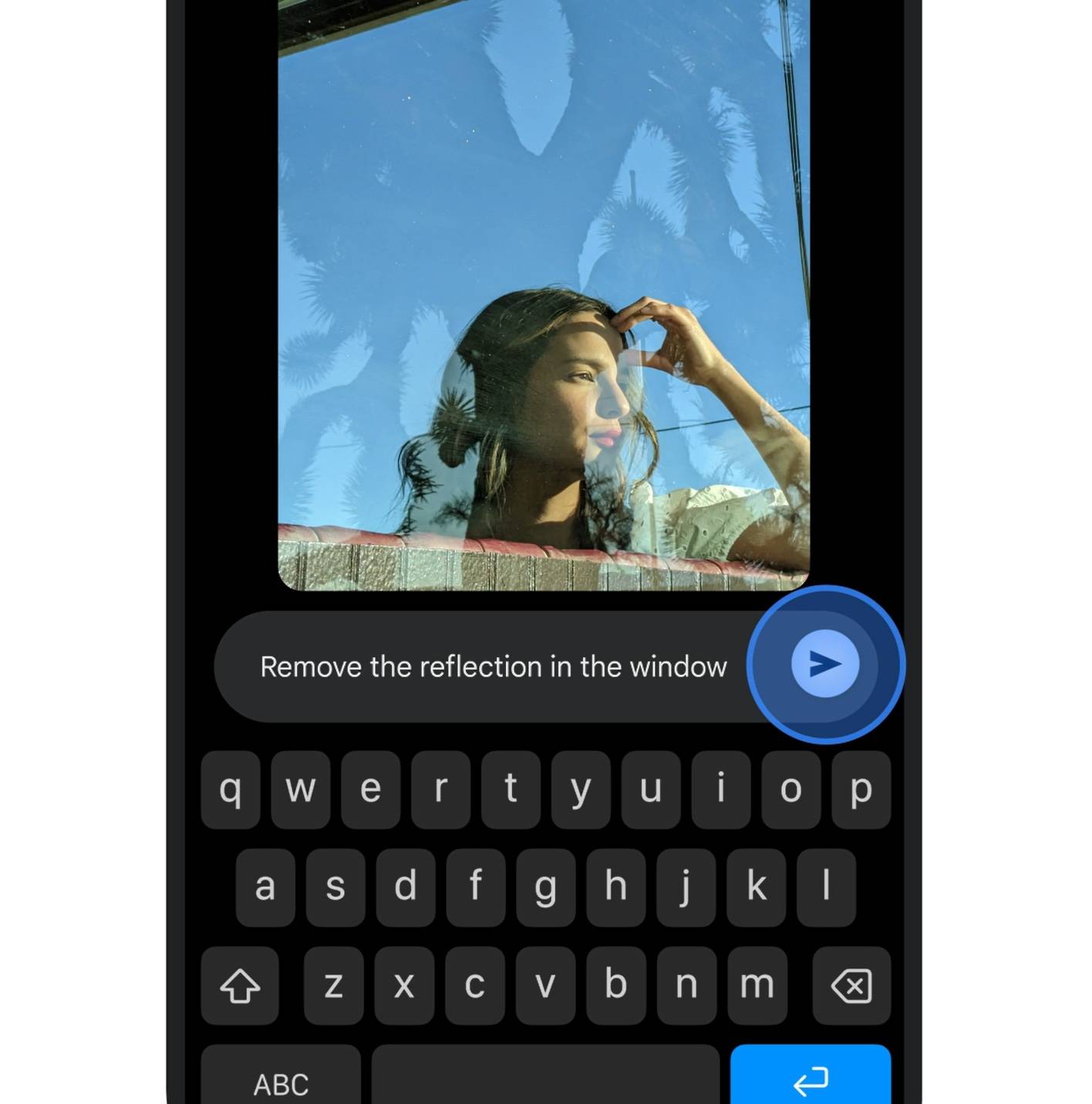
Google has added a new feature called “Help me edit”. Once you select this, you simply have to type out what you want corrected in your photo. The result is supposed to be as realistic as possible, and Google says it uses images from your private face groups to create accurate edits. This feature is coming to iOS users too, in the US, along with the redesigned photo editor.
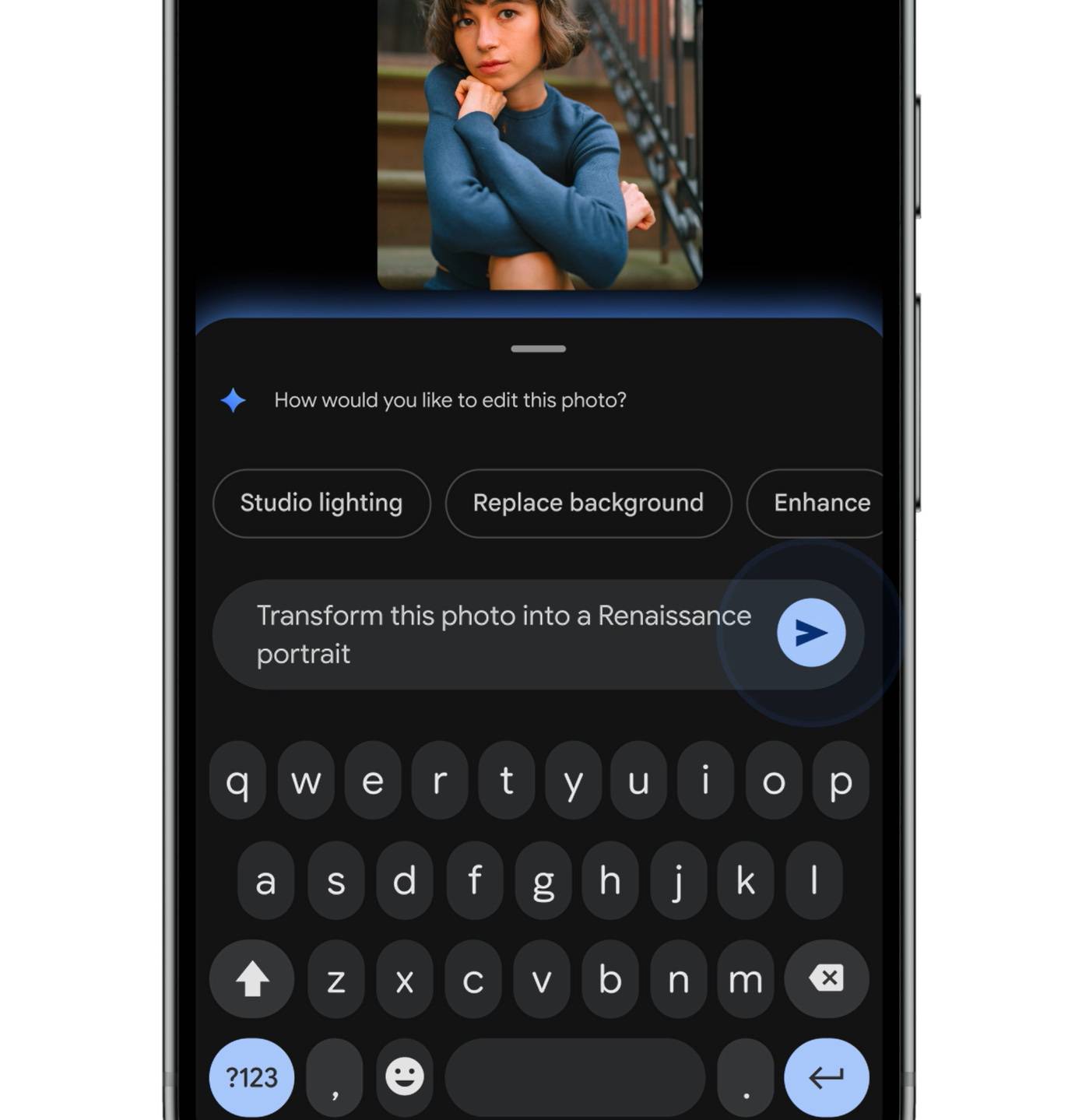
Similarly, you can use Help me edit to reimagine your photos powered by Nano Banana. Select the feature and describe the scene you want. Some examples include painting you like a Renaissance portrait, restyling the image as a mosaic with colourful tiles, and more.
If you want your photos reimagined with AI but don’t know have any ideas, then Google has a solution for that too. There’s a new feature for this called “Create with AI,” and what it does is give you a set of templates like “put me in a high fashion photoshoot” or “create a professional headshot”. You can choose any of them and simply add your photo, and it will be reimagined with the selected scene. Google will also create personalised templates based on your hobbies and experiences from your photo gallery.
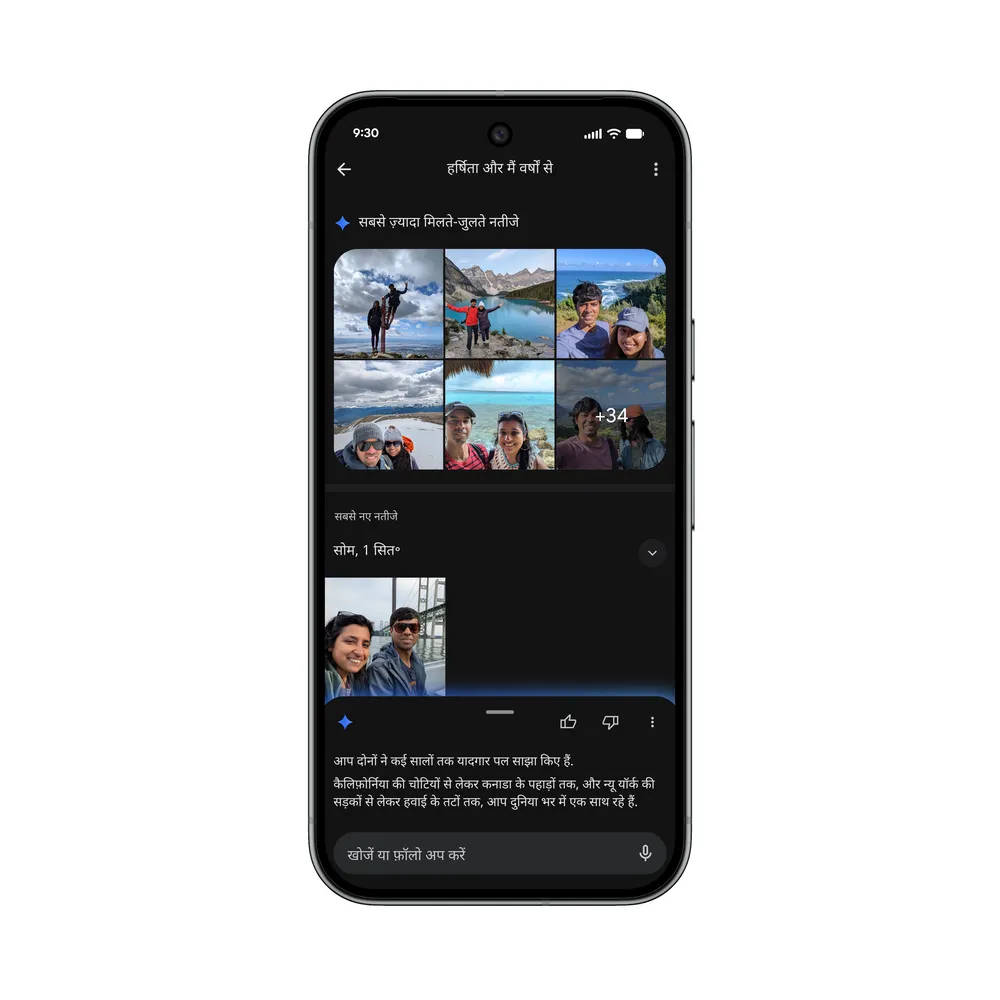
Google’s AI-powered “Ask Photos” tool is rolling out to 100 more countries, including India, and languages including Bengali, Hindi, Marathi, Tamil, and Telugu. This tool lets you search for specific photos from your gallery by showing the most relevant photos. There’s another new “Ask” button, which lets you dive deeper into an image by getting more details about its content or related moments. You can ask questions you want or select one of the suggestions.
With Google Photos getting more AI-powered tools, editing and organising pictures just got easier, and a bit more fun. You can now enhance, tweak, or find old memories without endlessly scrolling. While Google hasn’t confirmed it, these new AI features are expected to be part of the paid Google Photos tier. The free plan offers 15GB of storage shared across Gmail and Drive, while Google One subscriptions start at Rs 59 per month in India. For users with large photo libraries, the added AI features make the upgrade feel more worthwhile.