Just as Vivo unveiled the OriginOS 7 rollout schedule, iQOO quickly announced its own device update release plan. Based on Android 17, the update promises a refined design language with the introduction of Dynamic Translucent Material, advanced multitasking capabilities through Origin Workbench, and a slew of new AI functionalities. With the flagship iQOO 15 set to receive the stable update by the end of this month, here’s when other eligible iQOO smartphones will get the update:
Table of Contents
iQOO OriginOS 7 rollout schedule for India
Here’s when iQOO will start the rollout of OriginOS 7 in India for its eligible devices, which are mentioned below:
| Release phase | Devices |
| October end | iQOO 15 |
| Mid November | iQOO 15R, iQOO 13 |
| Mid December | iQOO 12, iQOO Neo 10, iQOO Neo 10R |
| January end | iQOO Neo9 Pro, iQOO Z11 5G, iQOO Z11x 5G, iQOO Z11xa 5G, iQOO Z10 5G, iQOO Z10R 5G |
| February end | iQOO Z10x 5G |
Since the release timeline doesn’t specify rollout dates, users will have to expect the update to drop during the allotted phase.
What improvements and changes does OriginOS 7 offer
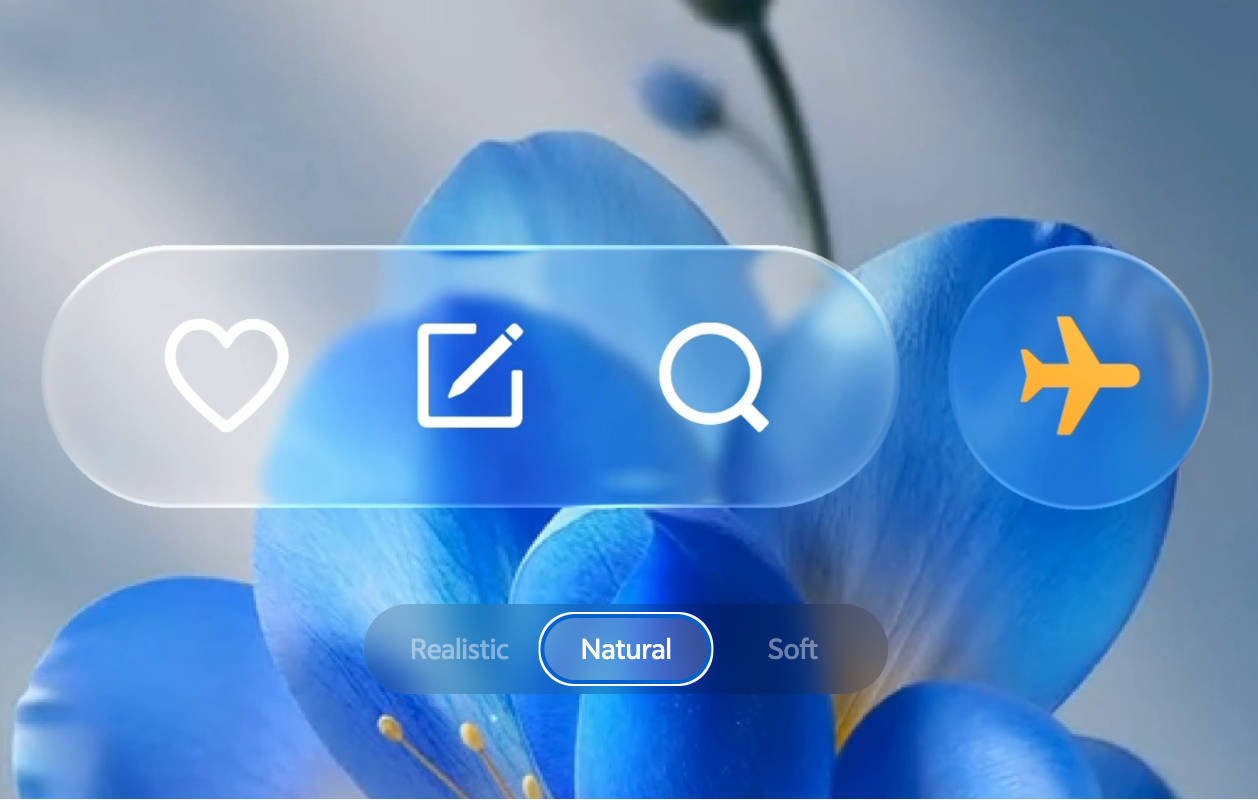
While we’ve already covered OriginOS 7 in-depth in our dedicated hands-on story, here’s a gist of what it brings to the table. OriginOS 7 upgrades the Origin Design language with Dynamic Translucent Material, adding transparency to elements, plus Dynamic Glow for a luminous effect. Furthermore, touch elements bounce, stretch, and flow naturally with liquid dynamics tracking finger direction and speed. This is similar to ColorOS 17’s Living Flow Design, which also brings lighting effects to several elements.
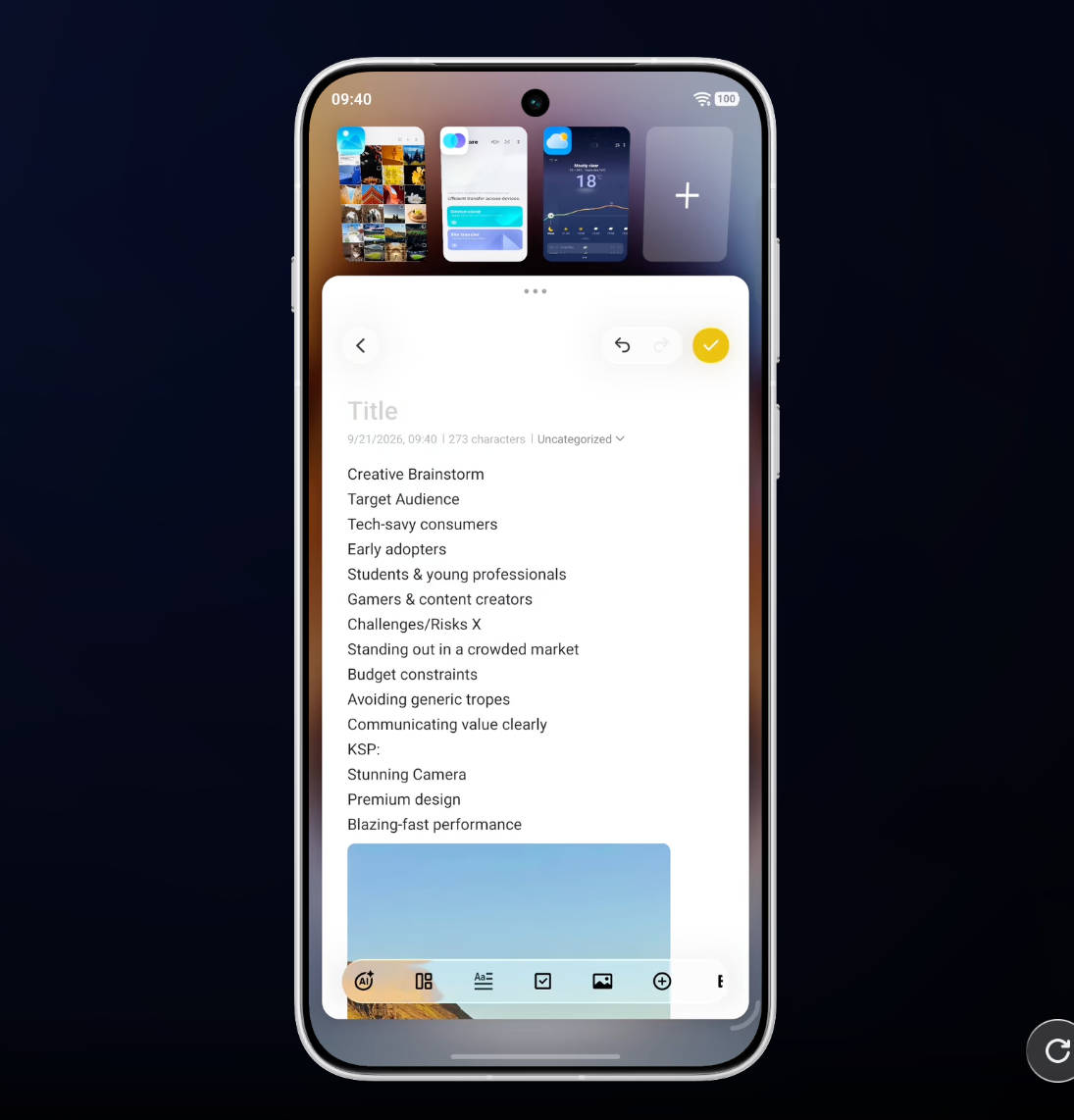
Then there’s Origin Workbench, a desktop-grade multitasking workspace that lets you comfortably organise and run up to five active apps simultaneously on a single screen on your regular slab-based phone and foldable smartphone. Like many brands, Vivo is upgrading its AI assistant, Jovi, to help users with their tasks. Instead of responding to simple commands, Jovi can now find information, read and dissect content from files, set scheduled tasks, and deliver consistent, relevant results.
Together, these features should create a comprehensive software experience: Origin Workbench lets users switch instantly between multiple apps, while Jovi AI can help with tasks that require sorting or organising files and photos.
Overall, OriginOS 7 looks set to deliver a substantial upgrade. Beyond smoother animations and more responsive UI interactions, it introduces tools such as Origin Workbench for seamless multitasking and enables Jovi AI to act independently. Customisation options expand further with new lockscreen themes and stickers, letting users design their preferred lockscreen, while dark-themed icons can pair nicely with lighter wallpapers.