Vivo’s OriginOS 7 brings a fresh set of changes to the company’s Android skin, with a focus on personalisation, visual design and getting more done. While it may not look radically different at first glance, several changes under the hood and across the UI make the experience feel different from the previous version.
To see how much has actually changed, we spent some time with the Vivo X300 Pro (review) running OriginOS 7 and compared it directly with the Vivo X200T (review) running OriginOS 6. Rather than running through every new feature, we’ve focused on three areas that matter most to the everyday experience: customisation, design changes, and productivity.
From the new ways you can personalise the lock screen and home screen to changes across the interface and the tools designed to make multitasking and everyday tasks easier, we’ll look at what the new OriginOS 7 brings to the table.
Table of Contents
New customisation options
Customisation is one of the areas where OriginOS 7 has seen a rather substantial change this time around. Vivo has introduced a bunch of new themes that go beyond simply changing your wallpaper or icons, with some of them actually reacting to how you interact with the phone.
The Wiggle Theme, for instance, makes your wallpaper wobble, spring or ripple when you move the phone around. It is a small touch, but it makes the lock screen feel a little more alive, though it’s tricky to show in a picture.
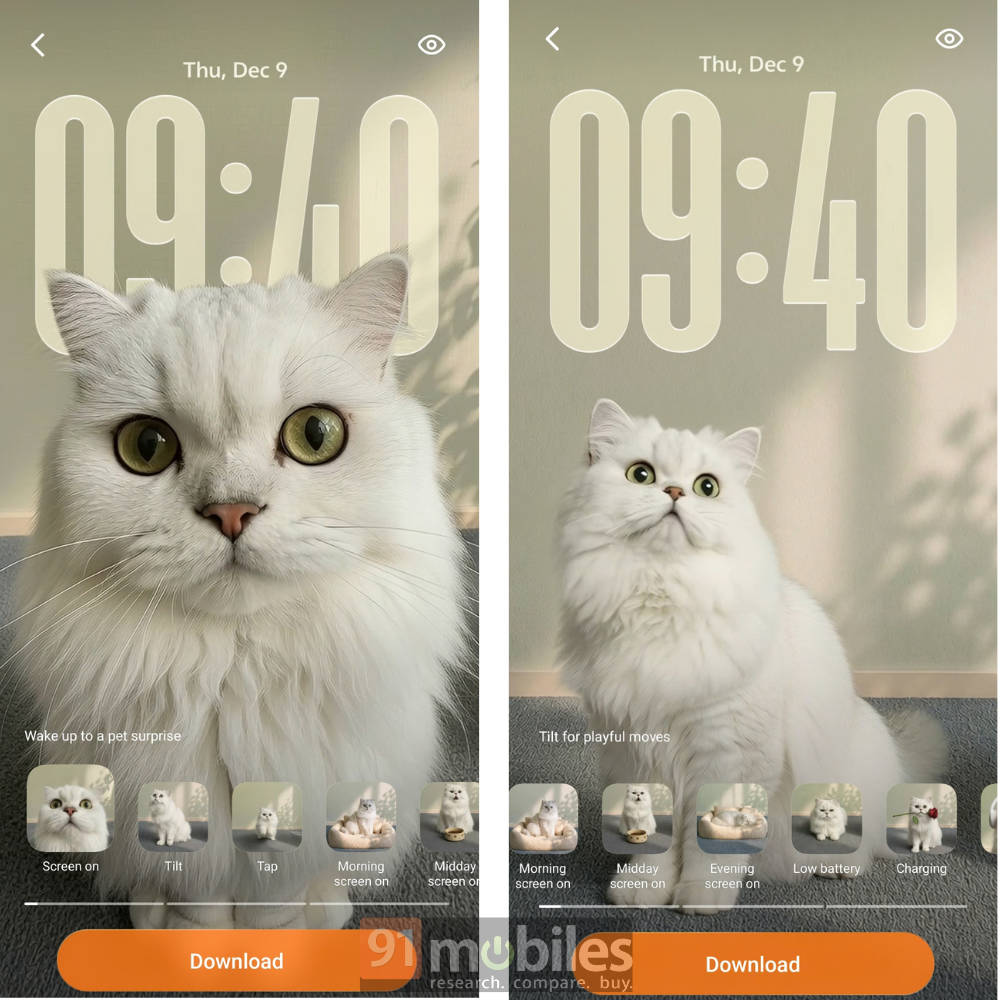
Then you have Pet Pals, which is probably the one to go for if you want something more interactive than your basic wallpaper backgrounds, with little animal characters that move around and react differently when you unlock the phone.
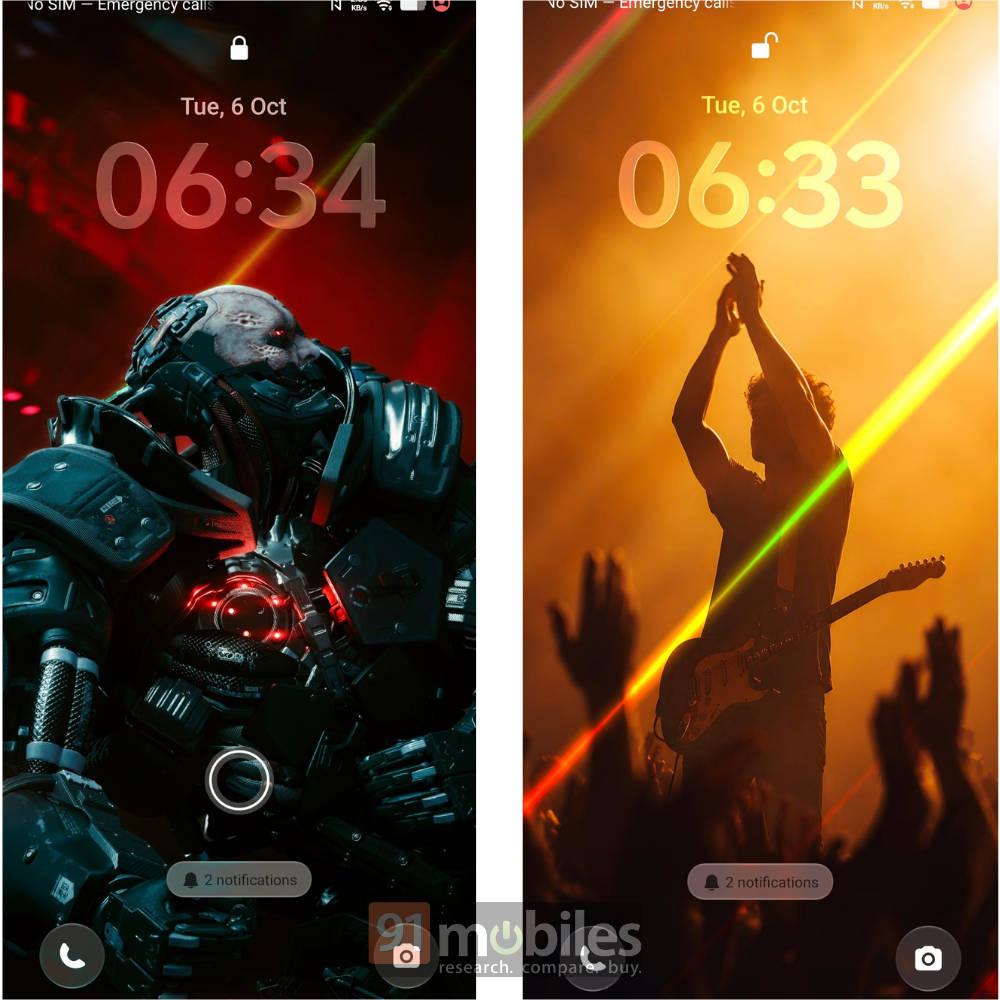
For me, the Glint Theme, in particular, was the highlight, though. You can use it with your own custom wallpapers as well, and if there are light elements in the image, they come through rather nicely when you tilt the phone. The iridescent effects, light beams and patterns shift with the angle, which gives the lock screen a nice bit of depth without feeling too over the top.
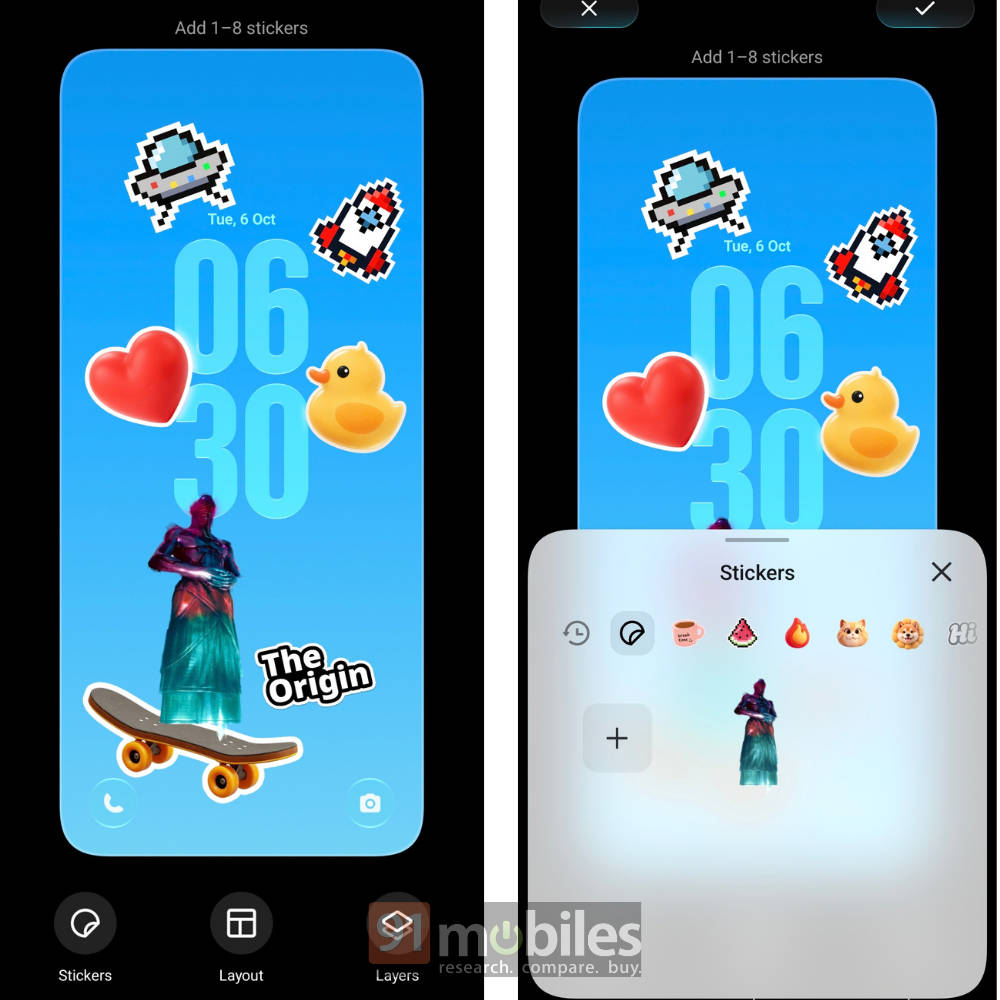
There are also system-level stickers through StickIt, which you can use across the lockscreen, wallpaper and AOD to customise your phone even more. Overall, I like what Vivo is doing here, and if customisation is your thing, OriginOS 7 gives you quite a bit more to play around with.
UI design changes
The UI design changes in OriginOS 7 are a little more nuanced, so we compared it with OriginOS 6 to make the changes easier to spot. Vivo has broadened its transparency and glass effects, but instead of forcing one look, you now have three levels to choose from: opaque, transparent, and glass. As you’d expect, they gradually increase the amount of transparency and glass-like effects across the UI.
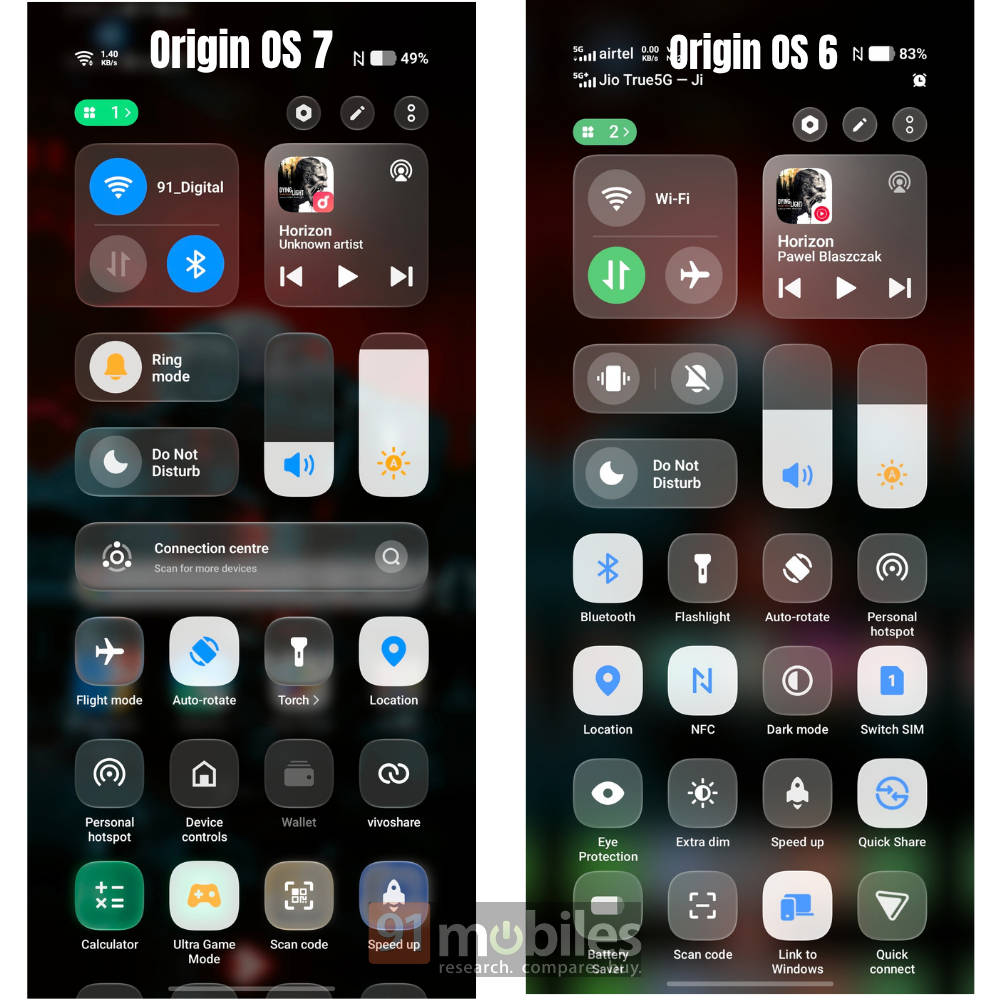
In that sense, the older OriginOS 6’s UI sits somewhere around the opaque or transparent end of the spectrum, while OriginOS 7 gives you more control over how much of that glass effect you actually want. I quite like this approach since not everyone is going to enjoy an overly transparent UI.
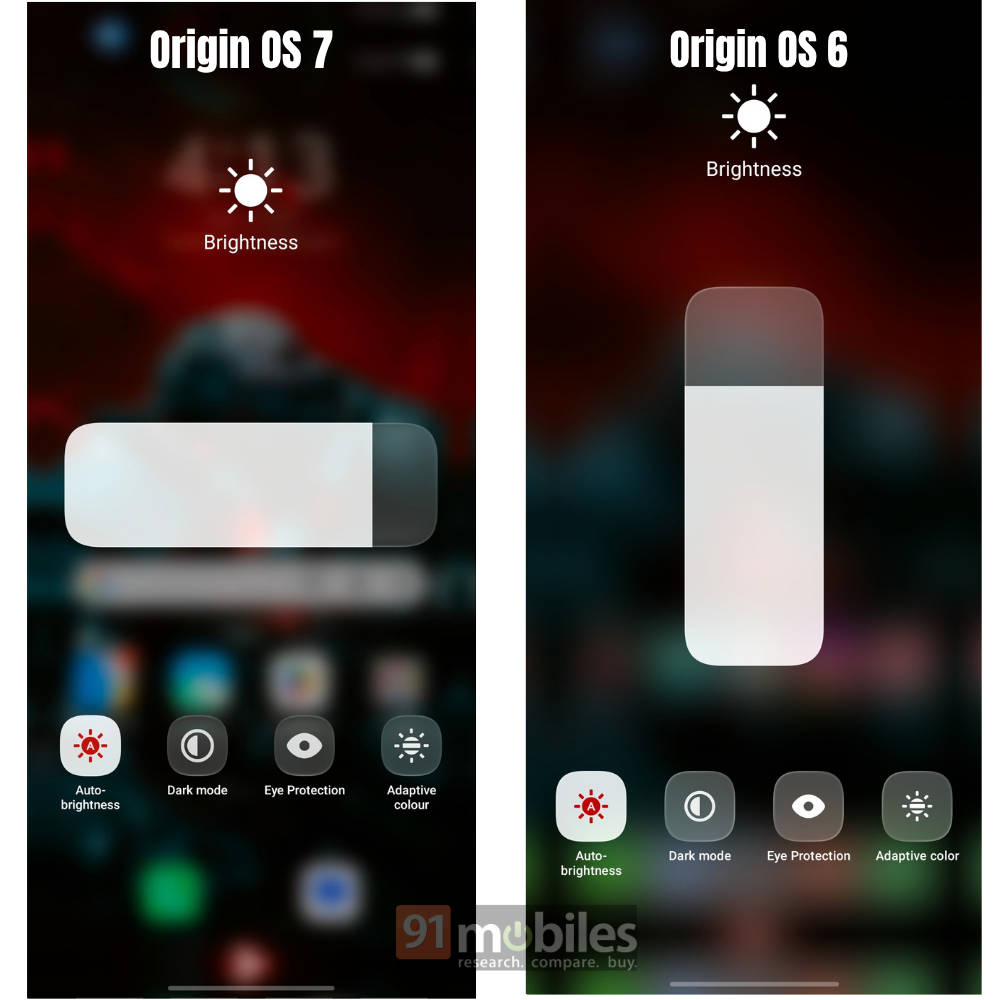
You also get more options to customise the notification panel, giving you more control over how the controls and information are laid out. It isn’t a major overhaul, but these smaller changes do make the interface feel more personal and give you more control over how OriginOS 7 looks on your device.
Productivity enhancements: better notes app, AI recordings
The largest suite of changes in this new version is undoubtedly the productivity enhancements. The Notes app, for instance, has become more capable and also brings with it some new animations.
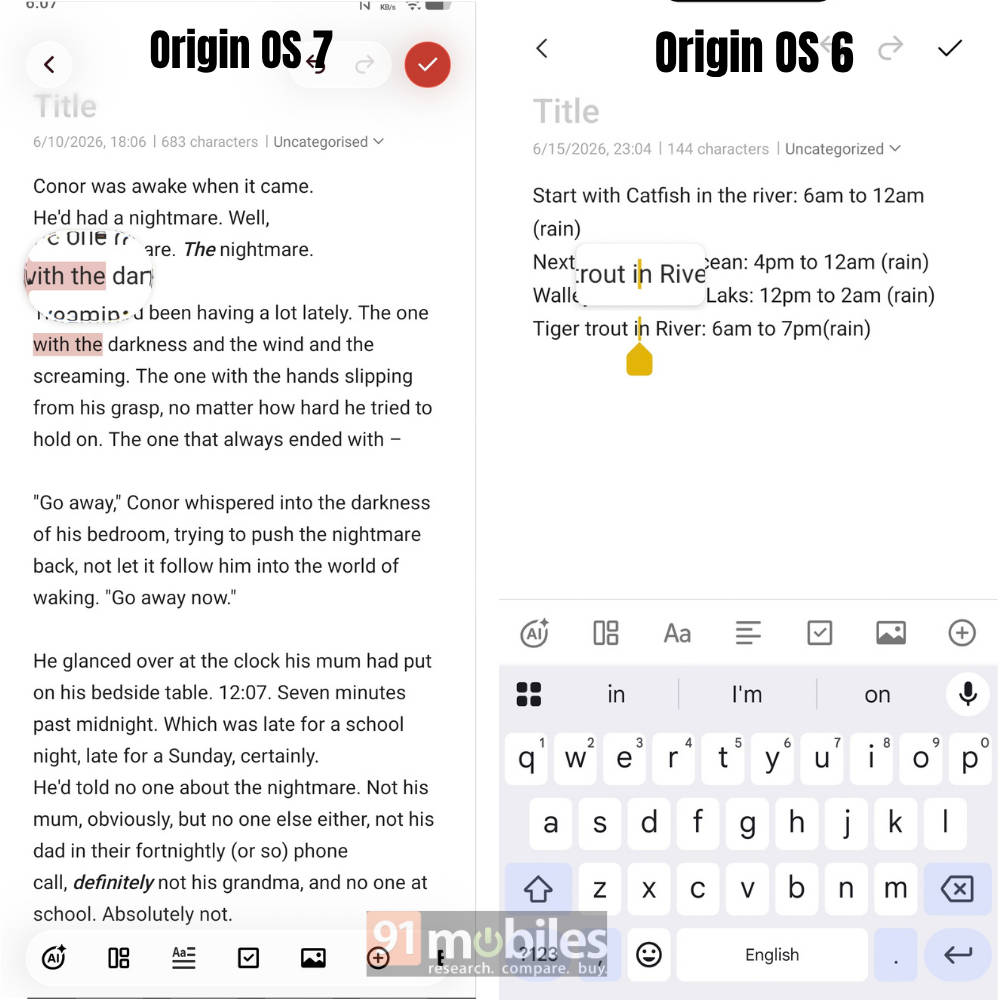
You can turn handwritten notes, whiteboards, slides and even mind maps into editable text using AI. I tried using it on a takeout bill, and it worked just fine, even adding the design formatting, which made me quite satisfied.
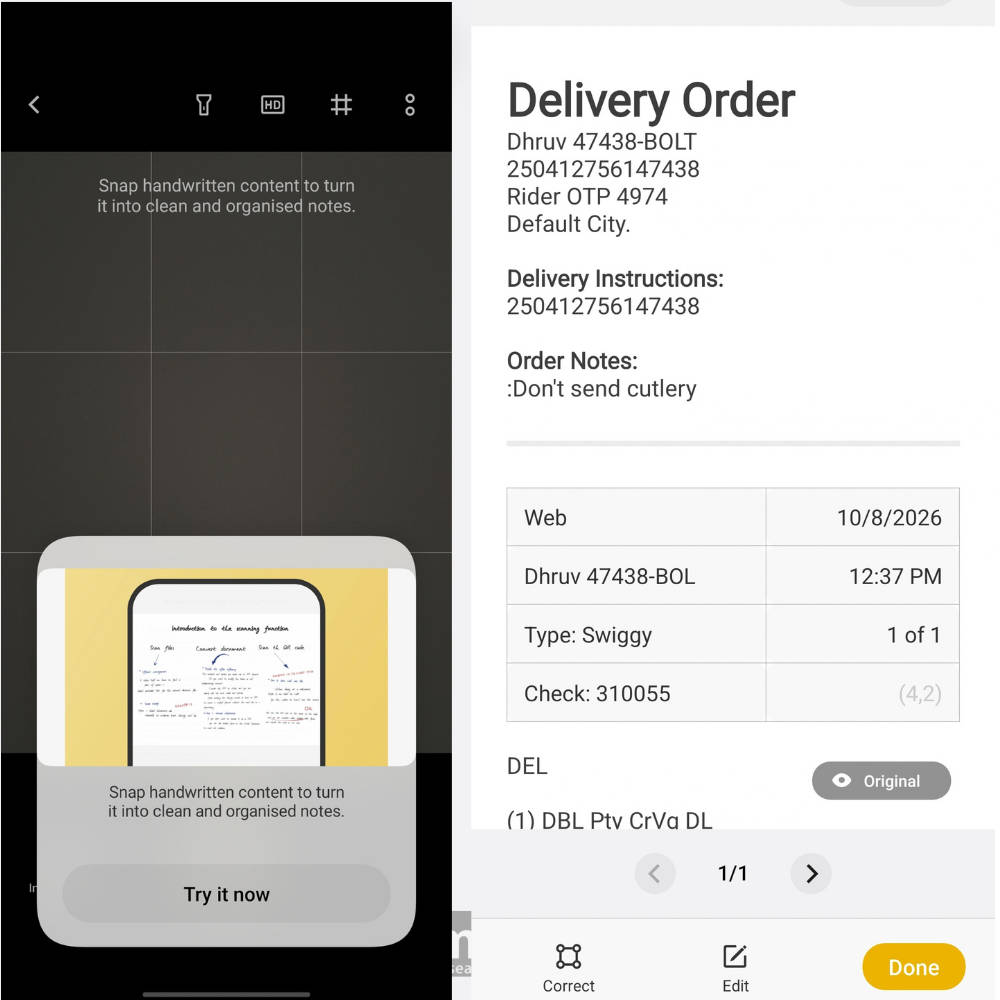
There are also more ways to summarise and organise your notes, unlike the rather basic options in OriginOS 6. I used these features quite often, and they make the app feel much more robust than it used to be.
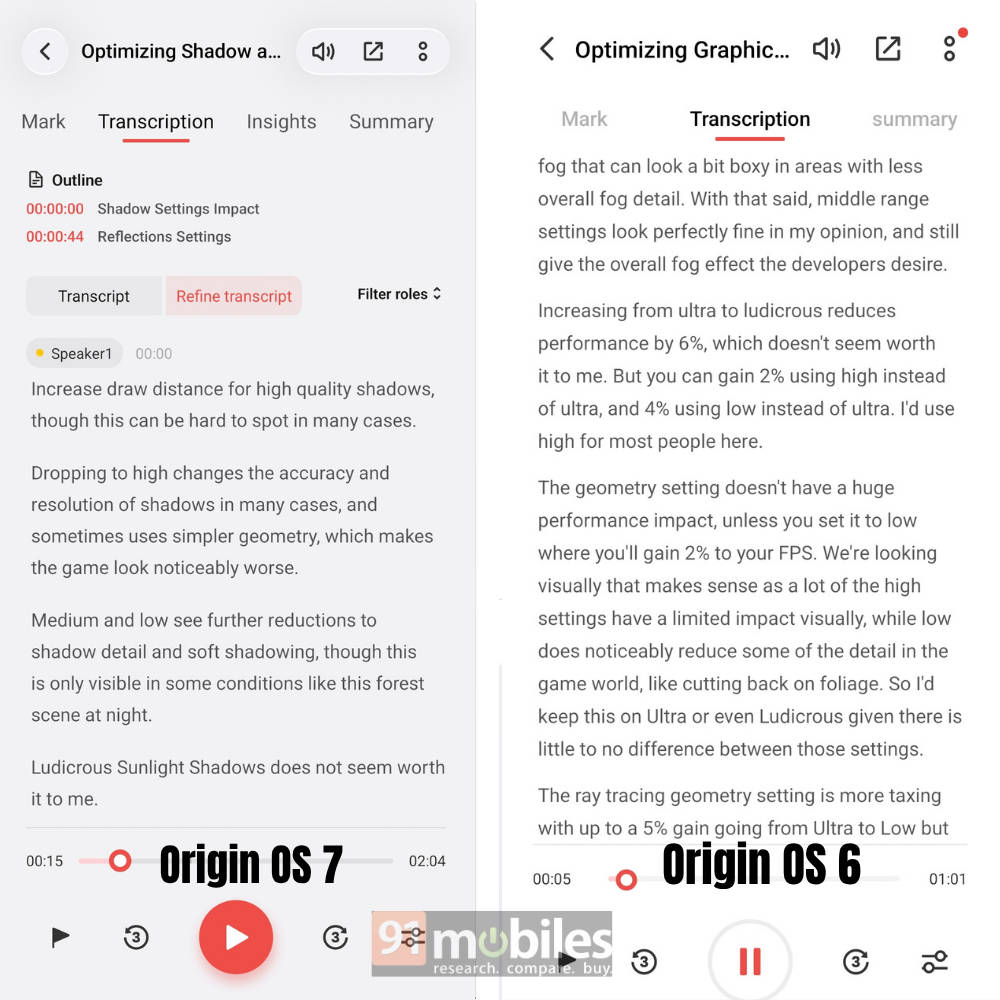
The Recorder app has also received a major upgrade, with automatic transcription, speaker recognition and AI-generated summaries. The transcription now automatically identifies speakers and attributes the text to them, formats it and adds sub-heads, which is a lifesaver if you find editing your transcripts bothersome.
Another nice add-on is the PDF reader, which now comes with a dedicated reader mode as well. As someone who reads books quite often, this is something I really enjoyed, as reading PDF files on the phone wasn’t a great experience before.
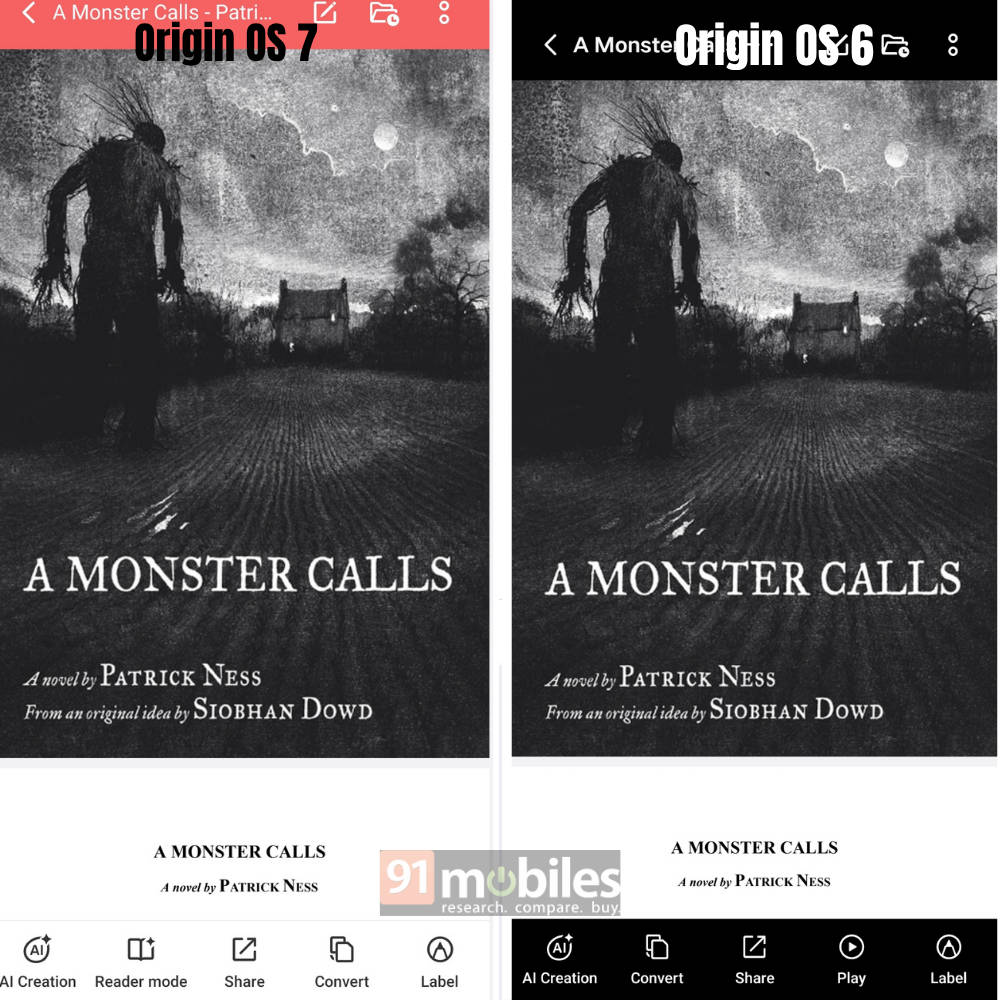
The new AI Search can find files and notes based on what you remember rather than requiring the exact file name. These are all fairly simple additions, but they are the sort of things I found myself using in everyday situations, which is a good sign in my books.
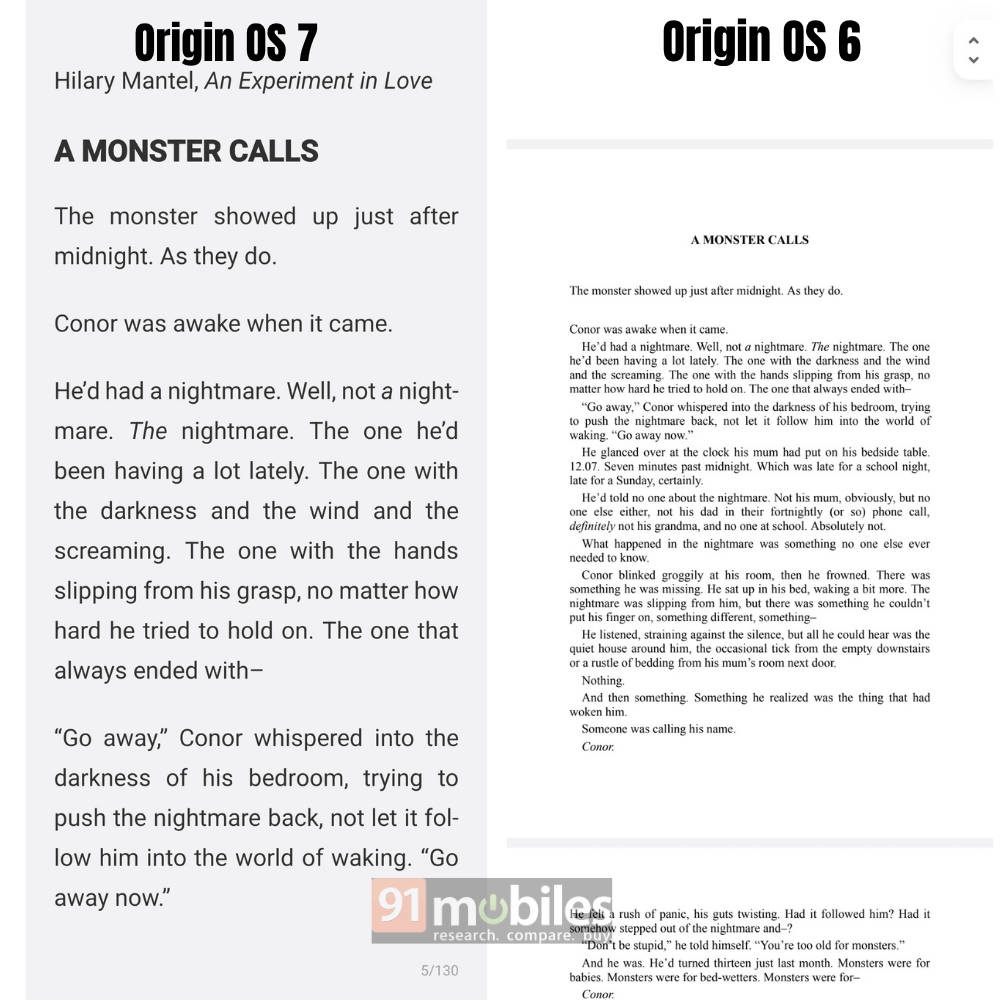
There are also upgrades to Jovi and the Call Assistant, but I haven’t been able to test those yet since my Vivo X200T (review) is still waiting for the OriginOS 7 update. So, I’ll reserve judgement on those for now.
Origin Workbench
Another productivity feature worth mentioning is Origin Workbench, which is essentially a multitasking hub. You can keep up to five tabs open at the same time and jump between them rather easily, which makes it useful when you’re working on multiple things at once.
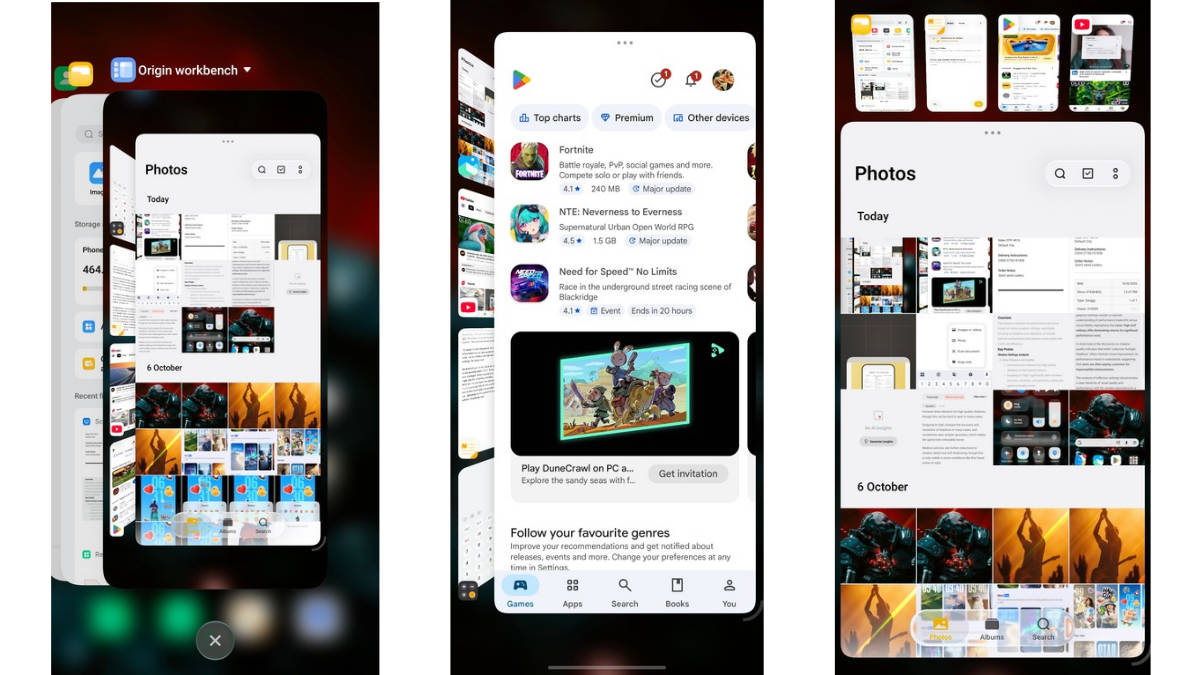
Navigation is straightforward, and the fluid animations make moving between tabs feel smooth. I haven’t used it much during my testing, but I can see it being helpful when I need to work on a bunch of things at once, especially if you like keeping multiple tasks open.
Smoothness and security
A lot of the other changes in OriginOS 7 happen under the hood, so they are harder to quantify. Vivo has worked on animations, memory management and system optimisation to keep the experience smooth when switching between apps and handling multiple tasks. The new Origin Smooth Engine also adds more fluid, spring-like animations across the UI.
There are also several security measures, including protection against malicious apps, unsafe links, spam calls and insecure Wi-Fi networks, along with daily security scans and tighter permission controls.
These aren’t features you’ll necessarily notice every day, but they are important additions that should make the overall experience smoother and more secure.
Final thoughts
From my perspective, OriginOS 7 is more about refining what Vivo built with OriginOS 6 and making changes to improve the user experience. OriginOS 6 brought some fairly fundamental changes to the design and overall feel of the software compared to Funtouch OS, while this new version builds on that foundation with more features and better ways to use them.
The biggest improvements are in customisation and productivity, with more ways to personalise the phone and a much wider set of tools that can be very useful in everyday life. Features like the upgraded Notes and Recorder apps, AI Search and Origin Workbench give you more things to do across the software suite, rather than simply changing how the UI looks.
It may not feel like as big a visual jump as OriginOS 6, but after spending time with it, I think OriginOS 7’s priorities are in the right place: refinement over novelty. Vivo has built on the previous version and added more depth, which is probably the right approach for a second-generation overhaul.