While Vivo is set to officially unveil OriginOS 7 in China today, i.e., September 16th, Vivo and iQOO have opened up the Preview Program for the Vivo X300 Pro and iQOO 15 starting today. This programme, limited to 500 spots each, will let users test OriginOS 7 before it officially rolls out in stable form in the next few weeks. Applicants can also share feedback or issues they encounter with the beta build to help refine and stabilise the firmware.
In other news, Vivo’s global X handle has confirmed that OriginOS 7 will make its international debut on September 21st, when we should get a wider picture of what the skin has to offer on its Android 17-based platform.
Table of Contents
OriginOS 7 Preview Program registration details
To register and experience OriginOS 7 in beta, interested Vivo X300 Pro and iQOO 15 users must ensure they’re running software version 16.0.25.4 and 16.0.24.1, respectively, or above. The registration application is open from September 16th to September 20th. With that out of the way, here’s the procedure to register for the update:
Step 1: Firstly, open the Settings app
Step 2: Head over to the System Update section
Step 3: Now tap the two-button menu in the top-right corner and select “Version trial”
Step 4: From here, select Closed Beta Sign-Up and then tap View Details
Step 5: A registration form will appear with the “Sign up now” button, in which you’ll have to carefully answer all the questions in order to be eligible for the OriginOS 7 Preview Program
Once registered, your application will be reviewed, and accordingly, the selected users will be notified of the next steps. Also note that since the update is limited to 500 spots per device, registering for the program does not guarantee selection. This may help create a focused feedback loop for Vivo and iQOO, which is a smart move for refining a major OS update.
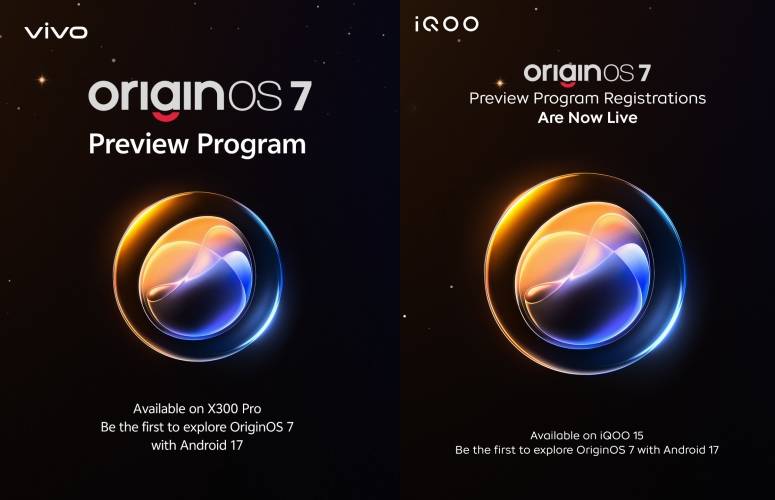
If you want to experience the latest features and interface on OriginOS 7 on your Vivo X300 Pro or iQOO 15, make sure you back up your data to avoid the risk of data loss during the upgrade. Also, since the beta update may include bugs, glitches, or unexpected battery drain, it’s best not to update your primary device unless you’re okay with occasional issues that may arise during the preview program.
What to expect on OriginOS 7
OriginOS 7 is said to bring a major design overhaul to most elements present in the software. The software will adopt a Liquid Glass-like design, along with interactive lighting effects that adapt to the taps and scrolling movements. It will also introduce a range of new clock styles and icon-theming support.
The promised ‘Liquid Glass-like design’ sounds like a compelling visual refresh, potentially setting a new bar for Android aesthetics and giving competition to other Android skins, such as ColorOS, HyperOS, and MagicOS, that also deploy advanced-level effects and elements.
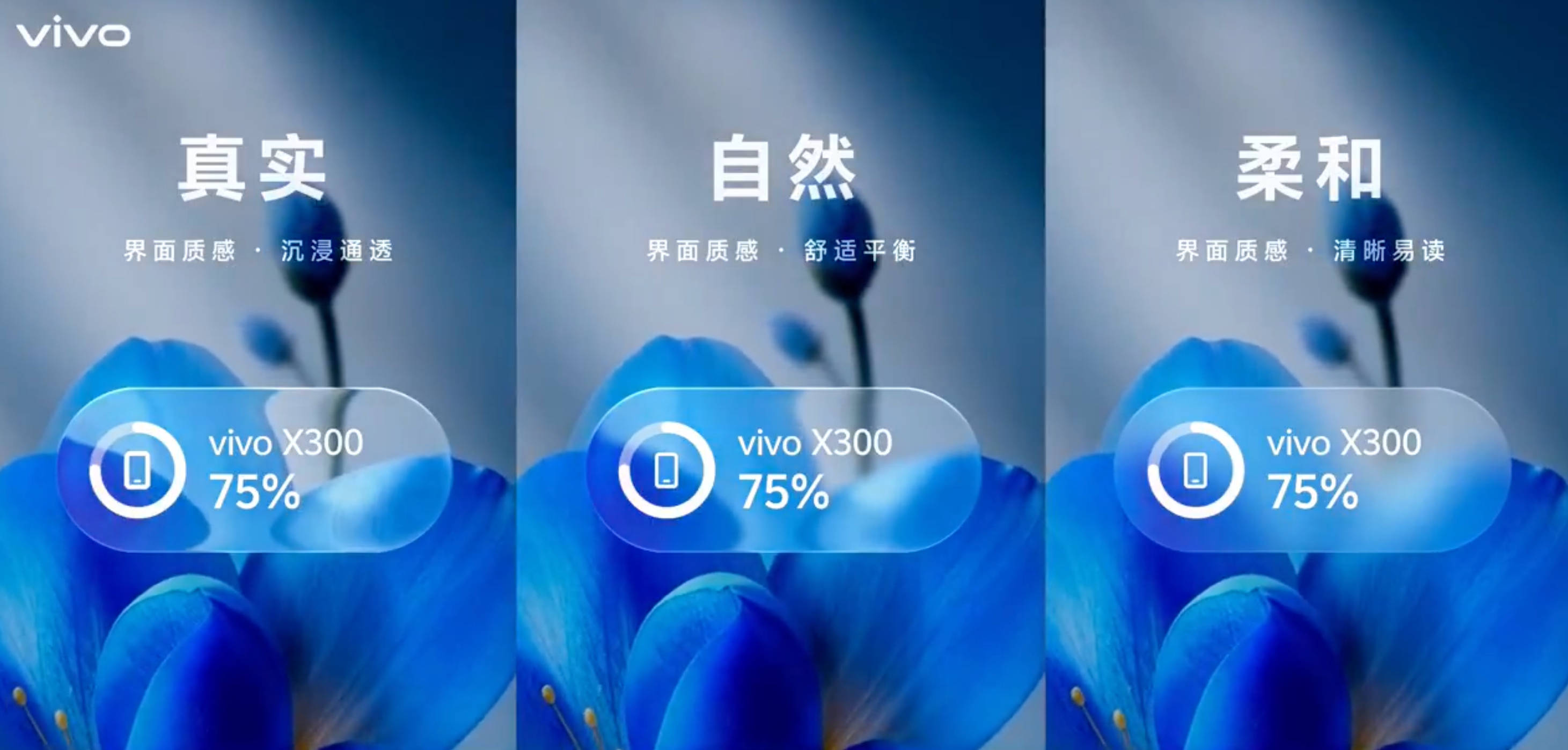
Some of the productivity features include Atomic Workbench, in which users will be able to open multiple apps in a side panel and switch between them at will, something similar to Stage Manager found on macOS. Under-the-hood improvements include a 14 per cent uplift in rendering efficiency, a 19 per cent improvement in page-switching response speed, and up to a 12 per cent improvement in application startup speed.