


Review Summary
Expert Rating

HP’s OMEN laptops have long been a reliable name in the gaming space, and that legacy continues this year, just under a new badge. HP is consolidating its gaming lineup under the HyperX brand, which it acquired in 2021, and the OMEN family is the first to transition. So if the HyperX branding on a gaming laptop looks unfamiliar, that’s why.
The subject of this review is the new HyperX OMEN 15, which recently launched in India. It carries over much of what made the previous HP OMEN 15 a good pick, but the headline addition this time is the new 15.3-inch 180Hz panel and the smaller footprint. The laptop’s premium pricing puts it in a tricky spot, as it competes against rivals that offer a better GPU for the price, but is there more to it than meets the eye?
In this review, I’ll walk you through what the HyperX OMEN 15 feels like to use day-to-day, how it holds up during long gaming sessions, and whether it justifies its asking price. Let’s get into it.
Table of Contents
Familiar face with a fresh badge
The HyperX OMEN 15’s design will feel quite familiar if you’ve spent any time with an HP OMEN laptop before, and that’s largely a good thing. The overall aesthetic is clean and minimal, with a matte black finish. In fact, it draws some clear inspiration from the Lenovo Legion series, which has been known for its sleek, no-nonsense gaming laptop design for a while now. The new HyperX logo sits front and centre on the lid, and the “015” lettering on the bottom corner of the chassis adds a bit of character.
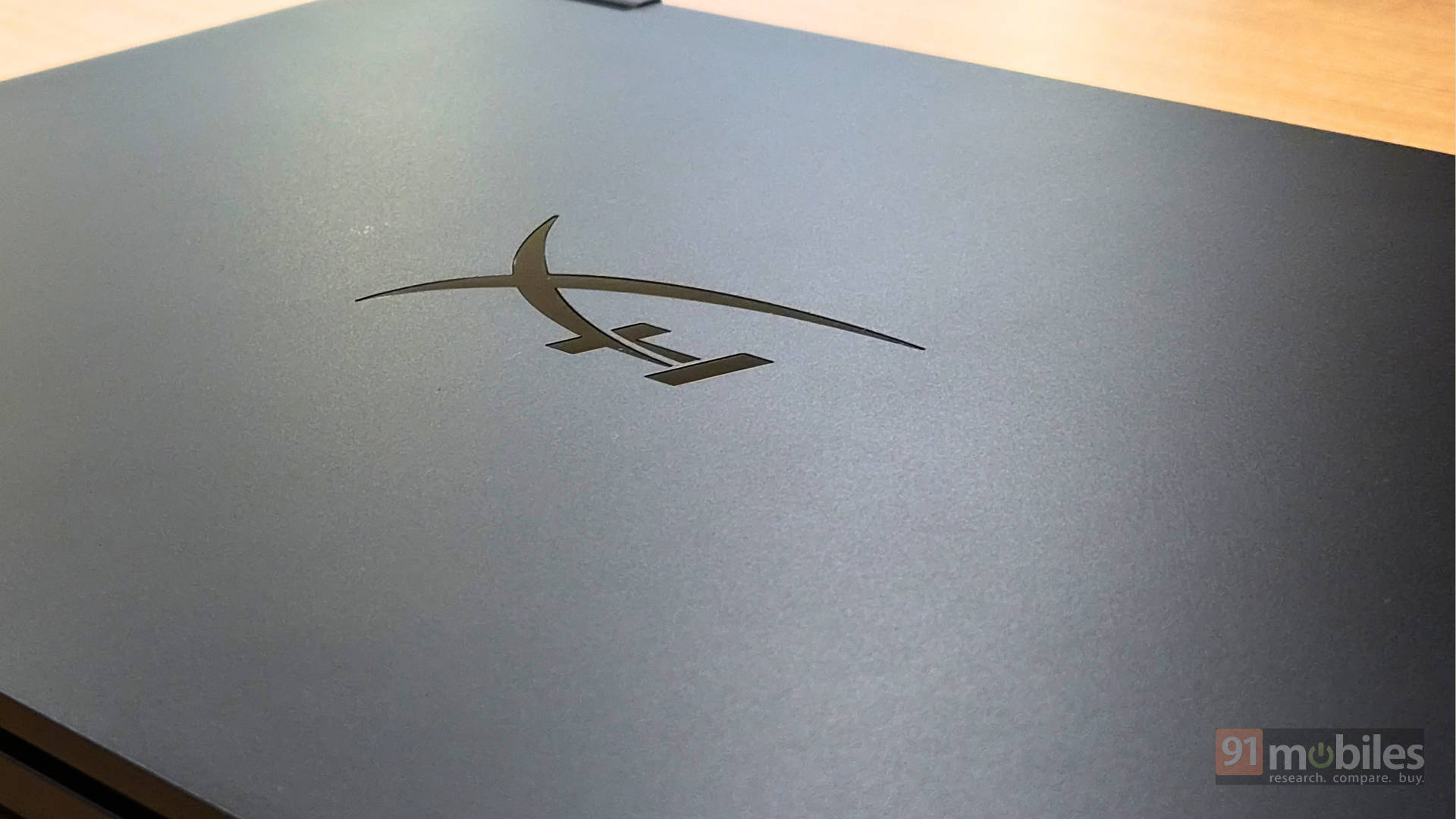
The laptop is about 2.36 cm in thickness, front to rear. At 2.21 kg, the weight is right where you’d expect a gaming machine to land, but it does feel lighter than that number suggests when you actually pick it up. A lighter-than-expected gaming laptop should be a pleasant surprise for anyone. The build quality is also pretty good, with a durable polycarbonate shell. There’s minimal keyboard and lid flex, and the screen doesn’t wobble a whole lot either. The hinge can also only move up to 145 degrees, not 180 degrees, so be informed.
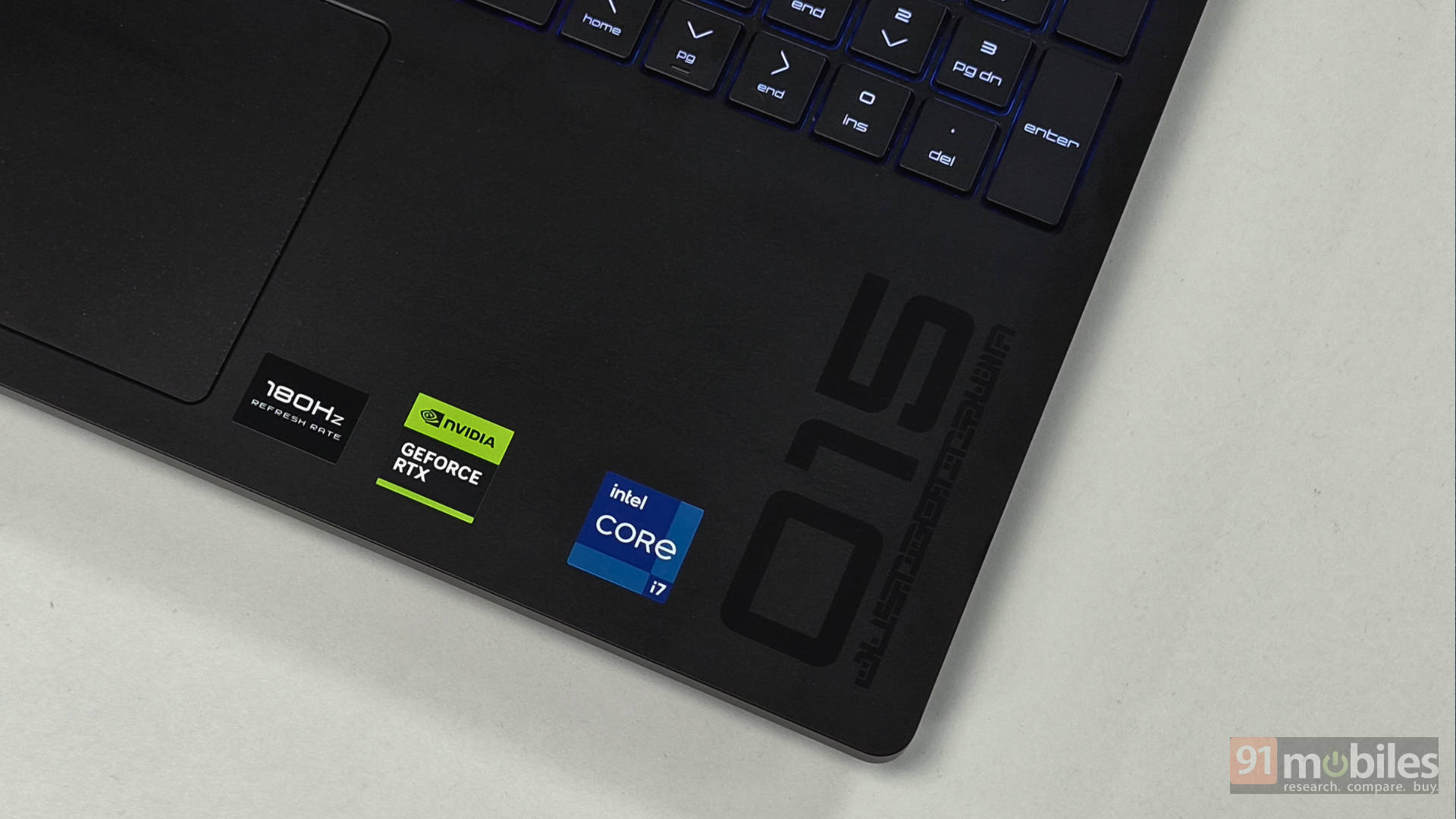
The one gripe I do have is with how quickly the finish attracts fingerprints and smudges. It becomes a bit of a chore to keep it looking clean with regular use. It is what it is with matte black finishes, but it is something worth knowing. If you’re someone who appreciates a clean, minimal machine, though, the HyperX OMEN 15 is quite easy to like.
Not a lot to plug into
The HyperX OMEN 15 keeps things pretty bare bones when it comes to port selection. You get two USB Type A ports, one USB Type C port with power delivery and DisplayPort support, HDMI 2.1, an RJ-45 Ethernet port, and a combo audio jack. That covers the basics, but just about.
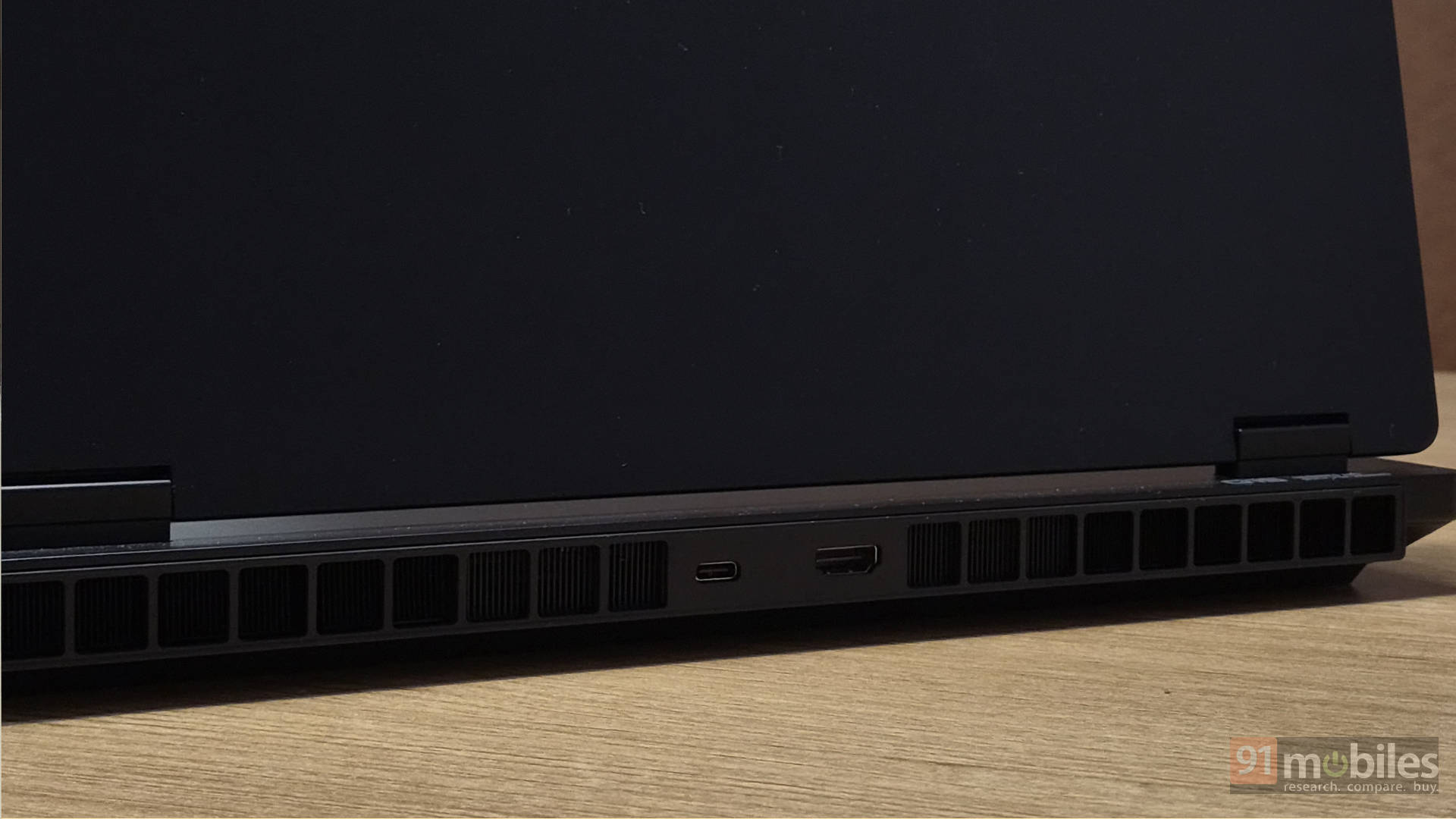
Compared to the competition, the OMEN 15 is clearly the most conservative here. The Lenovo Legion 5 gives you three USB-A ports and two USB-C ports, the ASUS TUF A15 at least matches you on USB-C but still packs three USB-A ports, and the Alienware Aurora x16 ups the ante further with a dedicated Thunderbolt 4 port alongside a second USB-C.
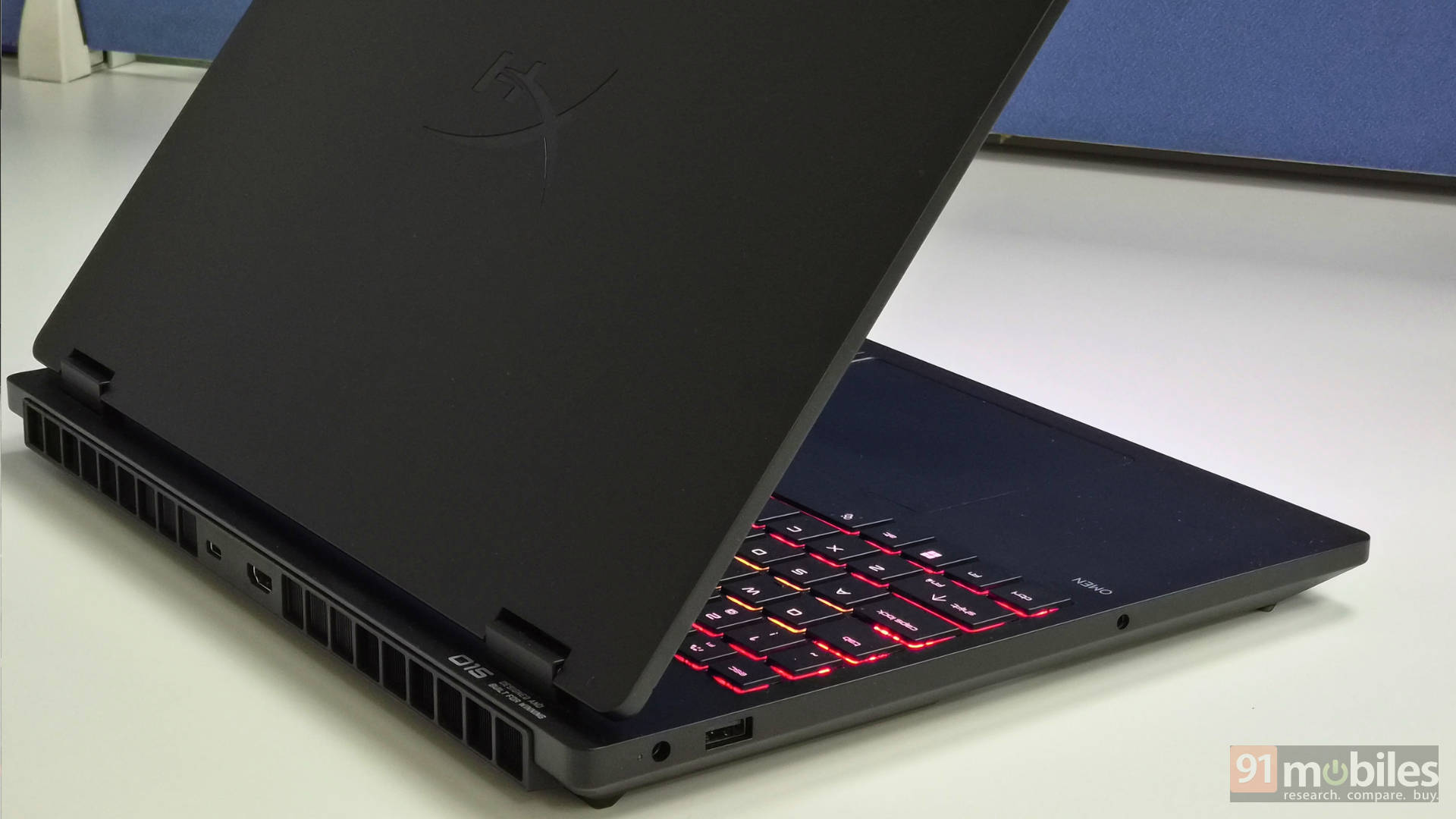
If your setup involves just a mouse, a headset, and occasional external storage, you will get by with ease. But the moment you start adding a capture card, webcam or multiple drives, you will be reaching for a USB hub pretty quickly, which is not something you should need on a gaming laptop at this price point.
Beautiful, sharp display
The HyperX OMEN 15 ships with a 15.3-inch WQXGA (2560 x 1600p) IPS panel that hits 500 nits of peak brightness. The display is clearly legible even in a well-lit room, and the antiglare coating helps cut down on reflections without washing out colours. The colour space coverage is wide enough at 100% sRGB, which makes this a capable screen for colour-sensitive work if you don’t already have an external monitor.
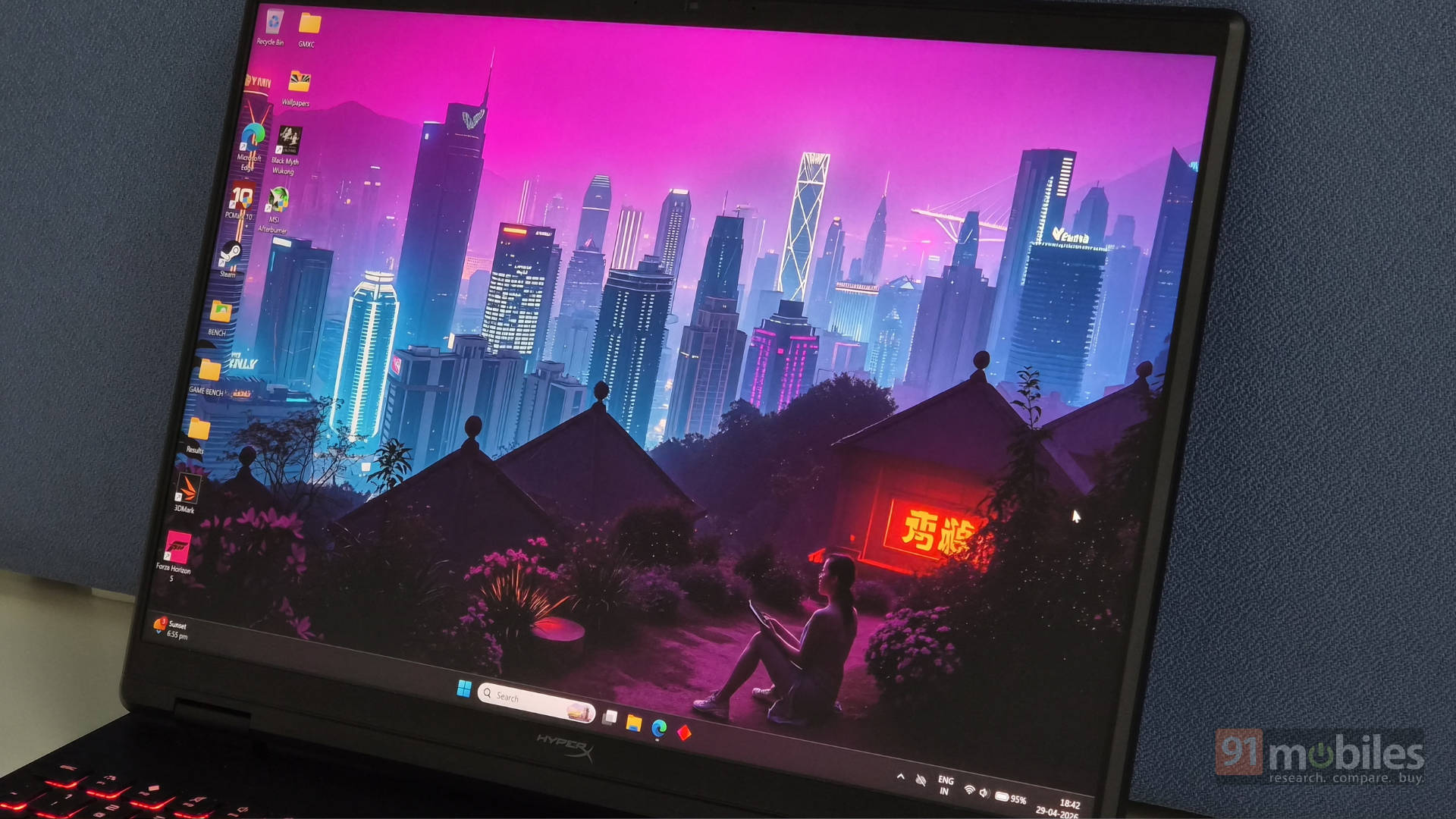
With a 16:10 aspect ratio, you get more vertical screen real estate compared to the typical 16:9 panels. It does make a significant difference when you’re browsing, editing, or working across multiple windows. And then there’s the 180Hz refresh rate, which will be a big draw for competitive FPS players. If you spend a lot of time in titles like Valorant or CS2, the smooth, responsive output at high framerates is something you will immediately feel and appreciate.
The panel also has VRR support, which helps eliminate screen tearing when your framerates fluctuate during more demanding titles. You also get NVIDIA Optimus support, so the device will automatically switch between iGPU and dGPU depending on your use case. Overall, the display is one of the strongest selling points of this machine, and it is hard to find much fault here.
What’s the performance like?
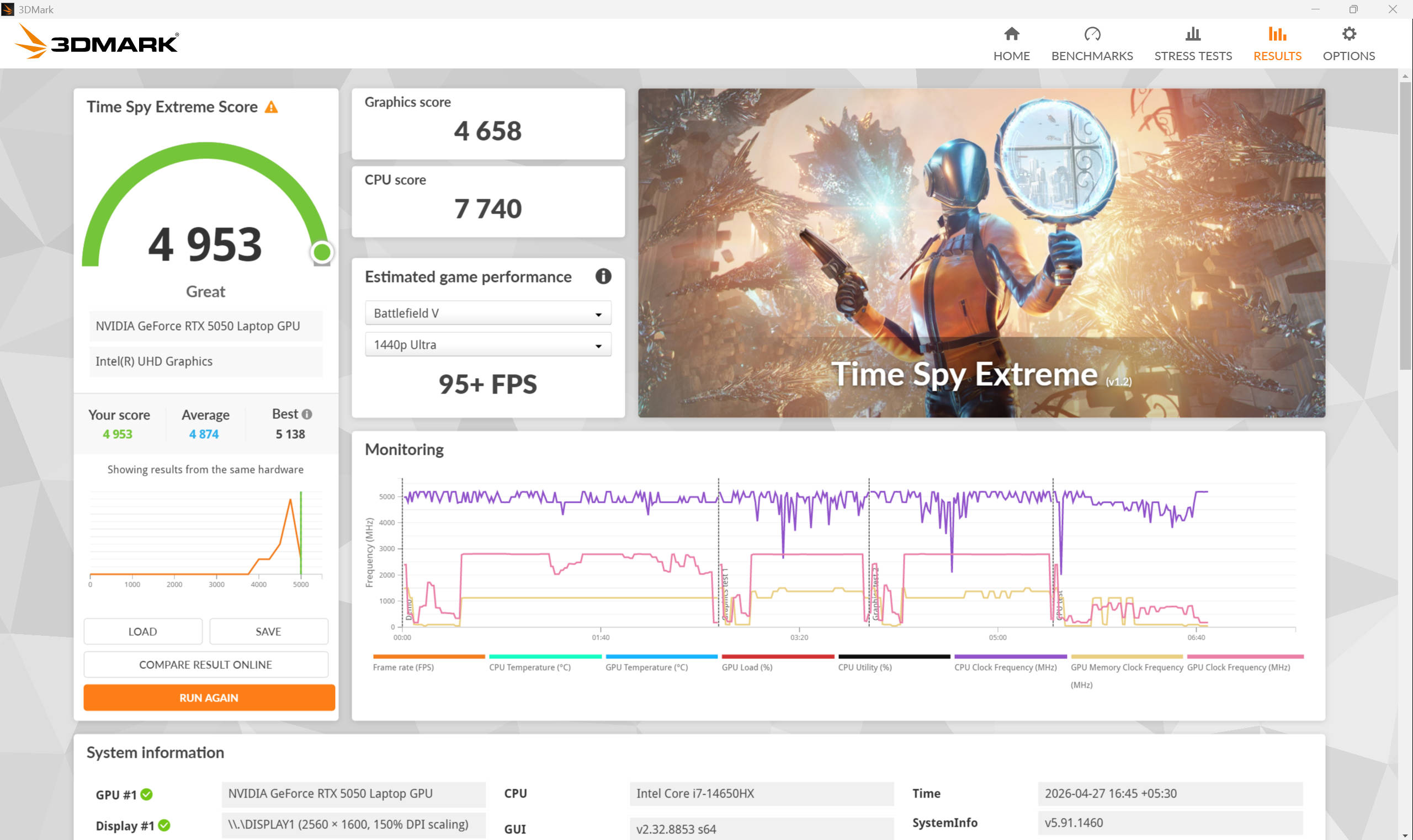
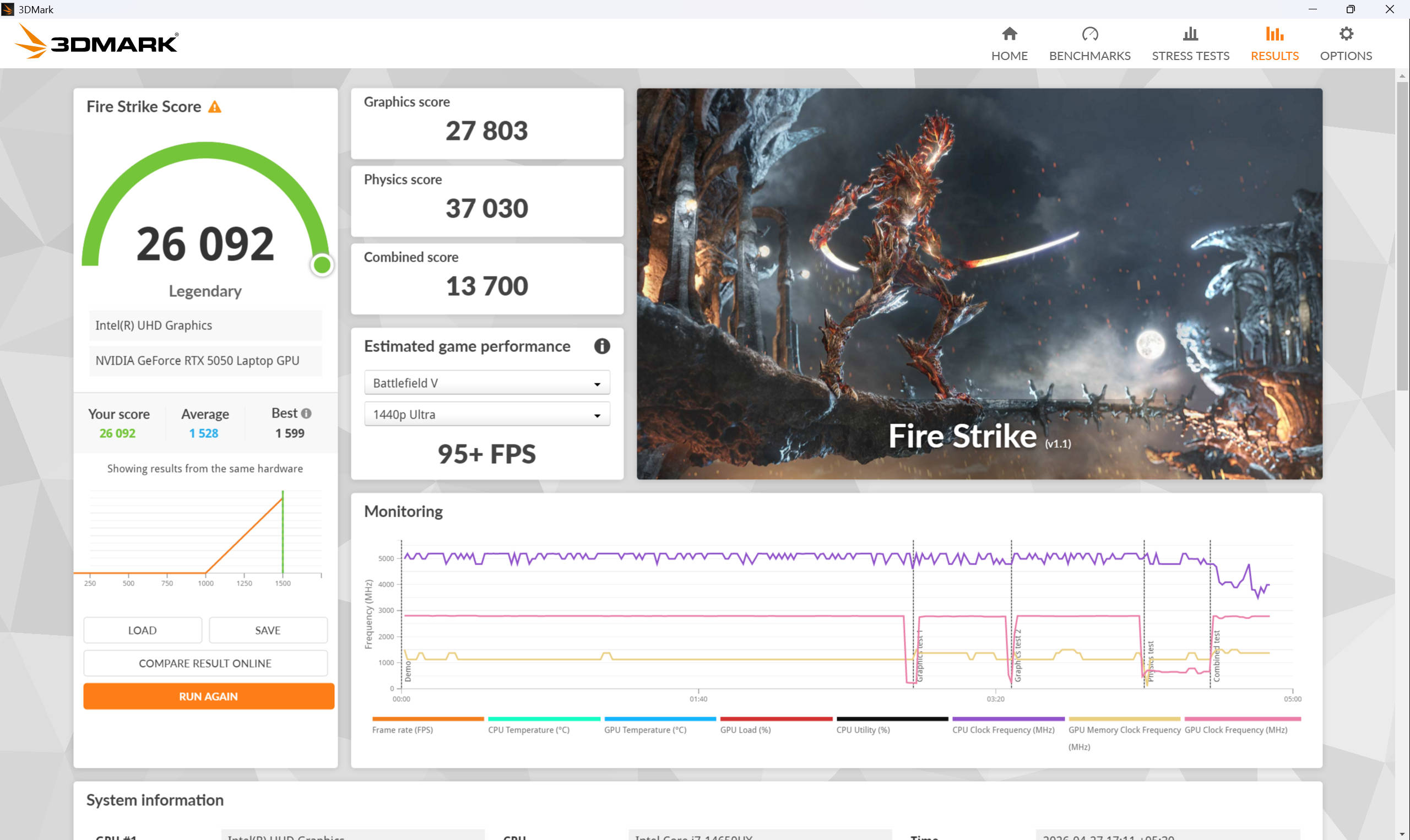
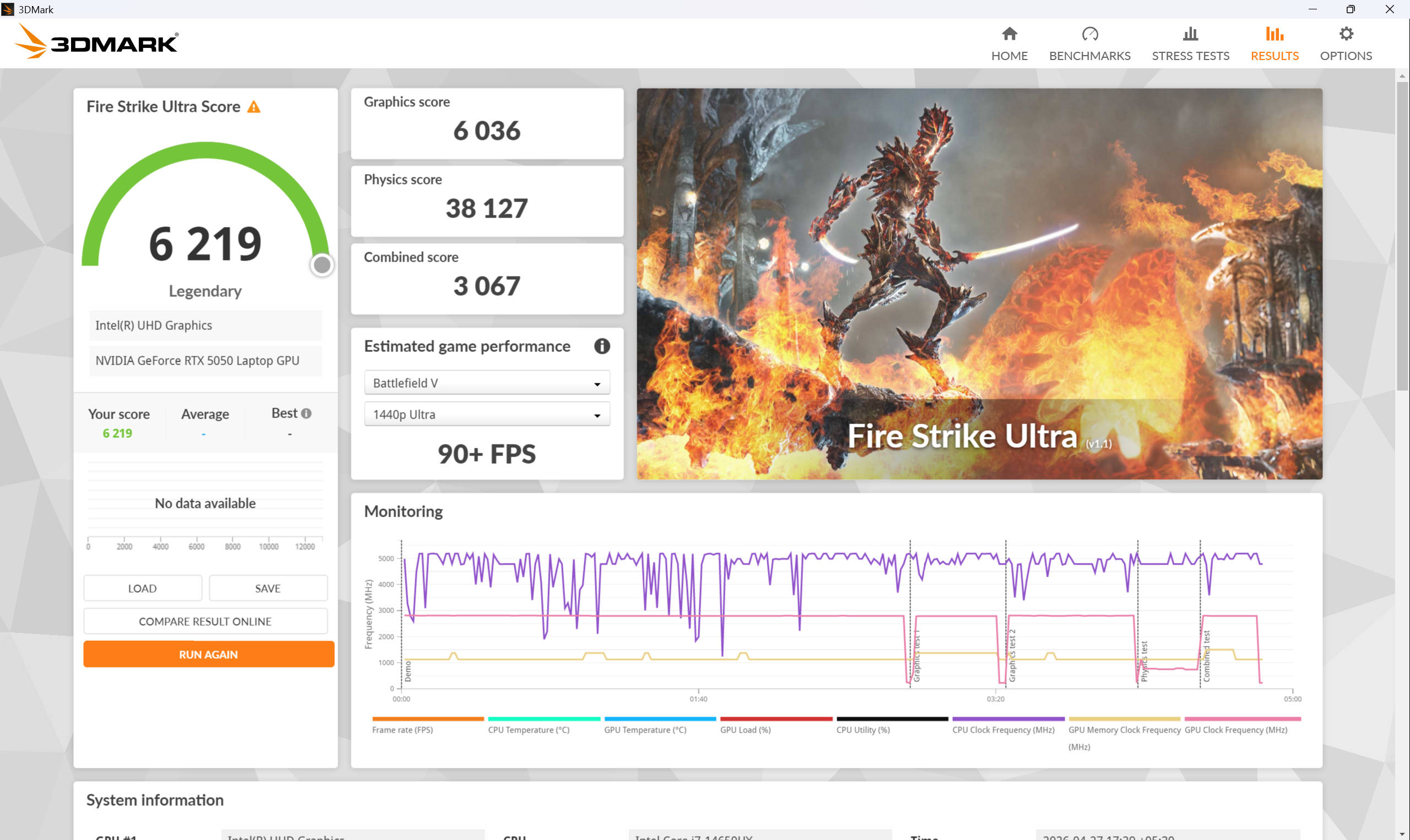
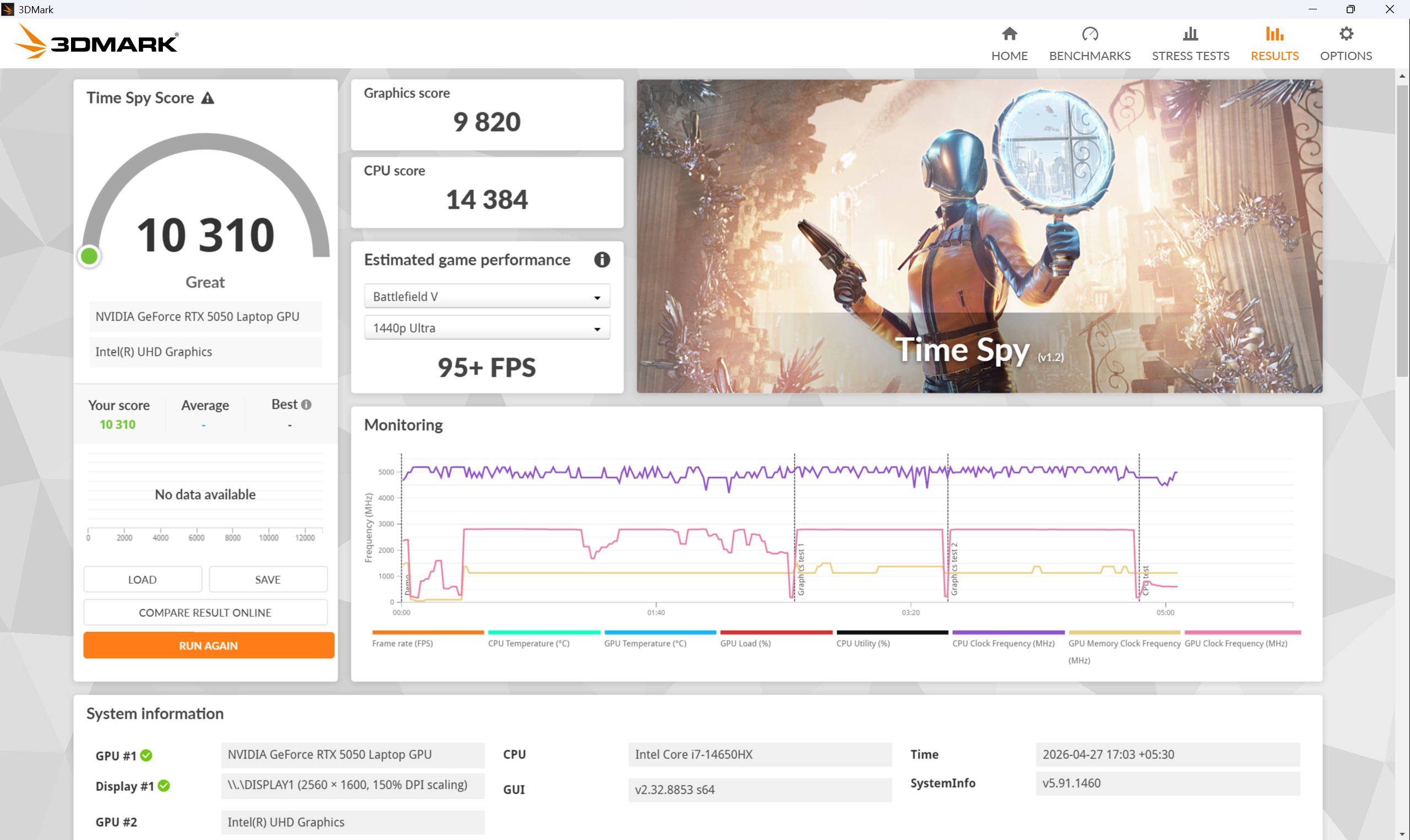
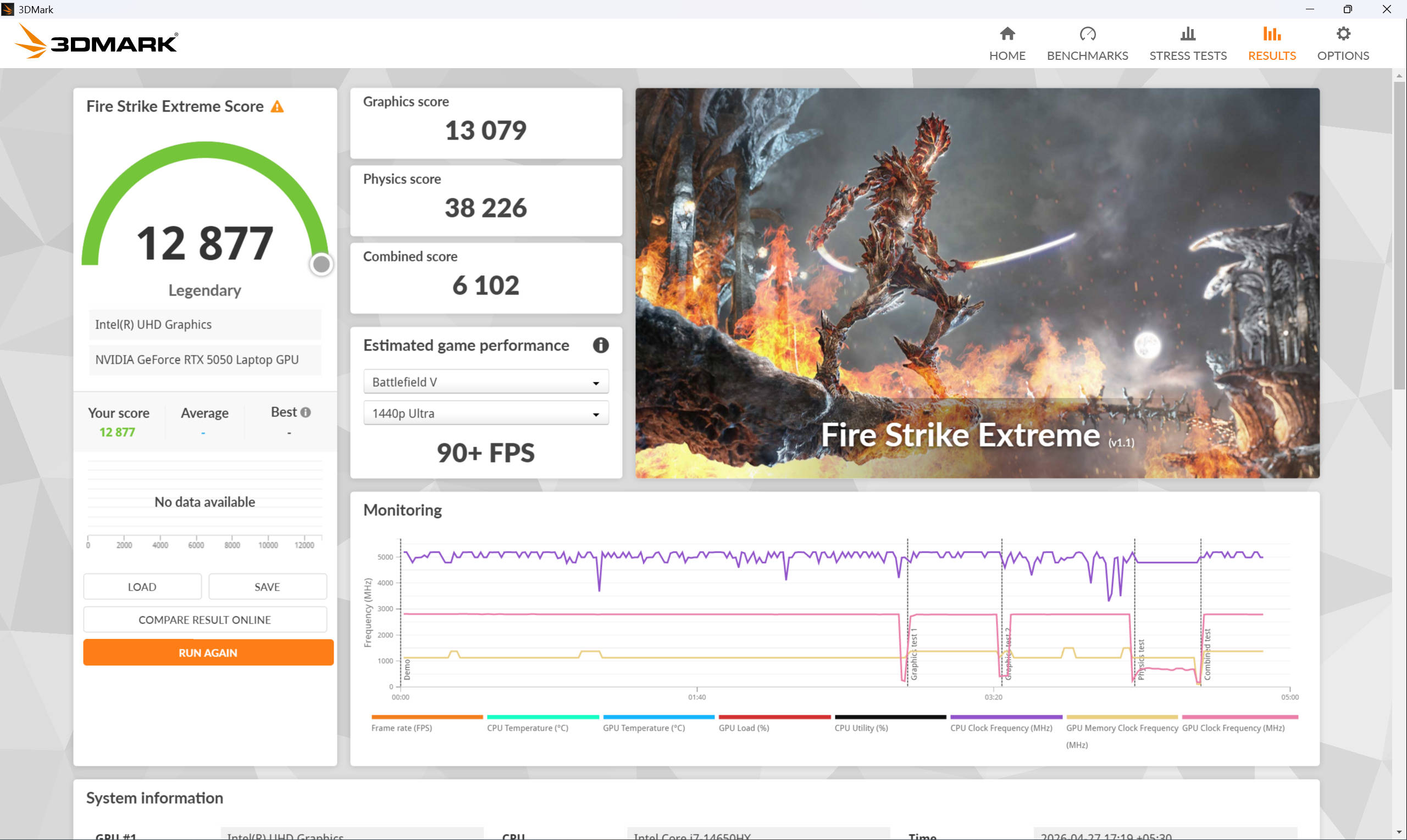
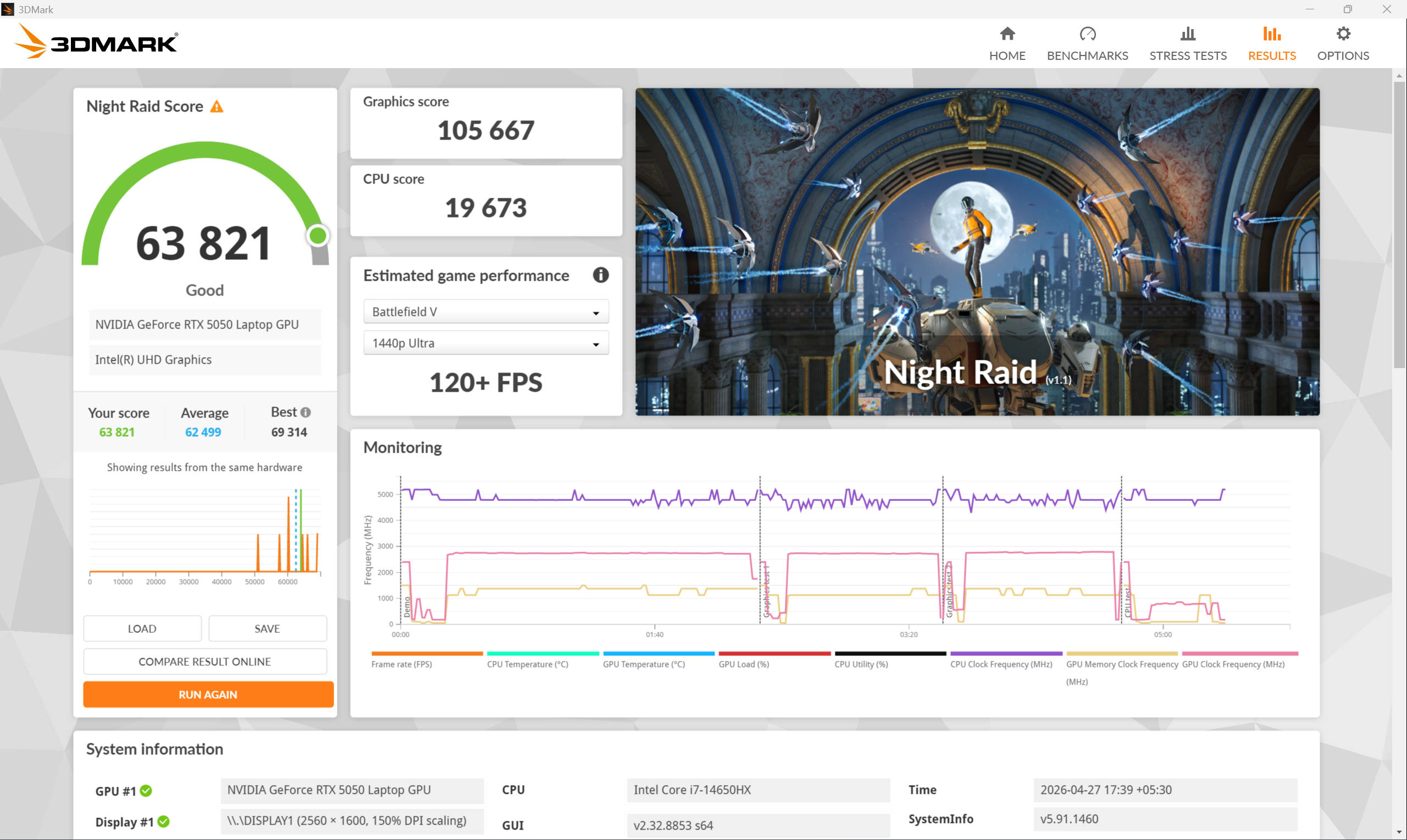
The HyperX OMEN 15 is the first machine to land in our test labs with the new RTX 5050 at a 115W TGP, so we are working without a direct baseline here. To paint a rough picture, I put it up against the Dell Alienware 16X Aurora’s RTX 5060 running at a lower 80W TGP, and the results were pretty surprising. The OMEN 15 is quite comparable in most tests and even surpasses its rival in quite a few of them.
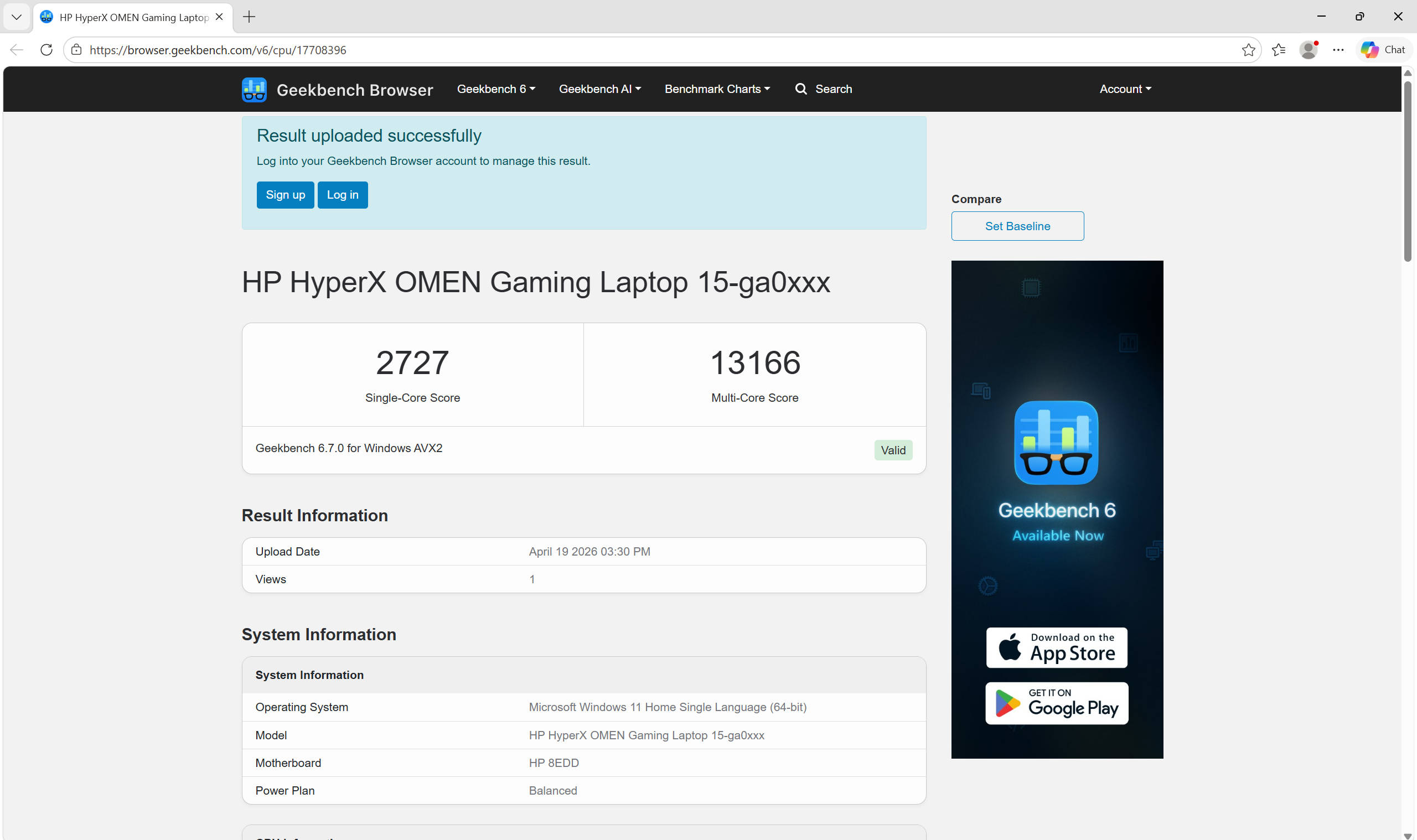
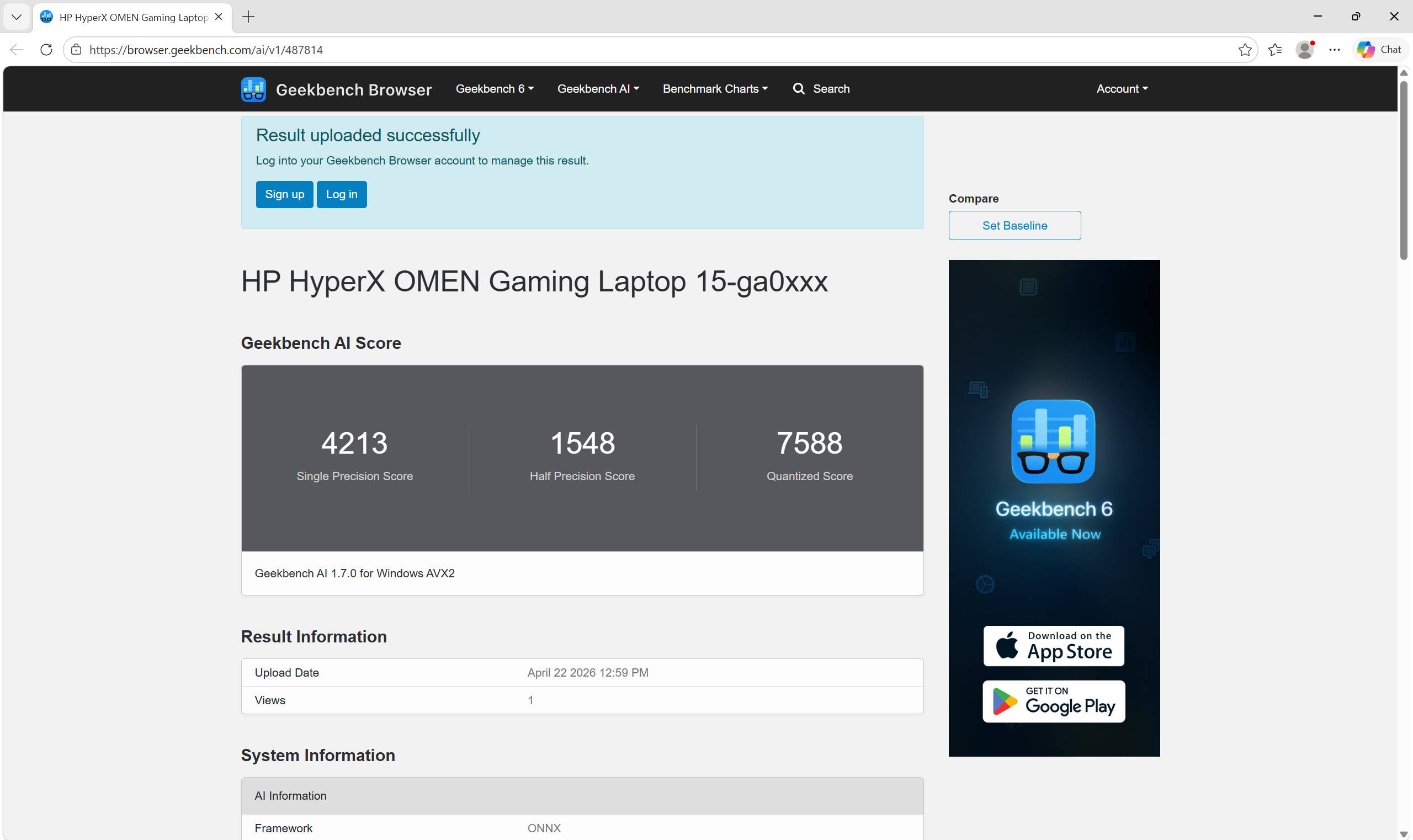
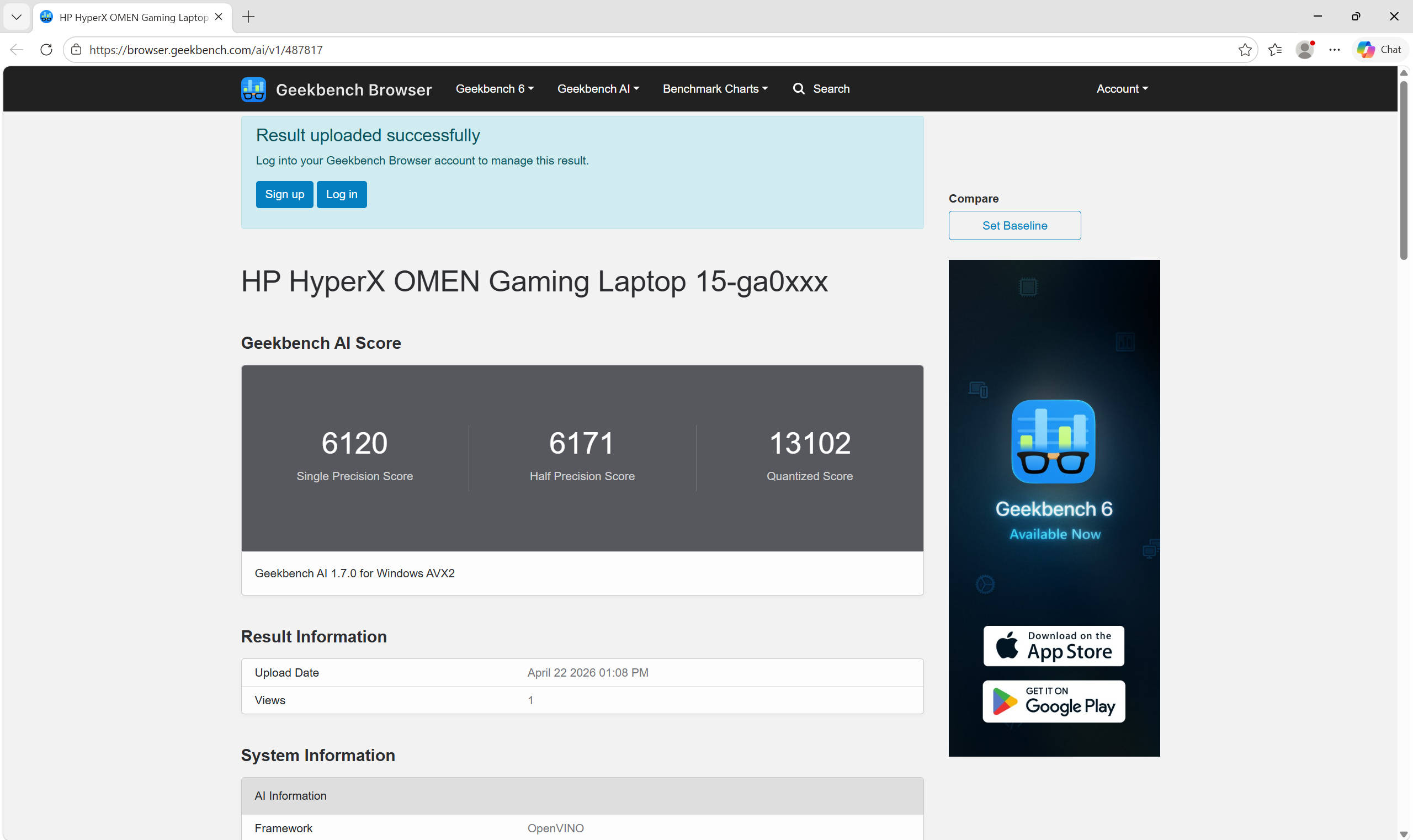
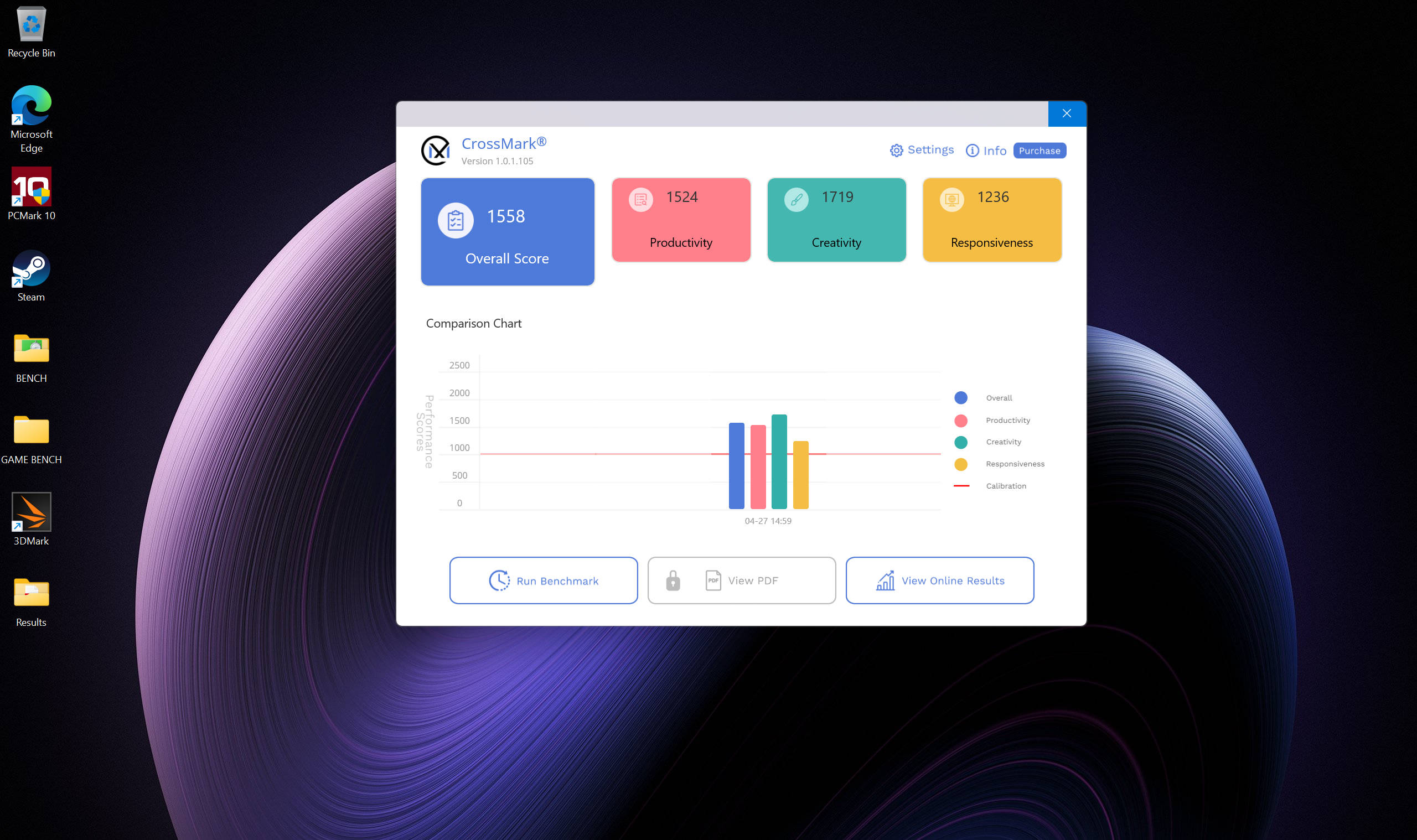
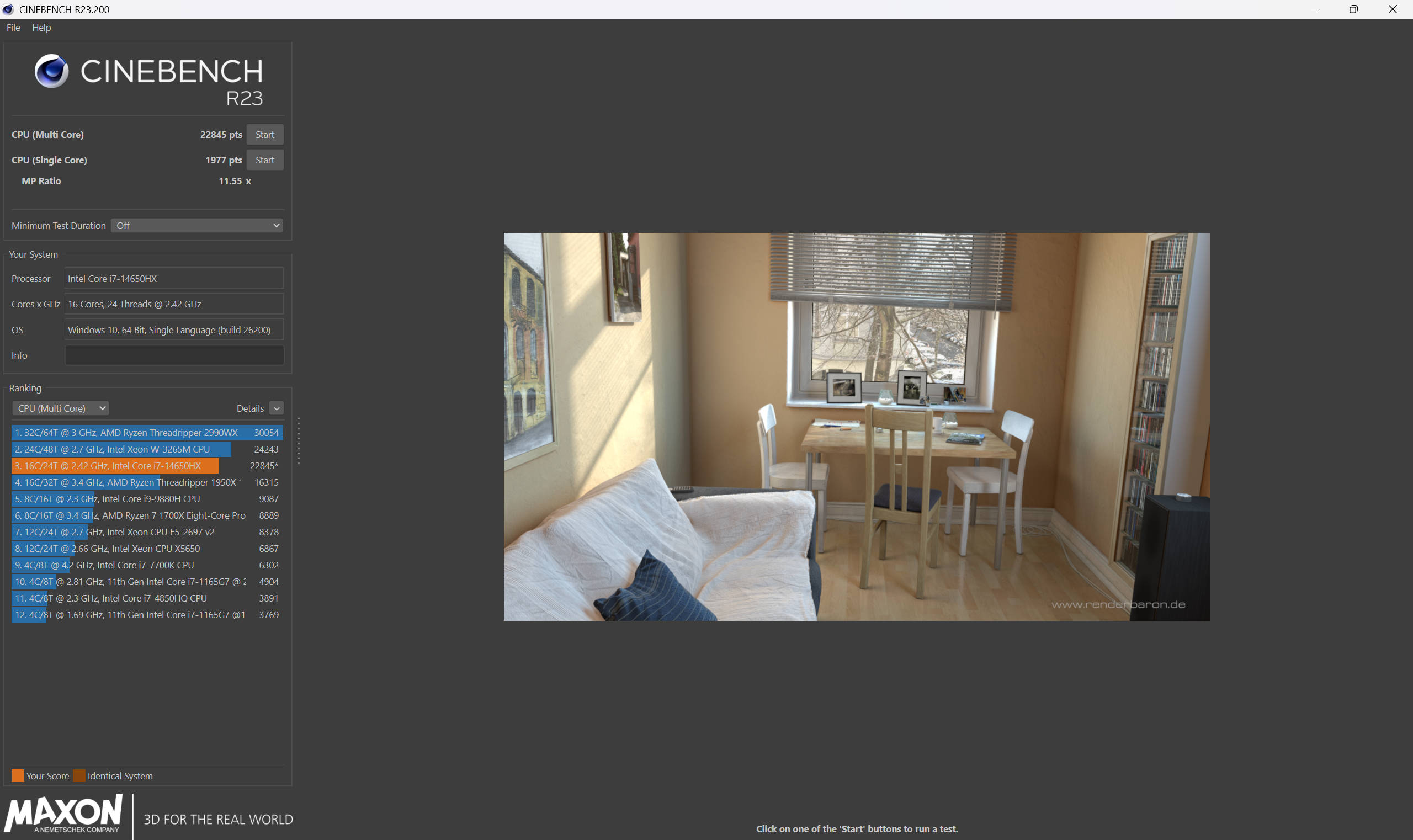
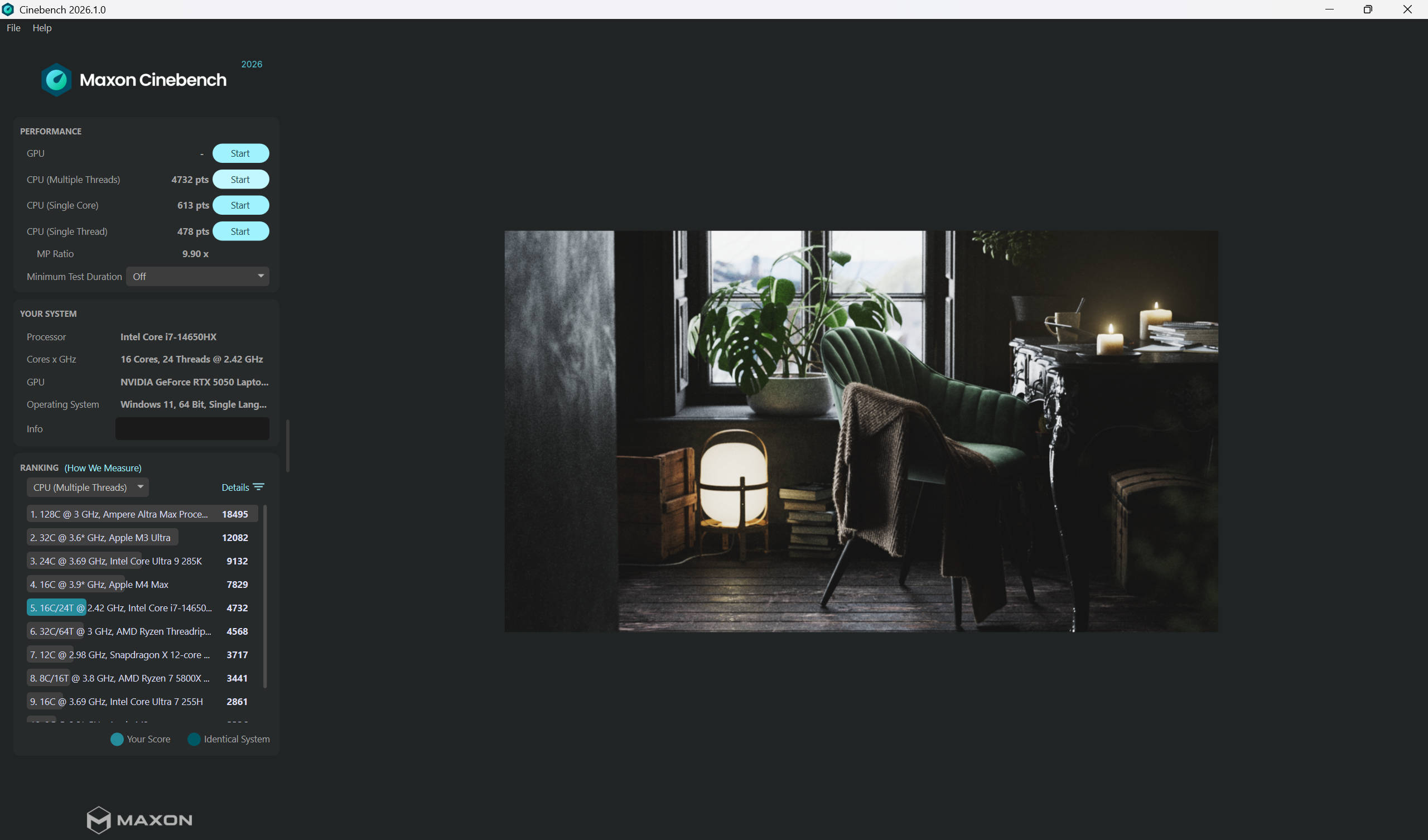
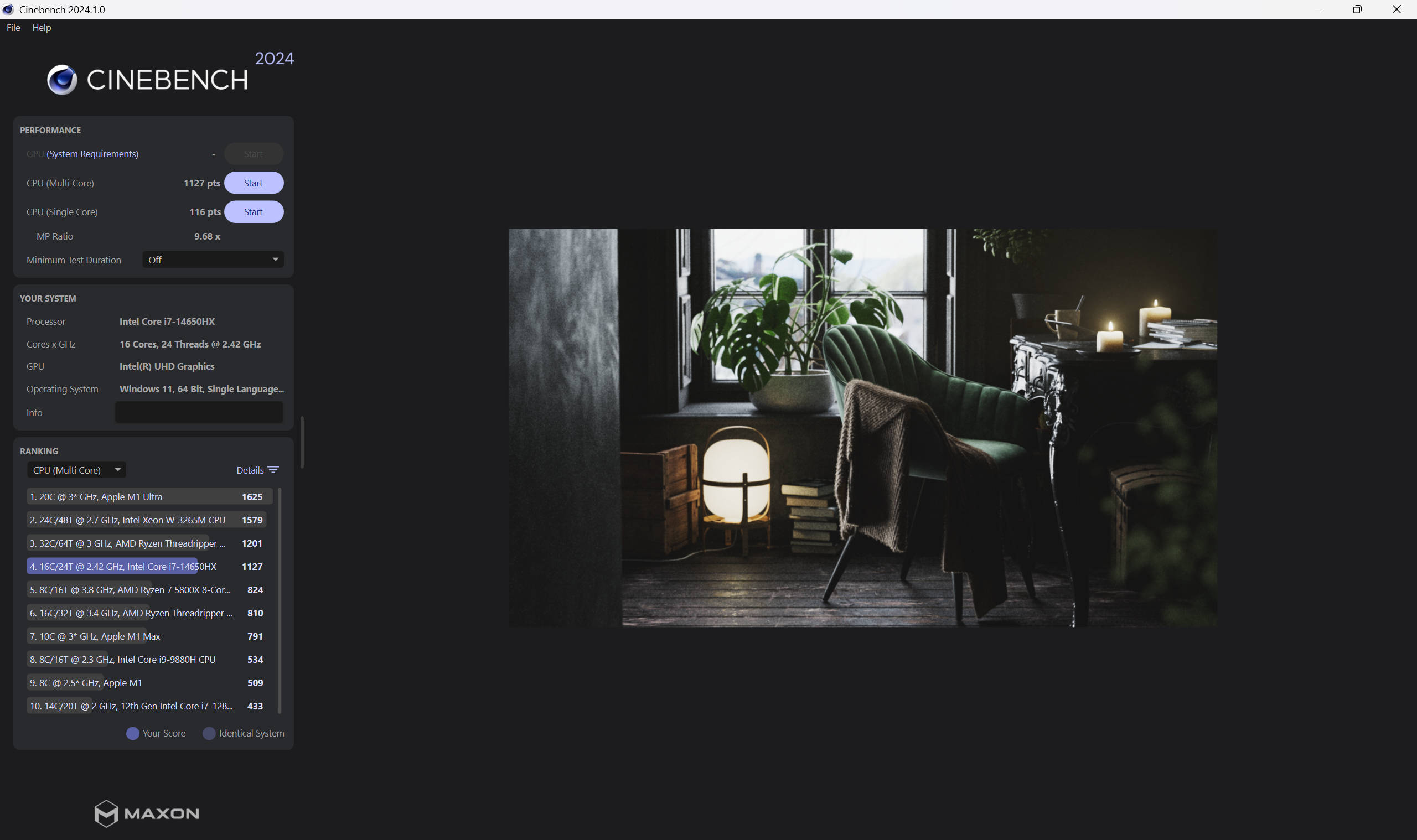
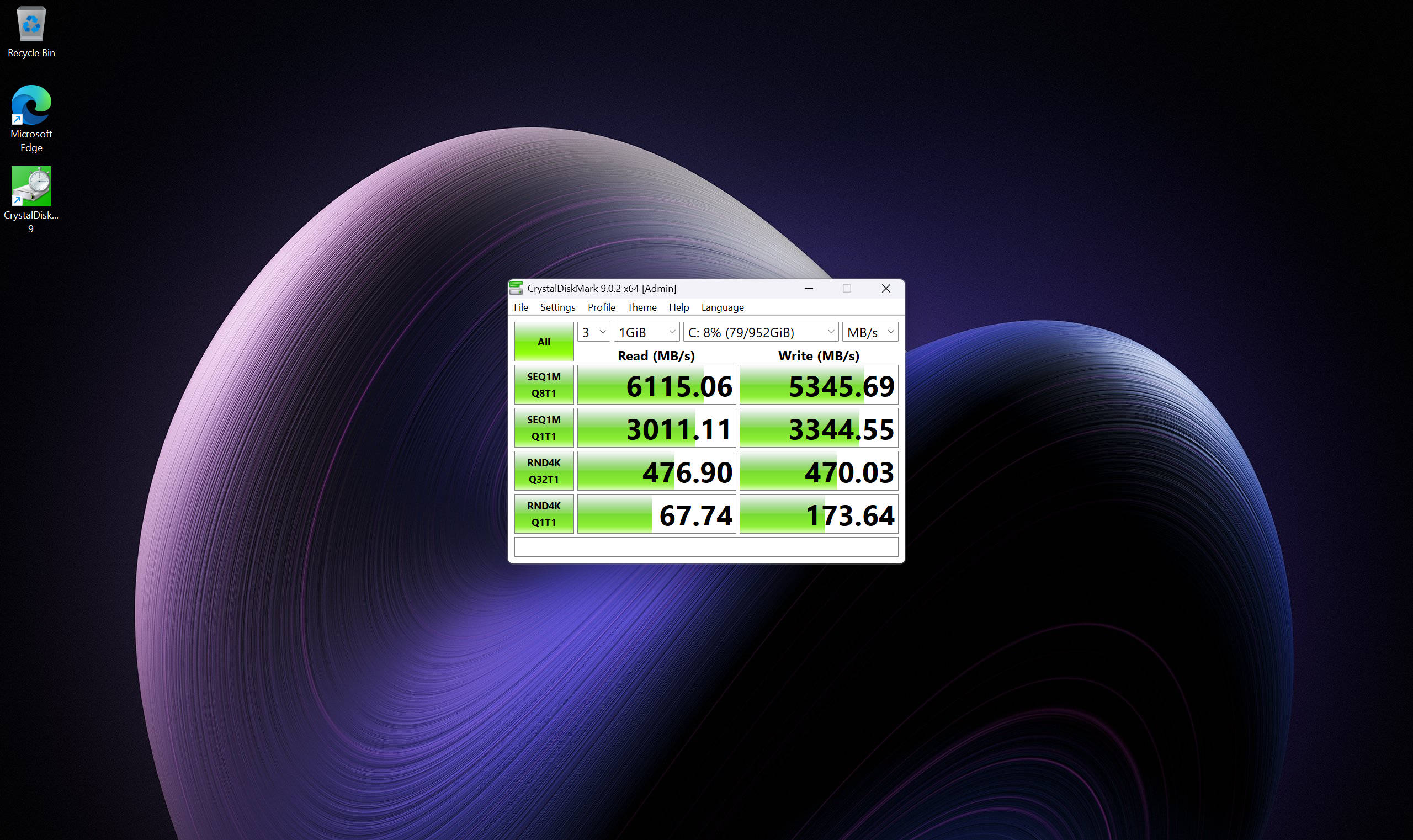
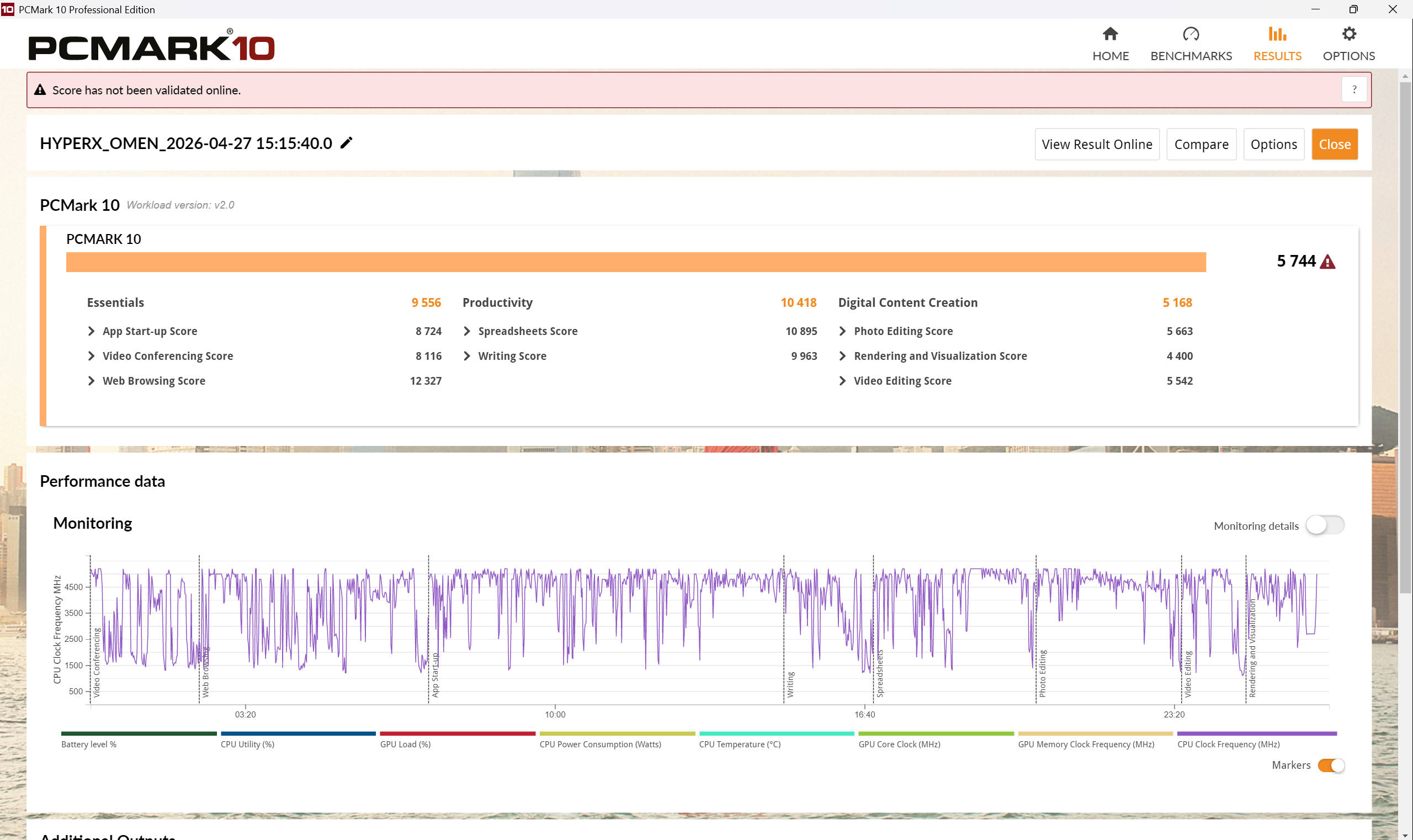
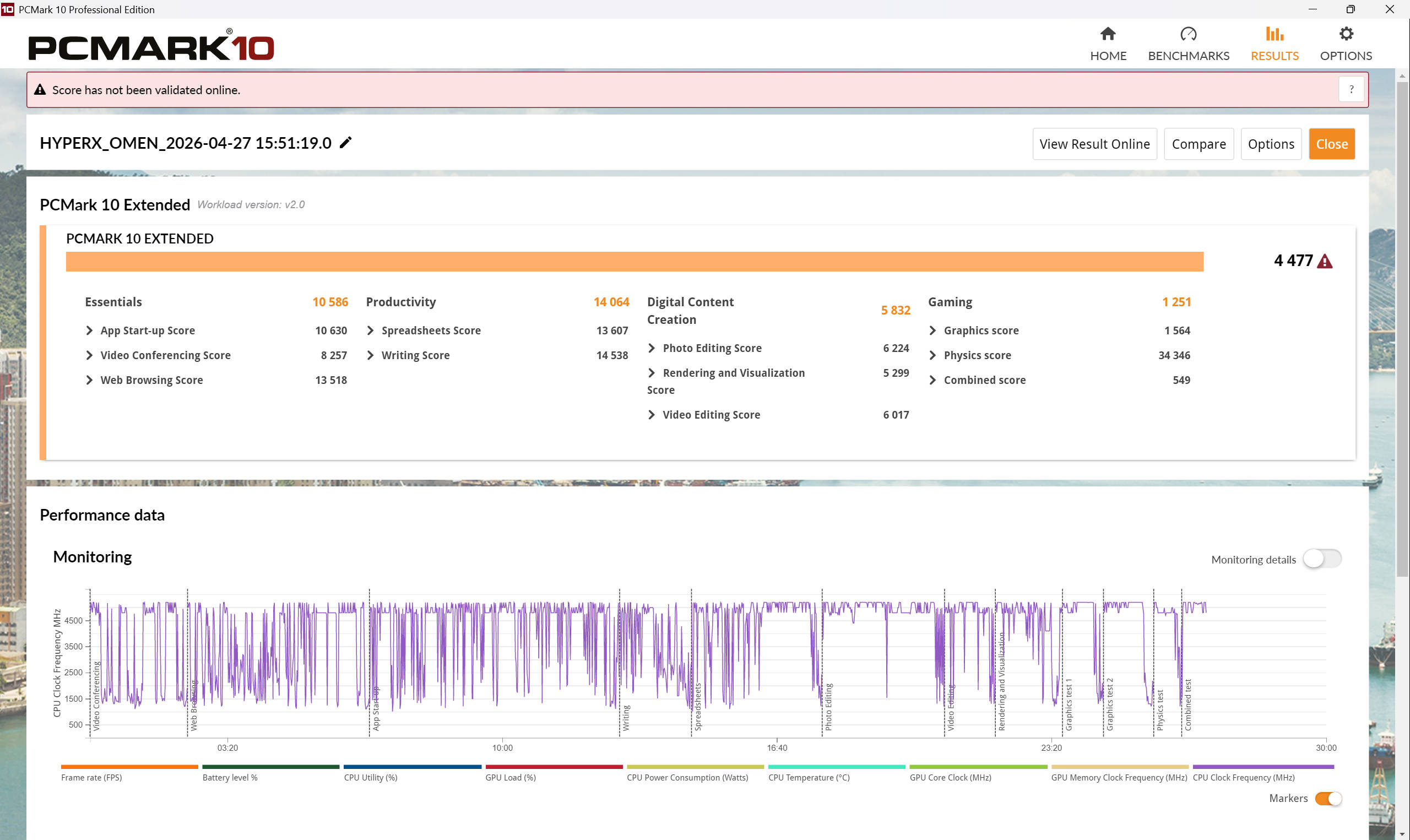


Let’s start with the CPU, because the i7-14650HX deserves its flowers. It outperforms Alienware’s Core 7 240H by a healthy margin across Cinebench tests, which makes sense since these HX-class chips are desktop equivalents and more suited to heavy workloads.
| Benchmark | Dell Alienware 16X Aurora | HyperX OMEN 15 |
|---|---|---|
| Cinebench R23 MT | 17,662 | 22,845 |
| Cinebench R23 ST | 1,955 | 1,977 |
| Cinebench R24 MT | 990 | 1,127 |
| Geekbench 6 MT | 13,904 | 13,166 |
| Geekbench 6 ST | 2,725 | 2,727 |
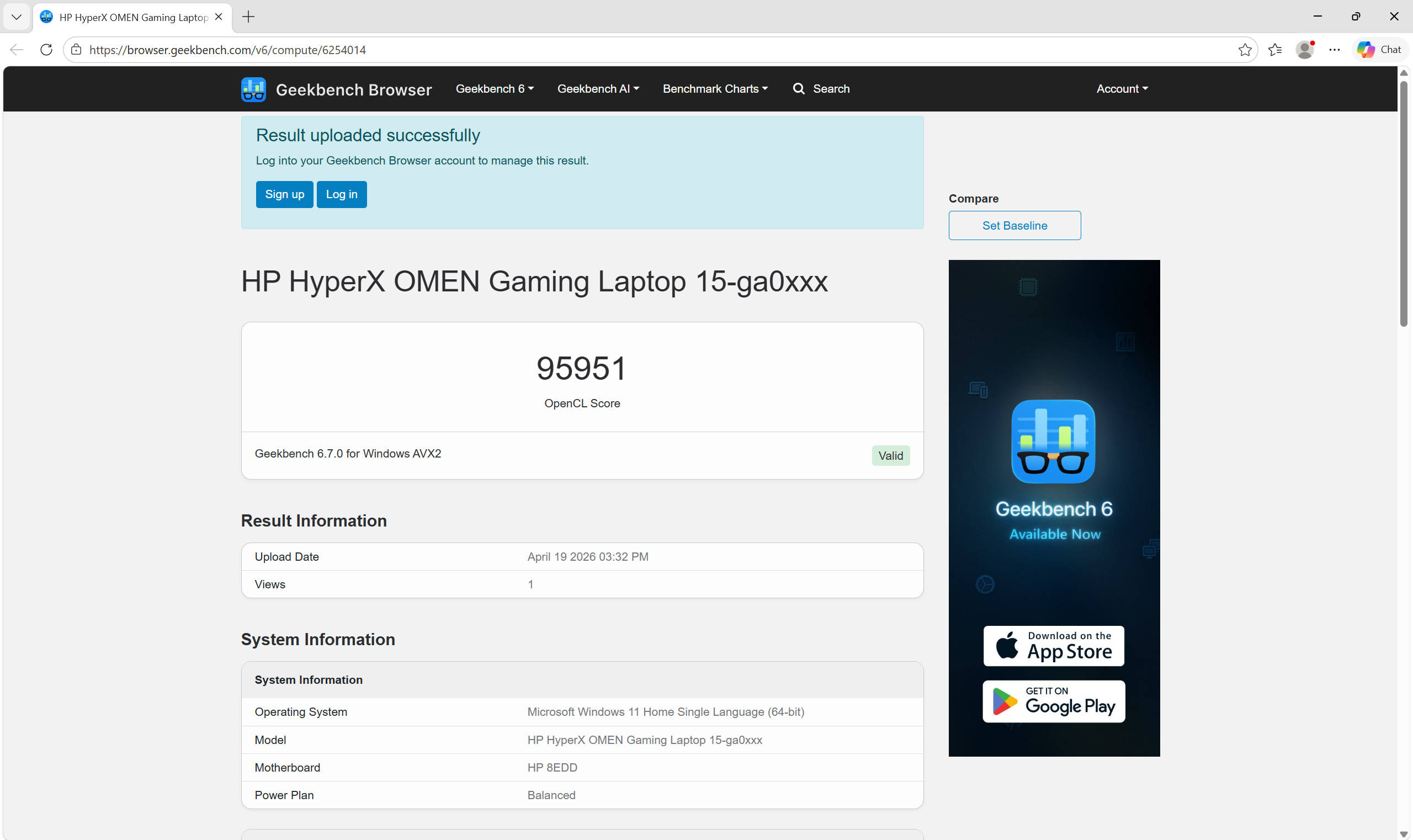
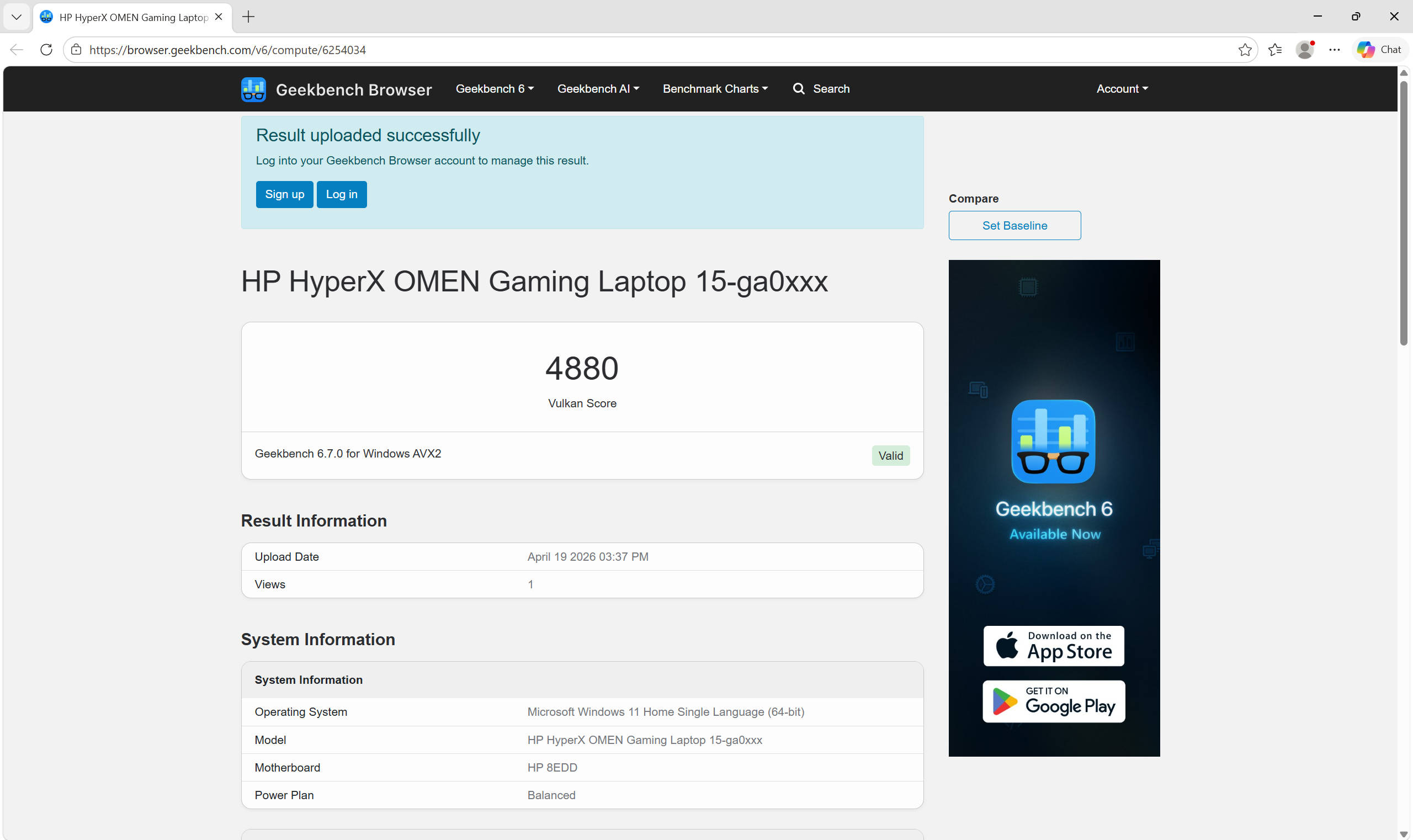
1080p video editing is completely effortless on this machine, and you can dabble in 4K editing without things grinding to a halt either. On the GPU side, the story is a little more nuanced. The RTX 5060 at 80W is in the lead in heavier 3DMark tests, but the RTX 5050 at 115W flips the script in lighter raster workloads, which is actually more representative of what everyday gaming performance looks like.
| Benchmark | Dell Alienware 16X Aurora | HyperX OMEN 15 |
|---|---|---|
| 3DMark Time Spy | 11,311 | 10,310 |
| 3DMark Fire Strike | 25,728 | 26,092 |
| 3DMark Night Raid | 62,720 | 63,821 |
| Geekbench OpenCL | 91,493 | 95,951 |
A large part of what makes the gaming experience work here is NVIDIA’s Multi-Frame Generation and the new and improved DLSS 4.5. The RTX 5050 does not have the raw specs to brute-force modern titles at high settings, but with these technologies in play, you will comfortably clear 60fps on medium-to-high presets across most games. Check out the games we tested on it below:
| Game | Setting | Dell Alienware 16X | HyperX OMEN 15 |
|---|---|---|---|
| Cyberpunk 2077 | FHD Native | 81 fps | 85 fps |
| Cyberpunk 2077 | FHD DLSS | 96 fps | 97 fps |
| Cyberpunk 2077 | FHD DLSS+RT | 52 fps | 50 fps |
| Cyberpunk 2077 | FHD DLSS+RT+FG | 151 fps | 160 fps |
| Cyberpunk 2077 | QHD Native | 56 fps | 51 fps |
| Cyberpunk 2077 | QHD DLSS | 82 fps | 75 fps |
| Cyberpunk 2077 | QHD DLSS+RT | 37 fps | 38 fps |
| Cyberpunk 2077 | QHD DLSS+RT+FG | 112 fps | 110 fps |
| Black Myth: Wukong | FHD Native | 38 fps | 35 fps |
| Black Myth: Wukong | FHD DLSS | 40 fps | 37 fps |
| Black Myth: Wukong | FHD DLSS+RT | 40 fps | 39 fps |
| Black Myth: Wukong | QHD Native | 33 fps | 31 fps |
| Black Myth: Wukong | QHD DLSS | 35 fps | 28 fps |
| Black Myth: Wukong | QHD DLSS+RT | 26 fps | 28 fps |
RT* Ray Tracing, FG* Frame Generation
Ray tracing is where the laptop predictably gives ground, and that is no surprise since RT can tax even higher-end GPUs heavily. Cyberpunk 2077 with DLSS+RT alone sits at 50fps at FHD, which is decent but not ideal. The RTX 5060 does regain its footing at QHD resolutions where raw GPU power matters more, but even then, the margins stay close.
Even in Black Myth: Wukong, one of the most GPU-punishing titles out there, the RTX 5050 keeps pace with Alienware’s 5060 and even performs better in a couple of scenarios.
Exquisite temperature control
Now let’s talk about cooling, because this is where the HyperX OMEN 15 has thoroughly impressed me. Anyone who has used an HX-class Intel machine should be aware of what I’m talking about. These chips like to run hot and can easily cross 100 degrees under sustained load. I have had to resort to undervolting on practically every machine I have reviewed or used with this chipset.
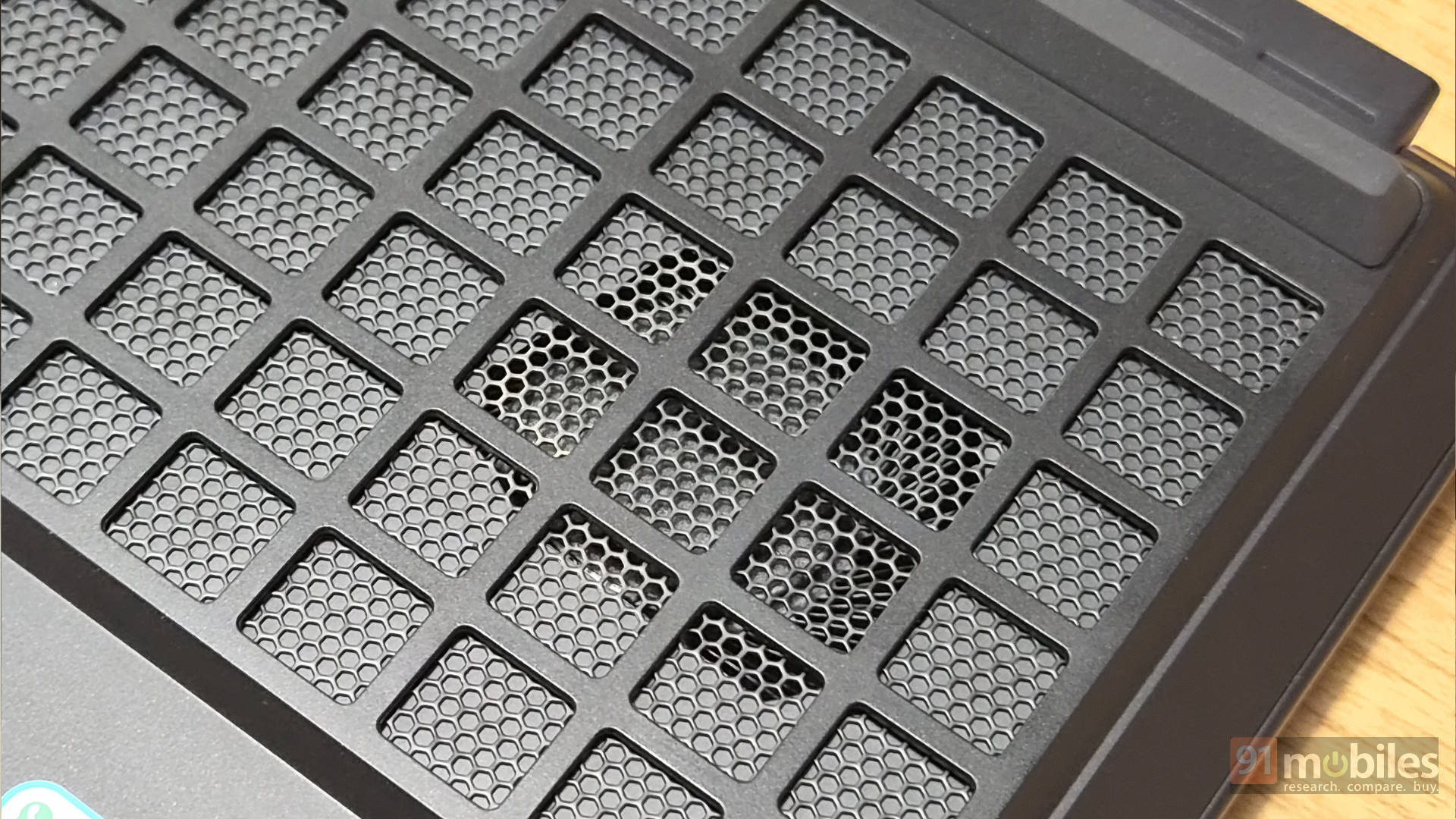
The HyperX OMEN 15 has me questioning that habit entirely. CPU temperatures never crossed 85 degrees Celsius, even after 2.5 hours of continuous gaming, and only breached 90 degrees after a four-hour gaming session. The GPU stayed even more stable, never breaching 80 degrees throughout. Less heat means longer component life and a longer-lasting machine overall, and that should make every buyer happy.
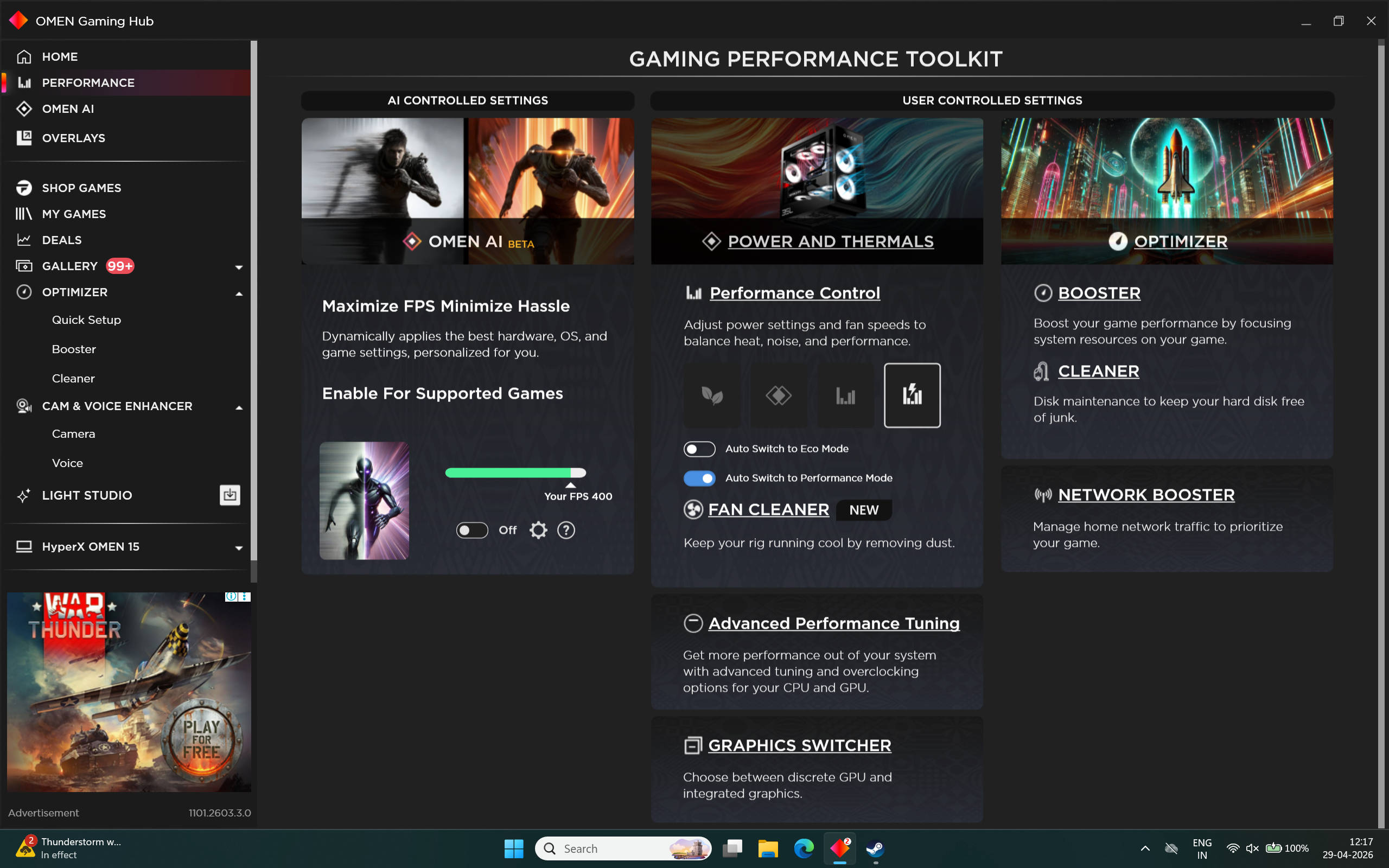
One more practical addition to this laptop is the dedicated fan cleaning mode, which blasts air through the bottom vents to clear out dust buildup. You will not need to crack open the chassis for a cleanup nearly as often as you would with a regular gaming laptop.
Good keyboard with minor touchpad issues
The keyboard on the HyperX OMEN 15 is pretty excellent. The typing feedback is great, with keys that feel tactile and responsive with each press. The only minor gripe is that the keys sit slightly closer together than I’d personally prefer, and the keys on the right side of the board are also meshed together for symmetry, which looks clean, but it can be tricky to use. It can confuse you at first, but you adjust to it within a couple of days of regular use.
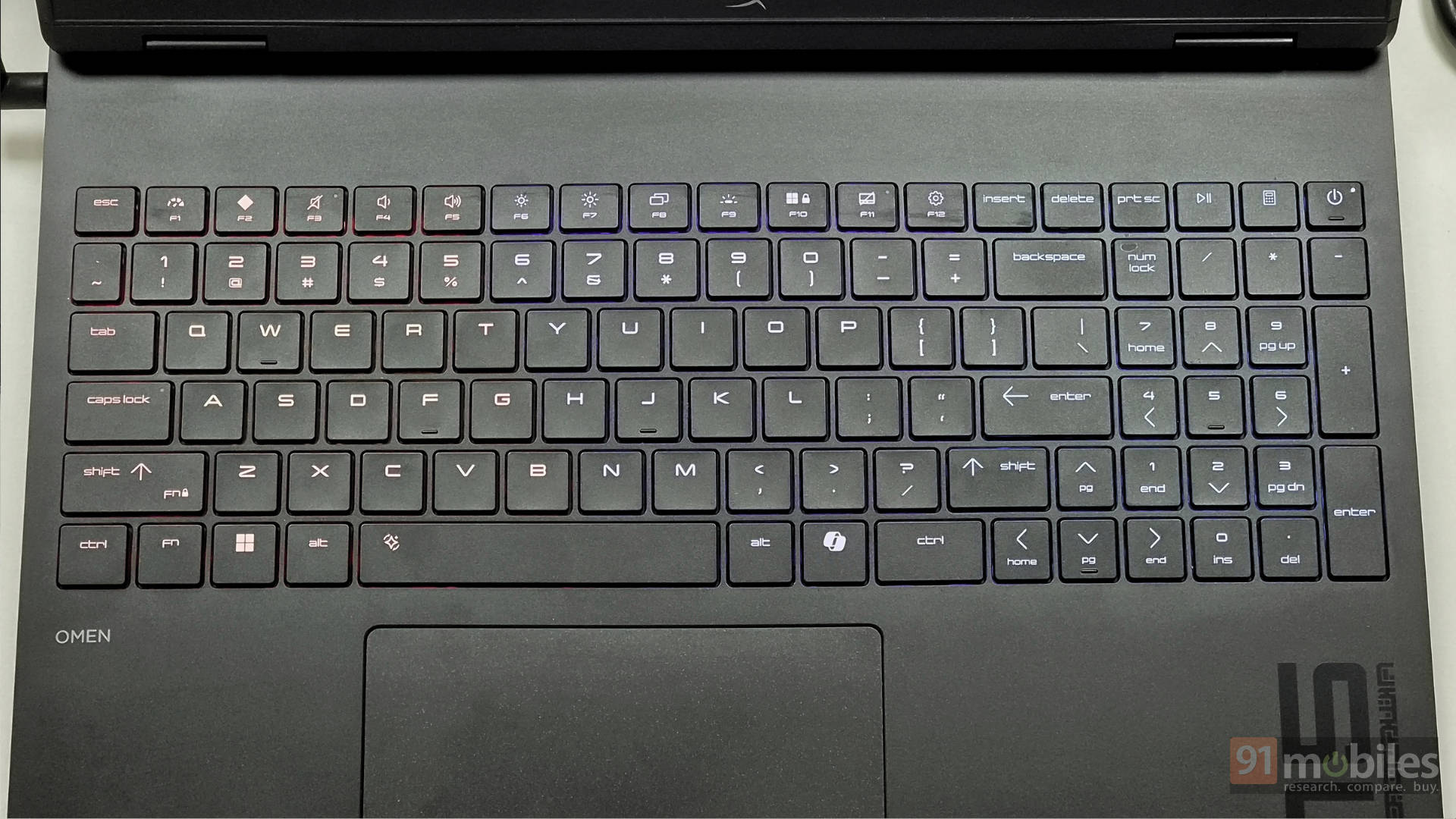
The four-zone RGB backlighting is a nice touch, and you can customise zones to your liking through the OMEN Gaming Hub, so you have decent creative control over how your setup looks.
The touchpad, however, is a different story. It jitters during use, and the output is not consistent enough for reliable clicking, which makes precision tasks a bit of a chore. It is functional at a basic level, but it is not something you’d want to rely on for anything beyond the occasional scroll or click.
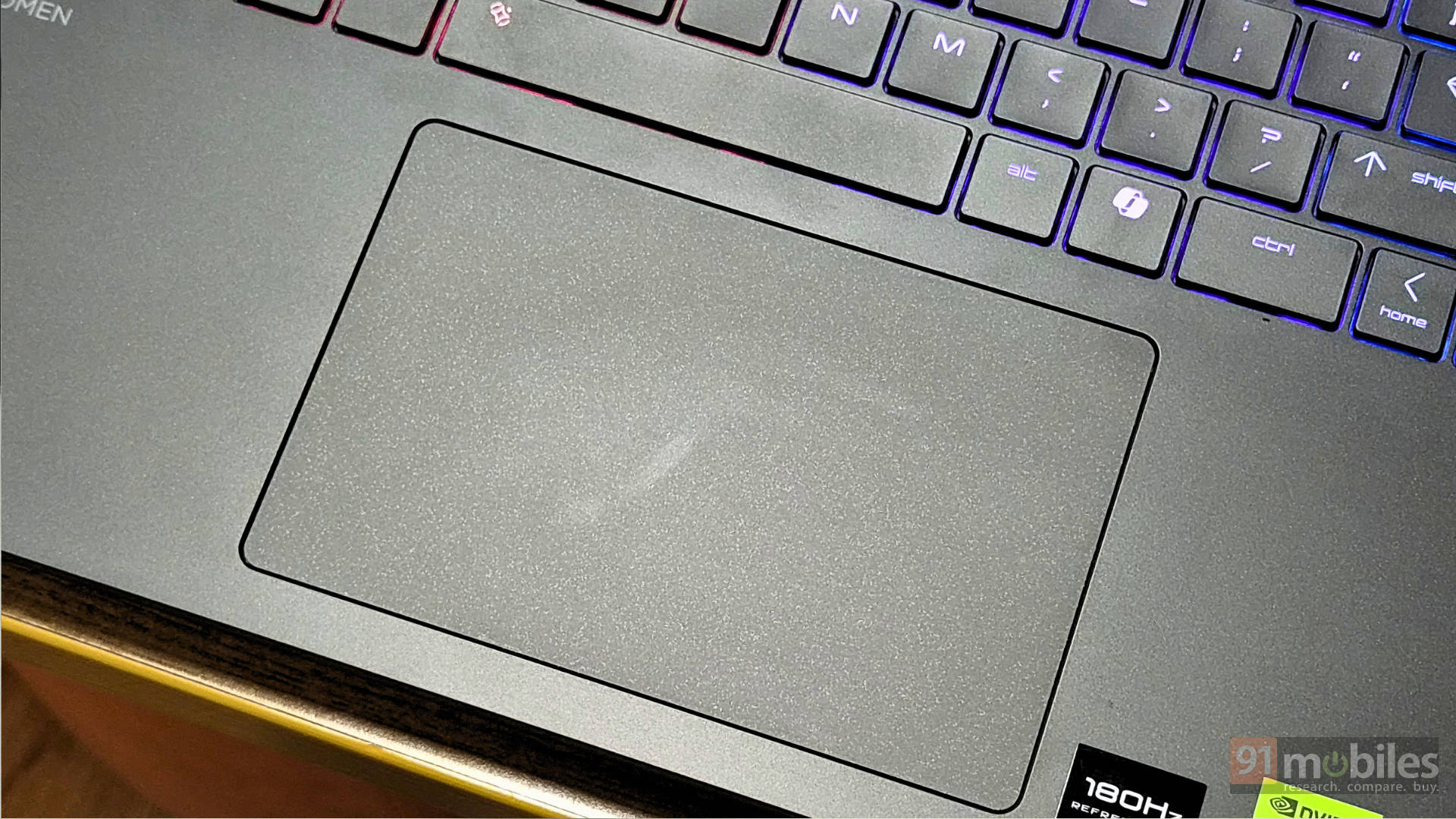
Most gaming laptop users will pair their machine with an external mouse anyway, so this is not a dealbreaker by any means. But if you do find yourself using the touchpad regularly, it will test your patience at times.
Battery life is a dream come untrue
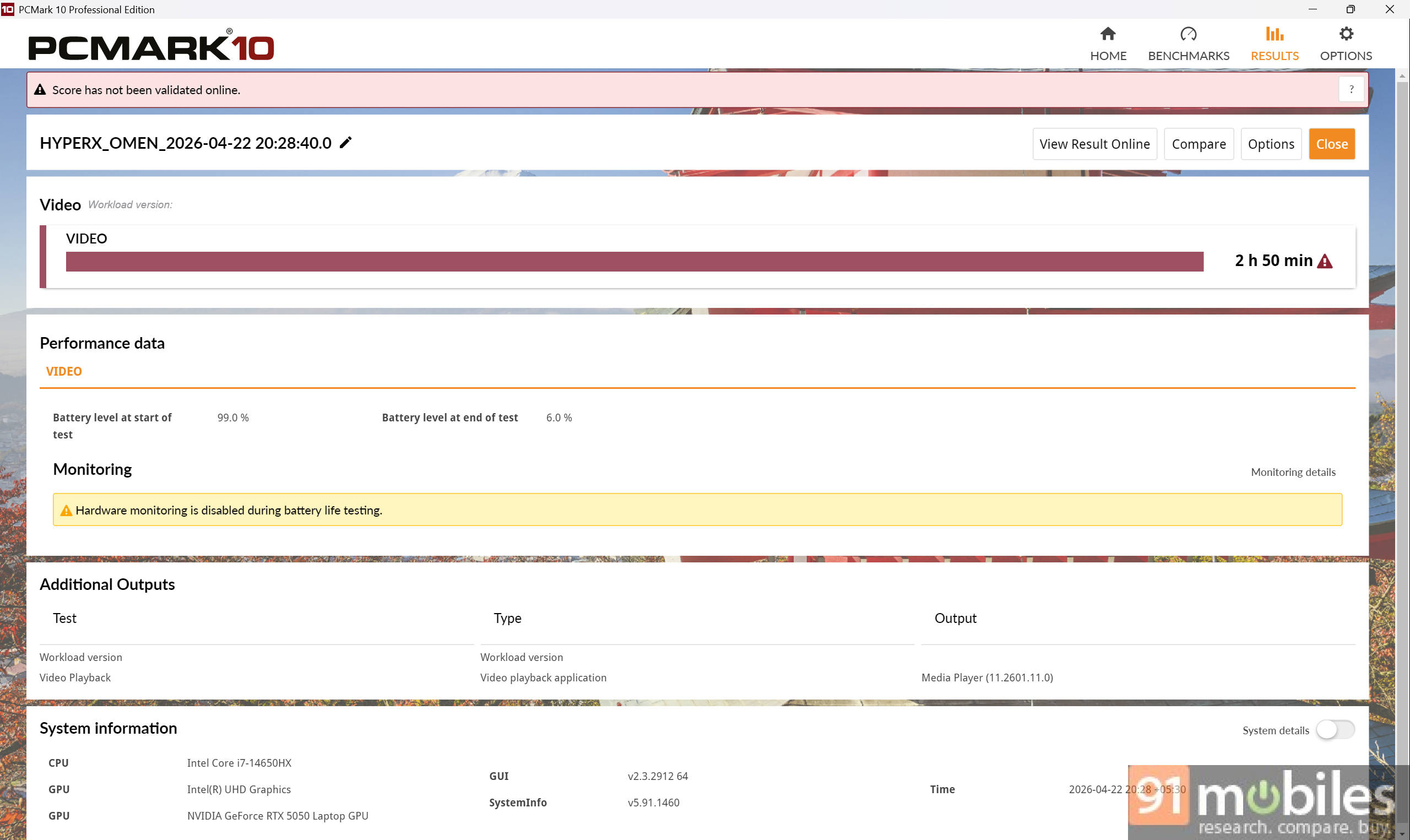
Now, I’ve kept my expectations in check when it comes to battery life on a gaming laptop. That doesn’t change either with this device. In our PCMark battery benchmark, we got an output of a little over 2 hours. When I did use the device unplugged at 180Hz refresh rate and about 80 percent brightness, the laptop quickly ran out of juice in about 1.5 hours.
Switching to the iGPU mode using the MUX switch only helped improve the battery life a little, but there’s not much of a significant change; you’re looking at an additional 20 minutes at most. One thing to note is that the device comes with a 70Wh battery, compared to the 90Wh cell on the HP OMEN 16, which also contributes to the smaller cell.
Verdict
The HyperX OMEN 15 is priced at Rs 1,49,999, and at that number, the competition makes things a little tricky. The Lenovo Legion Pro 5 Gen 10 sits in the same bracket and brings an OLED 2K panel alongside an RTX 5060, albeit with lower RAM and storage. The Dell Alienware 16X Aurora is a similar story, matching the OMEN 15 on most fronts but again with the more capable RTX 5060 at a comparable price.
When it comes to gaming laptops, the GPU is by far the most important component, and it is what determines how well a machine holds up over the next few years. Games will only get more demanding, and the gap between the RTX 5050 and 5060 will only grow wider as newer titles roll out. The impressive thermal performance, excellent CPU output, and the extra VRAM do help the OMEN 15 close that gap more than the spec sheet suggests, and our benchmarks confirm that. But they do not fully bridge it, especially when you compare it against a similar TGP RTX 5060.
If pure gaming performance is what you are after at this price point, the competition has better options available. The HyperX OMEN 15’s advantage is its thermal management, build quality, performance, and HP’s reliable after-sales network. It is not the wrong choice by any means, if those things matter to you, but you need to walk in knowing what you are prioritising.
Editor’s Rating: 8.2/10
Pros:
- Clean, minimal design that doesn’t scream “gaming laptop”
- Exceptional thermal performance even under sustained gaming load
- Bright, colour-accurate 2K 180Hz display with VRR support
- The high TGP RTX 5050 competes well above its tier
Cons:
- RTX 5060 competitors are available at the same price
- Fingerprints and smudges show easily
- Inconsistent touchpad response