ColorOS 16 on the OPPO Reno15 Series: Smarter, Smoother, and Built to Break the Status Quo


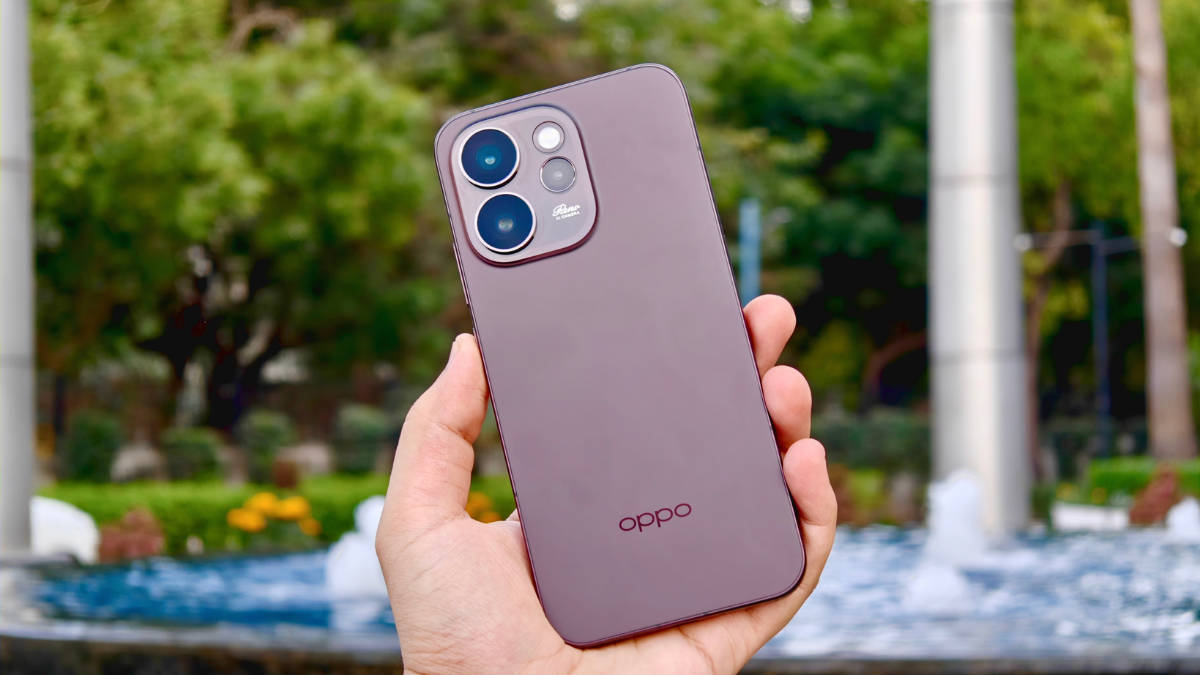
ColorOS 16 launched in October 2025 alongside Android 16 and changed how OPPO approaches the smartphone experience. The company’s goal with ColorOS has always been clear: make the software practical, responsive, and tuned to real use. It should understand what you need, adjust as you go, and reduce effort in every task.
Whether I am browsing, playing a game, switching between apps, or streaming content, the software should keep up and make each action feel smooth and responsive. With ColorOS 16, OPPO has done exactly that, and the new Reno15 series makes the most of what I consider the best software experience Android has to offer. In this review, I will explain what sets ColorOS 16 apart on the new Reno15 phones and how it improves everyday use.
Table of Contents
So Smooth, So Fast
An operating system’s smoothness, response time, and the feeling of everything just working often go unnoticed until you use a device that doesn’t have them. With ColorOS 16, that smoothness is the key highlight. It is the result of precise engineering built around two core technologies that work quietly in the background to keep everything running seamlessly: the all-new Luminous Rendering Engine and the Trinity Engine.

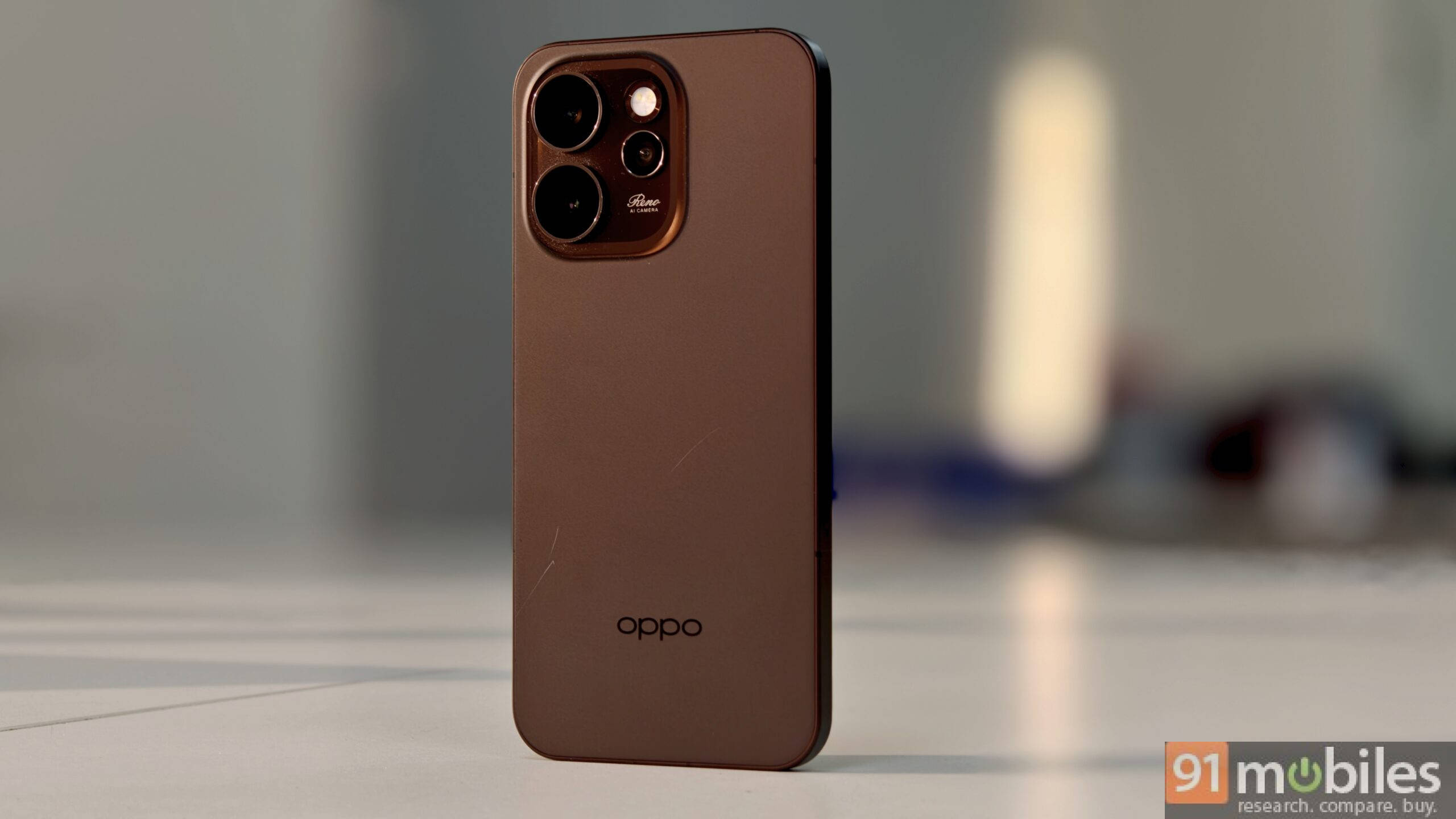
Most of us rarely think about what happens behind the scenes to keep a device fast and responsive, and we shouldn’t have to. That responsibility falls on the operating system, and ColorOS 16 handles it efficiently through these two systems. Think of the Luminous Rendering Engine as a conductor leading an orchestra. Instead of loading parts of your screen one by one, it renders everything at once. This removes the micro-stutters you might notice when swiping out of a game or minimising a navigation map to reply to a text. I can tap, scroll, minimise, or open apps, and everything moves smoothly.
The Luminous Engine works together with the Trinity Engine, the system’s intelligent core. It learns from your daily habits and schedules to allocate resources where they are needed. Since I often play games or edit photos and videos, the OS predicts those activities and ensures enough power is available without draining the battery. This smart optimisation is why the Reno15 series feels fluid and stable throughout the day.
ColorOS 16 also improves gaming performance with AI HyperBoost 2.0. Gaming sessions usually push phones hard and can cause heat buildup or frame drops. But with this feature, the OS manages performance to keep things running smoothly. It maintains temperature and boosts frame rates, so I never have to make manual adjustments during gameplay.
Bad network connectivity is another thing that’s seldom addressed well. Hop into an elevator while trying to book a ride, and I’d be lucky if Rapido/Uber even loads up. The AI LinkBoost 3.0 is designed for situations where network connectivity is tricky. It cuts through the interference, delivering upload speeds to be significantly faster than competitors in busy areas. On the Reno15 Pro, in particular, the custom X1 network chip slashes latency by up to 84 percent so my games and movies never get laggy.
OPPO goes a step beyond with the Reno 15 series, which will receive 5 years of OS updates and 6 years of security patches. It ensures your device remains up to date for years to come.
Smart features and AI that adapt to you
Most of us have a “digital clutter” problem. You take a screenshot of a recipe, copy a link for a project, and save a phone number in your notes app. When you actually need them, they are scattered across three different places and tricky to locate. AI Mind Space is OPPO’s answer to this chaos. It is designed to be a temporary, intelligent holding dock for anything you want to deal with later.
The idea is to keep your flow uninterrupted. Let’s say you are house hunting. You spot a listing online and take a photo of a damp wall you need to remember. Instead of switching between your gallery, notes, and contacts, you just swipe up with three fingers. That snippet gets tossed into the Mind Space island. The AI then analyses them and groups them logically, so you now have an entry that keeps track of it.


This gets even more powerful with Google Gemini integration. Because Gemini is connected directly to Mind Space, it can actually “read” what you have saved and help you use it. You can simply ask Gemini to “pull up the water damage I noticed in an apartment,” and it will generate a clear summary for you instantly.
Productivity ensured
With ColorOS, you also get tools to handle everyday tasks more efficiently, like note-keeping and call summaries. Let’s take a quick look:
AI Call Summary acts like a personal secretary during calls. On a long client call discussing project feedback, I can stay focused on the conversation. When I hang up, it automatically creates a concise summary with key action items and dates and makes my life easier. With AI Call Translator, I can get real-time translation right in the dialler, making it easier for me to communicate despite language barriers. The AI VoiceScribe helps me to get real-time subtitles during online meetings or webinars, plus a structured summary afterward, also keeping track of who said what, which is very helpful.
Personalize and add your own flair
A phone should feel like an extension of yourself, and ColorOS 16 makes personalisation simple and fun. I loved using Flux Themes to set my favourite Motion Photos or videos as live wallpapers with depth effects layered on top. I can tweak the clock font, size, and colour to match my wallpaper perfectly. When I’m out of ideas, the AI can suggest smart text designs that mesh well with the overall theme.


There are also options to adjust icon and widget sizes to match my workflow and style. Another thing I really like is Aqua Dynamics. It shows real-time updates in an island placed where the selfie camera is. It’s interactive and really usable, like tracking a Zomato delivery or checking a timer without even opening another app.

With ColorOS 16, interconnectivity between your devices feels much more streamlined. I happen to use both an OPPO phone and an iPhone, and O+ Connect lets me keep the iPhone in my bag while still seeing incoming calls, text messages, and even app notifications directly on my Reno15 Pro. The same ecosystem also works with my PC too. With the O+ Connect app, I can wirelessly mirror my phone’s screen on the computer and control it using your mouse and keyboard.


Privacy & Security: Ironclad protection
Theft ranks as one of my biggest concerns when I buy a new smartphone. I take good care of my devices and always stay aware of my surroundings, but one moment of distraction could mean I lose my phone. The Reno15 series puts my mind completely at ease on this front.
If someone steals my Reno15 Pro and tries to swap out the SIM card, OPPO Auto Lock kicks in right away and freezes the entire phone to block all access. I can activate One-Command Device Lock whenever I need to as well. It lets me connect directly to customer support and remotely secure the device in just seconds from anywhere.
Another thing that reassures me is Chip-Level Deep Lock, which works at the hardware level. It completely shuts down data transfer and prevents anyone from forcing a factory reset. Thieves end up with nothing more than a useless paperweight. Even if they somehow figure out my passcode, 2-Step Identity Authentication still requires my fingerprint or face ID before they can unlock anything.
I always keep secure folders where I store copies of my ID cards, financial documents, and personal photos. Private Computing Cloud works perfectly as my digital vault for exactly these kinds of files. With AI becoming more common and a potential cloud storage leak worrying me, I choose to keep sensitive items here instead. OPPO encrypts everything and keeps it completely invisible to anyone else, so I don’t need to depend on any third-party apps.
Breaking the status quo
We have become so used to the little annoyances of modern smartphones that we don’t even notice them anymore. We accept that we have to manually close apps to save battery, that we need to email photos to ourselves to get them on a laptop, or that finding a specific note means scrolling through endless clutter. We have normalised the struggle.
ColorOS 16 challenges that status quo by proving it doesn’t have to be this way. You shouldn’t have to think about managing your RAM, as the Trinity Engine does it for you. You shouldn’t have to panic about organising your screenshots, as the AI Mind Space handles just that. It is refreshing to use a system that anticipates these bottlenecks and solves them before you even realise they are there. It makes the OPPO Reno15 series feel not just powerful but thoughtfully designed to give you one of the most precious things back: your time.
The Reno15 series is currently available for purchase on all major retail platforms, with prices starting at Rs 34,999.

