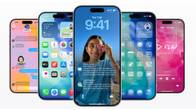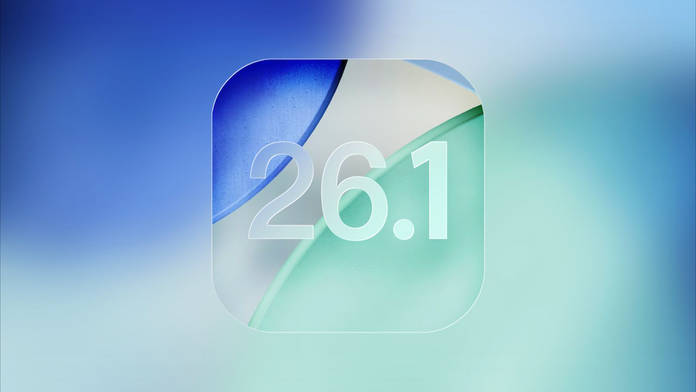
Apple has just released the follow up to iOS 26, the iOS 26.1 update which is available for iPhone 11 and later, and iPhone SE 2nd generation and later. This upgrade introduces changes and enhancements with an emphasis on customisation and ease of use, among other things.
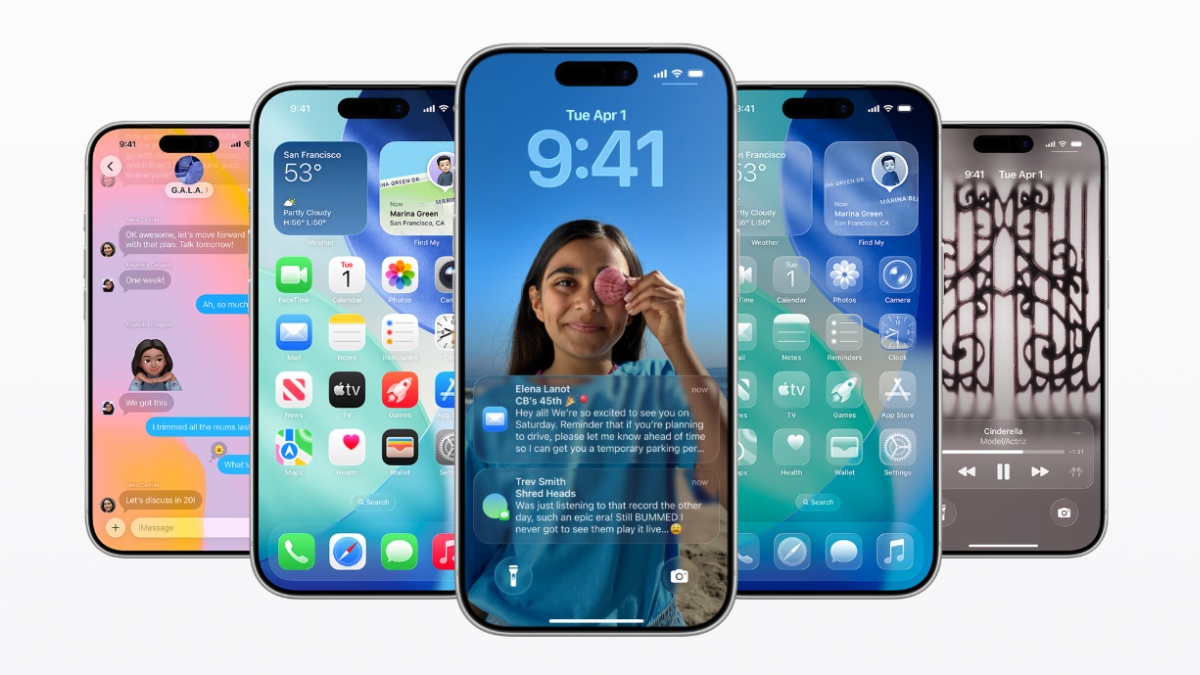
One of the prominent and most requested-for features in iOS 26.1 is the Liquid Glass toggle. Users can now decide how clear or tinted they want the Liquid Glass design to be, which changes the opacity behind elements such as notifications and tabs to reduce transparency and see the text more clearly. This setting can be found in Settings > Display & Brightness > Liquid Glass on iPhones and iPads. There are similar settings on the Mac.
This is a subtle but important move. While the Liquid Glass effect made for eye candy, it often rendered text on-screen less readable against a bright wallpaper. With iOS 26.1, Apple appears to be heeding feedback from its community by giving greater emphasis to a balance between aesthetics and clarity.
However, the same kind of personalisation has existed for years among Android users via systems themes and third-party skins, in particular, on Samsung’s One UI and Google’s Material You interface. Apple’s toggle finally gives a similar level of visual control to iOS users within Apple’s closed system.
Another handy addition is that users can now disable the Lock Screen swipe to open the Camera, a gesture that occasionally triggered accidental camera actions. This toggle is located in Settings > Camera > Lock Screen Swipe to Open Camera, granting users more control over how to activate the Camera on the lock screen.
iOS 26.1 also introduces support for a new “slide to stop” gesture on alarms and timers, replacing the large stop button with a swipe-controlled dismiss option for preventing accidental dismissals. Users of the Music app now have the option to swipe and skip tracks directly from the Apple Music MiniPlayer.
The update adds Chinese (traditional), Danish, Dutch, Norwegian, Portuguese (Portugal), Swedish, Turkish, and Vietnamese to Apple Intelligence-supported languages. AirPods Live Translation gains new support for Chinese (Mandarin simplified and traditional), Italian, Japanese, and Korean as the feature becomes more accessible.
Additionally, Apple has rebranded its streaming service from Apple TV+ to simply Apple TV with a new vibrant app icon.
iOS 26.1 is now available to all eligible devices and can be downloaded from Settings > General > Software Update. The update also includes bug fixes, security improvements and performance optimisations.