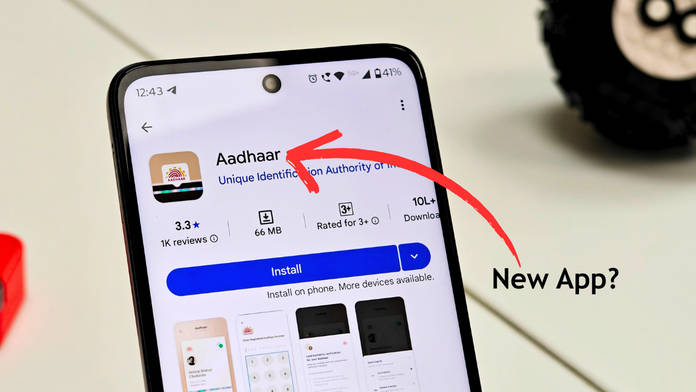
While the details of an Aadhaar card can be conveniently accessed and verified on the Unique Identification Authority of India’s (UIDAI) official website, DigiLocker and app (mAadhaar), the government has recently launched an app called “Aadhaar”. The sole purpose of this app is to easily present or share your Aadhaar card ID from your smartphone when the situation arises. UIDAI has also implemented several security measures in the app to protect your Aadhaar data, including a 6-digit PIN or fingerprint authentication.
At the outset, it’s important to note that while the new Aadhaar app is ideal for quickly presenting or sharing your Aadhaar details on the go, it doesn’t fully replace the mAadhaar app or the physical card. The standalone app works best when you simply need a secure, easily accessible digital version of your Aadhaar for KYC checks, telecom verifications, or routine identity proof. However, users who require deeper account management features, such as updating demographic details, locating enrolment centres, generating VID numbers, or raising service requests, will still need the mAadhaar app or the UIDAI website. In case of areas with no network, you’ll still need a copy of your physical card.
Table of Contents
What does the new Aadhaar app bring to the table?
The new Aadhaar app is completely different from the Aadhaar app released a few years ago. Even though specific features of both apps overlap with each other, the Aadhaar app stores your Aadhaar number and other details linked to your Aadhaar card, such as date of birth, father’s name, gender, and residential address. Consider this app an e-card specifically for your Aadhaar card that is password-protected.
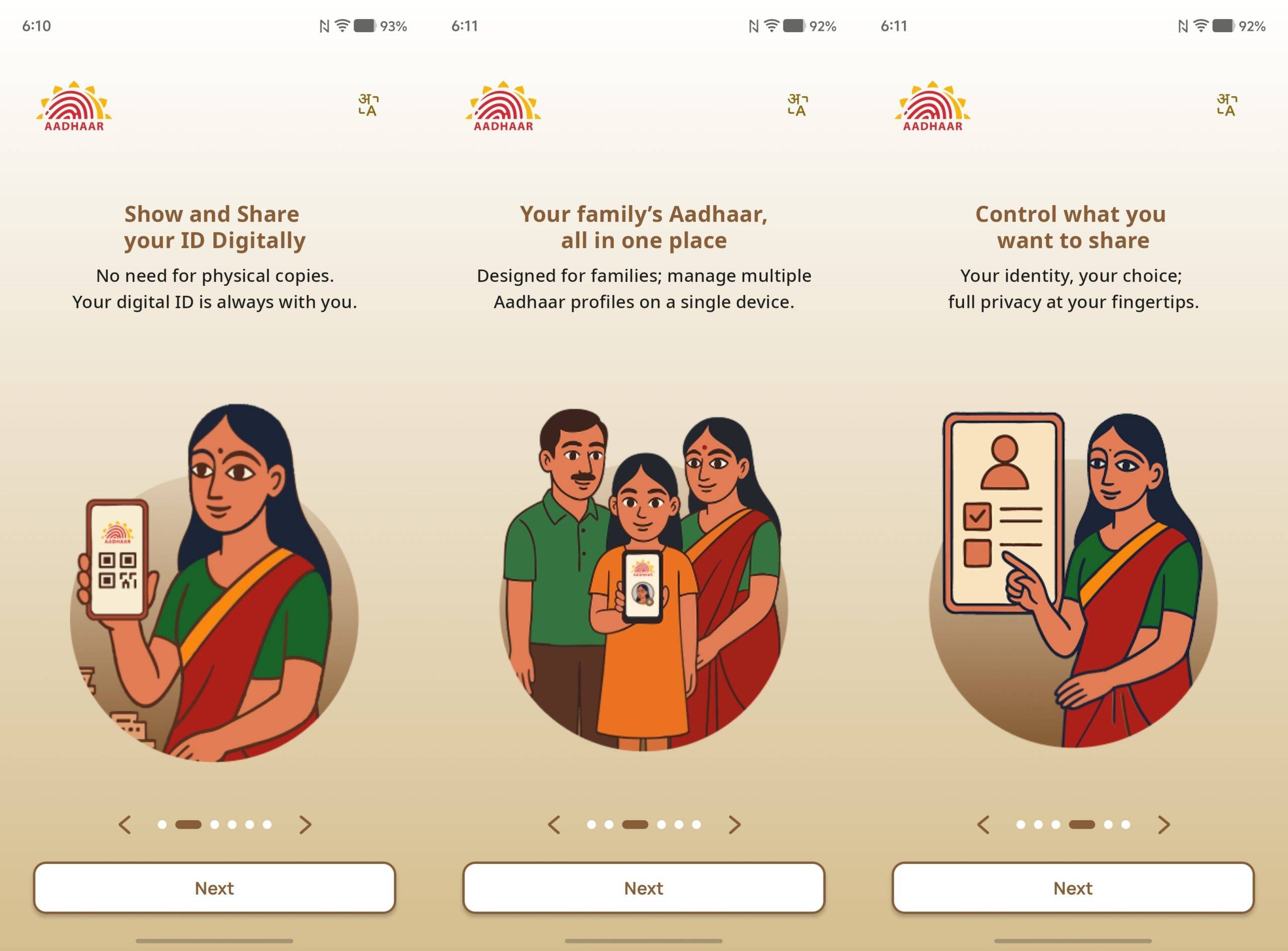
For Indian citizens, an Aadhaar card is considered one of the most important documents. It can be used to avail several services, including opening a bank account, filing an income tax return, submitting a passport or driving license application, and all areas that require you to present identity proof.
Some key features of the Aadhaar app worth knowing
While storing your Aadhar details in a digital format is the main highlight of the app, there are multiple features one can utilise. For instance, right after signing up, there’s an option present at the top to “Add another profile”. With this option, you can add up to five different profiles in the same app, such as family members, so that the Aadhaar details of the entire household are collected in one place.
The middle section of the app hosts your Aadhaar card, but it is masked by default for privacy and to prevent anyone from peeking at the Aadhaar number or other crucial details. Just tap the card to reveal the details when needed.
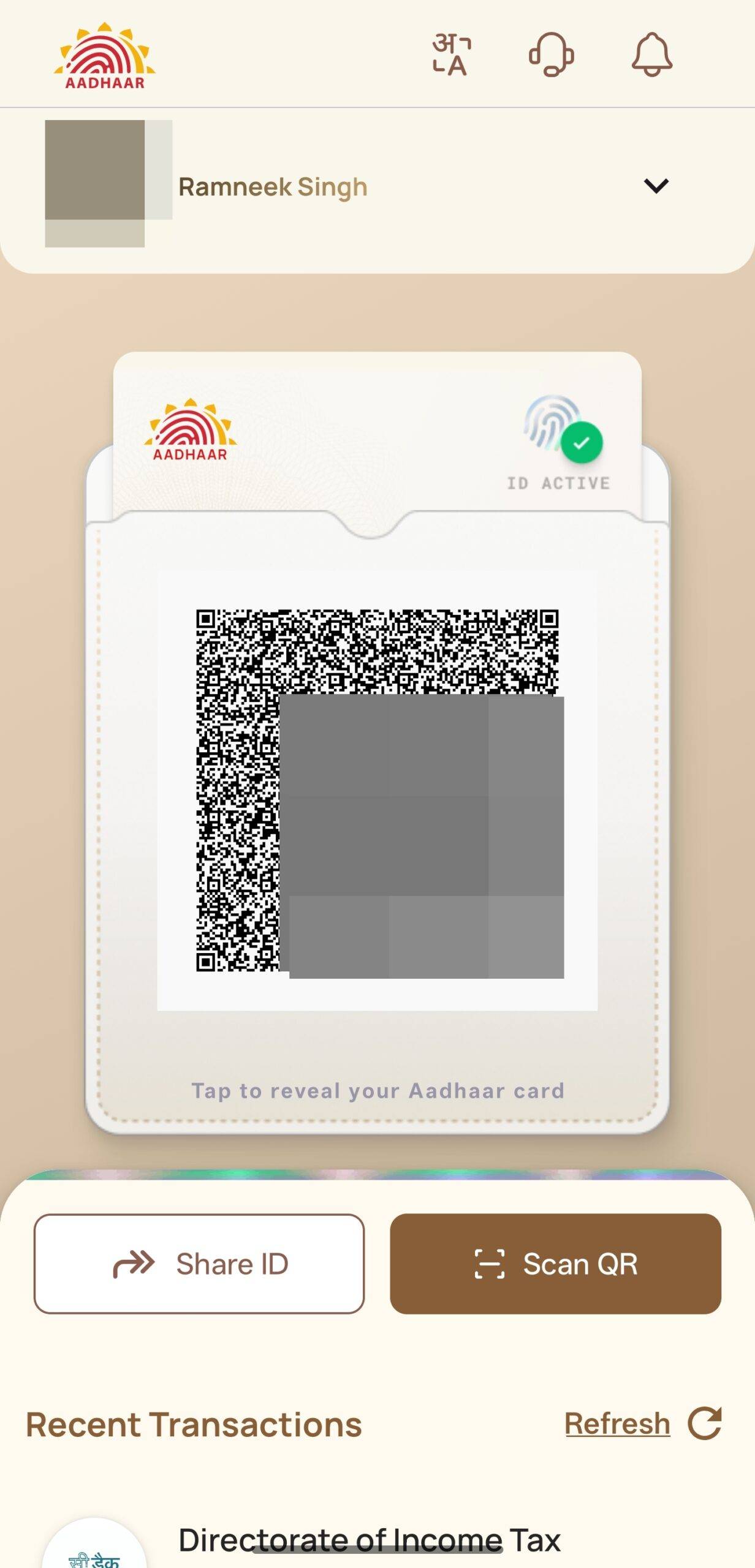
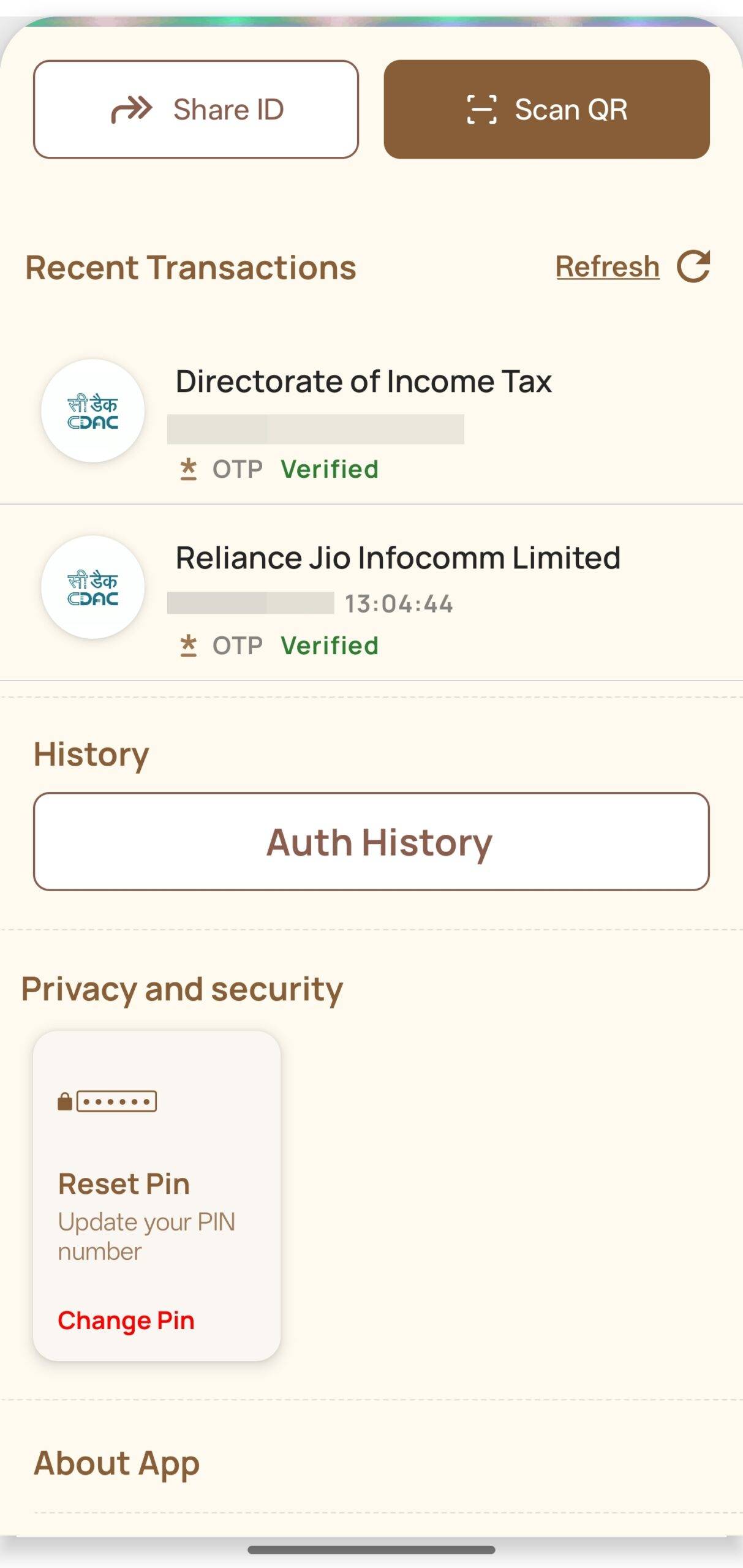
Lastly, the app also shows the sources where your Aadhaar data has been used previously for verification purposes. For instance, if you recently bought a new mobile number and submitted your Aadhaar details for identity verification, the company’s name will appear under the “Recent transactions” list. Similarly, the Directorate of Income Tax may show up when filing tax returns. Again, a nifty addition that lets users know when and by whom their Aadhaar information was used.
Registering on the Aadhaar app is an easy process
The app can be downloaded from the Google Play Store for Android smartphones and the App Store for iPhones. Once the app is installed, open it and grant all the necessary permissions. Then enter your 12-digit Aadhaar number and select ‘continue’. Now accept the terms & conditions and hit ‘Proceed’.
On the next screen, it’ll ask whether you want to use your Aadhaar-linked mobile number or a different mobile number. Select the preferred option and select Proceed. Accordingly, the app will verify your number through SMS, which will happen automatically in the background since you already granted permission to access SMS messages earlier. Finally, authenticate your face by positioning it within the circle. Once done, you’ll be logged into the app. The app will also ask for a PIN setup to lock the app.
UIDAI’s strategy behind launching this new, simpler Aadhaar app is to make it easier for people who need quick access to their Aadhaar. Instead of adding more features to the already complex mAadhaar app, creating a separate “show your Aadhaar” app helps avoid confusion and keeps things straightforward. This way, mAadhaar can handle advanced services, while the new app focuses only on easy viewing and sharing.
The launch of a dedicated Aadhaar app syncs with the government’s digital initiatives like Digital India, which focus on simplifying access to essential services through secure, mobile-first tools. Instead of adding more layers onto an already feature-heavy mAadhaar app, UIDAI has chosen to release an independent, purpose-driven app that would lessen friction for everyday users. Most people only need quick access to their Aadhaar number or a digitally verifiable ID and do not actually need the full suite of backend services provided by mAadhaar.
The Aadhaar app aligns with a larger global shift towards digitised identity systems. Many governments have moved or are moving beyond physical IDs to offer secure digital identities. Examples include Singapore’s SingPass, Australia’s myGovID, and the European Union’s soon-to-be-unveiled Digital Identity Wallet. India’s Aadhaar ecosystem, already among the largest digital ID frameworks in the world, sits within this trend. By offering a simple, purpose-built app focused only on quick access and the verification of identity, UIDAI is simplifying the move toward always-available digital credentials.