Android 17 Beta is here for Google Pixel devices: brings subtle interface and privacy refinements


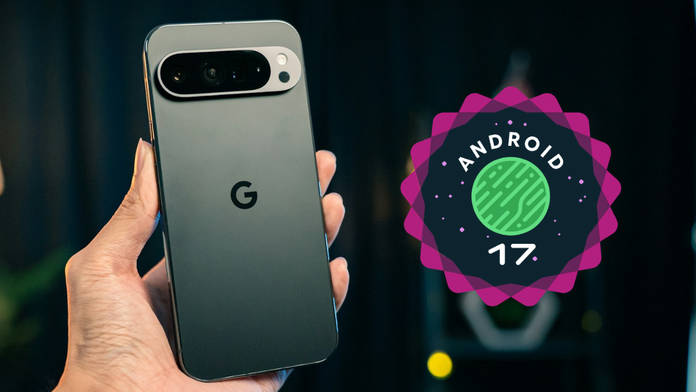
Following Google’s official announcement, Android 17 Beta 1 is now rolling out to eligible Pixel phones via the Android Beta Program. As part of the initial offerings, the firmware focuses on performance, privacy, and security, along with several tools for developers to make their apps compatible with the new Android version. Unlike previous releases, Google is directly pushing out the beta build instead of a Developer Preview, which the “Canary” channel has replaced.
Similar to other Google software like Chrome, the Android Canary channel will receive continuous updates for early testing and development purposes. These features and changes could eventually make their way into the stable Android 17 release.
Coming to the stuff that’s actually new, Android 17 brings design refinements, smoother animations, and tweaked quick settings behaviour. For large-screen devices, such as tablets and foldables, Google has added an option to opt out of orientation and resizability for better scaling and content adaptability. Another option that has finally made it to Pixel phones is the ability to turn off the At a Glance widget, providing a cleaner homescreen look.


On the camera front, Android 17 will offer professional-grade tools for media and camera apps, opening the gates to features like seamless transitions and standardised loudness. Other key additions of the update include improvements to permission management for a better understanding of which apps have access to location, microphone, or camera. On similar lines, the ‘location’ indicator is now larger in the quick settings panel for better visibility.
While we’re yet to test the Android 17 beta build, several publications have noted that the update doesn’t bring the leaked design changes and features that surfaced several weeks ago on X and Telegram. These features included a brand new, separate quick settings panel, similar to what other skins have been offering, like OriginOS 6 and ColorOS 16, an app lock option on the homescreen, the setting to hide app labels, and more.
Considering this is just the initial beta, Google might have reserved those features for later releases so that the updates don’t feel overwhelming and the stability stays intact as much as possible. However, these features and changes could typically land first in the Canary channel, with enrolled beta users receiving them shortly thereafter in subsequent beta updates.
That said, here are the Google Pixel devices eligible for the Android 17 Beta update:
- Pixel 6
- Pixel 6 Pro
- Pixel 6a
- Pixel 7
- Pixel 7 Pro
- Pixel 7a
- Pixel Tablet
- Pixel Fold
- Pixel 8
- Pixel 8 Pro
- Pixel 8a
- Pixel 9
- Pixel 9 Pro
- Pixel 9 Pro XL
- Pixel 9 Pro Fold
- Pixel 9a
- Pixel 10
- Pixel 10 Pro
- Pixel 10 Pro XL
- Pixel 10 Pro Fold
How to install Android 17 Beta on Google Pixel
If you’re willing to install the Android 17 Beta on your Pixel device, ensure to take a backup of your crucial apps, media, and documents in case things go haywire during the update installation process.
Step 1: Firstly, visit the Android Beta Programme website and sign in with your Google account
Step 2: Choose the Pixel device you wish to install the update on
Step 3: Once enrolled, open the Settings app on your Pixel and go to the Software Update section
Step 4: The device will fetch the update from the server, and the prompt to download the update will appear shortly
Step 5: Go ahead and install the update
From the initial beta release, Android 17 doesn’t appear to be a major update. While iterative improvements and refinements have been made in key areas, subsequent beta releases will give a clearer picture of what Android 17 will actually bring to the table for Pixel smartphones. Since Google has now kicked off the beta releases, we can expect the stable update to roll out in about four to five months, while other Android OEMS like Samsung, Vivo, OPPO, and others could also initiate their beta programmes sooner than in previous years.

