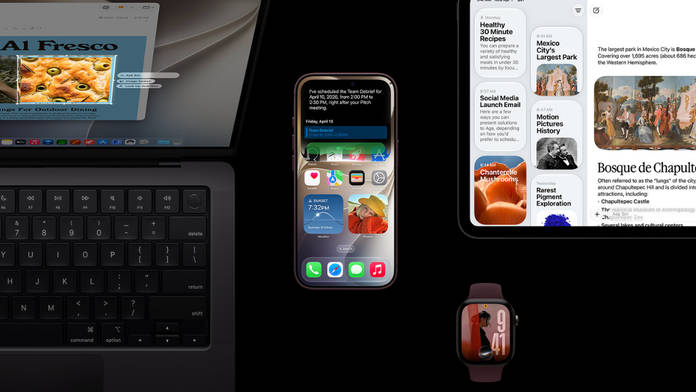
Apple unveiled the iPhone 18 Pro series and iPhone Duo, along with several other new products, last week in what many consider the company’s grandest launch event in years. During the presentation, the company announced that the next iteration of all of its operating systems will start rolling out on September 14th. As promised, iOS 27, iPadOS 27, macOS 27, watchOS 27, and tvOS 27 have started rolling out to eligible devices, letting users finally get a taste of what Apple has to offer across new features, design refinements, performance improvements, and Apple Intelligence.
Table of Contents
What’s new on Apple’s newest operating systems
iOS 27 and iPadOS 27
iOS 27 and iPadOS 27 bring a major upgrade to Siri, making it a more conversational, context-aware AI assistant. It can understand personal data, see what’s on your screen, handle multi-step tasks across apps, and maintain ongoing conversations. A dedicated Siri app stores chat history, while new customisation options and a Camera “Siri mode” add further flexibility. Siri AI is an answer to the rising dominance of Google’s Gemini across devices.
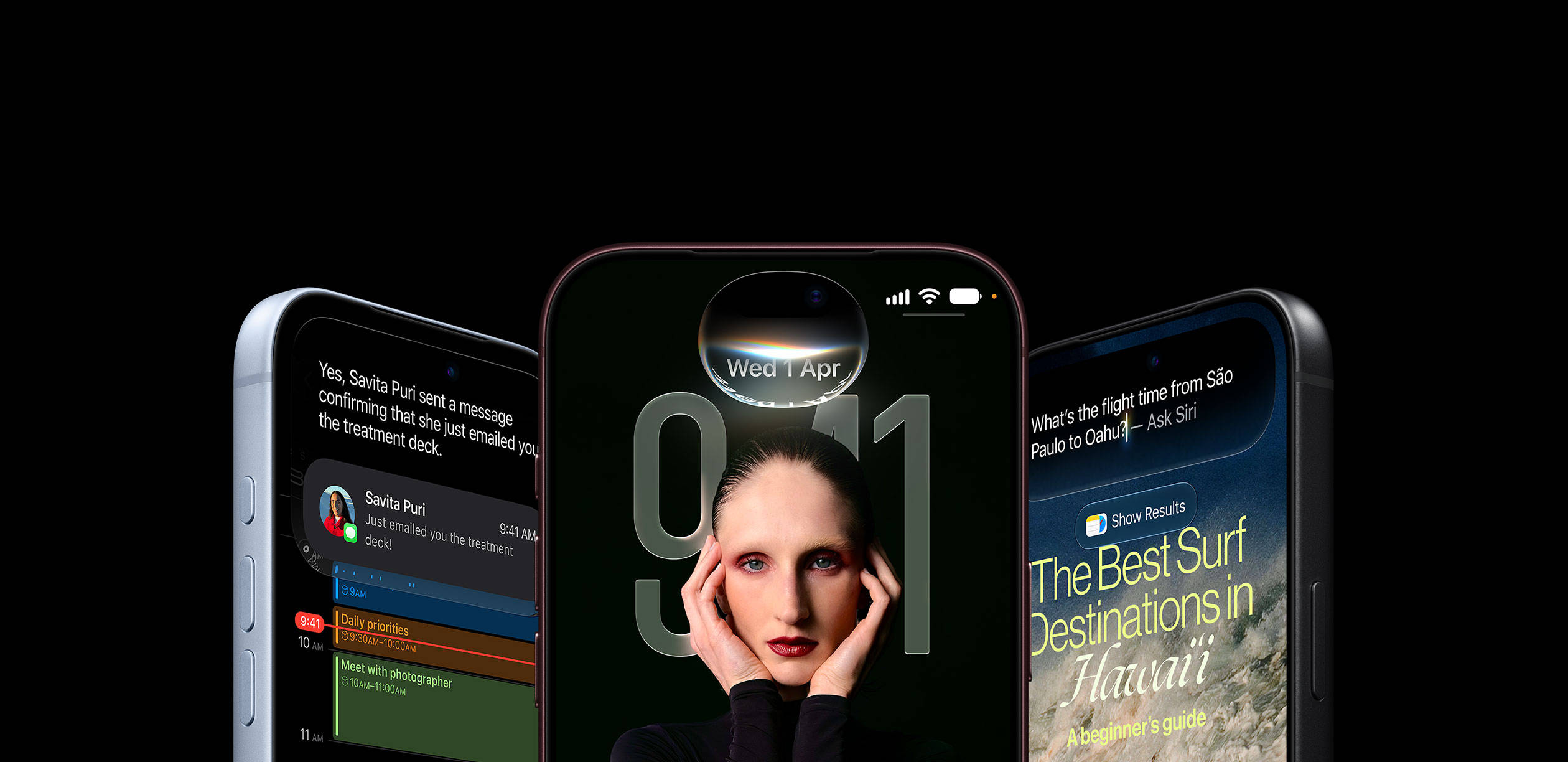
The update also refines the Liquid Glass design with a transparency slider and sharper visuals, delivers noticeable performance gains (faster app launches, quicker photo loading, and improved AirDrop speeds), and adds powerful Apple Intelligence-powered editing tools in Photos, including Clean Up, Extend, and Spatial Reframing. Safari becomes smarter with automatic tab grouping and webpage update alerts, while AirPods finally receive a long-requested system-wide Custom EQ.
Additional highlights include an improved Image Playground, support for app names in the status bar on iPadOS 27, limited iPhone Handoff for dual-device calling/messaging, and various refinements across Maps, iCloud Shared Albums, Wallet, parental controls, and accessibility.
iPhones eligible for iOS 27
- iPhone 17, iPhone 17 Pro, iPhone 17 Pro Max, iPhone Air, iPhone 17e
- iPhone 16e, iPhone 16, iPhone 16 Plus, iPhone 16 Pro, iPhone 16 Pro Max
- iPhone 15, iPhone 15 Plus, iPhone 15 Pro, iPhone 15 Pro Max
- iPhone 14, iPhone 14 Plus, iPhone 14 Pro, iPhone 14 Pro Max
- iPhone 13, iPhone 13 mini, iPhone 13 Pro, iPhone 13 Pro Max
- iPhone 12, iPhone 12 mini, iPhone 12 Pro, iPhone 12 Pro Max
- iPhone 11, iPhone 11 Pro, iPhone 11 Pro Max
- iPhone SE (2020), iPhone SE (2022)
For a deeper look at the features and the process to download and install iOS 27, refer to our iOS 27 launch story.
macOS 27
macOS 27 Golden Gate, just like iOS 27, brings a significantly more capable Siri AI, now deeply integrated into Spotlight. It offers better personal context awareness, on-screen understanding via Visual Intelligence, multi-turn conversations, and a dedicated Siri app that syncs history across devices. Users can also customise voice pacing and expressiveness.
The update refines window corner radii for a more cohesive look, adds edge-to-edge sidebars, restores colourful sidebar icons, and improves readability. Performance and usability improve through a rebuilt Search/Spotlight system, smoother animations, better ultrawide display support, and snappier overall responsiveness.
Other notable additions include smarter Safari features (automatic topic-based tab grouping and “Notify Me” alerts for webpage changes), advanced Apple Intelligence-powered Photos tools (improved Clean Up, Extend, and Spatial Reframing), natural-language Shortcut and extension creation, enhanced parental controls, and various refinements across accessibility, Calendar, and Continuity features.
watchOS 27
watchOS 27 introduces Siri AI to the Apple Watch, bringing a more capable and conversational assistant powered by Apple Intelligence. It supports personal context, multi-turn conversations, and a dedicated Siri app that syncs history across devices. A new dynamic app grid appears when pressing the Digital Crown, prioritising Siri and suggested apps for quicker access.
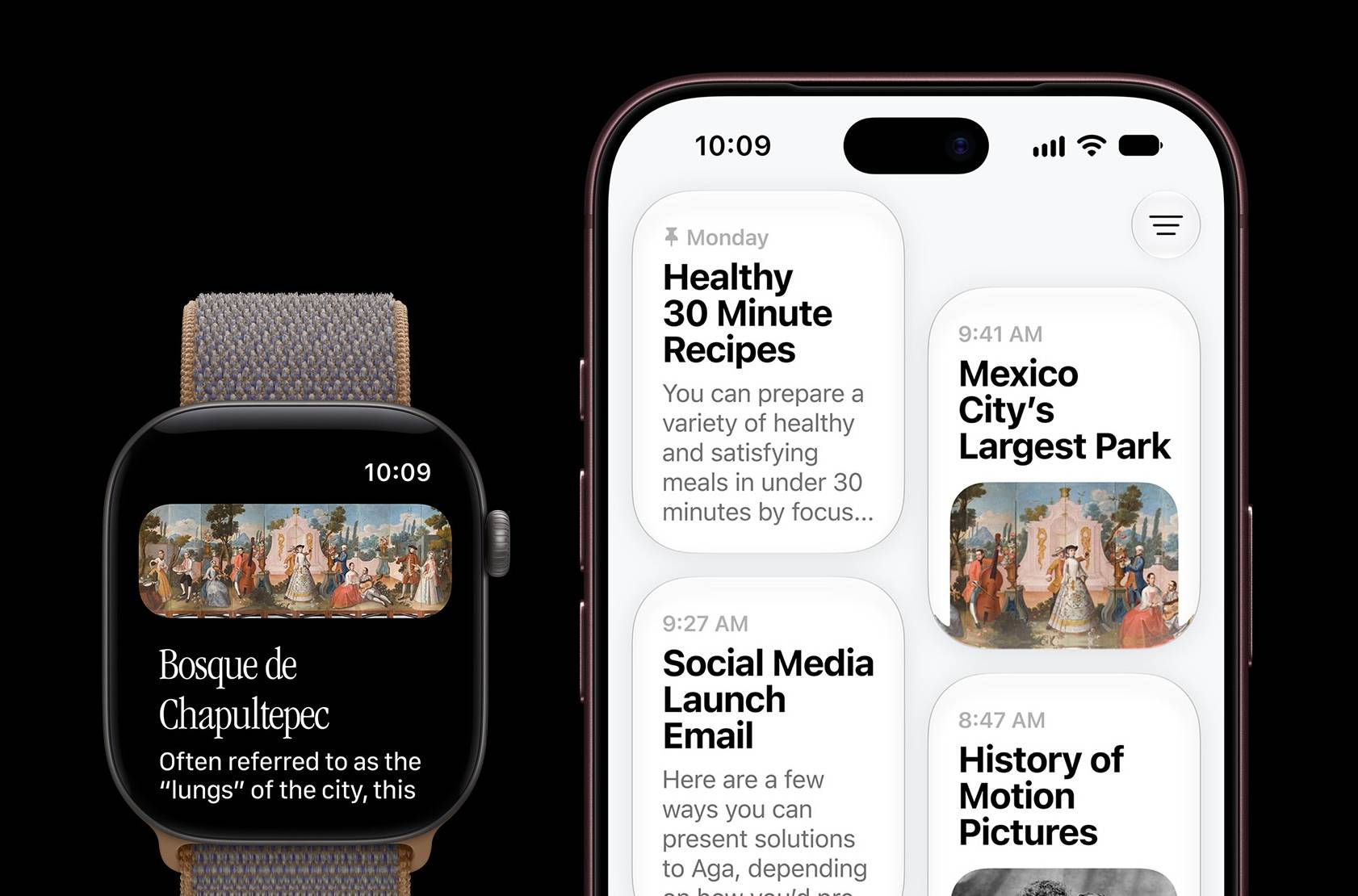
Health and fitness see meaningful upgrades, such as Workout Buddy now works without a nearby iPhone, offers new insights on pace, distance and duration progress, and adds Spanish language support. Cycle Tracking gains perimenopause and menopause notifications, while indoor run and walk distance tracking becomes more accurate. Usability improvements include a new single-tap gesture (pinching index finger and thumb) to select Smart Stack widgets one-handed, expanded Smart Stack suggestions (parked car, birthdays, transit cards, etc.), refined Liquid Glass for better readability, improved battery efficiency, faster app launches, and a consolidated Find My experience. A new Siri Modular watch face is also available.
Should you update?
Apple’s latest operating system promises major design enhancements for better appearance and legibility, improved performance and stability across iOS, iPad, and macOS, and, finally, upgrades Siri to deliver more contextual results. Given these improvements and additions, it could be worth updating for a smoother, more capable, and more refined software experience.