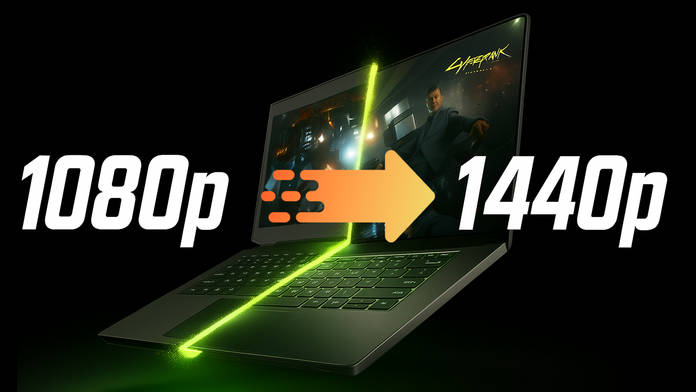
Let’s rewind a bit. A few years ago, if you were buying a “budget” gaming laptop, you knew the deal before you even opened the box: you were getting 1080p gaming, and that’s it. Medium-to-high settings if you were lucky, maybe ultra on esports titles like CS: GO or Valorant, and that’s about it. The dream of going beyond Full HD? Forget it. That was reserved for the “big boys” with RTX 2080s and fat wallets.
Fast forward to today, and suddenly the story feels different. Budget GPUs like the RTX 4060 or even the freshly minted 5060, basically cards that sit in the same family tier as the legendary GTX 1060, are casually flirting with 1440p gaming. No, they don’t magically brute-force 100 FPS in Cyberpunk 2077 at Ultra natively, but that’s where the magic comes in: AI is rewriting the rulebook.
DLSS, FSR, XeSS, frame generation—these aren’t just acronyms, they’re cheat codes for modern gaming. And if you’re in India, where every rupee counts and laptops are expected to last longer than the average Netflix subscription, this is more than just nice, it’s a game-changer. So, let’s talk about how we went from surviving 1080p to thriving at 1440p, and why that matters more now than ever.
Table of Contents
The Old Reality
Cast your mind back to the GTX 1060 or 1660 era. These GPUs were absolute legends in their time, don’t get me wrong. The GTX 1060 was the budget king, powering everything from PUBG to Witcher 3 without breaking a sweat. But let’s not sugarcoat it: those cards were designed for 1080p and only 1080p.
If you were ambitious enough to push 1440p on them, the experience was like trying to run a marathon in flip-flops: technically possible, but painfully impractical. Even relatively forgiving titles like Shadow of the Tomb Raider hovered around the 50–60 FPS mark at 1080p High settings, and dropping to 1440p meant you were basically watching a slideshow of Lara’s adventures. That said, let’s give credit where it’s due: some well-optimised games, like Far Cry 5, actually ran surprisingly well even on budget GPUs. But those were the exceptions, not the rule.
And for laptops? Even worse. That “gaming” laptop you picked up for ₹75,000–₹80,000 with a GTX 1650 Ti? It gave you a solid two, maybe three years of relevance before newer AAA games laughed in its face. You could stretch it by sticking to esports titles, sure, but AAA blockbusters were definitely out of the question.
So yeah, budget has always meant compromise. You bought a 1080p screen, you gamed at 1080p, and you accepted the fact that in a few years, your shiny new machine would be struggling.
The New Mid-Tier Muscle
Now let’s talk about the new kids on the block: RTX 4060 and 5060 laptops. On paper, these GPUs belong to the same “xx60-series” tier as the 1060 and 1660. But here’s the twist: they punch way above their weight.
Take Cyberpunk 2077, the poster child of demanding games. On raw, native performance at 1440p, an RTX 4060 might give you around 50–55 FPS on Ultra settings. Not bad, but not buttery smooth either. Flip on DLSS Balanced mode and suddenly, you’re sitting pretty at 80–90 FPS. That’s not a minor bump—it’s a whole new experience. Similarly, in Forza Horizon 5, the jump from ~62 FPS native to ~108 FPS with DLSS makes the difference between “playable” and “phenomenal.”
This isn’t just about bragging rights. For the budget gamer, it means you no longer have to settle for a washed-out 1080p display. Many laptops in the ₹85,000–₹1,00,000 bracket now ship with 1440p or at least 1200p panels, and these GPUs can actually make use of them. That’s the revolution right there. What’s more is that earlier, even if your laptop’s specs were enough to run a title at 1080p Ultra at launch, within a couple of years, you’d be forced to drop not just the settings but also the resolution, sometimes down to 900p or even 720p, to keep up. With modern devices, there’s little to no need for that, thanks to DLSS and FSR scaling so efficiently. And with more upcoming games launching with updated versions of these AI tools, your performance isn’t just preserved but future-proofed.
The Secret Sauce: DLSS, FSR, XeSS
Let’s cut to the chase. The real reason this leap is possible isn’t just raw horsepower. Instead, it’s the wizardry of AI upscaling. And the name that gets thrown around most here? DLSS.
Here’s the simple version: DLSS (Deep Learning Super Sampling) lets your GPU render the game at a lower resolution (say, 1080p) and then uses AI to upscale it to look like 1440p or even 4K. It’s like watching a 720p video that somehow looks like Blu-ray, only way sharper and more responsive. And the kicker? You get a massive performance boost.
Now, AMD has FSR and Intel has XeSS. And they deserve credit. FSR’s wider compatibility, especially with older-gen GPUs, means more players can benefit, even those without AMD’s cards. Intel’s XeSS, though younger, has shown solid results in supported titles. But at least for now, NVIDIA’s DLSS still wears the crown. It’s smoother, smarter, and is supported in way more titles. Developers trust it, gamers swear by it, and when paired with Multi-Frame Generation, it feels almost unfair.
Frame Generation: The Game Doubler
While DLSS, FSR, and XeSS have matured really well in the past few years, what’s truly mind-blowing is Frame Generation. It’s easily the best implementation of generative AI in gaming right now, and that’s saying something. What it does is simple yet genius: it takes the frames your GPU is already rendering, and then literally creates new ones in between. Yup, it’s like your GPU is cloning itself and doing double the work, except you didn’t pay double the price.

Once again, let’s consider Cyberpunk 2077. At 1440p without any fancy tricks, you’re cruising at ~60 FPS. Flip on DLSS? Boom, you’re at ~86 FPS. Now, layer in Frame Generation, and suddenly you’re hitting 110+ FPS. What’s more, if you’ve got a 50-series RTX card, you can even enable MFG up to 4X and push this past 165 FPS, which is the sweet spot for most budget gaming laptops’ displays.
Does it sound like cheating? Maybe a little. But for laptop gamers, it’s the best kind of cheat. You’re no longer stuck choosing between visuals and performance since you can have both. And yes, some purists will grumble that it’s “not true frames,” but guess what? Your eyes can’t tell the difference mid-gunfight. All you notice is that it feels fluid, responsive, and incredibly better than before.
Why This Matters Most for Laptop Gamers
Here’s the thing. For desktop gamers, if your GPU starts ageing, you can just swap it out. But laptop gamers? You’re locked in. What you buy today has to last you years, or you’re stuck selling a kidney to upgrade.
Back in the GTX 1650/1660 days, that lifespan was around 2–3 years tops. By year four, your laptop was huffing and puffing trying to run anything new, and you were basically exiled to low settings. But with DLSS and Frame Generation, those same budget laptops can realistically stretch to 5 years of relevance.
From a money perspective, too, that makes a lot of sense. Let’s say you bought a GTX 1660 laptop for ₹90,000 in 2019. That’s ₹30,000 of value per year before it started gathering dust. Now, compare it to an RTX 4060 laptop at ₹1,05,000. If it lasts five years, you’re looking at around ₹21,000 per year. Cheaper in the long run, and far less painful.
| Laptop & GPU Tier | Purchase Price | Lifespan (Years) | Effective Cost per Year |
| GTX 1660 Laptop (2019) | ₹90,000 | ~3 years | ~₹30,000/year |
| RTX 4060 Laptop (2024) | ₹1,05,000 | ~5 years | ~₹21,000/year |
For Indian buyers such as students, first-time laptop owners, and gamers who have been saving up for months, this is massive. You're not just buying a laptop; you're buying peace of mind that it won't turn into a brick when GTA 6 (eventually) drops. That's a value proposition that makes sense.
The 1440p Sweet Spot
Of course, you could still enjoy gaming at 1080p, but the reason why I'm talking so much about this is because 1440p is literally the Goldilocks of gaming resolutions. 1080p is fine, 4K is amazing but demanding, and 1440p? It's just right.
Visually, the jump from 1080p to 1440p is significant. You get sharper textures, cleaner edges, and an overall richer experience. It's like swapping your old LED TV for a QHD one and suddenly realising how blurry everything used to look. But unlike 4K, 1440p doesn't bring your GPU to its knees. It's that perfect middle ground of beauty and performance.
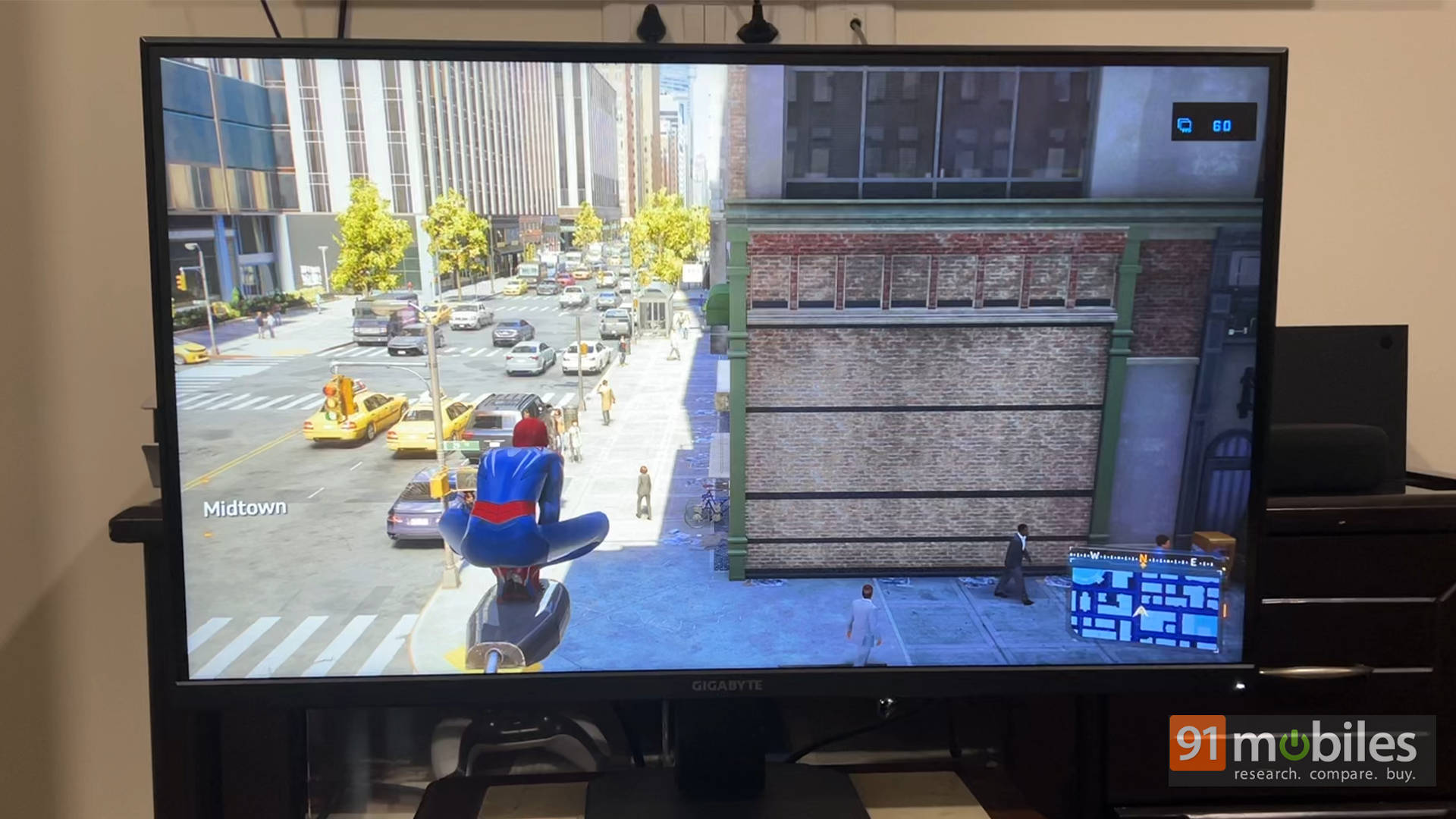
And here's the kicker: 1440p monitors aren't expensive anymore. You can find solid 27-inch QHD panels with 144Hz refresh rates for around ₹20,000–₹25,000 in India. That means even if you start with a laptop, when you eventually dock it, you're not stuck staring at a pixelated mess. DLSS makes this even sweeter. What used to require a ₹2,00,000 rig now runs on a ₹1,00,000 laptop with AI doing the heavy lifting. For budget gamers, that's like unlocking premium seating at the price of the cheap tickets.
Magic Has Limits, Though
Alright, before we all start high-fiving, let's pump the brakes a little. There are a few caveats. First, VRAM. NVIDIA's insistence on shipping some 40/50-series cards with 8GB is… questionable. Sure, the generational jump to GDDR7 is great, and it's more than the 6GB VRAM we saw on previous generations. But even so, games are already munching more memory than ever, and in a couple of years, this could become the bottleneck. DLSS helps, but it can't work miracles if a game literally needs more VRAM to load assets. That's one area where at least AMD and Intel are doing better by offering more VRAM. Though, then again, that argument is for desktop GPUs and not laptop GPUs.
| GPU Generation | Typical VRAM |
| GTX 1060 (Laptop) | 6 GB GDDR5 |
| GTX 1660 Ti (Laptop) | 6 GB GDDR6 |
| RTX 2060 (Laptop) | 6 GB GDDR6 |
| RTX 3060 (Laptop) | 6 GB GDDR6 |
| RTX 4060 (Laptop) | 8 GB GDDR6 |
| RTX 5060 (Laptop) | 8 GB GDDR7 |
Second, not every game supports DLSS or Frame Generation (yet). Big AAA releases usually do, but smaller titles or indie games might not. AMD's FSR fills the gap here, but the quality isn't always as polished. And third, you still need to manage expectations. An RTX 4060 isn't suddenly a 4090. You can't crank everything to Ultra 4K and expect 120 FPS. These technologies extend what's possible, not break the laws of physics.
But honestly? These are minor speed bumps. The trend is clear: budget gaming is no longer shorthand for compromise.
The Bottom Line: More Value, Less Compromise
For the first time, budget gamers aren't boxed into 1080p. With mid-tier GPUs like the RTX 4060/5060, powered by DLSS and Frame Generation, 1440p gaming is not only possible but practical. Laptop lifespans are stretching, cost-per-year is dropping, and the experience feels closer to premium than ever before.
In India, especially, where gamers demand maximum value, this shift is massive. A student buying a gaming laptop today doesn't have to fear it becoming obsolete in three years. Instead, they're looking at a device that'll hold strong for half a decade, all while delivering crisp, fluid gameplay.
And it's not stopping here. With NVIDIA pushing DLSS and Frame Generation forward, AMD improving FSR's compatibility across generations, Intel refining XeSS, and even new-age chipsets bringing NPUs into the mix, the performance gains for budget laptops are only going to get better. Simply put, it's a fantastic time to buy a budget gaming laptop.