Samsung has been rather quick to roll out the latest Android 16 version with its One UI 8 update. This is the biggest update for phones that arrives once every year. There are smaller updates that follow with bug fixes, improvements, and new features. However, with One UI 8, this might not seem like a major upgrade, as it doesn’t bring anything visually dramatic. One UI 8.5 could be the one to look out for, as early leaks suggest some major UI tweaks. Samsung is reportedly skipping version 8.1 and even 8.1.1 and going straight to One UI 8.5.
Here’s an early look at what to expect from One UI 8.5.
New 3D-like UI
Samsung is testing a redesigned UI, which was spotted on One UI 8.5. It isn’t a striking visual change, but the early images show a 3D-like effect that makes the icons appear slightly raised from the display. Screenshots shared by Max Jambor on X show the new UI with the 3D look. For now, the 3D effect doesn’t look very pronounced, but it could be refined in the stable version. Samsung has also added a gradient to its native apps in One UI 8.5. This is, however, still in testing and will need more work to look better.
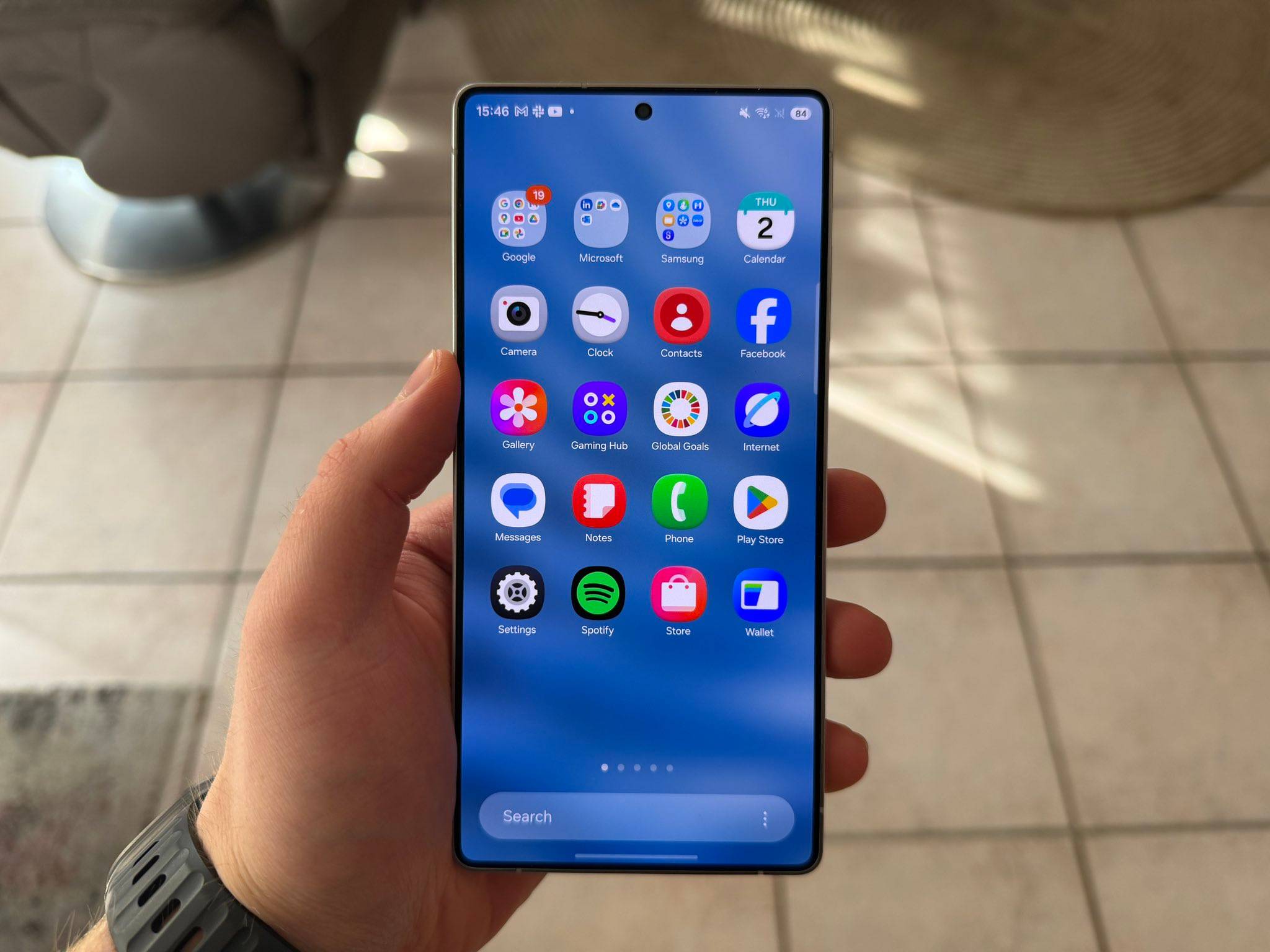
From a usability standpoint, this move appears aimed at making Samsung’s interface look more dynamic and less flat, similar to the subtle depth and contrast seen in Google’s design language on Android 16.
Customisable quick settings
One UI 7 introduced a new quick settings panel by separating it from notifications. Now, users can pull down the notification panel by swiping down from the left or centre, and the quick settings panel from the right corner. In One UI 8.5, users will be able to completely customise the quick settings panel. This means that you’ll be able to move any widget, toggle, or card, and place them around as you like. You can even delete most of them, giving you more control over how the quick panel looks and works.
This adds a layer of flexibility and more control over the layout, which would be a welcome move for users who prefer a tailored layout rather than Samsung’s fixed grid.
Visual changes for Samsung apps
Samsung apps will also get refreshed in One UI 8.5. One change that will be standard across most Samsung apps is that the search bar has been moved to the bottom of the screen. This would make it easier for one-handed use, especially on large-screen phones like the Galaxy S25 Ultra and Galaxy Z Fold models. Samsung has also changed text-based icons to non-text icons for the bottom navigation bar in apps like Gallery and Phone.
Lock screen changes
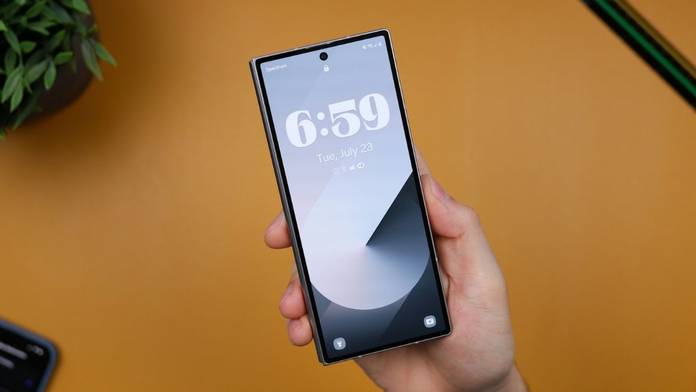
Samsung is adding three new styles for the clock on the lock screen. Another update to the lock screen is a small but visually appealing change. Now, when you double-tap on the lock screen to wake the phone up, the animation will start exactly from where you tapped on the screen. This might seem like a subtle change, but it might make the phone’s interface feel more personal and responsive.
The new discovery of One UI 8.5.
— PhoneArt (@UniverseIce) October 6, 2025
From AOD to the light effect of screen lock, where you click is the starting point/end point. pic.twitter.com/re6FOI6jlt
Other features
One UI 8.5 might get a security feature called ‘Privacy Protection’. It will essentially let you hide sensitive information in images when you share them with others. You can choose to hide the details that you want, or the image will be analysed and the sensitive information will be automatically blurred. Samsung is also updating the Now Brief Galaxy AI feature to double as a toggle for the flashlight when it’s turned on in One UI 8.5.
One UI 8.5 is still in its early stages, and the public beta isn’t even out yet. This means that there are more features and visual updates that could be released with the final version. Samsung is expected to release One UI 8.5 with the Galaxy S26 series early next year. It should arrive on more phones later, including the Galaxy S25 series, Galaxy Z Fold7/Flip7, and select Galaxy A-series models in mid-2025. Users already on Android 16 with One UI 8 can expect a smoother OTA rollout once the update stabilises.
If you’re not part of Samsung’s beta program, it’s best to wait for the stable build, as early betas often come with minor bugs and incomplete UI transitions.