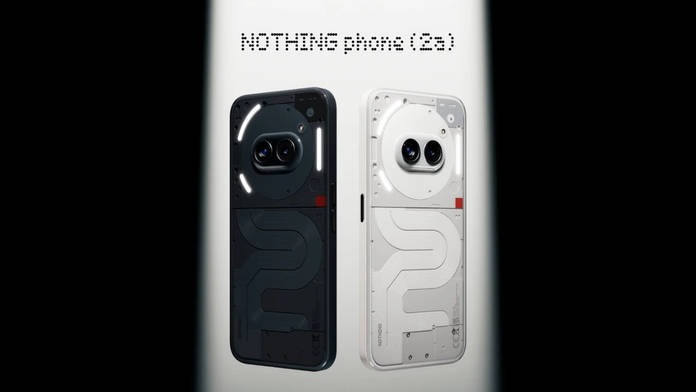
As promised, the Nothing Phone (2a) and Phone (2a) Plus are receiving the stable Nothing OS 5.0 update, per the company’s earlier release schedule. This comes after both smartphones bagged the open beta update a few weeks back, giving users an early test of the Android 17-based Nothing OS skin. Launched in 2024, Nothing OS 5.0 is the last major update for the Phone (2a) and Phone (2a) Plus, and it marks a significant step up from previous iterations.
Table of Contents
Nothing OS 5.0 stable update released for Phone (2a) series
While Nothing hasn’t officially announced the Nothing OS 5.0 stable release for the Phone (2a) series on its Community website or social handles, as it did for the Nothing Phone (3a) and Phone (4a) series, several posts on X suggest the update is being rolled out in batches.
Nothing OS 5.0 Stable (Android 17) is now rolling out for the Nothing Phone (2a) and Phone (2a) Plus! Update size: • Beta users: 361 MB • Non-beta users: 3.15 GB What’s New? • New Glyph app with an improved interactive experience • Separate Quick Settings & Notification panels • Bulk home screen icon arrangement • New 3-colour privacy status indicator • Translucent Launcher theme • New lock screen clock customisation & 2 clock faces • Updated wallpaper gallery and Geist typography • New Collector, Away Time & Glyph Timer widgets • Enhanced Camera with 7 adjustable Tuning effects, improved Presets, Filters and H.265 video encoding • Improved camera recording, zoom, QR scanning, Google Lens and Motion Photos • Expanded Dark Theme and customisable HDR brightness • Depth wallpaper pinch-to-shrink support • Nothing 3D Emoji in Gboard • Improved Live Updates and lock screen shortcuts • One-tap Bluetooth connection controls • Security fixes and performance improvements
— TechiBoy (@techiboy96) November 19, 2026
New additions and improvements on Nothing OS 5.0
We’ve already covered Nothing OS 5.0 in detail, so head over to our hands-on walkthrough for a full look at every design, productivity, and personalisation change. In brief, Nothing OS 5.0 represents the company’s biggest software step forward since the original Nothing OS 1. Compared with version 4.1, it delivers meaningful improvements, such as richer lockscreen and homescreen customisation options along with practical tools such as a split quick-settings panel reminiscent of iOS, the Glyph Timer, Collector widgets, and the ability to edit apps in batches.
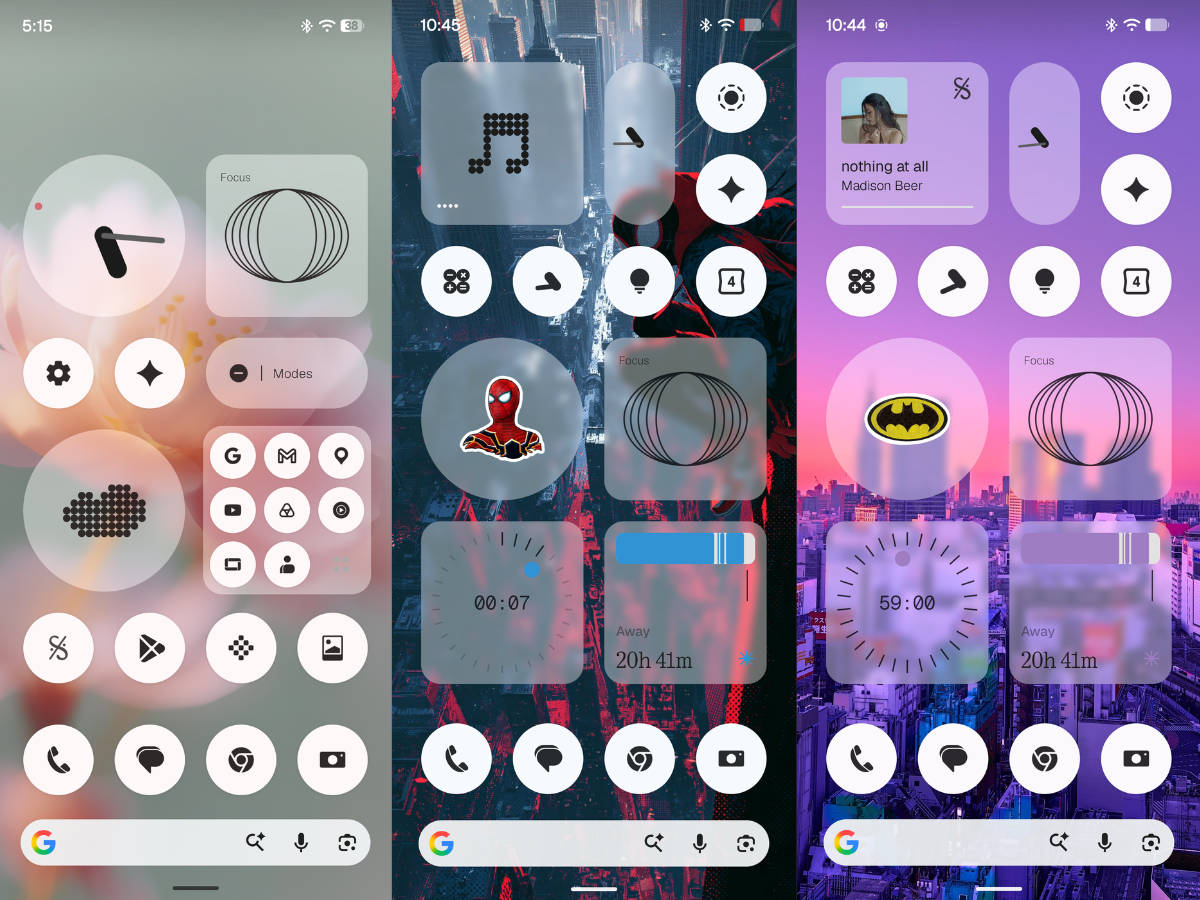
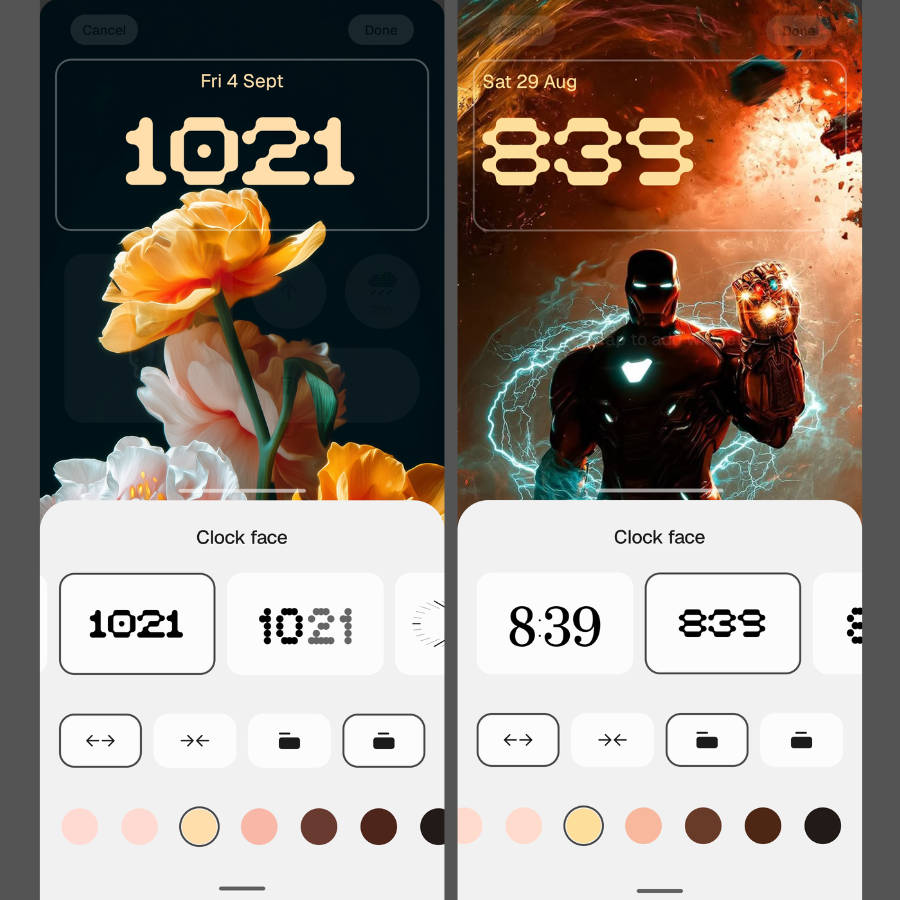
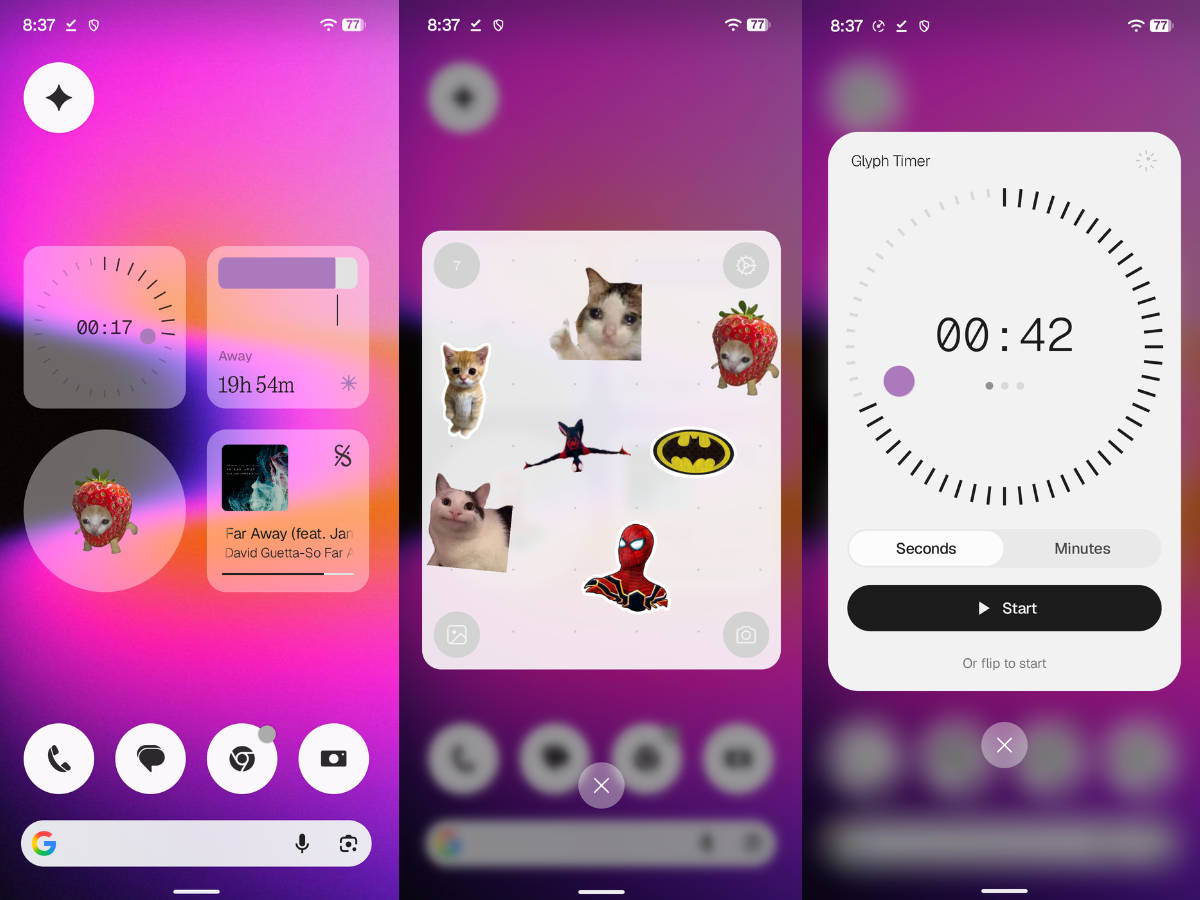
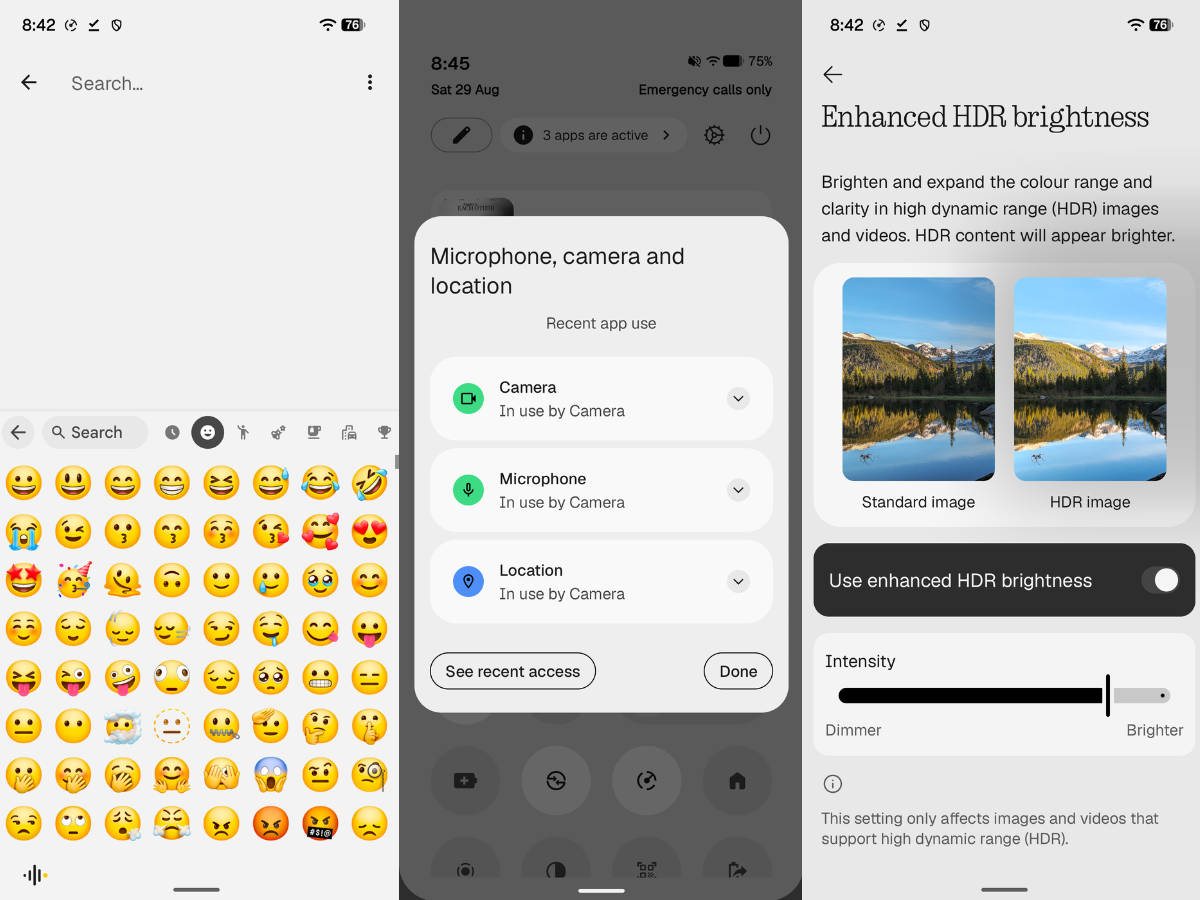
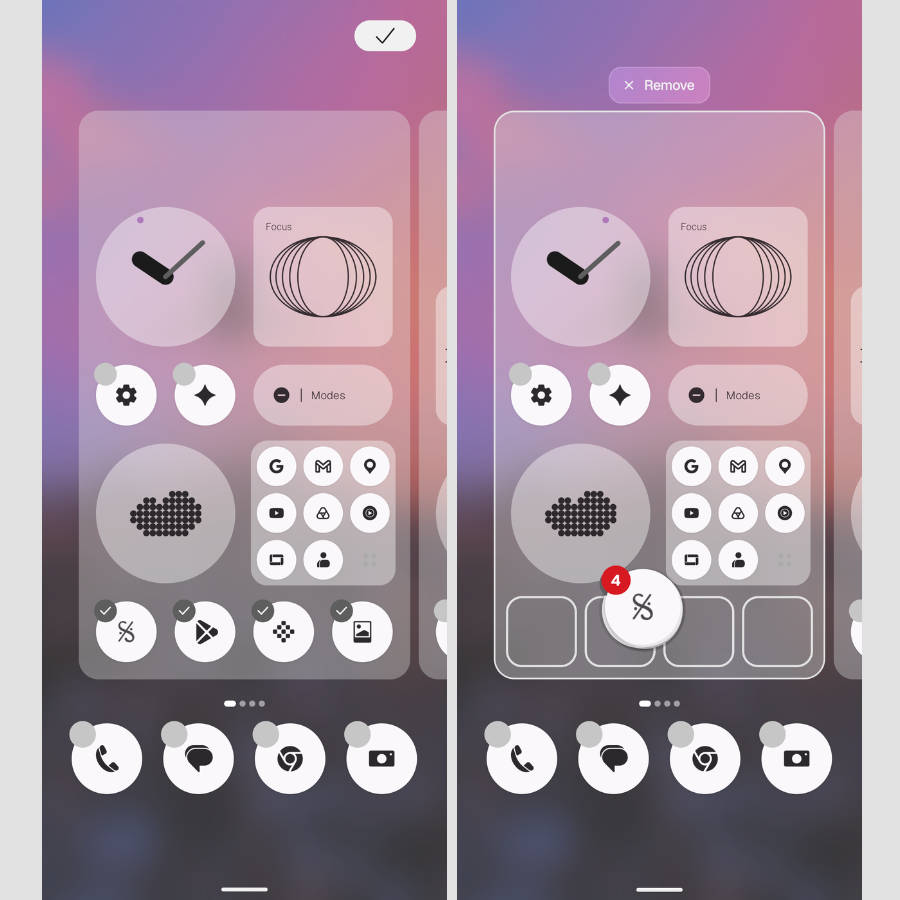
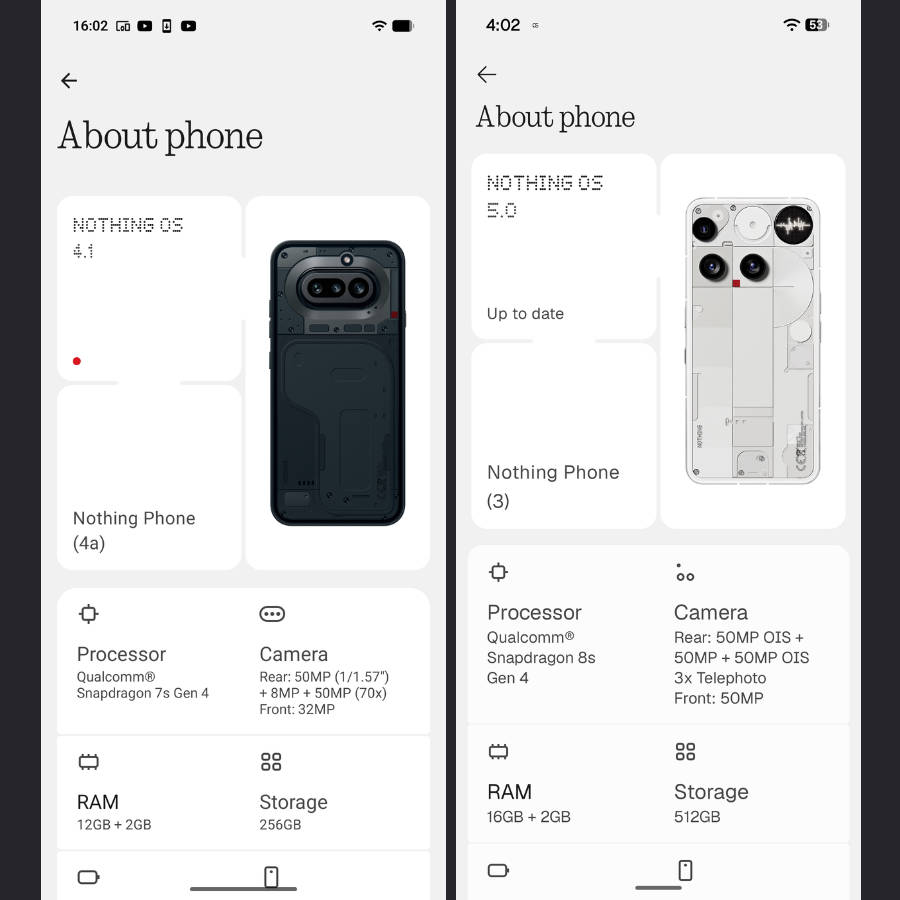
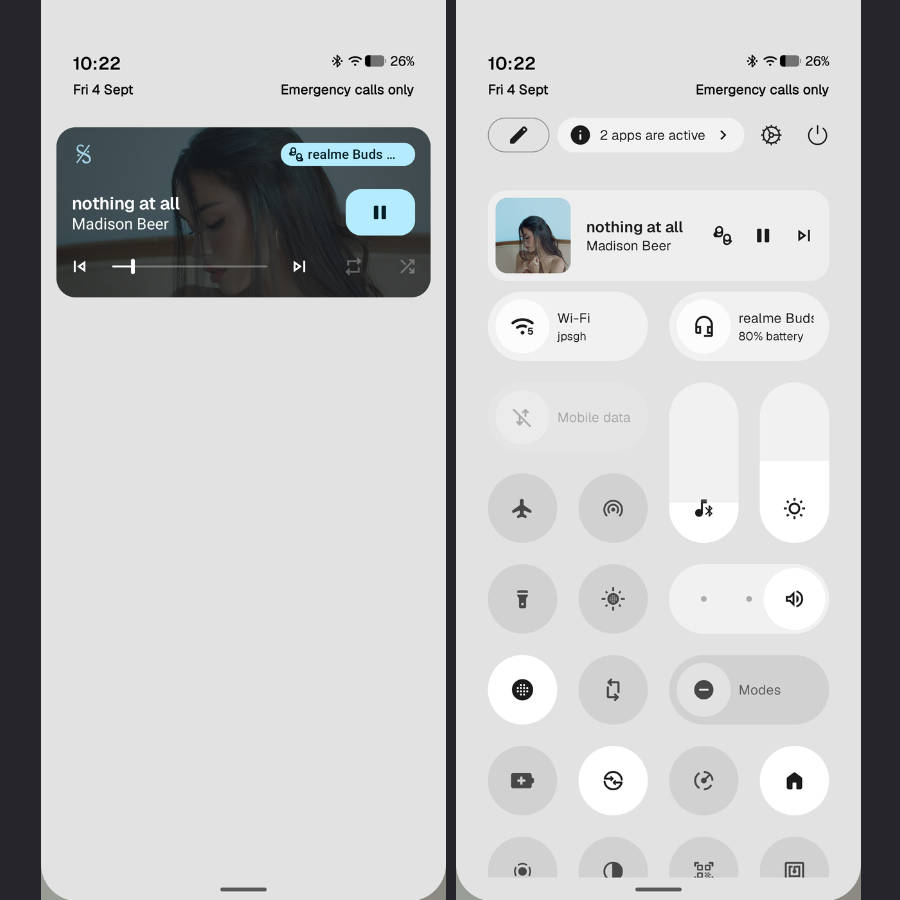
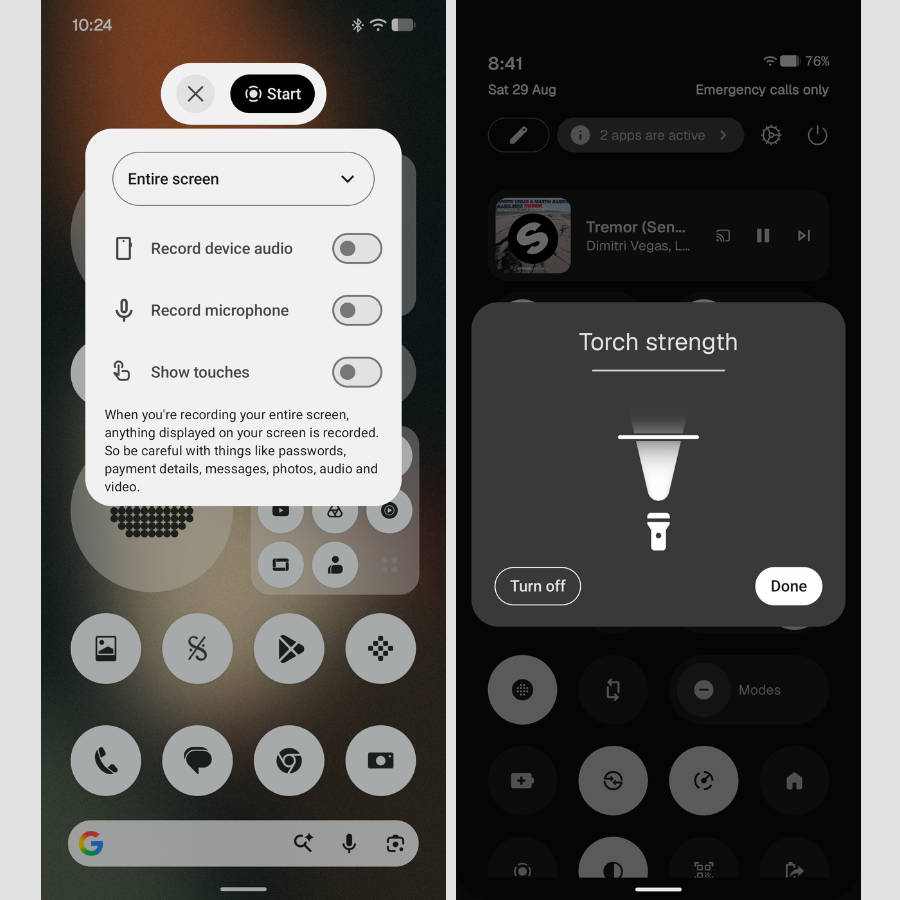
The fresh Lucent theme layers translucent widgets with Android 17’s 3D Noto emojis and colourful lock-screen styles, injecting fresh visuals into the experience. While a few shortcomings remain, noticeably soft haptics and milder blur effects than rival skins, the new additions still make a clear difference for anyone moving up from OS 4.0. Overall, Nothing’s signature minimalist monochrome aesthetic continues to set the software apart from the likes of One UI, ColorOS, OriginOS, and other major Android skins.
How to update to Nothing OS 5.0 stable update
The update will roll out to all Nothing Phone (2a) and Phone (2a) Plus users in batches, and you’ll be notified via a notification; if it doesn’t arrive, you can check manually by going to the update section in Settings. Here’s how:
Step 1: Firstly, go ahead and open Settings
Step 2: Now select the System section
Step 3: Tap the ‘Nothing OS’ text, and the phone will start fetching the update from the server
Step 4: Once the update is available, tap ‘Download and install’
Once the update is downloaded, your phone will automatically boot into Nothing OS 5.0 shortly. While it’s a stable release, users worried about potential bugs or unnecessary battery drain can wait to see how the update fares for those who’ve already installed it.
You can also visit our Nothing OS 5.0 roundup for a glimpse of the new features and improvements, along with the full release schedule.