The much-awaited feature on WhatsApp for parents has started rolling out. Called parent-managed accounts, it gives parents greater control over how their children use the messaging platform. The feature aims to make the Meta-backed messaging app safer for kids by limiting the experience primarily to messaging and calling. Parents or guardians will also be able to manage the account’s privacy and contact settings, deciding who can contact the child, which groups they can join, and how privacy settings are configured.
WhatsApp says the feature was developed with input from families and experts, and will be available on WhatsApp for both Android and iPhone. Parent-managed accounts are targeted at children under 13 years old in India and other countries to protect them from digital identity theft, phishing scams, and more.
Table of Contents
What all can be controlled with a parent-managed account
With a parent-managed account, the parent or guardian retains control over key safety settings. The list includes:
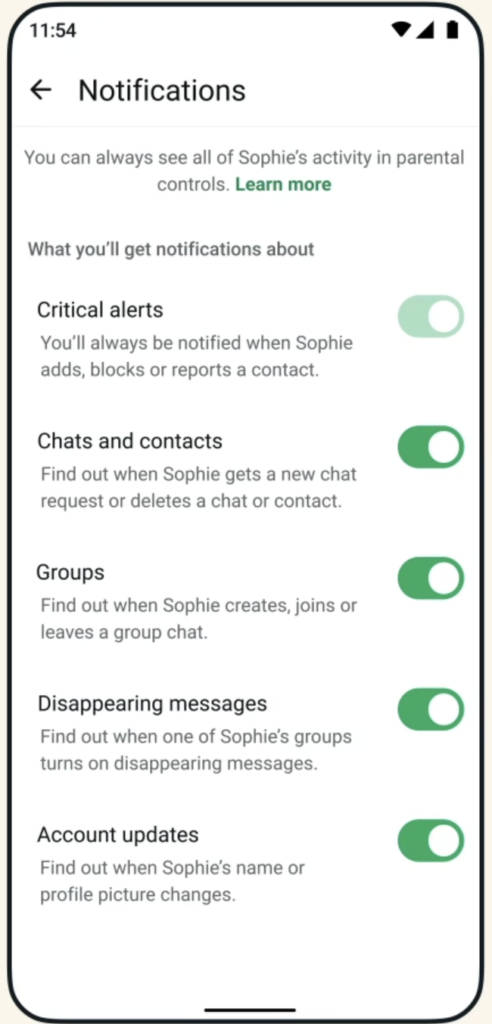
- Decide who can contact the child’s account.
- Approve or review message requests from unknown contacts.
- Manage group invitations.
- Control privacy settings, such as profile visibility.
- Secure changes using a 6-digit parent PIN.
WhatsApp says these safeguards ensure children can stay connected with family and friends while reducing exposure to unknown contacts. Despite the added parental oversight, all conversations remain protected with end-to-end encryption, meaning no one, including WhatsApp, can access message content.
Parent-managed WhatsApp account requirements and how to set up
The parent-managed WhatsApp account will require the child’s own phone number and device. Furthermore, the messaging platform is updated to the latest version on both devices. Needless to say, the parent or guardian must be 18 years or older to set up the account.
Start with the child’s phone
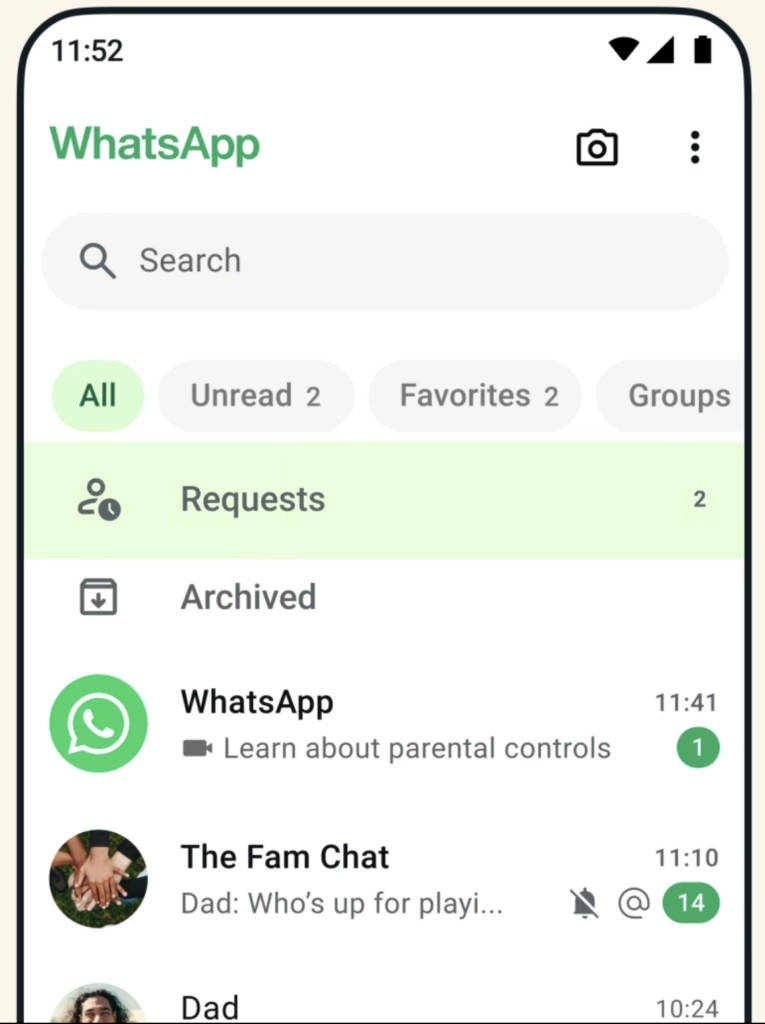
- Install WhatsApp on your child’s phone from the Google Play Store or Apple App Store.
- Open the app and select a language.
- Tap Agree and Continue.
- Tap More options and choose Create a parent-managed account.
- Register your child’s phone number and verify it.
- Enter your child’s birth date and confirm their age.
- Tap Continue to link the account to a parent.
- On the child’s device, a QR code will appear.
Move to the parent/ guardian’s phone
- Use the parent’s phone camera to scan the QR code.
- Follow the link that opens in WhatsApp –> Tap Agree and Continue –> Verify you are an adult.
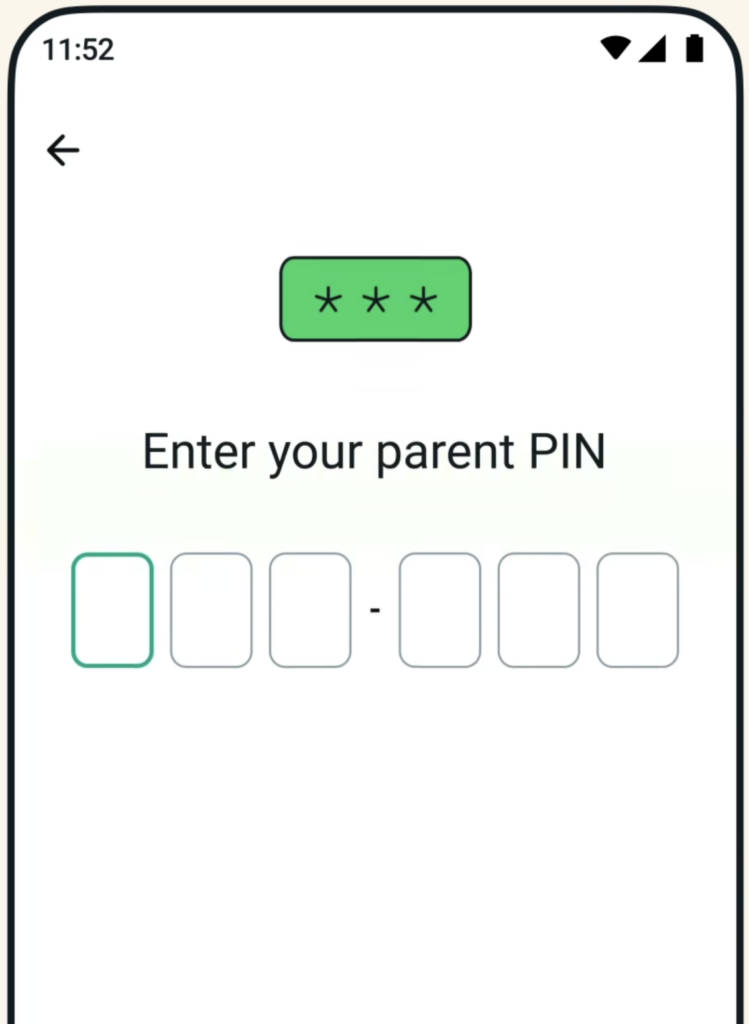
- Create a 6-digit parent PIN to protect privacy settings.
- Confirm the PIN and tap Next, then Done.
Go back to the child’s phone to complete the process
- Enter the parent PIN on the child’s phone.
- Tap Continue.
- The child can now add their name and profile photo.
Once finished, the child will be able to use WhatsApp while the parent keeps control over privacy and contact permissions. If you aren’t seeing the option, wait for the update. WhatsApp says the parent-managed account will be rolled out gradually across regions in the coming months.
WhatsApp says the new system reflects how the app is already used within families, whether sharing updates with relatives, coordinating school activities, or simply letting parents know their child has arrived home safely. More parental tools and group-related insights are expected as the rollout expands globally. This move, though late for some, is a crucial step for WhatsApp to remain competitive in the family messaging space.