


Review Summary
Expert Rating
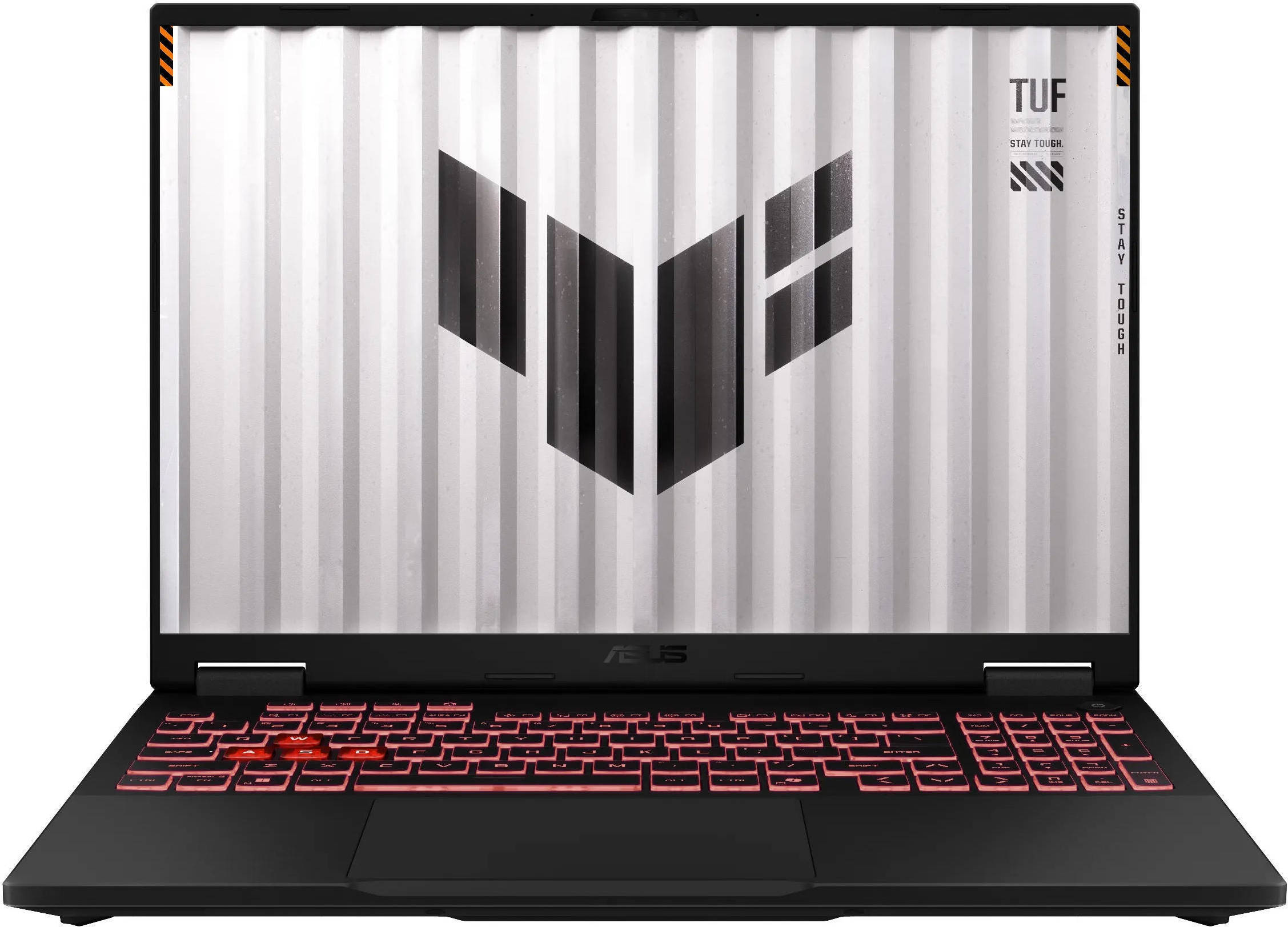
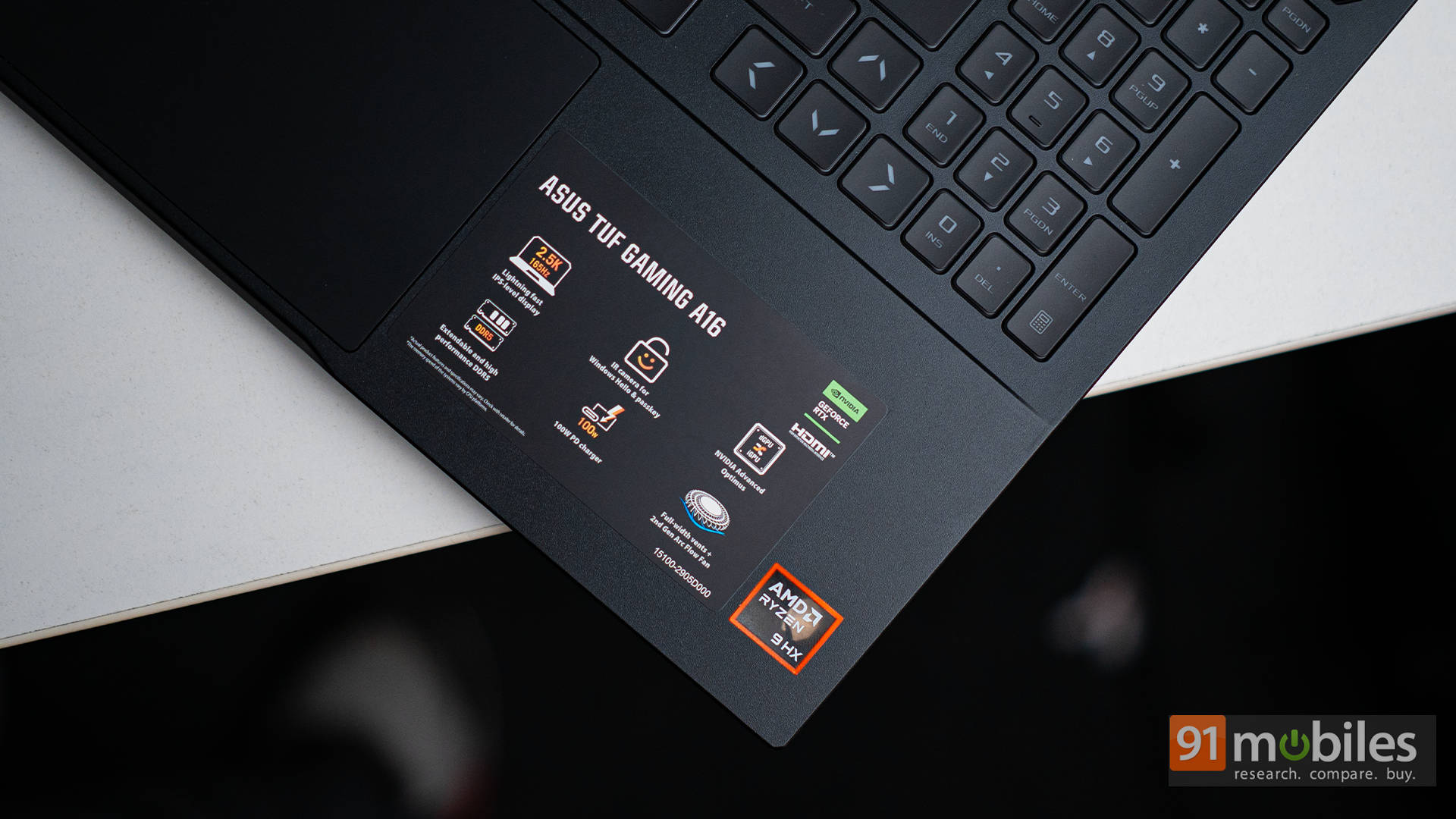
After reviewing the ASUS TUF Gaming F16 (review), which delivered solid RTX 5070 gaming chops for ₹1,79,990, we now turn to its AMD sibling: the TUF Gaming A16 (2025). It looks the same, feels the same, and costs ₹10,000 less. However, it differs under the hood. The A16 comes with the Ryzen 9 8940HX, compared to the Intel Core i7-14650HX on the F16. It also ships with 16GB RAM, half of what the F16 offers out of the box.
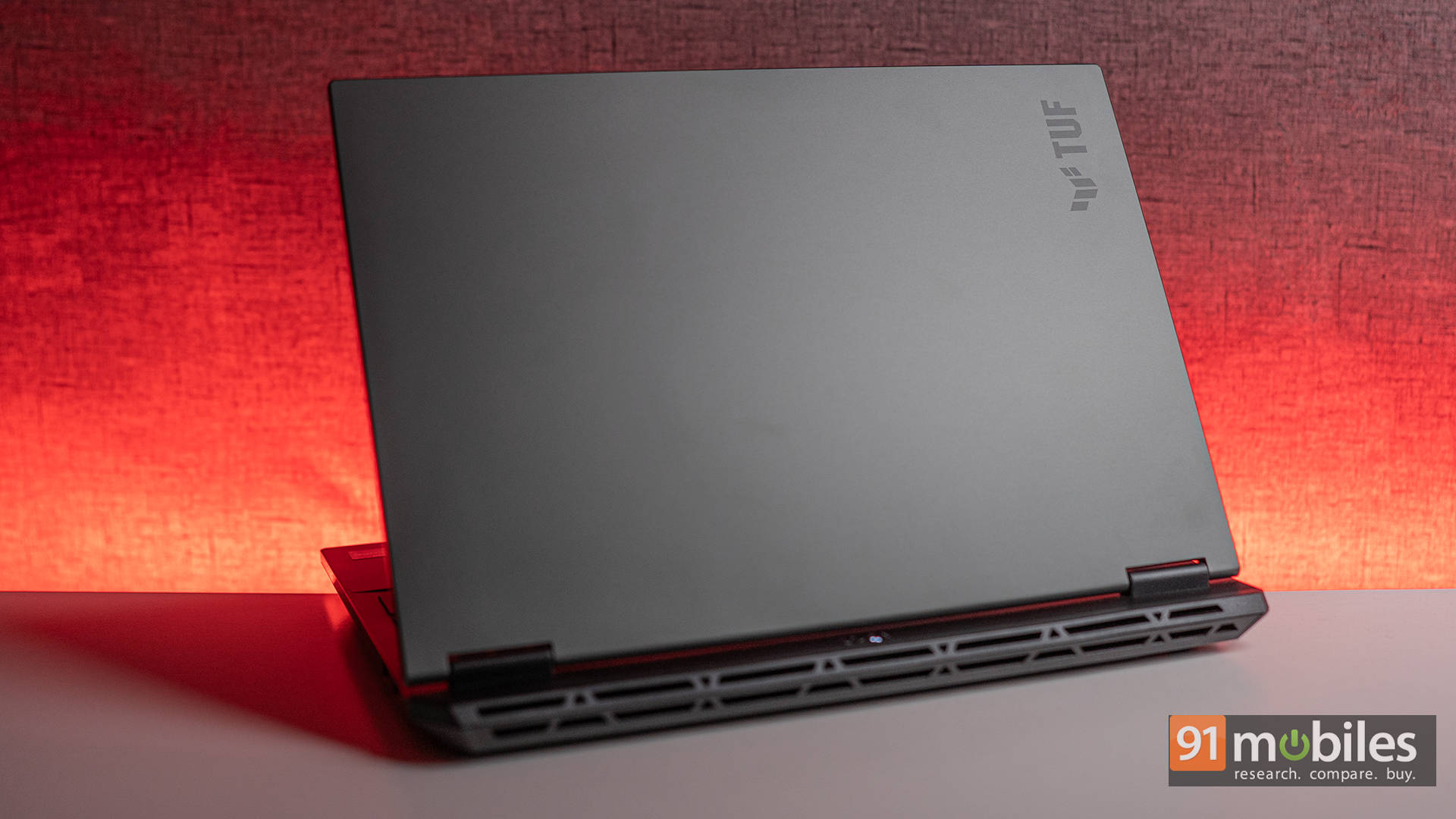
On paper, it might seem like the A16 is a step down, but is it really? Most of you have already asked which is the winner between the ASUS TUF F16 vs A16, and in this article, we’re set to find out the answer. So let’s get to it.
Table of Contents
Performance Compared to the F16: Fewer Watts, Still Packs a Punch
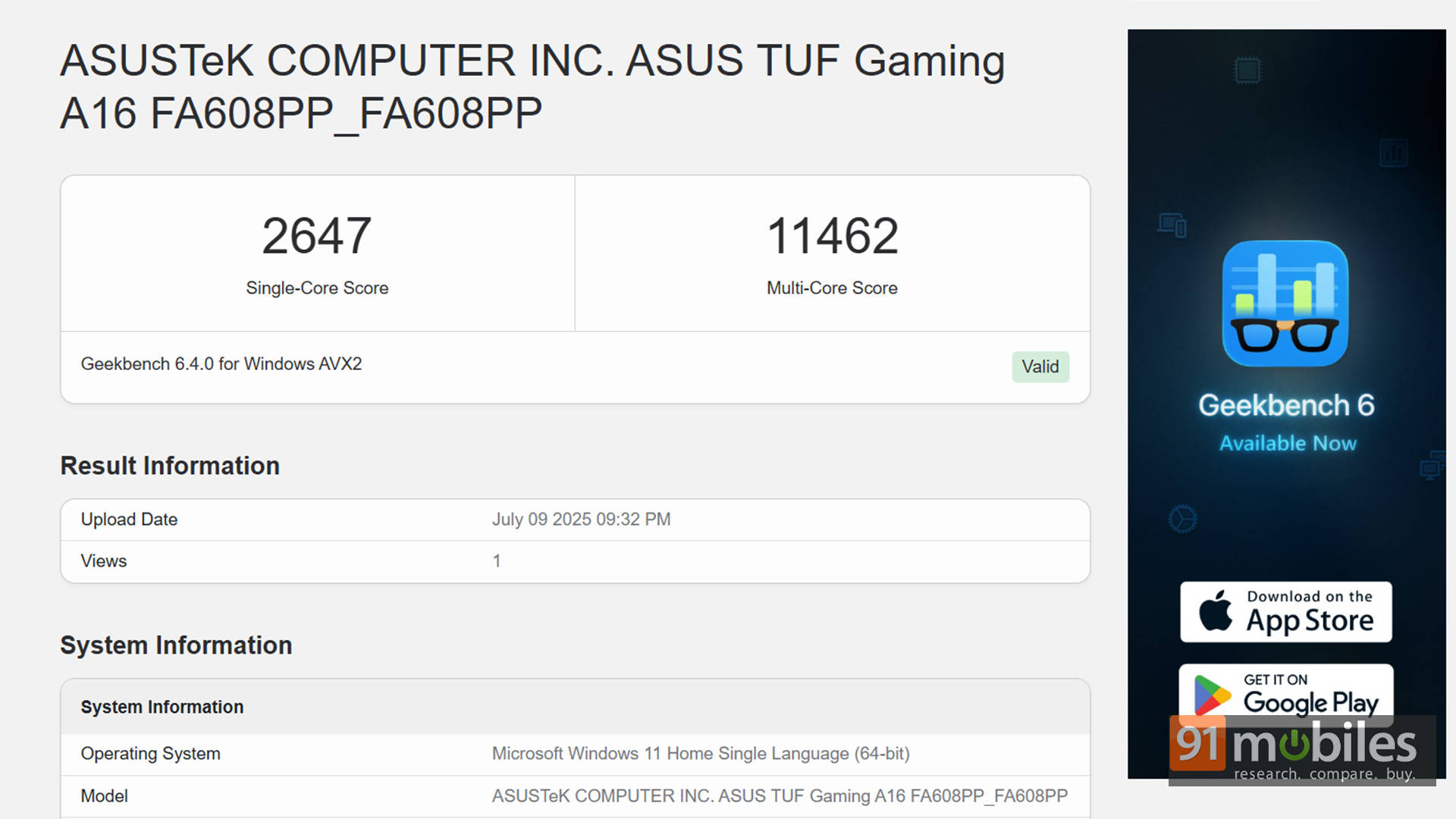
Let’s get one thing out of the way: yes, the A16 comes with half the RAM. And yes, that does show up in multi-core benchmarks and certain productivity scores. For example, the F16 scored 20,194 in Cinebench R23 Multi-Core, while the A16 shot up to 31,746, which is a big win for AMD. However, in Geekbench 6 Multi-Core, the A16 fell behind, scoring 11,462 vs. 16,011, likely due to its 16GB of RAM limiting overall bandwidth.
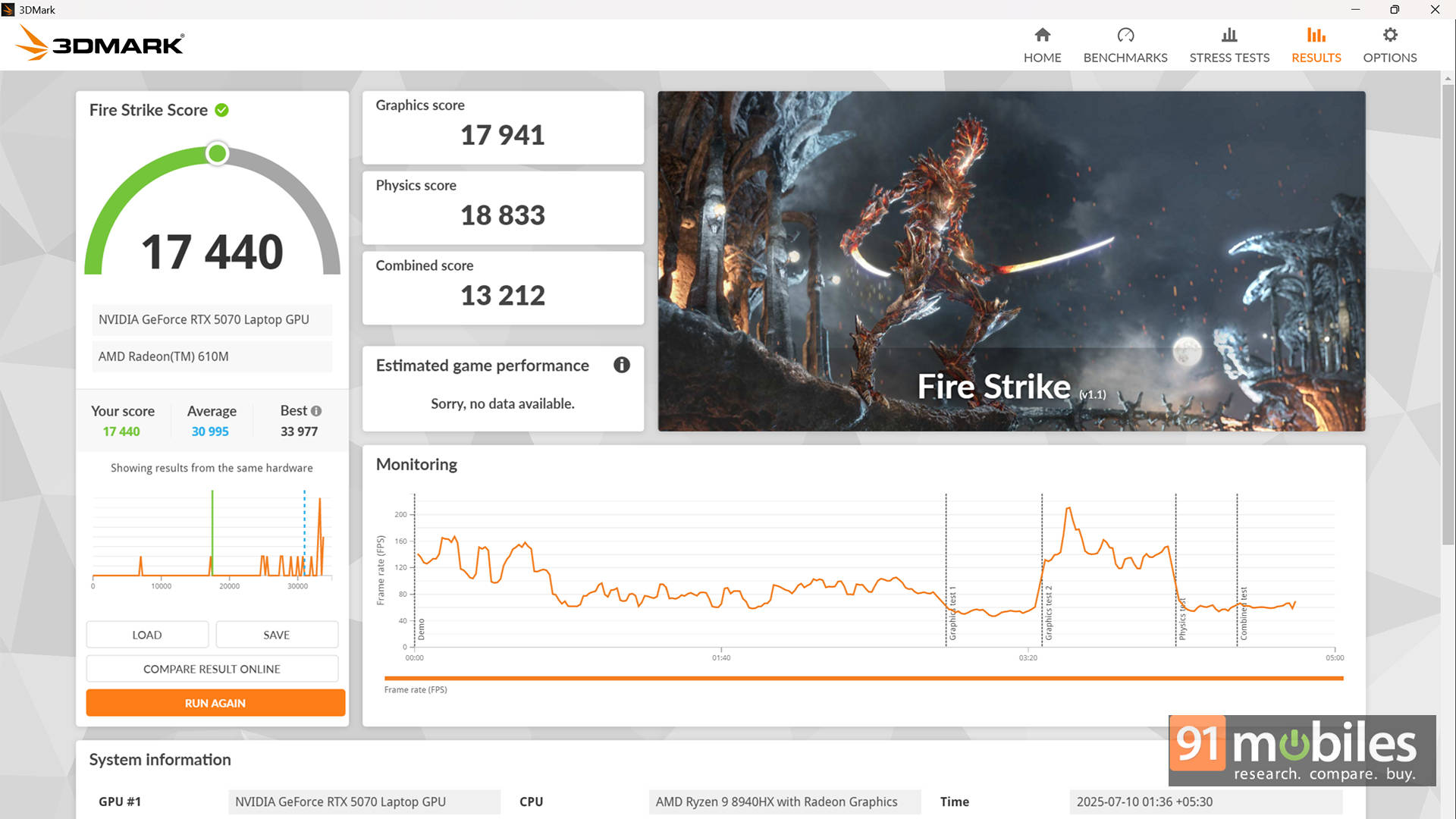
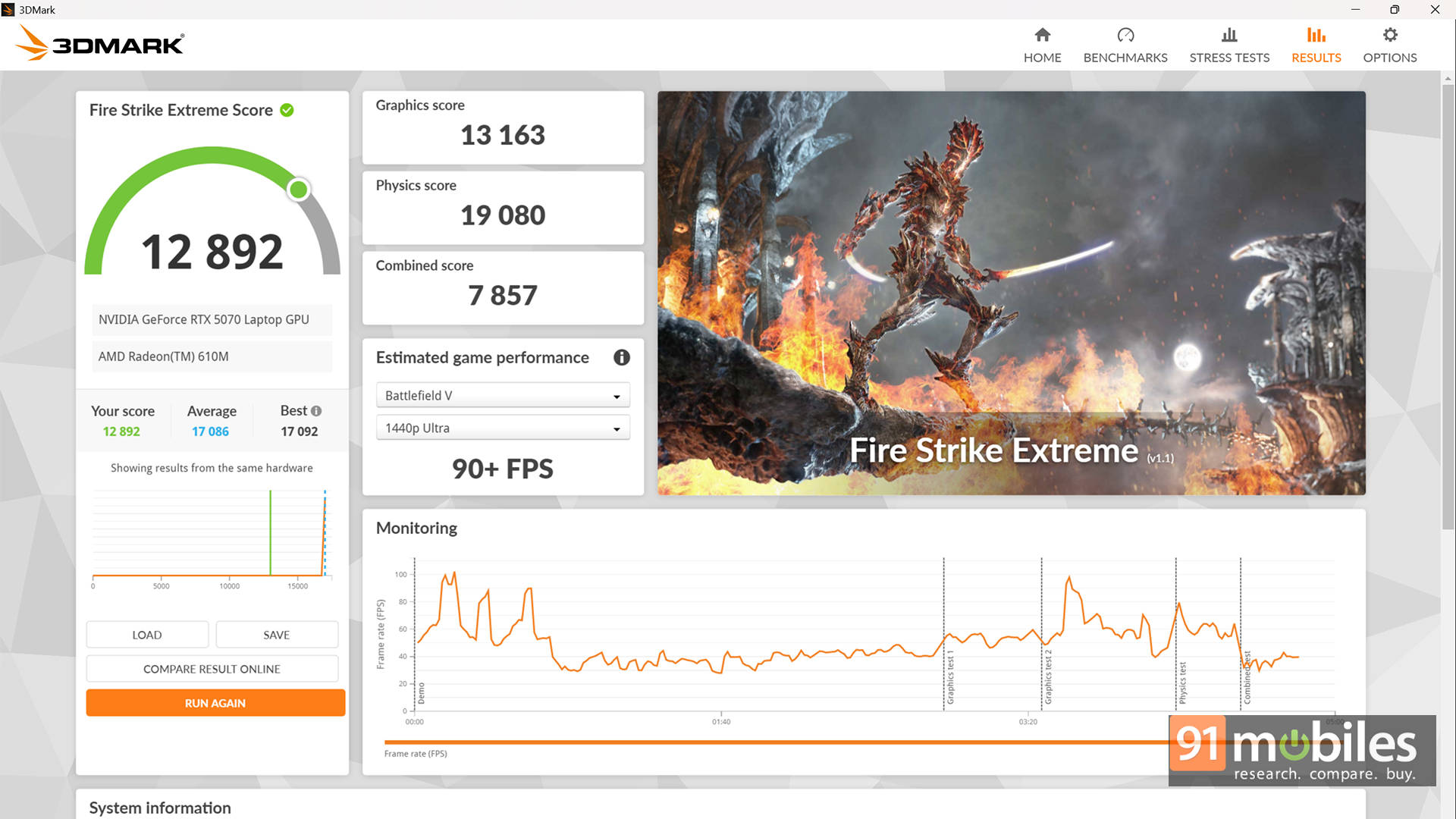
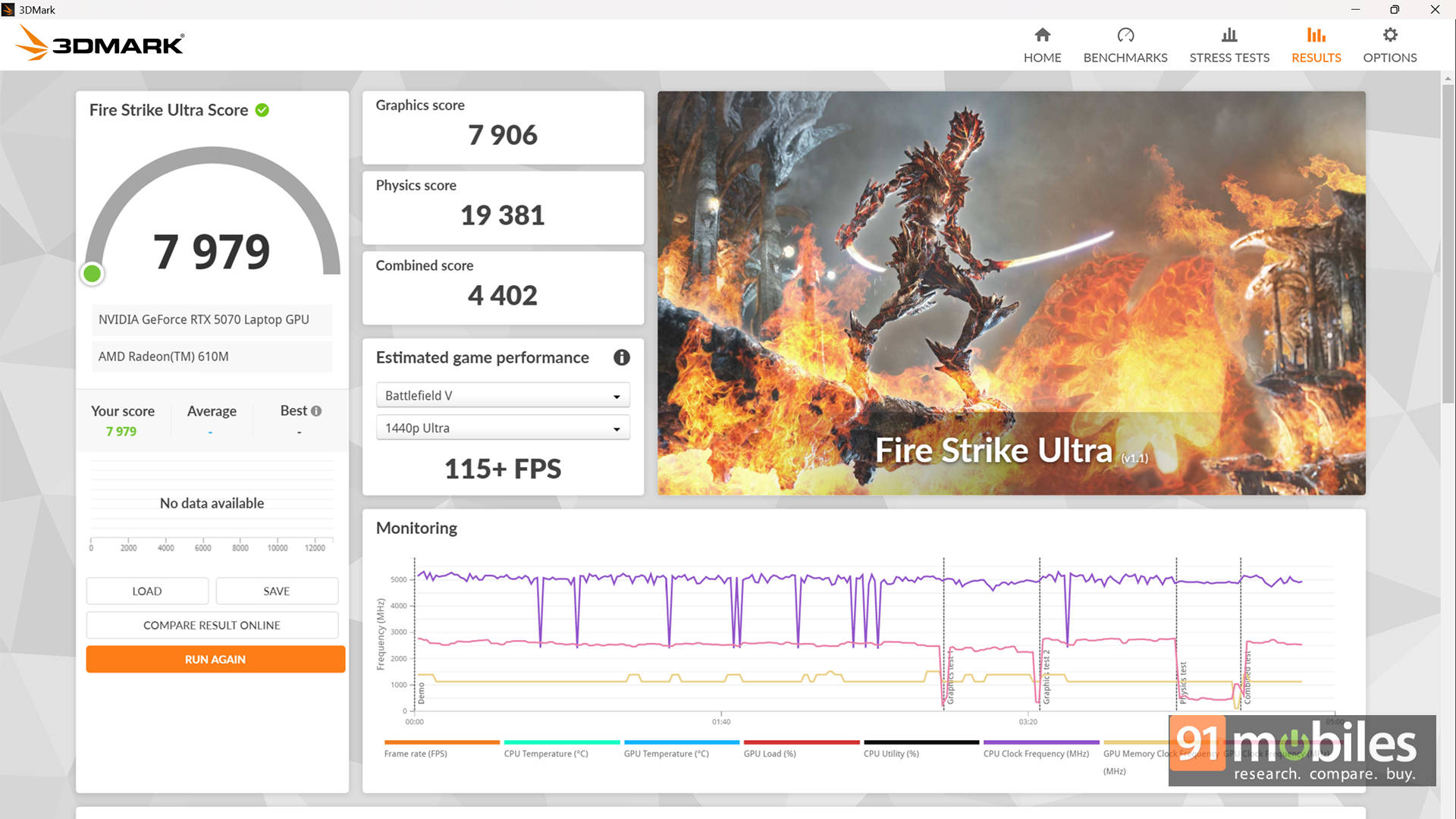
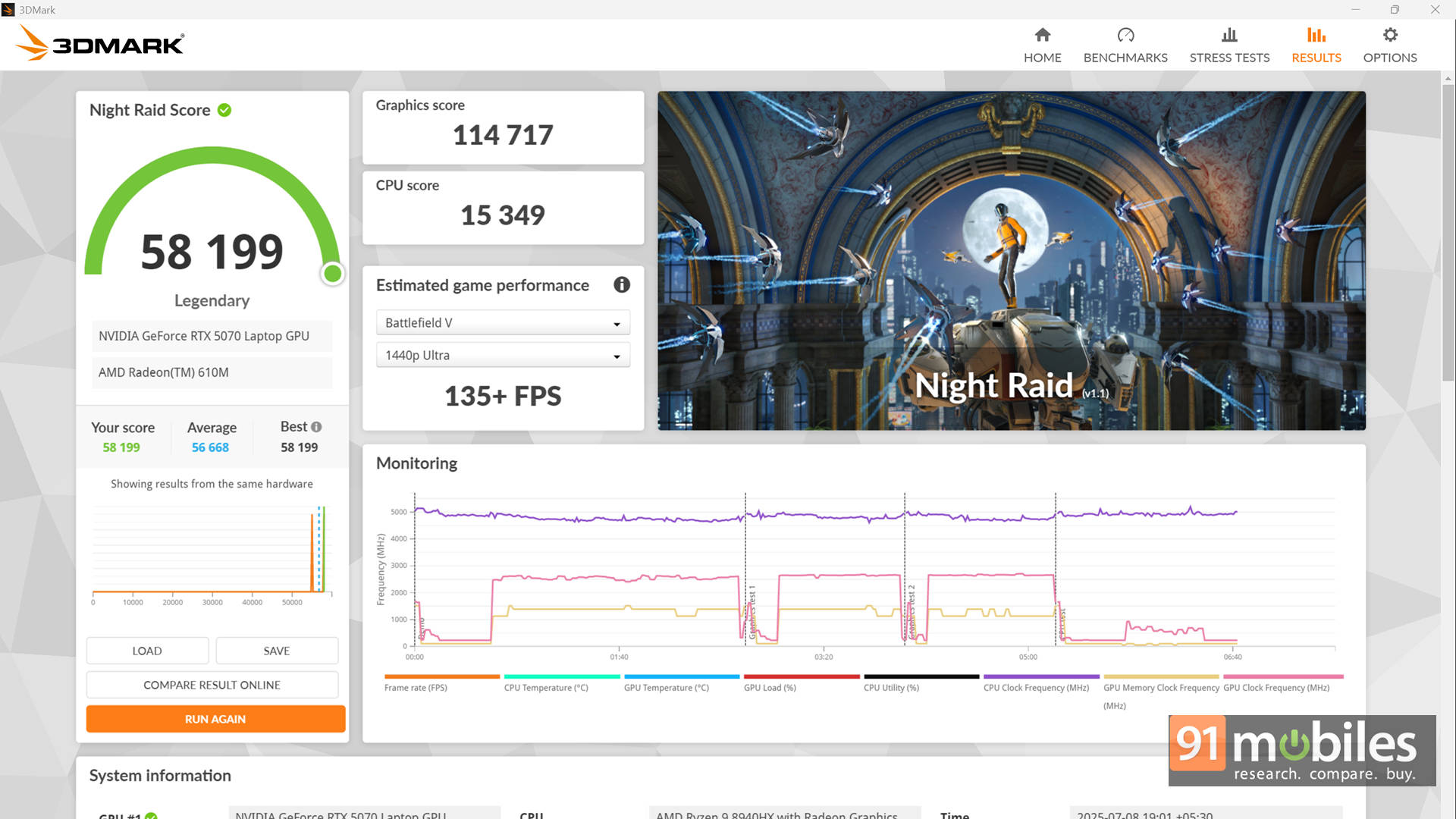
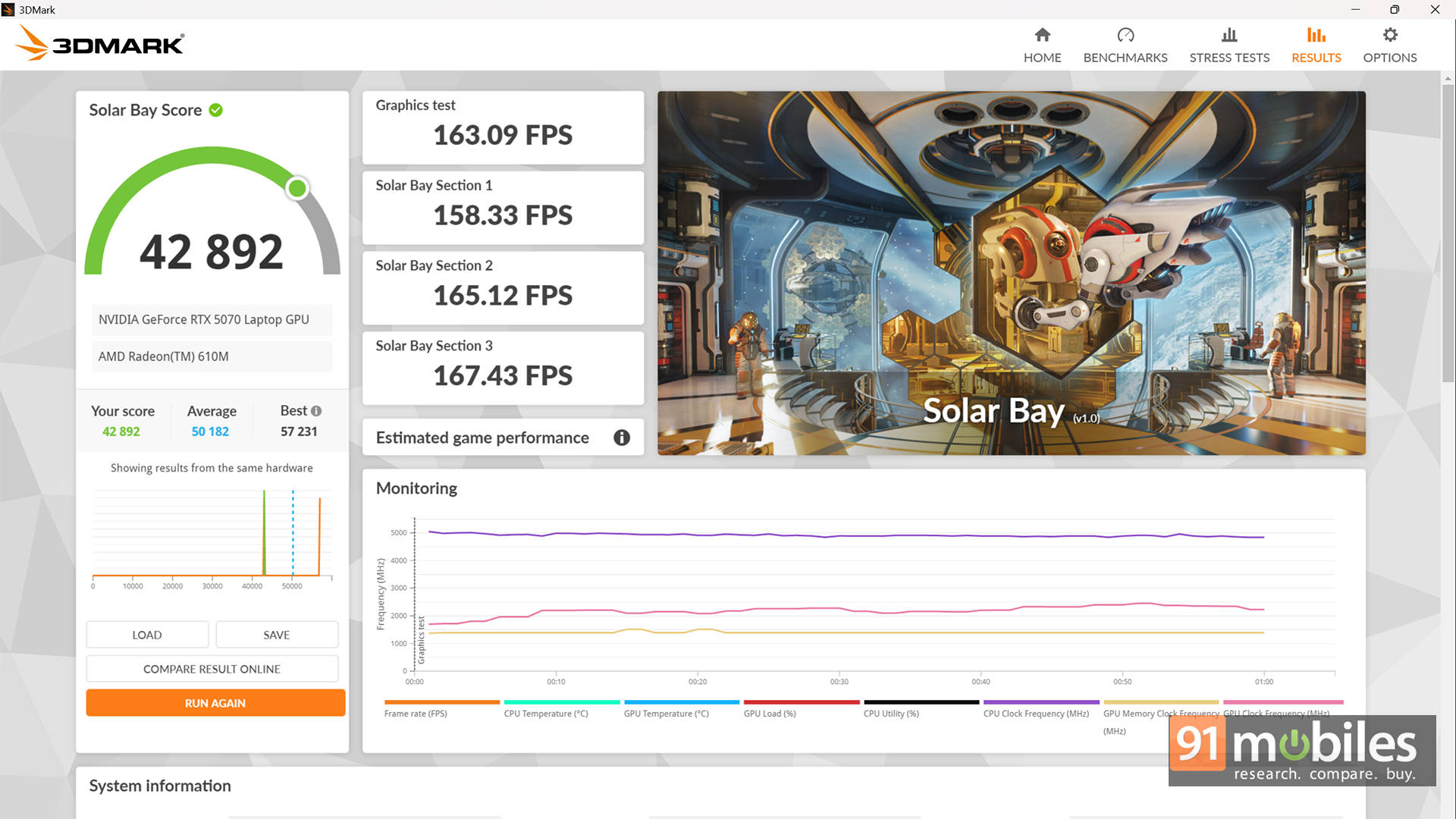
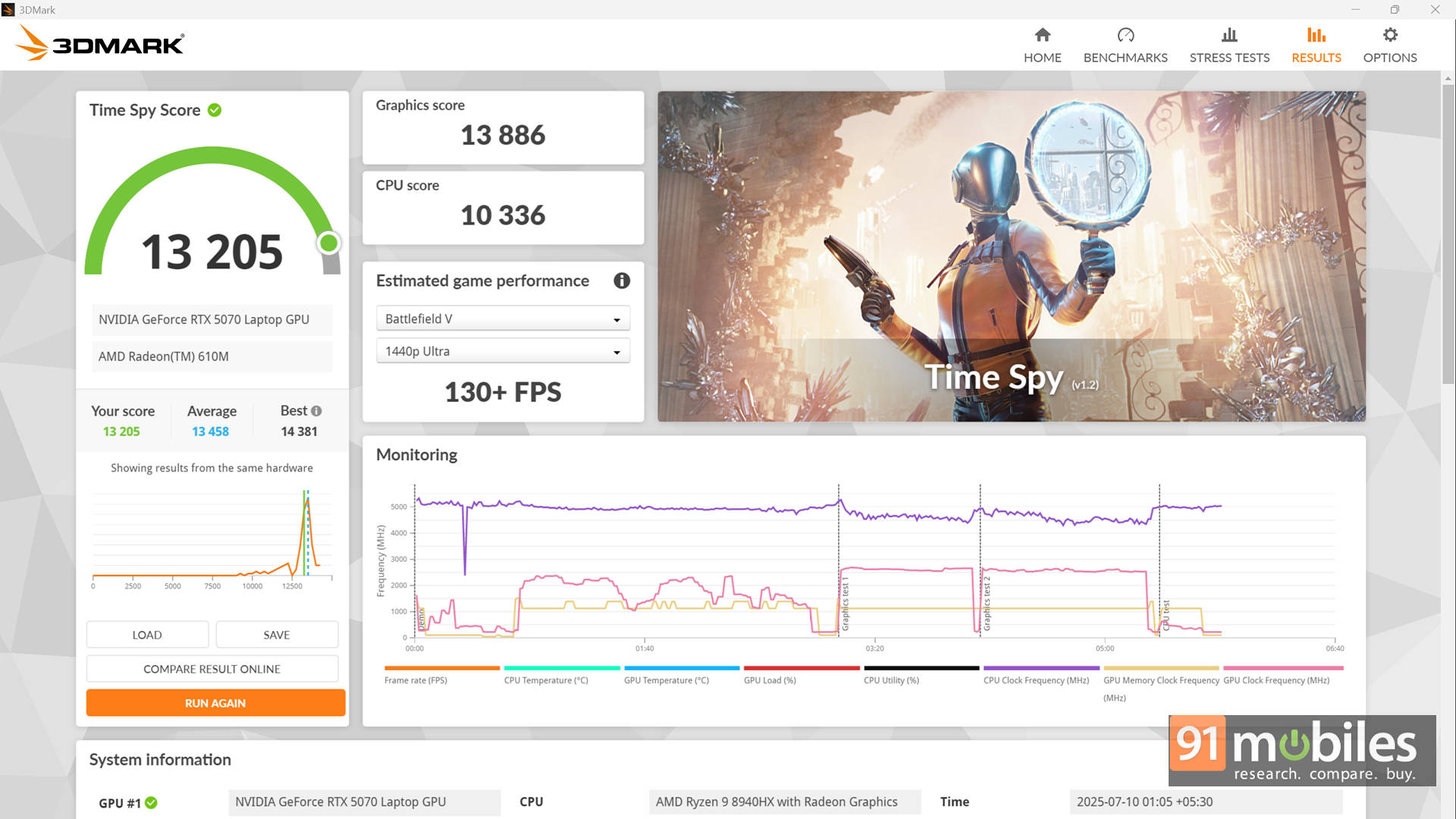
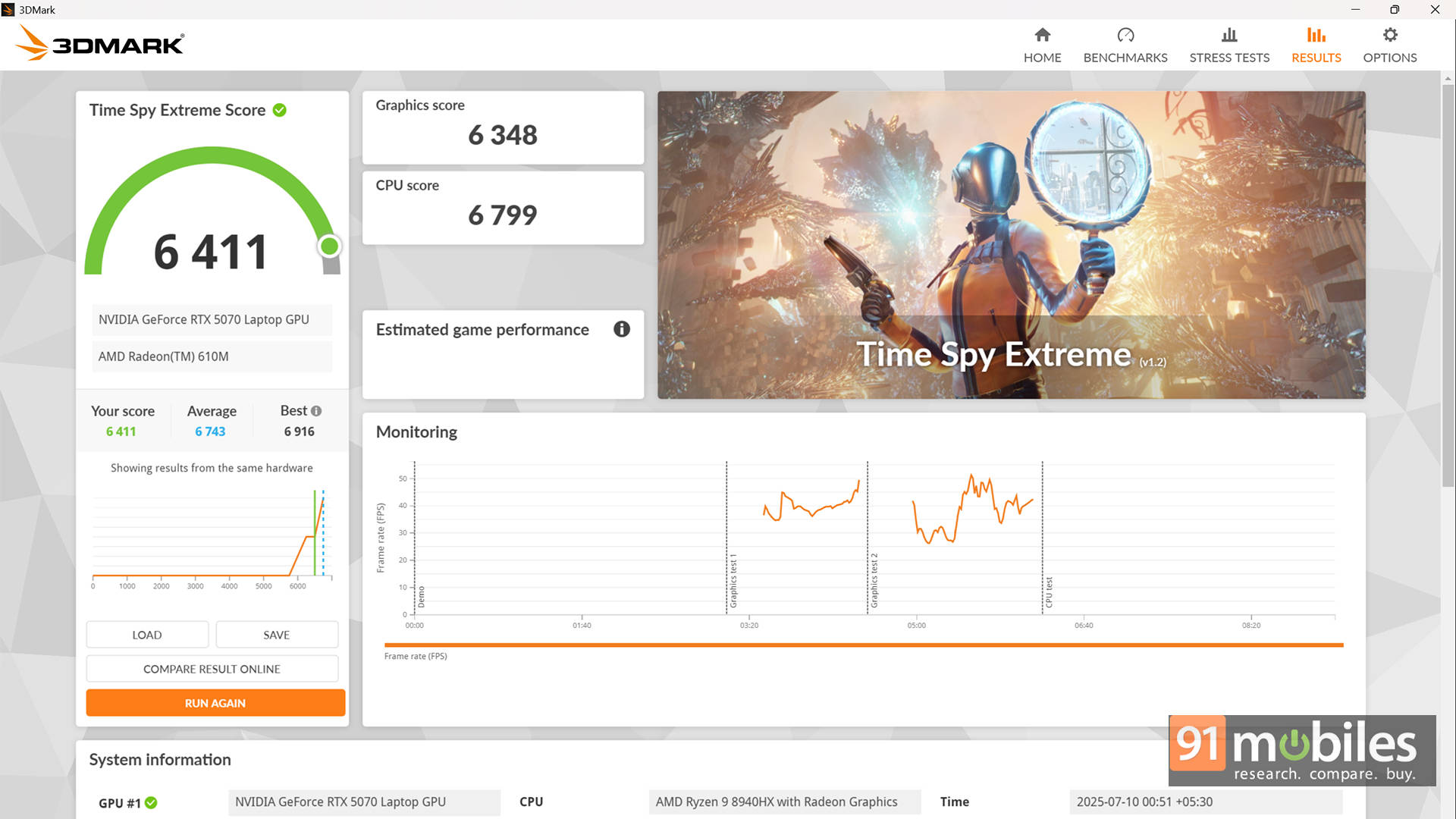
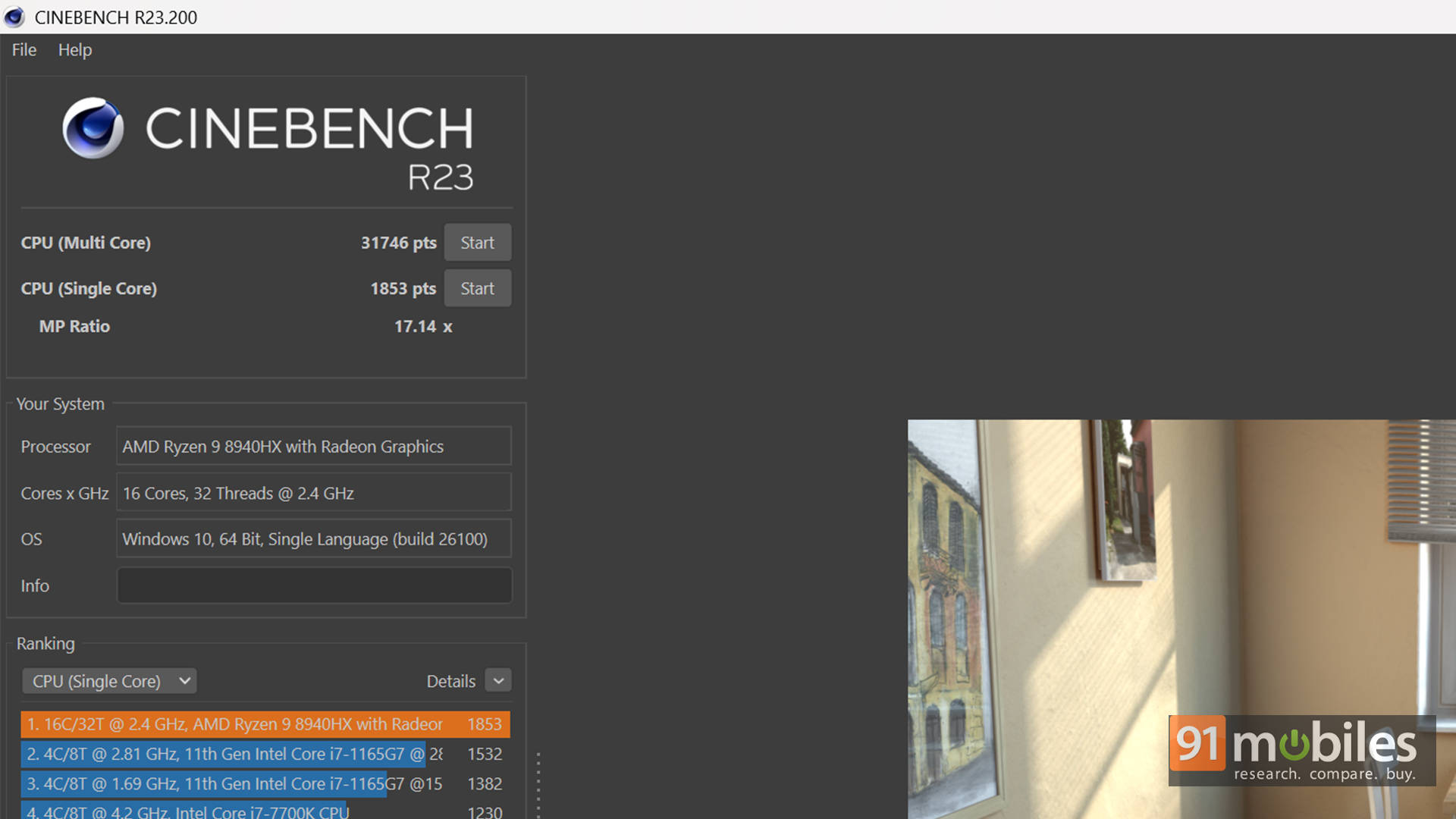
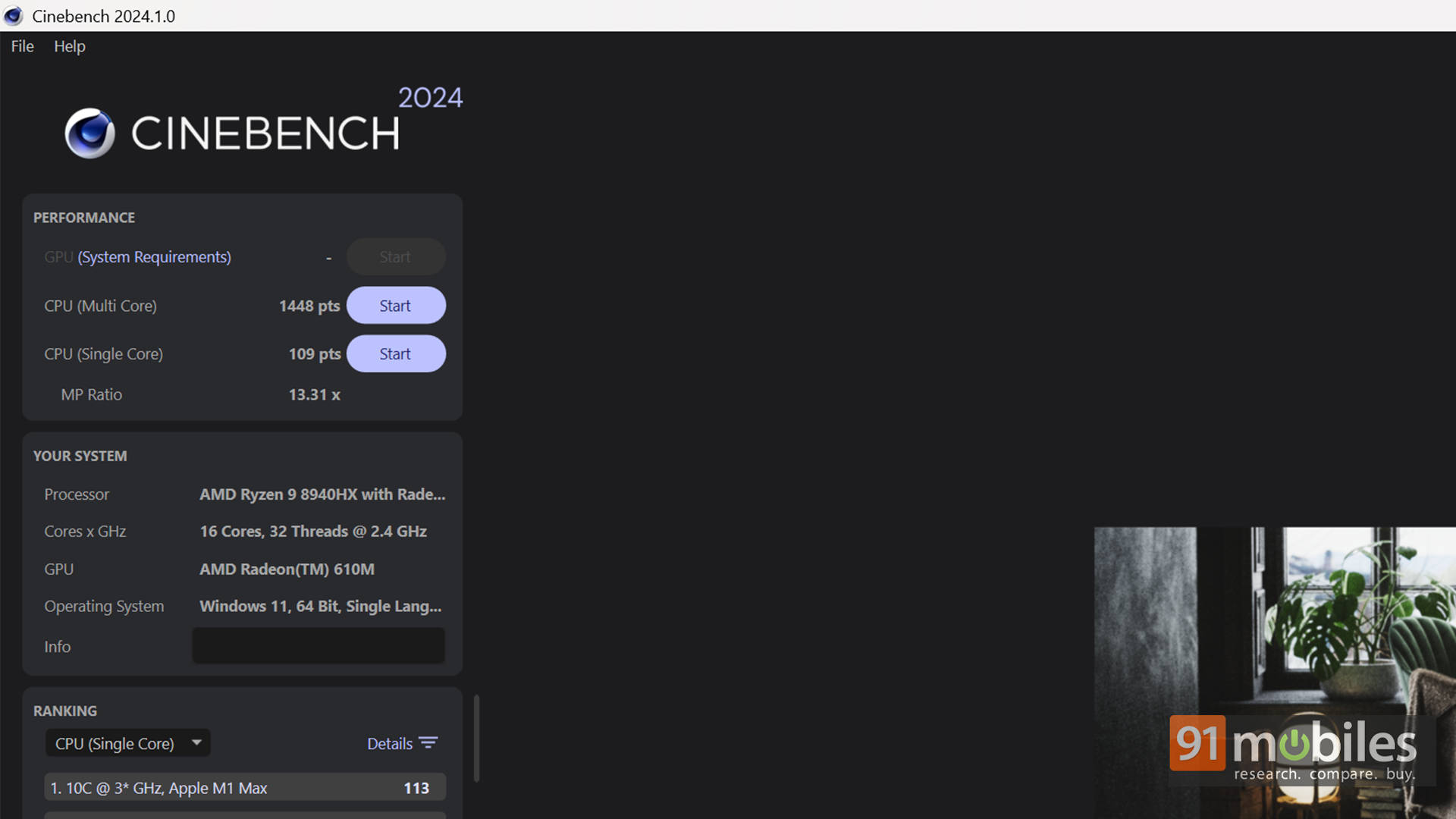
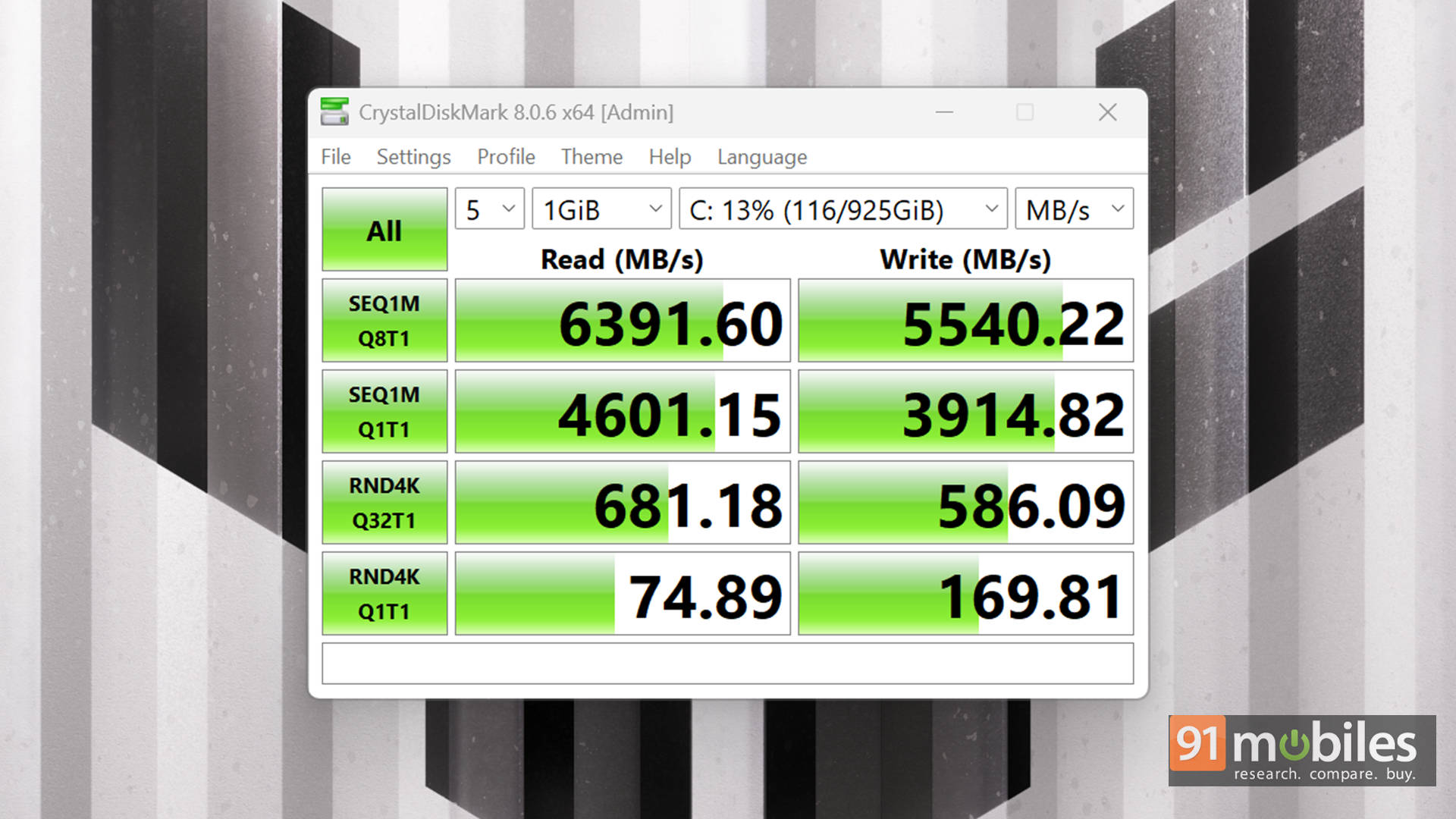
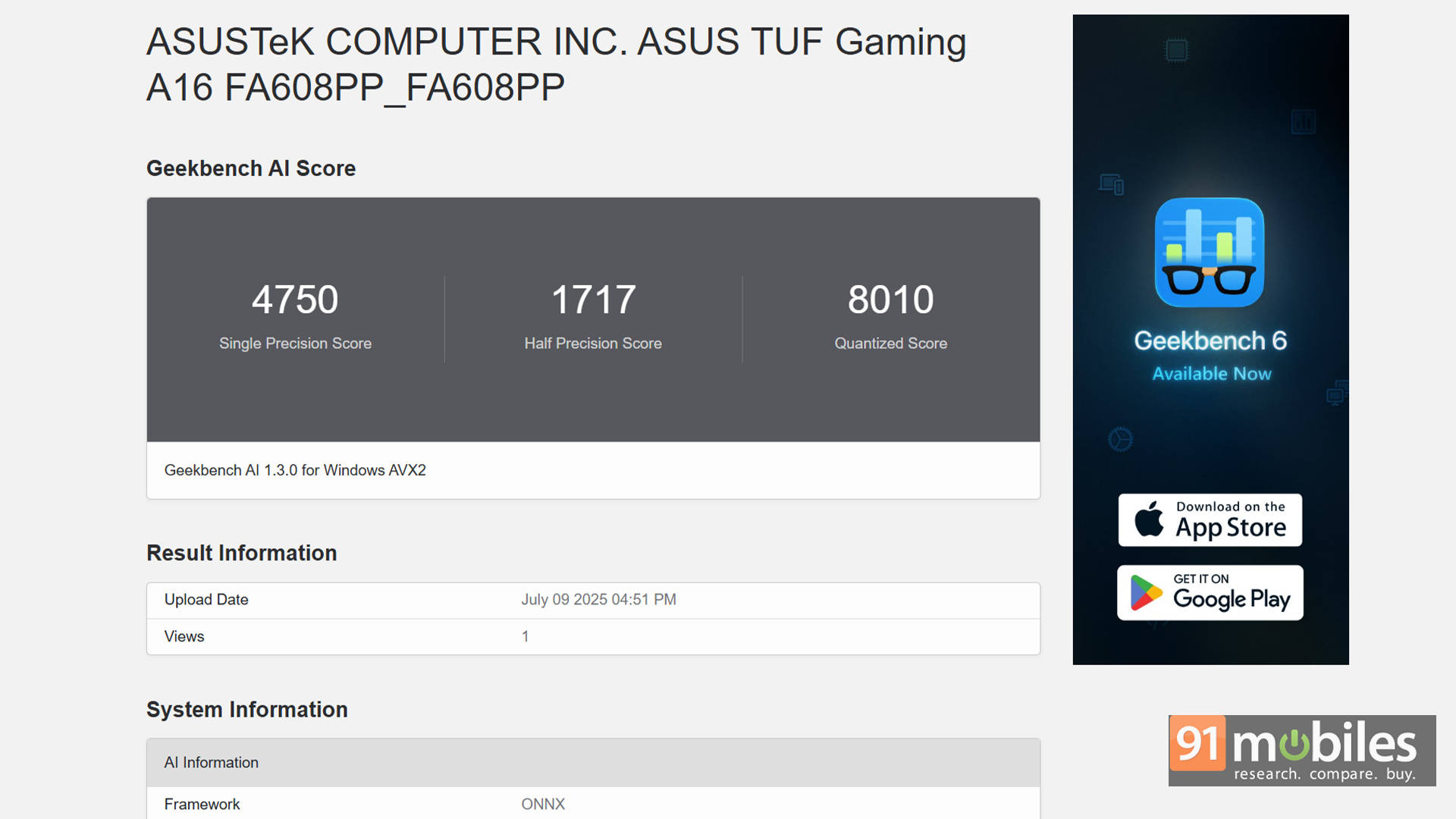
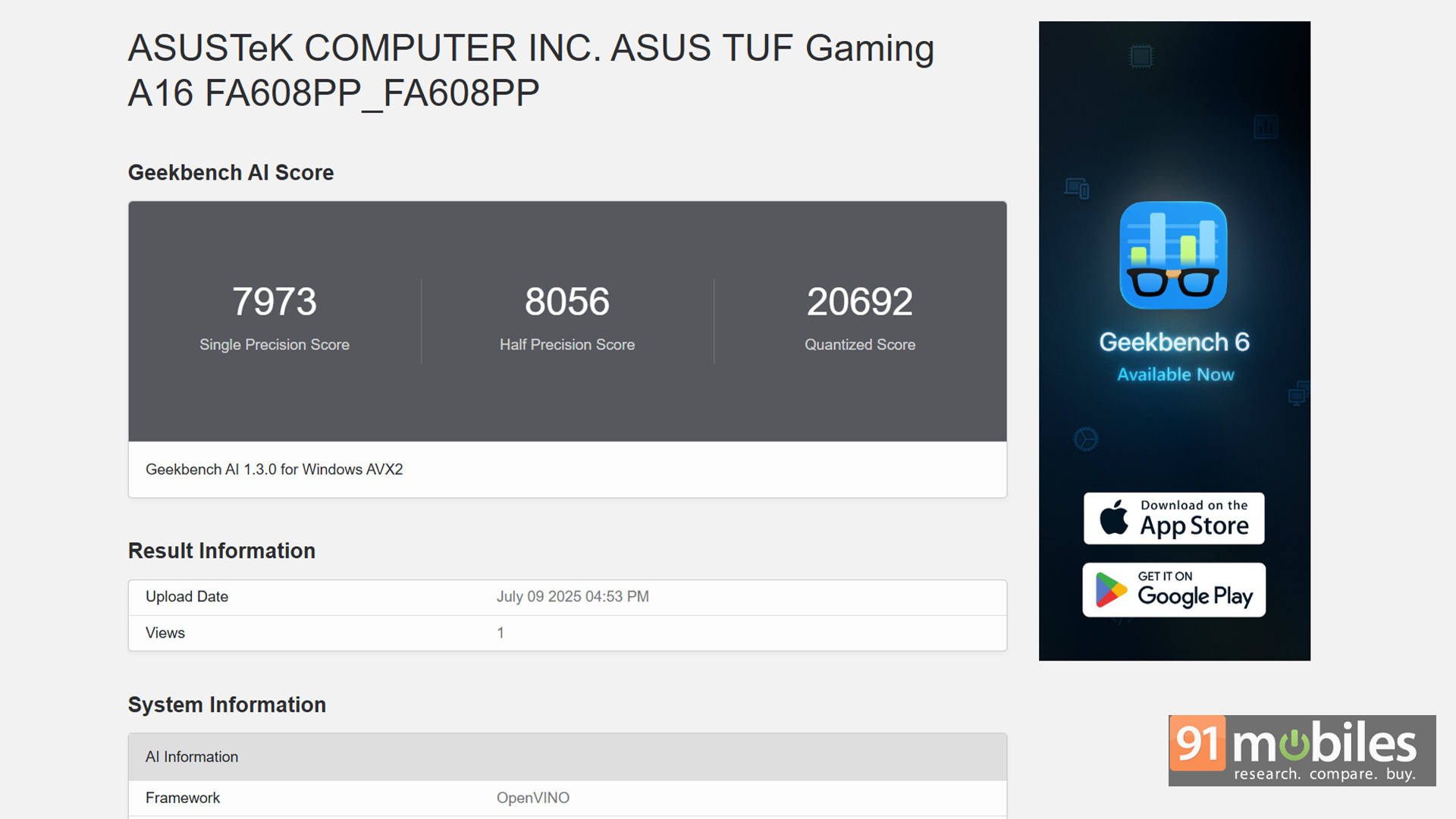
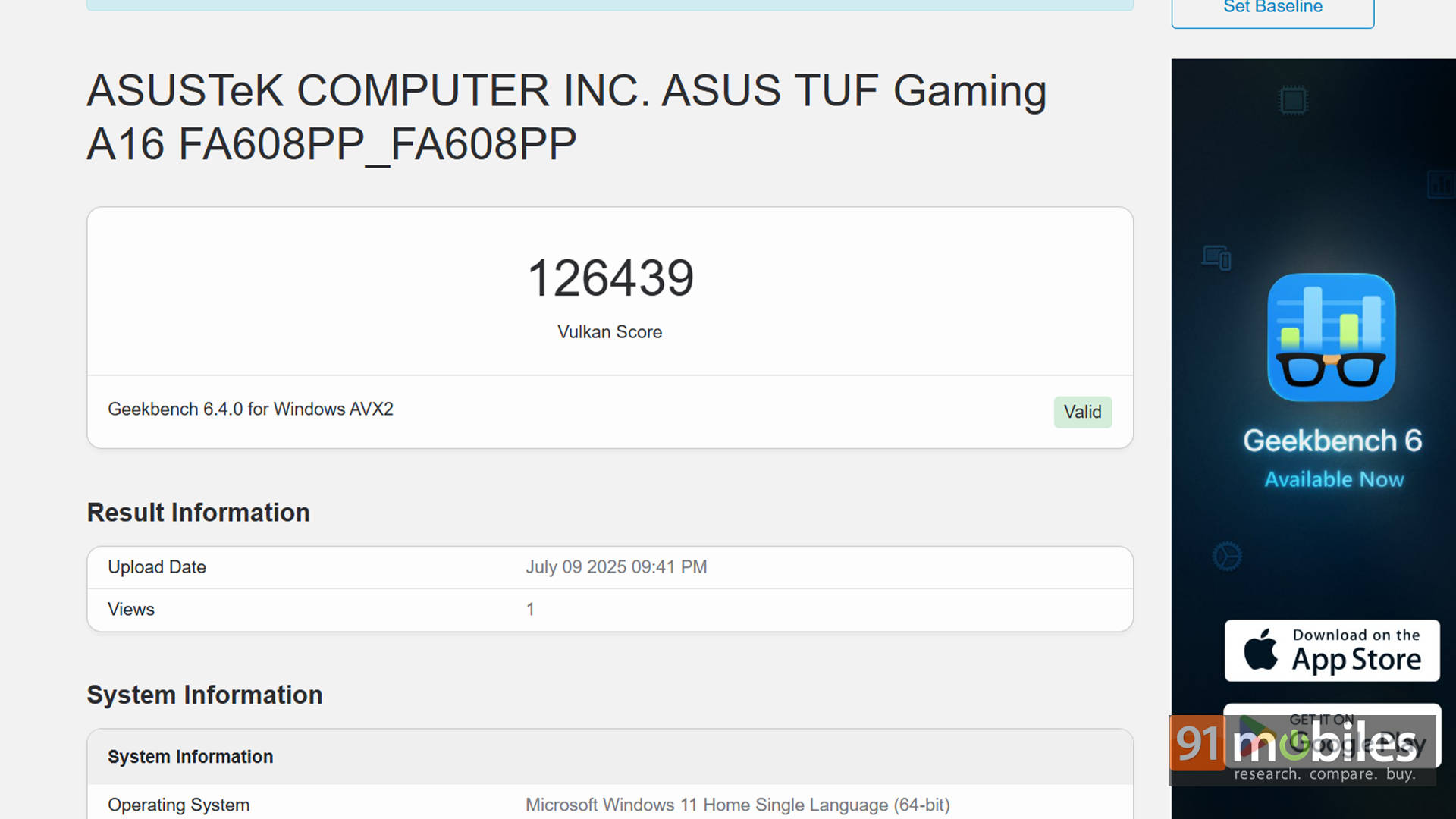
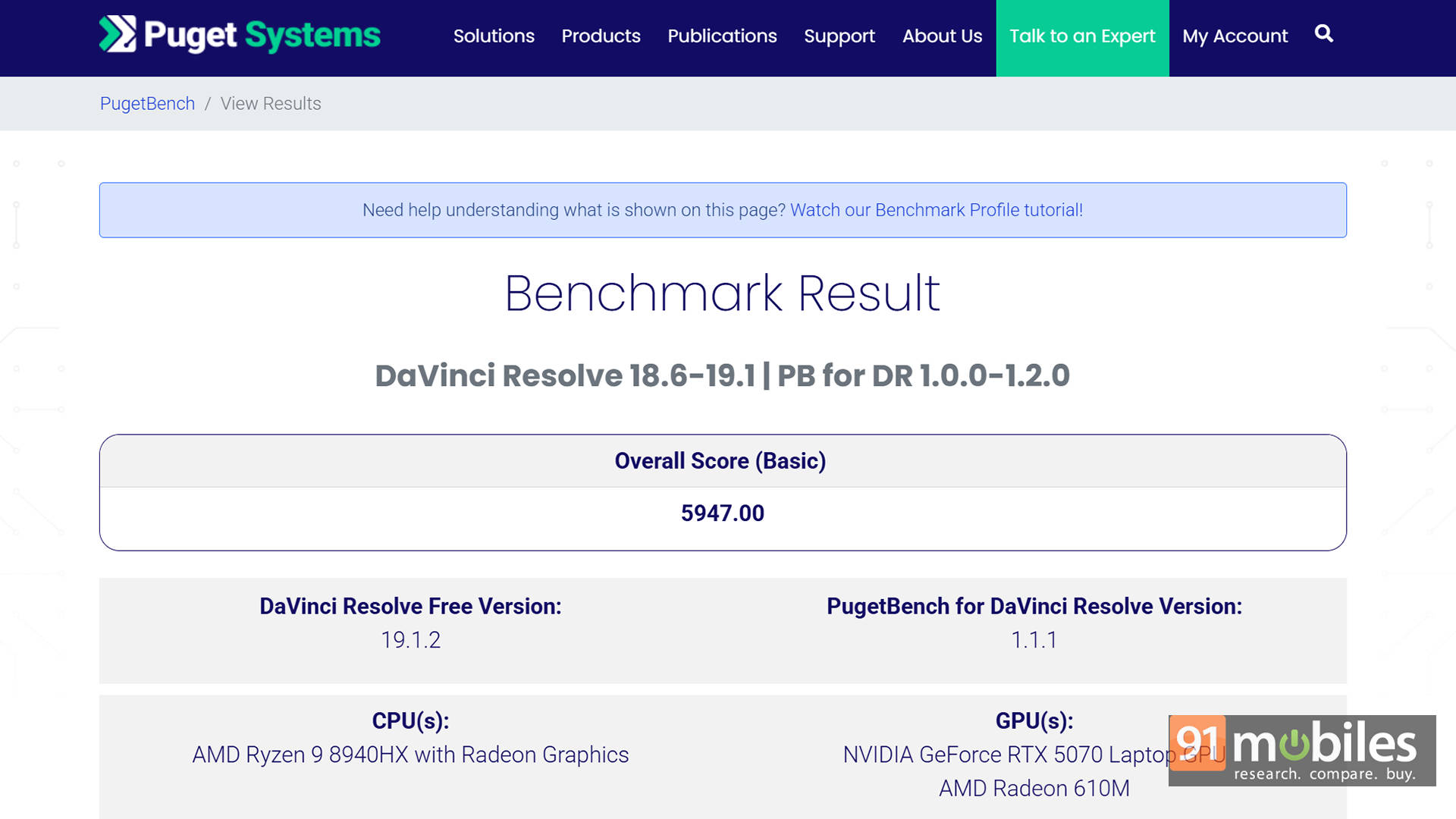


But here’s what’s interesting. The CPU in the A16 is incredibly capable, and the fact that it’s trading blows with Intel’s HX-class chips, even with lower RAM, is commendable. In PCMark and Cinebench R24, the A16 actually pulls ahead. The Ryzen 9 8940HX is a well-optimised processor that performs consistently and scales better with power.
| Model | TUF F16 | TUF A16 |
| Cinebench R24 MT | 1159 | 1448 |
| Cinebench R24 ST | 113 | 109 |
| Cinebench R23 MT | 20194 | 31746 |
| Cinebench R23 ST | 1929 | 1853 |
| PCMark 10 | 7549 | 8753 |
| PCMark 10 Extended | 10489 | 11705 |
| Geek Bench 6 ST | 2703 | 2647 |
| Geek Bench 6 MT | 16011 | 11462 |
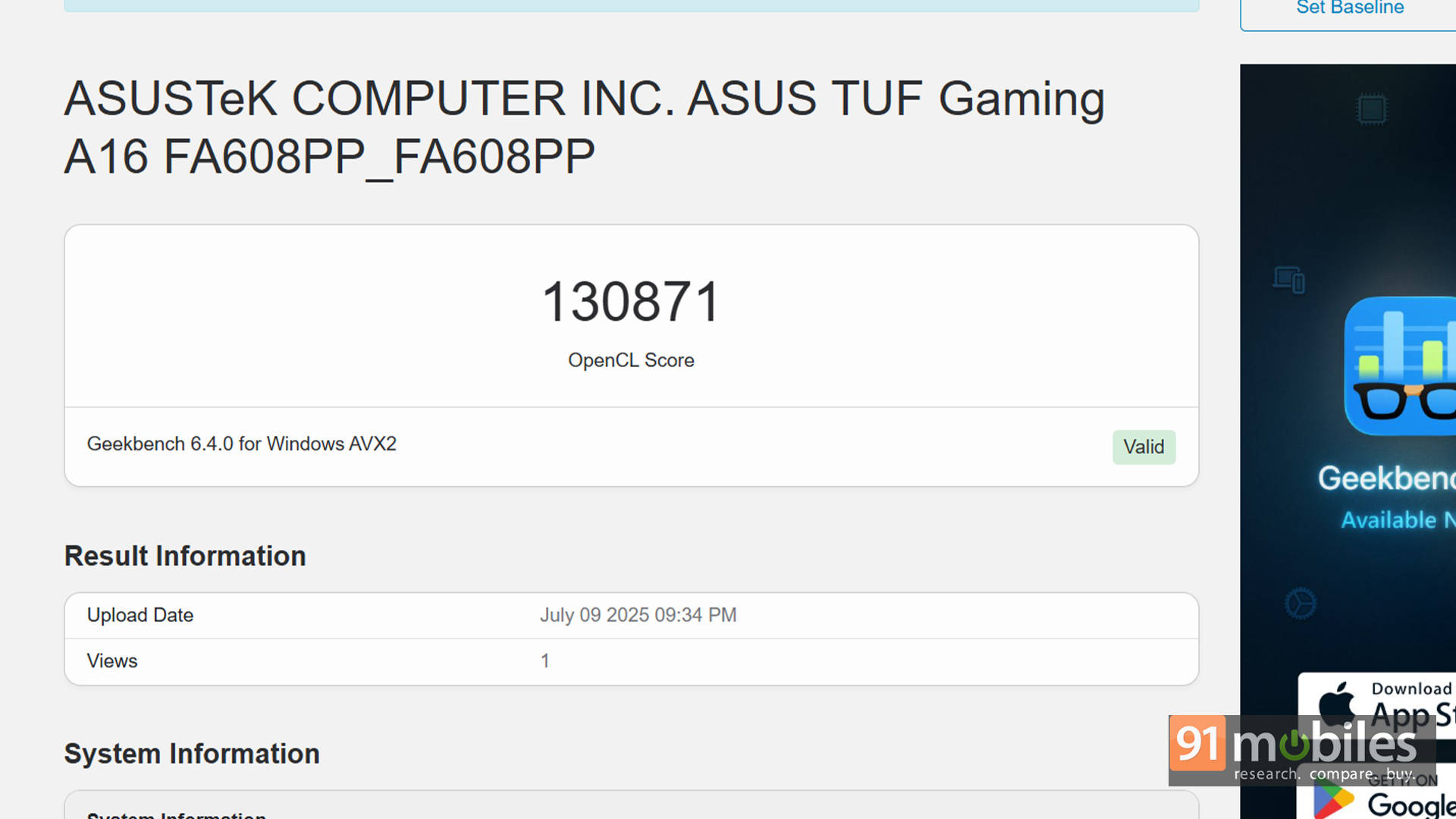
| Geek Bench OpenCL | 138405 | 130871 |
| Geek Bench Vulcan | 114726 | 126439 |
| 3DMark Time Spy Extreme | 6570 | 6411 |
| 3DMark Time Spy | 14025 | 13205 |
| 3DMark Fire Strike Ultra | 8375 | 7993 |
| 3DMark Fire Strike Extreme | 17534 | 12902 |
| 3DMark Fire Strike | 32270 | 17440 |
| 3DMark Night Raid | 66656 | 59430 |
On the gaming side, both laptops perform nearly identically. Across titles like Forza Horizon 5 and Black Myth: Wukong, frame rates stayed within a 2-3 FPS margin at all resolutions and presets. That's impressive, especially when you remember that the A16 is running with less memory.
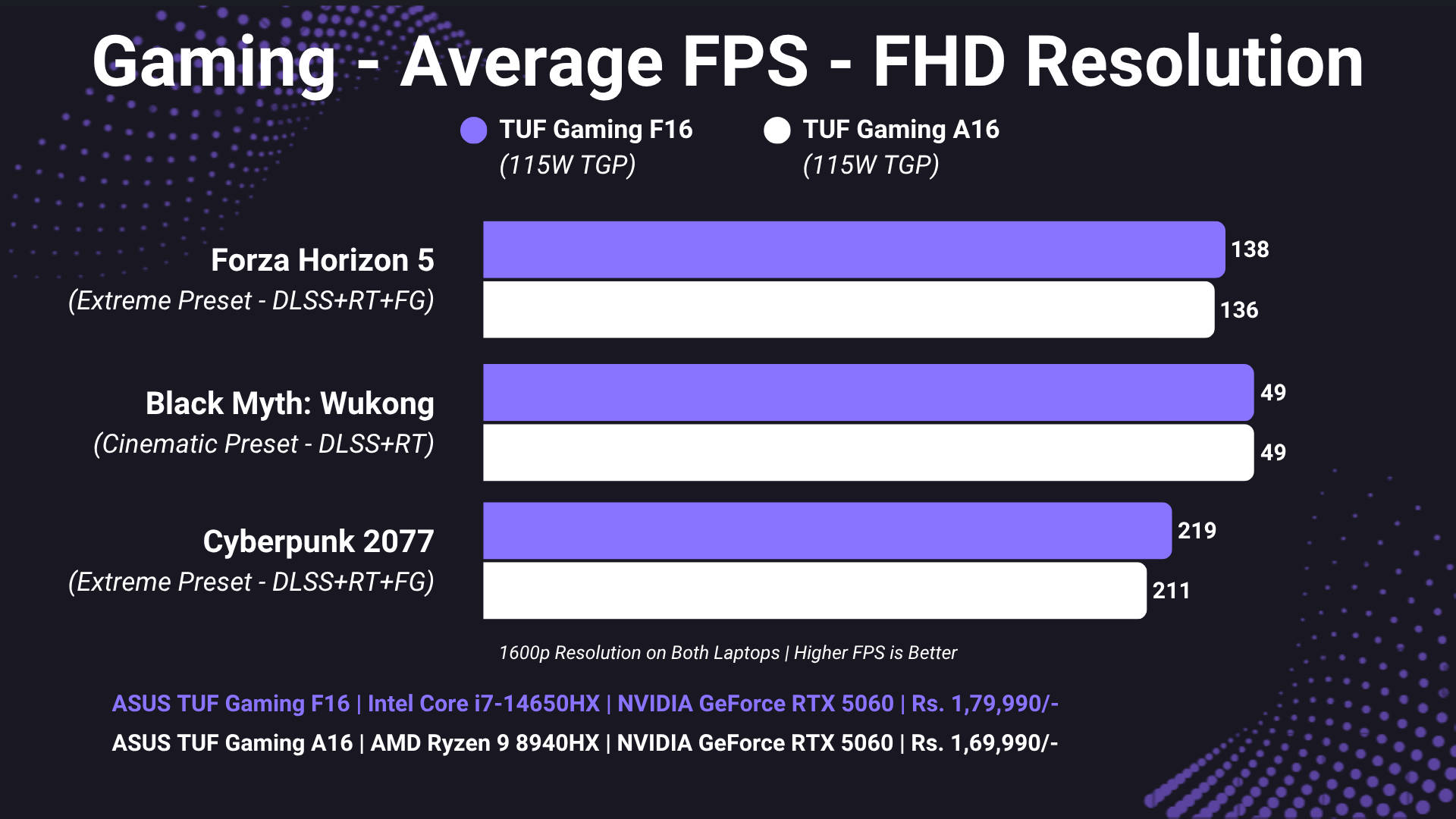
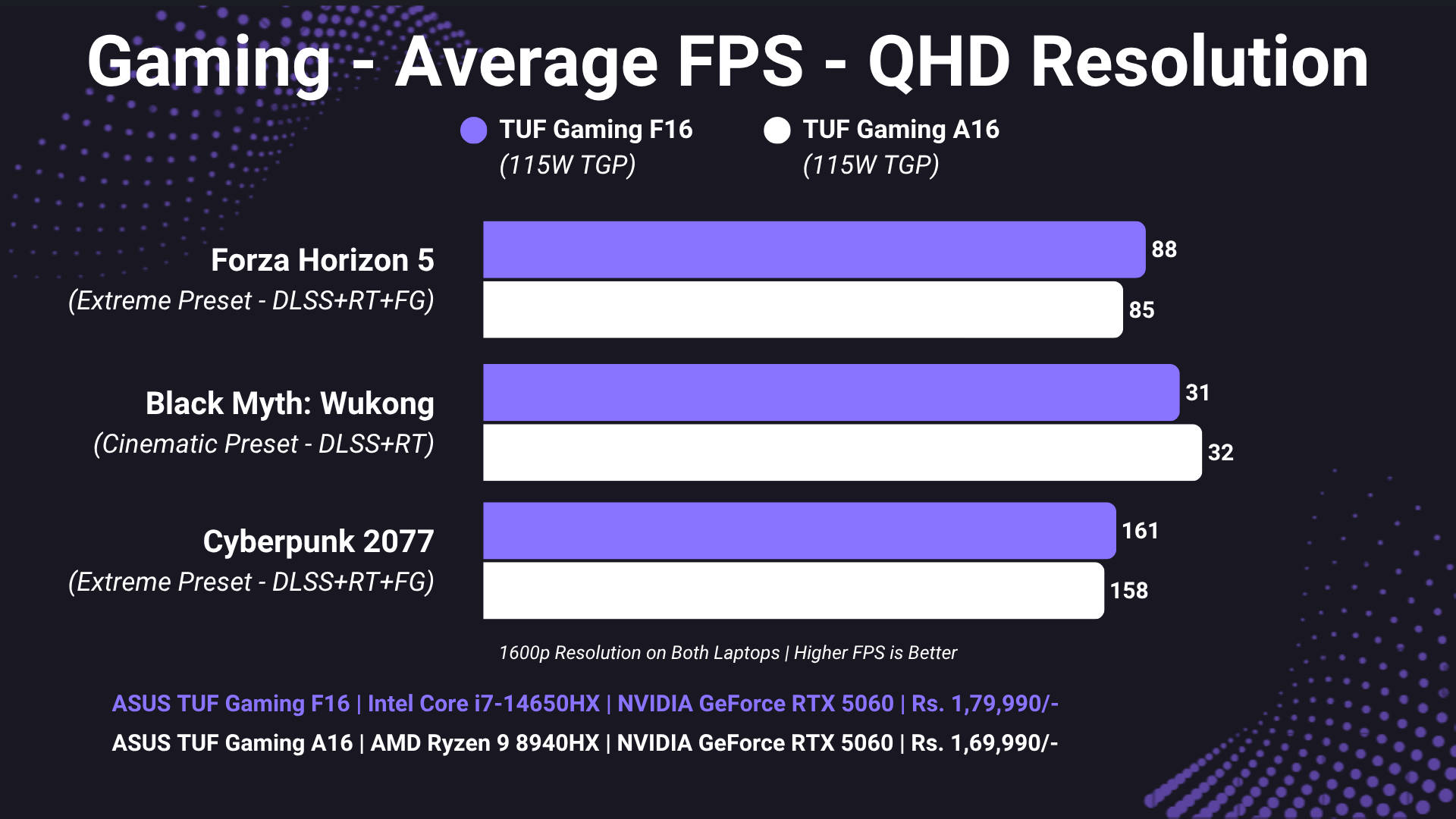
So what does this mean? Simply put, the A16 performs almost on par with the F16 in games, and even beats it in some CPU-heavy workloads. This strongly suggests that the Ryzen 9 8940HX is the more efficient, better-optimised chip here. And once you upgrade to 32GB RAM? It's very likely to outperform the F16 across the board.
Battery Life and Efficiency: Ryzen Pulls Ahead Where It Matters
You'd expect the AMD variant to outlast the Intel one in battery life, and while that's not exactly the case here, things actually take a positive spin. Depending on how you look at it.
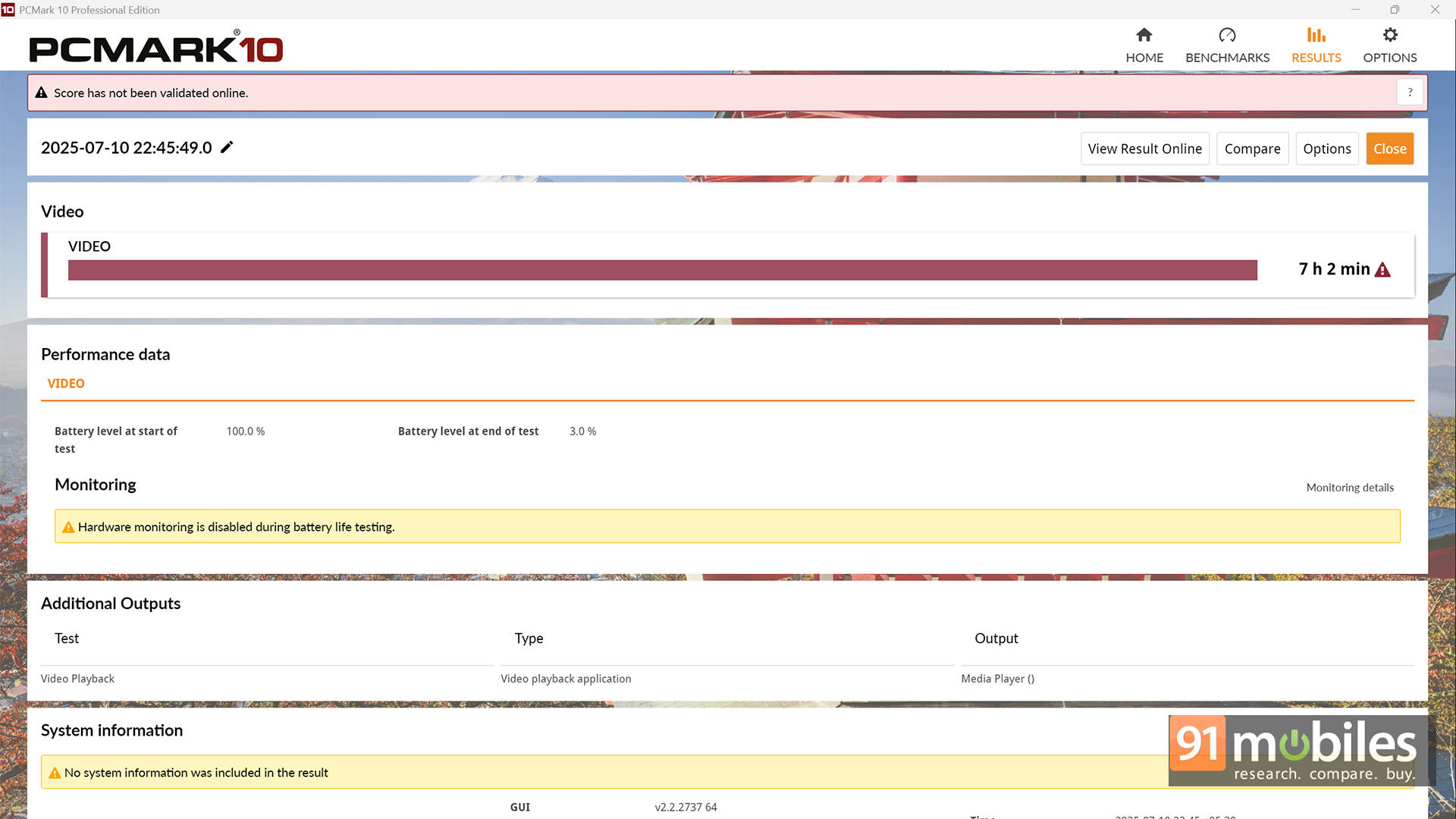
In our usage, the F16 actually held its charge longer during idle and light tasks, like streaming or document work. For proper numbers, in the PCMark 10 Battery Video loop test, the TUF F16 lasted a whopping 8 hours and 53 minutes. On the other hand, the AMD-powered A16 only managed 7 hours and 2 minutes. That's on the same Silent profile, same 80% brightness, and uniform metrics across the board.
But here's the kicker: when the workload ramps up, whether it's compiling code, editing videos, or even light gaming, the A16 is noticeably more efficient. You see, the Ryzen 9 processor handles CPU and GPU loads better on battery, maintaining stronger scores and thermal consistency. In real-world usage, the A16 offered better sustained performance unplugged, while the F16 tended to throttle more aggressively or pull down GPU clocks to save juice. This is also because the integrated AMD Radeon 610M graphics are significantly more powerful compared to the Intel UHD graphics on the F16.
So while the F16 might technically have a slightly longer battery life, the A16 is the better performer on battery, making it the smarter pick for anyone who works or edits away from a socket.
Other Differences: Say Goodbye to Thunderbolt
In terms of I/O, both the F16 and A16 share the same layout and selection of ports. The only notable I/O difference is the lack of a Thunderbolt 4 port on the A16. It's replaced by a USB 4.0 Type-C port, which still supports fast data transfers and DisplayPort output, but doesn't quite match the bandwidth and ecosystem compatibility of Thunderbolt. That said, unless you're using TB4 docks, external GPUs, or super-fast storage, most users won't feel the difference. The rest of the I/O, including the USB-A ports, HDMI 2.1, Ethernet, and charging, all remain the same.
Everything Else Stays the Same
Speaking of things that say the same, literally everything outside of the chipset and RAM configuration on the A16 is identical to the F16.
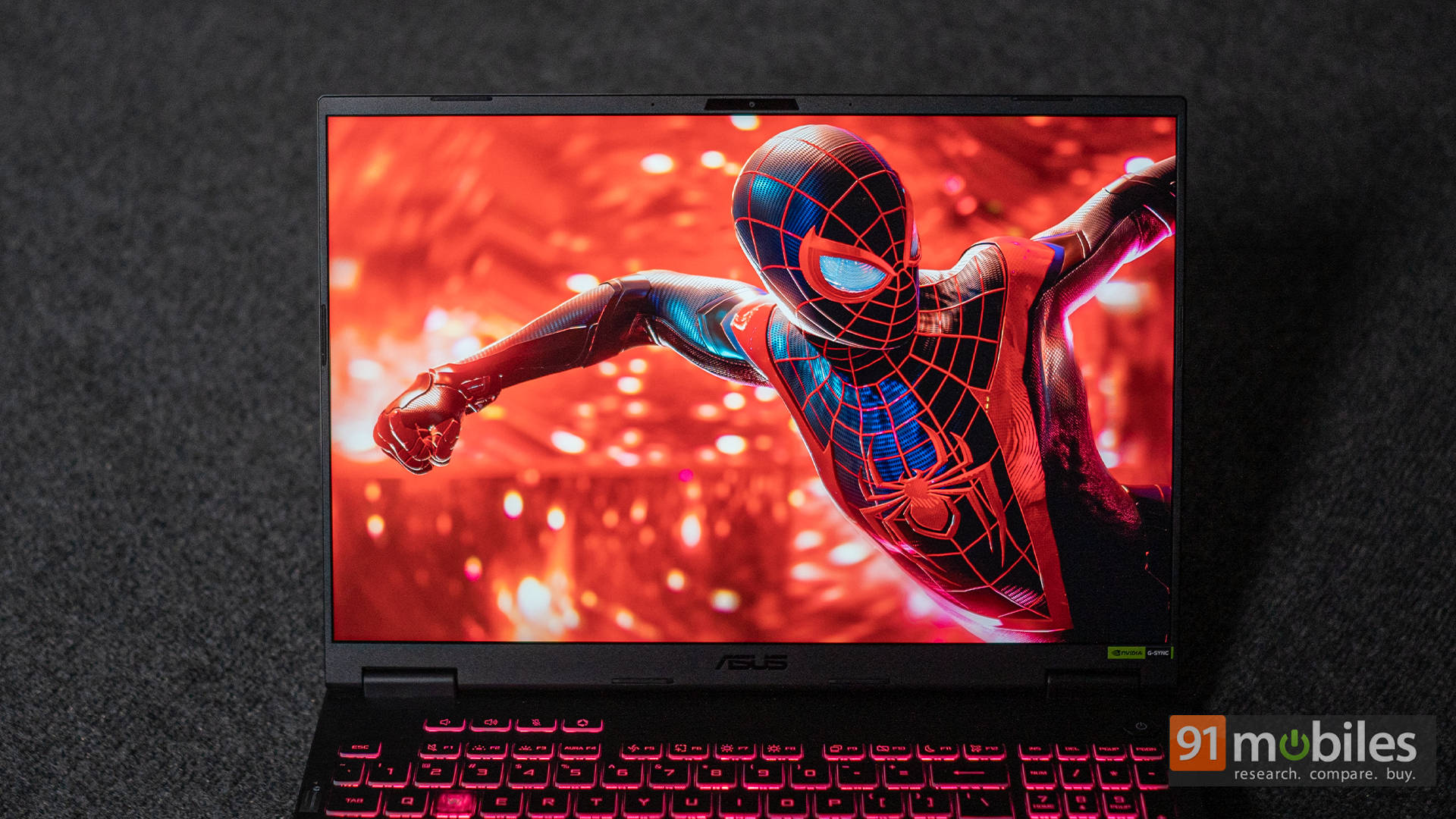
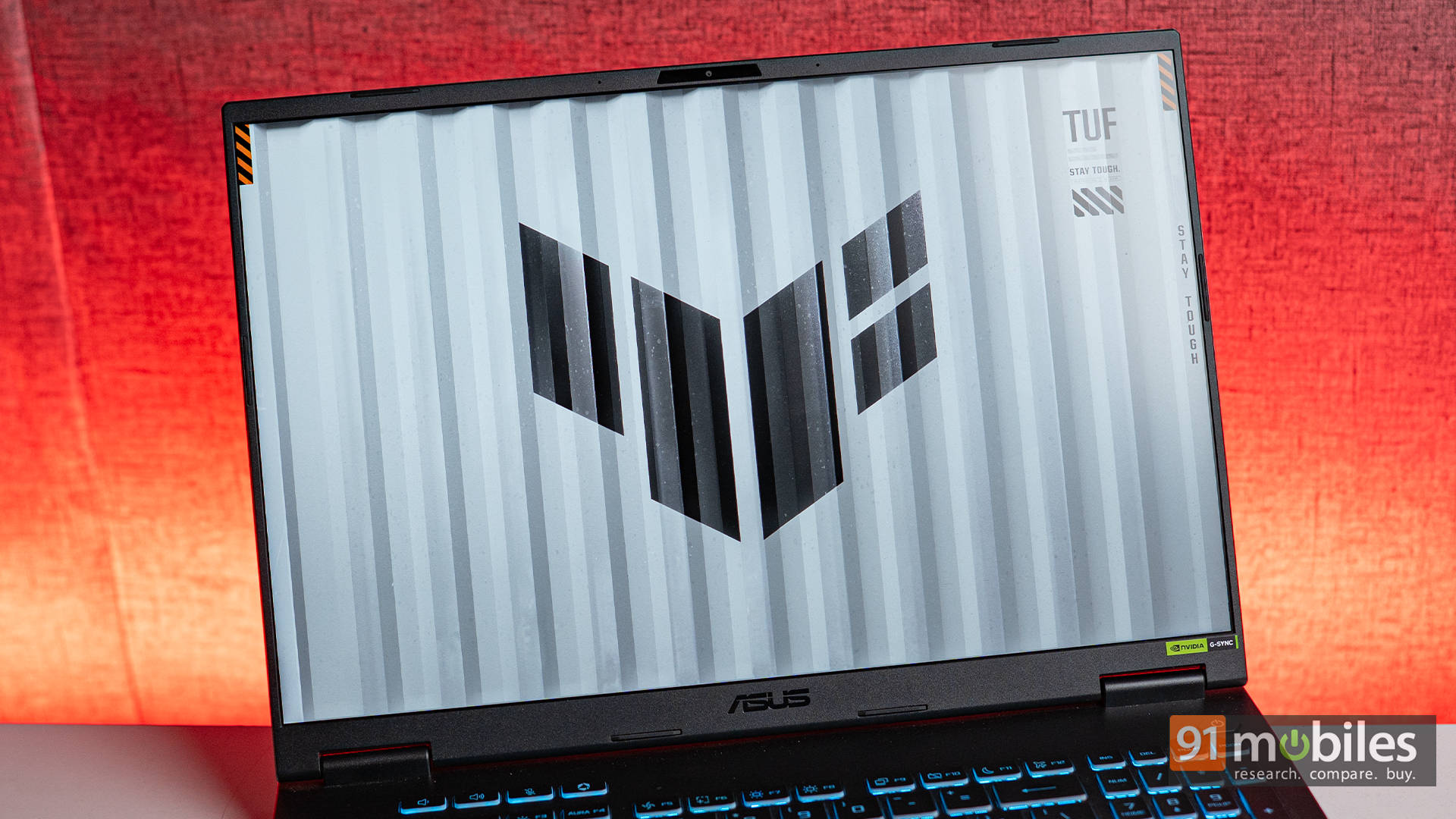
You get the same rugged MIL-STD-810H certified chassis, the same 2.5K 165Hz display with 100% sRGB coverage, the same cooling setup with dual Arc Flow fans, and the same 90Wh battery with USB-C PD support. The design is still stealthy, the keyboard still offers decent travel, and the audio still leaves a bit to be desired. So, if you liked the F16's build and display, you'll feel right at home with the A16.
ASUS TUF A16 vs F16: Which One To Pick?
So here's the thing: the Ryzen 9 8940HX inside the A16 is seriously impressive, and it's a bit of a shame that ASUS didn't pair it with 32GB RAM out of the box. Because clearly, the chip is capable of more, and the benchmarks show it. In many ways, it feels like the A16 is being held back by its configuration, not its potential. That said, ASUS's decision does make sense from a product positioning angle. If you're someone who just wants a laptop that works great out of the box, no tinkering needed, then the F16 is the better fit. It offers more RAM, better plug-and-play performance, and Thunderbolt for future-proofing.
But if you're the kind of user who doesn't mind opening up the bottom panel, adding a stick of RAM, and unlocking a bit more horsepower, then the A16 offers more value. For ₹10,000 less, you're getting comparable gaming performance, better battery efficiency under load, and a CPU that's just waiting to stretch its legs. With a simple RAM upgrade, the A16 can absolutely go toe-to-toe, and maybe even beat its Intel sibling. And that makes it one of the smartest buys in the RTX 5070 laptop space right now.
Editor's Rating: 8.2 / 10
Pros:
- A similar package as TUF F16 for ₹10K less
- Comparable gaming performance to F16
- Better performance while on battery
- Upgradeable RAM and storage
Cons:
- Ships with only 16GB RAM
- Average speakers