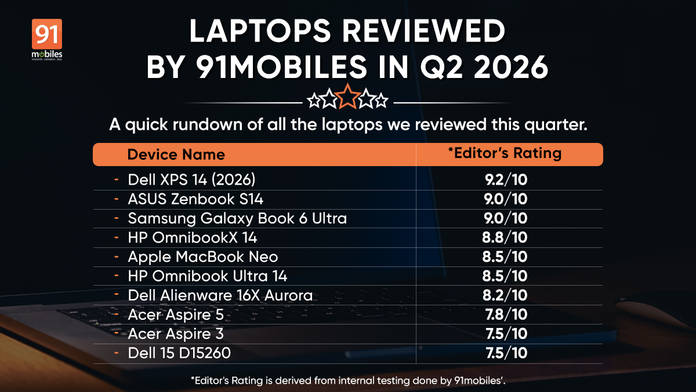
Three months in, and this quarter (April to June 2026) has been one of the more interesting periods to cover in the laptop space. AMD’s Ryzen AI Max platform arrived in force, Intel’s Core Ultra 300H series established itself as the new mid-range productivity baseline, and the RTX 5060 and 5070 made their first real-market appearances inside gaming laptops you can actually buy in India.
Sixteen laptops passed through our test bench across the three months, ranging from a Rs 40,990 budget Acer to a Rs 3,49,990 ASUS ExpertBook with 64GB of soldered LPDDR5x. The range is wide enough that a single recommendation is useless, which is the point of this roundup.
Table of Contents
What are brands really aiming for this quarter?
Beyond specs and benchmark numbers, the laptops reviewed this quarter reveal clear strategic directions from the brands competing for attention in the Indian market.
AMD is the most interesting story. With Ryzen AI Max+ appearing in both the ASUS TUF A14 and the ProArt PX13 GoPro Edition, the company is making a direct argument that a unified memory architecture with a powerful integrated GPU can replace the traditional CPU-plus-discrete-GPU formula. The results from both machines support that argument, and neither has a meaningful direct competitor at the same price tier.
ASUS is running multiple playbooks at once. The TUF A14 targets gaming buyers, the ProArt PX13 goes after portable workstation users, the Zenbook S14 competes in the premium ultrabook space, and the ExpertBook Ultra is built for enterprise requirements. It is a deliberately broad approach, and this quarter suggests it is working.
Dell’s quarter reflects a brand covering every segment without a single standout narrative. The XPS 14, the Alienware 16X Aurora, and the budget Dell 15 all deliver credible products in their respective categories. None are category-defining, but none disappoint either.
Samsung made the most confident single-product statement this quarter with the Galaxy Book 6 Ultra. At Rs 3 lakh, it is asking buyers to pay a premium for a machine that earns it across every metric, which is a different bet than the multi-SKU approach most brands default to.
HP is betting on battery life as a differentiator. The OmnibookX 14’s 20-hour result and the Omnibook Ultra 14’s 14.6 hours are not coincidences. Both machines sit meaningfully ahead of the competition in a segment where most brands still treat endurance as a secondary concern.
So now let’s get into the top laptops we have reviewed this quarter.
ASUS ExpertBook Ultra (B9406CAA)
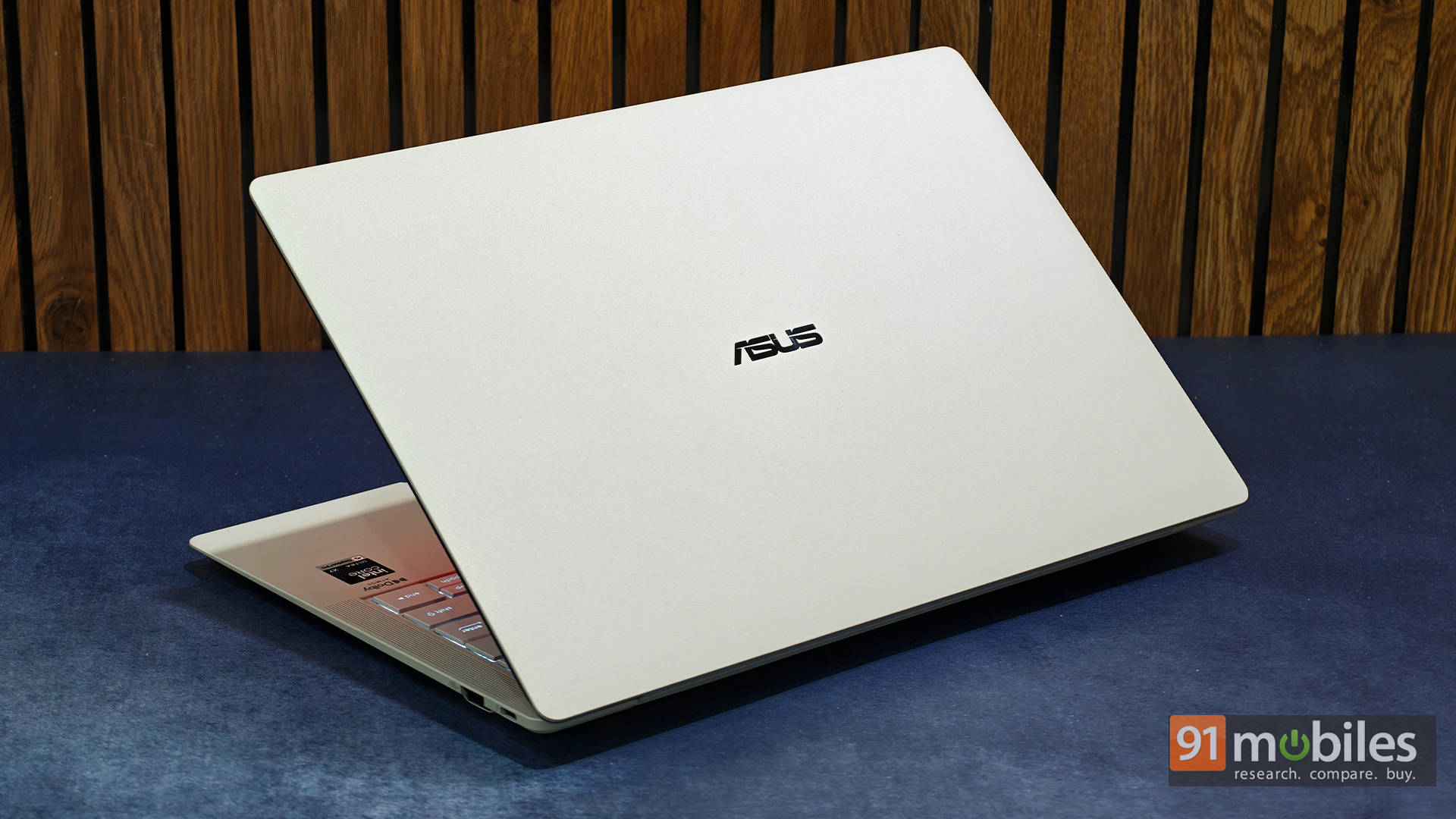
This is the priciest laptop in this roundup. The ExpertBook Ultra packs Core Ultra X7 358H, 64GB LPDDR5x, 2TB Gen 5 NVMe, and Intel Arc B390 in a 14-inch 120Hz OLED chassis certified to MIL-STD-810H. The Gen 5 storage delivers Q8T1 sequential reads of 11,378 MB/s, the fastest storage throughput of any machine we tested this quarter.
PCMark 10 at 10,105 and CB R23 MT at 17,199 reflect consistent, sustained performance. The battery life at 13.8 hours is strong. DaVinci Resolve Puget at 3,876 is solid for an iGPU machine. Its audience is narrow: enterprise professionals who need certified durability, 64GB RAM, and maximum NVMe speed in a portable 14-inch form factor.
Editor’s Rating: 9.3 / 10
Pros
- Stunning matte OLED panel
- Premium lightweight yet durable build
- Excellent keyboard and haptic touchpad
- Exceptional performance for an ultralight laptop
Cons
- Matte finish reduces OLED’s cinematic feel
- Brand perception is still catching up
Read our full review here
Dell XPS 14 (2026)
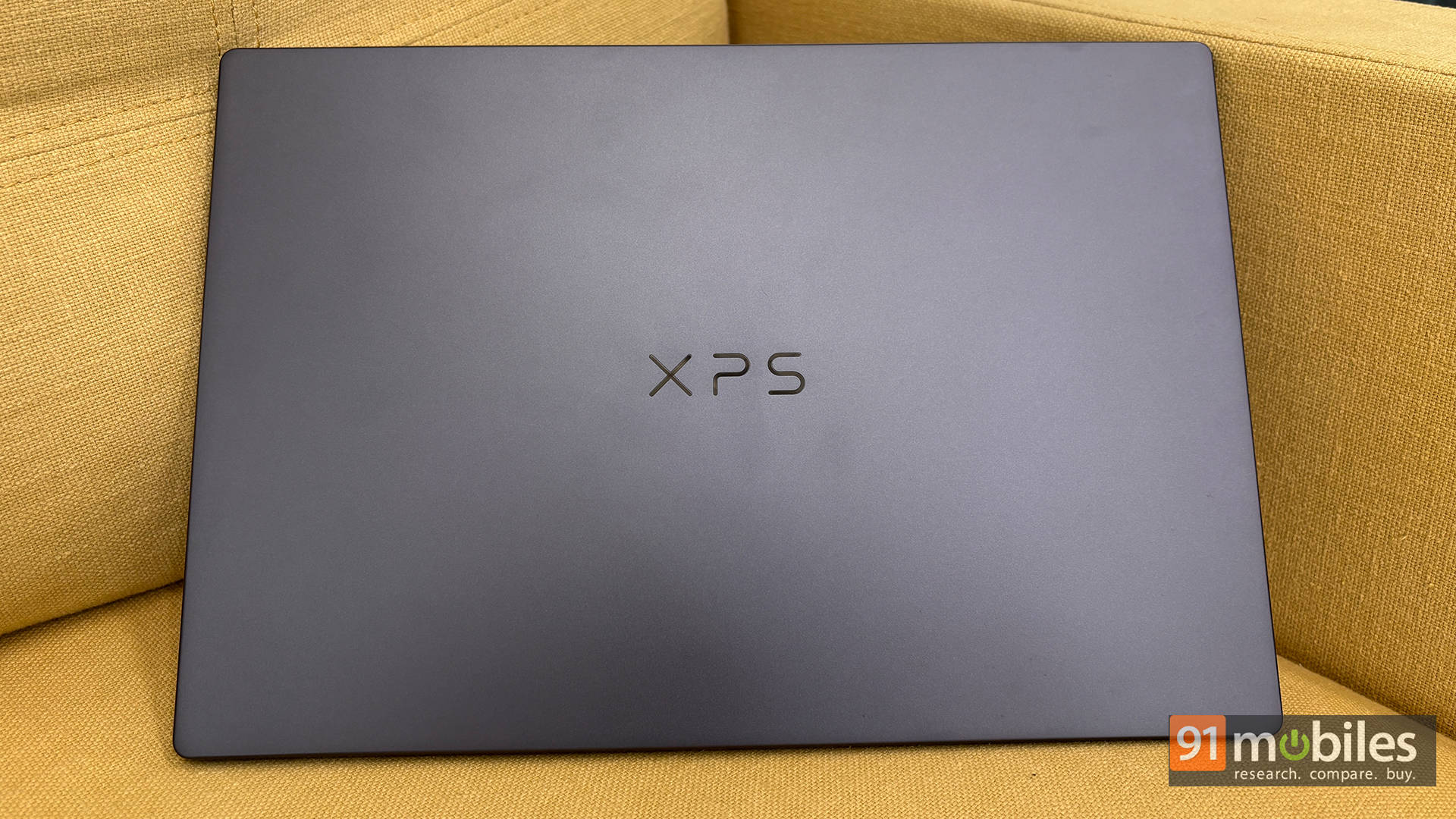
The 2026 Dell XPS 14 is Dell’s aims to challenge the MacBook Pro on its own terms. The Core Ultra X7 358H at 25W and Intel Arc B390 integrated graphics sit inside a thin, well-built 14-inch chassis with a 120Hz OLED panel that is genuinely excellent.
PCMark 10 at 10,365 reflects consistent real-world productivity performance; Cinebench R23 MT at 12,500 trails the Ryzen AI Max machines but is appropriate for a 25W efficiency-first chip. Battery life at 11.1 hours is good. The argument against is the price: at Rs 2,57,890, you are paying partly for the XPS pedigree, and the ASUS Zenbook S14 delivers higher CPU numbers for Rs 7,900 less.
Editor’s Rating: 9.2 / 10
Pros
- Brilliant 120Hz OLED touchscreen display
- Outstanding battery life
- Premium, robust build quality with a highly comfortable keyboard
- Great overall CPU and iGPU performance
Cons
- Glossy display can get quite reflective in bright environments
- No physical privacy shutter for the webcam
Read the full review here.
Asus Zenbook S14 UX5406AA
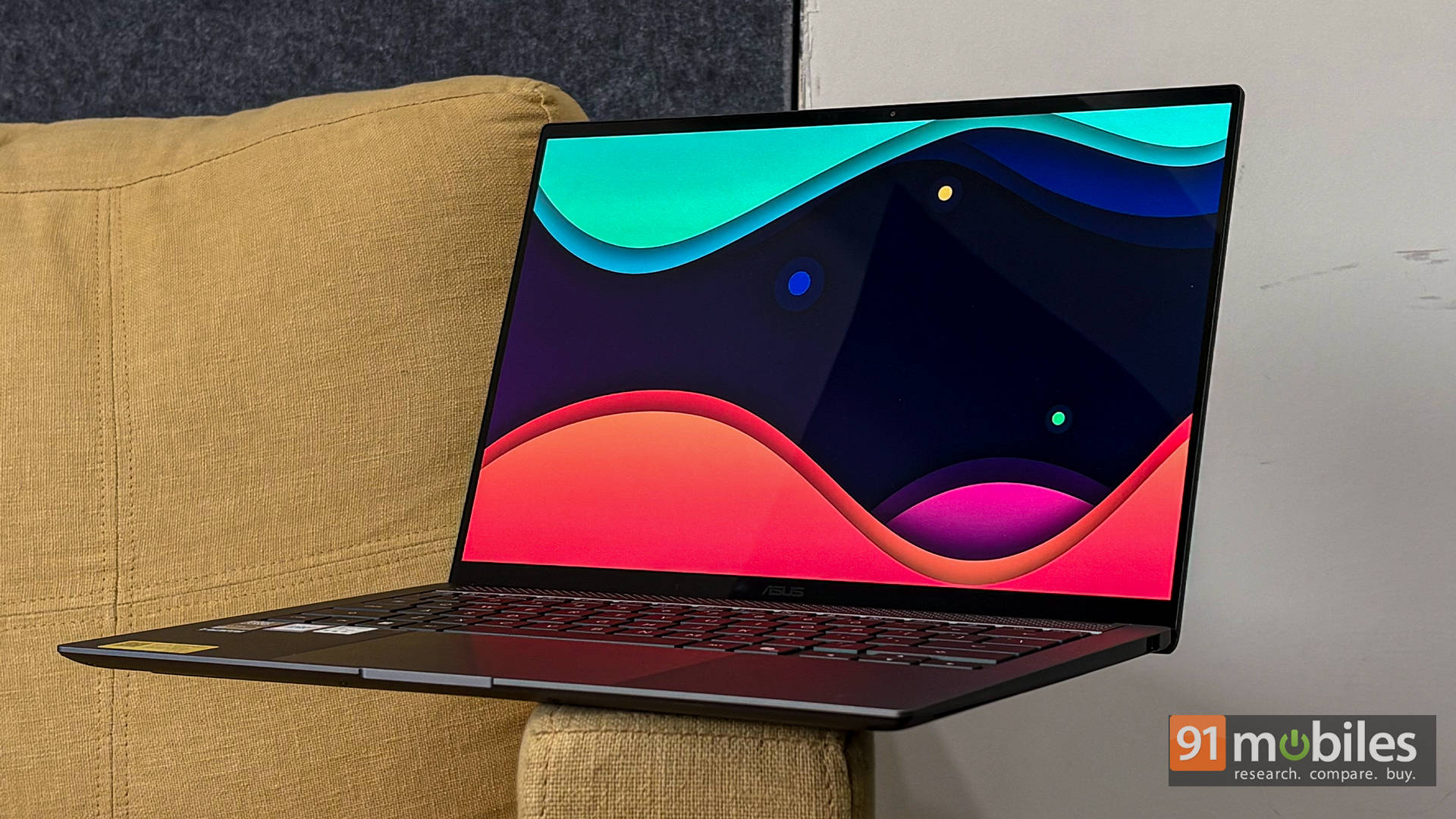
The Zenbook S14 carries Intel’s most powerful thin-and-light chip, the Core Ultra 9 386H, and the benchmark results show it: CB R23 MT at 15,558 is the strongest Intel-based result on this list. PCMark 10 at 9,069 and 10.2 hours of battery are appropriate for a 25W machine.
The 14-inch 120Hz OLED is sharp and colour-accurate, the keyboard is among the best on any 14-inch laptop this quarter, and the 77Wh battery edges Dell’s 70Wh. Its limitation is the same as the XPS 14’s: no discrete GPU, no GPU compute ceiling relief for heavy creative workflows.
Editor’s Rating: 9 / 10
Pros
- Stunning 3K OLED display
- Sleek, lightweight design
- Strong performance
- Excellent battery life
Cons
- No SD card slot for creators
- Supports 100W, but the fast charger is sold separately
Read the full review here
Samsung Galaxy Book 6 Ultra
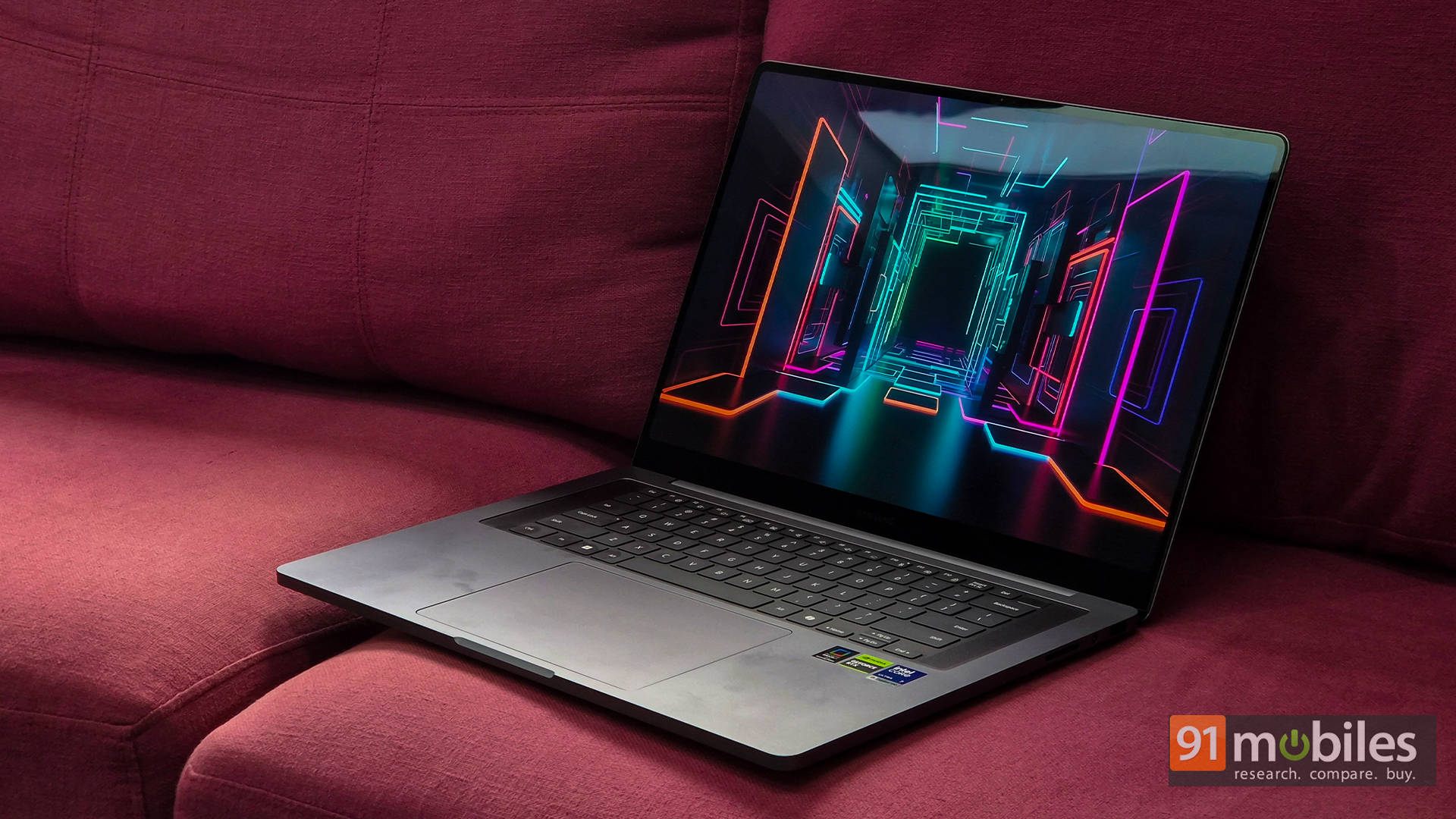
The Galaxy Book 6 Ultra is the best all-around laptop in this quarter’s roundup. It combines a Core Ultra 7 356H with an RTX 5070 at 90W TGP inside a 16-inch AMOLED chassis, and it achieves something most competing machines at this class fail at: doing all of that without sacrificing battery life. Our video loop test returned 12.9 hours from the 80.2Wh cell.
Gaming performance is strong – GTA V at 157 fps, Cyberpunk FHD DLSS at 89 fps, Valorant at 299 fps, while PCMark 10 at 9,579 confirms it handles productivity without compromise. The 16-inch AMOLED at 120Hz, 2TB Gen 4 NVMe, and 32GB LPDDR5x round out a spec sheet that is hard to argue with at this price.
Editor’s Rating: 9 / 10
Pros
- Stunning AMOLED touchscreen
- Powerful yet slim design
- Excellent thermal management
- Top-tier speaker system
Cons
- Shallow keyboard feel
- GPU not fully unleashed
Read the full review here
HP OmnibookX 14 (14-ka0068TU)
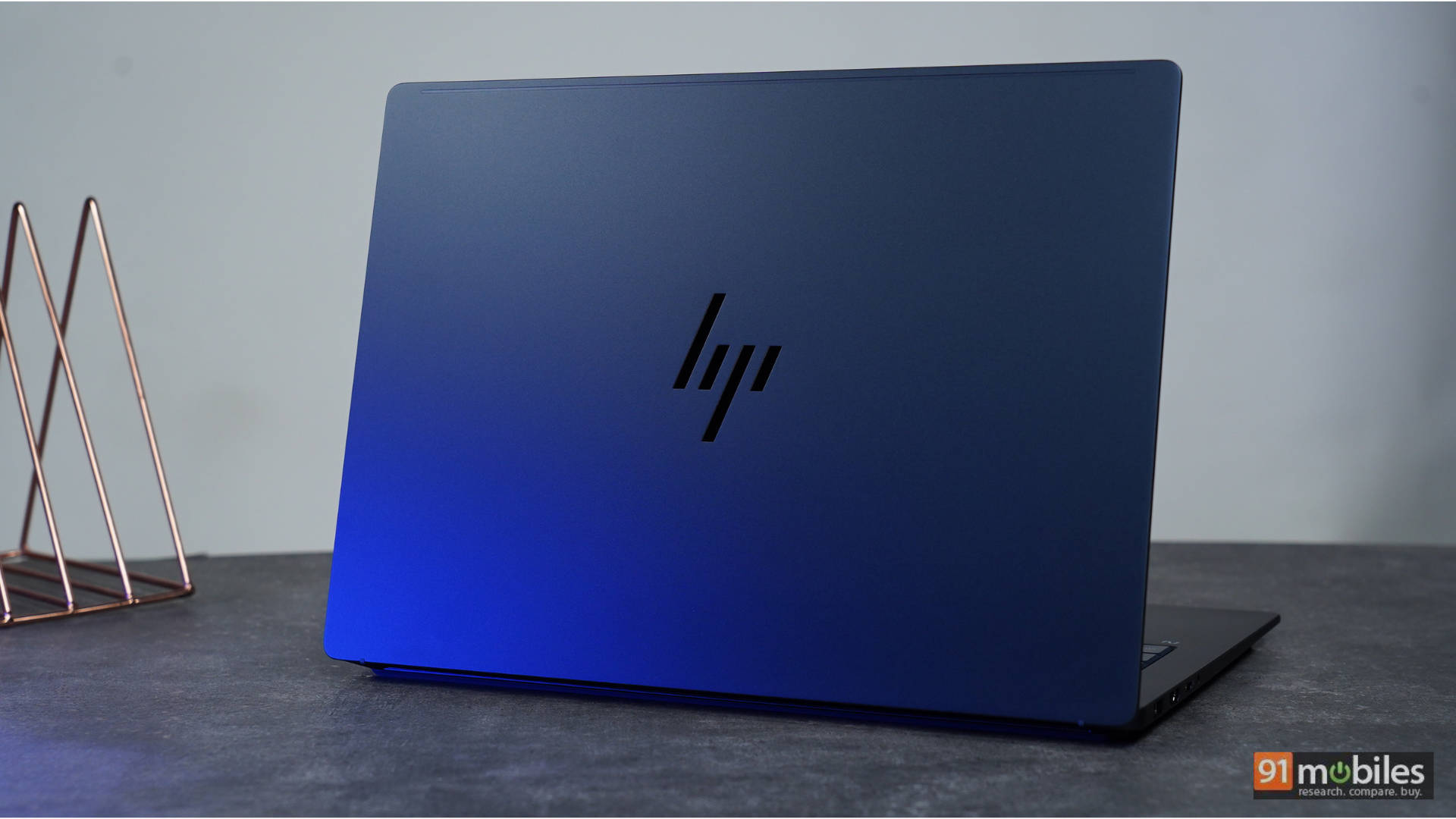
The HP OmnibookX 14 returned the best battery result of the entire quarter: 20 hours flat in our video loop test, and this is a 70Wh cell, not an unusually large battery. The result comes from platform-level efficiency gains in the Core Ultra 7 356H, and it is a meaningful real-world differentiator.
CB R23 MT at 16,328 and PCMark 10 at 8,234 are strong for a 25W machine. The 14-inch 120Hz OLED is excellent. The one limitation that will frustrate users upgrading from heavier configurations: 16GB LPDDR5 RAM is soldered with no upgrade path.
Editor’s Rating: 8.8 / 10
Pros
- Stunning 14-inch 3K OLED 120Hz VRR display
- Exceptional keyboard
- Fantastic build quality with plenty of ports
- Compact, pocket-sized 100W GaN charger included
Cons
- Audio performance lacks bass and depth compared to some high-end competitors
- No built-in SD card reader
Read the full review here
Apple MacBook Neo

Apple’s cheapest laptop to date is the MacBook Neo. The A18 Pro on a 13-inch 60Hz IPS chassis with 8GB unified memory and 256GB Gen 3 storage is the entry-level MacBook configuration stripped to its essentials.
We did not benchmark this under our standard Windows toolchain, so no CB R23 or PCMark figures. What we can say is that macOS Tahoe runs smoothly on the A18 Pro for productivity and light creative tasks, and Apple’s published battery figures of up to 18 hours are realistic.
The 256GB storage fills fast, and 8GB unified memory will hit swap limits sooner than users expect on heavier workloads.
Editor’s Rating: 8.5 / 10
Pros
- Compact, lightweight, and well-built
- Good display, performance & battery life
- Delivers the core MacBook experience
- Value for money
Cons
- Can’t handle heavy workloads
- No keyboard backlight
- Limited ports
Read the full review here
HP Omnibook Ultra 14 (14-kd0083TU)
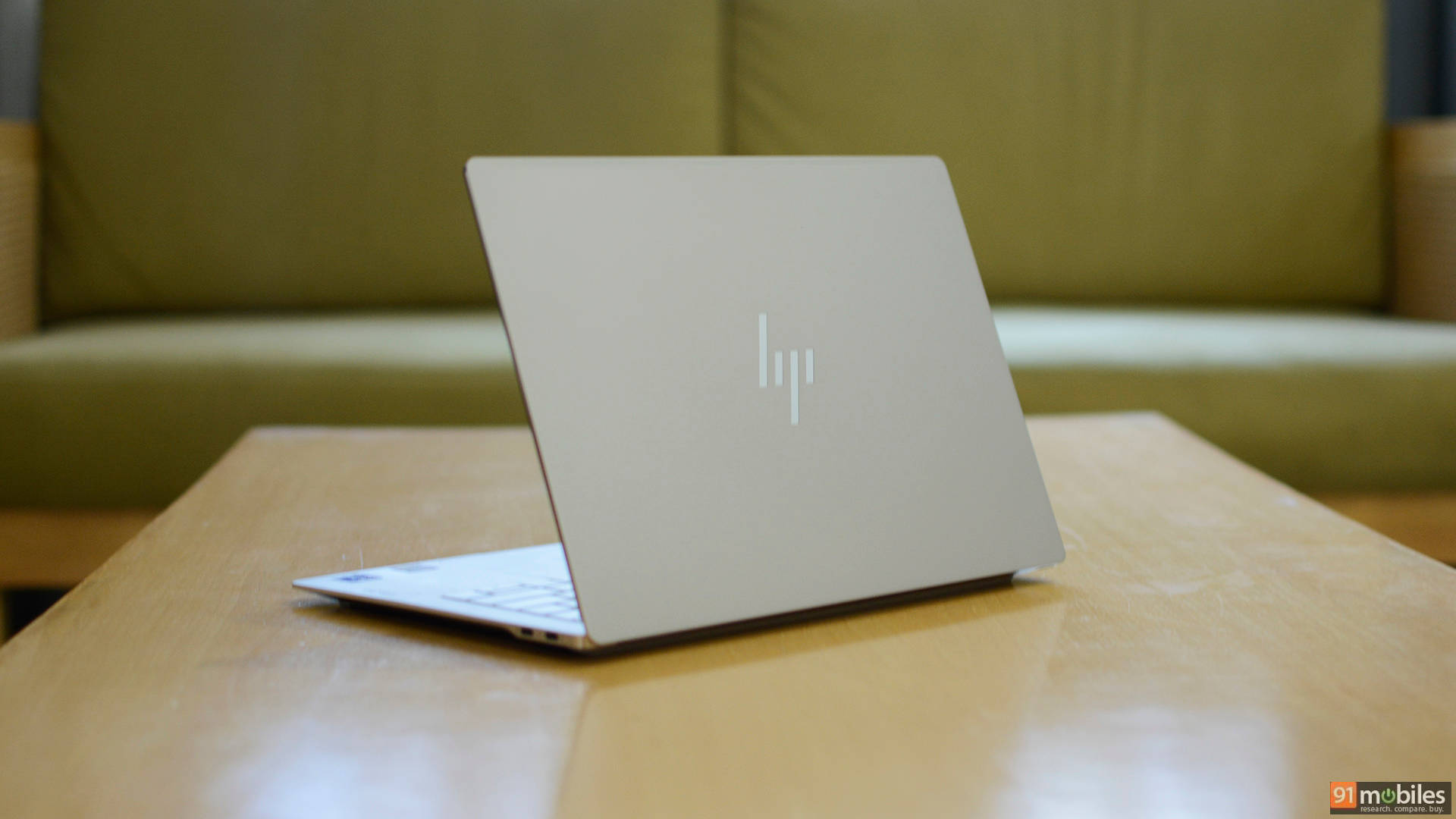
The Omnibook Ultra 14 is the strongest machine in the June lineup. Core Ultra 7 356H at 25W, 16GB LPDDR5x, a 1TB Gen 5 NVMe, and a 14-inch 120Hz OLED panel. CB R23 MT at 14,096 and PCMark 10 at 8,349 are strong for a 25W chip, and the Gen 5 drive delivers Q8T1 sequential reads of 10,341 MB/s.
Battery at 14.6 hours from the 70Wh cell is excellent. It sits between the OmnibookX 14 and the Zenbook S14, and it is meaningfully better than the former on performance and Rs 28,000 cheaper than the latter.
Editor’s Rating: 8.5 / 10
Pros
- Premium aluminum design
- Sharp, vibrant 3K OLED with 120Hz VRR
- Portable 65W GaN charger
- Speedy PCIe Gen 5 SSD
Cons
- Sharp edges
- Limited port
Read the full review here
HP HyperX OMEN 15 (15-ga0028TX)
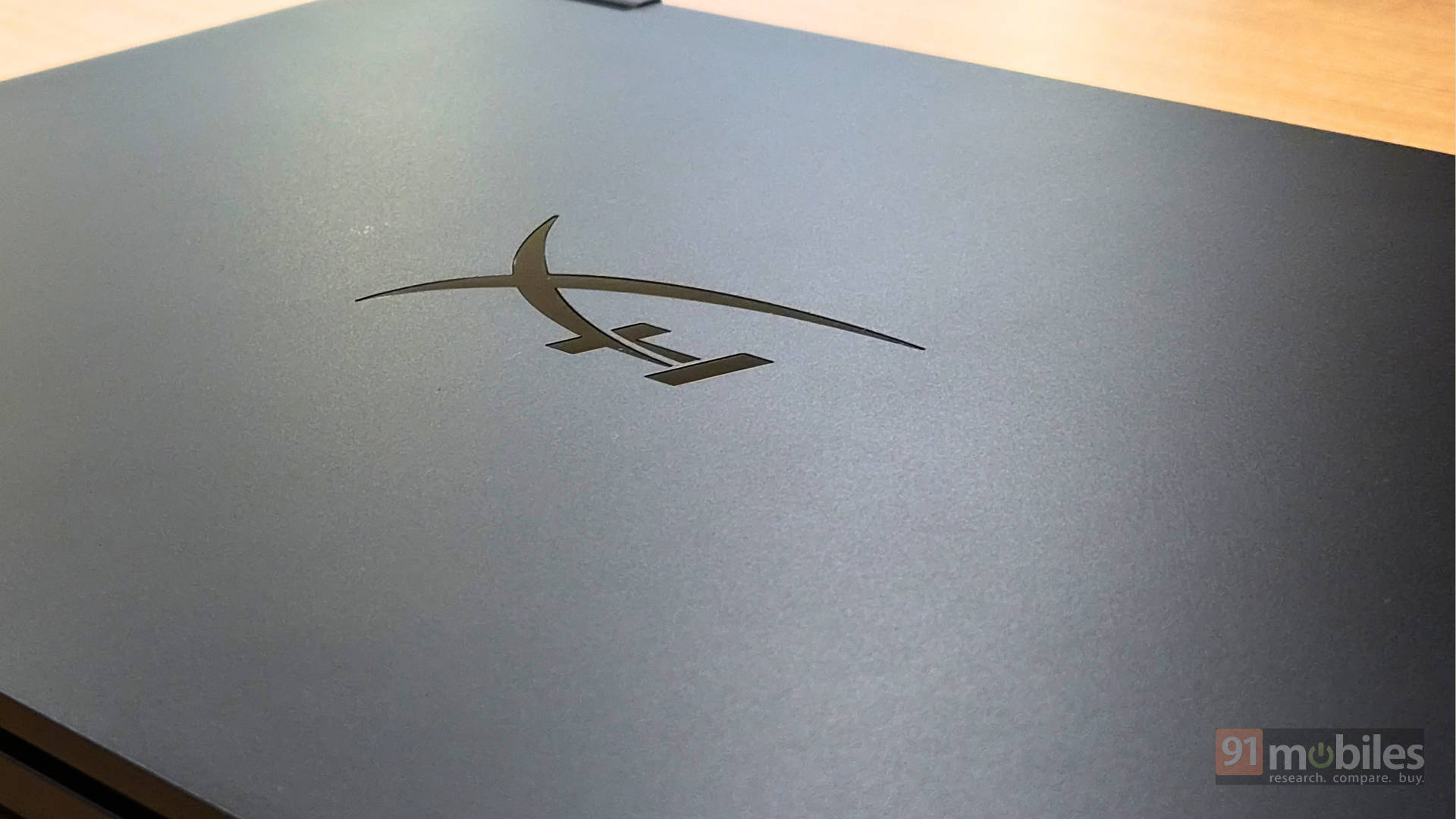
The HyperX OMEN 15 marks the first time HP has put the HyperX brand on a gaming laptop. The Intel Core i7-14650HX is a last-generation chip in a market moving fast toward Core Ultra, but the 55W TDP gives it enough headroom when paired with a full-power 115W TGP RTX 5070. In gaming, GTA V at 1080p averaged 170 fps, Cyberpunk 2077 FHD with DLSS hit 97 fps, and Forza Horizon 5 native FHD came in at 99 fps.
Those are honest, sustained RTX 5070 results, not the throttled outputs that plague thinner machines. The trade-offs are exactly what you would expect: 2.8 hours of battery life in our loop test, a chassis that runs hot under load, and a 180Hz IPS panel that will disappoint anyone coming from an OLED screen.
Editor’s Rating: 8.2 / 10
Pros
- Clean, minimal design that doesn’t scream “gaming laptop”
- Exceptional thermal performance even under sustained gaming load
- Bright, colour-accurate 2K 180Hz display with VRR support
- The high TGP RTX 5050 competes well above its tier
Cons
- RTX 5060 competitors are available at the same price
- Fingerprints and smudges show easily
- Inconsistent touchpad response
Read the full review here
Dell Alienware 16X Aurora (AC16250)
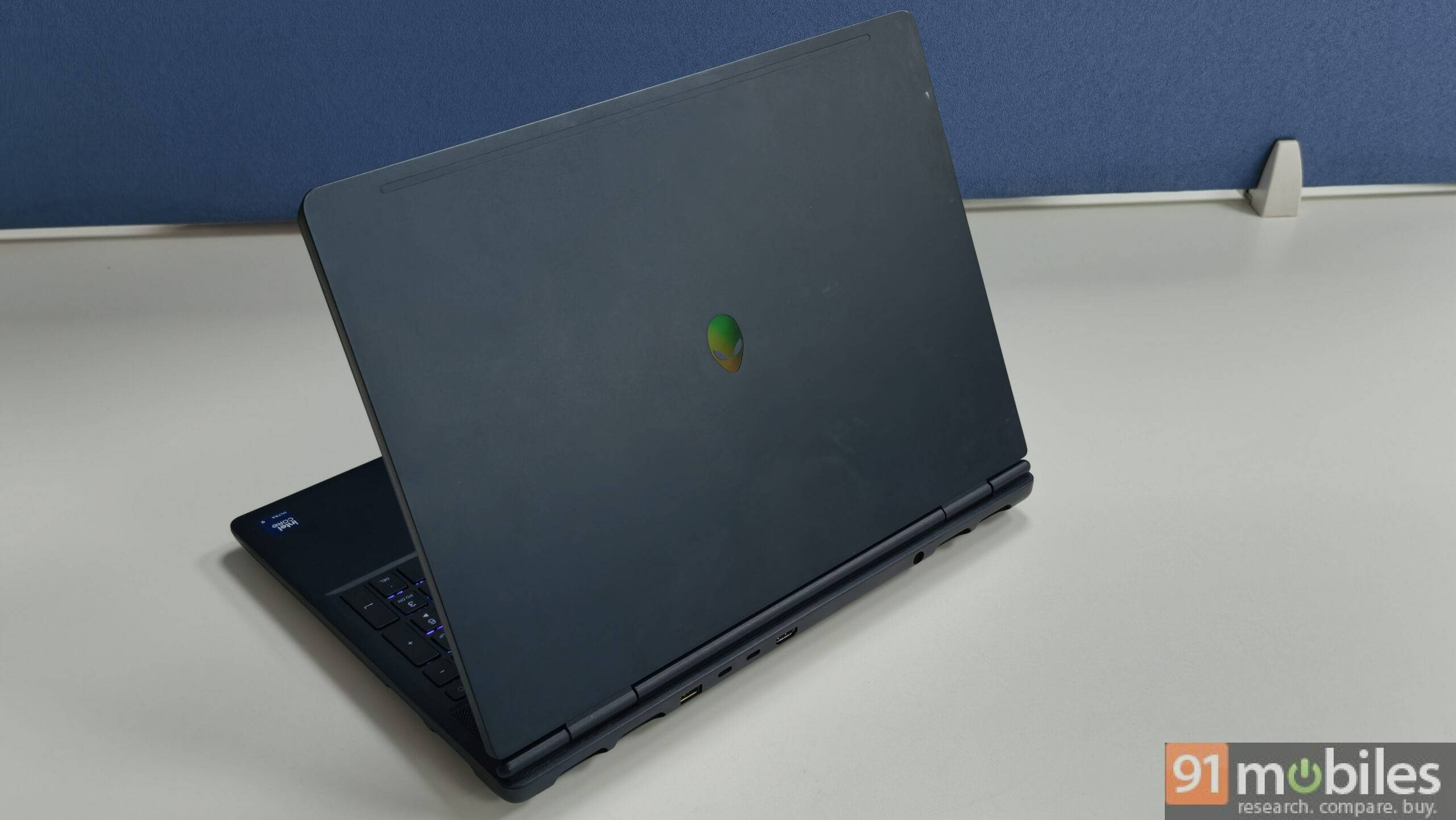
The Dell Alienware 16X is the most affordable Alienware on the market right now. The Core 7 240H at 45W paired with an RTX 5060 at 80W TGP makes this the only mid-range discrete GPU laptop in this quarter’s lineup. Gaming performance is competitive: Cyberpunk FHD native at 81 fps, DLSS at 96 fps, and FH5 FHD native at 102 fps are honest RTX 5060 results. Black Myth: Wukong at 38 fps native is mid-range territory and is playable at medium settings, demanding at high.
The 96Wh battery produced 14.6 hours in our loop test, which is exceptional for a gaming laptop. No OLED at this price is a notable absence, and the 120Hz IPS is functional without being exciting.
Editor’s Rating: 8.2 / 10
Pros
- Effortless 1080p gaming and does well at 2K resolution
- Premium build quality with an understated design
- Exceptional 240Hz QHD+ display with 500nits brightness
- Good variety of ports
Cons
- The processor tends to heat up
- No OLED variant
Read our full review here
ASUS TUF A14 (FA401EA)
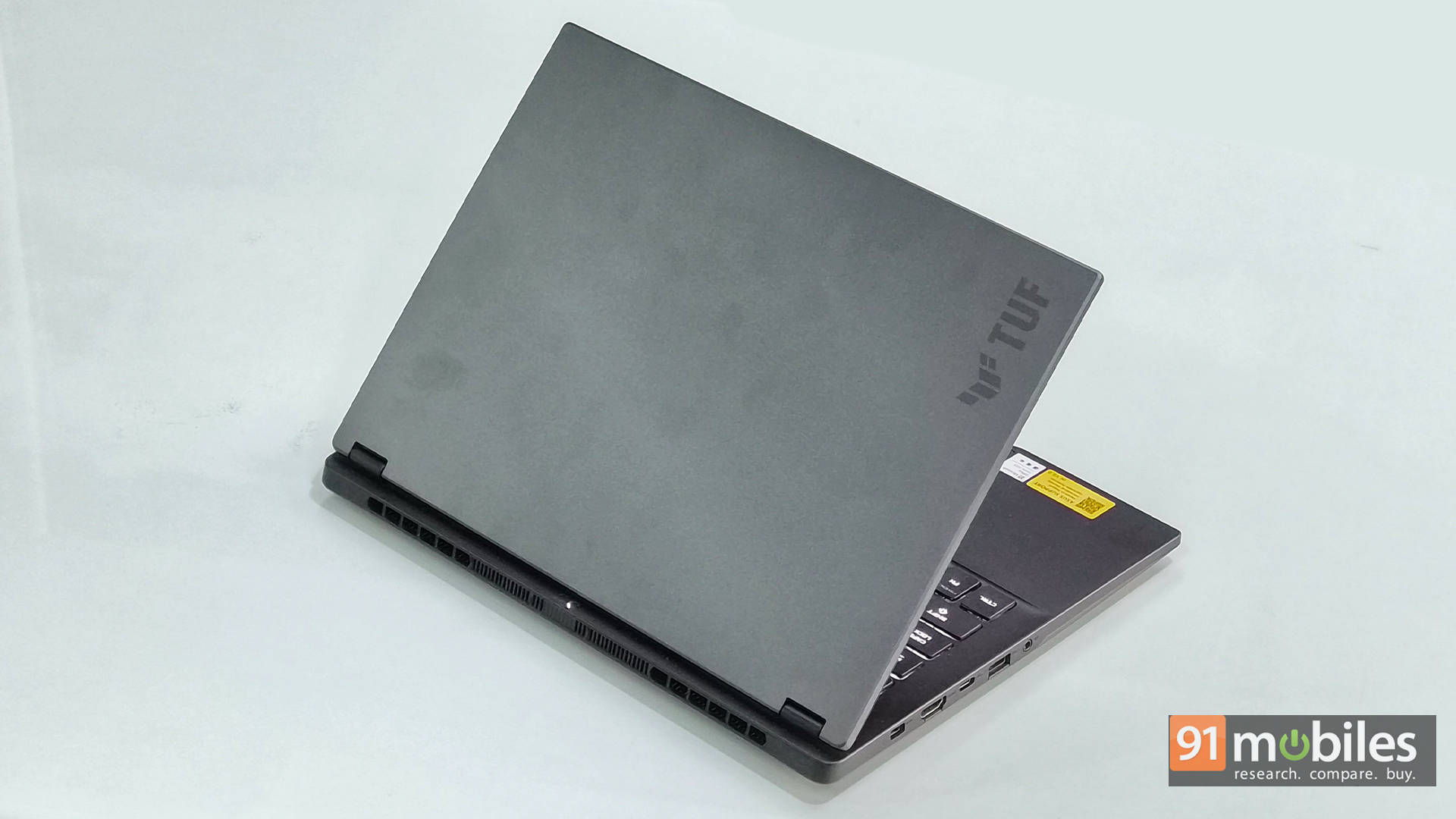
The Asus TUF A14 is the value pick of the quarter, and it is not particularly close. AMD’s Ryzen AI Max+ 392 with Radeon 8060S integrated graphics in a 14-inch 165Hz IPS chassis at Rs 1,79,990 is a configuration that has no direct competitor right now.
CB R23 MT at 27,026 is the second-highest in this roundup. PCMark 10 at 10,948 is the highest of any machine we tested. Gaming benchmarks are real: GTA V averaged 150 fps at 1080p, Cyberpunk FHD native hit 81 fps, FH5 FHD native 104 fps, and Black Myth: Wukong FHD native at 42 fps is playable.
Battery life at 8.7 hours is strong for a 55W TDP machine. Ray tracing performance drops sharply on integrated graphics, which is the honest caveat for anyone who prioritises RT effects.
Editor’s Rating: 8 / 10
Pros
- Excellent performance for its size
- Lightweight, portable, and efficient
- RTX 4060-level GPU performance
Cons
- Not for gaming enthusiasts
Read the full review here
Lenovo V15 (2026)
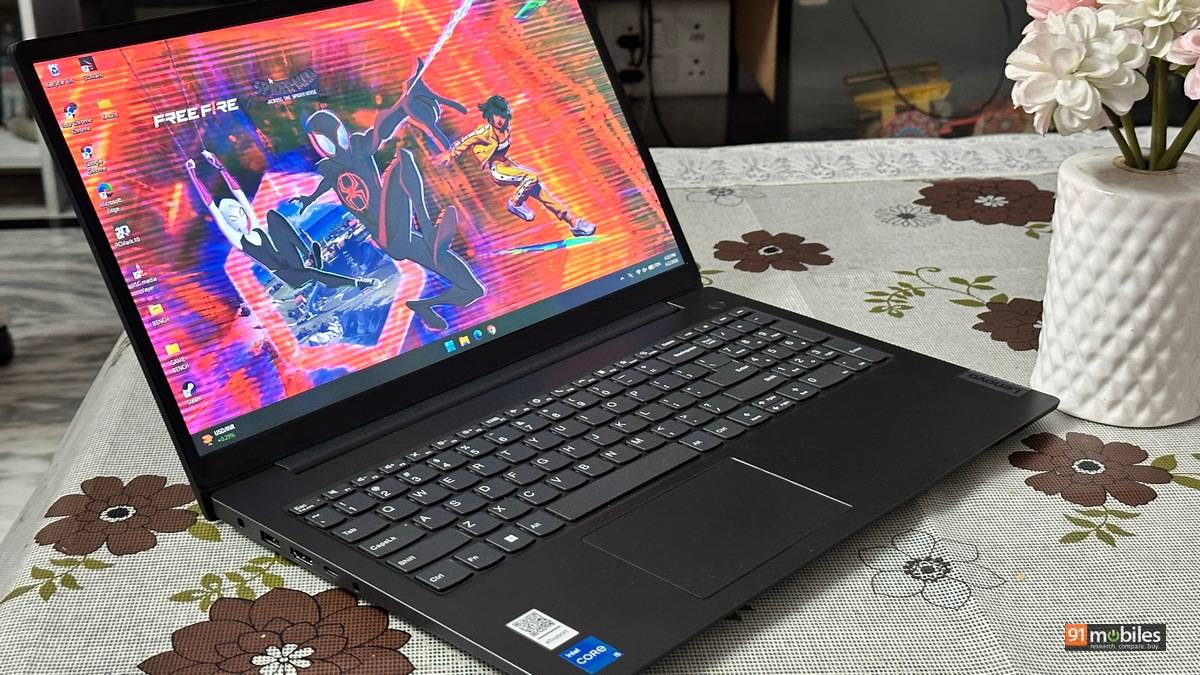
The Lenovo V15 is a budget productivity machine reviewed in June and has recently been given an Indian price of Rs 77,500. This puts it in the budget category, and it has the benchmark numbers to back it.
CB R23 MT at 8,539 and PCMark 10 at 6,078 are entry-level numbers in line with the V-series positioning. The Battery at 7.7 hours from the video loop is modest enough for 1 day of usage. As for graphics, the laptop packs in a standard integrated Intel Arc setup.
Editor’s Rating: 7.8 / 10
Pros
- Strong Core i5-13420H performance for office and multitasking
- Useful port selection with USB-C, HDMI, RJ45, and USB-A
- Fast NVMe SSD and solid everyday responsiveness
- Practical business-laptop design with privacy shutter and TPM 2.0
Cons
- TN display has limited viewing angles and modest colour
- The keyboard is not backlit
- Basic speakers with little bass
- No card reader or fingerprint reader
Read our full review here
Lenovo IdeaPad Slim 3i Gen 11
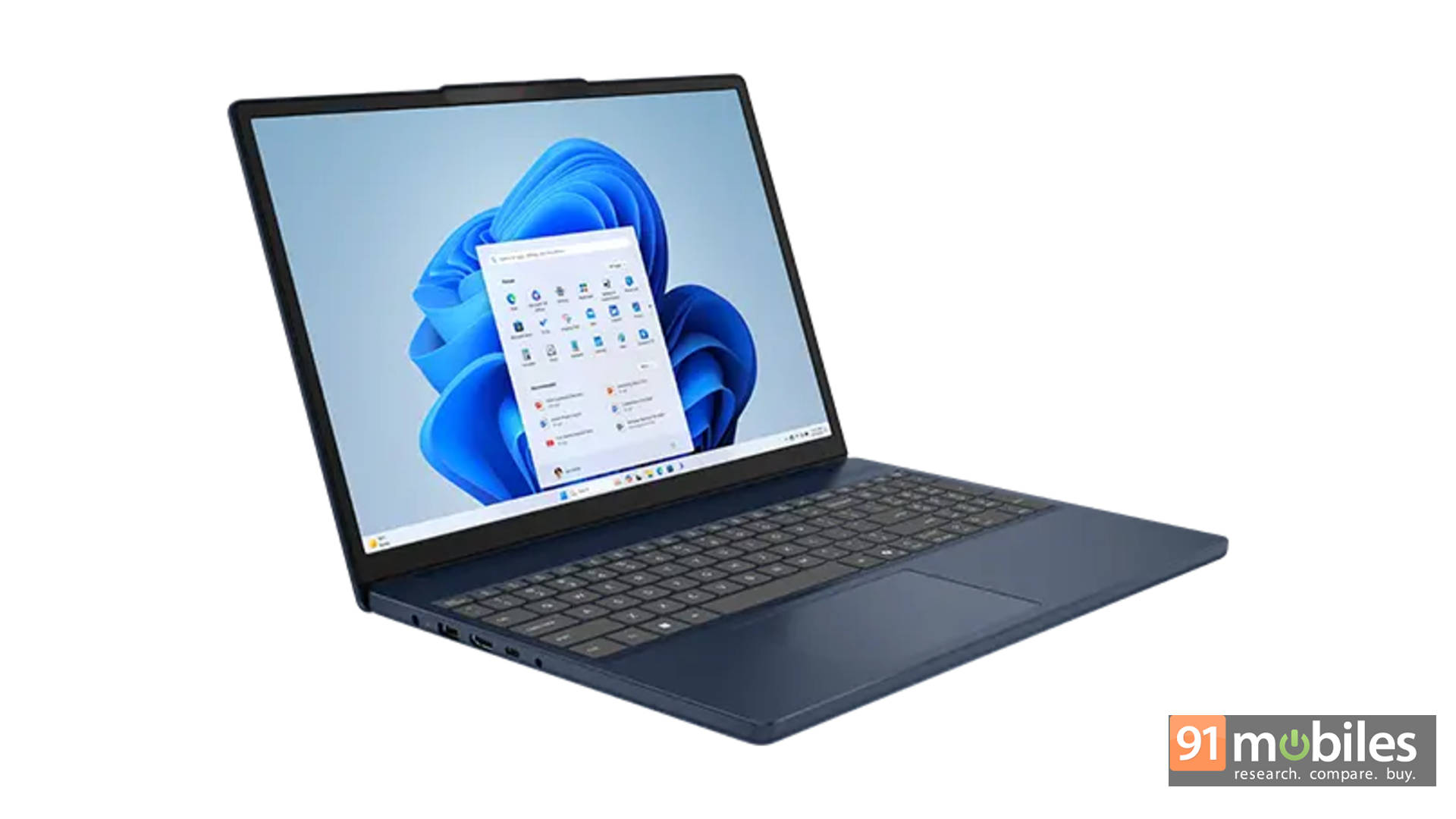
The IdeaPad Slim 3i is a mainstream 15.3-inch productivity laptop built around the Core Ultra 5 322 at 25W. CB R23 MT at 7,620 and PCMark 10 at 6,422 are modest, reflecting the lower-tier chip’s efficiency-first tuning.
The standout is battery life: 12.5 hours from the 60Wh cell is the strongest result among the June batch and good for the price bracket. The 60Hz IPS panel and 512GB Gen 4 NVMe are appropriate for Rs 1.1 lakh. GTA V at 63 fps on the integrated graphics covers light gaming titles.
Editor’s Rating: 7.8 / 10
Pros
- Comfortable keyboard with numpad
- Good battery backup
- Bright IPS display
- Reliable everyday performance
Cons
- Dated port implementation
- Build feels less premium than expected
- The value proposition could be stronger
Read the full review here
Acer Aspire 5 A514-54H
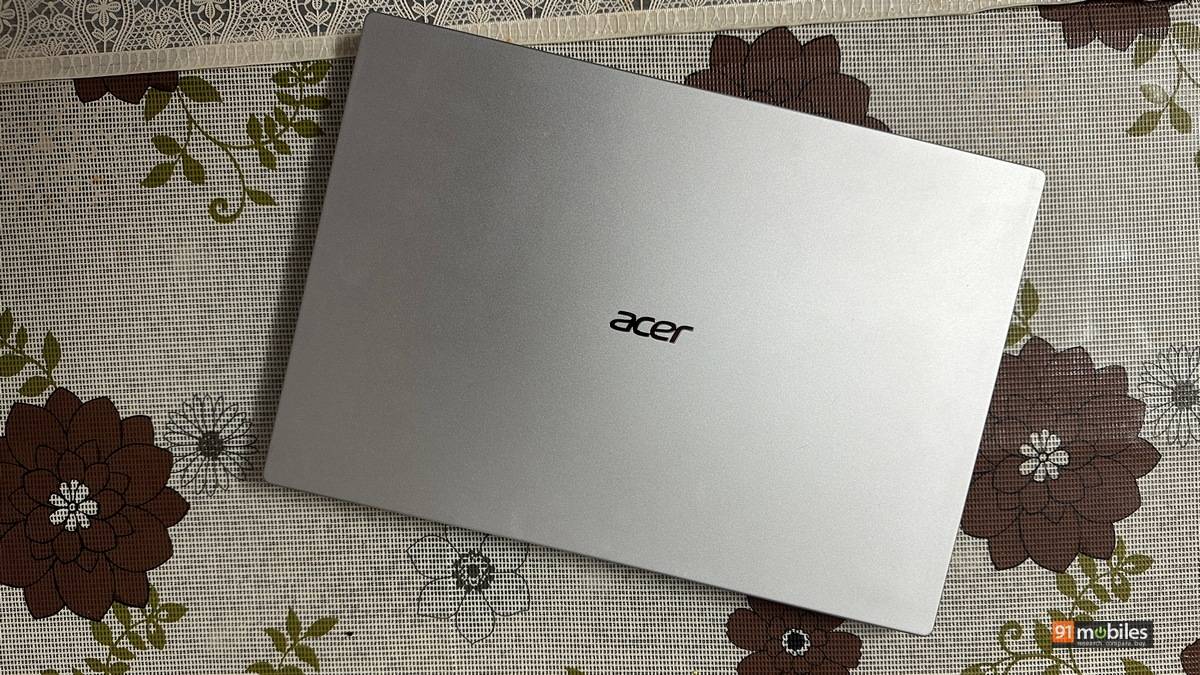
The Aspire 5 is Acer’s mainstream offering for the Rs 75,000 tier, built around the Core Ultra 5 125H at 28W. CB R23 MT at 9,350 and PCMark 10 at 7,118 place it above the budget Aspire 3 and the entry-level Lenovo machines.
Battery at 11.3 hours is the standout result for this price tier, driven by the LPDDR5x memory’s lower power consumption. The 60Hz IPS panel is functional; GTA V at 45 fps covers casual gaming. Against the Dell 15 D15260 at Rs 77,890, the Aspire 5 wins on battery life and loses on raw CPU headroom.
Editor’s Rating: 7.8 / 10
Pros
- Intel Core Ultra 5 125H delivers well above-average performance for the price
- Exceptional NVMe SSD speeds
- Great battery life
- Good keyboard with comfortable travel and backlight
Cons
- FHD IPS panel is serviceable but unambitious
- Plastic chassis feels budget-grade
- Speakers lack bass and sound flat at volume
Read the full review here
Dell 15 D15260

The Dell 15 is a mainstream 15.6-inch productivity machine with the Core Ultra 5 225H at 28W. CB R23 MT at 11,013 and PCMark 10 at 7,975 are above the average for this price tier. The real problem is the 41Wh battery, which produced just 5.1 hours in our test, a serious limitation for a laptop sold on portability grounds. The 60Hz WVA panel is functional but unremarkable. This is a desk-anchored machine; treat it like one.
Editor’s Rating: 7.5 / 10
Pros
- Reliable performance
- Not too bulky
- Bright and consistent display
Cons
- Battery life
- Single-channel memory
- Plastic chassis with dated design
ASUS ProArt GoPro Edition PX13 (HN7306EAC)
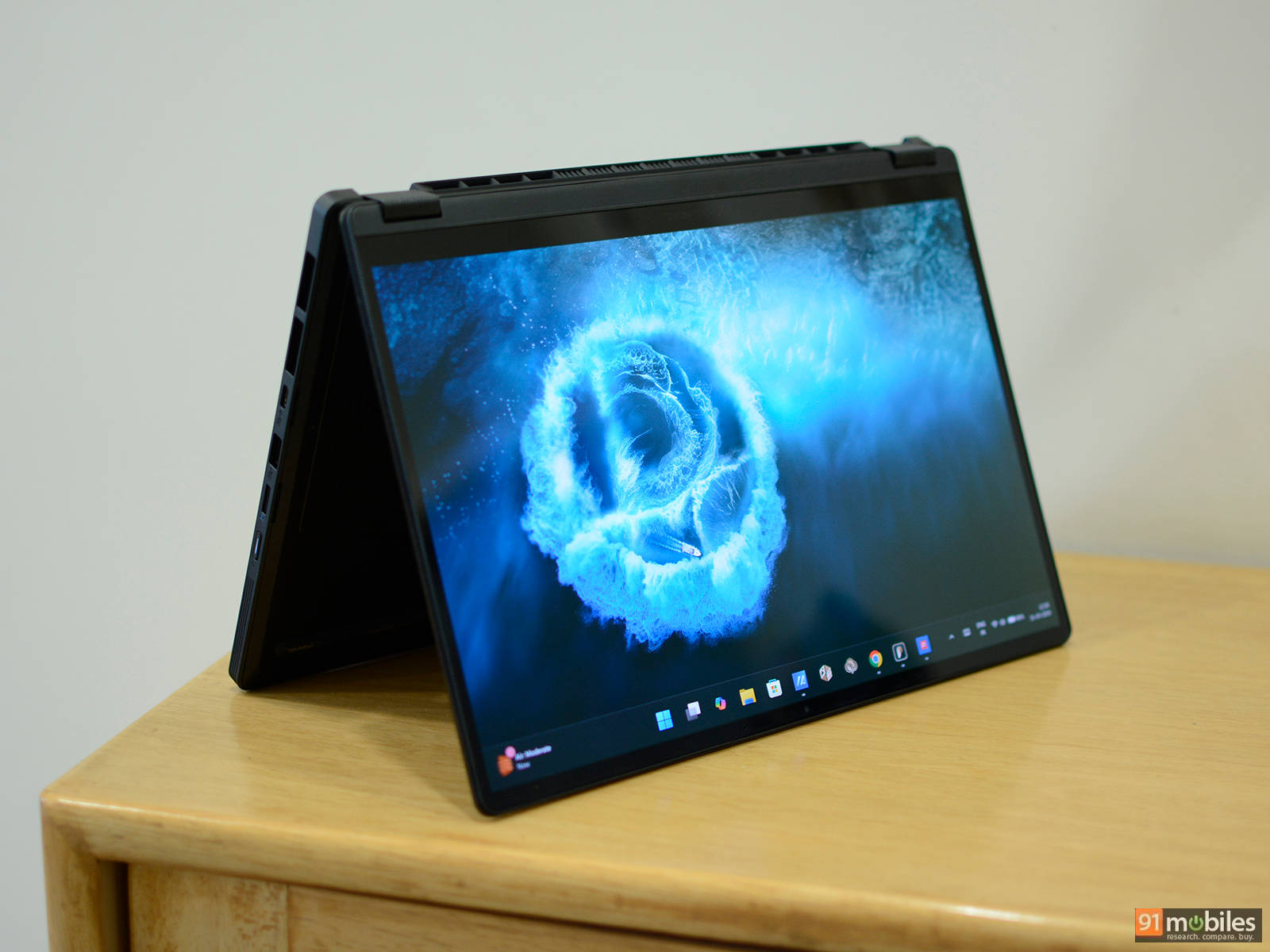
The ProArt PX13 GoPro Edition is the most unusual machine in this quarter’s lineup. It runs AMD’s Ryzen AI Max+ 395 with 128GB LPDDR5x unified memory in a compact 13.3-inch OLED chassis.
That RAM figure is not a typo. The benchmark results are the highest CPU numbers of any non-gaming machine this quarter: CB R23 MT at 28,576, PCMark 10 at 10,313. The Radeon 8060s integrated graphics delivers results that embarrass most mid-range discrete GPUs in creative workloads.
We have figures like Cyberpunk FHD native at 76 fps, FH5 FHD at 94 fps, and the DaVinci Resolve Puget score of 6,231 confirms its credentials as a portable video editing workstation. Battery at 8.4 hours is reasonable for the performance envelope.
Editor’s Rating: 7.5 / 10
Pros
- Solid build quality
- Punchy 3K OLED display
- Best-in-class performance
- 128GB of unified memory
- Solid keyboard and touchpad
Cons
- 60Hz refresh rate
- Loud fans under load
- Very expensive
- Poor webcam performance
Read our full review here
Acer Aspire 3 A324-53 (UN.34RSI.004)
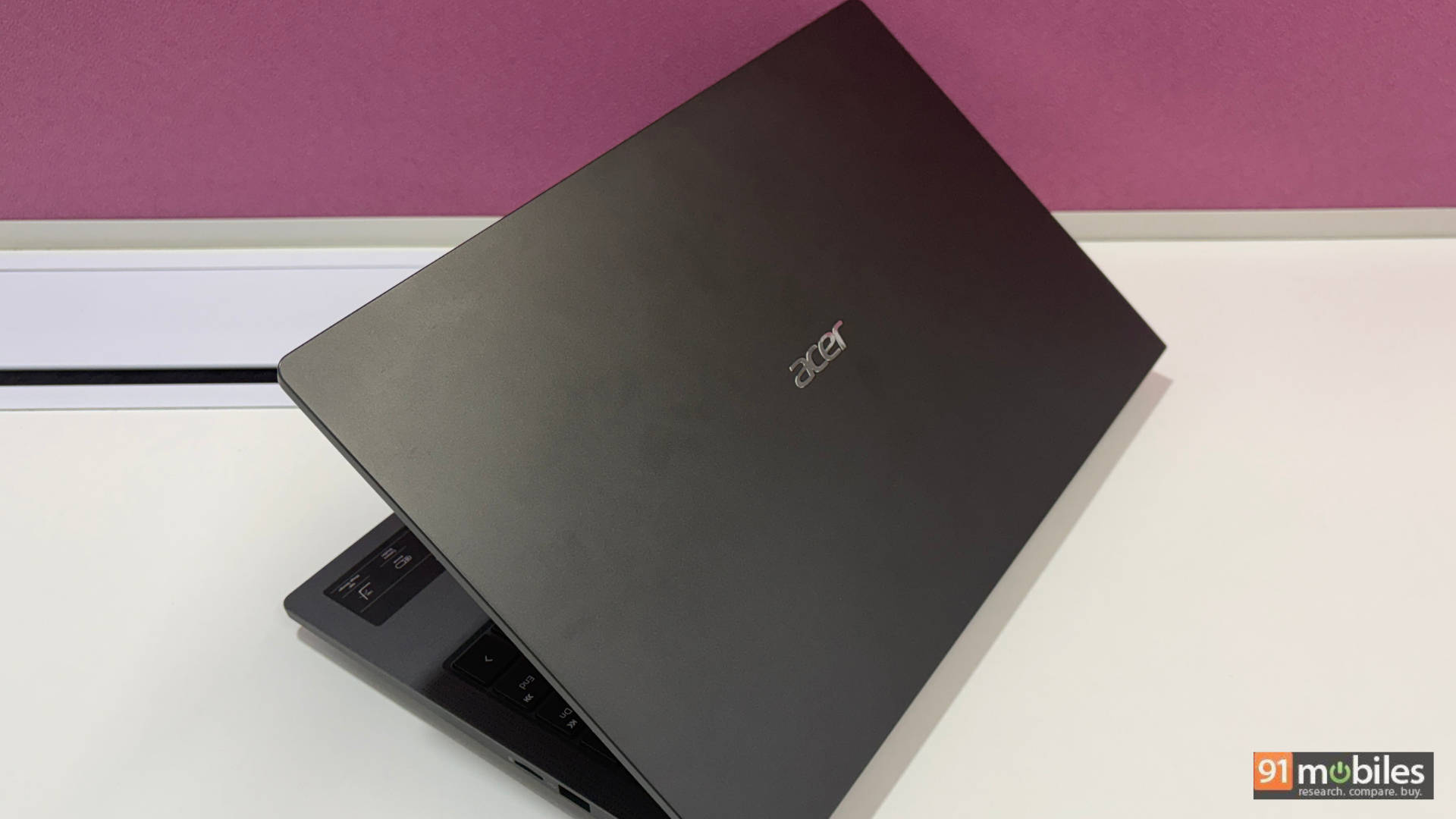
At Rs 40,990, the Aspire 3 A324-53 is the most affordable machine in this roundup, and it earns its place by being exactly what a budget 14-inch laptop should be.
The Core i5-1334U at 15W and 16GB DDR4 deliver CB R23 MT of 6,209 and PCMark 10 of 6,342 are baseline numbers sufficient for browsing, documents, and video calls. The 14-inch TFT at 60Hz is functional and honest about its limitations. The 7.4-hour battery is acceptable.
A genuinely positive note: the 512GB Gen 4 NVMe is superior storage to most competing laptops at this price, which still frequently ship with Gen 3 or slower storage.
Editor’s Rating: 7.5 / 10
Pros
- Light and slim enough to forget it’s in your bag
- No dongle needed, ever
- Clicky, satisfying keyboard
- Chews through everyday multitasking easily
Cons
- Display colours are just okayish
- Subpar Audio and webcam
Read the full review here