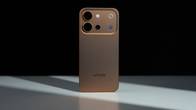
Every workday starts with the same reflex. Before the first email has even loaded, I’m reaching for the laptop bag. It’s a habit built on a long-standing device hierarchy: the phone handles triage, and anything resembling real work gets escalated to a proper computer. The problem is that my workday no longer lives at one desk. It’s a constant context switch between email, calls, meetings, documents, decks and content production, much of it on the move. So I put that hierarchy to the test. For one full working day, the laptop stayed at home and the vivo X Fold6 became my sole work machine. The question was simple: how much of a modern professional’s workload genuinely needs a laptop?
Table of Contents
The test parameters
The rules were strict. Every task that would normally run on my laptop had to run on the X Fold6, either natively or on a display it was driving. That covered drafting and editing documents, inbox management, video calls, a presentation review, calendar management and a short photo shoot for a story. Rather than logging the day hour by hour, I broke it down by requirement: what did I need to get done, and could the X Fold6 deliver it without a laptop?
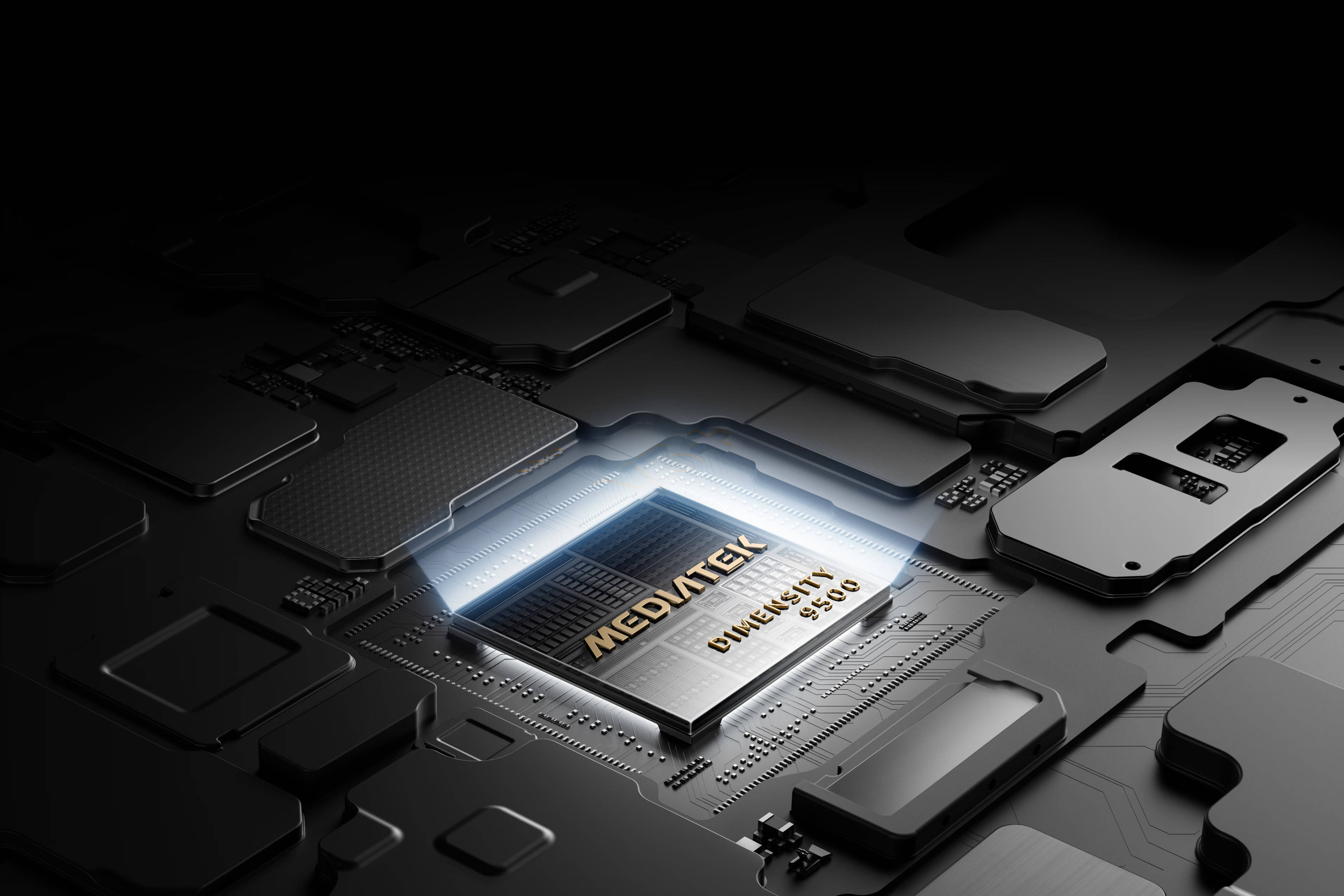
On paper, the hardware is up to the job. The main display unfolds to 8.02 inches, while the 6.51-inch cover screen delivers a conventional phone experience when folded. Under the hood sits the MediaTek Dimensity 9500 Super Edition, paired with 12GB of RAM and 512GB of storage, running OriginOS 7 Fold on top of Android 17. Feeding it all is a 6,900mAh cell, which vivo bills as India’s biggest battery in the foldable category.* Strong specs don’t guarantee a laptop replacement, though. The real test was whether the full stack would hold up across an entire working day.
Origin Workbench: Multitasking when there’s no monitor around
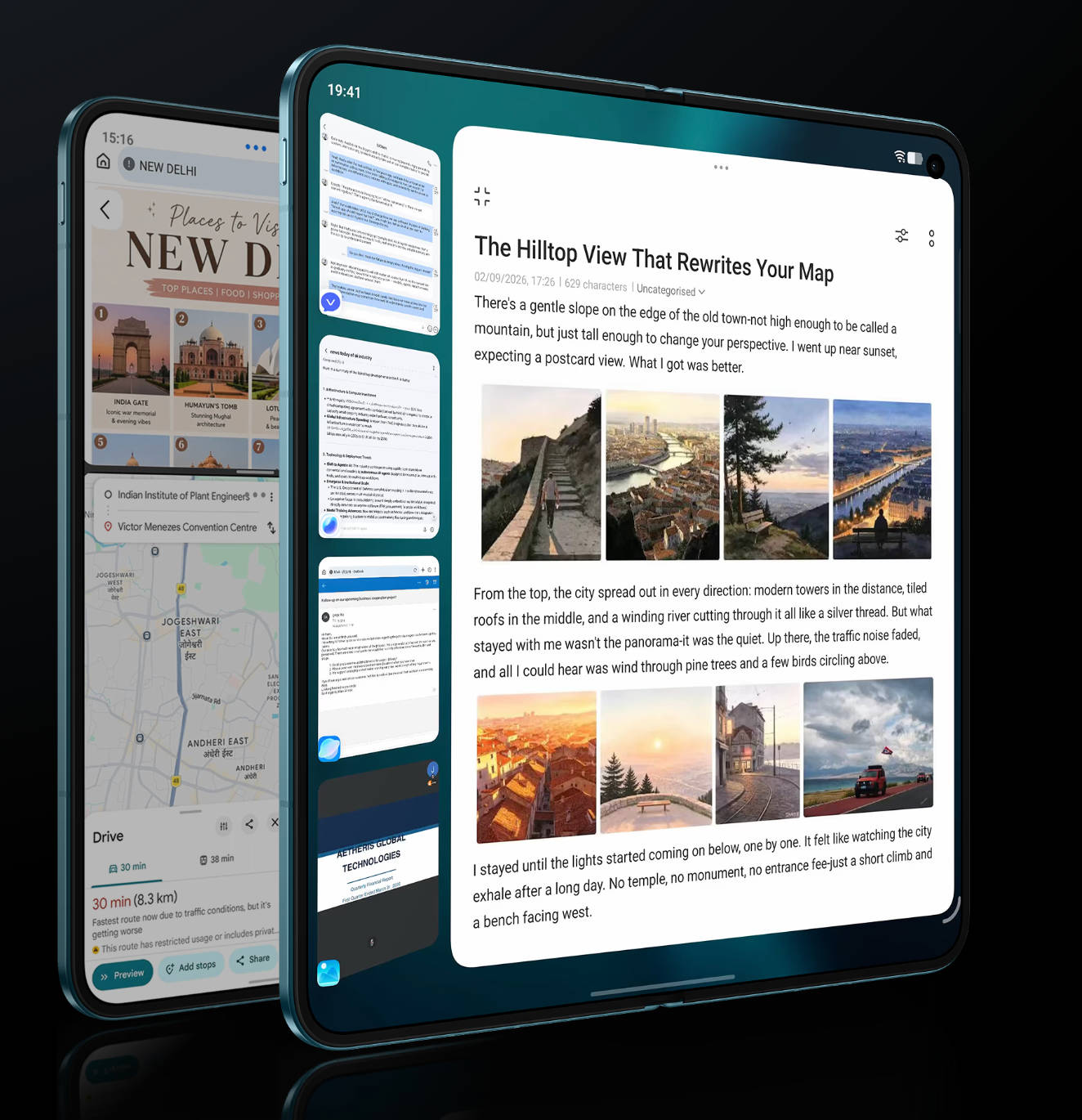
Not every workspace comes with a monitor. On the train to my meeting, I still needed to work across several apps at once, so the main display became my desk. This is where the foldable form factor pays off most. The 8.02-inch panel gives documents, decks and email genuine working room, and Origin Workbench makes full use of it, running up to five apps simultaneously with fluid switching between them.
My most frequent workflow was referencing a document while drafting an email, and on the X Fold6 the two ran side by side. The main display’s 2,504 × 2,312 resolution keeps text crisp, while the adaptive 1Hz to 120Hz refresh rate keeps scrolling fluid. Multi-Split Screen keeps several apps visible without overlap, eliminating much of the copy-paste juggling that usually eats into a working day.
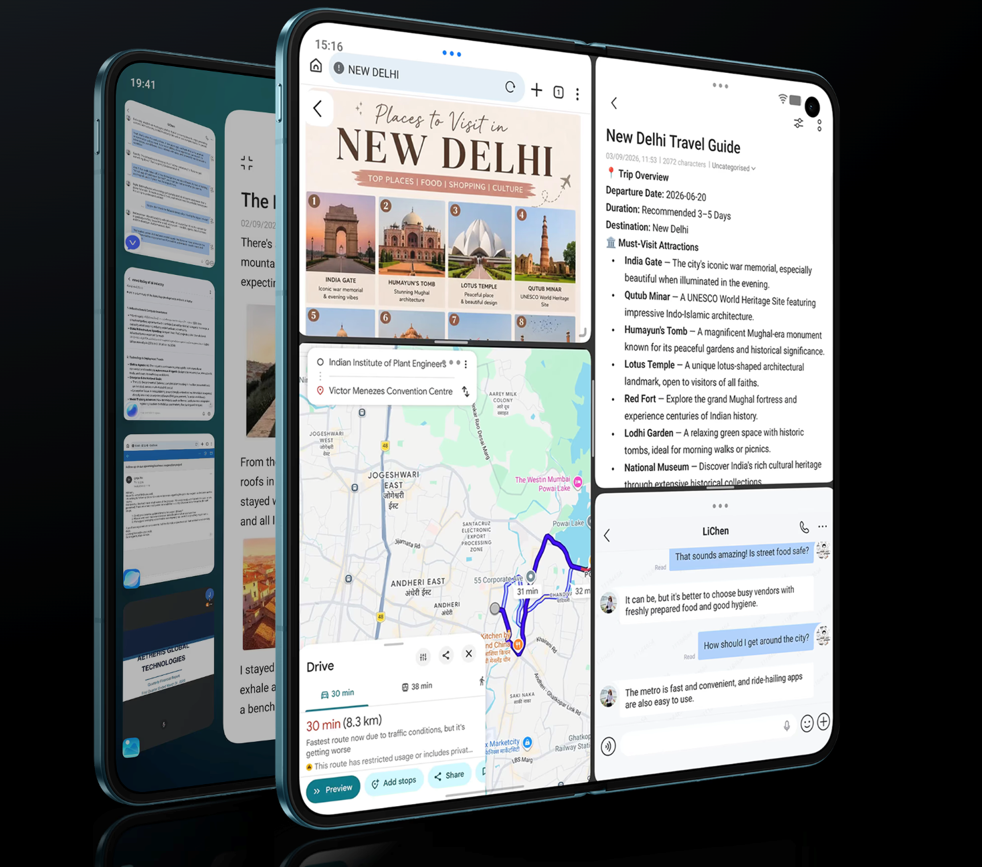
AI Cross-App Drag was the sleeper hit of the day. Drag text or an image from one app into another, and an intent wheel offers to extract, translate or insert the content. It can extract text from an image and drop the output straight into a text field, translate content across apps in multiple languages, including English and Hindi, and parse a business card into a new contact or a call. When a colleague shared a photo of a printed agenda, I dragged it into my notes and had editable text within seconds.
For long-form reading, AI Reader Mode reflows lengthy PDFs into an eBook-style layout optimised for the phone display, so I could get through a report without pinch-zooming or scrolling horizontally. In split view, it sits comfortably alongside the document I was writing.
That’s a heavy concurrent workload, and the Dimensity 9500 Super Edition never flinched. vivo and MediaTek co-developed an Ultra-Efficient Concurrent Engine for Origin Workbench on the X Fold6, which vivo says cuts overall power consumption by more than 10 per cent under heavy workloads compared with the previous generation of Origin Workbench. In practice, cycling through five apps never once felt taxing.
Clearing admin without the busywork
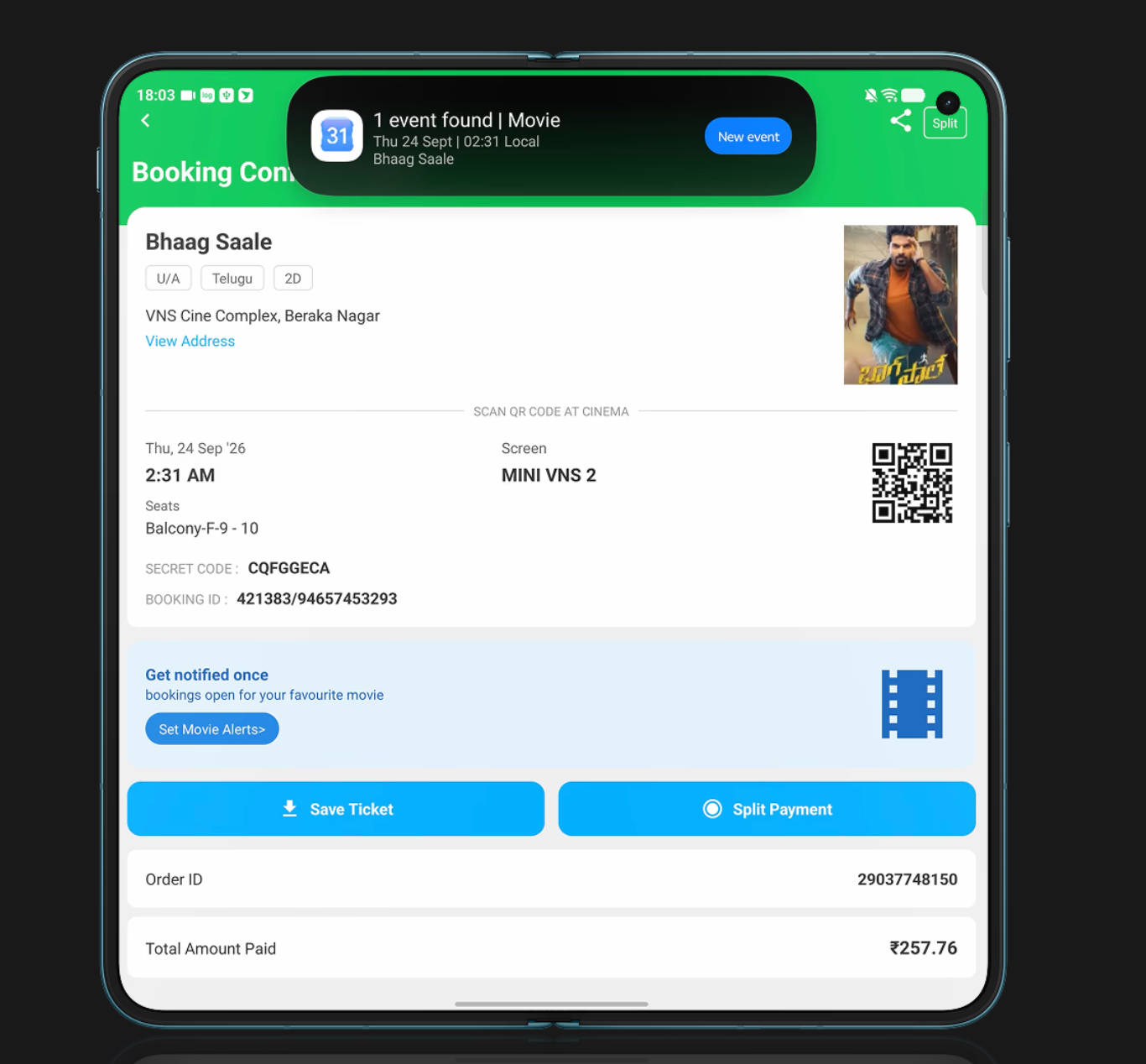
My first requirement was the least glamorous one: clearing admin quickly, without the manual busywork that usually eats into a workday. I had a train to catch for a meeting, so I screenshotted the ticket. Snap & Go, which lives in Origin Island, parsed the key journey details and offered to push the trip straight into Google Calendar. No manual entry, no copying timings between apps, just a reminder set for when it mattered.
Jovi, vivo’s AI agent, cleared most of the admin list. Positioned as an agent rather than a conventional assistant, it is built to interpret intent and execute tasks across connected devices, with support for scheduled tasks that deliver results at a set time. I used it to compile my briefing points and surface information without manually digging through individual apps. For physical meetings that included a lot of whiteboard writing and slides, Snap Note came to the rescue and allowed me to create editable notes that were stitched together in order just by clicking photographs.
File retrieval is where admin usually stalls for me. The AI File Manager clusters related files by topic and auto-generates a descriptive name and short summary for each, so I could gauge a document’s contents without opening it. AI Search in File Manager and Notes layers natural-language querying on top. A search for “last week’s meeting notes” surfaced the right file, no exact filename required. All these features not only made my work seamless, but also saved me time that I could utilise and be more productive in general.
Getting a full desktop workspace without a laptop
My biggest requirement was a proper workspace for long-form work: writing, editing and juggling multiple windows on a large screen. That’s the job Desktop Mode is built for, and it’s the feature that pitches the X Fold6 as more than a phone. Connect it to a larger display, whether an external monitor, a TV, a PC or an all-in-one, and the phone becomes a portable mini PC.
I hooked the X Fold6 up to the monitor on my home desk, and setup was near-instant. Desktop Mode runs over a Type-C cable or wirelessly, and the environment is ready the moment the connection is made. On the big screen, I had a proper windowed workspace, with multiple app windows that could be stacked and freely resized, exactly as on a laptop. Inbox in one window, a document in another, a browser in a third: switching between them felt like a native desktop environment, not a phone UI stretched across a monitor.
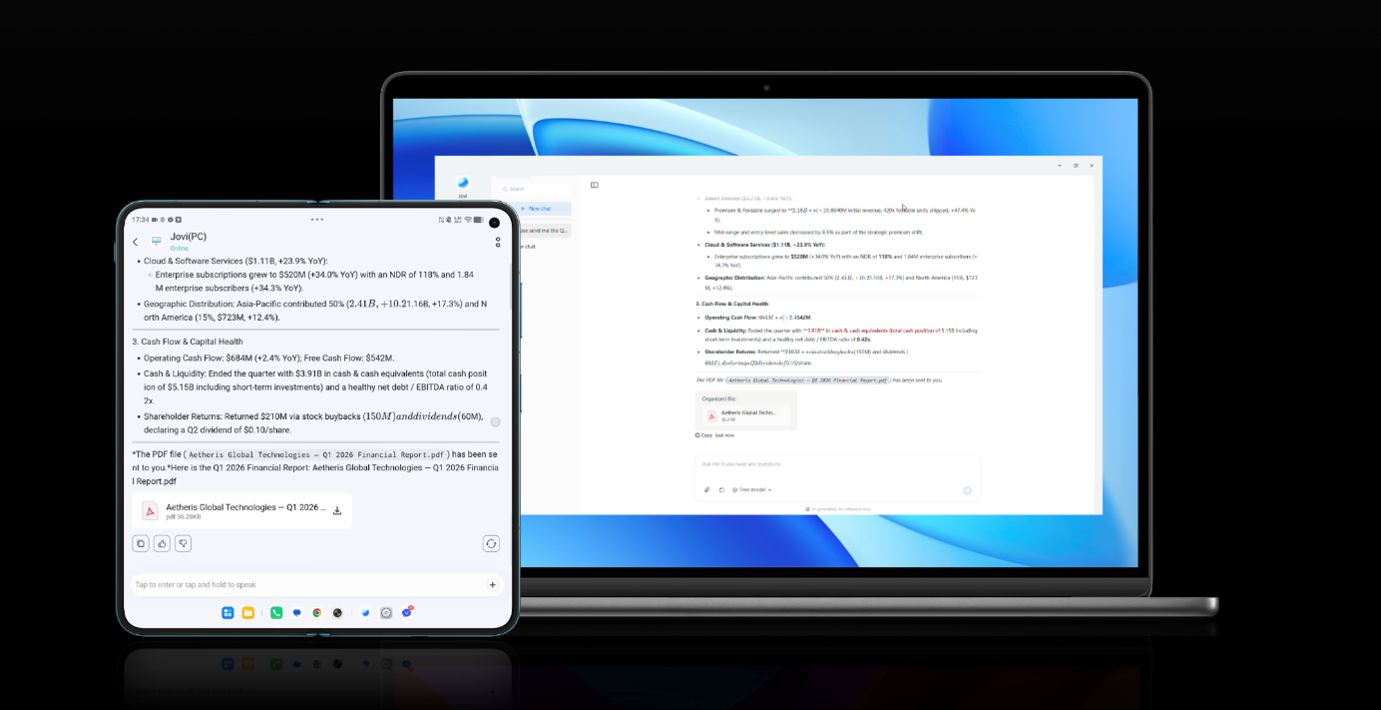
This was where the experiment started to look viable. With the phone driving a larger display, long-form email and document editing stopped feeling like a compromise. For hot desks, meeting rooms or a hotel room with a TV, the laptop is no longer the only route to a full workspace.
Office Kit fills in the gaps around Desktop Mode. It handles cross-device notes, task handoff, file transfer and cross-system file access, so work moves between the X Fold6 and other devices without the email-it-to-yourself workaround. It also includes Camera Sharing, which lets a PC use the linked phone’s camera as its video source for calls, photography and live streaming. That’s genuinely useful on a webcam-less desktop, or for showing a product demo or handwritten whiteboard notes mid-meeting.
Staying on top of a call-heavy schedule
Calls and meetings take up a big share of my workday, and the requirement here is twofold: capture what gets said, and don’t lose track of what comes in while I’m tied up. AI Recorder handles the first, converting recordings into searchable transcripts and summaries, so I could stay engaged in the discussion rather than transcribing it, then pull the key points later.
Smart Call Assistant handles the second. It answers on your behalf when you’re unavailable, with Call Screener and Call Summary helping you triage and respond quickly. Stepping out of a meeting, I knew exactly which calls needed an immediate response and which could wait.
Jovi’s reach extends across devices too. On phone or PC, it can locate information, read files and extract the key points, so AI assistance persists as you move between screens. Connectivity is usually the weak link in mobile working. vivo’s 1+4 communication chipset pairs a Z100 universal signal amplifier chip with four Wi-Fi enhancement chips, which vivo says delivers a 17 per cent uplift in average cellular performance and steadier Wi-Fi in weak-signal areas. I could feel its impact too. Whether I was in basement or in areas where I usually start experiencing network issues, the phone didn’t present a single hiccup. Audio matters on a call-heavy day as well, and the X Fold6 covers it with a 4-mic array and dual stereo speakers with Dolby Atmos.
Creating content without a second device
Content production is part of my remit, and this time the requirement was a set of photos for a story. Normally that means switching from the laptop to a dedicated camera or a second phone. Here, one device covered both.
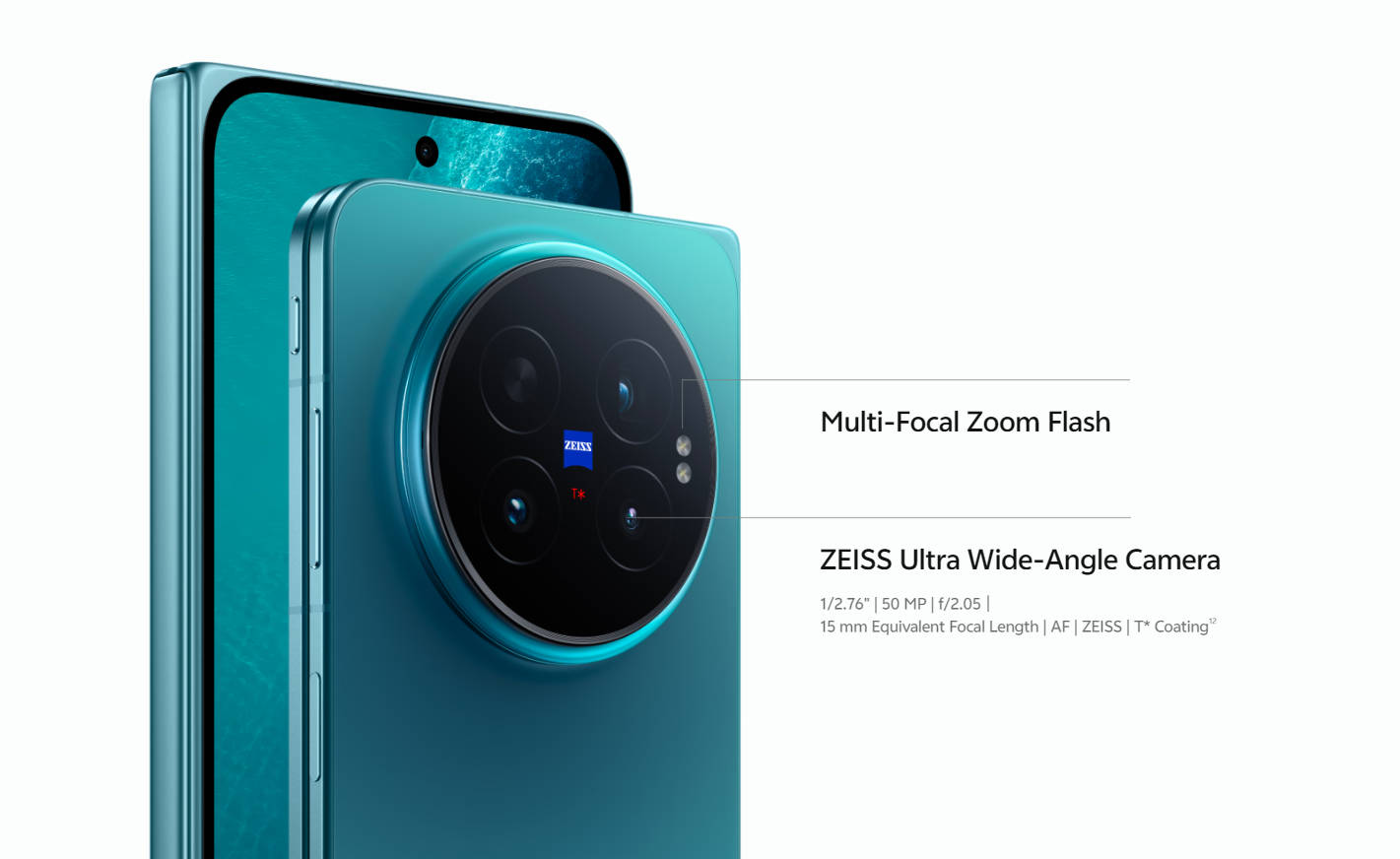
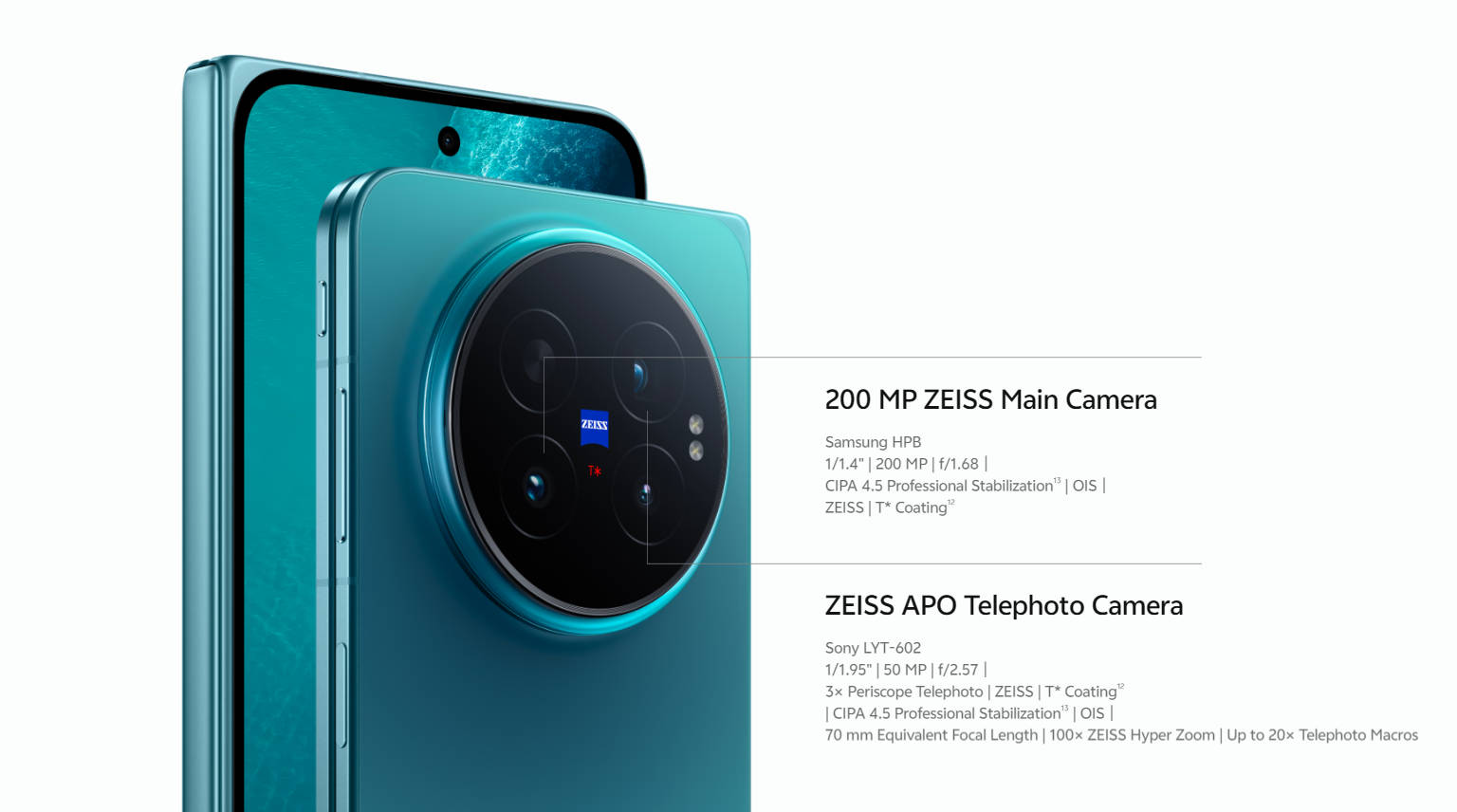
The imaging stack is built with ZEISS. The 200MP ZEISS main camera uses a large 1/1.4-inch sensor behind an f/1.68 aperture, with OIS. It’s flanked by a 50MP ZEISS APO telephoto, pairing a Sony LYT-602 sensor with a 3x periscope lens at a 70mm-equivalent focal length, and a 50MP ZEISS ultrawide at 15mm with autofocus. The telephoto extends to 100x ZEISS Hyper Zoom and handles telephoto macro at up to 20x, while both the main and telephoto modules are rated for CIPA 4.5 stabilisation for steadier handheld shooting.
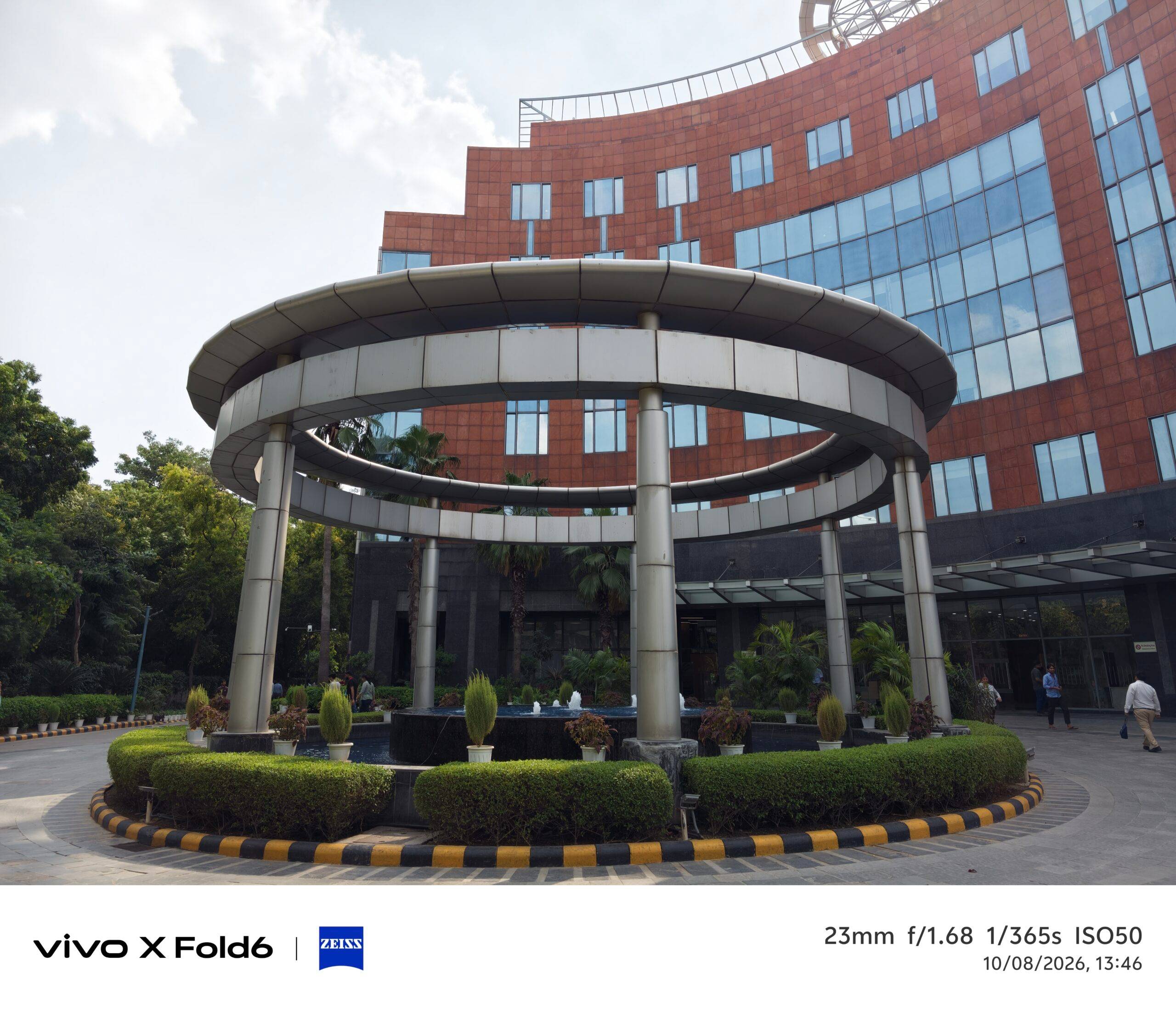
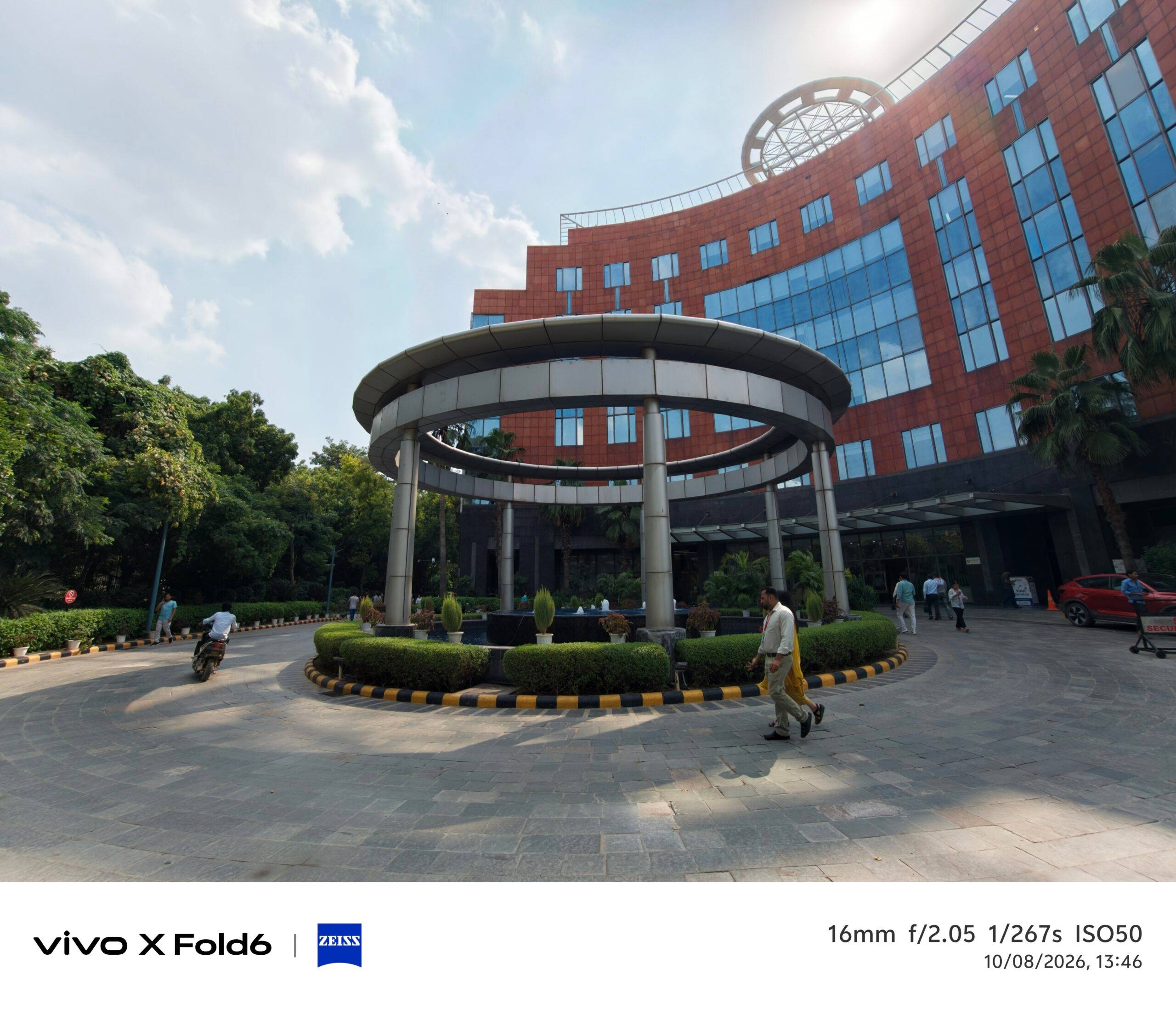
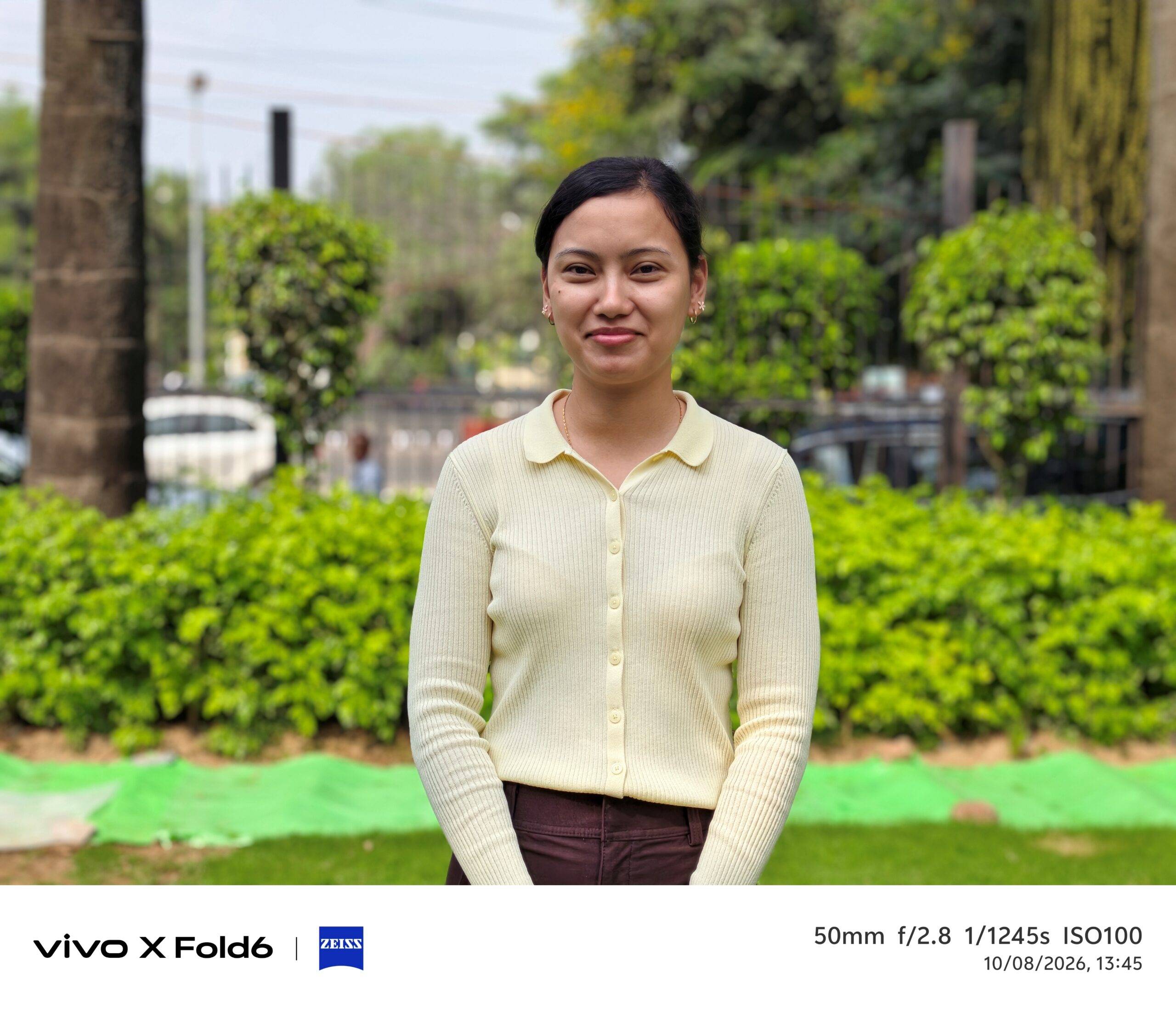
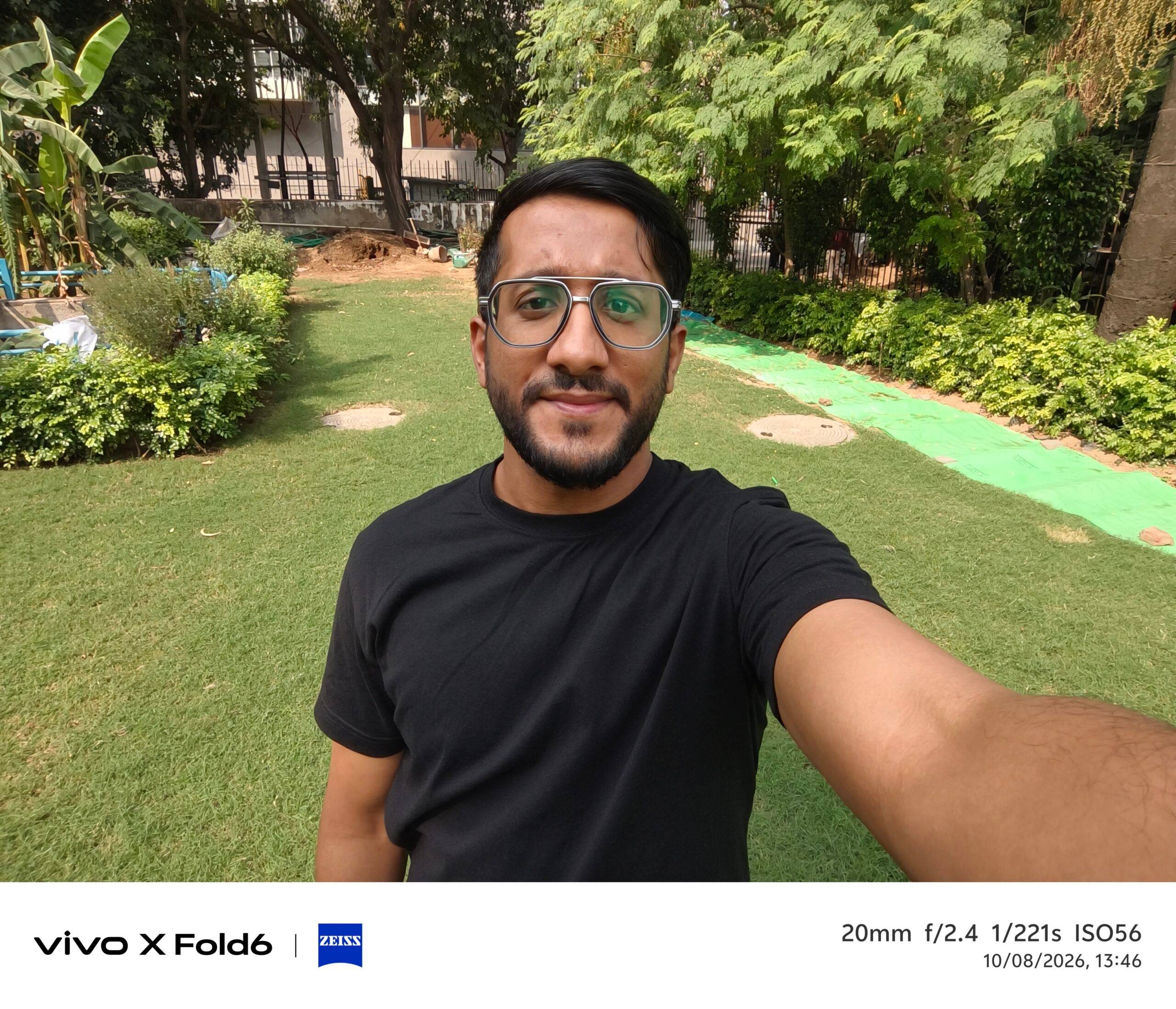
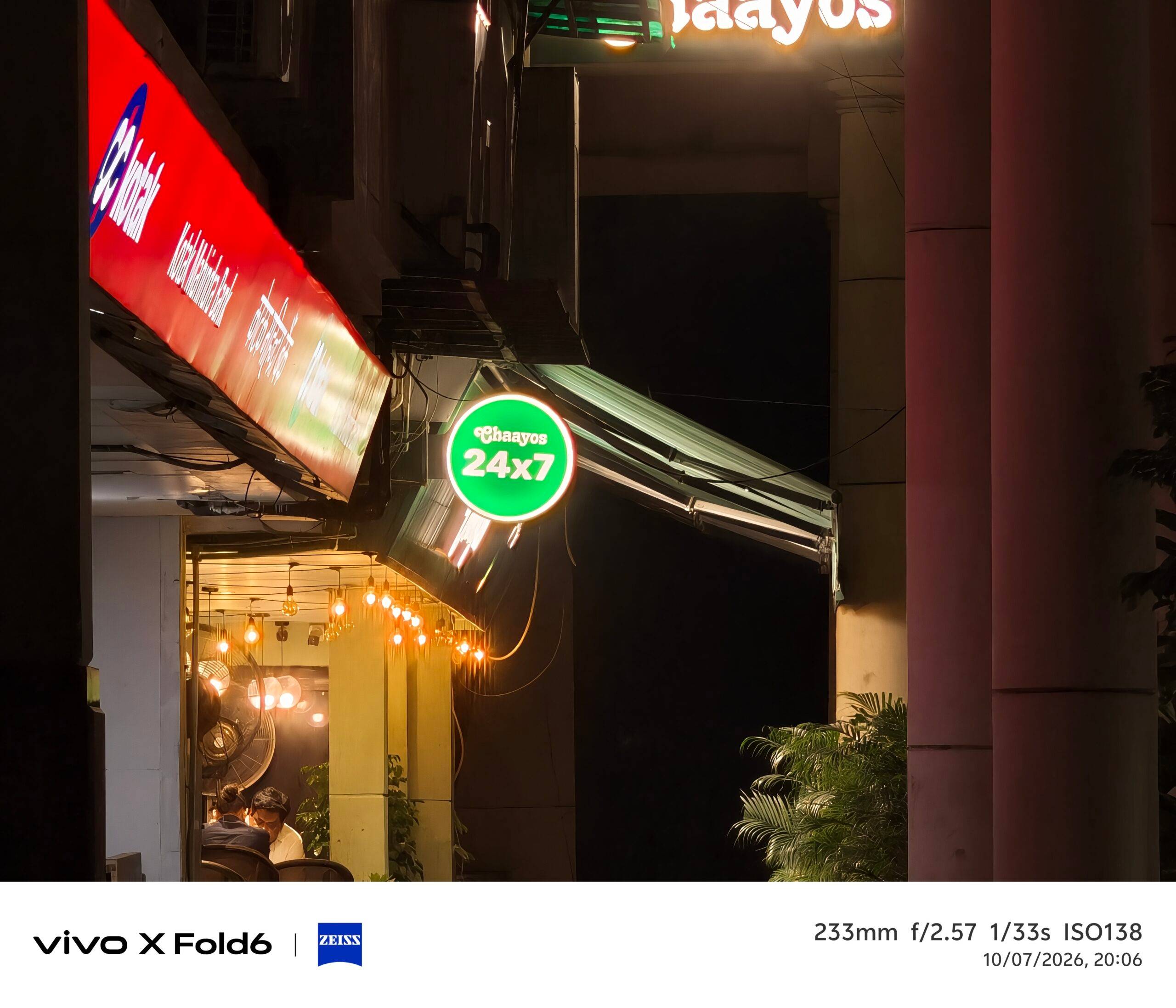
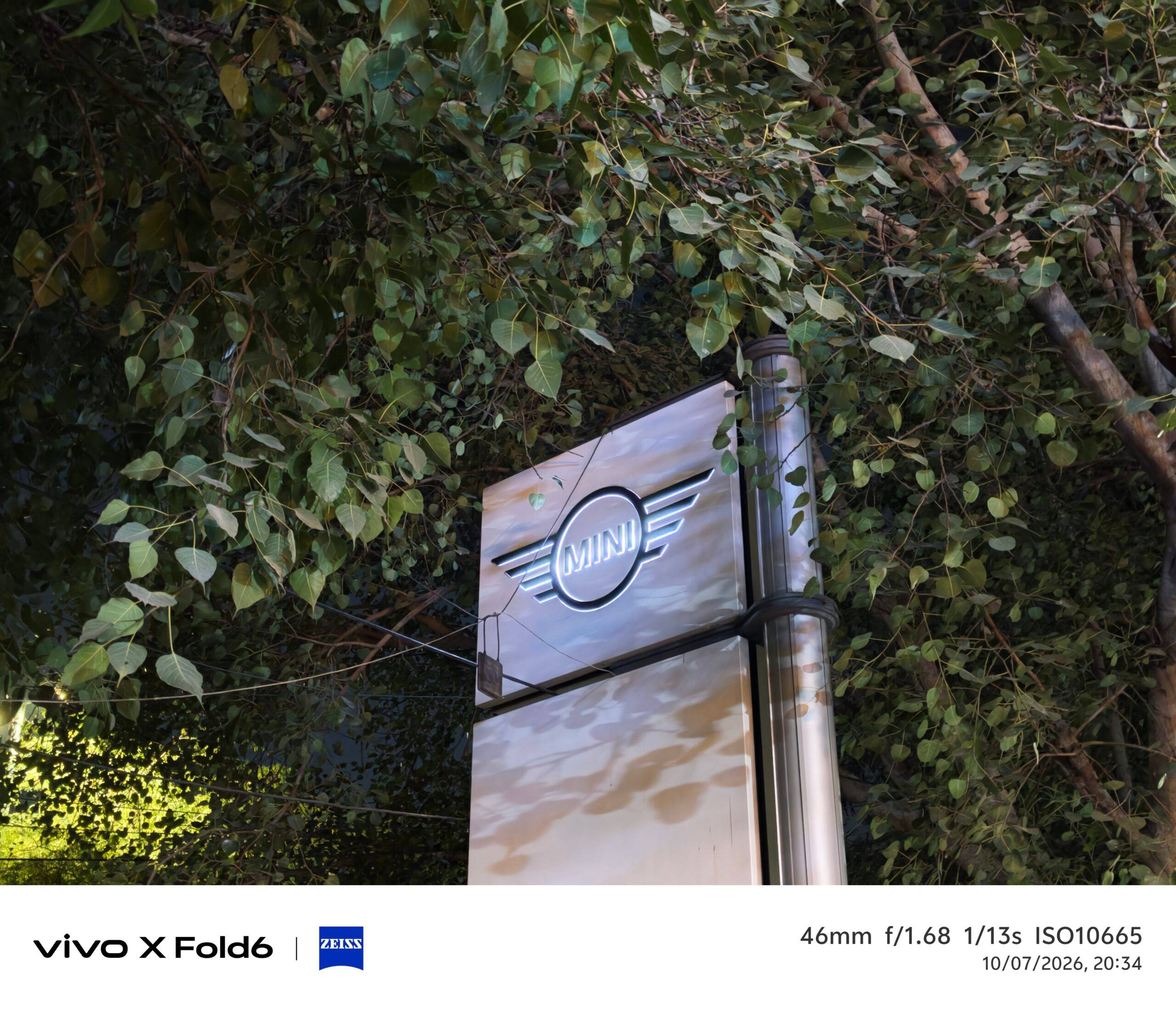

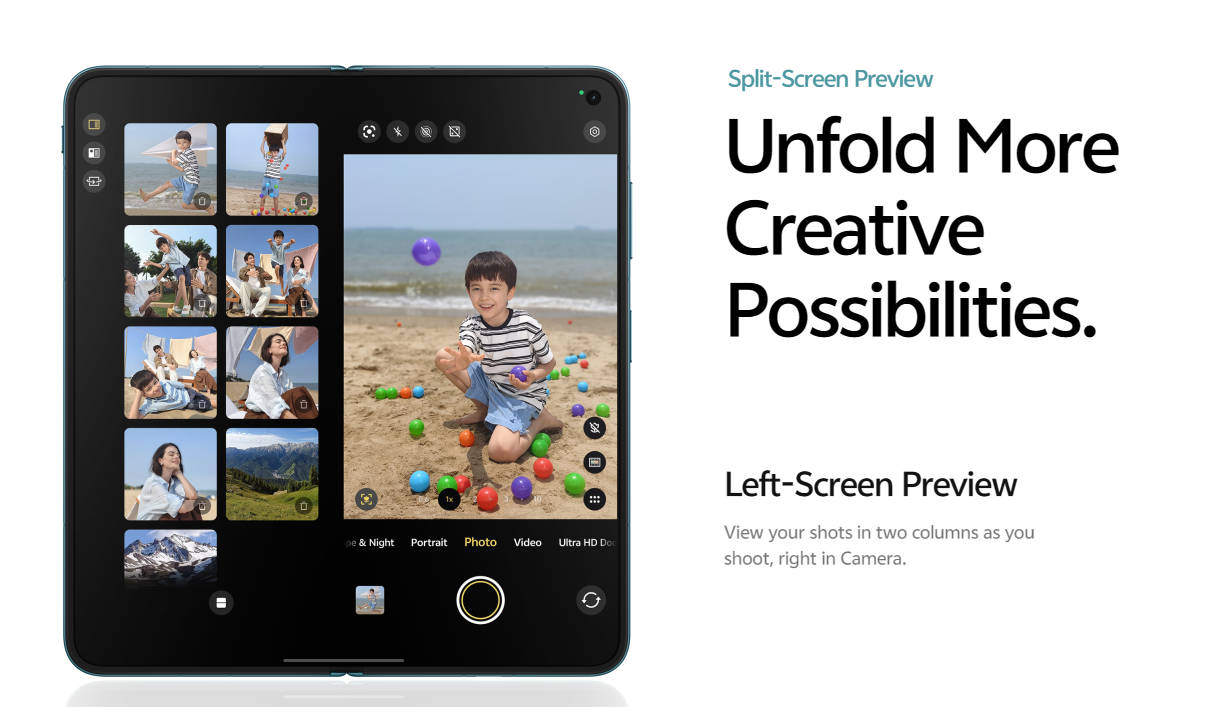
The foldable form factor earns its place here too. Left-Screen Preview shows freshly captured shots in a two-column layout on the left half of the display while you keep shooting. As far as video is concerned, the phone records 4K 60fps video in Dolby Vision, and the cover screen can even play animations to hold the attention of children and pets mid-shoot.
The dual 20MP front cameras proved handy on video calls, and AI Reflection Erase, part of AI Retouch in Albums, cleans up shots taken through glass, such as a skyline framed through a window. By the end of the session, I had captured, edited and shared everything I needed without touching another device.
OriginOS 7: The software layer holding it together
Hardware alone doesn’t replace a laptop. What makes the X Fold6 viable as a primary device is OriginOS 7.
Smoothness in OS is what you will notice first. The Origin Smooth Engine brings what vivo calls Fluid Motion system-wide, with soft, elastic animations responding to taps, swipes and drags across more than 200 scenarios, including the lock screen, home screen, Control Centre and pop-ups. Spring Animation runs throughout, so motion scales with gesture velocity: a fast swipe snaps crisply, a slow one settles gently. Origin Animation 2.0 and a new Translucent Material design, with real-time blur and richer textures, give the UI a polished, premium finish. Across a day of constant app-switching, that consistency made the phone feel like a dependable tool rather than one I was fighting.
The phone offers AI features that I relied on all day, from Snap & Go in Origin Island to Jovi, Smart Call Assistant, AI Recorder, and Snap Note. One of the best aspects of OriginOS 7 is that it helps you connect seamlessly with Apple devices too. OriginOS 7 supports cross-device connectivity with MacBook, iPad, AirPods and Apple Watch, along with vivo-to-iPhone sharing, AirDrop support via Quick Share, and Shake & Share. For anyone working across both ecosystems, that removes one of the biggest reasons to keep a laptop in the bag.
Security is baked into the stack. Security Shield runs in the background to block malicious apps, scam calls, phishing links and unsafe networks. Thanks to Jovi Security, whenever Jovi executes a task, every key action is surfaced transparently, sensitive actions require explicit confirmation from user’s side, and high-risk operations trigger an alert. This means that the OS itself adds a security layer in your most vulnerable moments.
There’s room for personality too: Motion Themes make wallpapers react to movement, StickIt turns photos into stickers, and Pet Pals adds a virtual pet that reacts to you through the day.
Lasting the full workday on a single charge
Underpinning every other requirement was the most basic one: the phone had to last the entire workday. Battery life is where most laptop-free experiments collapse, so I tracked it closely. The X Fold6 packs a 6,900mAh cell, which vivo says is India’s biggest battery in the foldable category.* It combines vivo’s 5th-generation silicon anode technology with a 3rd-generation semi-solid-state battery, which vivo says improves low-temperature performance. In vivo’s lab tests, the phone is rated as usable at -20°C. This means that you can take the phone with you and travel to some of the most harsh environments and record your journey without caring about its durability.
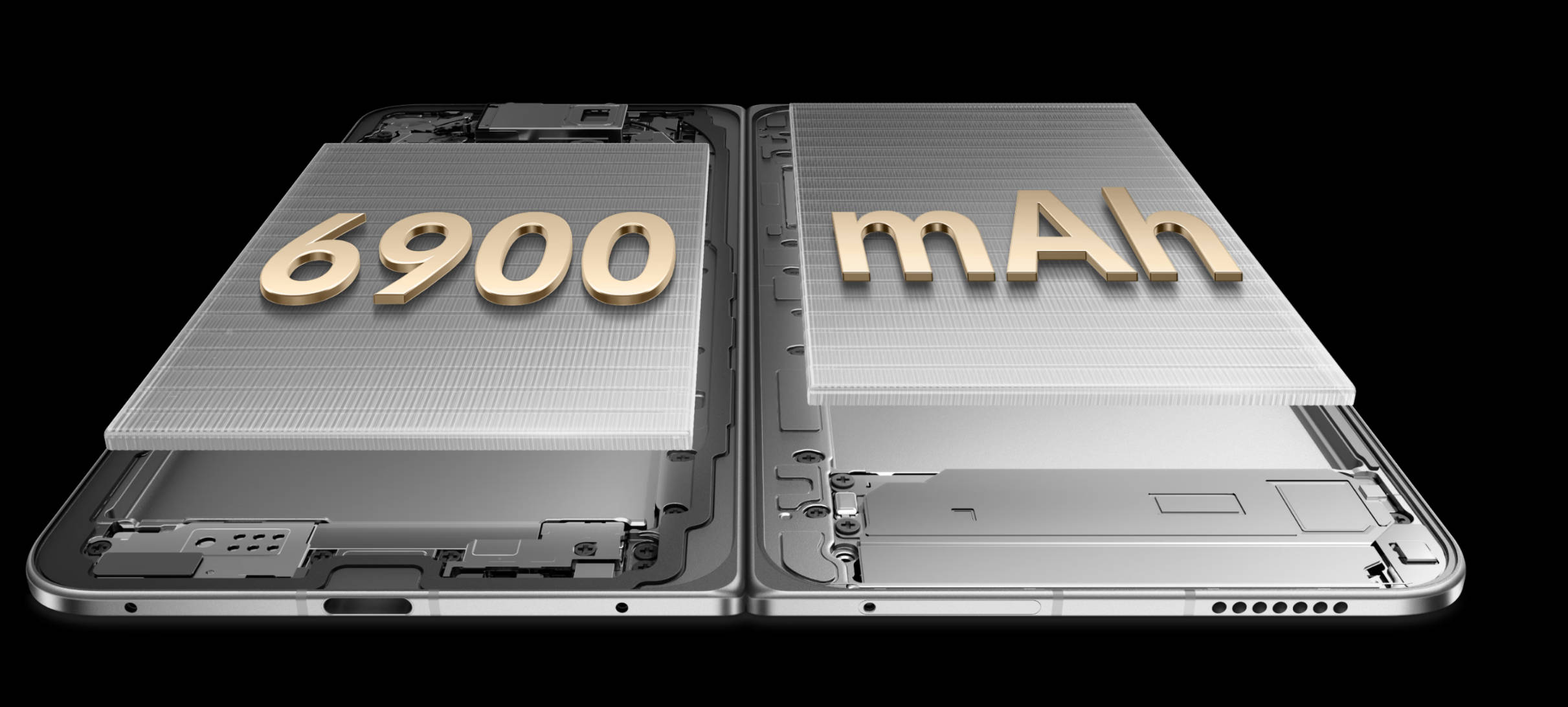
My day spanned Desktop Mode, hours of multitasking on the main display, calls, meetings, recordings and a photo session, and the X Fold6 went the distance without needing a top-up. When you do need to charge, it supports 80W FlashCharge, and 40W Wireless FlashCharge. Predictive Charging Time shows the estimated time to 80 per cent on the lock screen, and Low-Power Hotspot, developed with MediaTek, cuts power draw when tethering another device.
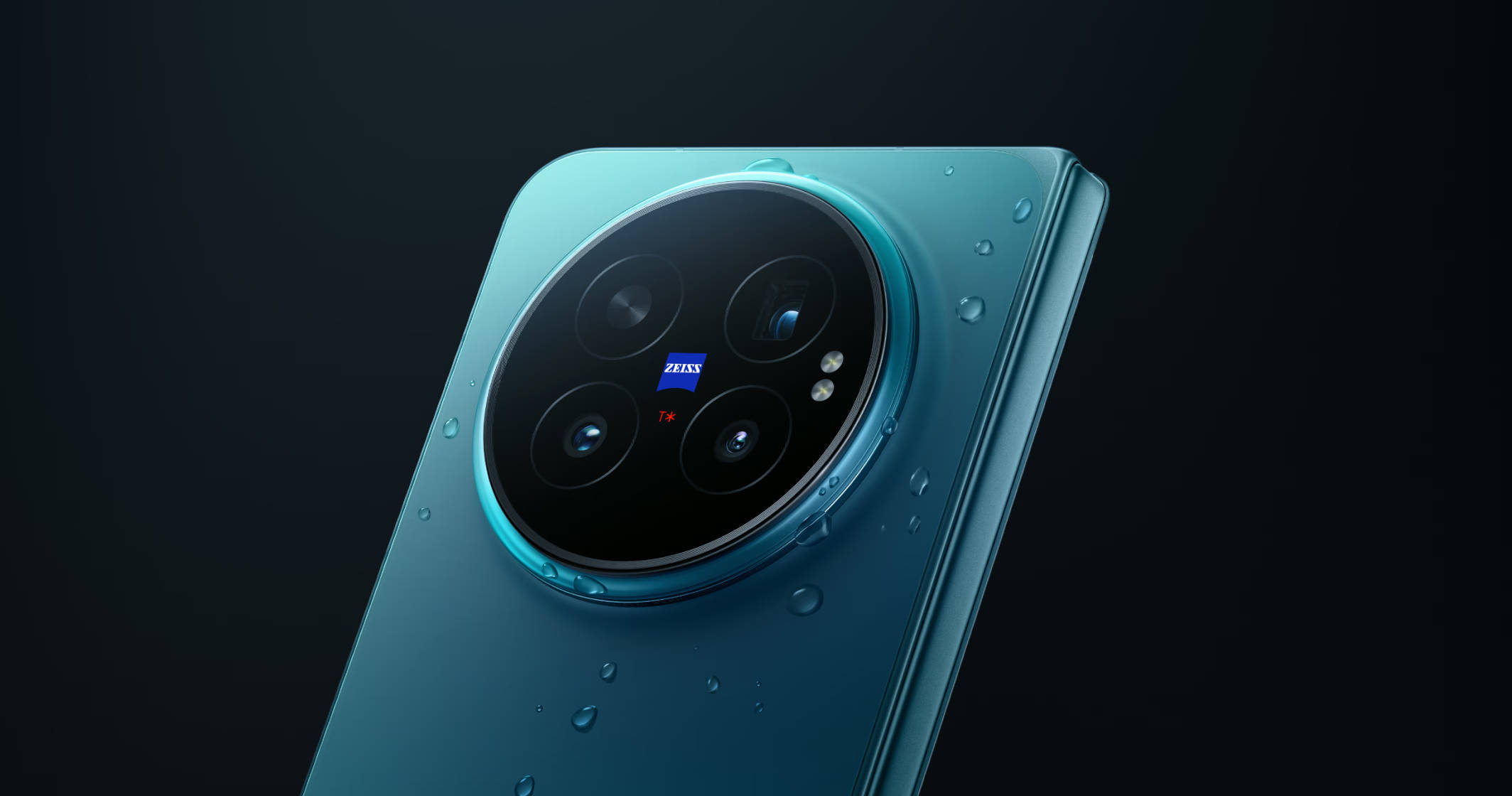
The displays adapt to the environment too. Both panels dim down to 1 nit for document work in dark rooms, and hit up to 5,000 nits of local peak brightness outdoors. The build is equally reassuring: 9.40mm folded, 4.40mm unfolded and 228g, with IPX8 and IPX9 water resistance and IP5X dust resistance.
Verdict: How much of my workday actually needed a laptop?
Going in, I expected to concede defeat early. Instead, the X Fold6 met almost every requirement my workday threw at it. Desktop Mode delivered a proper workspace whenever there was a display to connect to, and the 8.02-inch main screen with Origin Workbench filled that role when there wasn’t. Snap & Go, Smart Call Assistant, AI Recorder and AI Cross-App Drag automated the micro-tasks that usually clutter the gaps between real work, and the battery lasted from the first email to the last call.
There will always be workloads that belong on a laptop, such as specialised desktop software or marathon sessions in very large spreadsheets. But for the email, documents, meetings, calls and content that make up the bulk of a modern professional’s day, the vivo X Fold6 makes a convincing case that the laptop no longer needs to come along by default. After a full day without mine, I’m not sure it needs to come along at all.
The vivo X Fold6 prebooking starts at Rs 2,19,999 for the 12GB + 512GB variant, and the phone will be available across the vivo India e-store, Flipkart, Amazon and all partner retail stores. You can learn about the launch offers here.
This is a promotional post done as part of a brand collaboration.