BenQ recently launched the RD270Q — a 27-inch monitor built for programming and boasting Nano Matte display tech, coding-specific modes, and eye-comfort features. I sat down with Rajeev Singh, Managing Director, BenQ India and South Asia, to talk about what went into building a monitor specifically for developers, how BenQ’s display lineup is getting increasingly specialised by use case, and where AI fits into the company’s roadmap for both monitors and projectors.
Table of Contents
On what led BenQ to build a monitor specifically for programmers:
We gathered feedback about the pain points from programmers — and I’m not talking about a niche, high-end user here; I’m talking about the general-purpose programmer, across different programming backgrounds. We did this research in Bangalore and other cities in India. Our global consumer research team made multiple visits to India and did a lot of interactions, and the monitor is meant to tackle exactly those pain points.
This monitor, I feel, should be part of the essential kit for programmers — every programmer should have it. We already have models for senior programmers and team leads — those cater to a very specific kind of programming. This one is for every programmer.
On how the display market is moving toward increasingly specialised, use-case-specific monitors:
The market is moving away from the general-purpose monitor that tries to do everything. Consumers are moving away from those because now they know exactly what they want to use a monitor for. A gamer isn’t just a gamer anymore — even within gaming, it comes down to genre. If you’re a first-person shooter player, you might need something very specific.
We’ve gone to the extent of launching a monitor relevant to only about 23 competitive first-person shooter titles — a high-refresh-rate monitor built specifically for FPS titles that support QHD resolution, of which there are only around 23. So it’s not just about gaming versus coding anymore — it goes down to the type of game you’re playing.
That said, for coding, I don’t think it comes down to the programming language — it comes down to your workflow. Whether you’re at entry level, in software testing, or more senior, you need different things from your devices and your monitor.
On what’s actually built into the RD270Q for programmers specifically:
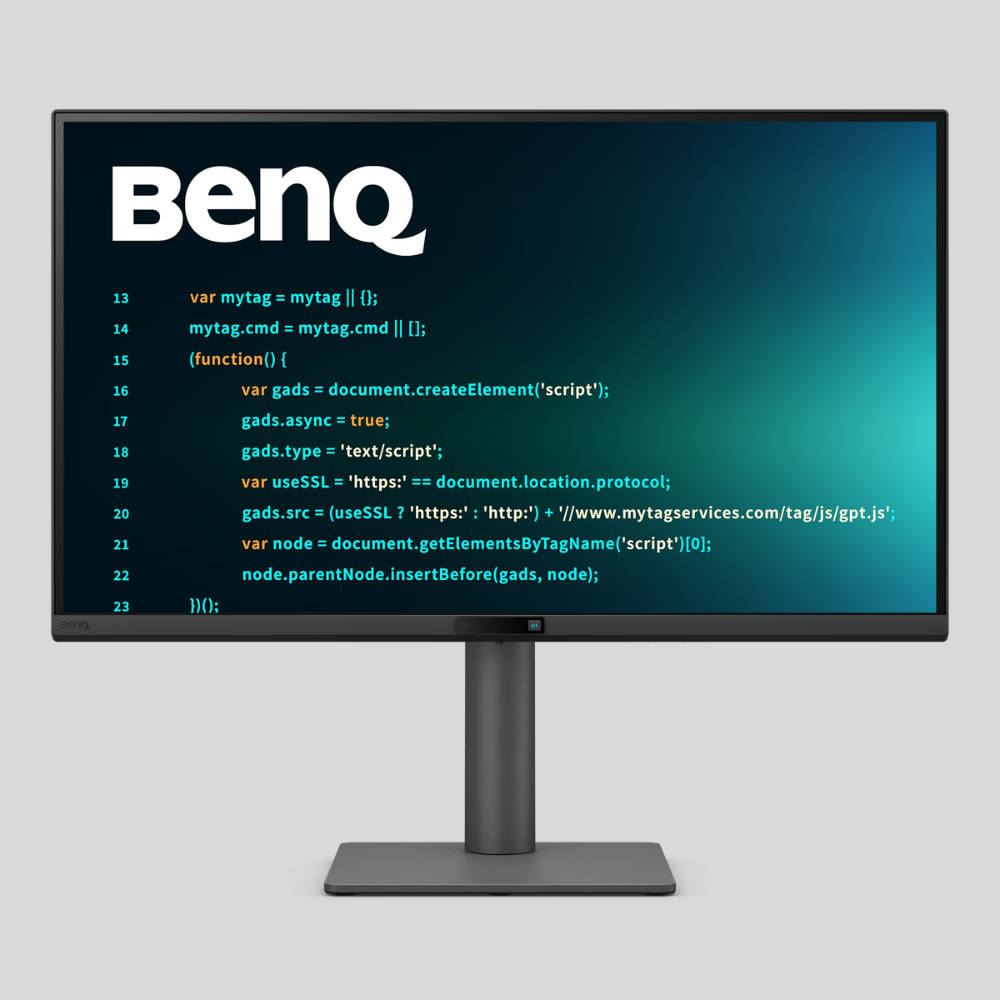
So many of the features in this monitor come directly from the pain points we heard from programmers. This monitor is designed mainly for individual use — for programmers working from home. We’ve seen that a majority of programmers, after coming back from the office and having dinner, get right back into programming — a side hustle, a parallel project, or their own thing. A large part of the programming community effectively works from home in the evenings as well as during the day.
For that kind of usage, many monitors use anti-glare coatings, but that only takes you so far — it’s a coating, and it’s limited in what it can do. What we’ve used instead is Nano Matte technology, which isn’t just a coating — it’s built into multiple layers of the panel itself, so light gets dispersed across the screen, and you don’t get glare, even compared to a glossy screen.
We know Apple users are used to glossy displays on their laptops, so we do offer a glossy Nano finish as well for that kind of customer. But on the RD270Q specifically, we’ve gone with Nano Matte, which brings reflection down to the barest minimum and can even give you an ePaper-like reading mode — smooth enough for extended reading, coding, or whatever you’re doing on it.
Beyond that, we’re giving programmers several customisable modes — you can set up your preferred configuration, save it, and switch between settings instantly using a hotkey. We’ve also built in automatic light sensing — most of our monitors already dim automatically as ambient light drops in the evening. On this one, we’ve taken it a step further: not just brightness, but colour temperature adjusts automatically too. During the day, the display leans toward a cooler tone, closer to daylight, and as it gets darker, it shifts to a warmer tone automatically, based on continuous ambient-light sensing.
On where AI fits into BenQ’s approach to display technology, across monitors and projectors:
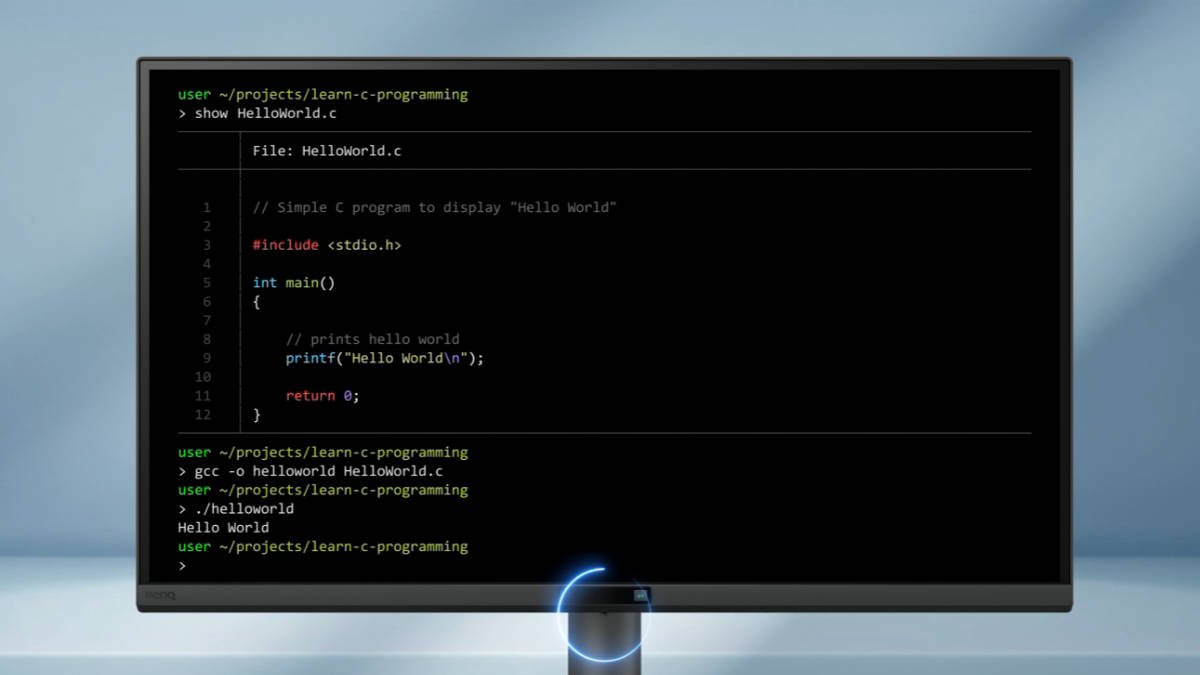
All these settings I’ve been describing — the automatic brightness and colour-temperature adjustments — are intelligent settings. We’re continuously measuring the ambient light and adjusting accordingly, so this isn’t the standard way of doing things.
We’re extending this into our projectors too. For our home cinema projectors, colour accuracy and ambient light conditions matter a great deal, but traditionally, a projector has no way of sensing how the image is actually landing on the screen — it doesn’t know how it’s coming out from the viewer’s perspective. So we’ve now implemented an AI camera on the front panel of the projector that continuously evaluates the projected image, frame by frame, at 30 frames per second, and calibrates colour and brightness accordingly. That takes picture performance to a different level, because the projector can now actually see what it’s projecting and adjust in real time.
On what’s coming next for BenQ in India:
We do have some big launches coming towards the end of the year that I’m quite excited about — they’re going to be very relevant in the market. But that’s all I can say for now.