The Pixel Watch 3 may look and feel similar to last year’s Pixel Watch 2, but underneath, the new Google smartwatch has a bunch of thoughtful upgrades to offer. I’ve been using it for over two weeks, and I can confidently say it’s stuck to my wrist for most of that time. Mind you, I am not new to the Android smartwatch game as I’ve used the Samsung Galaxy Watch 5 Pro extensively and loved what it offered, which includes an incredibly long battery and WearOS goodness.
However, the biggest challenge for me with the Galaxy Watch 5 Pro was its lack of integration with Fitbit – my go-to app for health metrics. The Pixel Watch 3 overcomes that hurdle due to Google’s ties with Fitbit.
Apart from that, the new 45mm variant of the Pixel Watch 3, which I’ve been reviewing, offers an expansive viewing area, perfect for tracking health metrics and even WhatsApp notifications right on your wrist. The performance is equally smooth, thanks to the Snapdragon chip onboard. The new Pixel smartwatch is also capable of lasting over a day with maximum settings, which is highly impressive.
Does all this make it the perfect smartwatch for Android users? Let’s find out.
Table of Contents
Design and display
This year, Google is taking a leaf out of Apple’s playbook to offer Pixel Watches in different sizes (41mm and 45mm). The company followed the same approach for the Pixel 9 (review) smartphone series, offering the Pro models in two sizes for the first time.
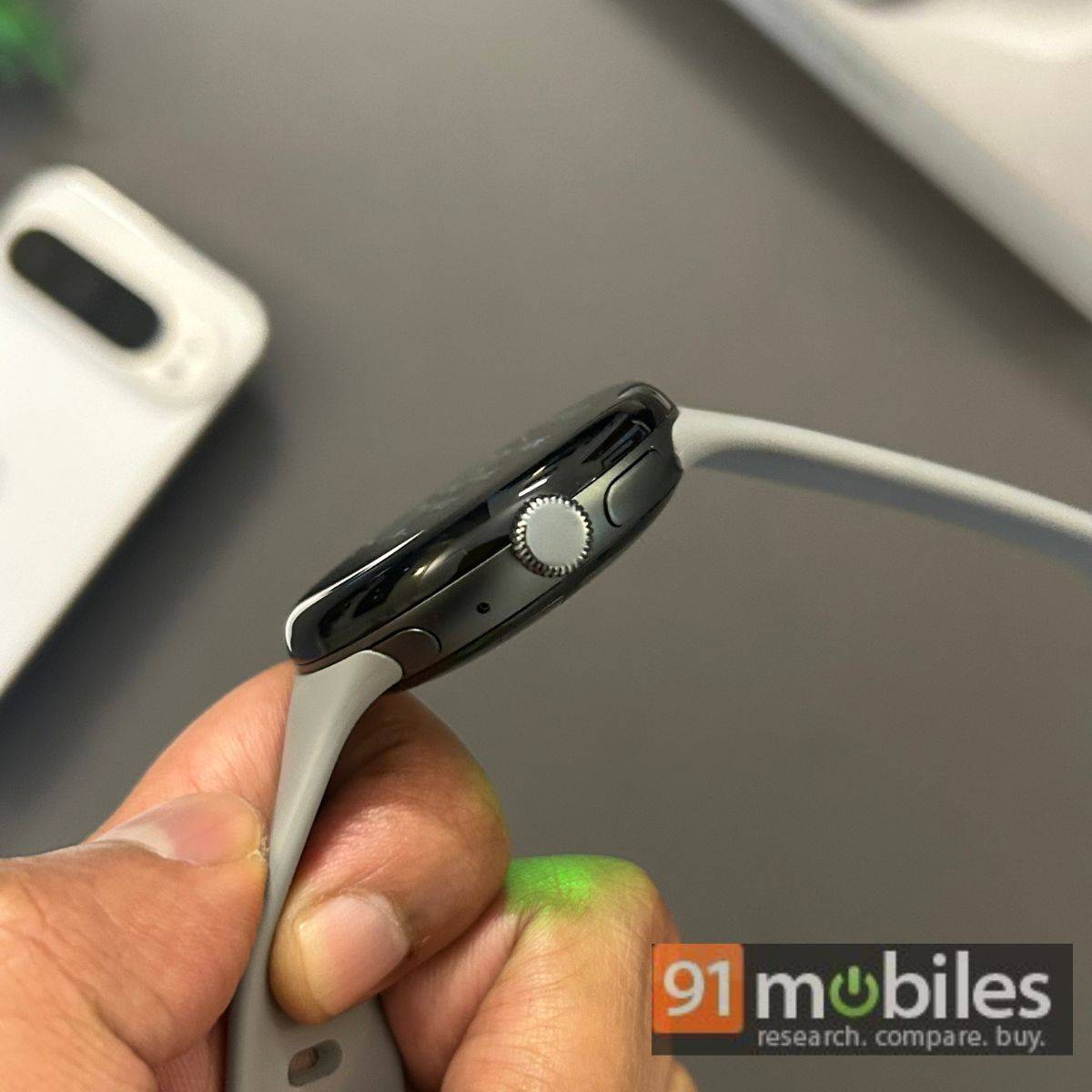
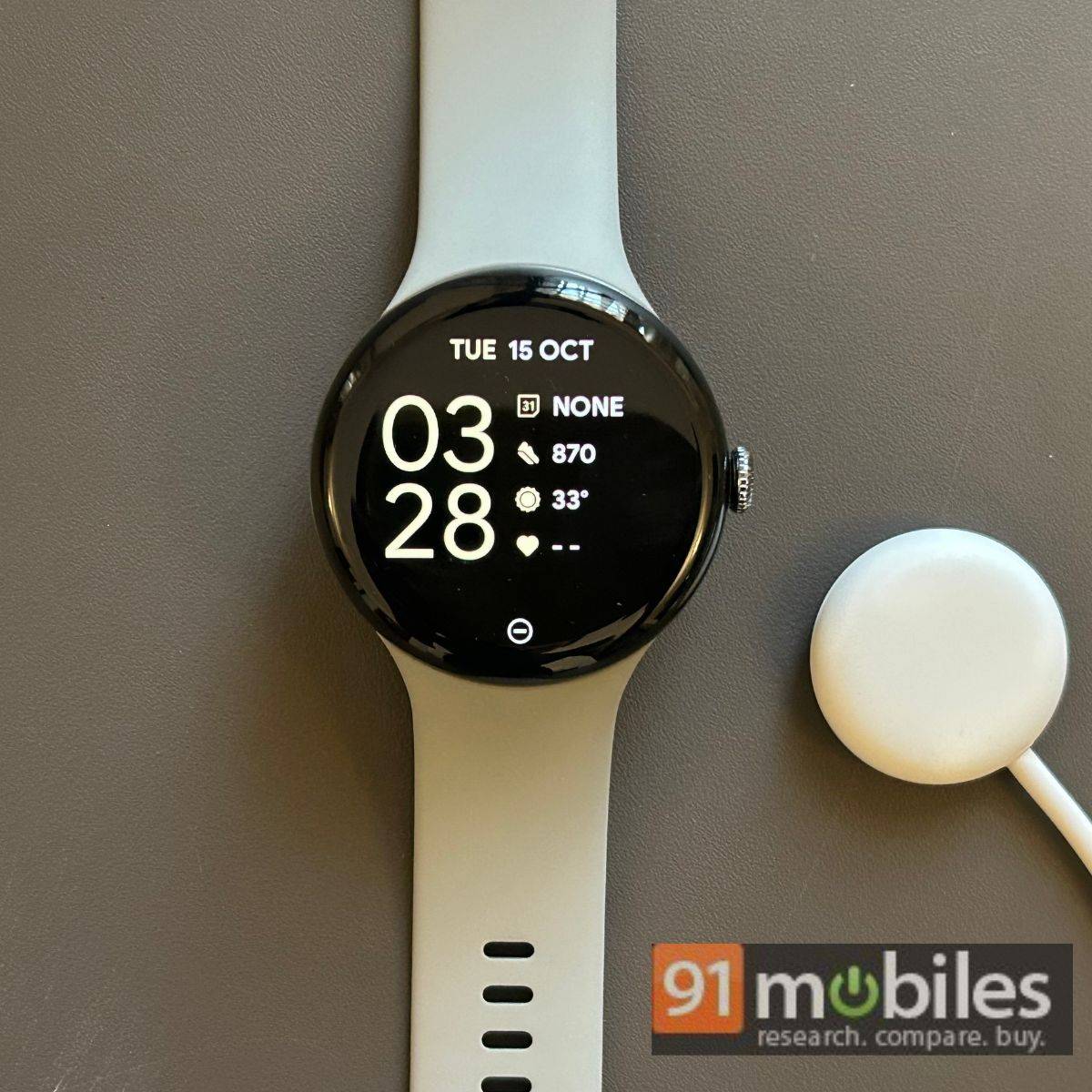
While the 41mm variant of the Pixel Watch 3 may appeal to most users for its compact build and price, I thoroughly enjoyed using the 45mm variant, which offers a spacious viewing area without feeling too overwhelming on your wrist. The round watch dial continues to feature 3D glass with a metal crown and button on the side.
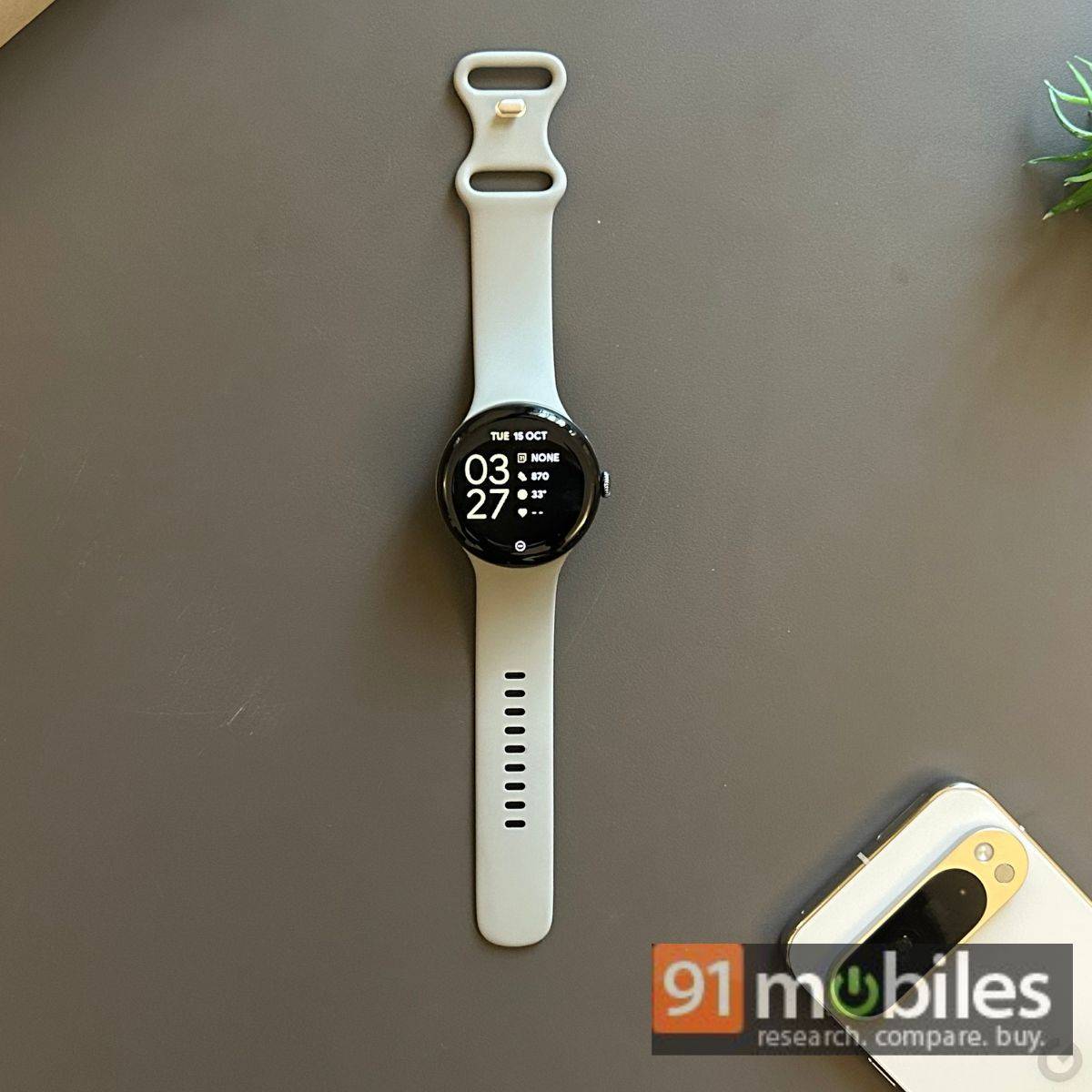
Overall, the Pixel Watch 3 undoubtedly looks premium and will likely be ideal for those who prefer the round classic watch appearance, myself included. However, the Pixel smartwatches feel heavy on the wrist, especially if you’re using the 45mm variant. The 41mm variant maintains the same weight as its predecessor (31 grams). This weight increases by nearly six grams if you opt for the 45mm option.
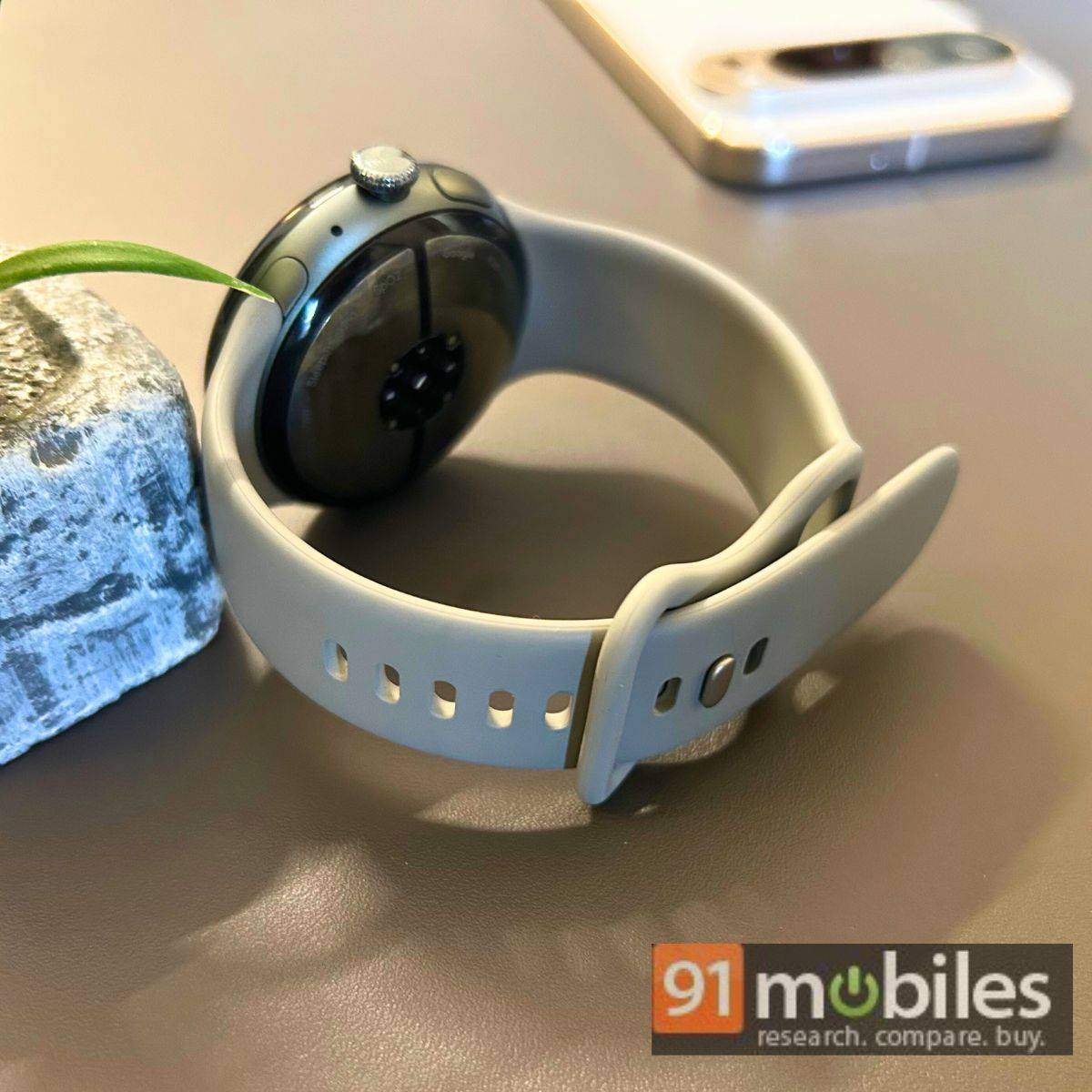
I reviewed the Hazel (blue) variant, which I consider a safe choice for casual or formal outfits. There are other options, including Obsidian (black), Porcelain (white), and Rose Quartz (pink) – matching the colour palette of this year’s Pixel 9 smartphones.
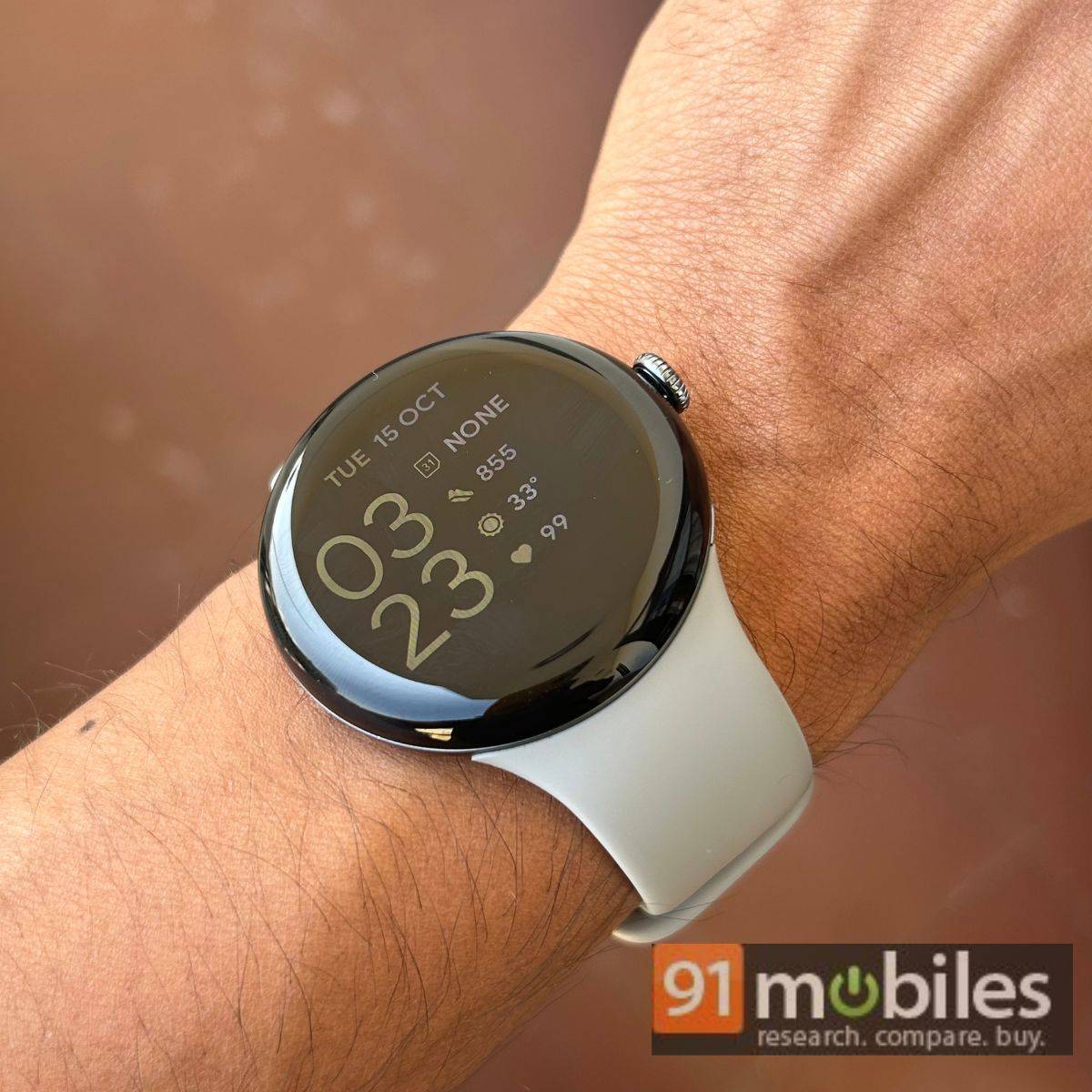
Google could’ve added a newer-gen and tougher Corning glass than the dated Gorilla 5 glass to address this durability concern. At least the watch gets the “gold standard” IP68 certification for protection against dust and water, which wasn’t the case for the new Pixel Buds Pro 2 despite their high price tag.
Performance and health features
Most changes on the Pixel Watch 3 are on the software side rather than the hardware side, apart from spacious displays. This is likely why Google has not significantly increased the price of the new smartwatches.
The base 41mm variant is currently available for Rs 38,999 on Flipkart, which is Rs 1,000 cheaper than last year’s Pixel Watch 2 at launch. The 45mm variant has a slight price increase to Rs 42,999, placing it in the same segment as the Galaxy Watch 6 Classic. Notably, the Galaxy Watch 6 Classic includes LTE for cellular connectivity, while Google has only released the Wi-Fi variants of the Pixel Watch 3 in India, which is unfortunate given the hefty price tag.
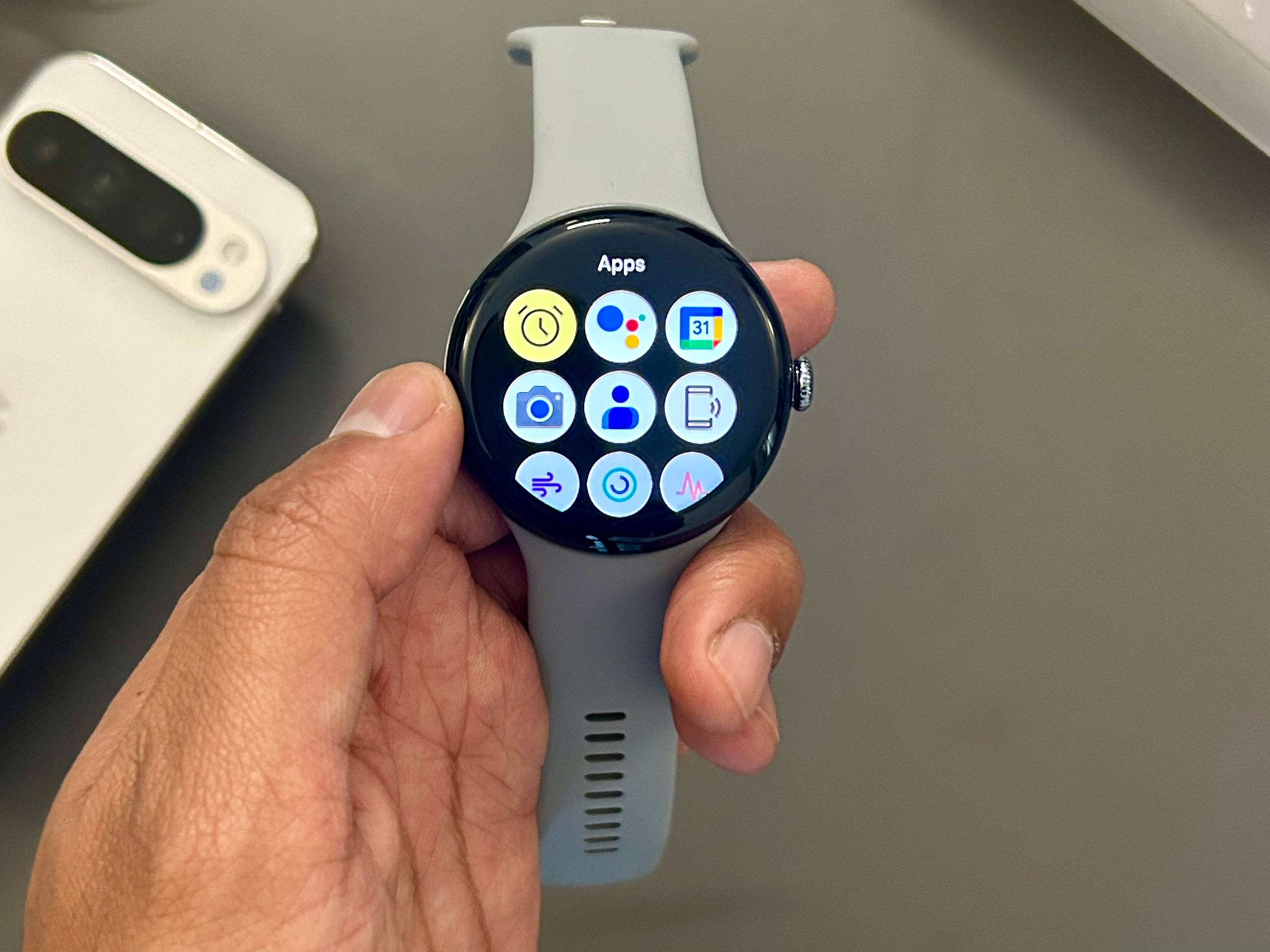
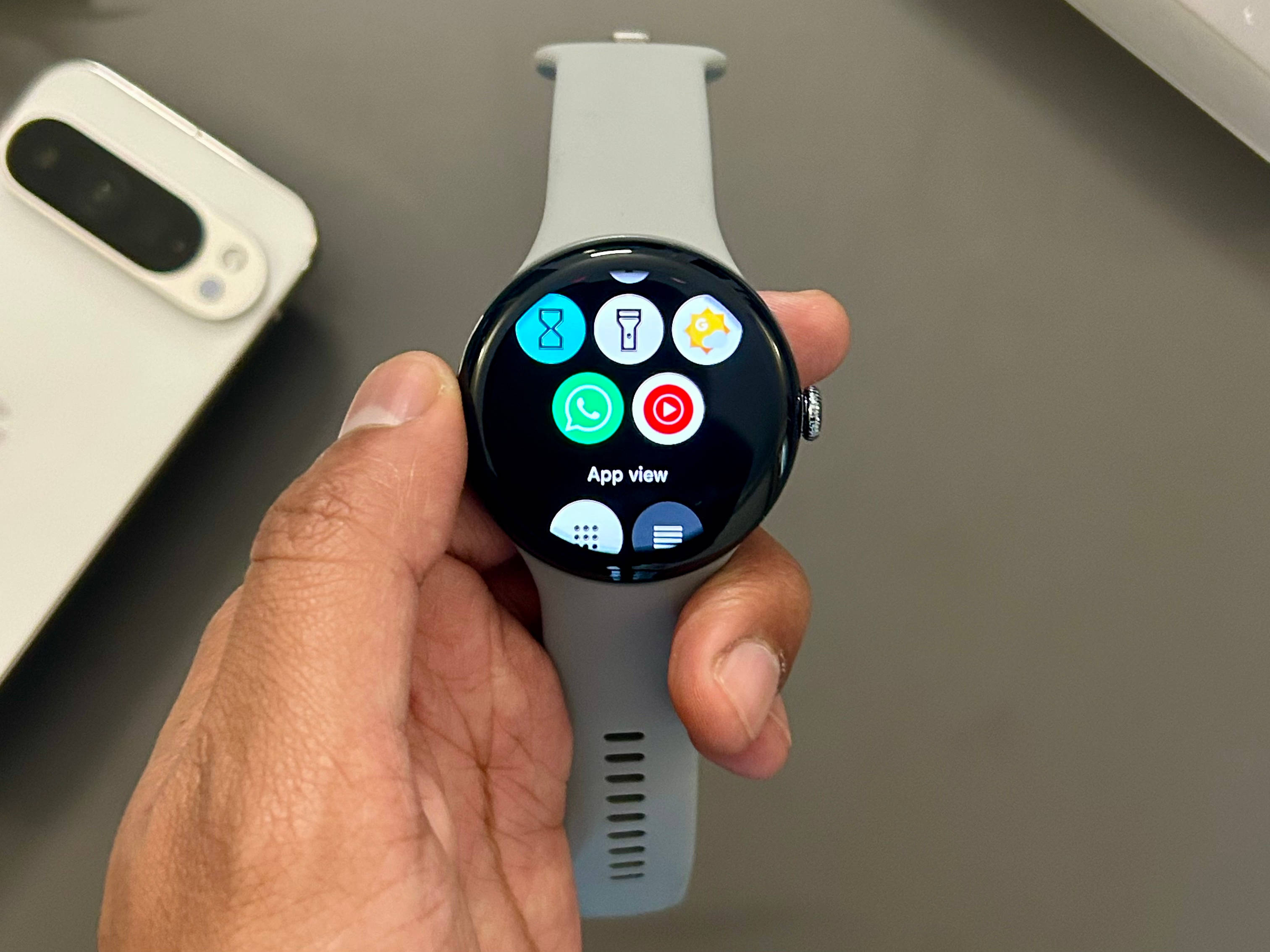
The Pixel Watch 3 ships with WearOS 5.0 and only Google-developed apps for a clean interface. On the other hand, the Play Store allows you to download third-party apps, including WhatsApp and watch-specific games.
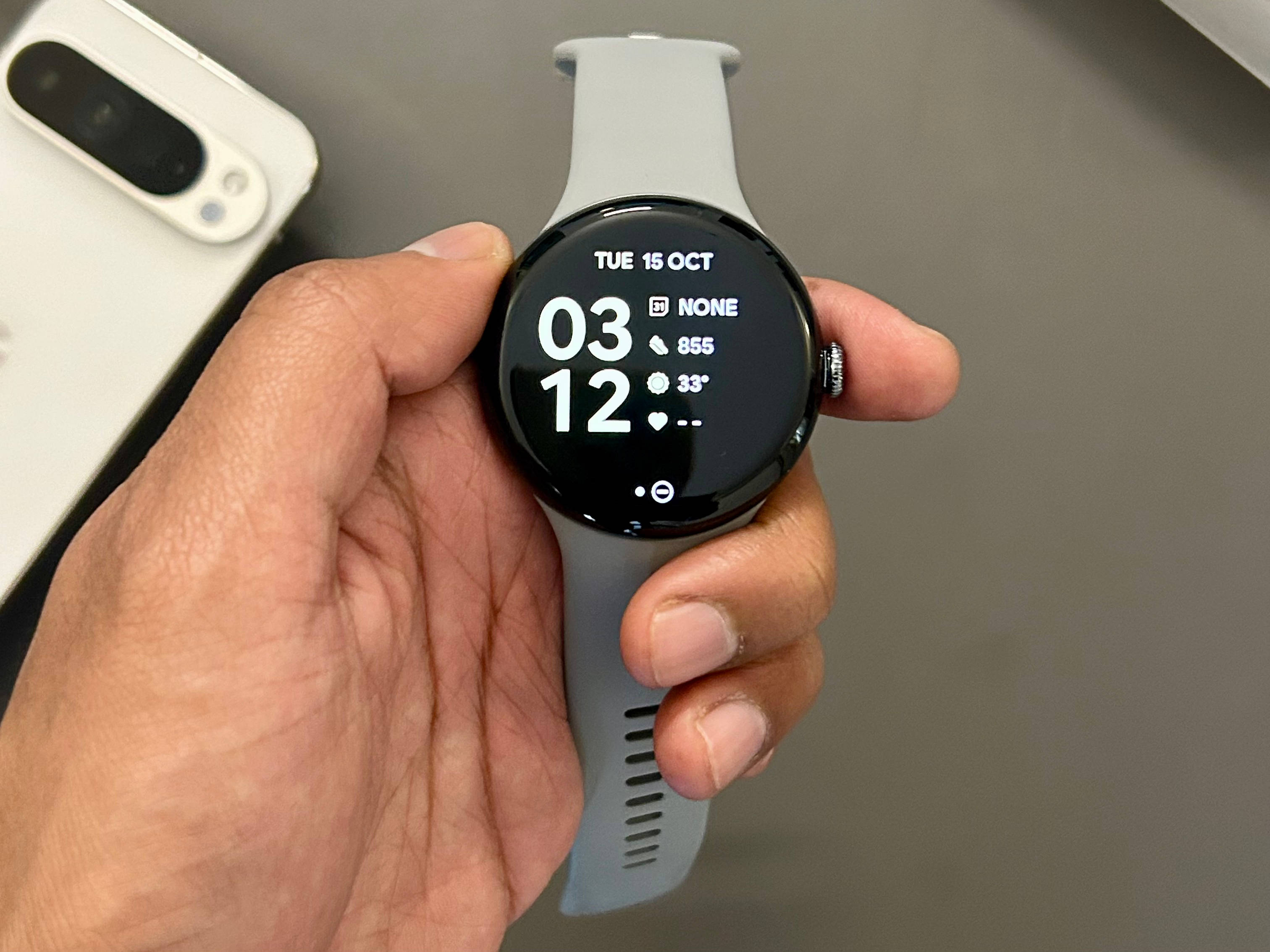
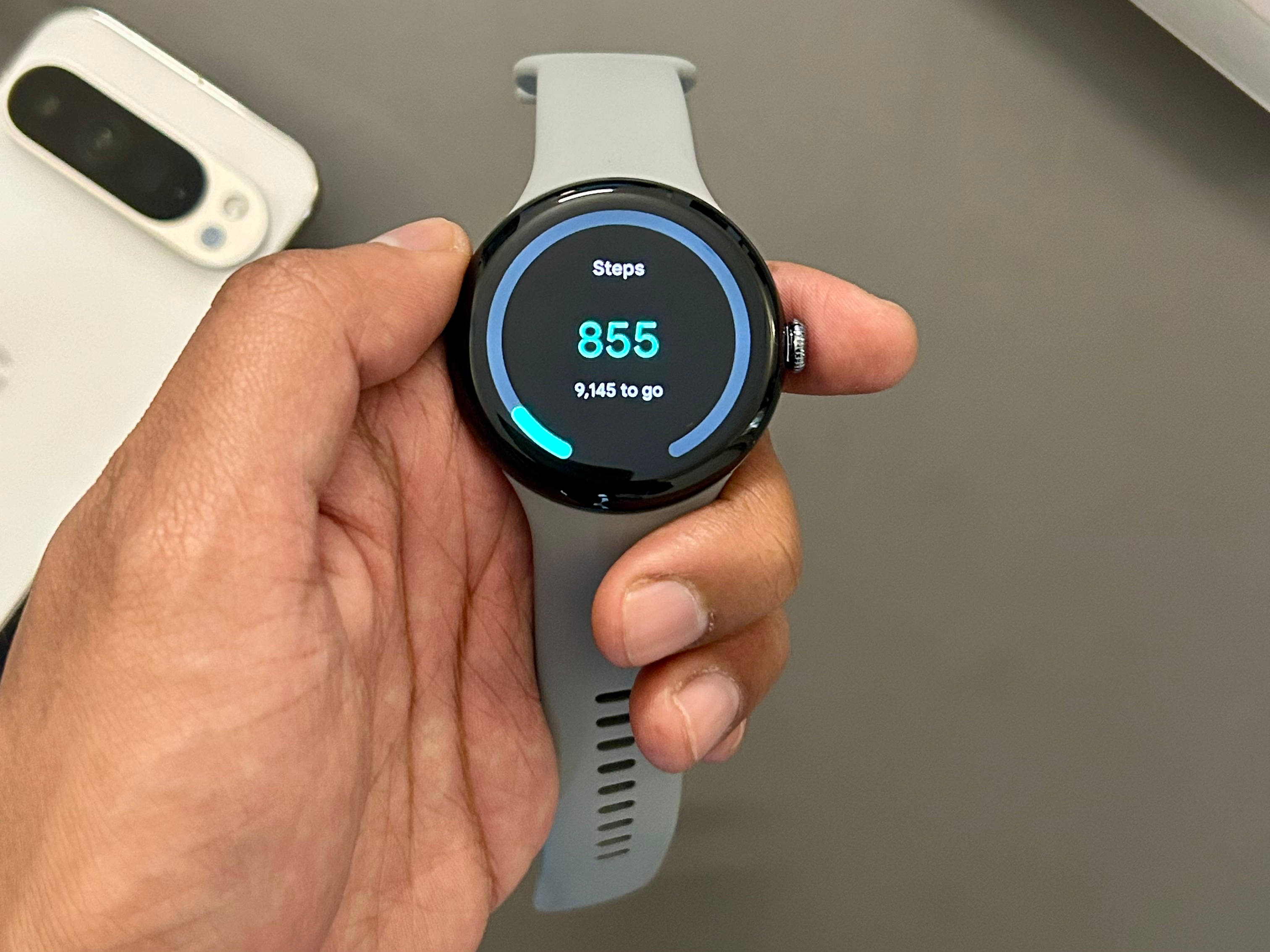
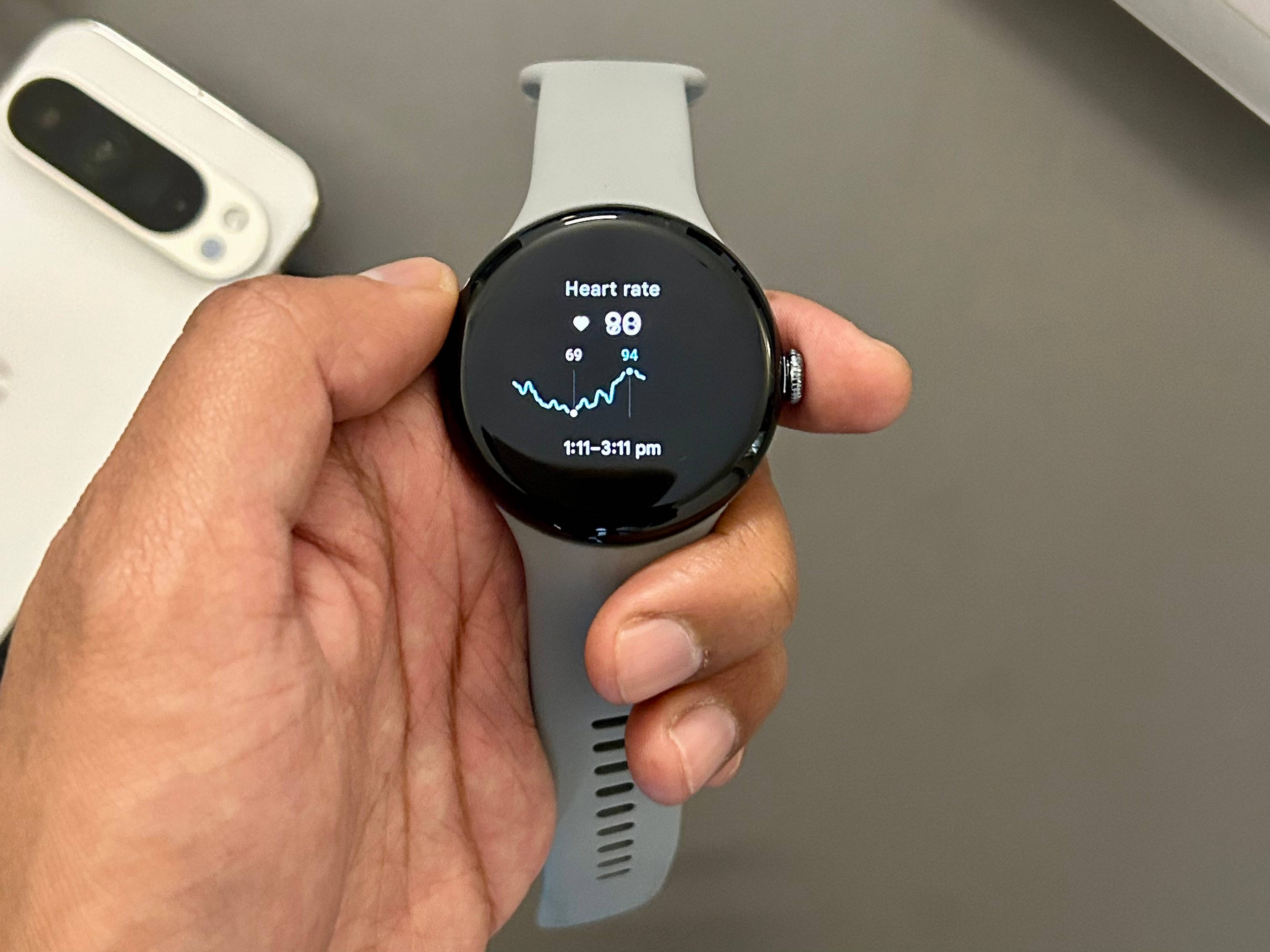
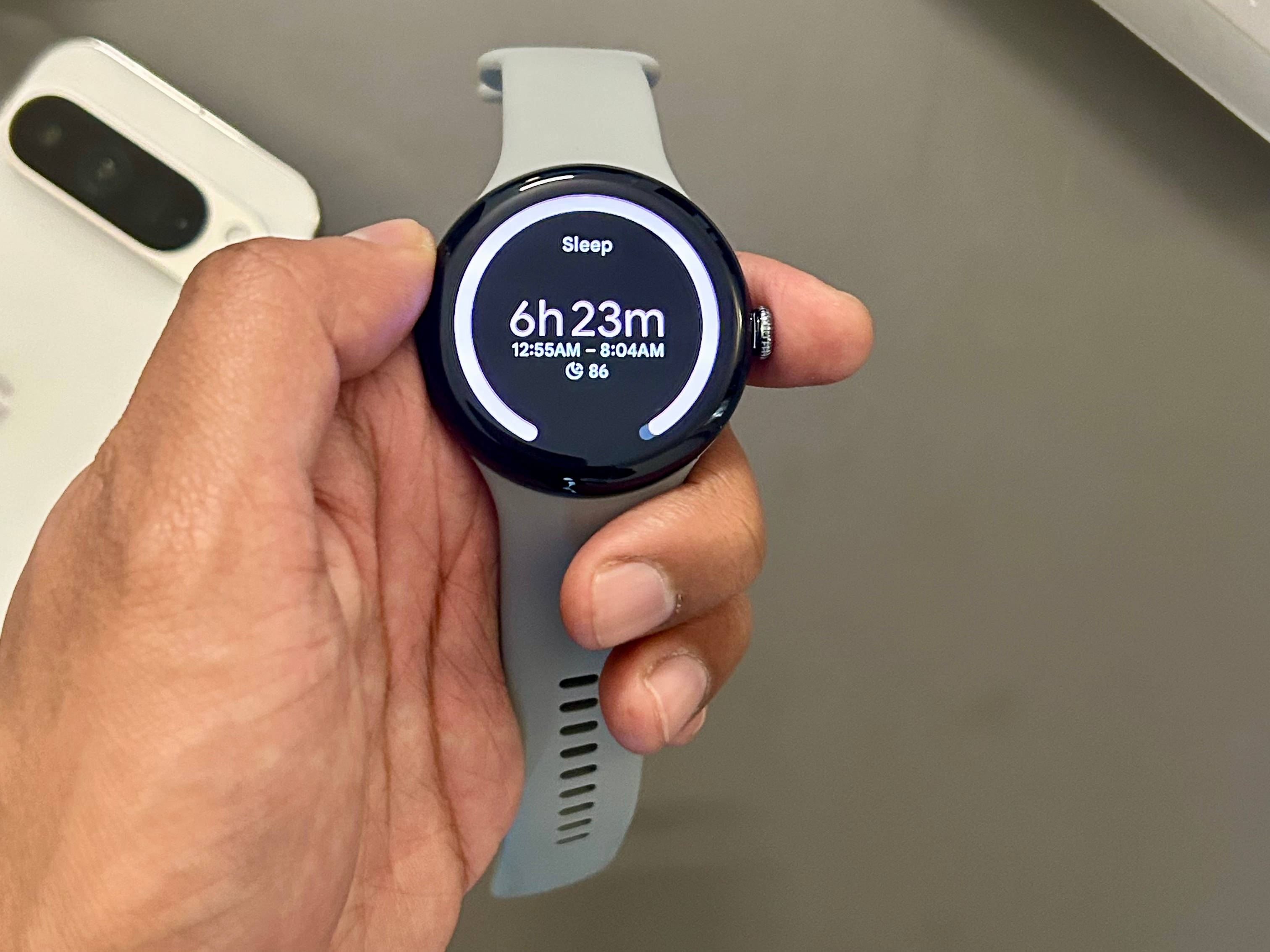
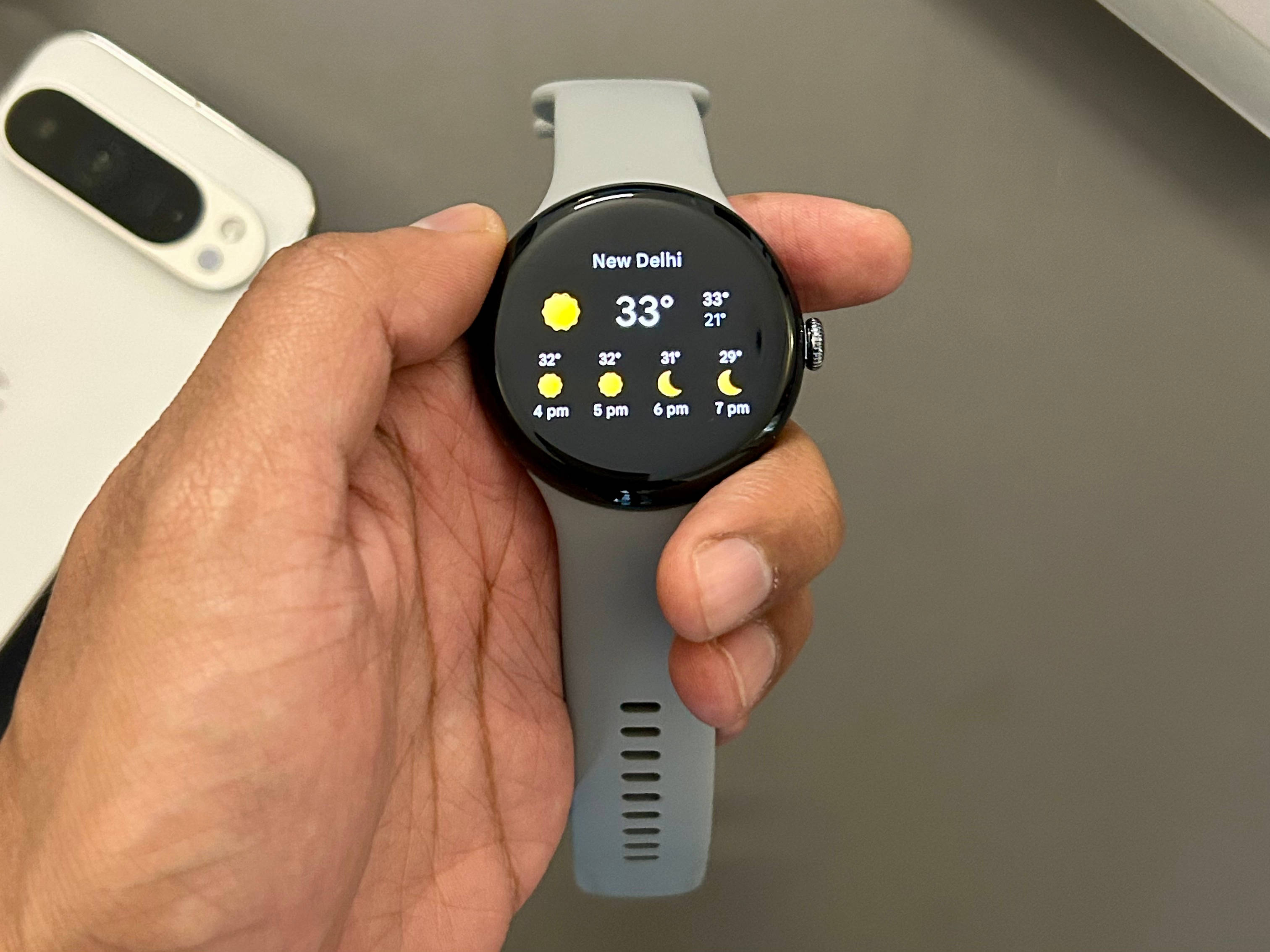
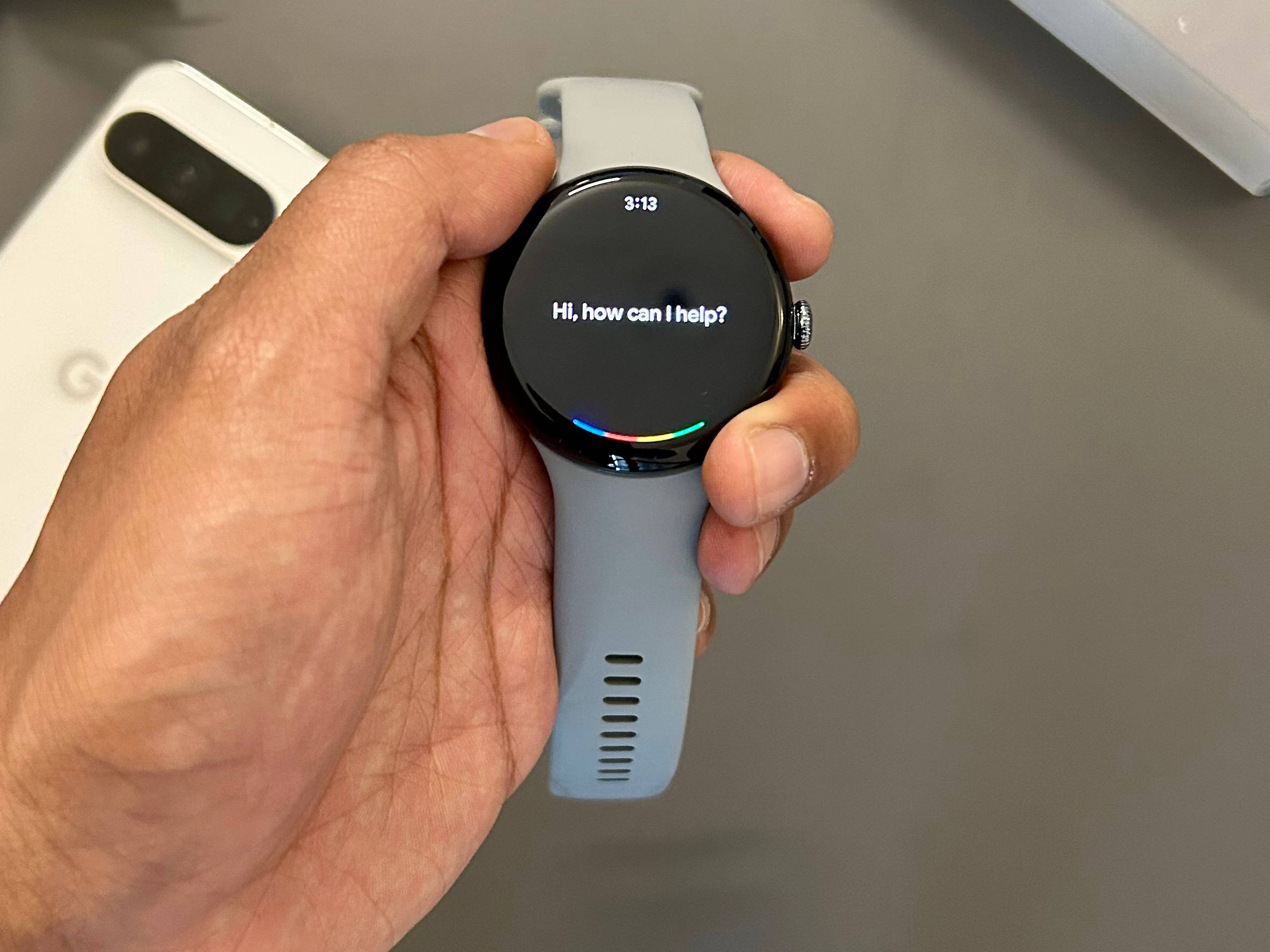
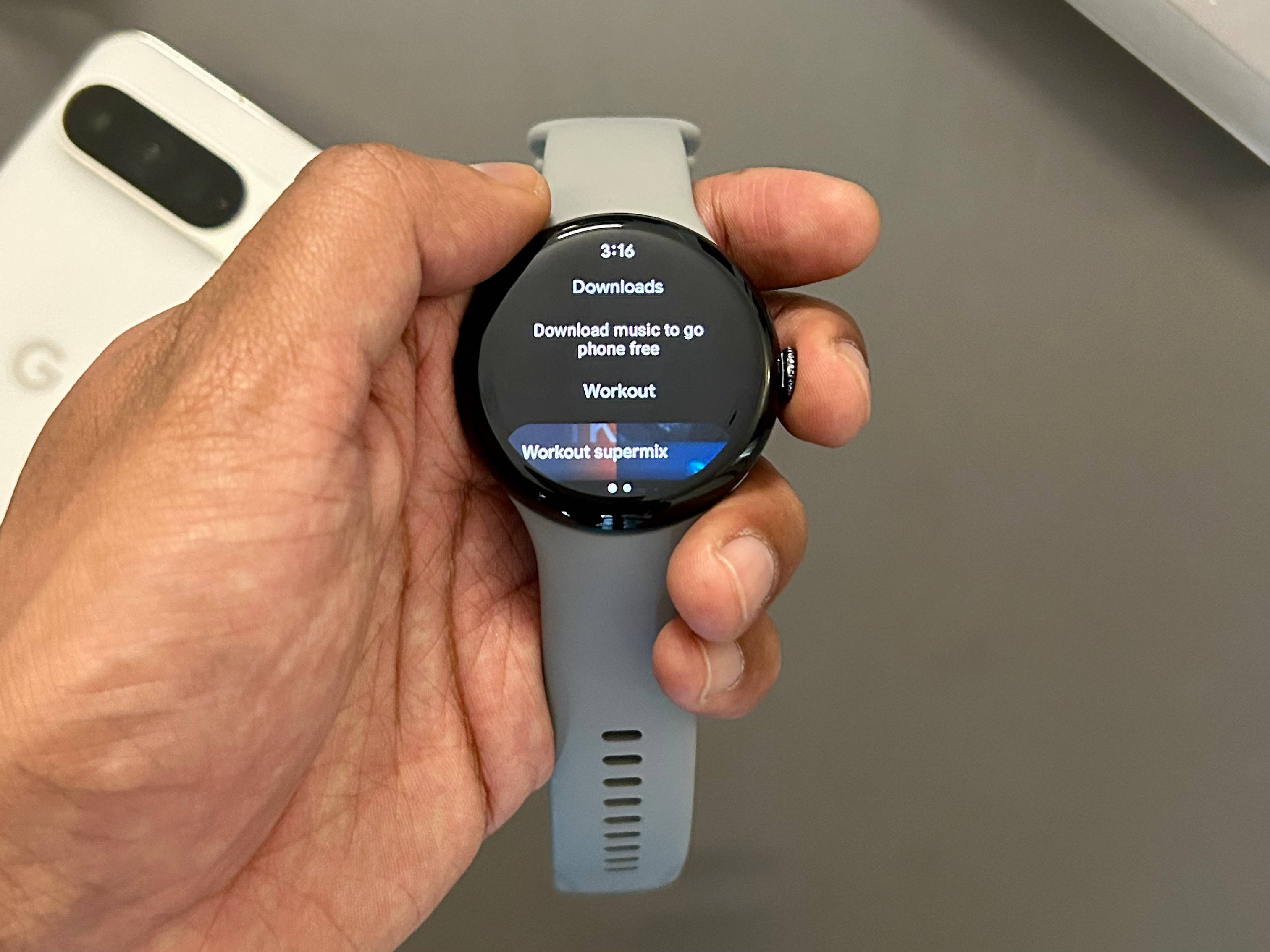
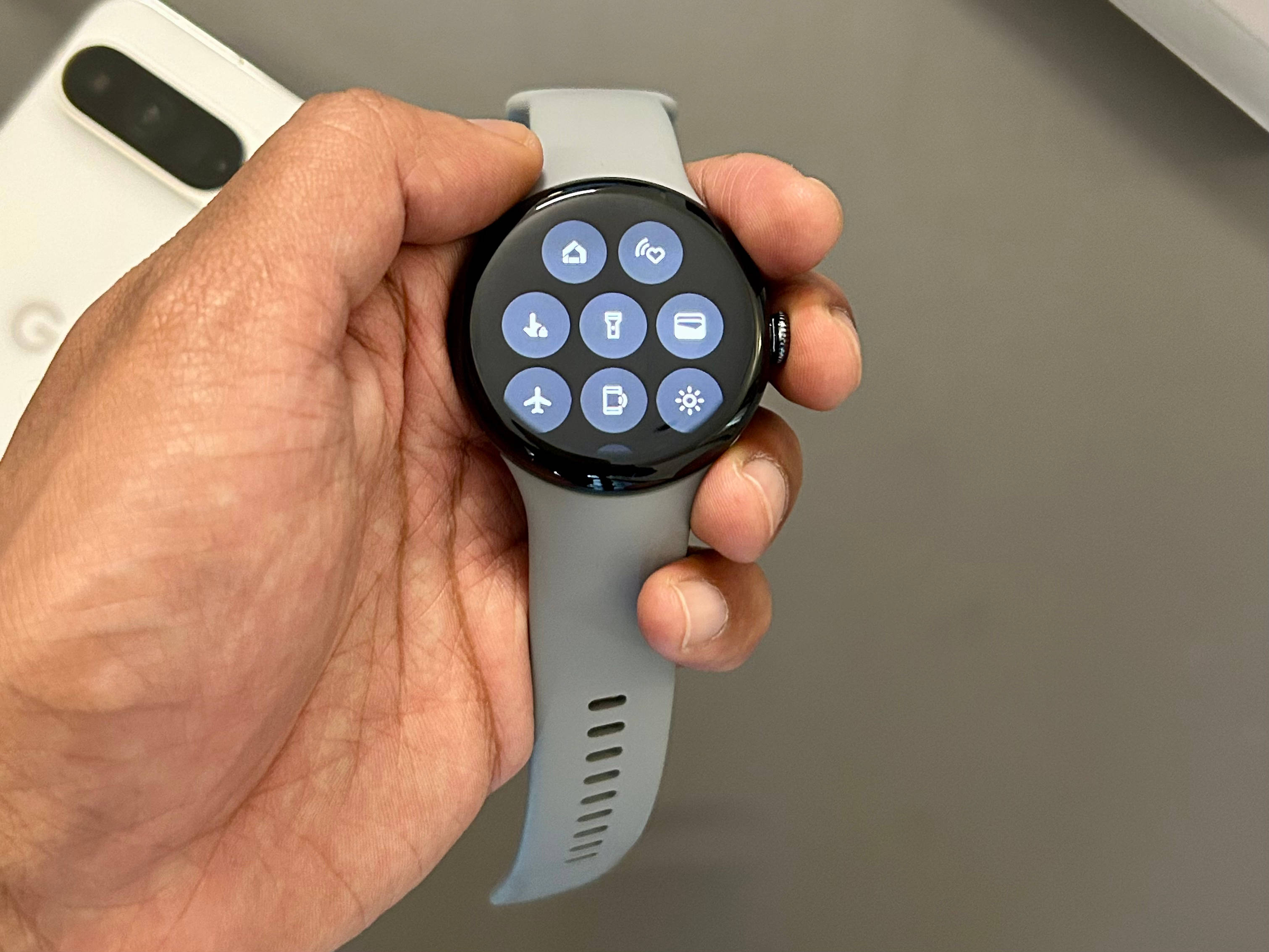


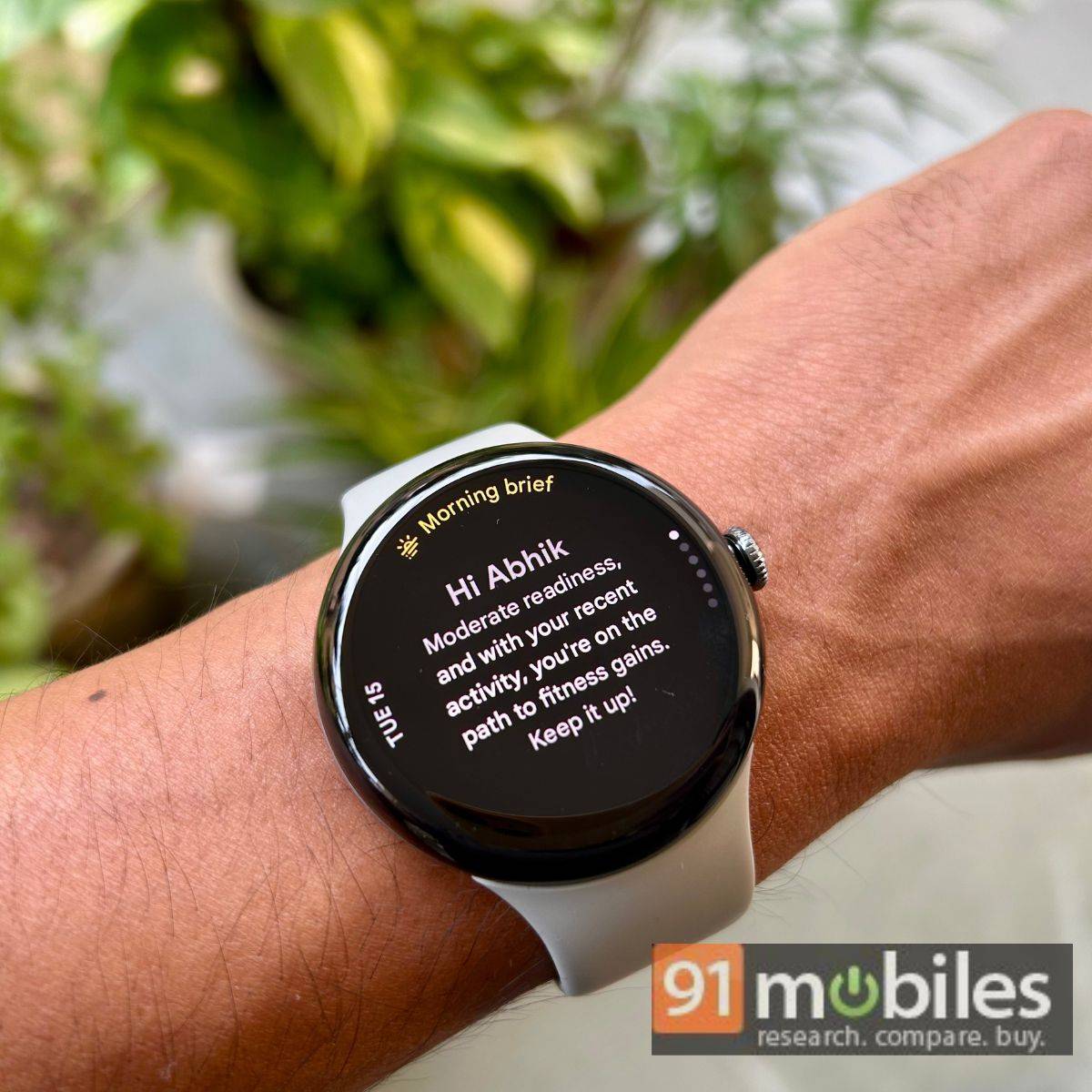
I mainly used the Pixel Watch 3 as a fitness companion due to its Fitbit integration, which is also an area Google has mostly focused on this year. For instance, some premium Fitbit features including Daily Readiness Score, Cardio Load, and Target Load are not behind a paywall anymore. With the help of artificial intelligence (AI), these allow users to better track their daily activities through scores out of 100. You can even receive tailored routines with the Premium subscription (free for six months), which can be highly useful for beginners.
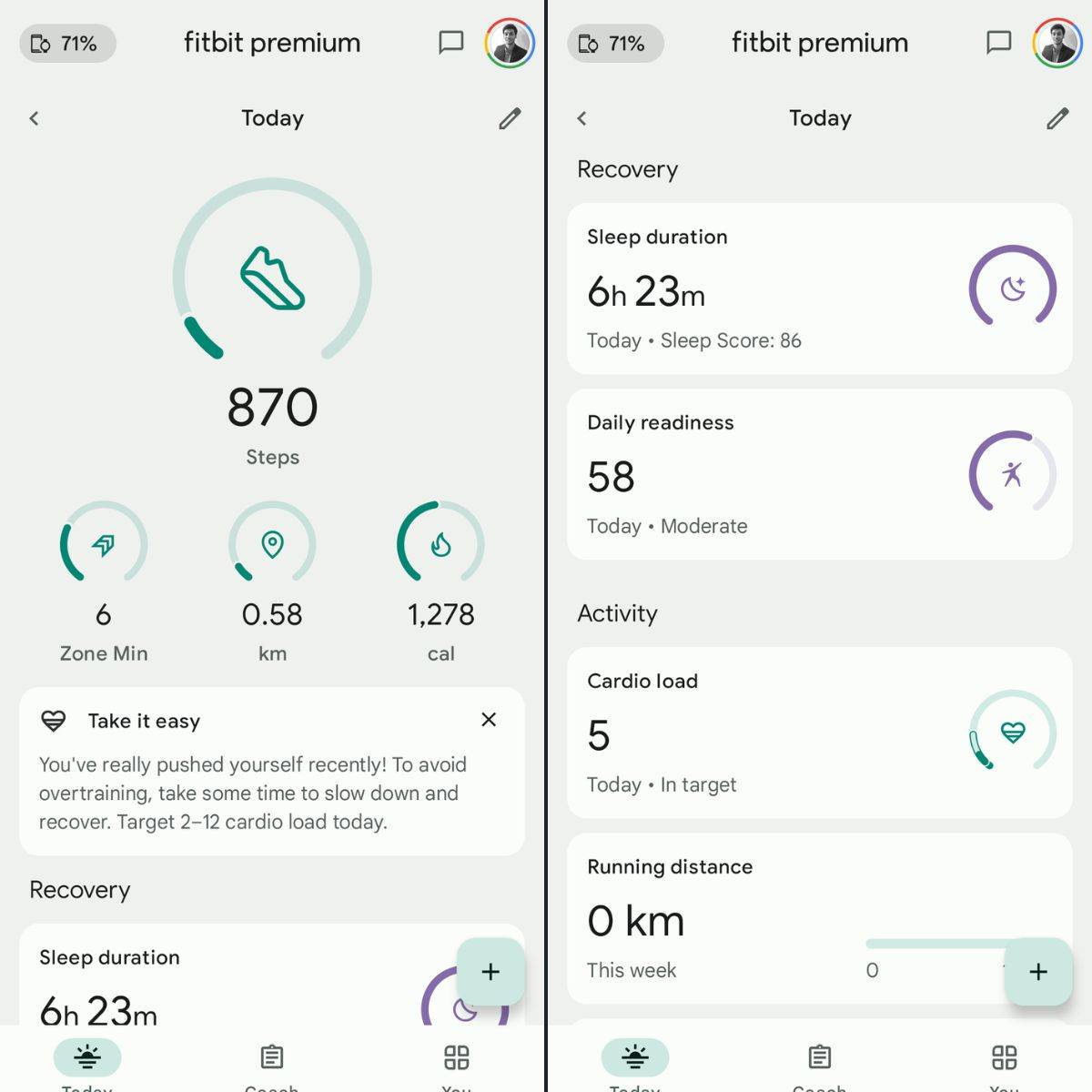
Speaking of AI, the Pixel Watch 3 offers Google Assistant, allowing you to start a timer or even initiate a specific workout via voice commands. I found this particularly useful at the gym, where it’s not always convenient to switch modes during a workout. While the watch does provide auto-tracking for running and walking, it can take a bit of time to activate automatically. The AI is also utilised to track heart rate, stress levels, SpO2 during sleep, body temperature, and breathing rate. With Fitbit integration, health data remains highly reliable and easy to monitor through the Fitbit app.
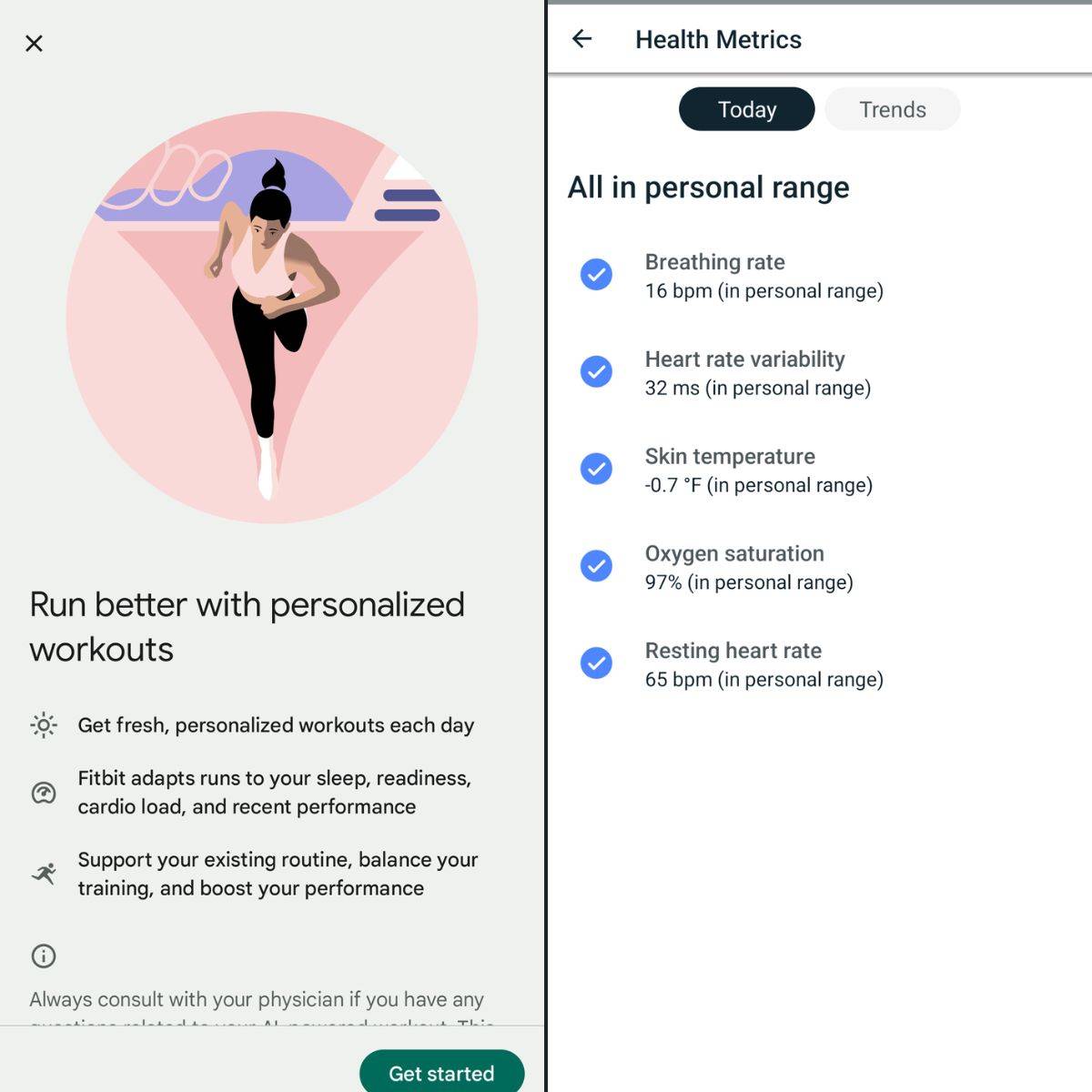
Other areas where Google leverages AI are to enable emergency calls during hard falls and car crashes. The Pixel Watch 3 also introduces emergency calls during “loss of pulse” with the help of AI and digital signal processing.
Some of these features are disabled by default and need to be enabled via the dedicated apps.
Productivity, app support, and battery
For daily productivity, the Pixel Watch 3 offers a variety of features, though most of them are common across Android smartwatches. For instance, users can send messages and even take calls via the smartwatch. You can even control some smart home products as long as there’s an ultra-wideband. As mentioned, most of these features are on the software side, and Google could’ve considered some unique gestures, like the pinch gestures on the Apple Watch to answer a phone call, to stand out against the competition.
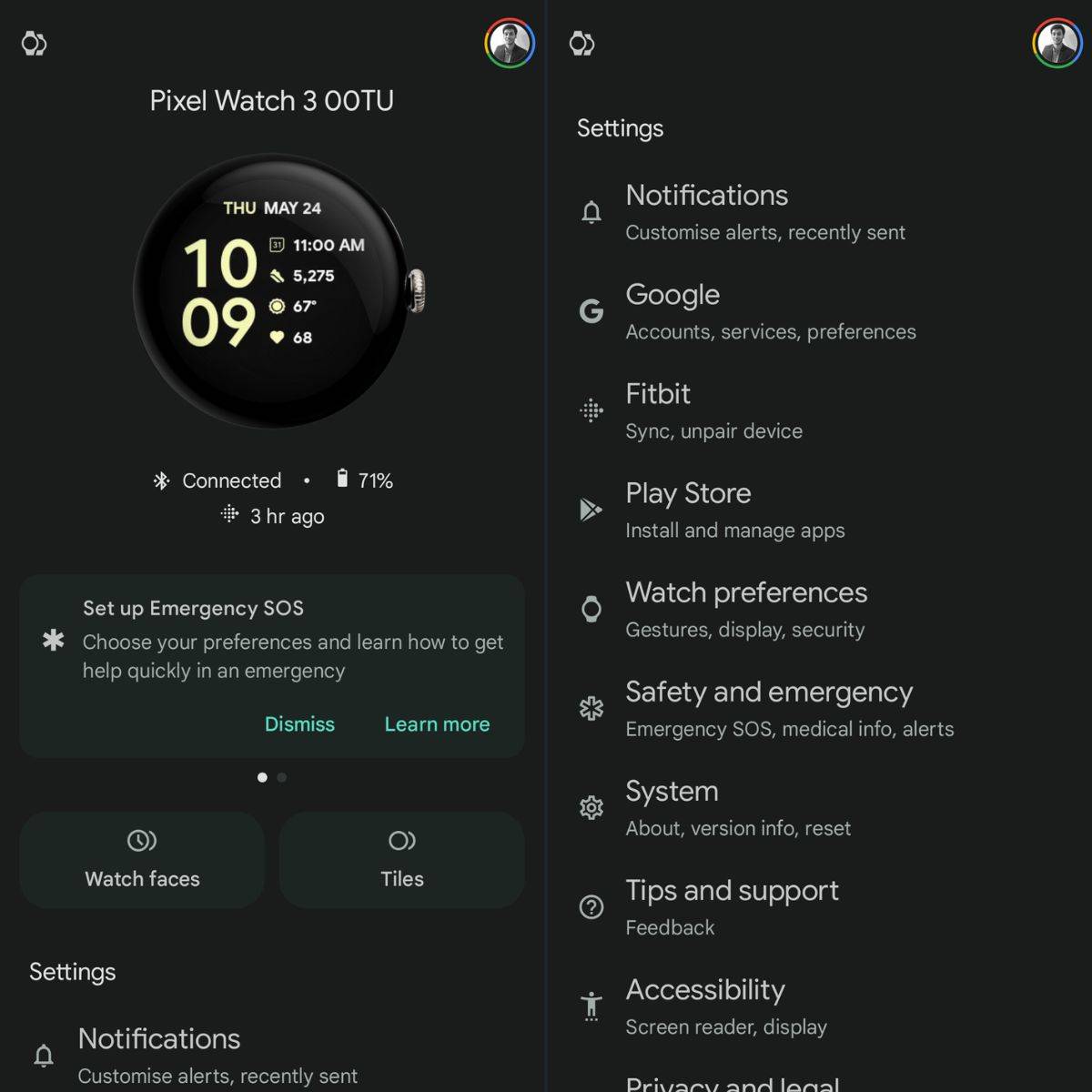
However, a big takeaway for Google can be to fix its app situation for Pixel Watches. Currently, the watch requires the Pixel Watch app for setup, while many AI-backed health features are managed through the Fitbit app. There’s also the Google Fit app, which offers its own analysis of various health metrics. In my opinion, a single app for all the functionalities will de-clutter the mess, which otherwise might confuse users.
In terms of battery life, the 45mm variant of the Watch 3 has surpassed my expectations. As mentioned, the new Google smartwatch in my review easily lasted for over a day with AOD and other health settings enabled. The auto bedtime mode, which limits the smartwatch’s display usage, helps preserve the battery. With conservative usage, you can extend the backup for over two days, which is impressive for the current iteration of smartwatches.
Verdict
The Google Pixel Watch 3 overcomes several hurdles of old Android watches and offers a refined user experience. Whether for productivity or fitness, it proves to be a reliable companion.
Having said that, Google can consider reducing the number of apps to manage the Pixel Watch 3 or other Pixel watches, as I find de-cluttering the way forward. Even reducing the overall weight and thickness of the next-gen watch will attract many customers.
Otherwise, if you’re not bothered by the size and seek a highly reliable watch with true “smart” capabilities, the Pixel Watch 3 is an easy recommendation for Android phone users.
Editor’s rating: 8 / 10
Pros
- Vivid display
- Long battery life
- Smooth performance
- Variety of health features
Cons
- Bulky design (45mm variant)
- Too many apps for management