The OnePlus Dialer, also known as OnePlus Phone, is the proprietary calling app found on newer OnePlus phones released after the Nord 5 series. This app replaced Google Phone, which came pre-installed on older OnePlus flagships and Nord phones, and brought nifty features such as call recording without announcement, AI Call Assistant to summarise calls, and more. Now, with the latest August update on OnePlus phones, you can officially install the app on older phones; here’s how.
Table of Contents
How to install OnePlus Dialer on older OnePlus phones
Before following the steps below, make sure your OnePlus phone is running the August security patch update on OxygenOS 16, regardless of your device. With that out of the way, here’s how to get OnePlus Dialer:
Step 1: Go ahead and open the Google Phone app
Step 2: Now enter *#*#677776#*#*
Step 3: Once done, you will get a pop-up prompting you to restart your device to install OnePlus Phone
Step 4: Press “Restart”
Step 5: Once the phone restarts normally, the OnePlus Phone and Contacts app will be available on your home screen or app drawer
Step 6: When you open the OnePlus Phone app for the first time, it’ll ask you to set it as the default calling app
Step 7: Go ahead and select “Set as default calling app”, and on the next screen, tap “Contacts”
Step 8: Agree to OnePlus Phone’s ‘Statement of use ‘, and you can start using the app to make and receive voice and video calls
Devices eligible for OnePlus Dialer
As noted above, all OnePlus phones running the latest August security patch on OxygenOS 16 are eligible to install the phone app, including older models. These include the Nord 3, Nord 4, Nord CE 4, OnePlus 11, OnePlus 11R, OnePlus 12, OnePlus 12R, and others.
OnePlus Dialer key features and use cases
Here are some benefits of installing the OnePlus Dialer app on your OnePlus phone:
Call recording: Unlike Google Phone, you can record calls without background announcements that hint to the other party that the call is being recorded. You can also choose to record all calls or only calls from certain contacts.
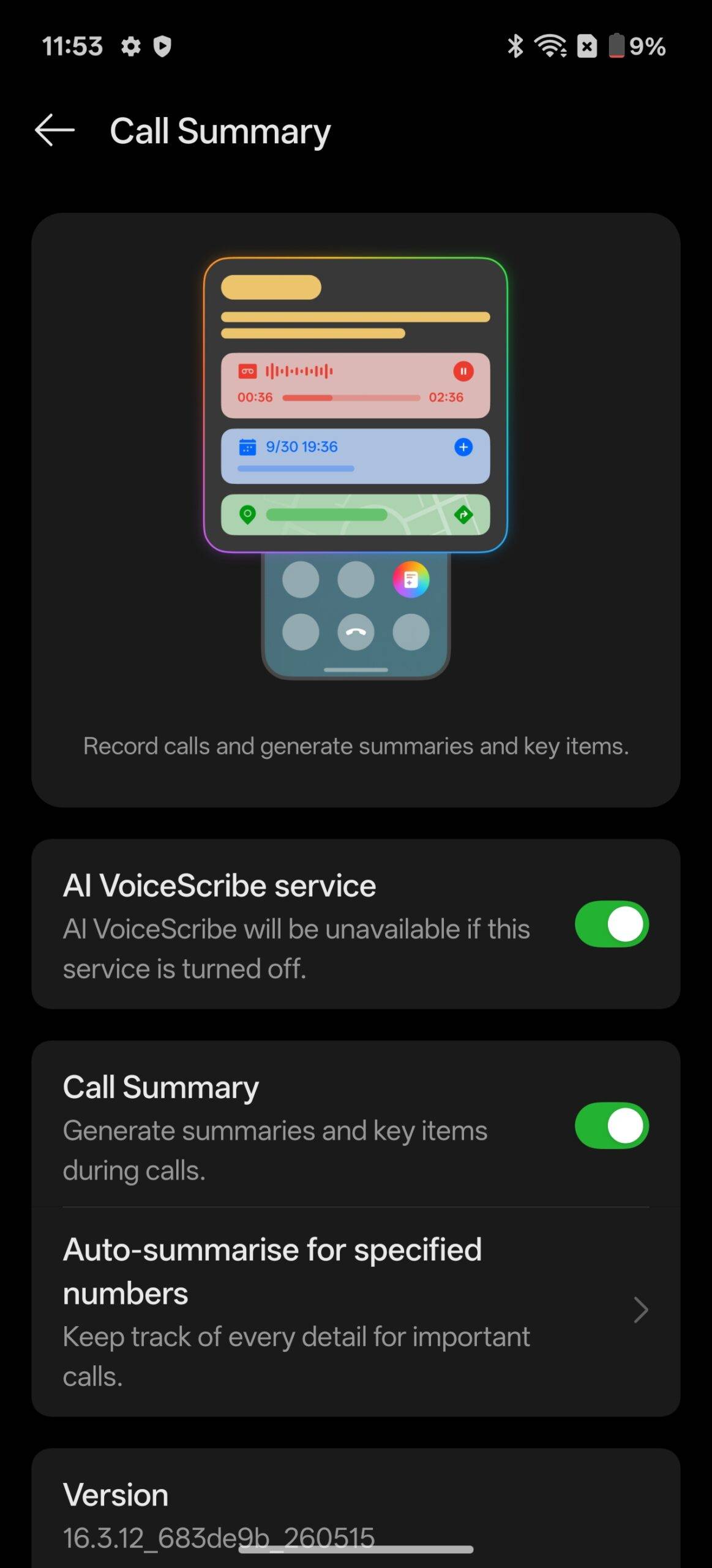
AI Summary: Possibly limited to newer, high-end devices, the OnePlus Phone can provide call summaries with the help of AI. This can come in handy for going back and getting an overview of crucial conversations.
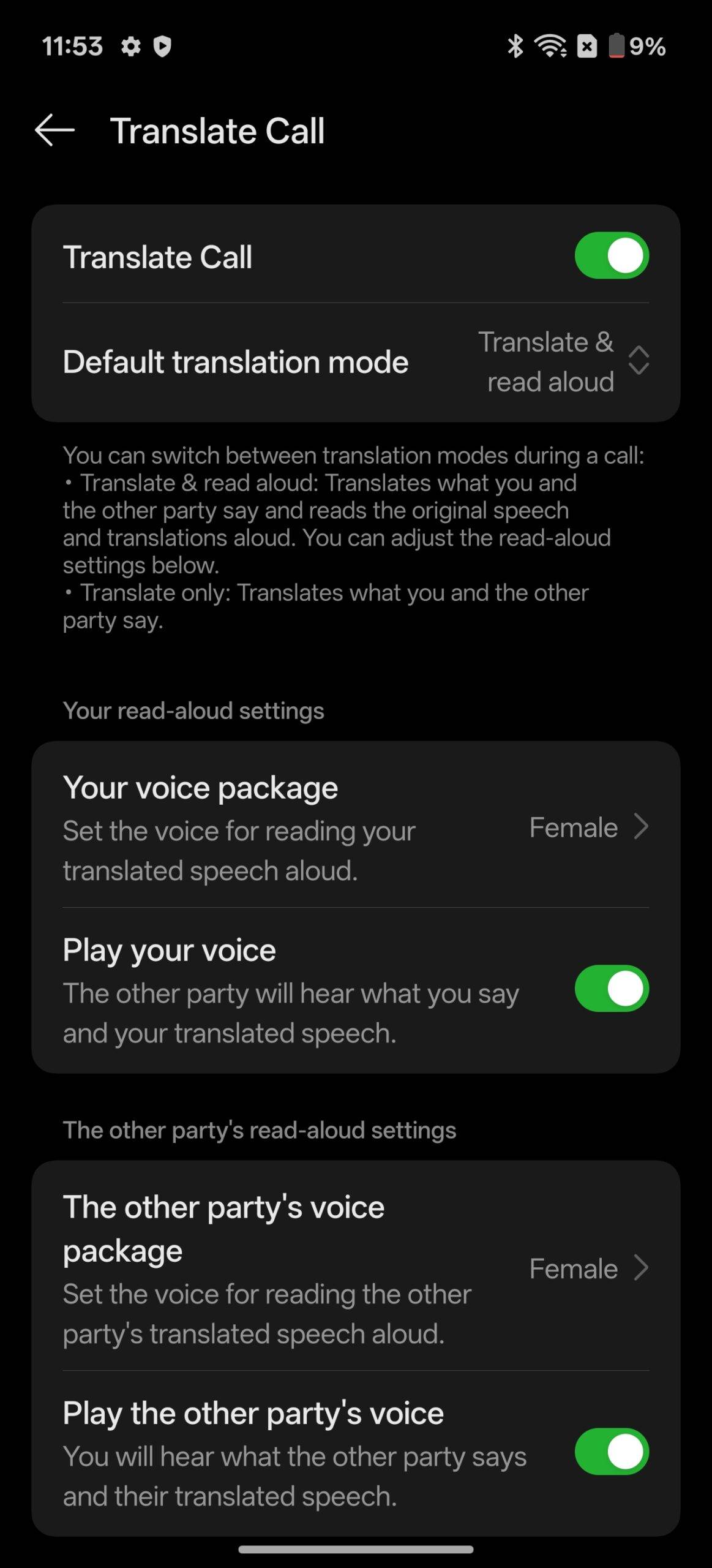
AI Translate: When speaking to foreigners on a call, the OnePlus Phone app can automatically translate the conversation for both parties in several languages. This removes language barriers.
Full-screen contact image: Users can choose to display a contact’s image in full screen on the incoming and call screen UI. While this is also possible on Google Phone, it displays the image only in a portion of the screen.
To conclude, it’s good to see that OnePlus has listened to users who want a proprietary calling app that matches the design interface of other system apps and offers key features such as call summaries and AI translation. What’s more, installing the OnePlus Dialer app is easy and to the point, letting anyone get the app without the hassle of downloading APKs or hunting for the file on websites.