


Nevertheless, if your Motorola smartphone isn’t slated to receive the Android 16 update, there’s no real need to upgrade just yet. Your current software should serve you well, at least on Motorola devices, as long as it continues to receive regular security updates. Motorola’s focus on delivering a near-stock Android experience with subtle enhancements helps the brand differentiate itself in a crowded market, appealing to users who prefer simplicity or faster updates.
Motorola’s Android 16 update hands-on: new features, changes, and improvements

There are a bunch of custom skins in the market that add an extra level of customisation over Android as well as brand-specific AI features, such as Pro Res Zoom on the new Pixel 10 or Plus Mind on OnePlus phones. One thing is clear, though: all brands are finding ways to add more AI and privacy features. Motorola’s approach with the software has always centred on enhancing usability without straying too far from stock Android. This enhances usability by making the software familiar yet more user-friendly.
With Hello UI being the company’s most recent major design update on Android 14, it brought radical changes in various areas, such as the introduction of blur in quick settings, lockscreen clock styles and widgets, revamped Settings and first-party apps, and more.
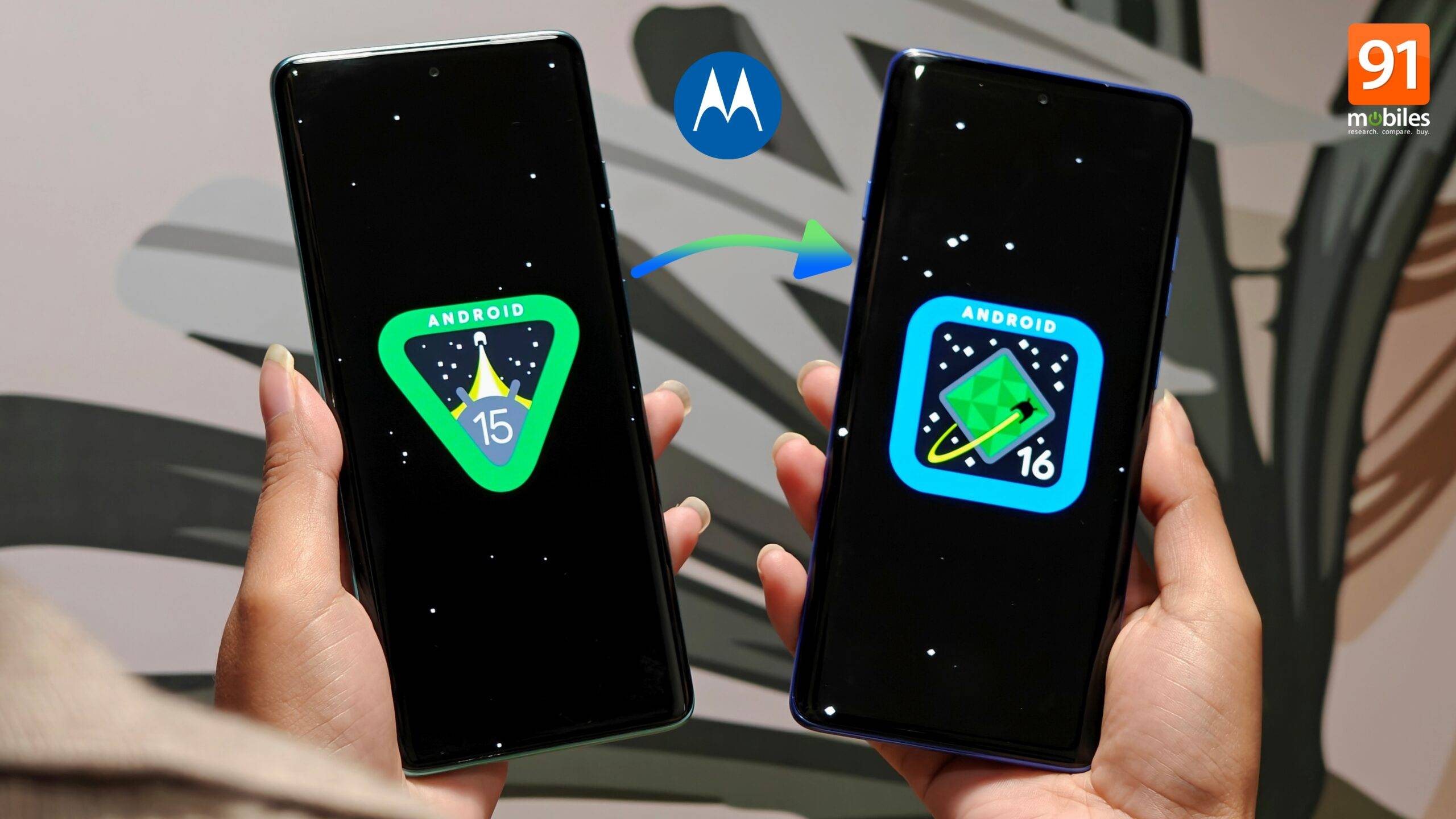
Since then, Motorola has stuck with the same design language, and that doesn’t change with the Android 16 update that recently rolled out to Edge 60 Pro, Edge 60 Fusion, and Edge 50 Pro. However, it still comes with several new features, design and animation refinements, privacy controls, and more. With the update downloaded and running on my Motorola Edge 60 Pro, I spent a few days using the phone to figure out all the new changes, improvements, and how it impacts the end-user experience. Read on.
Show Full Article
Table of Contents
Subtle cosmetic changes & animation improvements
As stated above, changes to the software’s look and feel have been minimal. The only notable design change has been made to the Settings app, which now features re-shuffled menus and categories. The Google and Moto AI sections have been placed up top. While Motorola hasn’t provided an explicit reason for this change, it could be based on user feedback or an industry focus, with AI taking centre stage.
Similarly, the About Phone section now sits in the middle of the page, along with the System updates menu, possibly due to low user engagement in everyday use.
Moving on, if you try to open multiple apps from the homescreen in quick succession, you’ll notice that the app launching and closing transition is a bit slower. This has been implemented to make the overall software feel smoother and more fluid than before; however, during our limited usage, it had no impact on actual responsiveness. There was a negligible difference in the response time between Android 16 and Android 15.
On similar grounds, summoning the ‘Modern style’ Control Centre from the status bar feels more responsive, as it features a subtle new slide-down animation, in contrast to the fade-in animation on Android 15. While it brings a refreshing element to the software, I wish Motorola had kept the fade-in option for those who prefer the latter style on their smartphones.
The camera app also sees a visual change. When tapping the 0.5x, 1x, 2x, or 3x buttons, there’s now a seamless switching animation instead of an abrupt lens screen change, which makes the overall experience far smoother than it was before.
Moving on to subtle redesigns, the ‘High contrast text’ option has now been renamed to ‘Outline text’ under Display size and text settings. It’s just a name change. The overall functionality of the feature remains the same, allowing users to add black and white text to increase contrast for improved readability. Moreover, when recording the screen, there’s now a pill in the status bar that displays the recording’s duration, compared to a floating pill on Android 15. This could have been done to avoid distraction, so that your focus remains on the visuals rather than the timer up top.

Quality of life improvements and new features
Interestingly, the Android 16 update places a strong emphasis on notification controls to reduce distractions. For instance, the new ‘Modes’ setting consolidates Do Not Disturb, Bedtime, and Driving modes under one roof, ensuring that only specific notifications are allowed during a set duration. Users can also select from whom they wish to receive the notifications when a notification mode is turned on. I believe this is a nifty addition for users to prioritise their ongoing tasks and protect them from the constant pull of distracting notifications.
One of Android 16’s core features, namely Notification cooldown, has also been added. When enabled, this setting lowers the volume when receiving a barrage of notifications at once. For users, this is a much-needed quality of life improvement as they will no longer hear the constant buzzing of the phone when switching on the internet after a long time. The Homescreen setting gets an ‘App icon badges’ option to display notifications in numbered or dot forms.
Furthermore, you no longer need to press and hold the bottom lock screen shortcuts to access notifications. Simply tap the ‘Torch’ shortcut for quick and easy access to app alerts. Apart from this, the new ‘Slow charging notification’ option, when enabled, notifies you when the phone doesn’t reach maximum charging speeds if you’re using non-Motorola chargers. So, if you’re in a hurry to leave somewhere, it can serve as a good reminder to charge your phone using the proprietary charger, if you have one available.
Stricter privacy & security controls
To safeguard users’ personal and sensitive data, Motorola has introduced a new Advanced Protection section. Once enabled, it automatically activates Theft Detection Lock, Offline Device Lock, caller ID, and spam call filtering, while also blocking non-HTTPS websites and warning against suspicious links received via SMS. In essence, it serves as a comprehensive security shield, protecting your Motorola phone from potential phishing attempts and online scams.
Since this is a part of Android 16, I found the same section on the OnePlus 13s running the latest OxygenOS 16 update. The new privacy features provide users with greater peace of mind against theft and phishing messages, especially for elderly users.

Some debatable additions
Just like many Android skins, Motorola has introduced “Smart lock screen”, which is nothing but a news curator that sits on the lockscreen. With this move, it appears the brand is moving away from its clean software approach, which was one of its USPs. What’s more, the Glance notification persistently stays on the lockscreen and can’t be dismissed with a swipe. While it is a good feature to have to stay up to date with latest events, Glance can be distracting for people who prefer their lockscreen to be clean.
Thankfully, this feature can be entirely disabled. Since Moto has always had a clean Android approach, which makes the UI easier to use, such additions are a bummer.
Similarly, I found a third-party new app sitting in the app drawer after the Android 16 update called “CallApp”, which appears to be a Truecaller alternative that can detect the caller’s identity. This app can be uninstalled, though. But if you were looking for an app that can reveal the details of an unknown caller, you might as well give it a try.
Also read: OxygenOS 16 hands-on: it’s all about refinements
Areas of improvement
Since the introduction of the Modern control centre on Hello UI, swiping down from the left side of the homescreen summons the quick settings instead of the notification panel. Unfortunately, this hasn’t been addressed on Android 16. Secondly, it’s still a hassle to find the right app in the app drawer when sliding the list picker, especially on curved display phones like the Motorola Edge 60 Pro. Motorola could make the slider a bit larger so that it’s easier to tap, select, and slide to find apps based on their alphabetical order.
On the customisation front, I was expecting a wider selection of lock screen clock styles with the Android 16 update. Additionally, I couldn’t locate the freeform (floating window) feature in the Recents screen — not only on the Edge 60 Pro running Android 16 but also on the Edge 60 Fusion and Moto G96, both operating on Android 15. It appears that the feature, which enables users to run two apps side by side – one in full screen and another in a floating pop-up window – is exclusive to older phones running Android 14, such as the Edge 50 Fusion. Hopefully, the next Hello UI update reintroduces the freeform mode and expands customisation options such as clock styles and personalisation of the control centre.

Final thoughts & takeaways on Motorola’s Android 16 update
Considering the subtle changes and improvements, Motorola has played it safe with the Android 16 update. The firmware introduces Android 16’s core features, including notification cooldown, along with enhancements to animations and transitions in key areas such as quick settings (control centre), camera, and app opening. However, unlike Google’s Android 16 update for Pixel phones, the update doesn’t add Material 3 Expressive design language. Possibly because Moto’s custom skin on top of Android, Hello UI, is due for a design revamp. Hopefully, we get to see it sooner rather than later.
That said, the company continues to offer a stock-like Android experience with useful features on top, hence providing a familiar software experience similar to previous versions. Even though questionable additions like Smart lock screen and a third-party app were added post-update, users coming from Android 15 to Android 16 may still feel right at home due to minimal design changes.


