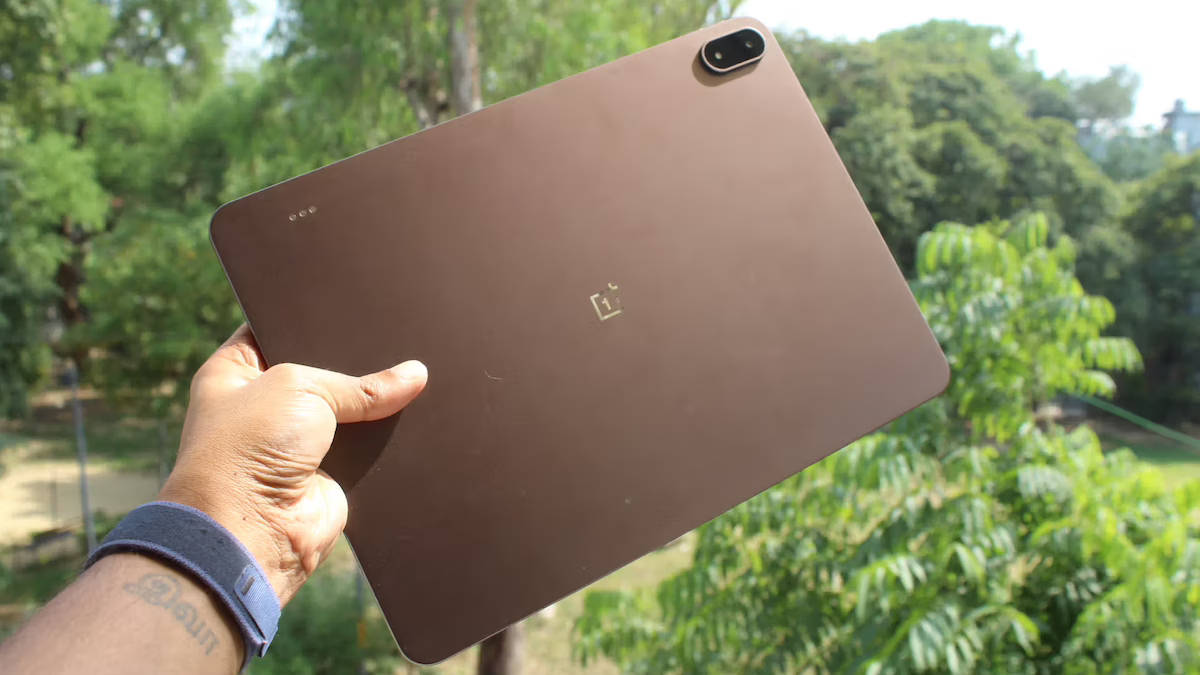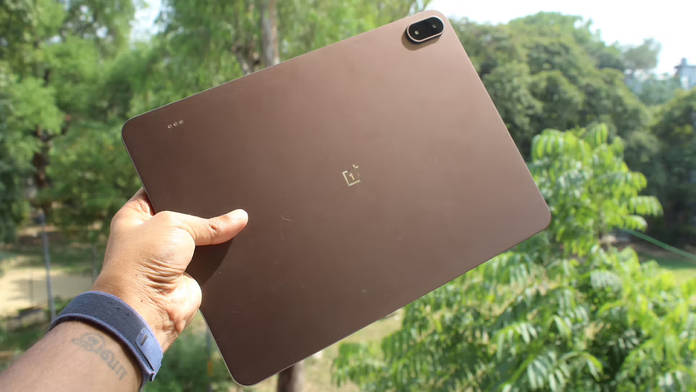
OnePlus has launched the Pad 4 in India, its flagship tablet for 2026. The fourth generation of the Pad lineup arrives with a top-tier chipset, the largest battery OnePlus has ever made, and a productivity-focused software experience that makes a stronger case for leaving the laptop at home. It is also the slimmest OnePlus Pad to date at 5.94mm. Read on to learn about the OnePlus Pad 4’s price in India, availability, and complete specifications.
Table of Contents
OnePlus Pad 4 price in India and availability
The OnePlus Pad 4 is priced at Rs 59,999 for the 8GB+256GB variant and Rs 64,999 for the 12GB+512GB option. It is available with Wi-Fi only and two colour options: Dune Glow and Sage Mist. OnePlus is offering an instant discount of Rs 5,000 on HDFC Bank Credit Card EMI, bringing the effective prices down to Rs 54,999 and Rs 59,999. To recall, the OnePlus Pad 3 was launched last year with a starting price of Rs 47,999, so the Pad 4 does see a price hike.
| Variant | Price |
| 8GB+256GB | Rs 59,999 |
| 12GB+512GB | Rs 64,999 |
The OnePlus Stylo Pro stylus and the Pad 4 Smart Keyboard are sold separately. OnePlus is offering the Stylo Pro worth Rs 5,499 for free with the purchase of the Pad 4, but this is a limited-time offer. OnePlus did not reveal the keyboard’s price at the time of writing this story.
The OnePlus Pad 4 will go on sale in India from May 5th at 12 PM IST on OnePlus.com.
OnePlus Pad 4 specs at a glance
| Specification | OnePlus Pad 4 |
|---|---|
| Display | 13.2-inch LCD, 3.4K (3392 x 2400), 144Hz adaptive, Dolby Vision |
| Brightness | 700 nits typical, 1000 nits HBM |
| Touch sampling | Up to 540Hz |
| Colour | 98% DCI-P3, Delta E < 0.7, 12-bit depth |
| Screen-to-body ratio | 89.4% |
| Aspect ratio | 7:5 |
| Chipset | Qualcomm Snapdragon 8 Elite Gen 5 |
| CPU | Qualcomm Oryon @ 4.608GHz |
| GPU | Adreno 840 @ 1200MHz |
| RAM | 8GB / 12GB LPDDR5X |
| Storage | 256GB / 512GB UFS 4.1 |
| Battery | 13,380mAh |
| Charging | 80W SUPERVOOC |
| Audio | 8 speakers (4 woofers + 4 tweeters), spatial audio |
| Connectivity | Wi-Fi 7, Bluetooth 6.0, USB-C (USB 3.2 Gen 1) |
| OS | OxygenOS 16.0 |
| Biometrics | Face unlock |
| Dimensions | 289.71 x 209.76 x 5.94mm, 672g |
| Colours | Dune Glow, Sage Mist |
| Accessories | OnePlus Stylo Pro (sold separately), Pad 4 Smart Keyboard (sold separately) |
OnePlus Pad 4 specifications and features
Design
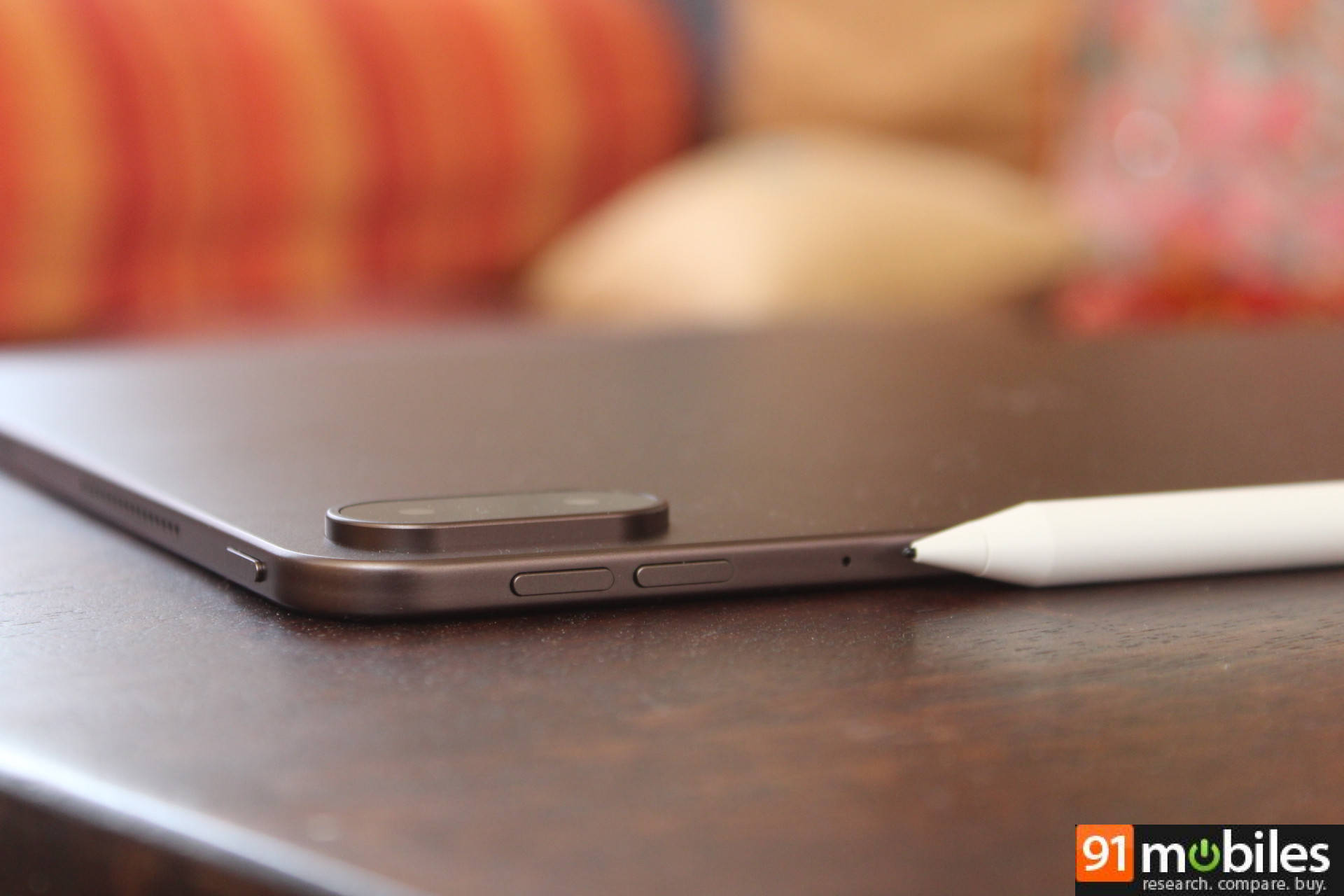
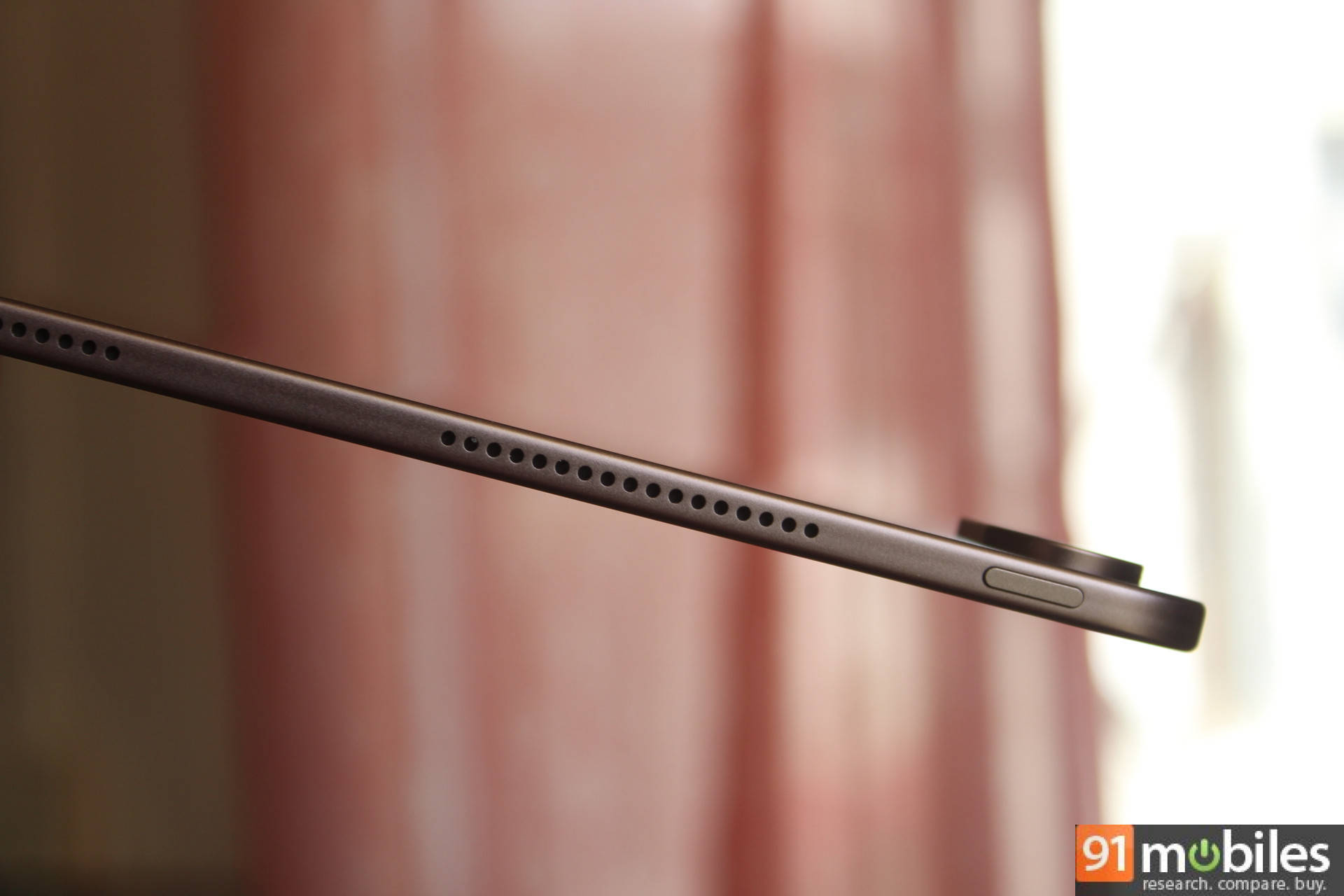
The OnePlus Pad 4 aims to impress with its slim profile. Measuring 289.71 x 209.76 x 5.94mm, the Pad 4 is thinner than a pencil, as OnePlus puts it, and weighs 672g, a few grams lighter than its predecessor. Colours are Dune Glow and Sage Mist. Biometrics are limited to face unlock. The new OnePlus Stylo Pro stylus comes with 16,000 levels of pressure sensitivity, two interchangeable tips, and a magnetic attachment to the tablet body. The Pad 4 Smart Keyboard has 16.05mm keycaps and a generously sized touchpad. Both are available separately.
 Processor
At the heart of the Pad 4 is the Snapdragon 8 Elite Gen 5, the same chipset found in the OnePlus 15 and the fastest processor OnePlus has ever shipped in a tablet. The Qualcomm Oryon CPU runs at up to 4.608GHz, backed by the Adreno 840 GPU at 1200MHz, and OnePlus claims an AnTuTu score of over 4.1 million, 42% higher than the Pad 3. It’s paired with up to 12GB of LPDDR5X RAM and up to 512GB of UFS 4.1 storage, which should keep things running without friction for years. Heat, typically a concern with this level of performance in a thin chassis, is managed by Cryo-velocity cooling, a vapour chamber spanning 45,260mm², 17% larger than the Pad 3’s, which OnePlus says keeps surface temperatures at 38.6°C or below during sustained BGMI gameplay at 120fps esports mode.
Display
The display is where the Pad 4 makes its strongest impression on paper. It’s a 13.2-inch LCD with a 3.4K resolution (3392 x 2400), 315 ppi, and a 144Hz adaptive refresh rate that drops as needed to save battery. Touch sampling goes up to 540Hz. Peak brightness under HBM reaches 1000 nits. Dolby Vision and 12-bit colour depth round out the display credentials. The 7:5 ReadFit aspect ratio is a deliberate choice that makes the Pad 4 significantly better suited to documents and productivity than the widescreen panels common on most Android tablets.
Battery
The battery is the largest OnePlus has ever put in a tablet. At 13,380mAh, OnePlus is claiming up to 54 hours of standby, 20 hours of video playback, and 7 hours of gaming on a single charge. When it does need topping up, you get an 80W SUPERVOOC charger bundled.
Audio
Sound comes from an eight-speaker setup: four woofers and four tweeters placed symmetrically on both sides. You also get spatial audio that adjusts dynamically based on how you’re holding the tablet.
Software
On the software side, the Pad 4 runs OxygenOS 16.0 and supports up to five simultaneous free-floating windows on the 12GB model, which is the variant to go for if you’re into heavy multitasking. The AI suite includes AI Writer, AI Summary, AI Translate, AI Painter, AI Clear Call, and an enhanced AI Recorder that now supports real-time annotation, photo insertion, and handwriting-to-text conversion. Cross-device features cover screen mirroring and clipboard sharing with OnePlus phones, and file transfers with Android, iOS, Windows, and Mac devices via Quick Share and O+ Connect.
Early thoughts
I’ve had some time with the Pad 4 ahead of launch, and the first impressions are strong across the board. The design is the immediate talking point. At 5.94mm, it is thinner than the stylus that comes with it. The display is immediately striking: sharp, punchy, and noticeably more spacious than a widescreen panel at the same diagonal size. Performance out of the box is fast, with no adjustment period. If you’re considering the base 8GB variant, note that it’s limited to two simultaneous windows.
If you’re looking for a performance-centric Android tablet for heavy multitasking, or a large, top-tier display with a long-lasting battery for media consumption, the OnePlus Pad 4 might appeal to you. Compared to the Pad 3, it offers gains in performance, battery life, and refresh rate, but all of this also comes at a slightly higher price point.
Stay tuned for our full review, where we will dive deep into how the tablet performs in real-world usage, especially whether its productivity features are good enough to make this a laptop replacement.