CES 2026 monitors round-up: the most interesting displays you need to know about


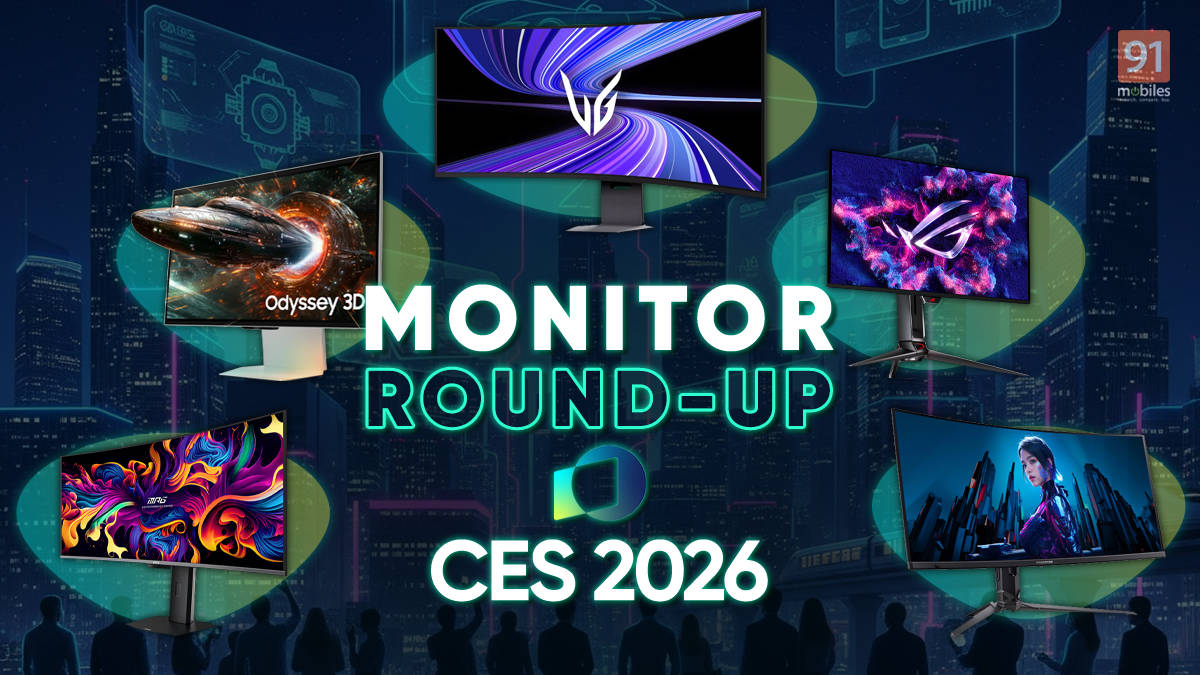
CES 2026 brought a flood of new display technology that goes well beyond just adding more pixels. We saw everything from glasses-free 3D holograms to massive “office walls” designed to replace your entire multi-monitor setup. Brands like Samsung, Dell, and MSI are not only pushing better specifications but also focusing on practical utility, adding AI chips, wireless casting, and smarter form factors that could change how you use a computer.
We went through the massive list of announcements to pick out the ones that we feel are worth a closer look. Here is a look at the most interesting monitors from the show floor and exactly why they are worth your attention:
Table of Contents
Samsung
Samsung Odyssey 3D (G90XH): The new Odyssey 3D is the “hologram” monitor. It’s a 32-inch 6K IPS gaming monitor with 165Hz refresh rate, and it comes with HDMI 2.1 and DisplayPort 2.1. It uses a lenticular lens and eye-tracking cameras to deliver a glasses-free 3D experience.


It can even convert regular 2D gameplay into a 3D view. The interesting part is that you can jump into existing titles like Elden Ring or Cyberpunk 2077 and actually get depth perception without wearing a VR headset.
Samsung Odyssey G6 (G60H): The Odyssey G6 goes full speed mode with a 27-inch QHD IPS panel rated for 600Hz, backed by HDMI 2.1 and DisplayPort 2.1. Its Dual Mode drops the resolution to 1080p and targets up to 1,040Hz, which helps cut motion blur and makes fast targets easier to track.


This monitor is designed for competitive gaming (think esports tournaments and professionals), and everything else comes second.
Samsung Odyssey G8 (G80HS): The Odyssey G8 claims to be the industry’s first 6K gaming monitor with a 6,144 x 3,456 panel. It is ideal for users who want sharper detail with a 32-inch 6K IPS panel and 165Hz refresh rate, along with HDMI 2.1 and DisplayPort 2.1.

It also packs a Dual Mode that shifts the resolution down to 3K and pushes the refresh rate up to 330Hz when the situation calls for it. The monitor works for top-end configurations, like paired with an RTX 5090 that can actually manage gaming at that resolution without running into immense challenges.
LG
LG UltraGear EVO 52G930B: LG claims this is the world’s largest 52-inch 5K2K gaming monitor, featuring a smooth 240Hz refresh rate. It uses a wide 21:9 aspect ratio with 95 percent DCI-P3 colour coverage and VESA DisplayHDR 600 certification, ensuring vibrant visuals and strong contrast across its massive panel.


The best part is the vertical headroom. Unlike the skinnier 32:9 super-ultrawide monitors, this format gives you more height, so the display feels significantly larger and less stretched in comparison.
LG UltraGear EVO 39GX950B: This unique 39-inch curved monitor sits at a sweet spot between size and resolution. It offers more screen real estate than a 34-inch ultrawide but stays much more manageable than a massive 49-inch display. And all the while, it offers a sharper 5K2K resolution with the same pixel density as a 32-inch 4K screen.

It also uses LG’s 4th Gen Tandem OLED technology to boost the display brightness, and an AI processor that upscales lower-resolution content to keep everything looking crisp. On top of it all, there’s also Dual-Mode that lets you choose between high-resolution gaming at 165Hz or a faster 330Hz refresh rate for more competitive shooters.
LG UltraGear 27GM950B: This 27-inch model might be the smallest of the new bunch, but it packs a serious punch with a proper 5K (5,120 x 2,880p) resolution and a smooth 165Hz refresh rate. It skips OLED in favour of a Mini-LED panel, which is great for gamers who want to avoid burn-in risks while still getting top-tier performance.

The display covers 99 percent of the DCI-P3 colour gamut and has a VESA HDR1000 certification, meaning the brightness and vibrancy will be standout features. Like its bigger siblings, it also features a Dual-Mode switch that lets you drop the resolution to QHD to unlock a blistering 330Hz refresh rate if you need that extra speed.
ASUS
ASUS ROG Swift OLED PG27UCWM: This new ROG monitor feels quite similar to the LG lineup, featuring a Tandem OLED panel that runs at 4K resolution with a smooth 280Hz refresh rate. It also supports a Dual-Mode feature, so you can drop to FHD resolution and push the refresh rate up to 480Hz when speed is your priority.


Visuals should look fantastic thanks to 99 percent DCI-P3 coverage and true 10-bit colour. A nice touch is the “TrueBlack Glossy” coating that makes colours pop like a smartphone screen, plus a proximity sensor that automatically dims the display when you walk away to save power.
ASUS ROG Strix XG27JCG: The monitor features a 27-inch Fast IPS panel that offers a sharp 5K resolution at 180Hz with high pixel density, ideal for both creative work and RPG games. But when you need speed for competitive shooters, it can transform into a QHD 330Hz monitor with just a click.


It also packs a 0.3ms response time and ASUS Smart Pixel technology, which actively enhances details to keep the image crisp even when you prioritise refresh rate over resolution.
ASUS ROG Swift 34 (PG34WCDN): This 34-inch WQHD ultrawide uses a new RGB Stripe QD-OLED layout that solves the text “fringing” issue found on older panels. This should make it the first OLED ultrawide that is pretty excellent for reading documents and coding.


It delivers a blistering 360Hz refresh rate on an immersive 1800R curved screen with Dolby Vision and VESA DisplayHDR 500 True Black support. ASUS also includes a BlackShield film that claims to deepen black levels by 40 percent so that the image looks rich and inky regardless of your lighting.
ASUS ROG XREAL R1 Glasses: These are technically wearable glasses, but ASUS calls them a “Virtual Monitor” replacement. They project a massive 171-inch Micro-OLED screen in front of your eyes, which feels like viewing a theatre screen from four metres away. This unique tech allows you to game on a massive display even while sitting in a cramped seat on a plane or train.


They are the world’s first 240Hz Micro-OLED FHD gaming glasses, so your gameplay will remain silky smooth and vibrant. A built-in “Anchor Mode” lets you pin the virtual screen to a fixed position in space without extra software, so you can look away just like you would with a physical monitor.
Acer
Acer Predator XB273U F6: This is Acer’s direct answer to the 1000Hz monitors from Samsung. It features a 27-inch QHD IPS panel that runs natively at a lightning-fast 500Hz refresh rate, delivering sharp visuals and excellent colour fidelity with 95 percent DCI-P3 coverage.


The unique tech here is its “Dynamic Frequency” mode, which lets competitive gamers drop the resolution to 720p to unlock the 1000Hz refresh rate. This mode prioritises pure motion clarity over everything else for a high-level esports experience.
Acer ProDesigner PE320QX: Dubbed as “The Creator’s Canvas”, this 31.5-inch professional monitor delivers stunning 6K resolution (6,016 x 3,384) at 60Hz, ensuring incredible clarity for creative work. It focuses heavily on colour precision with 99 percent Adobe RGB coverage and exceptionally accurate 10-bit colour depth.


The key factor comes from its use of “IPS Black” technology, which offers substantially deeper blacks and stronger contrast than standard IPS panels. Connectivity is also pretty excellent, with USB4 support delivering 100W power, and features like AI ProxiSense help save energy by putting the display to sleep when you walk away.
Dell
Dell UltraSharp 52 Thunderbolt Hub (U5226KW): The Dell UltraSharp 52 is essentially “The Office Wall”, and can replace your dual-monitor setup. It sports a massive 6K resolution using IPS Black technology for better contrast, but with a 120Hz refresh rate that makes productivity apps feel incredibly fluid.


The unique feature here is that it lets your laptop recognise this single screen as two separate physical displays to make window management easier. It also acts as a command centre for up to four PCs with its built-in KVM switch, and the Thunderbolt 4 port delivers a whopping 140W to keep your machine powered up.
Dell UltraSharp 32 4K QD-OLED Monitor (U3226Q): Dell positions the U3226Q as a “Professional OLED” that finally brings QD-OLED technology to the office. The key feature here is a specialised sub-pixel structure that keeps text sharp in Word or Excel. It solves the text fringing issues that often plague standard OLEDs.


With a 4K resolution and a built-in colorimeter that stores calibration data directly on the hardware, it keeps visuals consistent across devices. There’s also a new Anti-Glare Low Reflectance coating to handle bright lights and backs the panel with a warranty specifically and explicitly covering 8-hour daily shifts for burn-ins.
MSI
MSI MPG 341CQR QD-OLED X36: The name is definitely a challenge to remember, but an easier way to know this screen is by its nickname: “The Smart Monitor”, thanks to a dedicated NPU chip inside. This AI brain powers features like the “AI Care” sensor, which dims the screen when you step away or warns you if you are sitting too close, and it can even analyse your in-game mini-map to flash RGB warnings about off-screen enemies.


The panel itself is a 5th Gen Tandem QD-OLED tech that refreshes at 360Hz with a 0.03ms response time. With the “Uniform Luminance” feature, MSI also lets you tweak HDR curves to stop the screen from dimming aggressively when bright objects appear.
MSI MEG 321URX “True AI”: MSI might have created the most controversial screen at CES 2026 with the MEG 321URX, thanks to its onboard AI skills. The headline feature is “AI SkySight”, a system that visually scans your game map to highlight enemies and track cooldowns completely undetected by anti-cheat software.


Under the hood, it rocks a stunning 34-inch 5th Gen QD-OLED panel with a 360Hz refresh rate, essentially the same visual powerhouse as the X36. It also adds voice control through “AI Robot Lite” and supports massive bandwidth with DisplayPort 2.1a, though you will have to wait until Computex in May to see the final retail version.
HP
HP HyperX Omen OLED 34: HP is embracing the DIY spirit with the HyperX Omen OLED 34. The monitor stands out as much for its customisable frame as its screen. It features a unique “Modular Rail” system, where HP actually provides the 3D-printing files so you can create and snap on your own accessories like webcam mounts or headphone hooks.


The display itself is no slouch, using a next-gen V-stripe QD-OLED panel to deliver sharper text and reduced fringing, which is good for creators who need clarity alongside vibrant colours. You also get a 360Hz refresh rate for fluid gaming, 100W USB-C power delivery to keep your laptop charged, and a built-in KVM switch to easily jump between rigs.
Gigabyte
Gigabyte Aorus 34 QD-OLED (MO34WQC2): Gigabyte is trying to solve a few common OLED complaints with its new ultrawide monitor. This 34-inch screen brings 4K-like sharpness to the wider 21:9 aspect ratio and runs at a very fast 360Hz refresh rate. The main addition here is a feature called “HyperNits,” which adjusts the picture to make HDR content about 30 percent brighter, helping with the dimness you sometimes see on OLEDs.


It also uses a different pixel layout (V-stripe) to make text look clearer for reading, and the screen has a new protective film designed to improve black levels and resist scratches better than previous models.
Viewsonic
ViewSonic VG1457: ViewSonic is targeting digital nomads with the VG1457, a portable monitor that folds like a book and opens to reveal two vertically stacked 14-inch screens. It weighs around 1kg and uses a single USB-C cable, so you can instantly set up a dual-screen workspace anywhere.


The panels offer a taller 1,920 x 1,200 resolution which is great for viewing long documents, and a built-in sensor automatically rotates the image when you pivot the display. It also supports 65W pass-through charging, allowing you to power your laptop through the monitor and keep your desk free of messy wires.
ViewSonic VG2748N: This monitor is designed with the idea that you might not sit at the same spot every day. The key feature is built-in wireless casting that supports AirPlay and Miracast, so you can walk up and beam your screen instantly without hunting for an HDMI cable.


It includes a casting dongle that handles the connection and can also deliver 65W of power to charge your laptop if you plug it in. The idea is pretty simple: remove the friction of connecting cables so you can just sit down, cast your work, and get started immediately.

