Gionee Marathon M4 review: a reliable daily driver that refuses to die


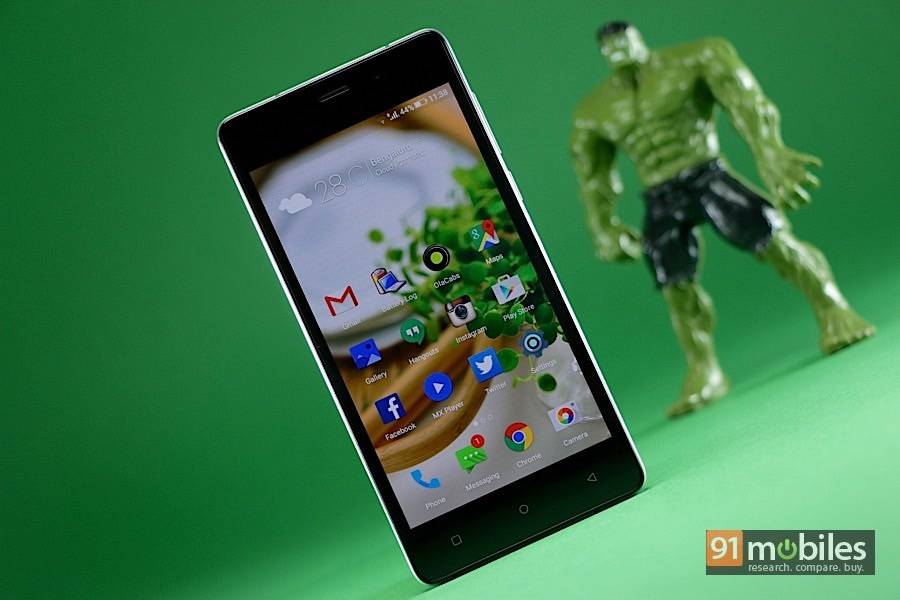
“We review Gionee’s portable power station, the Marathon M4”


Smartphones today cater not just to varying budgets, but also to specific user needs. Whether you want a large display, a great camera, plenty of storage or a powerful processor, smartphone manufacturers have got you covered. But if there was one universal feature that most users would want on their devices, it would be battery life. Gionee has attempted to address this requirement with its Marathon series, which promises long-lasting battery in an affordable package. The latest smartphone in the Marathon range is the M4, which retains the massive 5,000mAh battery of its predecessor, but packs in improved hardware. We’ve been using the Marathon M4 (unboxing and first impressions) over the past couple of weeks to see how it fares both on battery life as well as day-to-day usage. Here’s our review.
Show Full Article
Table of Contents
Specs At A Glance
- 5-inch, 1,280 x 720 pixel display (294ppi)
- 1.3GHz quad-core MediaTek MT6735 processor
- 2GB RAM
- 8-megapixel primary camera, 5MP front camera
- 16GB internal storage (expandable up to 32GB)
- 4G, dual-SIM, Wi-Fi, Wi-Fi Direct, Bluetooth 4.0, GPS, USB OTG
- Android 5.0 Lollipop with Amigo UI 3.0
- 5,000mAh battery
- FM Radio
Heavy metal
While the Marathon M4 looks quite boring at first glance, Gionee has attempted to infuse some premiumness into its design by adding a full metal frame. However, the use of metal, coupled with the heavy-duty 5,000mAh battery stowed inside, contribute significantly to the M4’s weight. At 176g, the Marathon M4 is as heavy as they come, and the 10.2mm frame adds to the bulk. The only saving grace is the 5-inch display, which makes the smartphone quite compact and easy to wield with a single hand.
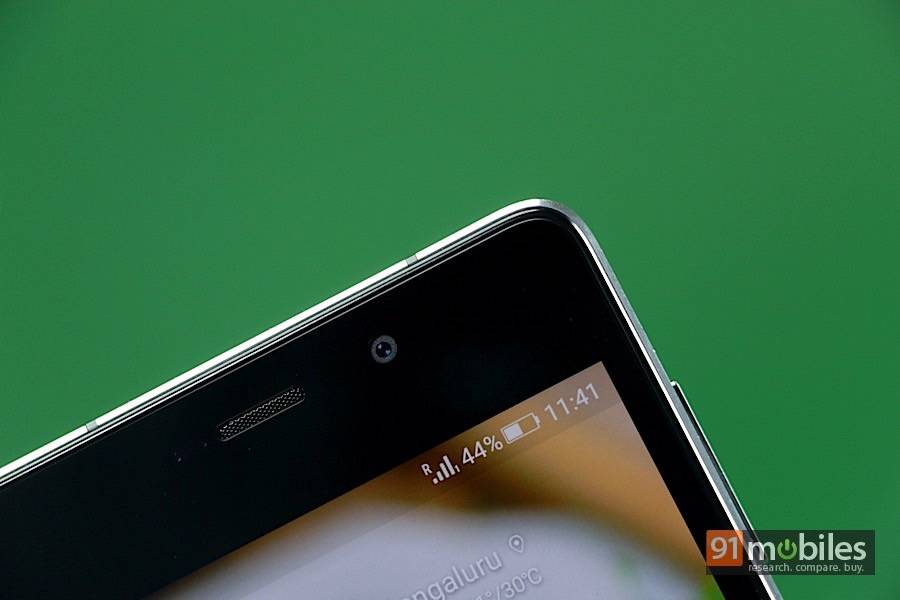
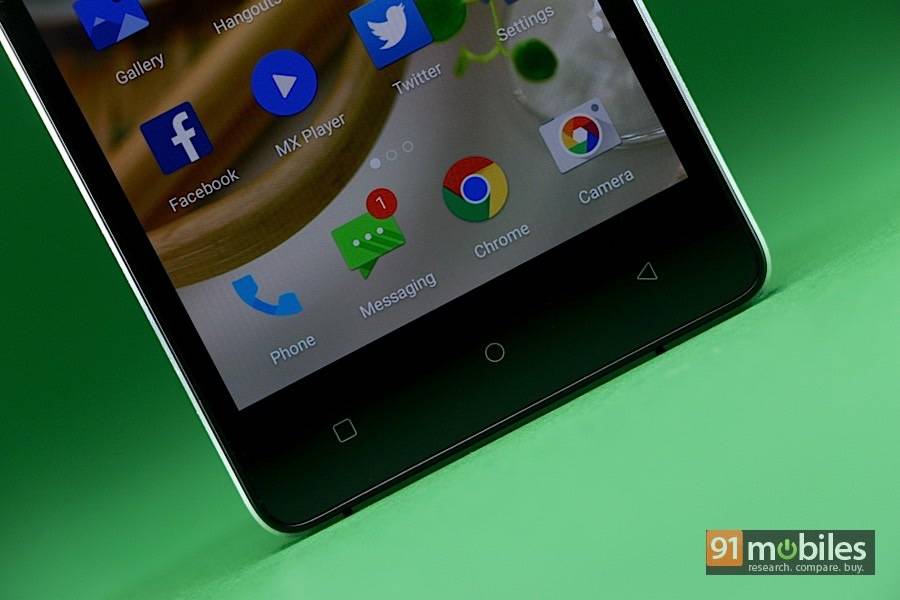
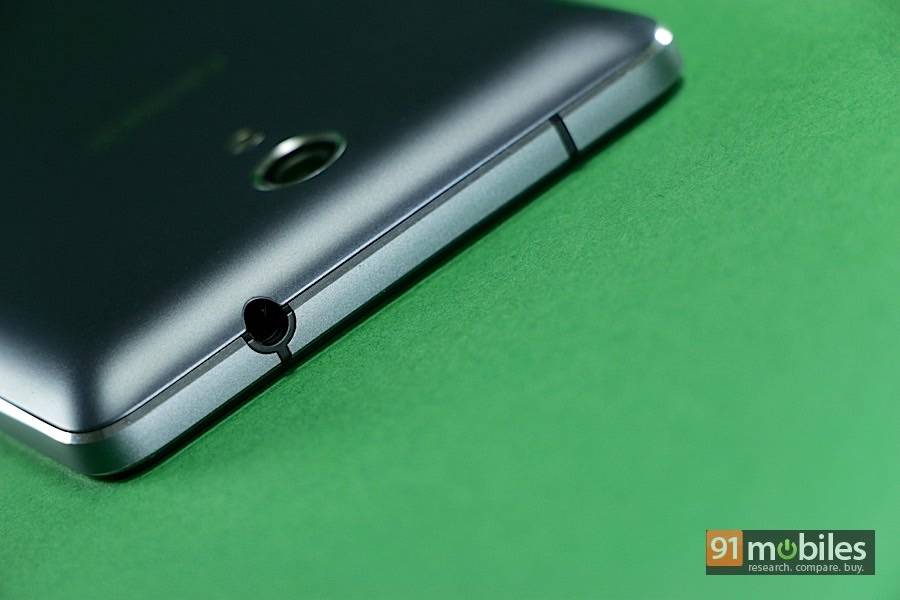
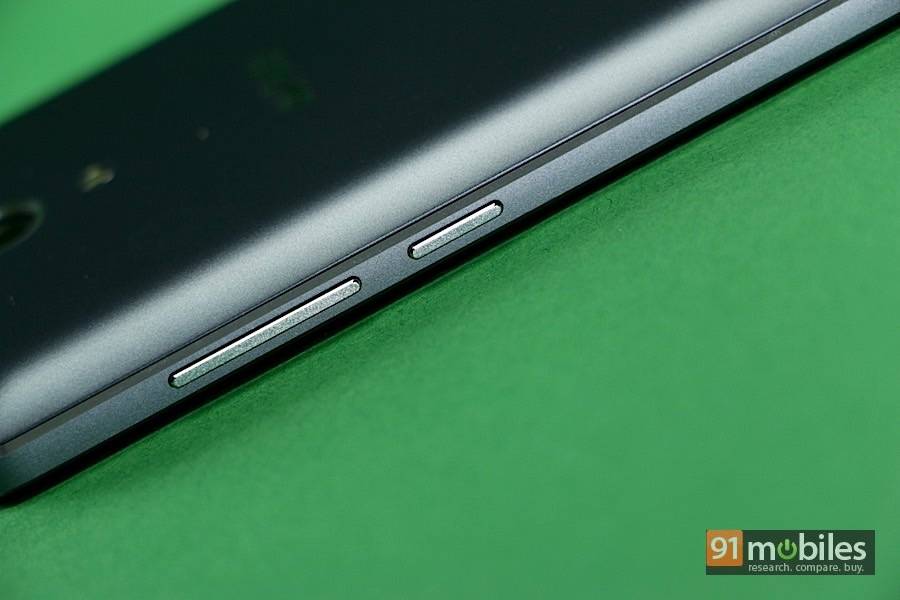
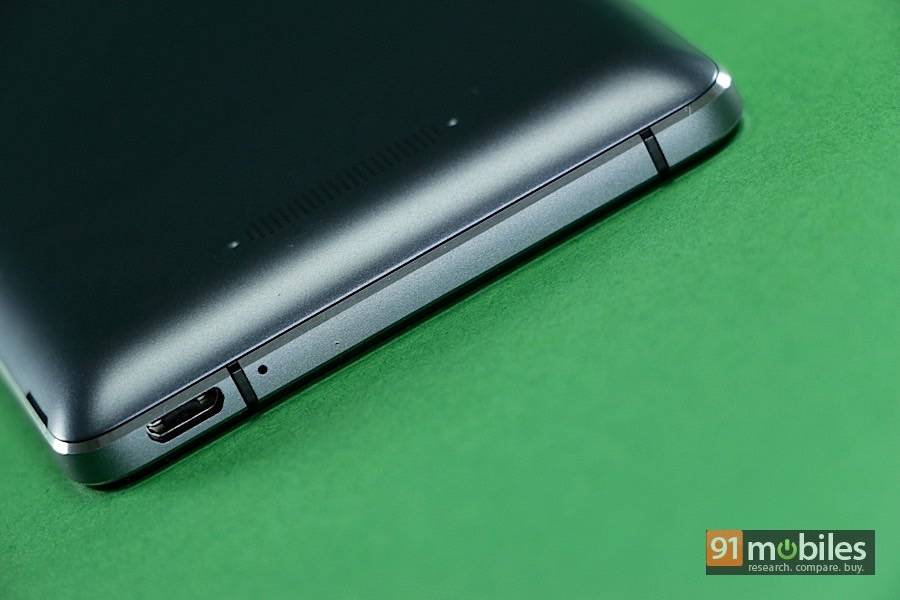
The all-black facade is offset somewhat by the chrome trim running around the edges. Above the display, you’ll find the front 5MP camera, sensors, earpiece and notification LED. Below the screen lies a low of capacitive Android keys which miss out on backlighting. Around the sides, you’ll find the 3.5mm audio jack on top, volume rocker and power button on the right spine and micro-USB port and primary microphone on the bottom.

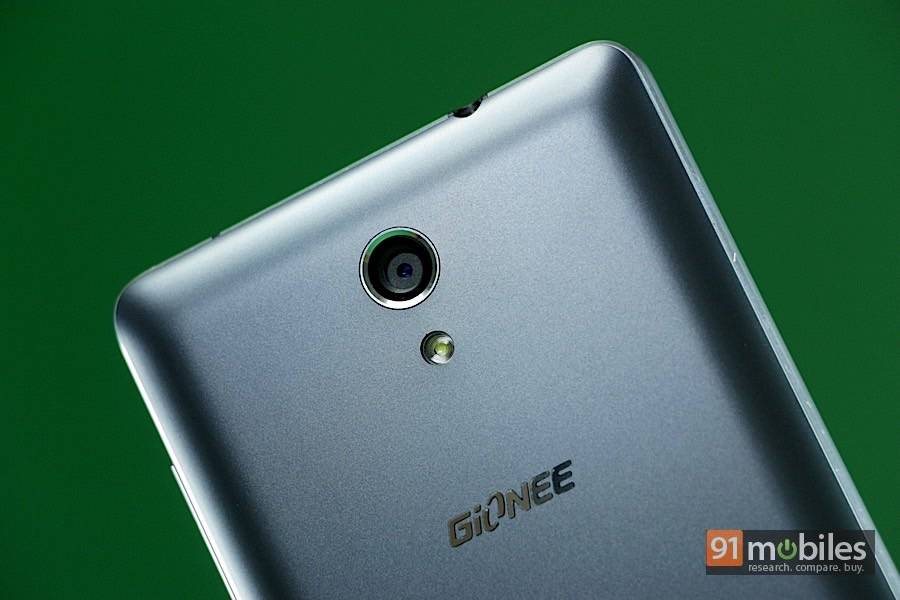
The matte-grey back panel is curved around the edges, making for a comfortable grip. Towards the top, you’ll find the primary 8MP camera, LED flash and Gionee branding, while the bottom is where the loudspeaker grill is located. The back panel can be extricated with some effort to reveal the non-removable battery, dual micro-SIM card slots and microSD card slot.
Vivid, responsive display



Sub-par shooters

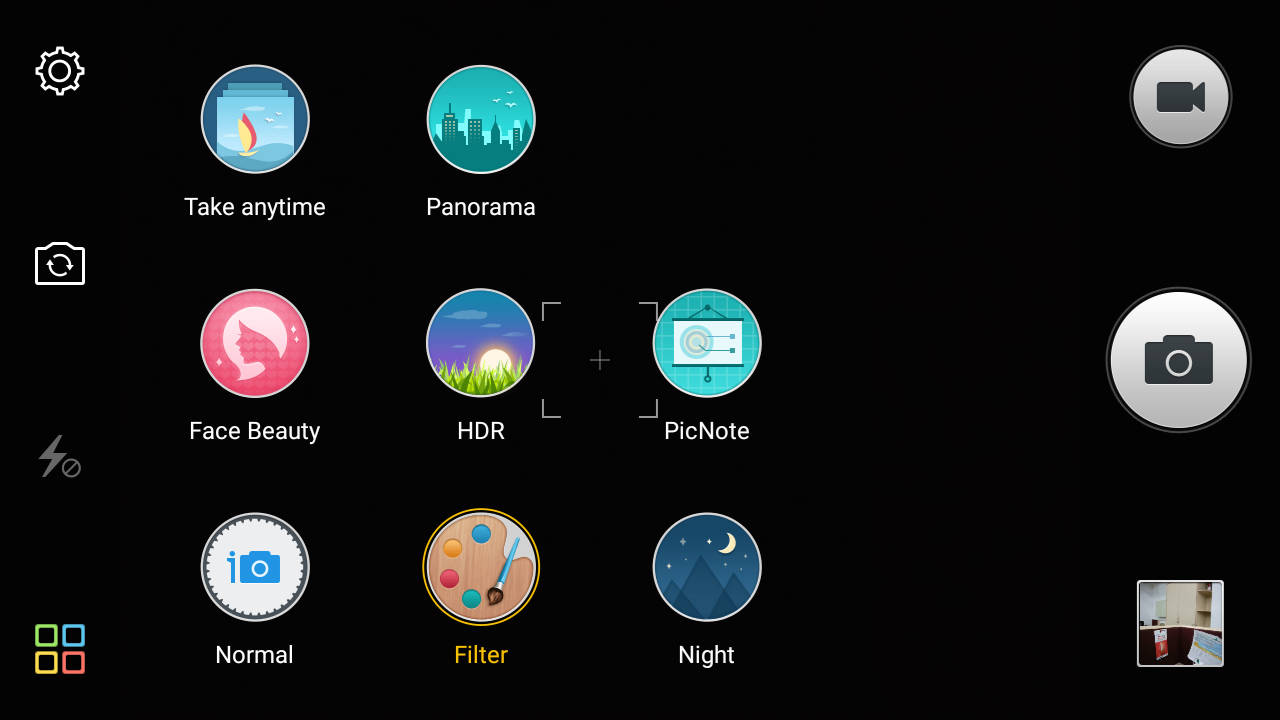
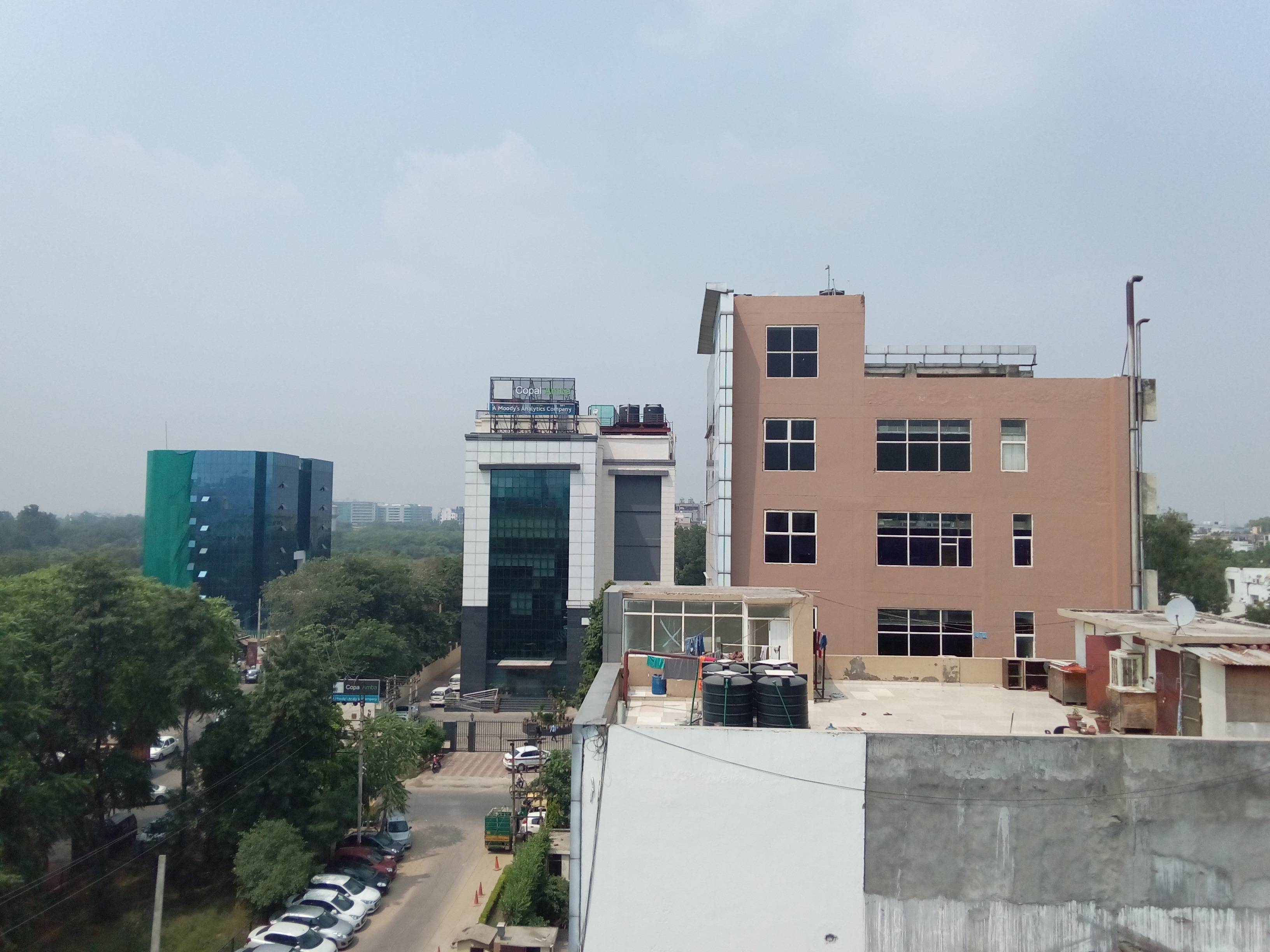
Here are some image samples taken with the primary camera.


Amigo-flavoured Android
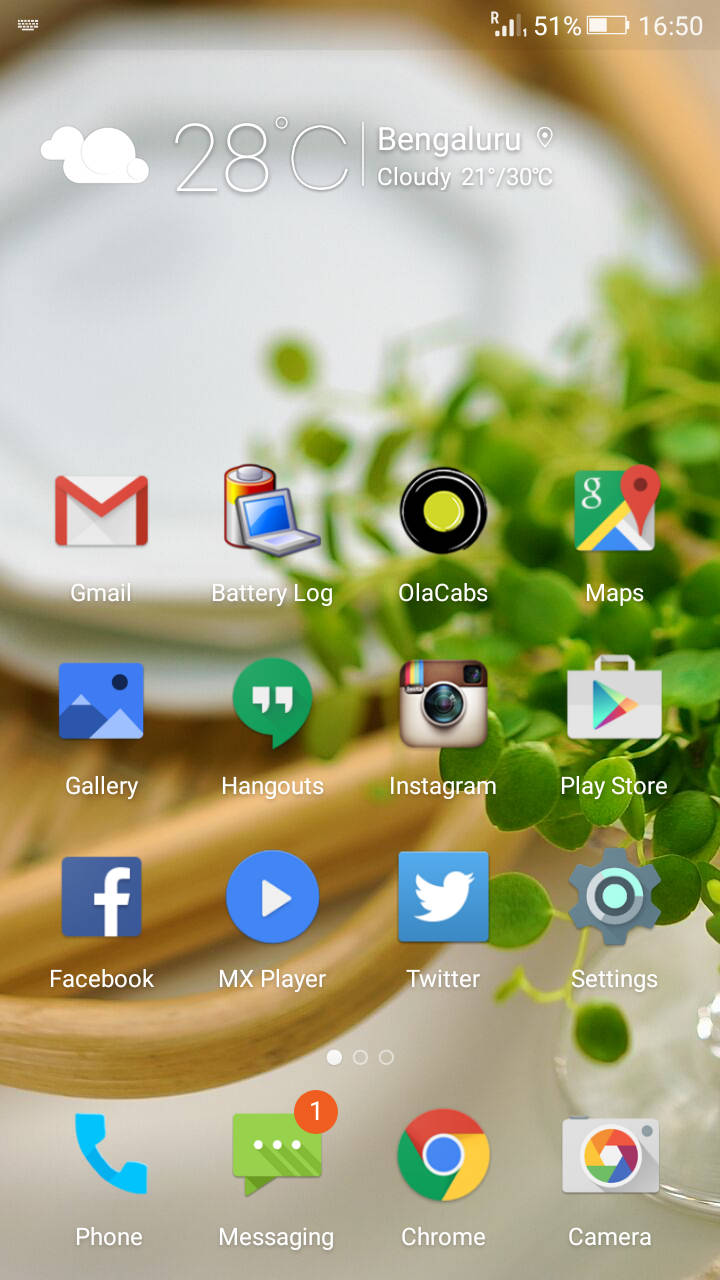
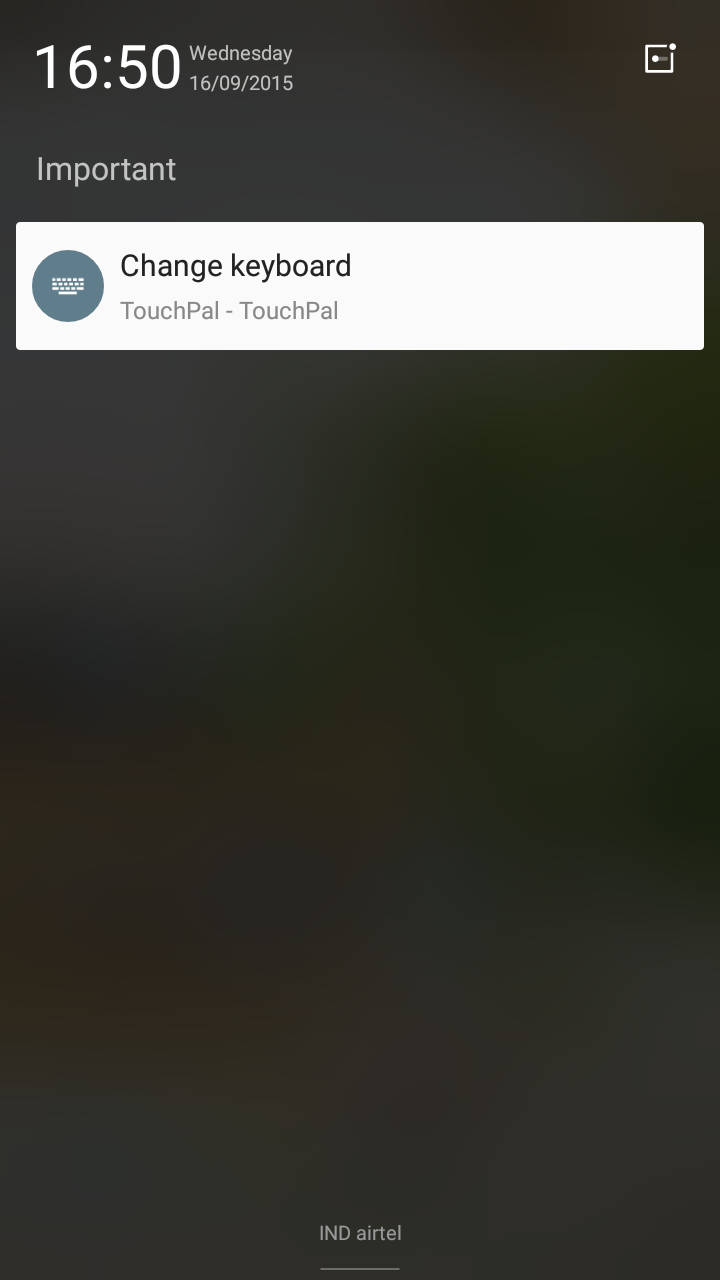
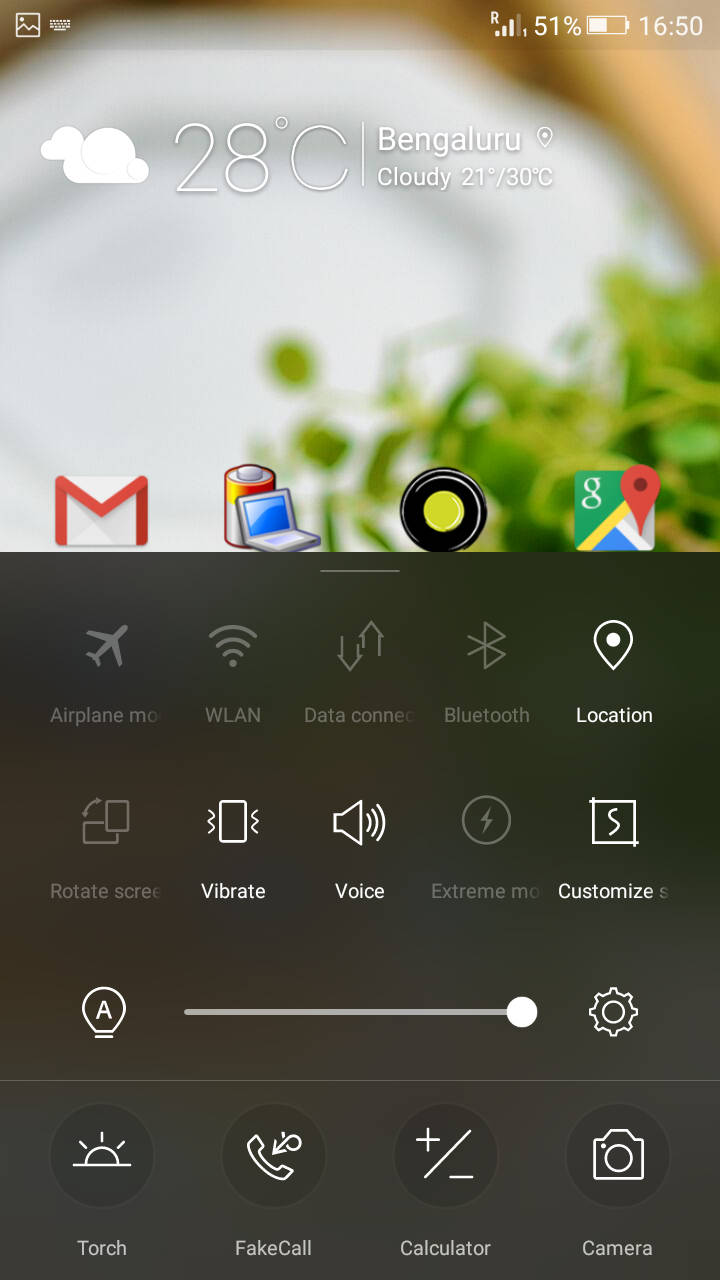
The Marathon M4 runs Android 5.0 Lollipop, but the stock Android interface is barely visible under Gionee’s Amigo 3.0 UI. We’ve covered Amigo 3.0 in detail in our Gionee Elife S7 review, but we’ll take you through the basics. Similar to other Chinese UI’s, Amigo doesn’t feature an app drawer, and you’ll find all the icons scattered across various homescreens. Swiping down from the top brings up the notification pane, and a little shortcut on the right lets you filter app notifications by importance. The iOS-style Control Center is basically a quick settings menu, and is available by swiping up from the bottom of the screen. You’ll find several pre-loaded apps and games on the device, but most of these can be uninstalled.
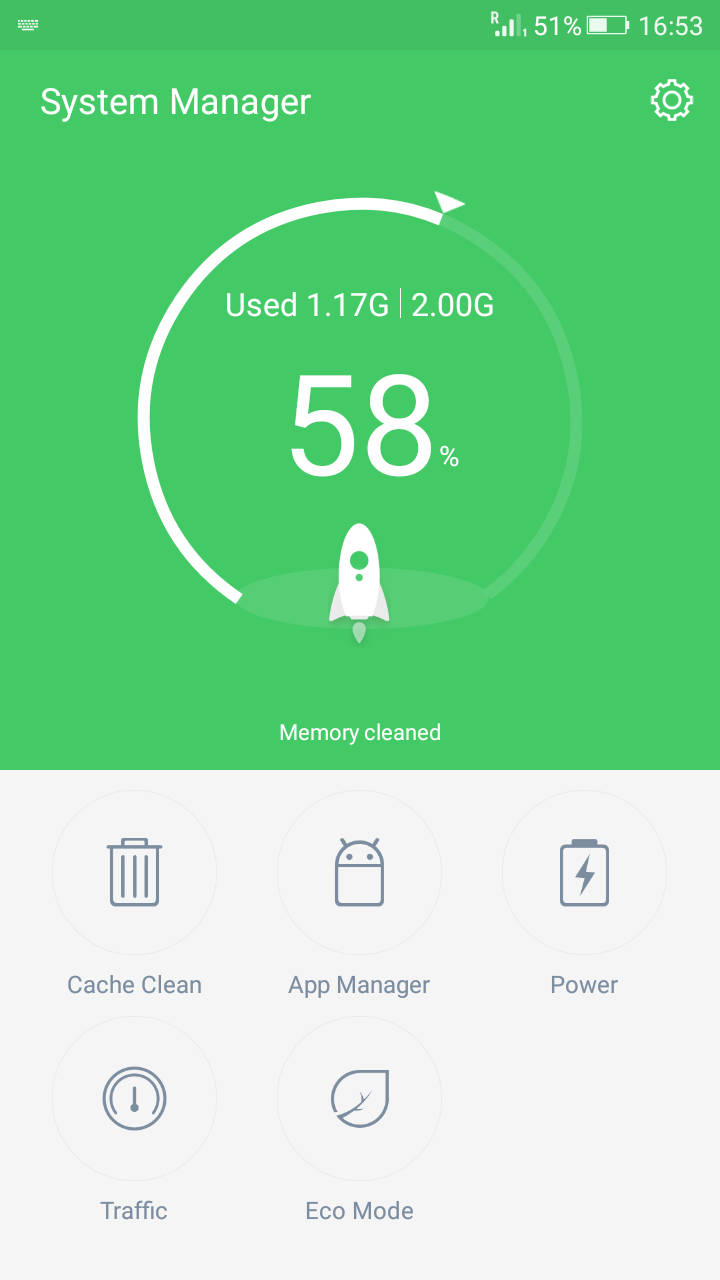
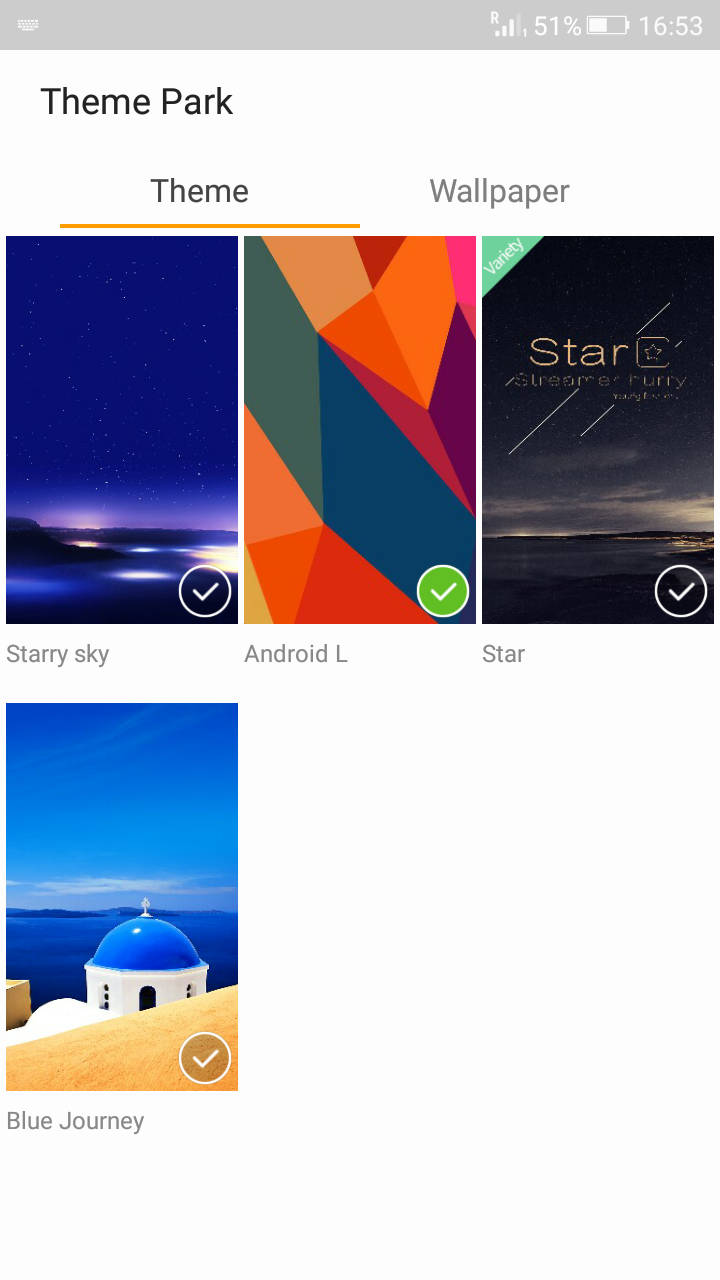
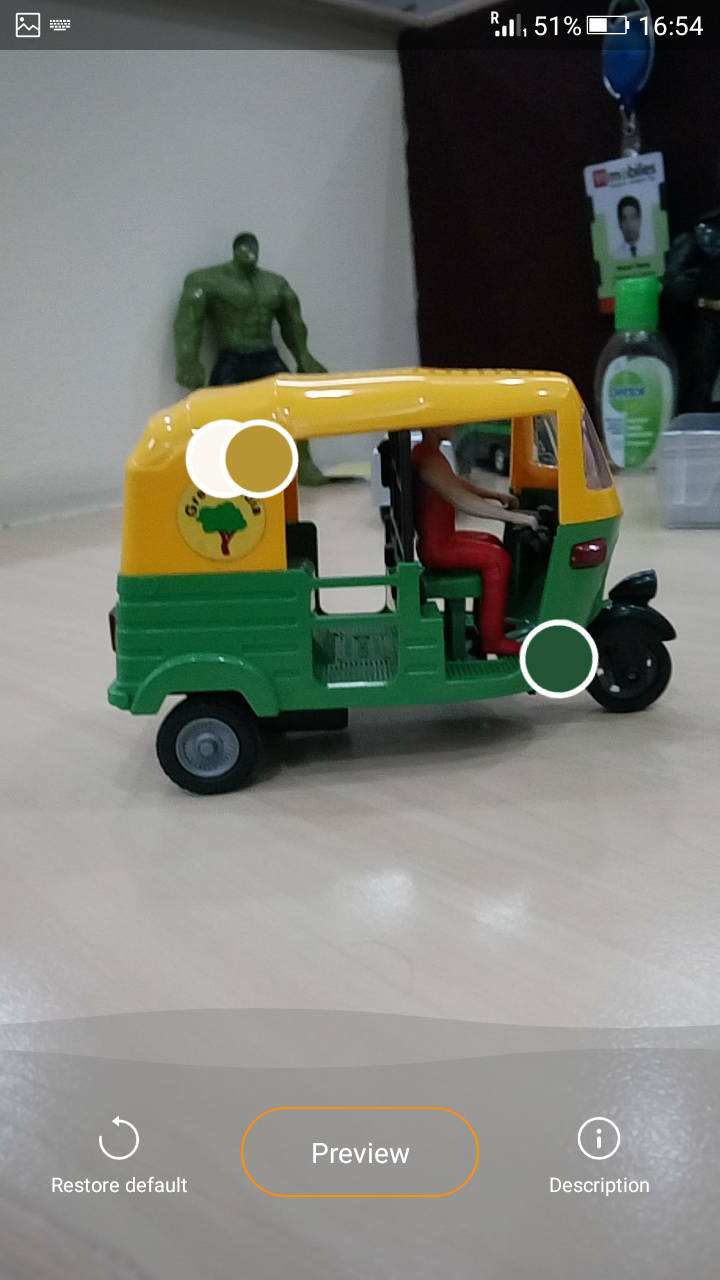
Among Gionee’s own apps, the significant ones include System Manager, which is a one-stop app that lets you clean the cache, manage data traffic, conserve power and manage apps. There’s a Theme Park app which lets you install a bunch of preset themes, as well as Chamelon, which lets you set a new colour scheme based on the colours visible through the camera’s viewfinder.
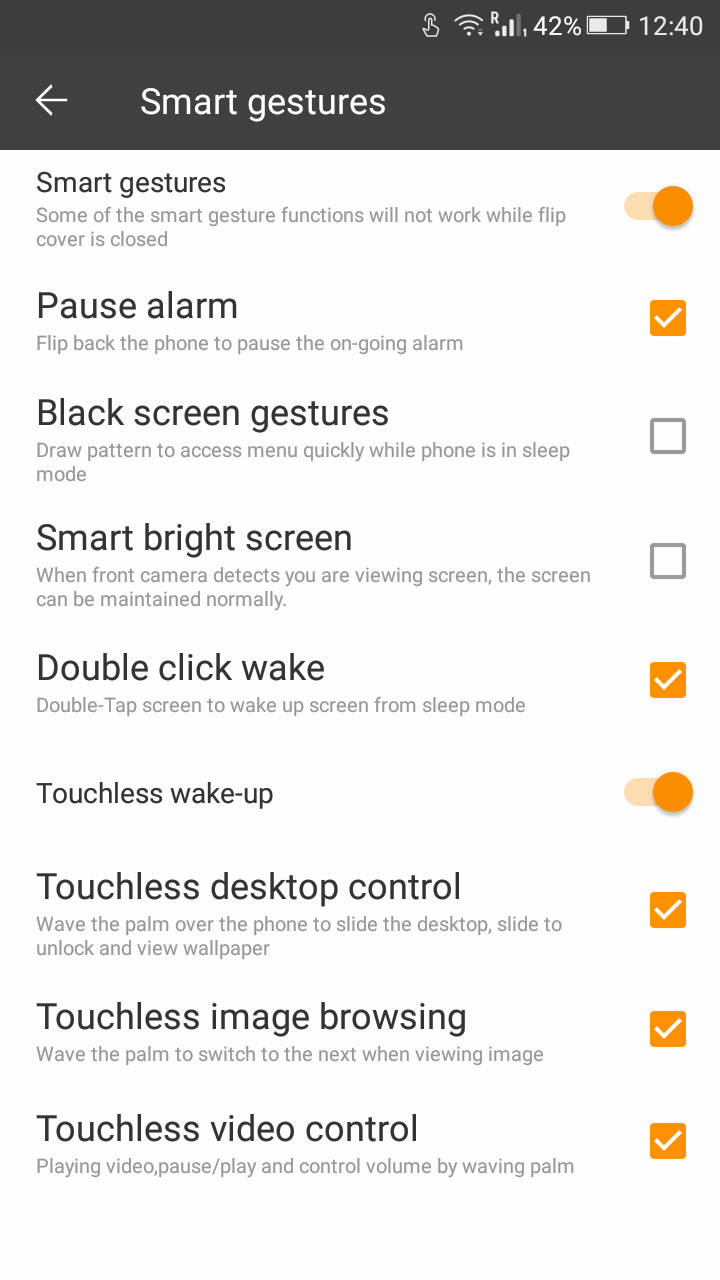
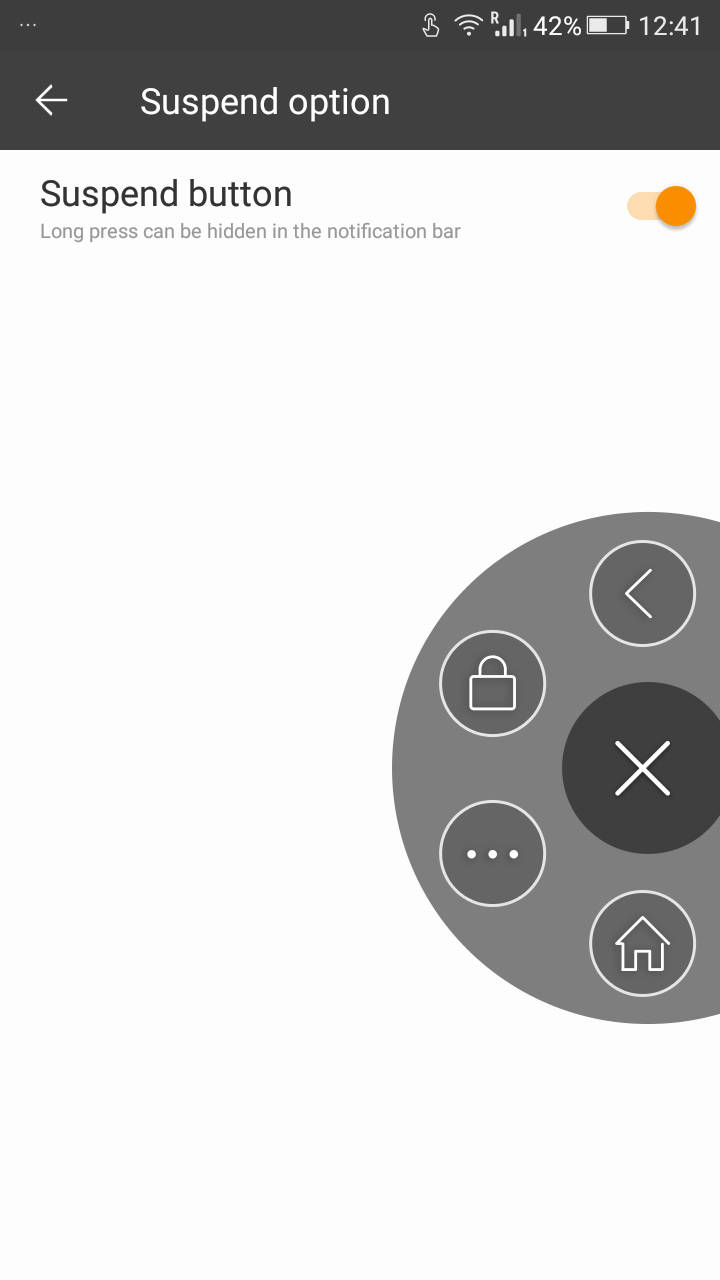
In the advanced settings section, you’ll find options to enable various smart gestures, as well as touchless control options which let you navigate the interface by waving your palm above the display. There’s also a Suspend button which brings up shortcuts to the navigation keys via a floating button.
Lasts long, really long

Powering the Marathon M4 is a quad-core MediaTek MT6735 processor clocked at 1.3GHz, paired with 2GB of RAM. We used the device as our primary smartphone for a few days, and it managed most day-to-day operations like multi-tasking, watching full HD videos and gaming without slowing down. To test the gaming capabilites of the device, we played a bunch of games like Fallout Shelter, Asphalt Nitro and Dead Trigger, and gameplay was a smooth, jitter-free experience. The smartphone tends to get warm after 15-20 minutes of gaming, but never got uncomfortably hot.
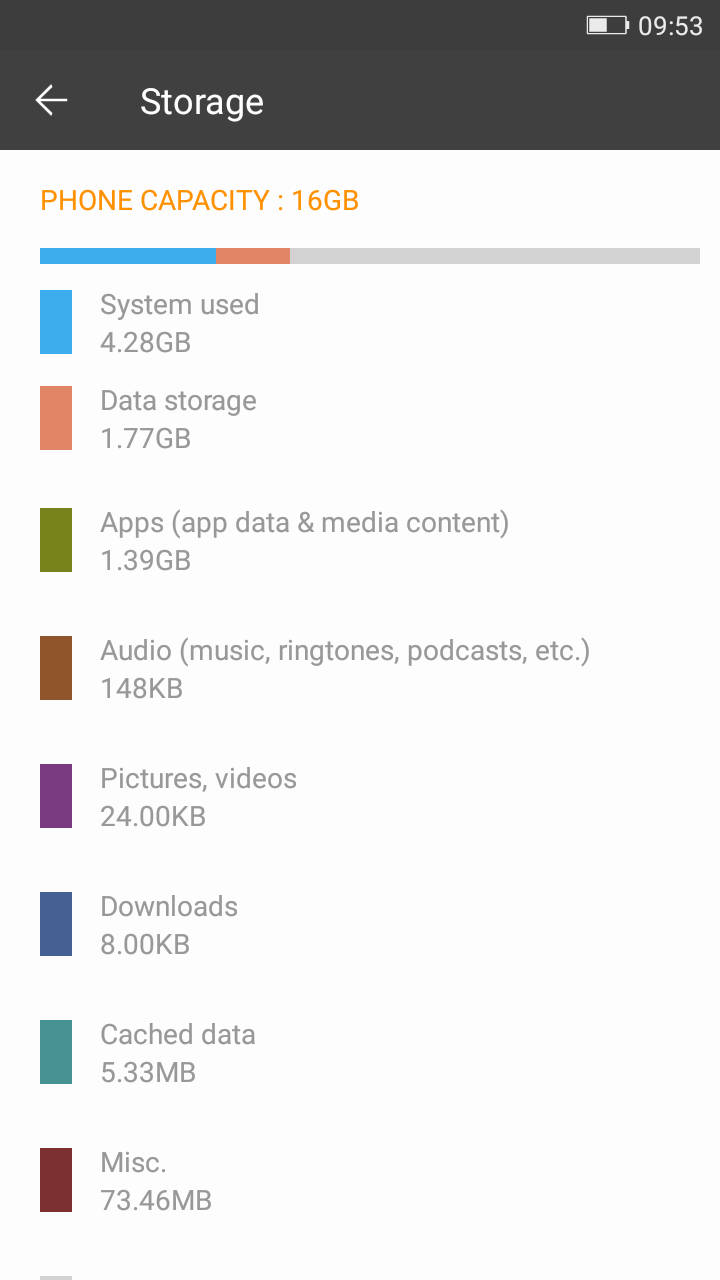
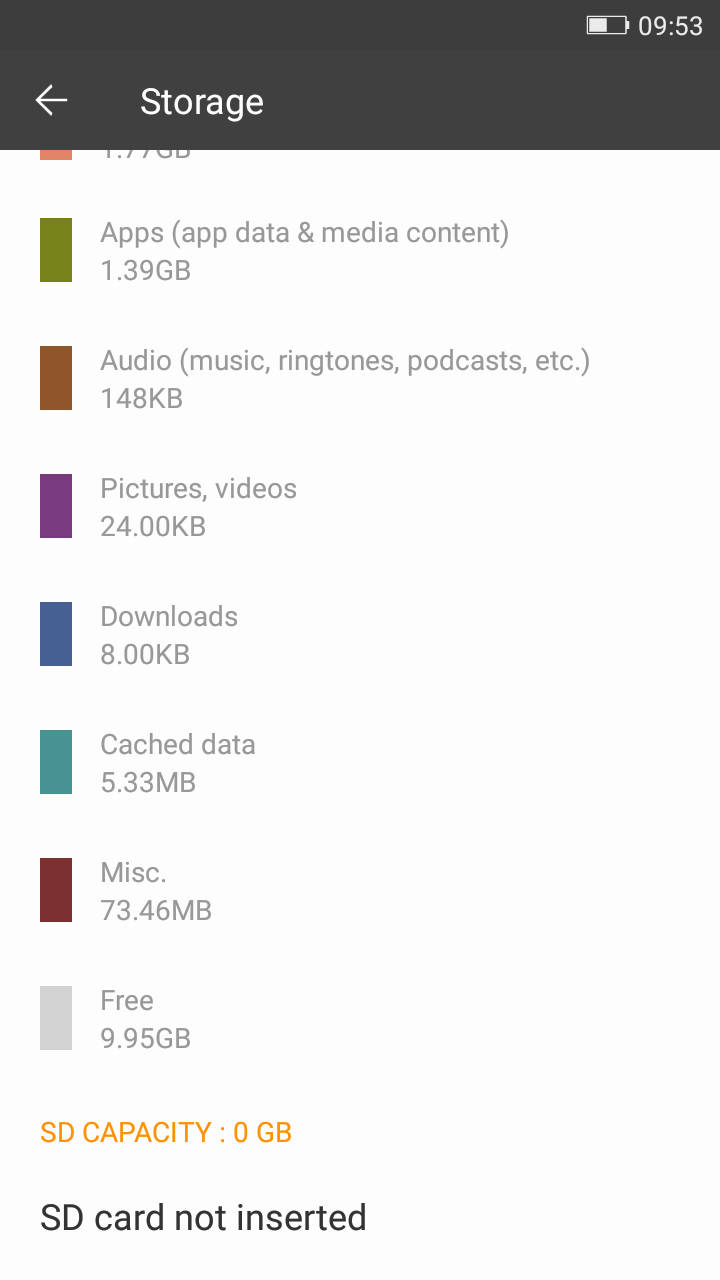
As far as the internal storage is concerned, the Marathon M4 features 16GB of memory, out of which around 10GB is available out-of-the-box. The storage is expandable by an additional 32GB via a microSD card. The connectivity options on the device include Wi-Fi, Wi-Fi Hotspot, Wi-Fi Direct, Bluetooth, USB OTG and GPS. The smartphone supports both Indian 4G bands on both of its SIMs.
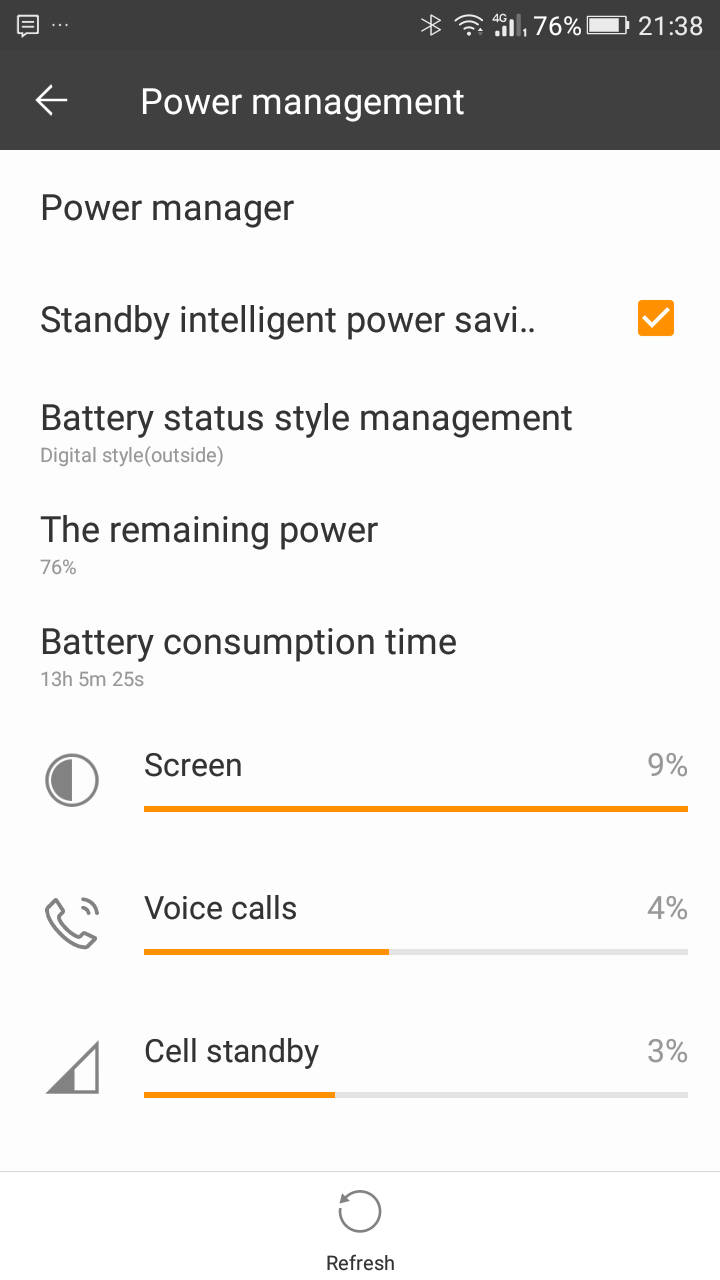
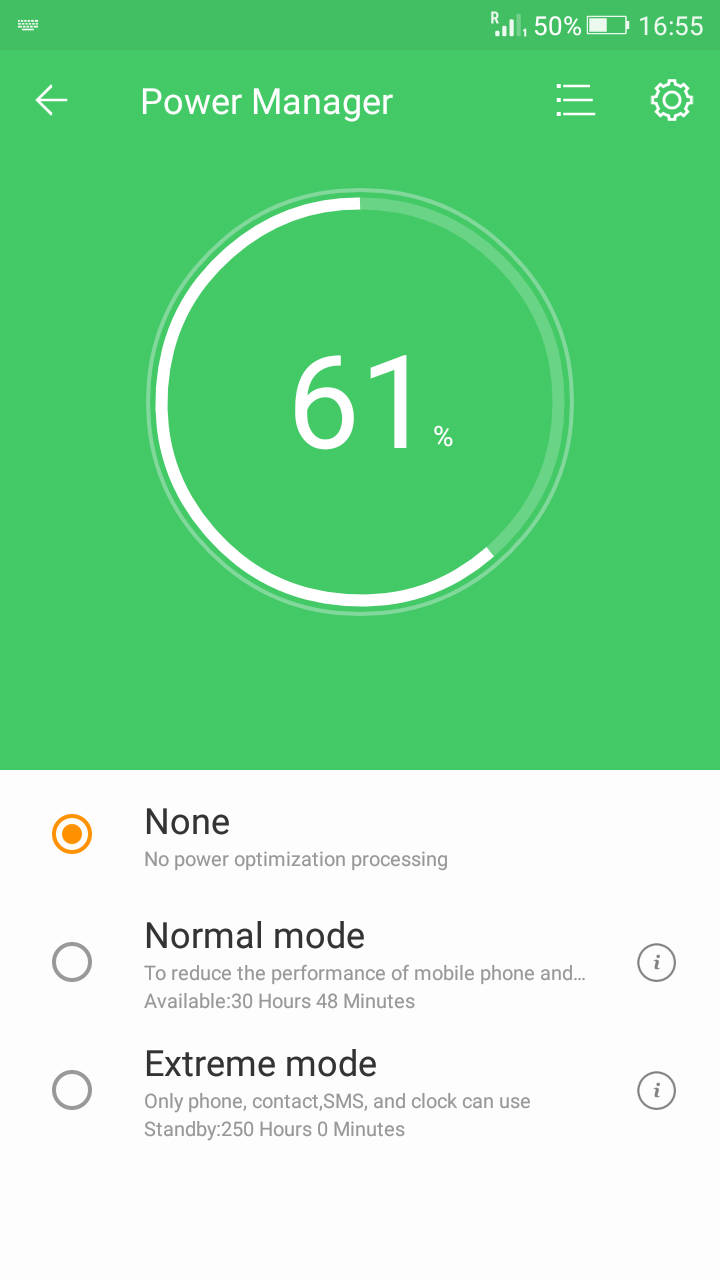
Battery life is obviously the forte of the Marathon M4, and suffice to say, it performs exceptionally in this department. With regular usage, involving an hour or two of phone calls, WhatsApp, Twitter, Facebook and use of the camera, it easily lasted for 36 hours without requiring a recharge. We put the smartphone through our regular battery drain test, where we loop a 720p video with brightness and volume set to 50 percent, and it lasted us for an incredible 26 hours and 34 minutes, which is the best result in our labs so far. The Marathon M4 can also be used to charge other USB devices through USB OTG. This functionality, coupled with its excellent standby time, makes it a great second smartphone too. While you probably won’t need it, Gionee has packed in a Power Manager tool should you wish to extend the battery life even further. In the Normal mode, you can allow only apps with permission to run in the background, as well as enable a dark theme for better power savings. In the Extreme mode, only the phone, contacts, SMS and clock will be enabled.
Verdict

Price: Rs 15,499
Editor’s Rating: 7 / 10
Pros:
- Excellent battery life
- Metal frame
- Vivid, sharp display
- Smooth performance
Cons:
- Bulky build
- Below-average cameras
- Expensive
Photos by Raj Rout

