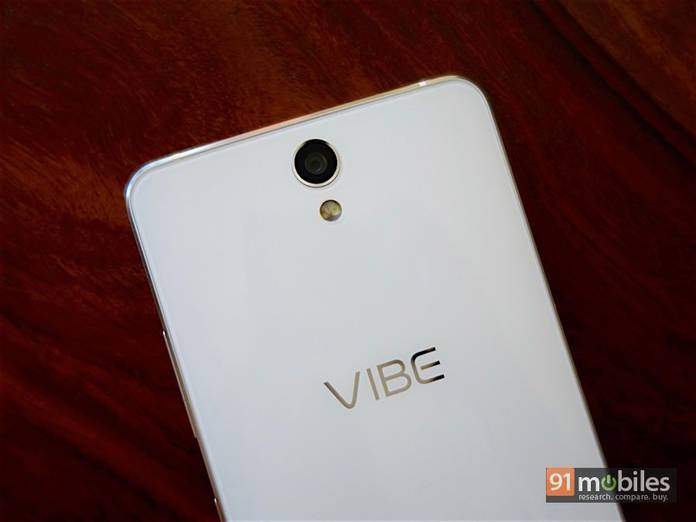
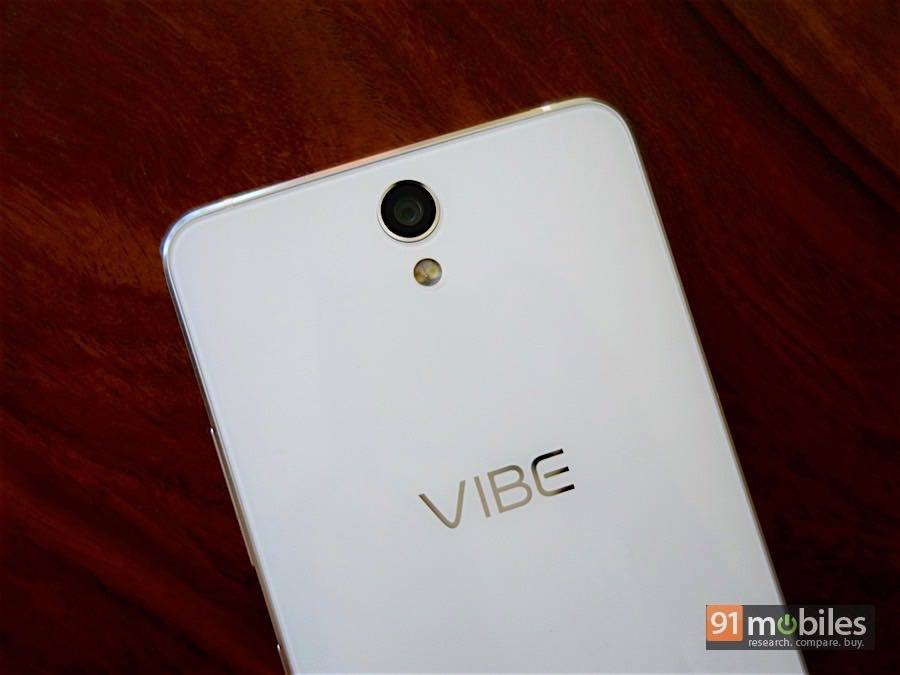
“The Lenovo Vibe S1 is the ultimate smartphone for selfie lovers. We check out its photo quality”
Selfie smartphones aren’t new. In fact, most smartphones today incorporate decent front cameras solely to satisfy users’ selfie obsession. Some manufacturers go for higher-res front snappers, while others opt for an LED flash or autofocus. The Lenovo Vibe S1 (unboxing | first impressions) though, takes selfies to a whole new level. It’s the world’s first smartphone to feature dual front cameras. There’s an 8MP BSI unit that’s responsible for snapping the images, and a second 2MP camera that captures depth information, enabling you to adjust focus and cut out your selfies to paste on different backgrounds. The rear camera of the Vibe S1 is a 13MP snapper with a BSI sensor, PDAF and an f/2.2 aperture. The camera app is fairly simple to navigate, with a few basic manual control functions like ISO, white balance and triaxial leveling. There aren’t too many modes to fiddle with though, with HDR and Panorama being the only two options. The front camera lets you enable a beauty mode with a slider to control the effect, and also features a screen flash that lights up the display to work as a stand-in flash. A little icon at the top centre lets you switch to dual-camera mode. Apart from the unique camera setup, the Vibe S1 also features other noteworthy specs, like a 5-inch full HD display, octa-core MediaTek MT6572 processor, 3GB of RAM, 32GB of storage and dual SIM with 4G LTE. But more on that later. For now, let’s take a look at some images captured with the Vibe S1 across a variety of shooting conditions. You can right click and open them in a new tab to view images in their full resolution.
Table of Contents
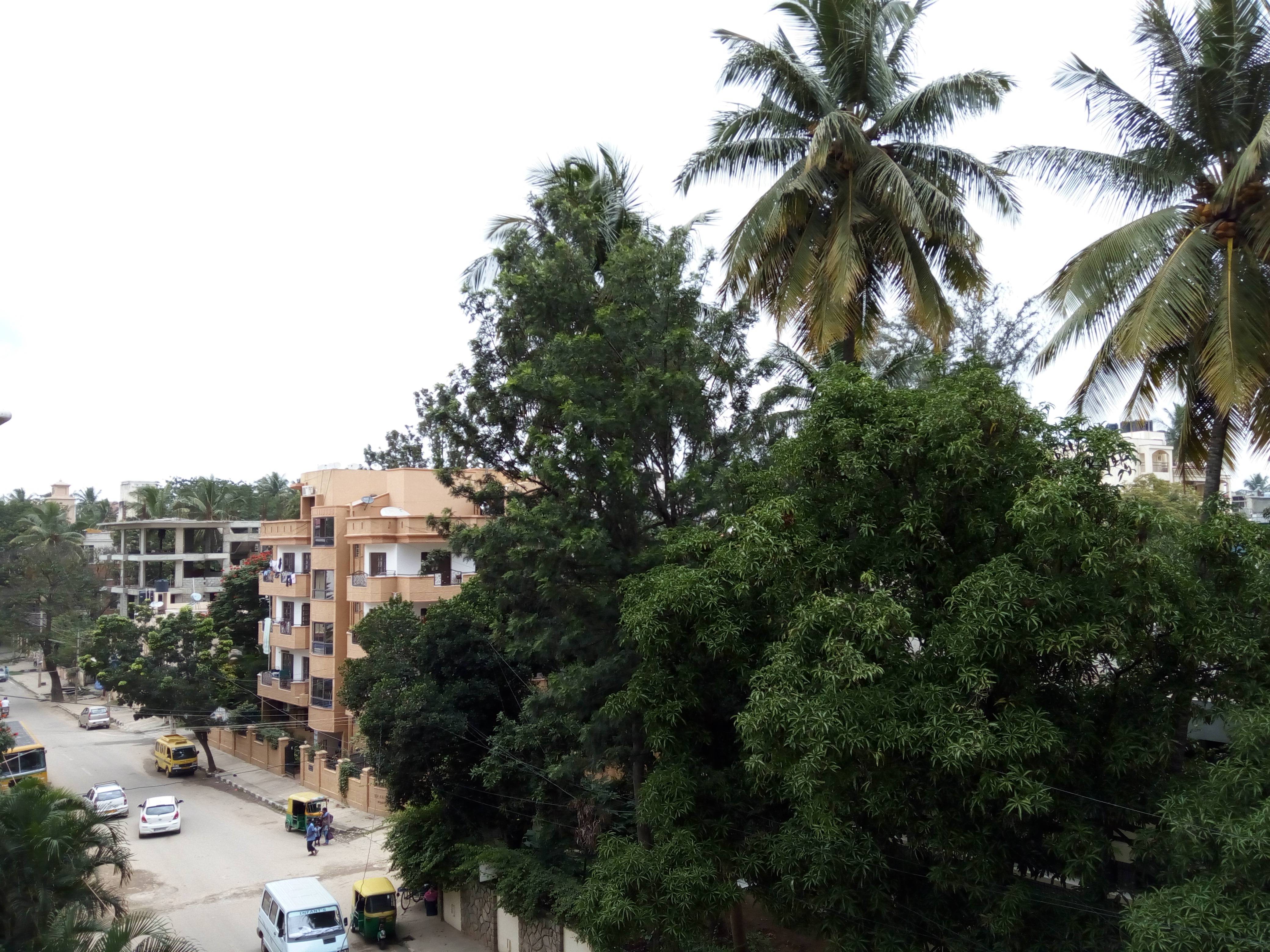
Long Shot
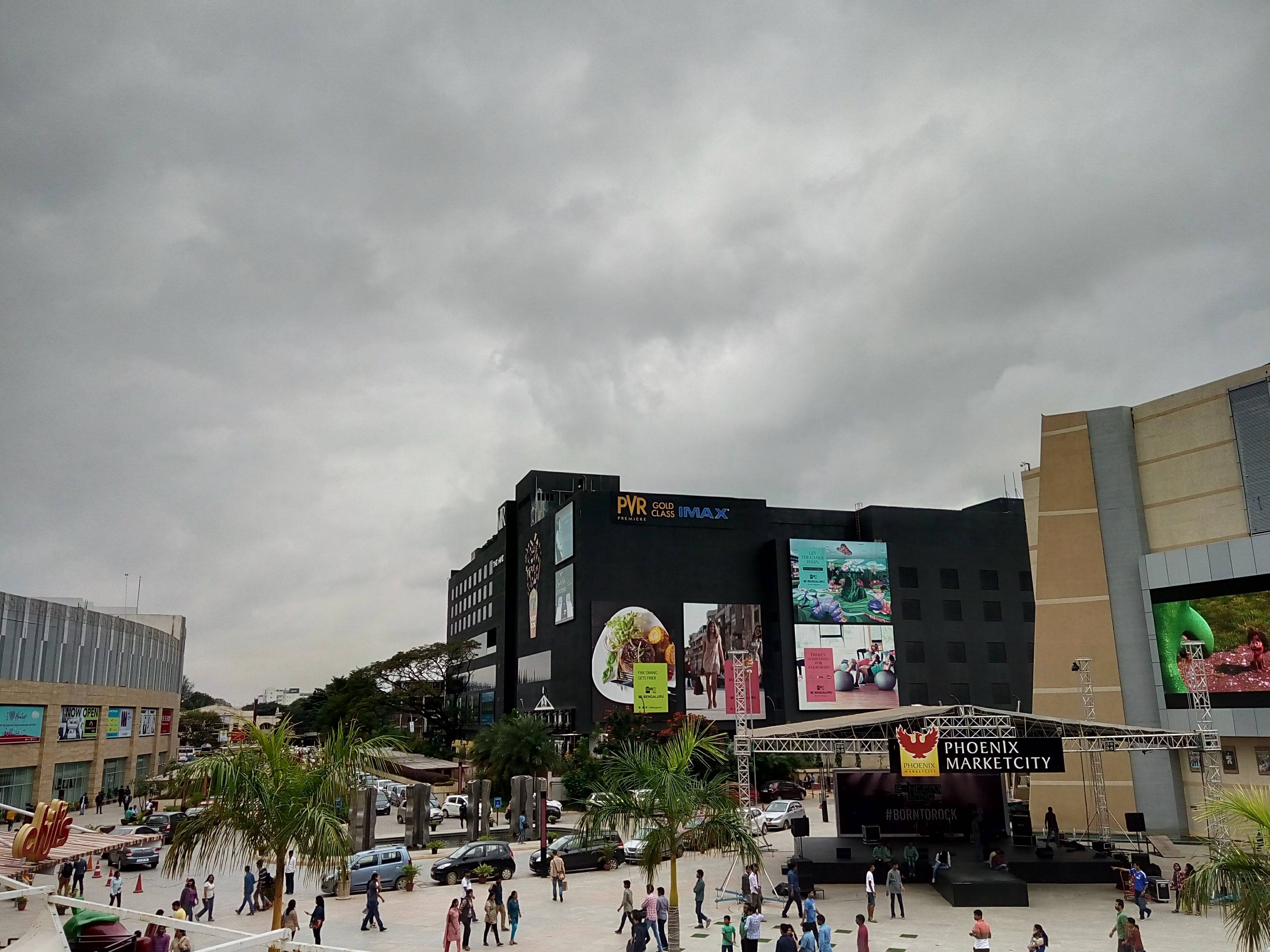
This long shot doesn’t make a good first impression. The sky looks blown out, and parts of the image are overexposed. Zooming in, you’ll find that the image lacks sharpness too.
Close Up
This close-up shot of a ladybug watching over her eggs was a hard one to capture because of the crowded frame, but the Vibe S1’s camera has done a good job of keeping the subject in focus and the background soft. On the flip side, the electric red and bright green colours that we saw in real life appear washed out.
Close Up (Zoomed In)
A cropped version of the image above reveals that both the subjects are in clear focus. A fair amount of detail has been captured as well, although sharpness is on the lower side.
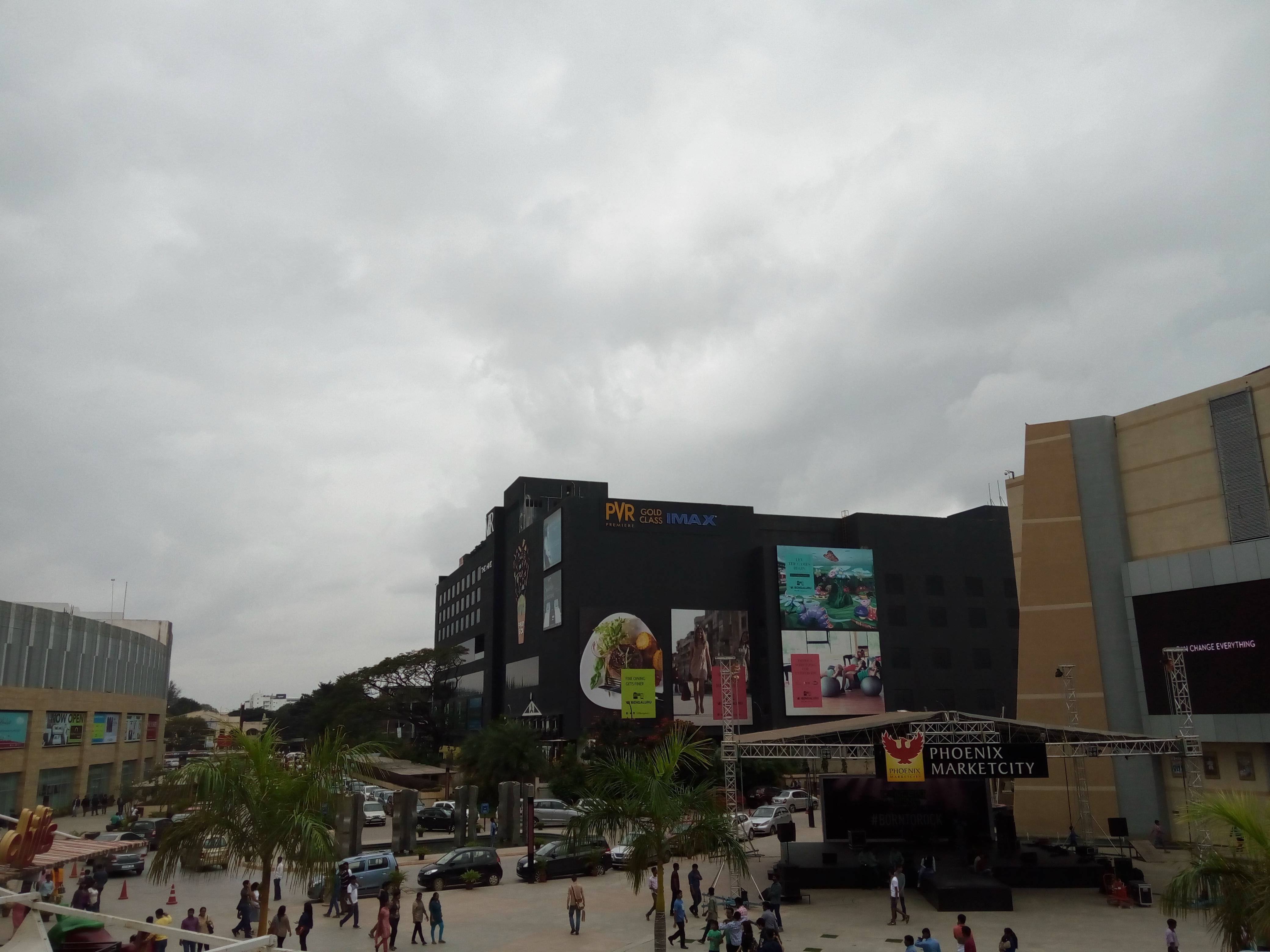
HDR Off
Taken on a cloudy afternoon, this image captured appears quite drab and underexposed. Let’s see if turning on HDR can liven things up.
HDR On
Turning on the HDR has done a surprisingly good job of sprucing up the image. It’s brighter, and sharper, and dynamic range has been vastly improved. What we liked about this shot is that the result doesn’t look artificial.
Front Camera
We’re sold on the front camera of the Vibe S1. This selfie (taken without the beauty mode) is sharp and detailed. It isn’t grainy, and skin tone appears natural too.
Front camera: Cut Out effect
After you snap an image with the dual camera on, you’ll see a Cut Out option in the gallery. The automatic cut out option works quite well, but you’re likely to find bits of background in the result. You can choose to manually cut out the photo in that case, using the eraser and pen tools to form a rough outline. To get a very realistic result you’ll need to spend a fair bit of time on this, which we didn’t do. As you can see in the image above, you can still see bits of the background, which makes it look pretty artificial against the backdrop we chose. It just looks like bad photoshop work.
Front Camera: Blur effect
Choosing the Blur option lets you tap anywhere on the image to focus, and automatically blurs the background. It’s a nice effect, but doesn’t work too well. In this shot, the face is in focus, but the hair and torso are blurred along with the background. There are two other blur types to choose from as well – Spiral and Fast. In these cases, you can’t tap to focus, so the camera automatically detects the background and applies the effect. As you can see, these effects don’t work too well with this image, so you’ll need to come up with creative ways to use them.
Night Shot
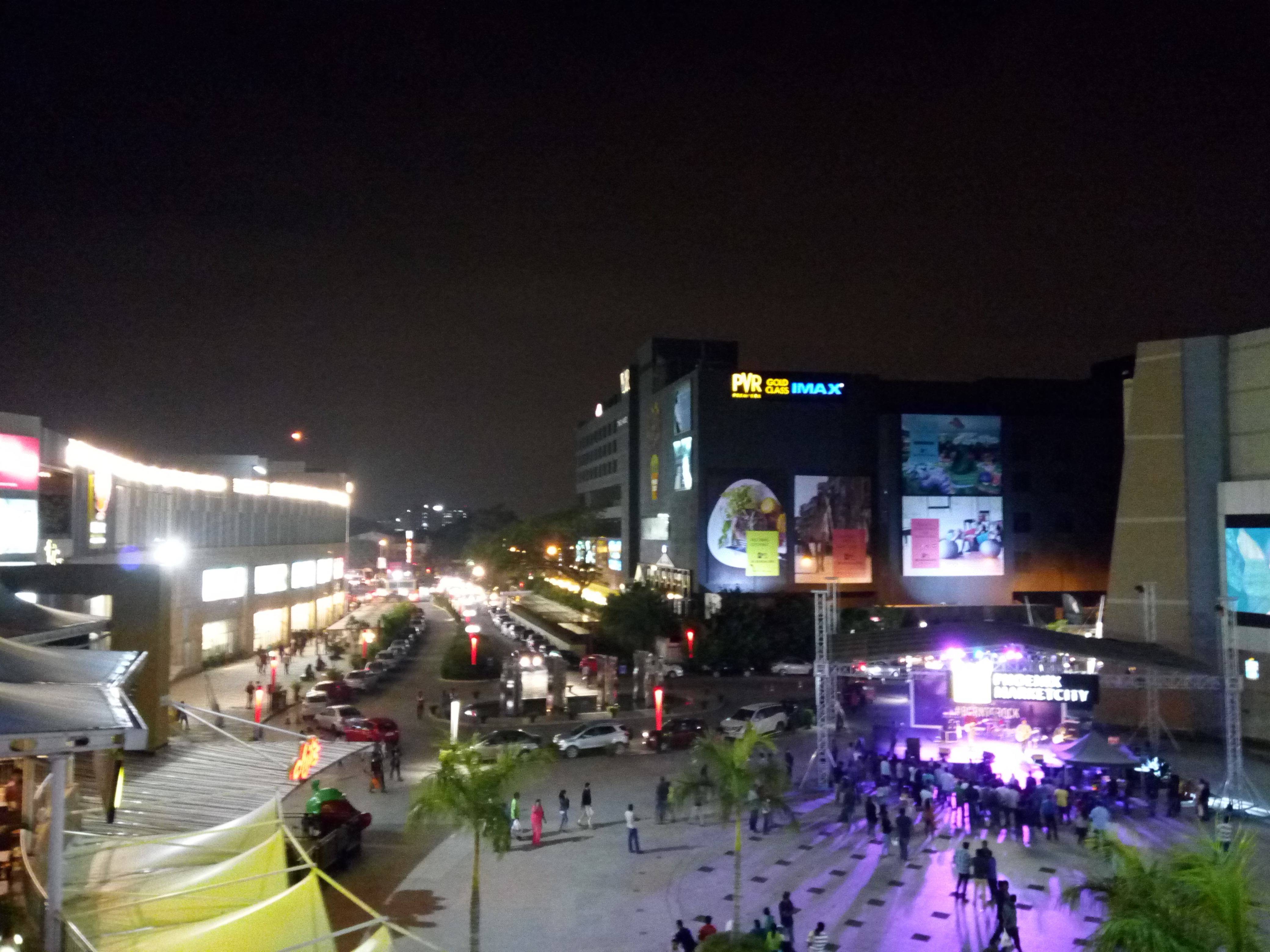
Despite the brightly-lit scene, this night shot is quite blurry and grainy. There are light leaks everywhere and noise levels are high. It’s a usable image, but one that lacks detail.
Low Light
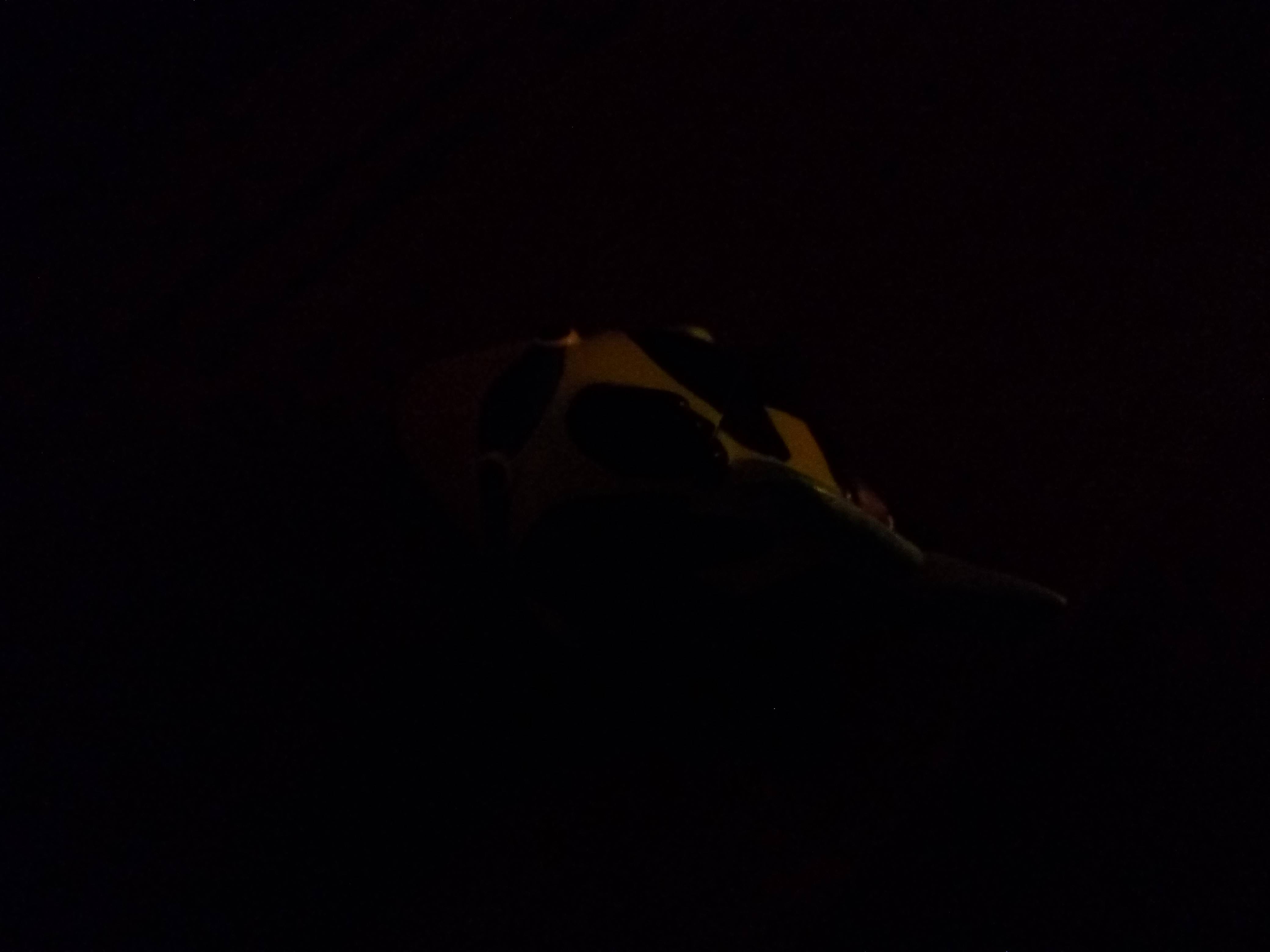
Taken in low light, you can barely see the subject in this image. A few shapes and a bare outline is visible, but the image is otherwise unusable.
Low Light With Flash
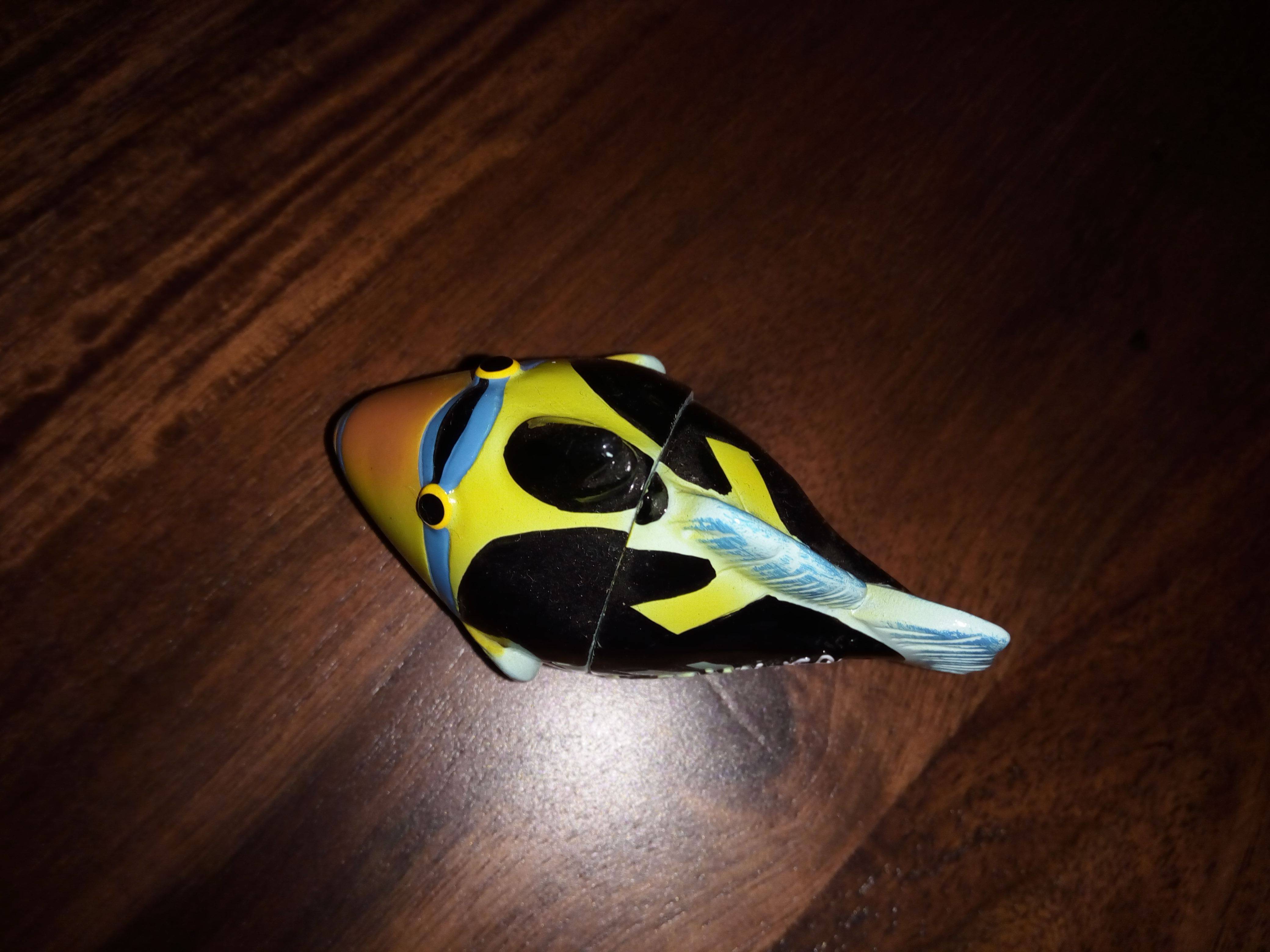
Turning on the flash is a big improvement. The tone is quite natural – not too white or too yellow – and grain is no longer an issue. The flash seems to have been evenly distributed as well.
The Lenovo Vibe S1 is in essence a selfie smartphone, and the good news is that it captures selfies very well. The dual camera setup though seems quite gimmicky, and a look at the results will tell you why. The rear camera is a mixed bag. It can capture usable daylight and macro images, but falters in lower lighting. This is one of the rare instances where the front camera trumps the rear, and we’re not sure how many users will be okay with that. Of course, other factors like performance and battery life come into play while choosing a smartphone too, and that’s what we’re going to talk about in our upcoming review.