Hands-on with Nothing Essential App Builder: vibe coding apps with AI


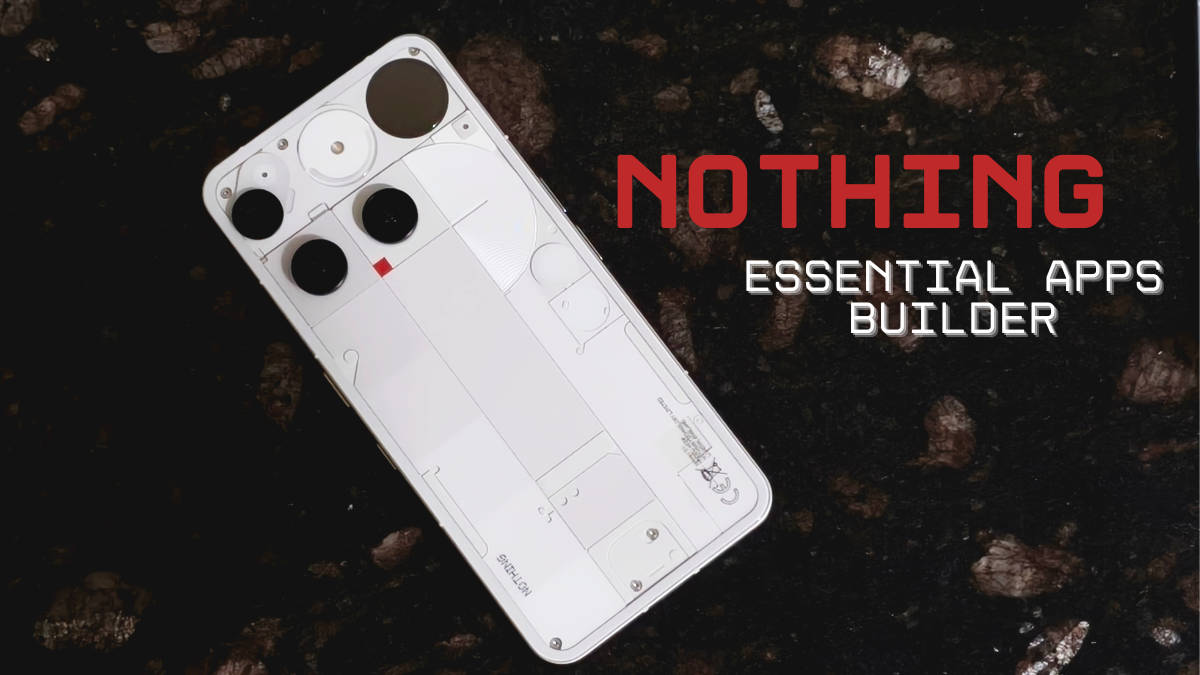
For most users in India, Nothing stands for quirky design, a clean stock-Android experience, and impressive hardware for the price. From the start, the company has prioritised how their phones actually feel and interact. Nothing OS embodies this concept, offering excellent optimisation and a distinct personality that separates it from the crowd.
Interestingly, Nothing is also one of the few brands that didn’t just blindly jump on the recent AI bandwagon. Instead, they kept their AI features simple and something you’re likely to use. The philosophy seems to focus on practical innovation, and the new Essential Apps Builder is the brand’s latest step on that front.
I tested the Essential Apps Builder beta version on the Nothing Playground webpage to create custom widgets (what they refer to as apps) and personalisation tools for the home screen. Ironically, despite the brand’s reserved stance on AI, it is an AI app creator that does a reasonable job. These are my first impressions of how the builder feels, performs, and whether it proves useful in daily life.
Table of Contents
How does the Nothing Essential App Builder work?
The process here is pretty straightforward. You head on to the Nothing Playground website, log in via your Nothing account, and from there just scroll down and choose the Essential Apps Builder. It is highlighted in yellow to make it easier to catch. I got early access to the beta version via an invite list.


From there on, you can describe in conversational language what exactly you want to build, for instance, a tool to show you the latest news, some calendar events, etc. For now, the three fully supported device permissions include Location, Calendar and Contacts.
Internet access for fetching data is still listed as unreliable, so the news ticker might be hit-or-miss. You are also currently limited to 2×2 and 4×2 widget sizes, and while image generation works, there is no support for custom fonts or audio files yet. The beta version is currently only available to Phone (3) (review) users, which I’ve been using as my personal device for the better part of the year.
What’s the actual experience like?
In essence, using the app builder feels nearly identical to using a standard LLM, just with a different output. I started by experimenting with a few widget ideas I had in mind. I first attempted to create a simple Tic-Tac-Toe widget (which I later realised was already a featured app in the menu). Building my own version took about five prompts, and frankly, it still wasn’t the best implementation and had alignment issues. The official featured version is much better if you actually want to play the game.

My next idea was more practical and something I wanted to see: a ‘Free vs. Busy’ indicator. The idea was a 2×2 widget that checks my calendar: if I’m free for the next hour, it shows a pixel-art coffee cup; if I have a meeting, it swaps to a ‘Do Not Disturb’ sign with a countdown. Fortunately, I got through this pretty quickly with just 2 prompts, so that’s a plus in my book. The AI isn’t perfect by any means, but it works, and I’m happy it’s my own.
The AI isn’t perfect by any means, but it works, and I’m happy it’s my own. The process itself is very iterative. Every time the AI finishes processing, you get an initial prototype of the widget to test immediately. You can be very specific with your improvements and even attach reference images to guide the design, which is pretty helpful.


Let’s talk about the actual website, too. The interface itself is still quite janky, at least on the mobile website. After submitting a prompt, the page often shifts up and down or locks up entirely, hiding the result. Sometimes, even after processing finishes, nothing pops up, which is mildly annoying. A quick fix I found is to navigate back to a new page or open the options menu and select “Gallery”, which saves all your previous attempts at an app so you don’t lose records.
The interface is perfectly fine in my desktop browser, and you can export the app to your paired device using the correct Nothing account. I found the whole process simpler on the mobile website, where you can export the project directly after naming it. If it weren’t so janky, I’d have enjoyed the seamlessness a lot more.
Early thoughts: rough around the edges, but has potential
My overall experience with the Essential Apps builder, admittedly, feels a little underwhelming at first. It has its rough edges, and as I found out, it takes some patience to get things right. But all things considered, it is important to remember that this is strictly a beta version and a very early look. It feels limited since there’s only so much to play around with, but this approach to personalisation is definitely something I’m quite intrigued by.
All that being said, with more permission access and deeper cross-app implementation down the line, there is extreme potential here. The idea of creating custom widgets tailored to your productivity needs or aesthetic preferences is pretty powerful, if I’m being honest. It means not having to wait for other app makers to come out with their own official widgets, or if you just want to create something silly and fun. It isn’t perfect yet, but this definitely seems like a good step toward making personal technology feel, well, actually personal.

