Business laptops get judged on a different scale than consumer machines. Nobody buying one cares about peak frame rates. What matters is whether it survives three years of airport security, whether the keyboard holds up through a 4,000-word report, whether IT can manage it remotely, and whether it reaches the end of a working day without hunting for a socket. This guide is exactly for those who are looking for the best laptops for business.
The six machines below have all been through our lab on the same benchmark suite and the same battery test. The spread between them is wide: battery runs from 10 hours 10 minutes to 22 hours 8 minutes, and weight from 990 grams to a little over 1.4kg. That range is the point, because a laptop bought for a travelling sales team should not be the same one bought for a finance department.
Here is how our winners stand. The Dell XPS 14 (2026) is the all-round pick, the ASUS ExpertBook Ultra sits at the top of the range, and the ASUS Zenbook S14 offers the most for the money. The HP OmniBook Ultra 14 suits managed fleets, the ASUS ZenBook A14 (2026) is the one to carry, and the Samsung Galaxy Book6 Pro leads on endurance. Updated for July 2026 with the latest testing data and price changes.
A note on pricing: all prices here are what each machine cost at the time we tested it. Component costs have pushed prices up sharply through 2026, so verify current pricing and current configurations before committing to a fleet purchase.
Table of Contents
What matters in a business laptop
Our benchmark suite is the same across every laptop we test: Cinebench 2026, R24 and R23 for processor throughput, Geekbench 6 for cross-platform comparison, PCMark 10 and PCMark 10 Extended for productivity, CrossMark for responsiveness, the 3DMark stack for graphics, Geekbench AI in ONNX and OpenVINO for on-device AI, PugetBench for DaVinci Resolve, and CrystalDiskMark for storage. Battery is the PCMark 10 video loop test at 80% brightness.
For business machines specifically, four things carry extra weight. Durability certification, because a fleet laptop gets handled by people who did not pay for it. Keyboard quality, because these machines exist to produce documents. Port selection, because meeting rooms still have HDMI cables and clients still hand over USB drives. And on-device AI performance, because Copilot+ features like live captions, background blur, and local transcription now run on the NPU rather than in the cloud, which matters for anyone handling sensitive material.
Dell XPS 14 (2026) — Best Business Laptop Overall
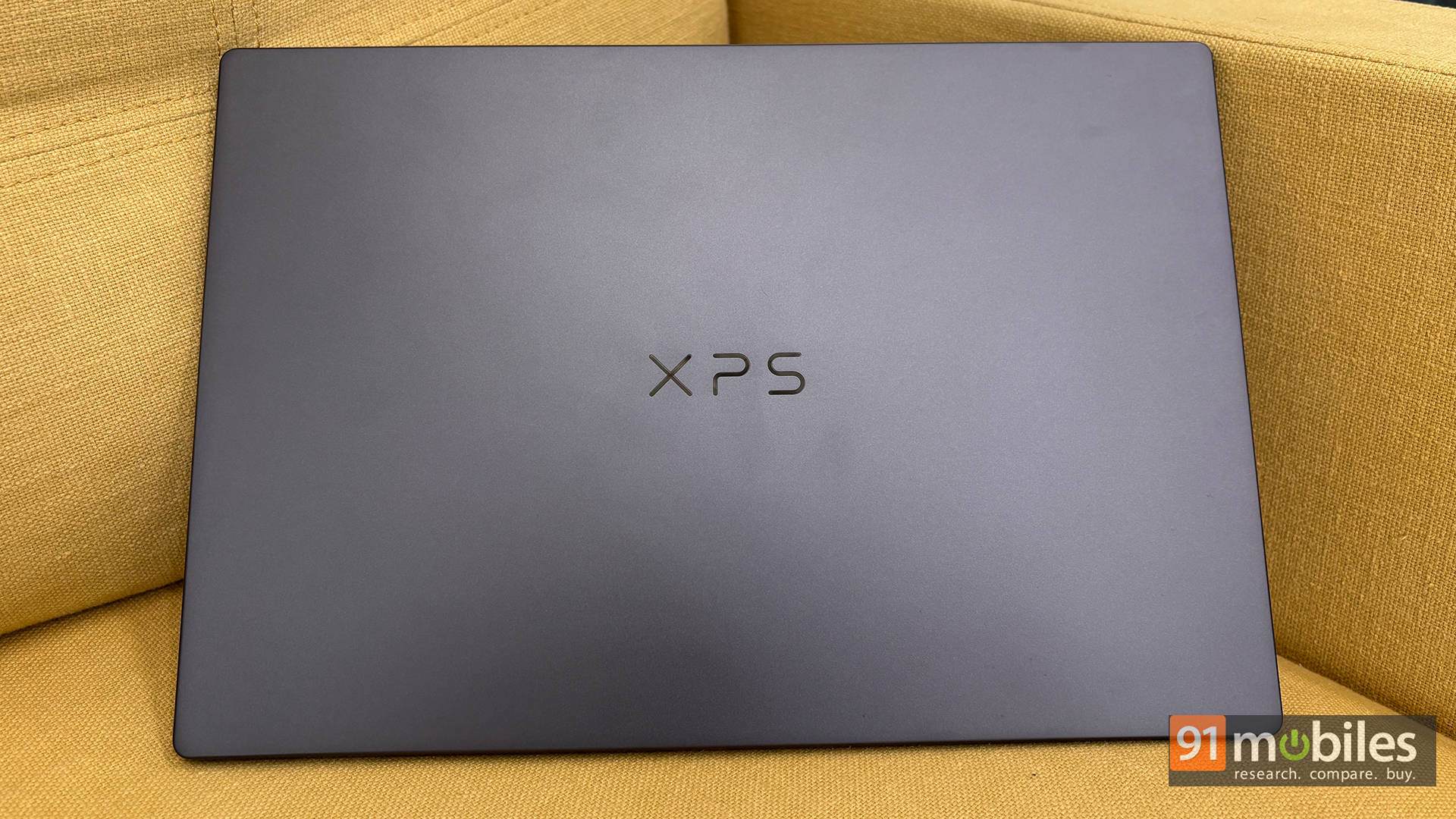
Price at time of review: Rs 2,57,890
Why we picked it
The Dell XPS 14 (2026) (review) balances the four things a business machine has to get right better than anything else here: performance, display, battery, and build.
The numbers land in the right places. PCMark 10 came in at 10,365 with 10,487 in Extended, both the highest of any machine on this page, and CrossMark hit 2,204. Those two benchmarks predict everyday responsiveness better than raw Cinebench scores, which is what a business buyer actually feels. Cinebench R23 multi-core reached 12,500 and Geekbench 6 multi-core 16,438. Where it pulls away is graphics: the Intel Arc B390 posted 5,821 in Time Spy and 11,081 in Fire Strike, comfortably ahead of every rival here, so presentations with heavy visuals, multi-monitor setups, and light creative work are handled without strain.
The 14-inch OLED at 120Hz is the other reason it tops the list. Reviewing documents, scrubbing spreadsheets and sitting through video calls all benefit from a panel this good, and the 120Hz refresh makes the machine feel quicker than its spec sheet suggests. Battery ran 11 hours 8 minutes in our video loop test from a 70Wh cell, which covers a working day with margin, and at 1.36kg it travels comfortably.
A PugetBench DaVinci Resolve score of 2,946 means marketing and comms teams can edit short-form video on it without moving to a workstation. The catch is the price: at Rs 2,57,890, this is a premium allocation, and the ExpertBook below offers more raw performance for buyers who need it. It scored 9.2/10.
| Pros | Cons |
| Brilliant 120Hz OLED touchscreen display | Glossy display can get quite reflective in bright environments |
| Outstanding battery life | No physical privacy shutter for the webcam |
| Premium, robust build quality with a highly comfortable keyboard | |
| Great overall CPU and iGPU performance |
Key specs:
- Processor: Intel Core Ultra X7 358H (25W)
- GPU: Intel Arc B390
- Display: 14-inch OLED touchscreen, 120Hz
- RAM/Storage: 32GB LPDDR5x / 1TB Gen 4 SSD
- Battery: 70Wh, 11 hours 8 minutes (PCMark 10 video loop)
- Storage speeds: 6,567MB/s read, 5,762MB/s write
- Rating: 9.2/10
ASUS ExpertBook Ultra — Best Premium Business Laptop
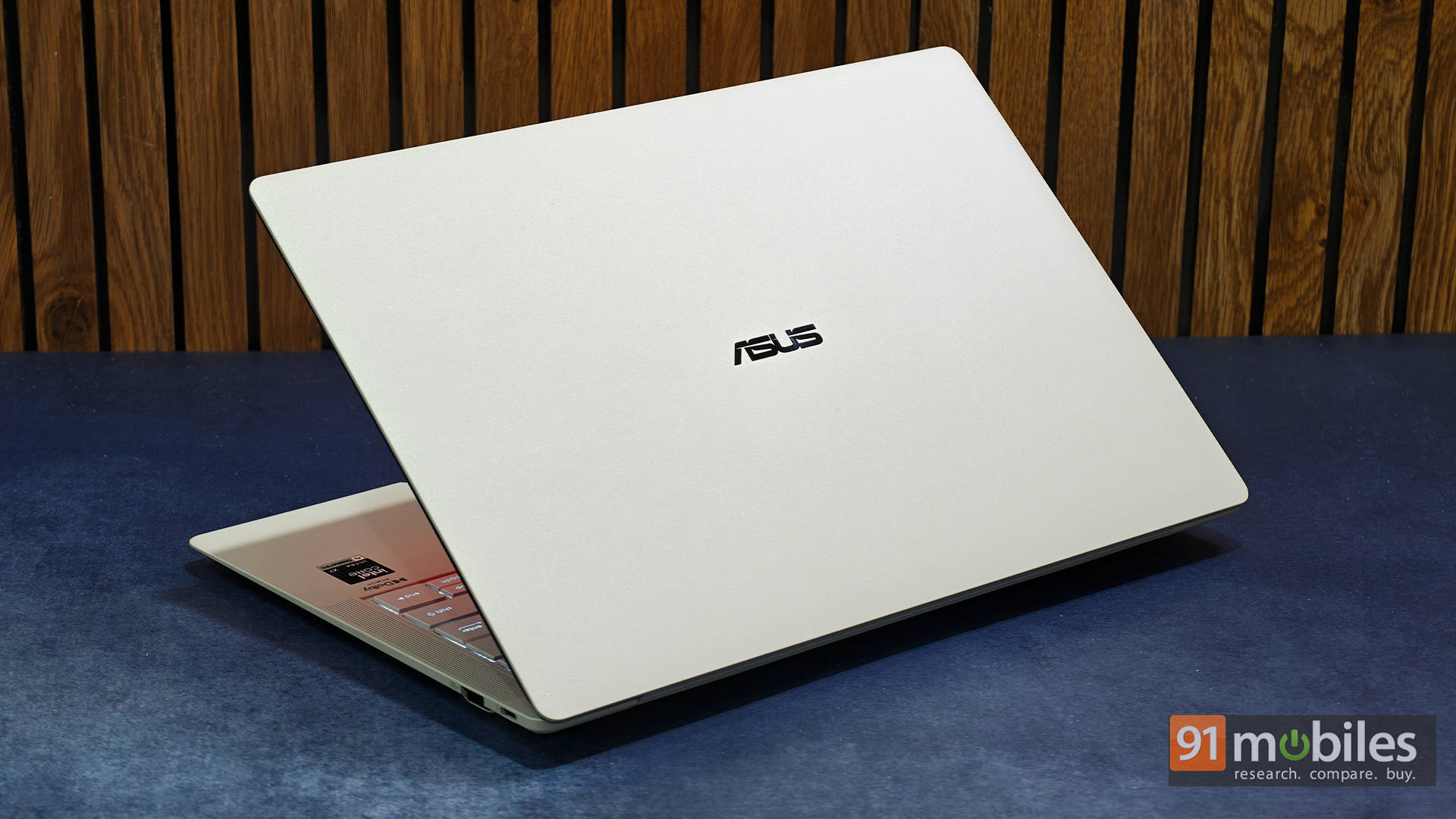
Price at time of review: Rs 3,49,990
Why we picked it
The ASUS ExpertBook Ultra (review) is the machine for executives and senior technical staff who need workstation specifications without carrying workstation weight, and at 9.3/10 it is the highest-rated laptop on this page.
The configuration explains the price. Sixty-four gigabytes of LPDDR5x and a 2TB Gen 5 SSD are far beyond what a standard business laptop ships with, and the storage speeds are extraordinary: 11,378MB/s sequential reads and 9,548MB/s writes, roughly 70% faster than the XPS 14 above. For anyone working with large datasets, virtual machines or heavy document repositories, that difference is felt constantly rather than occasionally. Running the same Core Ultra X7 358H as the Dell, it scored 17,199 in Cinebench R23 multi-core against the XPS’s 12,500 and 4,246 in Cinebench 2026 multi-core against 3,028, with the higher memory capacity doing the work.
The display is the machine’s signature, and it is built for offices specifically. ASUS pairs a Tandem OLED panel with Corning Gorilla Matte coating, and the result is a screen with almost no reflections, whether you sit beside a window or under harsh overhead lighting. Colour accuracy stays excellent, and the 120Hz refresh keeps everything smooth. Gorilla Glass Victus handles durability, the Ceraluminum chassis resists fingerprints, and the whole machine weighs around 1.1kg.
The battery ran for 13 hours 47 minutes, and the 90W charger reached 50% in about 30 minutes. The trade-off our review identifies is that the matte layer softens OLED’s inky blacks toward dark grey, so cinematic viewing takes a small hit, and everything is soldered with no upgrade path.
| Pros | Cons |
| Stunning matte OLED panel | Matte finish reduces OLED’s cinematic feel |
| Premium lightweight yet durable build | Brand perception is still catching up |
| Excellent keyboard and haptic touchpad | |
| Exceptional performance for an ultralight laptop |
Key specs:
- Processor: Intel Core Ultra X7 358H (25W)
- GPU: Intel Arc B390
- Display: 14-inch Tandem OLED, 120Hz, Gorilla Matte with Gorilla Glass Victus
- RAM/Storage: 64GB LPDDR5x / 2TB Gen 5 SSD
- Battery: 70Wh, 13 hours 47 minutes (PCMark 10 video loop), 90W USB-C PD
- Build: Around 1.1kg, Ceraluminum finish
- Rating: 9.3/10
ASUS Zenbook S14 — Best Value Business Laptop
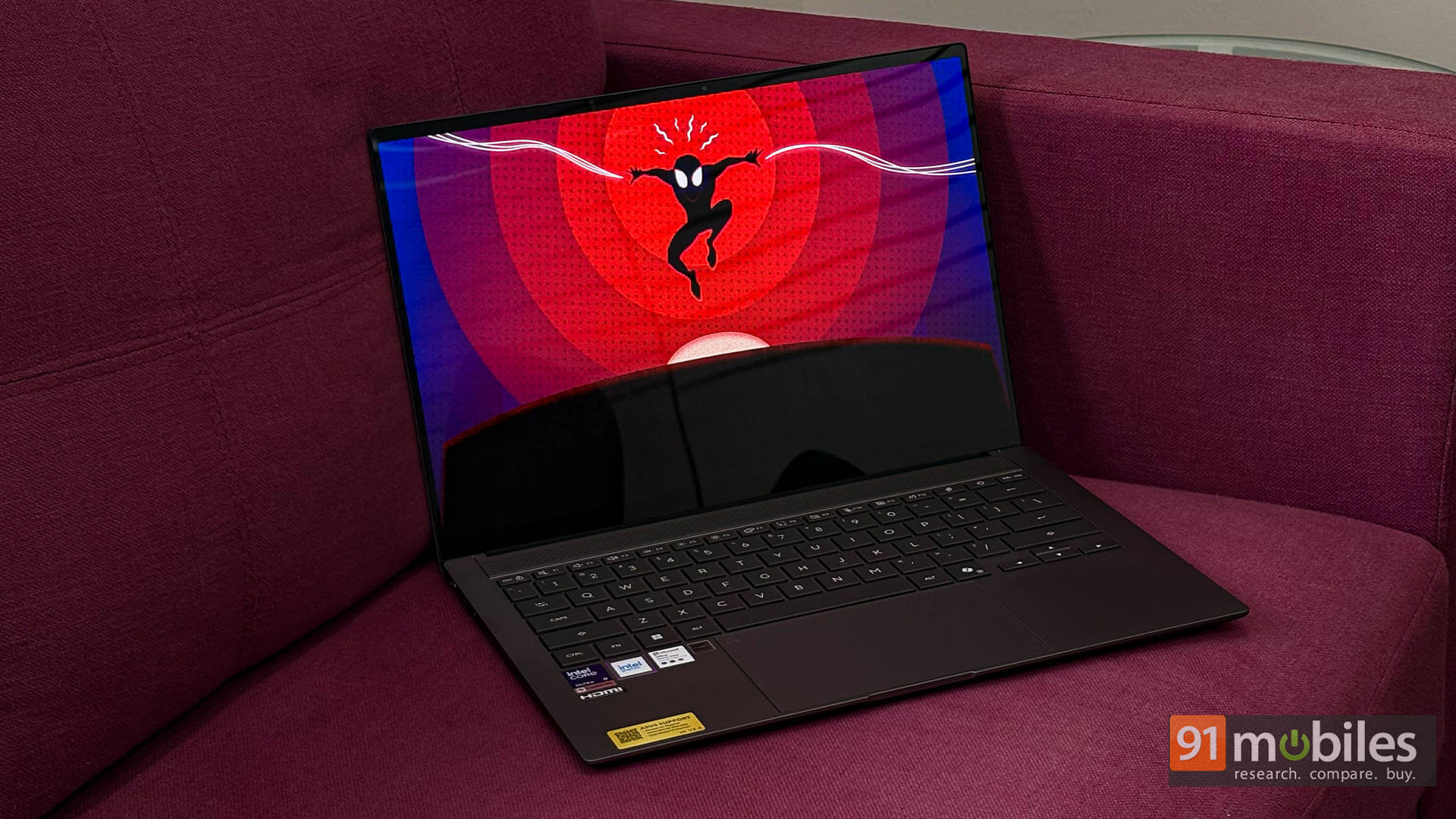
Price at time of review: Rs 2,49,990
Why we picked it
The ASUS Zenbook S14 (review) gets the value slot not on the configuration we tested but on the one most businesses should actually buy, and our review is explicit that for most users the Core Ultra 7 variant at Rs 1,79,990 is the smarter choice.
This is because the machine itself is excellent regardless of trim. Our Core Ultra 9 386H unit scored 15,558 in Cinebench R23 multi-core, 9,069 in PCMark 10 and 16,427 in Geekbench 6 multi-core, alongside a CrossMark score of 2,207, the highest here. It also posted 3,380 in PugetBench for DaVinci Resolve, ahead of both the XPS 14 and the ExpertBook, which makes it a genuinely capable machine for marketing teams handling light video.
The 14-inch 3K OLED at 2880 x 1800 with 120Hz and 500 nits is one of the best displays available on a thin-and-light, and our reviewer rated both design and display at 9/10. The Ceraluminum chassis carries military-grade certification, a vapour chamber sits behind a CNC-machined grille above the keyboard, and Thunderbolt sits alongside USB-A and HDMI, which AMD-based rivals frequently omit. The keyboard delivered close to 95 words per minute on the first typing test.
Two things to plan around. There is no SD card reader, and while the laptop supports 100W fast charging, the bundled unit is a 68W charger, with the faster one sold separately. Battery ran 10 hours and 10 minutes. It scored 9/10.
| Pros | Cons |
| Stunning 3K OLED display | No SD card slot for creators |
| Sleek, lightweight design | Supports 100W, but the fast charger is sold separately |
| Strong performance | |
| Excellent battery life |
Key specs:
- Processor: Intel Core Ultra 9 386H (16 cores, 25W)
- GPU: Intel Graphics
- Display: 14-inch 3K (2880 x 1800) OLED, 120Hz, 16:10, 500 nits
- RAM/Storage: 32GB LPDDR5x / 1TB Gen 4 SSD
- Battery: 77Wh, 10 hours 10 minutes (PCMark 10 video loop), 68W charger
- Rating: 9/10
HP OmniBook Ultra 14 — Best for Security and IT Fleets
Price at time of review: Rs 2,21,999
Why we picked it
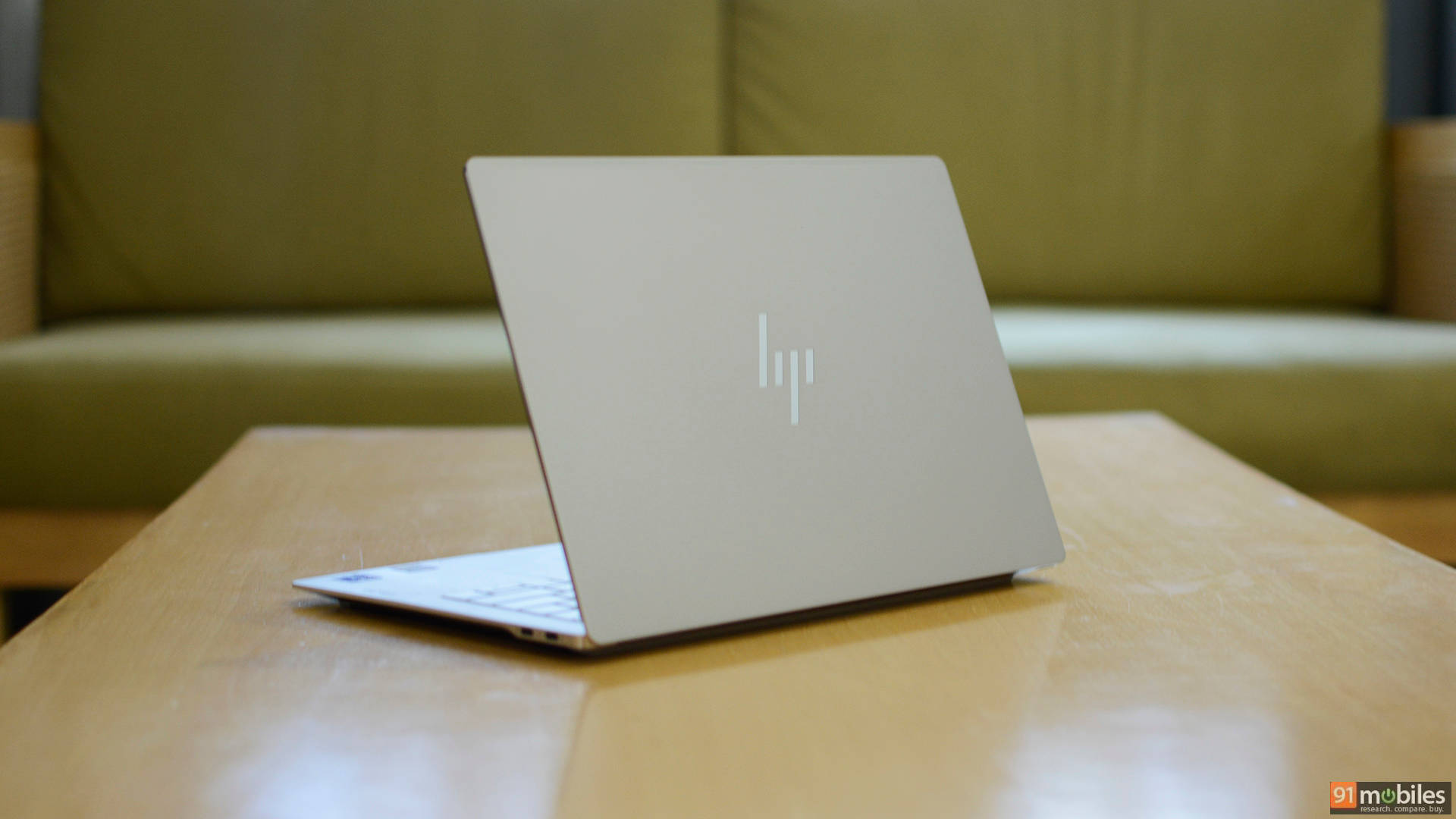
The HP OmniBook Ultra 14-kd0083TU (review) is our pick for managed fleets because it combines Gen 5 storage, strong on-device AI throughput, and 14 hours 39 minutes of battery in a configuration priced sensibly enough to deploy at scale.
At 14 hours 39 minutes in our video loop test, this is the longest-lasting x86 machine on this page, beating the ExpertBook by nearly an hour and the XPS 14 by three and a half. For a distributed workforce, that translates directly into fewer support tickets about chargers and dead machines mid-meeting.
The Core Ultra 7 356H handles a full business workload comfortably, scoring 14,096 in Cinebench R23 multi-core, 8,349 in PCMark 10, and 14,428 in Geekbench 6 multi-core. Storage is Gen 5 rather than Gen 4, and it shows: 10,341MB/s sequential reads and 8,691MB/s writes, second only to the ExpertBook here and well ahead of everything else. On-device AI throughput is solid too, with 8,199 in the OpenVINO quantized test, which matters for Copilot+ features that keep sensitive audio and video processing local rather than sending it to a cloud service.
The 3K OLED with variable refresh keeps the experience premium, and 16GB of memory with a 1TB drive is a sensible standard-issue configuration rather than an expensive one. The bundled 65W GaN charger is compact enough to live in a laptop bag permanently, which matters more for a travelling workforce than it sounds. Graphics are the weak point, with 2,751 in Time Spy against the XPS 14’s 5,821, so this is a documents-and-meetings machine rather than a creative one, and the chassis edges are sharp enough to notice against the wrists. It scored 8.5/10.
| Pros | Cons |
| Premium aluminum design | Sharp edges |
| Sharp, vibrant 3K OLED with 120Hz VRR | Limited ports |
| Portable 65W GaN charger | |
| Speedy PCIe Gen 5 SSD |
Key specs:
- Processor: Intel Core Ultra 7 356H (25W)
- Display: 14-inch 3K OLED, 120Hz with variable refresh rate
- RAM/Storage: 16GB LPDDR5x / 1TB Gen 5 SSD
- Battery: 70Wh, 14 hours 39 minutes (PCMark 10 video loop), 65W GaN charger
- Storage speeds: 10,341MB/s read, 8,691MB/s write
- Rating: 8.5/10
ASUS ZenBook A14 (2026) — Best Lightweight Business Laptop
Price at time of review: Rs 1,65,990
Why we picked it
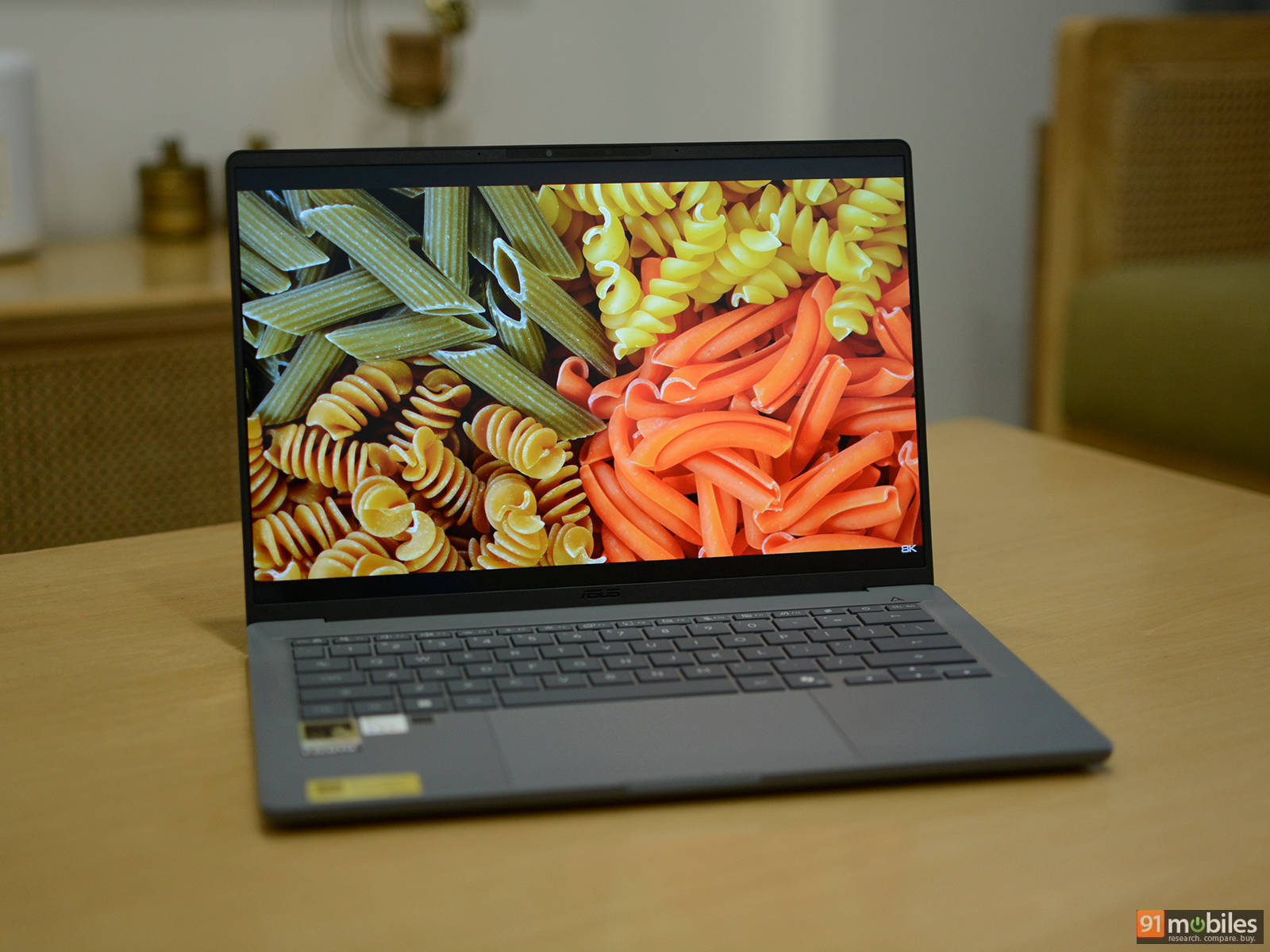
At 990 grams and 13.4mm thick, the ASUS ZenBook A14 (2026) (review) is among the lightest and slimmest 14-inch laptops available, and it is the machine to hand to anyone who lives in airports.
Weight usually costs performance. It does not here. The Snapdragon X2 Elite is an 18-core chip boosting to 4.7GHz, and it posted 19,677 in Geekbench 6 multi-core and 3,722 in single-core, both comfortably ahead of the Core Ultra 9 386H in the Zenbook S14 and the Core Ultra 7 356H in HP’s OmniBook X 14. In Cinebench 2026, it led everything on this page at 5,740 multi-core and 631 single-core. The Hexagon NPU is rated at 80 TOPS, roughly 60% more AI throughput than the Intel machines here, which is meaningful for Copilot+ workloads.
Battery is the other headline, with the 70Wh cell running 22 hours 8 minutes in our PCMark 10 video loop test, one of the best results we have seen from a premium Windows ultraportable. ASUS now bundles a 100W USB-C adapter, up from 65W last year, and it charges phones and tablets too. The Ceraluminum chassis meets MIL-STD 810H, and the WUXGA OLED covers 100% of DCI-P3 with Pantone validation and DisplayHDR True Black 600.
Our review is direct about the problems, as they are. The panel runs at 60Hz, which feels dated at this price, and the storage is only 512GB. And at Rs 1,65,990 against a predecessor that started near Rs 99,000, the value case is hard to argue. It scored 7.5/10, the lowest here.
| Pros | Cons |
| Extremely lightweight and portable | 60Hz refresh rate display |
| Class-leading battery life | Only 512GB SSD |
| Clean aesthetics | Difficult to justify at this price |
| Snappy and responsive in daily use |
Key specs:
- Processor: Qualcomm Snapdragon X2 Elite X2E-88-100 (18 cores, up to 4.7GHz, 80 TOPS NPU)
- GPU: Qualcomm Adreno X2-90
- Display: 14-inch WUXGA (1920 x 1200) OLED, 60Hz, 100% DCI-P3, 400 nits typical
- RAM/Storage: 16GB LPDDR5x / 512GB Gen 4 SSD
- Battery: 70Wh, 22 hours 8 minutes (PCMark 10 video loop), 100W USB-C
- Build: 990g, 13.4mm, Ceraluminum, MIL-STD 810H
- Rating: 7.5/10
Samsung Galaxy Book6 Pro — Best Battery Life
Price at time of review: Rs 1,90,000
Why we picked it
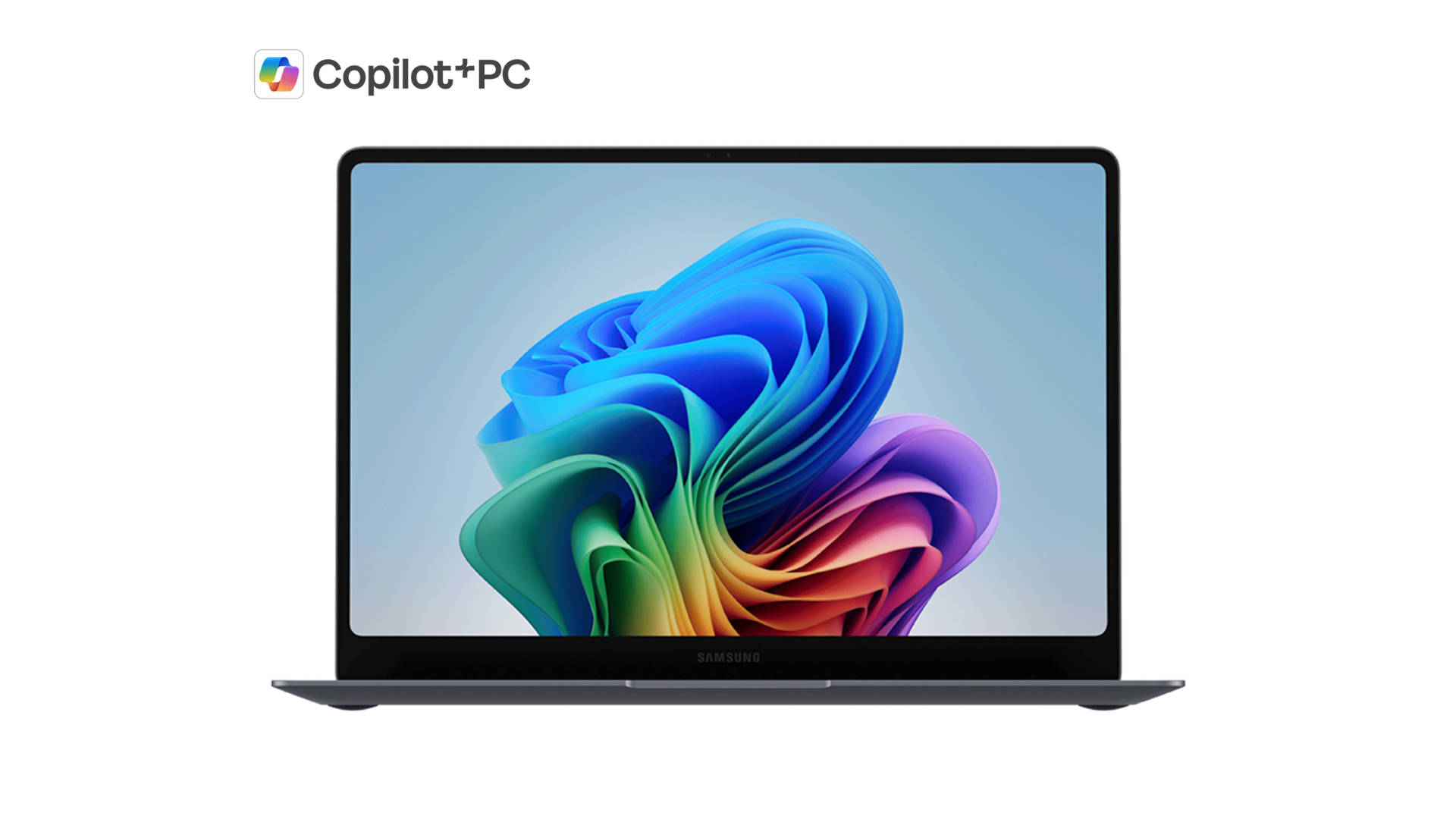
The Samsung Galaxy Book6 Pro is our battery pick because it delivers close to a full day and a half of unplugged use, the longest of any x86 machine we have tested, without asking an IT department to compromise on anything else to get it.
The combination is unusual. Endurance at this level normally means an ARM chip and the software compatibility questions that come with it. Here it comes from a Core Ultra X7 358H with Intel Arc B390 graphics, so every Windows application, driver, and enterprise management tool works exactly as expected. That makes it the straightforward choice for an organisation that wants long battery life without introducing a second platform into the fleet.
Performance holds up against machines costing considerably more. In our testing, it sat comfortably alongside the Dell XPS 14 across productivity workloads, and its graphics performance is stronger still, which means multiple external monitors and visually heavy work are handled without strain. The Panther Lake silicon is the reason for both the speed and the endurance, and the consensus among reviewers who have spent months with this generation is that Intel’s efficiency gains are the real story rather than the peak numbers.
The 14-inch AMOLED panel is the display Samsung is known for, bright and saturated with the contrast that makes long document sessions easier on the eyes, and 32GB of memory with a 1TB drive is a generous standard configuration rather than an upgrade you pay extra for. Consensus is equally consistent on the drawbacks: the volume of pre-installed Samsung software is a genuine irritation on a machine positioned for professionals, the port selection is thinner than rivals offer, and the price has climbed noticeably over the previous generation.
| Pros | Cons |
| Powerful Panther Lake performance | Samsung bloatware |
| Gorgeous Dynamic AMOLED 2X display | Steep price increase over the previous generation |
| Slim, premium design | Limited port selection |
| Excellent battery life |
Key specs:
- Processor: Intel Core Ultra X7 358H (25W)
- GPU: Intel Arc B390
- Display: 14-inch AMOLED
- RAM/Storage: 32GB LPDDR5x / 1TB Gen 4 SSD
- Battery: 67Wh, 20 hours 46 minutes (PCMark 10 video loop)
Winners at a glance
Prices are as of the time each machine was tested and are subject to change.
| Laptop | Category win | Processor | Graphics | Memory/Storage | Battery | Rating | Price |
| Dell XPS 14 (2026) | Best overall | Core Ultra X7 358H | 14-inch OLED touch, 120Hz | 32GB / 1TB | 11:08 | 9.2/10 | Rs 2,57,890 |
| ASUS ExpertBook Ultra | Best premium | Core Ultra X7 358H | 14-inch Tandem OLED, 120Hz | 64GB / 2TB Gen 5 | 13:47 | 9.3/10 | Rs 3,49,990 |
| ASUS Zenbook S14 | Best value | Core Ultra 9 386H | 14-inch 3K OLED, 120Hz | 32GB / 1TB | 10:10 | 9/10 | Rs 2,49,990 |
| HP OmniBook Ultra 14 | Best for IT fleets | Core Ultra 7 356H | 14-inch 3K OLED, 120Hz VRR | 16GB / 1TB Gen 5 | 14:39 | 8.5/10 | Rs 2,21,999 |
| ASUS ZenBook A14 (2026) | Best lightweight | Snapdragon X2 Elite | 14-inch OLED, 60Hz | 16GB / 512GB | 22:08 | 7.5/10 | Rs 1,65,990 |
| Samsung Galaxy Book6 Pro | Best battery | Core Ultra X7 358H | 14-inch AMOLED | 32GB / 1TB | 20:46 | Review in progress | Rs 1,90,000 |
FAQs
Which is the best business laptop in India?
The Dell XPS 14 (2026) is our overall pick, with the highest PCMark 10 score on this page at 10,365, the strongest graphics performance thanks to its Intel Arc B390, a 120Hz OLED display and 11 hours 8 minutes of tested battery life in a 1.36kg body.
Which business laptop has the best battery life?
The ASUS ZenBook A14 (2026) at 22 hours 8 minutes, though it runs on ARM. If you need x86 compatibility, the Samsung Galaxy Book6 Pro managed 20 hours 46 minutes, and the HP OmniBook Ultra 14 managed 14 hours 39 minutes.
Which is the lightest business laptop?
The ASUS ZenBook A14 (2026) at 990 grams and 13.4mm thick, followed by the ASUS ExpertBook Ultra at around 1.1kg. Both carry MIL-STD 810H durability certification despite the weight.
Should businesses buy ARM or Intel laptops?
For most fleets, Intel remains the safer default because every enterprise application, driver and management tool works without question. ARM machines like the ZenBook A14 deliver substantially better battery life and AI throughput, and compatibility has improved to the point where our testing encountered few issues, but any organisation running legacy line-of-business software should verify compatibility before deploying at scale.
Which business laptop is best for large fleet deployments?
The HP OmniBook Ultra 14 at Rs 2,21,999 balances cost against capability well, with 14 hours 39 minutes of battery, Gen 5 storage at 10,341MB/s reads, and enough on-device AI throughput for Copilot+ features to run locally rather than in the cloud.
How much RAM does a business laptop need in 2026?
Sixteen gigabytes handles standard office work comfortably, which is what the OmniBook Ultra 14 and ZenBook A14 provide. Thirty-two is the sensible standard for anyone running virtual machines, large datasets or heavy multitasking. The 64GB in the ExpertBook Ultra is for specialists rather than standard deployment, and memory is soldered on every machine here, so buy what you will need for the laptop’s full life.
Do business laptops need an OLED display?
Every machine on this page has one, which reflects where the premium segment has moved. For document work, the practical benefits are contrast and reduced eye strain rather than colour accuracy. The ExpertBook Ultra’s matte Tandem OLED is the standout for office environments specifically, because the anti-glare coating removes reflections that plague glossy panels under overhead lighting.