The laptop scene in Q3 2025 was buzzing, with brands trying to balance power, portability, and pricing in increasingly creative ways. From budget-friendly options that punch above their weight to monster machines that push the definition of “portable”, the quarter had a little something for everyone. Non-gaming laptops got sleeker, smarter, and in some cases braver (hello, ARM-powered experiments), while gaming laptops doubled down on raw horsepower, with RTX 50-series GPUs continuing to make their presence felt.
We put these machines through their paces, and here’s a roundup of every laptop we reviewed this quarter.
Table of Contents
Dell Alienware 18 Area-51
The Alienware 18 Area-51 is a no-compromise desktop replacement built for users who want maximum performance without caring about portability or price. It delivers class-leading gaming and creative performance with excellent thermal stability, a massive high-refresh display, and Alienware’s signature premium build quality.
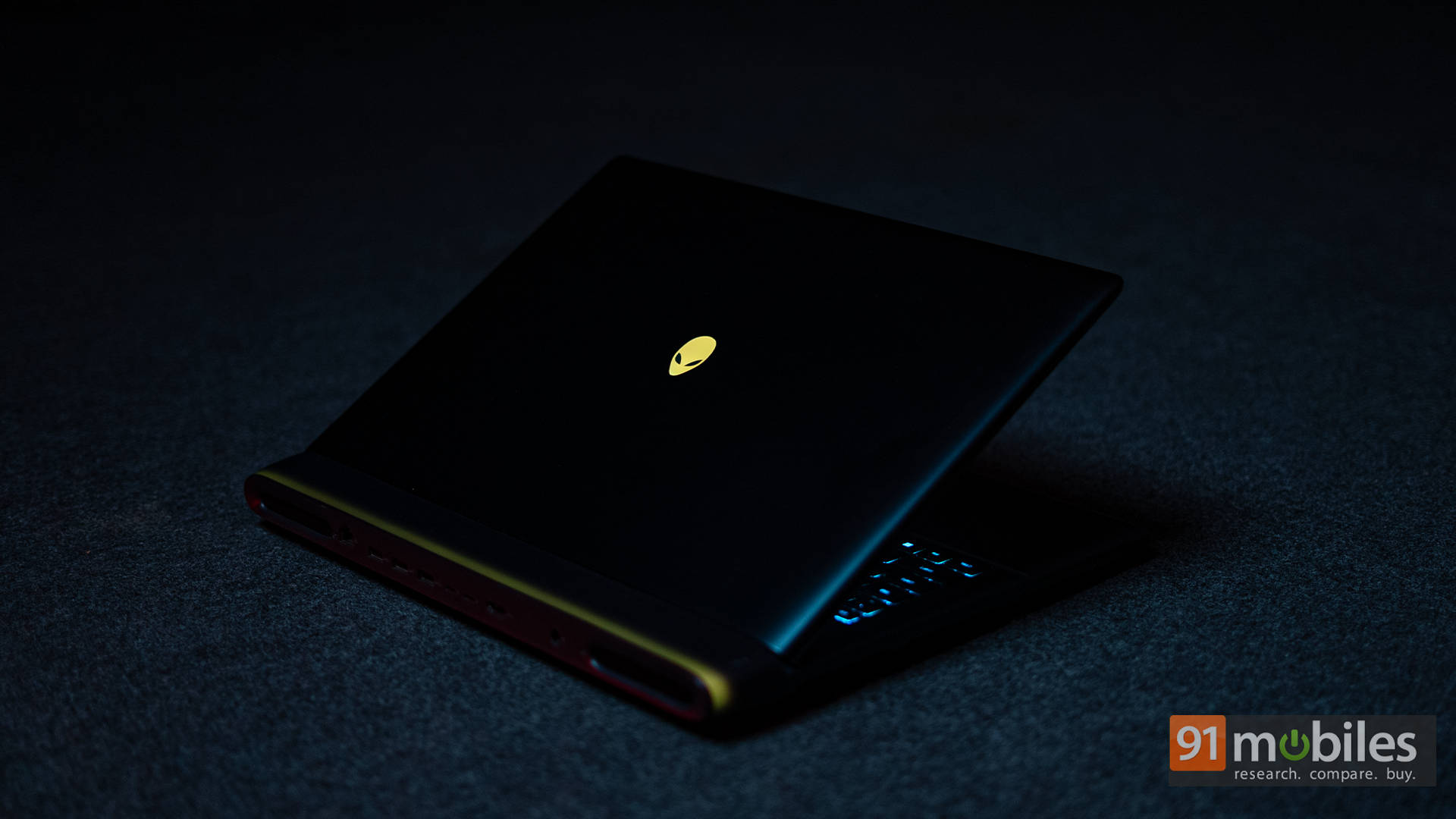
Competing with the most powerful laptops in the market, its strengths lie in sustained performance, reliability, and Dell’s strong after-sales support. This is not a sensible purchase for most buyers, but for enthusiasts who know exactly what they want and are willing to pay for it, the Area-51 delivers one of the most uncompromising laptop experiences available in India today.
Editor’s Rating: 9.5 / 10
Pros:
- Desktop-class gaming performance
- Excellent thermal stability
- Massive high-refresh display
- Premium build and design
Cons:
- No OLED or MiniLED options
- No ports on the sides
- Extremely expensive
Check out the full review here!
Razer Blade 18 (2025)
The Razer Blade 18 (2025) blurs the line between a high-end gaming laptop and a portable workstation, offering desktop-level performance in a sleek, minimalist chassis. Its powerful CPU-GPU combination, versatile Dual-Mode display, and next-gen Thunderbolt 5 connectivity make it an ideal choice for users who split their time between intensive creative work and high-end gaming.
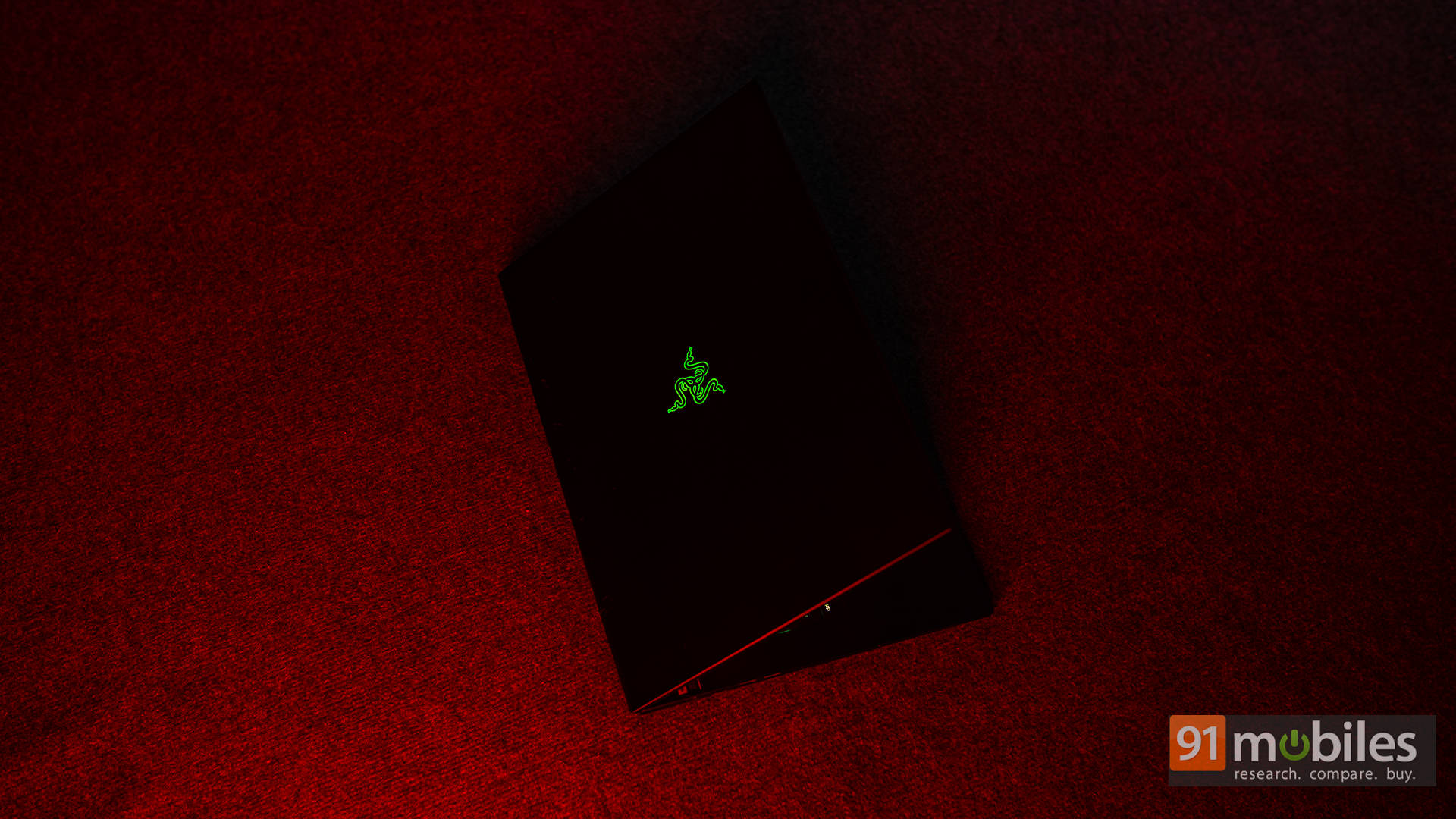
While competitors may squeeze out slightly higher frame rates, Razer’s refined design and premium feel give the Blade 18 a distinct edge. It’s undeniably expensive, but for buyers seeking a powerful, premium, and unapologetically over-the-top desktop replacement, the Blade 18 stands out as one of the best options available.
Editor’s Rating: 9.3 / 10
Pros:
- Premium, minimalist build quality
- Desktop-level performance
- Dual-Mode display versatility
- Thunderbolt 5 supercharged connectivity
Cons:
- Extremely expensive
- The IPS panel lacks deep blacks
Check out the full review here!
Dell 14 Plus 2-in-1
The Dell 14 Plus 2-in-1 is a well-balanced convertible that focuses on getting the essentials right, combining understated design, reliable performance, strong battery life, and future-ready AI capabilities. Its sturdy build, smooth 2-in-1 hinge, and comfortable everyday experience make it a versatile option for productivity-focused users who want flexibility without compromise.
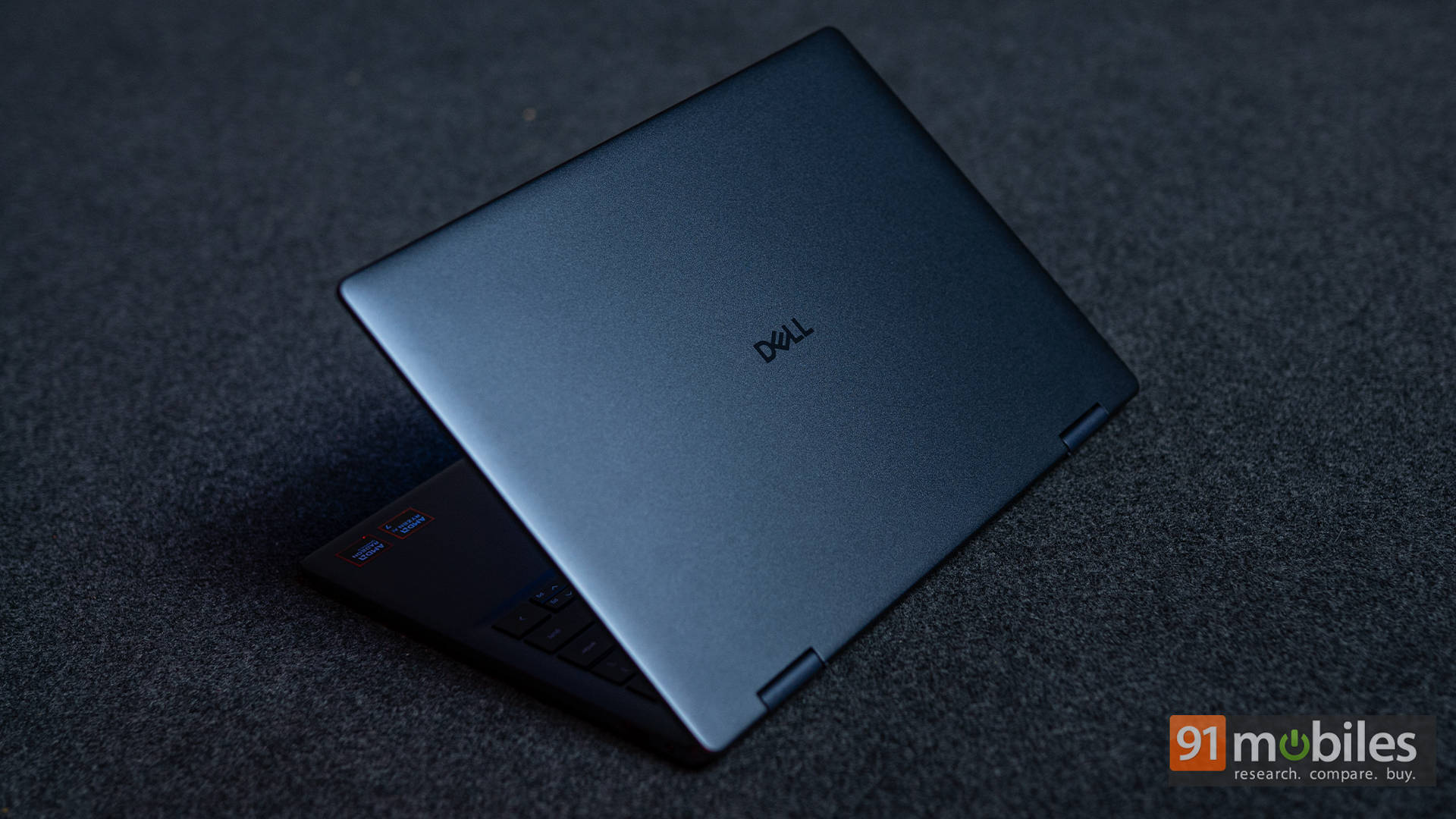
While the display brightness could be better, the overall package feels thoughtfully engineered, especially at its price point. For buyers looking for a dependable, premium-feeling 2-in-1 that delivers where it matters most, the Dell 14 Plus 2-in-1 checks nearly all the right boxes.
Editor’s Rating: 8.7 / 10
Pros:
- Strong performance for productivity
- Premium, sturdy aluminium build
- Long battery with fast charging
- Smooth 2-in-1 hinge + pen
Cons:
- Display brightness could be better
- Resolution could be sharper
Check out the full review here!
Lenovo ThinkBook 16 Gen 7
The Lenovo ThinkBook 16 Gen 7 delivers exceptional value for its price by offering a powerful HS-series processor, a large and productive 16-inch display, and rare upgrade flexibility thanks to dual RAM and SSD slots. It comfortably outperforms similarly priced rivals that rely on weaker U-series chips, making it an excellent choice for students, freelancers, and professionals who prioritise multitasking and long-term usability.
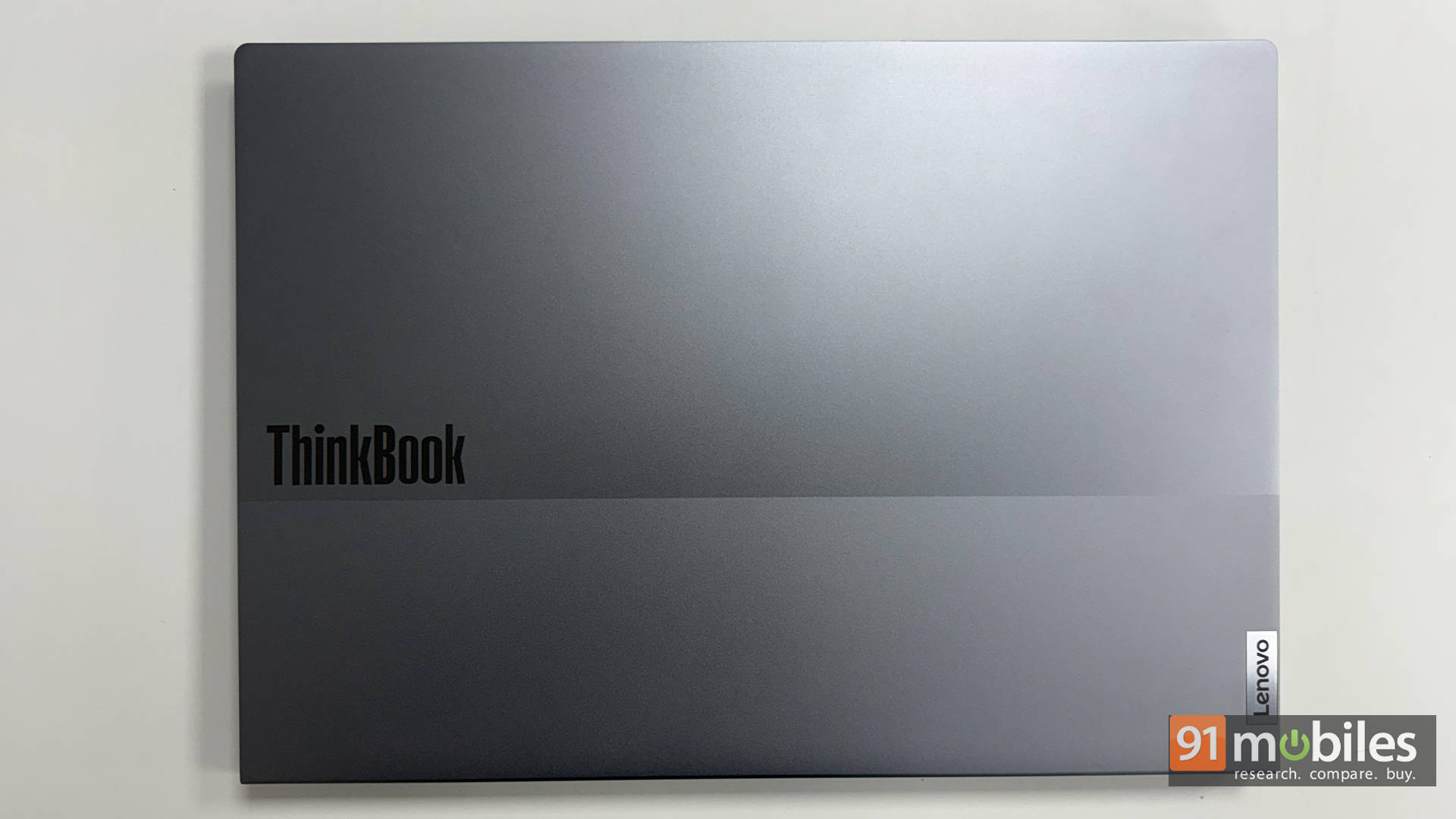
While it’s not the most portable option, the trade-off brings better performance and expandability. For buyers who want a reliable, future-proof workhorse without overspending, the ThinkBook 16 Gen 7 hits a very compelling sweet spot.
Editor’s Rating: 8.5 / 10
Pros:
- Spacious 16-inch 16:10 display boosts productivity
- HS-series chip delivers standout performance for the price
- Dual RAM and dual SSD slots for easy upgrades
- Sturdy, professional build
Cons:
- Average brightness and colour accuracy
- Heavier than typical 14-inch options
Check out the full review here!
Lenovo LOQ 15 (83DV0127IN)
The Lenovo LOQ 15 (83DV0127IN) is a capable gaming laptop with strong CPU and GPU performance, generous RAM, and a comfortable typing experience, but its current pricing puts it in a difficult position. While it performs well and feels well-rounded, newer alternatives offer better value or higher gaming performance at similar price points, including Lenovo’s own upgraded variants.
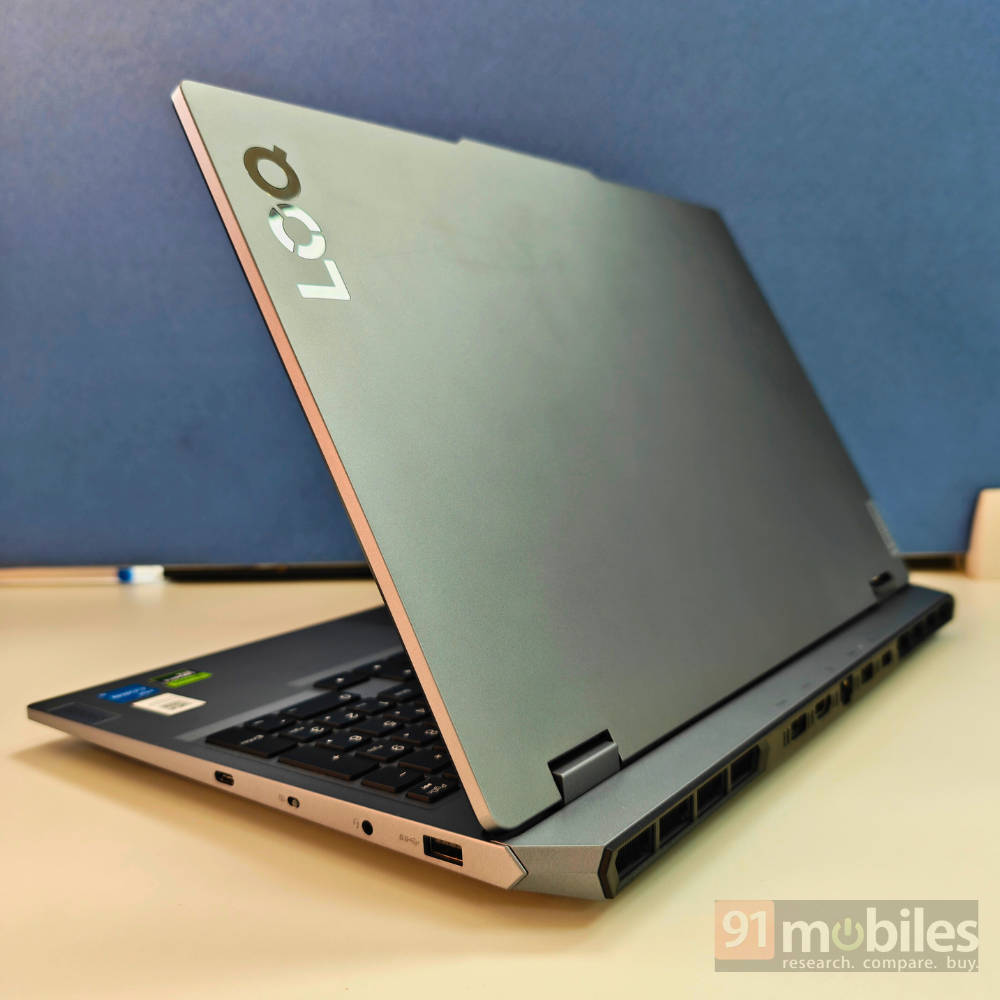
That said, if this configuration fits your needs and is found at a discounted price, it becomes a far more attractive proposition. As it stands, it’s an excellent machine that makes sense primarily when pricing aligns in its favour.
Editor’s Rating: 8 / 10
Pros:
- Powerful CPU & GPU
- 24GB DDR5 RAM onboard
- Great typing experience
- Good AAA gaming performance
Cons:
- Battery could be bigger
- No Thunderbolt 4 port
- Mediocre webcam
Check out the full review here!
Lenovo ThinkPad X1 Carbon Gen 13
The Lenovo ThinkPad X1 Carbon Gen 13 is a refined business ultrabook that excels in build quality, keyboard comfort, reliability, and battery life. It’s designed for professionals who value consistency, durability, and the classic ThinkPad experience above all else.
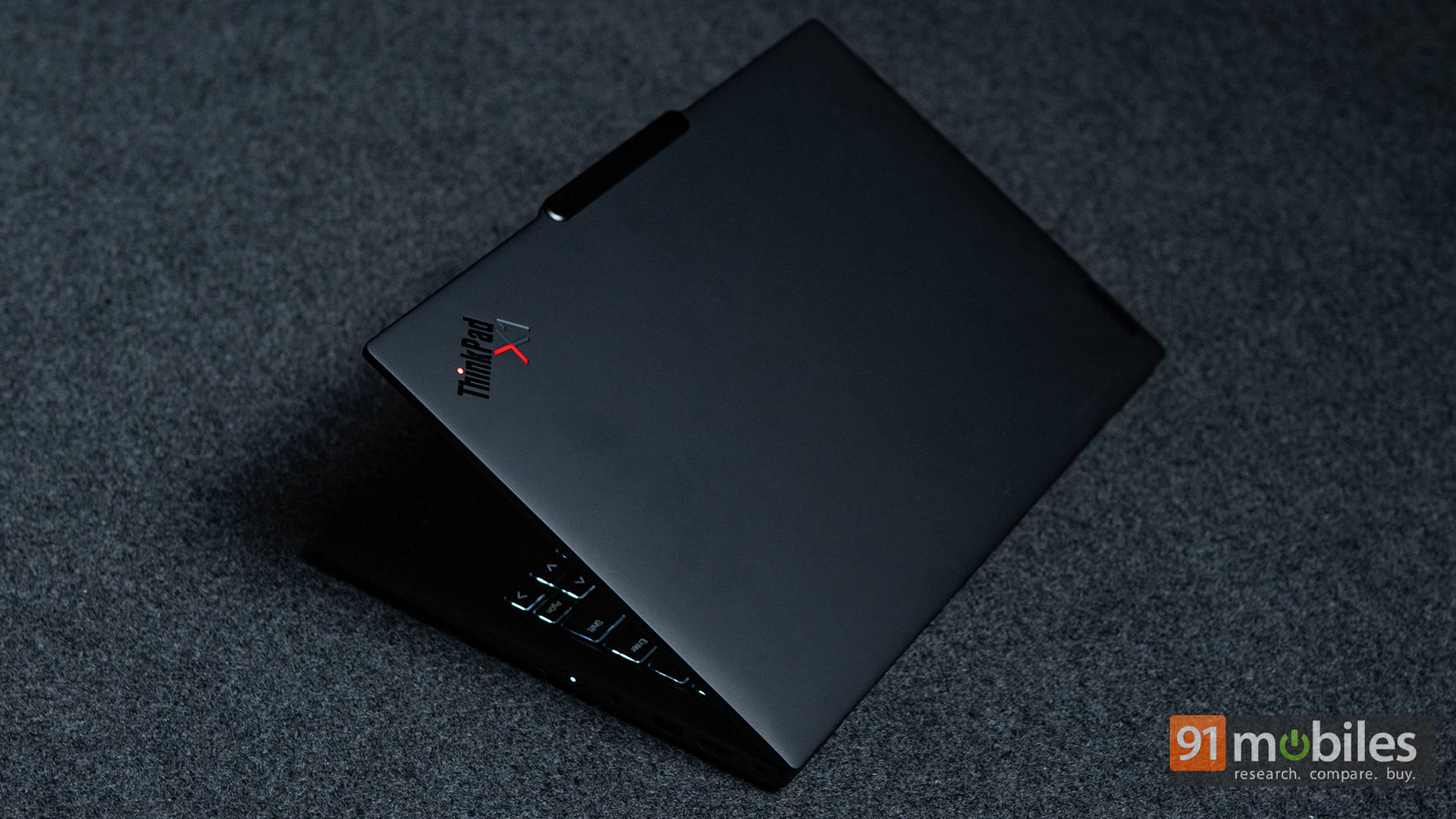
However, its premium pricing makes it harder to justify when competitors offer similar or better performance at a lower cost. While Lenovo’s craftsmanship and iconic design still hold strong appeal, the X1 Carbon Gen 13 ultimately caters to buyers who prioritise brand heritage and build quality over outright value.
Editor’s Rating: 8 / 10
Pros:
- Premium, ultra-light chassis with exceptional durability
- Industry-leading keyboard and solid port selection
- Good battery life with rapid charging support
Cons:
- Significantly more expensive than close rivals
- IPS panel lacks the vibrancy of OLED alternatives
Check out the full review here!
ASUS Vivobook S16 S3607QA
The ASUS Vivobook S16 S3607QA makes a strong case for itself as a lightweight, long-lasting everyday laptop with a spacious 16-inch display and standout battery life. Its ARM-based platform delivers excellent efficiency, making it ideal for users focused on web-based work, streaming, writing, and light productivity.
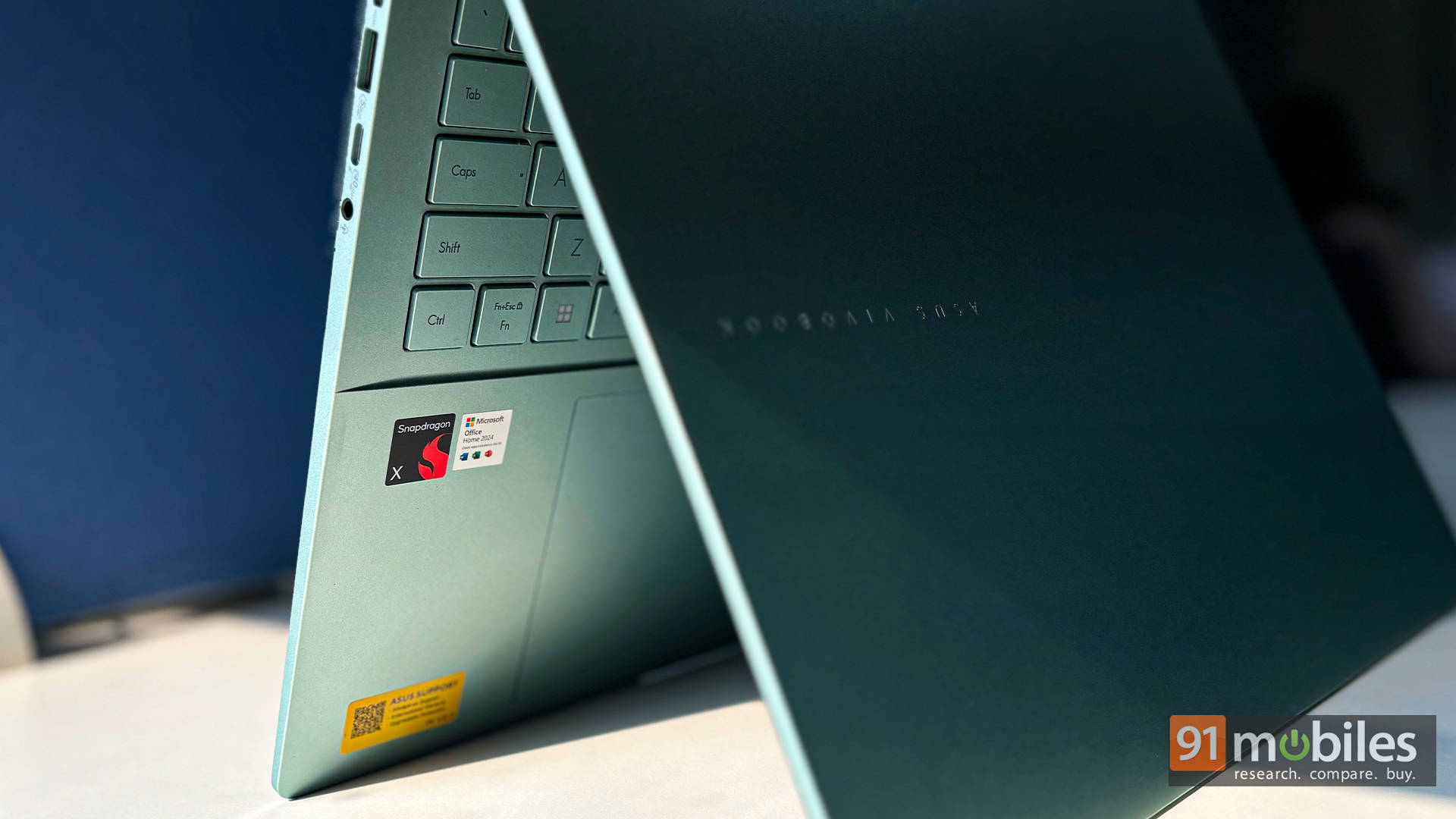
While software compatibility remains its biggest limitation, the trade-off is unmatched endurance that traditional x86 laptops simply can’t match. For users whose workflows align with modern apps and cloud-based tools, the Vivobook S16 offers a refreshing and highly practical alternative.
Editor’s Rating: 8 / 10
Pros:
- Exceptional battery life
- Lightweight 16-inch form factor
- Vibrant OLED display
- Stylish Salvia Green design
Cons:
- ARM architecture quirks
- 1200p resolution isn’t that crisp
Check out the full review here!
Acer Aspire 14 AI
The Acer Aspire 14 AI stands out as one of the most practical everyday laptops in its price segment, delivering excellent battery life, smooth performance for routine tasks, and a compact, lightweight design. It handles productivity, streaming, and office work effortlessly, backed by a good display, solid speakers, and strong connectivity.
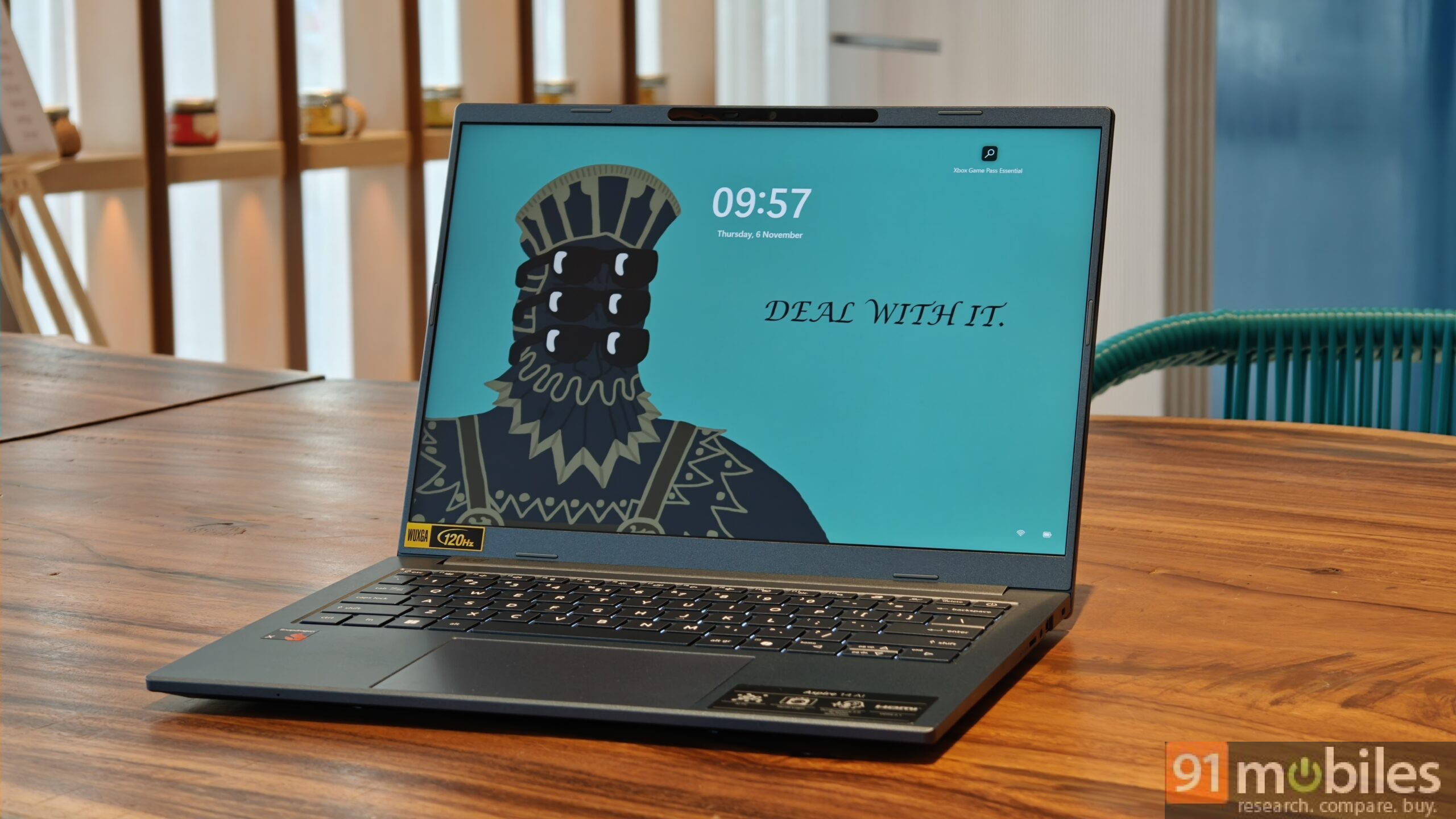
While its ARM-based platform may raise concerns for users dependent on legacy software, most general users are unlikely to face any limitations. If ARM compatibility isn’t a deal-breaker, the Aspire 14 AI offers outstanding usability and endurance for its asking price.
Editor’s Rating: 8 / 10
Pros:
- Great battery life
- Lightweight 14-inch laptop
- 120Hz display and good speakers
- Decent performance
Cons:
- ARM-based uncertainties
- Trackpad issues
Check out the full review here!
Primebook 2 Neo
The Primebook 2 Neo positions itself as a budget-friendly hybrid aimed at users who need basic productivity with the flexibility of cloud-based Windows or Linux access. Its Android foundation, paired with a physical keyboard and trackpad, makes it suitable for light workloads such as school assignments and basic office tasks.
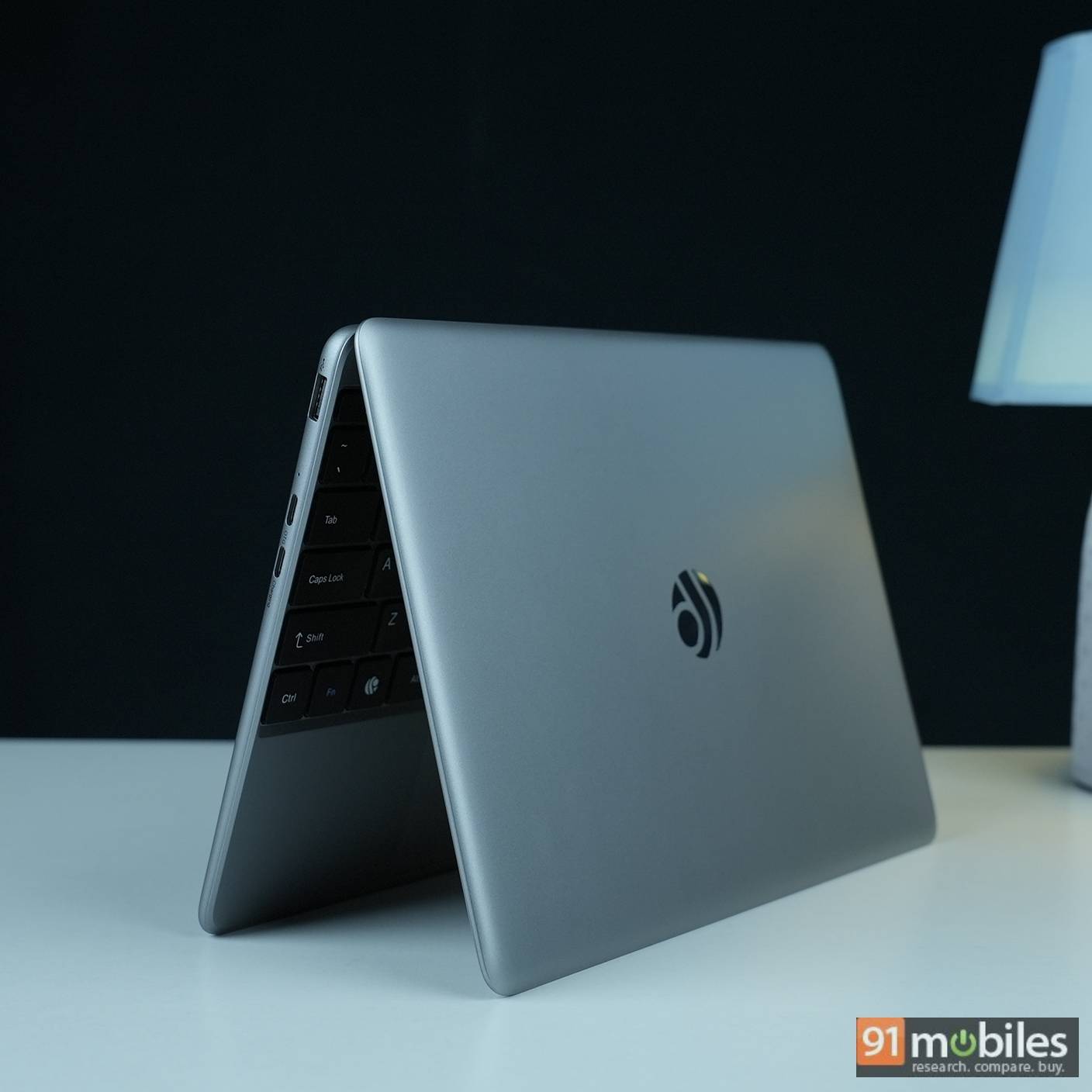
While software limitations and modest hardware prevent it from competing with full-fledged laptops, it succeeds in offering a functional middle ground at an accessible price. For casual users with simple needs, it makes sense, but heavier users are better off with a traditional Windows machine.
Editor’s Rating: 7.4 / 10
Pros:
- Portable and lightweight
- Suitable for school work and professionals
- Good keyboard and trackpad experience
- Windows and Linux are available as a Cloud PC solution
Cons:
- Software needs refinement
- 6GB RAM isn’t adequate
- Build quality is not sturdy
- Subpar display
Check out the full review here!